Views
Presentation by Aaron Buma
Dev Lead and DBA
Session Overview
•What are they?
•Options
•Manipulating Data
•Indexing Views
•Demos
What is a View?
•A “virtual table” you can reference in a query.
•Can be used as an abstraction layer between user and
tables (“base” tables)
•Can have up to 1024 columns
•Modifying:
– Alter retains permissions (like other objects)
– Drop/Create removes permissions
View Options
•Encryption – Users can’t:
– Script out object
– Use sp_helpText ‘object’ to view source
•Schemabinding
– Creates a dependency between Base tables and View
– Can’t alter referenced Base tables
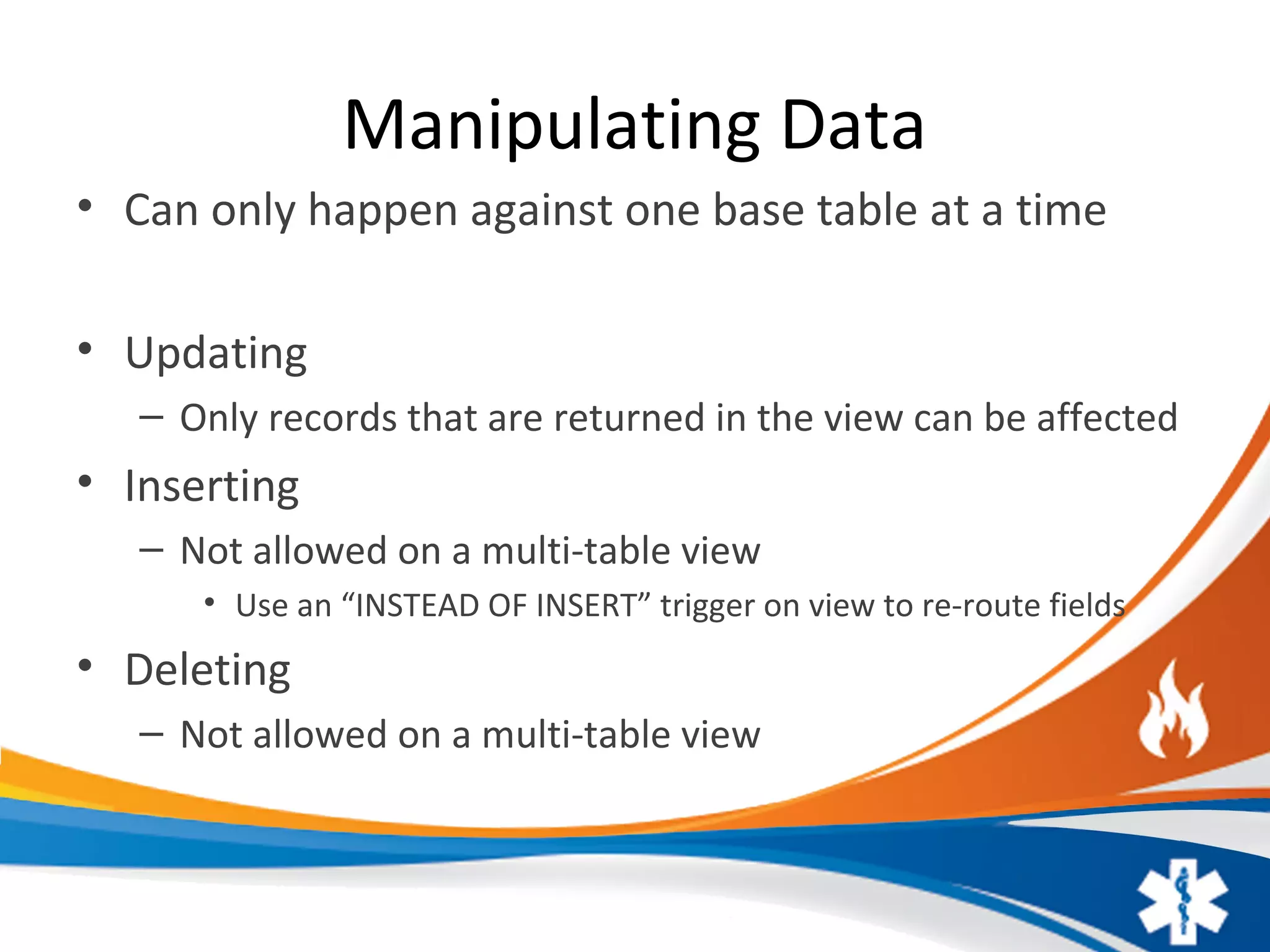
Manipulating Data
• Can only happen against one base table at a time
• Updating
– Only records that are returned in the view can be affected
• Inserting
– Not allowed on a multi-table view
• Use an “INSTEAD OF INSERT” trigger on view to re-route fields
• Deleting
– Not allowed on a multi-table view
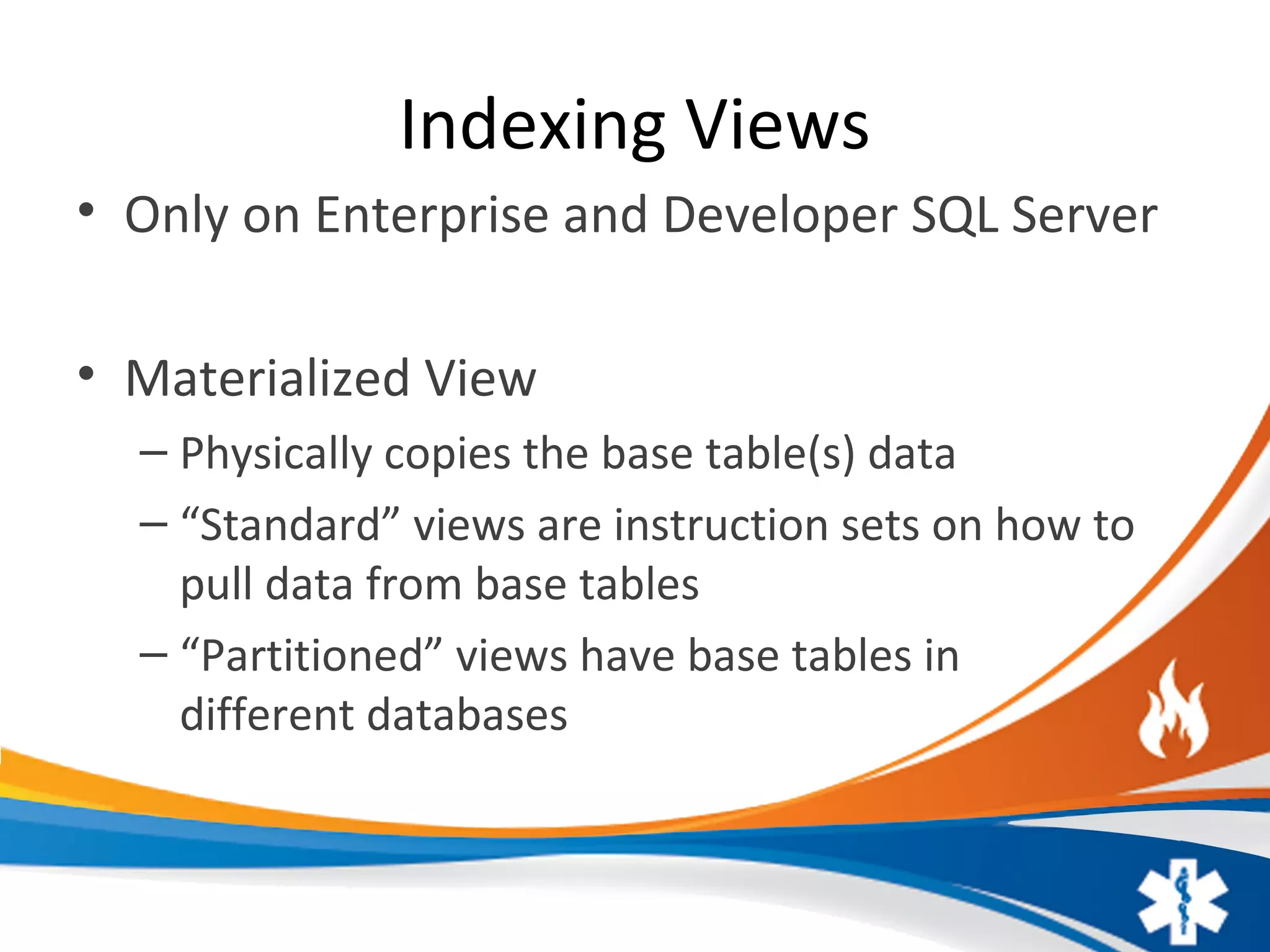
Indexing Views
• Only on Enterprise and Developer SQL Server
• Materialized View
– Physically copies the base table(s) data
– “Standard” views are instruction sets on how to
pull data from base tables
– “Partitioned” views have base tables in
different databases
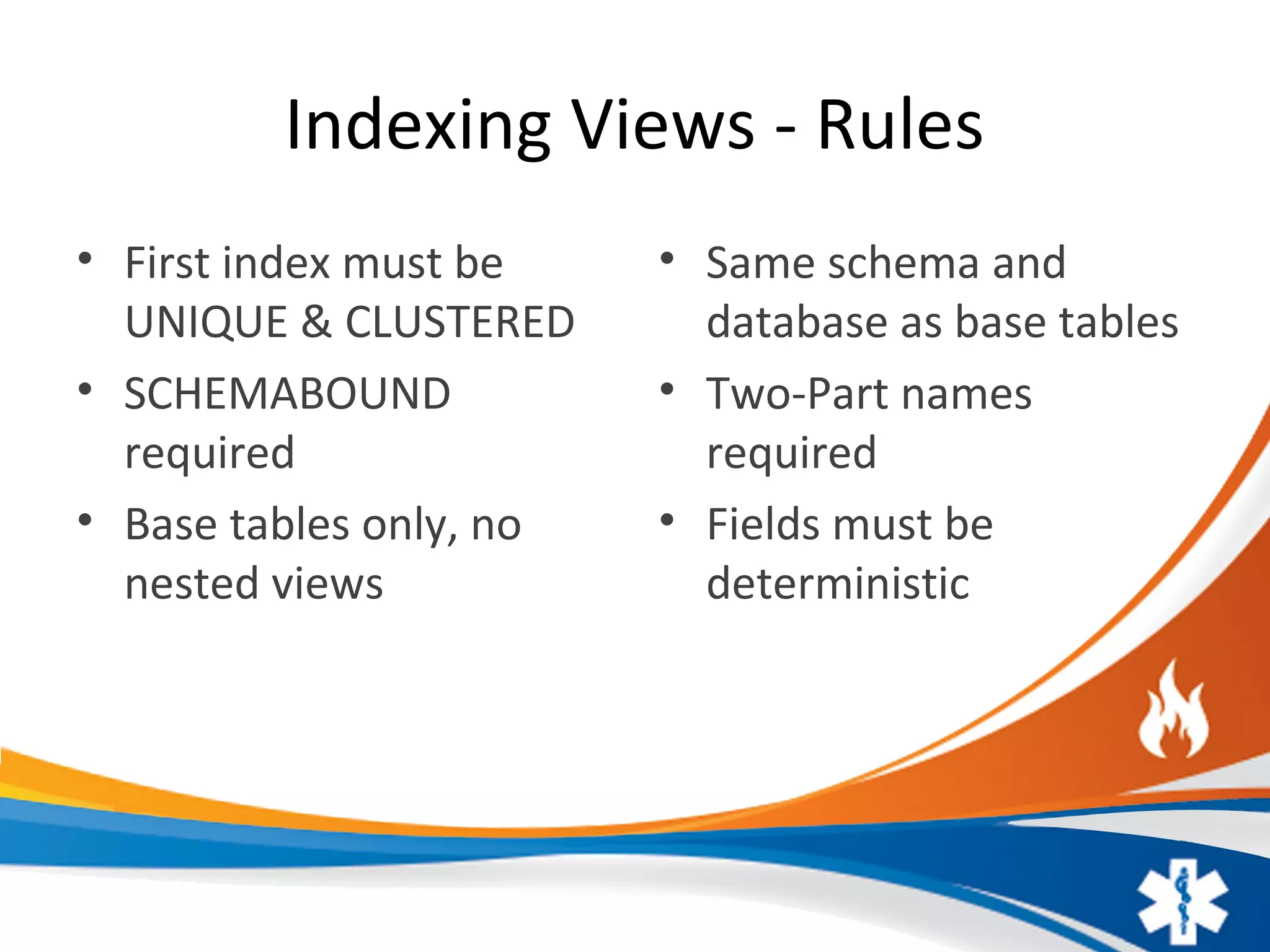
Indexing Views - Rules
• First index must be
UNIQUE & CLUSTERED
• SCHEMABOUND
required
• Base tables only, no
nested views
• Same schema and
database as base tables
• Two-Part names
required
• Fields must be
deterministic
DEMOS
Review
Presentation Recording, Slides and Scripts
– http://www.AaronBuma.com/2016/01/Views/
• Contact:
– Aaron.Buma@EmergencyReporting.com
Review
Presentation Recording, Slides and Scripts
– http://www.AaronBuma.com/2016/01/Views/
• Contact:
– Aaron.Buma@EmergencyReporting.com

SQL Views

  • 1.
    Views Presentation by AaronBuma Dev Lead and DBA
  • 2.
    Session Overview •What arethey? •Options •Manipulating Data •Indexing Views •Demos
  • 3.
    What is aView? •A “virtual table” you can reference in a query. •Can be used as an abstraction layer between user and tables (“base” tables) •Can have up to 1024 columns •Modifying: – Alter retains permissions (like other objects) – Drop/Create removes permissions
  • 4.
    View Options •Encryption –Users can’t: – Script out object – Use sp_helpText ‘object’ to view source •Schemabinding – Creates a dependency between Base tables and View – Can’t alter referenced Base tables
  • 5.
    Manipulating Data • Canonly happen against one base table at a time • Updating – Only records that are returned in the view can be affected • Inserting – Not allowed on a multi-table view • Use an “INSTEAD OF INSERT” trigger on view to re-route fields • Deleting – Not allowed on a multi-table view
  • 6.
    Indexing Views • Onlyon Enterprise and Developer SQL Server • Materialized View – Physically copies the base table(s) data – “Standard” views are instruction sets on how to pull data from base tables – “Partitioned” views have base tables in different databases
  • 7.
    Indexing Views -Rules • First index must be UNIQUE & CLUSTERED • SCHEMABOUND required • Base tables only, no nested views • Same schema and database as base tables • Two-Part names required • Fields must be deterministic
  • 8.
  • 9.
    Review Presentation Recording, Slidesand Scripts – http://www.AaronBuma.com/2016/01/Views/ • Contact: – Aaron.Buma@EmergencyReporting.com
  • 10.
    Review Presentation Recording, Slidesand Scripts – http://www.AaronBuma.com/2016/01/Views/ • Contact: – Aaron.Buma@EmergencyReporting.com