UNIT 1 to5
• UNIT- I: Problem Solving, Programming
and Python Programming
• UNIT- II: Advance Data Types and Decision
Control Statements
• UNIT- III: Functions and Strings
• UNIT- IV: File Handling and Dictionaries
• UNIT- V: Object Oriented Programming
3.
UNIT-IV
File Handling and
Dictionaries
Files:Introduction, File path, Types of files,
Opening and Closing files, Reading and
Writing files. File Positions, Renaming and
deleting files.
Directory Methods, Dictionaries creating,
assessing, adding and updating values.
Case Study: Study design, features, and use
of any recent, popular and efficient system
developed using Python. (This topic is to be
excluded for theory examination)
What is File?
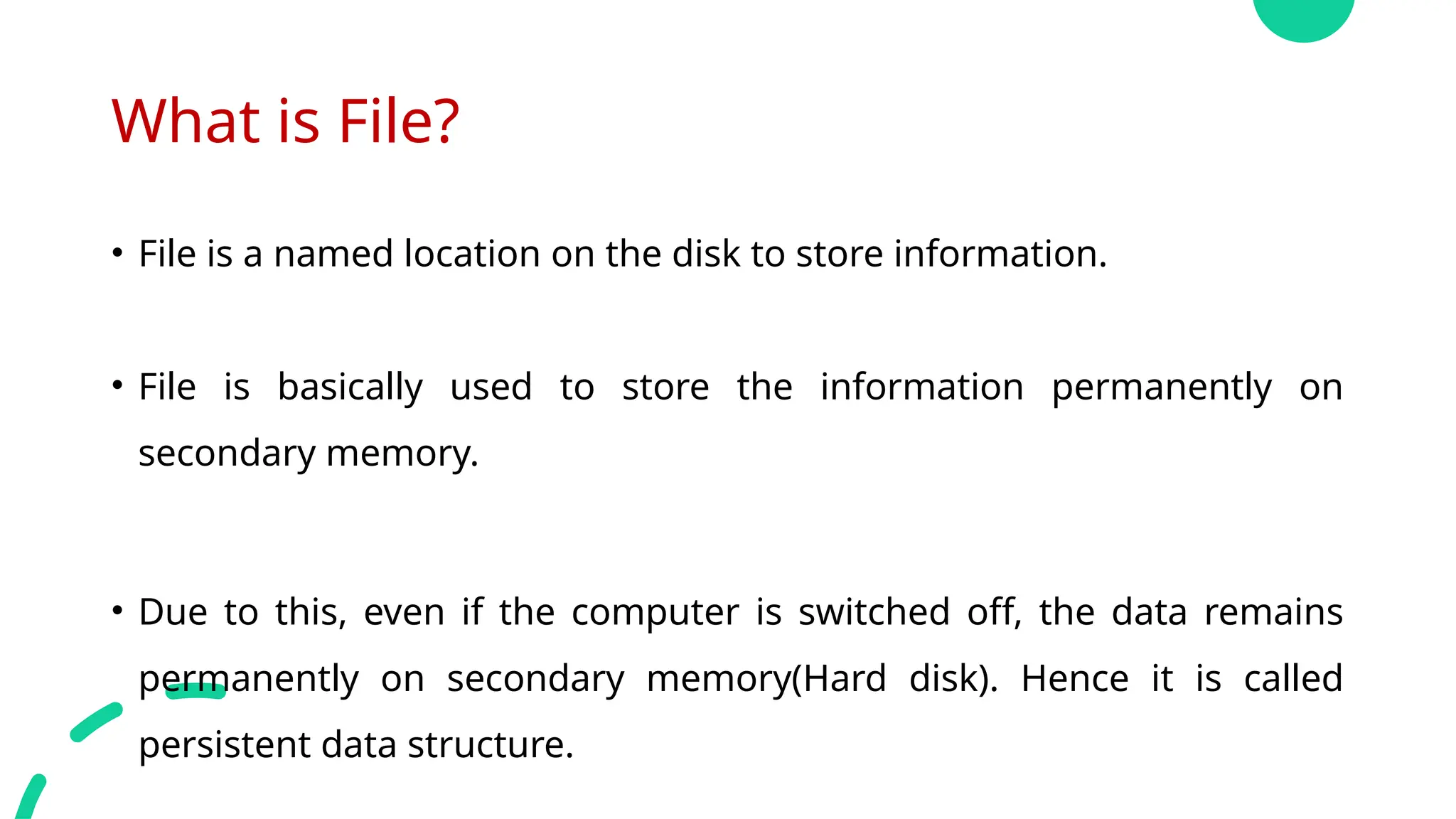
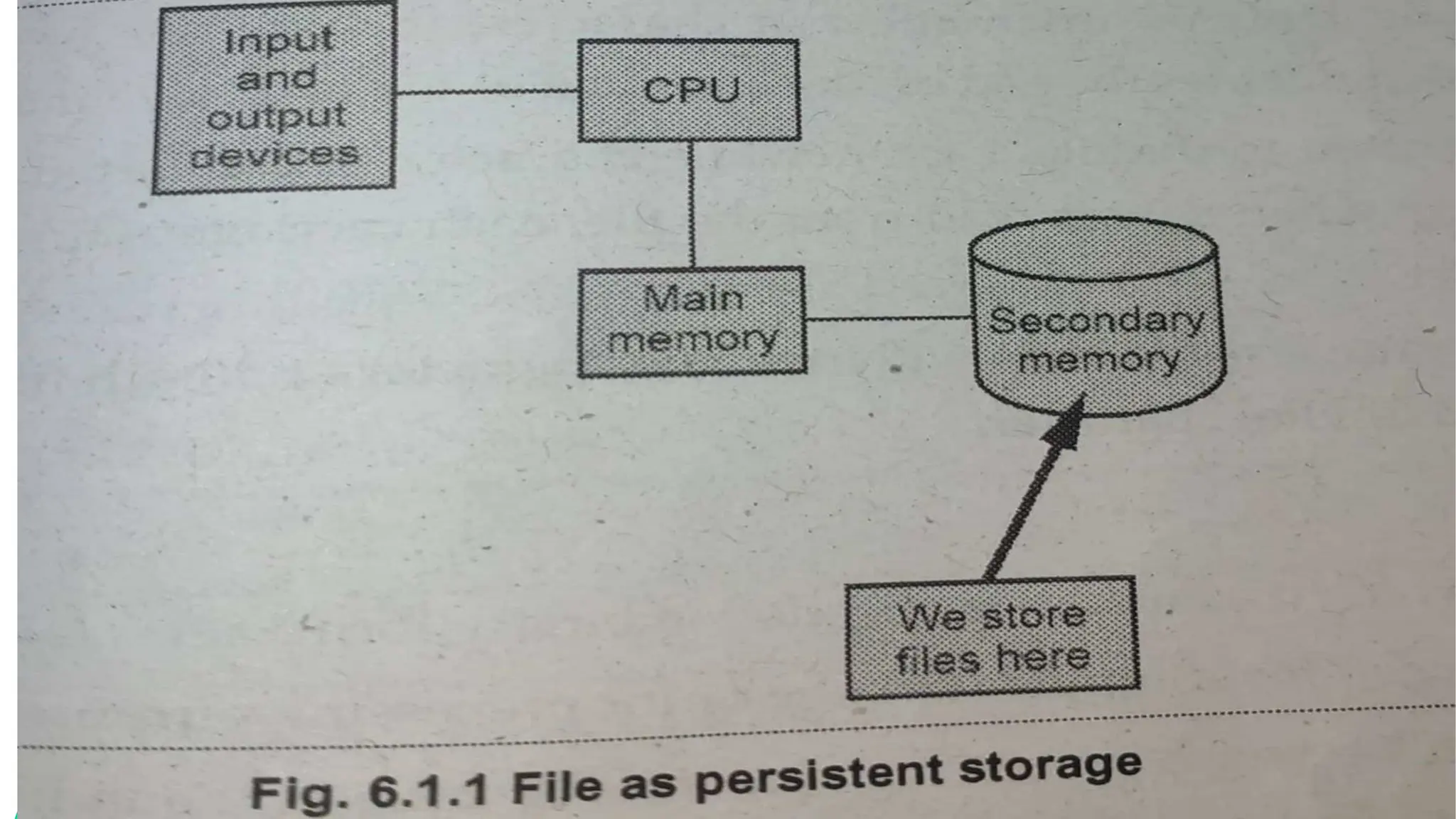
•File is a named location on the disk to store information.
• File is basically used to store the information permanently on
secondary memory.
• Due to this, even if the computer is switched off, the data remains
permanently on secondary memory(Hard disk). Hence it is called
persistent data structure.
7.
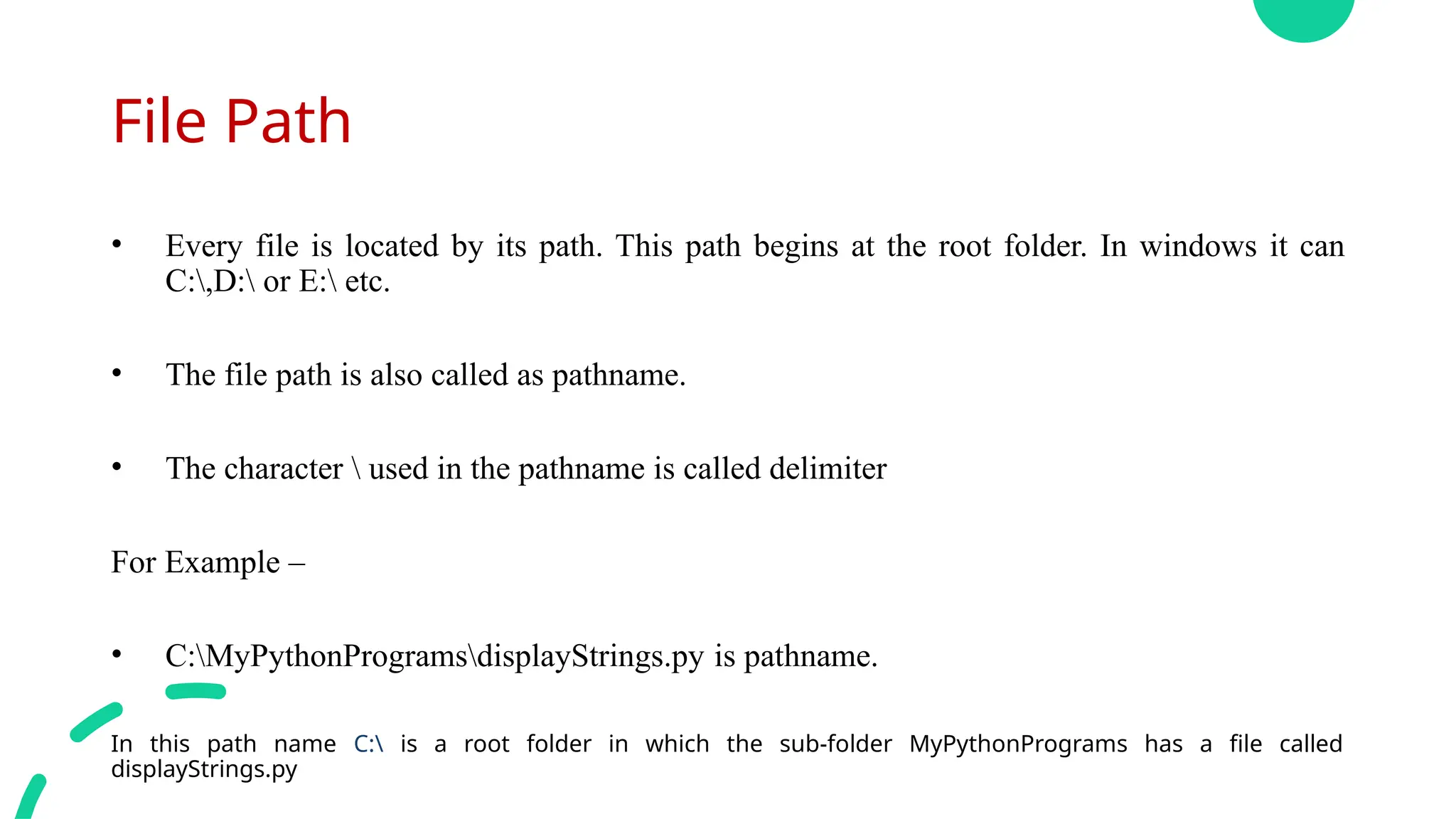
File Path
• Everyfile is located by its path. This path begins at the root folder. In windows it can
C:,D: or E: etc.
• The file path is also called as pathname.
• The character used in the pathname is called delimiter
For Example –
• C:MyPythonProgramsdisplayStrings.py is pathname.
In this path name C: is a root folder in which the sub-folder MyPythonPrograms has a file called
displayStrings.py
8.
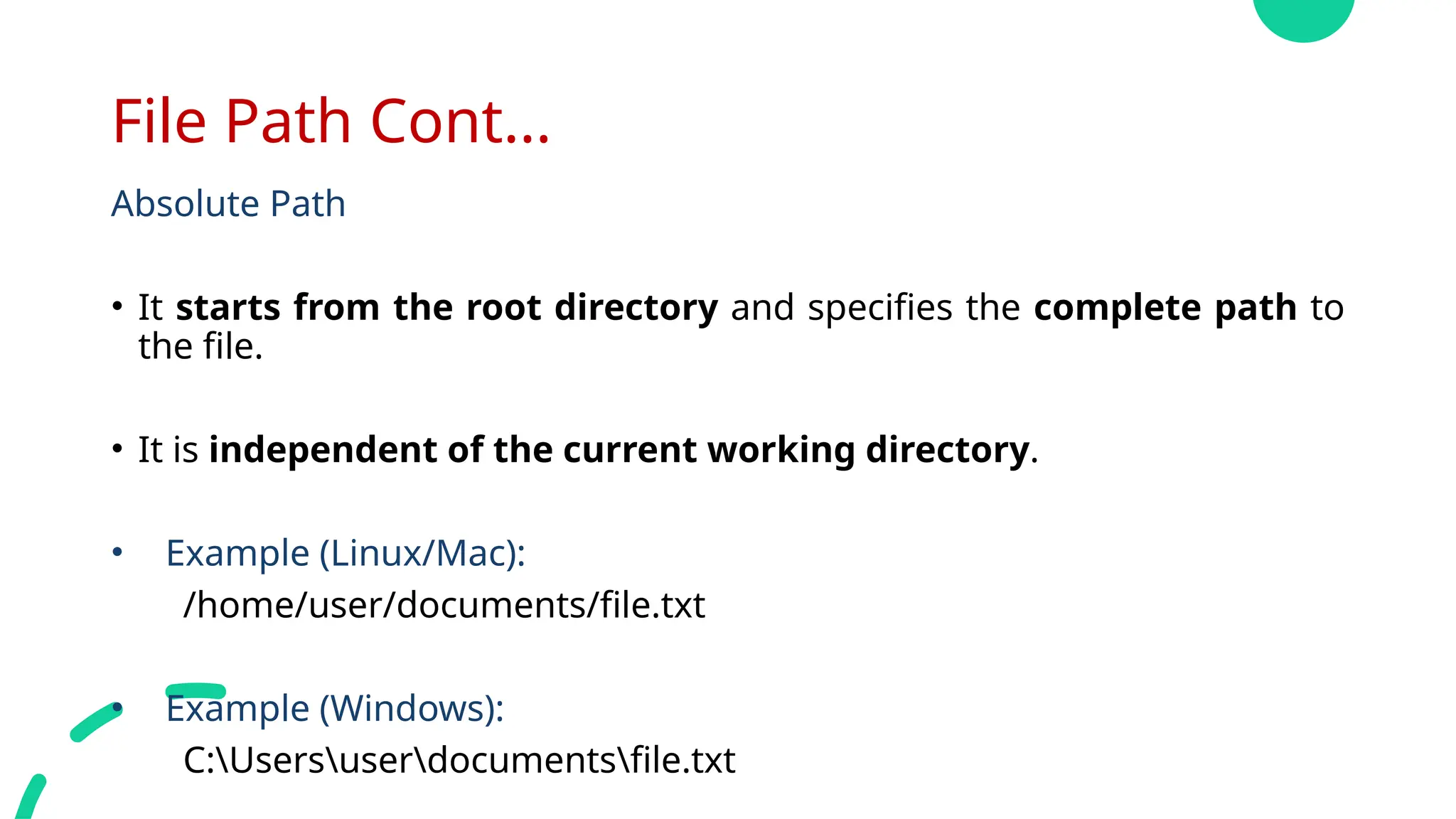
File Path Cont...
AbsolutePath
• It starts from the root directory and specifies the complete path to
the file.
• It is independent of the current working directory.
• Example (Linux/Mac):
/home/user/documents/file.txt
• Example (Windows):
C:Usersuserdocumentsfile.txt
9.
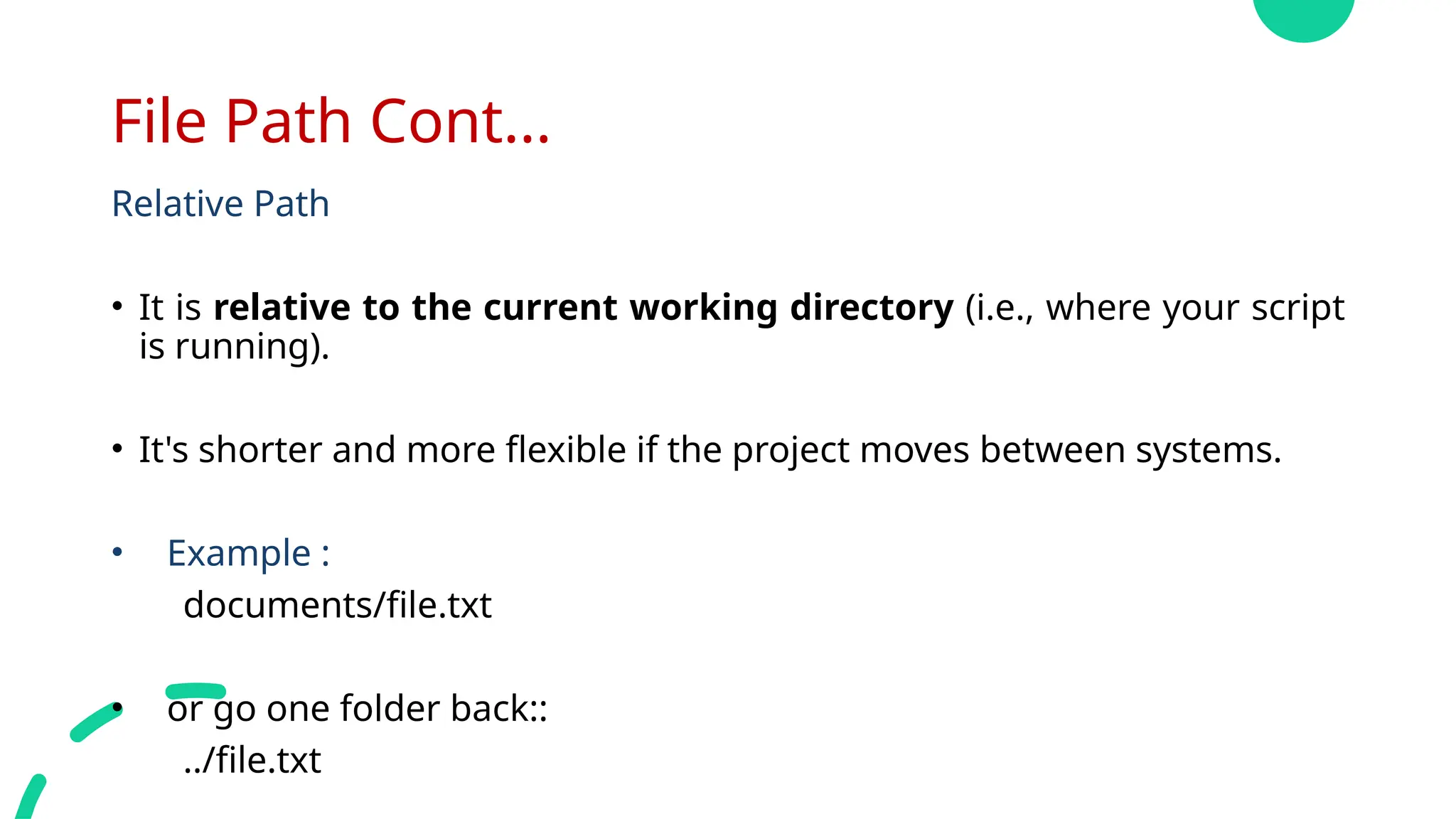
File Path Cont...
RelativePath
• It is relative to the current working directory (i.e., where your script
is running).
• It's shorter and more flexible if the project moves between systems.
• Example :
documents/file.txt
• or go one folder back::
../file.txt
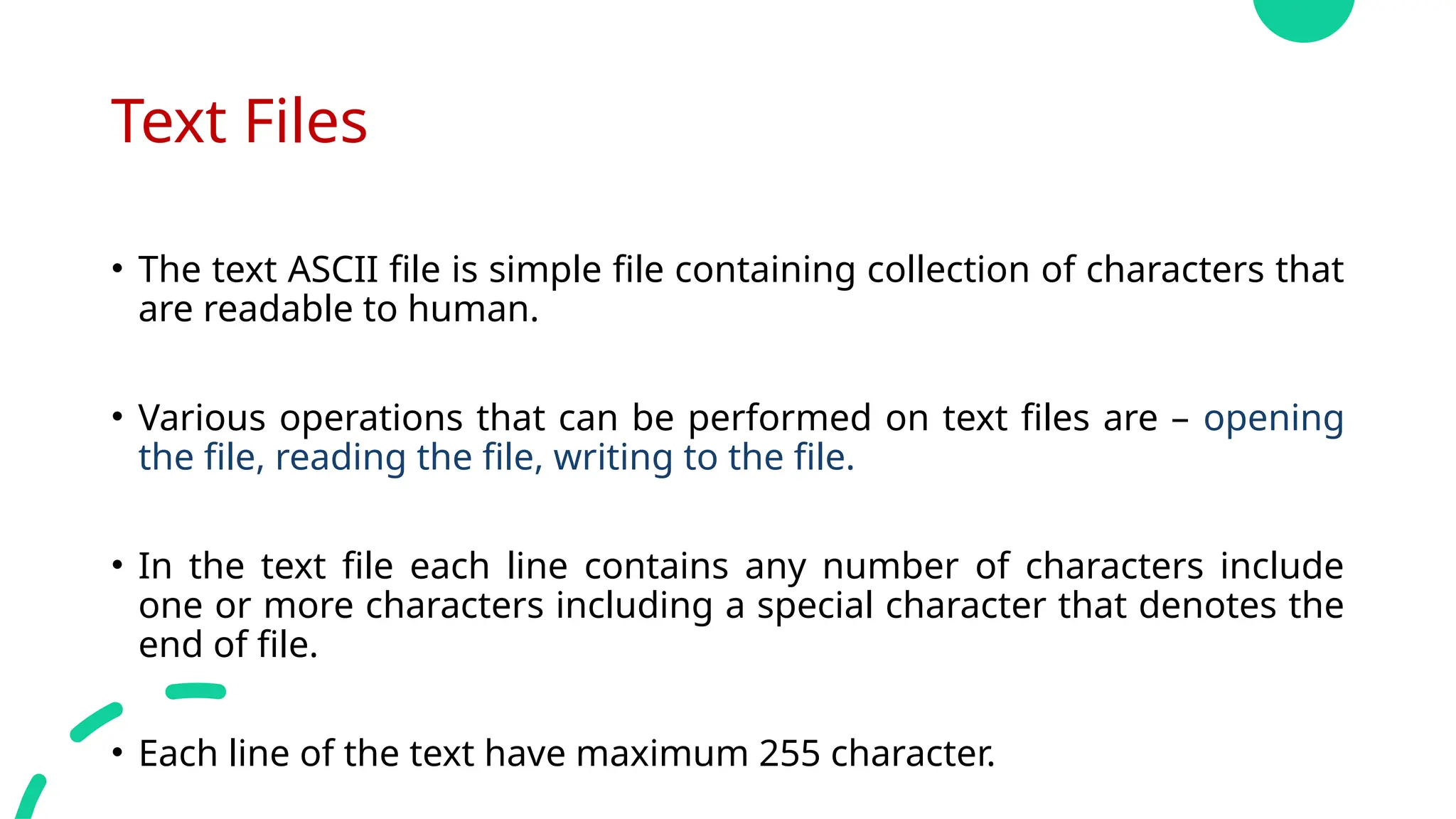
Text Files
• Thetext ASCII file is simple file containing collection of characters that
are readable to human.
• Various operations that can be performed on text files are – opening
the file, reading the file, writing to the file.
• In the text file each line contains any number of characters include
one or more characters including a special character that denotes the
end of file.
• Each line of the text have maximum 255 character.
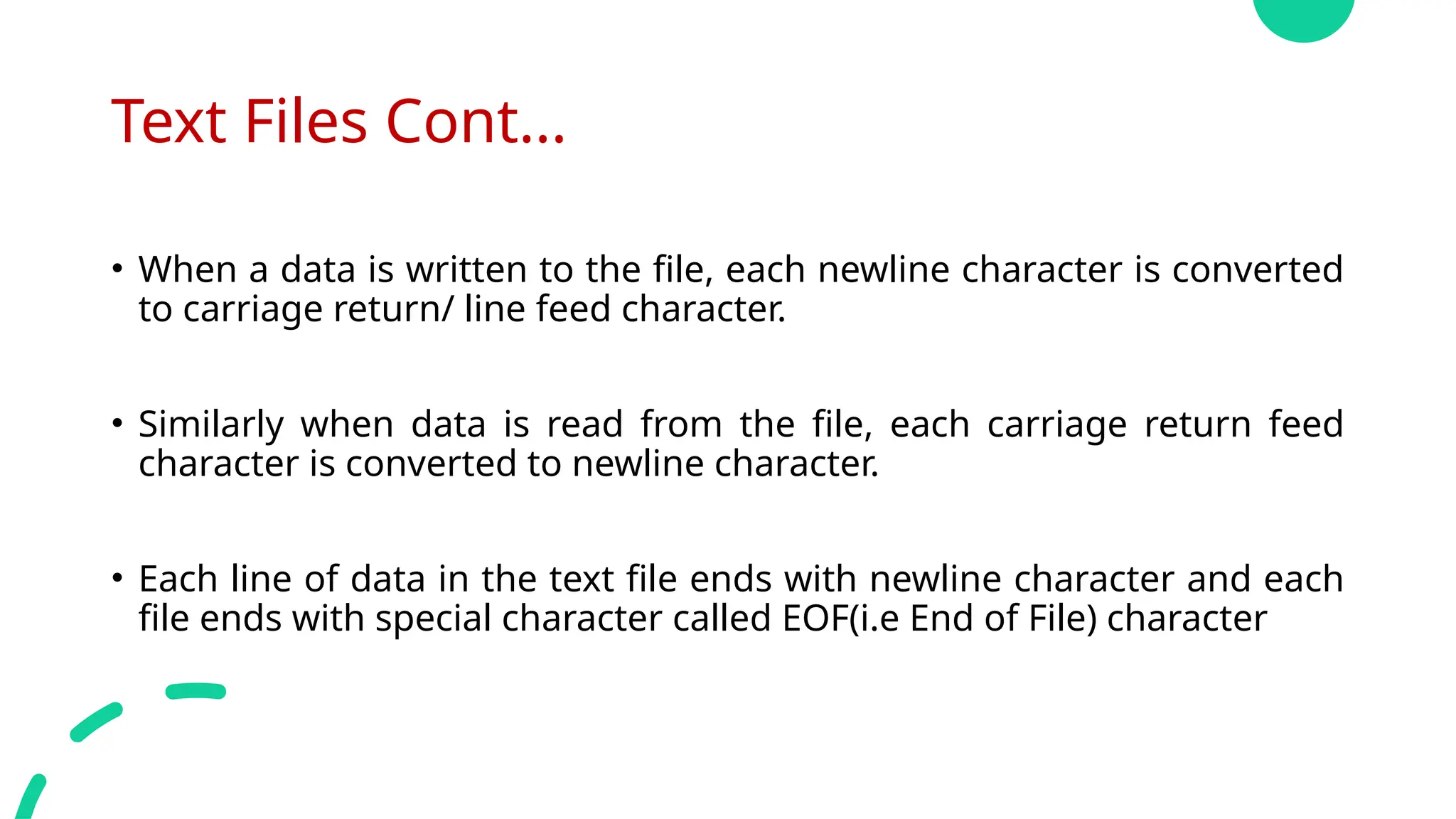
12.
Text Files Cont...
•When a data is written to the file, each newline character is converted
to carriage return/ line feed character.
• Similarly when data is read from the file, each carriage return feed
character is converted to newline character.
• Each line of data in the text file ends with newline character and each
file ends with special character called EOF(i.e End of File) character
13.
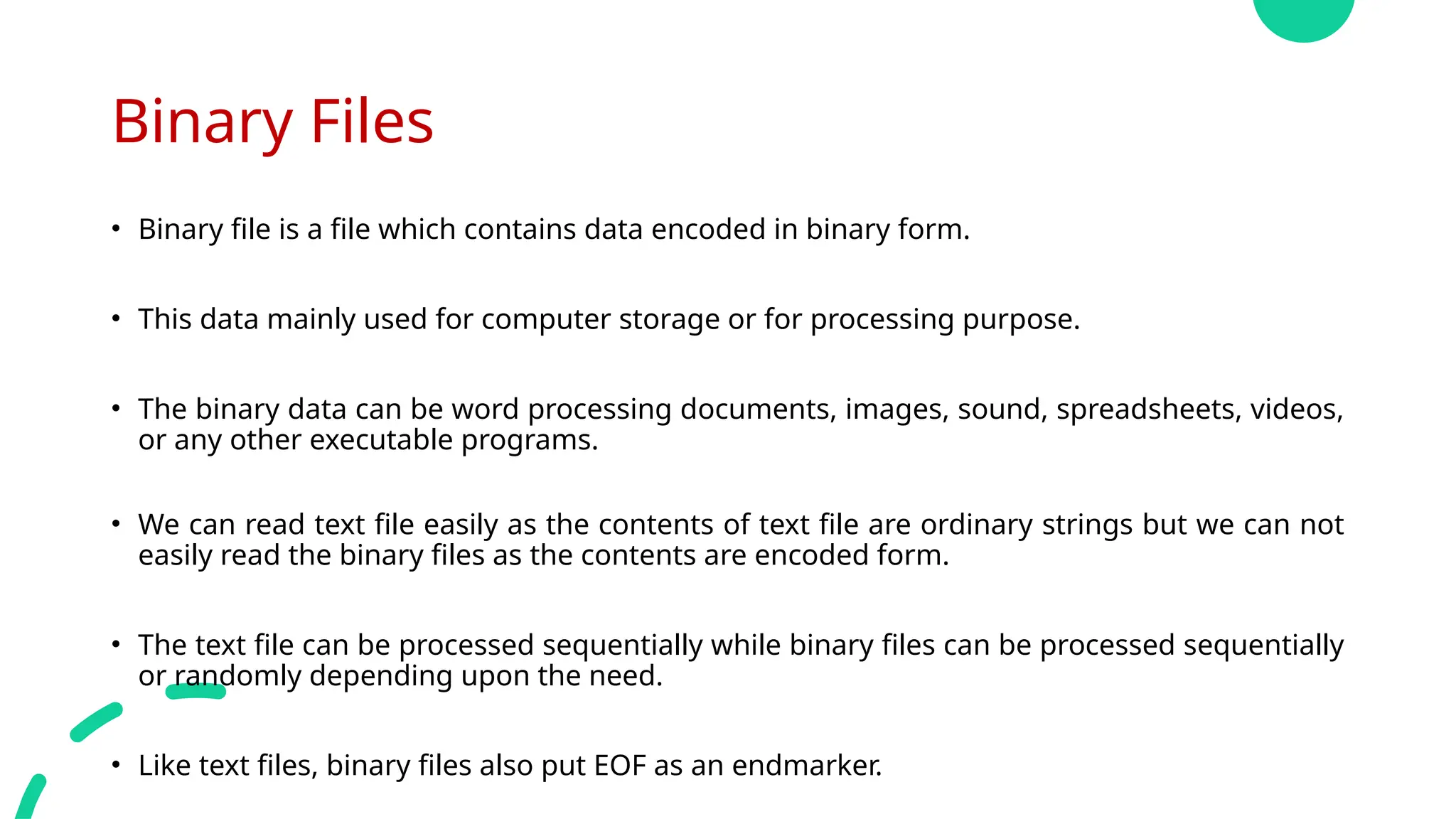
Binary Files
• Binaryfile is a file which contains data encoded in binary form.
• This data mainly used for computer storage or for processing purpose.
• The binary data can be word processing documents, images, sound, spreadsheets, videos,
or any other executable programs.
• We can read text file easily as the contents of text file are ordinary strings but we can not
easily read the binary files as the contents are encoded form.
• The text file can be processed sequentially while binary files can be processed sequentially
or randomly depending upon the need.
• Like text files, binary files also put EOF as an endmarker.
14.
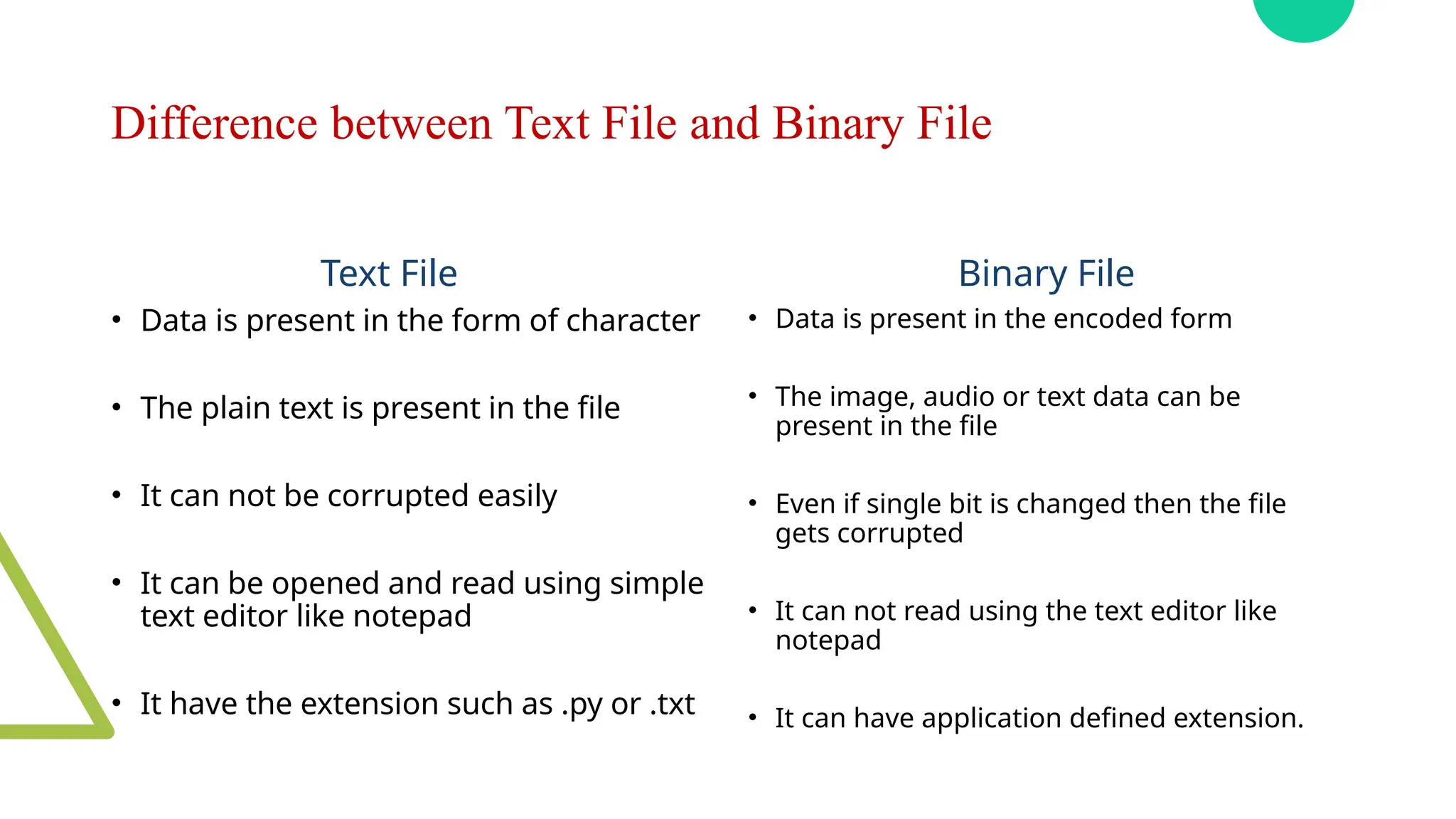
Difference between TextFile and Binary File
Text File
• Data is present in the form of character
• The plain text is present in the file
• It can not be corrupted easily
• It can be opened and read using simple
text editor like notepad
• It have the extension such as .py or .txt
Binary File
• Data is present in the encoded form
• The image, audio or text data can be
present in the file
• Even if single bit is changed then the file
gets corrupted
• It can not read using the text editor like
notepad
• It can have application defined extension.
Opening Files
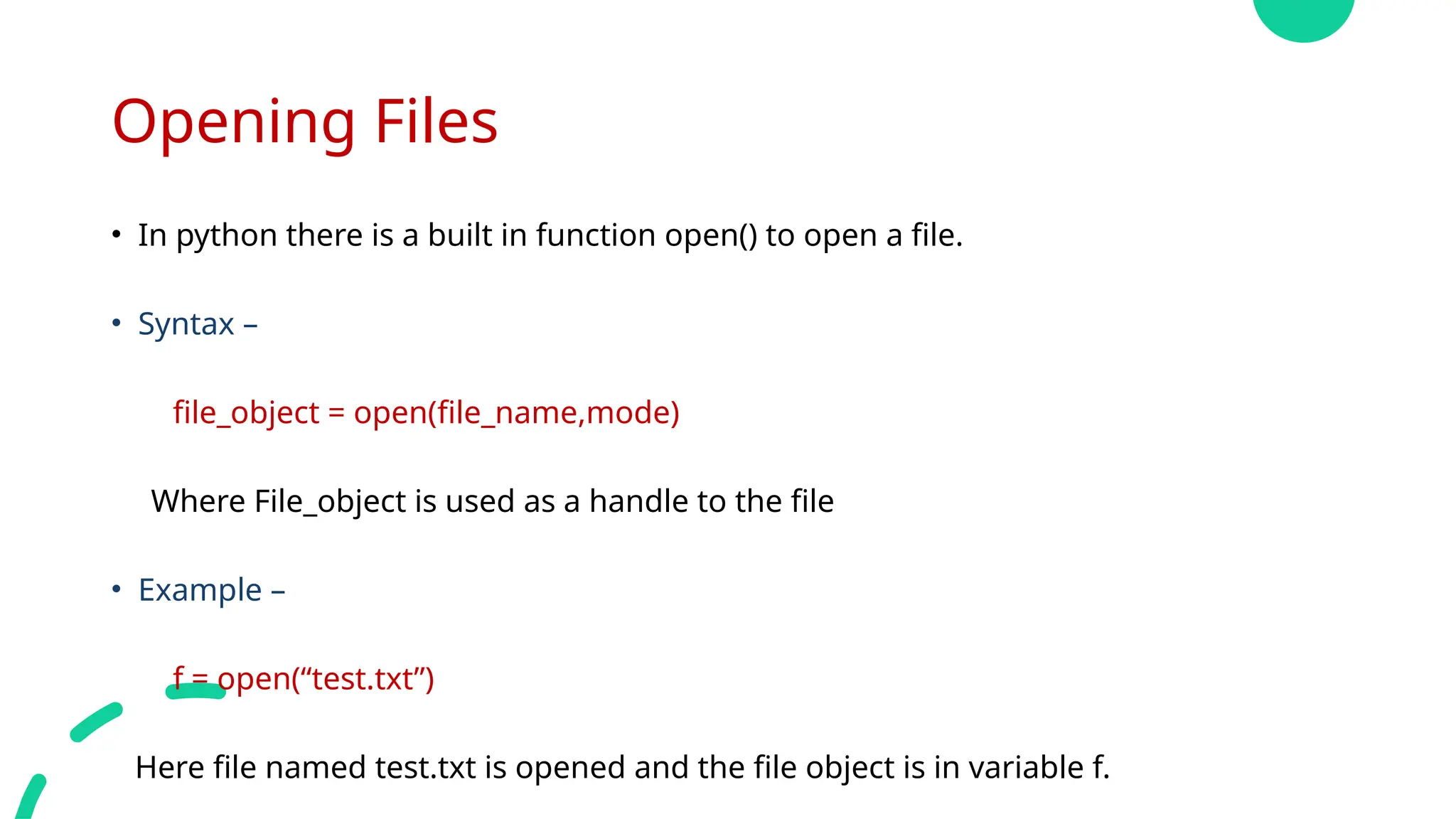
• Inpython there is a built in function open() to open a file.
• Syntax –
file_object = open(file_name,mode)
Where File_object is used as a handle to the file
• Example –
f = open(“test.txt”)
Here file named test.txt is opened and the file object is in variable f.
17.
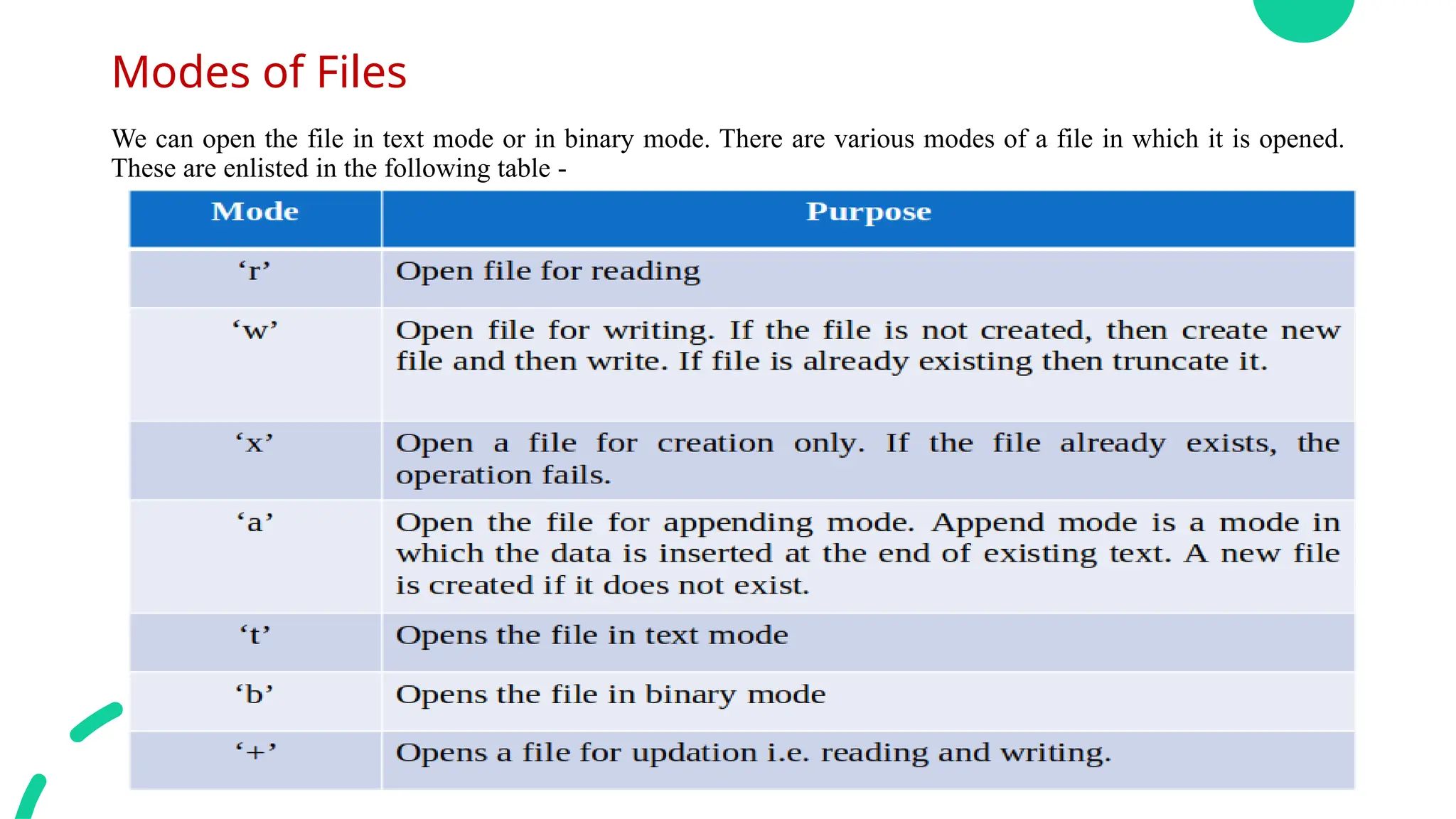
Modes of Files
Wecan open the file in text mode or in binary mode. There are various modes of a file in which it is opened.
These are enlisted in the following table -
18.
File Object Attributes
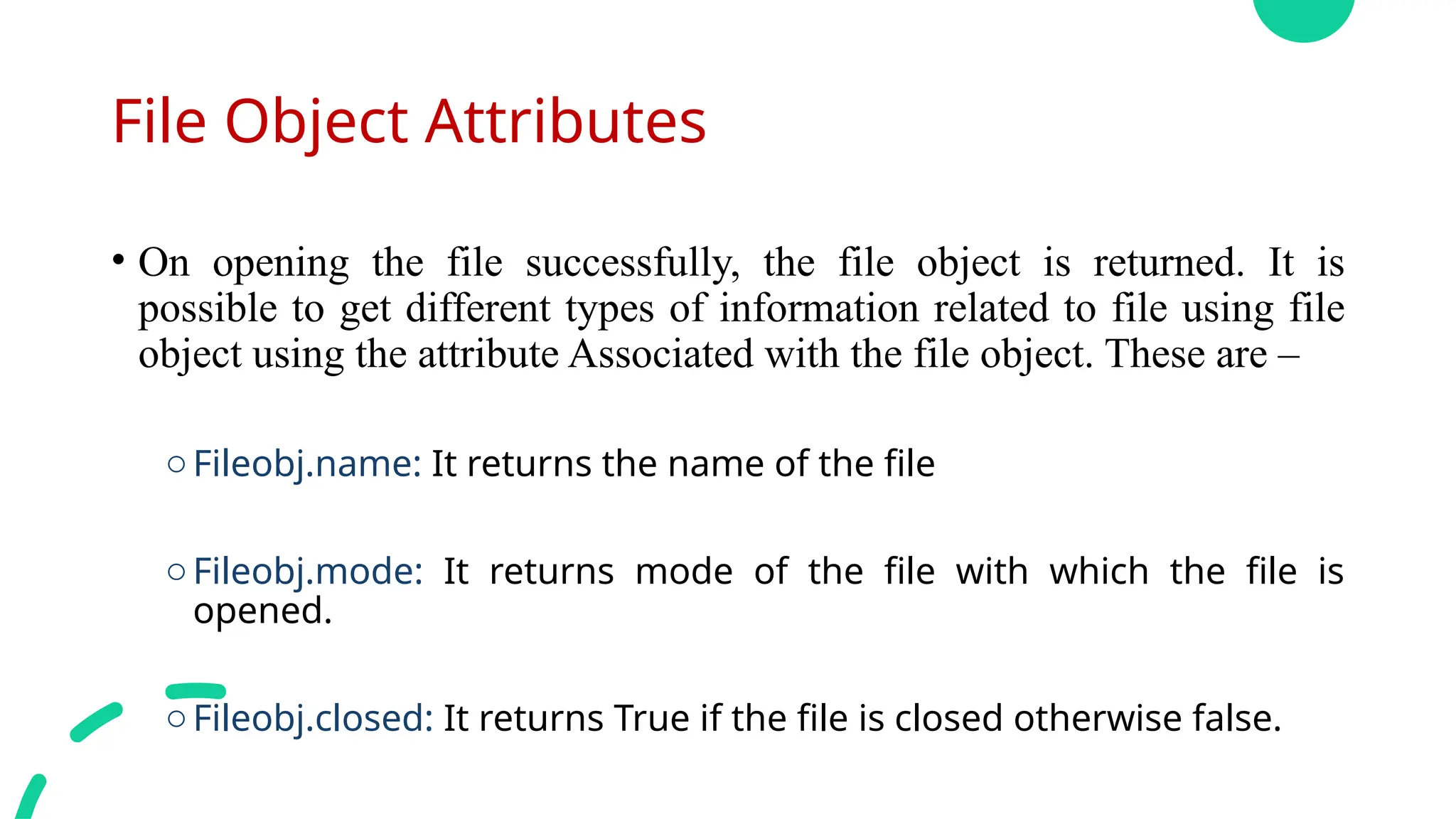
•On opening the file successfully, the file object is returned. It is
possible to get different types of information related to file using file
object using the attribute Associated with the file object. These are –
oFileobj.name: It returns the name of the file
oFileobj.mode: It returns mode of the file with which the file is
opened.
oFileobj.closed: It returns True if the file is closed otherwise false.
19.
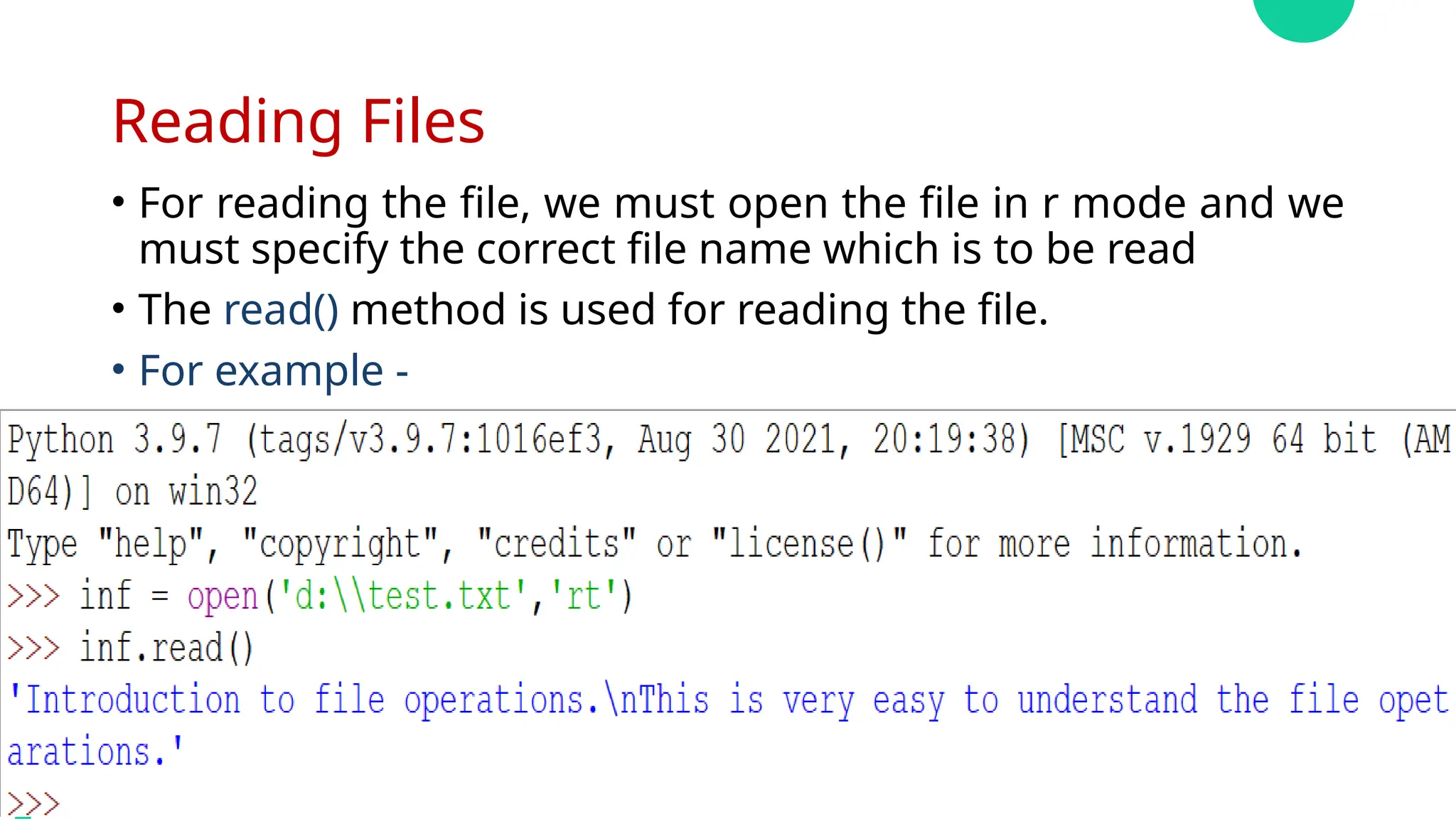
Reading Files
• Forreading the file, we must open the file in r mode and we
must specify the correct file name which is to be read
• The read() method is used for reading the file.
• For example -
20.
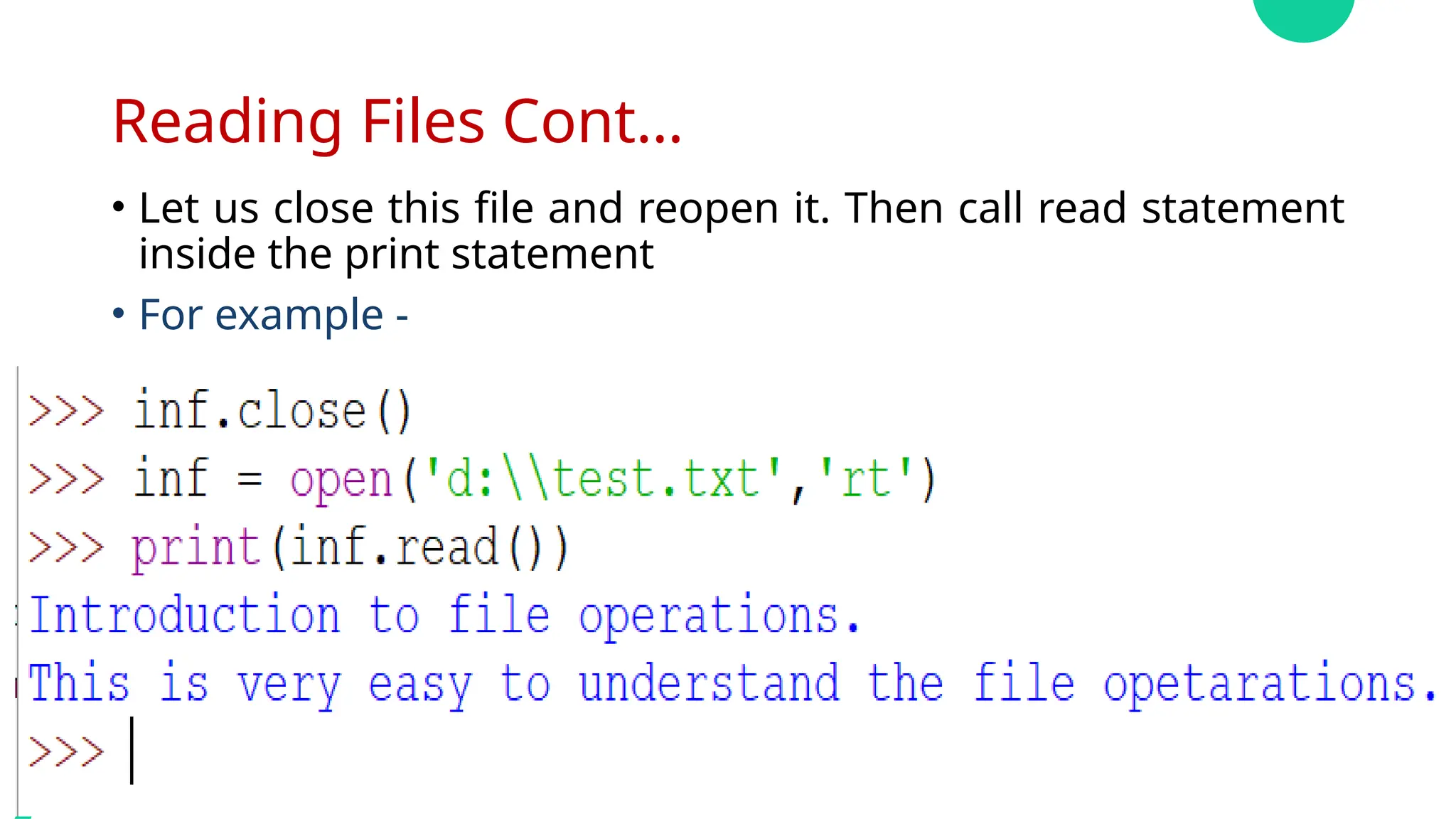
Reading Files Cont…
•Let us close this file and reopen it. Then call read statement
inside the print statement
• For example -
21.
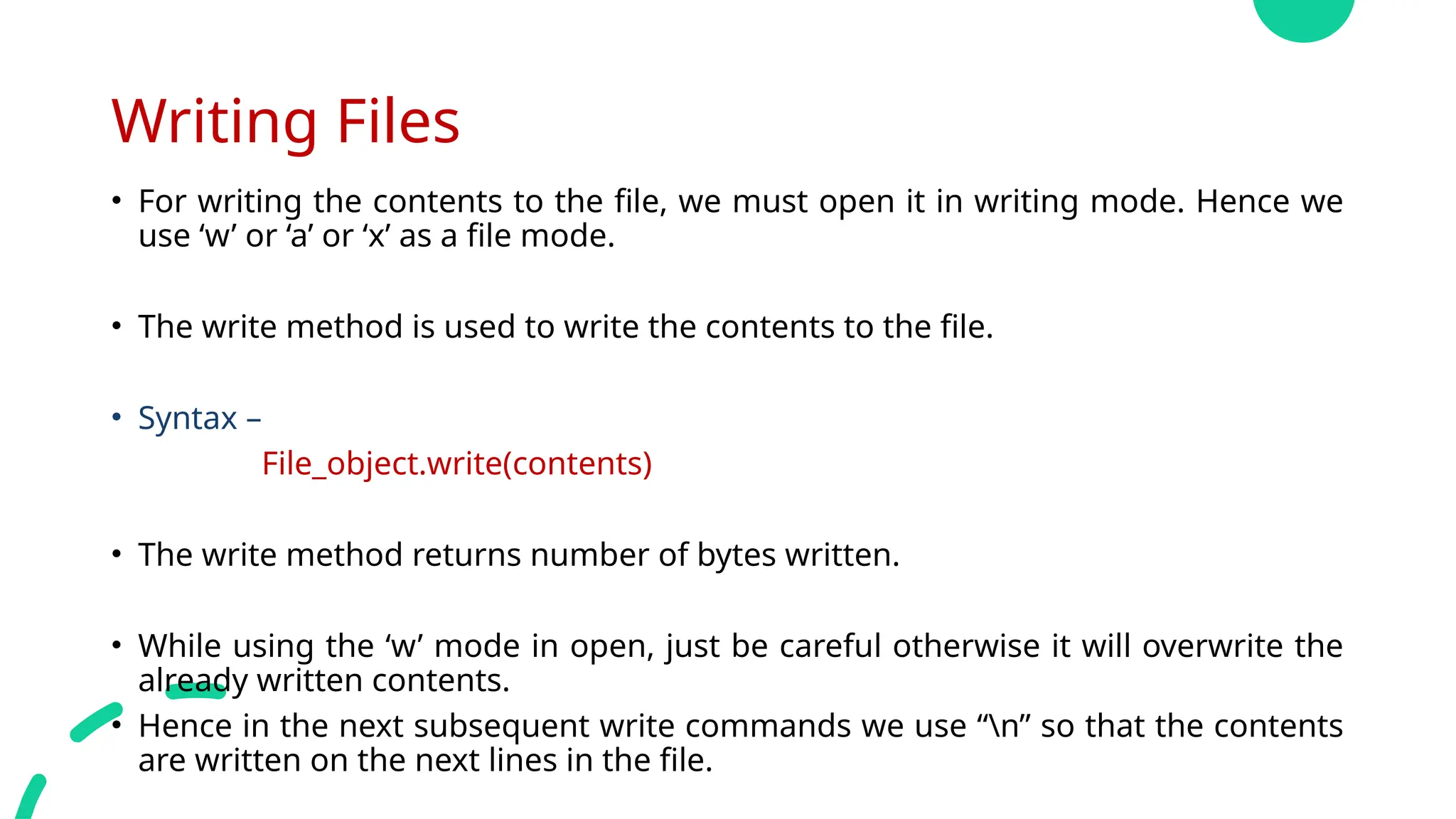
Writing Files
• Forwriting the contents to the file, we must open it in writing mode. Hence we
use ‘w’ or ‘a’ or ‘x’ as a file mode.
• The write method is used to write the contents to the file.
• Syntax –
File_object.write(contents)
• The write method returns number of bytes written.
• While using the ‘w’ mode in open, just be careful otherwise it will overwrite the
already written contents.
• Hence in the next subsequent write commands we use “n” so that the contents
are written on the next lines in the file.
22.
File Positions
• Theseek and tell method :
oThe seek method is used to change the file position.
oSimilarly the tell method returns the current position.
23.
seek Method()
• Themethod seek() sets the file’s current position at the offset.
• Syntax –
FileObject.seek(offset[,from])
Where,
• Offset – Tis an argument indicate the number of bytes to be
moved.
• from – Argument specify reference position from where the bytes
are to be moved.
24.
tell Method()
• Themethod tell() returns the current position of the file
read/write pointer within the file.
• Syntax –
FileObject.tell()
25.
Renaming & DeletingFiles
The rename () Method -
The rename () method takes two arguments the current
filename & the new filename.
Syntax -
os.rename(old_filename,new_filename)
eg.

![seek Method()
• The method seek() sets the file’s current position at the offset.
• Syntax –
FileObject.seek(offset[,from])
Where,
• Offset – Tis an argument indicate the number of bytes to be
moved.
• from – Argument specify reference position from where the bytes
are to be moved.](https://image.slidesharecdn.com/smsppsunit-ivfilehandling-250912031521-54ff715b/75/SMS_PPS_UNIT-IV_File_Handling-pptx-First-23-2048.jpg)