Email: rithisha@globalonlinetrainings.com IND: +91-8121 020 444
Skype: rithisha.globalonlinetrainings USA: +1-516-8586-242
UK:+44 (0)203 371 0077
www.globalonlinetrainings.com
SharePoint 2013 Development
Online Training Course Content
Introduction to SharePoint 2013
Setting up Development Environment
SharePoint Apps Model
SharePoint Apps Model Advance
Server Object Model
Server Object Model Intermediate
Server Object Model Advance
Cont,
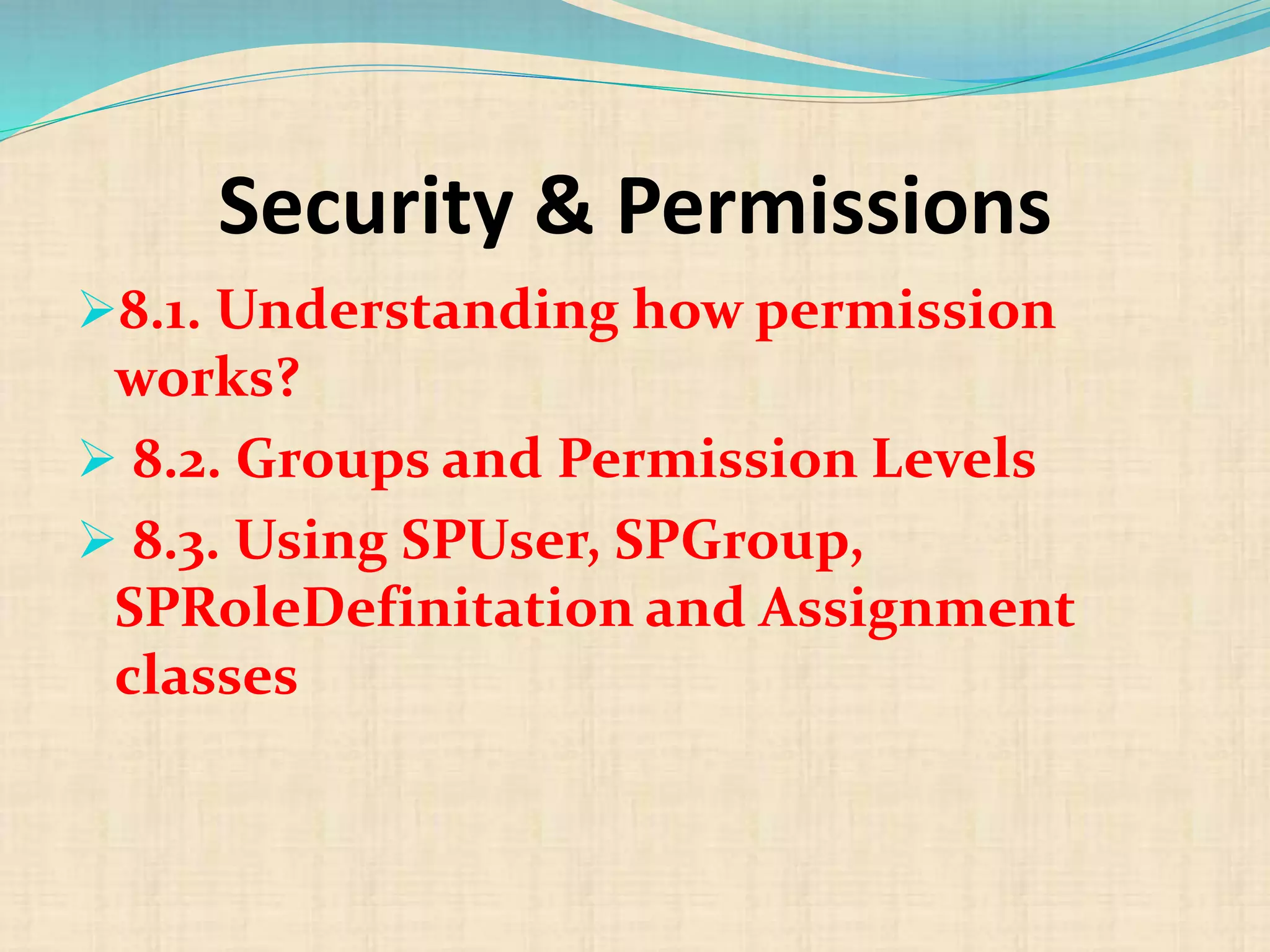
 Security & Permissions
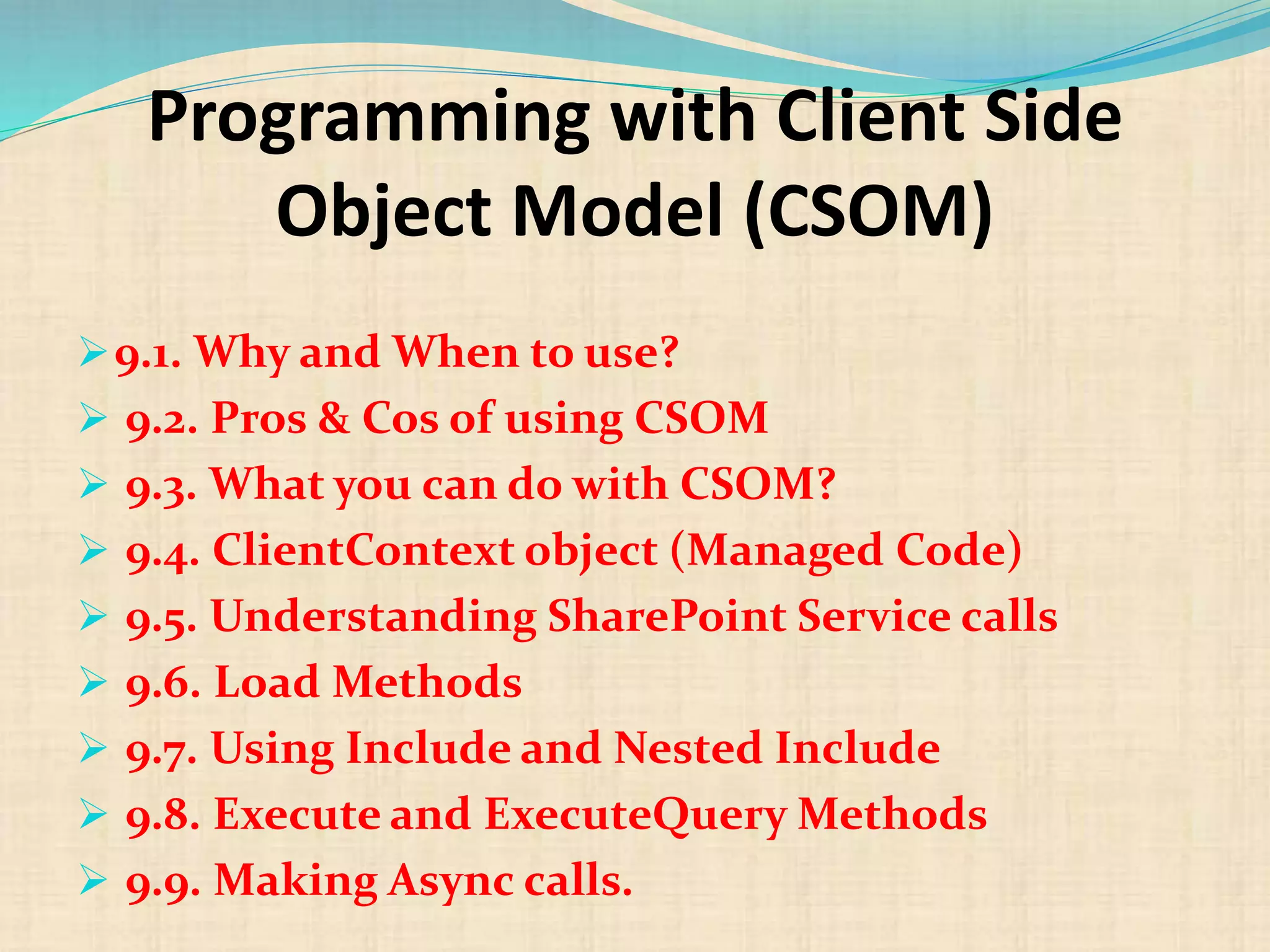
 Programming with Client Side Object Model (CSOM)
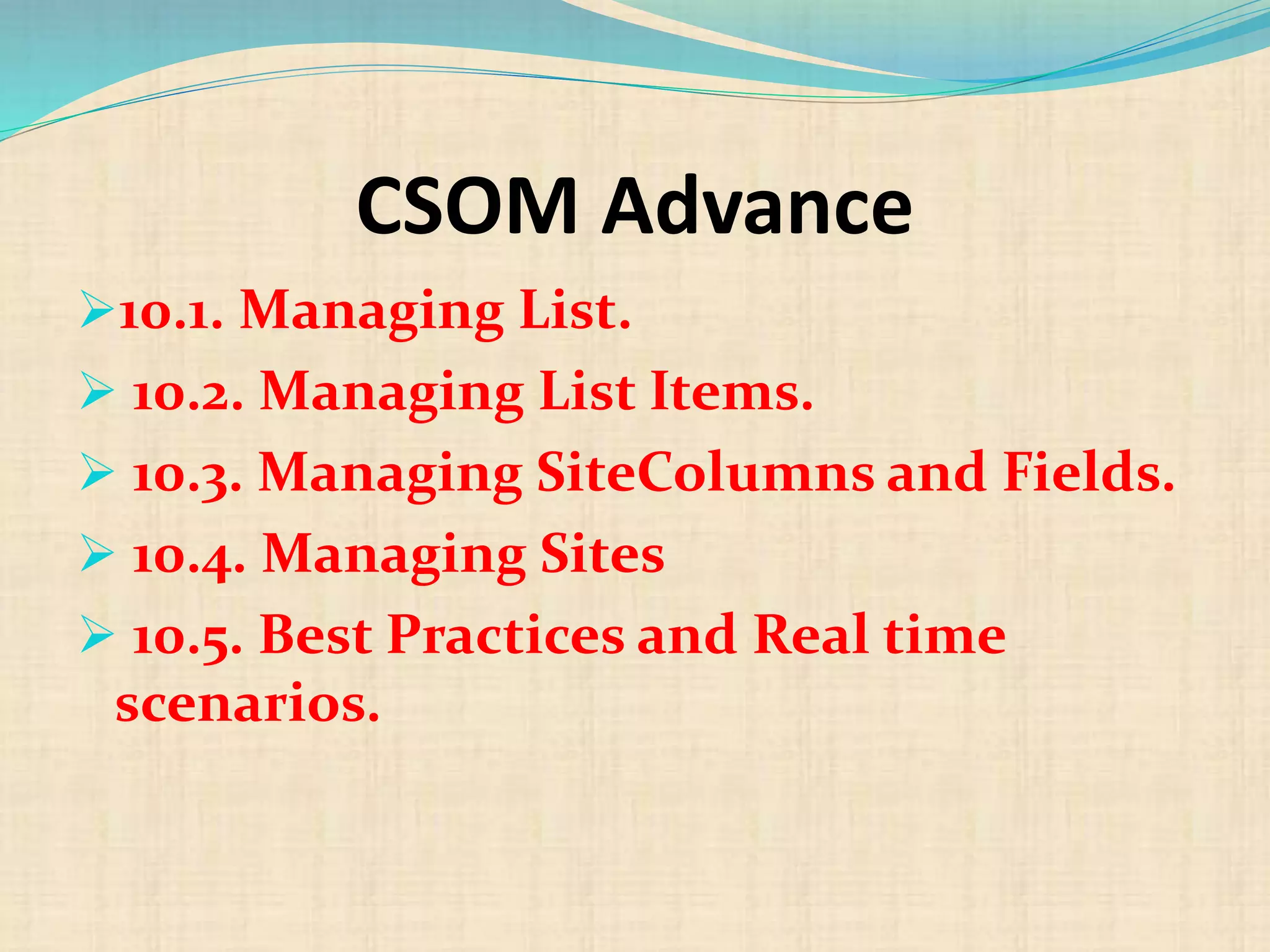
 CSOM Advance
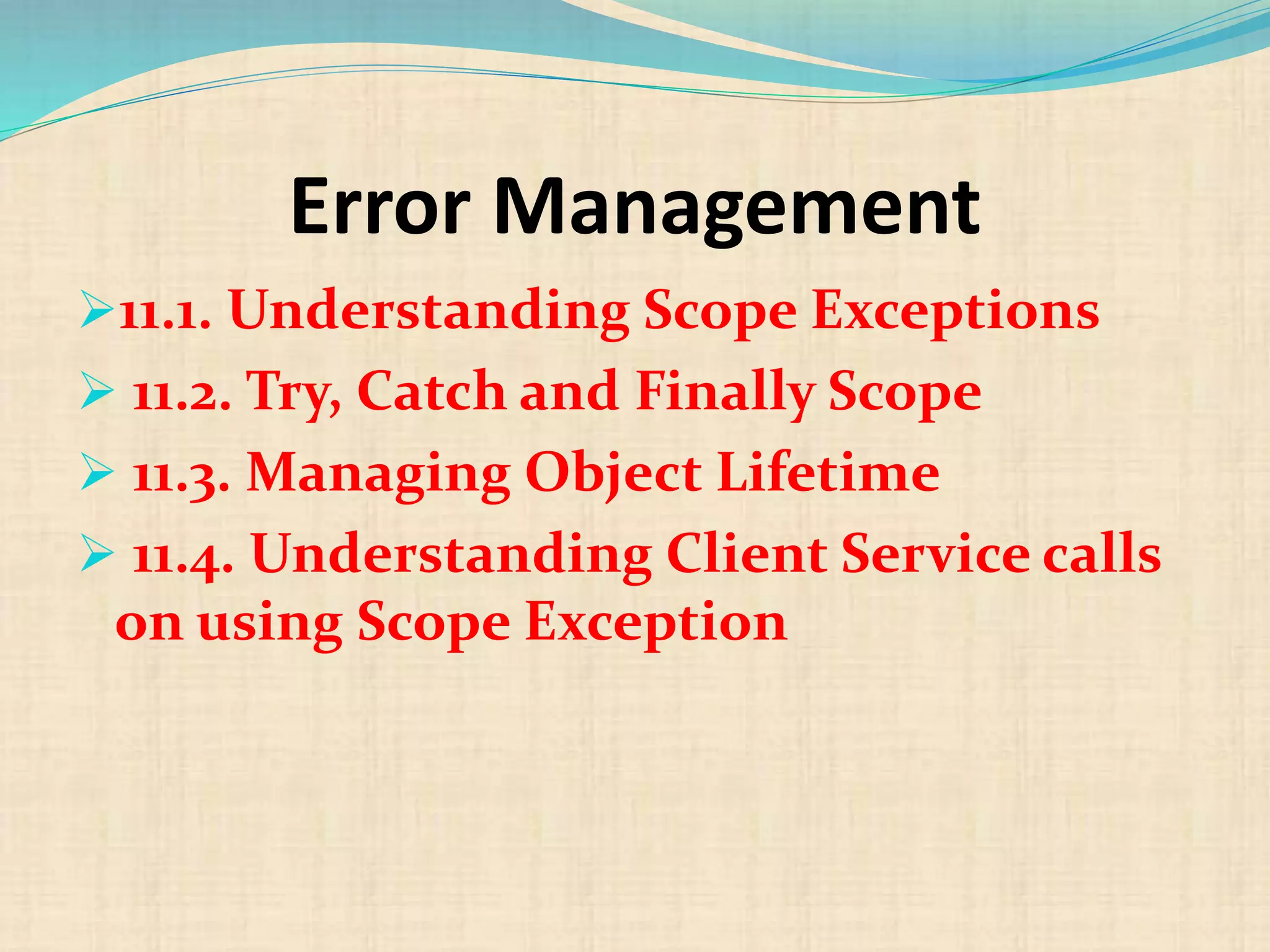
 Error Management
 WebParts
 WebParts Advance
 Features & Solution
Cont,
 Sandboxed Solution
 Sandboxed Solutions Advance
 Managing Features
 ECMAScript / JSOM
 JSOM & REST API
 Sites Template and Definition
 Pages & Web Content Management
Cont,
 Navigation
 Event Receivers & Remote Event Receivers
 Workflow
 Workflow Advance
 BCS
 BCS Advance
 Branding
Introduction to SharePoint 2013
1.1. SharePoint 2013 Platform
1.2. SharePoint Architecture
1.3. SharePoint Central
Administration
1.4. Understanding SharePoint
Hierarchy
Setting up Development
Environment
2.1. Must have development tools
 2.2. Configuring Development Tools
 2.3. Checklist – IIS and ASP.Net
 2.4. Various Development Approaches
 2.5. Configure Logging and Error
settings.
 2.6. Best Practices & Troubleshooting
SharePoint Apps Model
3.1. Why Apps?
 3.2. Environment required for App
Development
 3.3. Understanding Apps Model
 3.4. Type of Apps
 3.5. Working with Developer Sites
 3.6. Writing and Deploying Apps using
NAPA
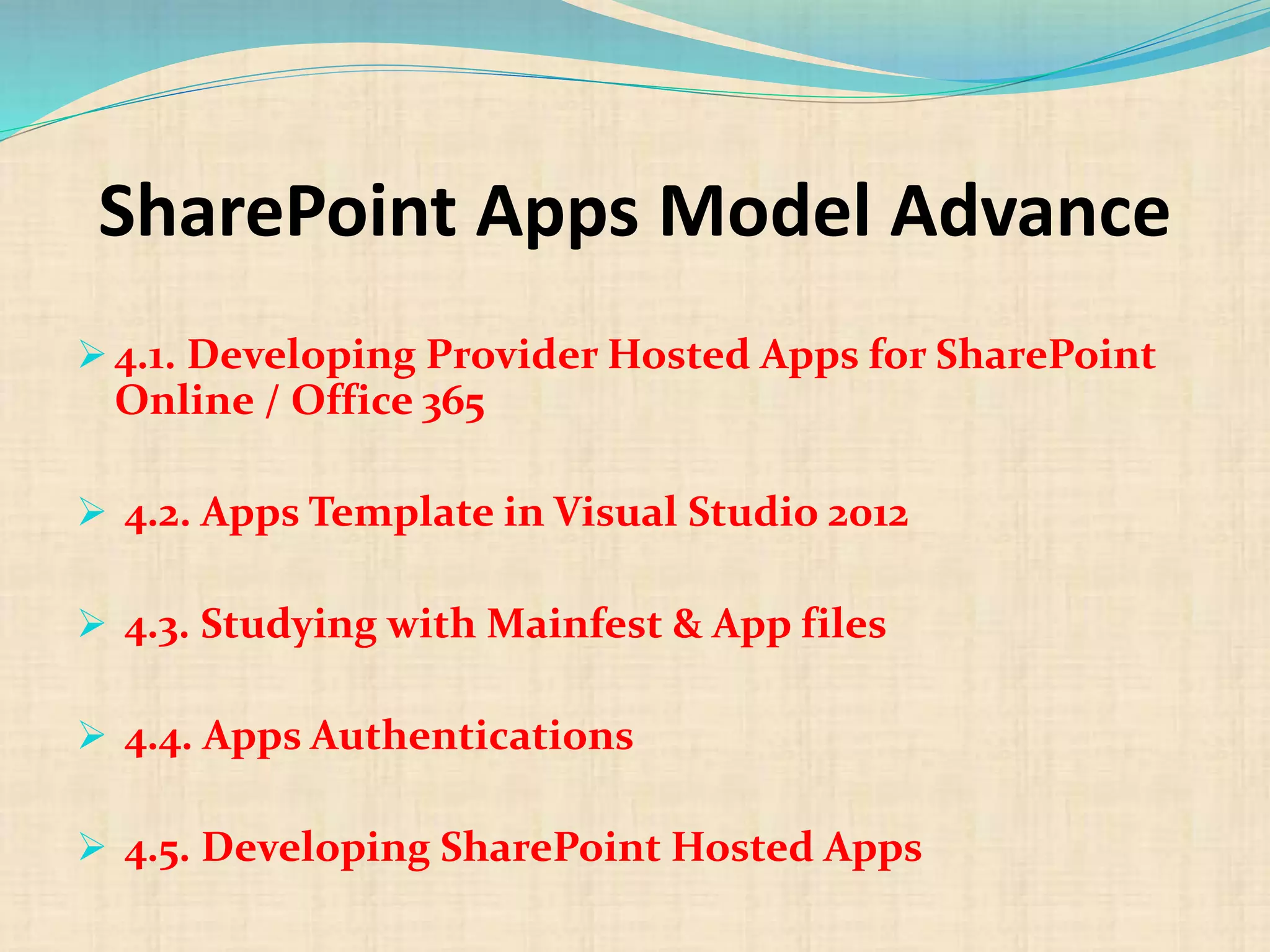
SharePoint Apps Model Advance
 4.1. Developing Provider Hosted Apps for SharePoint
Online / Office 365
 4.2. Apps Template in Visual Studio 2012
 4.3. Studying with Mainfest & App files
 4.4. Apps Authentications
 4.5. Developing SharePoint Hosted Apps
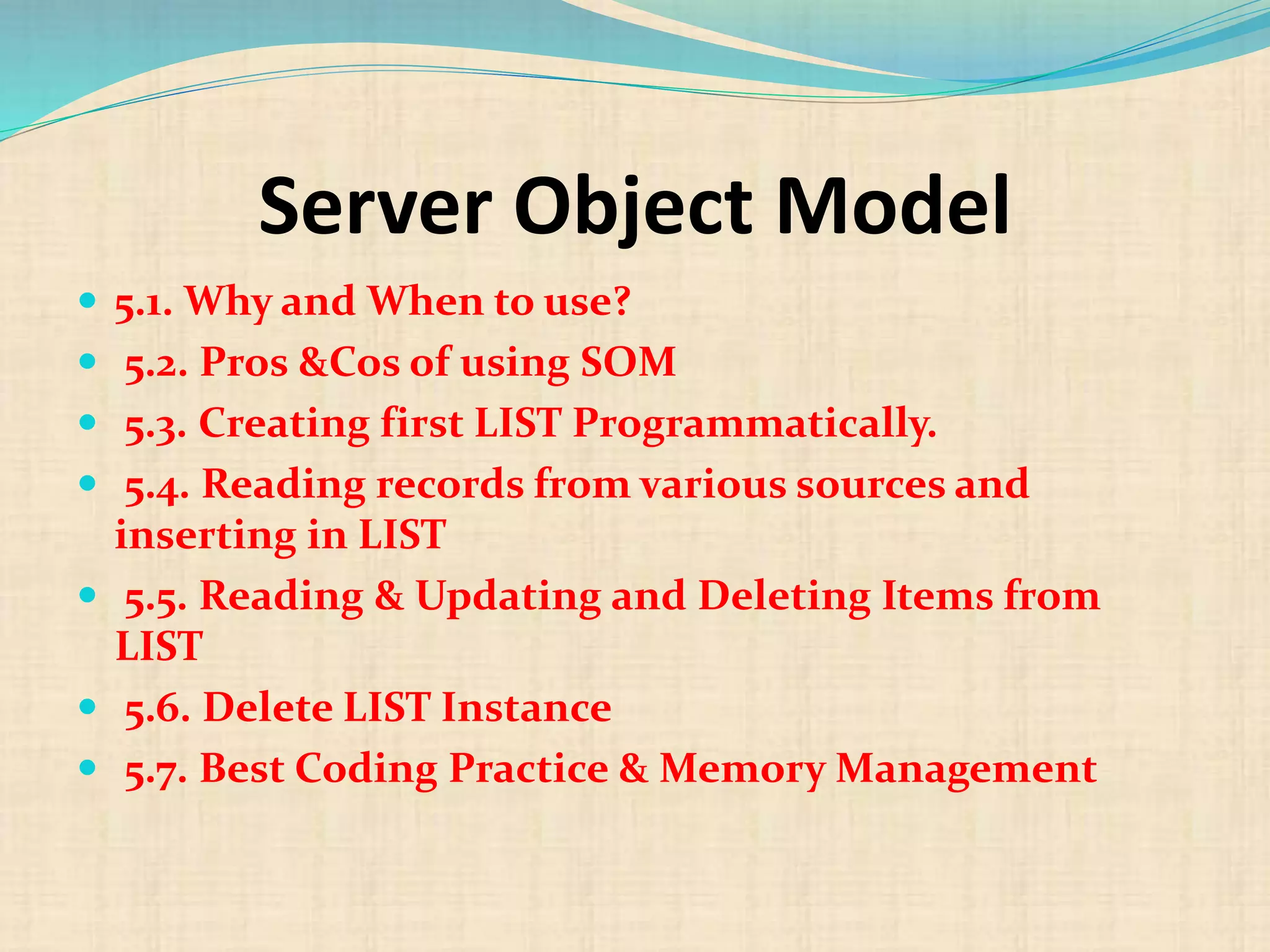
Server Object Model
 5.1. Why and When to use?
 5.2. Pros &Cos of using SOM
 5.3. Creating first LIST Programmatically.
 5.4. Reading records from various sources and
inserting in LIST
 5.5. Reading & Updating and Deleting Items from
LIST
 5.6. Delete LIST Instance
 5.7. Best Coding Practice & Memory Management
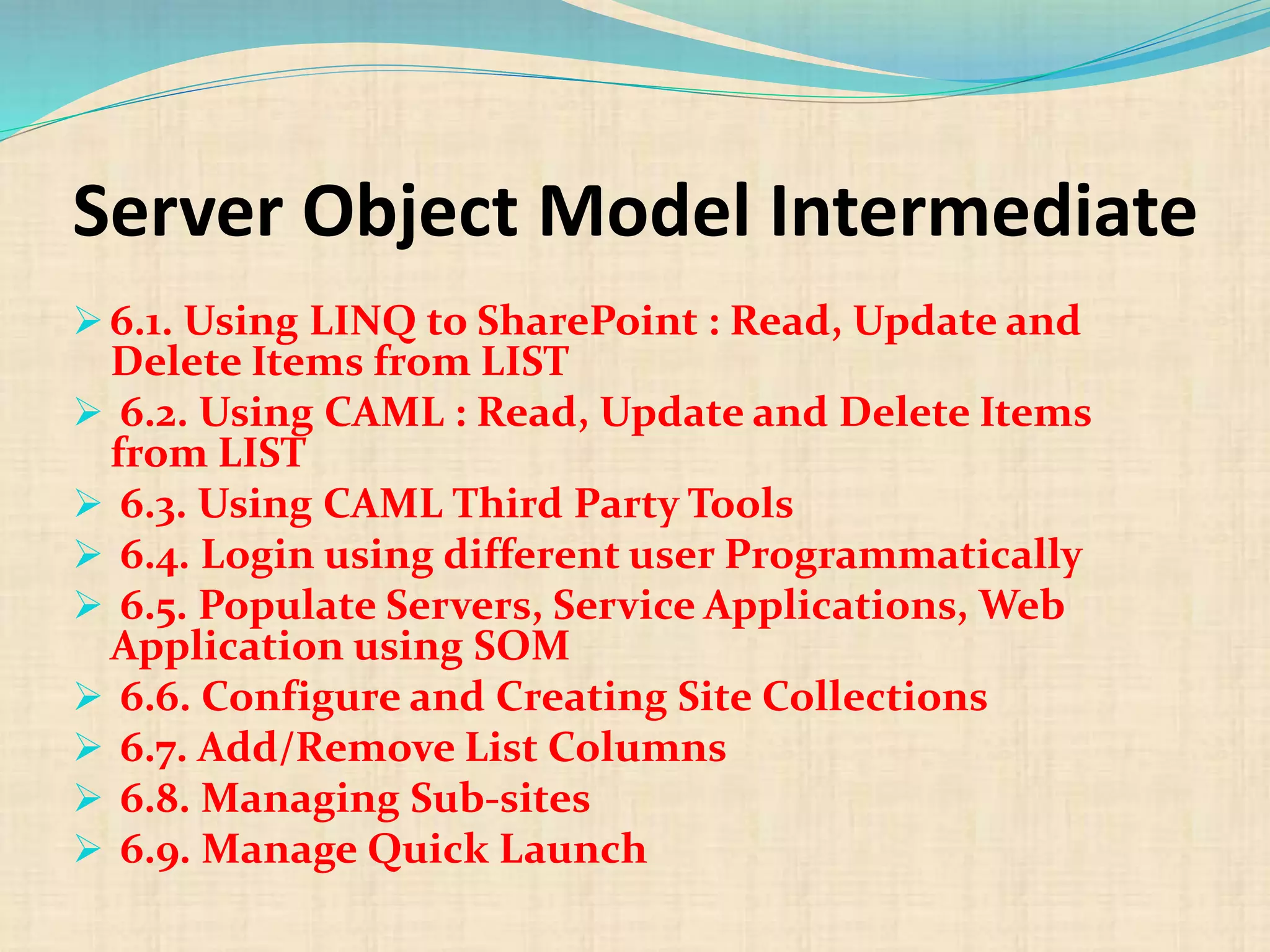
Server Object Model Intermediate
 6.1. Using LINQ to SharePoint : Read, Update and
Delete Items from LIST
 6.2. Using CAML : Read, Update and Delete Items
from LIST
 6.3. Using CAML Third Party Tools
 6.4. Login using different user Programmatically
 6.5. Populate Servers, Service Applications, Web
Application using SOM
 6.6. Configure and Creating Site Collections
 6.7. Add/Remove List Columns
 6.8. Managing Sub-sites
 6.9. Manage Quick Launch
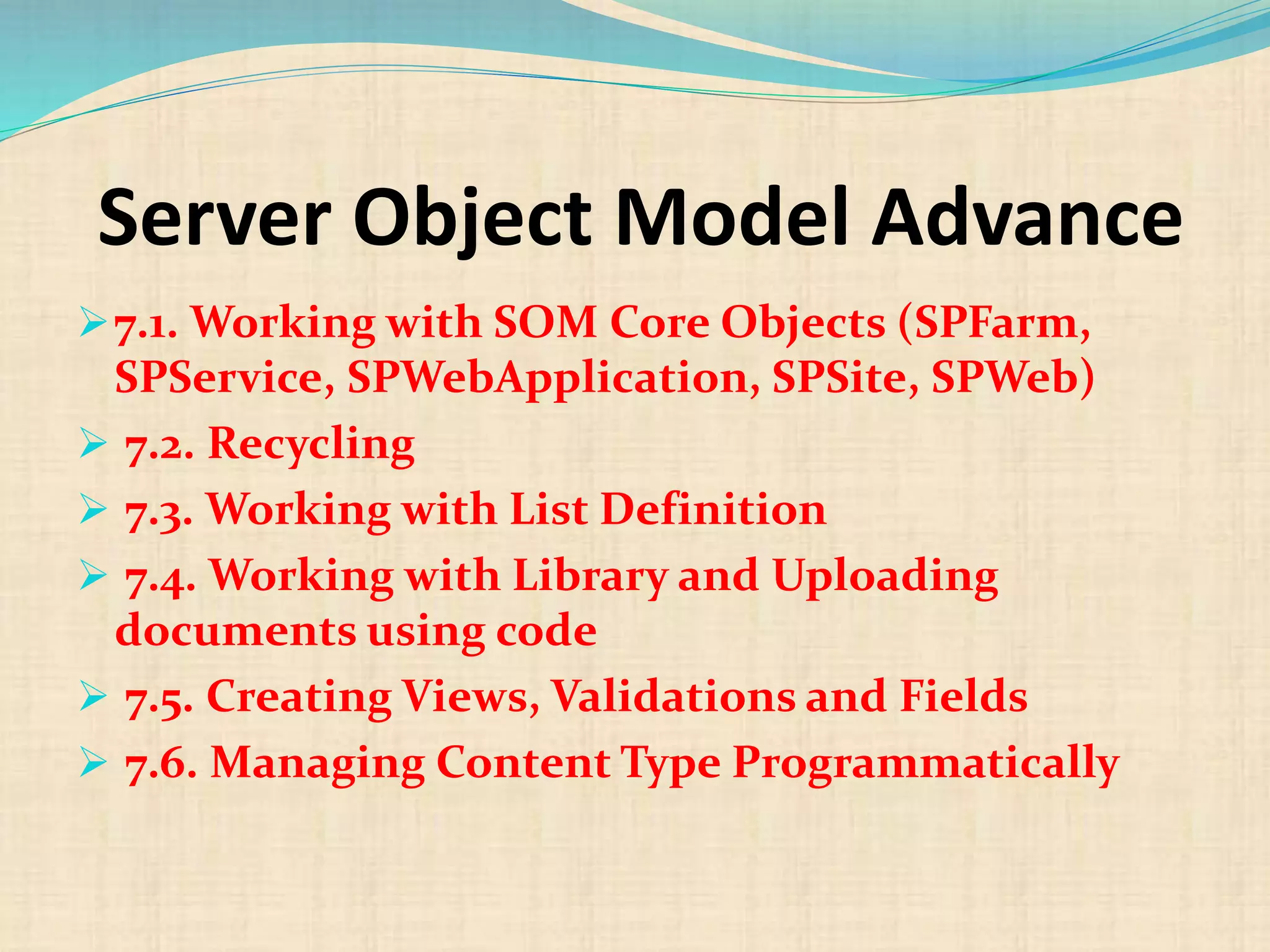
Server Object Model Advance
7.1. Working with SOM Core Objects (SPFarm,
SPService, SPWebApplication, SPSite, SPWeb)
 7.2. Recycling
 7.3. Working with List Definition
 7.4. Working with Library and Uploading
documents using code
 7.5. Creating Views, Validations and Fields
 7.6. Managing Content Type Programmatically
Security & Permissions
8.1. Understanding how permission
works?
 8.2. Groups and Permission Levels
 8.3. Using SPUser, SPGroup,
SPRoleDefinitation and Assignment
classes
Programming with Client Side
Object Model (CSOM)
9.1. Why and When to use?
 9.2. Pros & Cos of using CSOM
 9.3. What you can do with CSOM?
 9.4. ClientContext object (Managed Code)
 9.5. Understanding SharePoint Service calls
 9.6. Load Methods
 9.7. Using Include and Nested Include
 9.8. Execute and ExecuteQuery Methods
 9.9. Making Async calls.
CSOM Advance
10.1. Managing List.
 10.2. Managing List Items.
 10.3. Managing SiteColumns and Fields.
 10.4. Managing Sites
 10.5. Best Practices and Real time
scenarios.
Error Management
11.1. Understanding Scope Exceptions
 11.2. Try, Catch and Finally Scope
 11.3. Managing Object Lifetime
 11.4. Understanding Client Service calls
on using Scope Exception
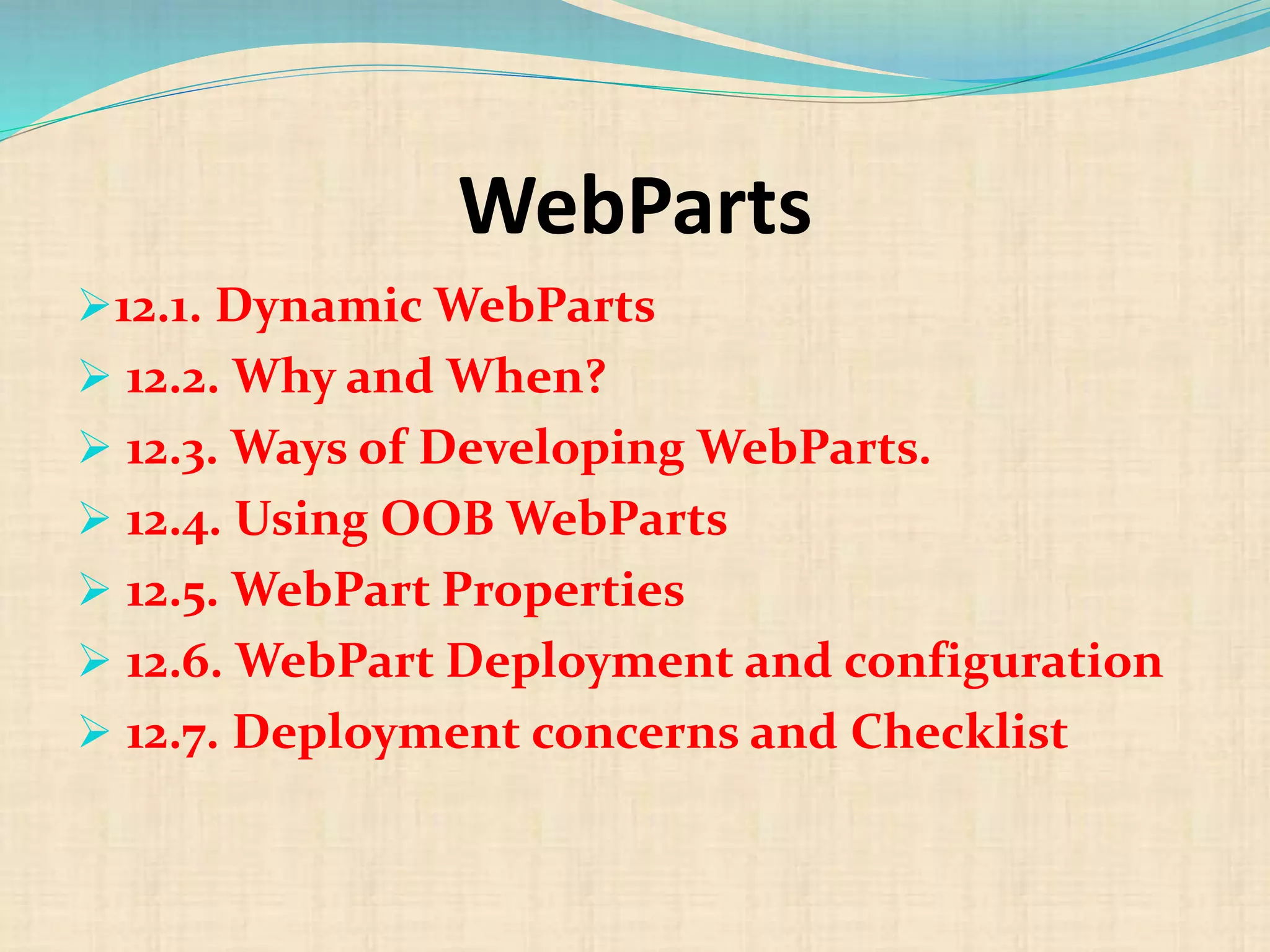
WebParts
12.1. Dynamic WebParts
 12.2. Why and When?
 12.3. Ways of Developing WebParts.
 12.4. Using OOB WebParts
 12.5. WebPart Properties
 12.6. WebPart Deployment and configuration
 12.7. Deployment concerns and Checklist
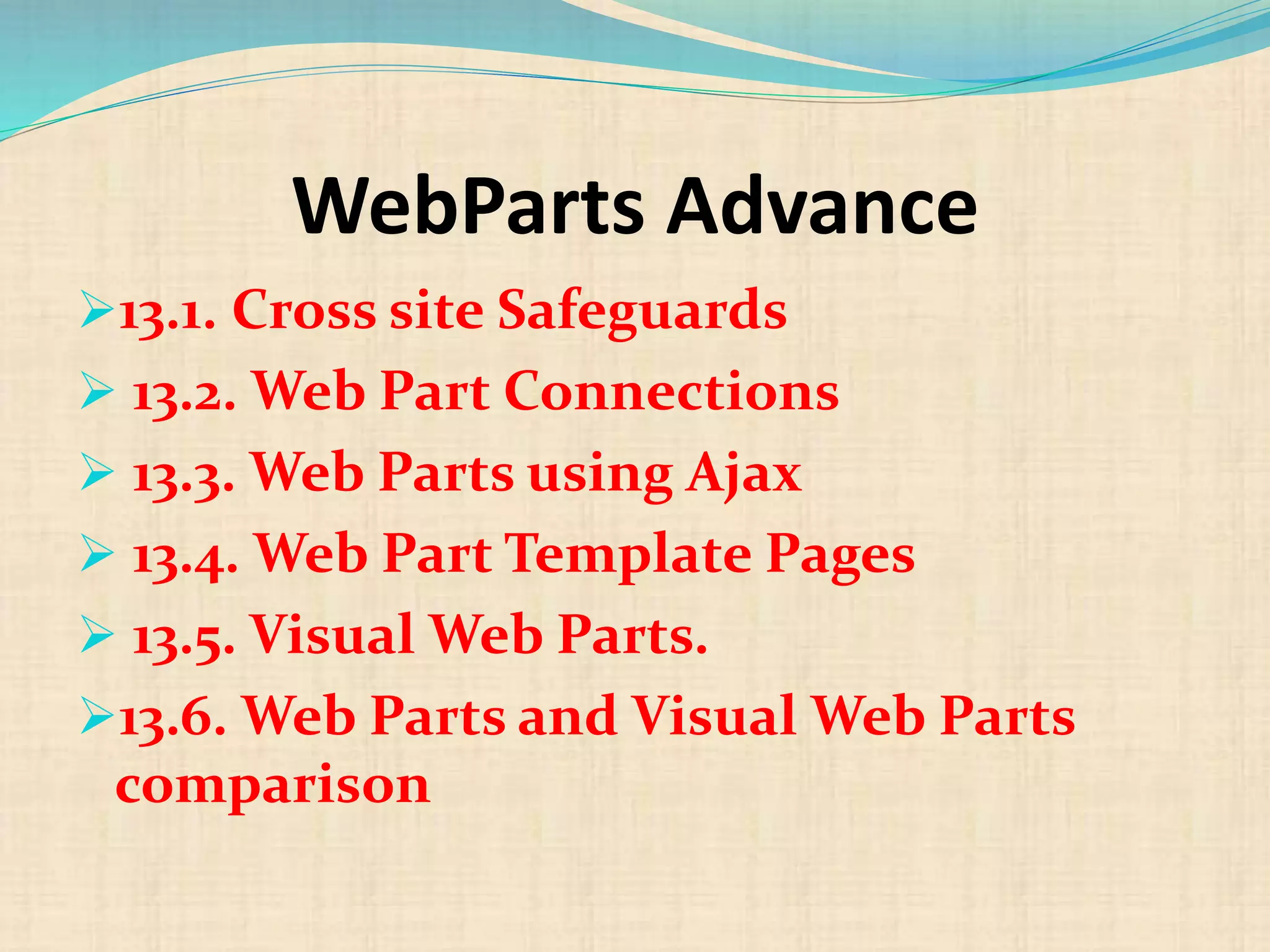
WebParts Advance
13.1. Cross site Safeguards
 13.2. Web Part Connections
 13.3. Web Parts using Ajax
 13.4. Web Part Template Pages
 13.5. Visual Web Parts.
13.6. Web Parts and Visual Web Parts
comparison
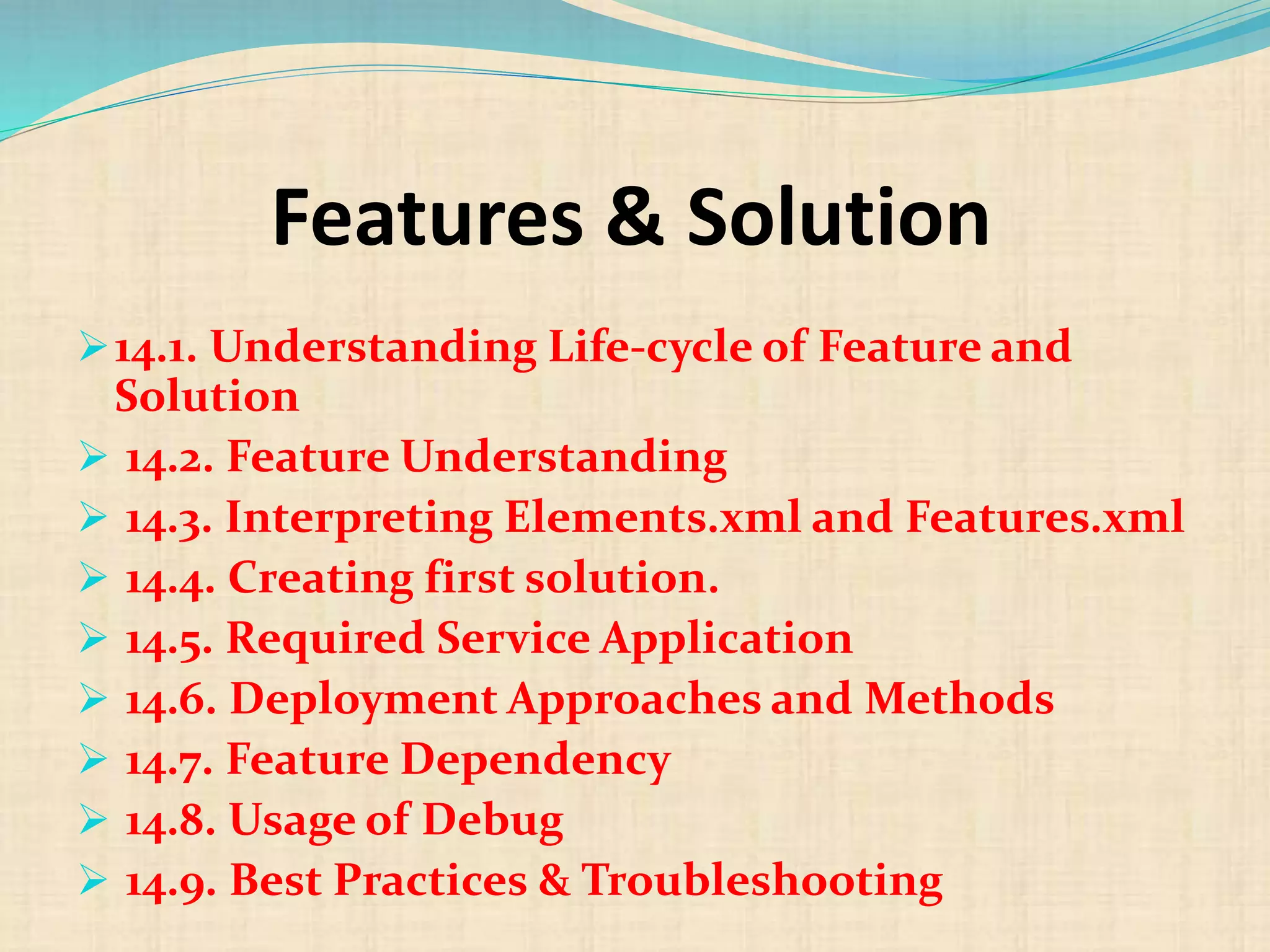
Features & Solution
14.1. Understanding Life-cycle of Feature and
Solution
 14.2. Feature Understanding
 14.3. Interpreting Elements.xml and Features.xml
 14.4. Creating first solution.
 14.5. Required Service Application
 14.6. Deployment Approaches and Methods
 14.7. Feature Dependency
 14.8. Usage of Debug
 14.9. Best Practices & Troubleshooting
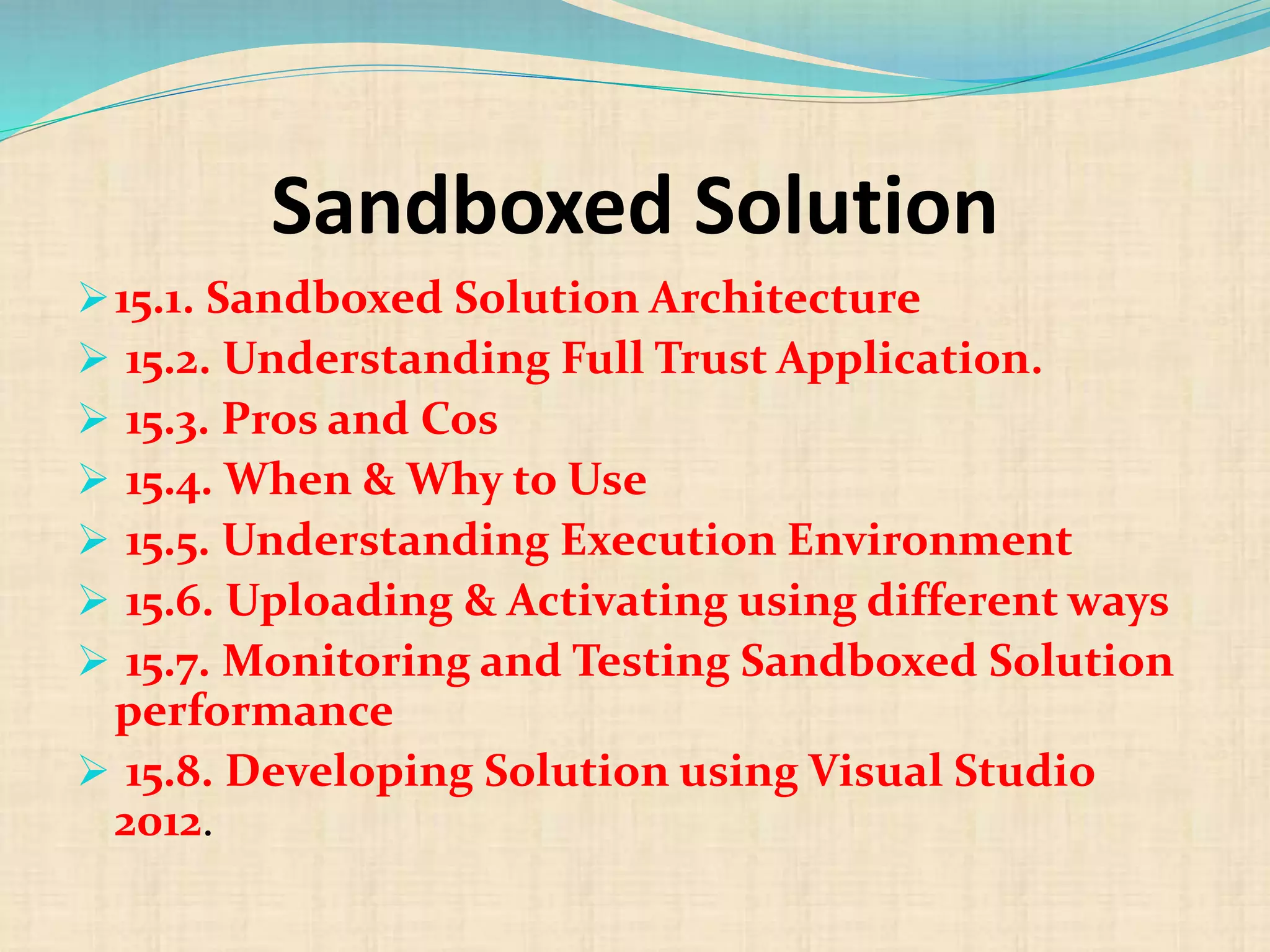
Sandboxed Solution
15.1. Sandboxed Solution Architecture
 15.2. Understanding Full Trust Application.
 15.3. Pros and Cos
 15.4. When & Why to Use
 15.5. Understanding Execution Environment
 15.6. Uploading & Activating using different ways
 15.7. Monitoring and Testing Sandboxed Solution
performance
 15.8. Developing Solution using Visual Studio
2012.
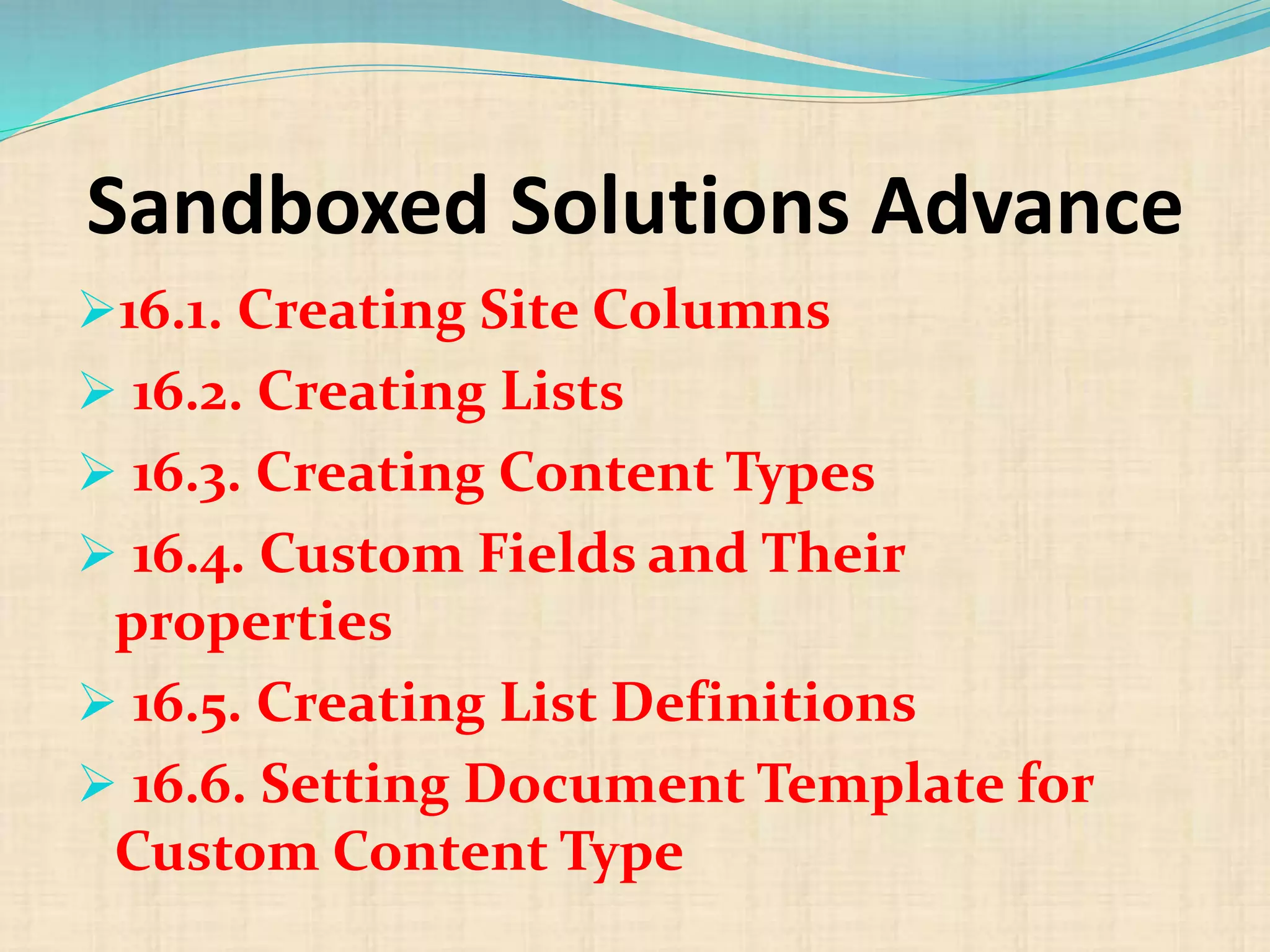
Sandboxed Solutions Advance
16.1. Creating Site Columns
 16.2. Creating Lists
 16.3. Creating Content Types
 16.4. Custom Fields and Their
properties
 16.5. Creating List Definitions
 16.6. Setting Document Template for
Custom Content Type
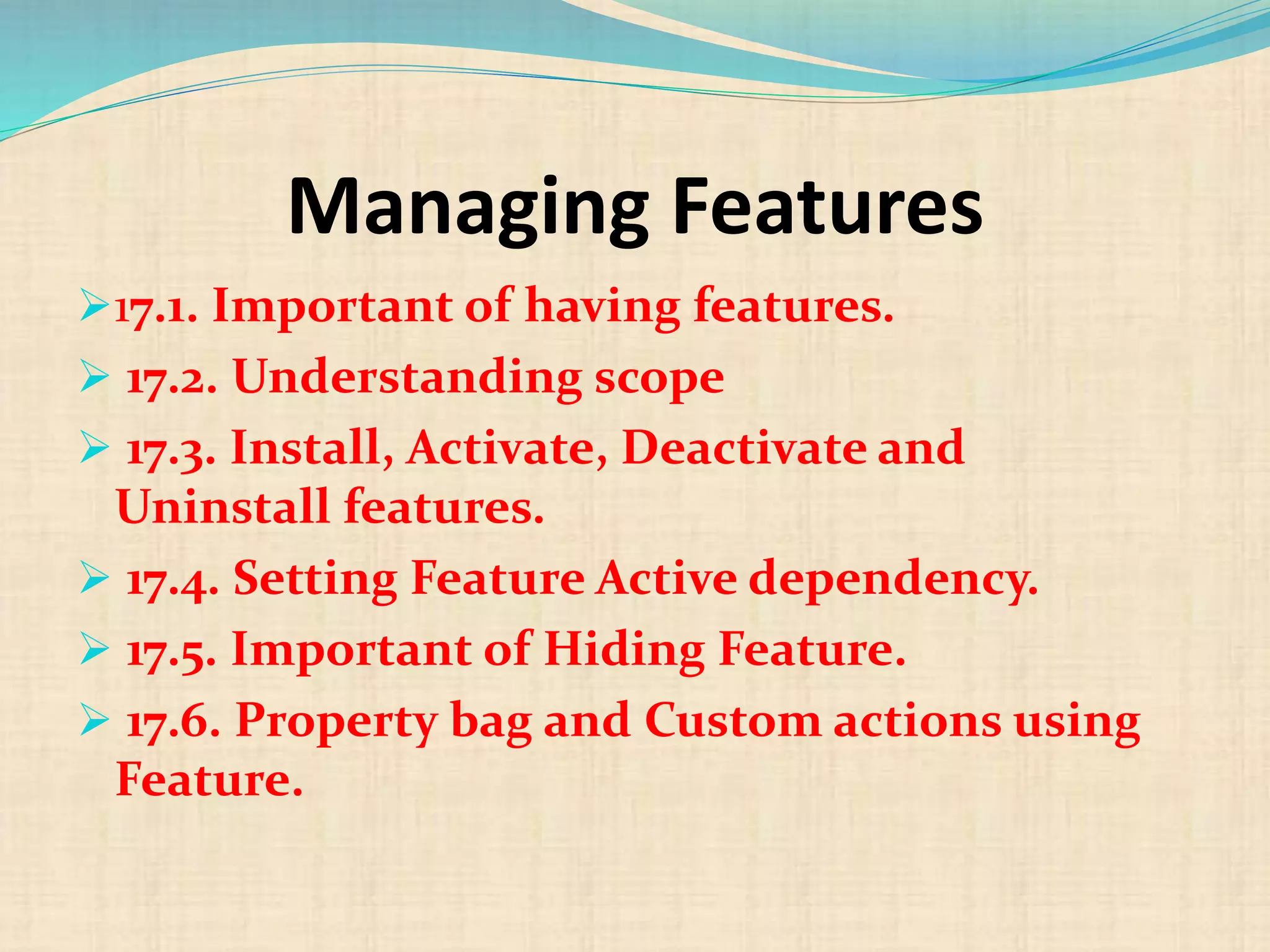
Managing Features
17.1. Important of having features.
 17.2. Understanding scope
 17.3. Install, Activate, Deactivate and
Uninstall features.
 17.4. Setting Feature Active dependency.
 17.5. Important of Hiding Feature.
 17.6. Property bag and Custom actions using
Feature.
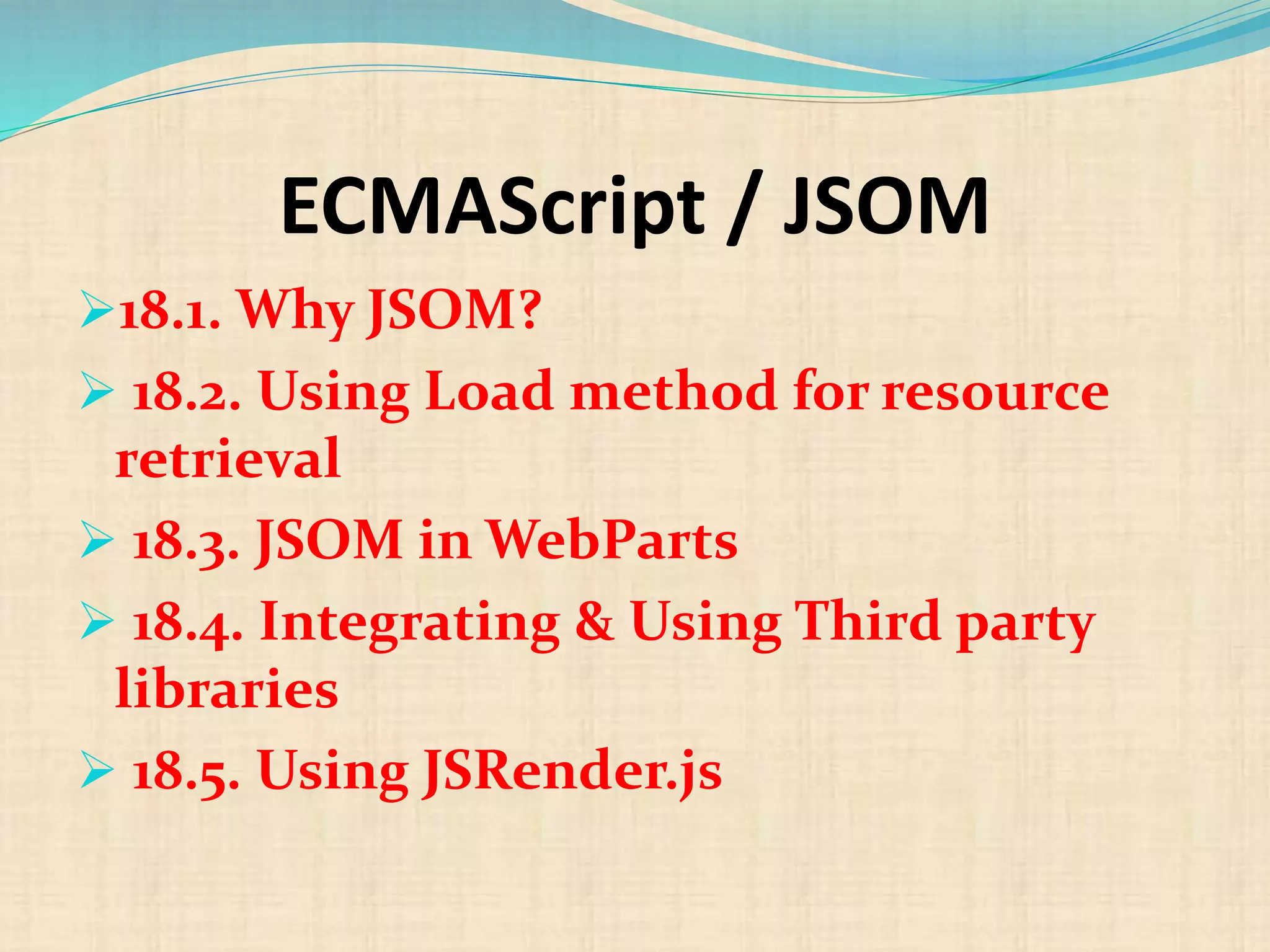
ECMAScript / JSOM
18.1. Why JSOM?
 18.2. Using Load method for resource
retrieval
 18.3. JSOM in WebParts
 18.4. Integrating & Using Third party
libraries
 18.5. Using JSRender.js
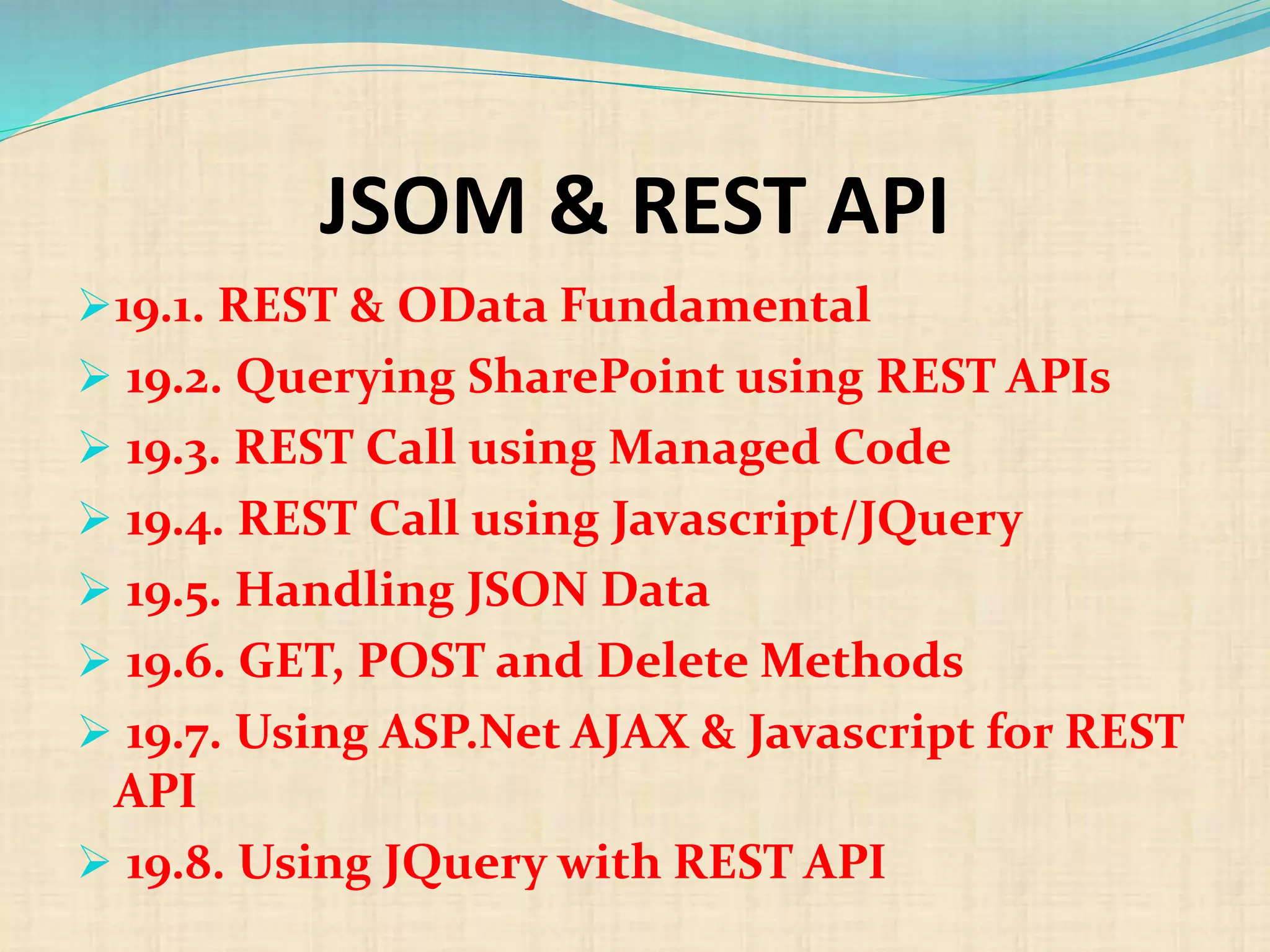
JSOM & REST API
19.1. REST & OData Fundamental
 19.2. Querying SharePoint using REST APIs
 19.3. REST Call using Managed Code
 19.4. REST Call using Javascript/JQuery
 19.5. Handling JSON Data
 19.6. GET, POST and Delete Methods
 19.7. Using ASP.Net AJAX & Javascript for REST
API
 19.8. Using JQuery with REST API
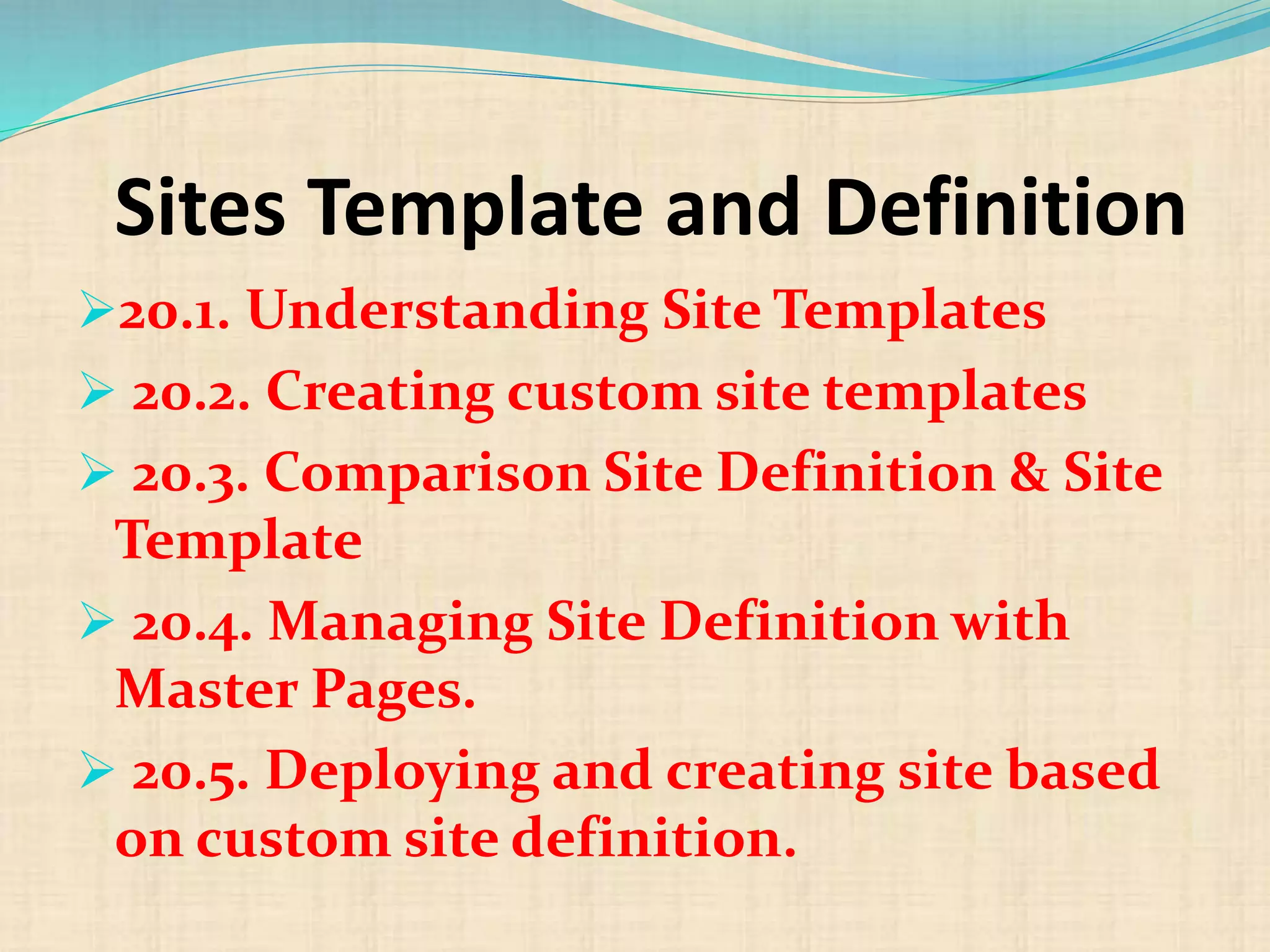
Sites Template and Definition
20.1. Understanding Site Templates
 20.2. Creating custom site templates
 20.3. Comparison Site Definition & Site
Template
 20.4. Managing Site Definition with
Master Pages.
 20.5. Deploying and creating site based
on custom site definition.
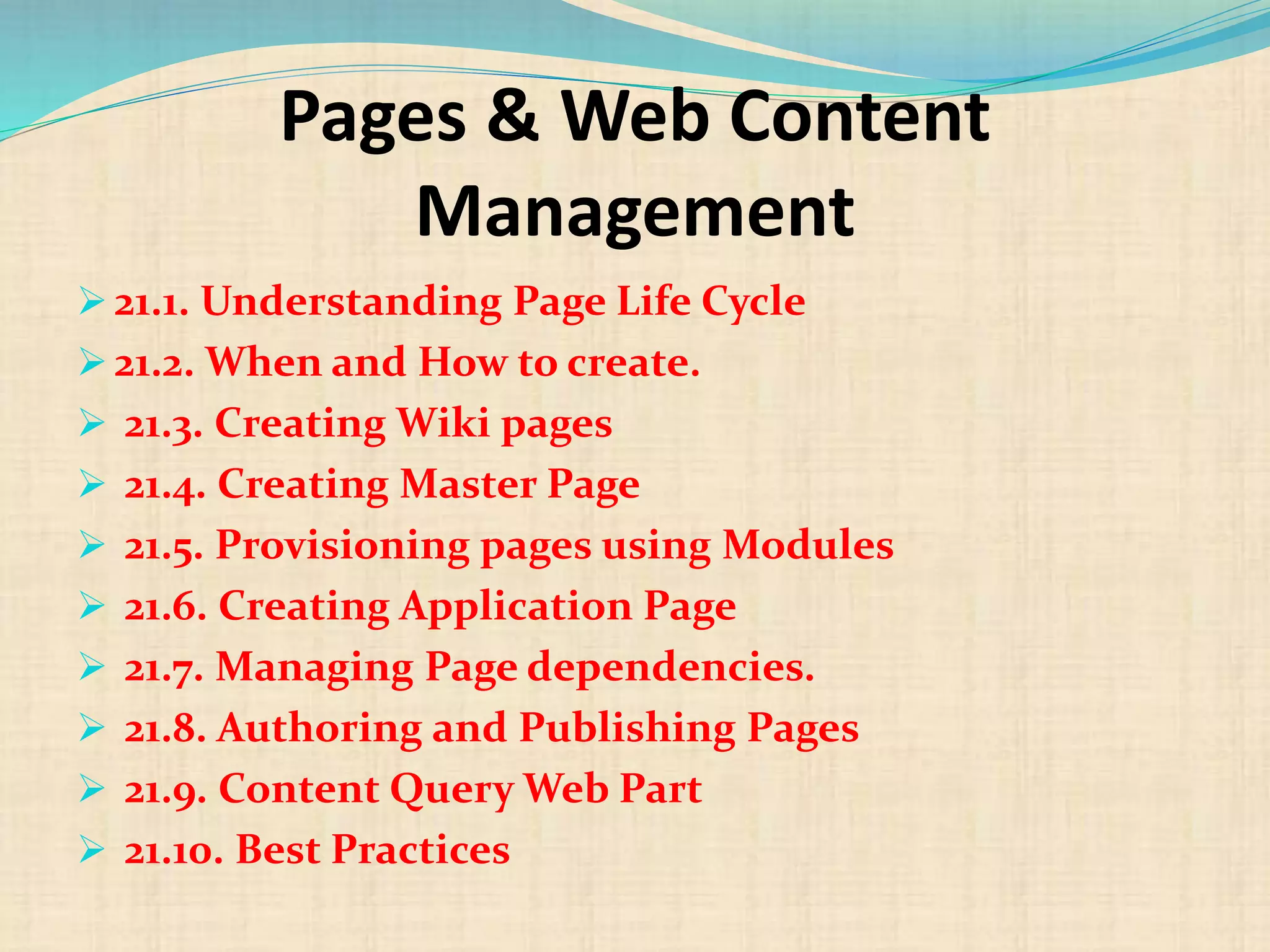
Pages & Web Content
Management
 21.1. Understanding Page Life Cycle
 21.2. When and How to create.
 21.3. Creating Wiki pages
 21.4. Creating Master Page
 21.5. Provisioning pages using Modules
 21.6. Creating Application Page
 21.7. Managing Page dependencies.
 21.8. Authoring and Publishing Pages
 21.9. Content Query Web Part
 21.10. Best Practices
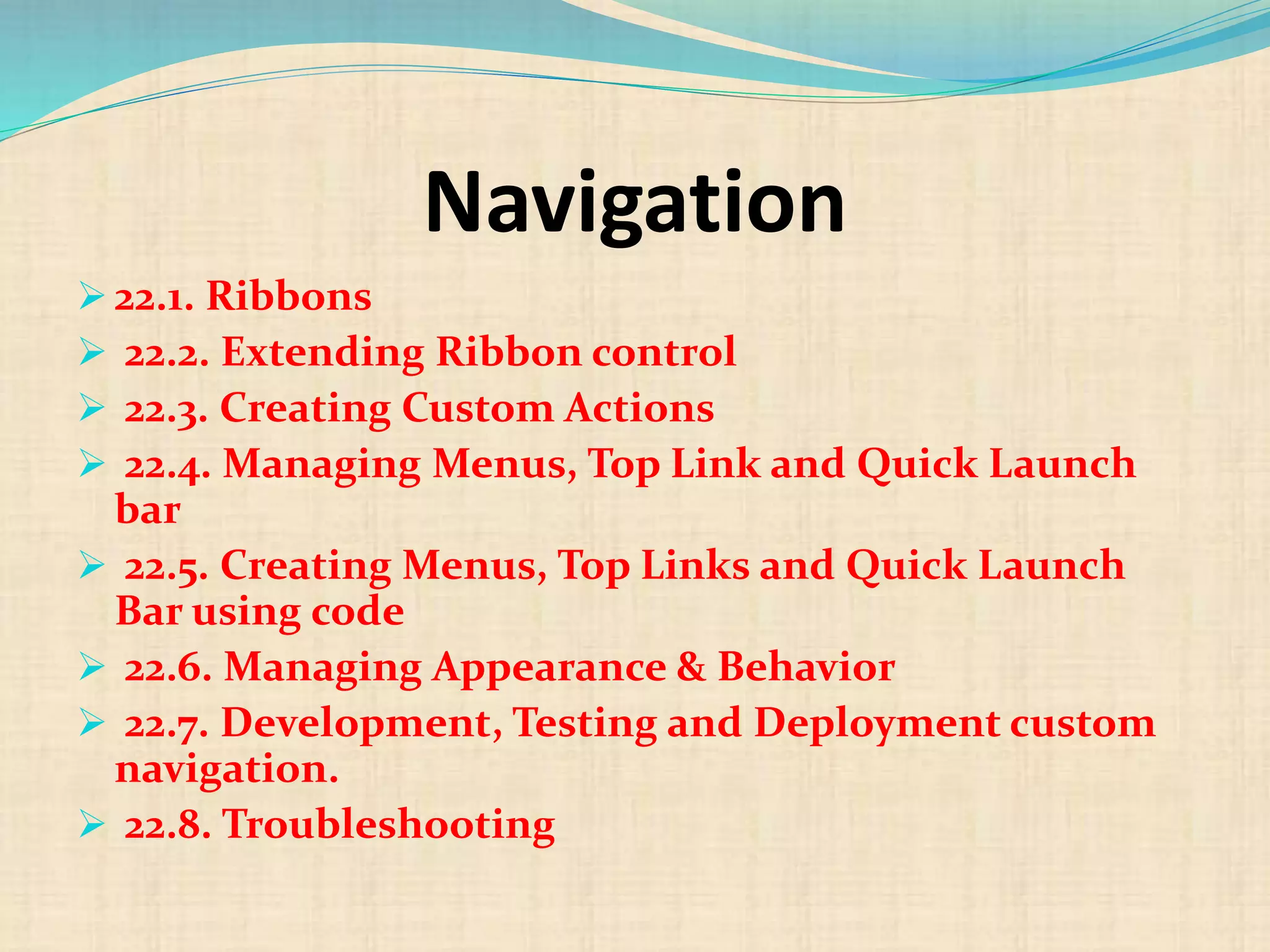
Navigation
 22.1. Ribbons
 22.2. Extending Ribbon control
 22.3. Creating Custom Actions
 22.4. Managing Menus, Top Link and Quick Launch
bar
 22.5. Creating Menus, Top Links and Quick Launch
Bar using code
 22.6. Managing Appearance & Behavior
 22.7. Development, Testing and Deployment custom
navigation.
 22.8. Troubleshooting
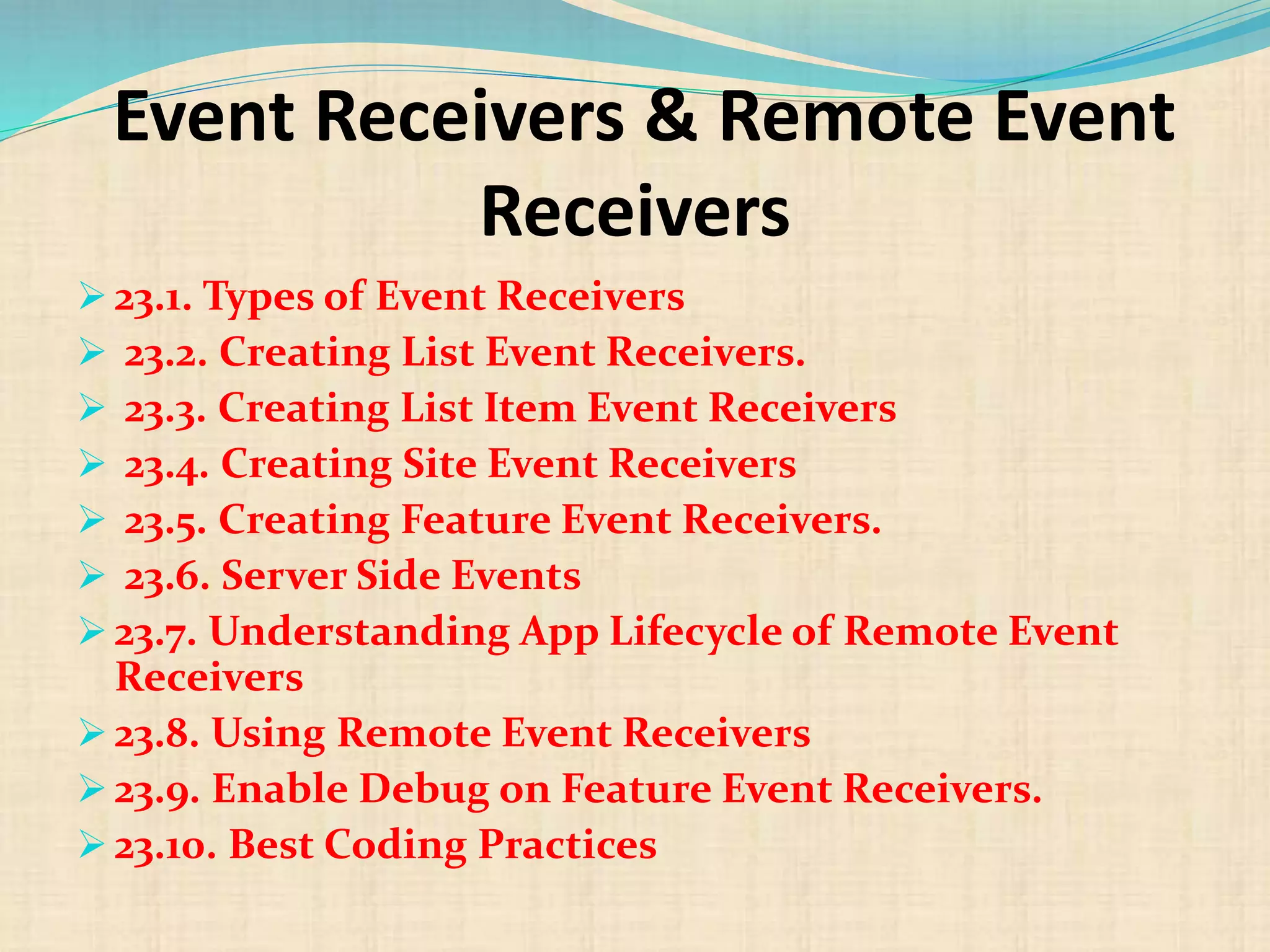
Event Receivers & Remote Event
Receivers
 23.1. Types of Event Receivers
 23.2. Creating List Event Receivers.
 23.3. Creating List Item Event Receivers
 23.4. Creating Site Event Receivers
 23.5. Creating Feature Event Receivers.
 23.6. Server Side Events
 23.7. Understanding App Lifecycle of Remote Event
Receivers
 23.8. Using Remote Event Receivers
 23.9. Enable Debug on Feature Event Receivers.
 23.10. Best Coding Practices
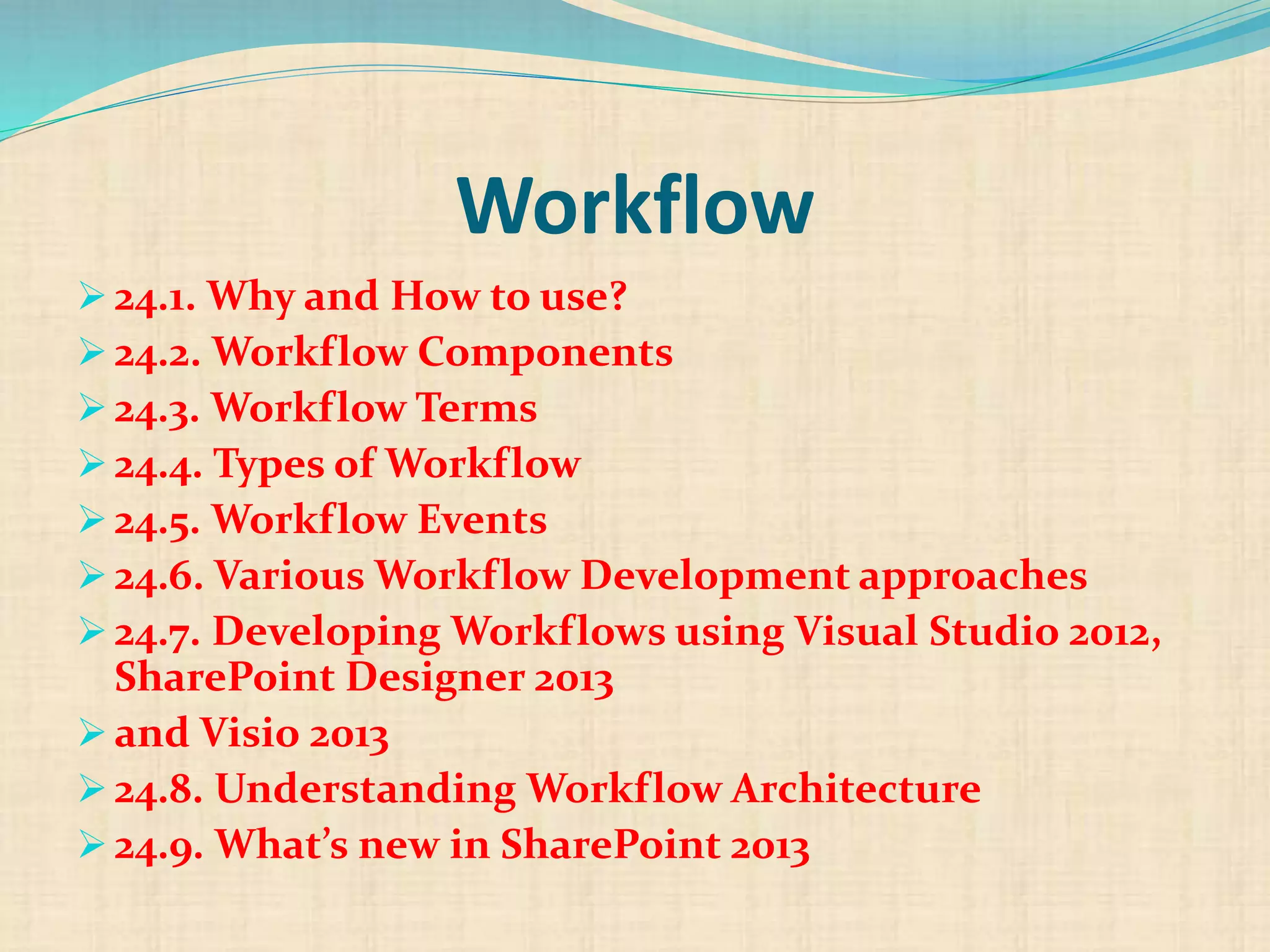
Workflow
 24.1. Why and How to use?
 24.2. Workflow Components
 24.3. Workflow Terms
 24.4. Types of Workflow
 24.5. Workflow Events
 24.6. Various Workflow Development approaches
 24.7. Developing Workflows using Visual Studio 2012,
SharePoint Designer 2013
 and Visio 2013
 24.8. Understanding Workflow Architecture
 24.9. What’s new in SharePoint 2013
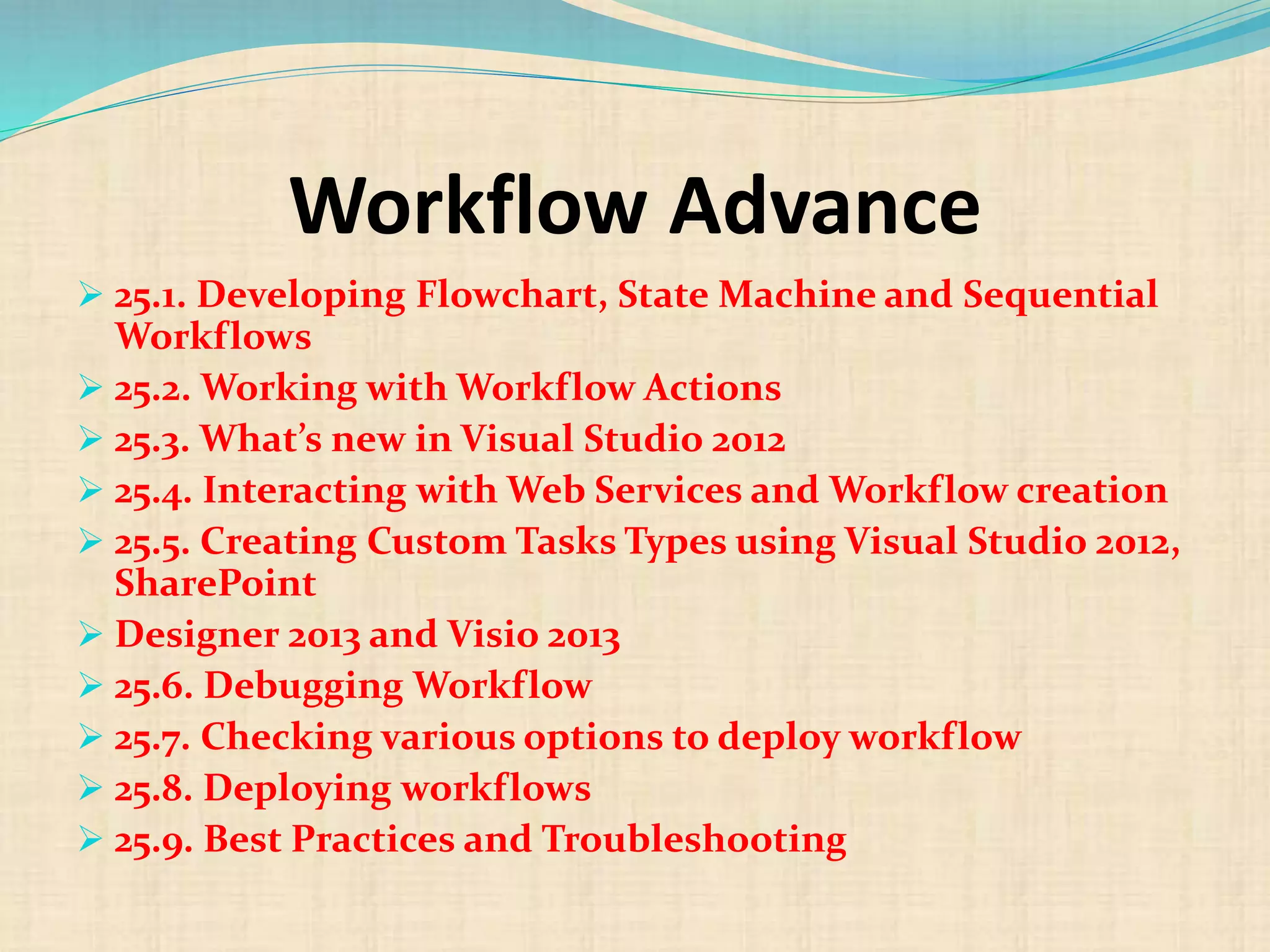
Workflow Advance
 25.1. Developing Flowchart, State Machine and Sequential
Workflows
 25.2. Working with Workflow Actions
 25.3. What’s new in Visual Studio 2012
 25.4. Interacting with Web Services and Workflow creation
 25.5. Creating Custom Tasks Types using Visual Studio 2012,
SharePoint
 Designer 2013 and Visio 2013
 25.6. Debugging Workflow
 25.7. Checking various options to deploy workflow
 25.8. Deploying workflows
 25.9. Best Practices and Troubleshooting
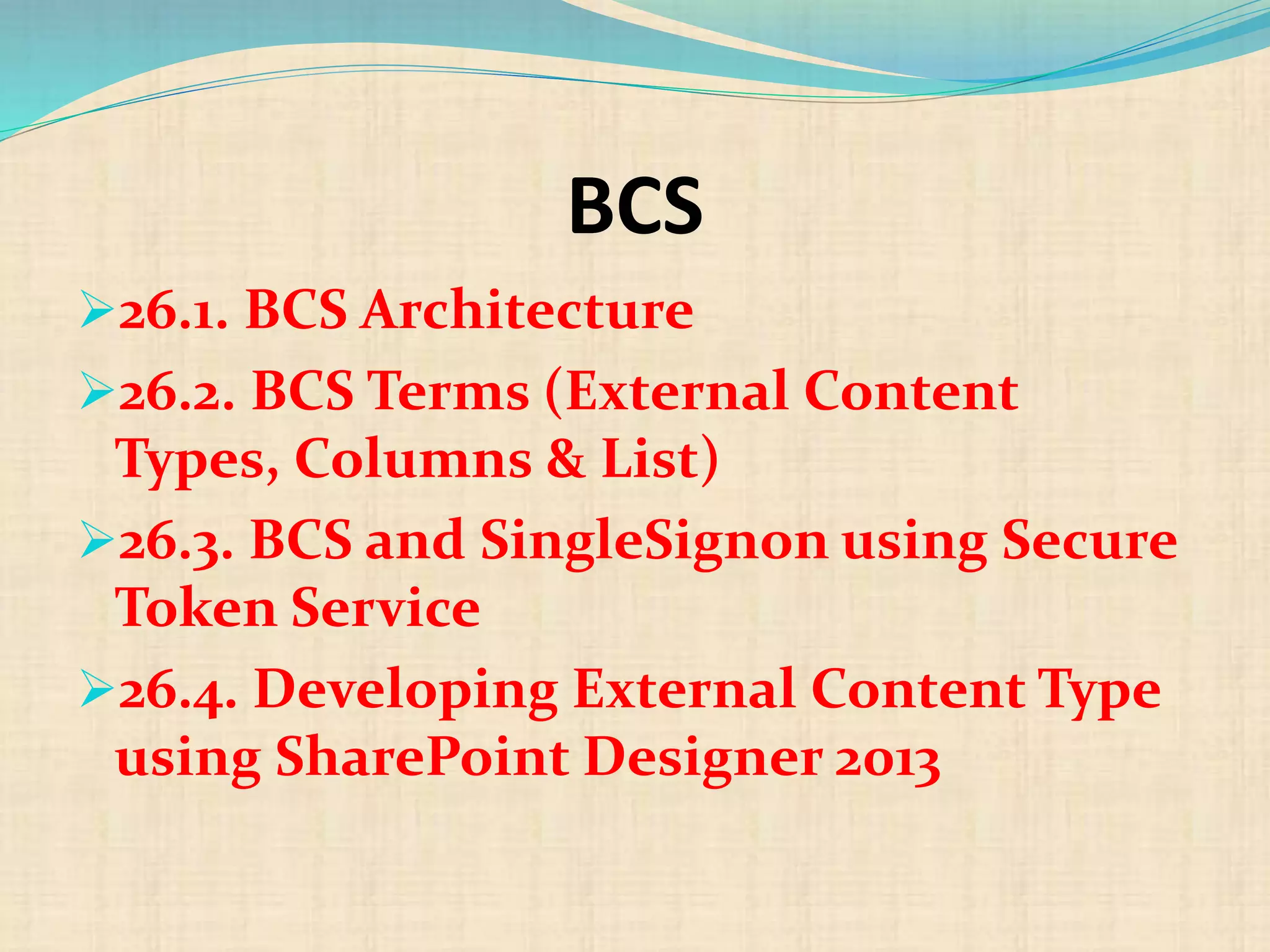
BCS
26.1. BCS Architecture
26.2. BCS Terms (External Content
Types, Columns & List)
26.3. BCS and SingleSignon using Secure
Token Service
26.4. Developing External Content Type
using SharePoint Designer 2013
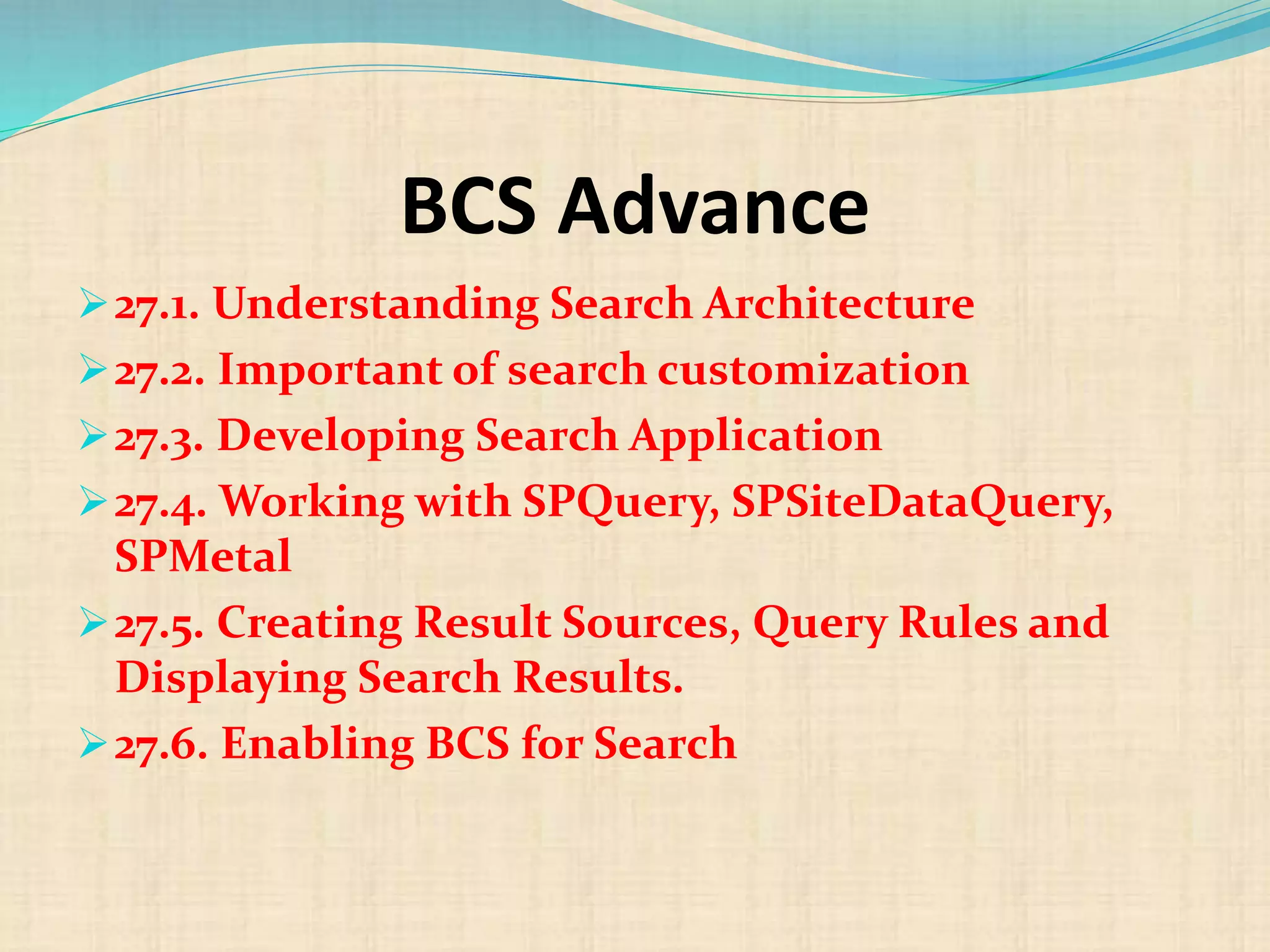
BCS Advance
27.1. Understanding Search Architecture
27.2. Important of search customization
27.3. Developing Search Application
27.4. Working with SPQuery, SPSiteDataQuery,
SPMetal
27.5. Creating Result Sources, Query Rules and
Displaying Search Results.
27.6. Enabling BCS for Search
Branding
 28.1. Designing and Publishing site
 28.2. Working with Page Layouts
 28.3. Utilizing OOB Layouts
 28.4. Configuring Site Templates
 28.5. Creating & Configuring Master Pages
 28.6. Managing Navigations
 28.7. Creating Web Part Zones for Web Parts
 29.8. Using Javascript & JQuery in pages
 28.9. Using ASP.Net Ajax Libraries
 28.10. Working with Custom Controls
Like us @
http://facebook.com/globalo
nlinetrainings

Sharepoint development 2013 course content | sharepoint 2013 course content

  • 1.
    Email: rithisha@globalonlinetrainings.com IND:+91-8121 020 444 Skype: rithisha.globalonlinetrainings USA: +1-516-8586-242 UK:+44 (0)203 371 0077 www.globalonlinetrainings.com
  • 2.
    SharePoint 2013 Development OnlineTraining Course Content Introduction to SharePoint 2013 Setting up Development Environment SharePoint Apps Model SharePoint Apps Model Advance Server Object Model Server Object Model Intermediate Server Object Model Advance
  • 3.
    Cont,  Security &Permissions  Programming with Client Side Object Model (CSOM)  CSOM Advance  Error Management  WebParts  WebParts Advance  Features & Solution
  • 4.
    Cont,  Sandboxed Solution Sandboxed Solutions Advance  Managing Features  ECMAScript / JSOM  JSOM & REST API  Sites Template and Definition  Pages & Web Content Management
  • 5.
    Cont,  Navigation  EventReceivers & Remote Event Receivers  Workflow  Workflow Advance  BCS  BCS Advance  Branding
  • 6.
    Introduction to SharePoint2013 1.1. SharePoint 2013 Platform 1.2. SharePoint Architecture 1.3. SharePoint Central Administration 1.4. Understanding SharePoint Hierarchy
  • 7.
    Setting up Development Environment 2.1.Must have development tools  2.2. Configuring Development Tools  2.3. Checklist – IIS and ASP.Net  2.4. Various Development Approaches  2.5. Configure Logging and Error settings.  2.6. Best Practices & Troubleshooting
  • 8.
    SharePoint Apps Model 3.1.Why Apps?  3.2. Environment required for App Development  3.3. Understanding Apps Model  3.4. Type of Apps  3.5. Working with Developer Sites  3.6. Writing and Deploying Apps using NAPA
  • 9.
    SharePoint Apps ModelAdvance  4.1. Developing Provider Hosted Apps for SharePoint Online / Office 365  4.2. Apps Template in Visual Studio 2012  4.3. Studying with Mainfest & App files  4.4. Apps Authentications  4.5. Developing SharePoint Hosted Apps
  • 10.
    Server Object Model 5.1. Why and When to use?  5.2. Pros &Cos of using SOM  5.3. Creating first LIST Programmatically.  5.4. Reading records from various sources and inserting in LIST  5.5. Reading & Updating and Deleting Items from LIST  5.6. Delete LIST Instance  5.7. Best Coding Practice & Memory Management
  • 11.
    Server Object ModelIntermediate  6.1. Using LINQ to SharePoint : Read, Update and Delete Items from LIST  6.2. Using CAML : Read, Update and Delete Items from LIST  6.3. Using CAML Third Party Tools  6.4. Login using different user Programmatically  6.5. Populate Servers, Service Applications, Web Application using SOM  6.6. Configure and Creating Site Collections  6.7. Add/Remove List Columns  6.8. Managing Sub-sites  6.9. Manage Quick Launch
  • 12.
    Server Object ModelAdvance 7.1. Working with SOM Core Objects (SPFarm, SPService, SPWebApplication, SPSite, SPWeb)  7.2. Recycling  7.3. Working with List Definition  7.4. Working with Library and Uploading documents using code  7.5. Creating Views, Validations and Fields  7.6. Managing Content Type Programmatically
  • 13.
    Security & Permissions 8.1.Understanding how permission works?  8.2. Groups and Permission Levels  8.3. Using SPUser, SPGroup, SPRoleDefinitation and Assignment classes
  • 14.
    Programming with ClientSide Object Model (CSOM) 9.1. Why and When to use?  9.2. Pros & Cos of using CSOM  9.3. What you can do with CSOM?  9.4. ClientContext object (Managed Code)  9.5. Understanding SharePoint Service calls  9.6. Load Methods  9.7. Using Include and Nested Include  9.8. Execute and ExecuteQuery Methods  9.9. Making Async calls.
  • 15.
    CSOM Advance 10.1. ManagingList.  10.2. Managing List Items.  10.3. Managing SiteColumns and Fields.  10.4. Managing Sites  10.5. Best Practices and Real time scenarios.
  • 16.
    Error Management 11.1. UnderstandingScope Exceptions  11.2. Try, Catch and Finally Scope  11.3. Managing Object Lifetime  11.4. Understanding Client Service calls on using Scope Exception
  • 17.
    WebParts 12.1. Dynamic WebParts 12.2. Why and When?  12.3. Ways of Developing WebParts.  12.4. Using OOB WebParts  12.5. WebPart Properties  12.6. WebPart Deployment and configuration  12.7. Deployment concerns and Checklist
  • 18.
    WebParts Advance 13.1. Crosssite Safeguards  13.2. Web Part Connections  13.3. Web Parts using Ajax  13.4. Web Part Template Pages  13.5. Visual Web Parts. 13.6. Web Parts and Visual Web Parts comparison
  • 19.
    Features & Solution 14.1.Understanding Life-cycle of Feature and Solution  14.2. Feature Understanding  14.3. Interpreting Elements.xml and Features.xml  14.4. Creating first solution.  14.5. Required Service Application  14.6. Deployment Approaches and Methods  14.7. Feature Dependency  14.8. Usage of Debug  14.9. Best Practices & Troubleshooting
  • 20.
    Sandboxed Solution 15.1. SandboxedSolution Architecture  15.2. Understanding Full Trust Application.  15.3. Pros and Cos  15.4. When & Why to Use  15.5. Understanding Execution Environment  15.6. Uploading & Activating using different ways  15.7. Monitoring and Testing Sandboxed Solution performance  15.8. Developing Solution using Visual Studio 2012.
  • 21.
    Sandboxed Solutions Advance 16.1.Creating Site Columns  16.2. Creating Lists  16.3. Creating Content Types  16.4. Custom Fields and Their properties  16.5. Creating List Definitions  16.6. Setting Document Template for Custom Content Type
  • 22.
    Managing Features 17.1. Importantof having features.  17.2. Understanding scope  17.3. Install, Activate, Deactivate and Uninstall features.  17.4. Setting Feature Active dependency.  17.5. Important of Hiding Feature.  17.6. Property bag and Custom actions using Feature.
  • 23.
    ECMAScript / JSOM 18.1.Why JSOM?  18.2. Using Load method for resource retrieval  18.3. JSOM in WebParts  18.4. Integrating & Using Third party libraries  18.5. Using JSRender.js
  • 24.
    JSOM & RESTAPI 19.1. REST & OData Fundamental  19.2. Querying SharePoint using REST APIs  19.3. REST Call using Managed Code  19.4. REST Call using Javascript/JQuery  19.5. Handling JSON Data  19.6. GET, POST and Delete Methods  19.7. Using ASP.Net AJAX & Javascript for REST API  19.8. Using JQuery with REST API
  • 25.
    Sites Template andDefinition 20.1. Understanding Site Templates  20.2. Creating custom site templates  20.3. Comparison Site Definition & Site Template  20.4. Managing Site Definition with Master Pages.  20.5. Deploying and creating site based on custom site definition.
  • 26.
    Pages & WebContent Management  21.1. Understanding Page Life Cycle  21.2. When and How to create.  21.3. Creating Wiki pages  21.4. Creating Master Page  21.5. Provisioning pages using Modules  21.6. Creating Application Page  21.7. Managing Page dependencies.  21.8. Authoring and Publishing Pages  21.9. Content Query Web Part  21.10. Best Practices
  • 27.
    Navigation  22.1. Ribbons 22.2. Extending Ribbon control  22.3. Creating Custom Actions  22.4. Managing Menus, Top Link and Quick Launch bar  22.5. Creating Menus, Top Links and Quick Launch Bar using code  22.6. Managing Appearance & Behavior  22.7. Development, Testing and Deployment custom navigation.  22.8. Troubleshooting
  • 28.
    Event Receivers &Remote Event Receivers  23.1. Types of Event Receivers  23.2. Creating List Event Receivers.  23.3. Creating List Item Event Receivers  23.4. Creating Site Event Receivers  23.5. Creating Feature Event Receivers.  23.6. Server Side Events  23.7. Understanding App Lifecycle of Remote Event Receivers  23.8. Using Remote Event Receivers  23.9. Enable Debug on Feature Event Receivers.  23.10. Best Coding Practices
  • 29.
    Workflow  24.1. Whyand How to use?  24.2. Workflow Components  24.3. Workflow Terms  24.4. Types of Workflow  24.5. Workflow Events  24.6. Various Workflow Development approaches  24.7. Developing Workflows using Visual Studio 2012, SharePoint Designer 2013  and Visio 2013  24.8. Understanding Workflow Architecture  24.9. What’s new in SharePoint 2013
  • 30.
    Workflow Advance  25.1.Developing Flowchart, State Machine and Sequential Workflows  25.2. Working with Workflow Actions  25.3. What’s new in Visual Studio 2012  25.4. Interacting with Web Services and Workflow creation  25.5. Creating Custom Tasks Types using Visual Studio 2012, SharePoint  Designer 2013 and Visio 2013  25.6. Debugging Workflow  25.7. Checking various options to deploy workflow  25.8. Deploying workflows  25.9. Best Practices and Troubleshooting
  • 31.
    BCS 26.1. BCS Architecture 26.2.BCS Terms (External Content Types, Columns & List) 26.3. BCS and SingleSignon using Secure Token Service 26.4. Developing External Content Type using SharePoint Designer 2013
  • 32.
    BCS Advance 27.1. UnderstandingSearch Architecture 27.2. Important of search customization 27.3. Developing Search Application 27.4. Working with SPQuery, SPSiteDataQuery, SPMetal 27.5. Creating Result Sources, Query Rules and Displaying Search Results. 27.6. Enabling BCS for Search
  • 33.
    Branding  28.1. Designingand Publishing site  28.2. Working with Page Layouts  28.3. Utilizing OOB Layouts  28.4. Configuring Site Templates  28.5. Creating & Configuring Master Pages  28.6. Managing Navigations  28.7. Creating Web Part Zones for Web Parts  29.8. Using Javascript & JQuery in pages  28.9. Using ASP.Net Ajax Libraries  28.10. Working with Custom Controls
  • 34.