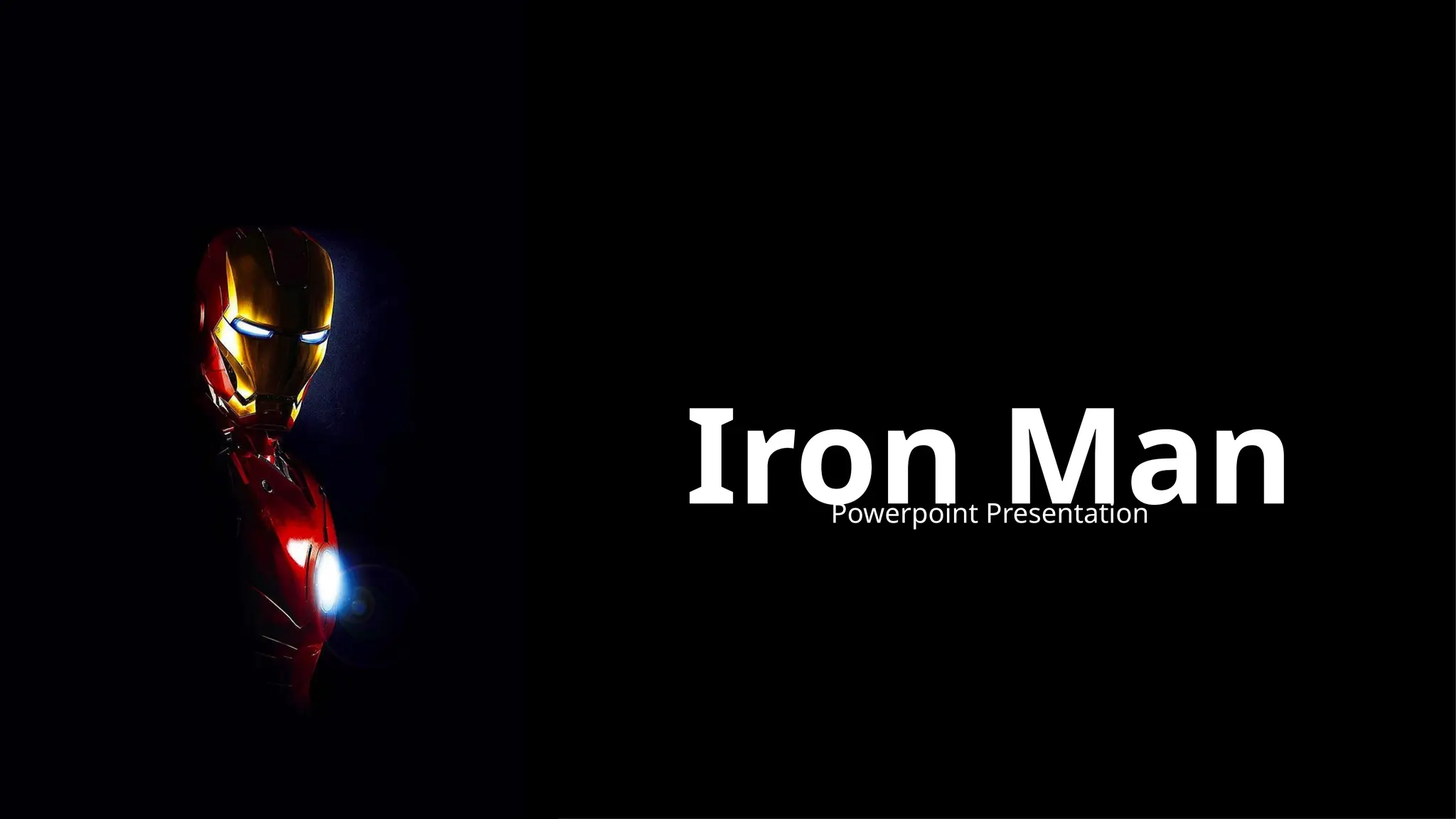
Iron Man
Powerpoint Presentation
The Iron Man
Iron Man, the iconic superhero created by Marvel, is the
alter ego of Tony Stark, a brilliant billionaire inventor,
and a symbol of technological innovation and heroic
transformation.
Tony Stark: The Man Behind
the Suit
Tony Stark, the charismatic genius and billionaire
playboy, is the driving force behind the Iron Man suit,
using his intellect and resources to protect the world as
a superhero.
The Iron Man Suit
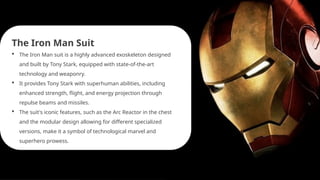
 The Iron Man suit is a highly advanced exoskeleton designed
and built by Tony Stark, equipped with state-of-the-art
technology and weaponry.
 It provides Tony Stark with superhuman abilities, including
enhanced strength, flight, and energy projection through
repulse beams and missiles.
 The suit's iconic features, such as the Arc Reactor in the chest
and the modular design allowing for different specialized
versions, make it a symbol of technological marvel and
superhero prowess.
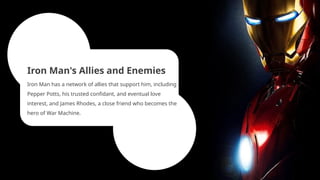
Iron Man's Allies and Enemies
Iron Man has a network of allies that support him, including
Pepper Potts, his trusted confidant, and eventual love
interest, and James Rhodes, a close friend who becomes the
hero of War Machine.
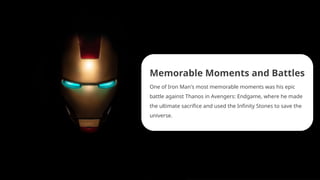
Memorable Moments and Battles
One of Iron Man's most memorable moments was his epic
battle against Thanos in Avengers: Endgame, where he made
the ultimate sacrifice and used the Infinity Stones to save the
universe.
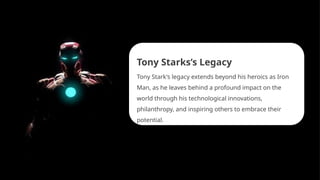
Tony Starks’s Legacy
Tony Stark's legacy extends beyond his heroics as Iron
Man, as he leaves behind a profound impact on the
world through his technological innovations,
philanthropy, and inspiring others to embrace their
potential.
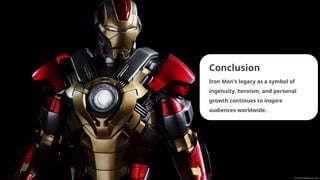
Conclusion
Iron Man's legacy as a symbol of
ingenuity, heroism, and personal
growth continues to inspire
audiences worldwide.
Icons
Icons
How To Edit Shapes
You can add and edit some shapes to your presentation to present your data in a visual way.
• Choose your favourite infographic and insert it in your presentation using Ctrl C + Ctrl V or
Cmd C + Cmd V in Mac.
• Select one of the parts and ungroup it by right-clicking and choosing “Ungroup”.
• Change the color by clicking on the paint bucket.
• Then resize the element by clicking and dragging one of the square-shaped points of its
bounding box (the cursor should look like a double-headed arrow). Remember to hold Shift
while dragging to keep the proportions.
• Group the elements again by selecting them, right-clicking and choosing “Group”.
• Repeat the steps above with the other parts and when you’re done editing, copy the end
result and paste it into your presentation.
• Remember to choose the “Keep source formatting” option so that it keeps the design. For
more info, please visit Slideegg (Tips & Tricks).
Terms Of Use (Free Users)
If you are a free subscriber, you should credit SlideEgg by keeping the “Thank You” slide.
Kindly refer to the following slide for the Terms of Use for premium users.
You can:
• Customize or edit this template
• Use this template for both business and personal endeavors.
You can not:
• Sell, rent, or second-license SlideEgg content or its altered version.
Promulgate, unless explicitly permitted, SlideEgg content, by SlideEgg.
• Incorporate SlideEgg content in any database or file online or offline.
• Obtain SlideEgg content’s copyright.
Kindly refer to our Tutorial page or FAQ for advanced slide modification guidelines.
Terms Of Use (Premium Users)
Being a premium subscriber, you have the privilege of using this PPT template
without giving attribution to SlideEgg or keeping the “Thank You” slide.
You can:
• Customize or edit this template.
• Use this template for both business and personal endeavors.
• Circulate or share the editable format of this template with anyone you want.
You can not:
• Sell, rent or second-license SlideEgg content or the altered version of it.
Promulgate or include the templates in any other services database
• that performs as distribution or resale platform, unless explicitly permitted, by SlideEgg.
• Incorporate the elements used in SlideEgg’s templates separately.
• Obtain SlideEgg’s copyright for the elements used in this template as a logo or trademark.
Kindly refer to our Tutorial page or FAQ for advanced slide modification guidelines.
www.slideegg.com
Thank You!
We respect your valuable time with SlideEgg!
If you have any questions, please reach us
CREDIT: SlideEgg created this PowerPoint template.
Let this slide be kept for attribution.
Do you have a design request, please visit our redesign page.

SlideEgg_87961-Iron Man Google Slides Theme.pptx

  • 1.
  • 2.
    The Iron Man IronMan, the iconic superhero created by Marvel, is the alter ego of Tony Stark, a brilliant billionaire inventor, and a symbol of technological innovation and heroic transformation.
  • 3.
    Tony Stark: TheMan Behind the Suit Tony Stark, the charismatic genius and billionaire playboy, is the driving force behind the Iron Man suit, using his intellect and resources to protect the world as a superhero.
  • 4.
    The Iron ManSuit  The Iron Man suit is a highly advanced exoskeleton designed and built by Tony Stark, equipped with state-of-the-art technology and weaponry.  It provides Tony Stark with superhuman abilities, including enhanced strength, flight, and energy projection through repulse beams and missiles.  The suit's iconic features, such as the Arc Reactor in the chest and the modular design allowing for different specialized versions, make it a symbol of technological marvel and superhero prowess.
  • 5.
    Iron Man's Alliesand Enemies Iron Man has a network of allies that support him, including Pepper Potts, his trusted confidant, and eventual love interest, and James Rhodes, a close friend who becomes the hero of War Machine.
  • 6.
    Memorable Moments andBattles One of Iron Man's most memorable moments was his epic battle against Thanos in Avengers: Endgame, where he made the ultimate sacrifice and used the Infinity Stones to save the universe.
  • 7.
    Tony Starks’s Legacy TonyStark's legacy extends beyond his heroics as Iron Man, as he leaves behind a profound impact on the world through his technological innovations, philanthropy, and inspiring others to embrace their potential.
  • 8.
    Conclusion Iron Man's legacyas a symbol of ingenuity, heroism, and personal growth continues to inspire audiences worldwide.
  • 9.
  • 10.
  • 11.
    How To EditShapes You can add and edit some shapes to your presentation to present your data in a visual way. • Choose your favourite infographic and insert it in your presentation using Ctrl C + Ctrl V or Cmd C + Cmd V in Mac. • Select one of the parts and ungroup it by right-clicking and choosing “Ungroup”. • Change the color by clicking on the paint bucket. • Then resize the element by clicking and dragging one of the square-shaped points of its bounding box (the cursor should look like a double-headed arrow). Remember to hold Shift while dragging to keep the proportions. • Group the elements again by selecting them, right-clicking and choosing “Group”. • Repeat the steps above with the other parts and when you’re done editing, copy the end result and paste it into your presentation. • Remember to choose the “Keep source formatting” option so that it keeps the design. For more info, please visit Slideegg (Tips & Tricks).
  • 12.
    Terms Of Use(Free Users) If you are a free subscriber, you should credit SlideEgg by keeping the “Thank You” slide. Kindly refer to the following slide for the Terms of Use for premium users. You can: • Customize or edit this template • Use this template for both business and personal endeavors. You can not: • Sell, rent, or second-license SlideEgg content or its altered version. Promulgate, unless explicitly permitted, SlideEgg content, by SlideEgg. • Incorporate SlideEgg content in any database or file online or offline. • Obtain SlideEgg content’s copyright. Kindly refer to our Tutorial page or FAQ for advanced slide modification guidelines.
  • 13.
    Terms Of Use(Premium Users) Being a premium subscriber, you have the privilege of using this PPT template without giving attribution to SlideEgg or keeping the “Thank You” slide. You can: • Customize or edit this template. • Use this template for both business and personal endeavors. • Circulate or share the editable format of this template with anyone you want. You can not: • Sell, rent or second-license SlideEgg content or the altered version of it. Promulgate or include the templates in any other services database • that performs as distribution or resale platform, unless explicitly permitted, by SlideEgg. • Incorporate the elements used in SlideEgg’s templates separately. • Obtain SlideEgg’s copyright for the elements used in this template as a logo or trademark. Kindly refer to our Tutorial page or FAQ for advanced slide modification guidelines.
  • 14.
    www.slideegg.com Thank You! We respectyour valuable time with SlideEgg! If you have any questions, please reach us CREDIT: SlideEgg created this PowerPoint template. Let this slide be kept for attribution. Do you have a design request, please visit our redesign page.