Myers Briggs TypeIndicator
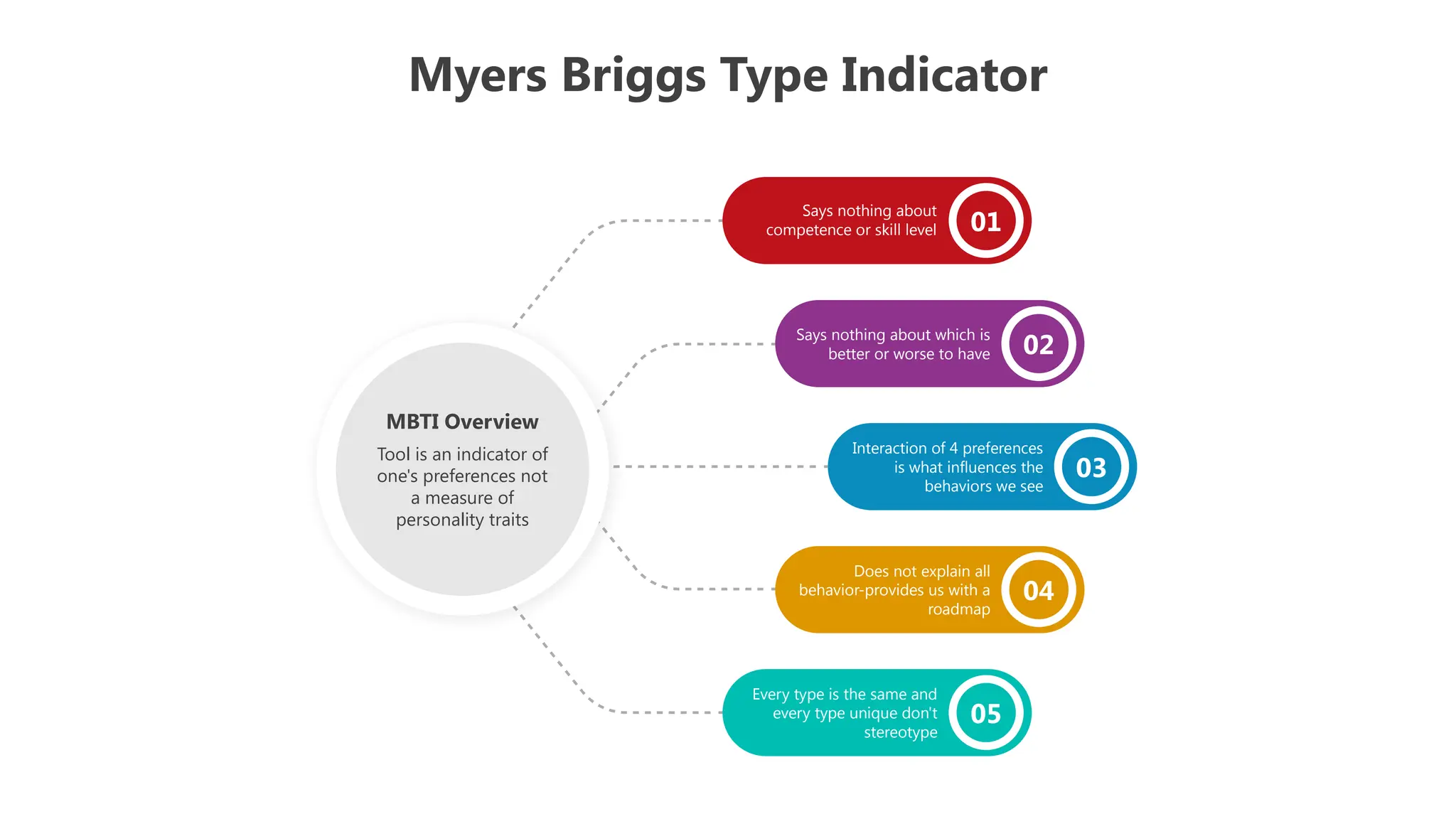
Says nothing about
competence or skill level
Says nothing about which is
better or worse to have
Interaction of 4 preferences
is what influences the
behaviors we see
Does not explain all
behavior-provides us with a
roadmap
Every type is the same and
every type unique don't
stereotype
01
02
03
04
05
MBTI Overview
Tool is an indicator of
one's preferences not
a measure of
personality traits
Myers Briggs
Type Indicator
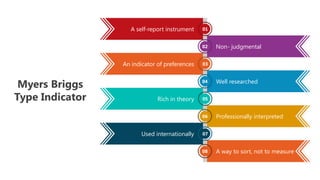
Aself-report instrument
An indicator of preferences
Rich in theory
Used internationally
A way to sort, not to measure
Professionally interpreted
Well researched
Non- judgmental
01
02
03
04
05
06
07
08
4.
Myers Briggs TypeIndicator
Myers Briggs Type Indicator
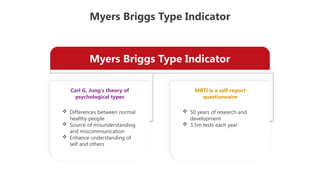
Carl G. Jung's theory of
psychological types
MBTI is a self-report
questionnaire
Differences between normal
healthy people
Source of misunderstanding
and miscommunication
Enhance understanding of
self and others
50 years of research and
development
3.5m tests each year
5.
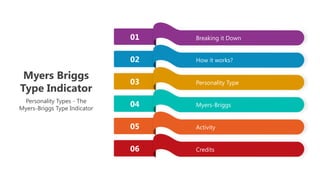
Breaking it Down
Howit works?
Personality Type
Myers-Briggs
Activity
Credits
01
02
03
04
05
06
Myers Briggs
Type Indicator
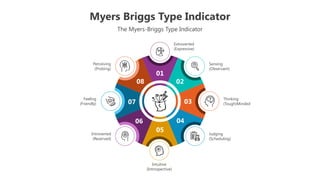
Personality Types - The
Myers-Briggs Type Indicator
6.
Myers Briggs TypeIndicator
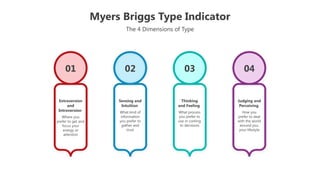
The 4 Dimensions of Type
Extraversion
and
Introversion
Where you
prefer to get and
focus your
energy or
attention
01
Sensing and
Intuition
What kind of
information
you prefer to
gather and
trust
02
Thinking
and Feeling
What process
you prefer to
use in coming
to decisions
03
Judging and
Perceiving
How you
prefer to deal
with the world
around you,
your lifestyle
04
7.
Myers Briggs TypeIndicator
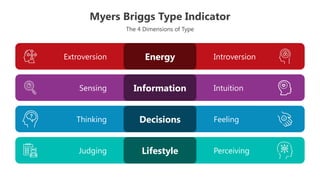
The 4 Dimensions of Type
Introversion
Extroversion Energy
Intuition
Sensing Information
Feeling
Thinking Decisions
Perceiving
Judging Lifestyle
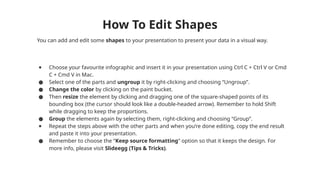
You can addand edit some shapes to your presentation to present your data in a visual way.
● Choose your favourite infographic and insert it in your presentation using Ctrl C + Ctrl V or Cmd
C + Cmd V in Mac.
● Select one of the parts and ungroup it by right-clicking and choosing “Ungroup”.
● Change the color by clicking on the paint bucket.
● Then resize the element by clicking and dragging one of the square-shaped points of its
bounding box (the cursor should look like a double-headed arrow). Remember to hold Shift
while dragging to keep the proportions.
● Group the elements again by selecting them, right-clicking and choosing “Group”.
● Repeat the steps above with the other parts and when you’re done editing, copy the end result
and paste it into your presentation.
● Remember to choose the “Keep source formatting” option so that it keeps the design. For
more info, please visit Slideegg (Tips & Tricks).
How To Edit Shapes
11.
Terms Of Use(Free Users)
If you are a free subscriber, you should credit SlideEgg by keeping the “Thank You” slide.
Kindly refer to the following slide for the Terms of Use for premium users.
You can:
• Customize or edit this template
• Use this template for both business and personal endeavors.
You can not:
• Sell, rent, or second-license SlideEgg content or its altered version.
Promulgate, unless explicitly permitted, SlideEgg content, by SlideEgg.
• Incorporate SlideEgg content in any database or file online or offline.
• Obtain SlideEgg content’s copyright.
Kindly refer to our Tutorial page or FAQ for advanced slide modification guidelines.
12.
Terms Of Use(Premium Users)
Being a premium subscriber, you have the privilege of using this PPT template
without giving attribution to SlideEgg or keeping the “Thank You” slide.
You can:
• Customize or edit this template.
• Use this template for both business and personal endeavors.
• Circulate or share the editable format of this template with anyone you want.
You can not:
• Sell, rent or second-license SlideEgg content or the altered version of it.
Promulgate or include the templates in any other services database
• that performs as distribution or resale platform, unless explicitly permitted, by SlideEgg.
• Incorporate the elements used in SlideEgg templates separately.
• Obtain SlideEgg copyright for the elements used in this template as a logo or trademark.
Kindly refer to our Tutorial page or FAQ for advanced slide modification guidelines.
13.
www.slideegg.com
Thank You!
We respectyour valuable time with SlideEgg!
If you have any questions, please reach us
CREDIT: SlideEgg created this PowerPoint template.
Let this slide be kept for attribution.
Do you have a design request, please visit our Deckez site.