tinyurl.com/boschsketch
Karen Bosch
Twitter: @karlyb
k.bosch@mac.com
Introduce Yourself
🌎Location?
🏫Studying/Position?
✏Experience with Sketchnotes?
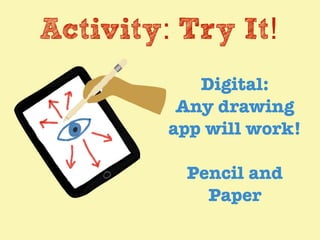
Activity: Try It!
Digital:
Any drawing
app will work!
Pencil and
Paper
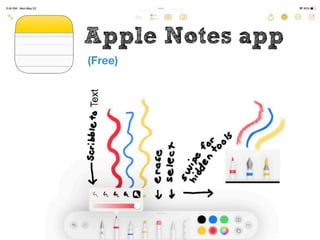
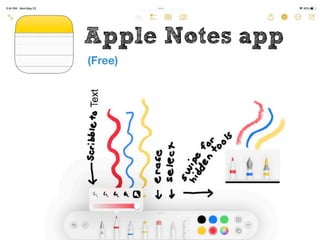
Apple Notes app
(Free)
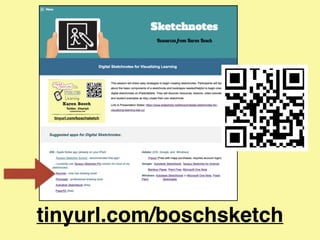
tinyurl.com/boschsketch
Twitter: @karlyb
k.bosch@mac.com
tinyurl.com/boschsketch
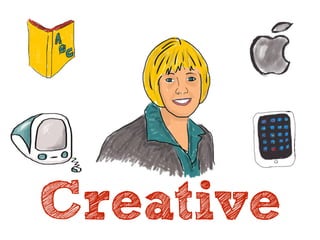
Creative
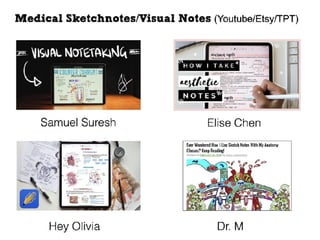
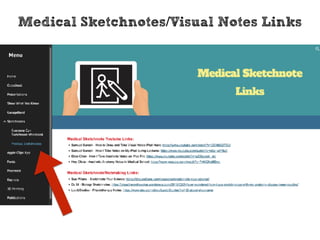
Medical Sketchnotes/Visual Notes Links
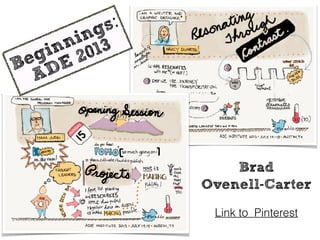
Link to Pinterest
Brad
Ovenell-Carter
Beginnings:
ADE 2013
Find a
way to
practice!
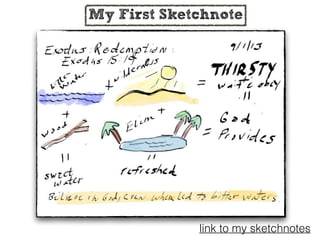
My First Sketchnote
link to my sketchnotes
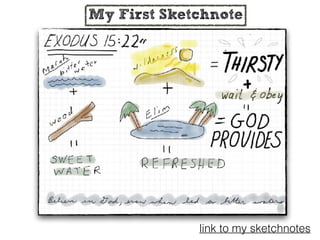
My First Sketchnote
link to my sketchnotes
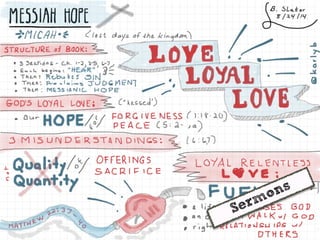
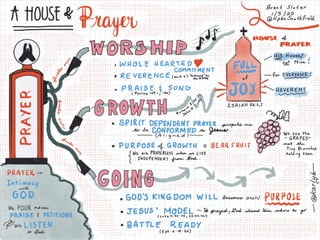
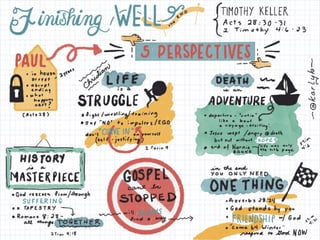
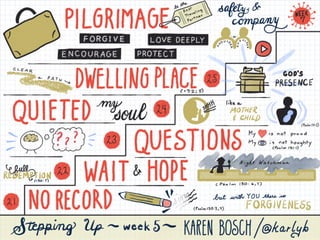
Sermons
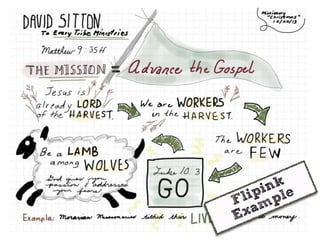
Flipink
Example
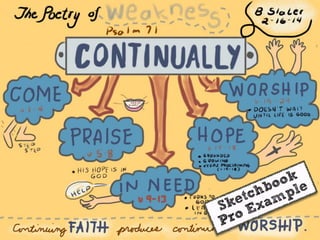
Sketchbook
Pro Example
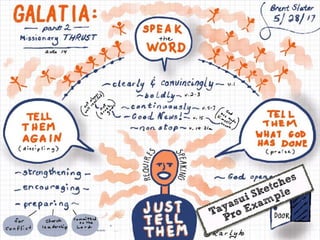
Tayasui Sketches
Pro Example
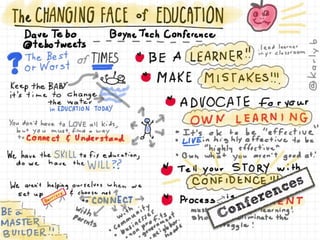
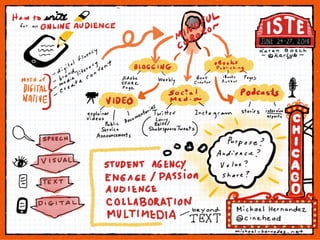
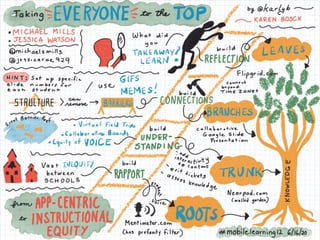
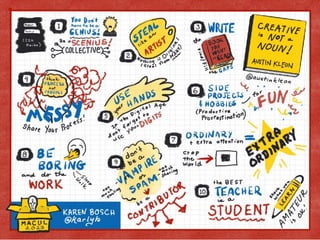
Conferences
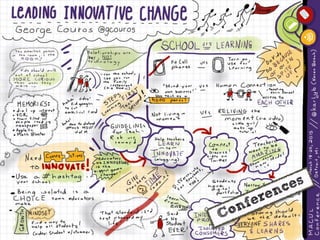
Conferences
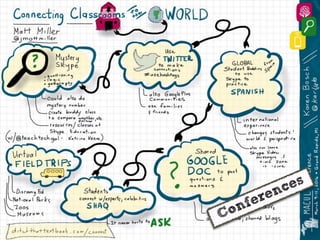
Conferences
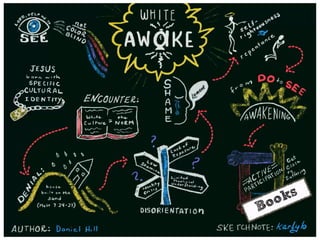
Books
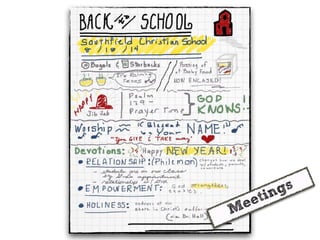
Meetings
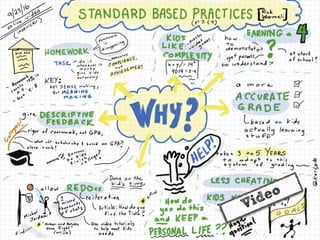
Video
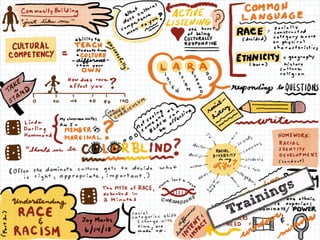
Trainings
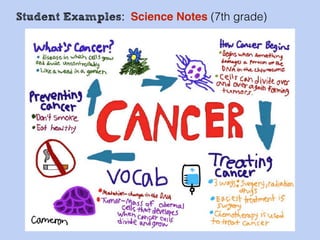
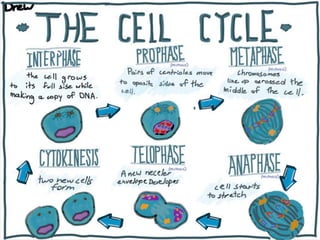
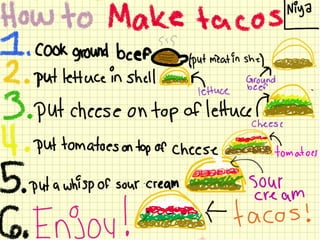
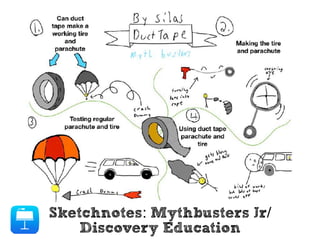
Student Examples: Science Notes (7th grade)
Sketchnotes: Mythbusters Jr/
Discovery Education
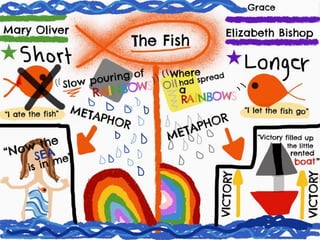
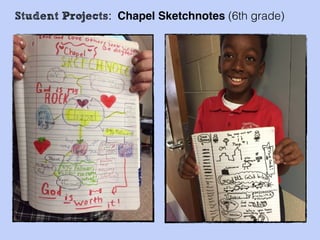
Student Projects: Chapel Sketchnotes (6th grade)
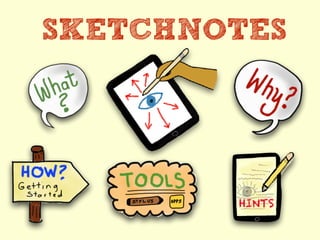
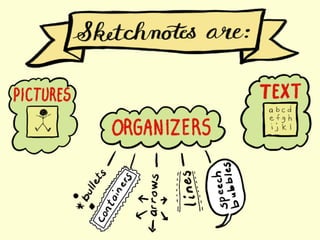
SKETCHNOTES
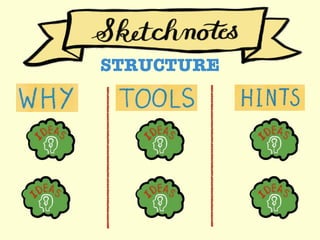
STRUCTURE
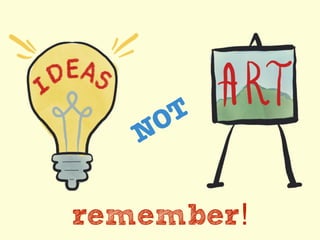
NOT
remember!
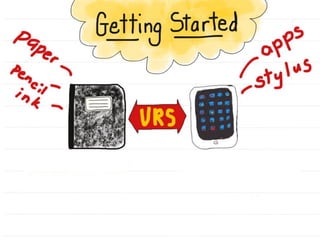
Getting Started
DIVE IN!
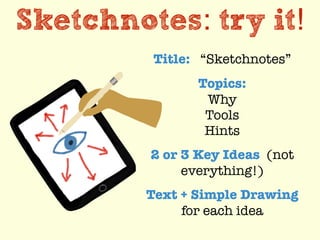
Sketchnotes: try it!
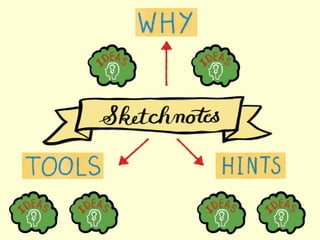
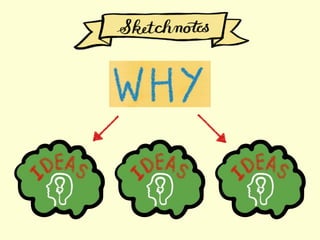
Title: “Sketchnotes”
Topics:
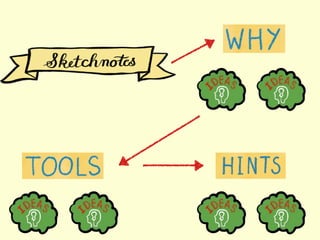
Why
Tools
Hints
2 or 3 Key Ideas (not
everything!)
Text + Simple Drawing
for each idea
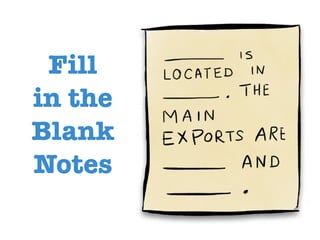
Fill
in the
Blank
Notes
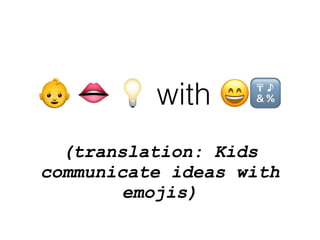
(translation: Kids
communicate ideas with
emojis)
👶 👄 💡 with 😄🔣
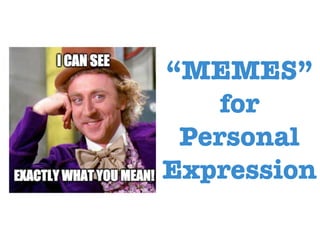
“MEMES”
for
Personal
Expression
"Picting"
not
Writing
Source: https://thejournal.com/articles/2017/05/08/
picting-not-writing.aspx?m=2
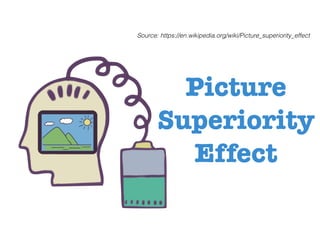
Picture
Superiority
Effect
Source: https://en.wikipedia.org/wiki/Picture_superiority_effect
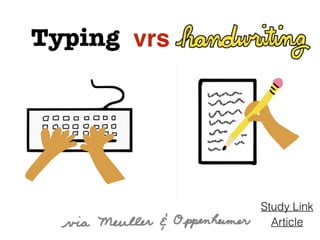
Typing vrs
Article
Study Link
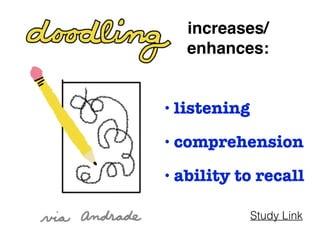
increases/
enhances:
• listening
• comprehension
• ability to recall
Study Link
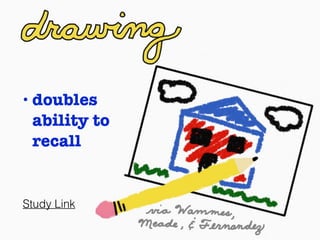
• doubles
ability to
recall
Study Link
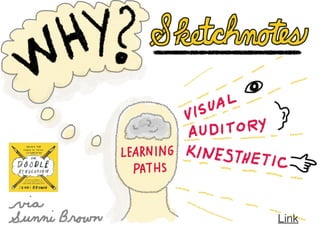
Link
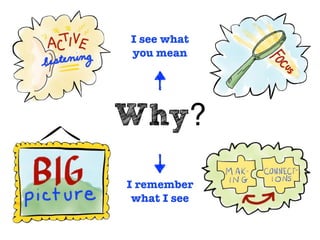
Why?
I see what
you mean
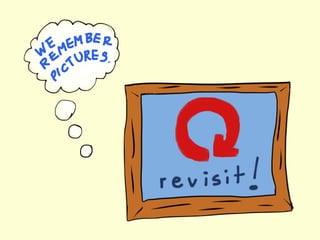
I remember
what I see
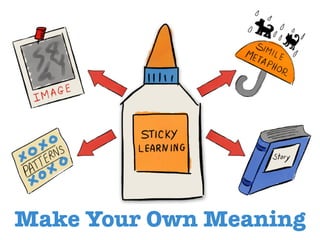
Make Your Own Meaning
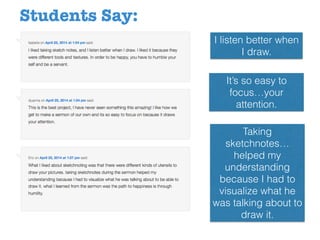
I listen better when
I draw.
It’s so easy to
focus…your
attention.
Taking
sketchnotes…
helped my
understanding
because I had to
visualize what he
was talking about to
draw it.
Students Say:
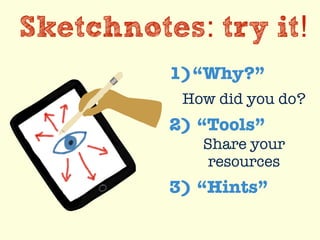
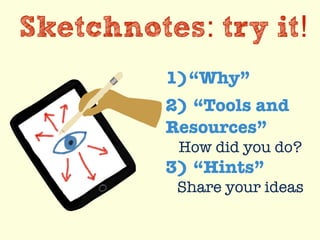
Sketchnotes: try it!
1)“Why?”
How did you do?
2) “Tools”
Share your
resources
3) “Hints”
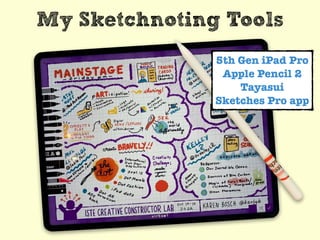
My Sketchnoting Tools
5th Gen iPad Pro
Apple Pencil 2
Tayasui
Sketches Pro app
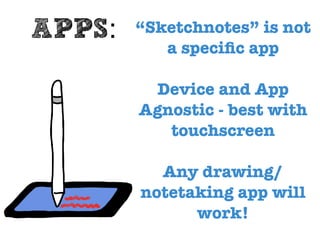
“Sketchnotes” is not
a speci
fi
c app
Device and App
Agnostic - best with
touchscreen
Any drawing/
notetaking app will
work!
APPS:
Apple Notes app
(Free)
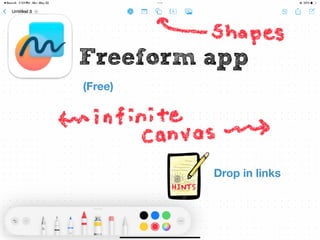
Freeform app
(Free)
Drop in links
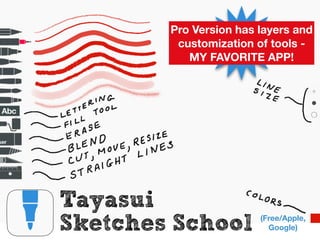
Tayasui
Sketches School (Free/Apple,
Google)
Pro Version has layers and
customization of tools -
MY FAVORITE APP!
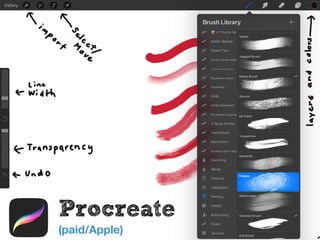
Procreate
(paid/Apple)
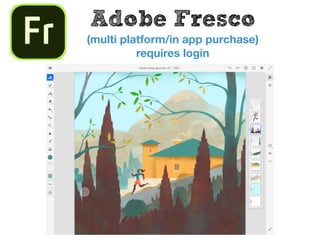
Adobe Fresco
(multi platform/in app purchase)
requires login
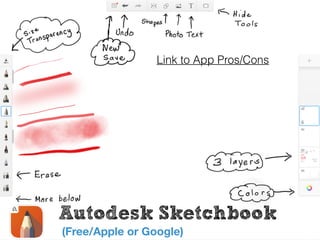
Autodesk Sketchbook
(Free/Apple or Google)
Link to App Pros/Cons
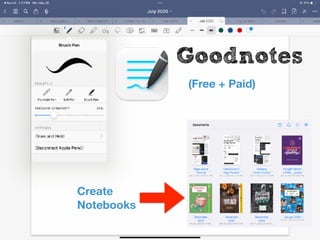
Goodnotes
(Free + Paid)
Create
Notebooks
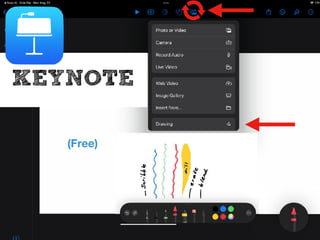
KEYNOTE
(Free)
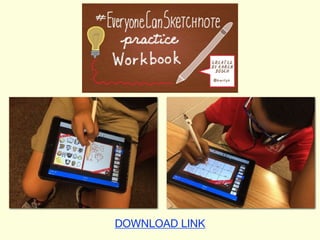
DOWNLOAD LINK
Sketchnotes: try it!
1)“Why”
2) “Tools and
Resources”
How did you do?
3) “Hints”
Share your ideas
Focus on what resonates
with YOU!!
(not everything!)
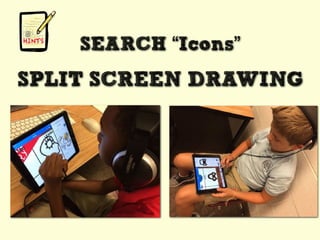
SEARCH “Icons”
SPLIT SCREEN DRAWING
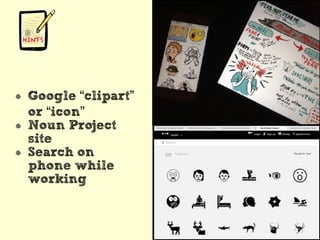
Google “clipart”
or “icon”
Noun Project
site
Search on
phone while
working
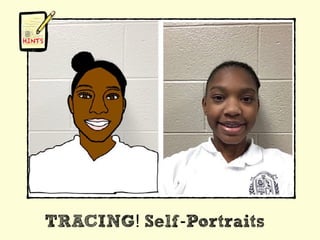
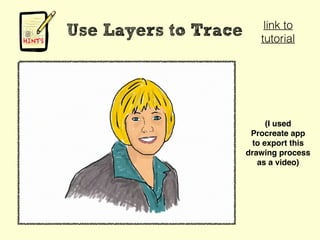
TRACING! Self-Portraits
Use Layers to Trace
(I used
Procreate app
to export this
drawing process
as a video)
link to
tutorial
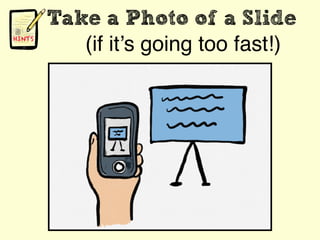
Take a Photo of a Slide
(if it’s going too fast!)
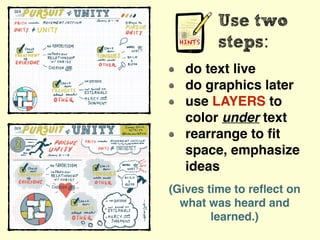
Use two
steps:
do text live
do graphics later
use LAYERS to
color under text
rearrange to
fi
t
space, emphasize
ideas
(Gives time to re
fl
ect on
what was heard and
learned.)
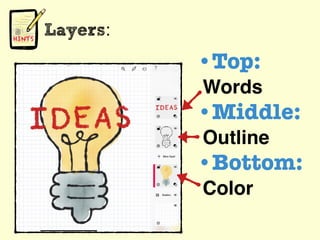
Layers:
•Top:
Words
•Middle:
Outline
•Bottom:
Color
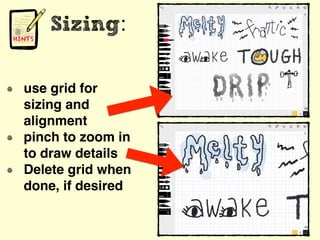
Sizing:
use grid for
sizing and
alignment
pinch to zoom in
to draw details
Delete grid when
done, if desired
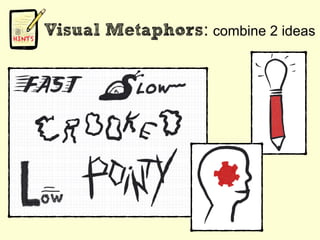
Visual Metaphors: combine 2 ideas
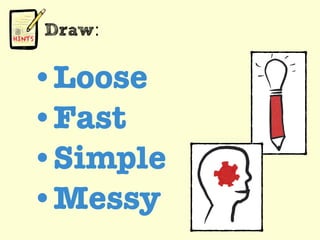
Draw:
•Loose
•Fast
•Simple
•Messy
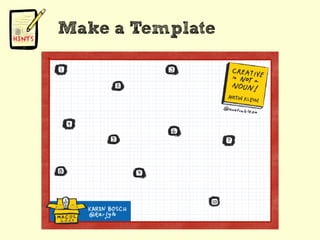
Make a Template
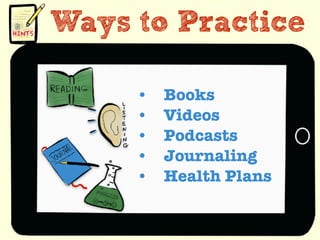
Ways to Practice
• Books
• Videos
• Podcasts
• Journaling
• Health Plans
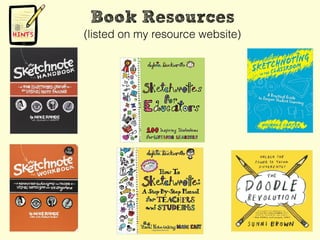
Book Resources
(listed on my resource website)
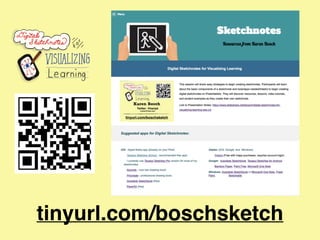
tinyurl.com/boschsketch
Sketchnotes: try it!
How Did You Do?
Twitter: Post
with @karlyb
Questions?
Session
Evaluation
Twitter: @karlyb
k.bosch@me.com
tinyurl.com/boschsketch
Copyright: Karen Bosch, All Rights Reserved
Sketchnotes Elevate Conference.pdf

Sketchnotes Elevate Conference.pdf