Creating Digital
Learning Artifacts
Knowing & Showing
Karen Bosch
tinyurl.com/ipadcreate
Resources:
Follow me: @karlyb
Creative
What can you
create
to show what you
have learned?
There are other ways
to document learning
besides a test.
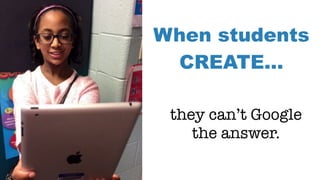
When students
CREATE…
they can’t Google
the answer.
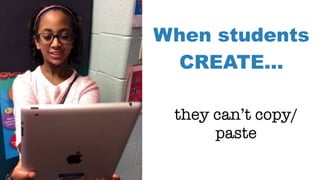
When students
CREATE…
they can’t copy/
paste
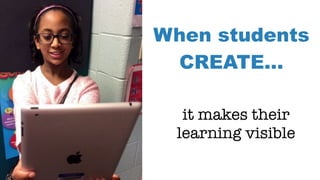
When students
CREATE…
it makes their
learning visible
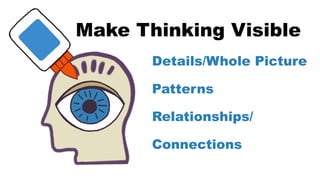
Make Thinking Visible
Details/Whole Picture
Patterns
Relationships/
Connections
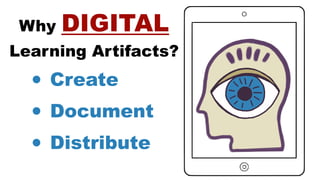
Why DIGITAL
Learning Artifacts?
• Create
• Document
• Distribute
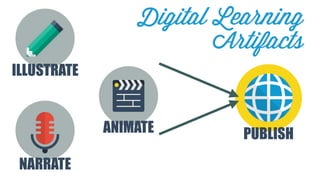
NARRATE
ILLUSTRATE
ANIMATE PUBLISH
Digital Learning
Artifacts
ILLUSTRATE
Drawings
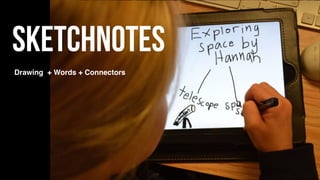
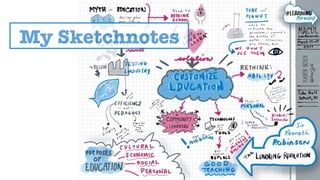
Sketchnotes
Infographics
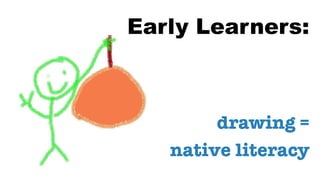
Early Learners:
drawing =
native literacy
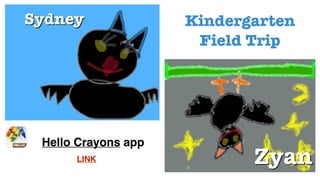
Hello Crayons app
Kindergarten
Field Trip
LINK
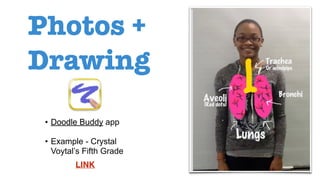
Photos +
Drawing
• Doodle Buddy app
• Example - Crystal
Voytal’s Fifth Grade
LINK
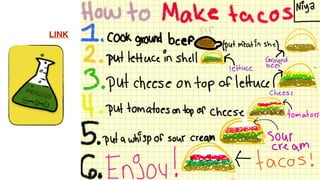
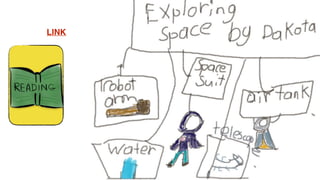
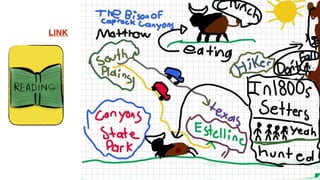
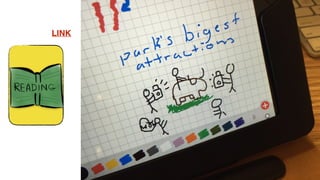
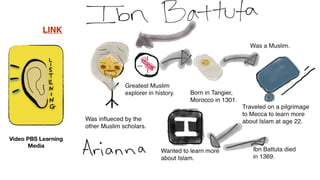
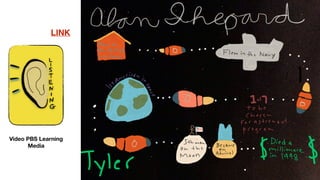
Sketchnotes
Drawing + Words + Connectors
My Sketchnotes
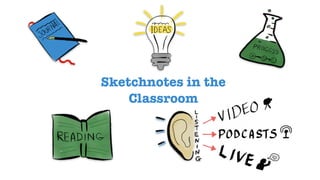
Sketchnotes in the
Classroom
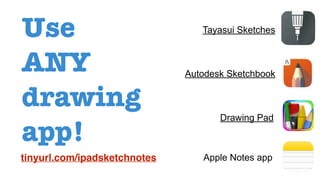
Use
ANY
drawing
app!
Apple Notes app
Tayasui Sketches
Autodesk Sketchbook
Drawing Pad
tinyurl.com/ipadsketchnotes
LINK
LINK
LINK
LINK
LINK
Video PBS Learning
Media
LINK
Video PBS Learning
Media
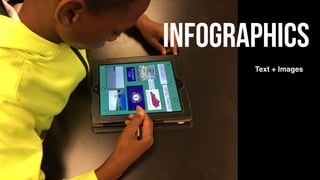
Infographics
Text + Images
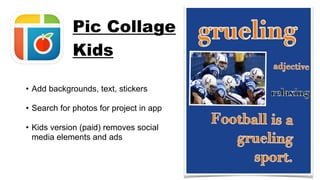
• Add backgrounds, text, stickers
• Search for photos for project in app
• Kids version (paid) removes social
media elements and ads
Pic Collage
Kids
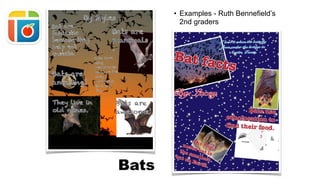
Bats
• Examples - Ruth Bennefield’s
2nd graders
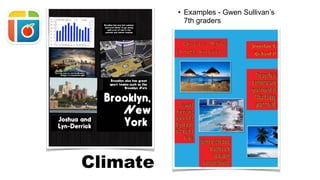
Climate
• Examples - Gwen Sullivan’s
7th graders
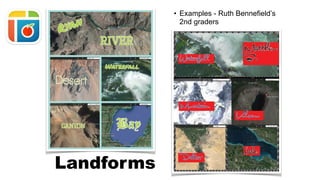
• Examples - Ruth Bennefield’s
2nd graders
Landforms
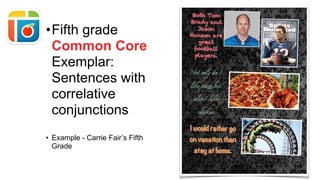
•Fifth grade
Common Core
Exemplar:
Sentences with
correlative
conjunctions
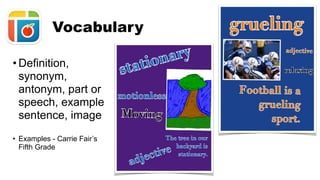
• Example - Carrie Fair’s Fifth
Grade
• Definition,
synonym,
antonym, part or
speech, example
sentence, image
• Examples - Carrie Fair’s
Fifth Grade
Vocabulary
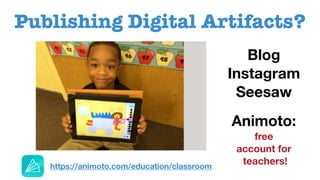
Publishing Digital Artifacts?
Blog
Instagram
Seesaw
Animoto:
free
account for
teachers!https://animoto.com/education/classroom
Audio Recording
QR Codes
Narrated Slideshows
Screencasts
eBooks
NARRATE
“Student Voice”
=
real student
voices
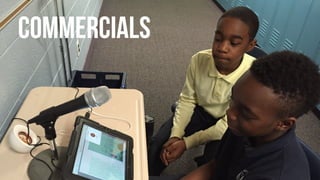
Commercials
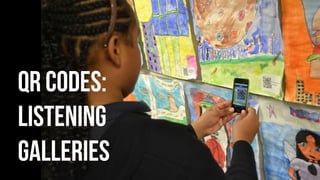
‣Listen using any app that
scans QR codes!
QR Codes:
Listening
Galleries
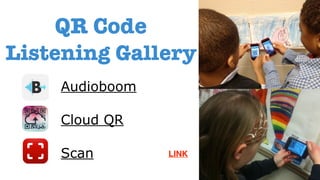
Audioboom
Cloud QR
Scan
QR Code
Listening Gallery
LINK
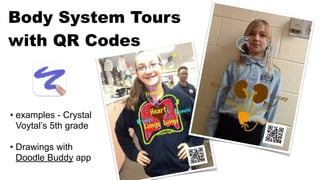
Body System Tours
with QR Codes
• examples - Crystal
Voytal’s 5th grade
• Drawings with
Doodle Buddy app
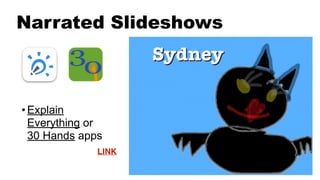
Narrated Slideshows
• Explain
Everything or
30 Hands apps
LINK
LINK
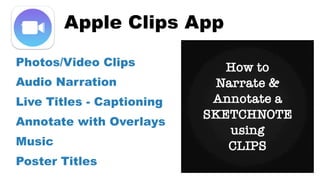
Apple Clips App
LINK
Photos/Video Clips
Audio Narration
Live Titles - Captioning
Annotate with Overlays
Music
Poster Titles
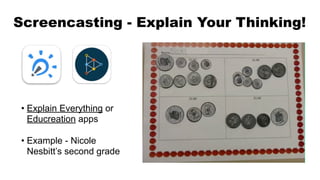
Screencasting - Explain Your Thinking!
• Explain Everything or
Educreation apps
• Example - Nicole
Nesbitt’s second grade
LINK
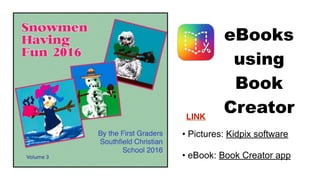
eBooks
using
Book
Creator
LINK
• Pictures: Kidpix software
• eBook: Book Creator app
LINK
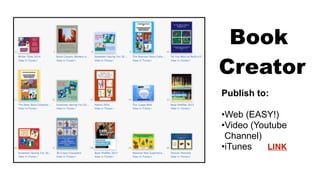
Publish to:
•Web (EASY!)
•Video (Youtube
Channel)
•iTunes
Book
Creator
LINK
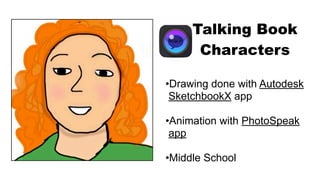
Talking Characters
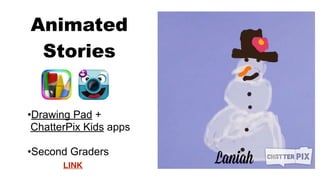
Animated Stories
ANIMATE
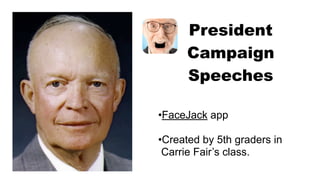
President
Campaign
Speeches
•FaceJack app
•Created by 5th graders in
Carrie Fair’s class.
•Drawing Pad +
ChatterPix Kids apps
•Second Graders
Animated
Stories
LINK
Talking Book
Characters
•Drawing done with Autodesk
SketchbookX app
•Animation with PhotoSpeak
app
•Middle School
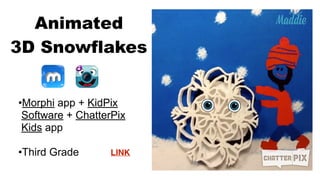
•Morphi app + KidPix
Software + ChatterPix
Kids app
•Third Grade
Animated
3D Snowflakes
LINK
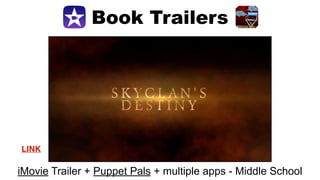
Book Trailers
LINK
iMovie Trailer + Puppet Pals + multiple apps - Middle School
Book Trailers
LINKLINK
iMovie Trailer + Puppet Pals + multiple apps - Middle School
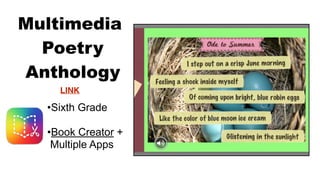
Multimedia
Poetry
Anthology
LINK
•Sixth Grade
•Book Creator +
Multiple Apps
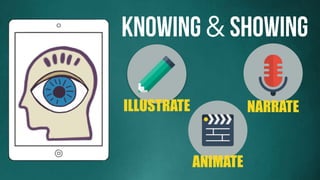
Knowing & Showing
NARRATEILLUSTRATE
ANIMATE
1 new strategy!
repeat 3x!
Knowing & Showing
Knowing & Showing
1 new unit!
repeat!
Creating Digital
Learning Artifacts
Knowing & Showing
Karen Bosch
tinyurl.com/ipadcreate
Contact me: k.bosch@mac.com
tinyurl.com/ipadcreate
Resources:
Follow me: @karlyb
Image Credits:
• https://creativemarket.com/pixelbazaar/13226-Flatilicious-200-icons
• https://icons8.com/
All other images and presentation content: copyright by
Karen Bosch and are not to be used without permission.
The entire presentation may be embedded into another web
as long as attribution and a link back are included.
Copyright:
Knowing and Showing: Creating Digital Learning Artifacts

Knowing and Showing: Creating Digital Learning Artifacts