chapter 19
groupware
Groupware
• What is groupware
• Types of groupware
– computer-mediated communication
– meeting and decisions support systems
– shared applications and artefacts
• Models of groupware
• Implementation issues
What is groupware?
• Software specifically designed
– to support group working
– with cooperative requirements in mind
• NOT just tools for communication
• Groupware can be classified by
– when and where the participants are working
– the function it performs for cooperative work
• Specific and difficult problems with groupware
implementation
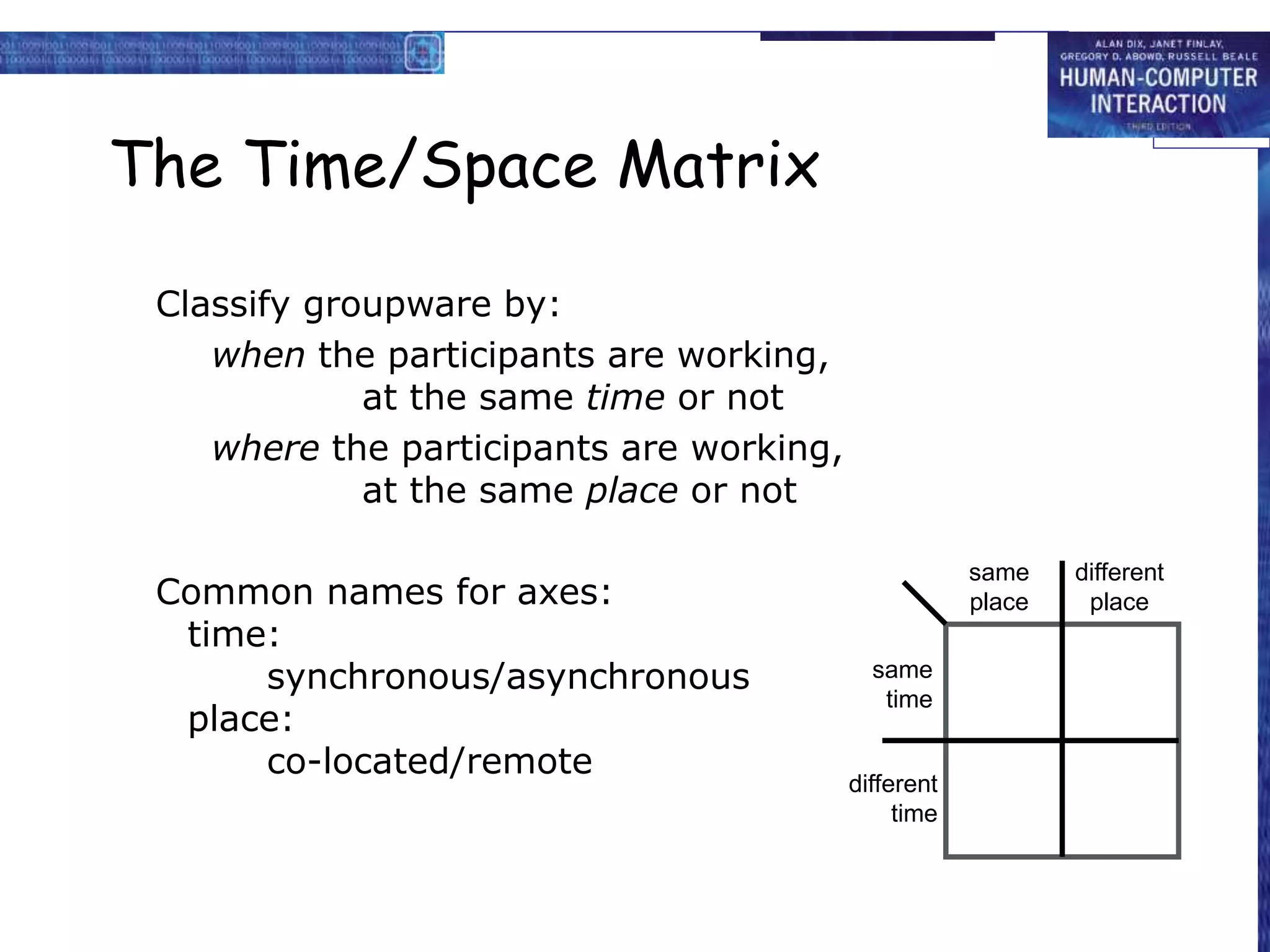
The Time/Space Matrix
Classify groupware by:
when the participants are working,
at the same time or not
where the participants are working,
at the same place or not
Common names for axes:
time:
synchronous/asynchronous
place:
co-located/remote
different
place
same
place
same
time
different
time
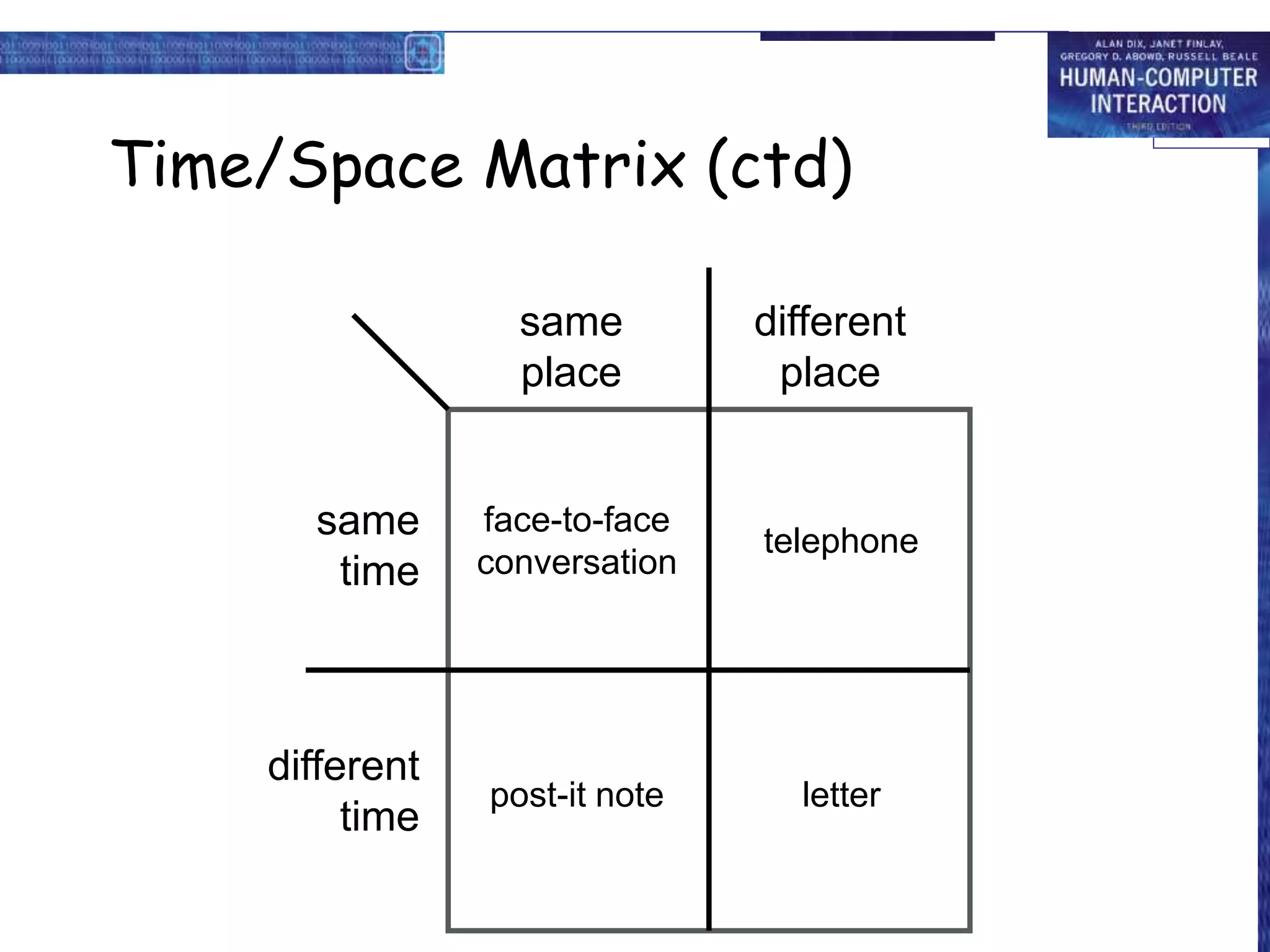
Time/Space Matrix (ctd)
different
place
same
place
same
time
different
time
face-to-face
conversation
telephone
post-it note letter
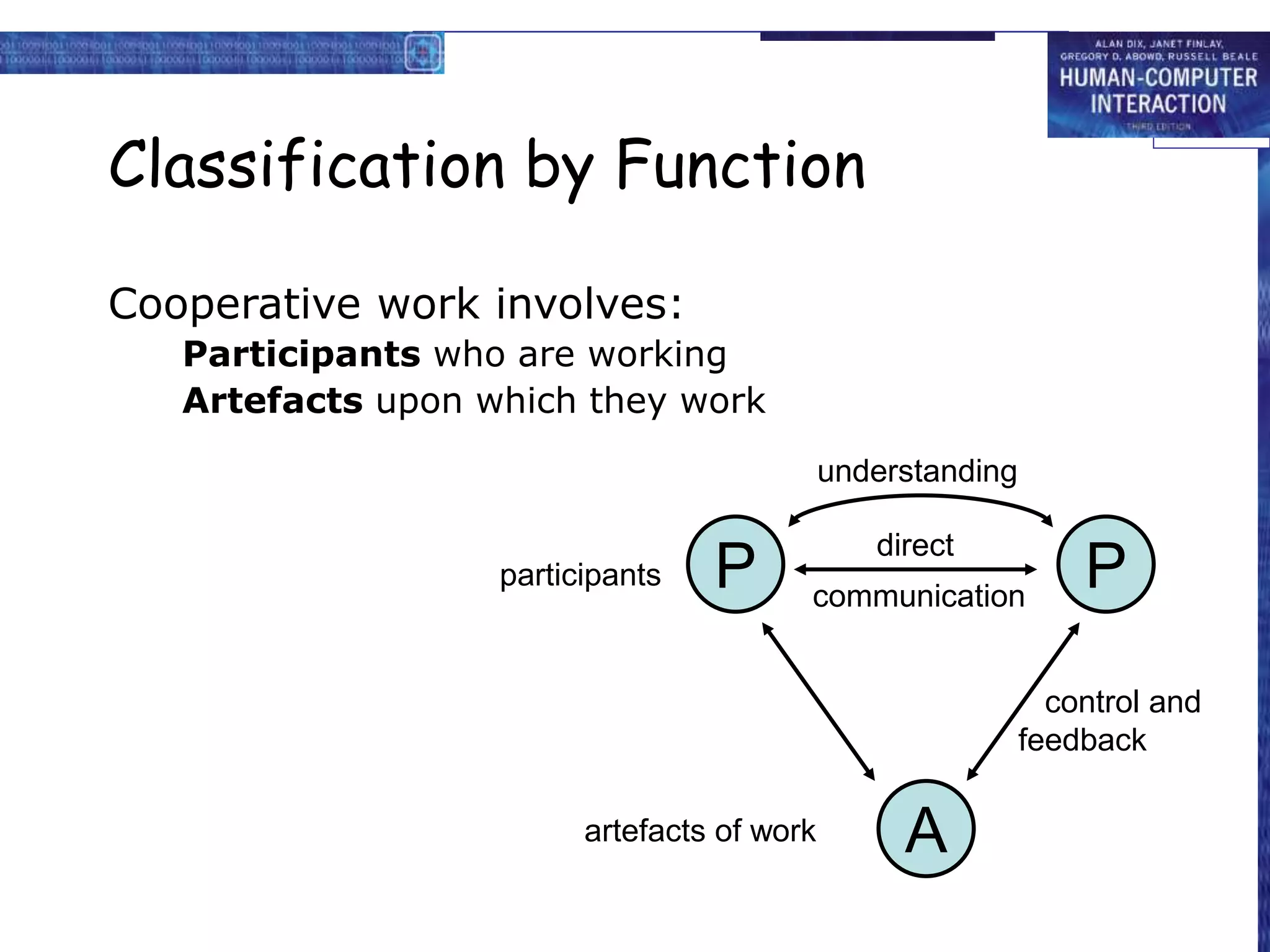
Classification by Function
Cooperative work involves:
Participants who are working
Artefacts upon which they work
participants
artefacts of work
control and
feedback
P P
A
communication
understanding
direct
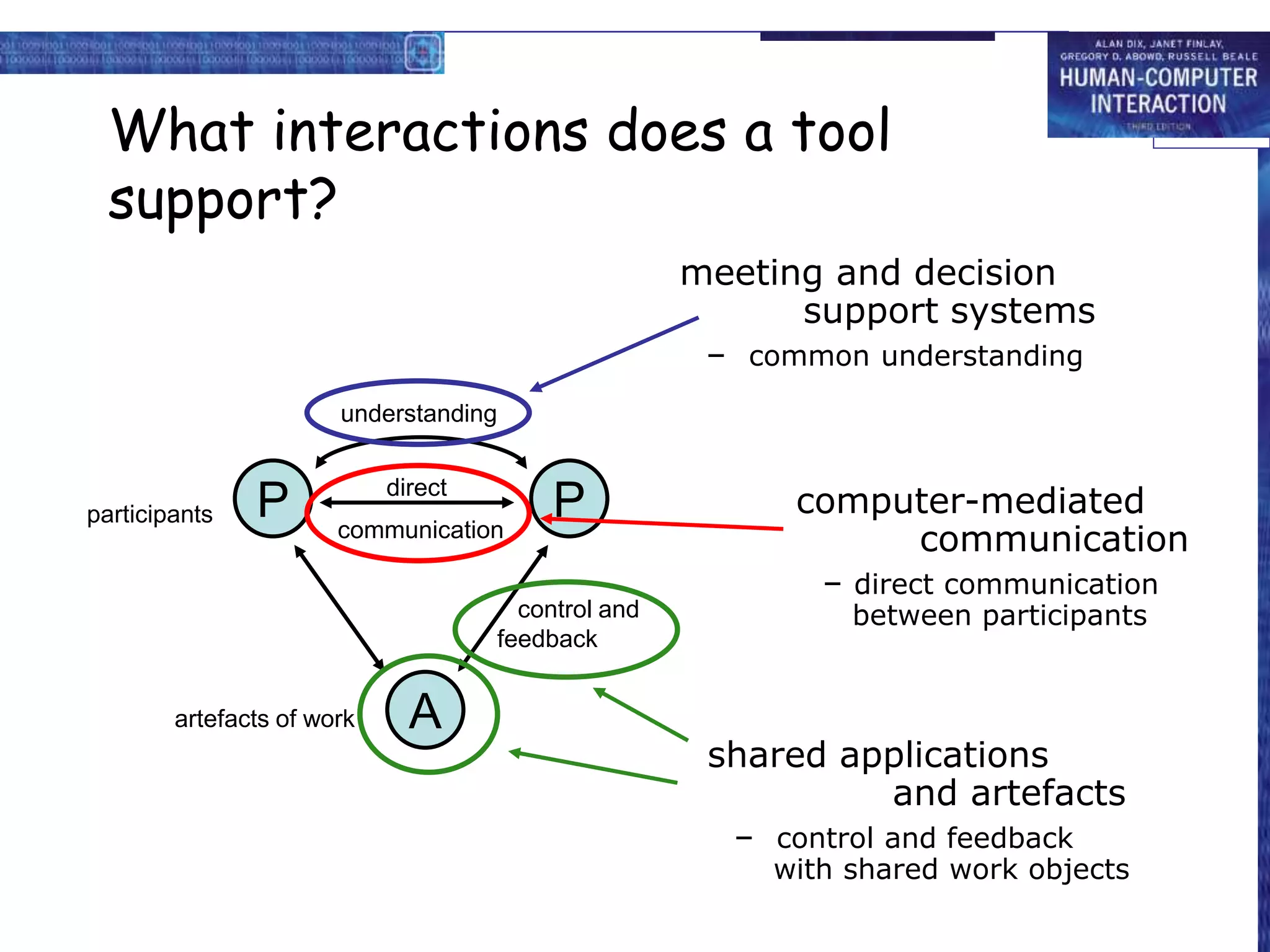
What interactions does a tool
support?
• computer-mediated communication
– direct communication between participants
• meeting and decision support systems
– common understanding
• shared applications and artefacts
– control and feedback with shared work objects
participants
artefacts of work
control and
feedback
P P
A
communication
understanding
direct
meeting and decision
support systems
– common understanding
computer-mediated
communication
– direct communication
between participants
shared applications
and artefacts
– control and feedback
with shared work objects
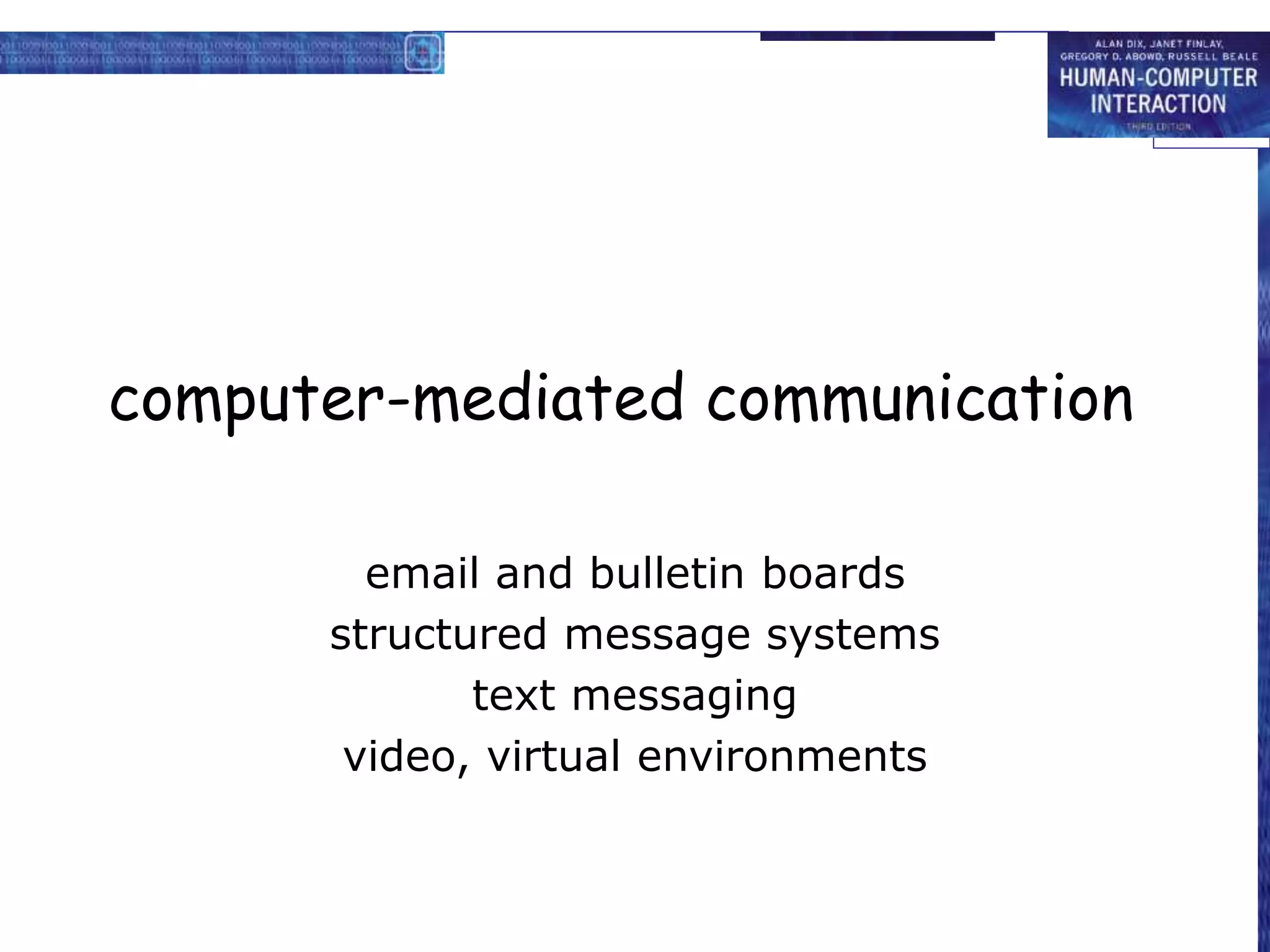
computer-mediated communication
email and bulletin boards
structured message systems
text messaging
video, virtual environments
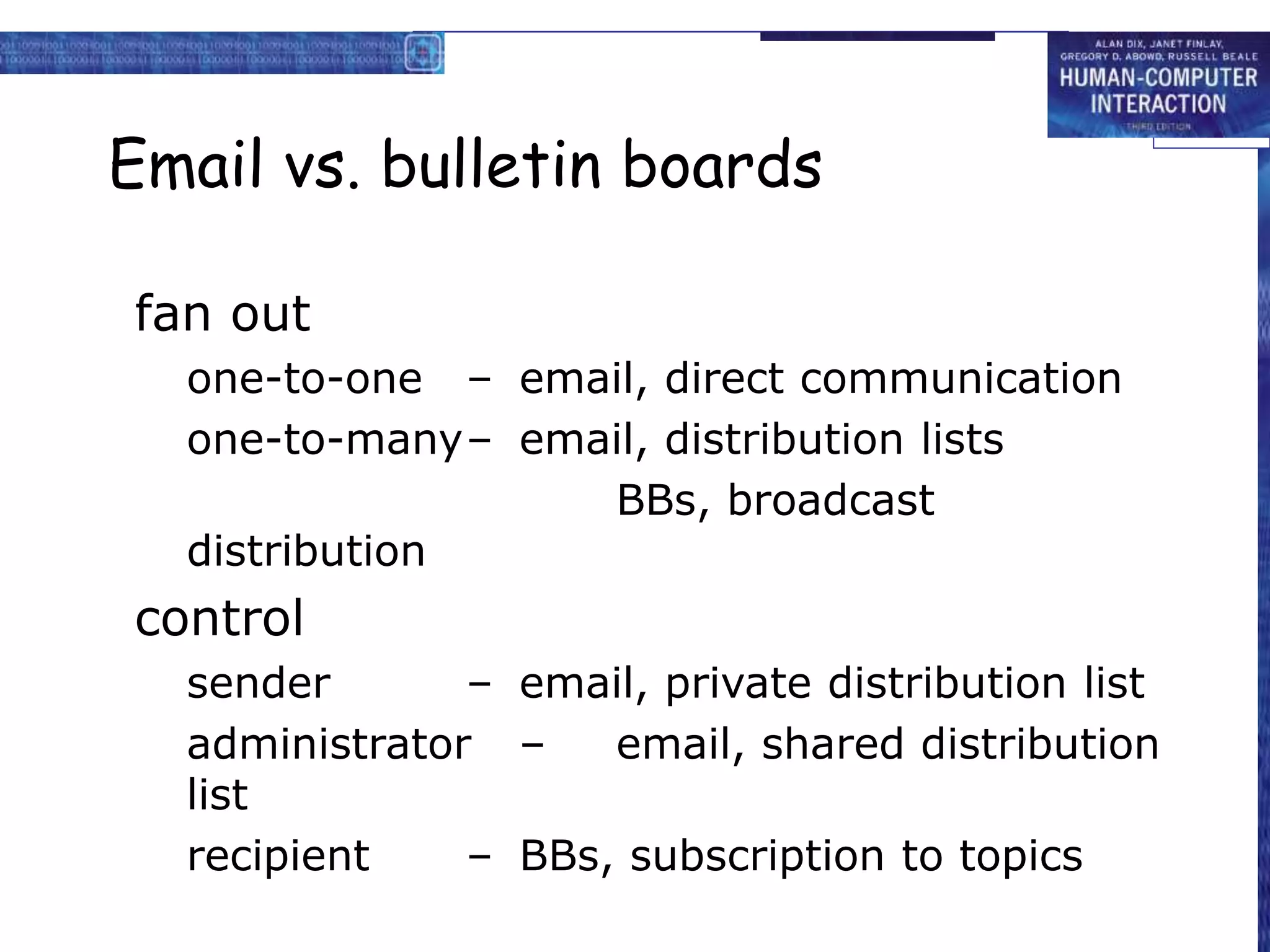
Email and bulletin boards
asynchronous/remote
familiar and most successful groupware
Recipients of email:
direct in To: field
copies in Cc: field
delivery identical – difference is social purpose
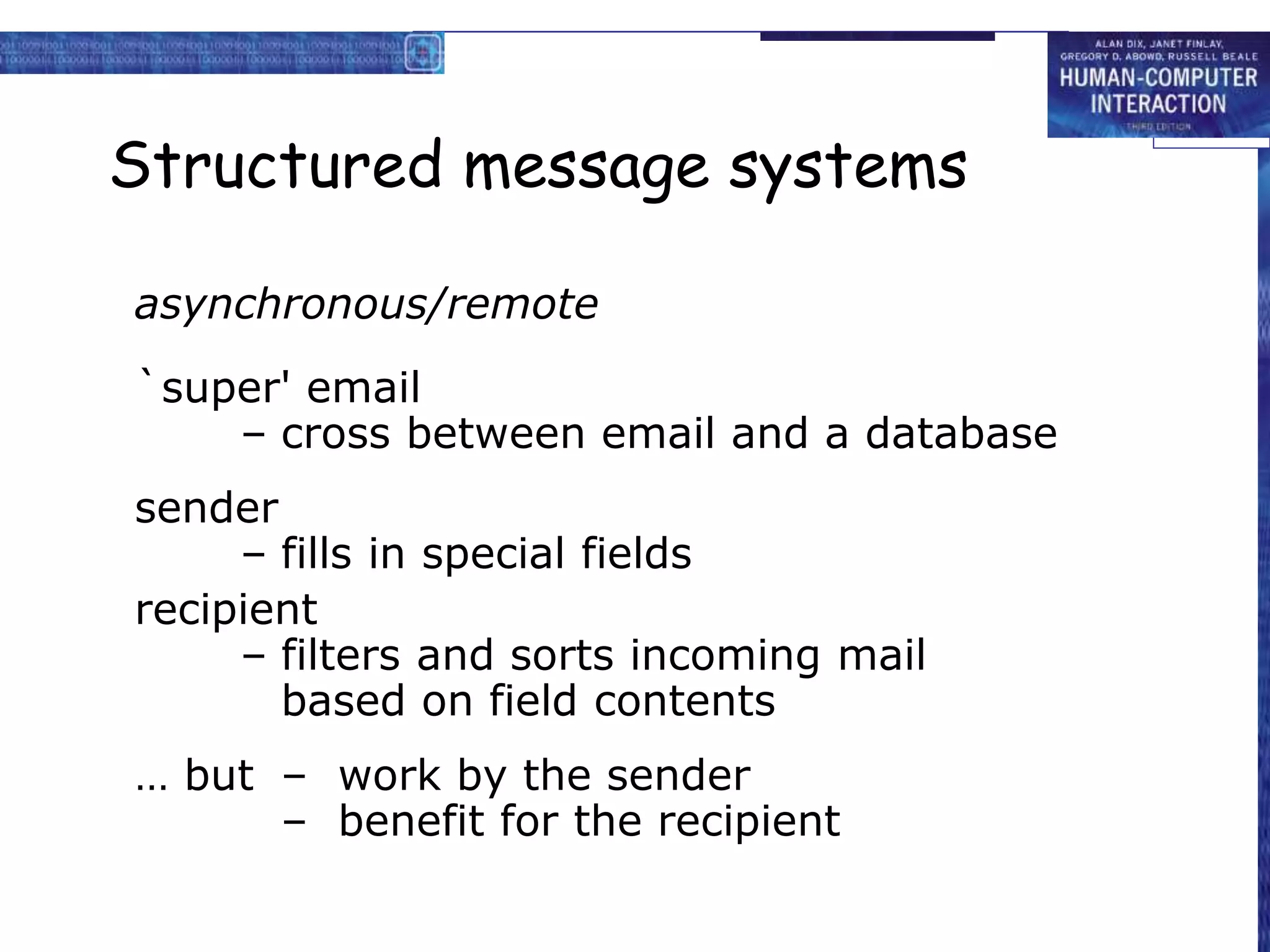
Email vs. bulletin boards
fan out
one-to-one – email, direct communication
one-to-many– email, distribution lists
BBs, broadcast
distribution
control
sender – email, private distribution list
administrator – email, shared distribution
list
recipient – BBs, subscription to topics
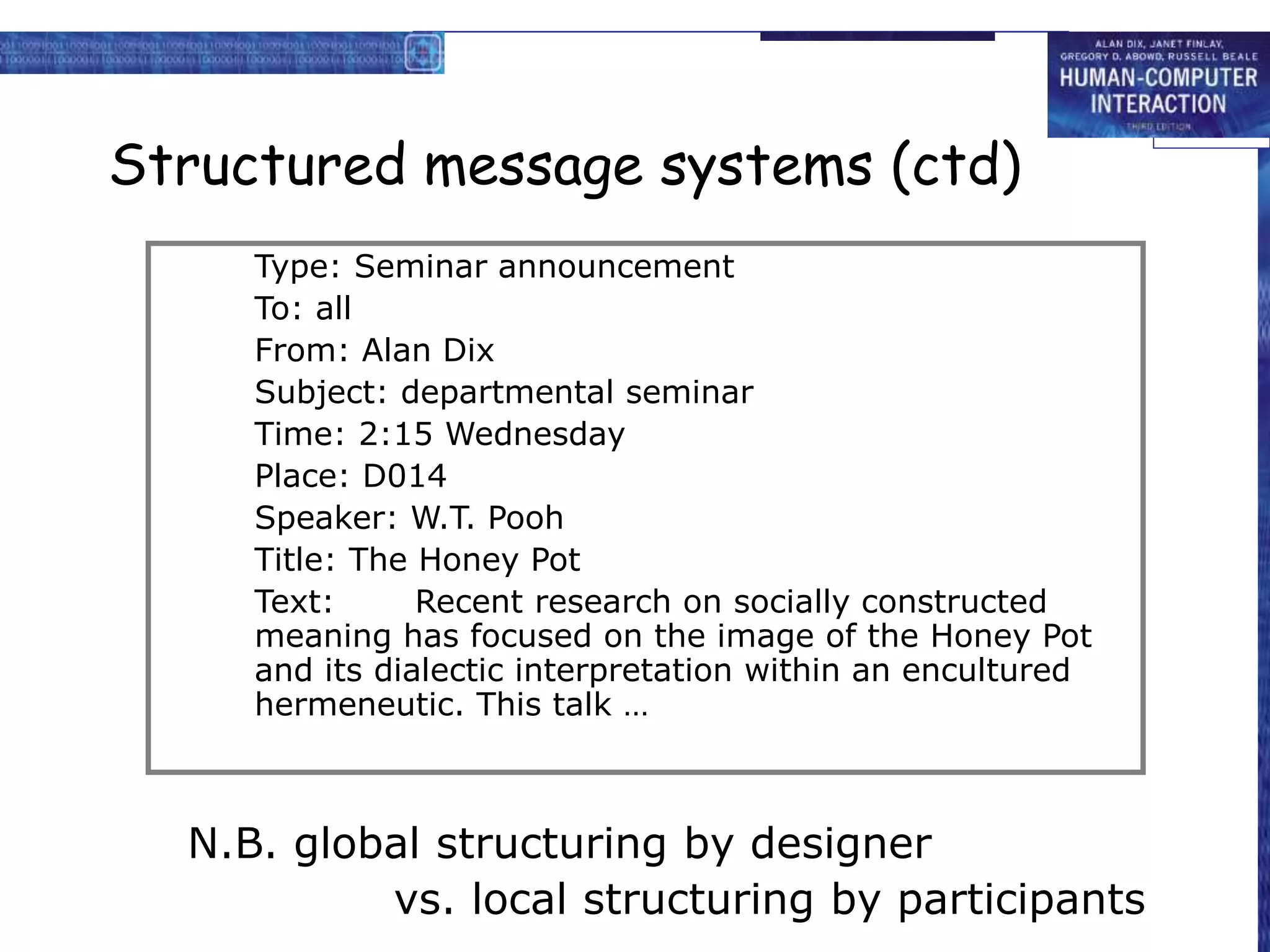
Structured message systems
asynchronous/remote
`super' email
– cross between email and a database
sender
– fills in special fields
recipient
– filters and sorts incoming mail
based on field contents
… but – work by the sender
– benefit for the recipient
Structured message systems (ctd)
N.B. global structuring by designer
vs. local structuring by participants
Type: Seminar announcement
To: all
From: Alan Dix
Subject: departmental seminar
Time: 2:15 Wednesday
Place: D014
Speaker: W.T. Pooh
Title: The Honey Pot
Text: Recent research on socially constructed
meaning has focused on the image of the Honey Pot
and its dialectic interpretation within an encultured
hermeneutic. This talk …
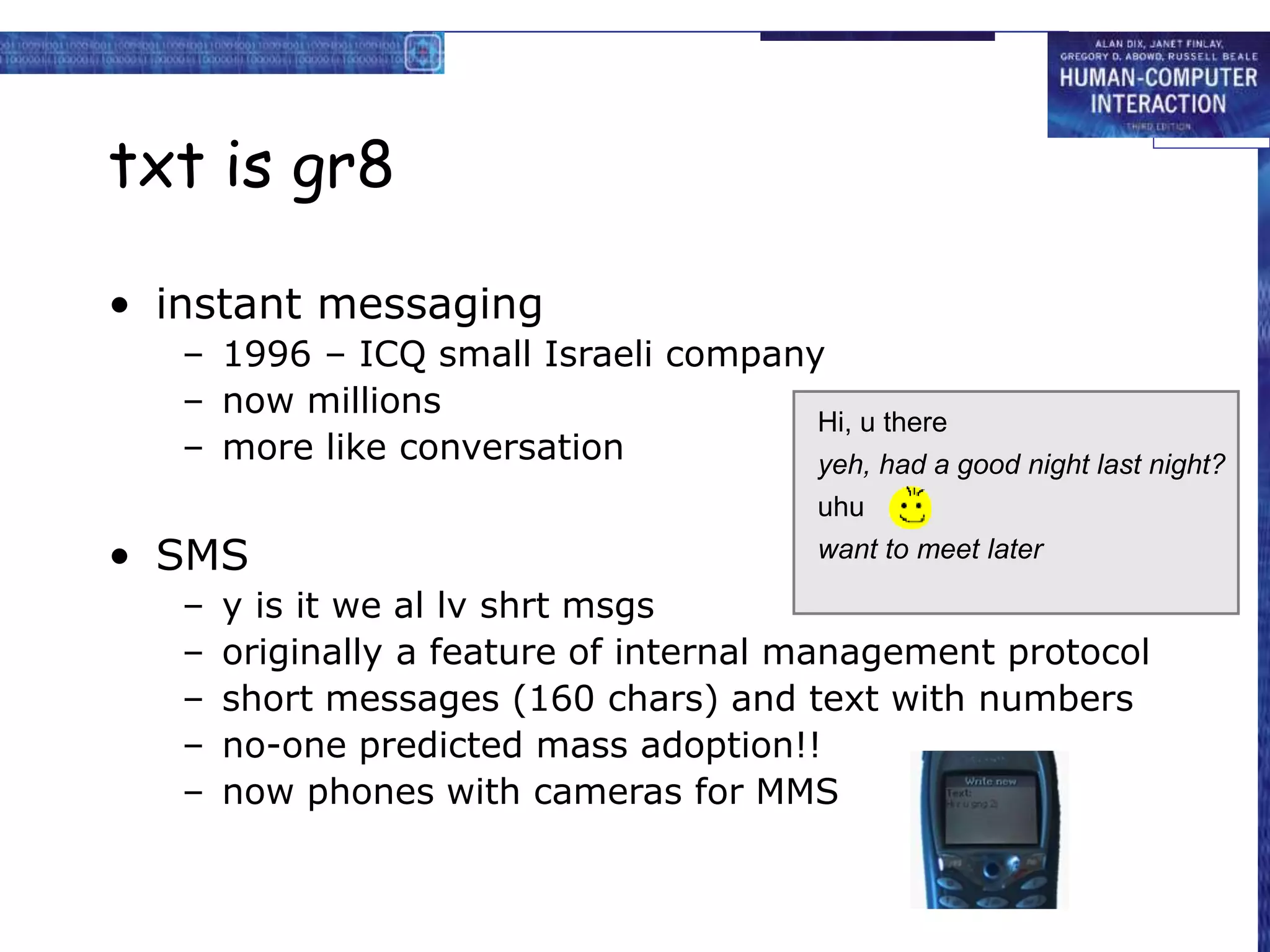
txt is gr8
• instant messaging
– 1996 – ICQ small Israeli company
– now millions
– more like conversation
• SMS
– y is it we al lv shrt msgs
– originally a feature of internal management protocol
– short messages (160 chars) and text with numbers
– no-one predicted mass adoption!!
– now phones with cameras for MMS
Hi, u there
want to meet later
yeh, had a good night last night?
uhu
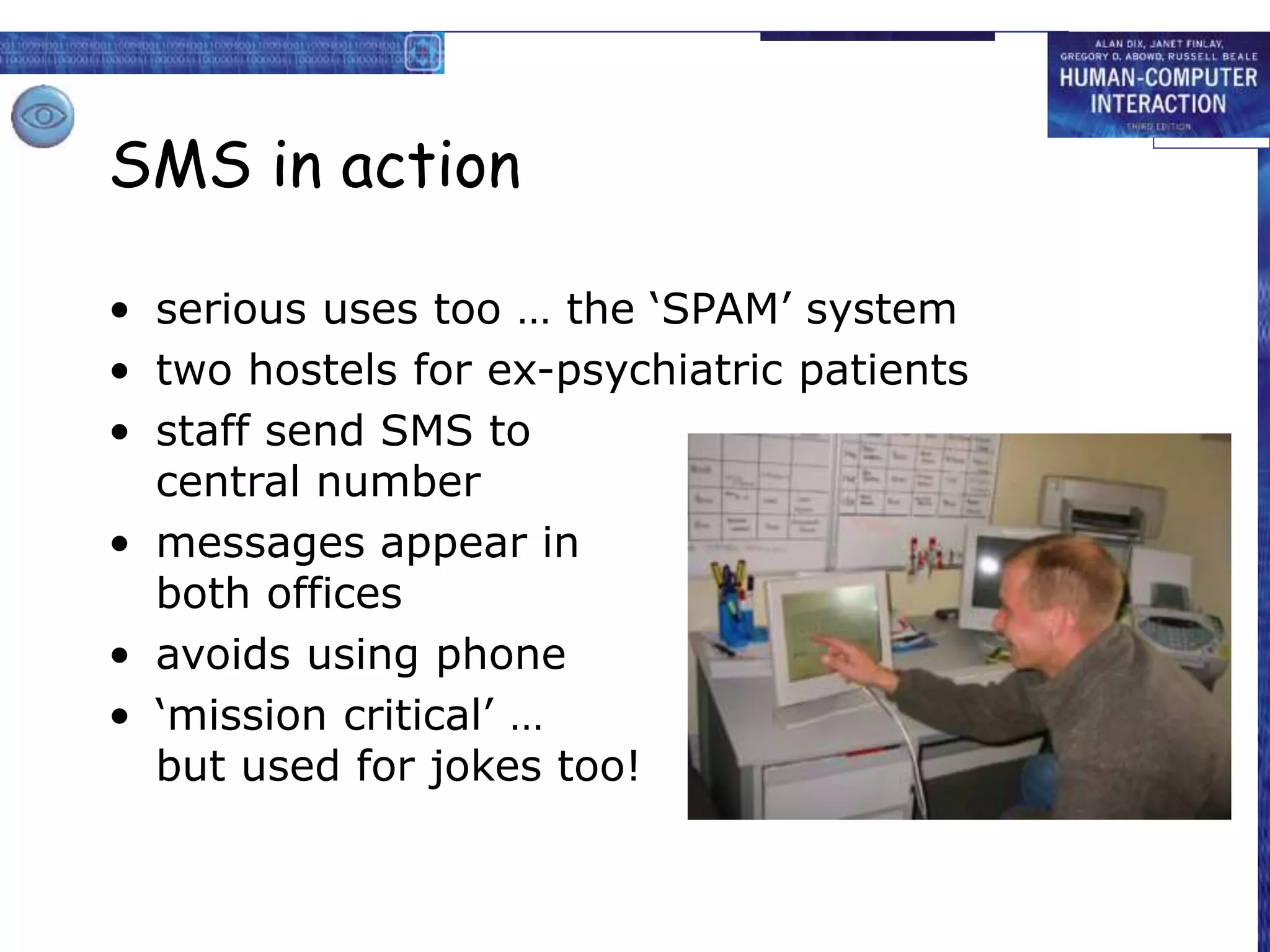
SMS in action
• serious uses too … the ‘SPAM’ system
• two hostels for ex-psychiatric patients
• staff send SMS to
central number
• messages appear in
both offices
• avoids using phone
• ‘mission critical’ …
but used for jokes too!
Video conferences and
communication
synchronous/remote
Technology:
– ISDN + video compression
– internet, web cams
major uses:
– video conferences
– pervasive video for social contact
– integration with other applications
often cheaper than face-to-face meetings
(telecommunications costs vs. air flights)
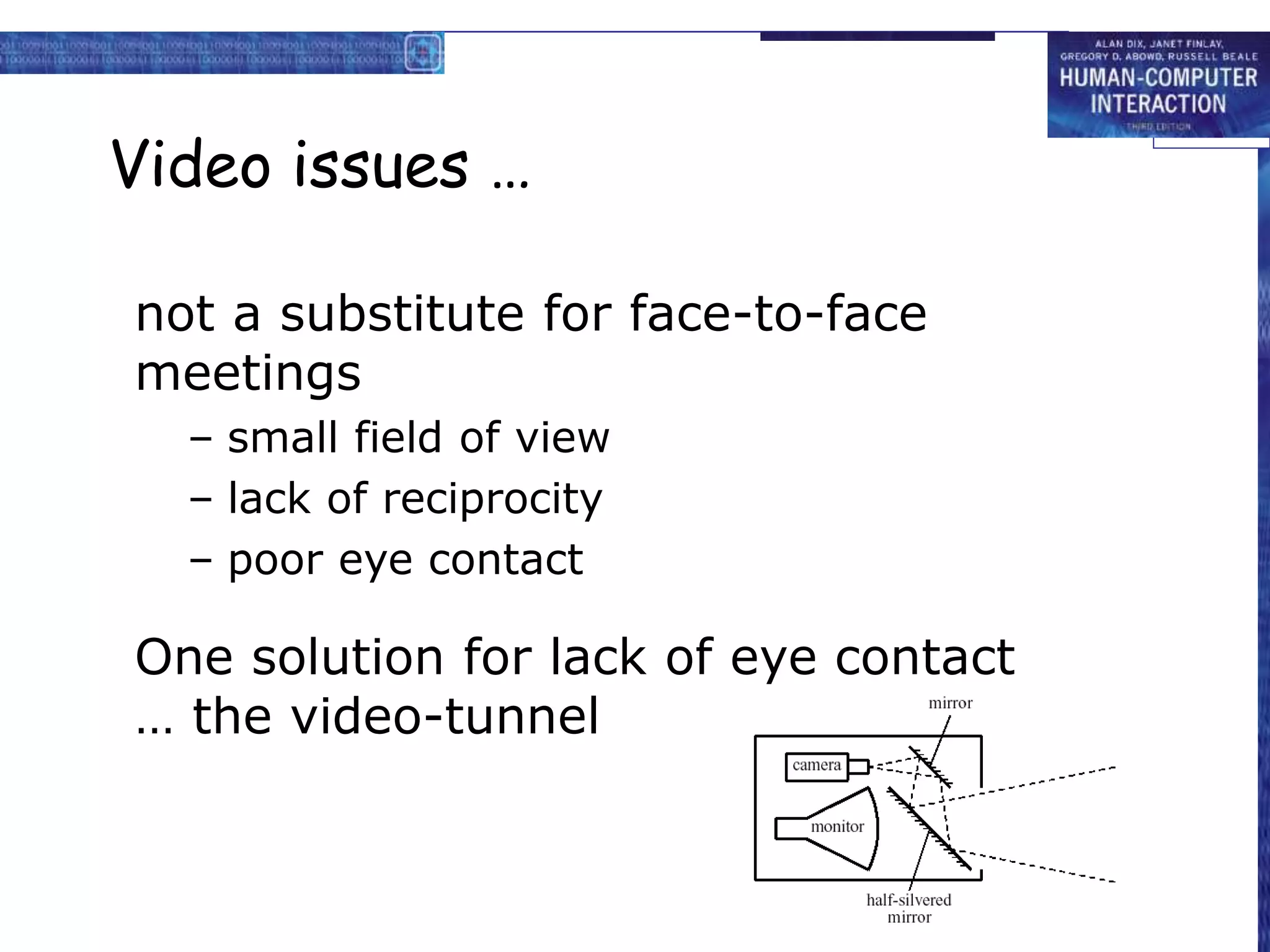
Video issues …
not a substitute for face-to-face
meetings
– small field of view
– lack of reciprocity
– poor eye contact
One solution for lack of eye contact
… the video-tunnel
web-video
• video-conferencing – expensive technology
• but internet (almost) free!
• web-cams
– used for face-to-face chat
– for video-conferencing
– for permanent web-cams
• low bandwidth
– pictures ‘block out’ … not terrible
– audio more problematic
– may use text chat
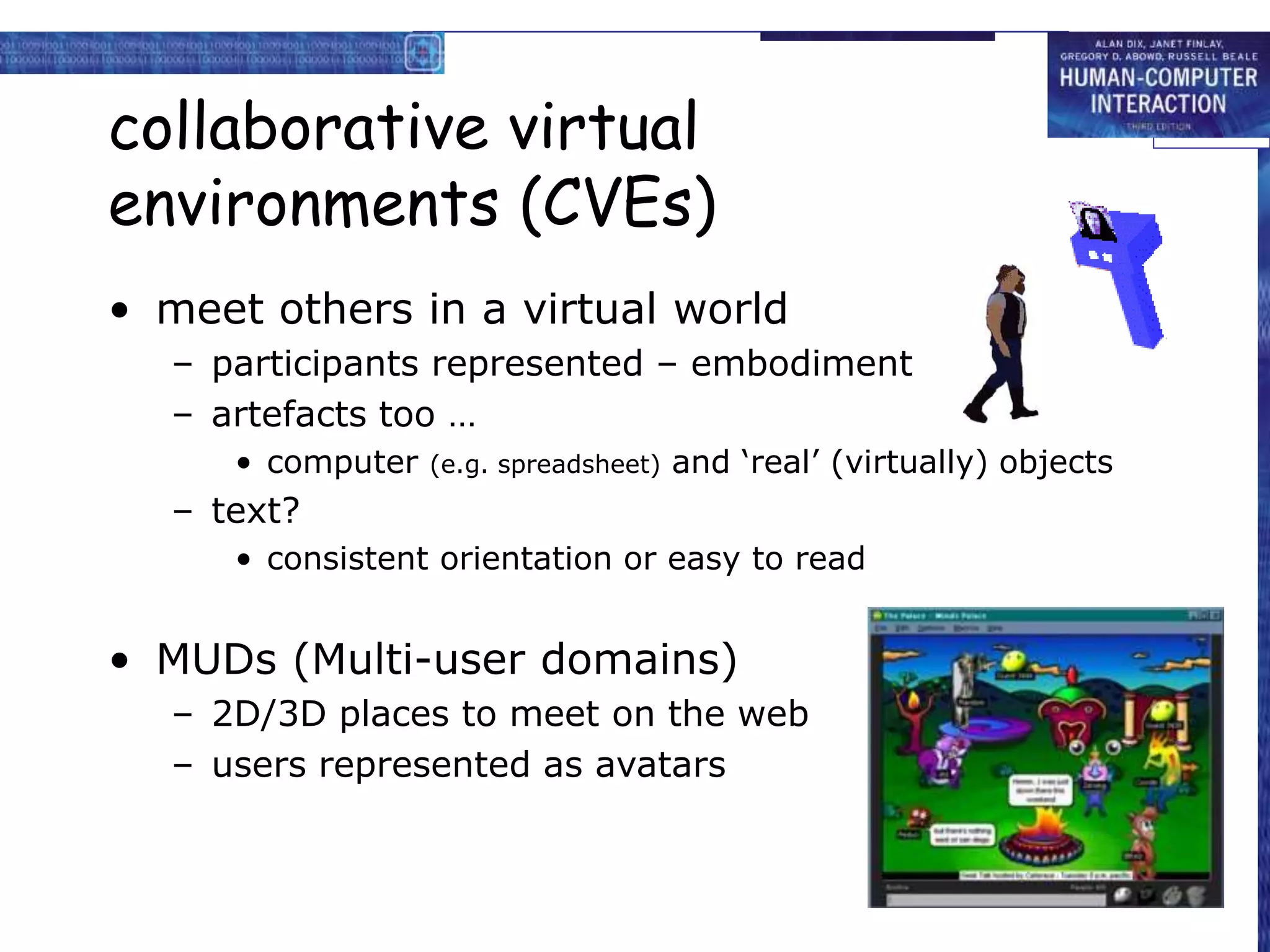
collaborative virtual
environments (CVEs)
• meet others in a virtual world
– participants represented – embodiment
– artefacts too …
• computer (e.g. spreadsheet) and ‘real’ (virtually) objects
– text?
• consistent orientation or easy to read
• MUDs (Multi-user domains)
– 2D/3D places to meet on the web
– users represented as avatars
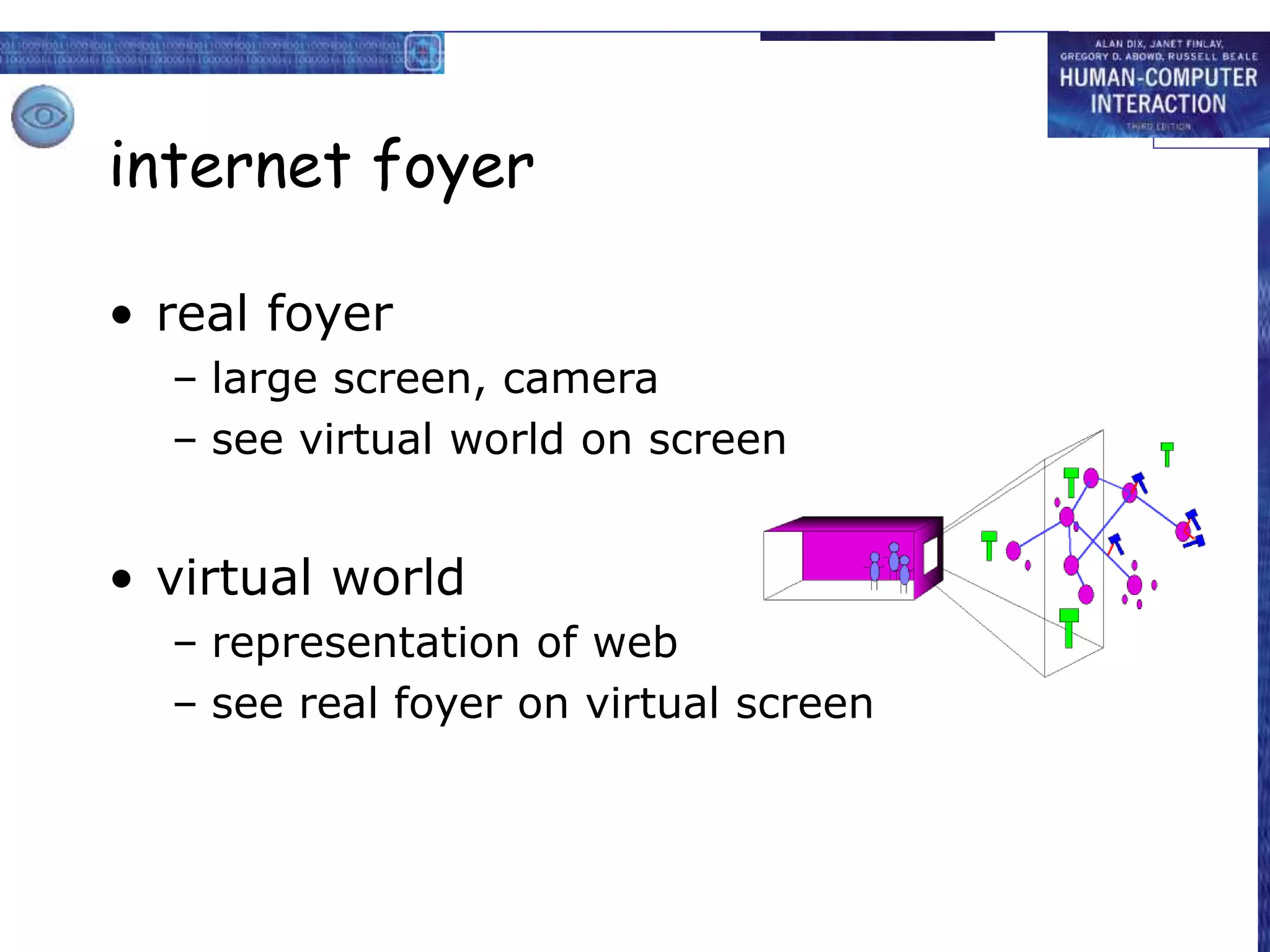
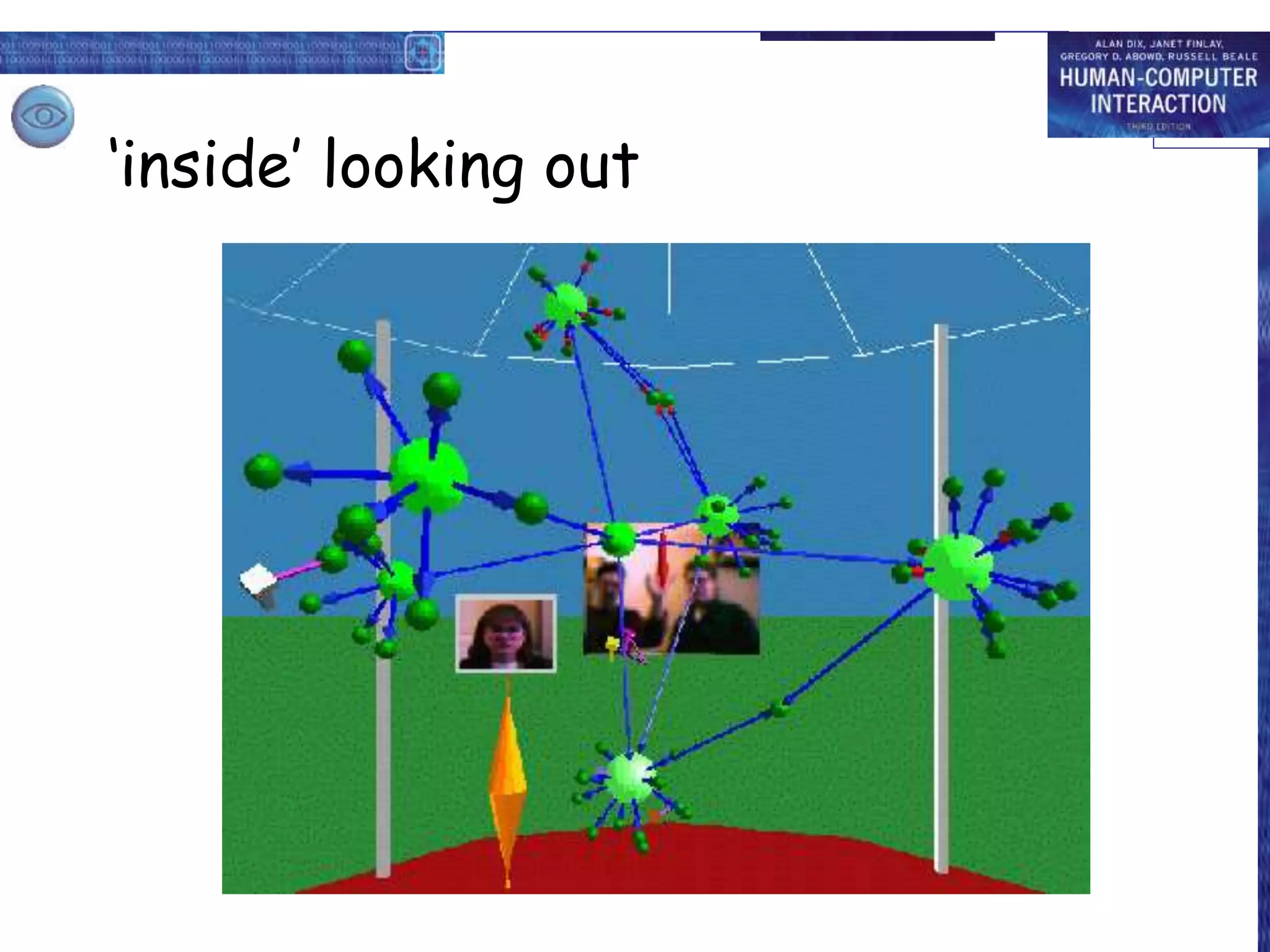
internet foyer
• real foyer
– large screen, camera
– see virtual world on screen
• virtual world
– representation of web
– see real foyer on virtual screen
‘outside’ looking in
‘inside’ looking out

Share_GroupWare_part-I.ppt

  • 1.
  • 2.
    Groupware • What isgroupware • Types of groupware – computer-mediated communication – meeting and decisions support systems – shared applications and artefacts • Models of groupware • Implementation issues
  • 3.
    What is groupware? •Software specifically designed – to support group working – with cooperative requirements in mind • NOT just tools for communication • Groupware can be classified by – when and where the participants are working – the function it performs for cooperative work • Specific and difficult problems with groupware implementation
  • 4.
    The Time/Space Matrix Classifygroupware by: when the participants are working, at the same time or not where the participants are working, at the same place or not Common names for axes: time: synchronous/asynchronous place: co-located/remote different place same place same time different time
  • 5.
  • 6.
    Classification by Function Cooperativework involves: Participants who are working Artefacts upon which they work participants artefacts of work control and feedback P P A communication understanding direct
  • 7.
    What interactions doesa tool support? • computer-mediated communication – direct communication between participants • meeting and decision support systems – common understanding • shared applications and artefacts – control and feedback with shared work objects participants artefacts of work control and feedback P P A communication understanding direct meeting and decision support systems – common understanding computer-mediated communication – direct communication between participants shared applications and artefacts – control and feedback with shared work objects
  • 8.
    computer-mediated communication email andbulletin boards structured message systems text messaging video, virtual environments
  • 9.
    Email and bulletinboards asynchronous/remote familiar and most successful groupware Recipients of email: direct in To: field copies in Cc: field delivery identical – difference is social purpose
  • 10.
    Email vs. bulletinboards fan out one-to-one – email, direct communication one-to-many– email, distribution lists BBs, broadcast distribution control sender – email, private distribution list administrator – email, shared distribution list recipient – BBs, subscription to topics
  • 11.
    Structured message systems asynchronous/remote `super'email – cross between email and a database sender – fills in special fields recipient – filters and sorts incoming mail based on field contents … but – work by the sender – benefit for the recipient
  • 12.
    Structured message systems(ctd) N.B. global structuring by designer vs. local structuring by participants Type: Seminar announcement To: all From: Alan Dix Subject: departmental seminar Time: 2:15 Wednesday Place: D014 Speaker: W.T. Pooh Title: The Honey Pot Text: Recent research on socially constructed meaning has focused on the image of the Honey Pot and its dialectic interpretation within an encultured hermeneutic. This talk …
  • 13.
    txt is gr8 •instant messaging – 1996 – ICQ small Israeli company – now millions – more like conversation • SMS – y is it we al lv shrt msgs – originally a feature of internal management protocol – short messages (160 chars) and text with numbers – no-one predicted mass adoption!! – now phones with cameras for MMS Hi, u there want to meet later yeh, had a good night last night? uhu
  • 14.
    SMS in action •serious uses too … the ‘SPAM’ system • two hostels for ex-psychiatric patients • staff send SMS to central number • messages appear in both offices • avoids using phone • ‘mission critical’ … but used for jokes too!
  • 15.
    Video conferences and communication synchronous/remote Technology: –ISDN + video compression – internet, web cams major uses: – video conferences – pervasive video for social contact – integration with other applications often cheaper than face-to-face meetings (telecommunications costs vs. air flights)
  • 16.
    Video issues … nota substitute for face-to-face meetings – small field of view – lack of reciprocity – poor eye contact One solution for lack of eye contact … the video-tunnel
  • 17.
    web-video • video-conferencing –expensive technology • but internet (almost) free! • web-cams – used for face-to-face chat – for video-conferencing – for permanent web-cams • low bandwidth – pictures ‘block out’ … not terrible – audio more problematic – may use text chat
  • 18.
    collaborative virtual environments (CVEs) •meet others in a virtual world – participants represented – embodiment – artefacts too … • computer (e.g. spreadsheet) and ‘real’ (virtually) objects – text? • consistent orientation or easy to read • MUDs (Multi-user domains) – 2D/3D places to meet on the web – users represented as avatars
  • 19.
    internet foyer • realfoyer – large screen, camera – see virtual world on screen • virtual world – representation of web – see real foyer on virtual screen
  • 20.
  • 21.