Downloaded 127 times

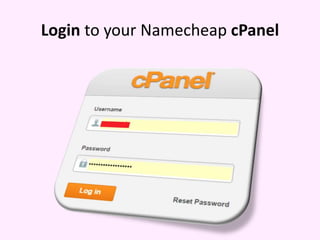
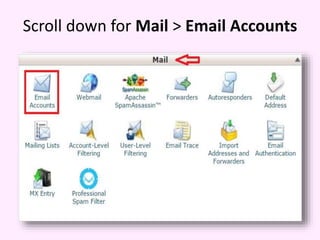

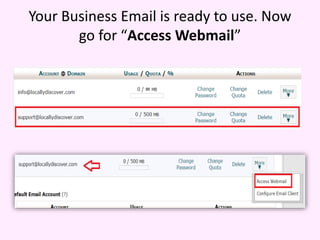
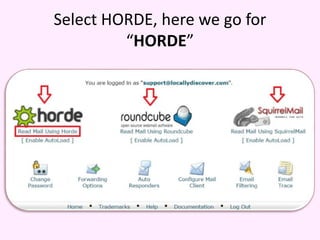
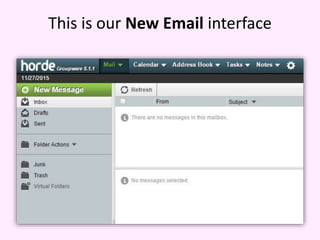
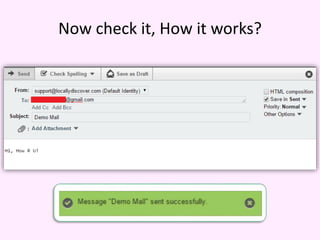
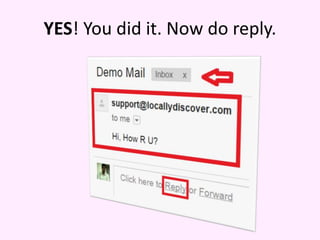
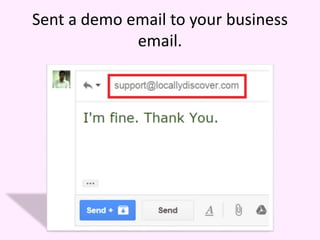
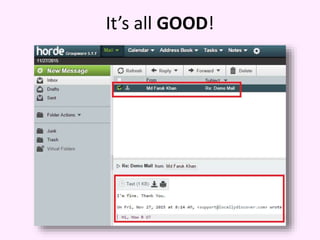


The document provides a step-by-step guide for creating a business email account on Namecheap's cPanel. It instructs the user to fill in the necessary information and access their new email interface via Horde. The final step includes sending a demo email to confirm functionality.


