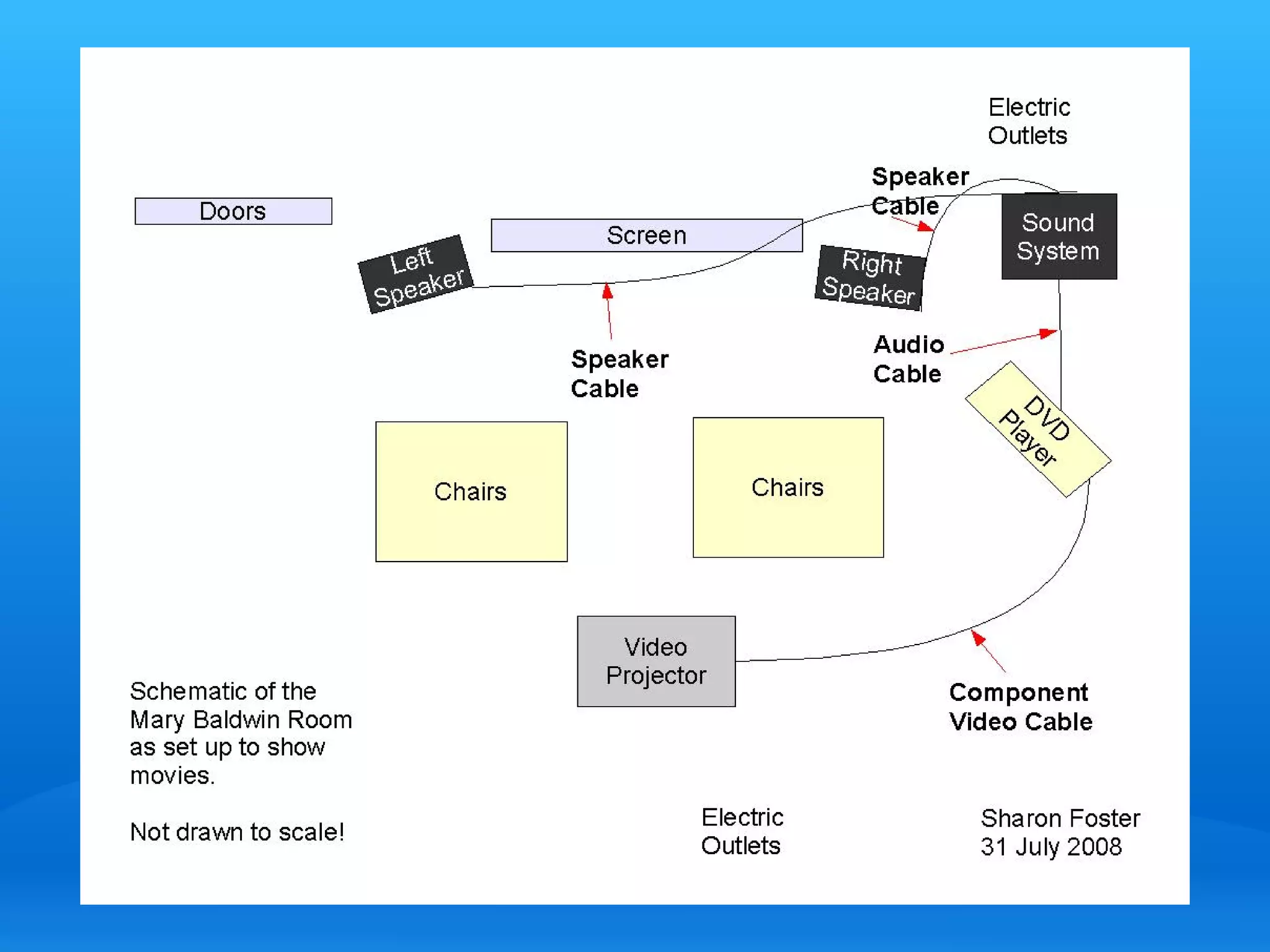
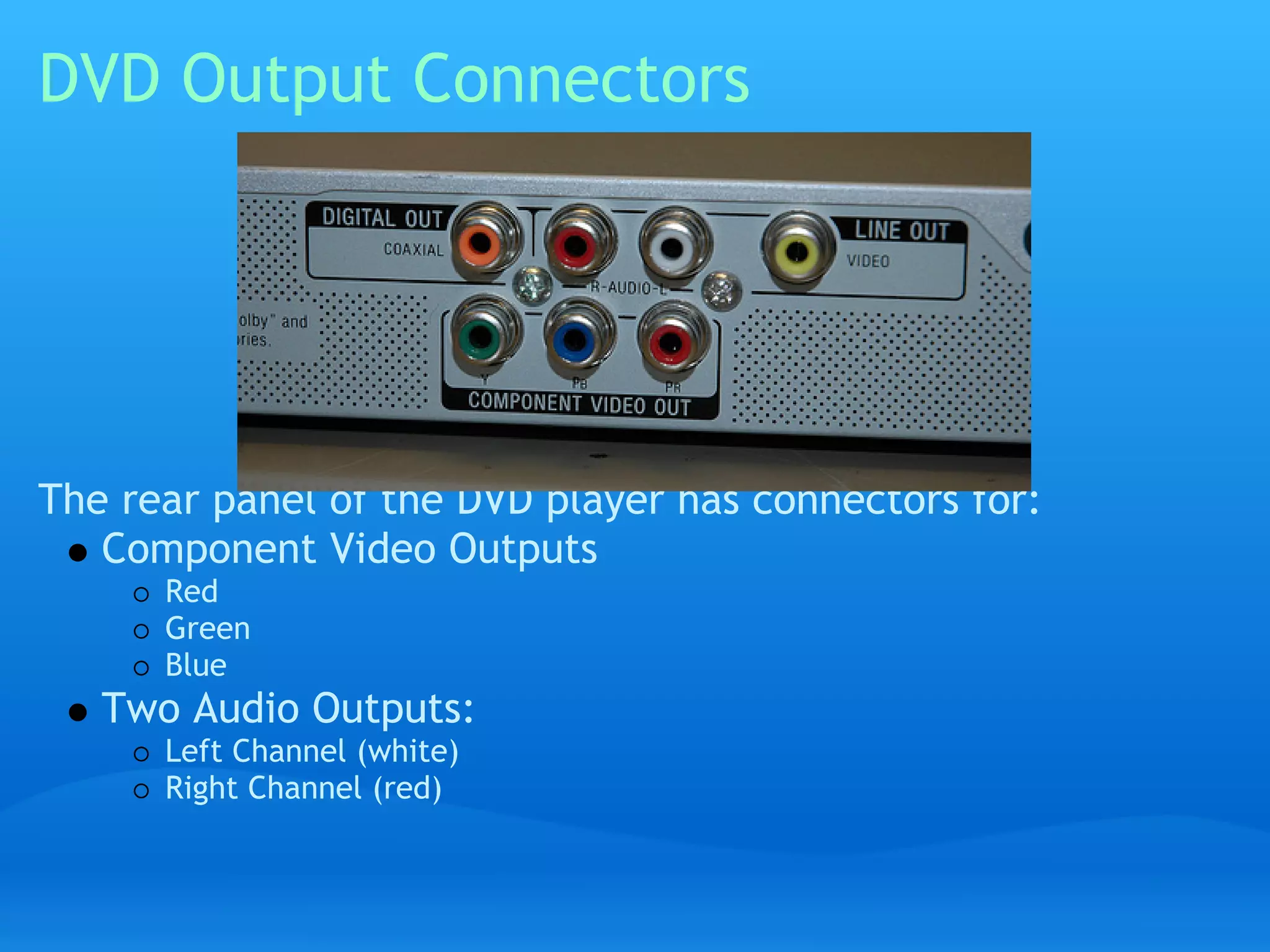
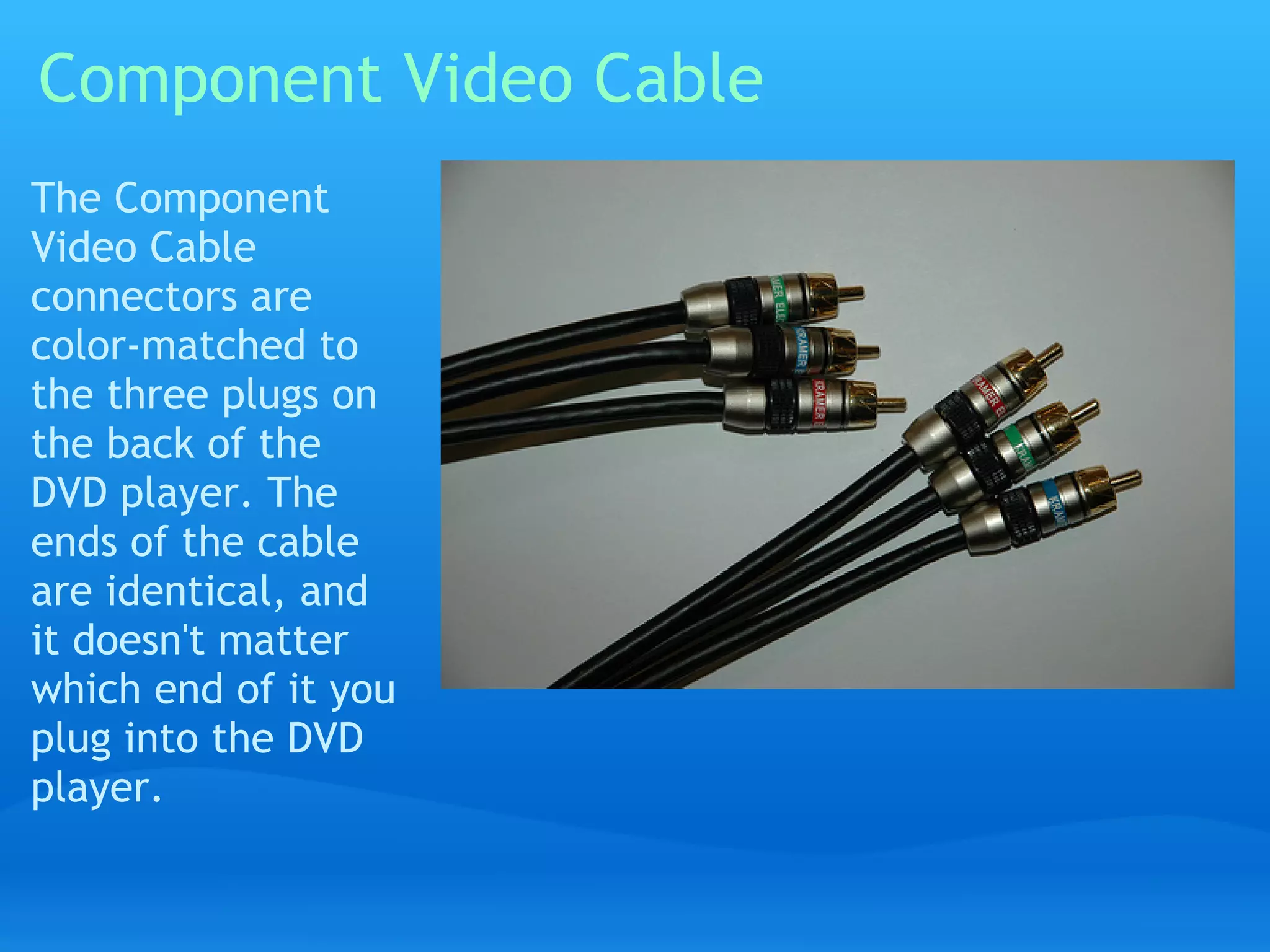
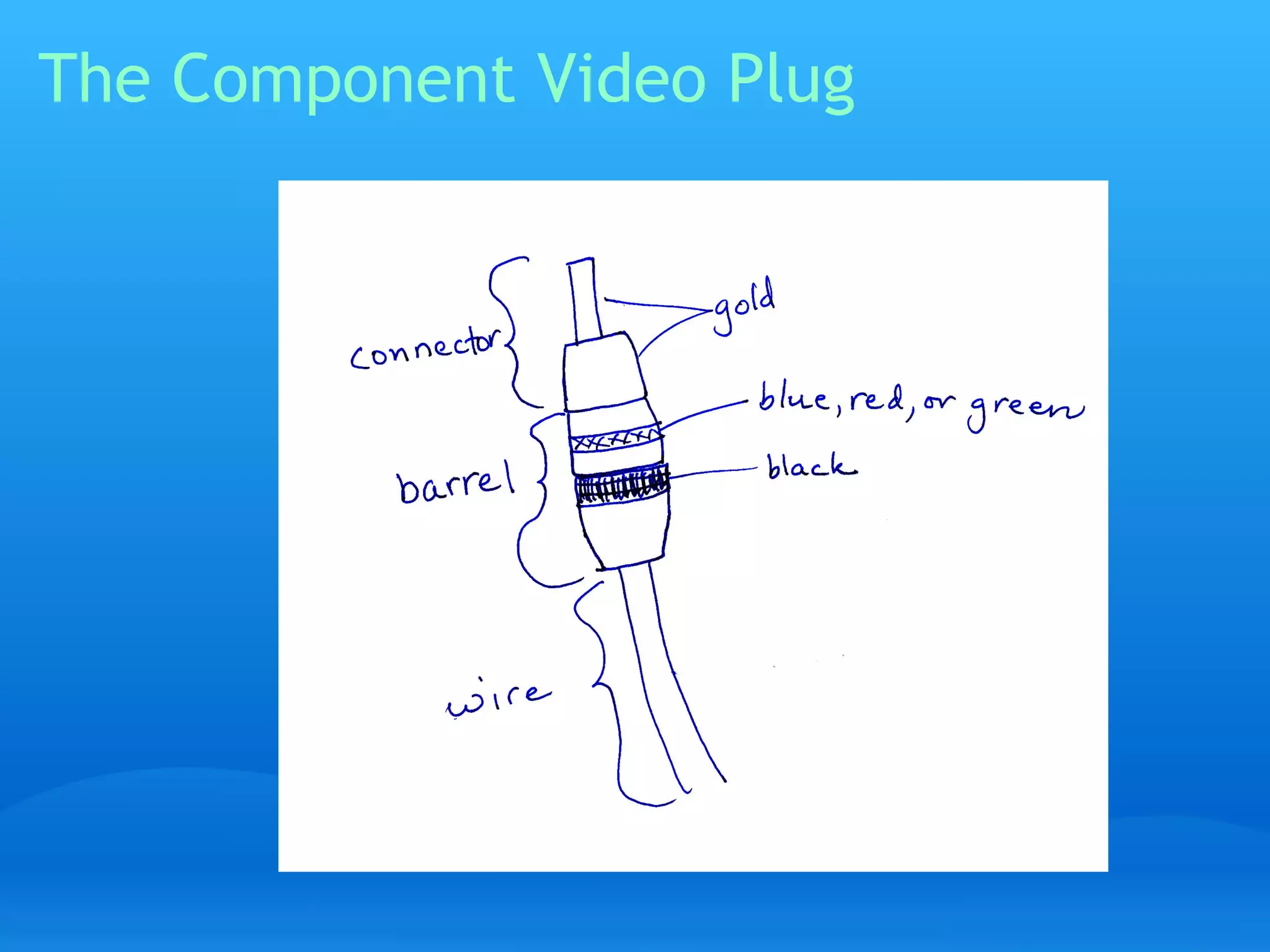
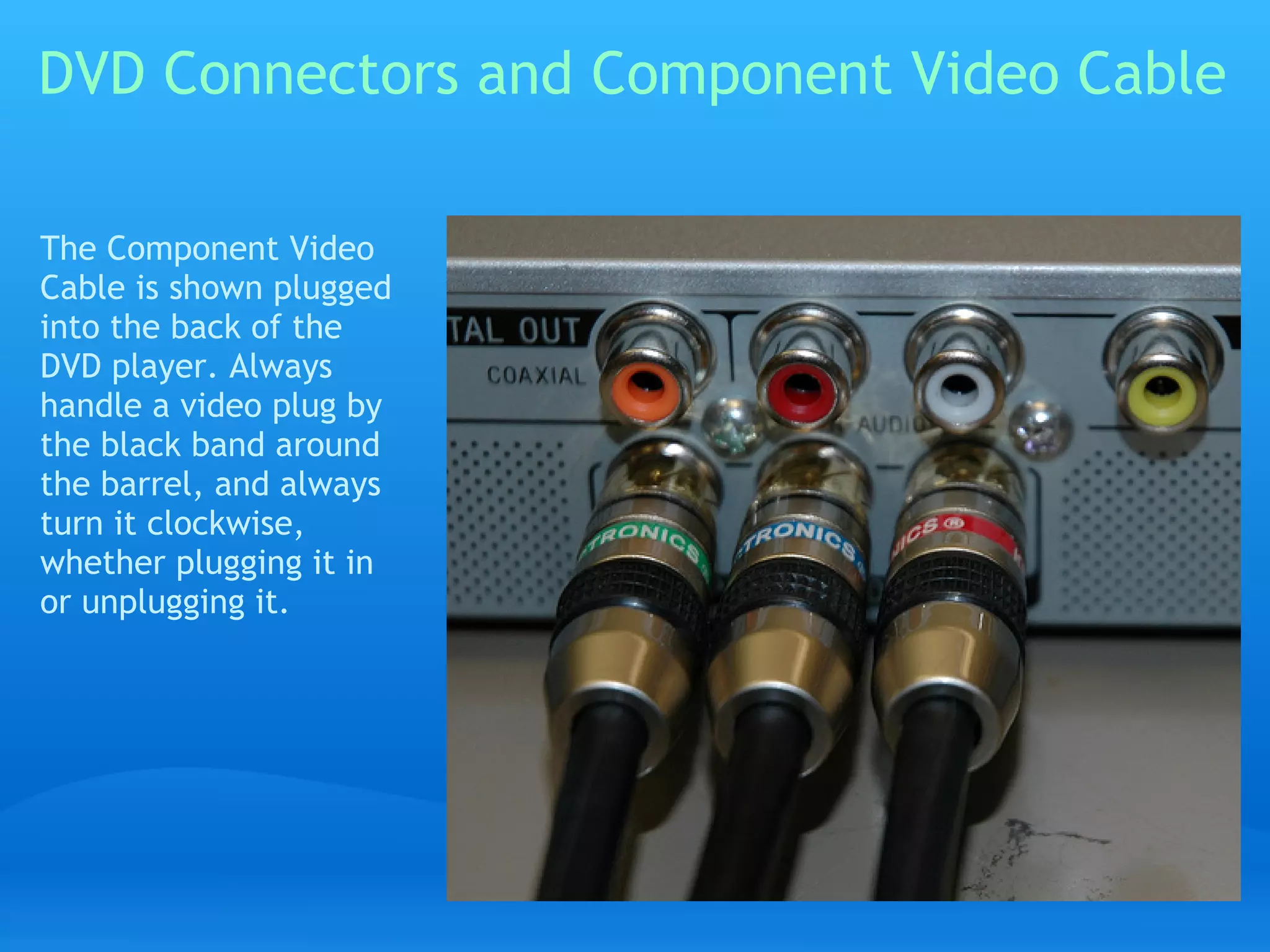
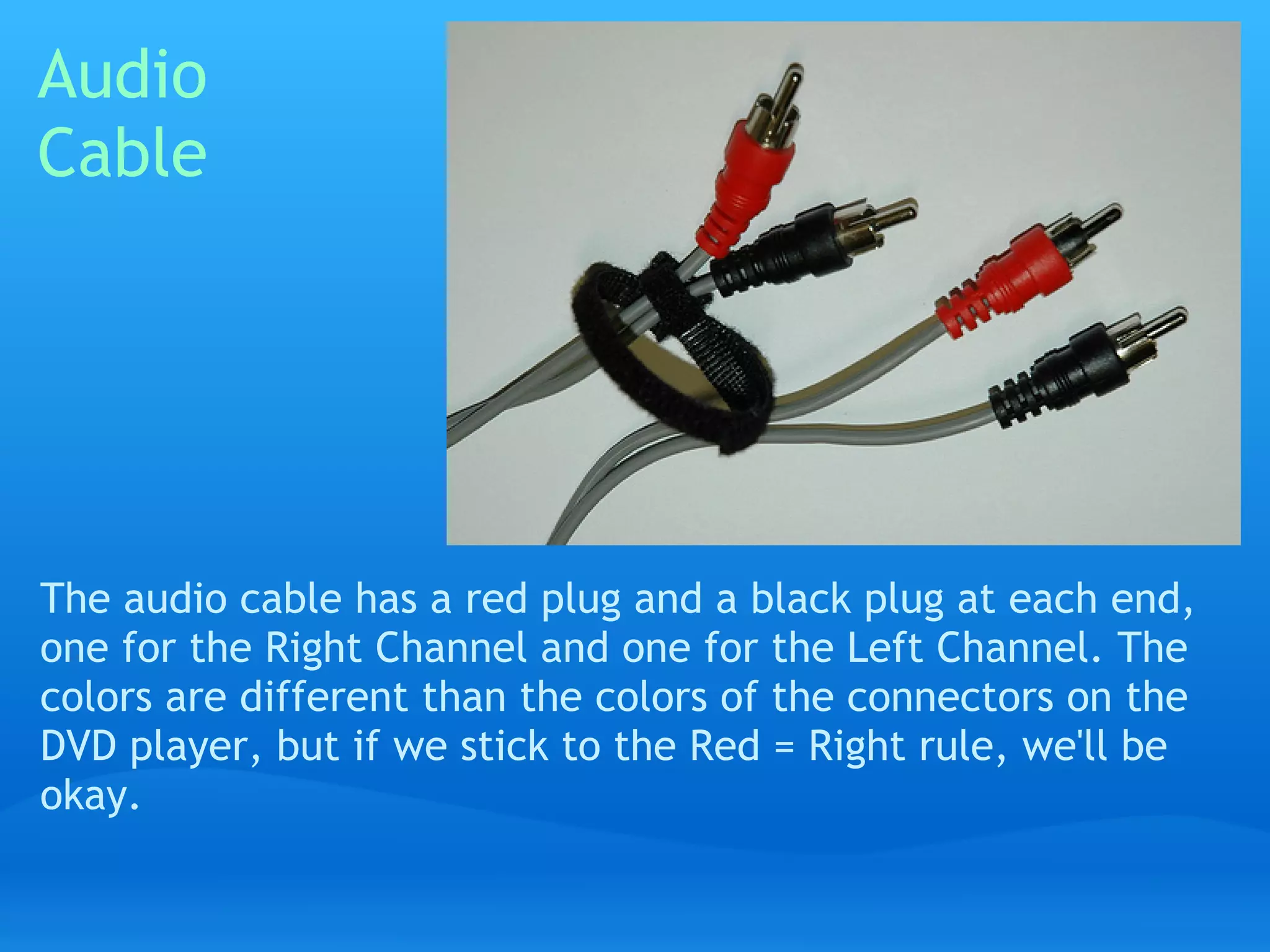
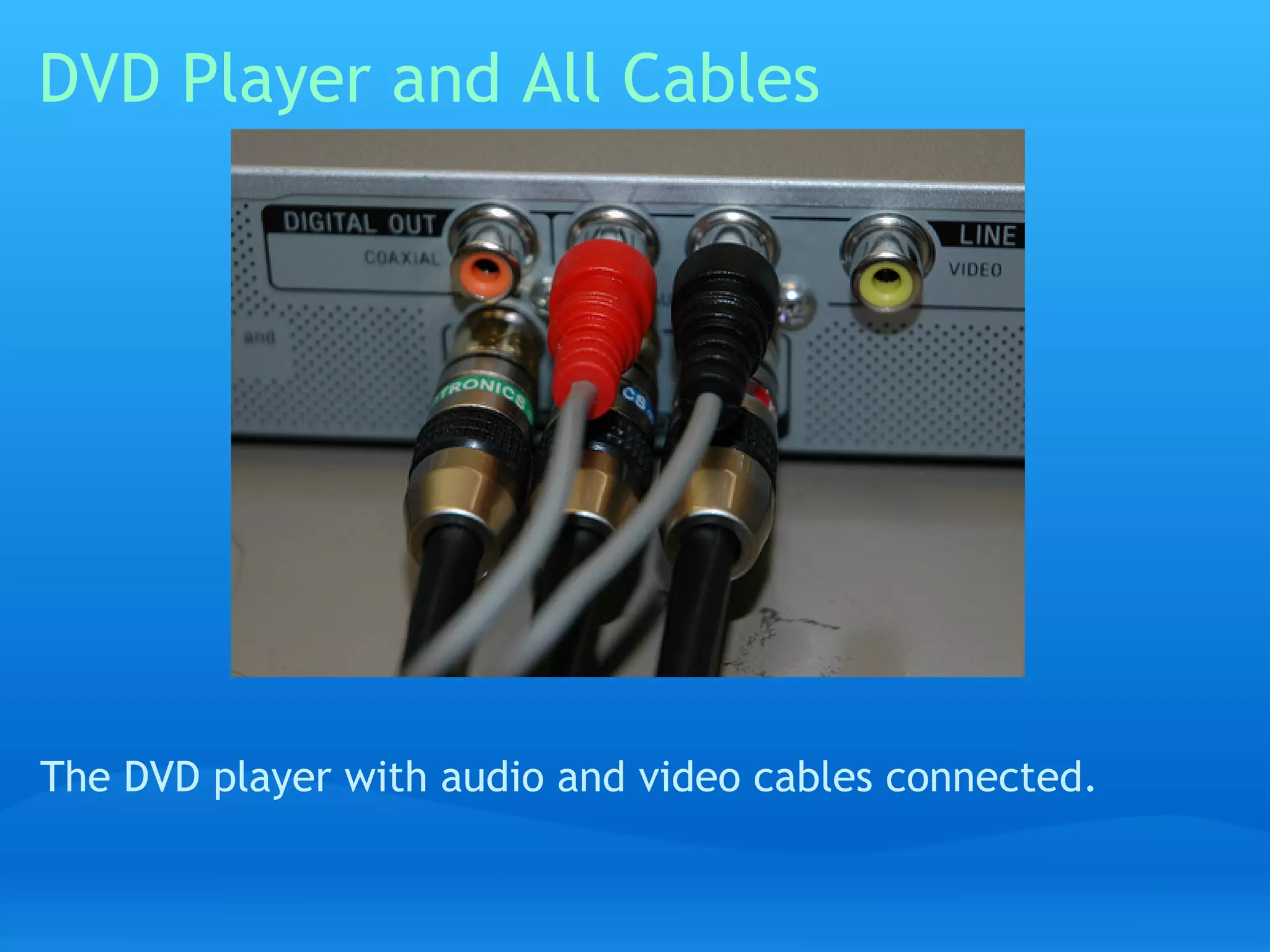
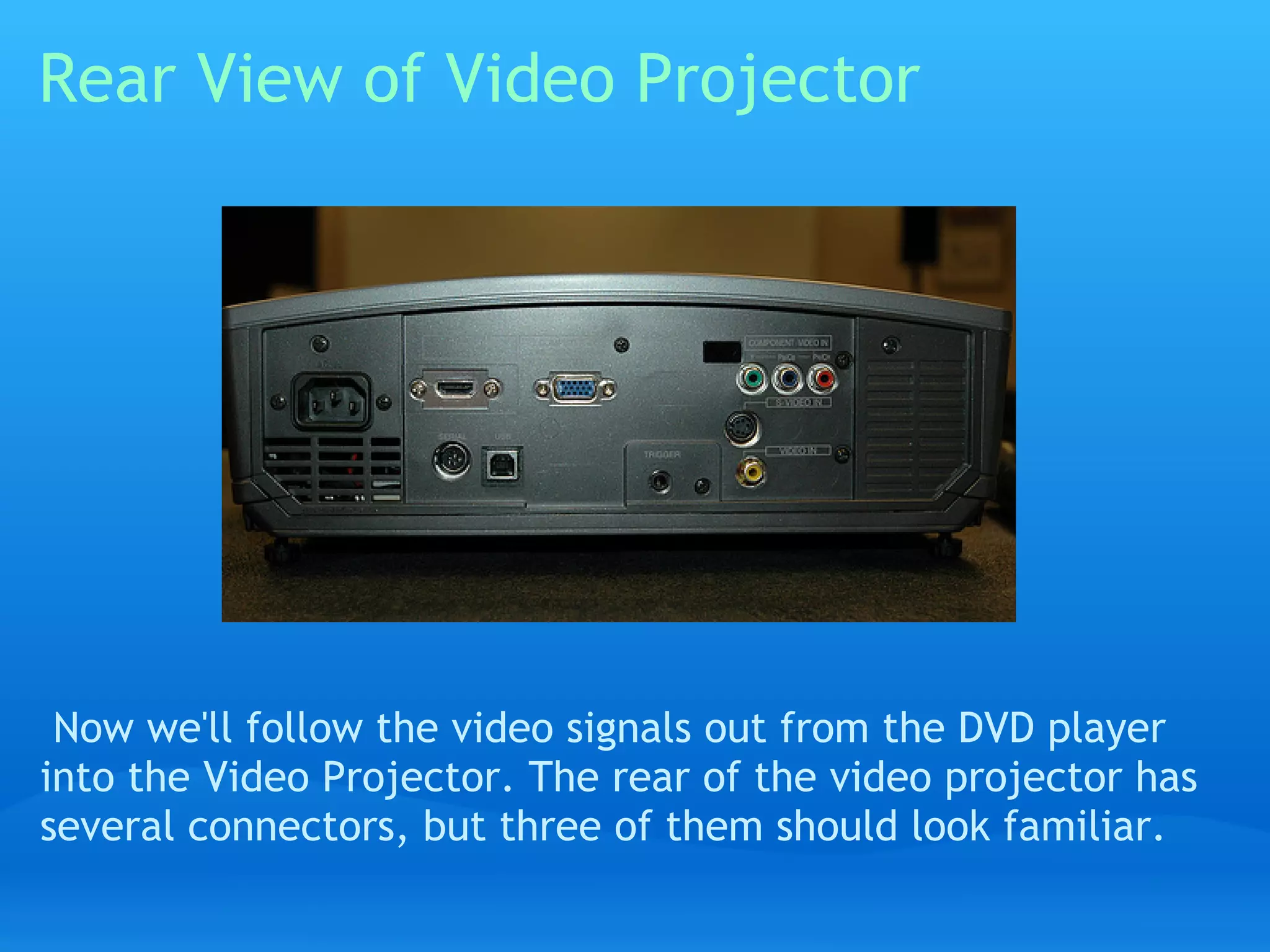
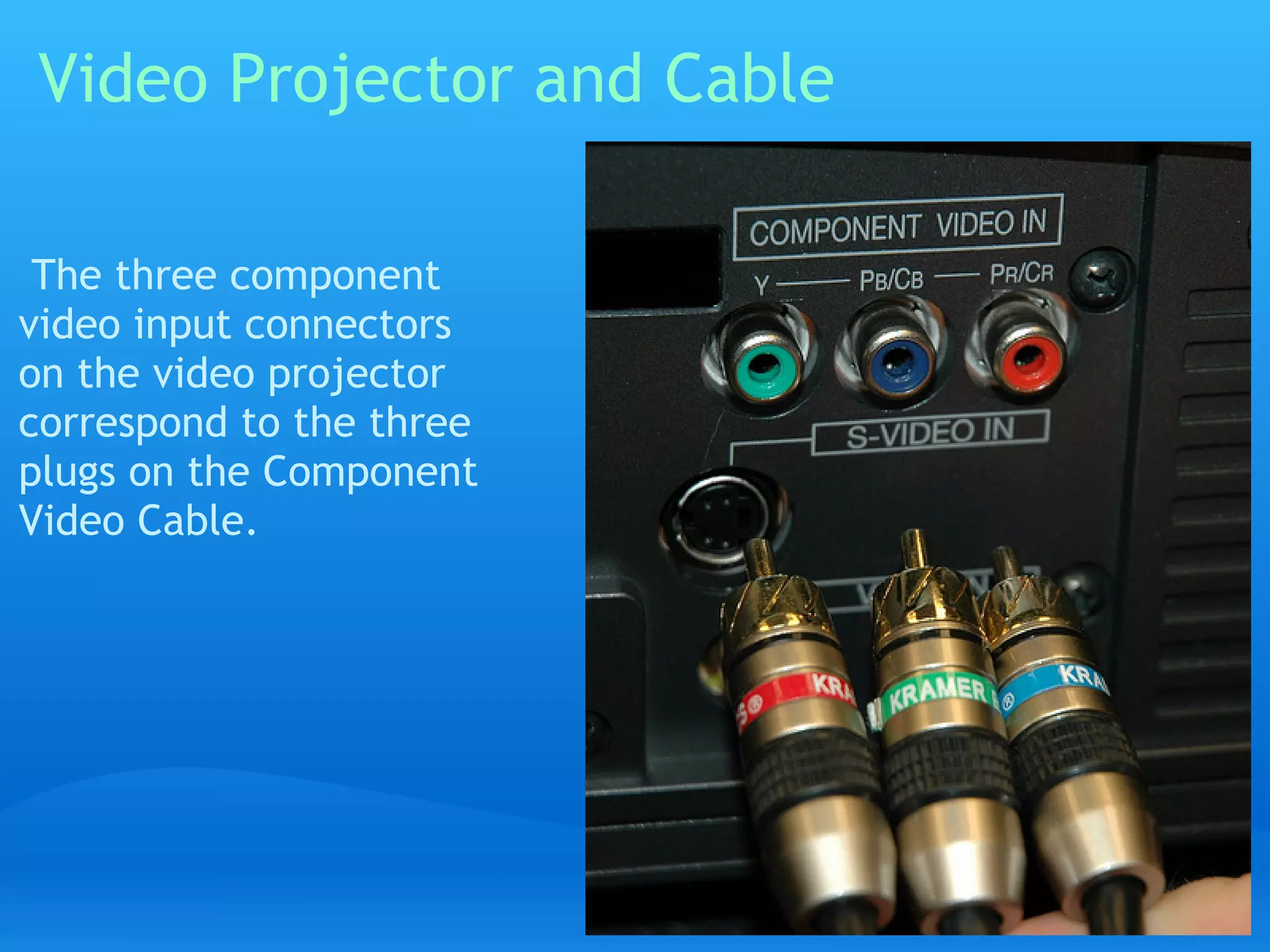
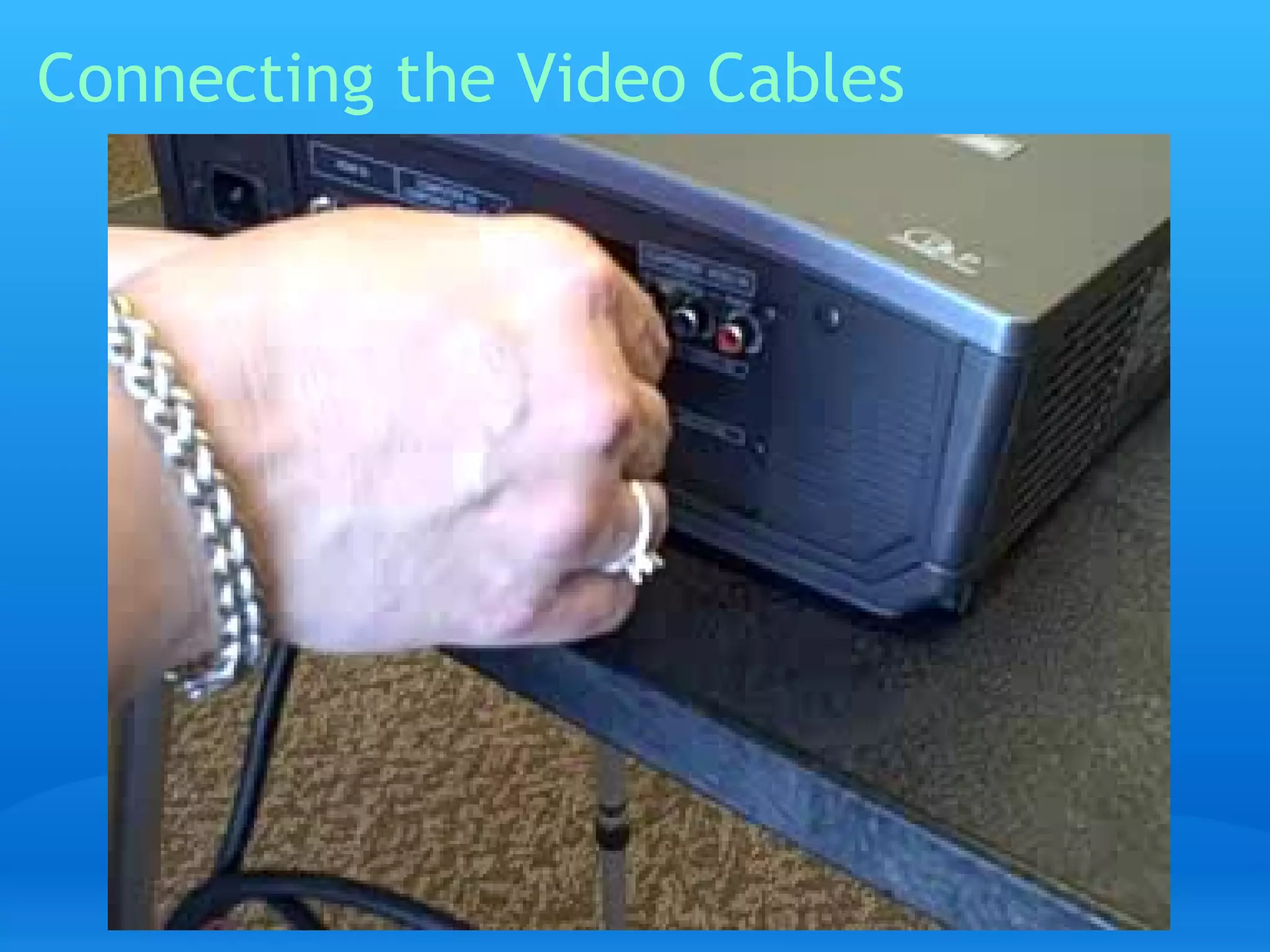
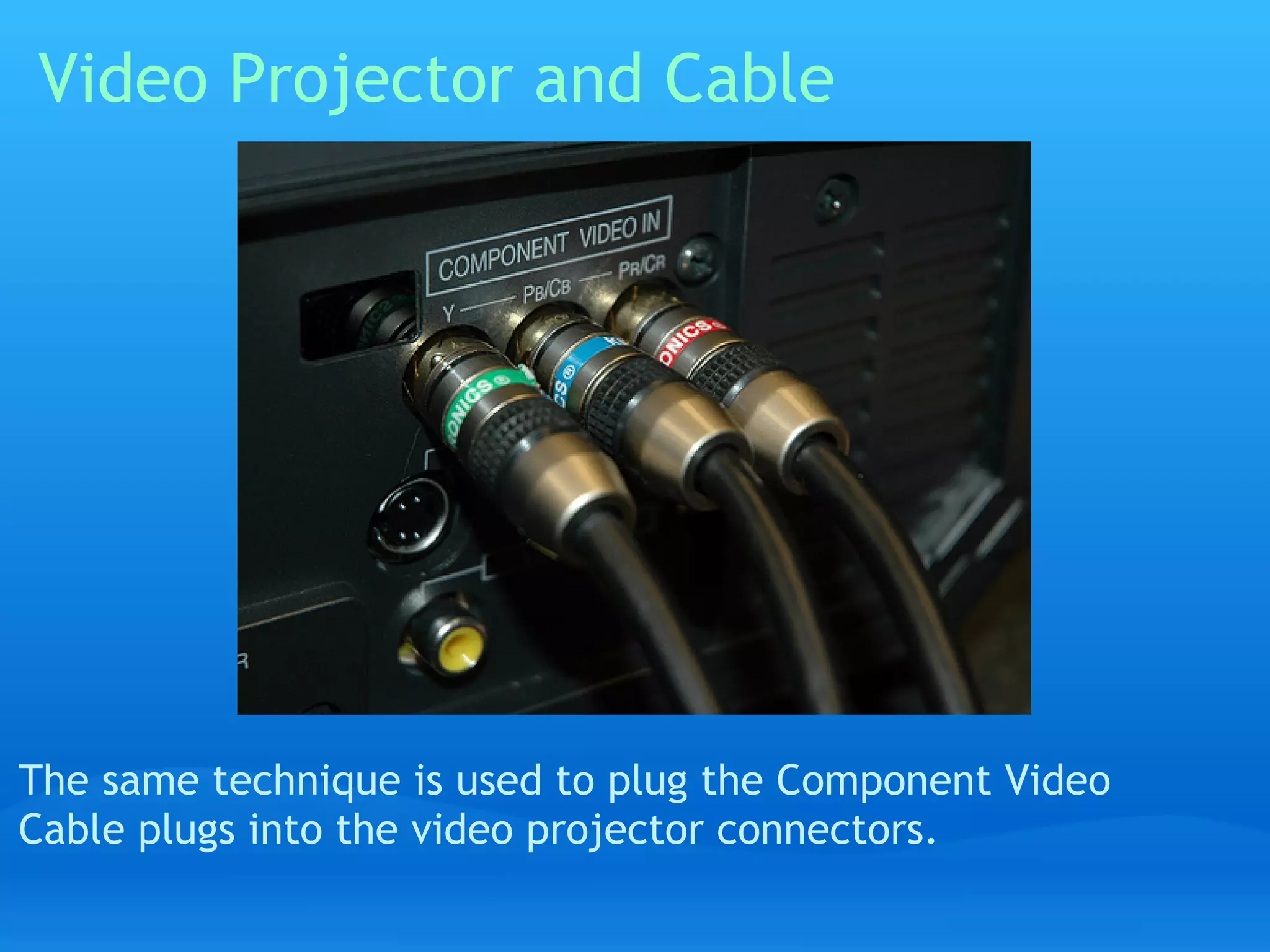
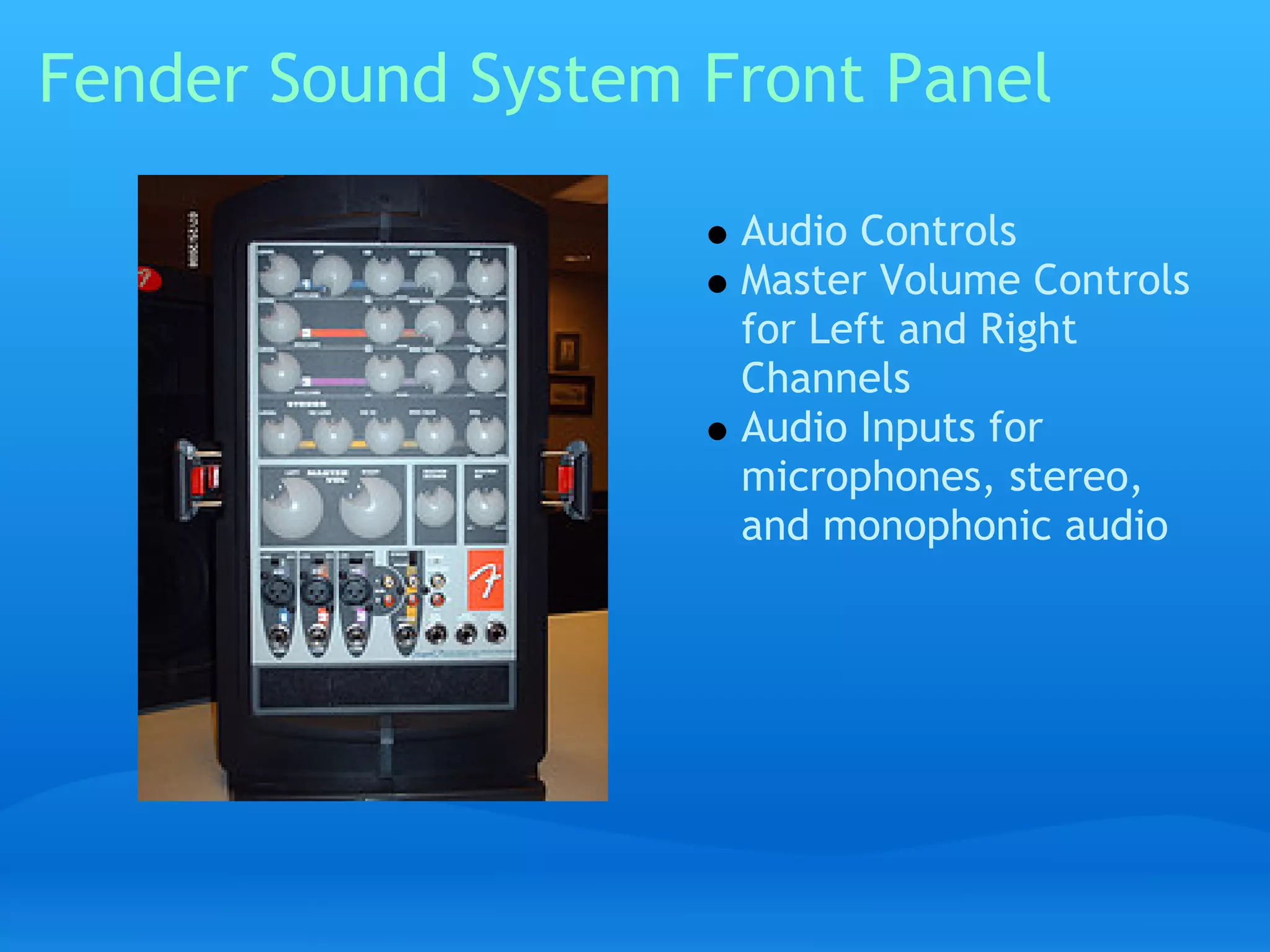
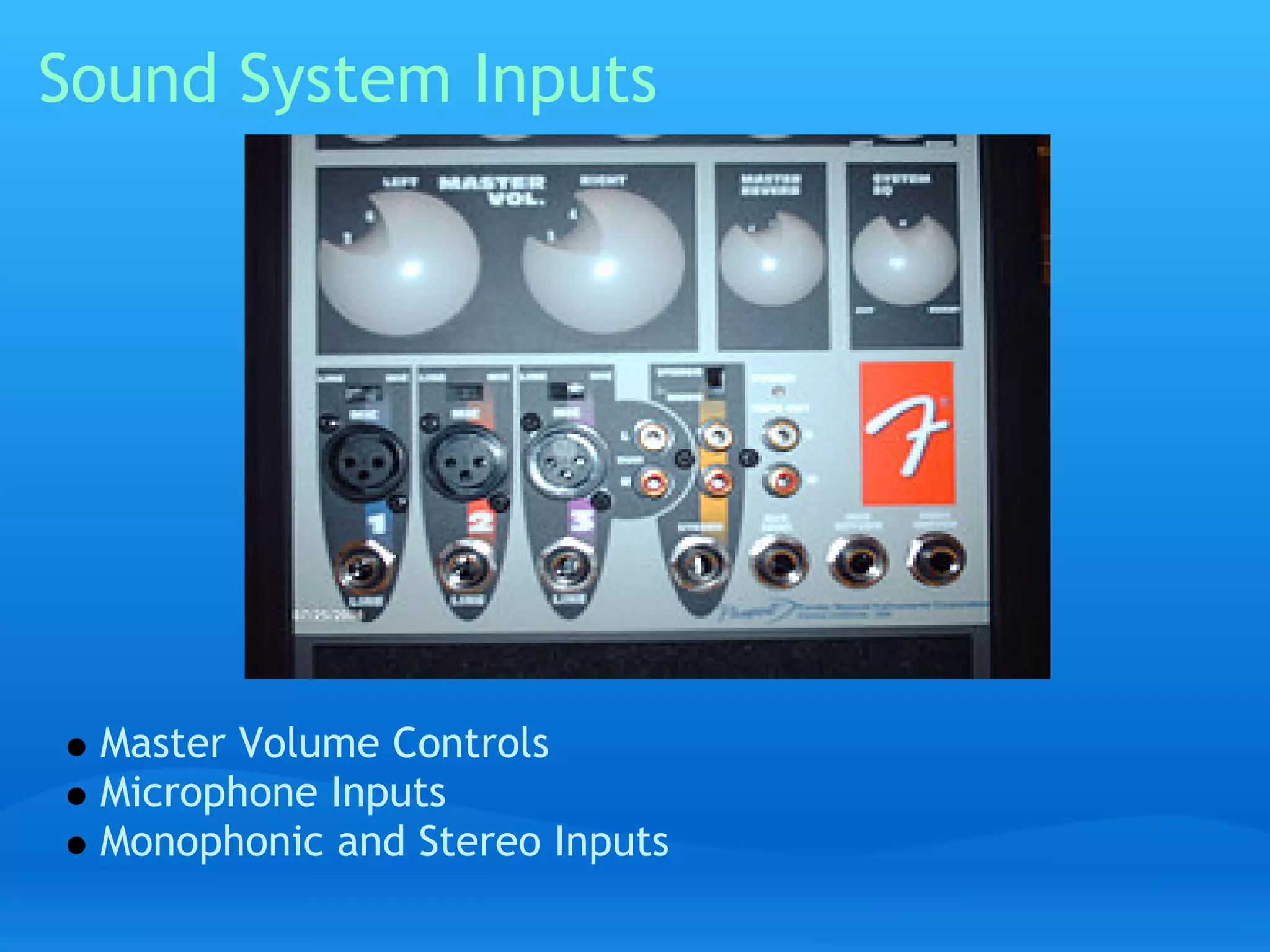
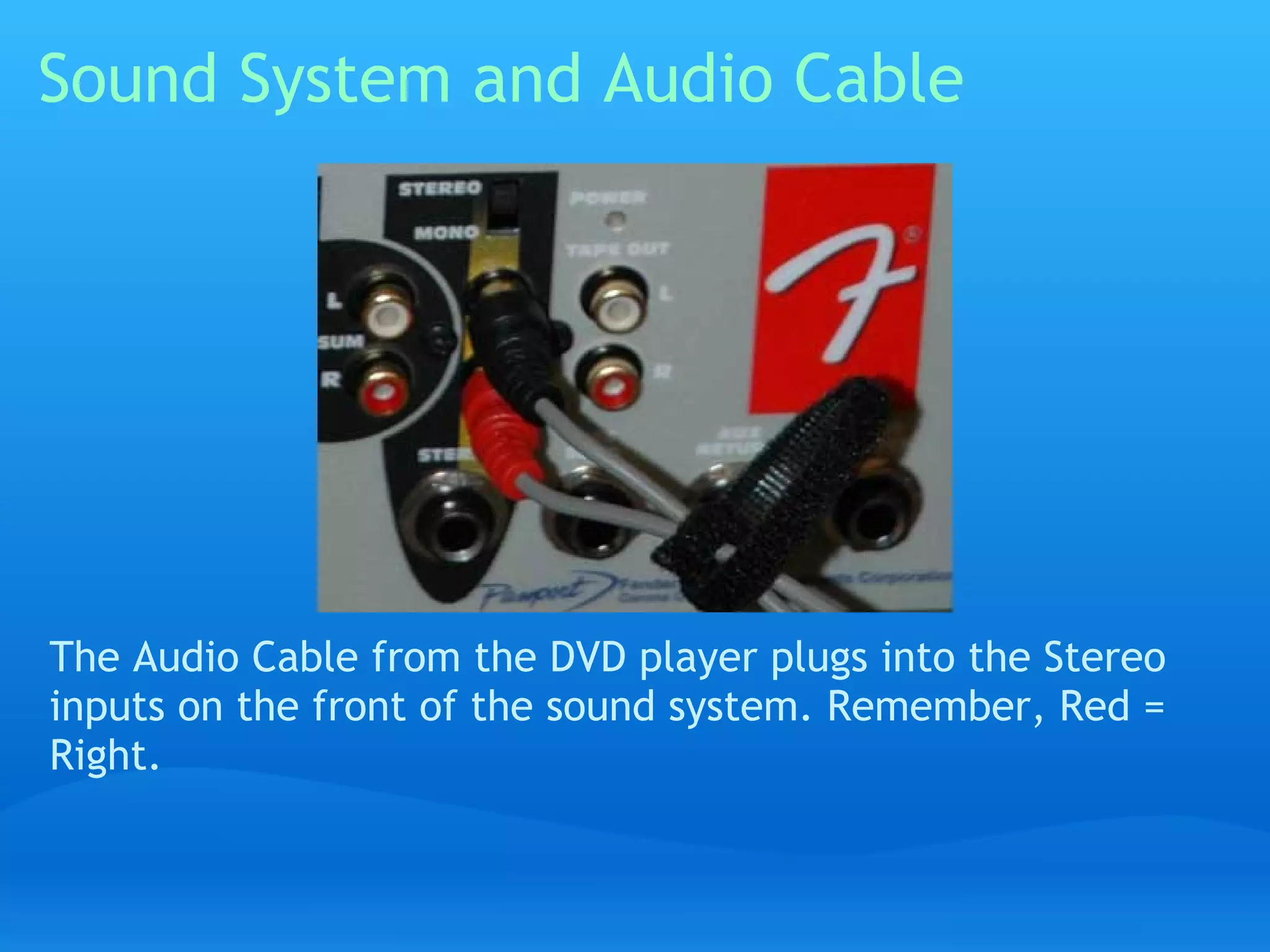
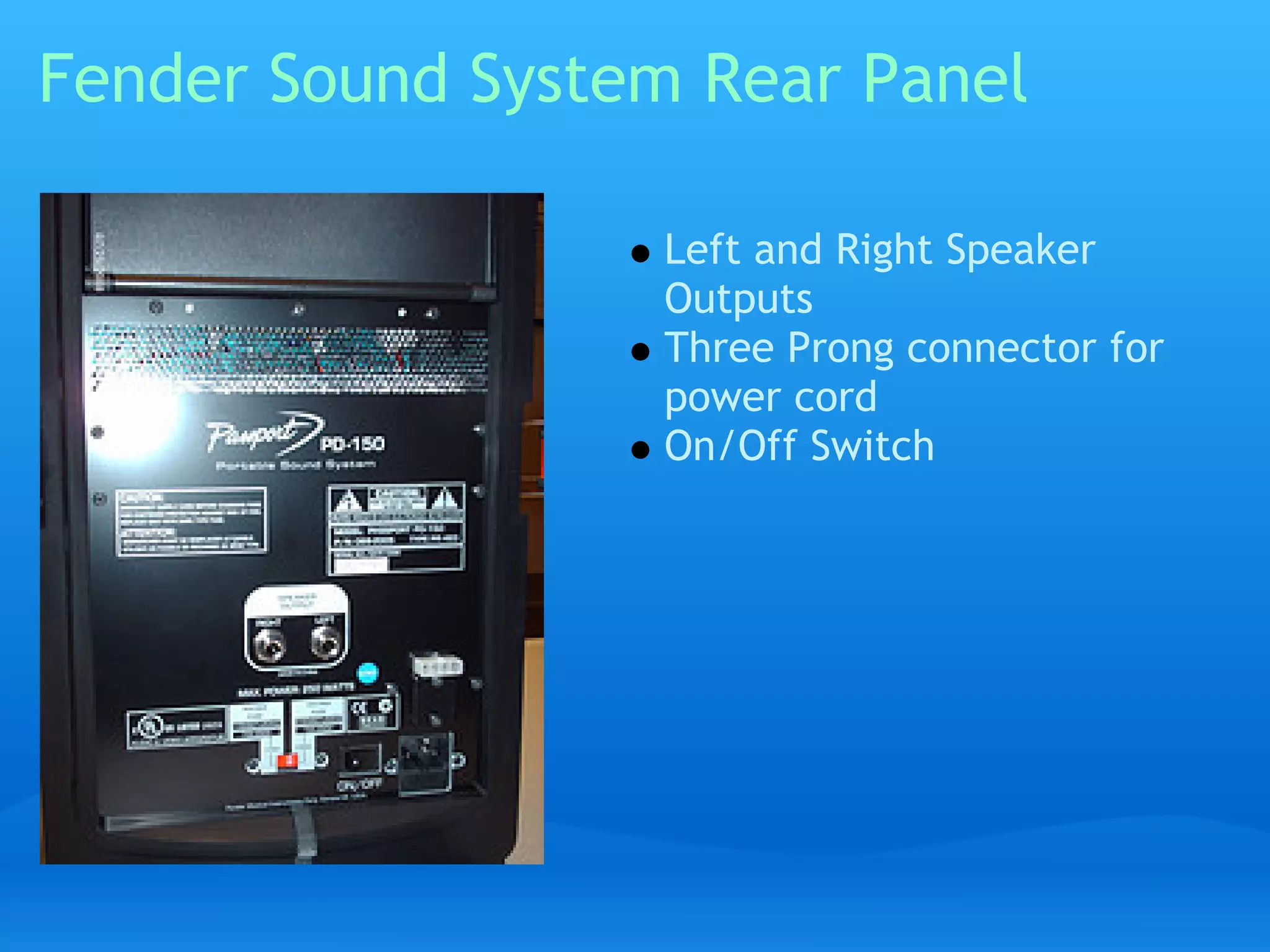
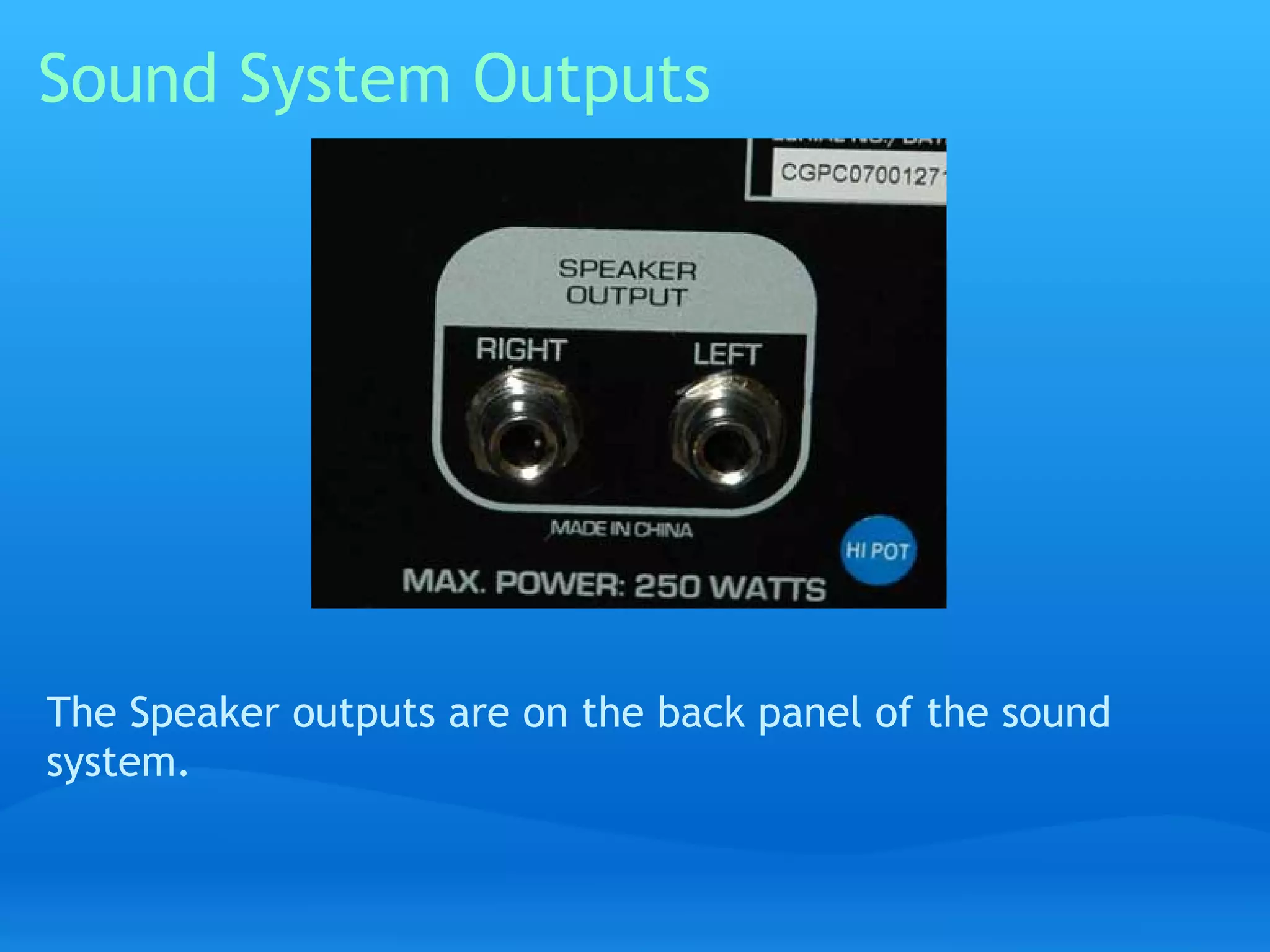
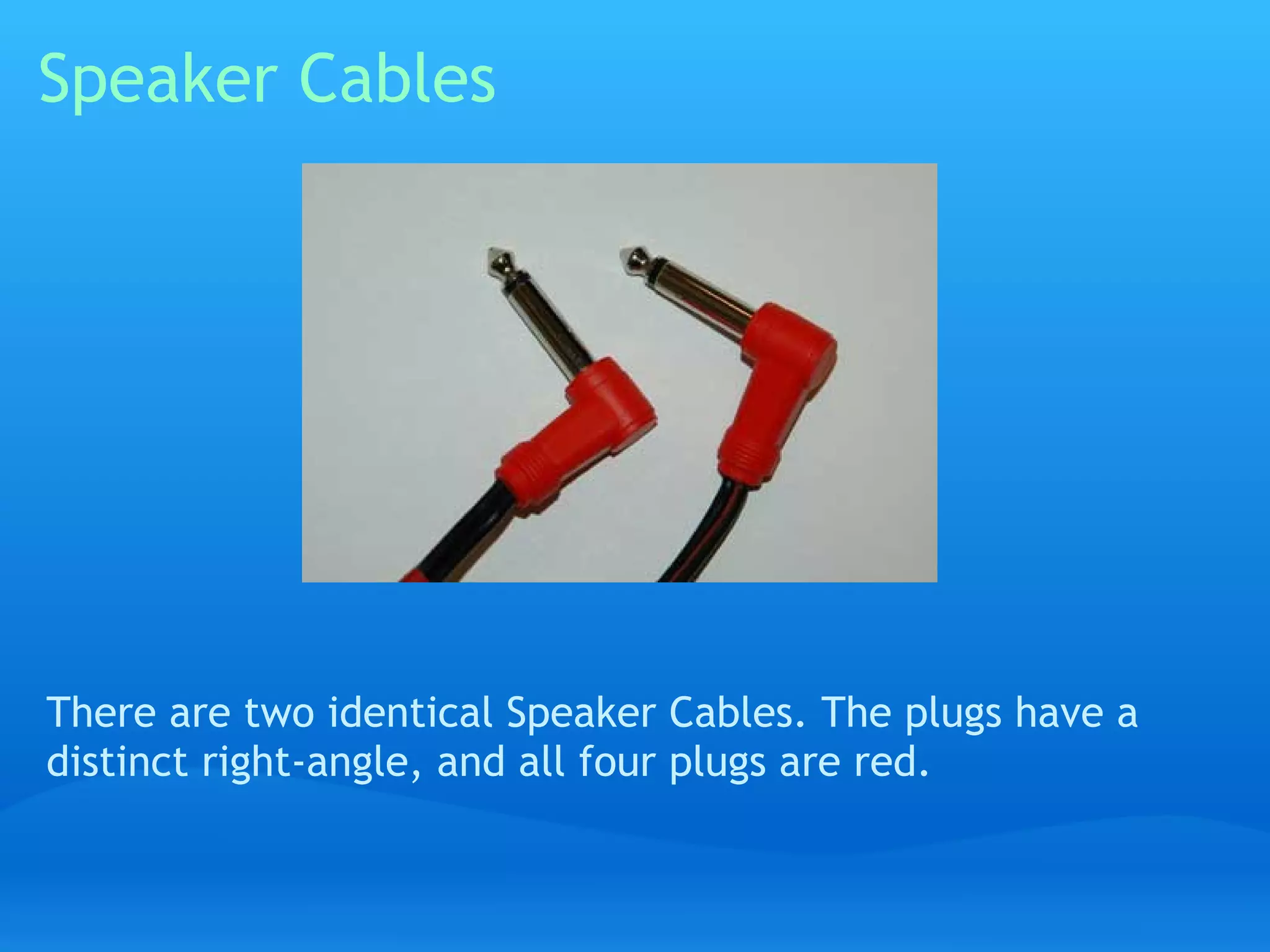
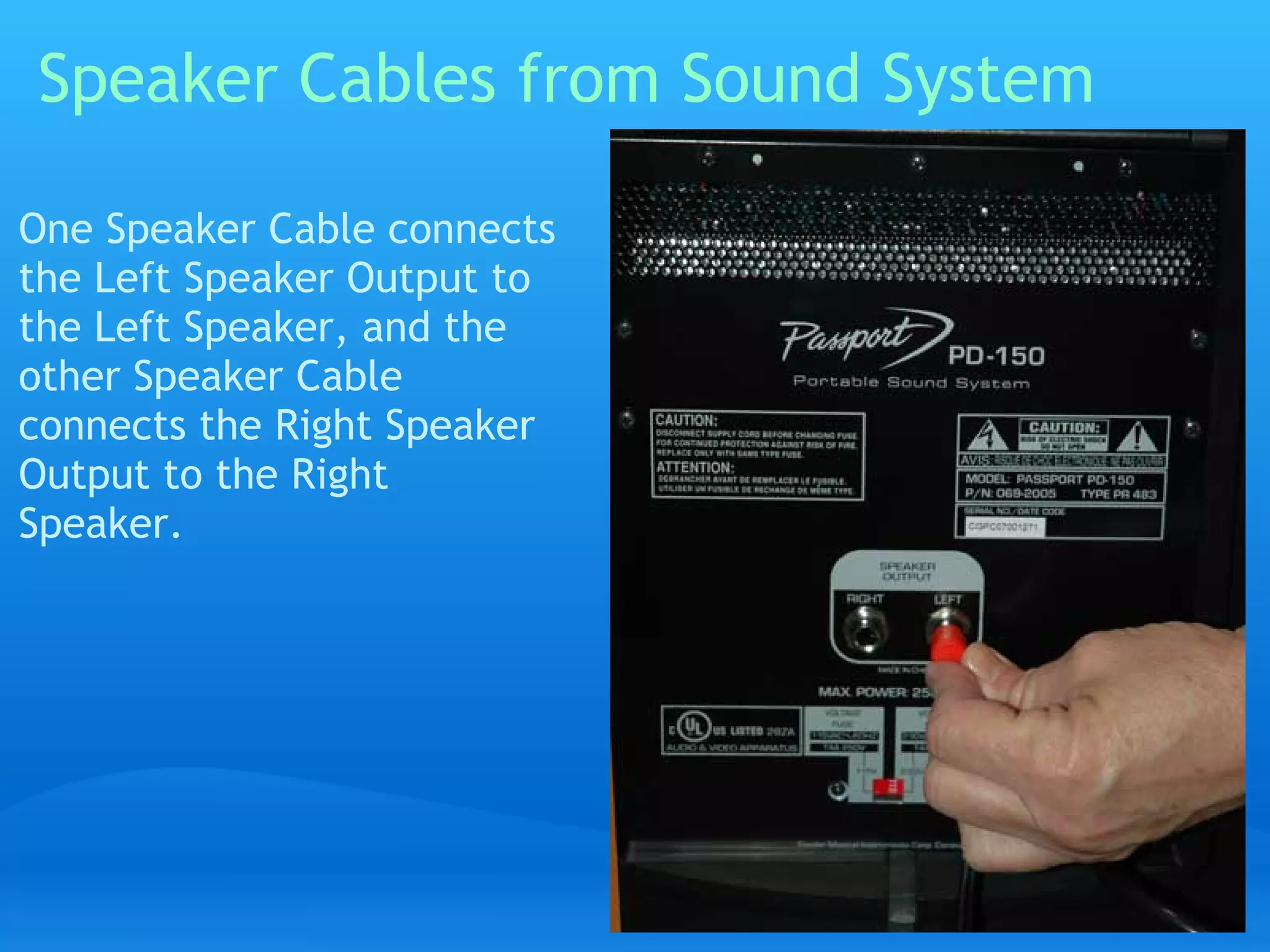
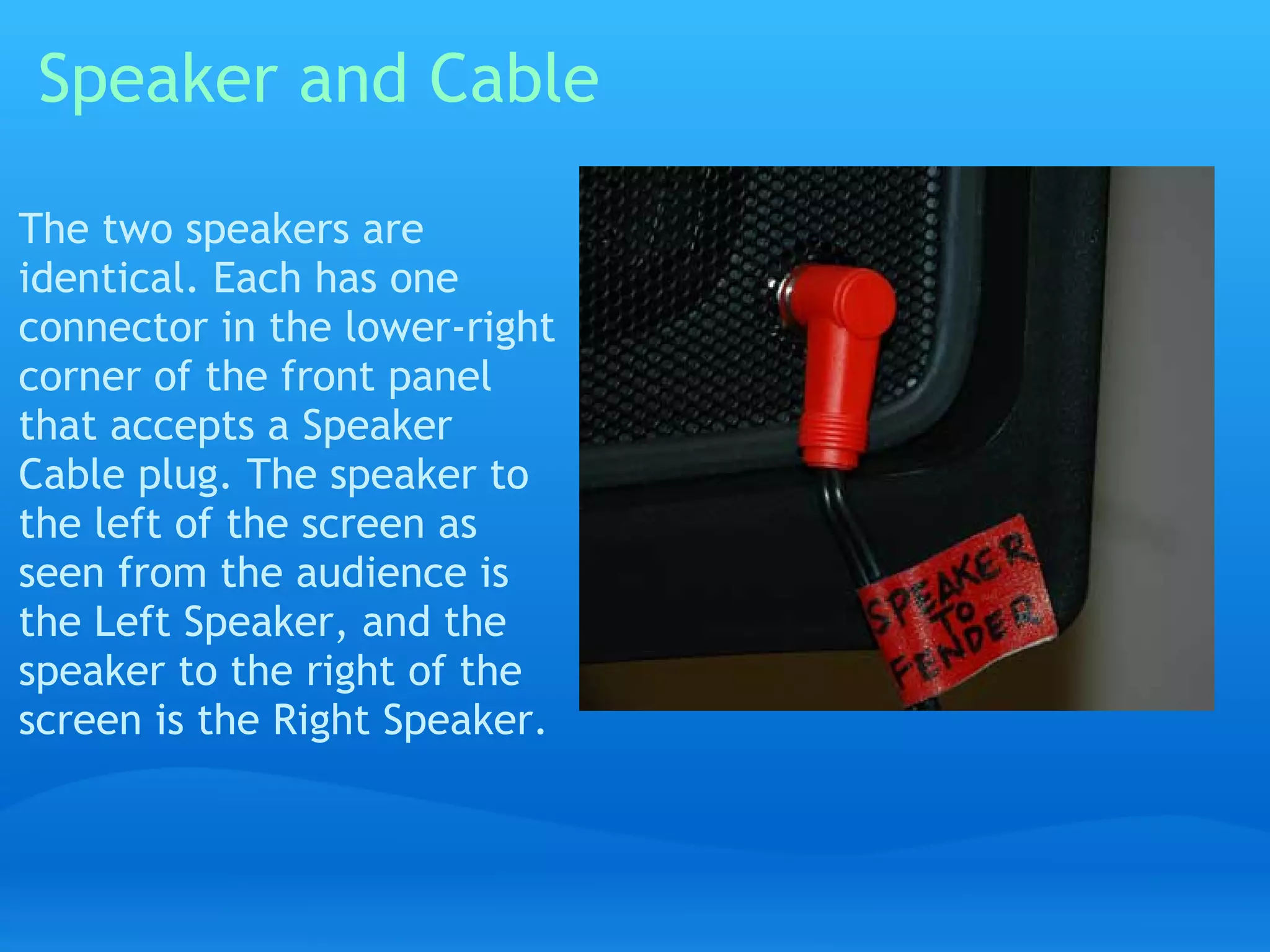
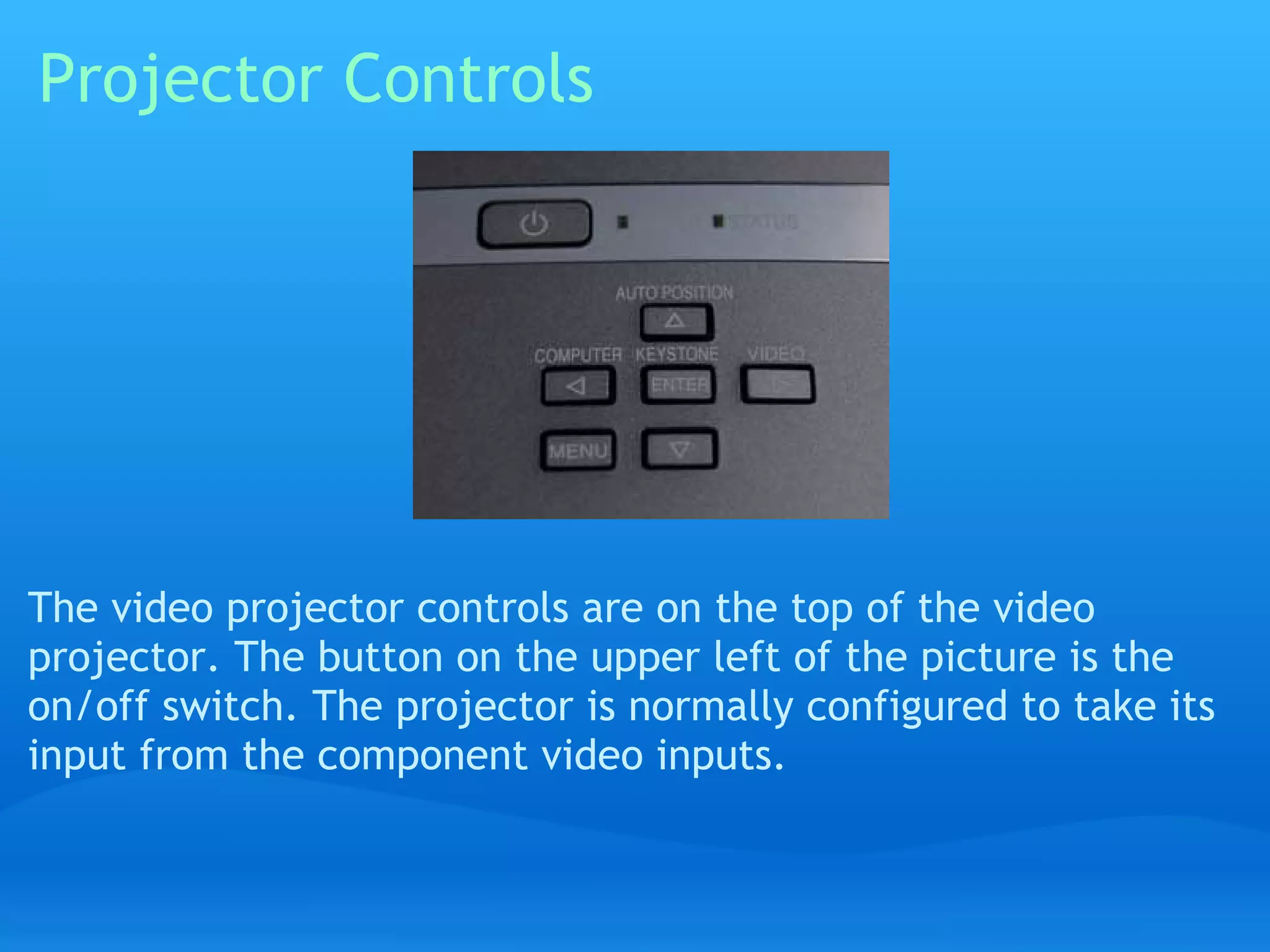
This document provides instructions for setting up audio-video equipment at the Cheshire Public Library. It details the components needed, including a DVD player, video projector, and sound system. It describes connecting these components with the proper cables, such as plugging a component video cable from the DVD player into the projector and audio cables from the DVD player to the sound system. Speaker cables are then used to connect the sound system to left and right speakers. The entire setup process is depicted through diagrams and photos.


