Mary Davies
President
Beanstalk Internet Marketing
www.beanstalkim.com
@beanstalk mary@beanstalkim.com
What Is UX?
 User experience (UX) is a person's entire experience using a
particular product, system or service. It includes the practical,

experiential, affective, meaningful and valuable aspects of human–
computer interaction and product ownership. Additionally, it includes a
person’s perceptions of system aspects such as utility, ease of use
and efficiency. User experience may be considered subjective in
nature to the degree that it is about individual perception and thought
with respect to the system.
Source: Wikipedia.org
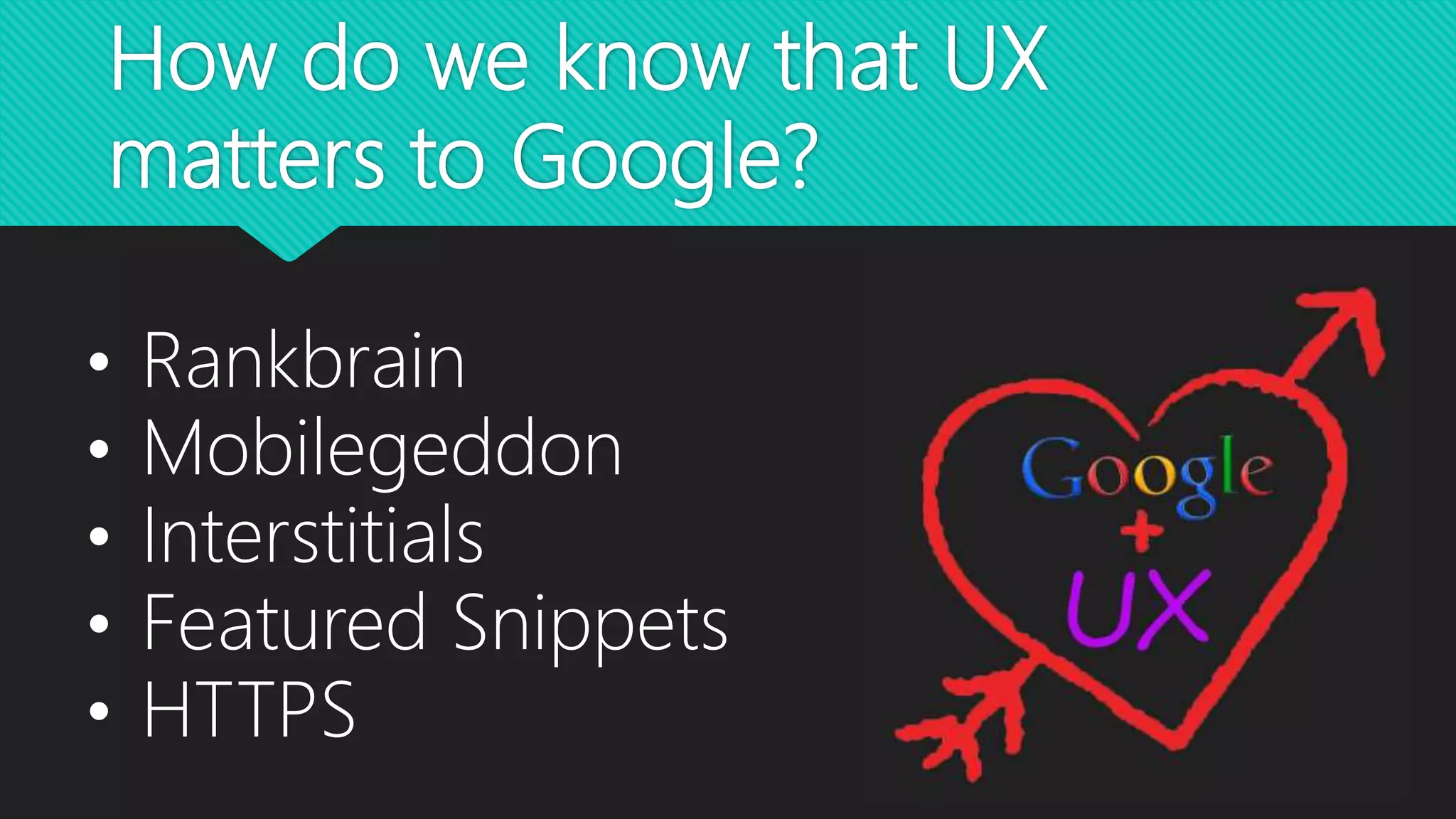
How do we know that UX
matters to Google?
• Rankbrain
• Mobilegeddon
• Interstitials
• Featured Snippets
• HTTPS
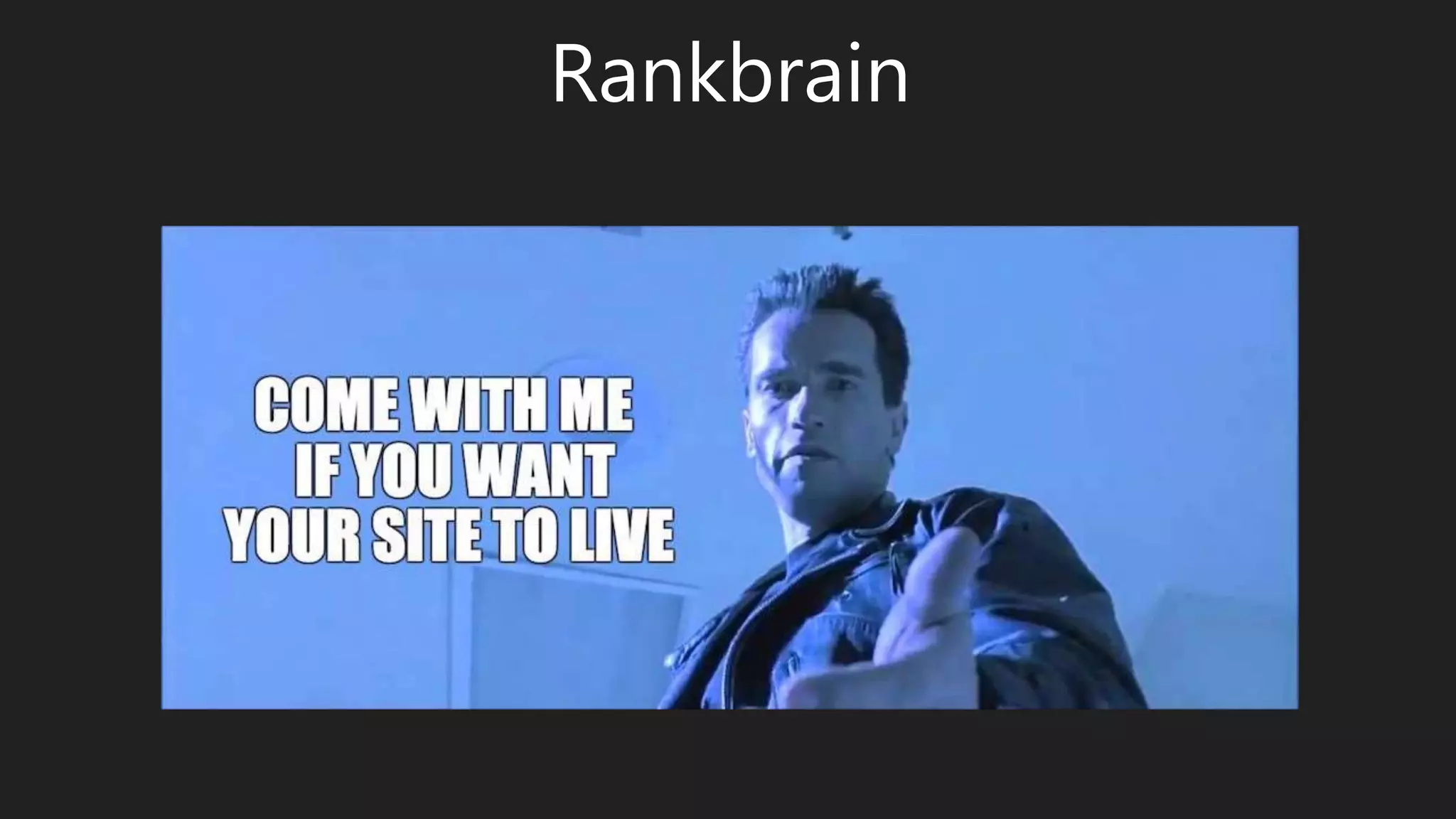
Rankbrain
• Part of Hummingbird Algorithm
• Interprets Intent
• “one of the top 3 ranking signals”
• Decides Which Signals Are Most Important
• Learns From Users’ Responses
• Here To Stay
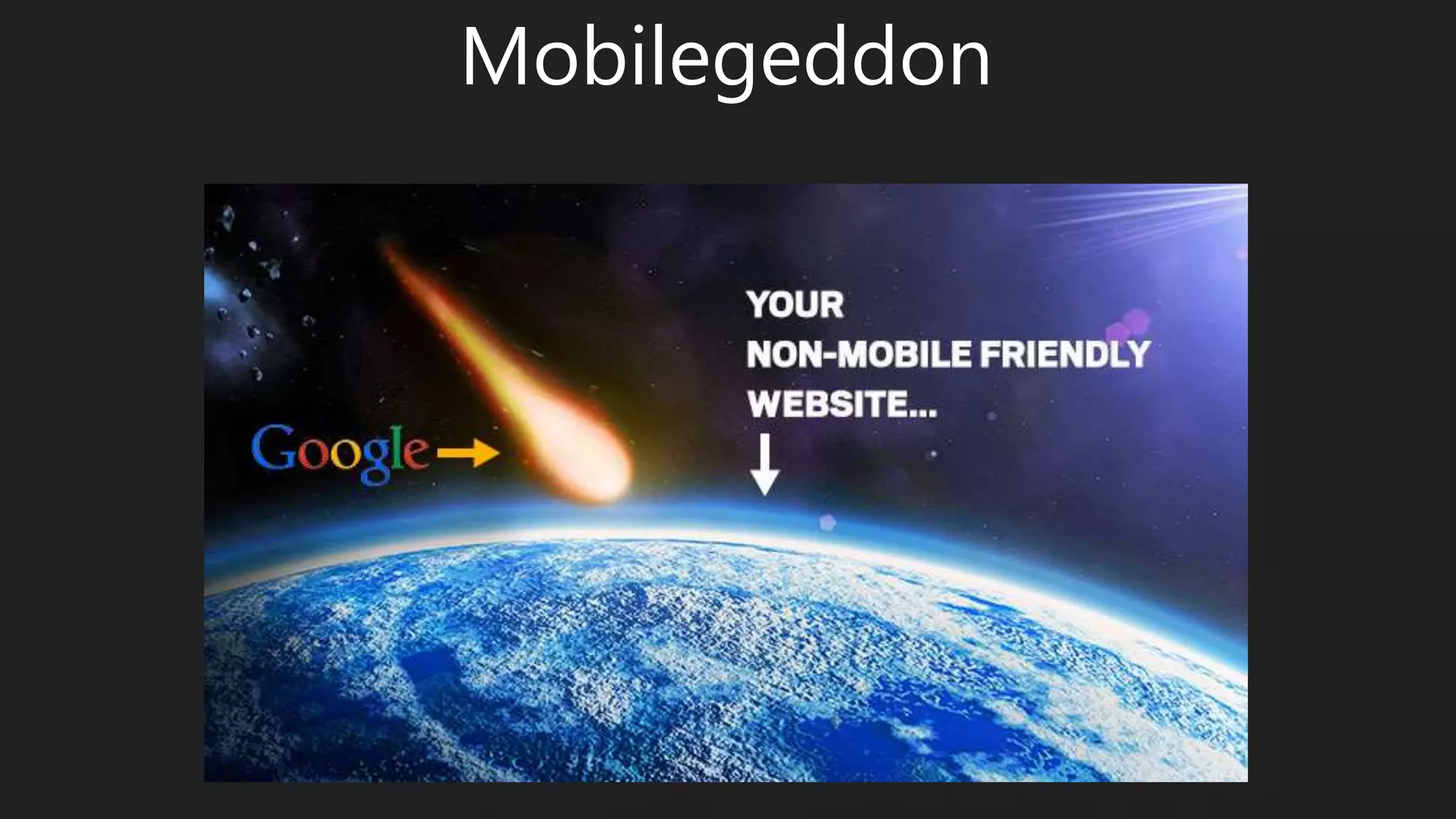
Mobilegeddon
• More Than 50% Searches Are from Mobile
• 85% Pages Are Now Mobile Friendly
• No Penalty (Technically)
• Not about VALIDITY but Rather about USABILITY
• Entirely about User Experience
• www.google.com/webmasters/tools/mobile-friendly
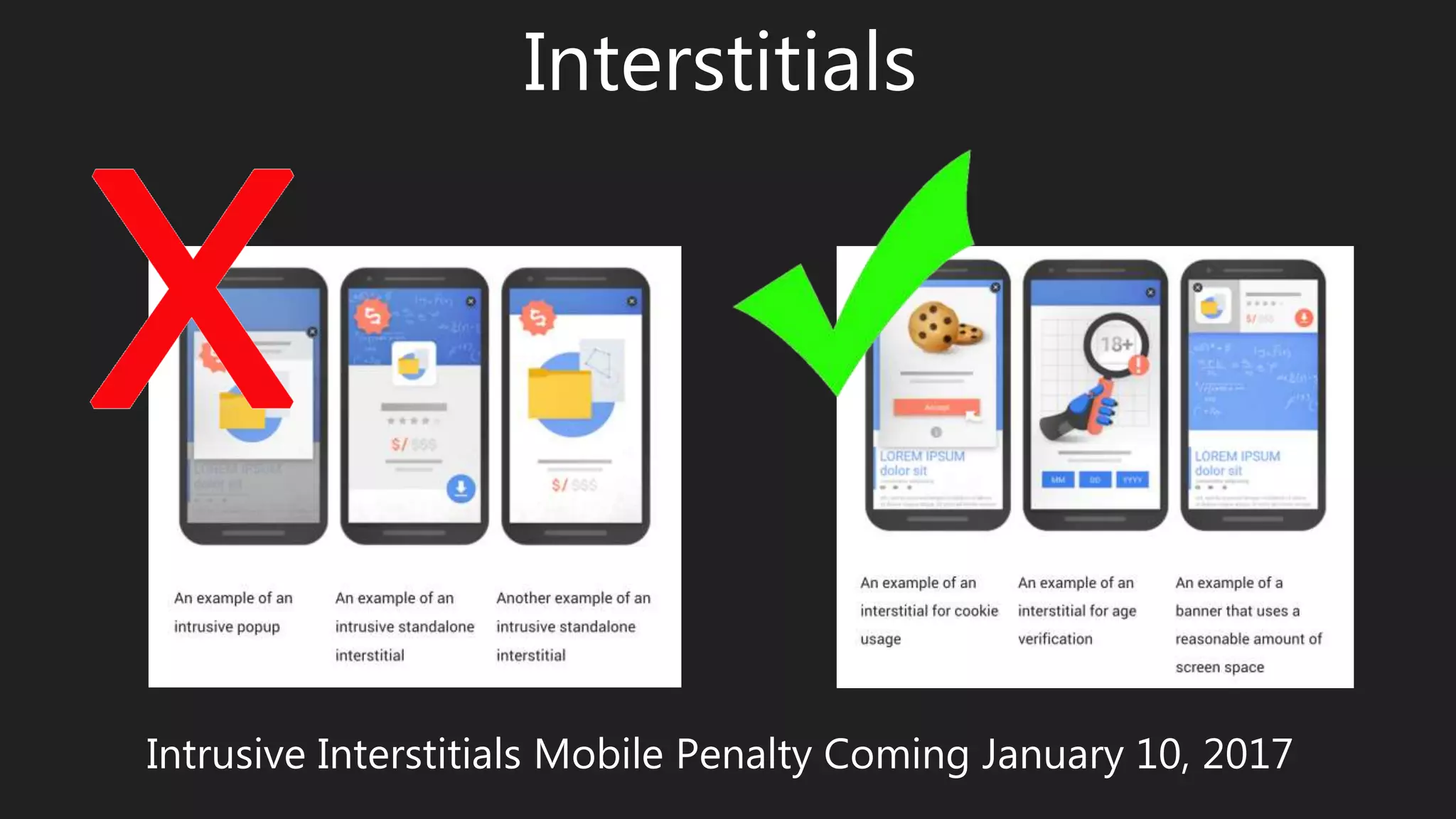
Interstitials
Intrusive Interstitials Mobile Penalty Coming January 10, 2017
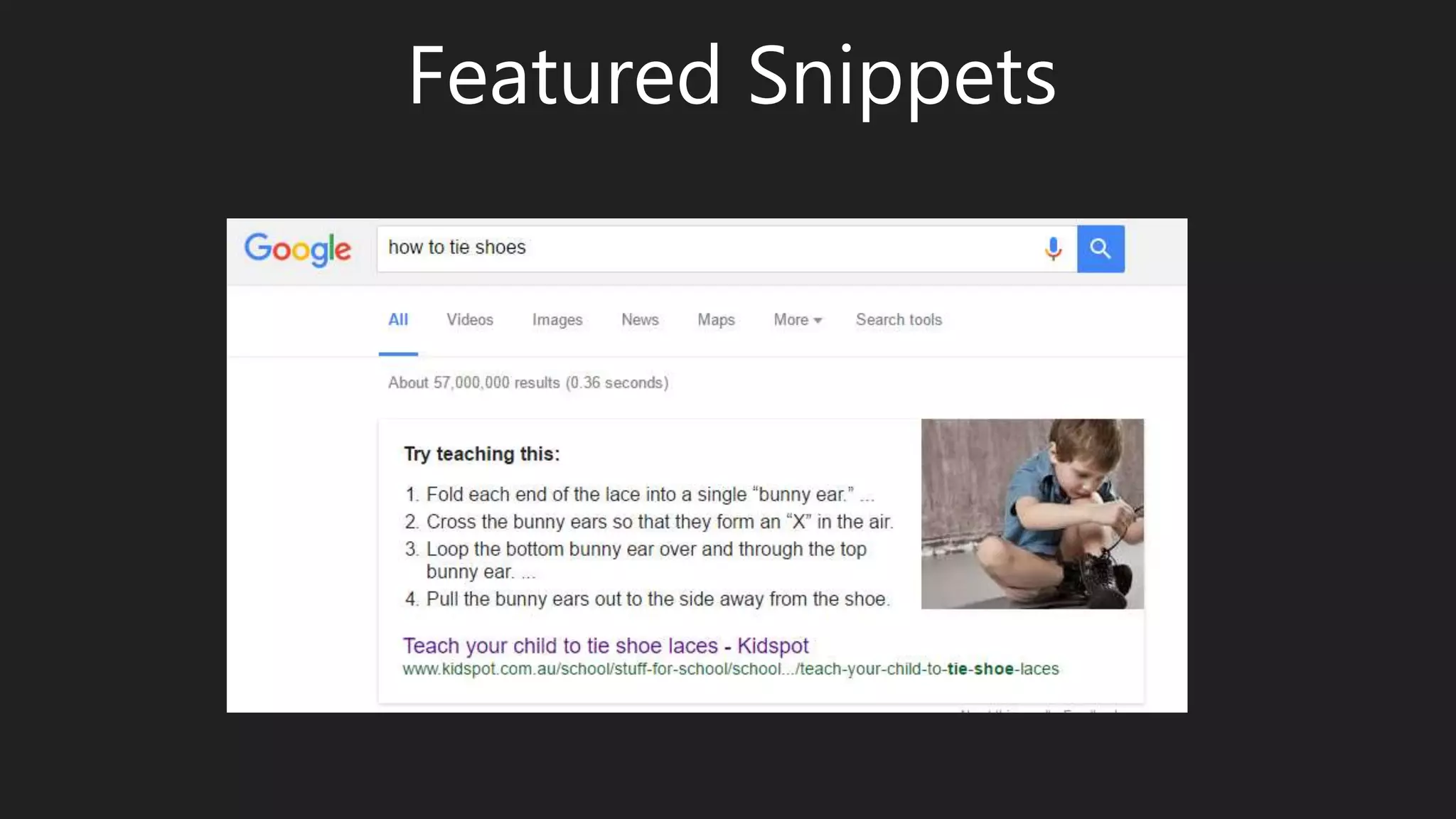
Featured Snippets
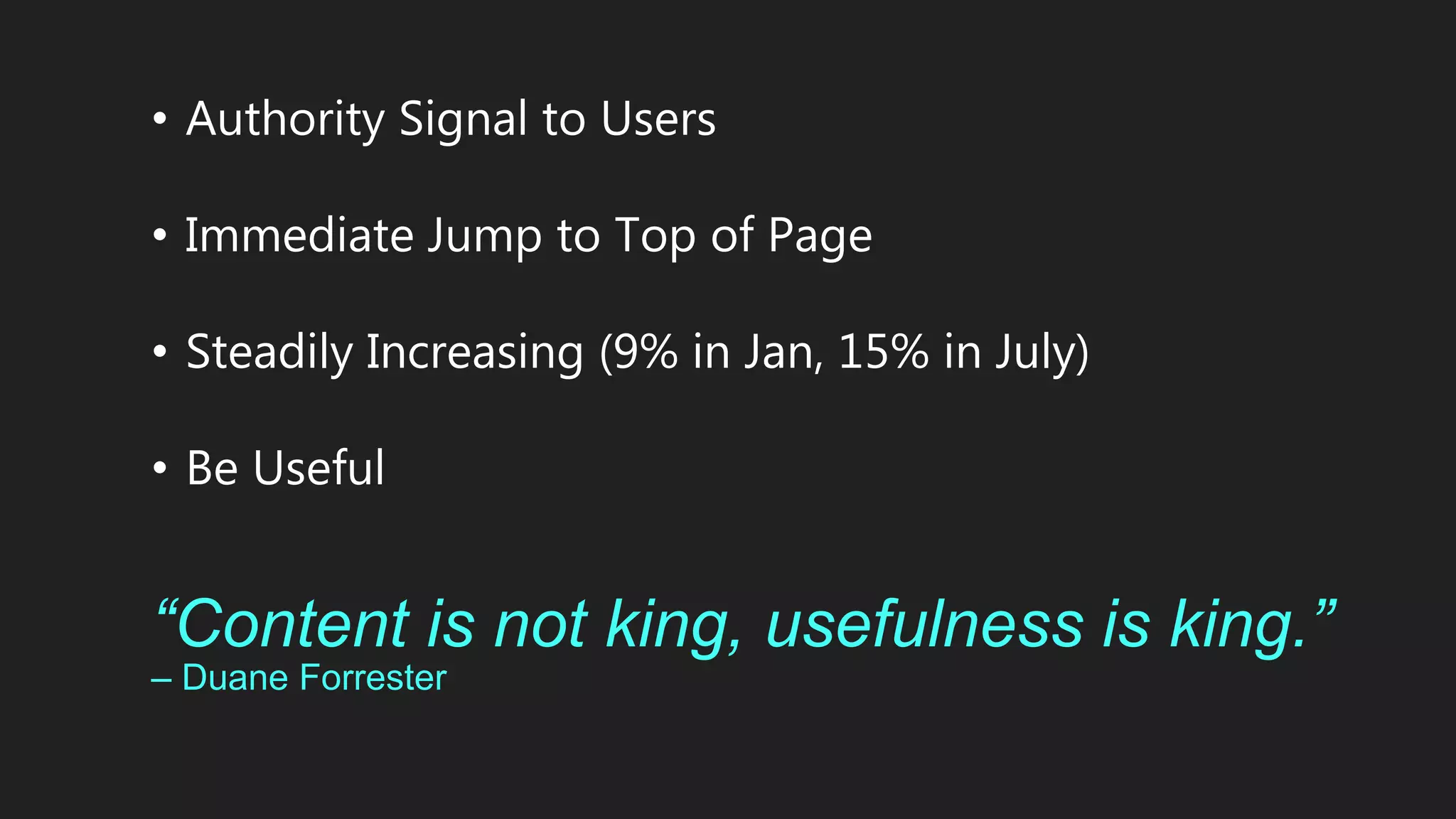
• Authority Signal to Users
• Immediate Jump to Top of Page
• Steadily Increasing (9% in Jan, 15% in July)
• Be Useful
“Content is not king, usefulness is king.”
– Duane Forrester
OMG, I didn’t
lock the door!
HTTPS
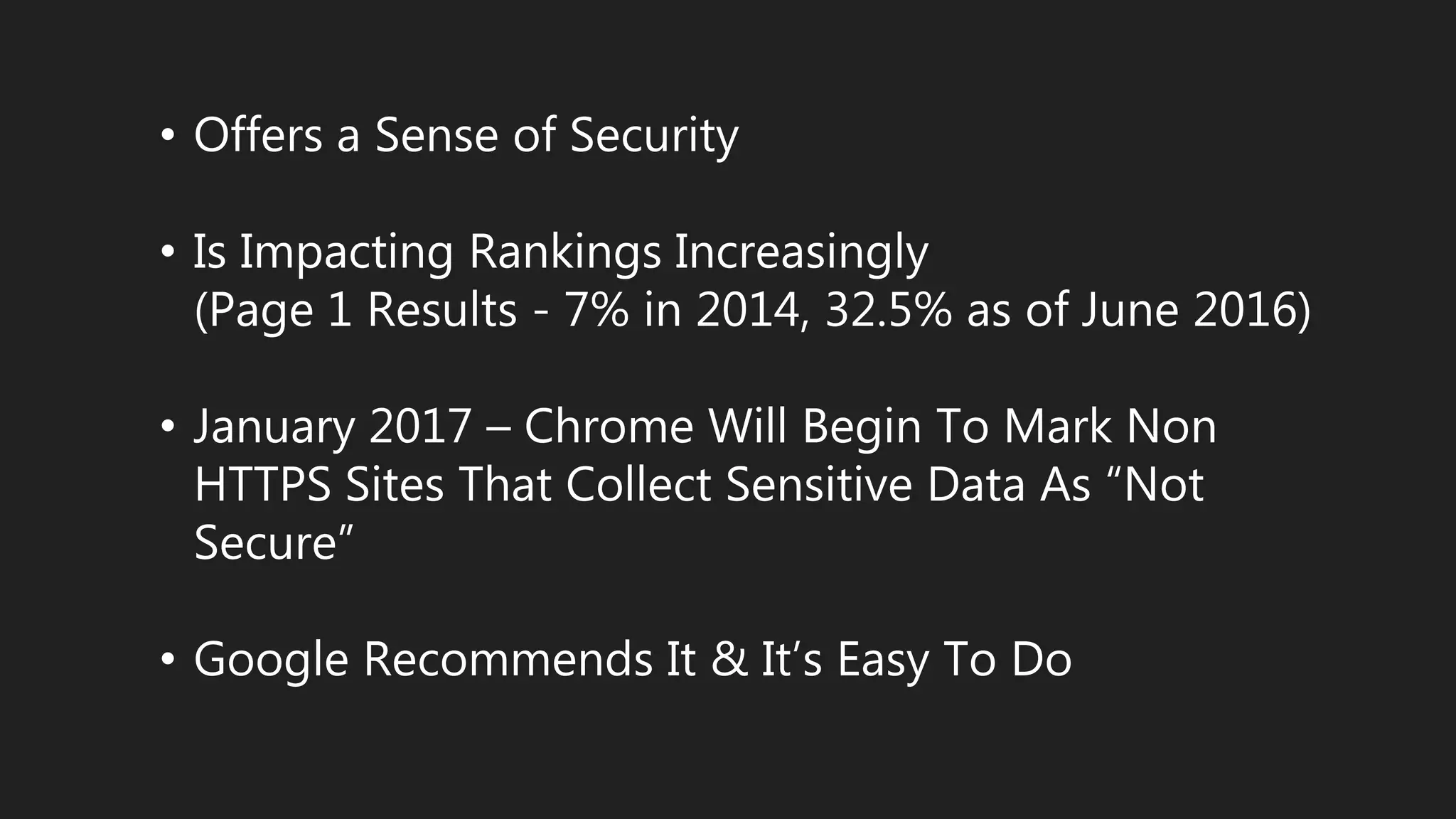
• Offers a Sense of Security
• Is Impacting Rankings Increasingly
(Page 1 Results - 7% in 2014, 32.5% as of June 2016)
• January 2017 – Chrome Will Begin To Mark Non
HTTPS Sites That Collect Sensitive Data As “Not
Secure”
• Google Recommends It & It’s Easy To Do
Why Does Google Care About
User Experience?
• Keep Users Coming Back
• Maintaining Authority
• There’s Money In It (A LOT!)
• Adaptation
Keep Users Coming Back
• Users will choose the PATH OF LEAST RESISTANCE
• Users increasingly are demanding INSTANT SATISFACTION
• Users have pretty much NO PATIENCE
• User Loyalty Is About An EXPERIENCE/RELATIONSHIP with
your brand
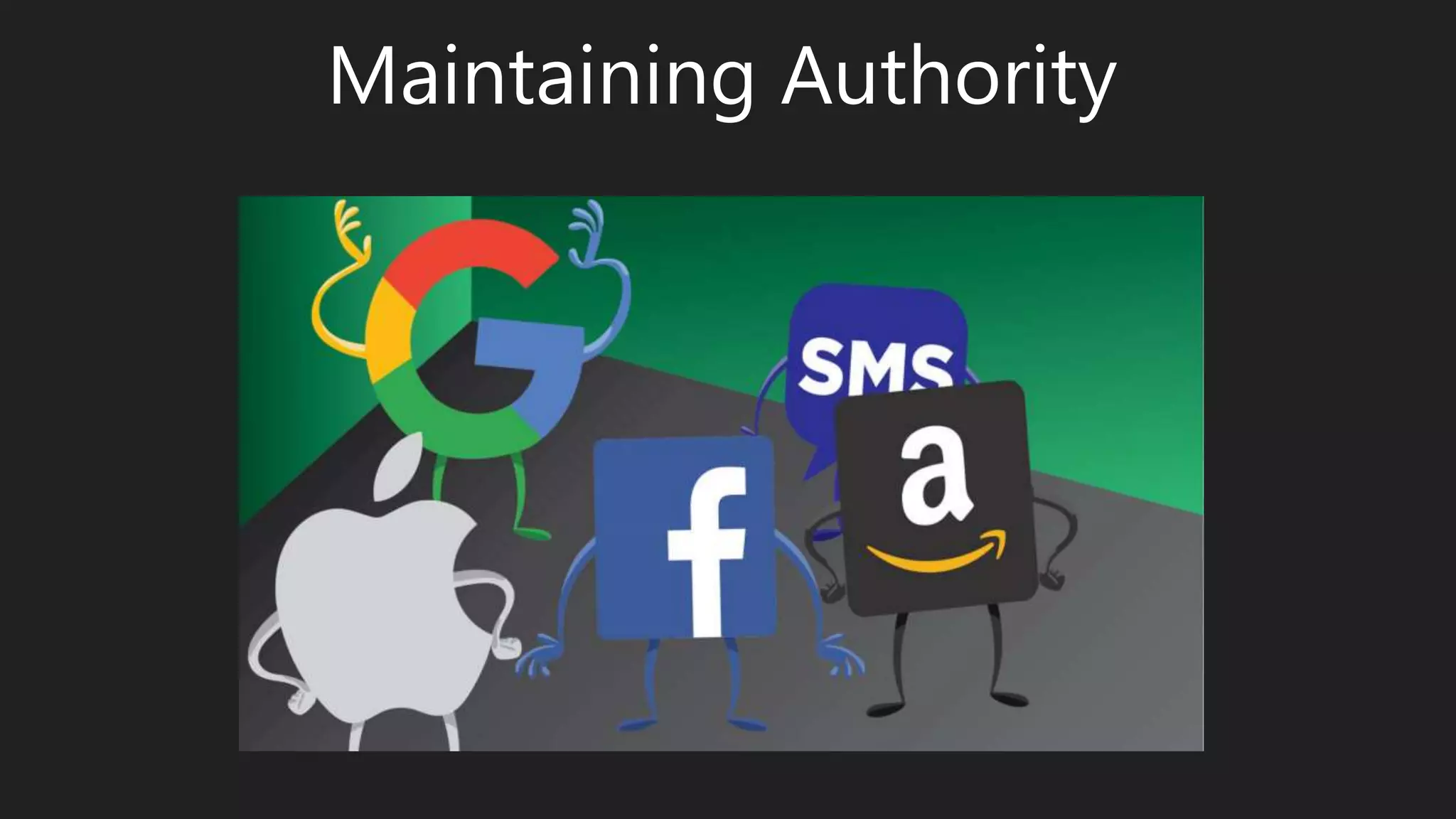
Maintaining Authority
There’s Money In It (A LOT!)
As of 2nd Quarter 2016:
• Parent Company “Alphabet” Revenue Hit $21.5 Billion
• Of That Google Ad Revenue Alone Was $19.1 Billion
Adaptation
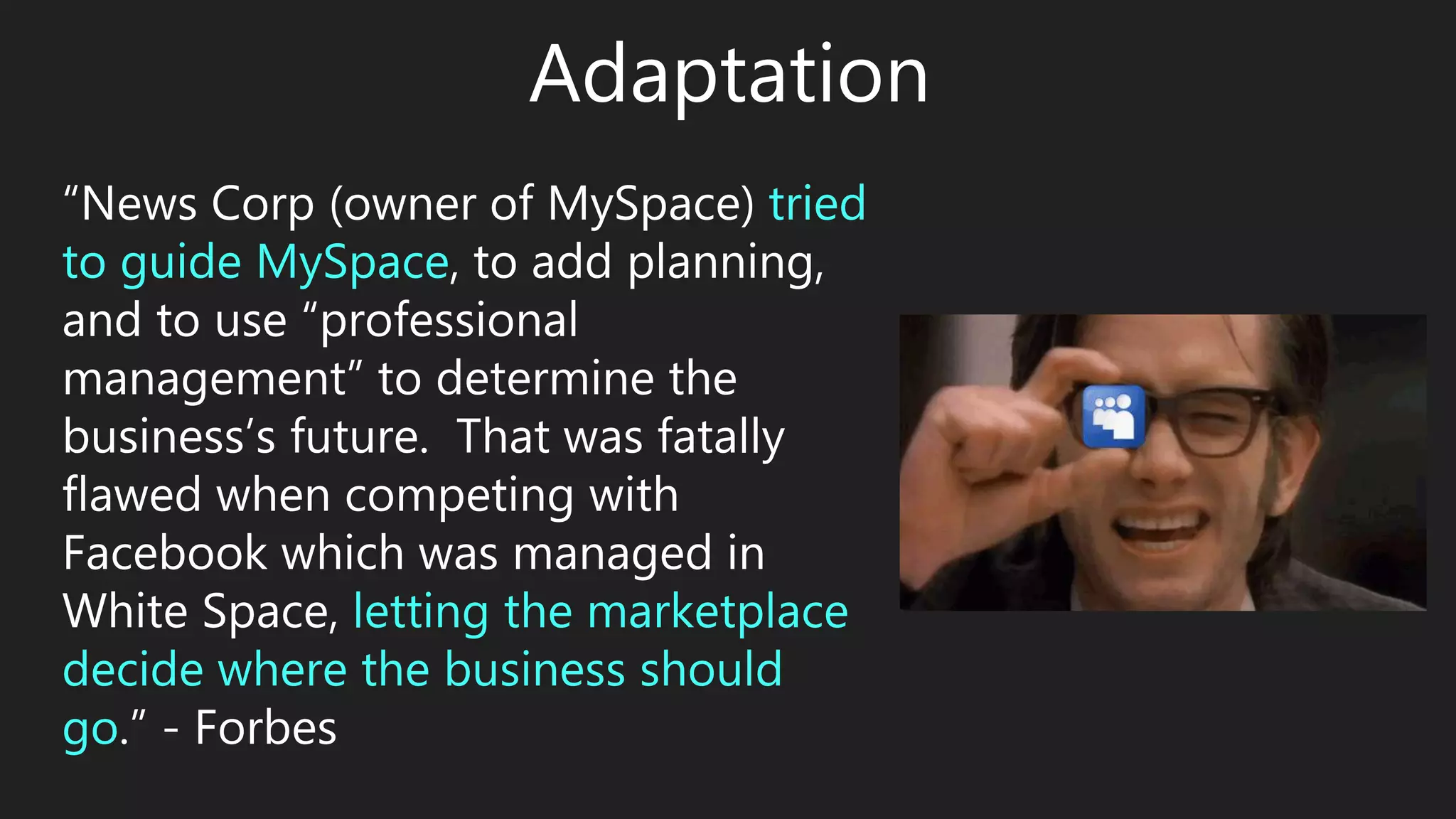
“News Corp (owner of MySpace) tried
to guide MySpace, to add planning,
and to use “professional
management” to determine the
business’s future. That was fatally
flawed when competing with
Facebook which was managed in
White Space, letting the marketplace
decide where the business should
go.” - Forbes
“User experience is dynamic as it is
constantly modified over time due to
changing usage circumstances …”
• User Experience Is Adaptation
• Adaptation Is About Survival
• Google Does Not Want To Be A MySpace
Story
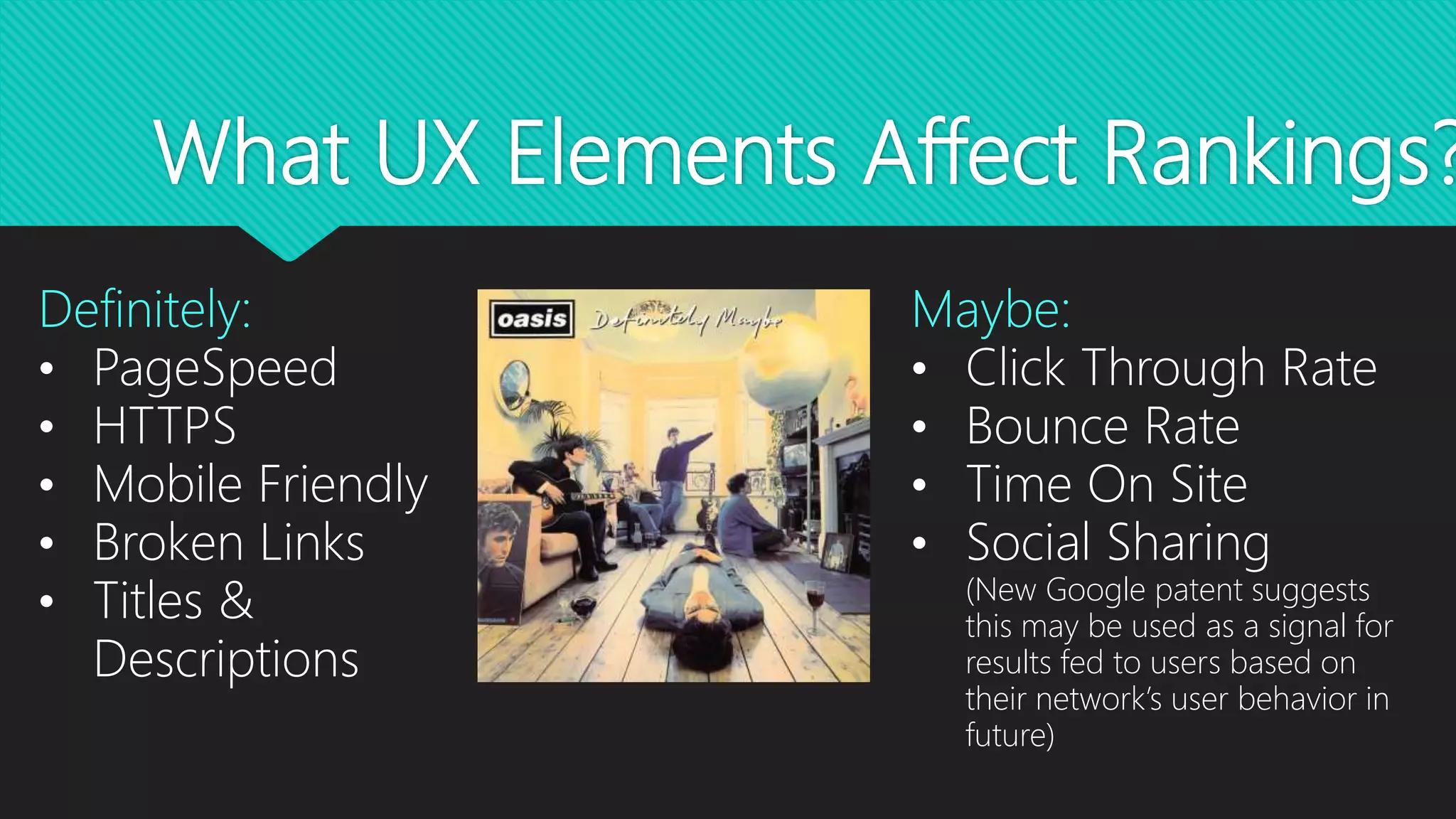
What UX Elements Affect Rankings?
Definitely:
• PageSpeed
• HTTPS
• Mobile Friendly
• Broken Links
• Titles &
Descriptions
Maybe:
• Click Through Rate
• Bounce Rate
• Time On Site
• Social Sharing
(New Google patent suggests
this may be used as a signal for
results fed to users based on
their network’s user behavior in
future)
But It All Matters!
• Google Is Steadily Adding UX Based Signals To Its
Algorithms
• Gaining Higher Rankings With A Poor Converting Site
Won’t Allow For Your Maximum ROI
• There’s Zero Harm In Creating A Good Overall User
Experience
• There’s So Much To Gain In Creating A Good User
Experience
What UX Elements Affect
Conversions?
“But my site is doing well & people like it!”
1. There is ALWAYS ROOM FOR
IMPROVEMENT
2. “Just because it works doesn’t
mean it should be done.”
– Wil Reynolds (Seer Interactive)
3. Your baby just might be ugly …
sorry.
How To Create A Good User
Experience …
• HTTPS
• Mobile Friendly
• Page Speed
• Broken Links
• Titles & Descriptions
• Navigation
• Useful Content
• Digestible Content
• Links To External Sites
• Calls To Action
• Avoid Frustration
• Human Testing
• Engaging Imagery
• Contact Page
• 404 Pages
• Connect/Tell Stories
• Make Sharing & Following
Easy
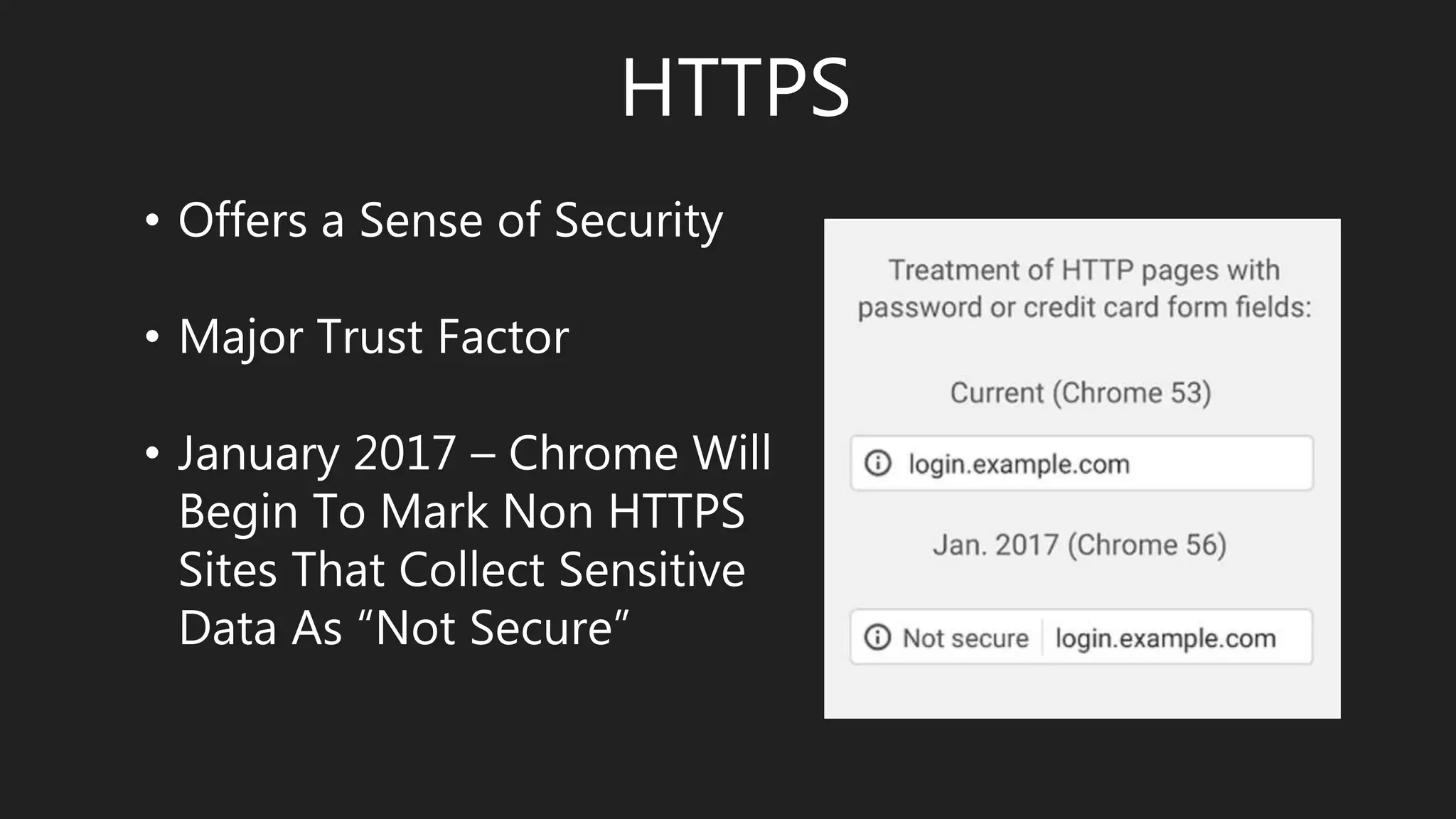
HTTPS
• Offers a Sense of Security
• Major Trust Factor
• January 2017 – Chrome Will
Begin To Mark Non HTTPS
Sites That Collect Sensitive
Data As “Not Secure”
Mobile Friendly
• There’s A Difference Between What
Google & Users Call Mobile Friendly
• Chrome Developer Tools – Device
Mode
• Tools Are Helpful But First Hand
Experience Is Better
• Responsive vs Dedicated Mobile
Page Speed
• Probably The Single Most Important
Thing You Can Do From A UX
Perspective
• 47% of Users Expect A Site To Load
In 2 Seconds, 40% Will Leave After 3
Seconds
• Begin A Users Journey Without
Frustration
Page Speed – How To
• Optimize Images - Correct Dimensions & Smallest Good
Quality Sizing (www.tinypng.com)
• Cleanup Code - Have Your Developer Do This
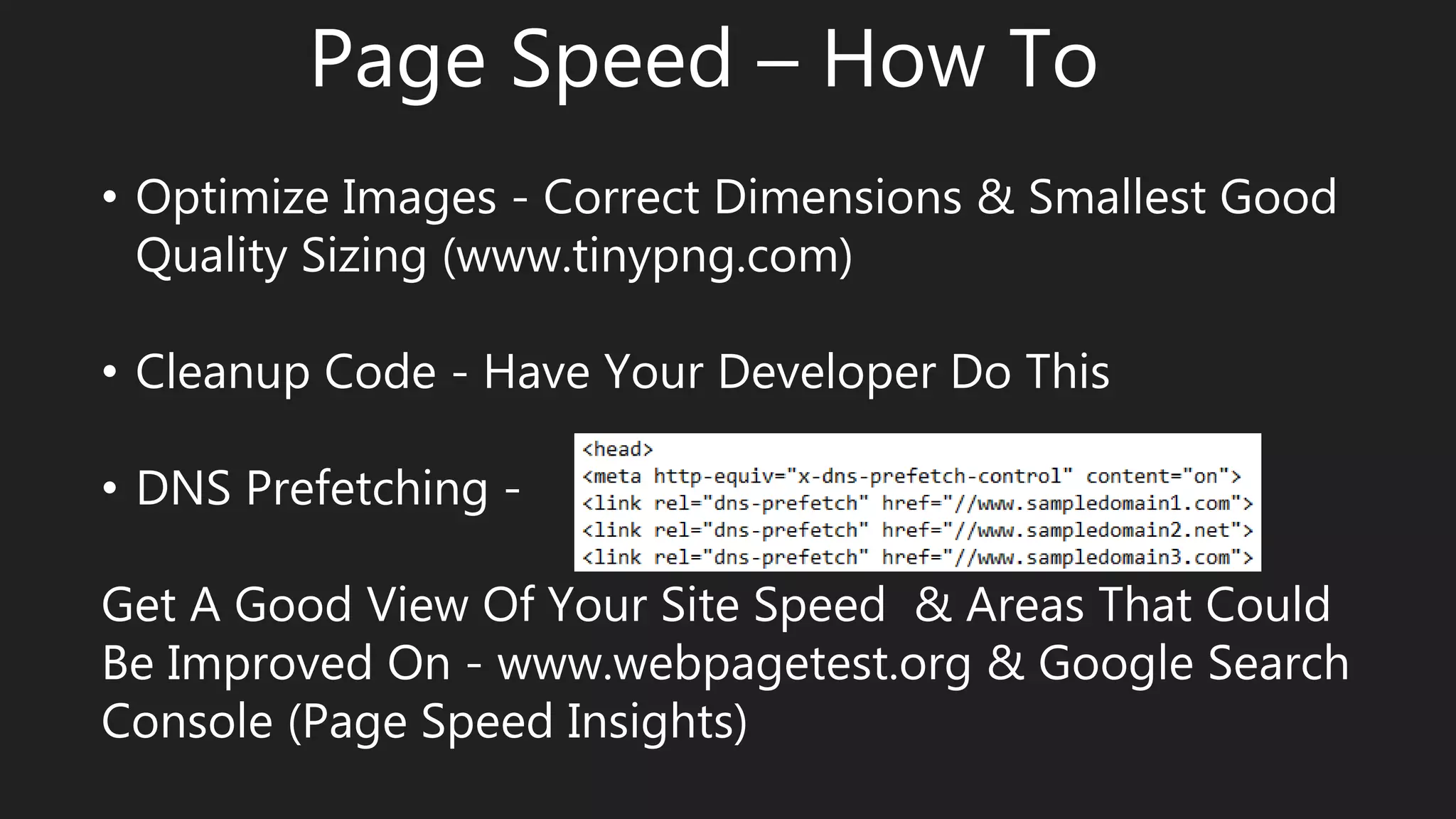
• DNS Prefetching -
Get A Good View Of Your Site Speed & Areas That Could
Be Improved On - www.webpagetest.org & Google Search
Console (Page Speed Insights)
Broken Links
• Major Frustration Factor
• Missing Out on Link
Weight
• Fix Internal - Xenu
• Fix External - Google
Search Console (Crawl
Errors Report)
Titles & Descriptions
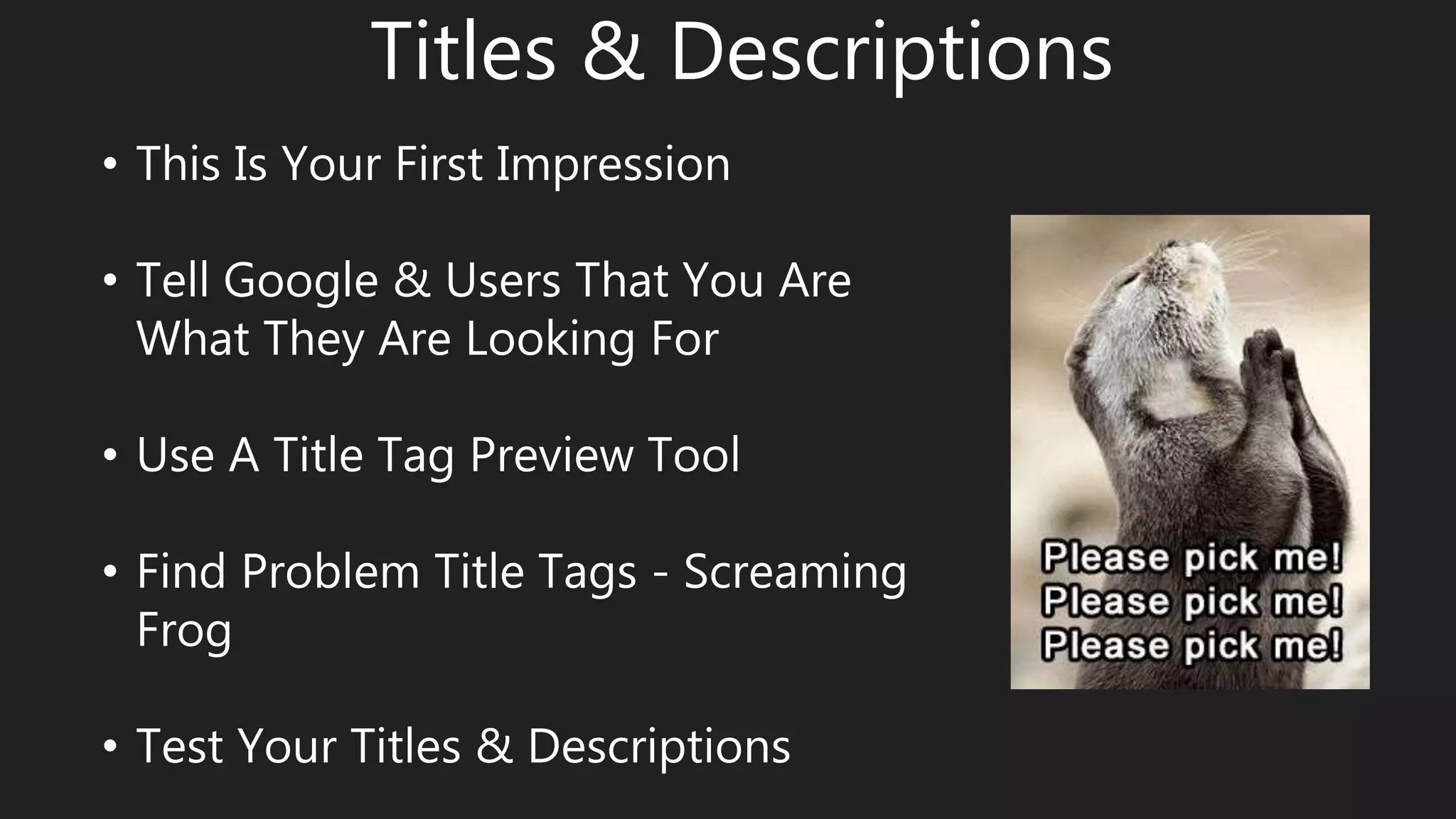
• This Is Your First Impression
• Tell Google & Users That You Are
What They Are Looking For
• Use A Title Tag Preview Tool
• Find Problem Title Tags - Screaming
Frog
• Test Your Titles & Descriptions
Navigation
• Don’t Lose Your Visitors To
Navigation Exhaustion
• Clear Direction & Fewer Choices
• Breadcrumb Navigation
• Logical Journey (In & Out)
• Where Are You Taking Them?
Useful Content
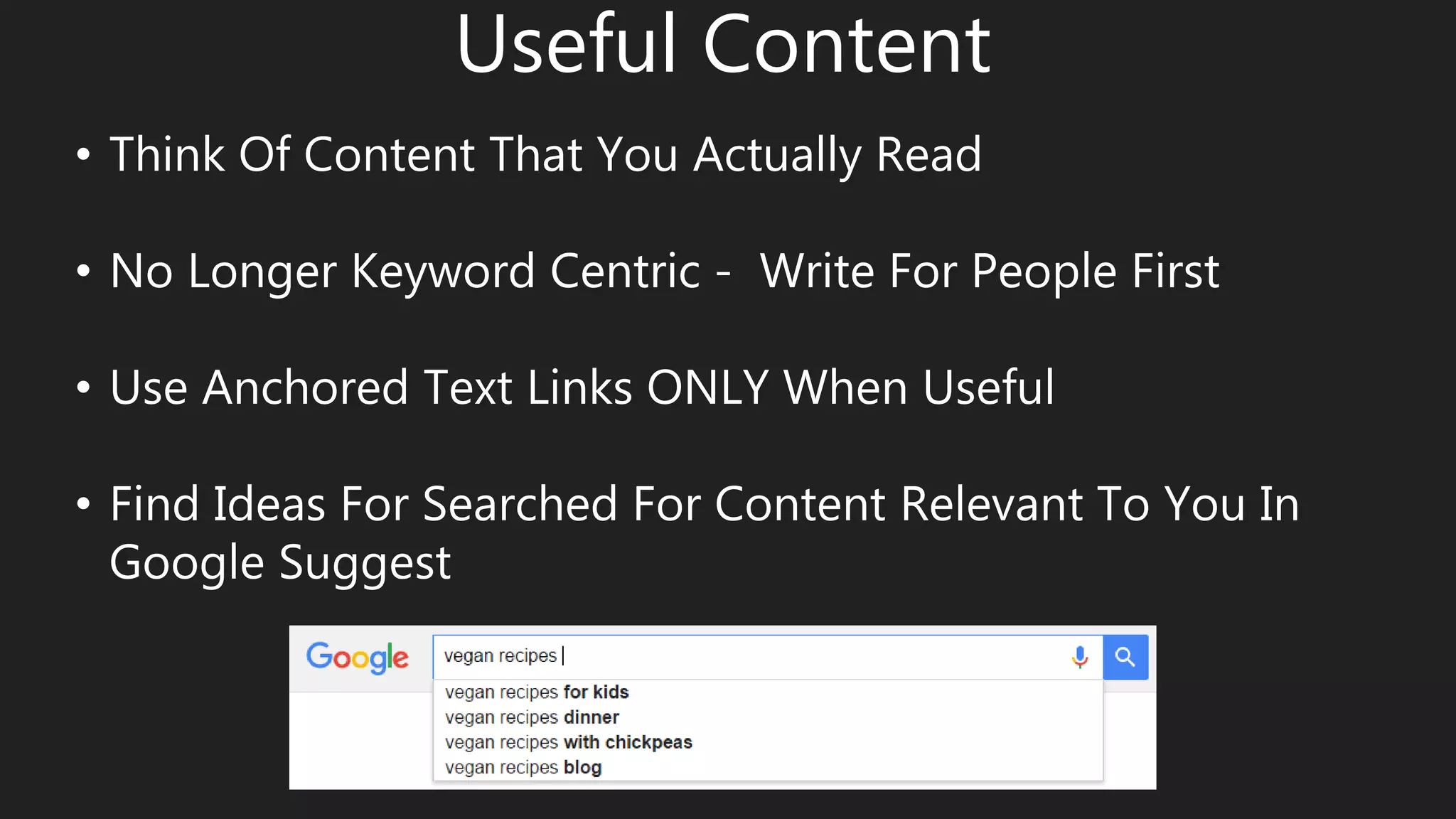
• Think Of Content That You Actually Read
• No Longer Keyword Centric - Write For People First
• Use Anchored Text Links ONLY When Useful
• Find Ideas For Searched For Content Relevant To You In
Google Suggest
Digestible Content
• Don’t Overwhelm The Visitor
• Wealth of Information = Poverty of Attention
• Break Up Content Into Logical Blocks & Pages
• Use Accordion Style Content Boxes Where Useful
• Break Up Text With Images
• If Needed Use “Back To Top” Anchored Links
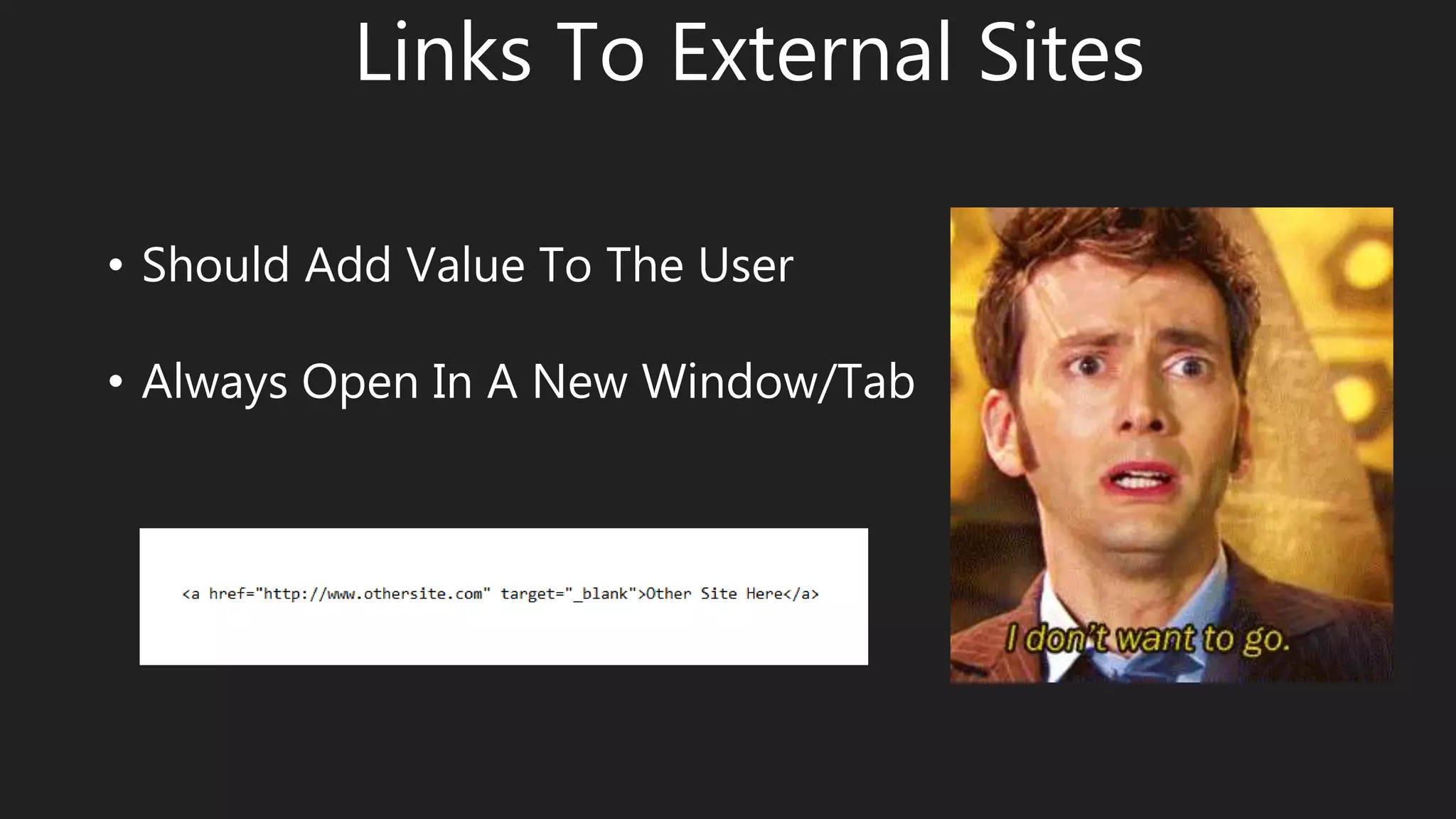
Links To External Sites
• Should Add Value To The User
• Always Open In A New Window/Tab
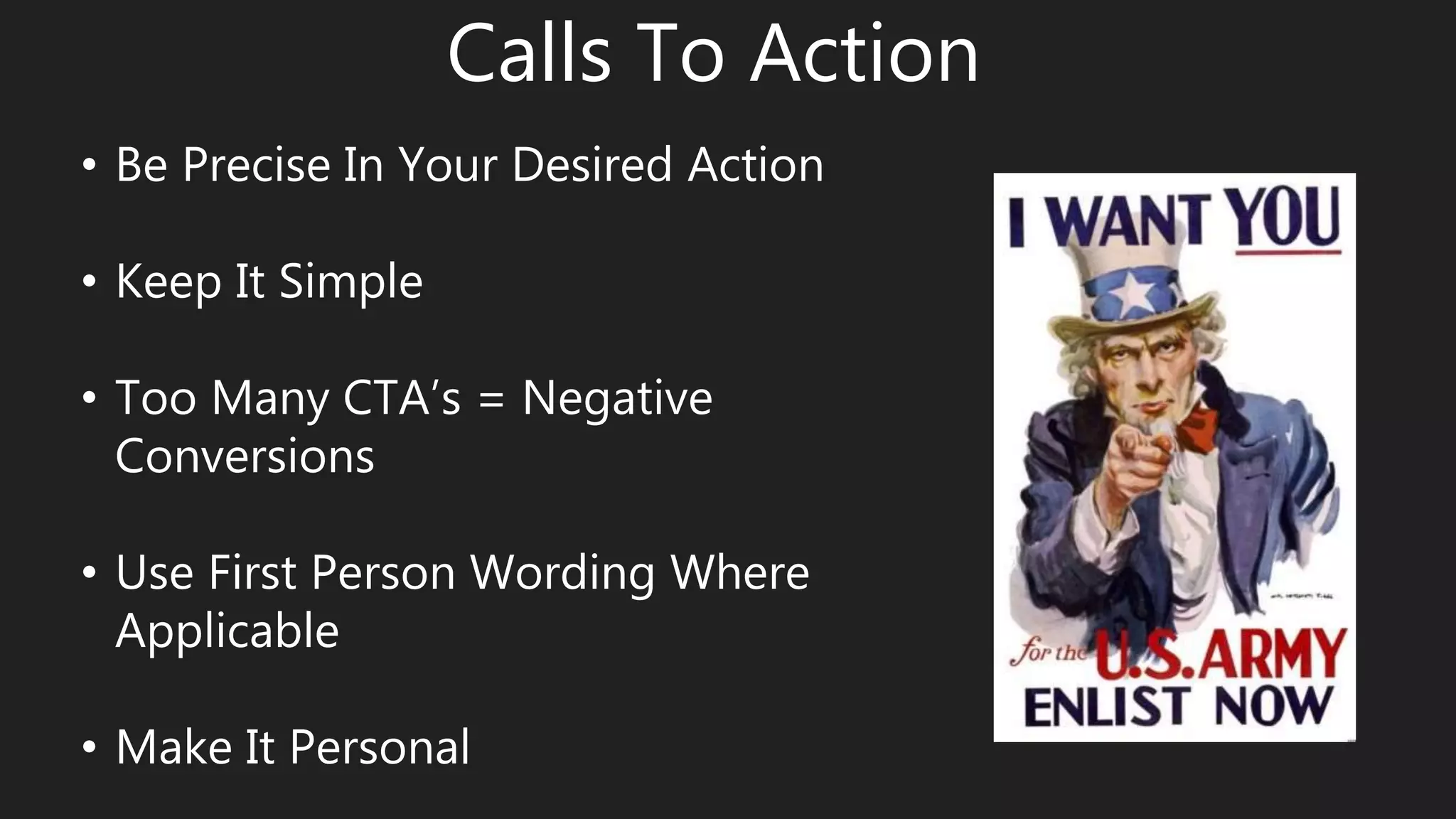
Calls To Action
• Be Precise In Your Desired Action
• Keep It Simple
• Too Many CTA’s = Negative
Conversions
• Use First Person Wording Where
Applicable
• Make It Personal
Avoid Frustration
• Don’t Offer Something You
Can’t Deliver Just To Draw In A
Visitor
• Use Appropriate Titles &
Descriptions
• Offer Easy Ways To Share &
Save Information
Human Testing
• Don’t Trust Your Designer,
Your Best Friend, Your Boss or
Your Mom
• 5 Second Test
• User Testing
• Crazyegg
Engaging Imagery
• 90% of Information Transmitted to the Brain Is Visual
• Articles With Images Get 94% More Views
• 67% of Users Say Product Images Are Important
• Use Original Images Whenever Possible
• Use Images To Draw The Visitor Into The Experience
Contact Page
• Often Your Last Impression
• Possibly The Page A
Frustrated Visitor Ends Up
• This Is Your Opportunity To
Connect
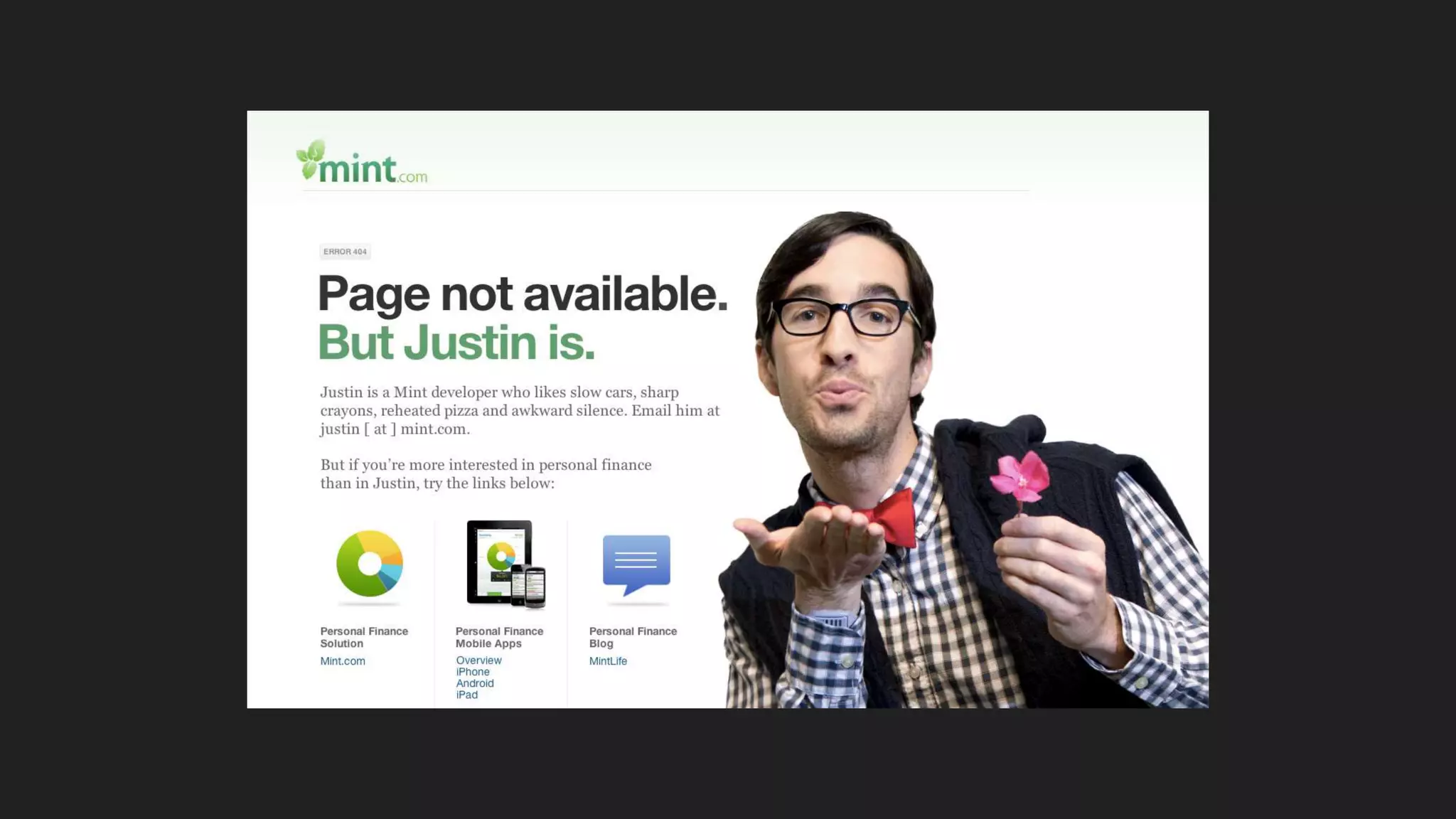
404 Pages
• Any Visitor To This Page Is Annoyed
• Be Friendly & Apologize
• Offer A Way Out
• Humor Can Go A Long Way
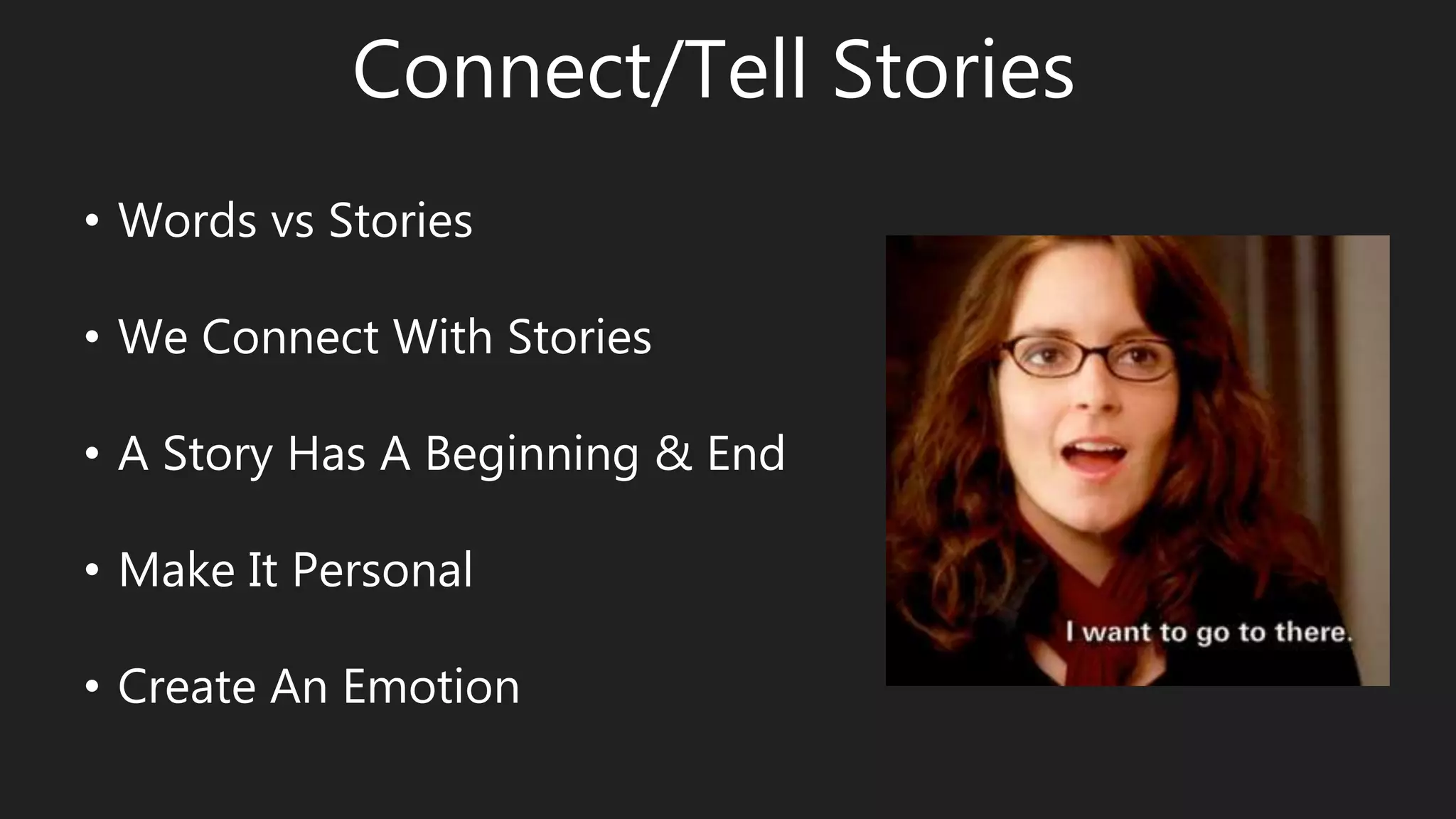
Connect/Tell Stories
• Words vs Stories
• We Connect With Stories
• A Story Has A Beginning & End
• Make It Personal
• Create An Emotion
Make Sharing/Following Easy
• Make It Easy For Visitors To Share
Your Content (shareaholic.com)
• Personalize Your Request To
Follow/Like
• Make Social Media Buttons Prominent
• Don’t Let Followers Down With A
Drab Profile
Tools & Related Articles
https://www.beanstalkim.com/semsummit/
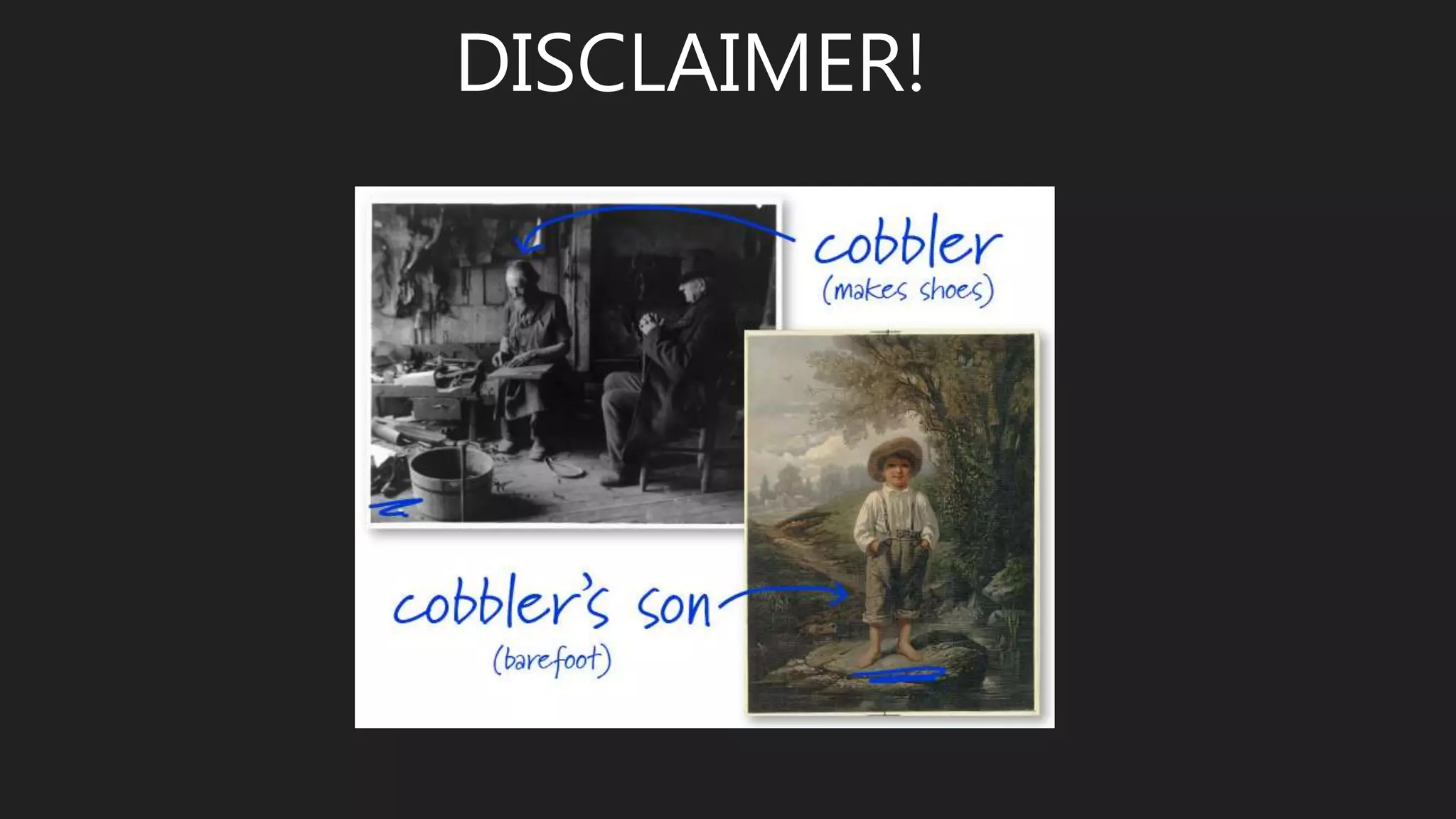
DISCLAIMER!
@beanstalkim
www.beanstalkim.com
mary@beanstalkim.com
UP NEXT
• 12:00 – 1:00 Lunch (Included with Conference Ticket) + Mingling with Attendees & Speakers
• 1:00 – 2:00 Top Tips for Getting the Most from your AdWords Account With Mark Johnstone

Increase Conversions and Rankings with User Experience (SEM Summit 2016)

  • 1.
    Mary Davies President Beanstalk InternetMarketing www.beanstalkim.com @beanstalk mary@beanstalkim.com
  • 2.
    What Is UX? User experience (UX) is a person's entire experience using a particular product, system or service. It includes the practical, experiential, affective, meaningful and valuable aspects of human– computer interaction and product ownership. Additionally, it includes a person’s perceptions of system aspects such as utility, ease of use and efficiency. User experience may be considered subjective in nature to the degree that it is about individual perception and thought with respect to the system. Source: Wikipedia.org
  • 3.
    How do weknow that UX matters to Google? • Rankbrain • Mobilegeddon • Interstitials • Featured Snippets • HTTPS
  • 4.
  • 5.
    • Part ofHummingbird Algorithm • Interprets Intent • “one of the top 3 ranking signals” • Decides Which Signals Are Most Important • Learns From Users’ Responses • Here To Stay
  • 6.
  • 7.
    • More Than50% Searches Are from Mobile • 85% Pages Are Now Mobile Friendly • No Penalty (Technically) • Not about VALIDITY but Rather about USABILITY • Entirely about User Experience • www.google.com/webmasters/tools/mobile-friendly
  • 8.
    Interstitials Intrusive Interstitials MobilePenalty Coming January 10, 2017
  • 9.
  • 10.
    • Authority Signalto Users • Immediate Jump to Top of Page • Steadily Increasing (9% in Jan, 15% in July) • Be Useful “Content is not king, usefulness is king.” – Duane Forrester
  • 11.
    OMG, I didn’t lockthe door! HTTPS
  • 12.
    • Offers aSense of Security • Is Impacting Rankings Increasingly (Page 1 Results - 7% in 2014, 32.5% as of June 2016) • January 2017 – Chrome Will Begin To Mark Non HTTPS Sites That Collect Sensitive Data As “Not Secure” • Google Recommends It & It’s Easy To Do
  • 13.
    Why Does GoogleCare About User Experience? • Keep Users Coming Back • Maintaining Authority • There’s Money In It (A LOT!) • Adaptation
  • 14.
    Keep Users ComingBack • Users will choose the PATH OF LEAST RESISTANCE • Users increasingly are demanding INSTANT SATISFACTION • Users have pretty much NO PATIENCE • User Loyalty Is About An EXPERIENCE/RELATIONSHIP with your brand
  • 15.
  • 16.
    There’s Money InIt (A LOT!) As of 2nd Quarter 2016: • Parent Company “Alphabet” Revenue Hit $21.5 Billion • Of That Google Ad Revenue Alone Was $19.1 Billion
  • 17.
    Adaptation “News Corp (ownerof MySpace) tried to guide MySpace, to add planning, and to use “professional management” to determine the business’s future. That was fatally flawed when competing with Facebook which was managed in White Space, letting the marketplace decide where the business should go.” - Forbes
  • 18.
    “User experience isdynamic as it is constantly modified over time due to changing usage circumstances …” • User Experience Is Adaptation • Adaptation Is About Survival • Google Does Not Want To Be A MySpace Story
  • 19.
    What UX ElementsAffect Rankings? Definitely: • PageSpeed • HTTPS • Mobile Friendly • Broken Links • Titles & Descriptions Maybe: • Click Through Rate • Bounce Rate • Time On Site • Social Sharing (New Google patent suggests this may be used as a signal for results fed to users based on their network’s user behavior in future)
  • 20.
    But It AllMatters! • Google Is Steadily Adding UX Based Signals To Its Algorithms • Gaining Higher Rankings With A Poor Converting Site Won’t Allow For Your Maximum ROI • There’s Zero Harm In Creating A Good Overall User Experience • There’s So Much To Gain In Creating A Good User Experience
  • 21.
    What UX ElementsAffect Conversions?
  • 22.
    “But my siteis doing well & people like it!” 1. There is ALWAYS ROOM FOR IMPROVEMENT 2. “Just because it works doesn’t mean it should be done.” – Wil Reynolds (Seer Interactive) 3. Your baby just might be ugly … sorry.
  • 23.
    How To CreateA Good User Experience … • HTTPS • Mobile Friendly • Page Speed • Broken Links • Titles & Descriptions • Navigation • Useful Content • Digestible Content • Links To External Sites • Calls To Action • Avoid Frustration • Human Testing • Engaging Imagery • Contact Page • 404 Pages • Connect/Tell Stories • Make Sharing & Following Easy
  • 24.
    HTTPS • Offers aSense of Security • Major Trust Factor • January 2017 – Chrome Will Begin To Mark Non HTTPS Sites That Collect Sensitive Data As “Not Secure”
  • 25.
    Mobile Friendly • There’sA Difference Between What Google & Users Call Mobile Friendly • Chrome Developer Tools – Device Mode • Tools Are Helpful But First Hand Experience Is Better • Responsive vs Dedicated Mobile
  • 26.
    Page Speed • ProbablyThe Single Most Important Thing You Can Do From A UX Perspective • 47% of Users Expect A Site To Load In 2 Seconds, 40% Will Leave After 3 Seconds • Begin A Users Journey Without Frustration
  • 27.
    Page Speed –How To • Optimize Images - Correct Dimensions & Smallest Good Quality Sizing (www.tinypng.com) • Cleanup Code - Have Your Developer Do This • DNS Prefetching - Get A Good View Of Your Site Speed & Areas That Could Be Improved On - www.webpagetest.org & Google Search Console (Page Speed Insights)
  • 28.
    Broken Links • MajorFrustration Factor • Missing Out on Link Weight • Fix Internal - Xenu • Fix External - Google Search Console (Crawl Errors Report)
  • 29.
    Titles & Descriptions •This Is Your First Impression • Tell Google & Users That You Are What They Are Looking For • Use A Title Tag Preview Tool • Find Problem Title Tags - Screaming Frog • Test Your Titles & Descriptions
  • 30.
    Navigation • Don’t LoseYour Visitors To Navigation Exhaustion • Clear Direction & Fewer Choices • Breadcrumb Navigation • Logical Journey (In & Out) • Where Are You Taking Them?
  • 31.
    Useful Content • ThinkOf Content That You Actually Read • No Longer Keyword Centric - Write For People First • Use Anchored Text Links ONLY When Useful • Find Ideas For Searched For Content Relevant To You In Google Suggest
  • 32.
    Digestible Content • Don’tOverwhelm The Visitor • Wealth of Information = Poverty of Attention • Break Up Content Into Logical Blocks & Pages • Use Accordion Style Content Boxes Where Useful • Break Up Text With Images • If Needed Use “Back To Top” Anchored Links
  • 33.
    Links To ExternalSites • Should Add Value To The User • Always Open In A New Window/Tab
  • 34.
    Calls To Action •Be Precise In Your Desired Action • Keep It Simple • Too Many CTA’s = Negative Conversions • Use First Person Wording Where Applicable • Make It Personal
  • 35.
    Avoid Frustration • Don’tOffer Something You Can’t Deliver Just To Draw In A Visitor • Use Appropriate Titles & Descriptions • Offer Easy Ways To Share & Save Information
  • 36.
    Human Testing • Don’tTrust Your Designer, Your Best Friend, Your Boss or Your Mom • 5 Second Test • User Testing • Crazyegg
  • 37.
    Engaging Imagery • 90%of Information Transmitted to the Brain Is Visual • Articles With Images Get 94% More Views • 67% of Users Say Product Images Are Important • Use Original Images Whenever Possible • Use Images To Draw The Visitor Into The Experience
  • 39.
    Contact Page • OftenYour Last Impression • Possibly The Page A Frustrated Visitor Ends Up • This Is Your Opportunity To Connect
  • 40.
    404 Pages • AnyVisitor To This Page Is Annoyed • Be Friendly & Apologize • Offer A Way Out • Humor Can Go A Long Way
  • 42.
    Connect/Tell Stories • Wordsvs Stories • We Connect With Stories • A Story Has A Beginning & End • Make It Personal • Create An Emotion
  • 43.
    Make Sharing/Following Easy •Make It Easy For Visitors To Share Your Content (shareaholic.com) • Personalize Your Request To Follow/Like • Make Social Media Buttons Prominent • Don’t Let Followers Down With A Drab Profile
  • 44.
    Tools & RelatedArticles https://www.beanstalkim.com/semsummit/
  • 45.
  • 46.
  • 47.
    UP NEXT • 12:00– 1:00 Lunch (Included with Conference Ticket) + Mingling with Attendees & Speakers • 1:00 – 2:00 Top Tips for Getting the Most from your AdWords Account With Mark Johnstone