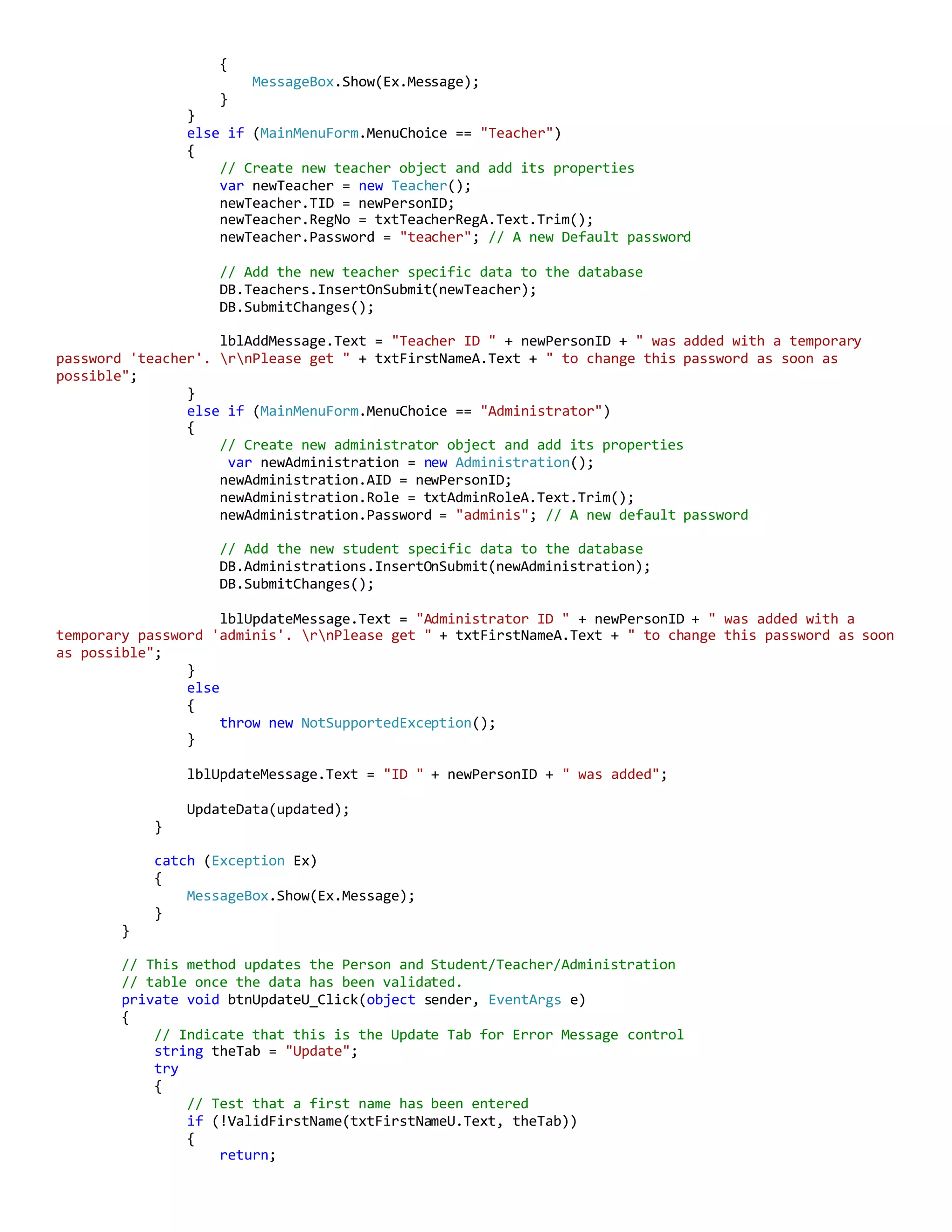
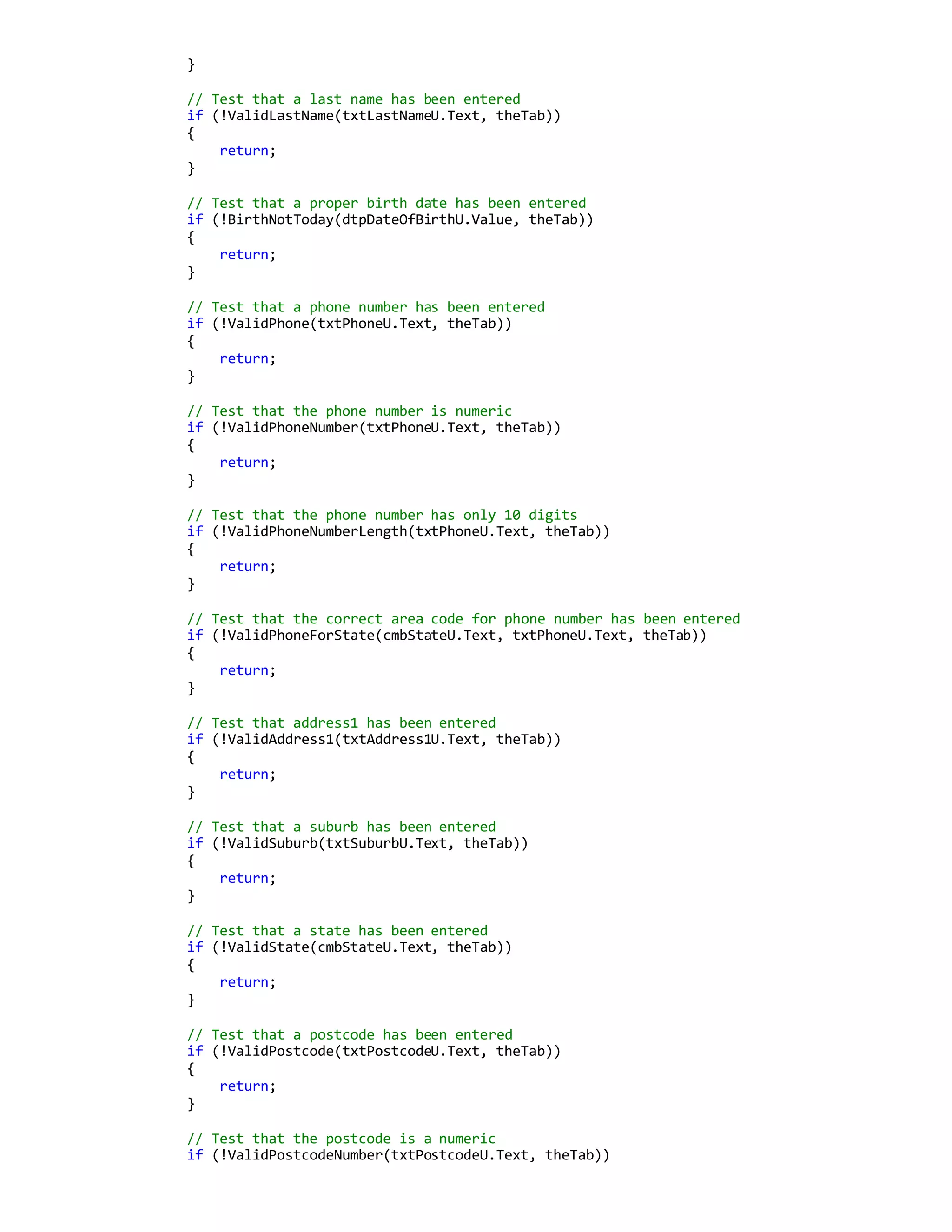
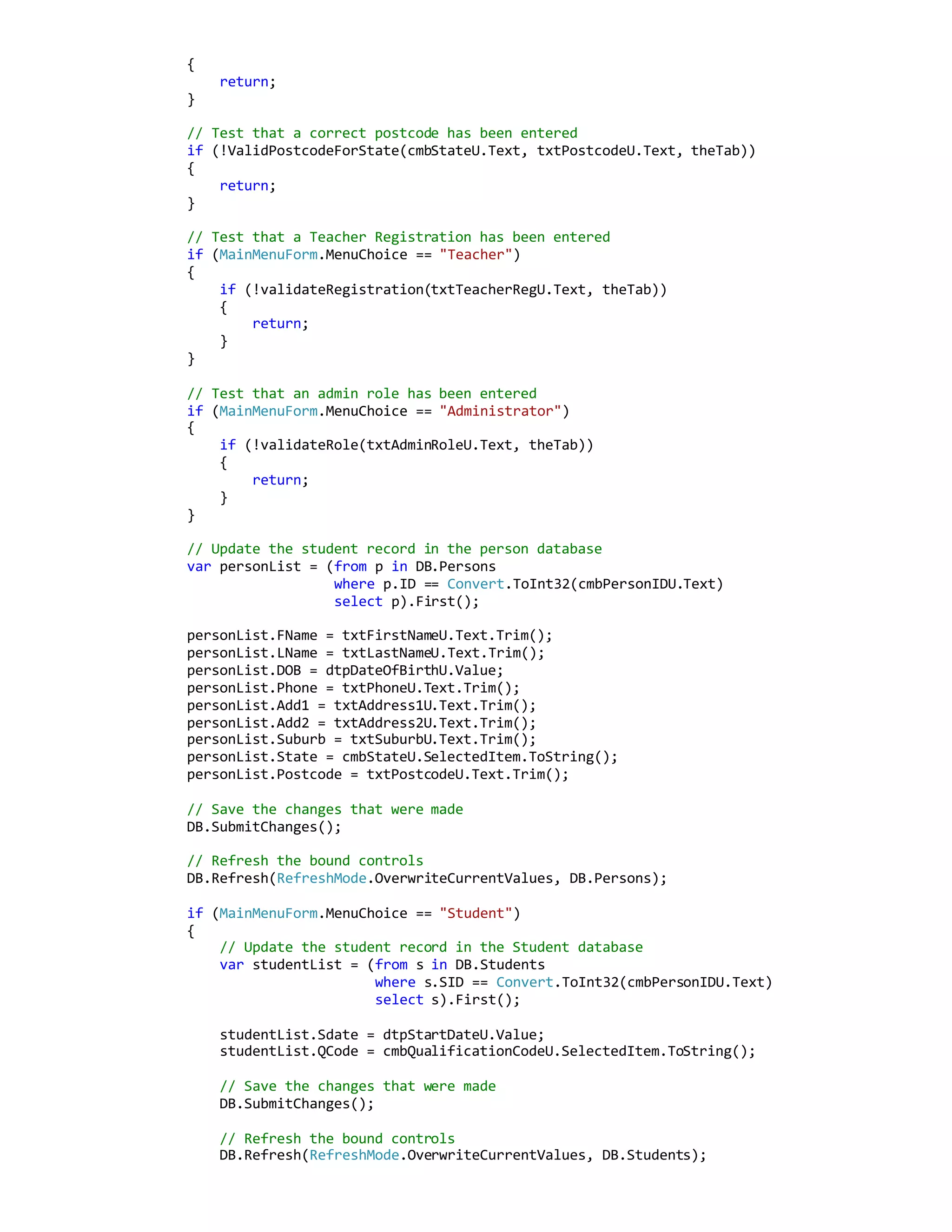
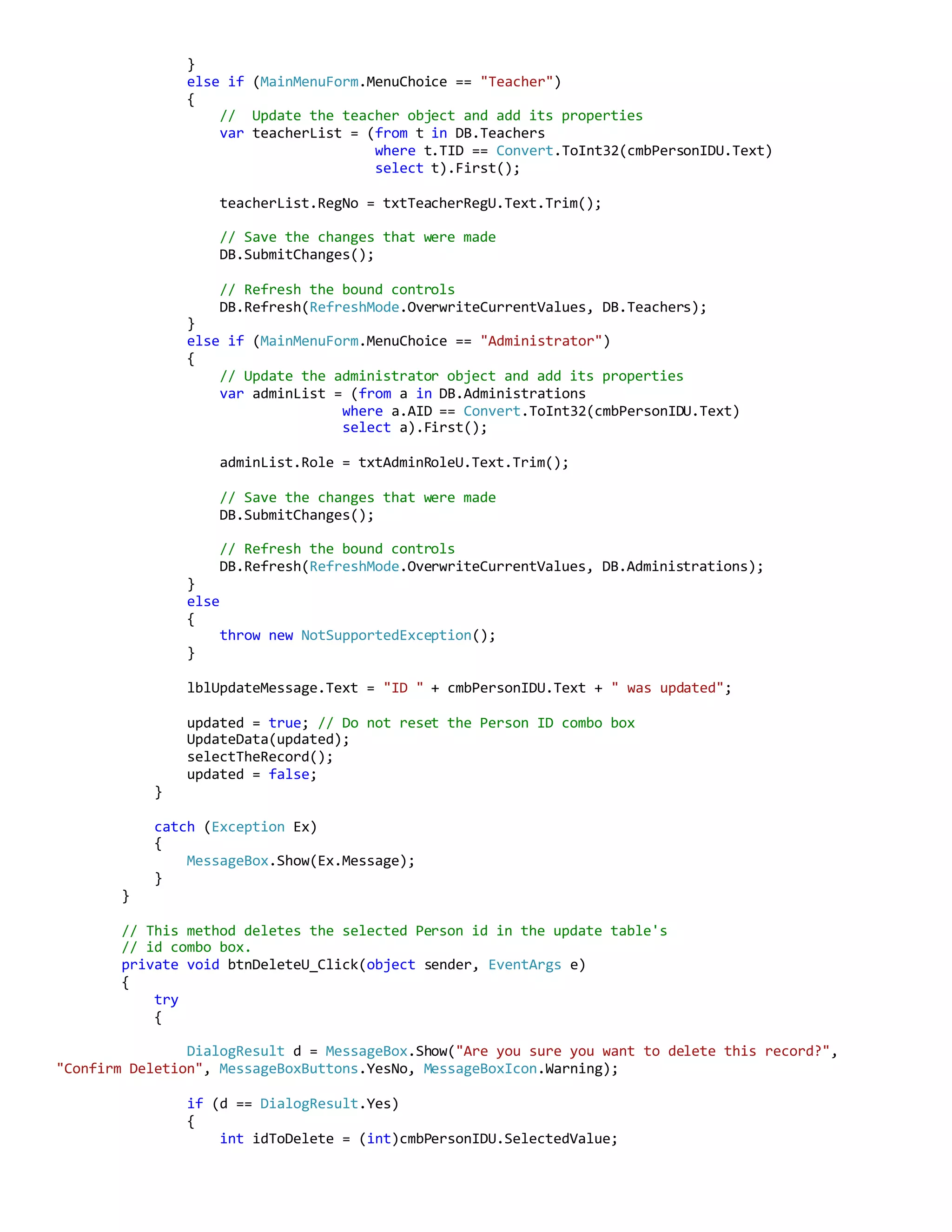
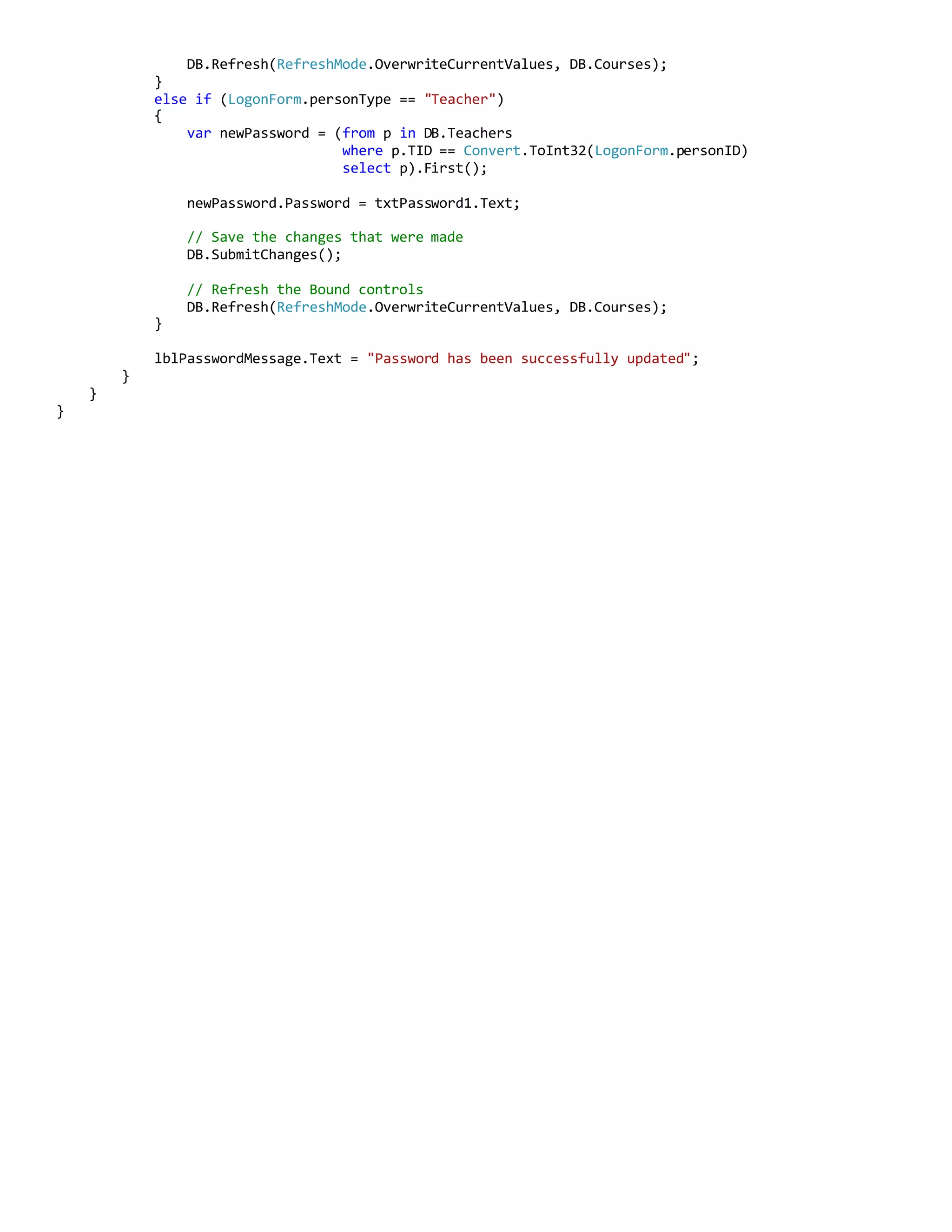
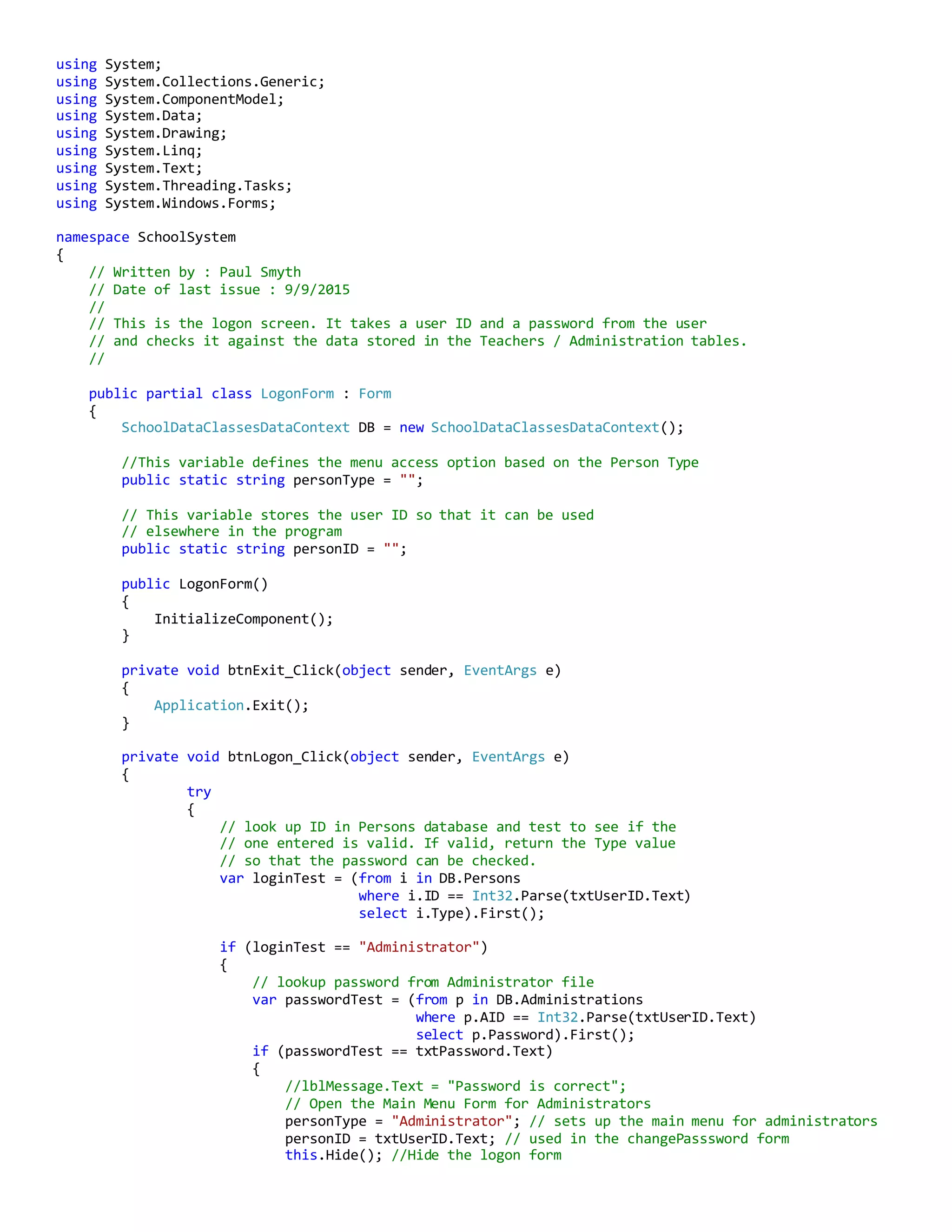
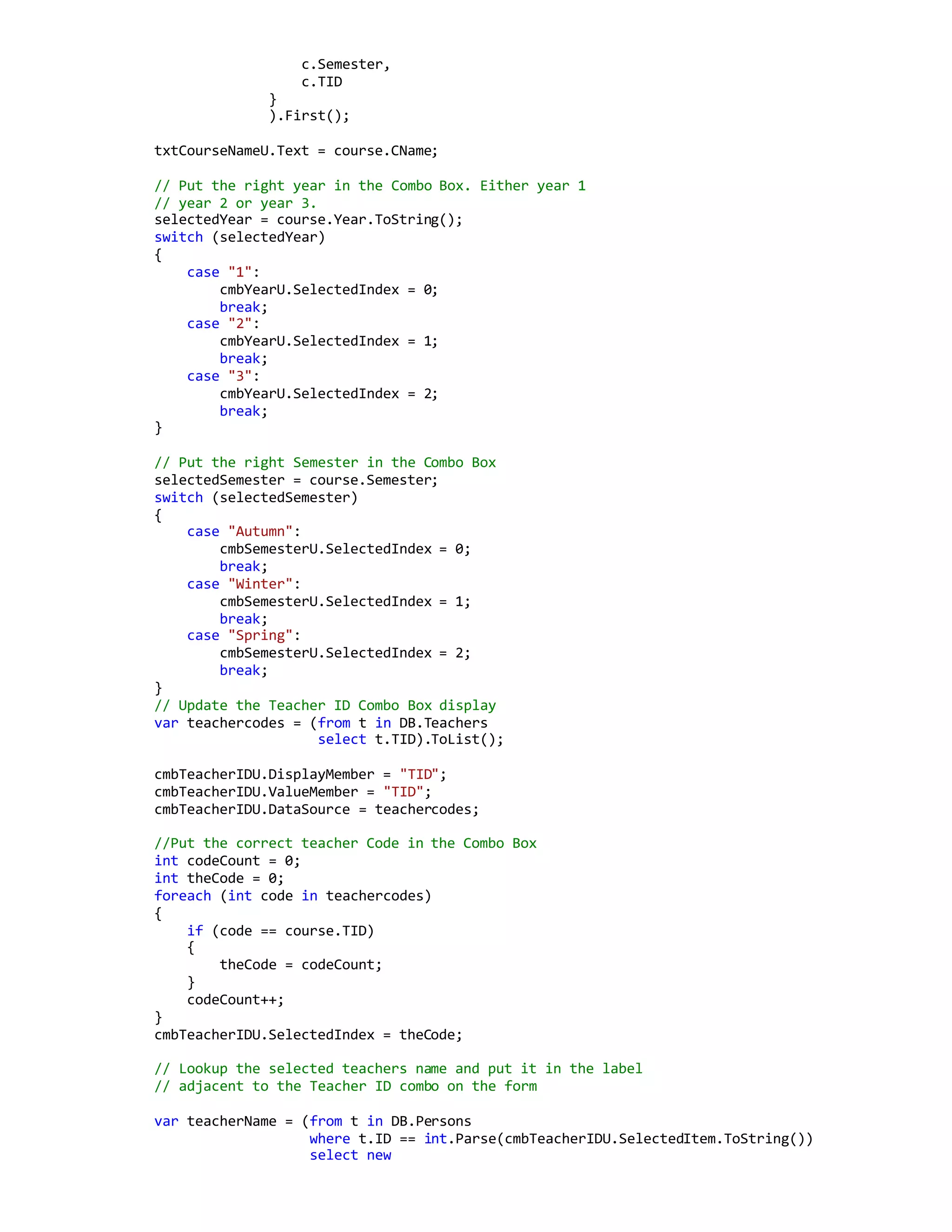
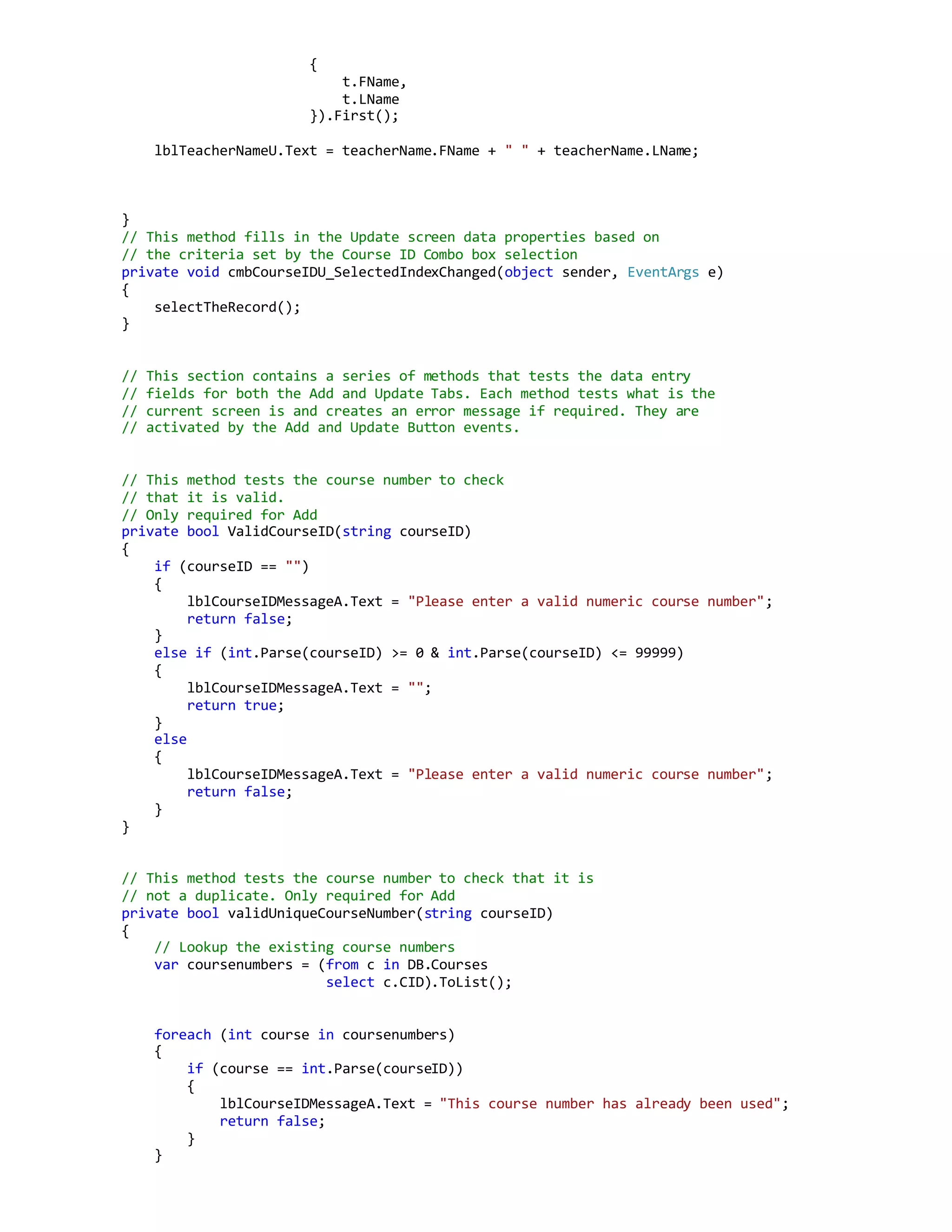
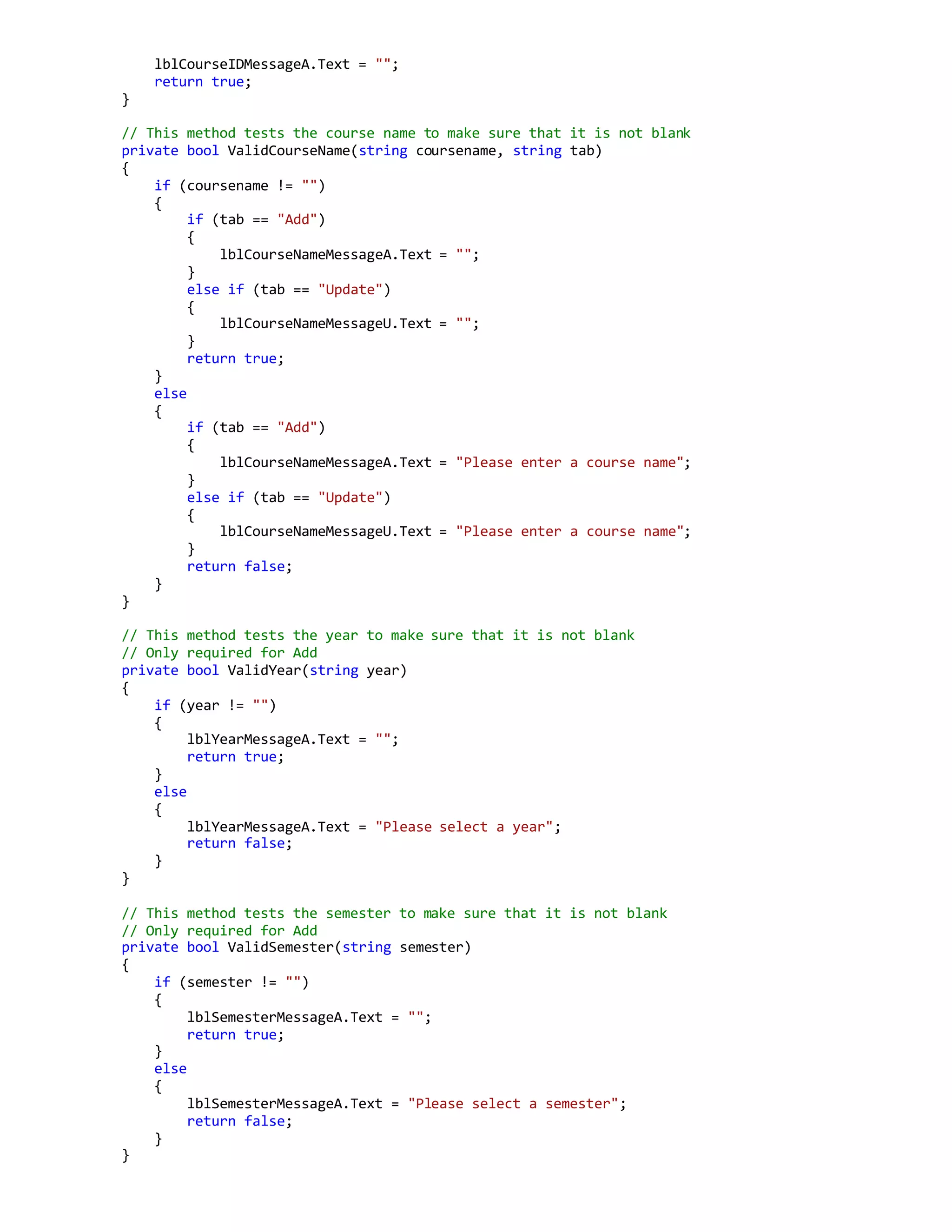
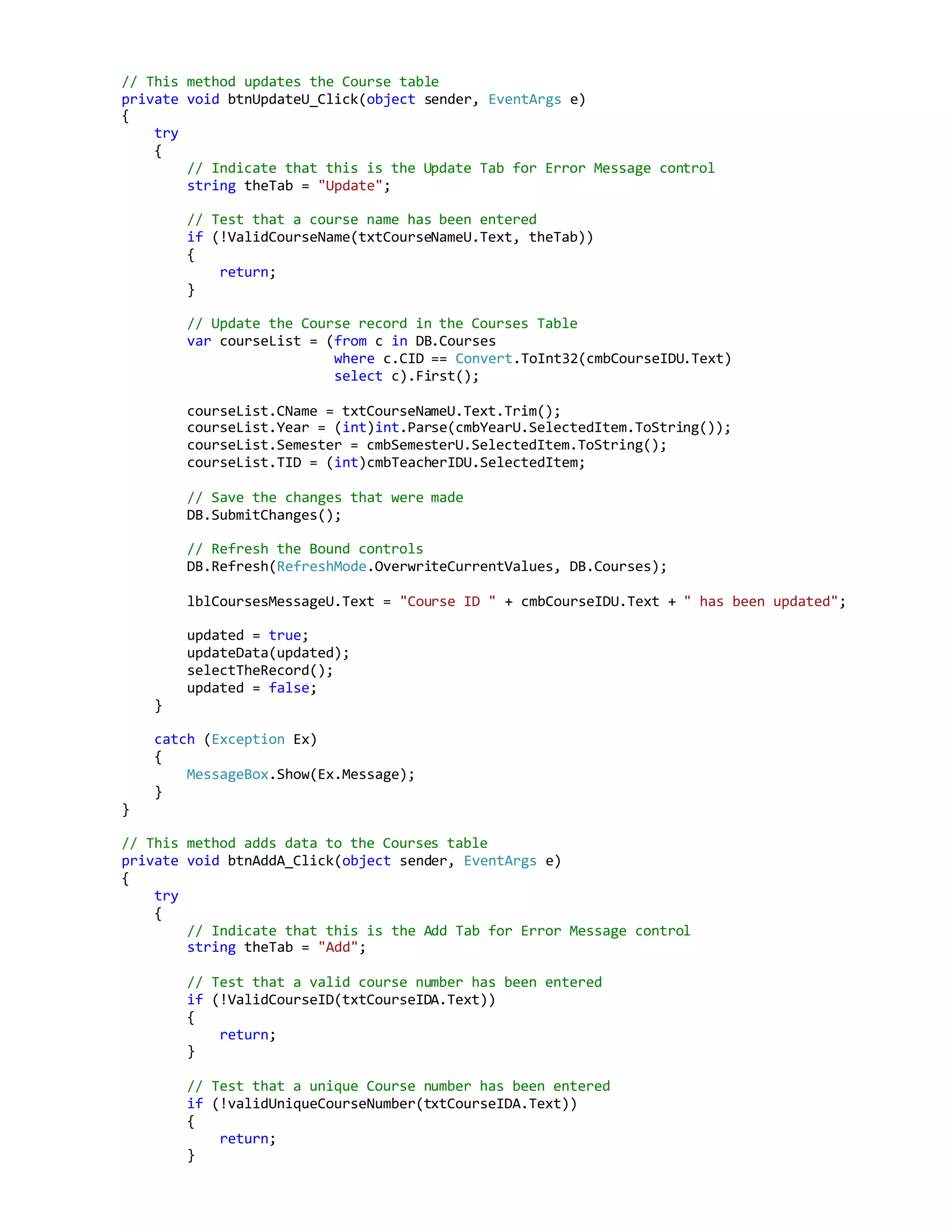
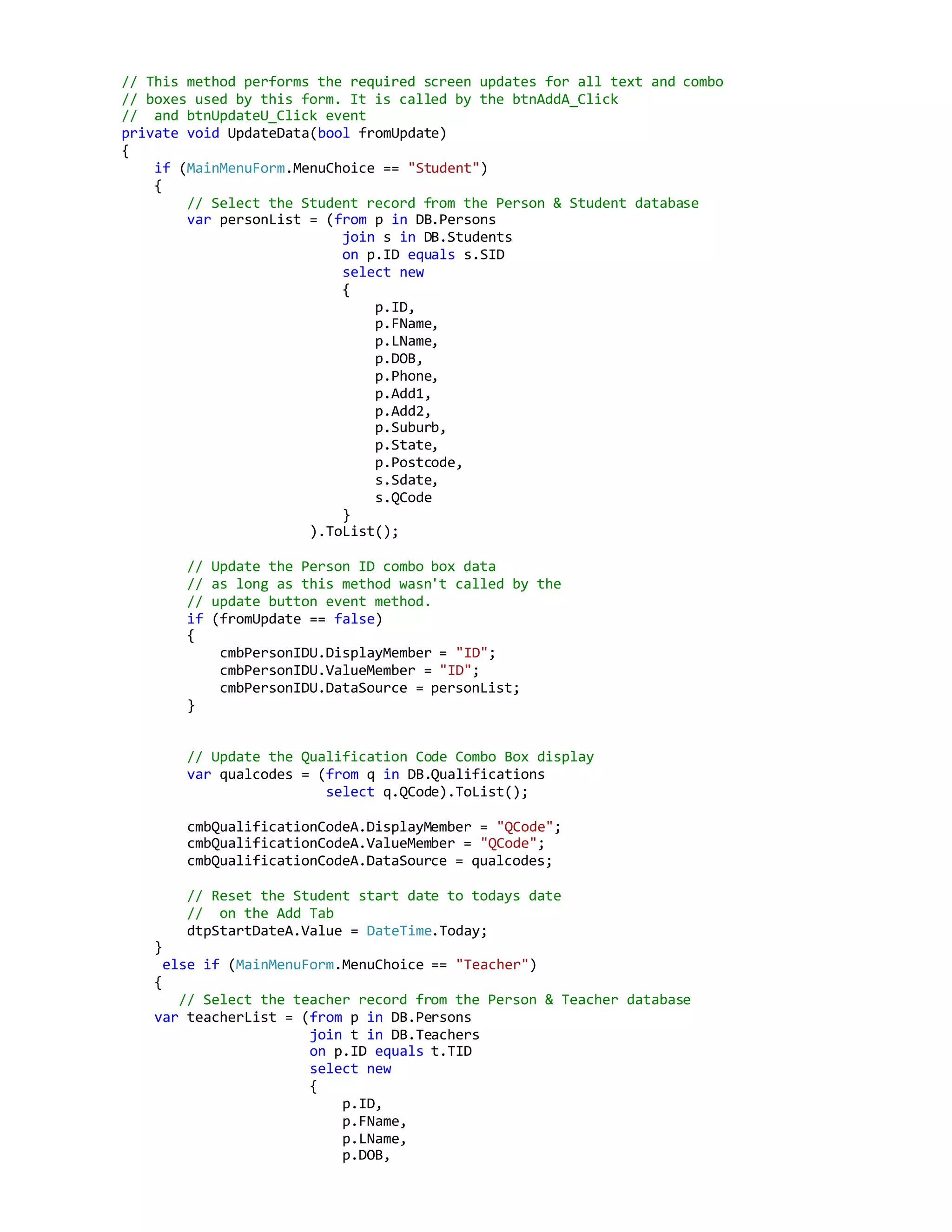
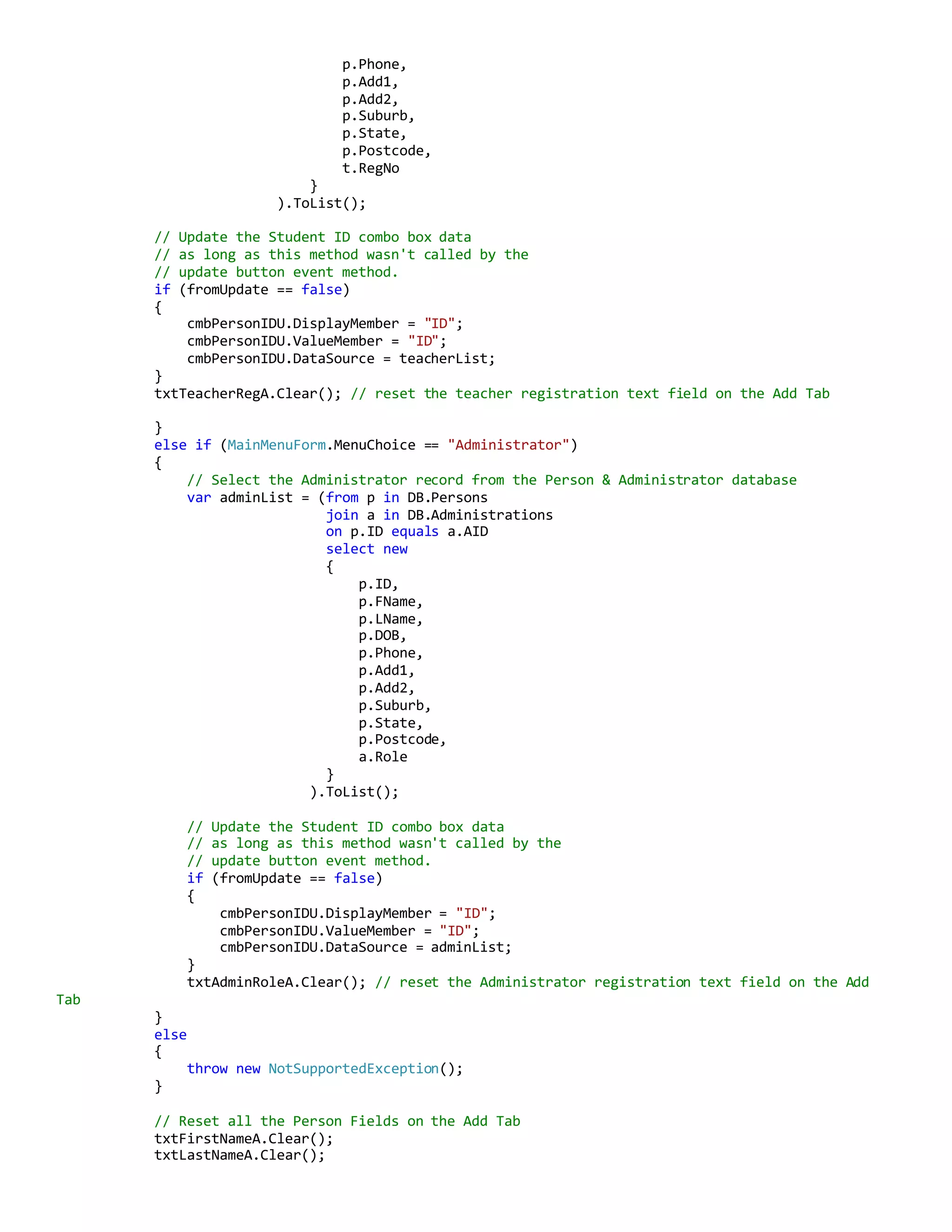
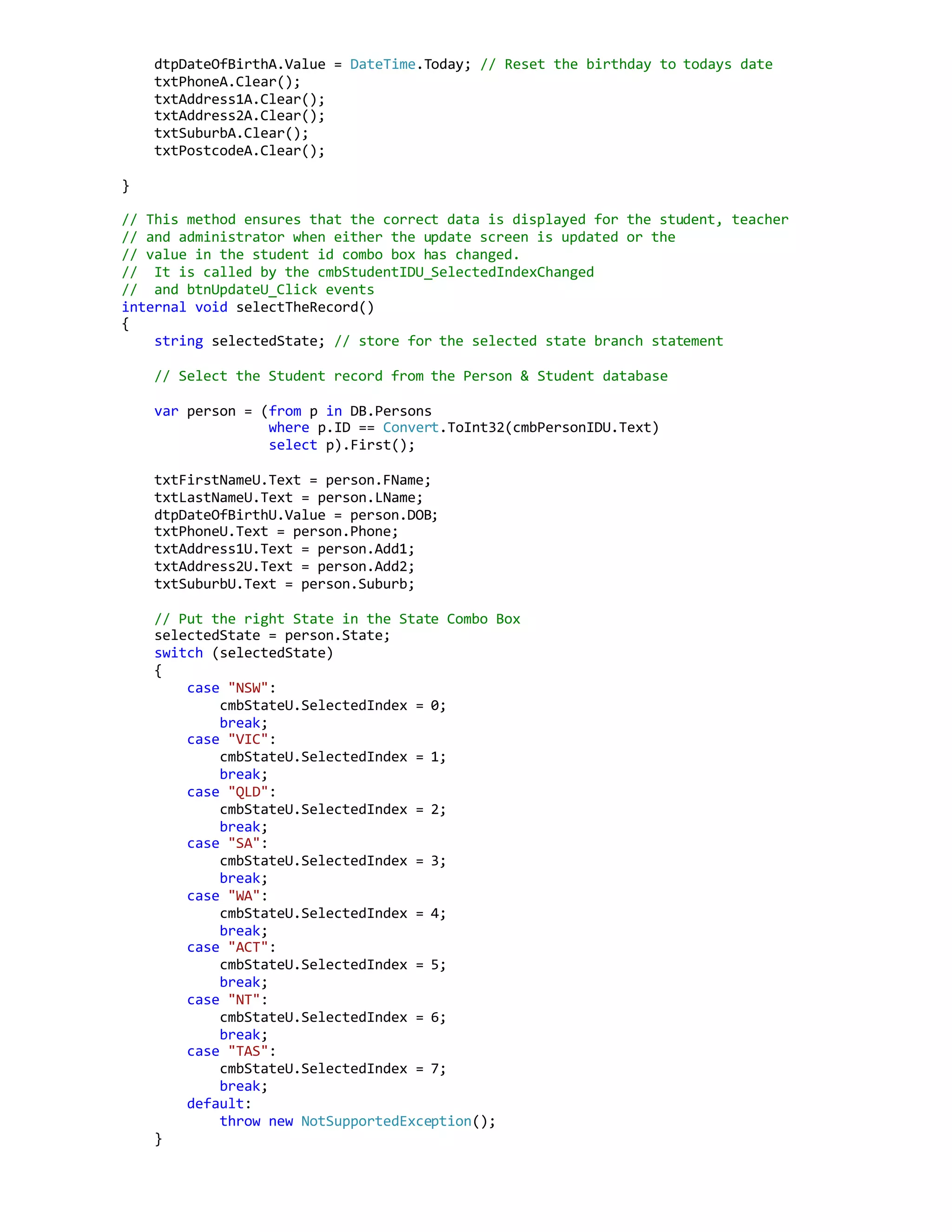
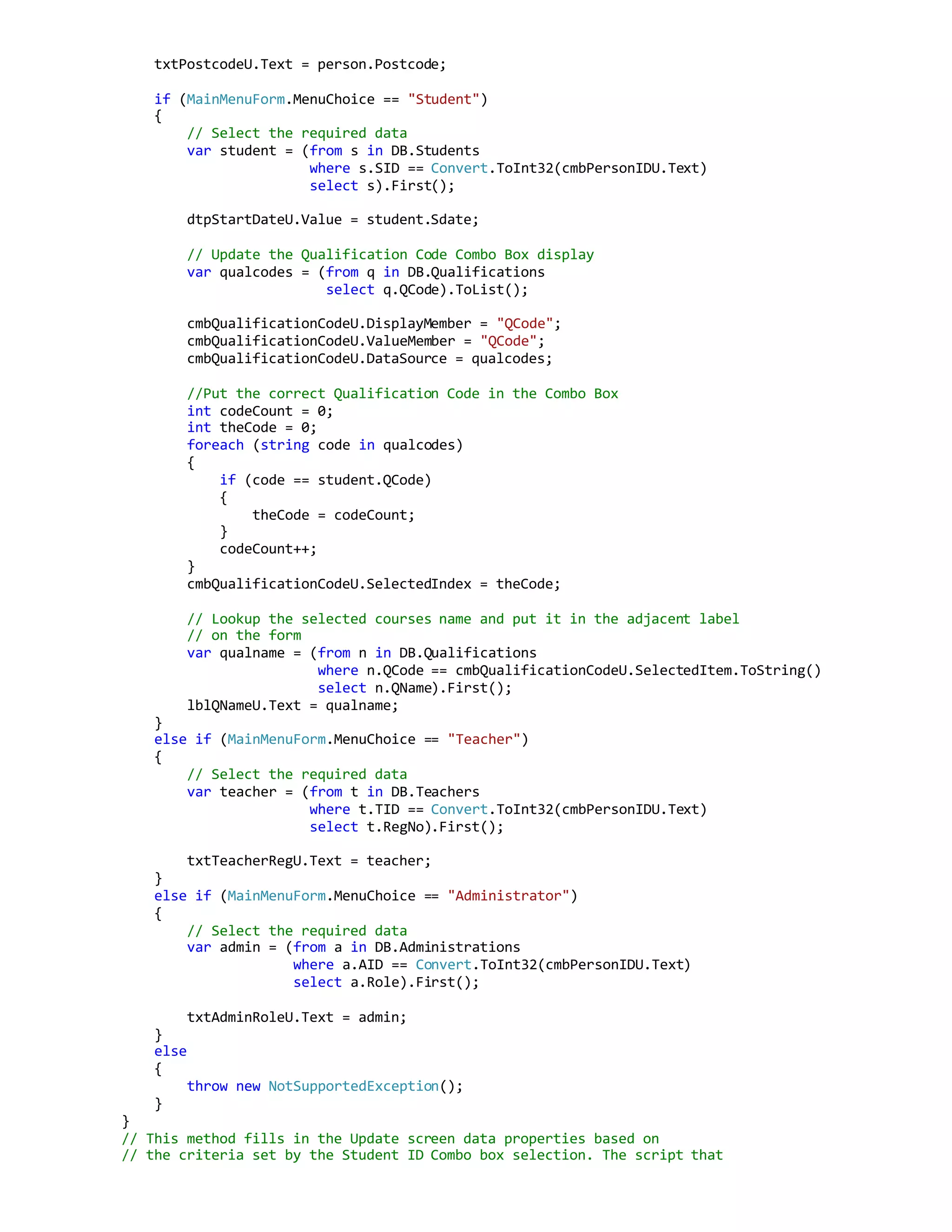
This document contains code for a school management system login form and main menu form.
The login form takes a user ID and password and checks it against teacher and administrator tables to authenticate the user. If authenticated, it sets person type and ID variables and opens the appropriate main menu form.
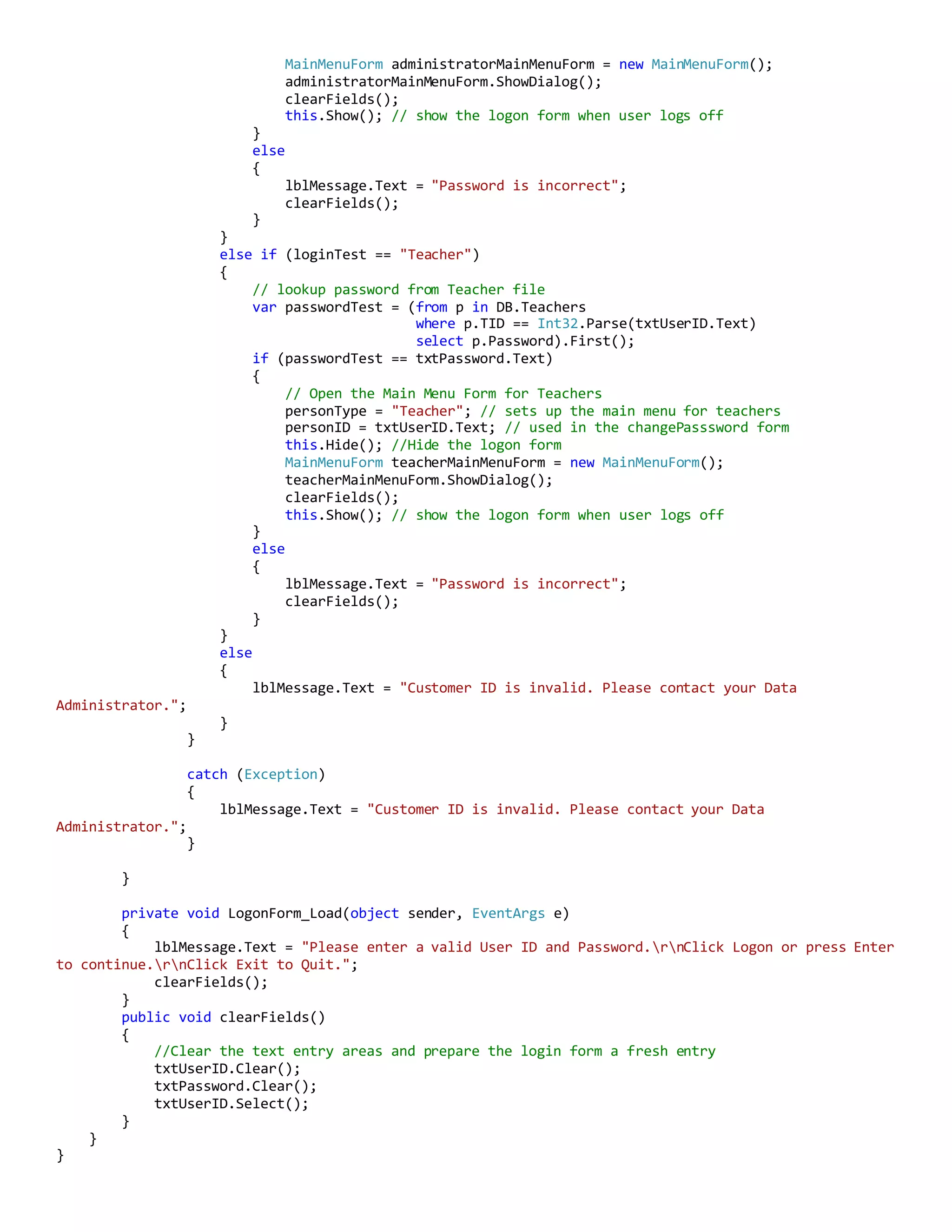
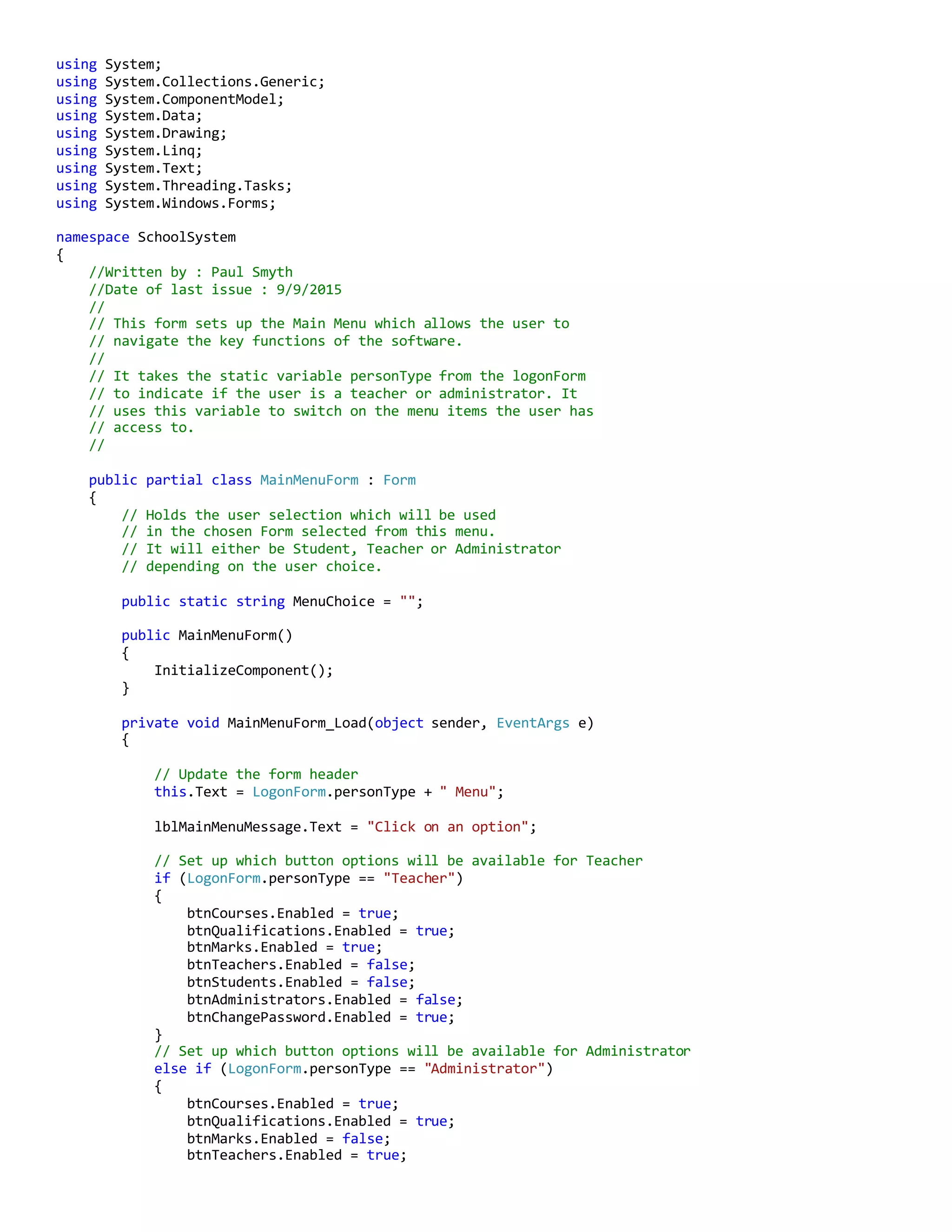
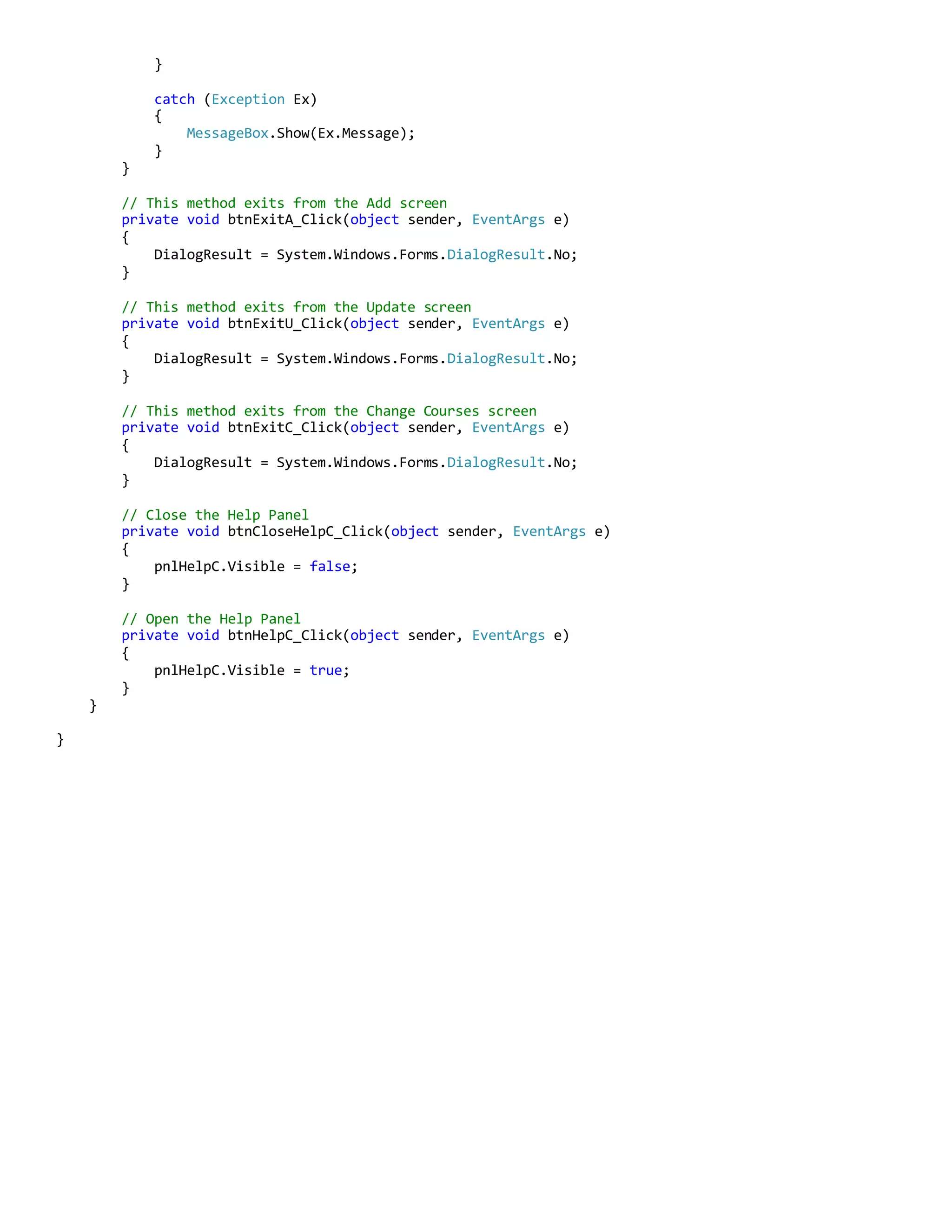
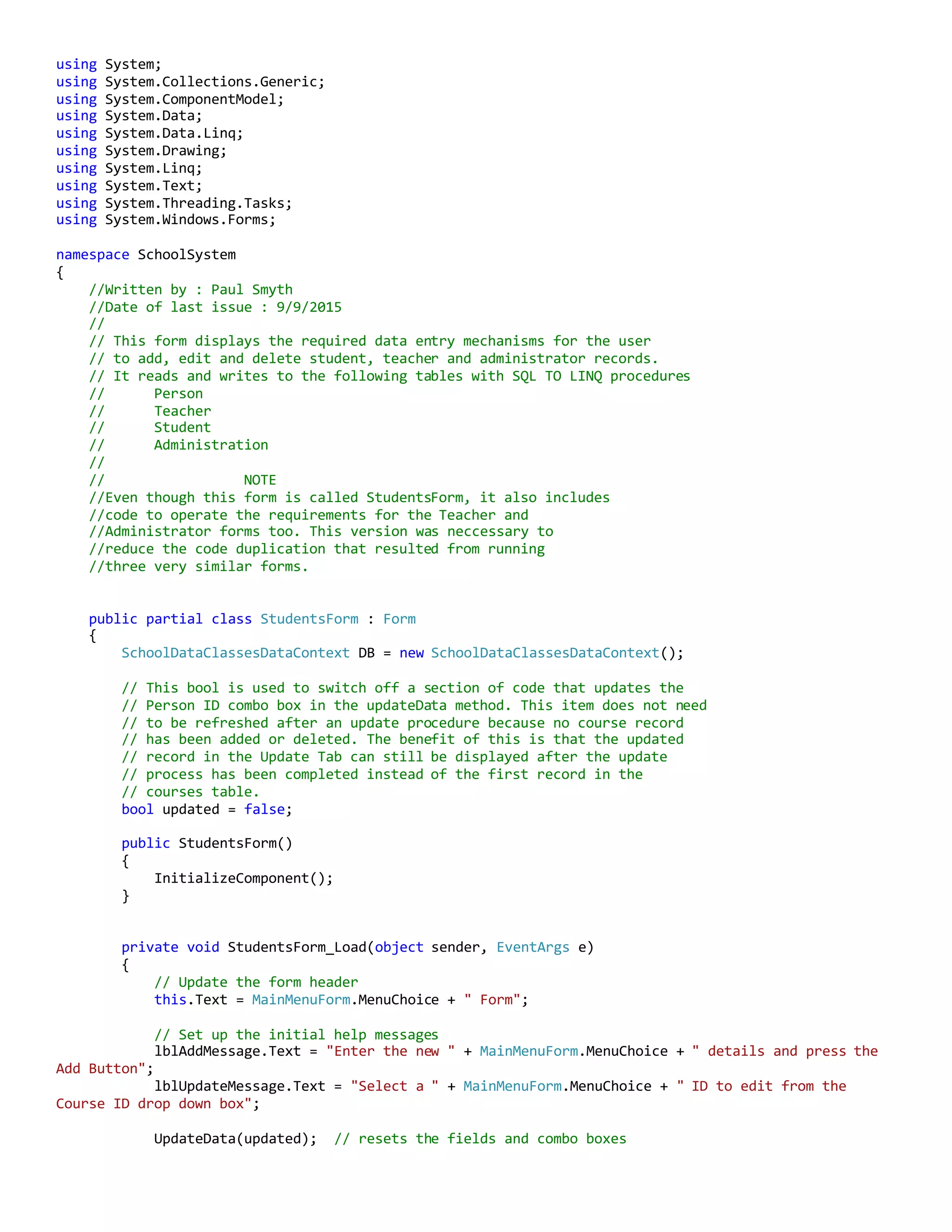
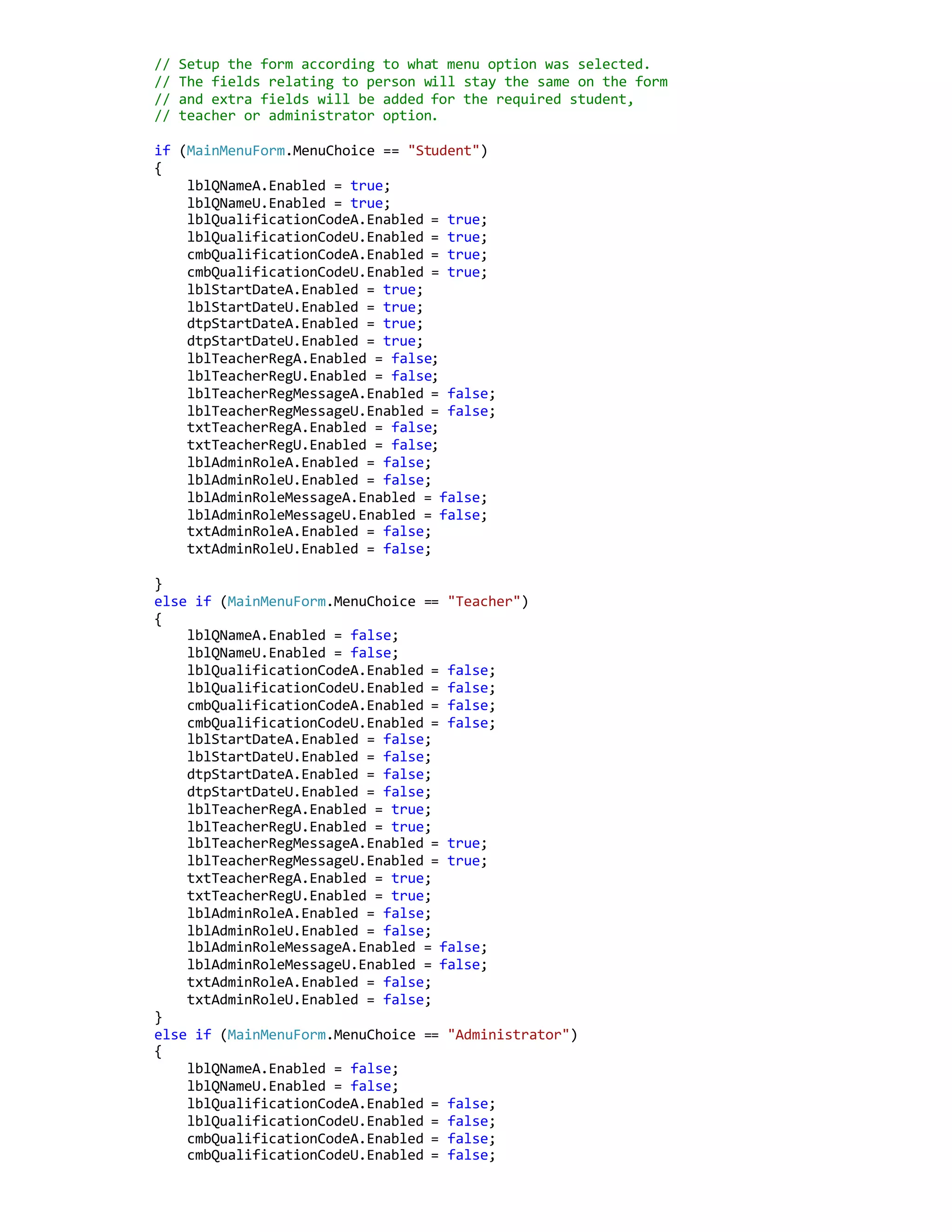
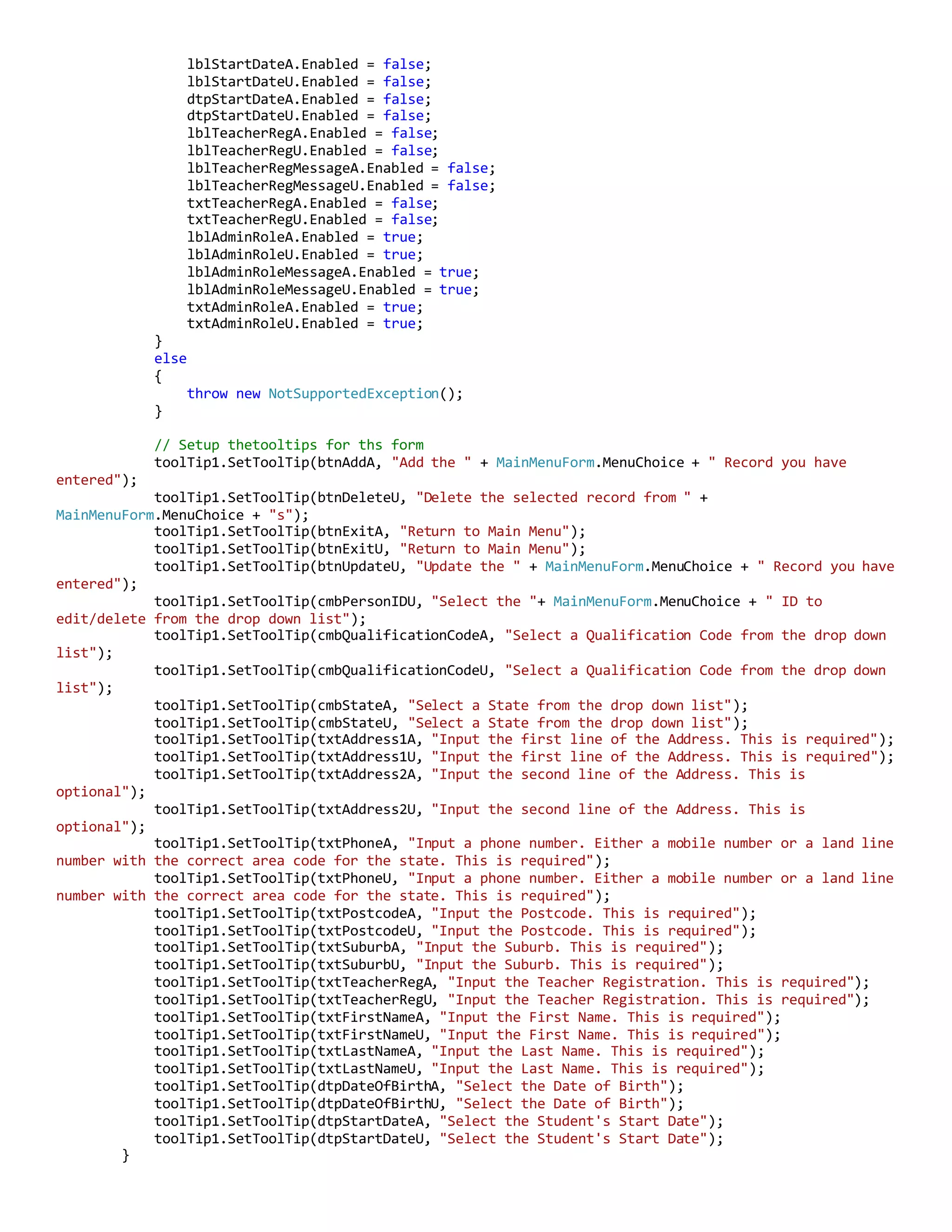
The main menu form displays options depending on the person type. It allows navigating to forms for courses, qualifications, marks, teachers, students, administrators and changing password. Clicking an option hides the menu and shows the selected form, then re-displays the menu when the form closes.
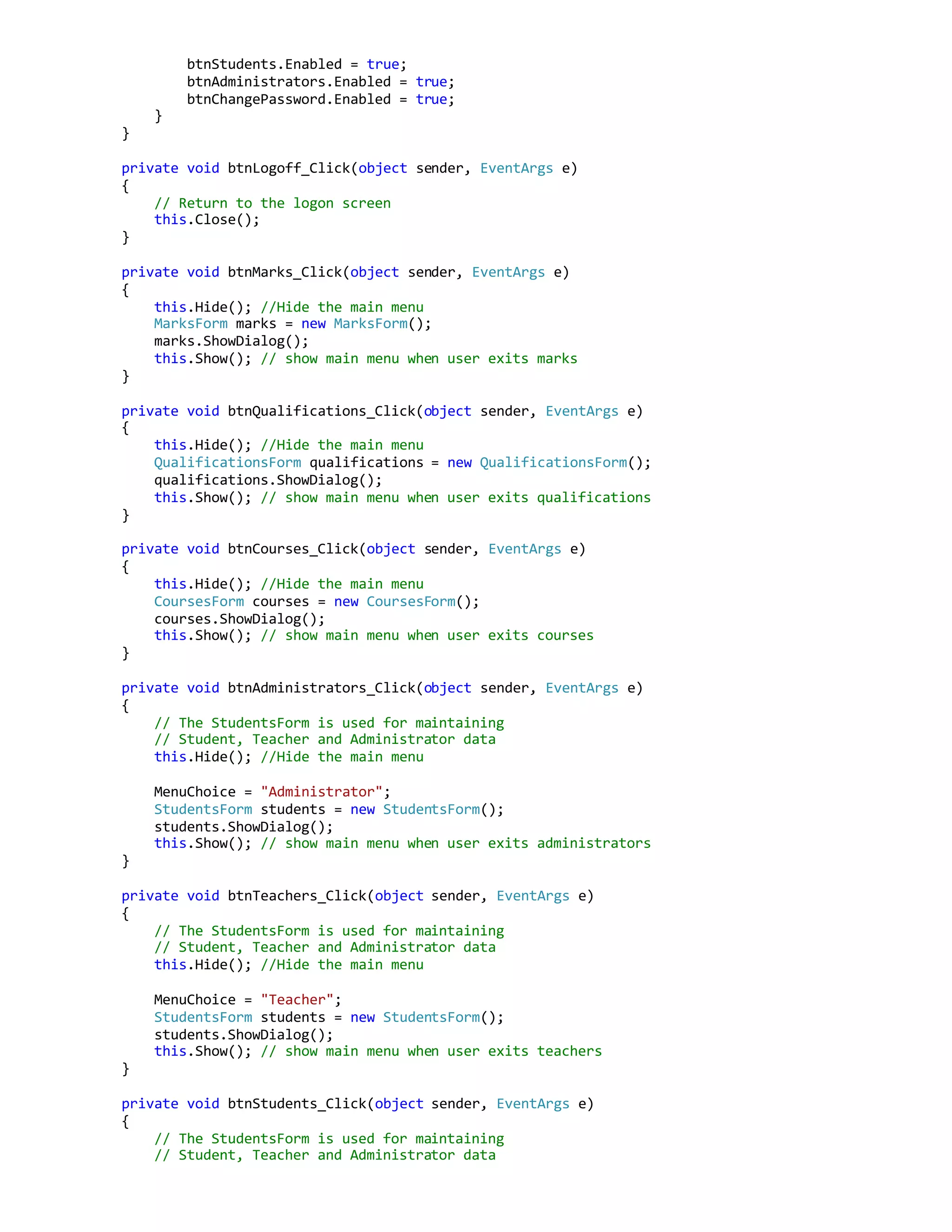
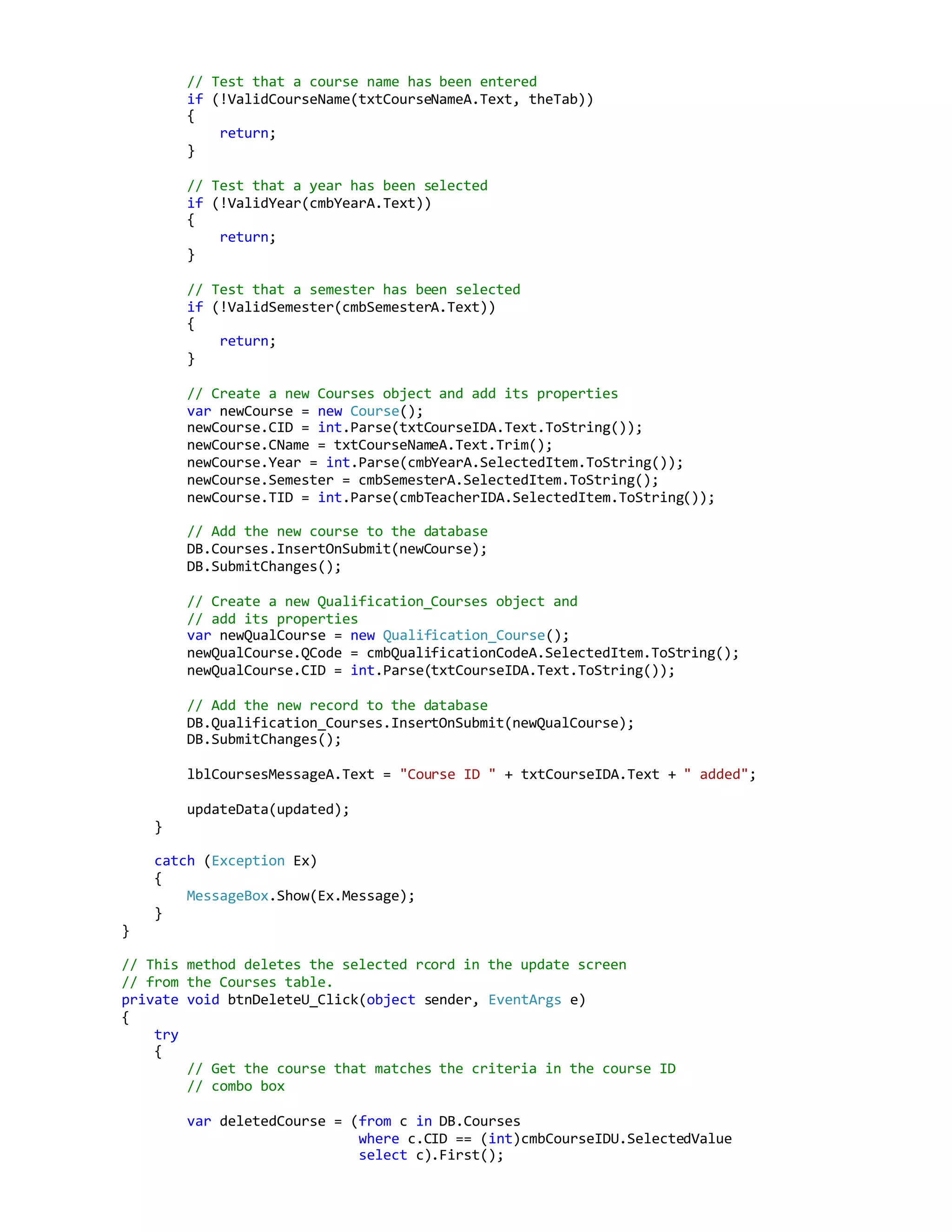
![toolTip1.SetToolTip(txtPanelMarkS, "Enter a mark between 0 and 100 (decimal values are not
permitted)");
lblMarksByStudentsMessage.Text = "Click on a record to select it to update or delete it";
}
// This method fills in the Marks by Course screen data properties based on
// the criteria set by the Course ID Combo box selection
private void cmbCourseIDC_SelectedIndexChanged(object sender, EventArgs e)
{
selectTheCourse();
}
// This method runs the script called by cmbCourseIDC_SelectedIndexChanged
// event. It is seperated because it is also called by the
// btnPanelAddStudentS_Click to make sure that the latest course
// information is displayed in the courses dgv after a student
// course record has been added.
internal void selectTheCourse()
{
// Reset the datagrid before performing the query
// because this method seems to append new columns
// to the datagrid when it is run.
dgvMarksC.DataSource = null;
dgvMarksC.Columns.Clear();
dgvMarksC.Rows.Clear();
// Select the Courses Marks with the Course ID
// selected in the Course ID Combo Box
var marksByCourseList = (from c in DB.Student_Courses
join p in DB.Persons
on c.SID equals p.ID
where c.CID == Convert.ToInt32(cmbCourseIDC.Text)
select new { c.SID, p.FName, p.LName, c.Mark }
).ToList();
dgvMarksC.DataSource = marksByCourseList;
// Setup the by course datagrid
dgvMarksC.Columns[0].HeaderText = "ID";
dgvMarksC.Columns[0].Width = 60;
dgvMarksC.Columns[0].ReadOnly = true;
dgvMarksC.Columns[1].HeaderText = "First Name";
dgvMarksC.Columns[1].Width = 120;
dgvMarksC.Columns[1].ReadOnly = true;
dgvMarksC.Columns[2].HeaderText = "Last Name";
dgvMarksC.Columns[2].Width = 120;
dgvMarksC.Columns[2].ReadOnly = true;
dgvMarksC.Columns[3].HeaderText = "Mark";
dgvMarksC.Columns[3].Width = 40;
// Get the Course name for the selected Course ID
// displayed in the Combo Box
var courseName = (from n in DB.Courses
where n.CID == Convert.ToInt32(cmbCourseIDC.Text)
select n.CName).First();
lblCourseNameC.Text = courseName;
}
// This method deletes a record from the student view datagrid
private void btnDeleteS_Click(object sender, EventArgs e)
{](https://image.slidesharecdn.com/45780106-1de2-40cb-83d5-fcc8ac2a4470-161206025603/75/School-System-C-Code-16-2048.jpg)
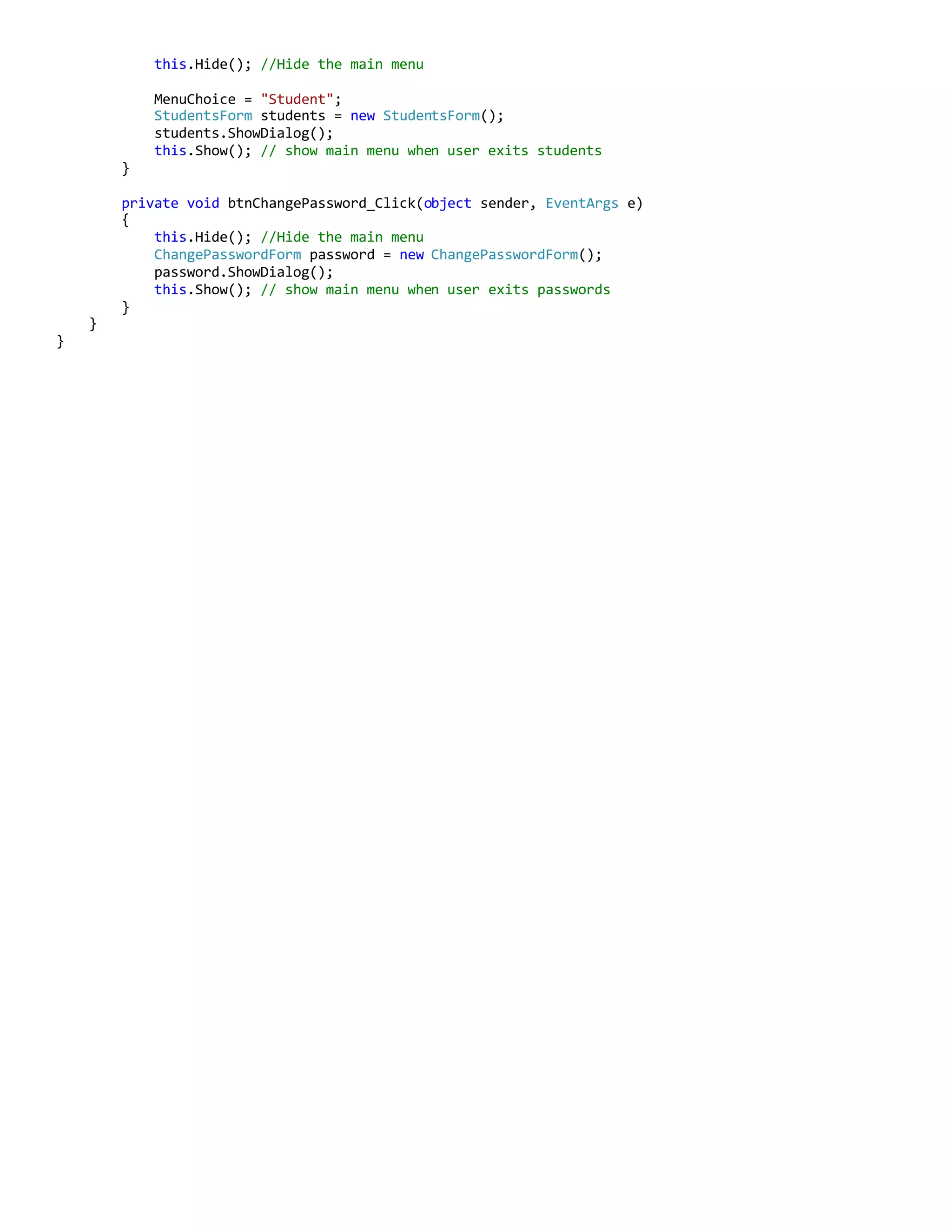
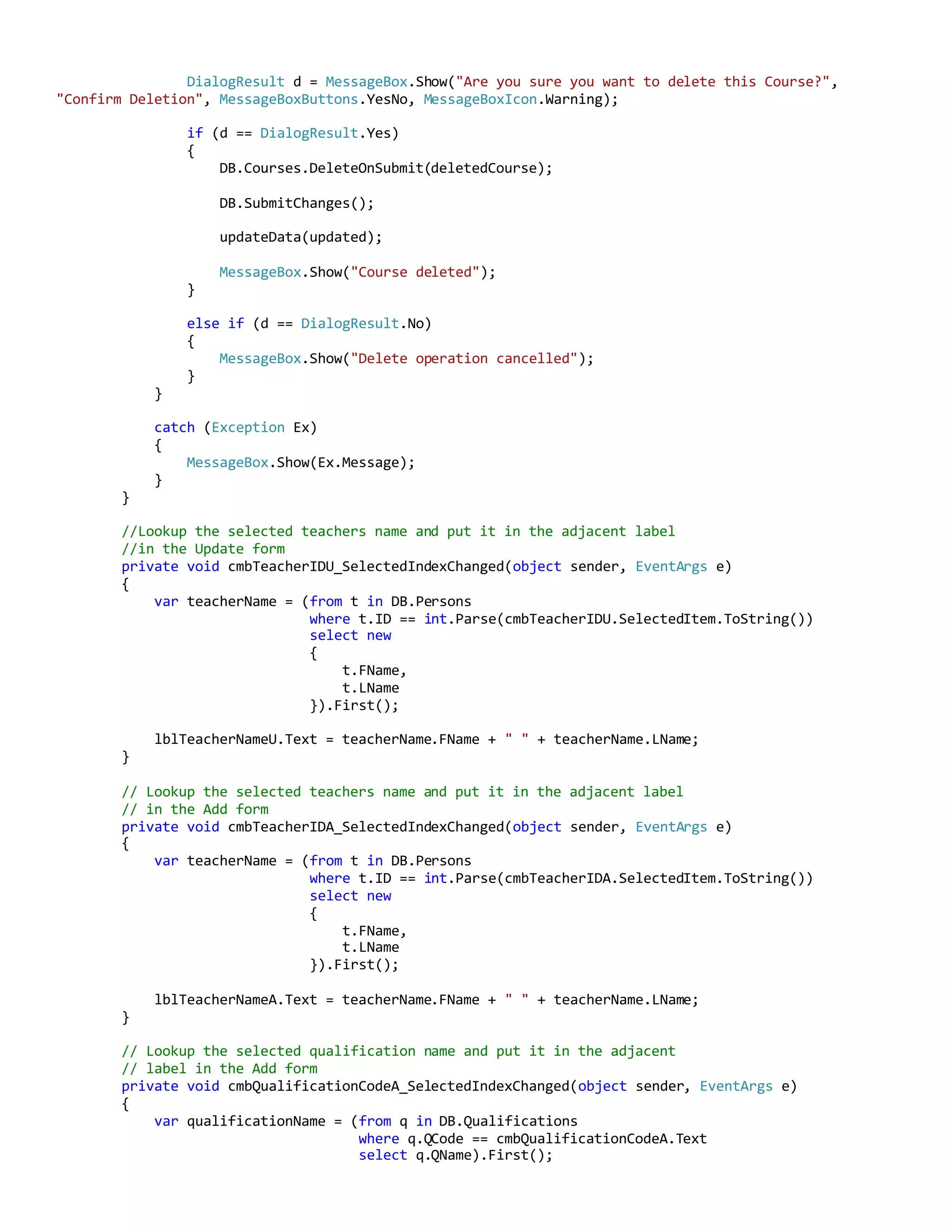
![try
{
// Make the selected row go a different colour.
dgvMarksS.CurrentRow.DefaultCellStyle.BackColor = Color.Red;
DialogResult d = MessageBox.Show("Are you sure you want to delete this record?",
"Confirm Deletion", MessageBoxButtons.YesNo, MessageBoxIcon.Warning);
if (d == DialogResult.Yes)
{
// Pick the criteria from the chosen row in the datagrid
int rowSelected = dgvMarksS.CurrentCell.RowIndex;
int deleteStudentID = Convert.ToInt32(cmbStudentIDS.Text);
int deleteCourseID =
int.Parse(dgvMarksS.Rows[rowSelected].Cells[0].Value.ToString());
// Get the record that matches the criteria
var deleteStudentCourse = (from s in DB.Student_Courses
where s.SID == deleteStudentID
&& s.CID == deleteCourseID
select s).First();
DB.Student_Courses.DeleteOnSubmit(deleteStudentCourse);
DB.SubmitChanges();
lblMarksByStudentsMessage.Text = "Course Record deleted";
dgvMarksS.CurrentRow.DefaultCellStyle.BackColor = Color.White;
// This method call makes sure that the course
// tab details have been updated.
selectTheCourse();
// Update the Marks by student screen
updateMarksByStudent();
}
else if (d == DialogResult.No)
{
lblMarksByStudentsMessage.Text = "Delete operation cancelled";
dgvMarksS.CurrentRow.DefaultCellStyle.BackColor = Color.White;
return;
}
else
{
throw new NotSupportedException();
}
}
catch (Exception Ex)
{
MessageBox.Show(Ex.Message);
}
}
// This method fills in the Marks by Student screen data properties based on
// the criteria set by the Student ID Combo box selection
private void cmbStudentIDS_SelectedIndexChanged(object sender, EventArgs e)
{
updateMarksByStudent();
}
internal void updateMarksByStudent()
{
// Change the Tab header
tabStudent.Text = "View Marks by Student";](https://image.slidesharecdn.com/45780106-1de2-40cb-83d5-fcc8ac2a4470-161206025603/75/School-System-C-Code-17-2048.jpg)
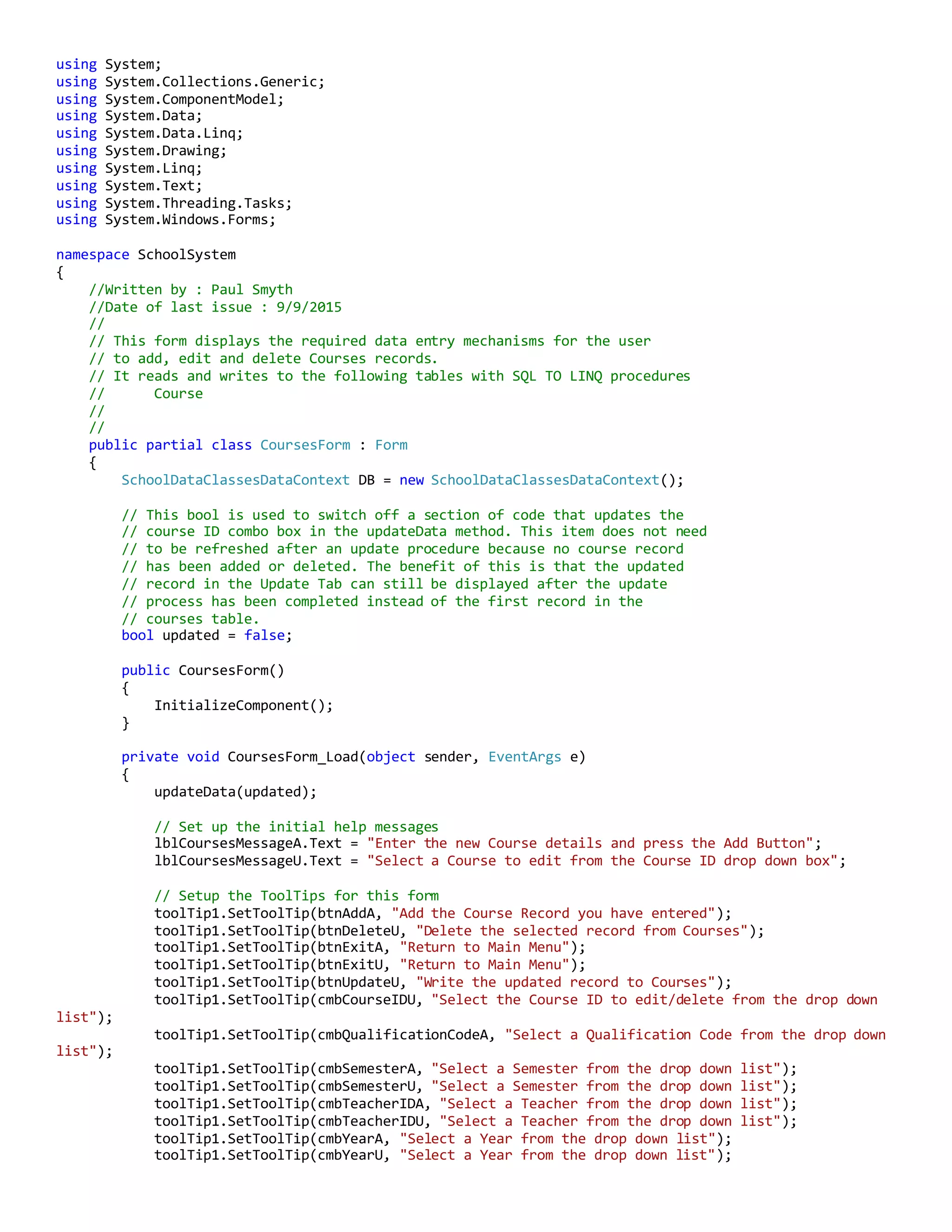
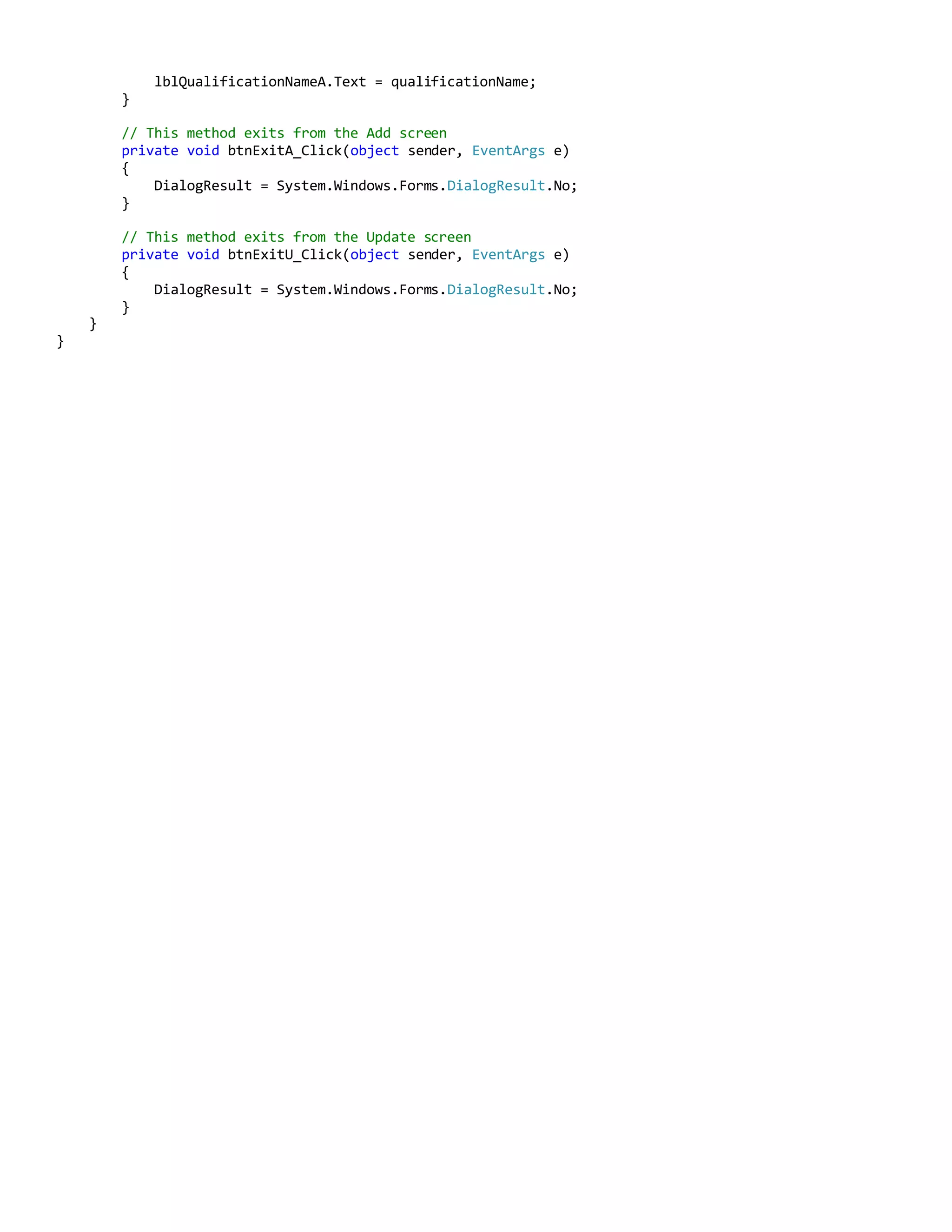
![// Reset the data grid before running the query
// because this method seems to append new columns
// to the datagrid when it is run.
dgvMarksS.DataSource = null;
dgvMarksS.Columns.Clear();
dgvMarksS.Rows.Clear();
// Select the Courses Marks with the student ID
// selected i n the Course ID Combo Box
var marksByStudentList = (from s in DB.Student_Courses
join c in DB.Courses
on s.CID equals c.CID
where s.SID == Convert.ToInt32(cmbStudentIDS.Text)
select new { s.CID, c.CName, s.Mark }
).ToList();
dgvMarksS.DataSource = marksByStudentList;
// Set up the by students Datagrid
dgvMarksS.Columns[0].HeaderText = "ID";
dgvMarksS.Columns[0].Width = 60;
dgvMarksS.Columns[0].ReadOnly = true;
dgvMarksS.Columns[1].HeaderText = "Course Name";
dgvMarksS.Columns[1].Width = 120;
dgvMarksS.Columns[1].ReadOnly = true;
dgvMarksS.Columns[2].HeaderText = "Mark";
dgvMarksS.Columns[2].Width = 40;
// Get the Student name for the selected Student ID
// displayed in the Combo Box
var studentName = (from n in DB.Persons
where n.ID == Convert.ToInt32(cmbStudentIDS.Text)
select new { n.FName, n.LName }
).First();
lblStudentNameS.Text = studentName.FName + " " + studentName.LName;
}
// This method presents the Add Student Course panel and fills
// the required data ready for data entry.
private void btnAddStudentS_Click(object sender, EventArgs e)
{
string editing = "Add";
tabStudent.Text = "Add a Student Course / Mark"; //Change the Tab Header
displayTheEditPanel(editing);
}
private void btnUpdateS_Click(object sender, EventArgs e)
{
string editing = "Update";
tabStudent.Text = "Update a Student Mark";
displayTheEditPanel(editing);
}
internal void displayTheEditPanel(string edited)
{
pnlAddStudentS.Visible = true;
pnlCourseIDOverlayS.Visible = false;
pnlUpdateRecordBtnS.Visible = false;
if (edited == "Add")
{](https://image.slidesharecdn.com/45780106-1de2-40cb-83d5-fcc8ac2a4470-161206025603/75/School-System-C-Code-18-2048.jpg)
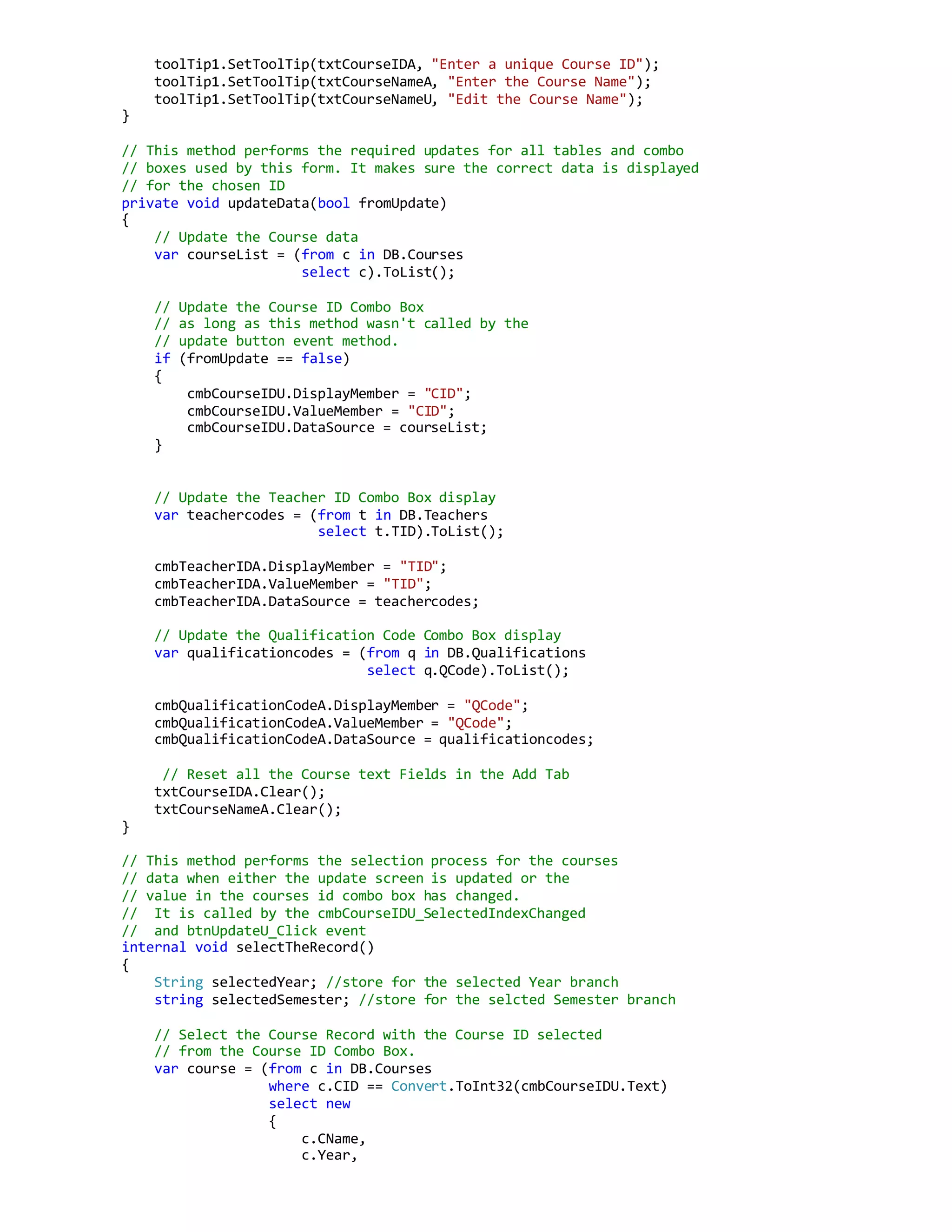
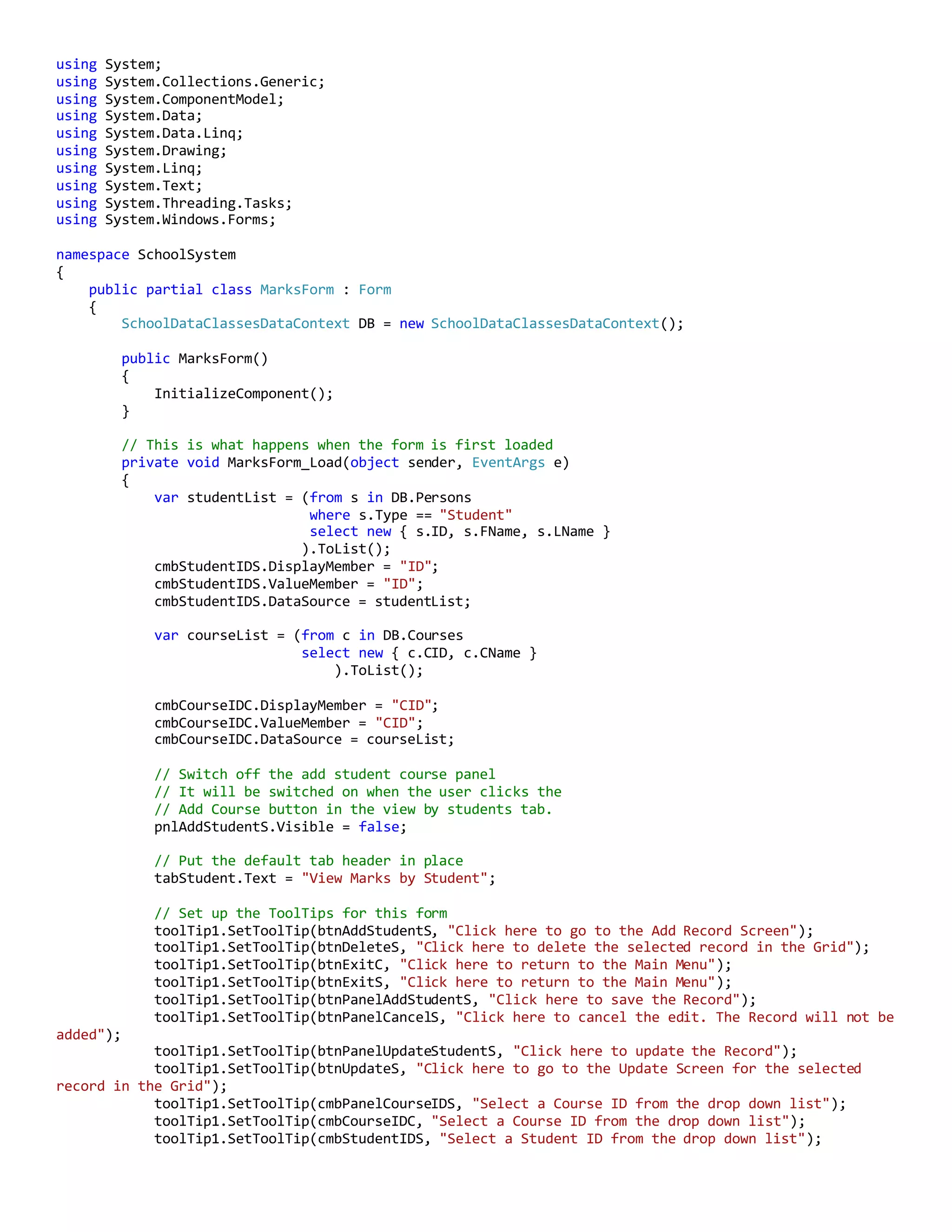
![txtPanelMarkS.Text = "0"; // default value displayed
// Update the Course ID Combo Box
var courseList = (from c in DB.Courses
select c.CID).ToList();
cmbPanelCourseIDS.DisplayMember = "CID";
cmbPanelCourseIDS.ValueMember = "CID";
cmbPanelCourseIDS.DataSource = courseList;
}
else if (edited == "Update")
{
// Cover up the Course ID Combo box with a Course ID label.
// The combo box is not required in Update.
pnlCourseIDOverlayS.Visible = true;
pnlUpdateRecordBtnS.Visible = true;
int rowSelected = dgvMarksS.CurrentCell.RowIndex;
txtPanelOverlayCourseIDS.Text = dgvMarksS.Rows[rowSelected].Cells[0].Value.ToString();
txtPanelMarkS.Text = dgvMarksS.Rows[rowSelected].Cells[2].Value.ToString();
// Get the Course Name for the panel
var courseName = (from n in DB.Courses
where n.CID == int.Parse(txtPanelOverlayCourseIDS.Text)
select n.CName).First();
lblPanelCourseNameS.Text = courseName;
}
txtPanelStudentIDS.Text = cmbStudentIDS.Text;
lblPanelStudentNameS.Text = lblStudentNameS.Text;
}
// This method selects the course name in the Add Student Course panel
// when the Course ID combo box value changes
private void cmbPanelCourseIDS_SelectedIndexChanged(object sender, EventArgs e)
{
//Get the Course Name
var courseName = (from n in DB.Courses
where n.CID == int.Parse(cmbPanelCourseIDS.SelectedItem.ToString())
select n.CName).First();
lblPanelCourseNameS.Text = courseName;
}
// This method updates the Student Course table with the data
// that was entered on the add student course panel. It also
// puts the Student ID that was selected for editing back into
// the Student ID combo box.
private void btnPanelAddStudentS_Click(object sender, EventArgs e)
{
string editing = "Add";
addOrUpdateMark(editing);
}
private void btnPanelUpdateStudentS_Click(object sender, EventArgs e)
{
string editing = "Update";
addOrUpdateMark(editing);
}
// This method is the guts of the Add / Update procedure called
// by btnPanelAddStudentS_Click or btnPanelUpdateStudentS_Click
// button event.
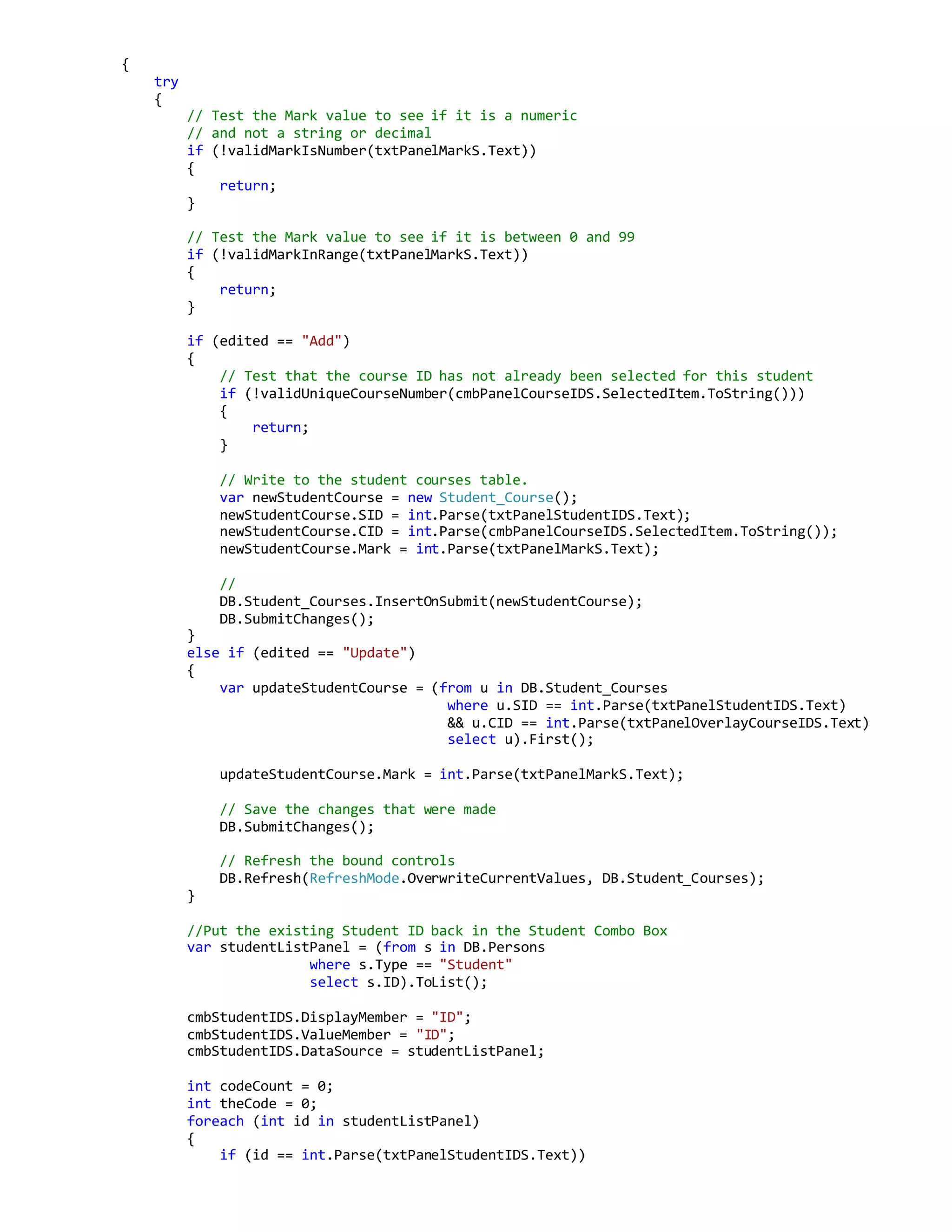
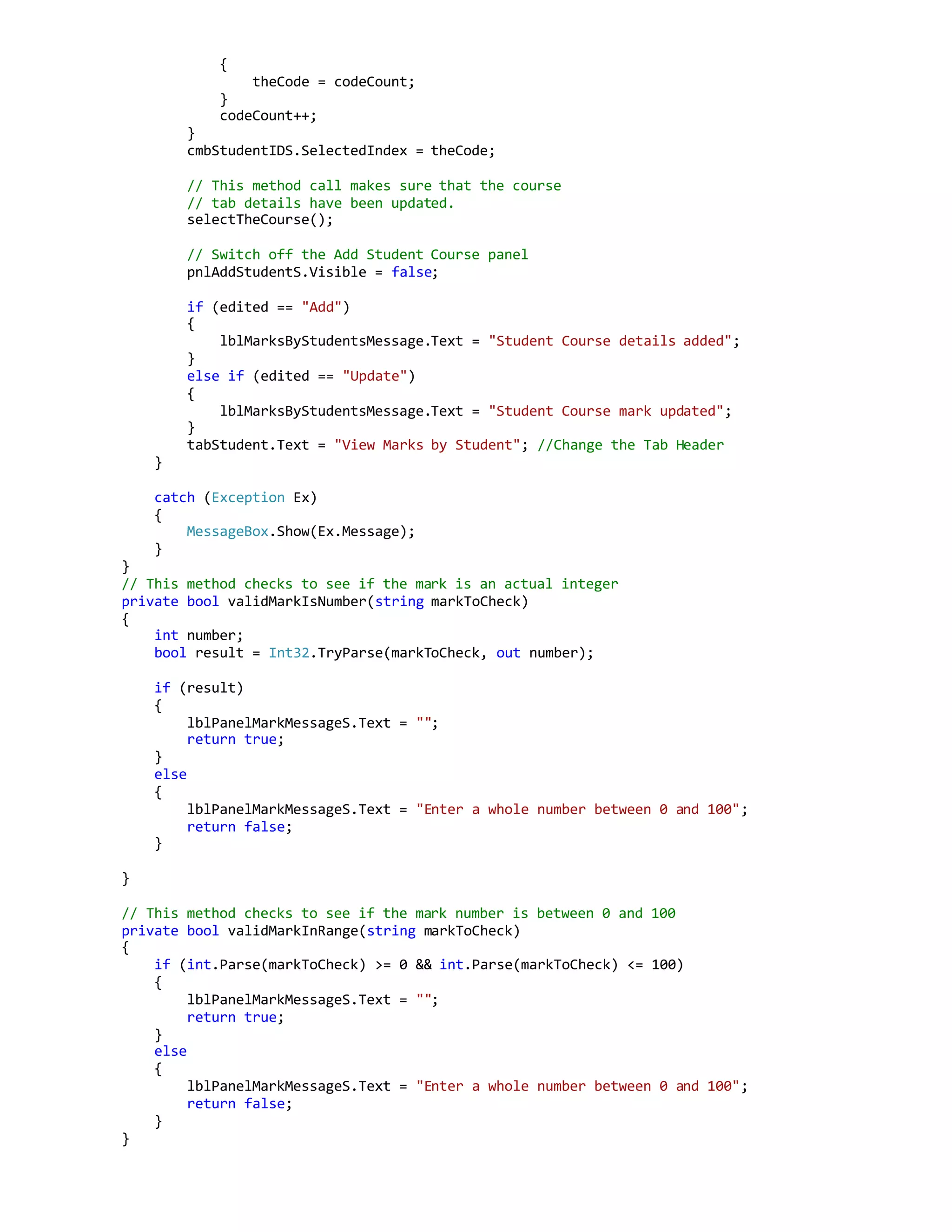
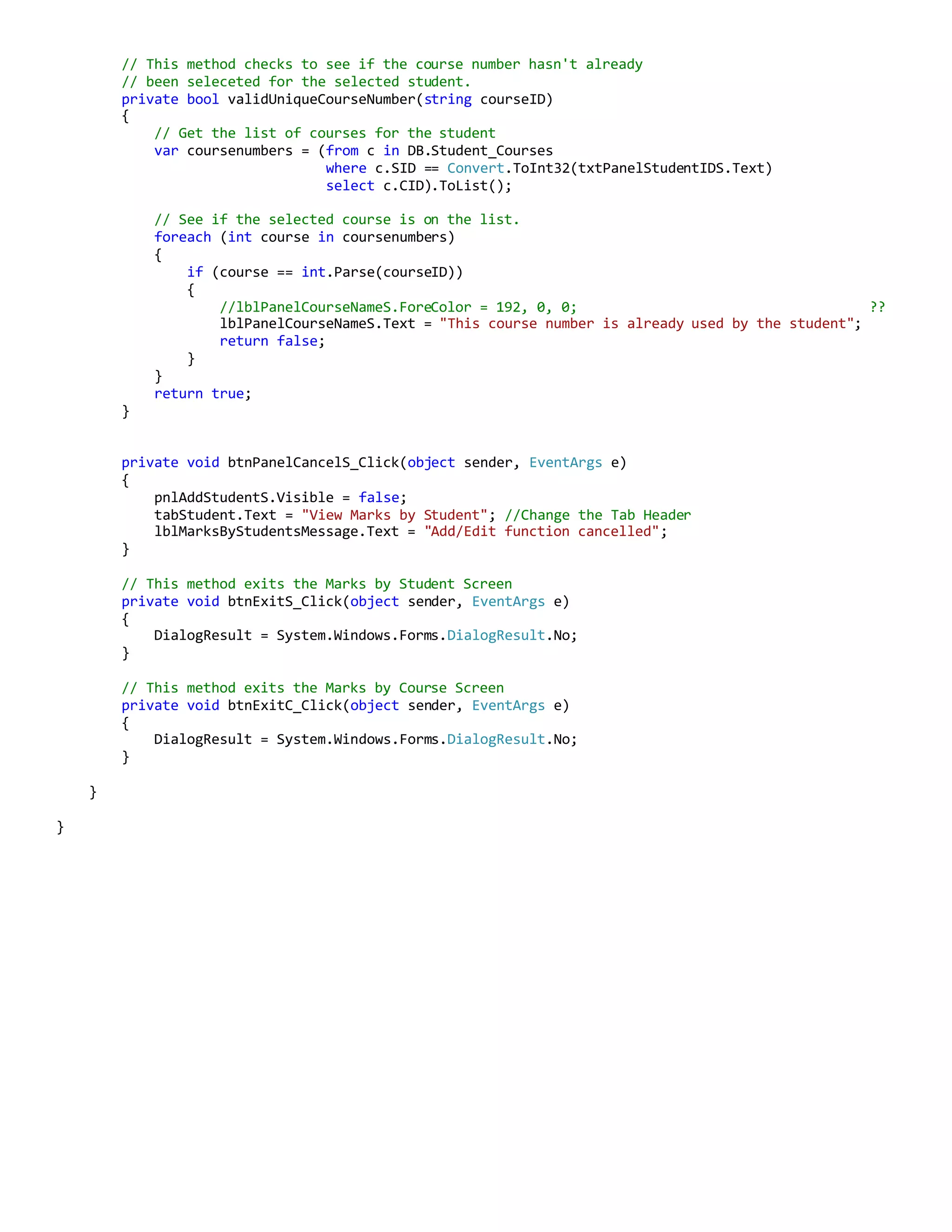
internal void addOrUpdateMark(string edited)](https://image.slidesharecdn.com/45780106-1de2-40cb-83d5-fcc8ac2a4470-161206025603/75/School-System-C-Code-19-2048.jpg)
![using System;
using System.Collections.Generic;
using System.ComponentModel;
using System.Data;
using System.Data.Linq;
using System.Drawing;
using System.Linq;
using System.Text;
using System.Threading.Tasks;
using System.Windows.Forms;
namespace SchoolSystem
{
//Written by : Paul Smyth
//Date of last issue : 9/9/2015
//
// This form displays the required data entry mechanisms for the user
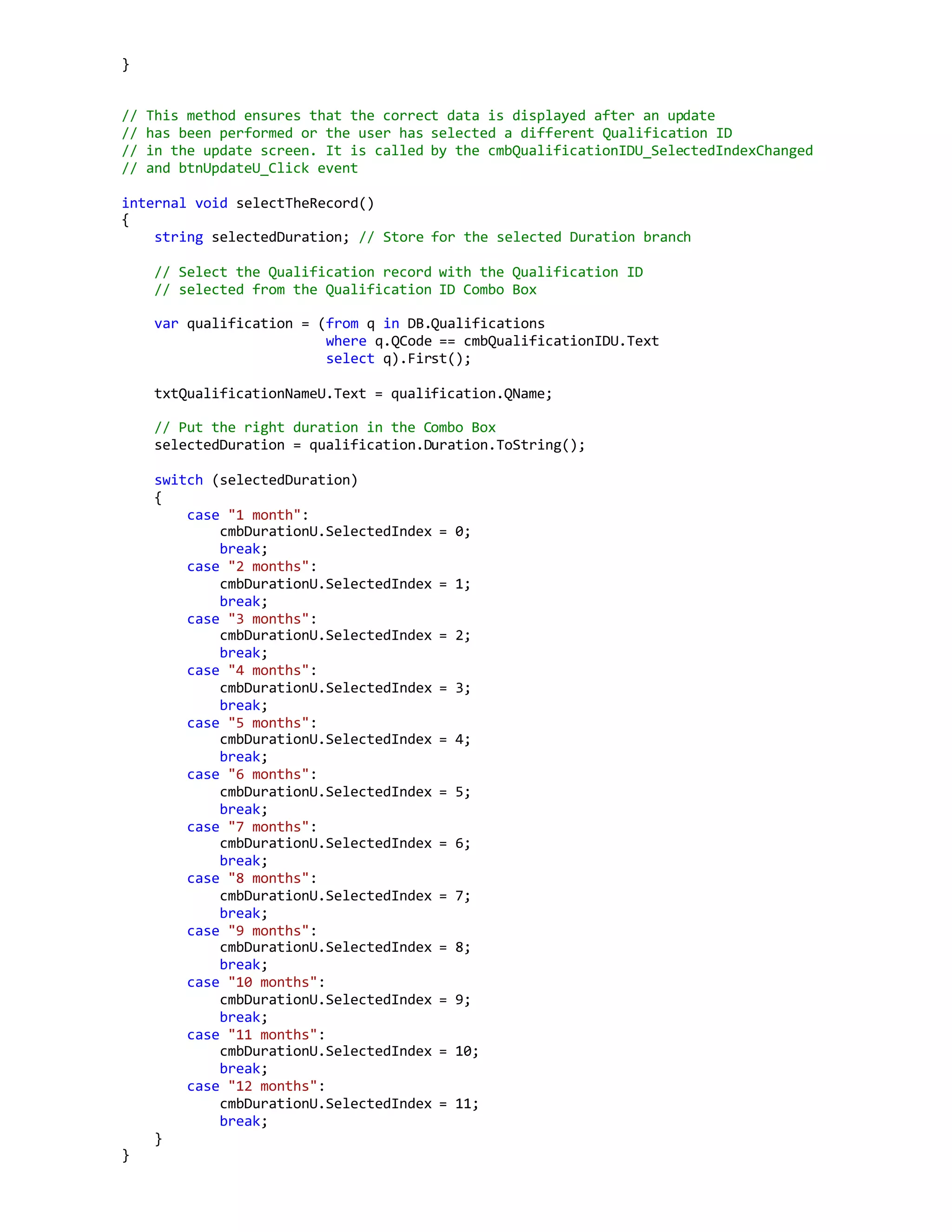
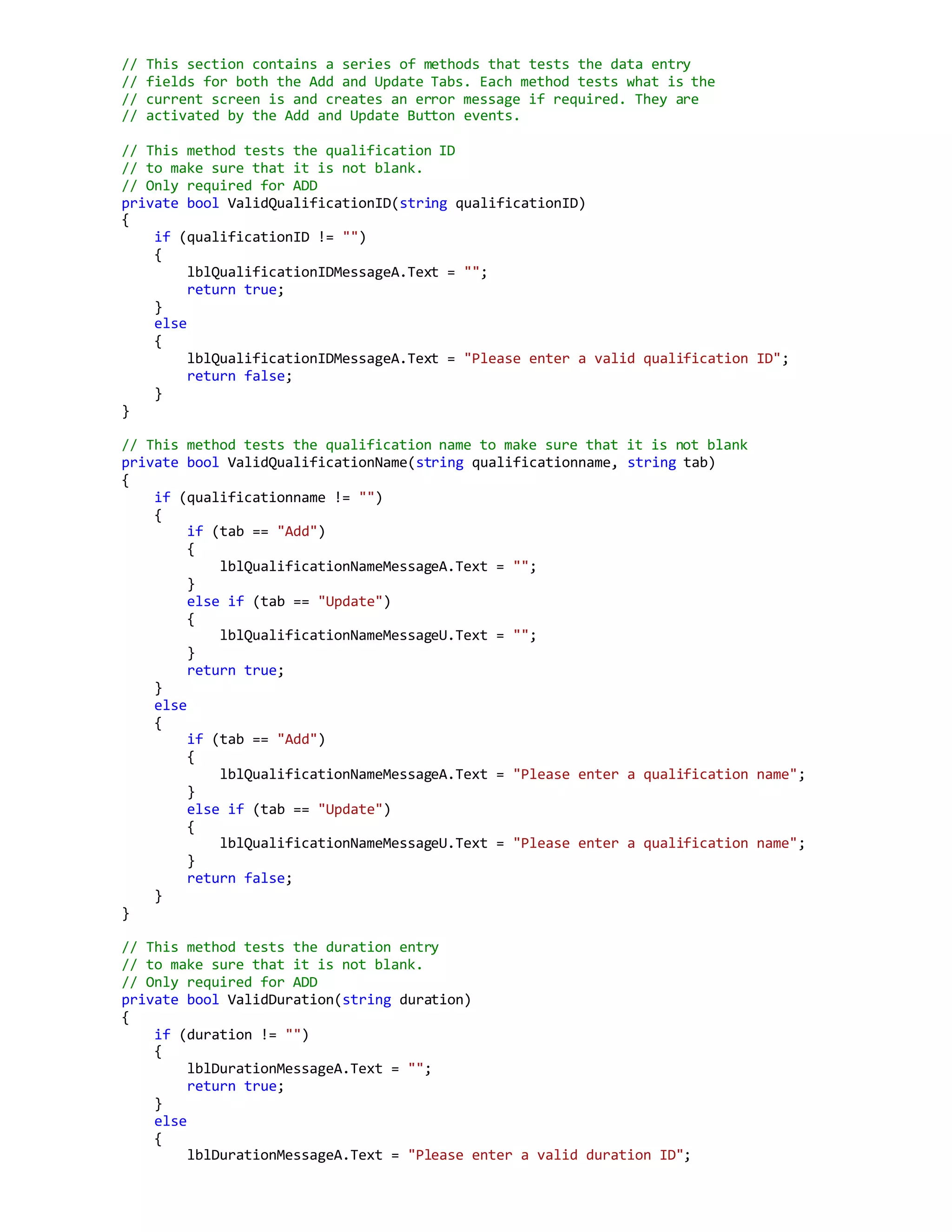
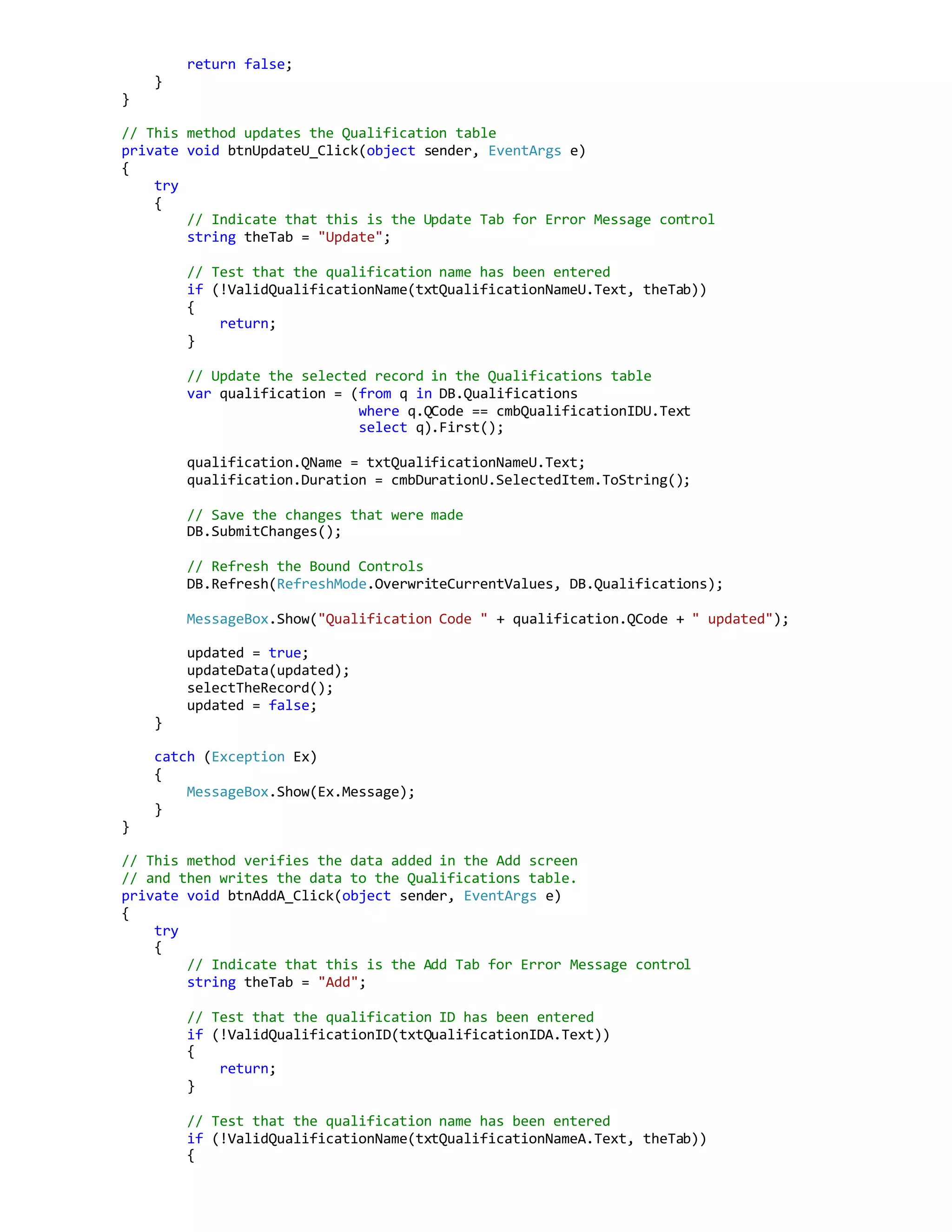
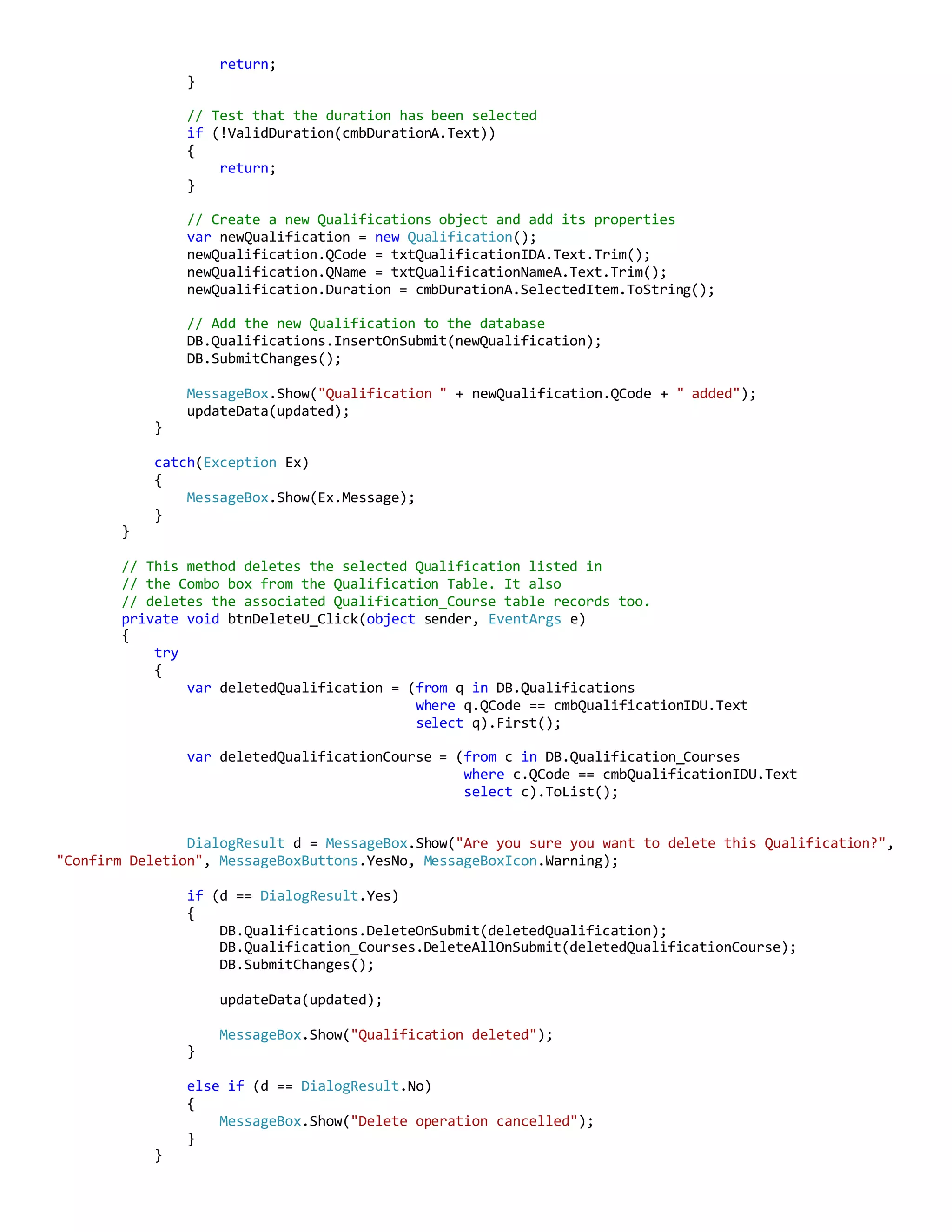
// to add, edit and delete Qualification records.
// It reads and writes to the following tables with SQL TO LINQ procedures
// Qualification
// Qualification_Courses
//
// There is an extra tab on this form which displays 2 datagrids.
// This tab screen is used to add or delete courses to qualifications.
// The user clicks the record to add or delete and then clicks the
// Add or Delete button to perform that action. A panel with basic
// instructions can be called up by clicking a Help button on that tab.
public partial class QualificationsForm : Form
{
SchoolDataClassesDataContext DB = new SchoolDataClassesDataContext();
// This bool is used to switch off a section of code that updates the
// qualification ID combo box in the updateData method. This item does not need
// to be refreshed after an update procedure because no course record
// has been added or deleted. The benefit of this is that the updated
// record in the Update Tab can still be displayed after the update
// process has been completed instead of the first record in the
// courses table.
bool updated = false;
public QualificationsForm()
{
InitializeComponent();
}
private void QualificationsForm_Load(object sender, EventArgs e)
{
updateData(updated);
pnlHelpC.Visible = false; // Make sure the Help panel is closed.
// Load Course data into the available courses dataset view
// in the Add Delete Courses Tab
var courseList = (from c in DB.Courses
select new { c.CID, c.CName }
).ToList();
dgvAvailableCoursesC.DataSource = courseList;
dgvAvailableCoursesC.Columns[0].HeaderText = "ID";
dgvAvailableCoursesC.Columns[0].Width = 40;
dgvAvailableCoursesC.Columns[1].HeaderText = "Name";
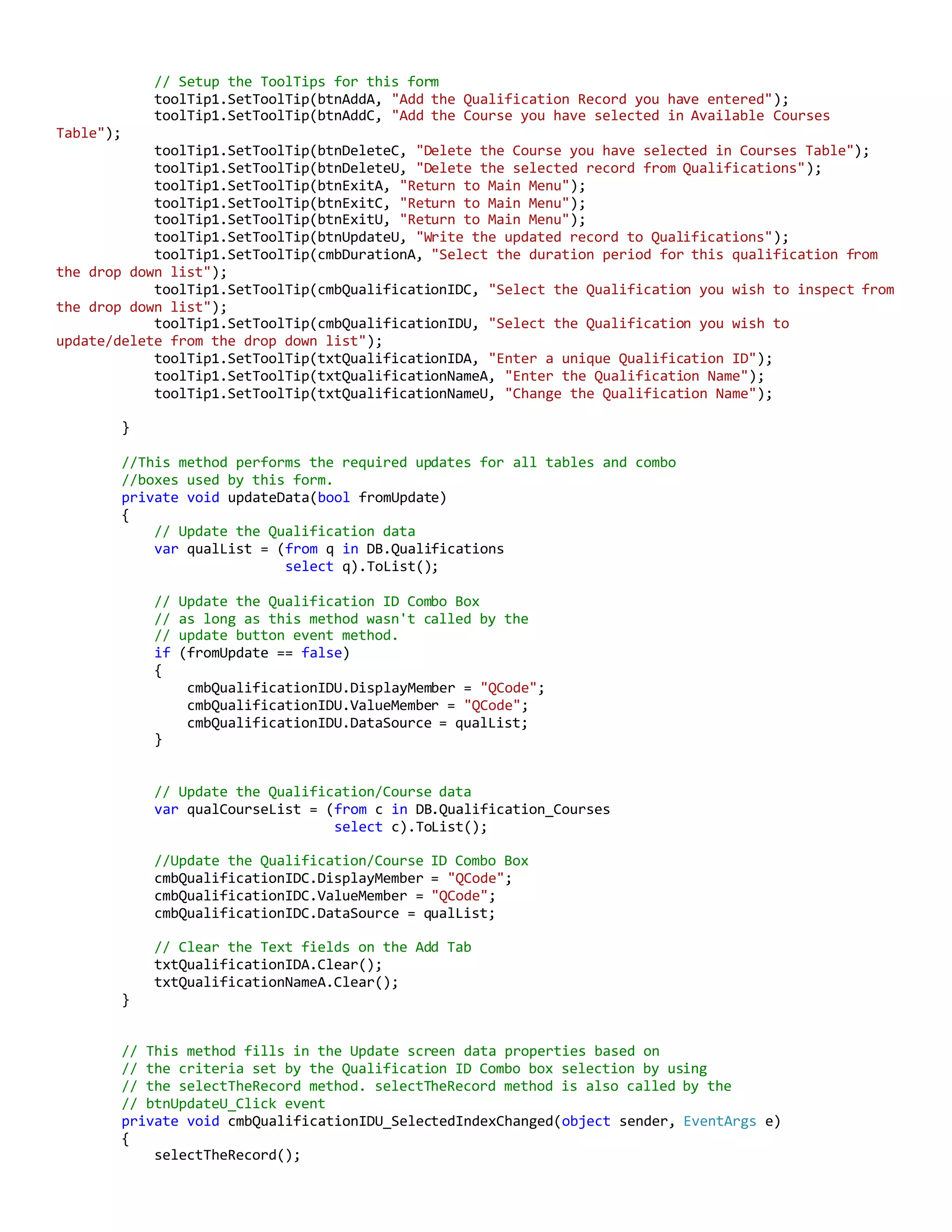
dgvAvailableCoursesC.Columns[1].Width = 152;](https://image.slidesharecdn.com/45780106-1de2-40cb-83d5-fcc8ac2a4470-161206025603/75/School-System-C-Code-23-2048.jpg)
![catch (Exception Ex)
{
MessageBox.Show(Ex.Message);
}
}
// This method selects The Qualification/Course data to display based
// on what is selected in the Qualification ID Combo Box. It also
// Looks up the Qualification name for the selected qualification.
// The Available Courses datagrid is updated by the UpdateData method
private void cmbQualificationIDC_SelectedIndexChanged(object sender, EventArgs e)
{
var qualCourseList = (from q in DB.Qualification_Courses
join c in DB.Courses
on q.CID equals c.CID
where q.QCode == cmbQualificationIDC.Text
select new { q.CID, c.CName }
).ToList();
dgvCoursesC.DataSource = qualCourseList;
dgvCoursesC.Columns[0].HeaderText = "ID";
dgvCoursesC.Columns[0].Width =40;
dgvCoursesC.Columns[1].HeaderText = "Name";
dgvCoursesC.Columns[1].Width = 152;
var qualName = (from n in DB.Qualifications
where n.QCode == cmbQualificationIDC.Text
select n.QName).First();
lblQualificationNameC.Text = qualName;
}
// This method copies the selected record from the available courses datagrid
// and copies it to the qualification courses table. Then it updates the
// qualification courses datagrid.
private void btnAddC_Click(object sender, EventArgs e)
{
try
{
// Store the current selected Combo value so that it
// can be selected after the process is finished.
var theQualificationID = cmbQualificationIDC.SelectedIndex;
//Select the selected Course ID from the Course datagrid
int rowSelected = dgvAvailableCoursesC.CurrentCell.RowIndex;
var selectedCourseIDNumber =
dgvAvailableCoursesC.Rows[rowSelected].Cells[0].Value.ToString();
// Check that it is not already been added to the
// selected Qualification
var cidList = (from q in DB.Qualification_Courses
where q.QCode == cmbQualificationIDC.Text
select q.CID).ToList();
foreach (int c in cidList)
{
if (c == int.Parse(selectedCourseIDNumber))
{
MessageBox.Show("The selected course has already been added");
return;
}
}](https://image.slidesharecdn.com/45780106-1de2-40cb-83d5-fcc8ac2a4470-161206025603/75/School-System-C-Code-29-2048.jpg)
![// Use the selected Qualification Code and Course ID to
// create a new Qualification_Course record
var newQualificationCourse = new Qualification_Course();
newQualificationCourse.QCode = cmbQualificationIDC.SelectedValue.ToString();
newQualificationCourse.CID = int.Parse(selectedCourseIDNumber);
DB.Qualification_Courses.InsertOnSubmit(newQualificationCourse);
DB.SubmitChanges();
MessageBox.Show("Course added to Qualification");
updateData(updated);
// Recall the selected combo value
cmbQualificationIDC.SelectedIndex = theQualificationID;
}
catch (Exception Ex)
{
MessageBox.Show(Ex.Message);
}
}
// This method will delete the selected record in the
// Qualification_Course datagrid
private void btnDeleteC_Click(object sender, EventArgs e)
{
try
{
// Store the current selected Combo value so that it
// can be selected after the process is finished.
var theQualificationID = cmbQualificationIDC.SelectedIndex;
// Identify the Qualification_Course record to delete
// from the datagrid.
int rowSelected = dgvCoursesC.CurrentCell.RowIndex;
var selectedCID = dgvCoursesC.Rows[rowSelected].Cells[0].Value;
var deletedQualificationCourse = (from c in DB.Qualification_Courses
where c.QCode == cmbQualificationIDU.Text
&& c.CID == (int) selectedCID
select c).First();
DialogResult d = MessageBox.Show("Are you sure you want to delete this Qualification?",
"Confirm Deletion", MessageBoxButtons.YesNo, MessageBoxIcon.Warning);
if (d == DialogResult.Yes)
{
DB.Qualification_Courses.DeleteOnSubmit(deletedQualificationCourse);
DB.SubmitChanges();
updateData(updated);
// Recall the selected combo value
cmbQualificationIDC.SelectedIndex = theQualificationID;
MessageBox.Show("Qualification Course deleted");
}
else if (d == DialogResult.No)
{
MessageBox.Show("Delete operation cancelled");
}](https://image.slidesharecdn.com/45780106-1de2-40cb-83d5-fcc8ac2a4470-161206025603/75/School-System-C-Code-30-2048.jpg)

![// Test that an admin role has been entered
if (MainMenuForm.MenuChoice == "Administrator")
{
if (!validateRole(txtAdminRoleA.Text, theTab))
{
return;
}
}
// Create a new person object for the student and add its properties
var newPerson = new Person();
newPerson.FName = txtFirstNameA.Text.Trim();
newPerson.LName = txtLastNameA.Text.Trim();
newPerson.DOB = dtpDateOfBirthA.Value;
newPerson.Phone = txtPhoneA.Text;
newPerson.Add1 = txtAddress1A.Text.Trim();
newPerson.Add2 = txtAddress2A.Text.Trim();
newPerson.Suburb = txtSuburbA.Text.Trim();
newPerson.State = cmbStateA.SelectedItem.ToString();
newPerson.Postcode = txtPostcodeA.Text.Trim();
newPerson.Type = MainMenuForm.MenuChoice; // either Student, Teacher or Administrator
// Add the new person to the database
DB.Persons.InsertOnSubmit(newPerson);
DB.SubmitChanges();
// Get the newly created person ID number
var newPersonID = newPerson.ID;
if (MainMenuForm.MenuChoice == "Student")
{
// Create new student object and add its properties
var newStudent = new Student();
newStudent.SID = newPersonID;
newStudent.Sdate = dtpStartDateA.Value;
newStudent.QCode = cmbQualificationCodeA.SelectedItem.ToString();
// Add the new student specific data to the database
DB.Students.InsertOnSubmit(newStudent);
DB.SubmitChanges();
// Setup the required courses for the Student_Course Table
try
{
var courseNumbers = (from c in DB.Qualification_Courses
where c.QCode ==
cmbQualificationCodeA.SelectedItem.ToString()
select c.CID).ToList();
int index = 0;
foreach (int c in courseNumbers)
{
var newStudentCourse = new Student_Course();
newStudentCourse.CID = courseNumbers[index];
newStudentCourse.SID = newPersonID;
newStudentCourse.Mark = 0;
DB.Student_Courses.InsertOnSubmit(newStudentCourse);
DB.SubmitChanges();
index++;
}
}
catch (Exception Ex)](https://image.slidesharecdn.com/45780106-1de2-40cb-83d5-fcc8ac2a4470-161206025603/75/School-System-C-Code-52-2048.jpg)