Scareware
Name: Vivek Banthiya

Roll no: CS20042
Table of content
1
2
3
4
5
6
What is scareware?
How does scareware work?
Scareware vs ransomware
How to Recognize it?
Examples of scareware
Related solutions
What is
scareware?
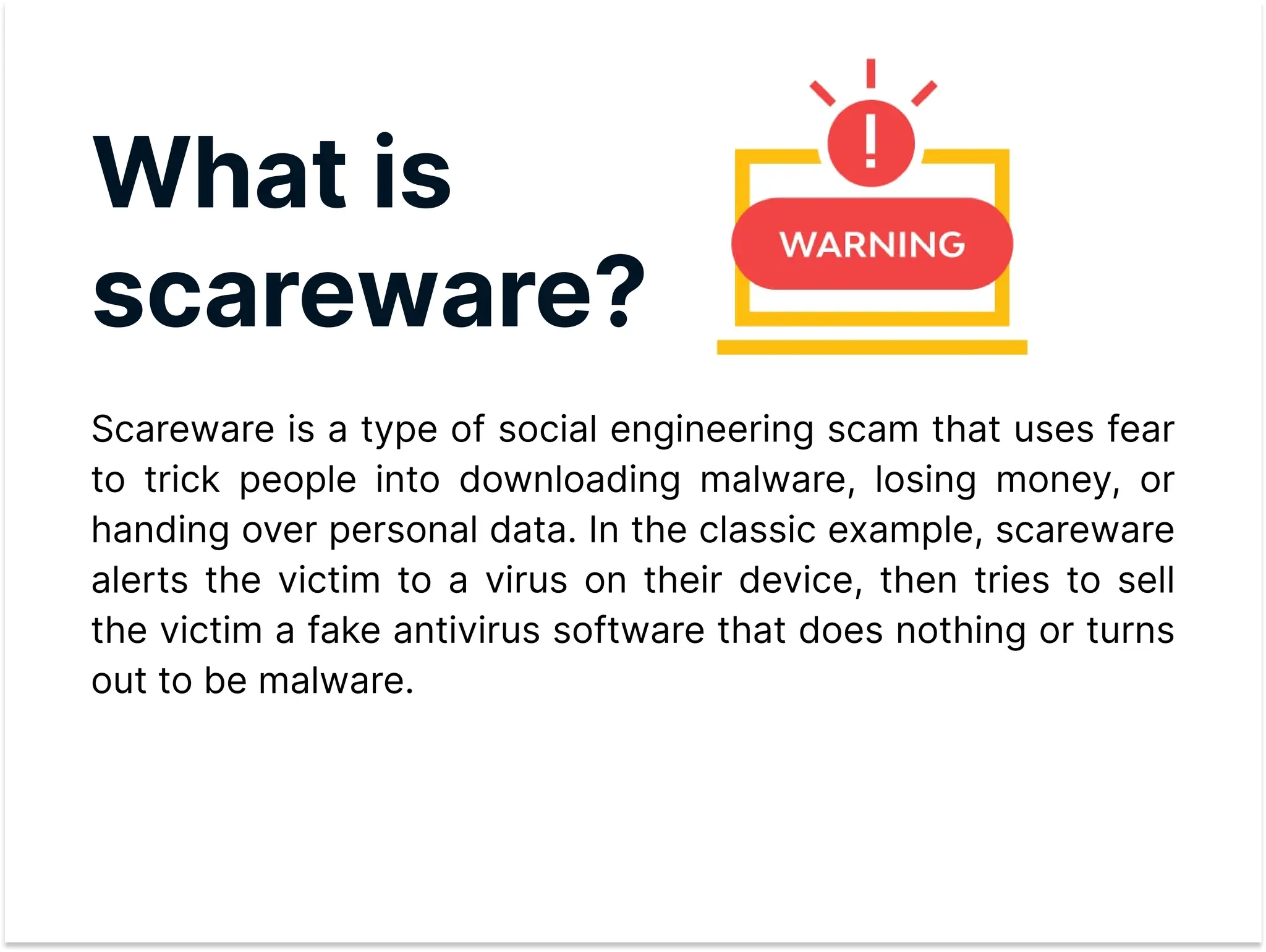
Scareware is a type of social engineering scam that uses fear
to trick people into downloading malware, losing money, or
handing over personal data. In the classic example, scareware
alerts the victim to a virus on their device, then tries to sell
the victim a fake antivirus software that does nothing or turns
out to be malware.
How does
scareware work?

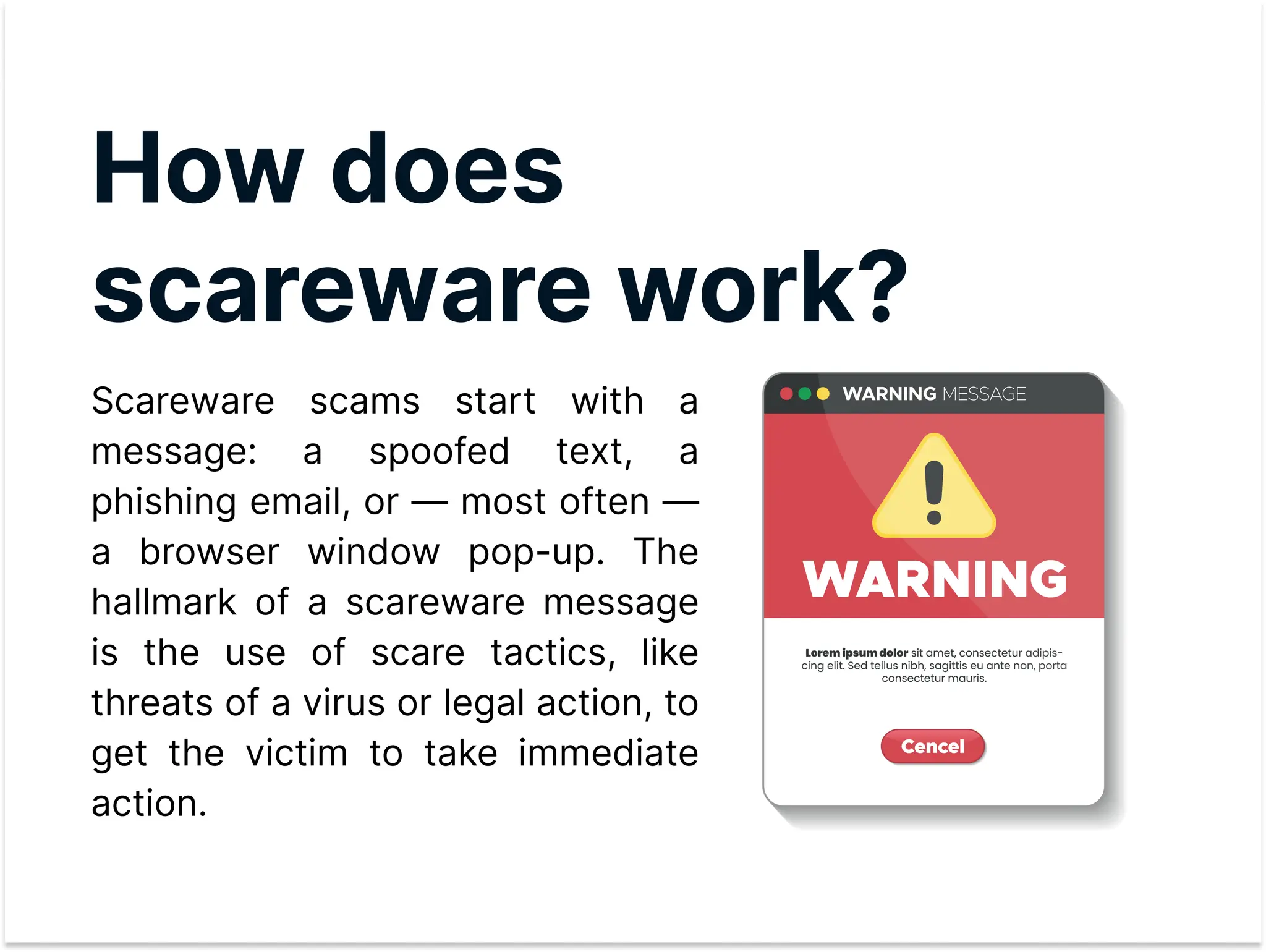
Scareware scams start with a
message: a spoofed text, a
phishing email, or — most often —
a browser window pop-up. The
hallmark of a scareware message
is the use of scare tactics, like
threats of a virus or legal action, to
get the victim to take immediate
action.
ScarewareVs
ransomware
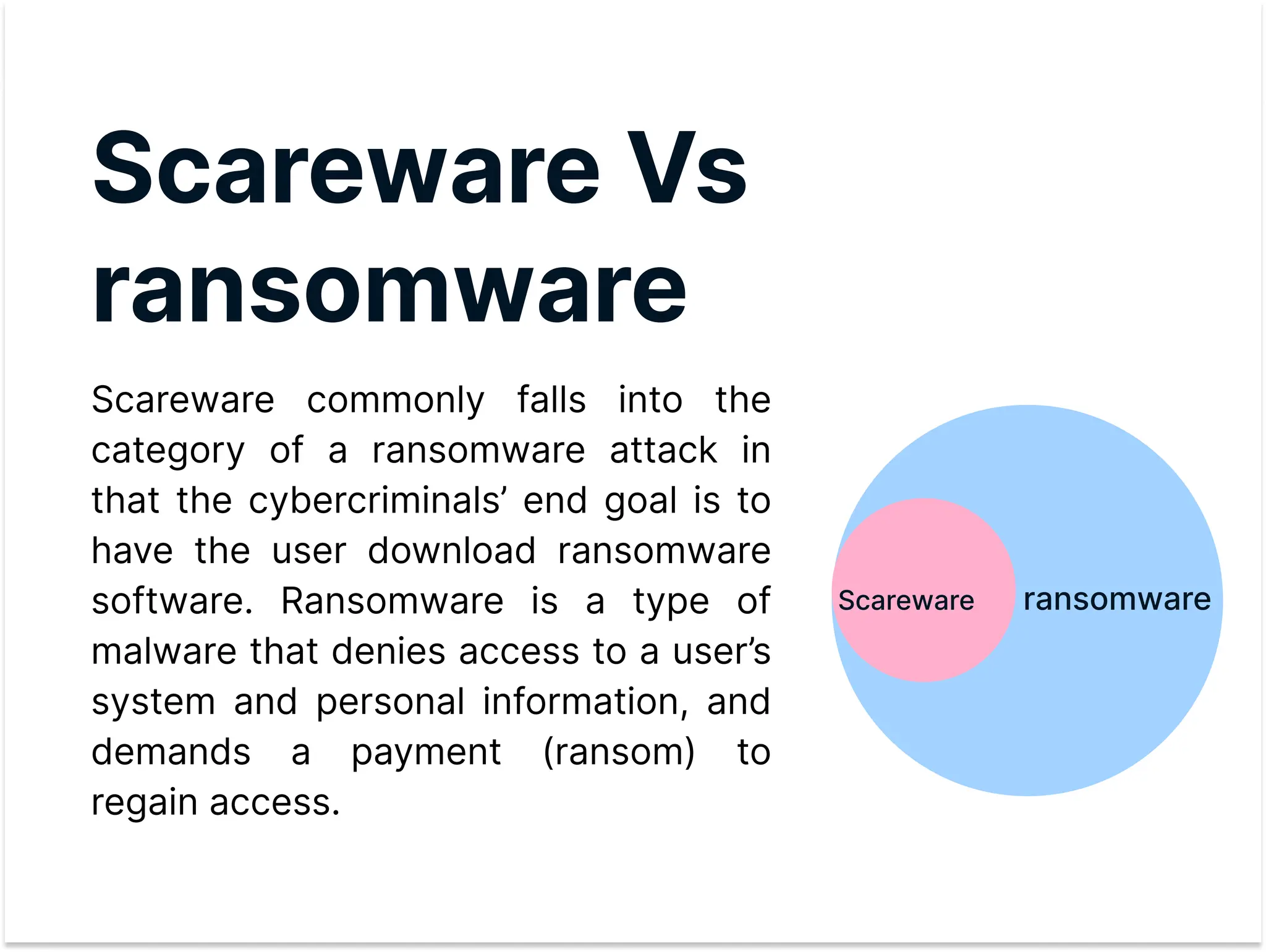
Scareware commonly falls into the
category of a ransomware attack in
that the cybercriminals’ end goal is to
have the user download ransomware
software. Ransomware is a type of
malware that denies access to a user’s
system and personal information, and
demands a payment (ransom) to
regain access.
ransomware
Scareware
How to Recognize
Scareware Attacks

Scareware attacks often begin with a that appears to
be from a legitimate security software provider.
If clicked, the scareware ad will direct the user to an infected
website where they are given additional instructions to solve their
so-called problem.
This may include installing a new tool or program, running a
computer scan, entering log-in credentials for more information
or uploading their credit card information to continue the
recovery process.
pop up ad
Examplesof
scareware

During the Covid-19 pandemic, the
increase in office workers transitioning to
remote work fueled a rise in tech support
scams throughout the United States.
These technical support scams use
various delivery methods including phone
calls, pop-up warnings or redirects;
targeting individuals who may not be
adept at or self-sufficient in remote
computing.
Scareware
protection

Once scareware infects a device, removing it can be difficult.
To prevent scareware from taking root, organizations and
users might consider the following tools and practices:
Anti-malware tools
Network security tools
Software updates and patche
Cybersecurity awareness training
Removing tips
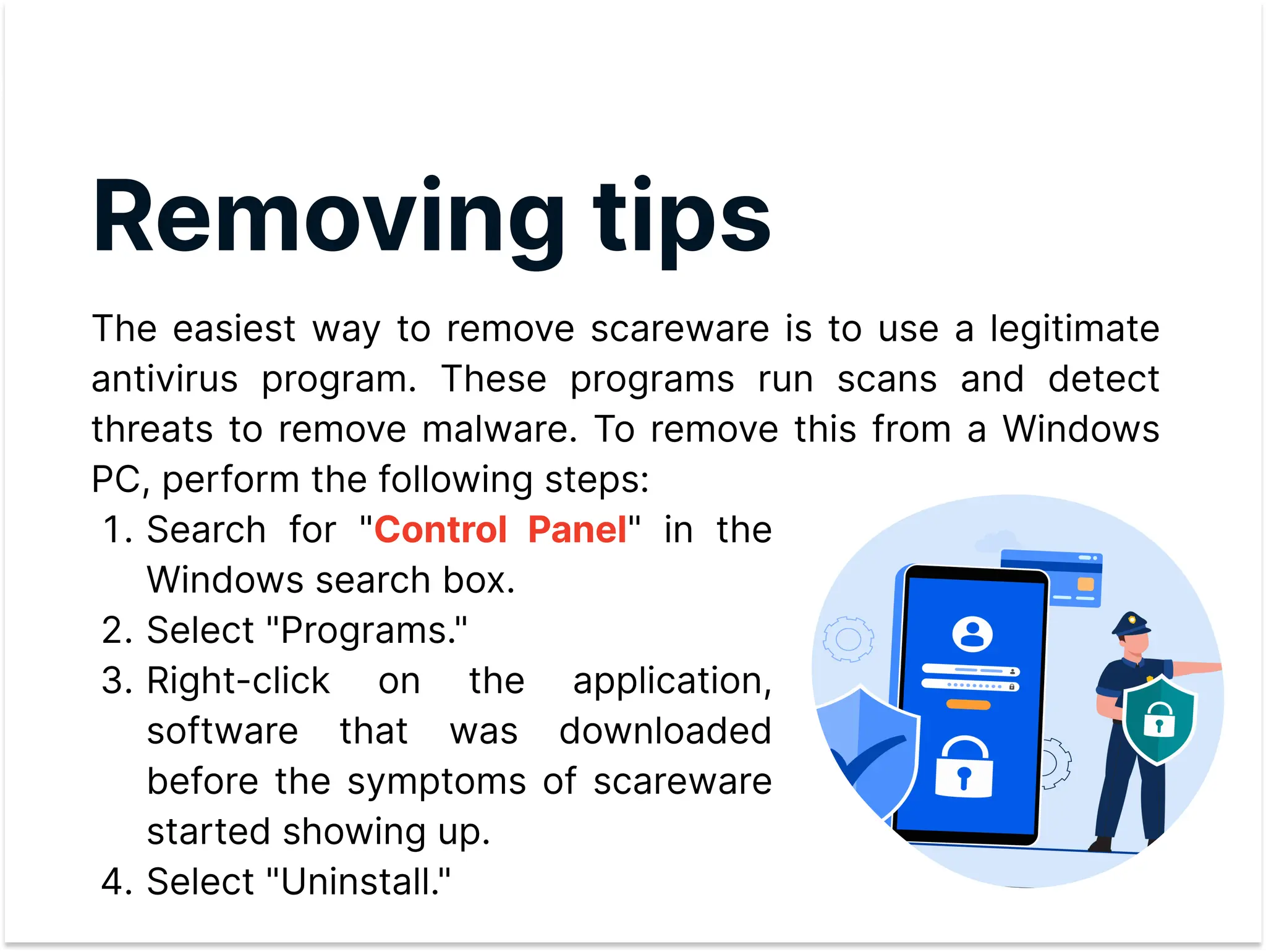
The easiest way to remove scareware is to use a legitimate
antivirus program. These programs run scans and detect
threats to remove malware. To remove this from a Windows
PC, perform the following steps:
Search for " " in the
Windows search box
Select "Programs.
Right-click on the application,
software that was downloaded
before the symptoms of scareware
started showing up
Select "Uninstall."
Control Panel
Thank You

Scareware.pdf

  • 1.
  • 2.
    Table of content 1 2 3 4 5 6 Whatis scareware? How does scareware work? Scareware vs ransomware How to Recognize it? Examples of scareware Related solutions
  • 3.
    What is scareware? Scareware isa type of social engineering scam that uses fear to trick people into downloading malware, losing money, or handing over personal data. In the classic example, scareware alerts the victim to a virus on their device, then tries to sell the victim a fake antivirus software that does nothing or turns out to be malware.
  • 4.
    How does scareware work? Scarewarescams start with a message: a spoofed text, a phishing email, or — most often — a browser window pop-up. The hallmark of a scareware message is the use of scare tactics, like threats of a virus or legal action, to get the victim to take immediate action.
  • 5.
    ScarewareVs ransomware Scareware commonly fallsinto the category of a ransomware attack in that the cybercriminals’ end goal is to have the user download ransomware software. Ransomware is a type of malware that denies access to a user’s system and personal information, and demands a payment (ransom) to regain access. ransomware Scareware
  • 6.
    How to Recognize ScarewareAttacks Scareware attacks often begin with a that appears to be from a legitimate security software provider. If clicked, the scareware ad will direct the user to an infected website where they are given additional instructions to solve their so-called problem. This may include installing a new tool or program, running a computer scan, entering log-in credentials for more information or uploading their credit card information to continue the recovery process. pop up ad
  • 7.
    Examplesof scareware During the Covid-19pandemic, the increase in office workers transitioning to remote work fueled a rise in tech support scams throughout the United States. These technical support scams use various delivery methods including phone calls, pop-up warnings or redirects; targeting individuals who may not be adept at or self-sufficient in remote computing.
  • 8.
    Scareware protection Once scareware infectsa device, removing it can be difficult. To prevent scareware from taking root, organizations and users might consider the following tools and practices: Anti-malware tools Network security tools Software updates and patche Cybersecurity awareness training
  • 9.
    Removing tips The easiestway to remove scareware is to use a legitimate antivirus program. These programs run scans and detect threats to remove malware. To remove this from a Windows PC, perform the following steps: Search for " " in the Windows search box Select "Programs. Right-click on the application, software that was downloaded before the symptoms of scareware started showing up Select "Uninstall." Control Panel
  • 10.