Download as PDF, PPTX
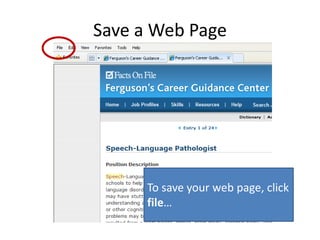
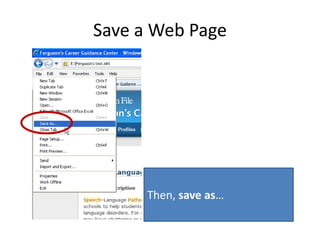
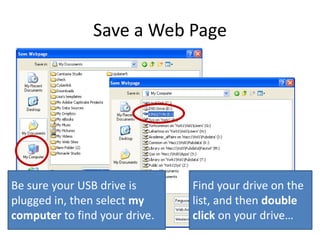
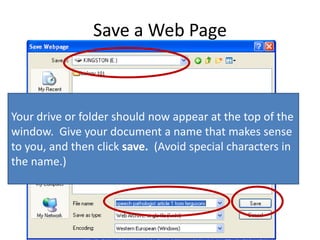
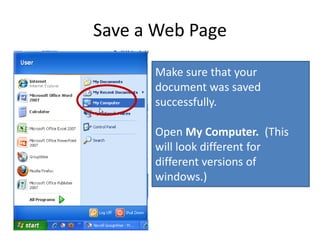
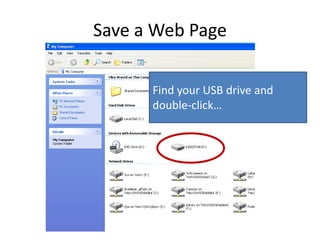
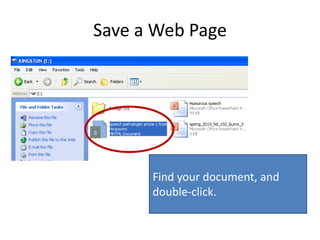
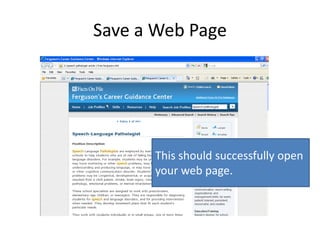
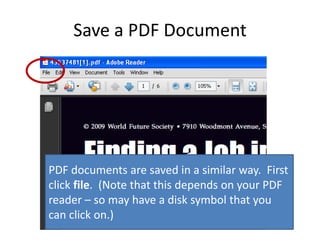
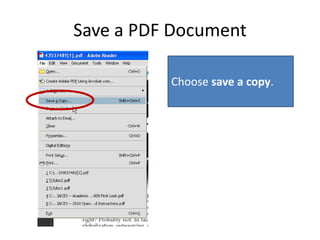
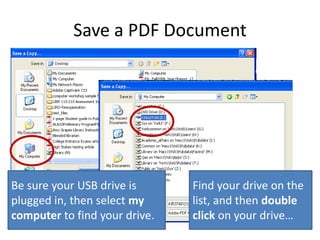
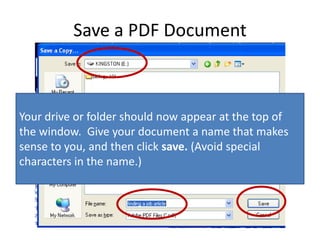
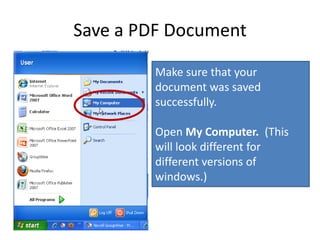
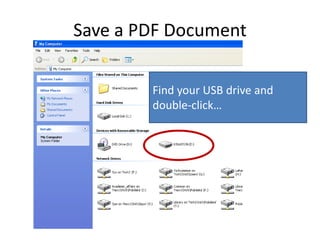
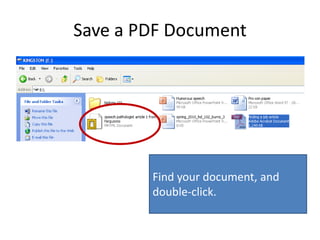
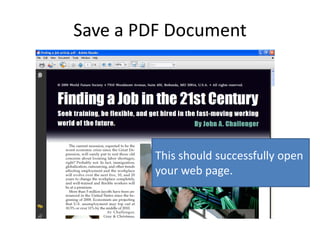

The document provides step-by-step instructions for saving both web pages and PDF documents to a USB drive. It explains that to save a web page, the user should click "File" and then "Save As," select their USB drive from the list when prompted, give the file a descriptive name without special characters, and check that it saved correctly by opening the drive on their computer. It then notes that the process for saving a PDF is similar, with the user clicking "File" or a disk symbol, choosing "Save a Copy," and following the same saving and naming process.


