PHP Features Install PHP Sample Code
Features Performance Native C code beats a scripted solution
Takes advantage of latest PHP 5 internals Power Gives you common DB features as a base
Still be able to access specialist functions Easy Non-intrusive
Clear Runtime extensible Drivers can be loaded at runtime
Available Drivers Oracle OCI  [PDO_OCI]
ODBC V3, IBM DB2  [PDO_ODBC]
MySQL 3.x  [PDO_MYSQL]
Postgres  [PDO_PGSQL]
SQLite 3.x  [PDO_SQLITE]
Firebird  [PDO_FIREBIRD]
Switching it on Need to enable PDO in your php.ini
MUST load PDO first
Unix: extension=pdo.so extension=pdo_XXX.so Windows extension=php_pdo.dll extension=php_pdo_XXX.dll
DSN Aliasing uri:uri Specify location of a file containing actual DSN on the first line
Works with streams interface, so remote URLs can work too name   (with no colon) Maps to pdo.dsn. name  in your php.ini
pdo.dsn.name=sqlite:/path/to/name.db
$dbh = new PDO(‘name’);
$dbh = new PDO(‘sqlite:/path/to/name.db’); Neither of these allows for user/pass (yet!)

Sa

  • 1.
    PHP Features InstallPHP Sample Code
  • 2.
    Features Performance NativeC code beats a scripted solution
  • 3.
    Takes advantage oflatest PHP 5 internals Power Gives you common DB features as a base
  • 4.
    Still be ableto access specialist functions Easy Non-intrusive
  • 5.
    Clear Runtime extensibleDrivers can be loaded at runtime
  • 6.
  • 7.
    ODBC V3, IBMDB2 [PDO_ODBC]
  • 8.
    MySQL 3.x [PDO_MYSQL]
  • 9.
  • 10.
    SQLite 3.x [PDO_SQLITE]
  • 11.
  • 12.
    Switching it onNeed to enable PDO in your php.ini
  • 13.
  • 14.
    Unix: extension=pdo.so extension=pdo_XXX.soWindows extension=php_pdo.dll extension=php_pdo_XXX.dll
  • 15.
    DSN Aliasing uri:uriSpecify location of a file containing actual DSN on the first line
  • 16.
    Works with streamsinterface, so remote URLs can work too name (with no colon) Maps to pdo.dsn. name in your php.ini
  • 17.
  • 18.
    $dbh = newPDO(‘name’);
  • 19.
    $dbh = newPDO(‘sqlite:/path/to/name.db’); Neither of these allows for user/pass (yet!)
  • 20.
    Connection management try{ $dbh = new PDO($dsn, $user, $pw); } catch (PDOException $e) { echo “connect failed:” . $e->getMessage(); } // use the database here // … // done; release the connection $dbh = null;
  • 21.
    Persistent PDO 2PDO_ODBC supports native connection pooling by default
  • 22.
    Likely to bemore resource efficient than PDO ‘pconnect’
  • 23.
    Can turn itoff in php.ini: pdo_odbc.connection_pooling=off Need to restart web server after changing it
  • 24.
    Let’s get data$dbh = new PDO($dsn); $stmt = $dbh->prepare( ‘ SELECT * FROM FOO’); $stmt->execute(); while ($row = $stmt->fetch()) { print_r($row); }
  • 25.
    Fetch types $stmt->fetch(PDO_FETCH_BOTH)Array with numeric and string keys
  • 26.
    default option PDO_FETCH_NUMArray with numeric keys PDO_FETCH_ASSOC Array with string keys PDO_FETCH_OBJ $obj->name holds the ‘name’ column from the row PDO_FETCH_BOUND Just returns true until there are no more rows
  • 27.
    Let’s change data$deleted = $dbh->query( “ DELETE FROM FOO WHERE 1”); $changes = $dbh->query( “ UPDATE FOO SET active=1 ” . “WHERE NAME LIKE ‘%joe%’”);
  • 28.
    Smarter Queries Quotingis annoying, but essential
  • 29.
    PDO offers abetter way $stmt->prepare(‘INSERT INTO CREDITS (extension, name) VALUES (:extension, :name)’); $stmt->execute(array( ‘ :extension’ => ‘xdebug’, ‘ :name’ => ‘Derick Rethans’ ));
  • 30.
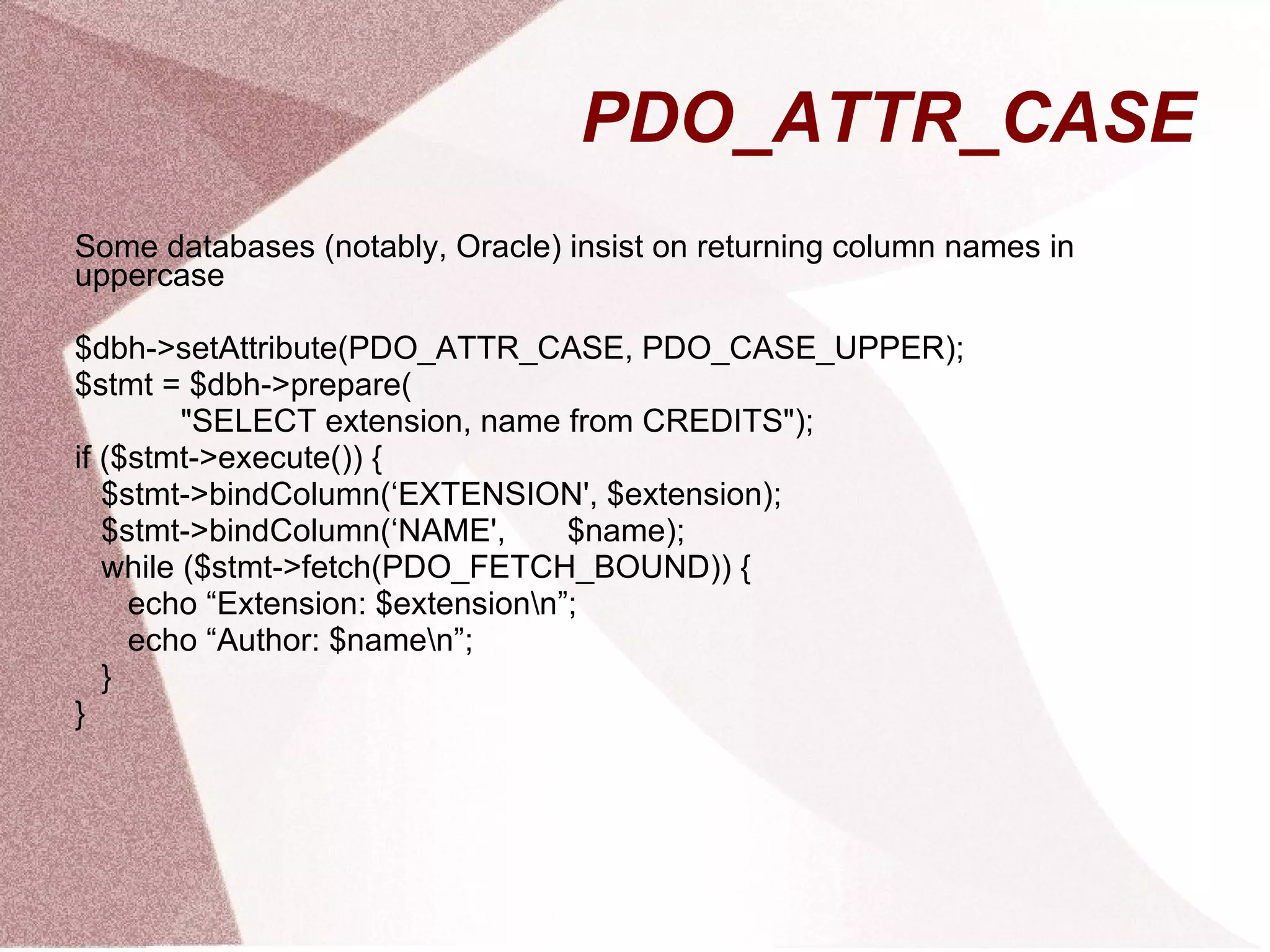
    PDO_ATTR_CASE Some databases(notably, Oracle) insist on returning column names in uppercase $dbh->setAttribute(PDO_ATTR_CASE, PDO_CASE_UPPER); $stmt = $dbh->prepare( "SELECT extension, name from CREDITS"); if ($stmt->execute()) { $stmt->bindColumn(‘EXTENSION', $extension); $stmt->bindColumn(‘NAME', $name); while ($stmt->fetch(PDO_FETCH_BOUND)) { echo “Extension: $extension\n”; echo “Author: $name\n”; } }
  • 31.
    Error handling PDOoffers 3 different error modes $dbh->setAttribute(PDO_ATTR_ERRMODE, $mode); PDO_ERRMODE_SILENT
  • 32.
  • 33.
    PDO_ERRMODE_EXCEPTION Attempts tomap native codes to PDO generic codes
  • 34.
    But still offersnative info too
  • 35.
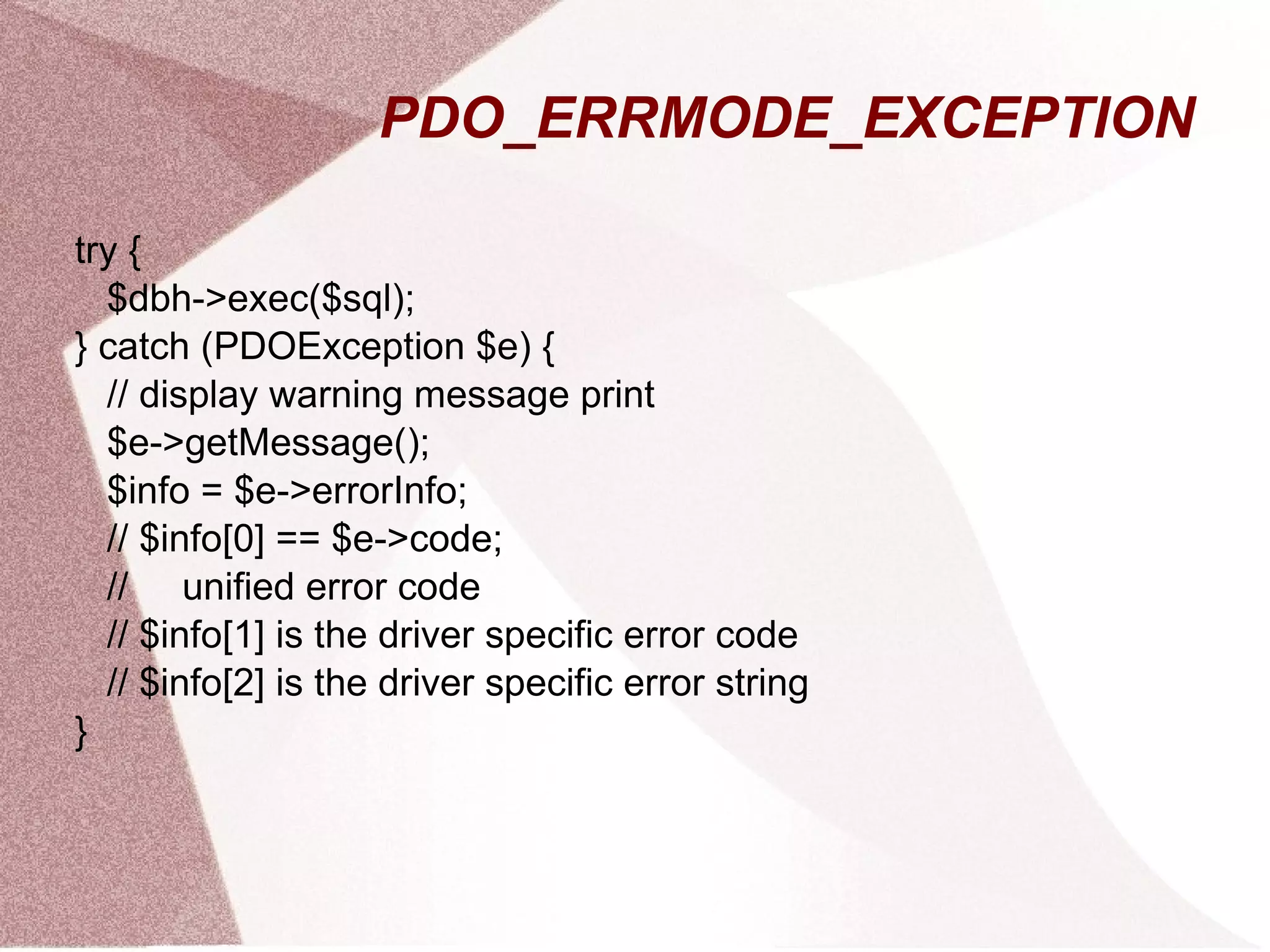
    PDO_ERRMODE_EXCEPTION try {$dbh->exec($sql); } catch (PDOException $e) { // display warning message print $e->getMessage(); $info = $e->errorInfo; // $info[0] == $e->code; // unified error code // $info[1] is the driver specific error code // $info[2] is the driver specific error string }
  • 36.
    Transactions try {$dbh->beginTransaction(); $dbh->query(‘UPDATE …’); $dbh->query(‘UPDATE …’); $dbh->commit(); } catch (PDOException $e) { $dbh->rollBack(); }
  • 37.
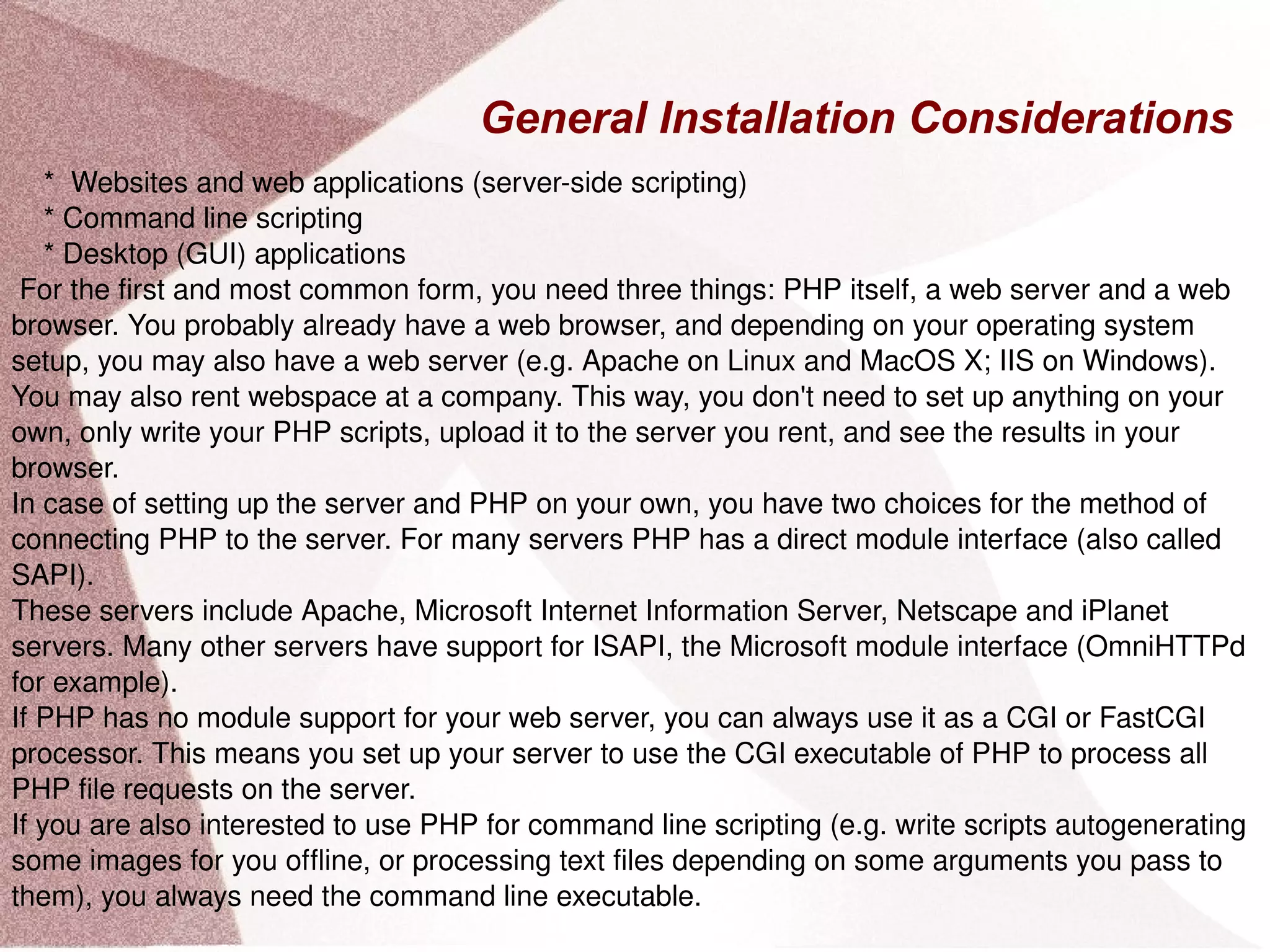
    General Installation Considerations* Websites and web applications (server-side scripting) * Command line scripting * Desktop (GUI) applications For the first and most common form, you need three things: PHP itself, a web server and a web browser. You probably already have a web browser, and depending on your operating system setup, you may also have a web server (e.g. Apache on Linux and MacOS X; IIS on Windows). You may also rent webspace at a company. This way, you don't need to set up anything on your own, only write your PHP scripts, upload it to the server you rent, and see the results in your browser. In case of setting up the server and PHP on your own, you have two choices for the method of connecting PHP to the server. For many servers PHP has a direct module interface (also called SAPI). These servers include Apache, Microsoft Internet Information Server, Netscape and iPlanet servers. Many other servers have support for ISAPI, the Microsoft module interface (OmniHTTPd for example). If PHP has no module support for your web server, you can always use it as a CGI or FastCGI processor. This means you set up your server to use the CGI executable of PHP to process all PHP file requests on the server. If you are also interested to use PHP for command line scripting (e.g. write scripts autogenerating some images for you offline, or processing text files depending on some arguments you pass to them), you always need the command line executable.
  • 38.
    ) PHPSample Code Example PHP Script [ php_samples/anonymous_function.php ] Array ( [0] => ab [1] => stuv [2] => abcdef [3] => defghijkl ) [ php_samples/anonymous_function2.php ] Array ( [0] => ab [1] => stuv [2] => abcdef [3] => defghijkl ) [ php_samples/assignment1.php ] ( 5, 3 ) ( 11, 3 ) ( 17, 6 ) [ php_samples/block.php ] [ php_samples/class_extends.php ] [ php_samples/class_sample.php ] Programmer Name: Paul Conrad Paul Conrad has 12 years of programming experience. C++ is Paul Conrad's favorite programming language. Paul Conrad holds the degree: Bachelor of Science in Computer Science Programmer Name: Paul Conrad Paul Conrad has 22 years of programming experience. C++ is Paul Conrad's favorite programming language. Paul Conrad holds the degree: Bachelor of Science in Computer Science
  • 39.
    [ php_samples/comment_sample.php ] Guess what? y is less than 5! [ php_samples/constant_sample.php ] Our school is California State University at San Bernardino Our school's Computer Science Dept has 4 academic programs php_samples/const_in_class.php ] [ php_samples/define1.php ] [ php_samples/define2.php ] [ php_samples/define3.php ]
  • 40.
    Source File [php_samples/anonymous_function.txt ] [ php_samples/anonymous_function2.txt ] [ php_samples/assignment1.txt ] [ php_samples/block.txt ] [ php_samples/class_extends.txt ] [ php_samples/class_sample.txt ] [ php_samples/comment_sample.txt ] [ php_samples/constant_sample.txt ]

Editor's Notes

  • #16 beginTransaction() will raise an exception if not supported, regardless of your error mode rollBack is called when the handle is destroyed, to maintain consistency