Roles Management in
Oracle
Ms. Zahra Ali
CREATE USER username IDENTIFIED BY password
Where:
● username is the name of the user to be created.
● password is the password for the user.
For example, the following command creates a new user named scott with the password tiger:
SQL
CREATE USER scott IDENTIFIED BY tiger;
You can also specify additional options for the CREATE USER statement, such as the default tablespace, quota, and profile.
For example, the following command creates a new user named scott with the password tiger, the default tablespace
USERS, a quota of 10 MB, and the profile DEFAULT:
SQL
CREATE USER scott IDENTIFIED BY tiger
DEFAULT TABLESPACE USERS
QUOTA 10M ON USERS
PROFILE DEFAULT;
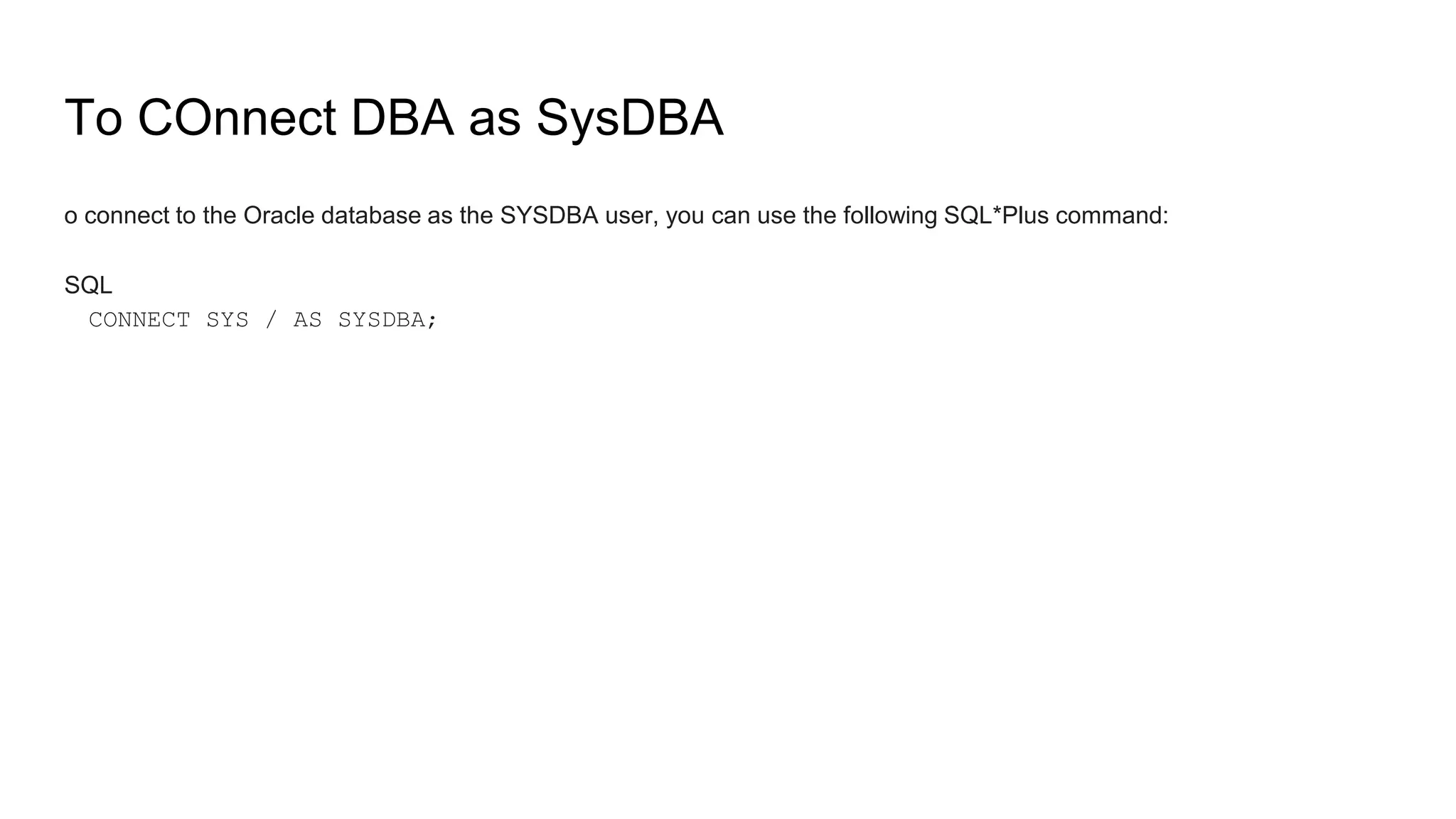
To COnnect DBA as SysDBA
o connect to the Oracle database as the SYSDBA user, you can use the following SQL*Plus command:
SQL
CONNECT SYS / AS SYSDBA;
Grant to users roles
The Oracle command to grant privileges to a user is the GRANT statement. The
syntax of the GRANT statement is as follows:
SQL
GRANT privilege ON object TO username;
Video Link
https://www.youtube.com/watch?v=9XcR1sQgQYA
Assignment is uploaded on week 7.

Roles Management in Oracle.pptx.........

  • 1.
  • 4.
    CREATE USER usernameIDENTIFIED BY password Where: ● username is the name of the user to be created. ● password is the password for the user. For example, the following command creates a new user named scott with the password tiger: SQL CREATE USER scott IDENTIFIED BY tiger;
  • 5.
    You can alsospecify additional options for the CREATE USER statement, such as the default tablespace, quota, and profile. For example, the following command creates a new user named scott with the password tiger, the default tablespace USERS, a quota of 10 MB, and the profile DEFAULT: SQL CREATE USER scott IDENTIFIED BY tiger DEFAULT TABLESPACE USERS QUOTA 10M ON USERS PROFILE DEFAULT;
  • 9.
    To COnnect DBAas SysDBA o connect to the Oracle database as the SYSDBA user, you can use the following SQL*Plus command: SQL CONNECT SYS / AS SYSDBA;
  • 10.
    Grant to usersroles The Oracle command to grant privileges to a user is the GRANT statement. The syntax of the GRANT statement is as follows: SQL GRANT privilege ON object TO username;
  • 15.