Definition of File:
•To store data in computer permanently we need file.
•A file is nothing but collection of data
•computer file we can retrieve it and use it depending on our
requirement.
3.
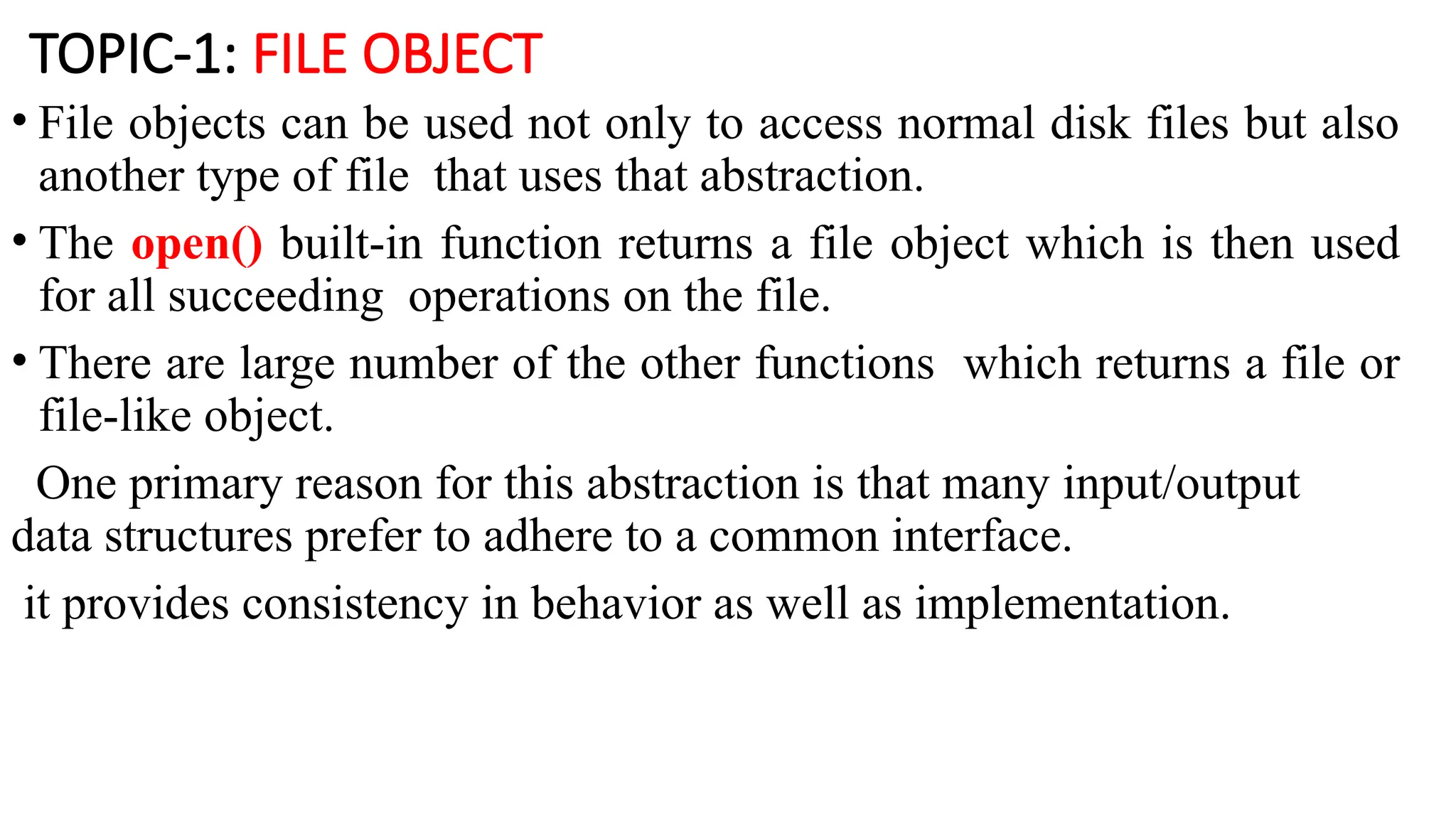
TOPIC-1: FILE OBJECT
•File objects can be used not only to access normal disk files but also
another type of file that uses that abstraction.
• The open() built-in function returns a file object which is then used
for all succeeding operations on the file.
• There are large number of the other functions which returns a file or
file-like object.
One primary reason for this abstraction is that many input/output
data structures prefer to adhere to a common interface.
it provides consistency in behavior as well as implementation.
4.
TOPIC-2: File Built-inFunction:
• Before read or write a file we have to open file using pythons bulit-in
open() function.
• This function creates a file object which would be utilized to call other
support methods associated with it.
• Syntax:
fileobject=open(filename [,accessmode] [buffering mode])
5.
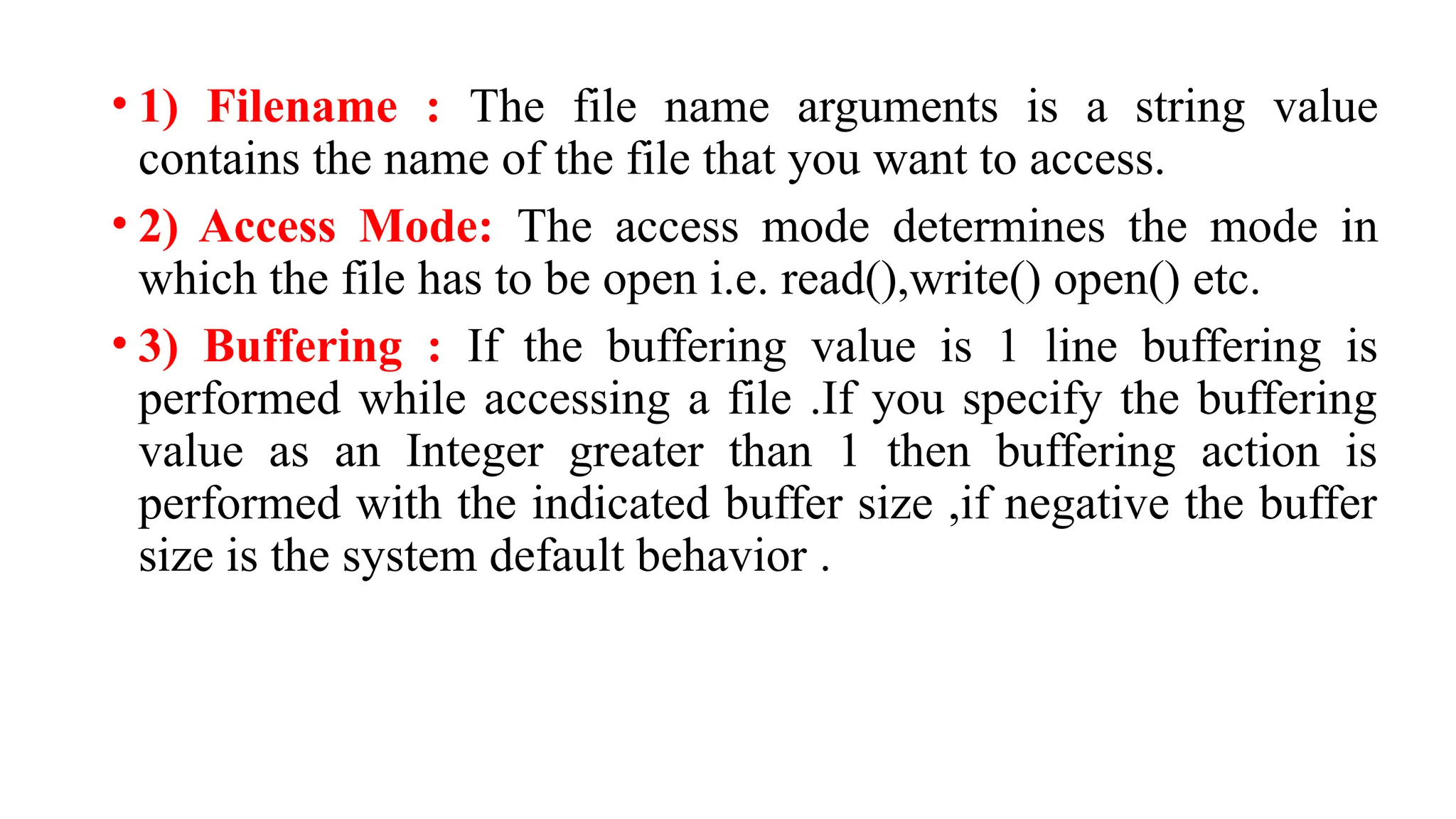
• 1) Filename: The file name arguments is a string value
contains the name of the file that you want to access.
• 2) Access Mode: The access mode determines the mode in
which the file has to be open i.e. read(),write() open() etc.
• 3) Buffering : If the buffering value is 1 line buffering is
performed while accessing a file .If you specify the buffering
value as an Integer greater than 1 then buffering action is
performed with the indicated buffer size ,if negative the buffer
size is the system default behavior .
6.
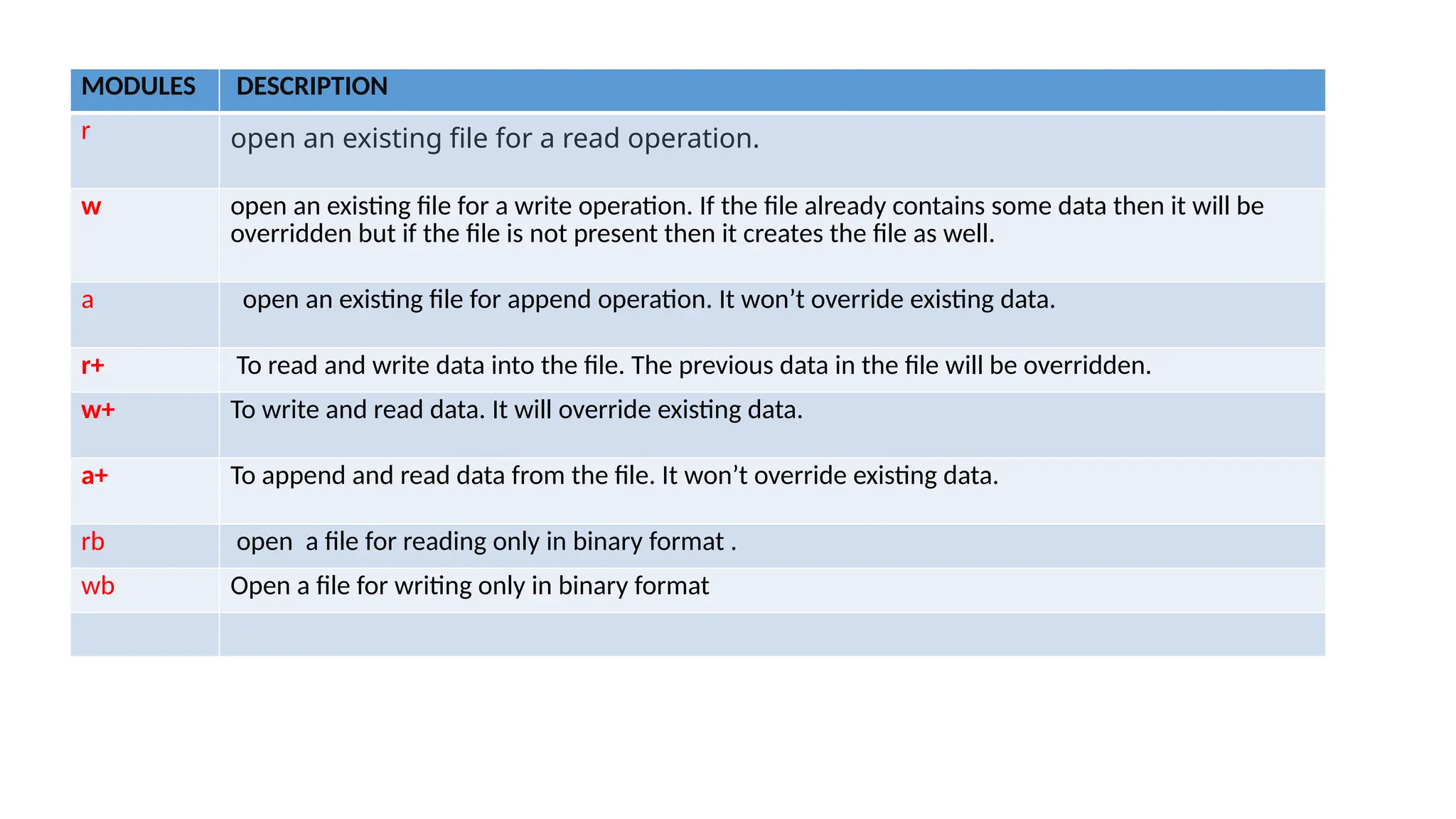
MODULES DESCRIPTION
r openan existing file for a read operation.
w open an existing file for a write operation. If the file already contains some data then it will be
overridden but if the file is not present then it creates the file as well.
a open an existing file for append operation. It won’t override existing data.
r+ To read and write data into the file. The previous data in the file will be overridden.
w+ To write and read data. It will override existing data.
a+ To append and read data from the file. It won’t override existing data.
rb open a file for reading only in binary format .
wb Open a file for writing only in binary format
7.
Topic-3: File Built-inmethods
• Once open() has completed successfully and returned a file object, then
we can handle files by 4 different types of methods. Such has
• 1) input
• 2)output
• 3)Intra file Motion
• 4) Miscellaneous
8.
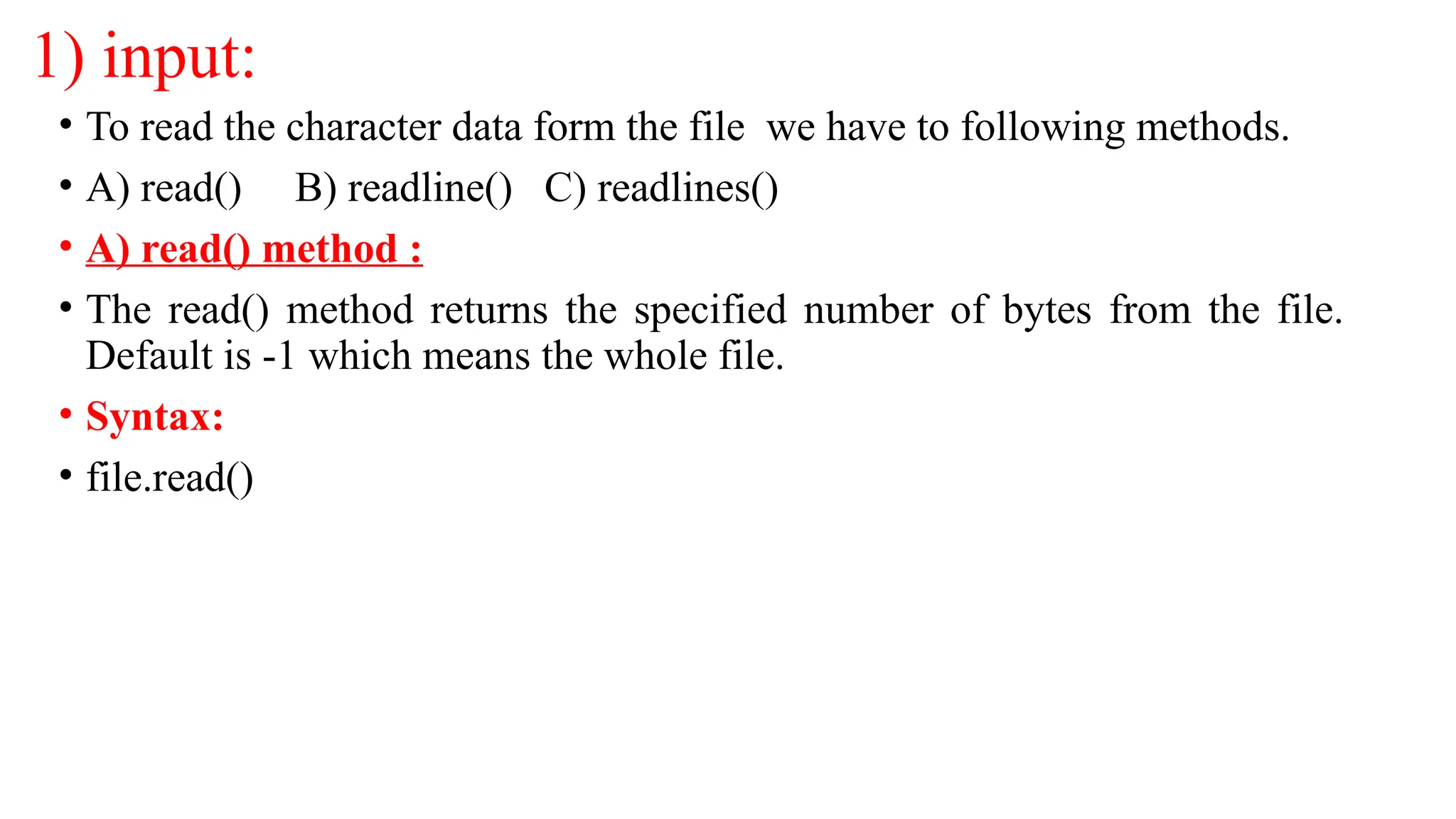
1) input:
• Toread the character data form the file we have to following methods.
• A) read() B) readline() C) readlines()
• A) read() method :
• The read() method returns the specified number of bytes from the file.
Default is -1 which means the whole file.
• Syntax:
• file.read()
9.
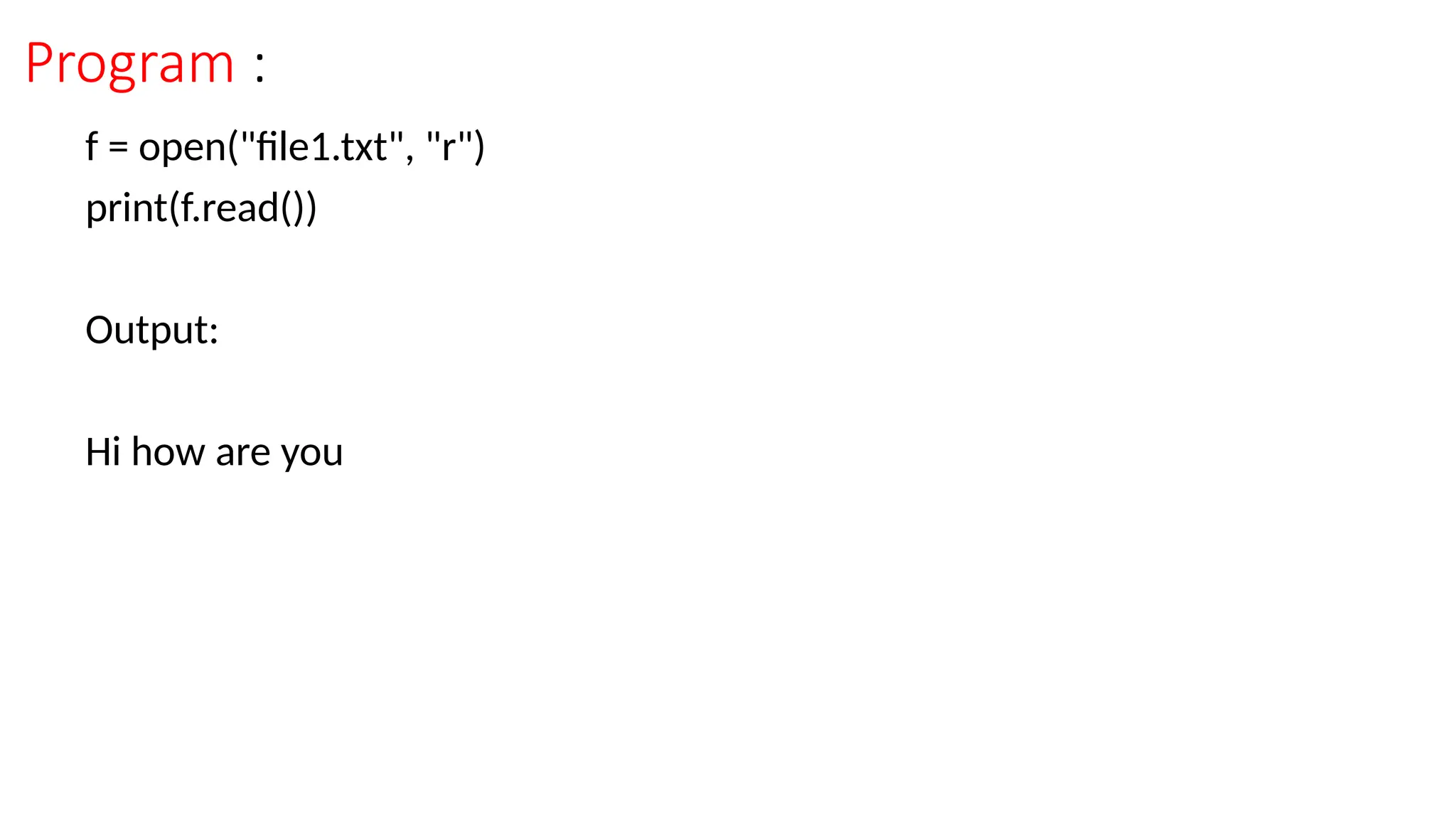
Program :
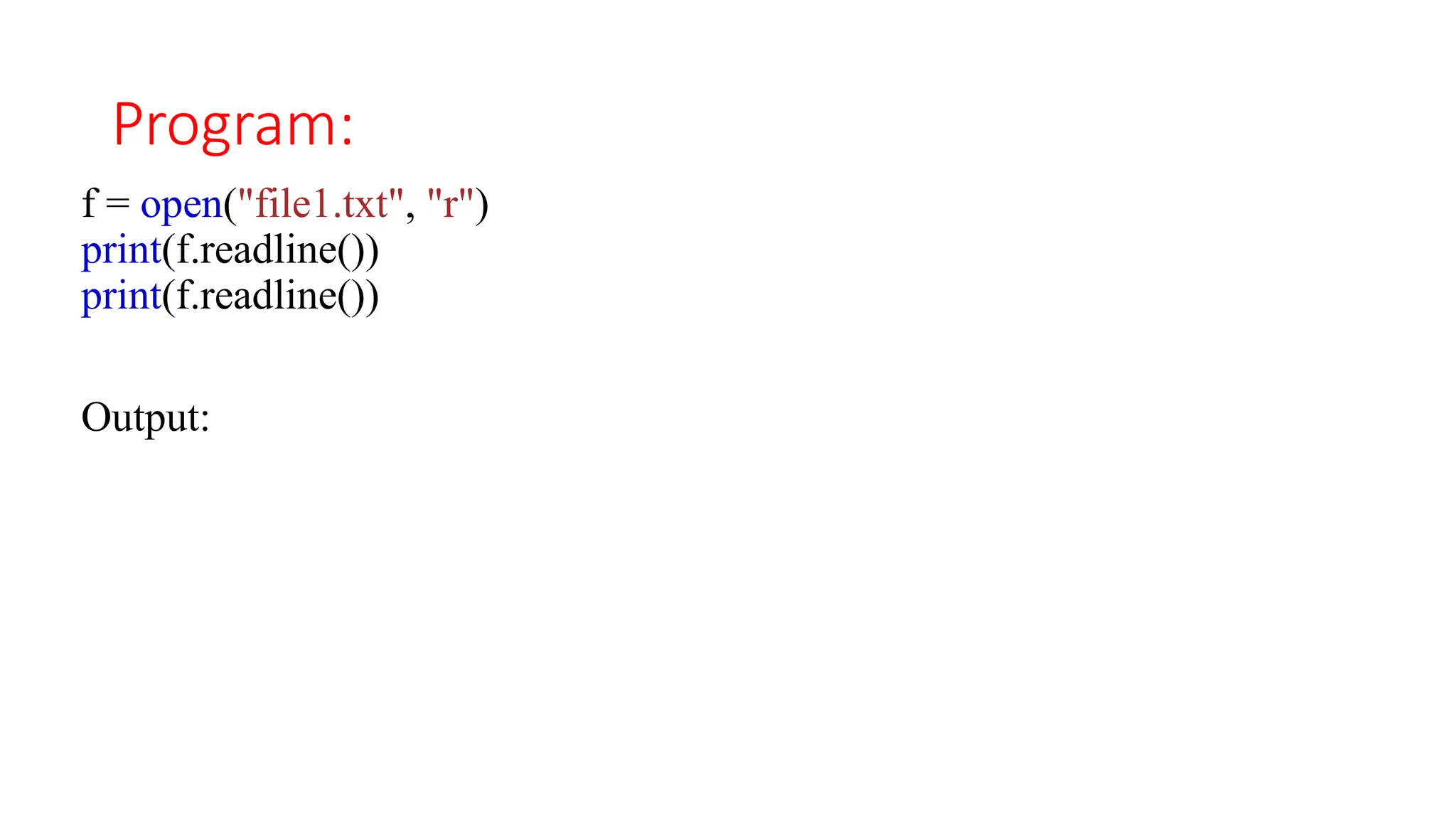
f =open("file1.txt", "r")
print(f.read())
Output:
Hi how are you
10.
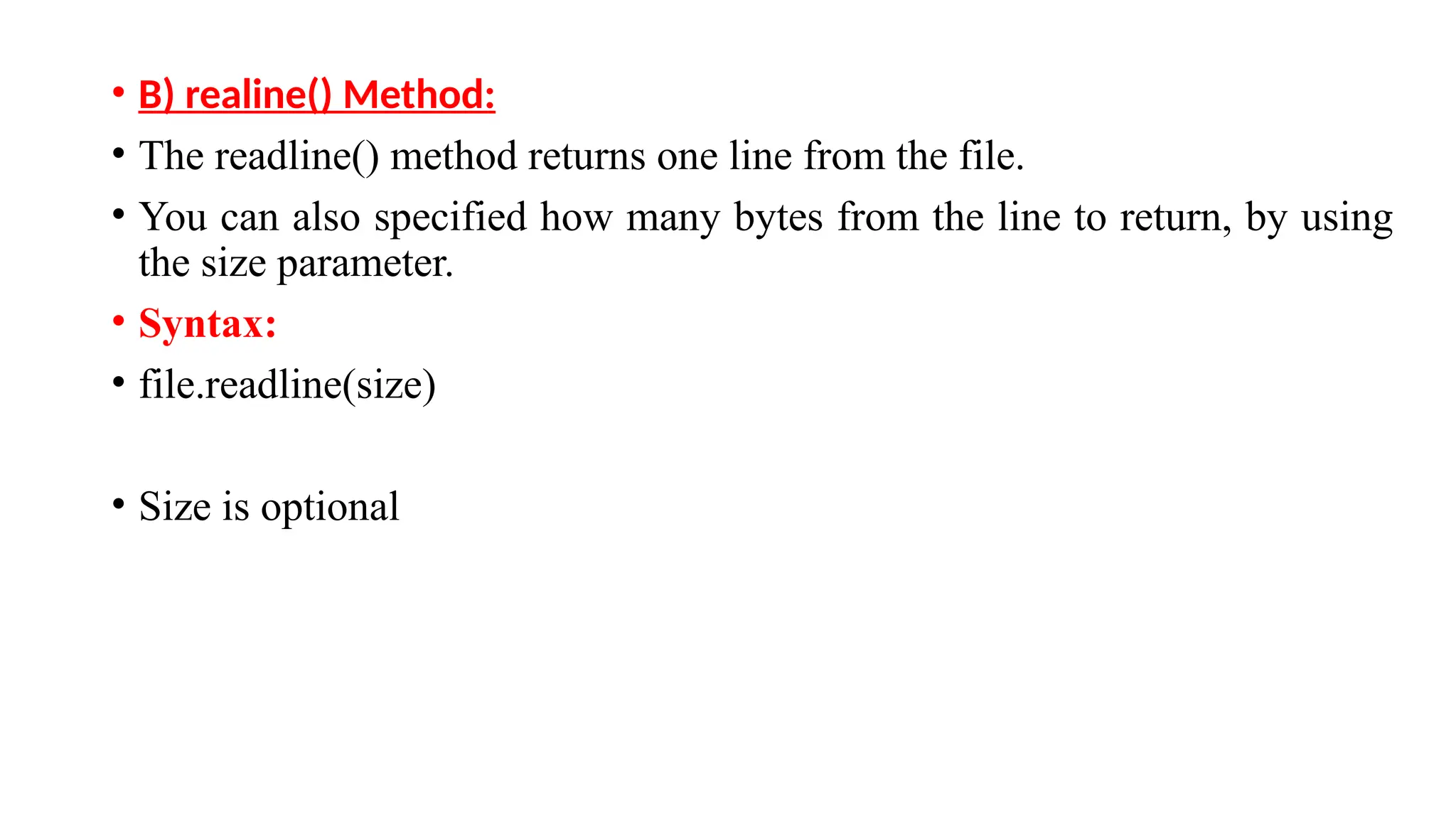
• B) realine()Method:
• The readline() method returns one line from the file.
• You can also specified how many bytes from the line to return, by using
the size parameter.
• Syntax:
• file.readline(size)
• Size is optional
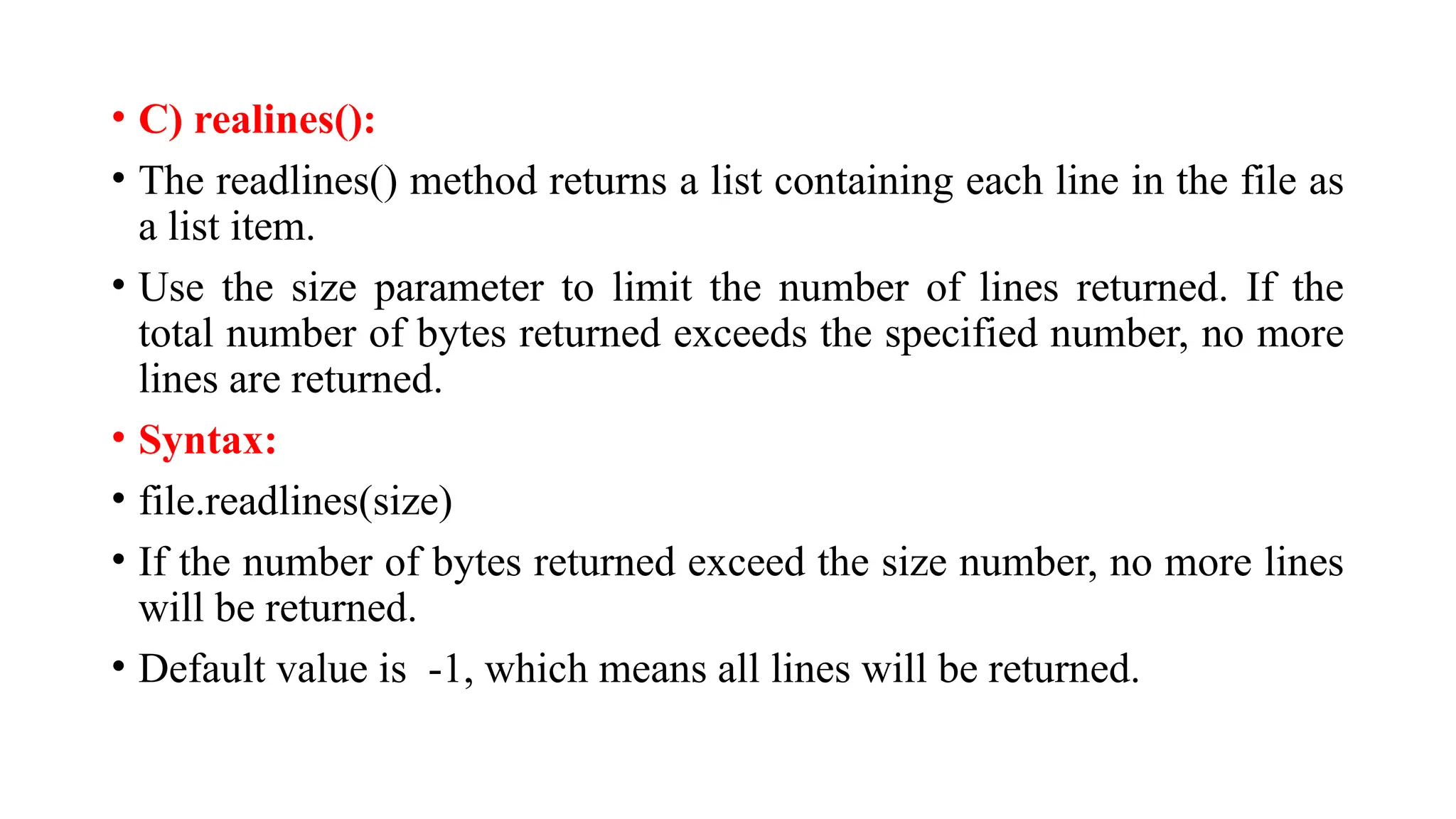
• C) realines():
•The readlines() method returns a list containing each line in the file as
a list item.
• Use the size parameter to limit the number of lines returned. If the
total number of bytes returned exceeds the specified number, no more
lines are returned.
• Syntax:
• file.readlines(size)
• If the number of bytes returned exceed the size number, no more lines
will be returned.
• Default value is -1, which means all lines will be returned.
13.
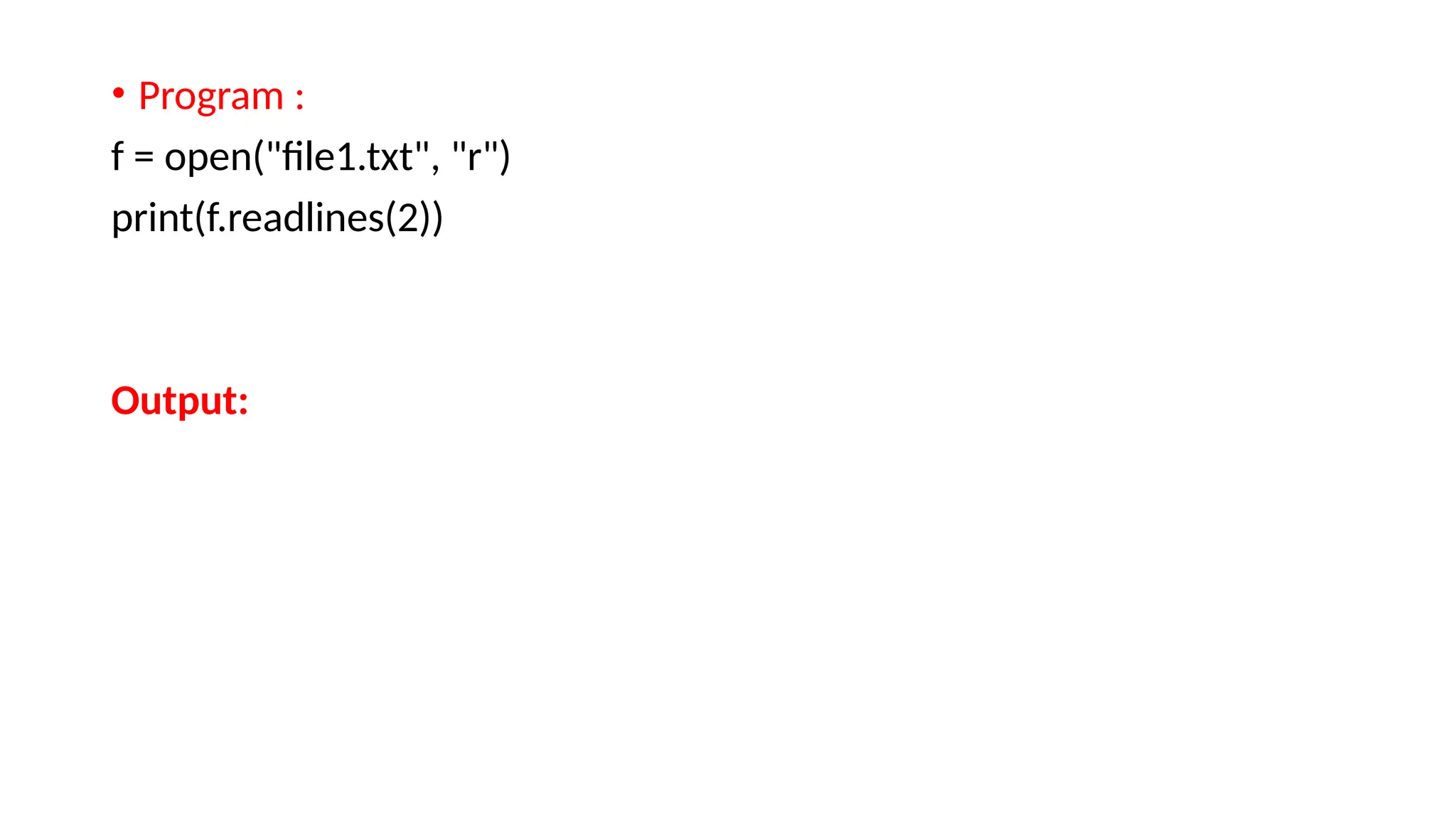
• Program :
f= open("file1.txt", "r")
print(f.readlines(2))
Output:
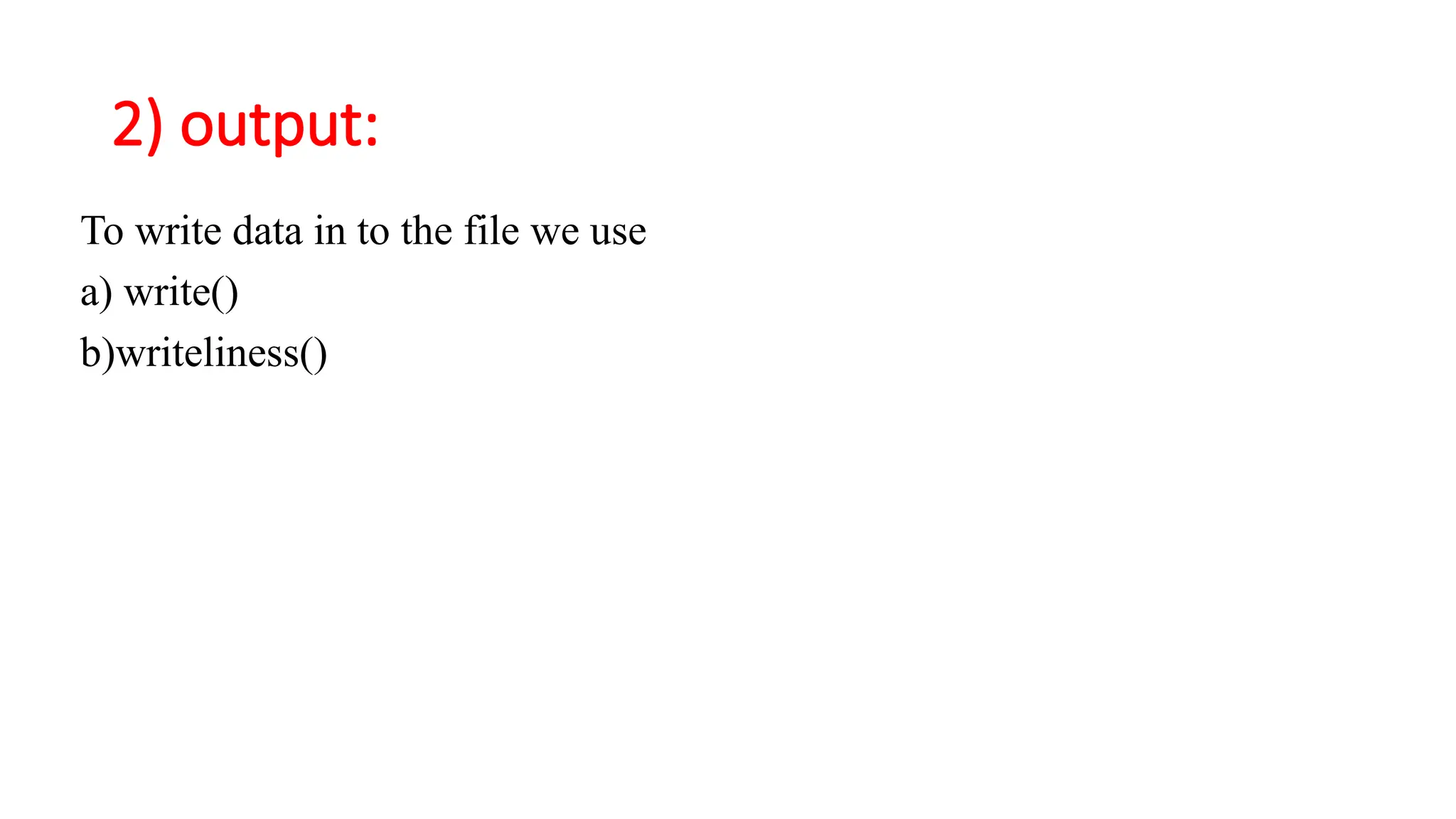
3) intra-file motionmethods
You move the file pointer inside the file we have 2 methods.
A) tell()
B) seek()
20.
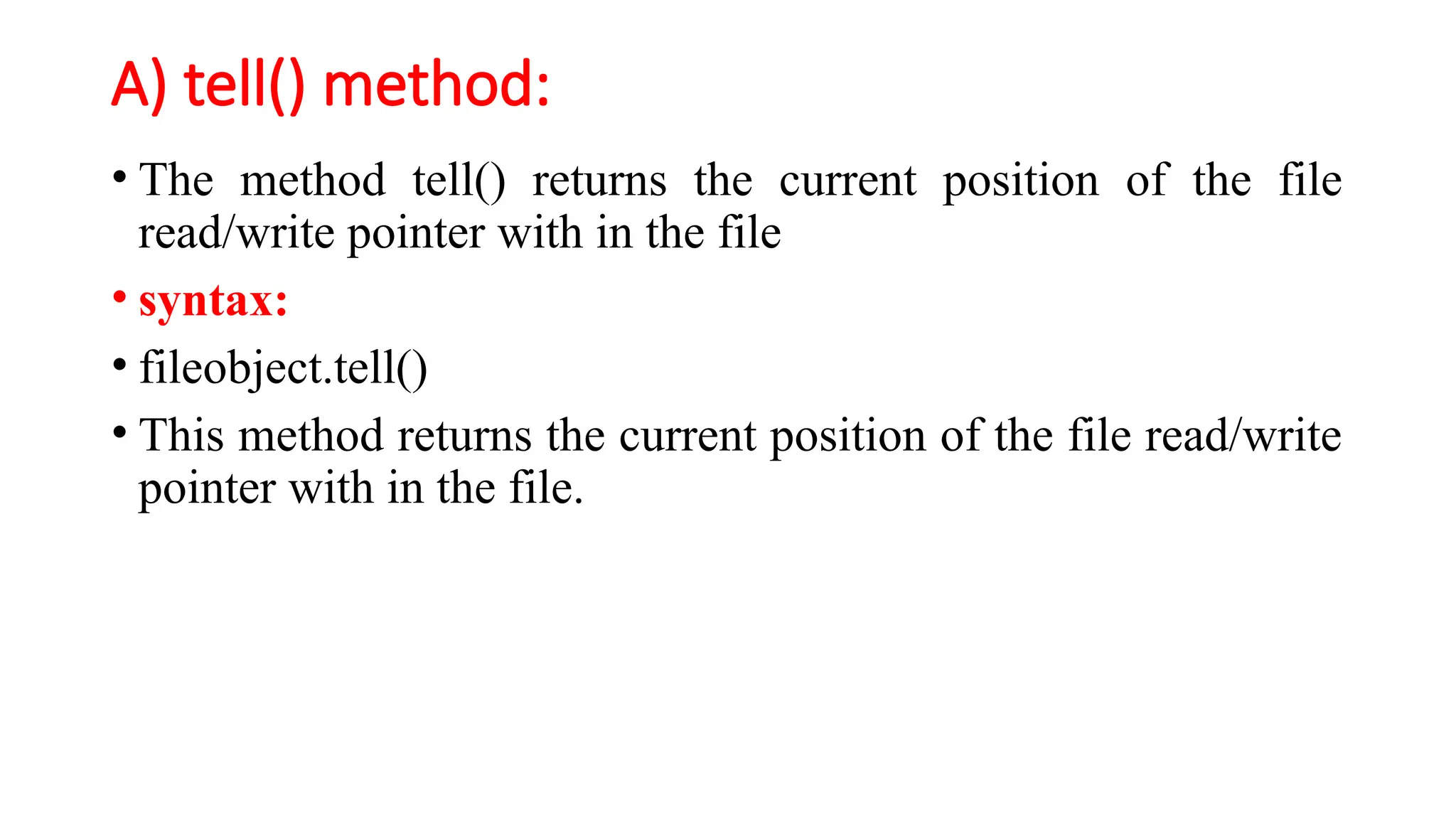
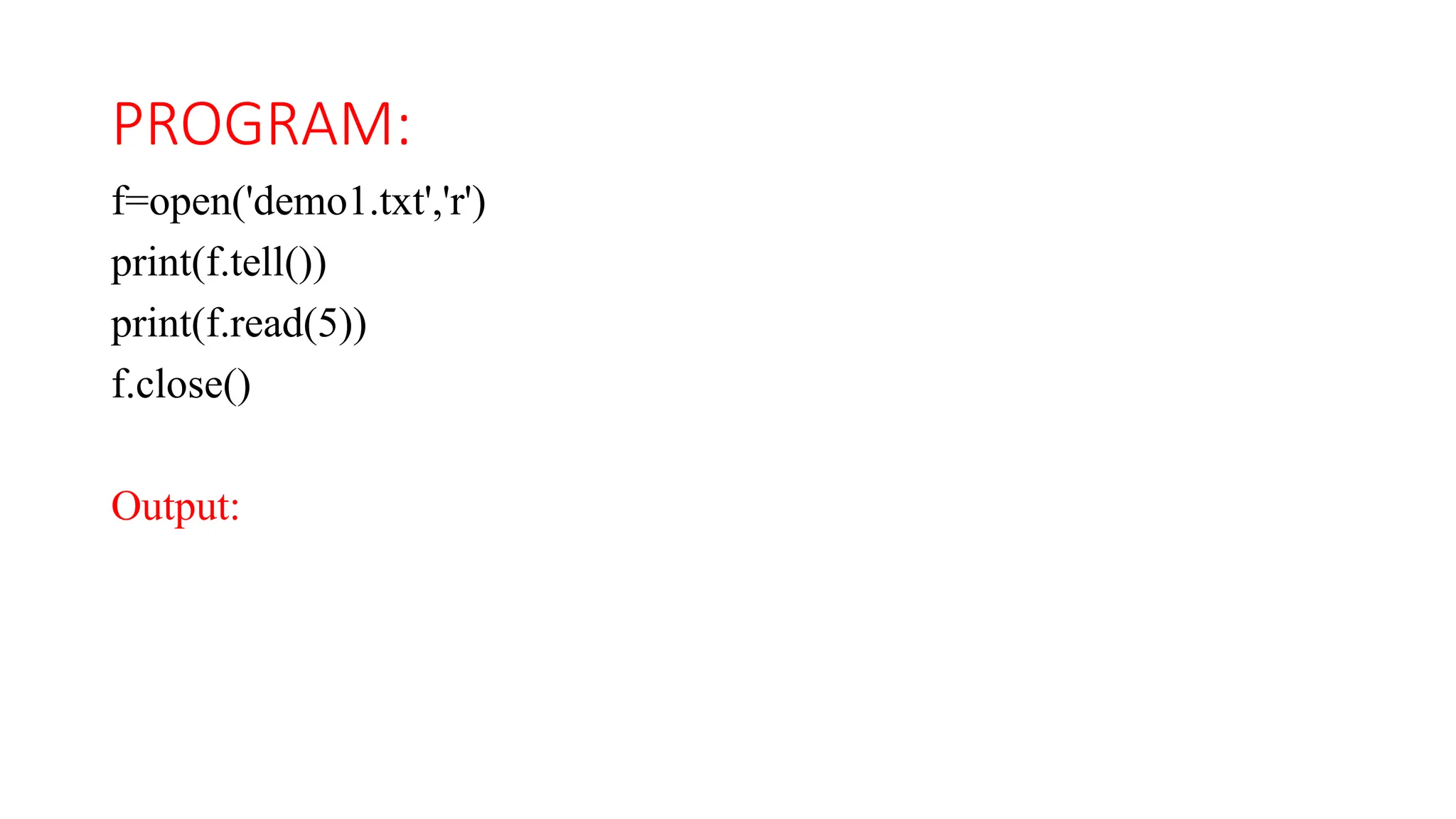
A) tell() method:
•The method tell() returns the current position of the file
read/write pointer with in the file
• syntax:
• fileobject.tell()
• This method returns the current position of the file read/write
pointer with in the file.
B) seek() method:
•This method moves the file pointer from one position to
another.
• Syntax:
• fileobject.seek(offset[,fromwhere])
23.
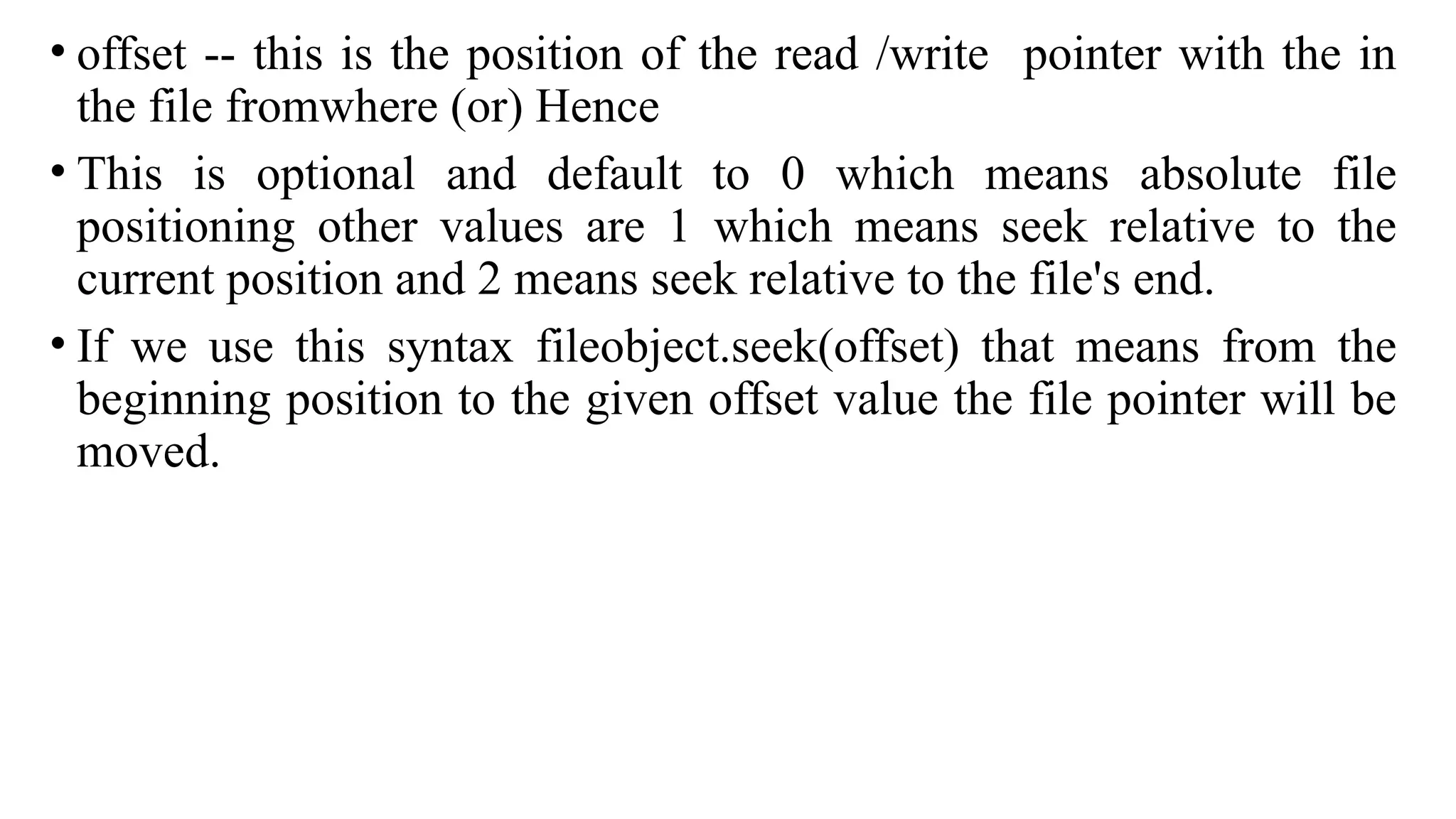
• offset --this is the position of the read /write pointer with the in
the file fromwhere (or) Hence
• This is optional and default to 0 which means absolute file
positioning other values are 1 which means seek relative to the
current position and 2 means seek relative to the file's end.
• If we use this syntax fileobject.seek(offset) that means from the
beginning position to the given offset value the file pointer will be
moved.
24.
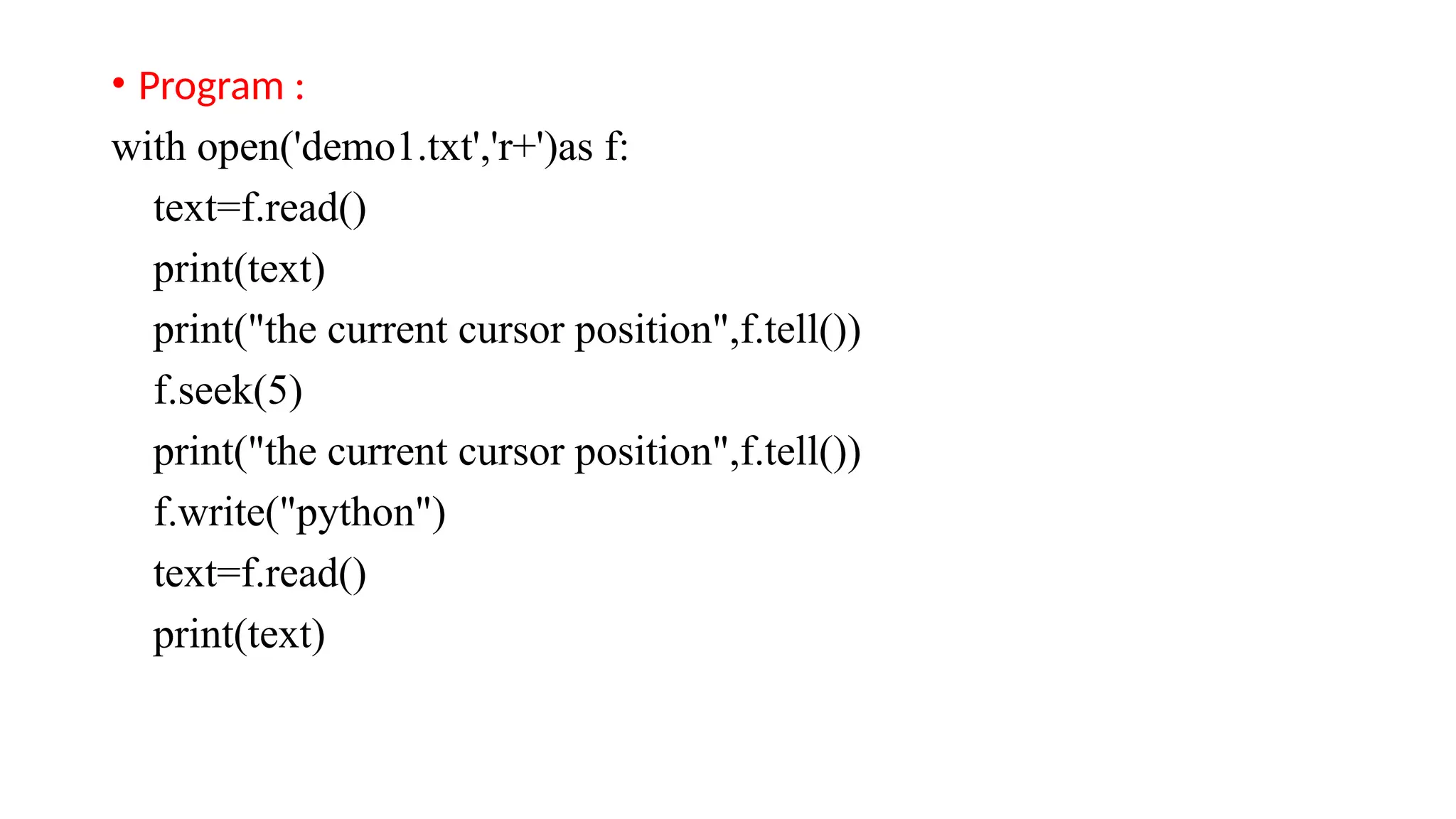
• Program :
withopen('demo1.txt','r+')as f:
text=f.read()
print(text)
print("the current cursor position",f.tell())
f.seek(5)
print("the current cursor position",f.tell())
f.write("python")
text=f.read()
print(text)
25.
4) miscellaneous:
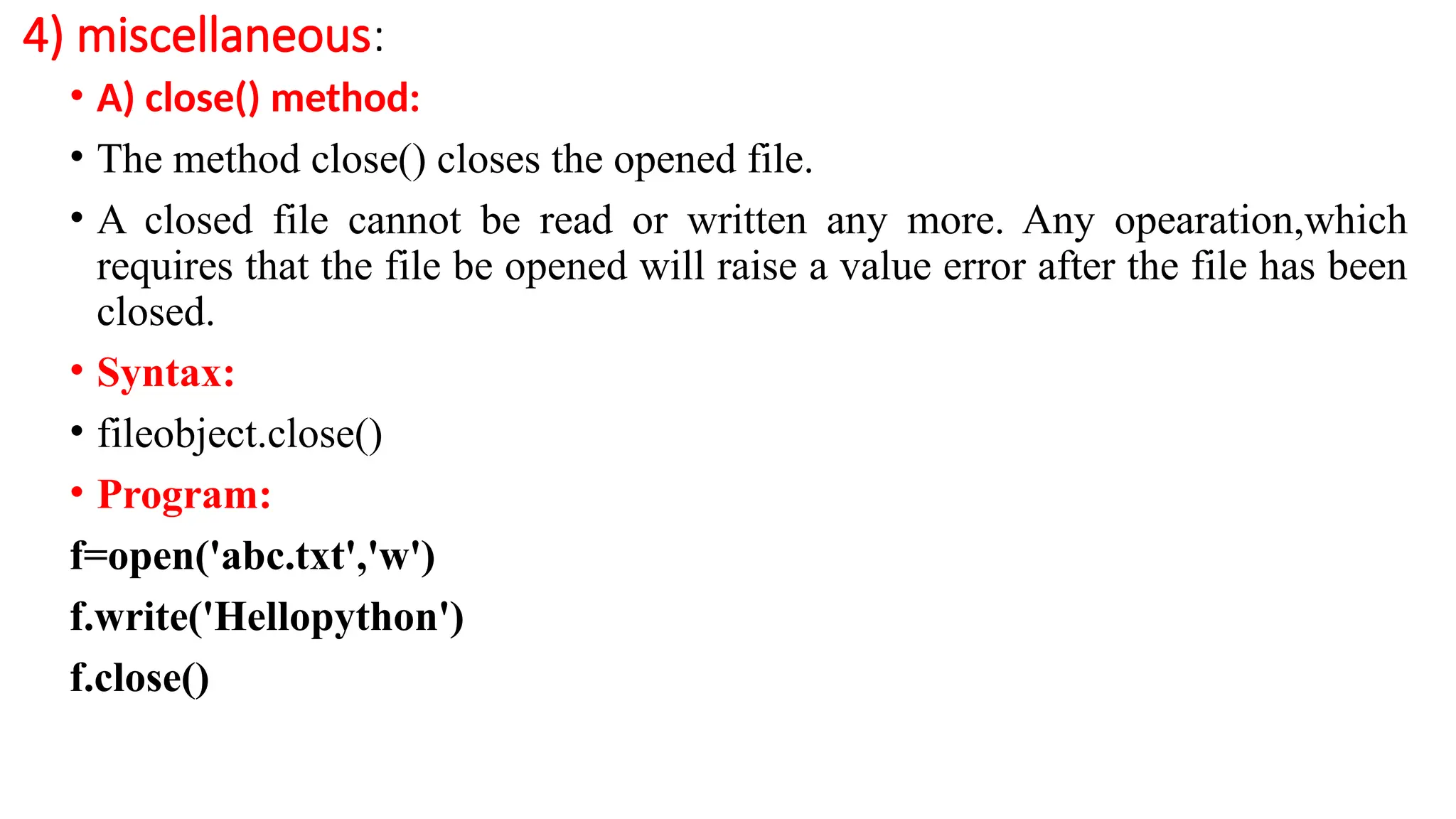
• A)close() method:
• The method close() closes the opened file.
• A closed file cannot be read or written any more. Any opearation,which
requires that the file be opened will raise a value error after the file has been
closed.
• Syntax:
• fileobject.close()
• Program:
f=open('abc.txt','w')
f.write('Hellopython')
f.close()
26.
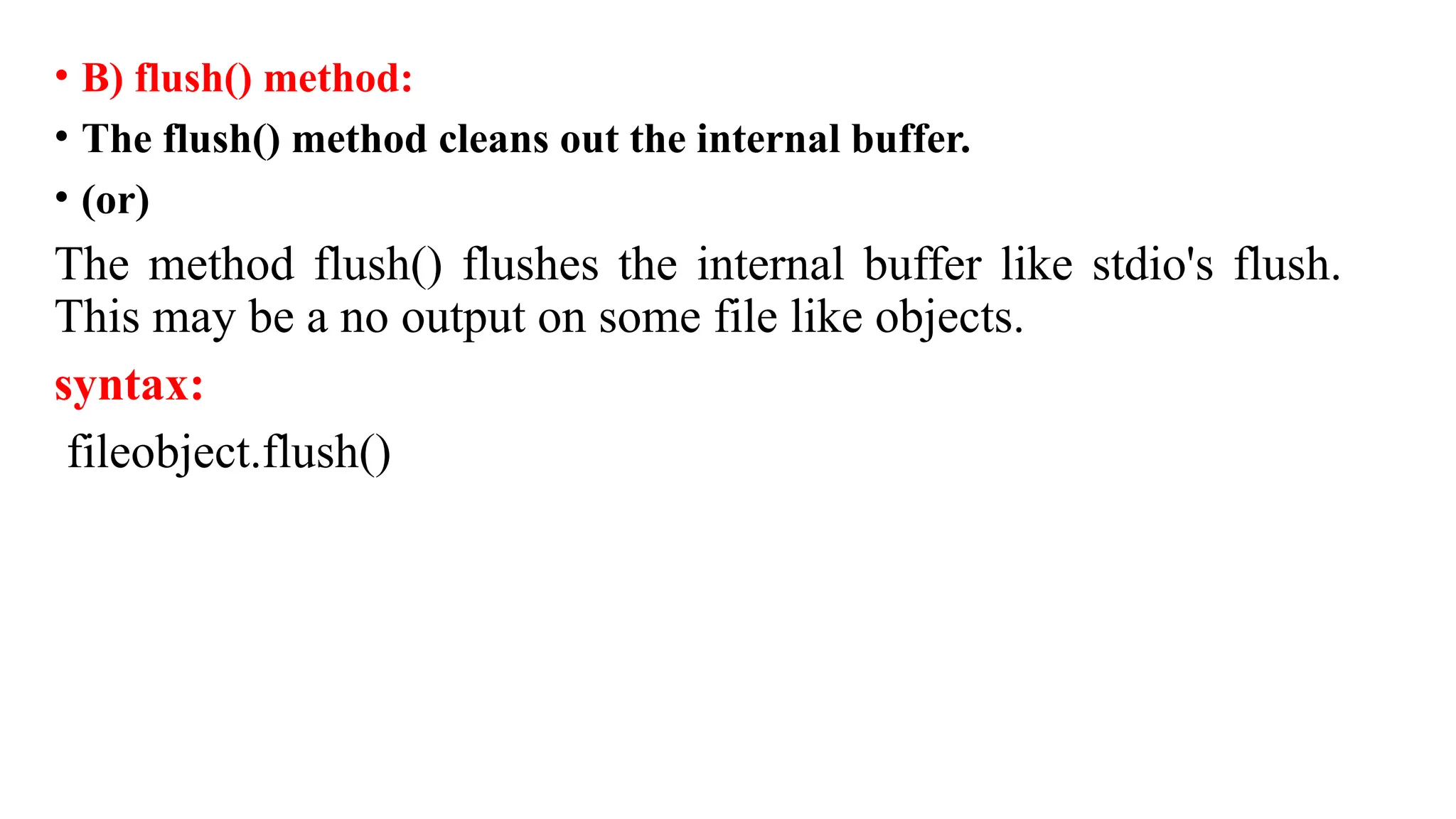
• B) flush()method:
• The flush() method cleans out the internal buffer.
• (or)
The method flush() flushes the internal buffer like stdio's flush.
This may be a no output on some file like objects.
syntax:
fileobject.flush()
27.
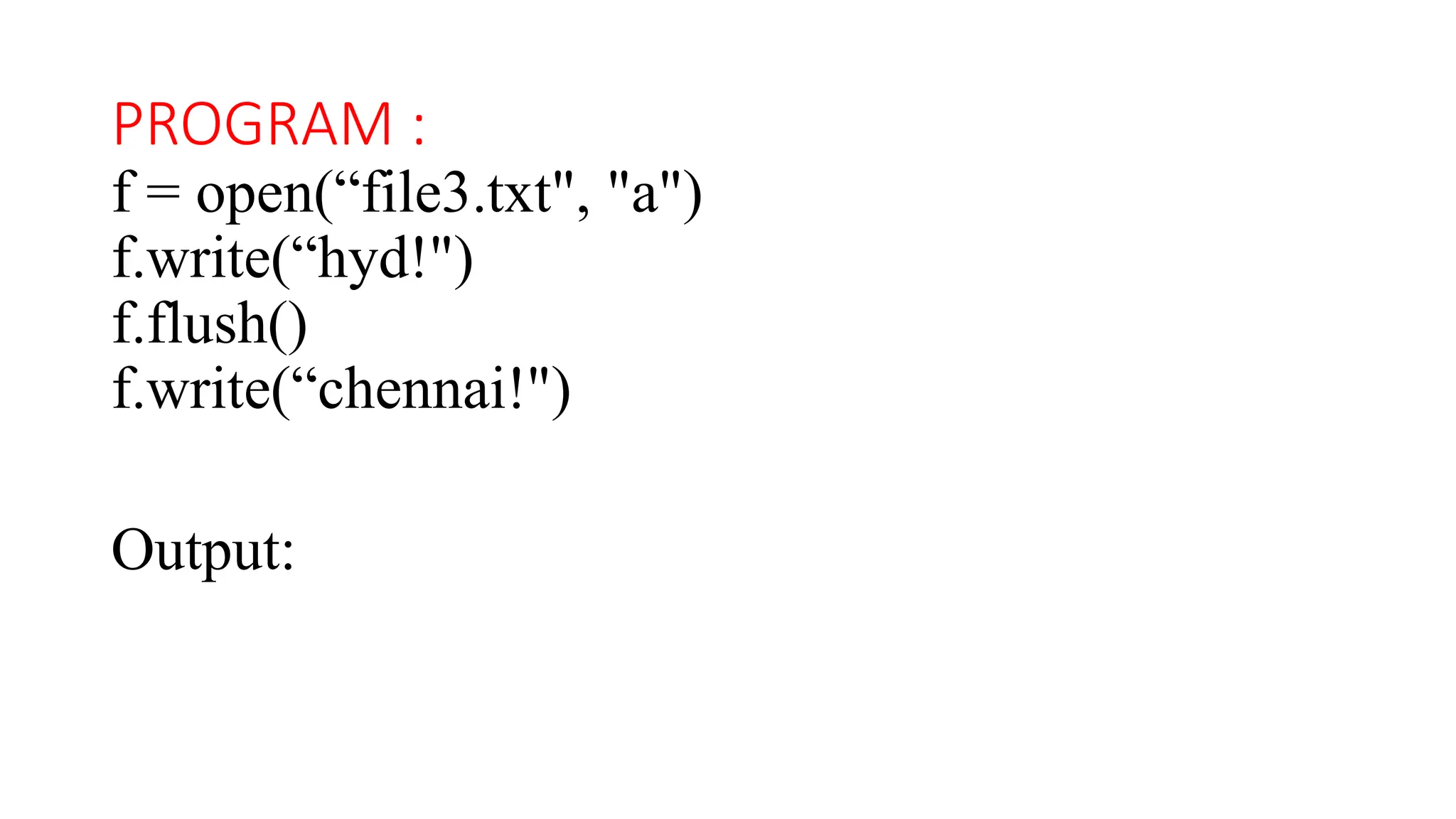
PROGRAM :
f =open(“file3.txt", "a")
f.write(“hyd!")
f.flush()
f.write(“chennai!")
Output:
28.
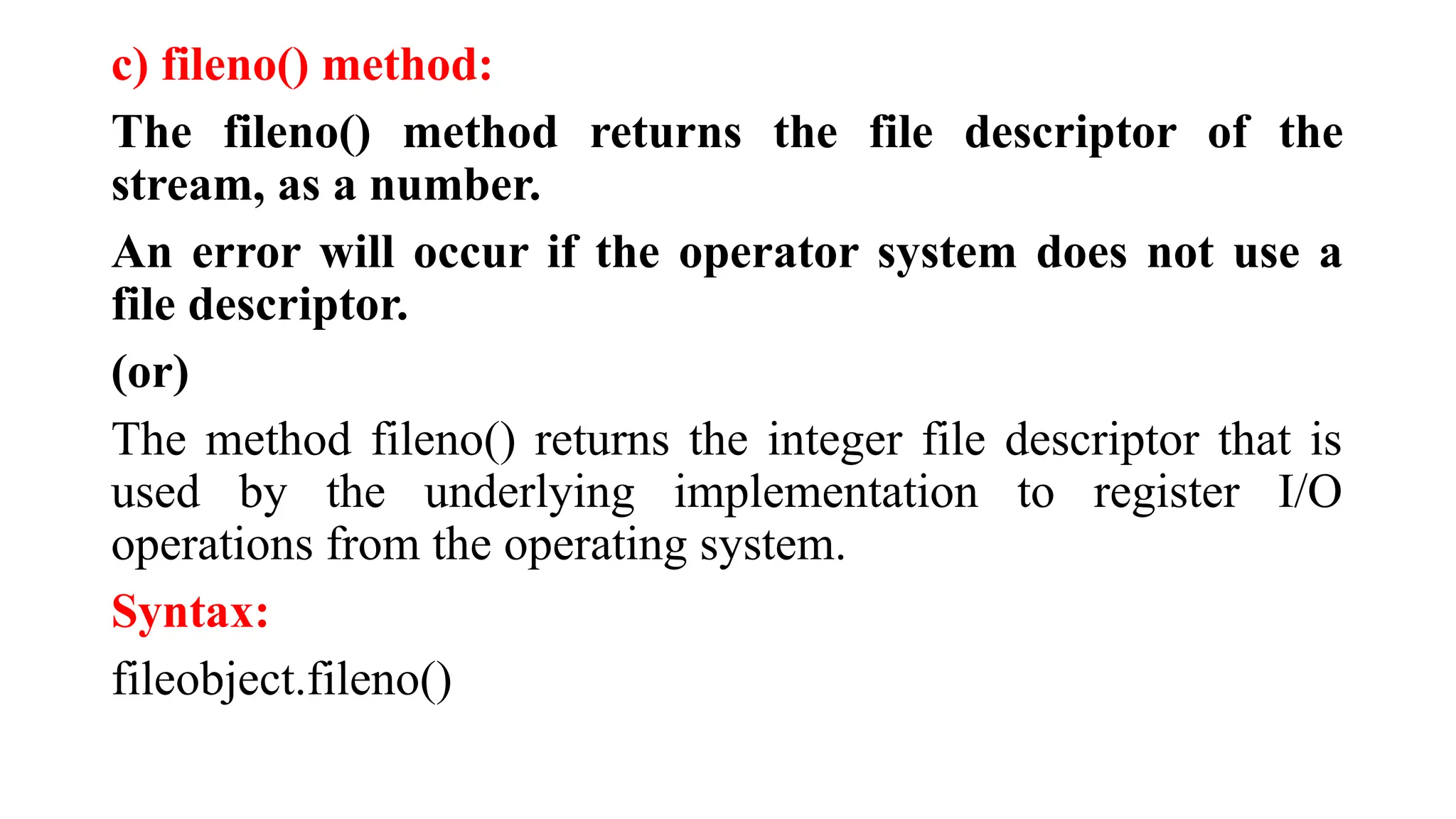
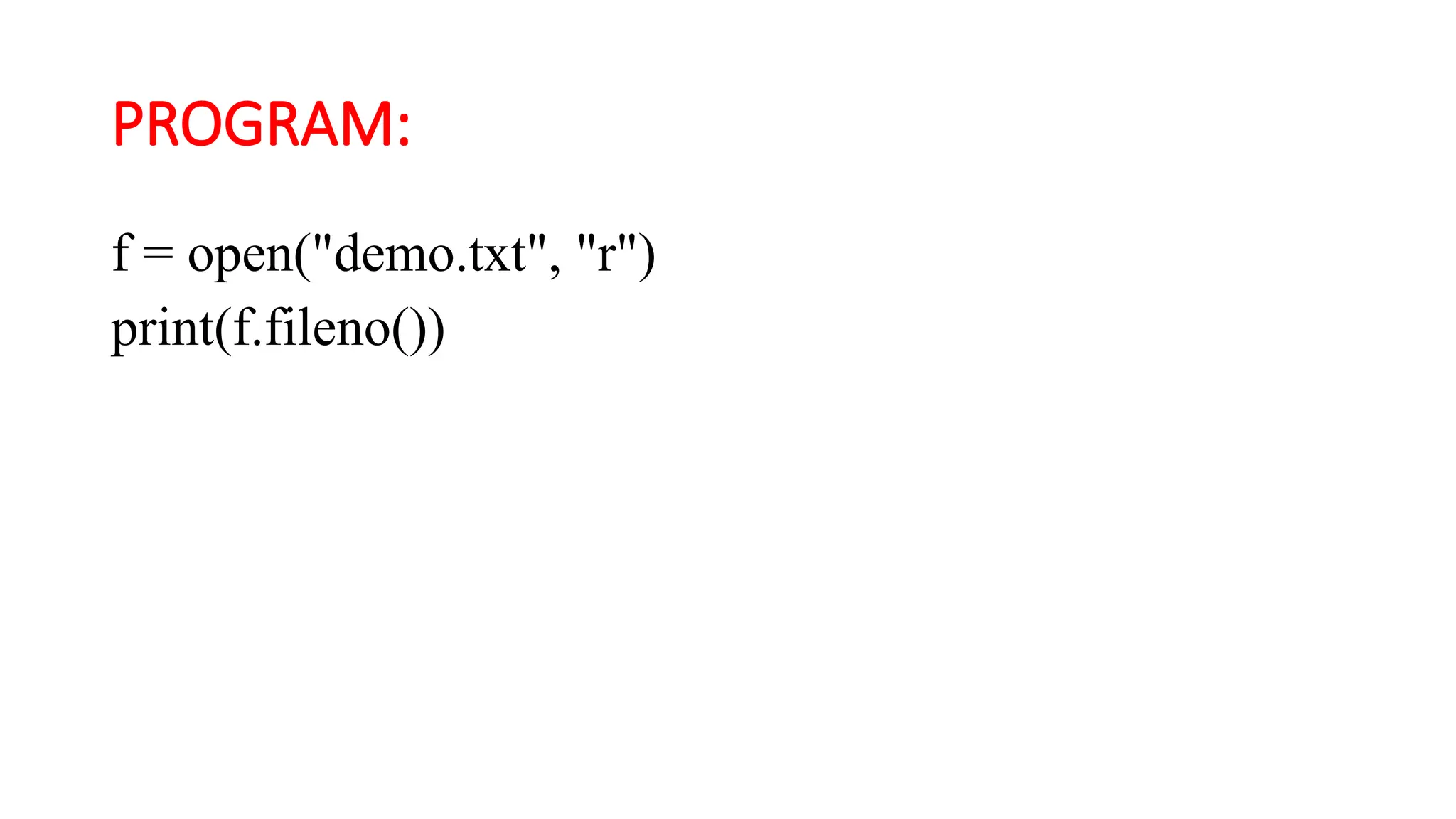
c) fileno() method:
Thefileno() method returns the file descriptor of the
stream, as a number.
An error will occur if the operator system does not use a
file descriptor.
(or)
The method fileno() returns the integer file descriptor that is
used by the underlying implementation to register I/O
operations from the operating system.
Syntax:
fileobject.fileno()
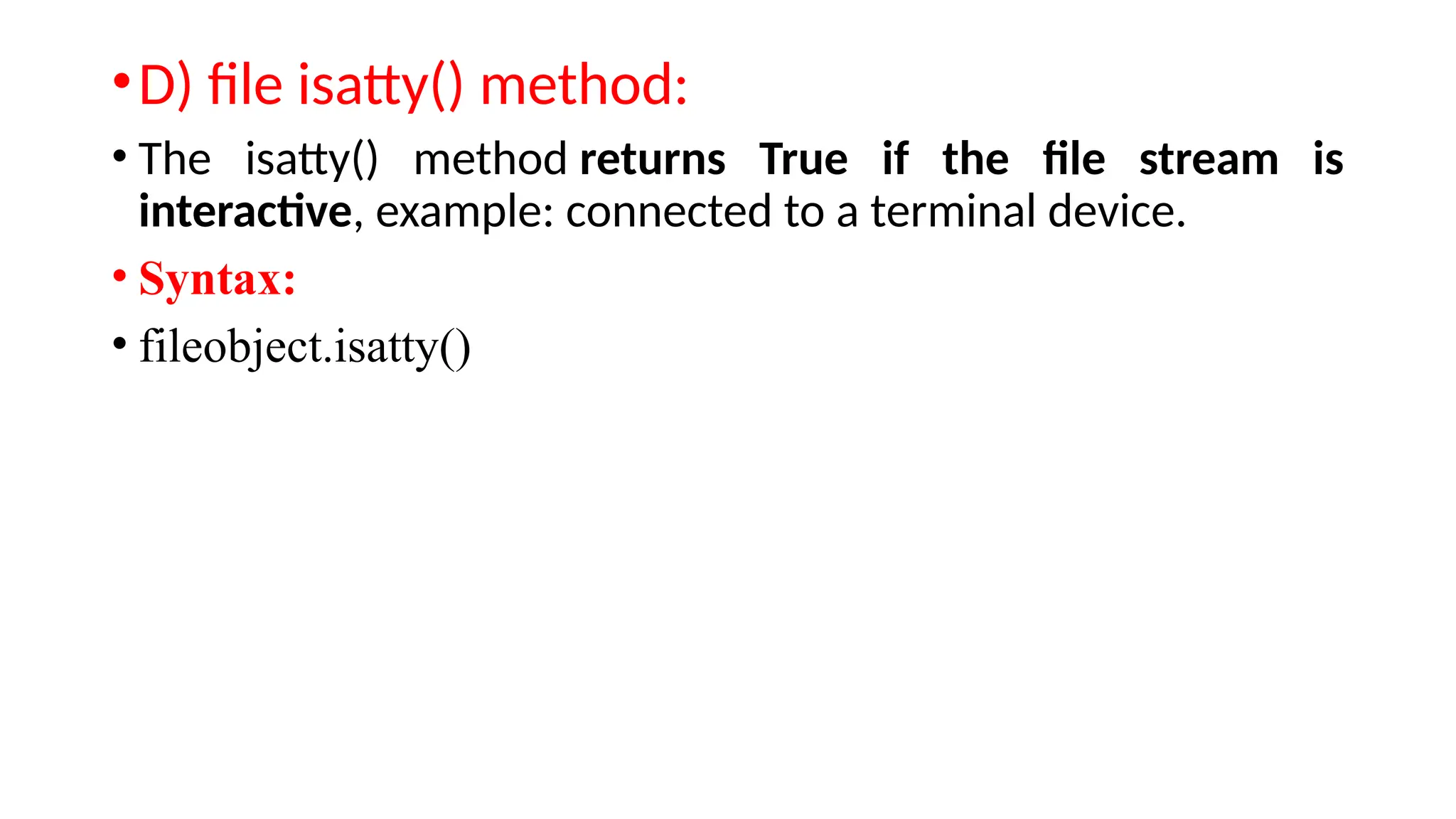
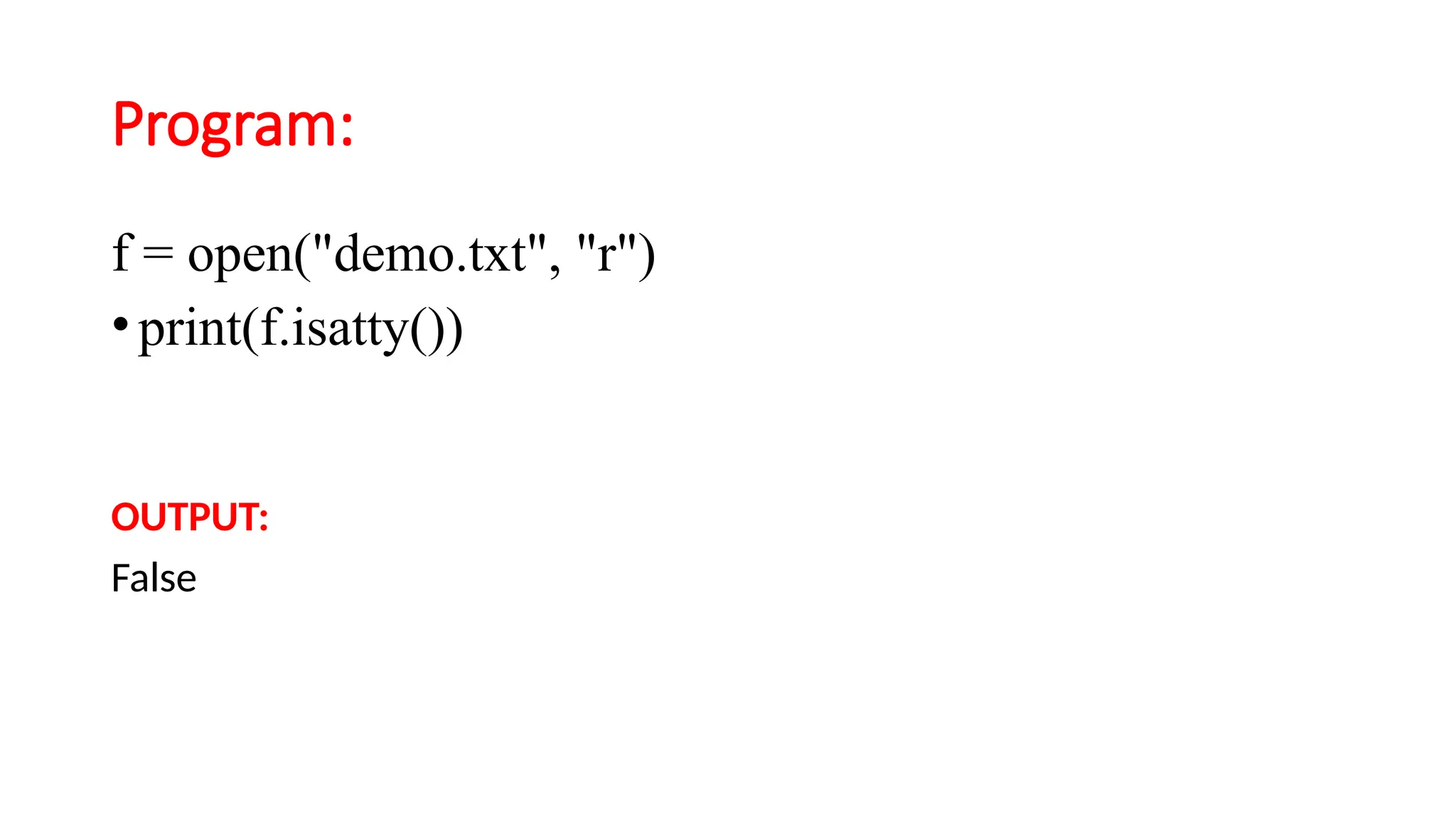
•D) file isatty()method:
• The isatty() method returns True if the file stream is
interactive, example: connected to a terminal device.
• Syntax:
• fileobject.isatty()
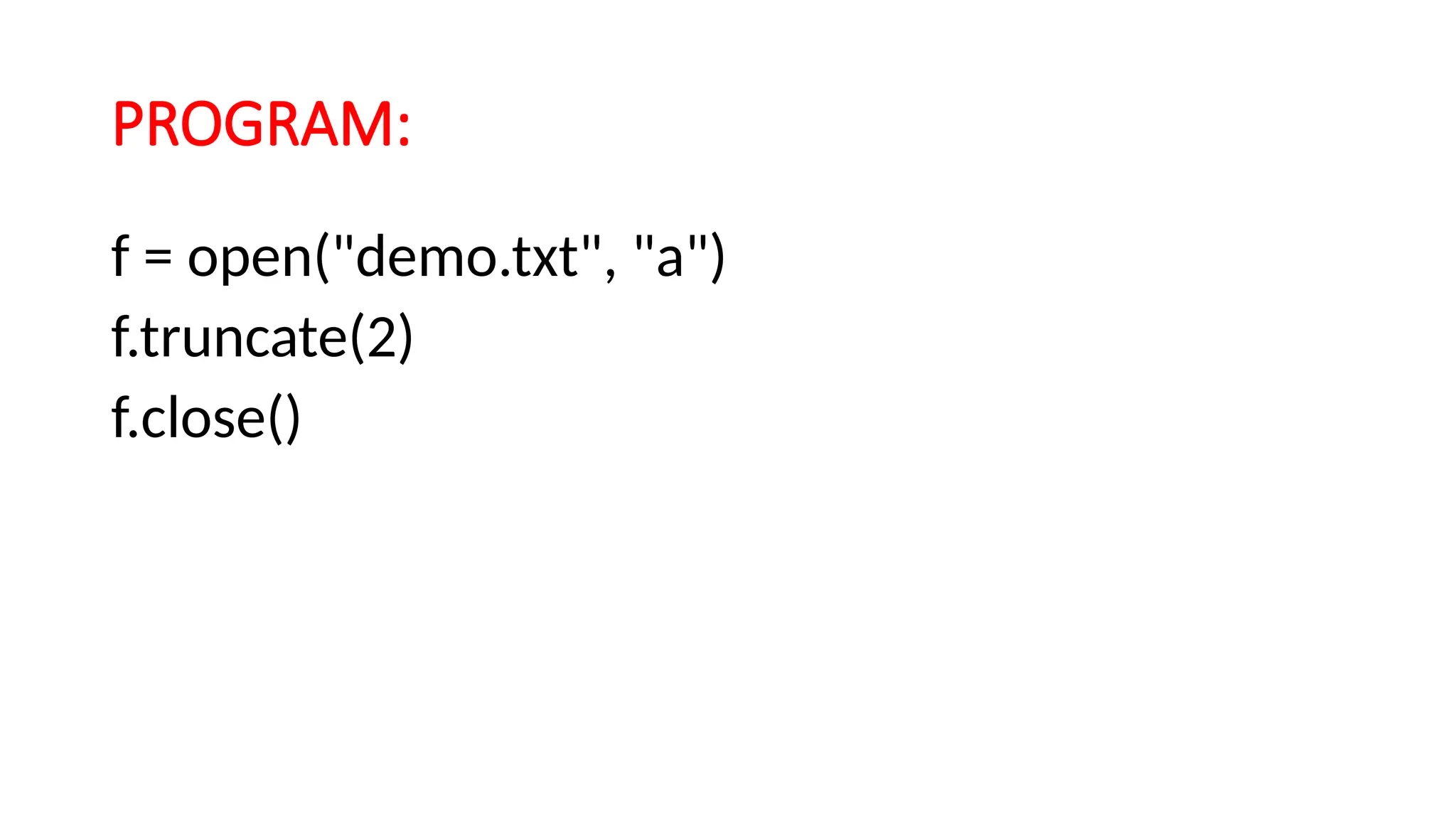
f) File truncate()method:
• The method truncate() truncates the file's size .If the optional size argument is
present the file is truncated to that size.
(or)
The truncate() method resizes the file to the given number of bytes.
If the size is not specified, the current position will be used.
• syntax:
• fileobject.truncate([size])
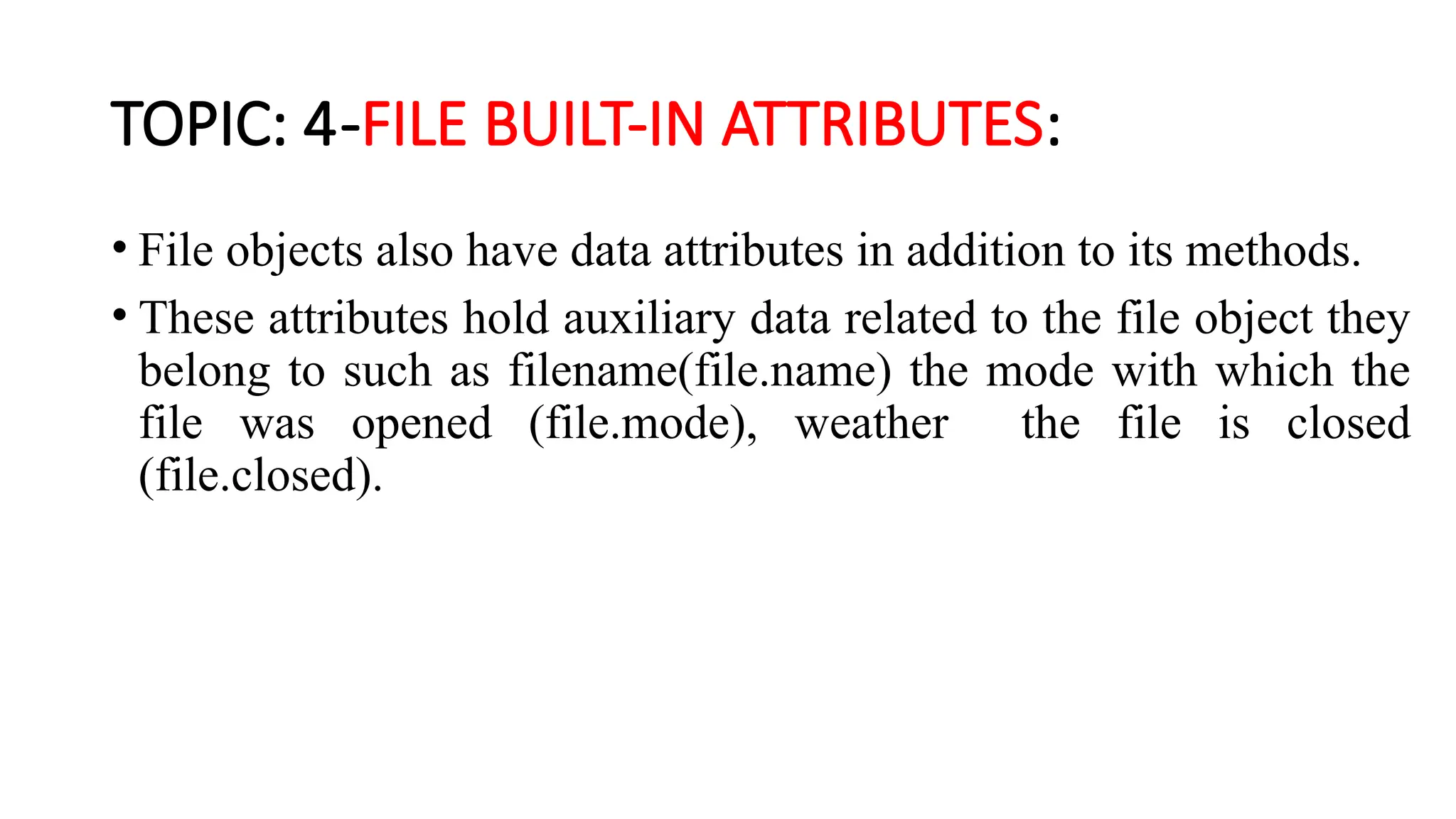
TOPIC: 4-FILE BUILT-INATTRIBUTES:
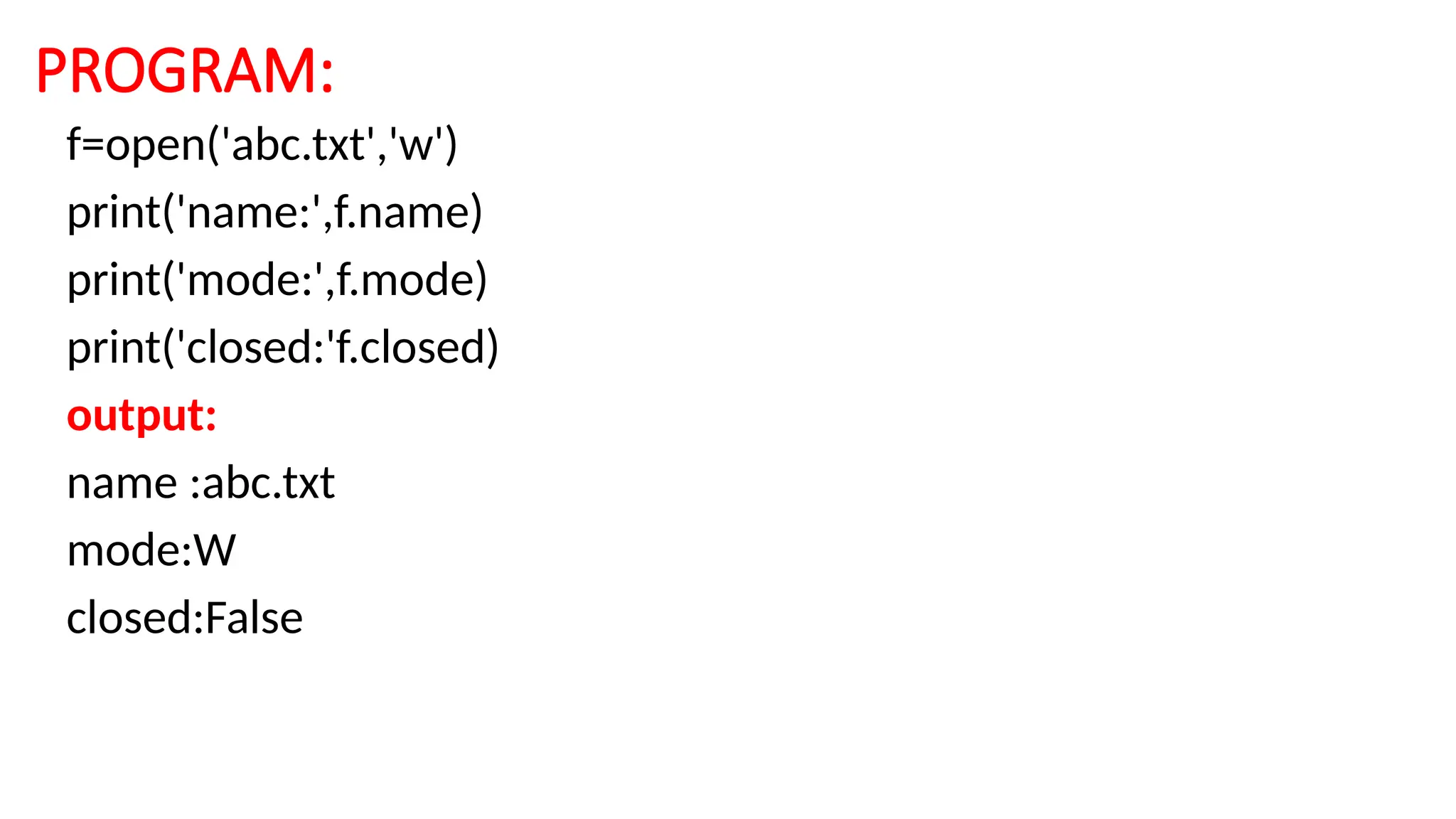
• File objects also have data attributes in addition to its methods.
• These attributes hold auxiliary data related to the file object they
belong to such as filename(file.name) the mode with which the
file was opened (file.mode), weather the file is closed
(file.closed).
35.
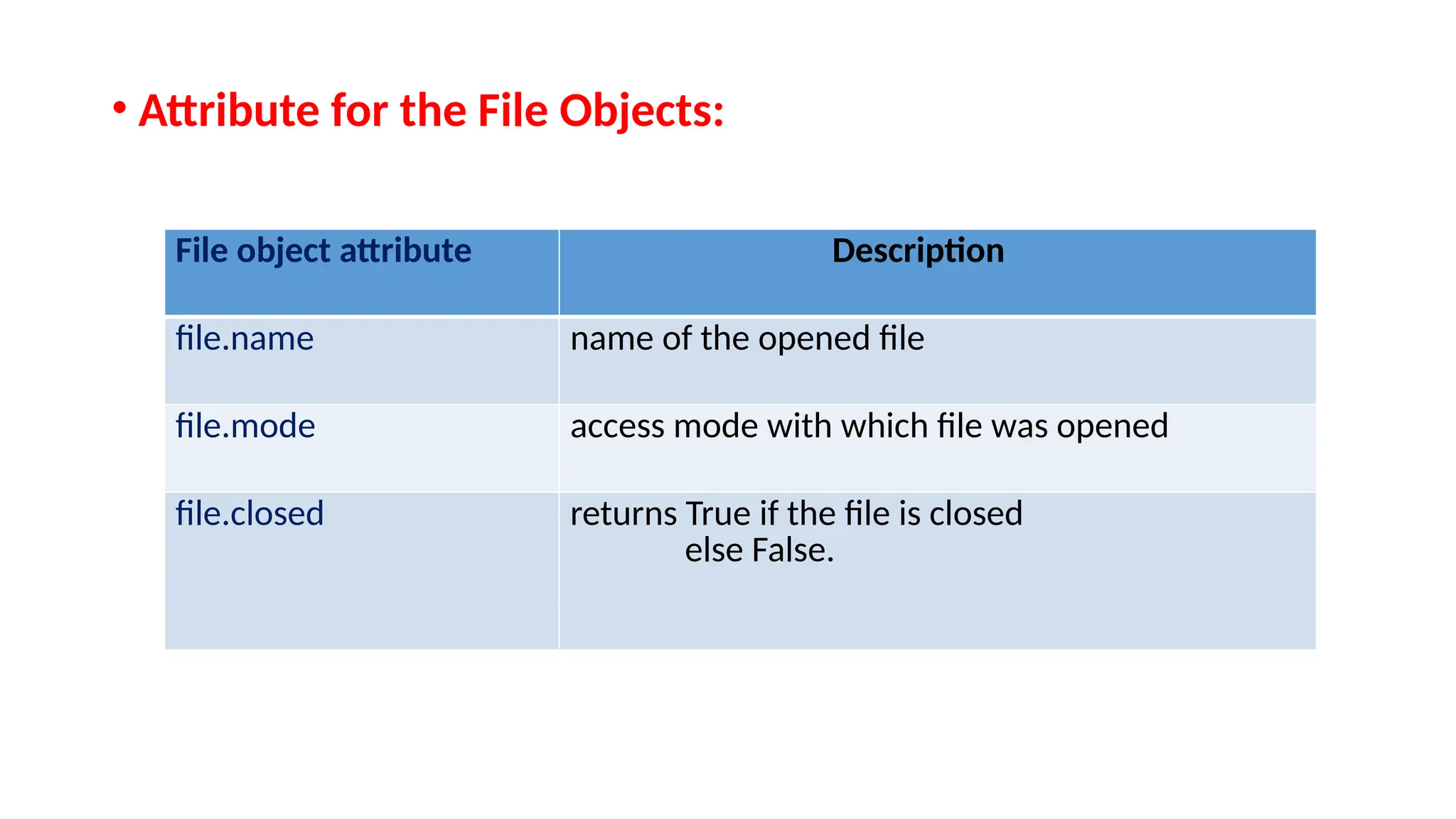
• Attribute forthe File Objects:
File object attribute Description
file.name name of the opened file
file.mode access mode with which file was opened
file.closed returns True if the file is closed
else False.

![TOPIC-2: File Built-in Function:
• Before read or write a file we have to open file using pythons bulit-in
open() function.
• This function creates a file object which would be utilized to call other
support methods associated with it.
• Syntax:
fileobject=open(filename [,accessmode] [buffering mode])](https://image.slidesharecdn.com/unit-iii-part-1-250611160508-d5397d6c/75/Python-UNIT-III-part-1-pptx-File-Handling-4-2048.jpg)
![B) seek() method:
• This method moves the file pointer from one position to
another.
• Syntax:
• fileobject.seek(offset[,fromwhere])](https://image.slidesharecdn.com/unit-iii-part-1-250611160508-d5397d6c/75/Python-UNIT-III-part-1-pptx-File-Handling-22-2048.jpg)
![f) File truncate() method:
• The method truncate() truncates the file's size .If the optional size argument is
present the file is truncated to that size.
(or)
The truncate() method resizes the file to the given number of bytes.
If the size is not specified, the current position will be used.
• syntax:
• fileobject.truncate([size])](https://image.slidesharecdn.com/unit-iii-part-1-250611160508-d5397d6c/75/Python-UNIT-III-part-1-pptx-File-Handling-32-2048.jpg)