File Handling In Python
 Name:- Sahil Thakur
 Roll no:- CI230200089S
File Handling In Python
 Python supports file handling and allows users to handle files i.e., to
read and write files, along with many other file handling options, to
operate on files.
PYTHON FILE OPEN
 Before performing any operation on the file like reading or writing, first, we
have to open that file. For this, we should use Python’s inbuilt function open()
but at the time of opening, we have to specify the mode, which represents
the purpose of the opening file
f = open(filename, mode)
METHOD FOR OPEN A FILE
 r: open an existing file for a read operation.
 Syntax-> F = Open(‘demo.txt’,’r’) print( File.read ())
 w: open an existing file for a write operation. If the file already
contains some data, then it will be overridden but if the file is
not present then it creates the file as well.
 Syntax-> File = Open(‘demo.txt’ ‘w’) File. Write(‘hello,world’)
 a: open an existing file for append operation. It won’t override
existing data.
 Syntax-> File.write(‘Appending.txt’)
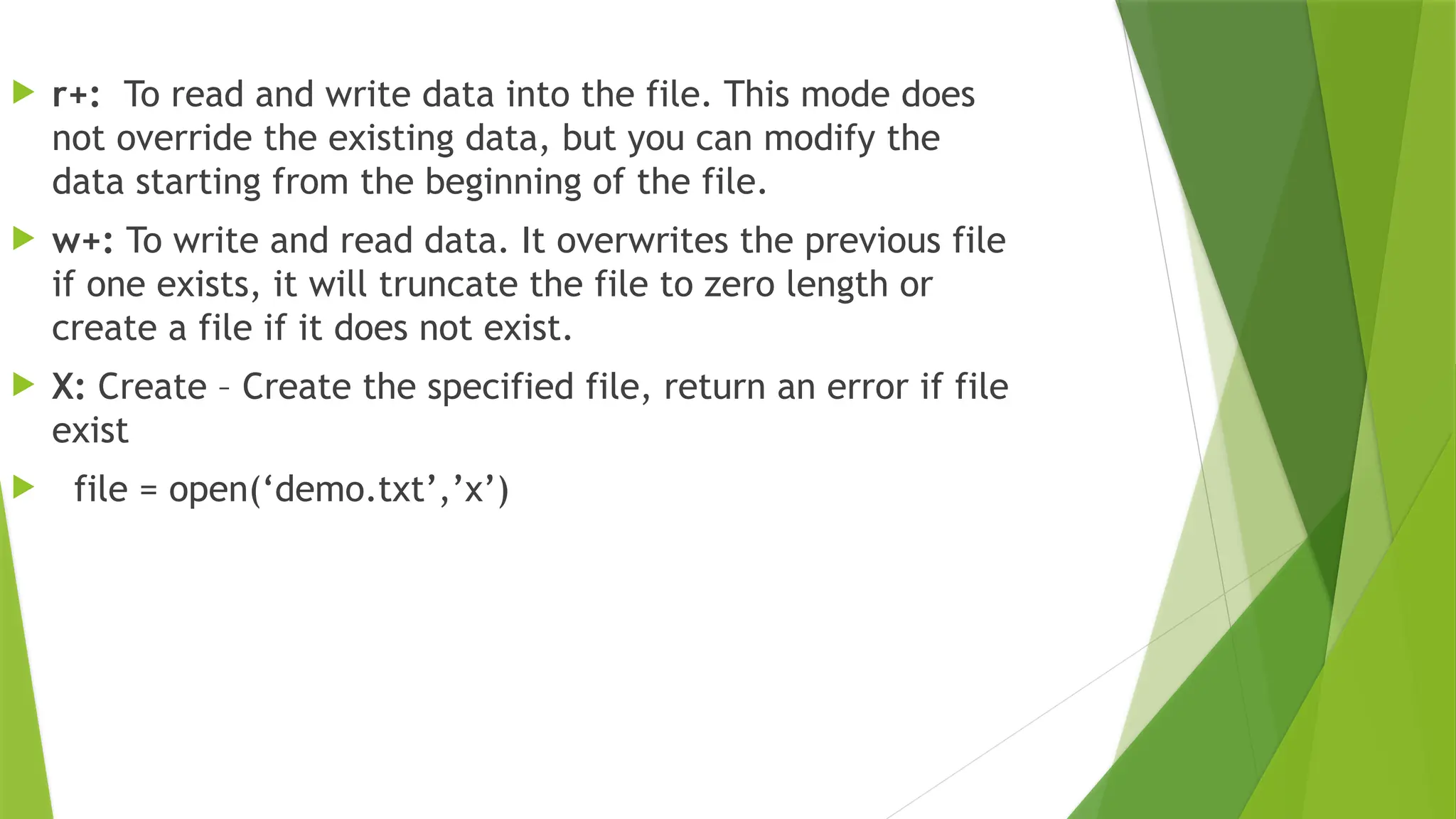
 r+: To read and write data into the file. This mode does
not override the existing data, but you can modify the
data starting from the beginning of the file.
 w+: To write and read data. It overwrites the previous file
if one exists, it will truncate the file to zero length or
create a file if it does not exist.
 X: Create – Create the specified file, return an error if file
exist
 file = open(‘demo.txt’,’x’)
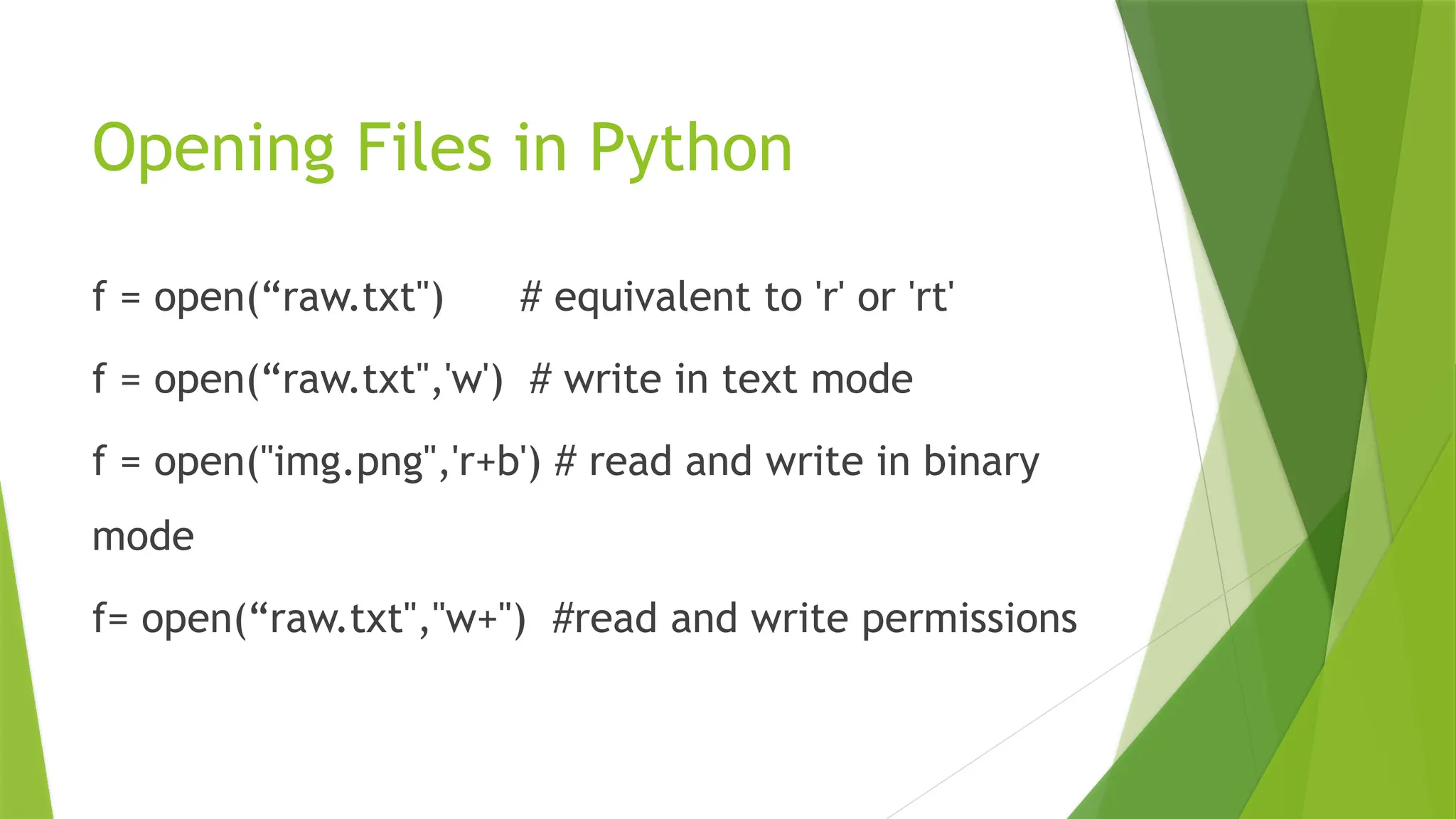
Opening Files in Python
f = open(“raw.txt") # equivalent to 'r' or 'rt'
f = open(“raw.txt",'w') # write in text mode
f = open("img.png",'r+b') # read and write in binary
mode
f= open(“raw.txt","w+") #read and write permissions
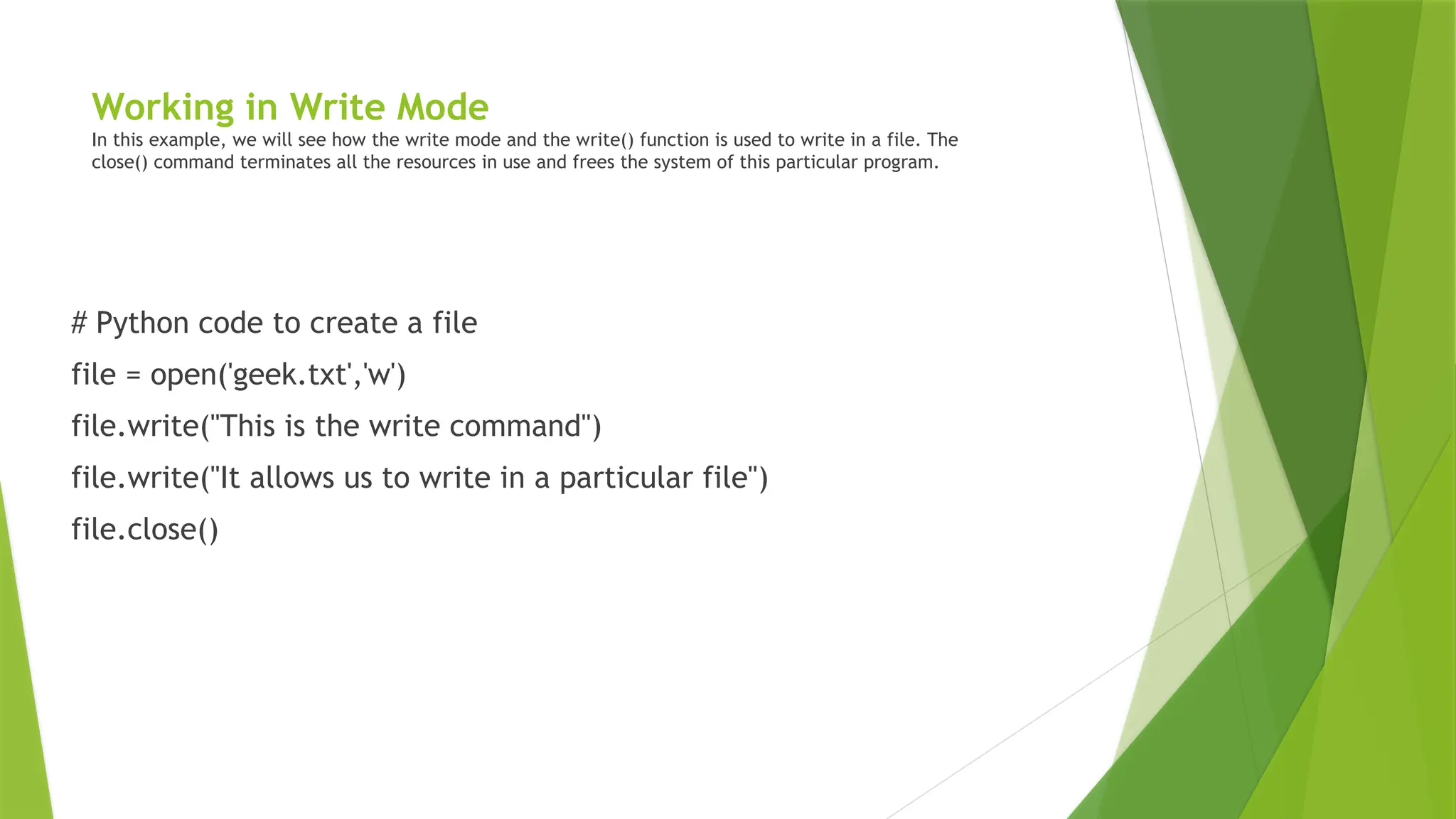
Working in Write Mode
In this example, we will see how the write mode and the write() function is used to write in a file. The
close() command terminates all the resources in use and frees the system of this particular program.
# Python code to create a file
file = open('geek.txt','w')
file.write("This is the write command")
file.write("It allows us to write in a particular file")
file.close()
Thank You

Python File Handling52616416416 ppt.pptx

  • 1.
    File Handling InPython  Name:- Sahil Thakur  Roll no:- CI230200089S
  • 2.
    File Handling InPython  Python supports file handling and allows users to handle files i.e., to read and write files, along with many other file handling options, to operate on files.
  • 3.
    PYTHON FILE OPEN Before performing any operation on the file like reading or writing, first, we have to open that file. For this, we should use Python’s inbuilt function open() but at the time of opening, we have to specify the mode, which represents the purpose of the opening file f = open(filename, mode)
  • 4.
    METHOD FOR OPENA FILE  r: open an existing file for a read operation.  Syntax-> F = Open(‘demo.txt’,’r’) print( File.read ())  w: open an existing file for a write operation. If the file already contains some data, then it will be overridden but if the file is not present then it creates the file as well.  Syntax-> File = Open(‘demo.txt’ ‘w’) File. Write(‘hello,world’)  a: open an existing file for append operation. It won’t override existing data.  Syntax-> File.write(‘Appending.txt’)
  • 5.
     r+: Toread and write data into the file. This mode does not override the existing data, but you can modify the data starting from the beginning of the file.  w+: To write and read data. It overwrites the previous file if one exists, it will truncate the file to zero length or create a file if it does not exist.  X: Create – Create the specified file, return an error if file exist  file = open(‘demo.txt’,’x’)
  • 6.
    Opening Files inPython f = open(“raw.txt") # equivalent to 'r' or 'rt' f = open(“raw.txt",'w') # write in text mode f = open("img.png",'r+b') # read and write in binary mode f= open(“raw.txt","w+") #read and write permissions
  • 7.
    Working in WriteMode In this example, we will see how the write mode and the write() function is used to write in a file. The close() command terminates all the resources in use and frees the system of this particular program. # Python code to create a file file = open('geek.txt','w') file.write("This is the write command") file.write("It allows us to write in a particular file") file.close()
  • 8.