Publishing XML
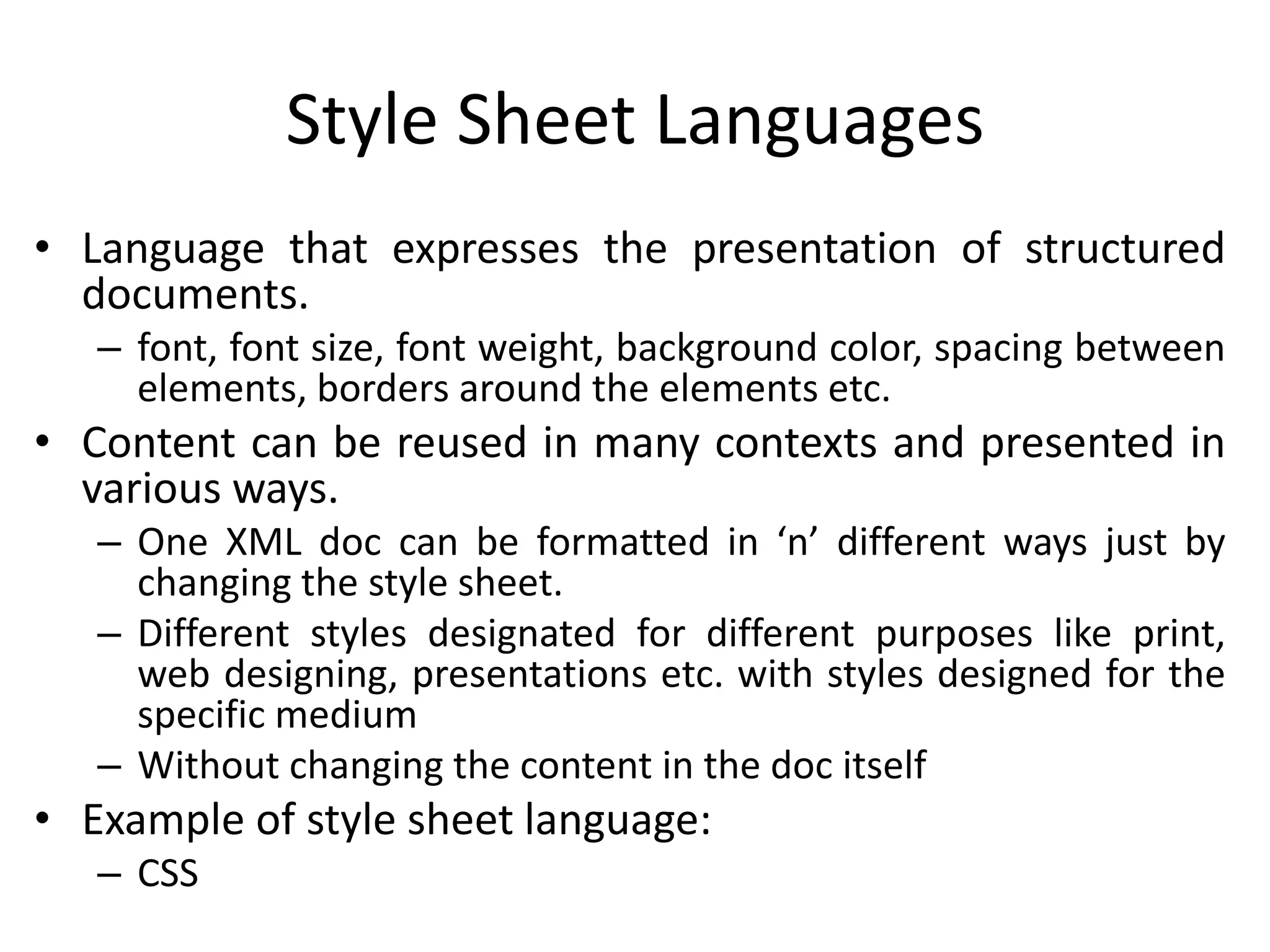
Style Sheet Languages
• Language that expresses the presentation of structured
documents.
– font, font size, font weight, background color, spacing between
elements, borders around the elements etc.
• Content can be reused in many contexts and presented in
various ways.
– One XML doc can be formatted in ‘n’ different ways just by
changing the style sheet.
– Different styles designated for different purposes like print,
web designing, presentations etc. with styles designed for the
specific medium
– Without changing the content in the doc itself
• Example of style sheet language:
– CSS
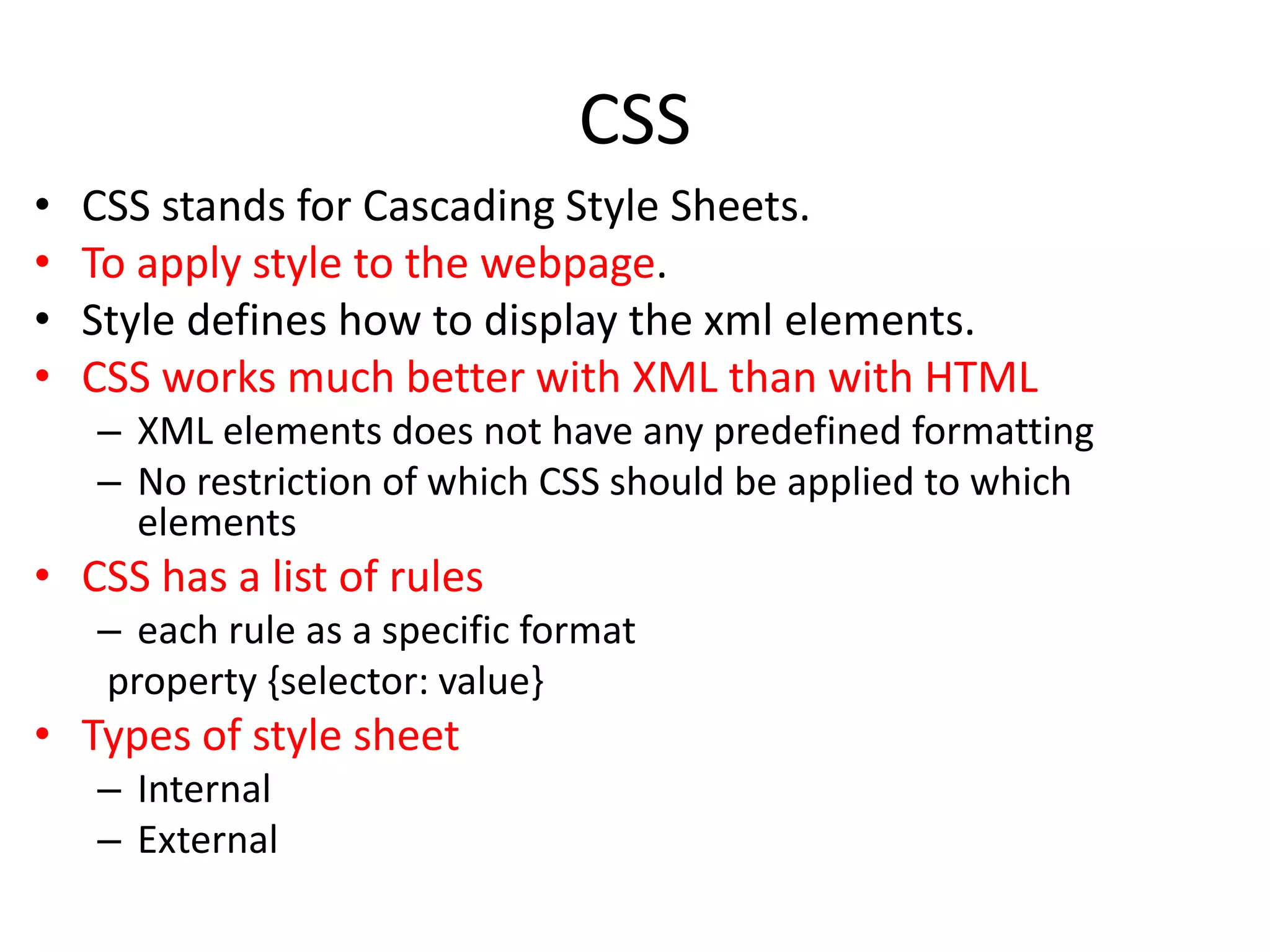
CSS
• CSS stands for Cascading Style Sheets.
• To apply style to the webpage.
• Style defines how to display the xml elements.
• CSS works much better with XML than with HTML
– XML elements does not have any predefined formatting
– No restriction of which CSS should be applied to which
elements
• CSS has a list of rules
– each rule as a specific format
property {selector: value}
• Types of style sheet
– Internal
– External
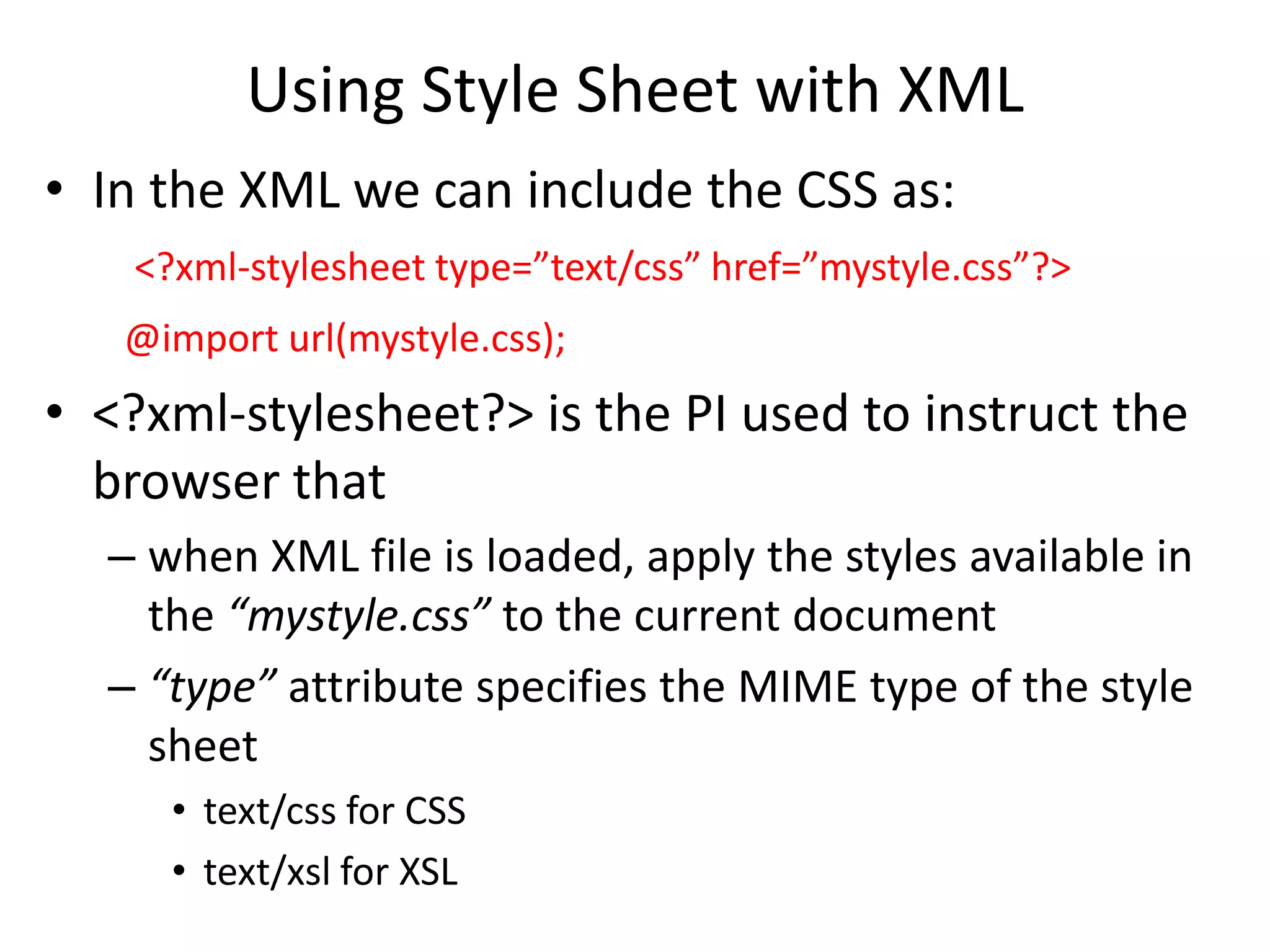
Using Style Sheet with XML
• In the XML we can include the CSS as:
<?xml-stylesheet type=”text/css” href=”mystyle.css”?>
@import url(mystyle.css);
• <?xml-stylesheet?> is the PI used to instruct the
browser that
– when XML file is loaded, apply the styles available in
the “mystyle.css” to the current document
– “type” attribute specifies the MIME type of the style
sheet
• text/css for CSS
• text/xsl for XSL
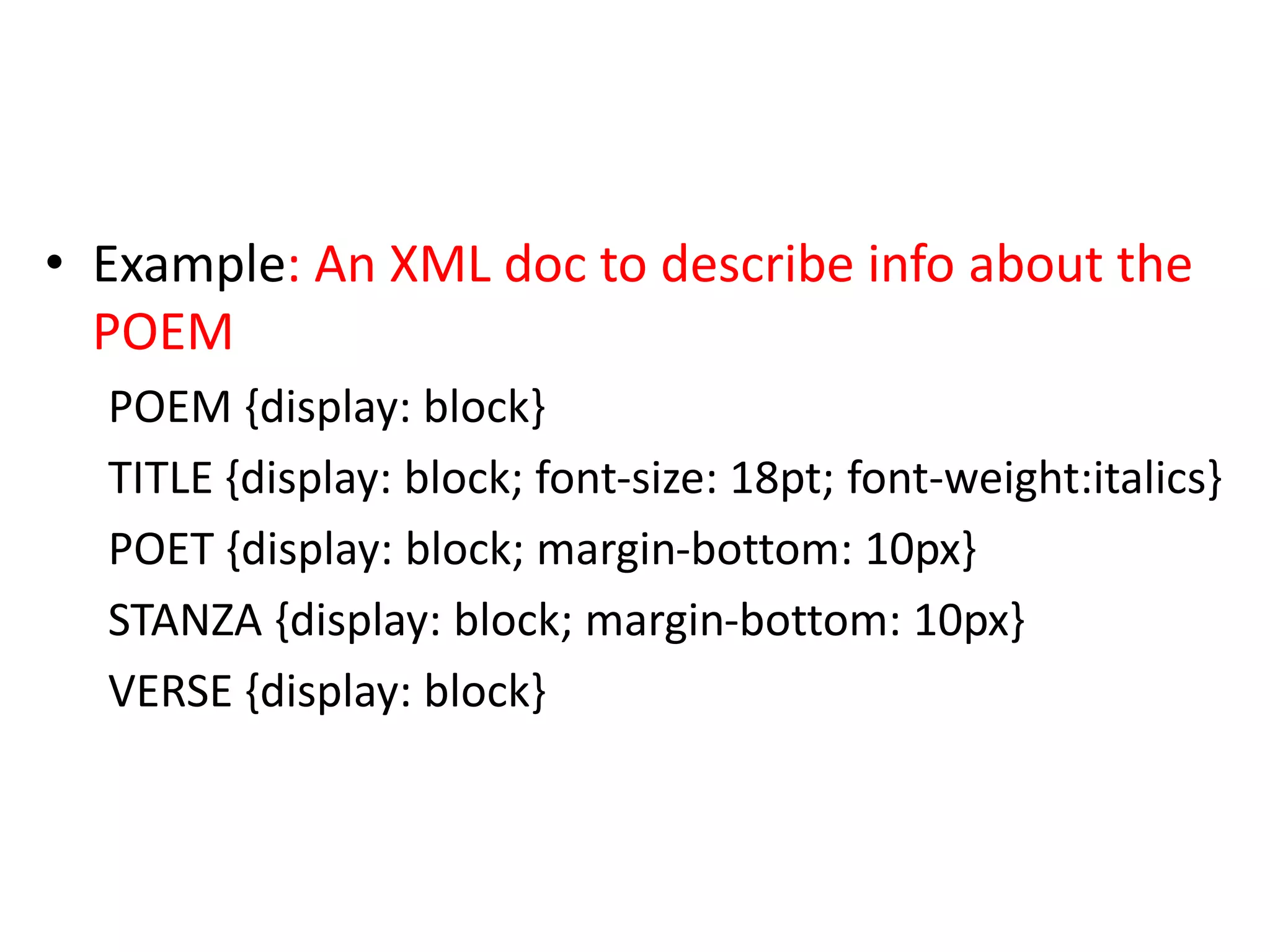
• Example: An XML doc to describe info about the
POEM
POEM {display: block}
TITLE {display: block; font-size: 18pt; font-weight:italics}
POET {display: block; margin-bottom: 10px}
STANZA {display: block; margin-bottom: 10px}
VERSE {display: block}
CSS Syntax
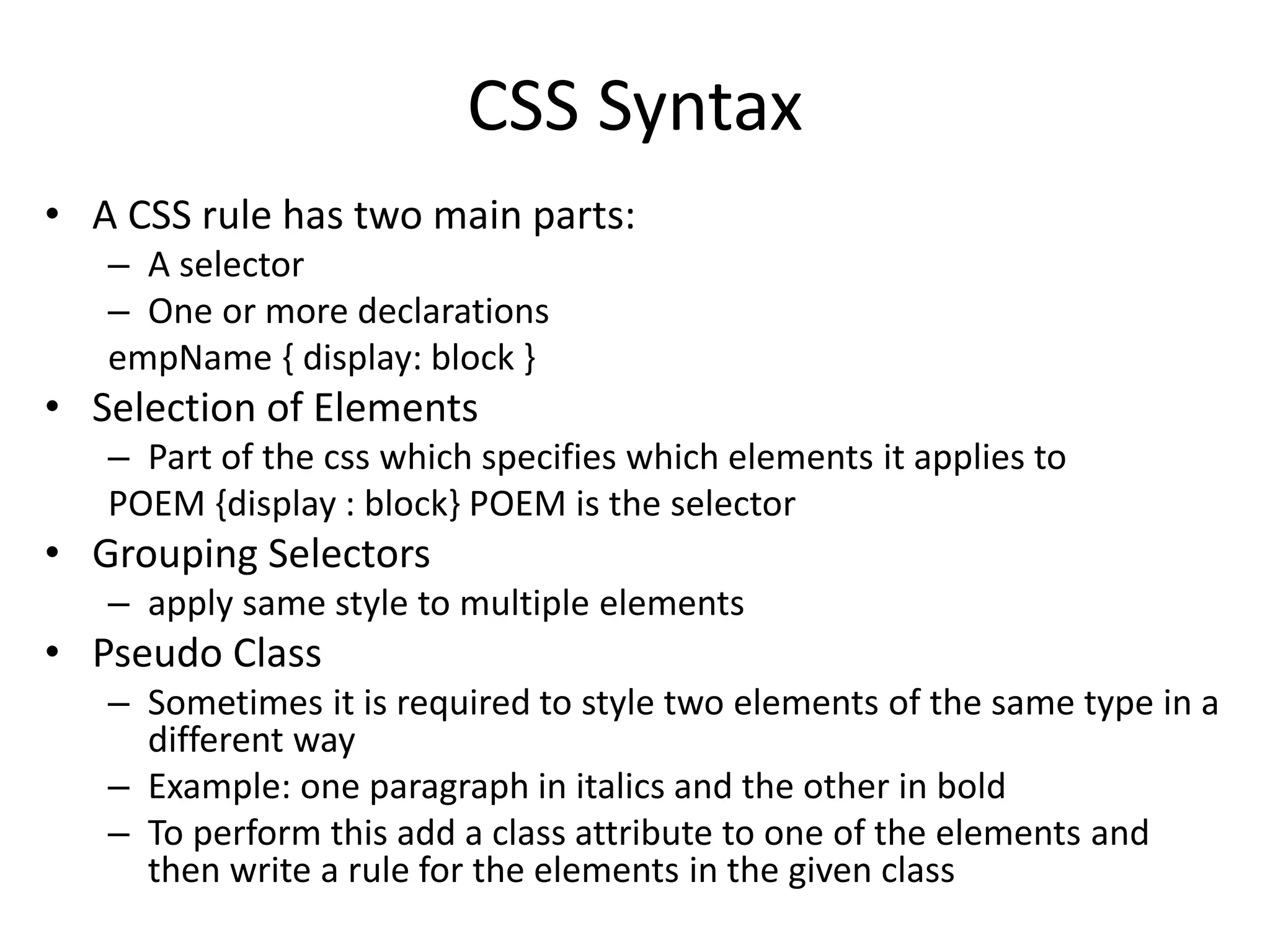
• A CSS rule has two main parts:
– A selector
– One or more declarations
empName { display: block }
• Selection of Elements
– Part of the css which specifies which elements it applies to
POEM {display : block} POEM is the selector
• Grouping Selectors
– apply same style to multiple elements
• Pseudo Class
– Sometimes it is required to style two elements of the same type in a
different way
– Example: one paragraph in italics and the other in bold
– To perform this add a class attribute to one of the elements and
then write a rule for the elements in the given class
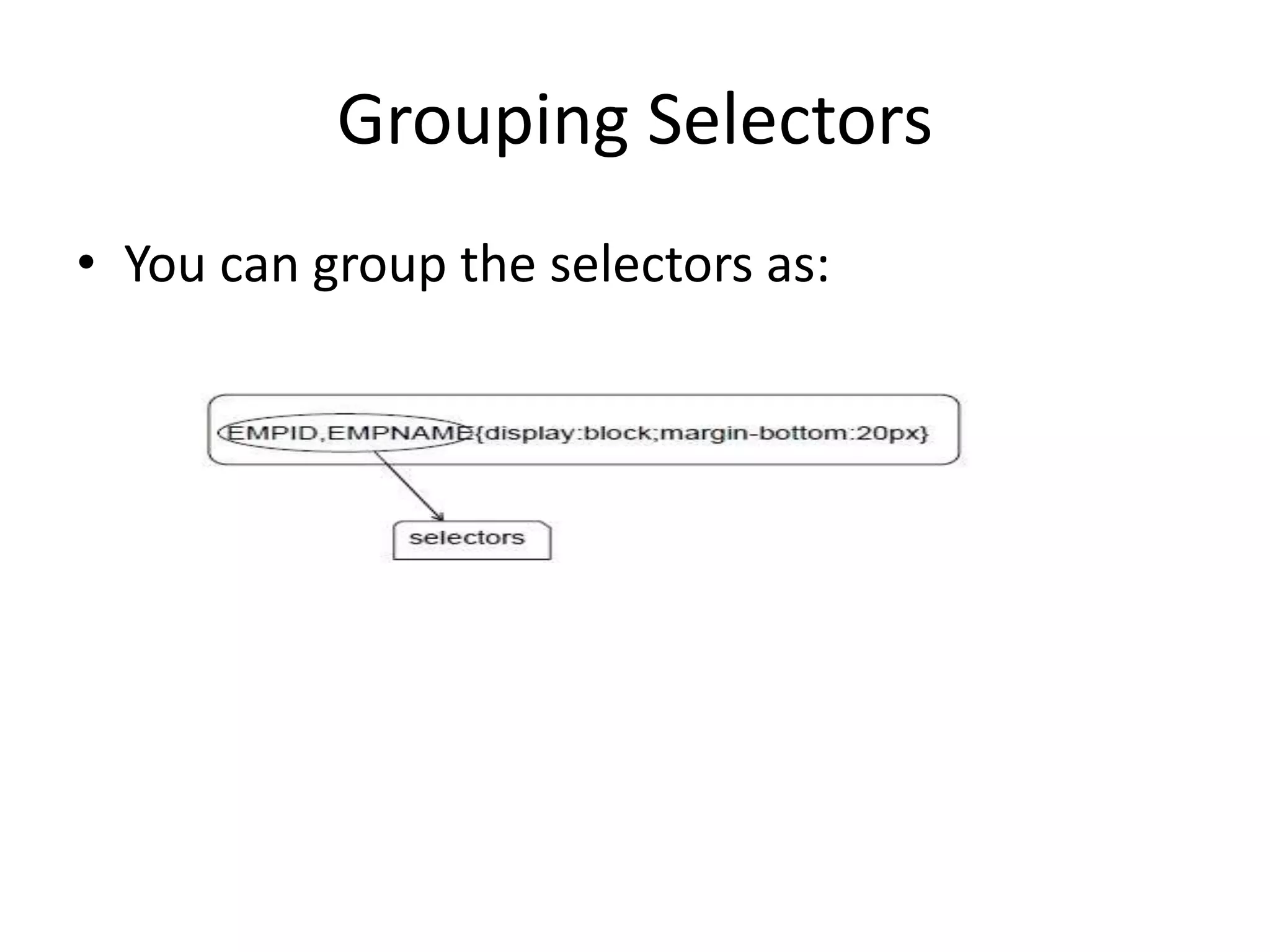
Grouping Selectors
• You can group the selectors as:
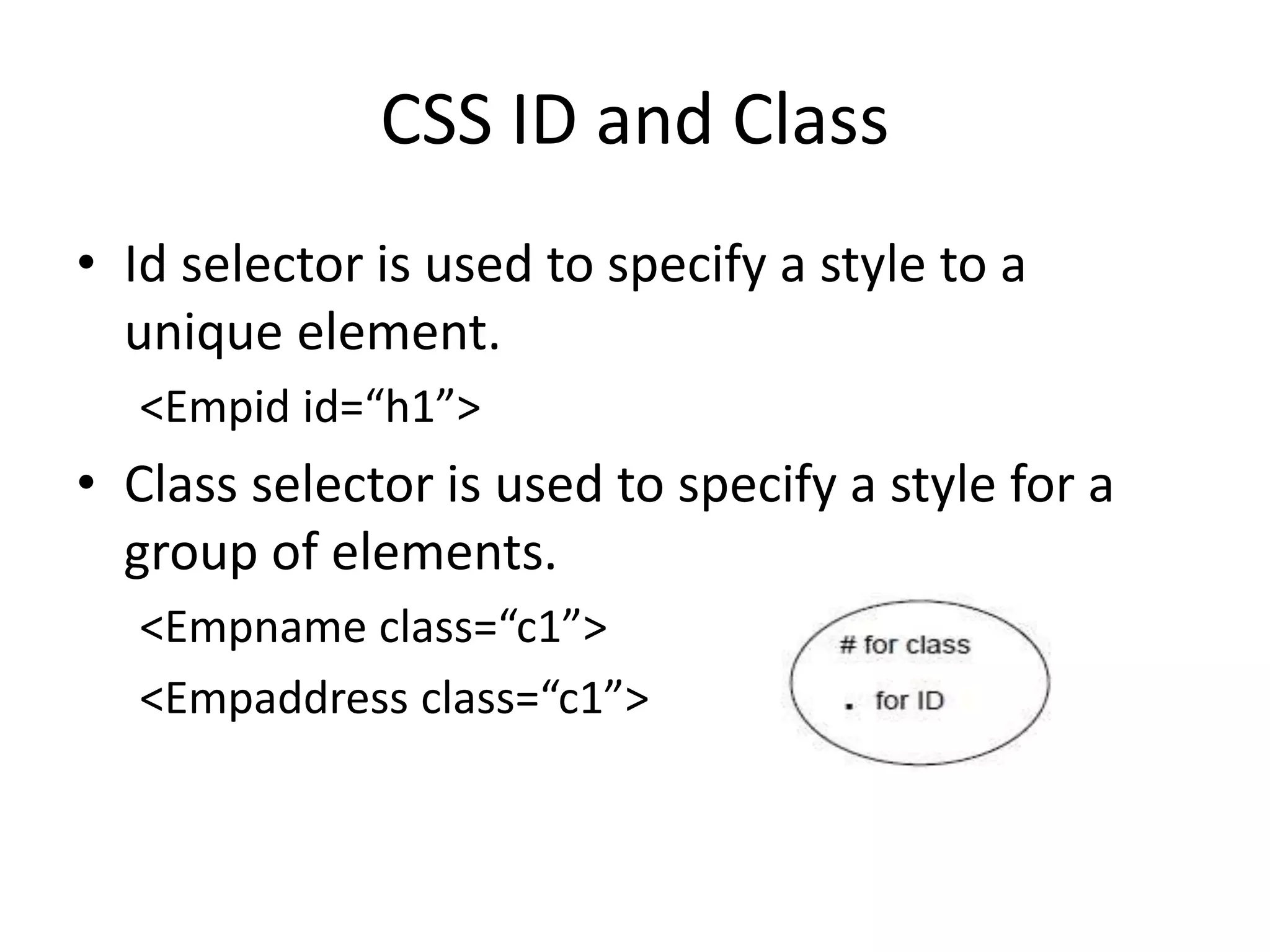
CSS ID and Class
• Id selector is used to specify a style to a
unique element.
<Empid id=“h1”>
• Class selector is used to specify a style for a
group of elements.
<Empname class=“c1”>
<Empaddress class=“c1”>
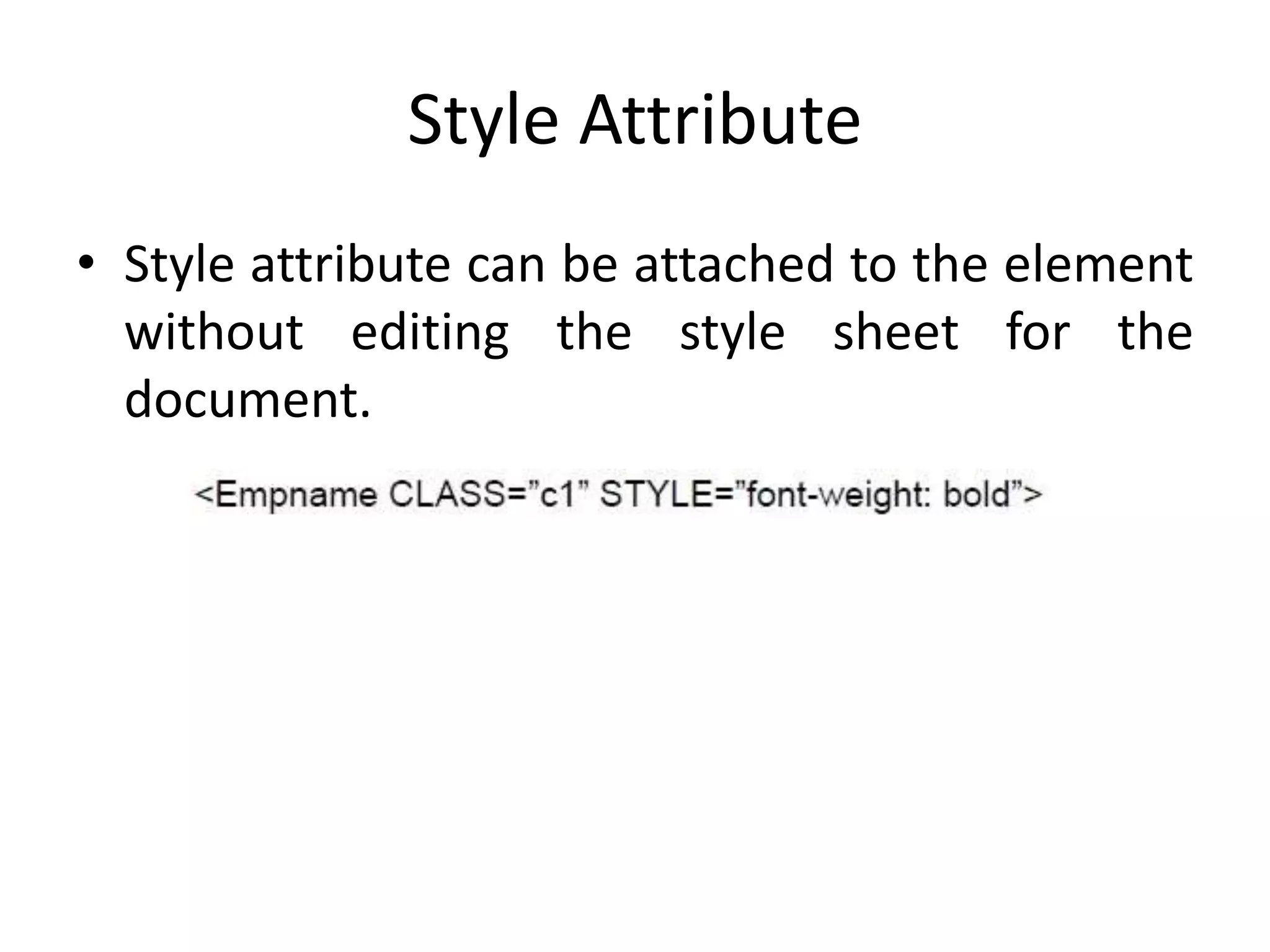
Style Attribute
• Style attribute can be attached to the element
without editing the style sheet for the
document.
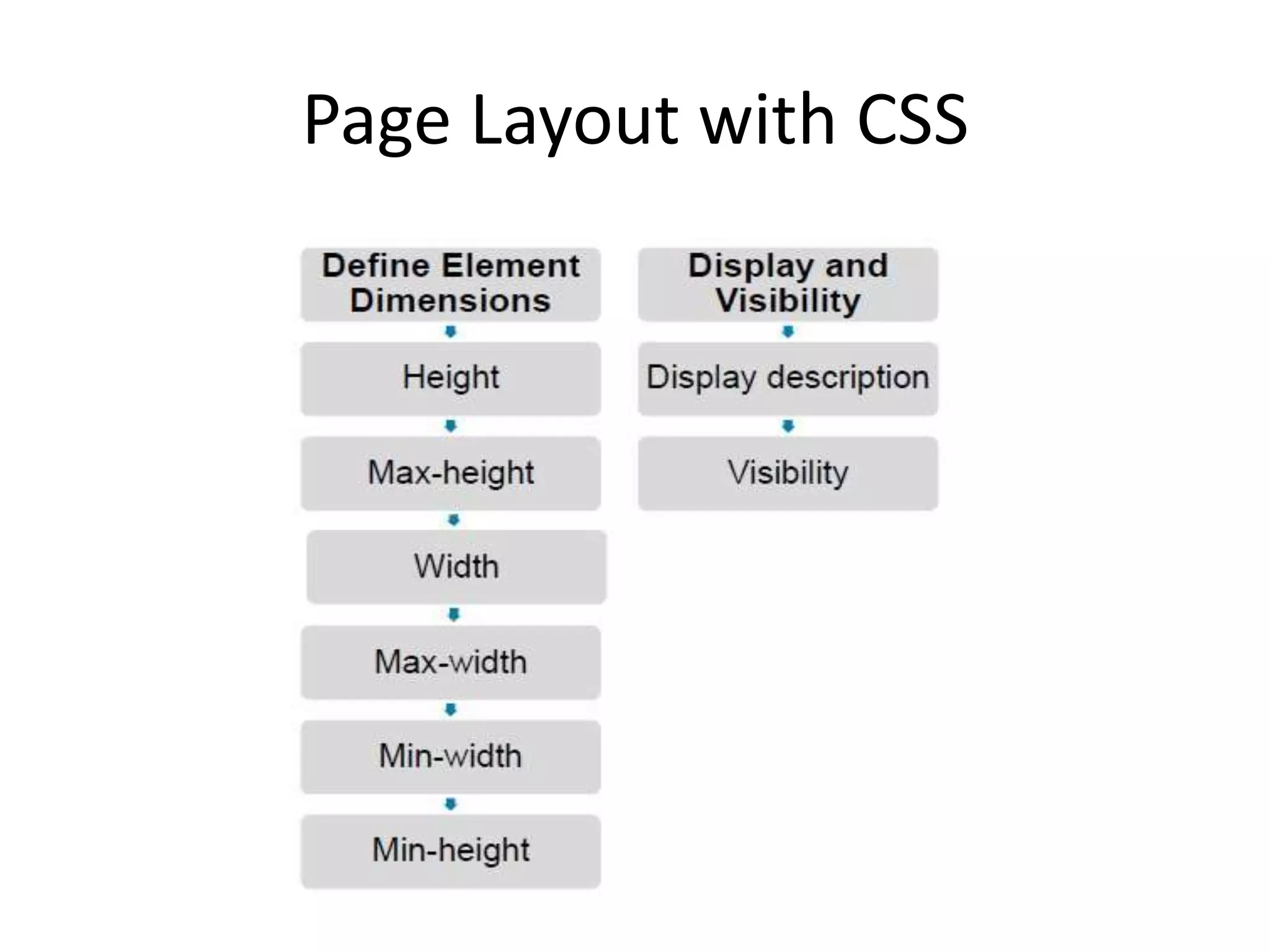
Page Layout with CSS

Publishing xml

  • 1.
  • 2.
    Style Sheet Languages •Language that expresses the presentation of structured documents. – font, font size, font weight, background color, spacing between elements, borders around the elements etc. • Content can be reused in many contexts and presented in various ways. – One XML doc can be formatted in ‘n’ different ways just by changing the style sheet. – Different styles designated for different purposes like print, web designing, presentations etc. with styles designed for the specific medium – Without changing the content in the doc itself • Example of style sheet language: – CSS
  • 3.
    CSS • CSS standsfor Cascading Style Sheets. • To apply style to the webpage. • Style defines how to display the xml elements. • CSS works much better with XML than with HTML – XML elements does not have any predefined formatting – No restriction of which CSS should be applied to which elements • CSS has a list of rules – each rule as a specific format property {selector: value} • Types of style sheet – Internal – External
  • 4.
    Using Style Sheetwith XML • In the XML we can include the CSS as: <?xml-stylesheet type=”text/css” href=”mystyle.css”?> @import url(mystyle.css); • <?xml-stylesheet?> is the PI used to instruct the browser that – when XML file is loaded, apply the styles available in the “mystyle.css” to the current document – “type” attribute specifies the MIME type of the style sheet • text/css for CSS • text/xsl for XSL
  • 5.
    • Example: AnXML doc to describe info about the POEM POEM {display: block} TITLE {display: block; font-size: 18pt; font-weight:italics} POET {display: block; margin-bottom: 10px} STANZA {display: block; margin-bottom: 10px} VERSE {display: block}
  • 6.
    CSS Syntax • ACSS rule has two main parts: – A selector – One or more declarations empName { display: block } • Selection of Elements – Part of the css which specifies which elements it applies to POEM {display : block} POEM is the selector • Grouping Selectors – apply same style to multiple elements • Pseudo Class – Sometimes it is required to style two elements of the same type in a different way – Example: one paragraph in italics and the other in bold – To perform this add a class attribute to one of the elements and then write a rule for the elements in the given class
  • 7.
    Grouping Selectors • Youcan group the selectors as:
  • 8.
    CSS ID andClass • Id selector is used to specify a style to a unique element. <Empid id=“h1”> • Class selector is used to specify a style for a group of elements. <Empname class=“c1”> <Empaddress class=“c1”>
  • 9.
    Style Attribute • Styleattribute can be attached to the element without editing the style sheet for the document.
  • 10.