Prometheus:
PromQL Deep Dive
Jeff Hoffer, Developer Experience
github.com/eudaimos
Agenda
1. What is PromQL
2. PromQL Operators
3. PromQL Functions
4. Hands On: Building Queries in PromQL
5. Hands On: Visualizing PromQL in Grafana
6. Training on real app
7. What’s next?
What is PromQL
• Powerful Query Language of Prometheus
• Provides built in operators and functions
• Vector-based calculations like Excel
• Expressions over time-series vectors
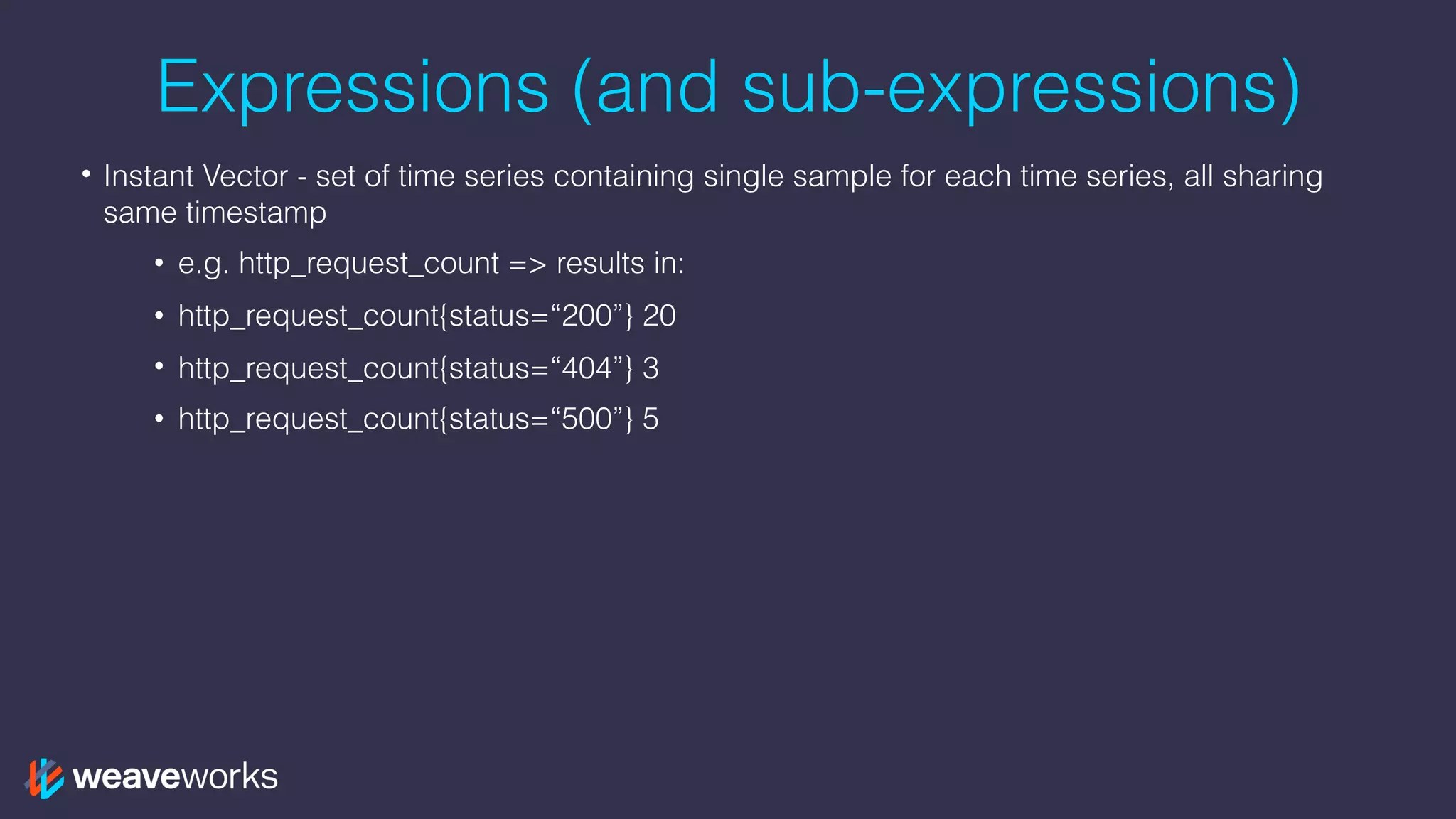
Expressions (and sub-expressions)
• Instant Vector - set of time series containing single sample for each time series, all sharing
same timestamp
• e.g. http_request_count => results in:
• http_request_count{status=“200”} 20
• http_request_count{status=“404”} 3
• http_request_count{status=“500”} 5
Expressions (and sub-expressions)
• Instant Vector - set of time series containing single sample for each time series, all sharing
same timestamp
• e.g. http_request_count => results in:
• http_request_count{status=“200”} 20
• http_request_count{status=“404”} 3
• http_request_count{status=“500”} 5
• Range Vector - set of time series containing a range of data points over time for each series
• e.g. http_request_count[5m] => results in:
• http_request_count{status=“200”}
Expressions (and sub-expressions)
• Instant Vector - set of time series containing single sample for each time series, all sharing
same timestamp
• e.g. http_request_count => results in:
• http_request_count{status=“200”} 20
• http_request_count{status=“404”} 3
• http_request_count{status=“500”} 5
• Range Vector - set of time series containing a range of data points over time for each series
• e.g. http_request_count[5m] => results in:
• http_request_count{status=“200”}
• Scalar - as a literal and as result of an expression
• String - only currently as a literal in an expression
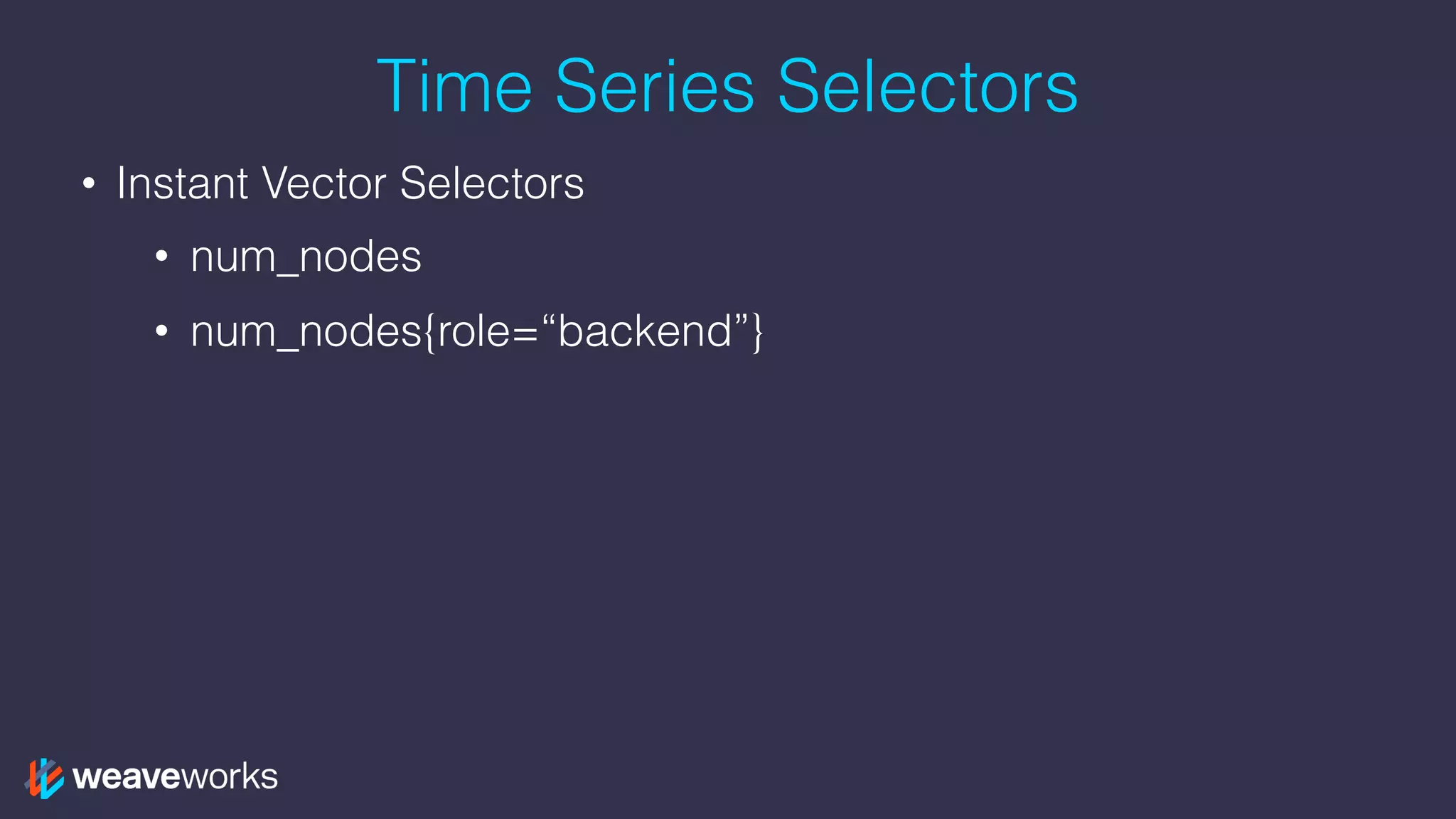
Time Series Selectors
• Instant Vector Selectors
• num_nodes
• num_nodes{role=“backend”}
Time Series Selectors
• Instant Vector Selectors
• num_nodes
• num_nodes{role=“backend”}
• Range Vector Selectors (s, m, h, d, w, y)
• num_nodes{role=“backend”}[5m]
Time Series Selectors
• Instant Vector Selectors
• num_nodes
• num_nodes{role=“backend”}
• Range Vector Selectors (s, m, h, d, w, y)
• num_nodes{role=“backend”}[5m]
• Offset Modifier
• num_nodes{role=“backend”}[5m] offset 1w
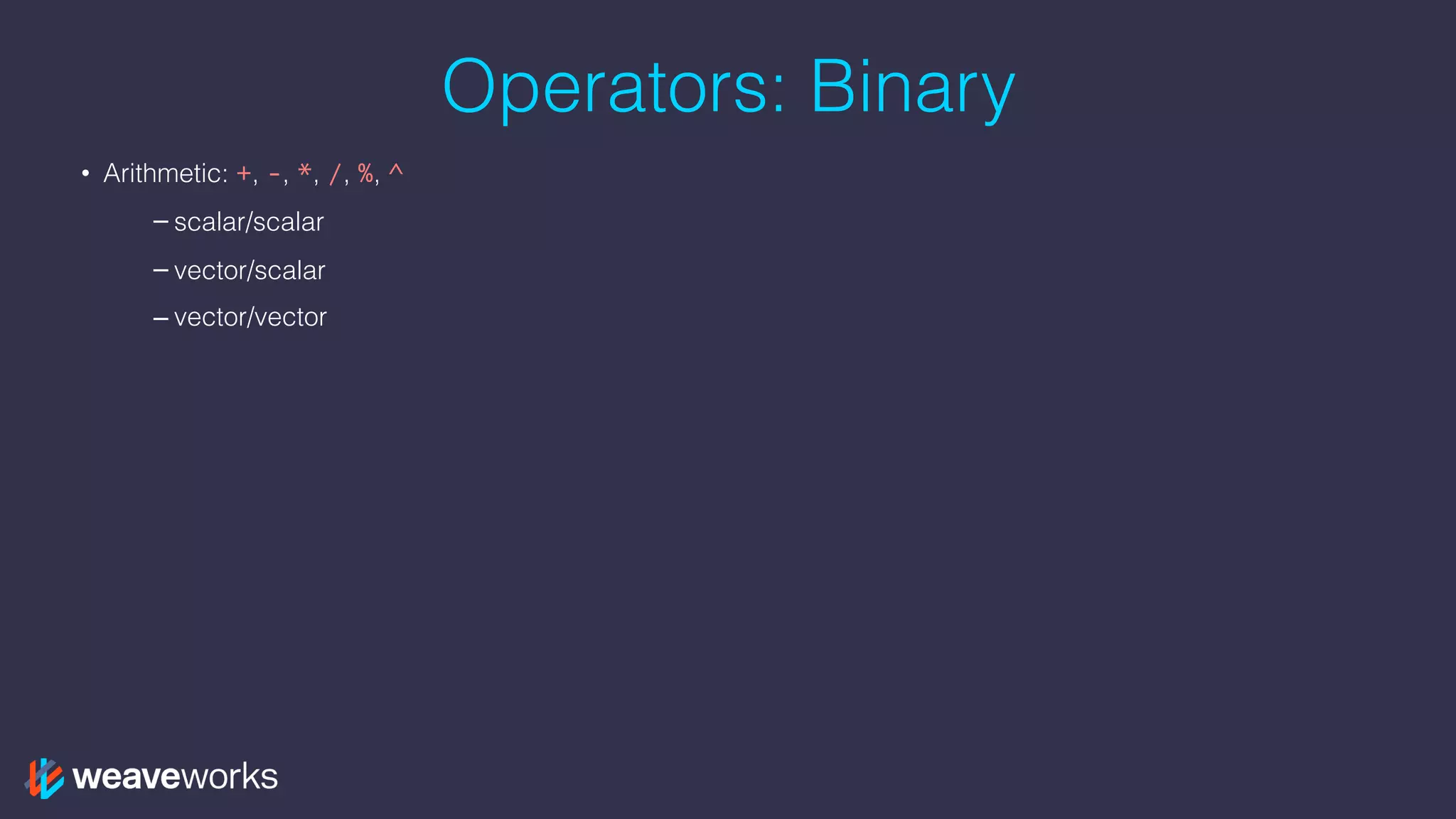
Operators: Binary
• Arithmetic: +, -, *, /, %, ^
– scalar/scalar
– vector/scalar
– vector/vector
Operators: Binary
• Arithmetic: +, -, *, /, %, ^
– scalar/scalar
– vector/scalar
– vector/vector
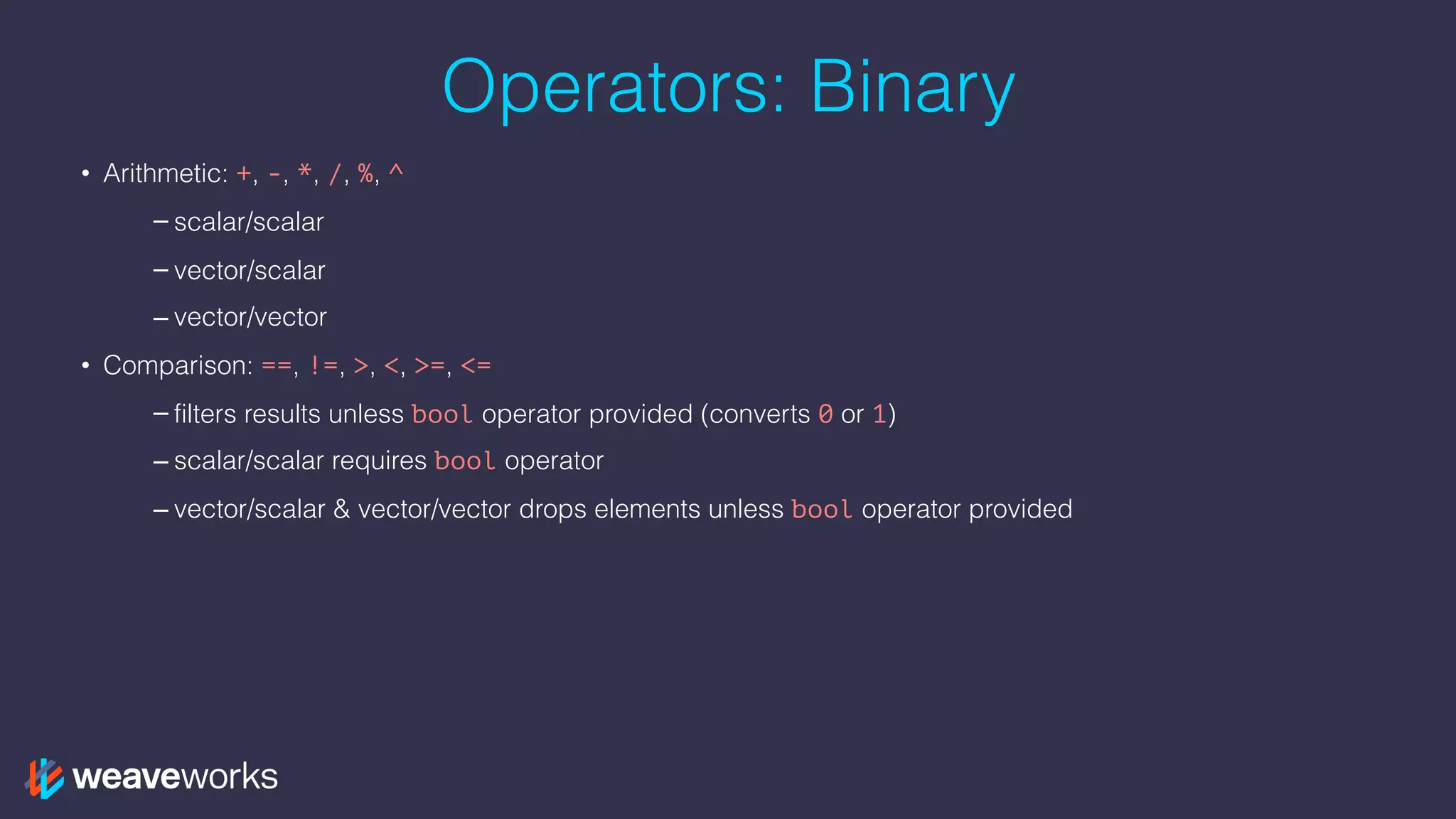
• Comparison: ==, !=, >, <, >=, <=
– filters results unless bool operator provided (converts 0 or 1)
– scalar/scalar requires bool operator
– vector/scalar & vector/vector drops elements unless bool operator provided
Operators: Binary
• Arithmetic: +, -, *, /, %, ^
– scalar/scalar
– vector/scalar
– vector/vector
• Comparison: ==, !=, >, <, >=, <=
– filters results unless bool operator provided (converts 0 or 1)
– scalar/scalar requires bool operator
– vector/scalar & vector/vector drops elements unless bool operator provided
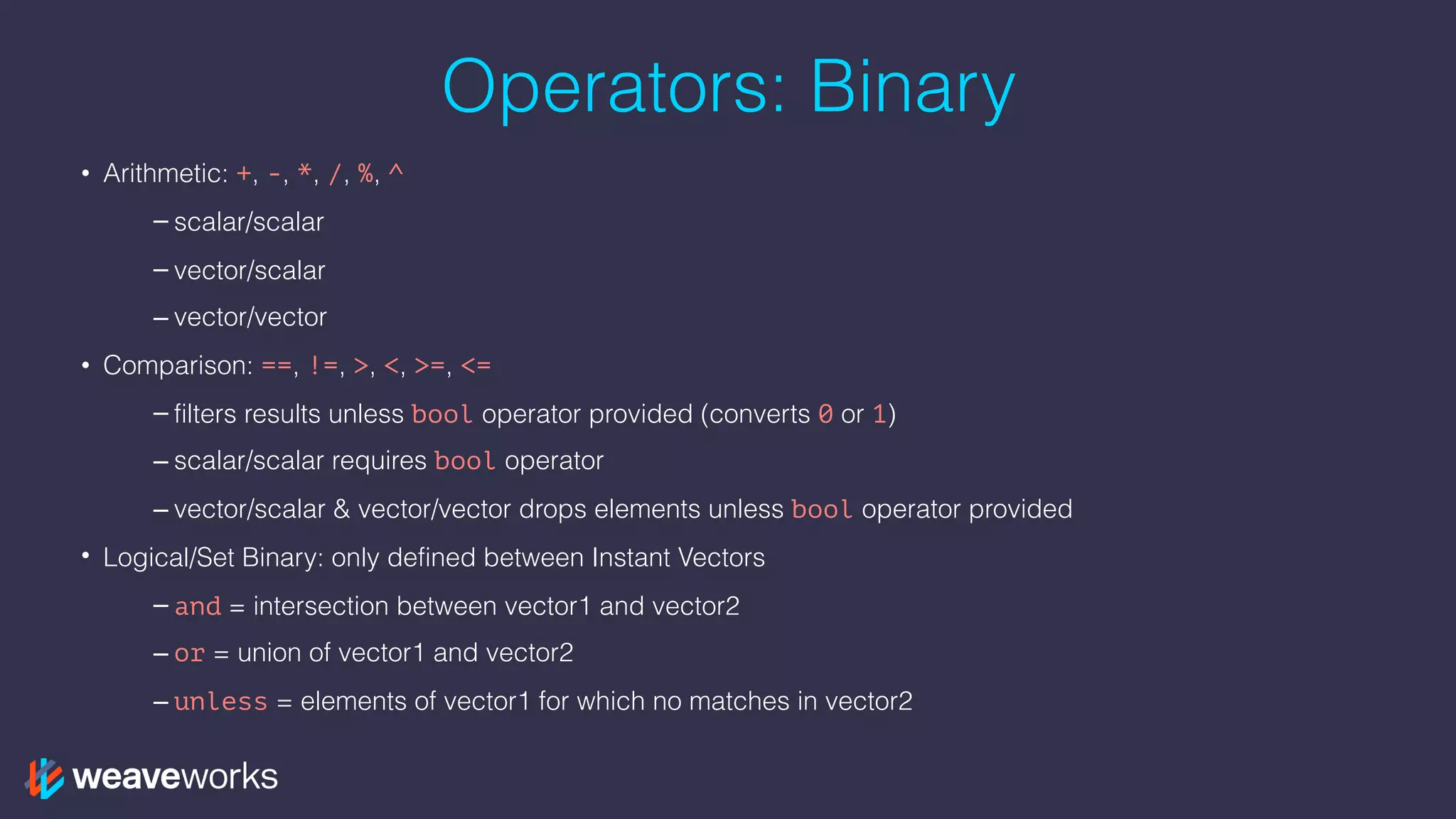
• Logical/Set Binary: only defined between Instant Vectors
– and = intersection between vector1 and vector2
– or = union of vector1 and vector2
– unless = elements of vector1 for which no matches in vector2
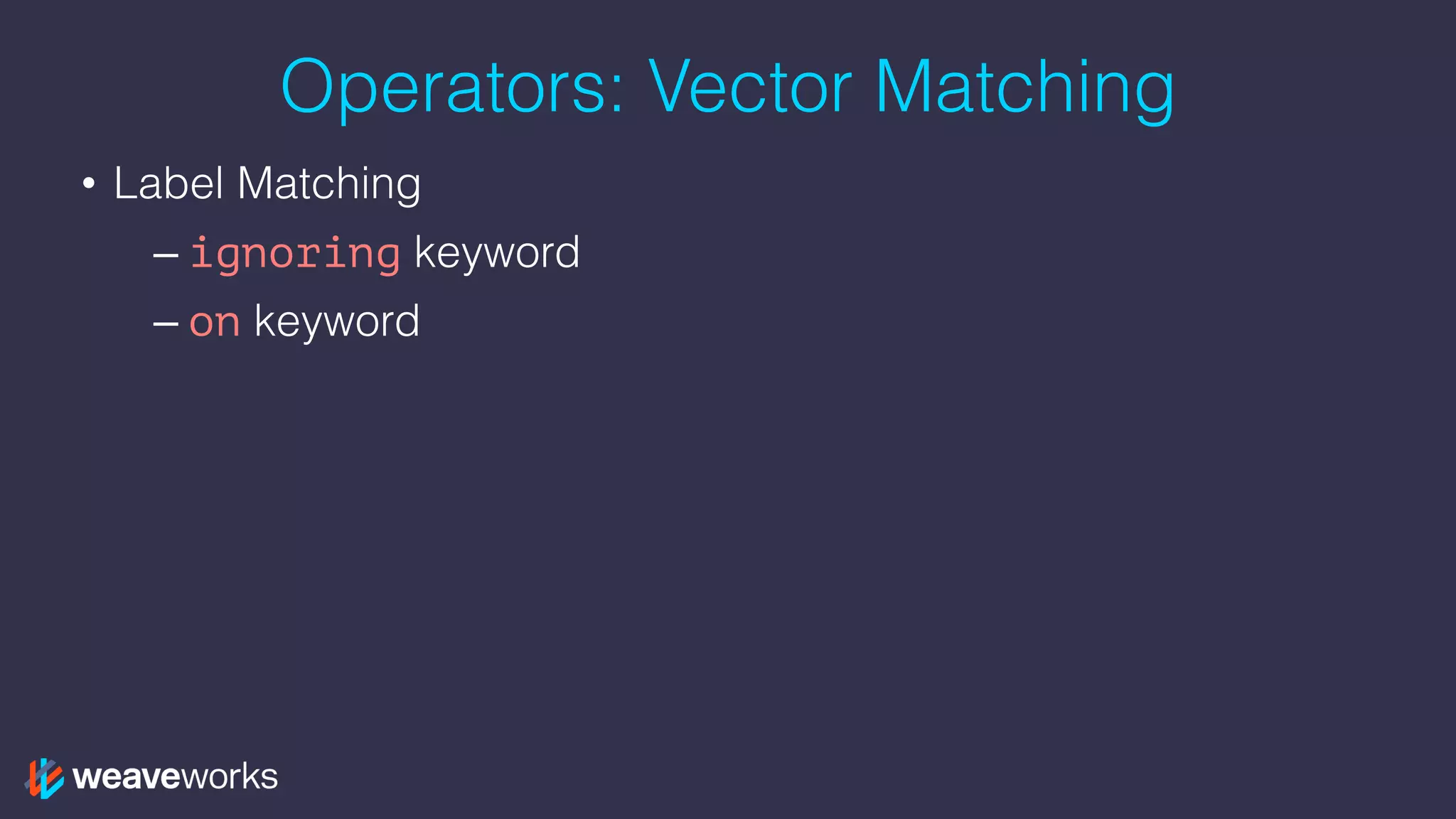
Operators: Vector Matching
• Label Matching
– ignoring keyword
– on keyword
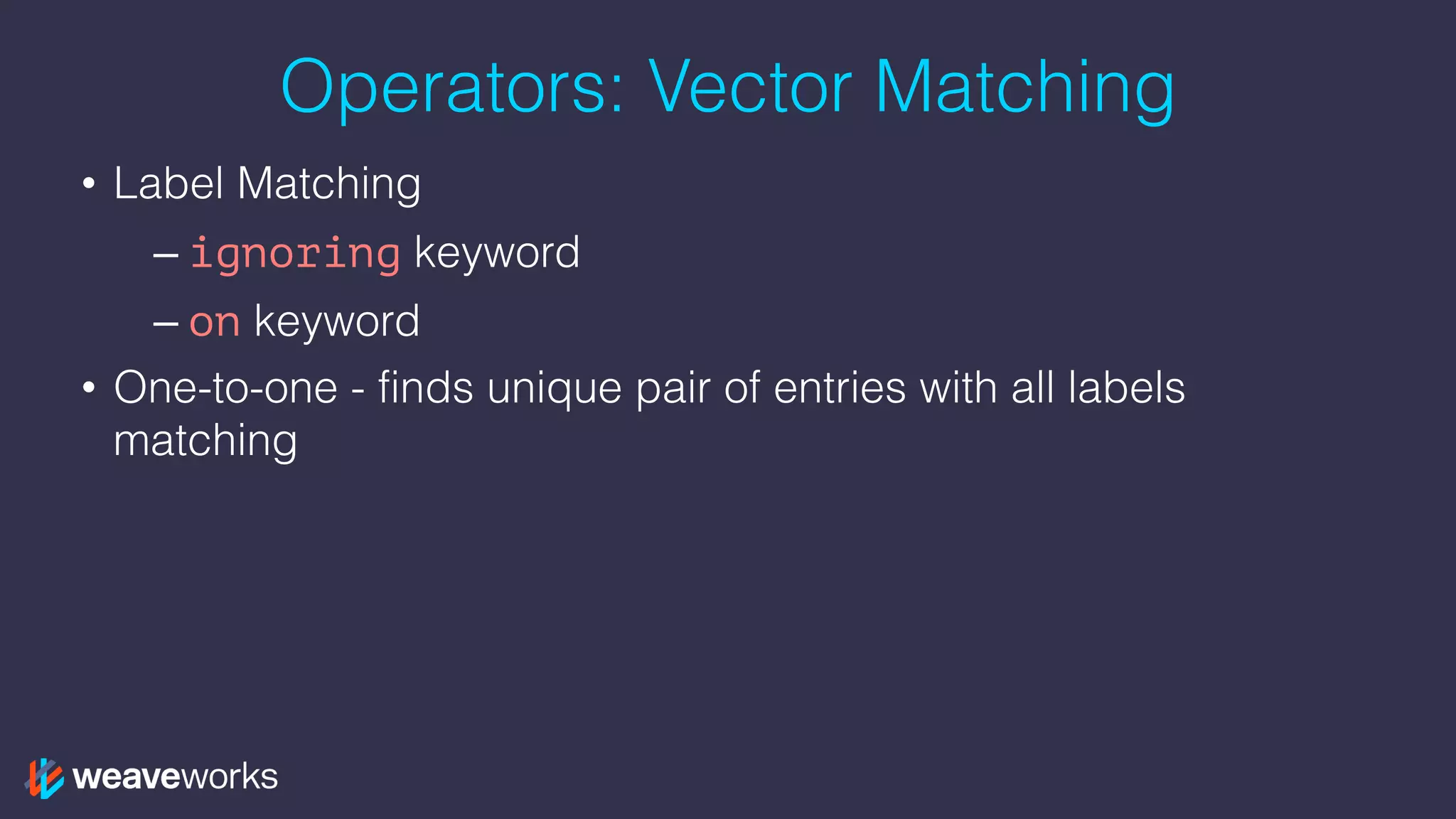
Operators: Vector Matching
• Label Matching
– ignoring keyword
– on keyword
• One-to-one - finds unique pair of entries with all labels
matching
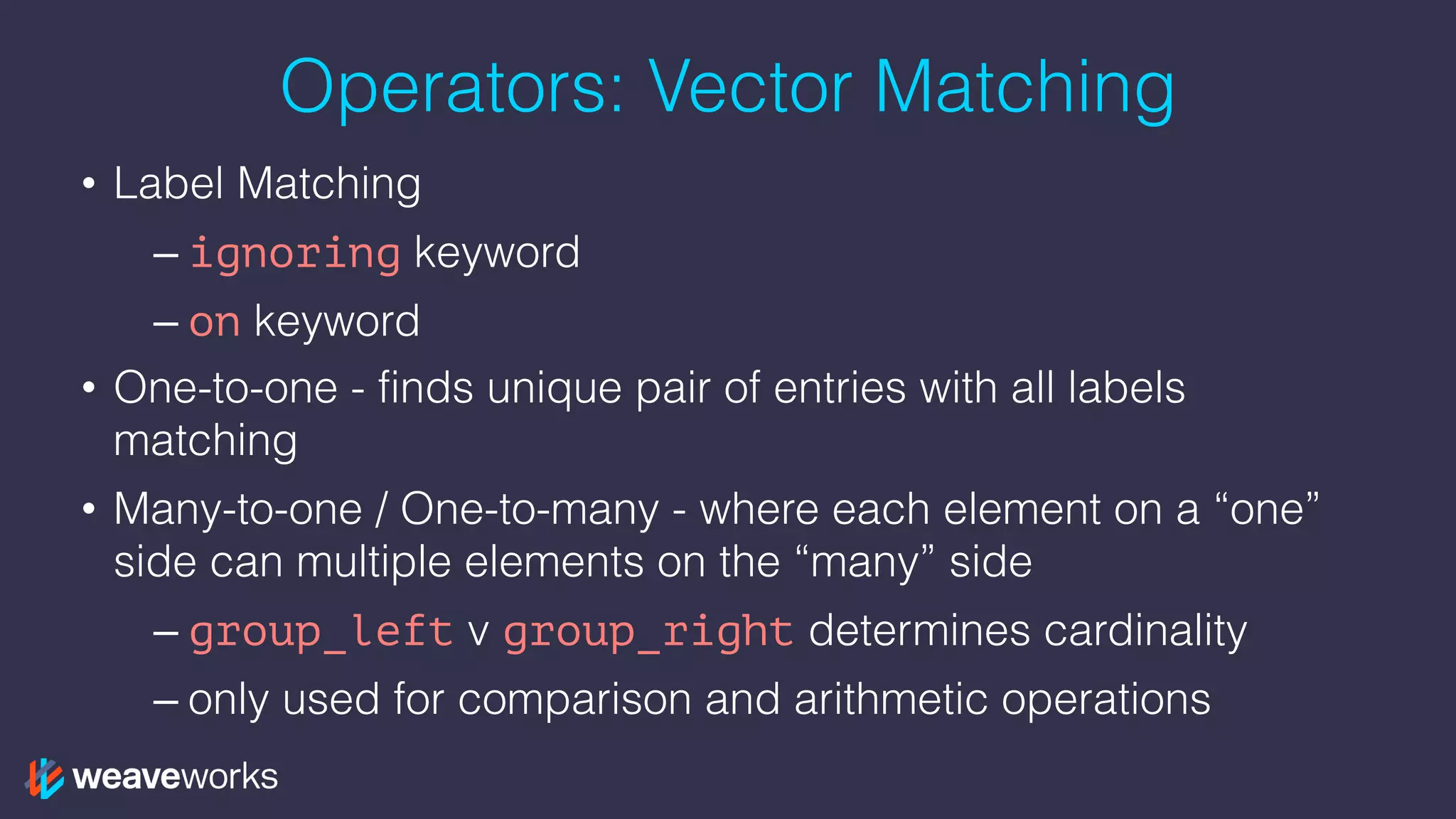
Operators: Vector Matching
• Label Matching
– ignoring keyword
– on keyword
• One-to-one - finds unique pair of entries with all labels
matching
• Many-to-one / One-to-many - where each element on a “one”
side can multiple elements on the “many” side
– group_left v group_right determines cardinality
– only used for comparison and arithmetic operations
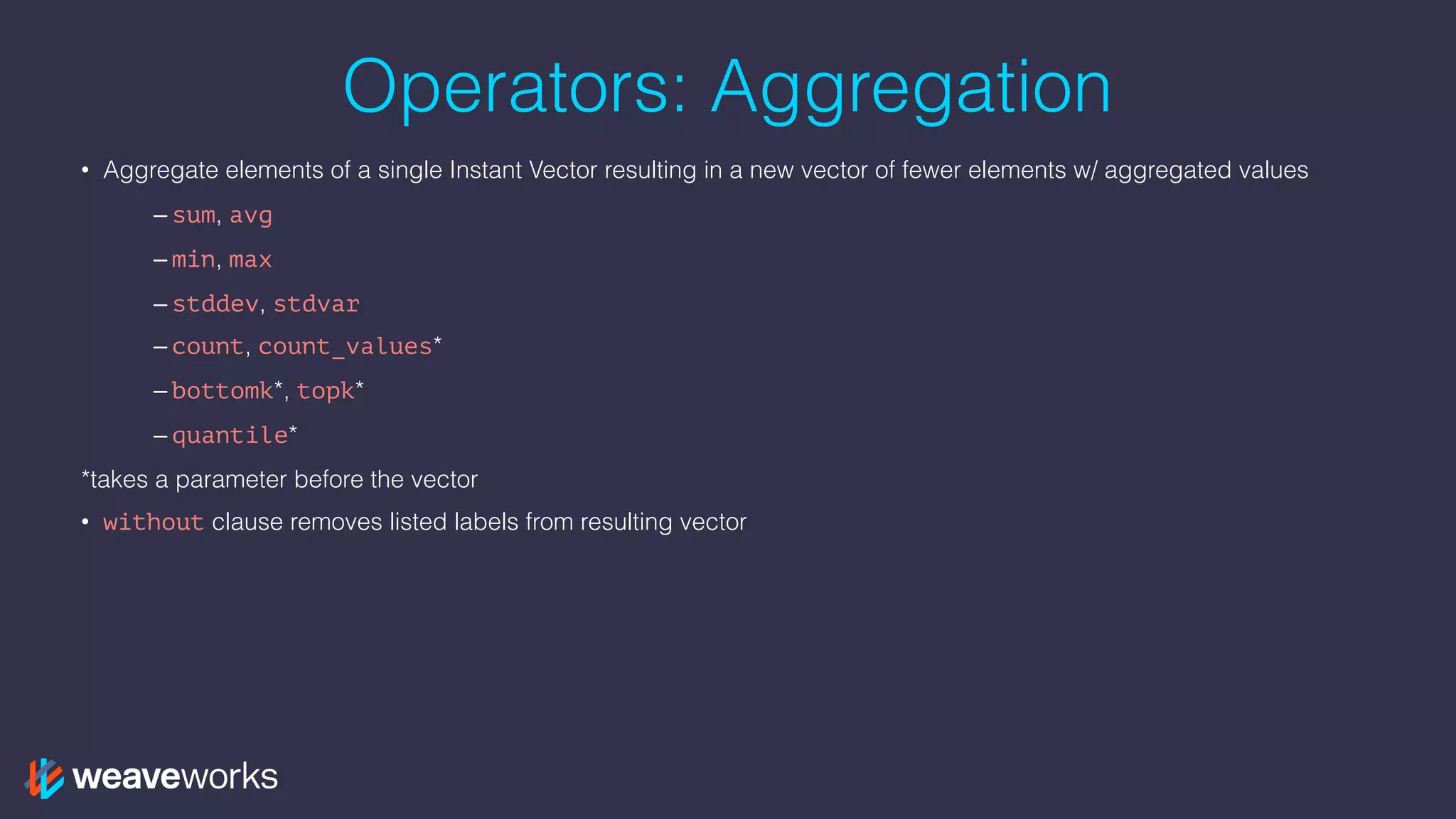
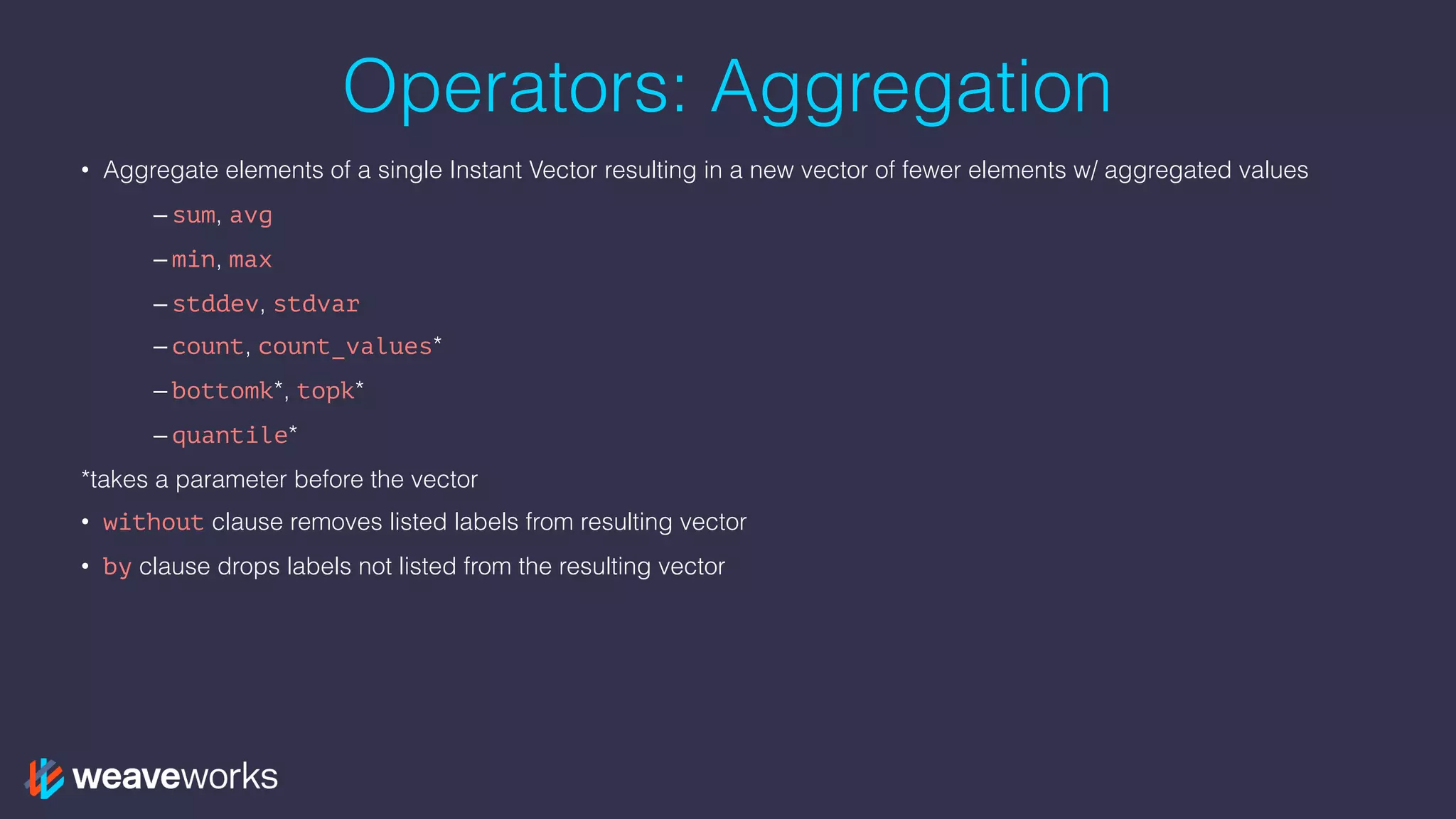
Operators: Aggregation
• Aggregate elements of a single Instant Vector resulting in a new vector of fewer elements w/ aggregated values
– sum, avg
– min, max
– stddev, stdvar
– count, count_values*
– bottomk*, topk*
– quantile*
*takes a parameter before the vector
Operators: Aggregation
• Aggregate elements of a single Instant Vector resulting in a new vector of fewer elements w/ aggregated values
– sum, avg
– min, max
– stddev, stdvar
– count, count_values*
– bottomk*, topk*
– quantile*
*takes a parameter before the vector
• without clause removes listed labels from resulting vector
Operators: Aggregation
• Aggregate elements of a single Instant Vector resulting in a new vector of fewer elements w/ aggregated values
– sum, avg
– min, max
– stddev, stdvar
– count, count_values*
– bottomk*, topk*
– quantile*
*takes a parameter before the vector
• without clause removes listed labels from resulting vector
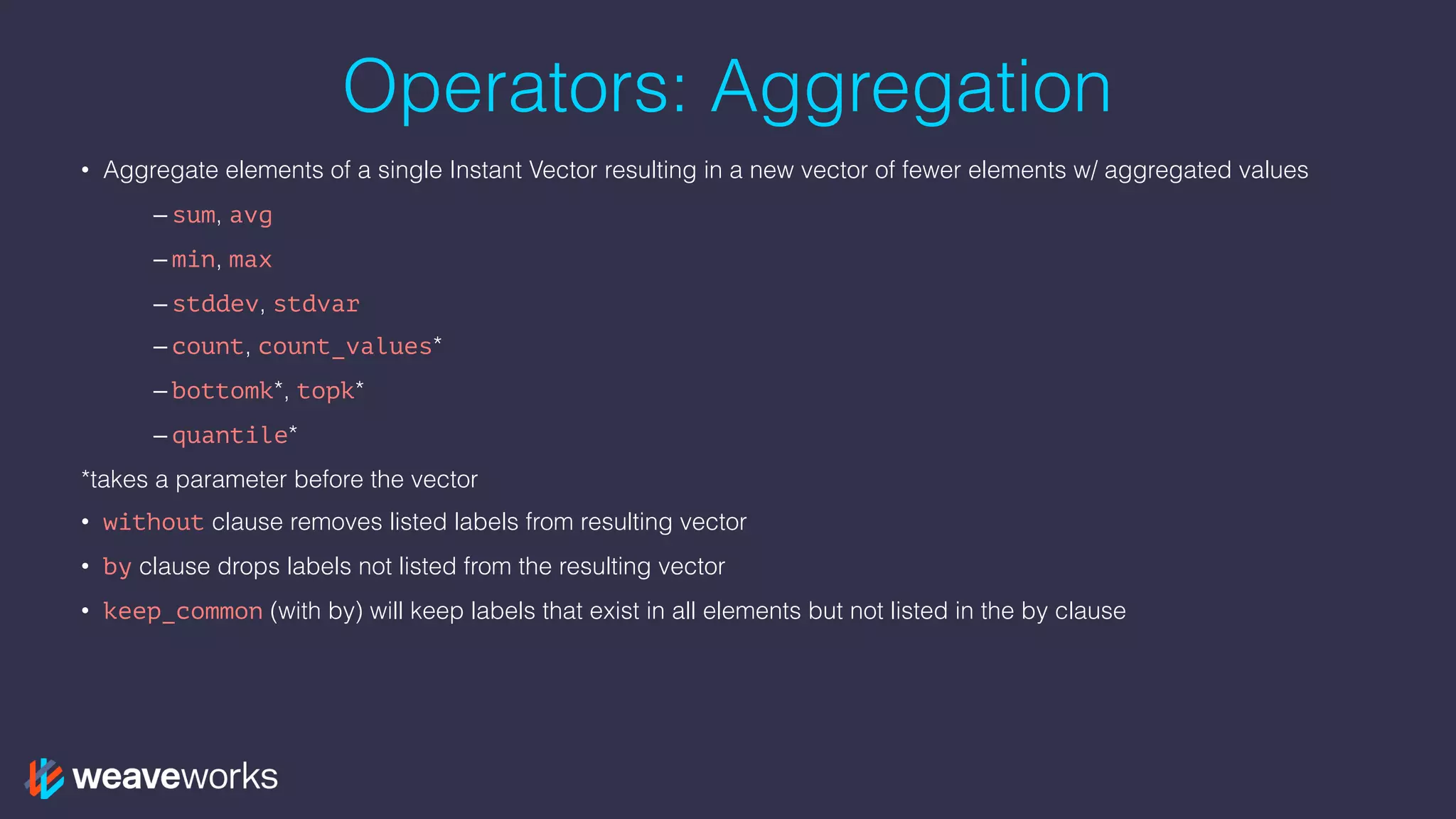
• by clause drops labels not listed from the resulting vector
Operators: Aggregation
• Aggregate elements of a single Instant Vector resulting in a new vector of fewer elements w/ aggregated values
– sum, avg
– min, max
– stddev, stdvar
– count, count_values*
– bottomk*, topk*
– quantile*
*takes a parameter before the vector
• without clause removes listed labels from resulting vector
• by clause drops labels not listed from the resulting vector
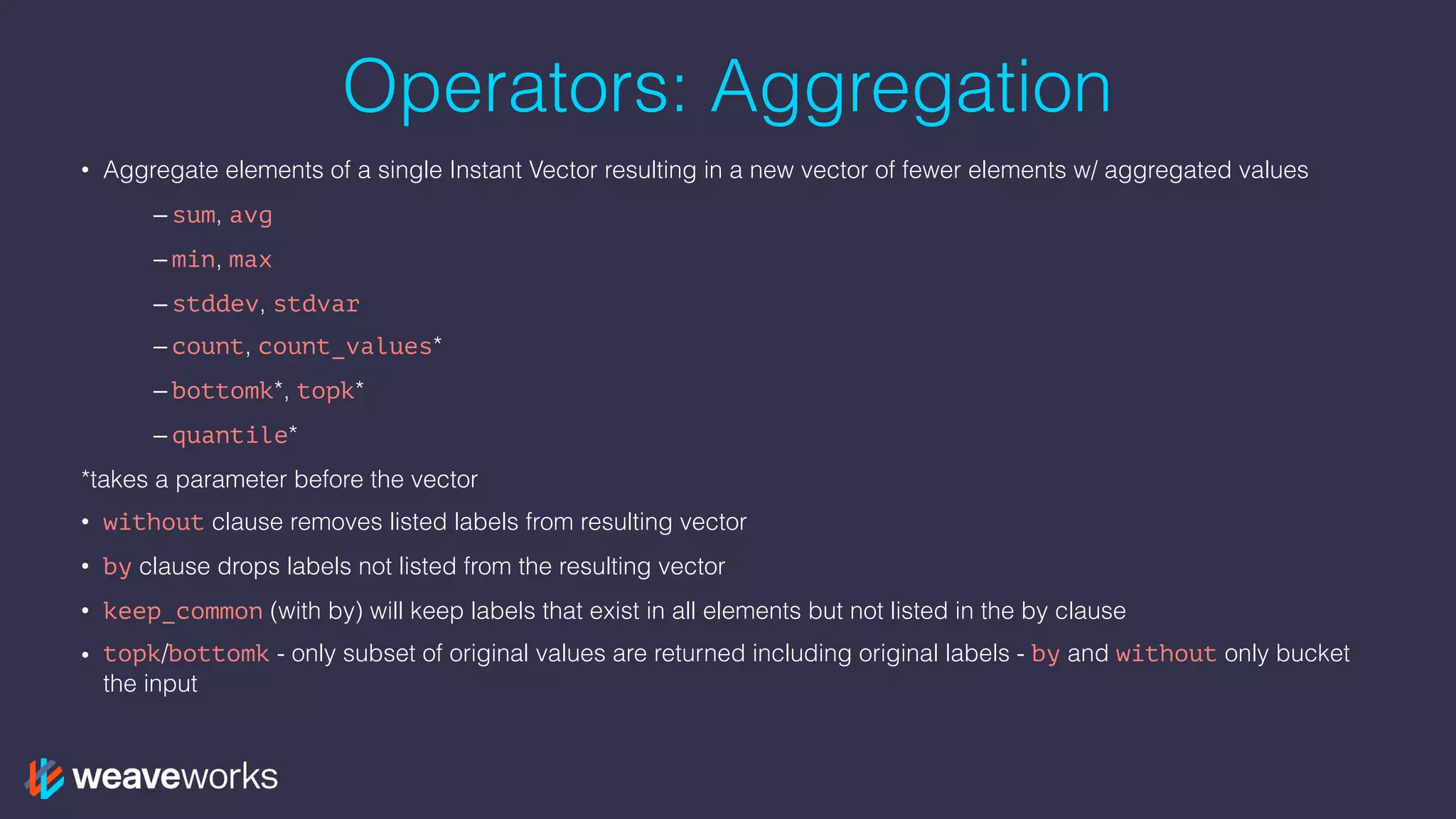
• keep_common (with by) will keep labels that exist in all elements but not listed in the by clause
Operators: Aggregation
• Aggregate elements of a single Instant Vector resulting in a new vector of fewer elements w/ aggregated values
– sum, avg
– min, max
– stddev, stdvar
– count, count_values*
– bottomk*, topk*
– quantile*
*takes a parameter before the vector
• without clause removes listed labels from resulting vector
• by clause drops labels not listed from the resulting vector
• keep_common (with by) will keep labels that exist in all elements but not listed in the by clause
• topk/bottomk - only subset of original values are returned including original labels - by and without only bucket
the input
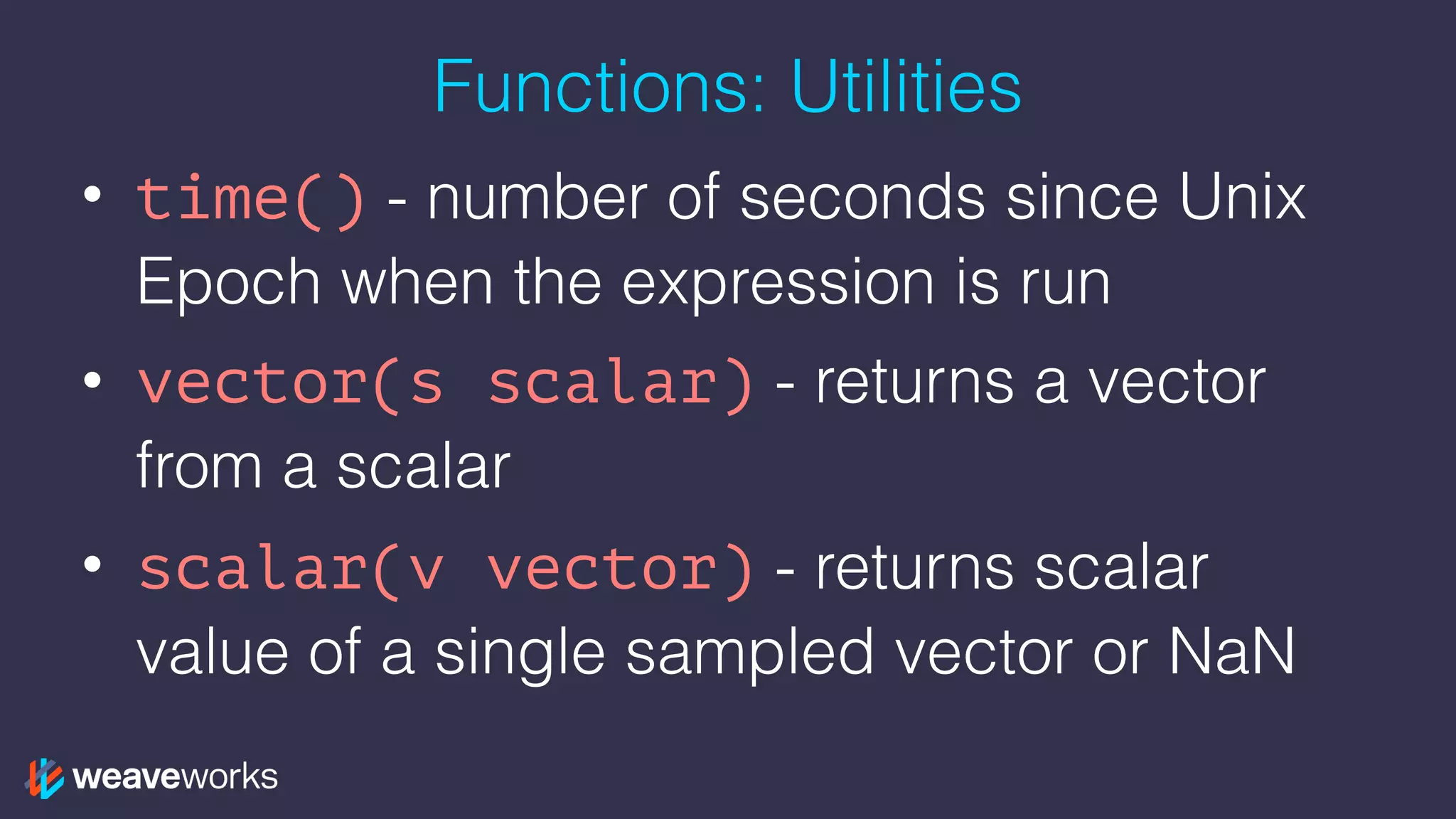
Functions: Utilities
• time() - number of seconds since Unix
Epoch when the expression is run
• vector(s scalar) - returns a vector
from a scalar
• scalar(v vector) - returns scalar
value of a single sampled vector or NaN
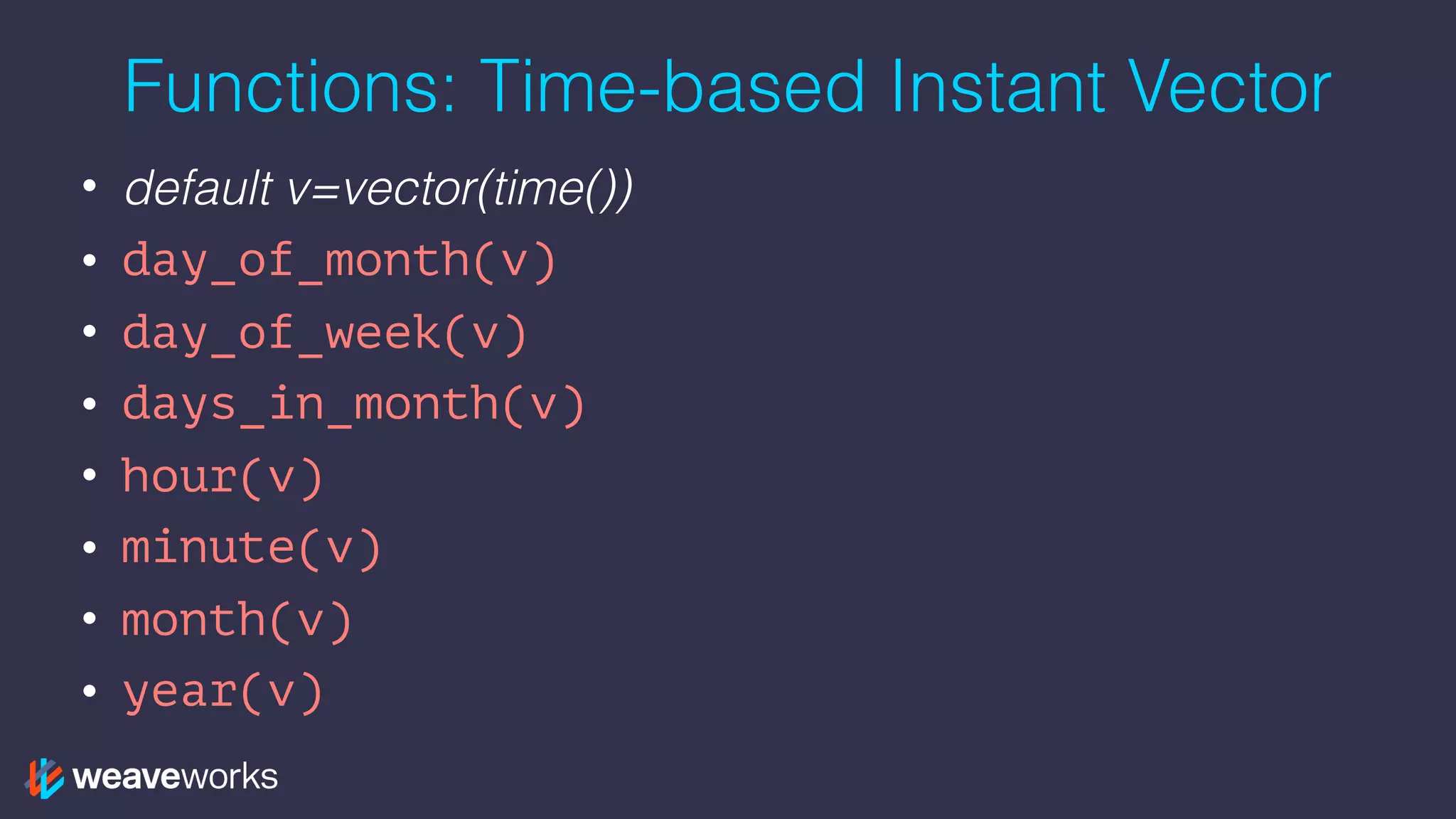
Functions: Time-based Instant Vector
• default v=vector(time())
• day_of_month(v)
• day_of_week(v)
• days_in_month(v)
• hour(v)
• minute(v)
• month(v)
• year(v)
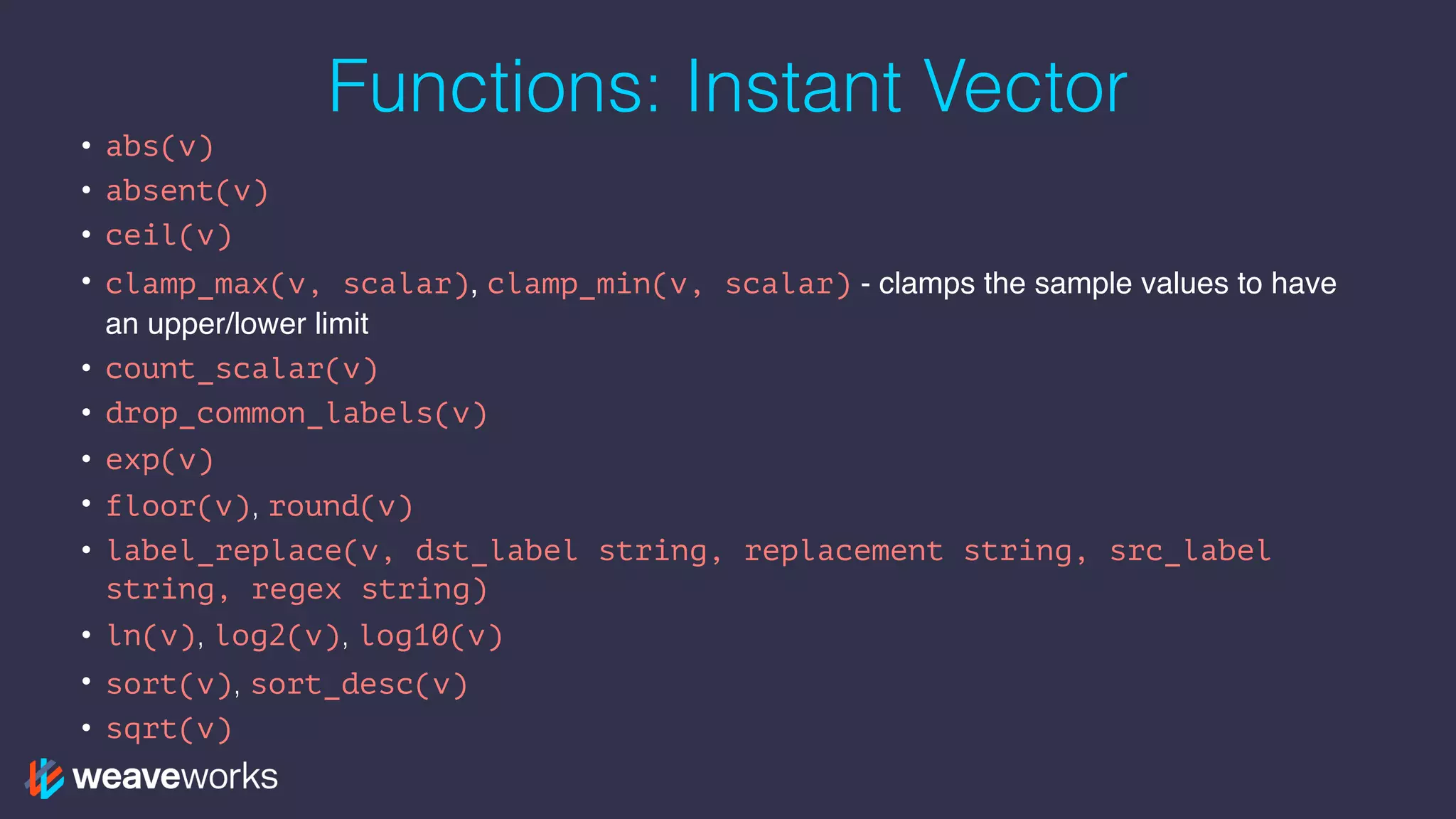
Functions: Instant Vector
• abs(v)
• absent(v)
• ceil(v)
• clamp_max(v, scalar), clamp_min(v, scalar) - clamps the sample values to have
an upper/lower limit
• count_scalar(v)
• drop_common_labels(v)
• exp(v)
• floor(v), round(v)
• label_replace(v, dst_label string, replacement string, src_label
string, regex string)
• ln(v), log2(v), log10(v)
• sort(v), sort_desc(v)
• sqrt(v)
Functions: Range Vector
• changes()ˆ
• delta()˚*, idelta()˚* - diff between first and last in each time series element
• deriv()* - per sec derivative using simple linear regression
• holt_winters(v, sf scalar, tf scalar)* - smooth value for time series based on
range in v
• increase()ˆ - syntactic sugar for rate(v[T]) * (seconds in T)
• irate()ˆ, rate()ˆ - per second instant/avg rate of increase
• predict_linear(v, t scalar)* - predict value at time t using simple linear regression
• resets()ˆ - number of times a counter reset
• <aggregation>_over_time()˚ - aggregate each series of a range vector over time
returning instant vector with per series aggregation results
• ˚returns an instant vector, *should only be used with gauges, ˆshould only be used with
counters
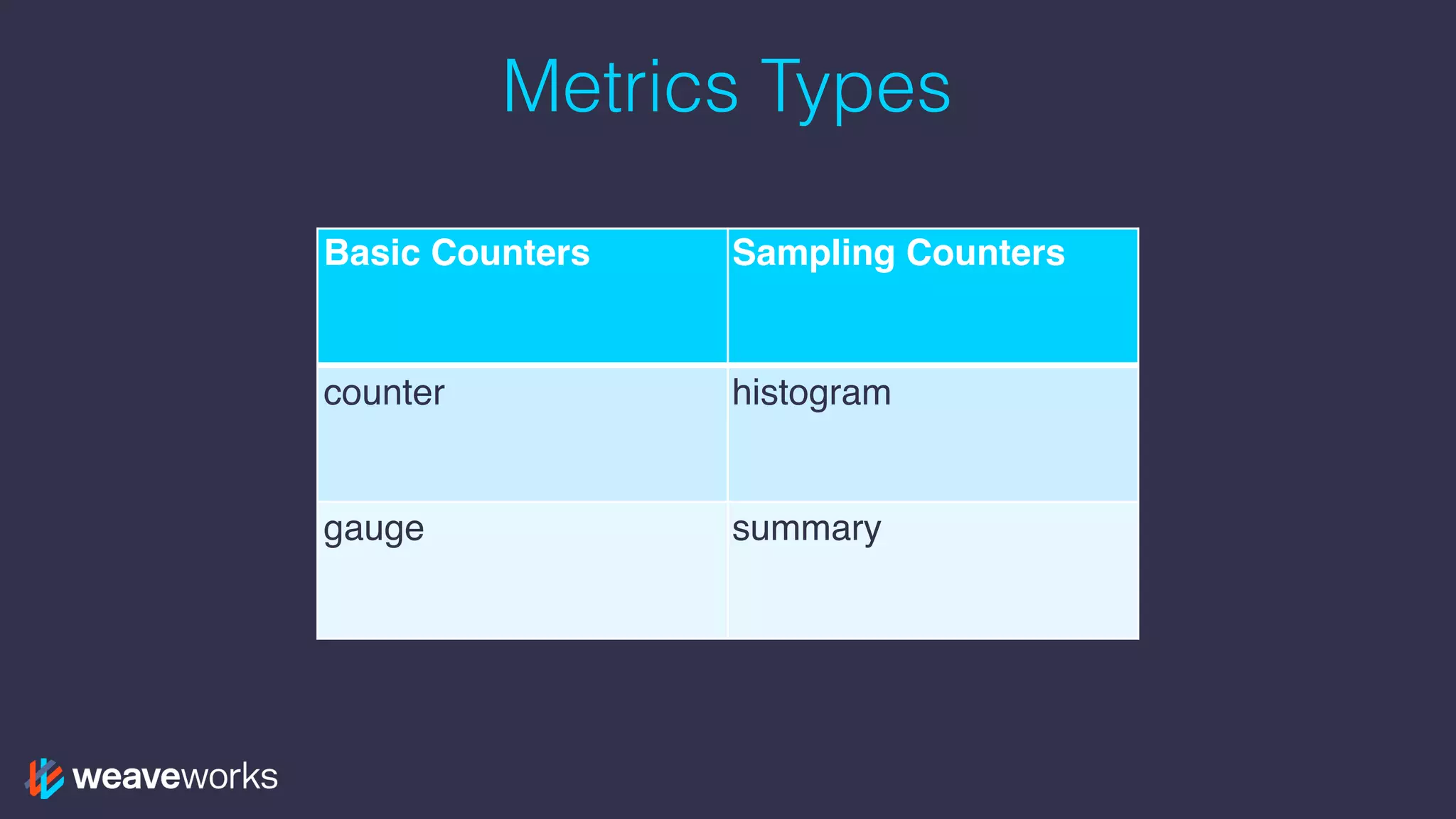
Metrics Types
Basic Counters Sampling Counters
counter histogram
gauge summary
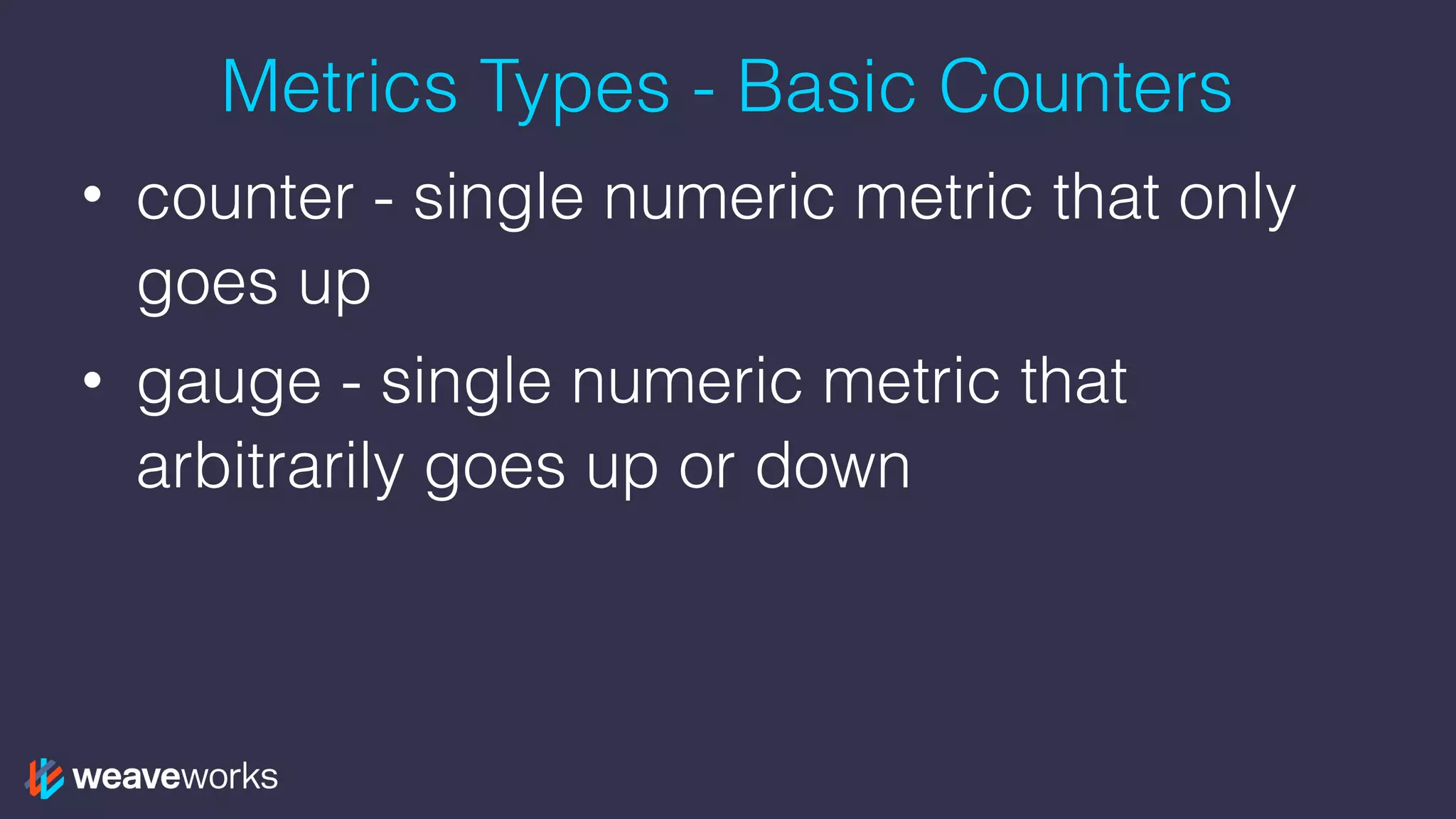
Metrics Types - Basic Counters
• counter - single numeric metric that only
goes up
• gauge - single numeric metric that
arbitrarily goes up or down
Metric Types - Sampling Counters
• histogram - samples observations and
counts them in configurable buckets
• summary - samples observations and
counts them
Metric Types - Sampling Counters
• histogram - samples observations and
counts them in configurable buckets
• summary - samples observations and
counts them
Metrics Types - Sampling Counters
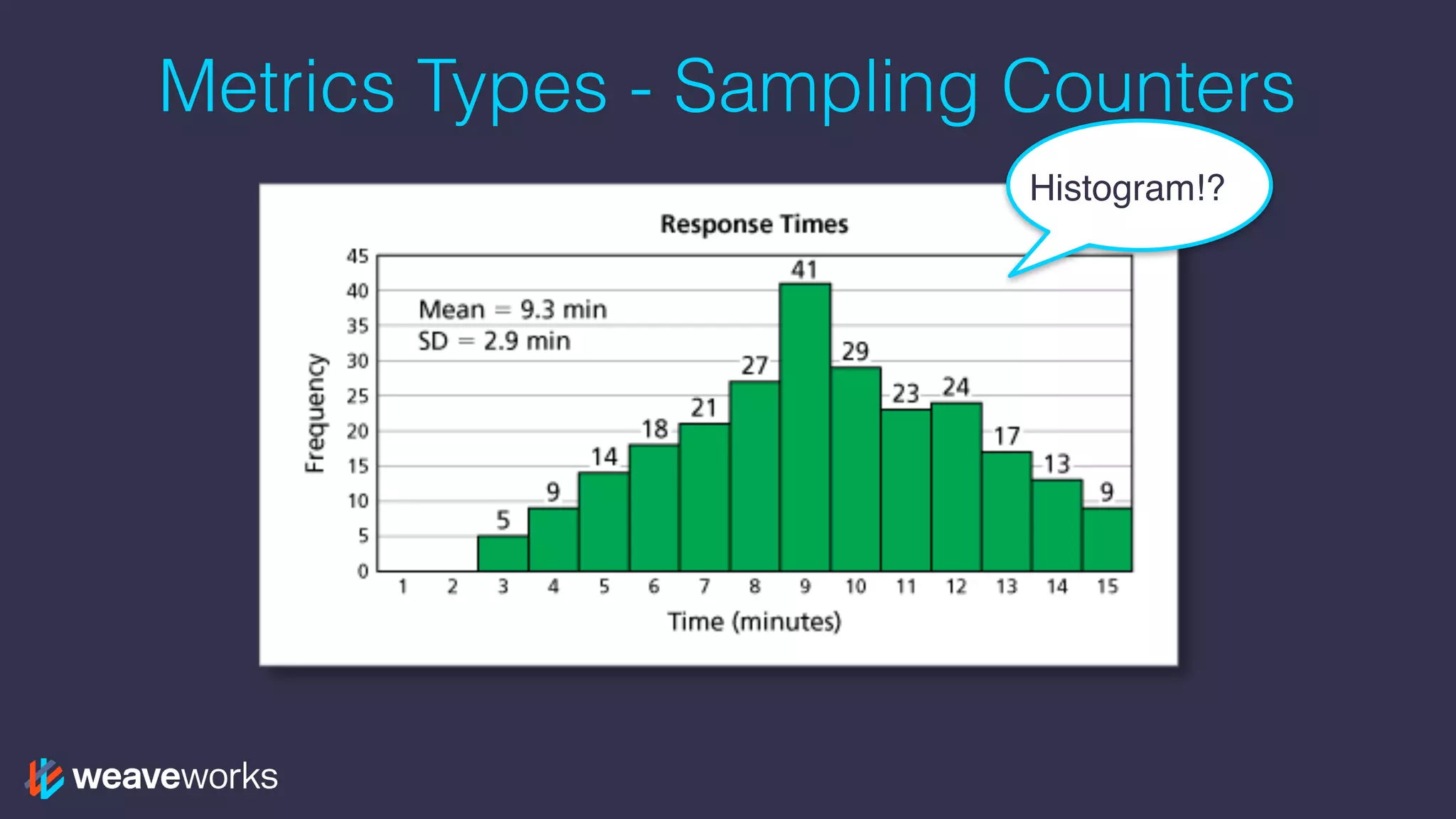
Histogram!?
Metric Types - Sampling Counters
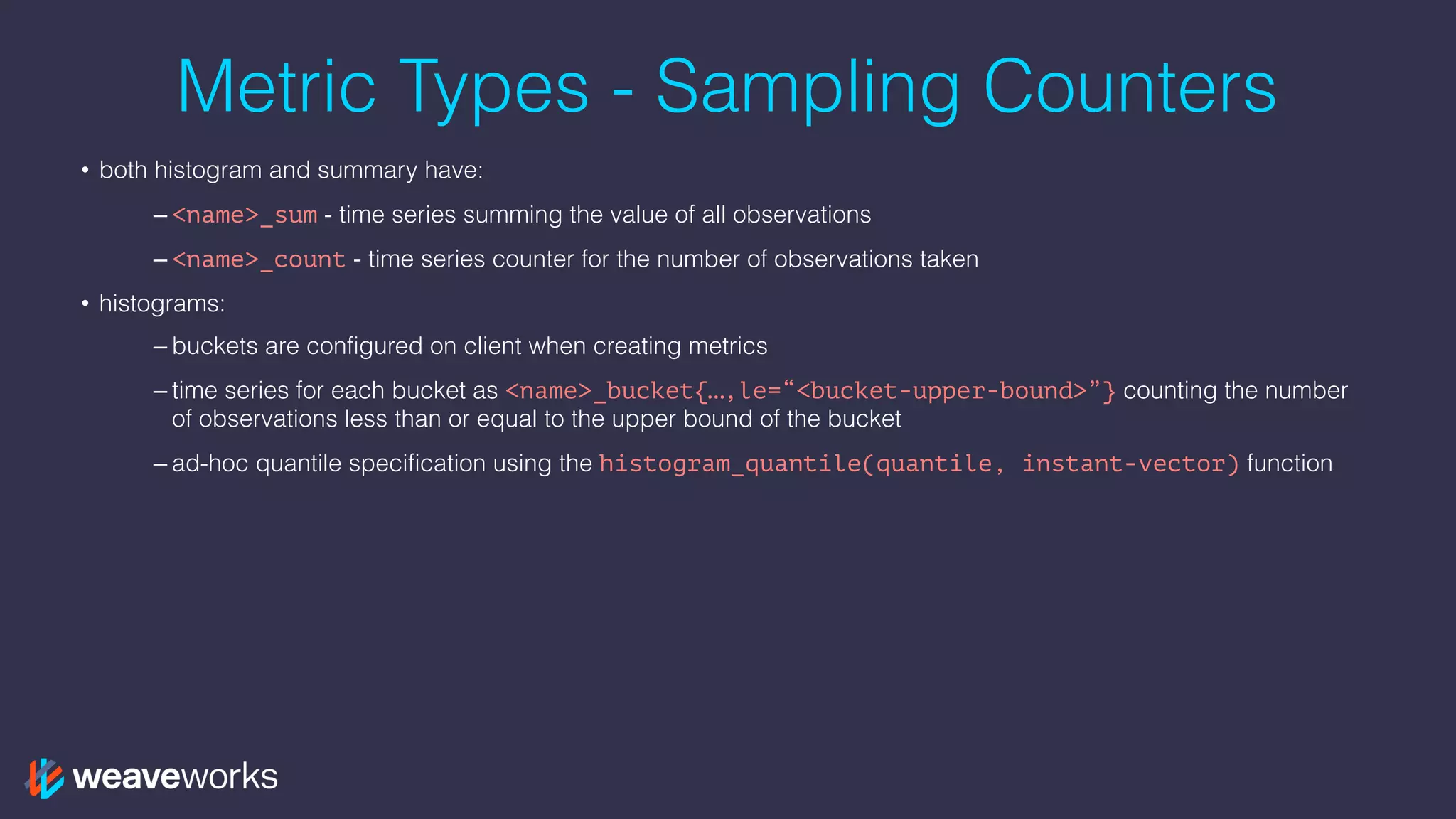
• both histogram and summary have:
– <name>_sum - time series summing the value of all observations
– <name>_count - time series counter for the number of observations taken
Metric Types - Sampling Counters
• both histogram and summary have:
– <name>_sum - time series summing the value of all observations
– <name>_count - time series counter for the number of observations taken
• histograms:
– buckets are configured on client when creating metrics
– time series for each bucket as <name>_bucket{…,le=“<bucket-upper-bound>”} counting the number
of observations less than or equal to the upper bound of the bucket
– ad-hoc quantile specification using the histogram_quantile(quantile, instant-vector) function
Metric Types - Sampling Counters
• both histogram and summary have:
– <name>_sum - time series summing the value of all observations
– <name>_count - time series counter for the number of observations taken
• histograms:
– buckets are configured on client when creating metrics
– time series for each bucket as <name>_bucket{…,le=“<bucket-upper-bound>”} counting the number
of observations less than or equal to the upper bound of the bucket
– ad-hoc quantile specification using the histogram_quantile(quantile, instant-vector) function
• summaries:
– quantiles are defined on the client when creating metrics
– time series for each quantile as <name>{…,quantile=“<quantile-upper-bound>”} keeping the
streaming quantile calculation from the client
– are generally not aggregatable
Refining Rate
rate(requests[5m])
Refining Rate
rate(requests[5m])
sum(rate(requests[5m])) by(service_name)
Refining Rate
rate(requests[5m])
sum(rate(requests[5m])) by(service_name)
sum(rate(requests{service_name=“catalogue”}[5m]))
by(instance)
Refining Rate
rate(requests[5m])
sum(rate(requests[5m])) by(service_name)
sum(rate(requests{service_name=“catalogue”}[5m]))
by(instance)
request_duration as a histogram
Refining Rate
rate(requests[5m])
sum(rate(requests[5m])) by(service_name)
sum(rate(requests{service_name=“catalogue”}[5m]))
by(instance)
request_duration as a histogram
- derive average request duration over a rolling 5
minute period
Refining Rate
rate(requests[5m])
sum(rate(requests[5m])) by(service_name)
sum(rate(requests{service_name=“catalogue”}[5m]))
by(instance)
request_duration as a histogram
- derive average request duration over a rolling 5
minute period
rate(request_duration_sum[5m]) /
rate(request_duration_count[5m])
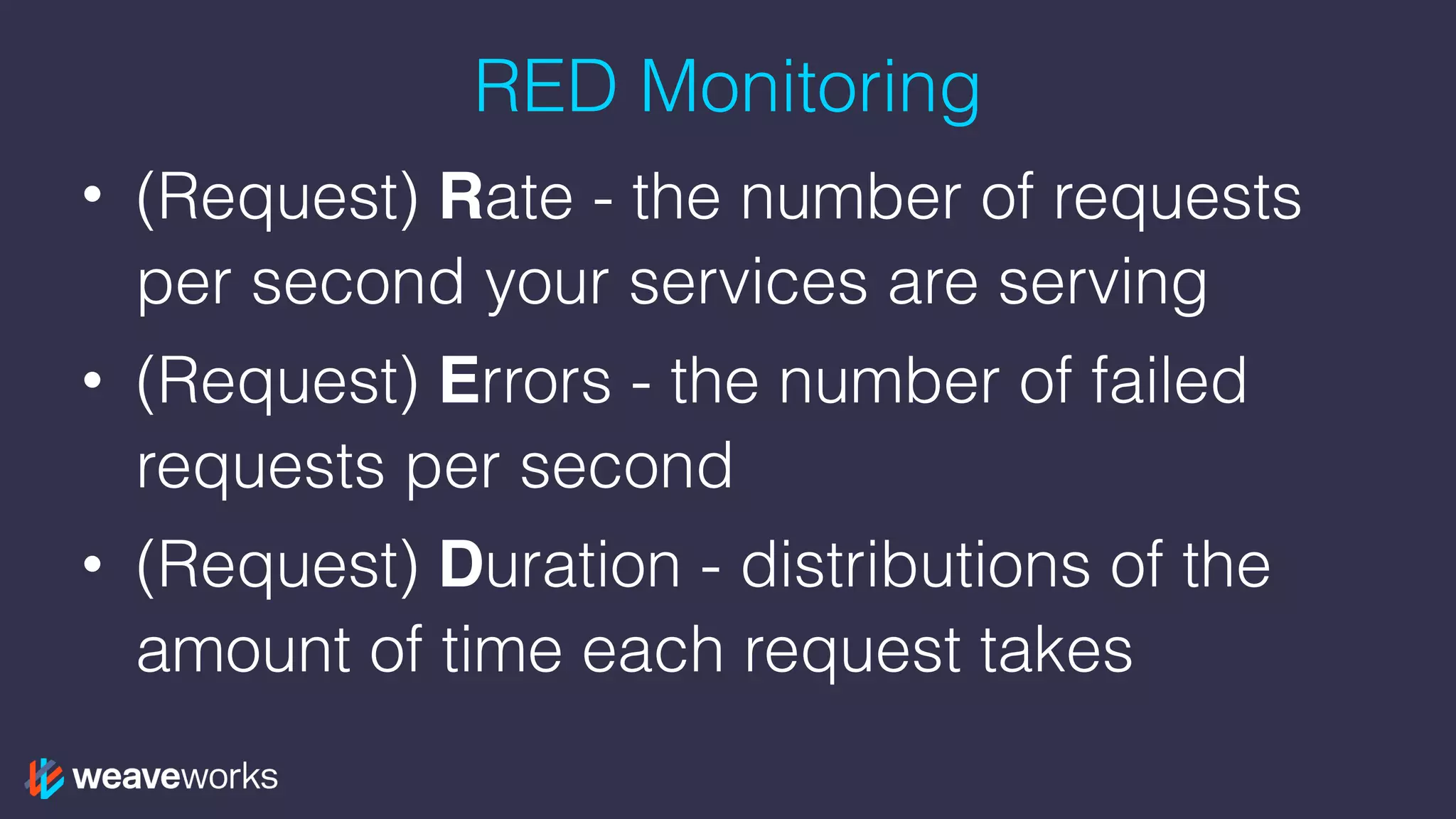
RED Monitoring
• (Request) Rate - the number of requests
per second your services are serving
• (Request) Errors - the number of failed
requests per second
• (Request) Duration - distributions of the
amount of time each request takes
Training!
Join the Weave user group!
meetup.com/pro/Weave/

weave.works/help
Other topics
• Kubernetes 101
• Continuous delivery: hooking up my CI/CD
pipeline to Kubernetes
• Network policy for security
We have talks on all these topics in the Weave
user group!
Thanks! Questions?
We are hiring!
DX in San Francisco
Engineers in London & SF
weave.works/weave-company/hiring

PromQL Deep Dive - The Prometheus Query Language

  • 1.
    Prometheus: PromQL Deep Dive JeffHoffer, Developer Experience github.com/eudaimos
  • 2.
    Agenda 1. What isPromQL 2. PromQL Operators 3. PromQL Functions 4. Hands On: Building Queries in PromQL 5. Hands On: Visualizing PromQL in Grafana 6. Training on real app 7. What’s next?
  • 3.
    What is PromQL •Powerful Query Language of Prometheus • Provides built in operators and functions • Vector-based calculations like Excel • Expressions over time-series vectors
  • 4.
    Expressions (and sub-expressions) •Instant Vector - set of time series containing single sample for each time series, all sharing same timestamp • e.g. http_request_count => results in: • http_request_count{status=“200”} 20 • http_request_count{status=“404”} 3 • http_request_count{status=“500”} 5
  • 5.
    Expressions (and sub-expressions) •Instant Vector - set of time series containing single sample for each time series, all sharing same timestamp • e.g. http_request_count => results in: • http_request_count{status=“200”} 20 • http_request_count{status=“404”} 3 • http_request_count{status=“500”} 5 • Range Vector - set of time series containing a range of data points over time for each series • e.g. http_request_count[5m] => results in: • http_request_count{status=“200”}
  • 6.
    Expressions (and sub-expressions) •Instant Vector - set of time series containing single sample for each time series, all sharing same timestamp • e.g. http_request_count => results in: • http_request_count{status=“200”} 20 • http_request_count{status=“404”} 3 • http_request_count{status=“500”} 5 • Range Vector - set of time series containing a range of data points over time for each series • e.g. http_request_count[5m] => results in: • http_request_count{status=“200”} • Scalar - as a literal and as result of an expression • String - only currently as a literal in an expression
  • 7.
    Time Series Selectors •Instant Vector Selectors • num_nodes • num_nodes{role=“backend”}
  • 8.
    Time Series Selectors •Instant Vector Selectors • num_nodes • num_nodes{role=“backend”} • Range Vector Selectors (s, m, h, d, w, y) • num_nodes{role=“backend”}[5m]
  • 9.
    Time Series Selectors •Instant Vector Selectors • num_nodes • num_nodes{role=“backend”} • Range Vector Selectors (s, m, h, d, w, y) • num_nodes{role=“backend”}[5m] • Offset Modifier • num_nodes{role=“backend”}[5m] offset 1w
  • 10.
    Operators: Binary • Arithmetic:+, -, *, /, %, ^ – scalar/scalar – vector/scalar – vector/vector
  • 11.
    Operators: Binary • Arithmetic:+, -, *, /, %, ^ – scalar/scalar – vector/scalar – vector/vector • Comparison: ==, !=, >, <, >=, <= – filters results unless bool operator provided (converts 0 or 1) – scalar/scalar requires bool operator – vector/scalar & vector/vector drops elements unless bool operator provided
  • 12.
    Operators: Binary • Arithmetic:+, -, *, /, %, ^ – scalar/scalar – vector/scalar – vector/vector • Comparison: ==, !=, >, <, >=, <= – filters results unless bool operator provided (converts 0 or 1) – scalar/scalar requires bool operator – vector/scalar & vector/vector drops elements unless bool operator provided • Logical/Set Binary: only defined between Instant Vectors – and = intersection between vector1 and vector2 – or = union of vector1 and vector2 – unless = elements of vector1 for which no matches in vector2
  • 13.
    Operators: Vector Matching •Label Matching – ignoring keyword – on keyword
  • 14.
    Operators: Vector Matching •Label Matching – ignoring keyword – on keyword • One-to-one - finds unique pair of entries with all labels matching
  • 15.
    Operators: Vector Matching •Label Matching – ignoring keyword – on keyword • One-to-one - finds unique pair of entries with all labels matching • Many-to-one / One-to-many - where each element on a “one” side can multiple elements on the “many” side – group_left v group_right determines cardinality – only used for comparison and arithmetic operations
  • 16.
    Operators: Aggregation • Aggregateelements of a single Instant Vector resulting in a new vector of fewer elements w/ aggregated values – sum, avg – min, max – stddev, stdvar – count, count_values* – bottomk*, topk* – quantile* *takes a parameter before the vector
  • 17.
    Operators: Aggregation • Aggregateelements of a single Instant Vector resulting in a new vector of fewer elements w/ aggregated values – sum, avg – min, max – stddev, stdvar – count, count_values* – bottomk*, topk* – quantile* *takes a parameter before the vector • without clause removes listed labels from resulting vector
  • 18.
    Operators: Aggregation • Aggregateelements of a single Instant Vector resulting in a new vector of fewer elements w/ aggregated values – sum, avg – min, max – stddev, stdvar – count, count_values* – bottomk*, topk* – quantile* *takes a parameter before the vector • without clause removes listed labels from resulting vector • by clause drops labels not listed from the resulting vector
  • 19.
    Operators: Aggregation • Aggregateelements of a single Instant Vector resulting in a new vector of fewer elements w/ aggregated values – sum, avg – min, max – stddev, stdvar – count, count_values* – bottomk*, topk* – quantile* *takes a parameter before the vector • without clause removes listed labels from resulting vector • by clause drops labels not listed from the resulting vector • keep_common (with by) will keep labels that exist in all elements but not listed in the by clause
  • 20.
    Operators: Aggregation • Aggregateelements of a single Instant Vector resulting in a new vector of fewer elements w/ aggregated values – sum, avg – min, max – stddev, stdvar – count, count_values* – bottomk*, topk* – quantile* *takes a parameter before the vector • without clause removes listed labels from resulting vector • by clause drops labels not listed from the resulting vector • keep_common (with by) will keep labels that exist in all elements but not listed in the by clause • topk/bottomk - only subset of original values are returned including original labels - by and without only bucket the input
  • 21.
    Functions: Utilities • time()- number of seconds since Unix Epoch when the expression is run • vector(s scalar) - returns a vector from a scalar • scalar(v vector) - returns scalar value of a single sampled vector or NaN
  • 22.
    Functions: Time-based InstantVector • default v=vector(time()) • day_of_month(v) • day_of_week(v) • days_in_month(v) • hour(v) • minute(v) • month(v) • year(v)
  • 23.
    Functions: Instant Vector •abs(v) • absent(v) • ceil(v) • clamp_max(v, scalar), clamp_min(v, scalar) - clamps the sample values to have an upper/lower limit • count_scalar(v) • drop_common_labels(v) • exp(v) • floor(v), round(v) • label_replace(v, dst_label string, replacement string, src_label string, regex string) • ln(v), log2(v), log10(v) • sort(v), sort_desc(v) • sqrt(v)
  • 24.
    Functions: Range Vector •changes()ˆ • delta()˚*, idelta()˚* - diff between first and last in each time series element • deriv()* - per sec derivative using simple linear regression • holt_winters(v, sf scalar, tf scalar)* - smooth value for time series based on range in v • increase()ˆ - syntactic sugar for rate(v[T]) * (seconds in T) • irate()ˆ, rate()ˆ - per second instant/avg rate of increase • predict_linear(v, t scalar)* - predict value at time t using simple linear regression • resets()ˆ - number of times a counter reset • <aggregation>_over_time()˚ - aggregate each series of a range vector over time returning instant vector with per series aggregation results • ˚returns an instant vector, *should only be used with gauges, ˆshould only be used with counters
  • 25.
    Metrics Types Basic CountersSampling Counters counter histogram gauge summary
  • 26.
    Metrics Types -Basic Counters • counter - single numeric metric that only goes up • gauge - single numeric metric that arbitrarily goes up or down
  • 27.
    Metric Types -Sampling Counters • histogram - samples observations and counts them in configurable buckets • summary - samples observations and counts them
  • 28.
    Metric Types -Sampling Counters • histogram - samples observations and counts them in configurable buckets • summary - samples observations and counts them
  • 29.
    Metrics Types -Sampling Counters Histogram!?
  • 30.
    Metric Types -Sampling Counters • both histogram and summary have: – <name>_sum - time series summing the value of all observations – <name>_count - time series counter for the number of observations taken
  • 31.
    Metric Types -Sampling Counters • both histogram and summary have: – <name>_sum - time series summing the value of all observations – <name>_count - time series counter for the number of observations taken • histograms: – buckets are configured on client when creating metrics – time series for each bucket as <name>_bucket{…,le=“<bucket-upper-bound>”} counting the number of observations less than or equal to the upper bound of the bucket – ad-hoc quantile specification using the histogram_quantile(quantile, instant-vector) function
  • 32.
    Metric Types -Sampling Counters • both histogram and summary have: – <name>_sum - time series summing the value of all observations – <name>_count - time series counter for the number of observations taken • histograms: – buckets are configured on client when creating metrics – time series for each bucket as <name>_bucket{…,le=“<bucket-upper-bound>”} counting the number of observations less than or equal to the upper bound of the bucket – ad-hoc quantile specification using the histogram_quantile(quantile, instant-vector) function • summaries: – quantiles are defined on the client when creating metrics – time series for each quantile as <name>{…,quantile=“<quantile-upper-bound>”} keeping the streaming quantile calculation from the client – are generally not aggregatable
  • 33.
  • 34.
  • 35.
  • 36.
  • 37.
  • 38.
    Refining Rate rate(requests[5m]) sum(rate(requests[5m])) by(service_name) sum(rate(requests{service_name=“catalogue”}[5m])) by(instance) request_durationas a histogram - derive average request duration over a rolling 5 minute period rate(request_duration_sum[5m]) / rate(request_duration_count[5m])
  • 39.
    RED Monitoring • (Request)Rate - the number of requests per second your services are serving • (Request) Errors - the number of failed requests per second • (Request) Duration - distributions of the amount of time each request takes
  • 40.
  • 41.
    Join the Weaveuser group! meetup.com/pro/Weave/
 weave.works/help
  • 42.
    Other topics • Kubernetes101 • Continuous delivery: hooking up my CI/CD pipeline to Kubernetes • Network policy for security We have talks on all these topics in the Weave user group!
  • 43.
    Thanks! Questions? We arehiring! DX in San Francisco Engineers in London & SF weave.works/weave-company/hiring