Large Scale Production Engineering
#31 Quarterly Meetup
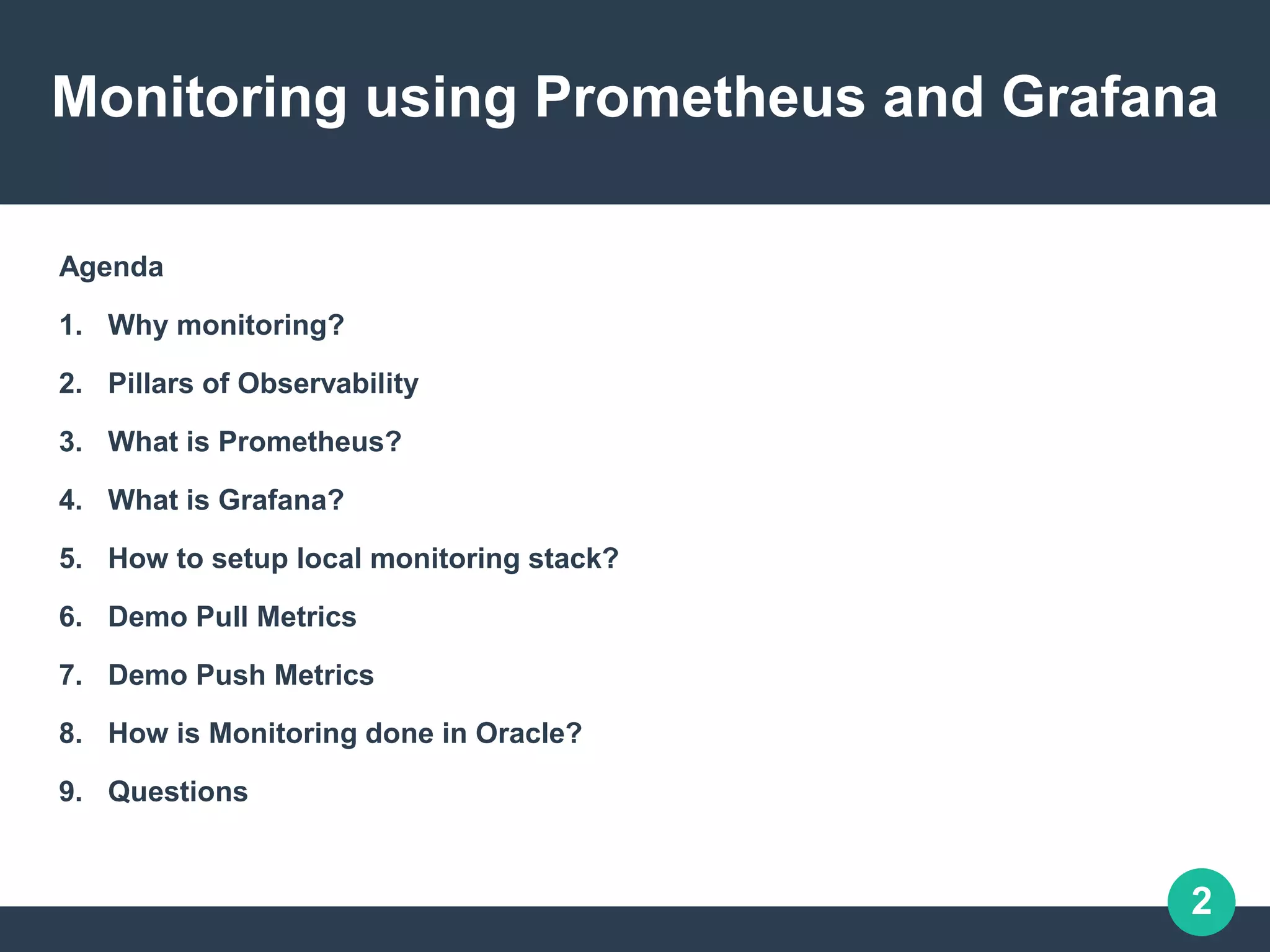
Monitoring using Prometheus and Grafana
Arvind Kumar GS
SMTS@Oracle Cloud
https://arvindkgs.com
contact@arvindkgs.com
2
Monitoring using Prometheus and Grafana
Agenda
1. Why monitoring?
2. Pillars of Observability
3. What is Prometheus?
4. What is Grafana?
5. How to setup local monitoring stack?
6. Demo Pull Metrics
7. Demo Push Metrics
8. How is Monitoring done in Oracle?
9. Questions
3
Why Monitoring?
Consider the following microservices architecture
Img Source: https://www.capgemini.com/2017/09/microservices-architectures-are-
here-to-stay/
Microservices help building scalable architecture on which you can build enterprise
applications. However, one of the drawbacks of splitting your application into
4
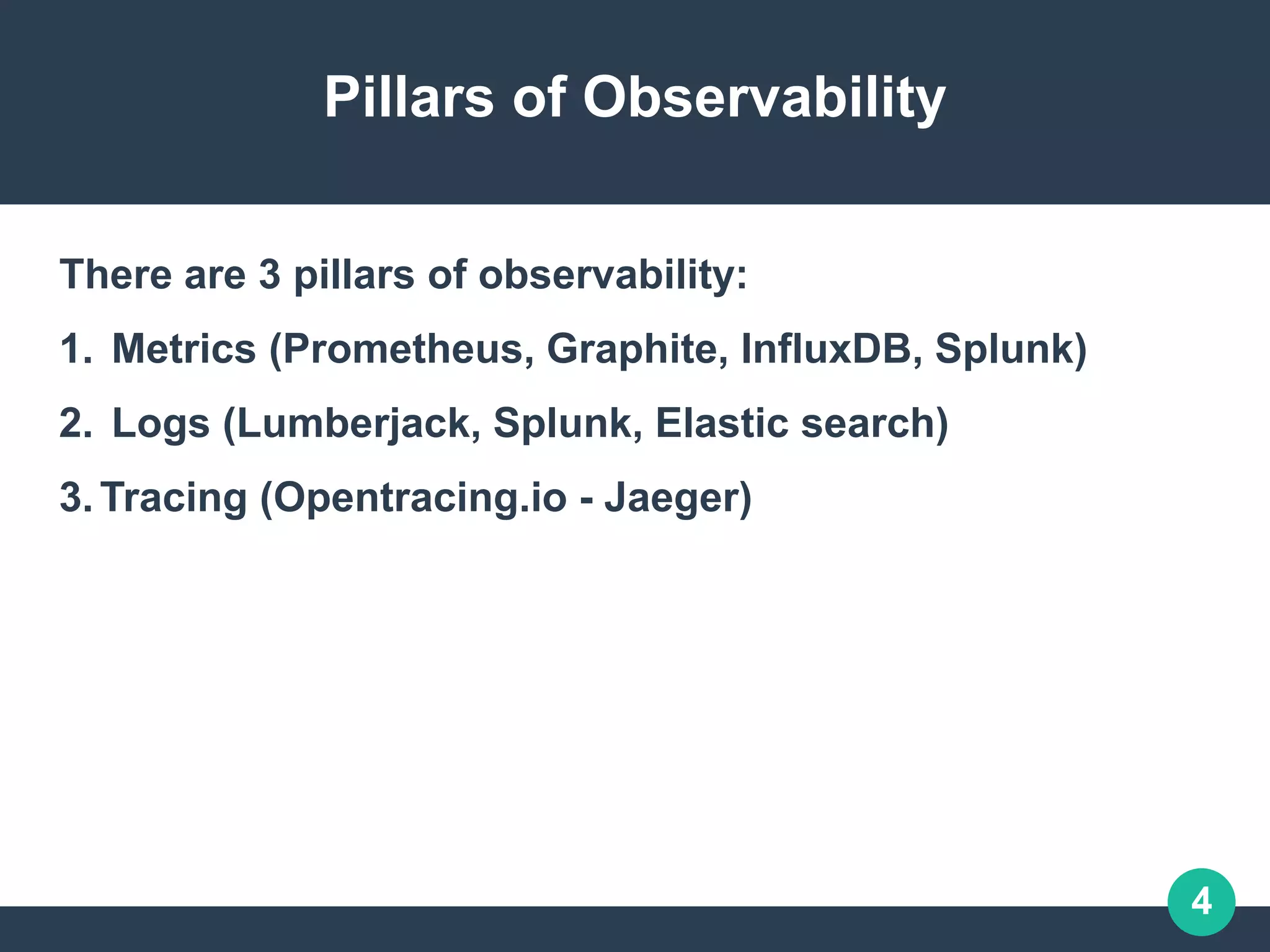
Pillars of Observability
There are 3 pillars of observability:
1. Metrics (Prometheus, Graphite, InfluxDB, Splunk)
2. Logs (Lumberjack, Splunk, Elastic search)
3.Tracing (Opentracing.io - Jaeger)
5
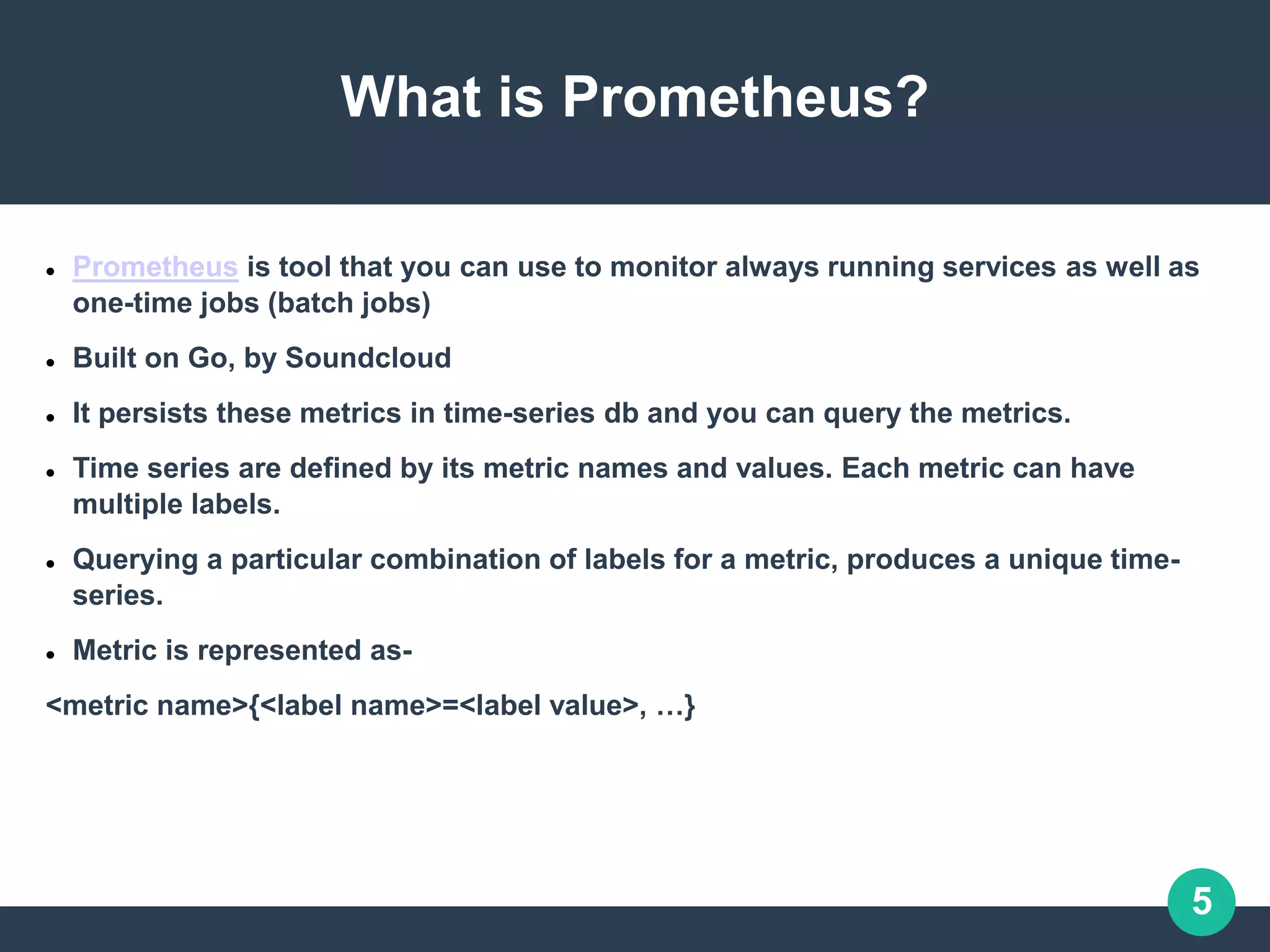
What is Prometheus?
 Prometheus is tool that you can use to monitor always running services as well as
one-time jobs (batch jobs)
 Built on Go, by Soundcloud
 It persists these metrics in time-series db and you can query the metrics.
 Time series are defined by its metric names and values. Each metric can have
multiple labels.
 Querying a particular combination of labels for a metric, produces a unique time-
series.
 Metric is represented as-
<metric name>{<label name>=<label value>, …}
6
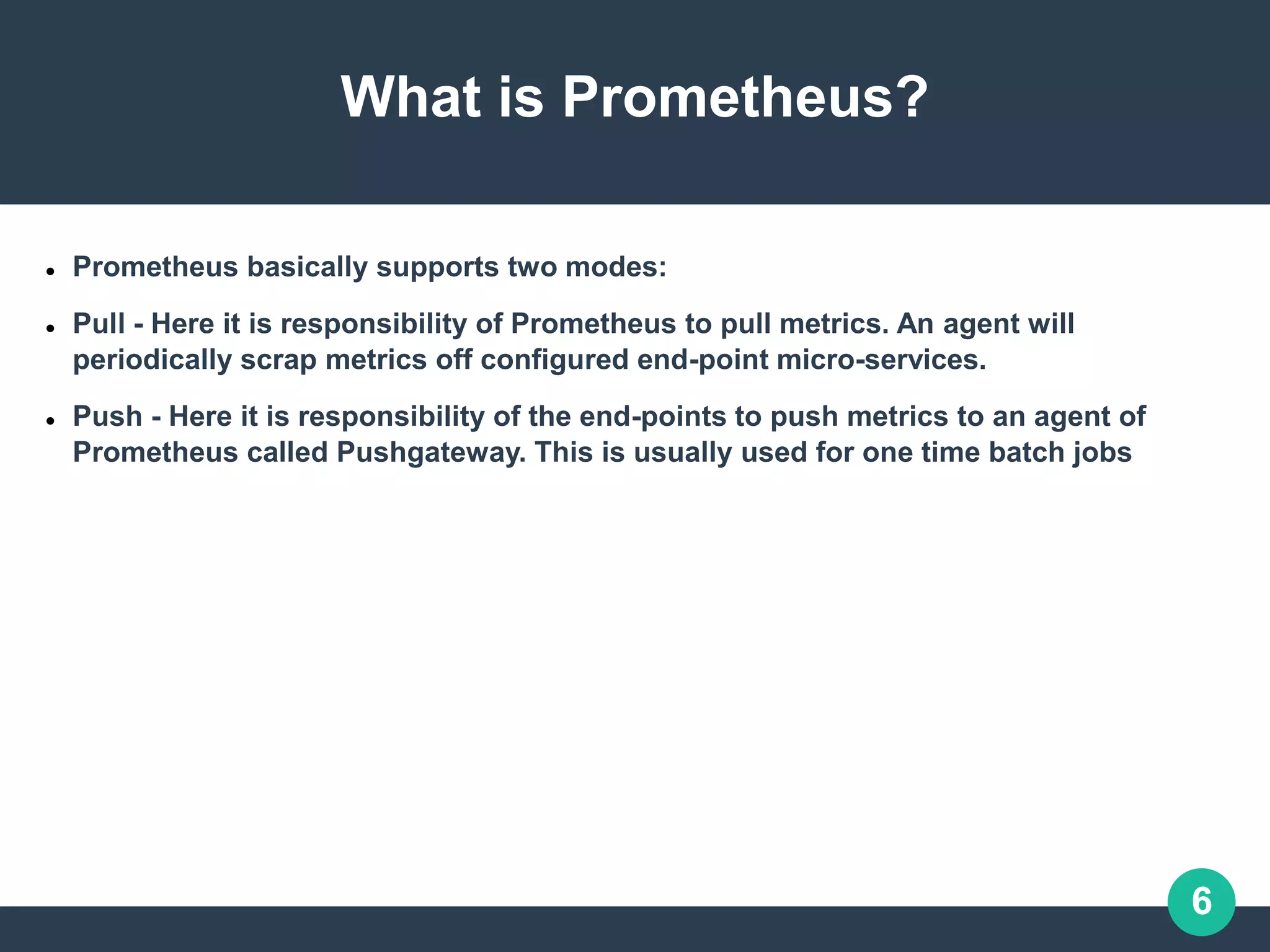
What is Prometheus?
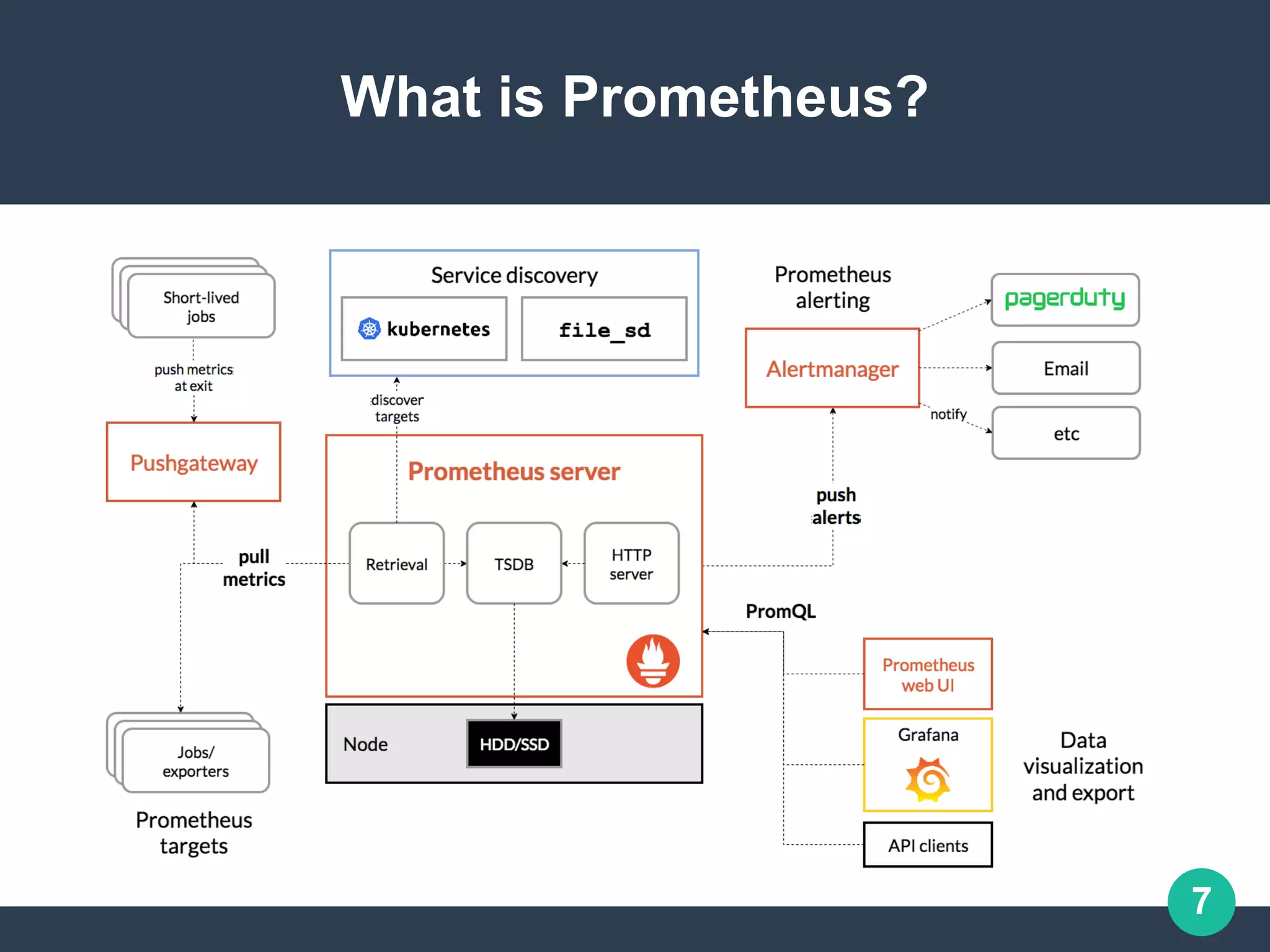
 Prometheus basically supports two modes:
 Pull - Here it is responsibility of Prometheus to pull metrics. An agent will
periodically scrap metrics off configured end-point micro-services.
 Push - Here it is responsibility of the end-points to push metrics to an agent of
Prometheus called Pushgateway. This is usually used for one time batch jobs
7
What is Prometheus?
8
What is Prometheus?
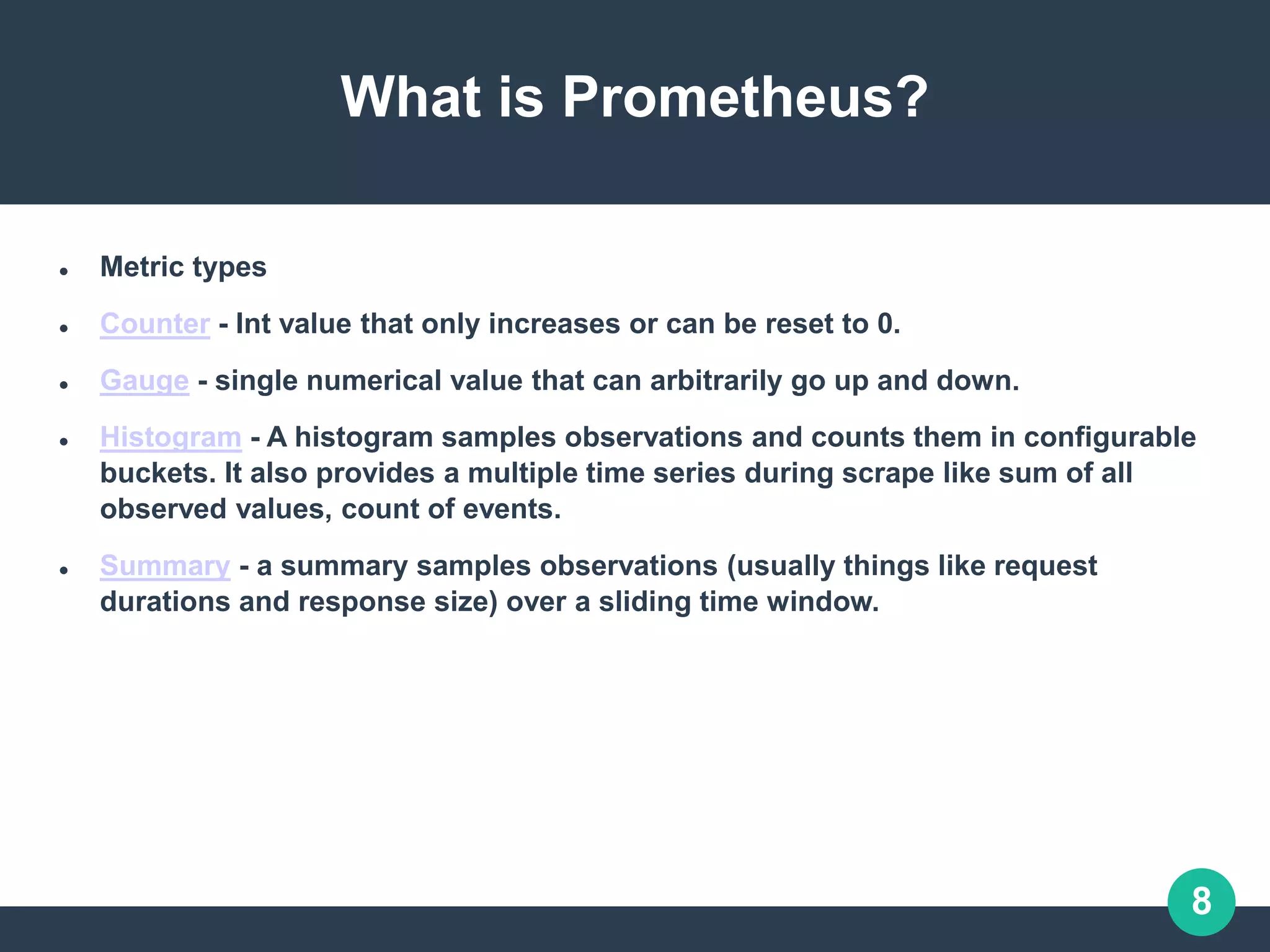
 Metric types
 Counter - Int value that only increases or can be reset to 0.
 Gauge - single numerical value that can arbitrarily go up and down.
 Histogram - A histogram samples observations and counts them in configurable
buckets. It also provides a multiple time series during scrape like sum of all
observed values, count of events.
 Summary - a summary samples observations (usually things like request
durations and response size) over a sliding time window.
9
What is Prometheus?
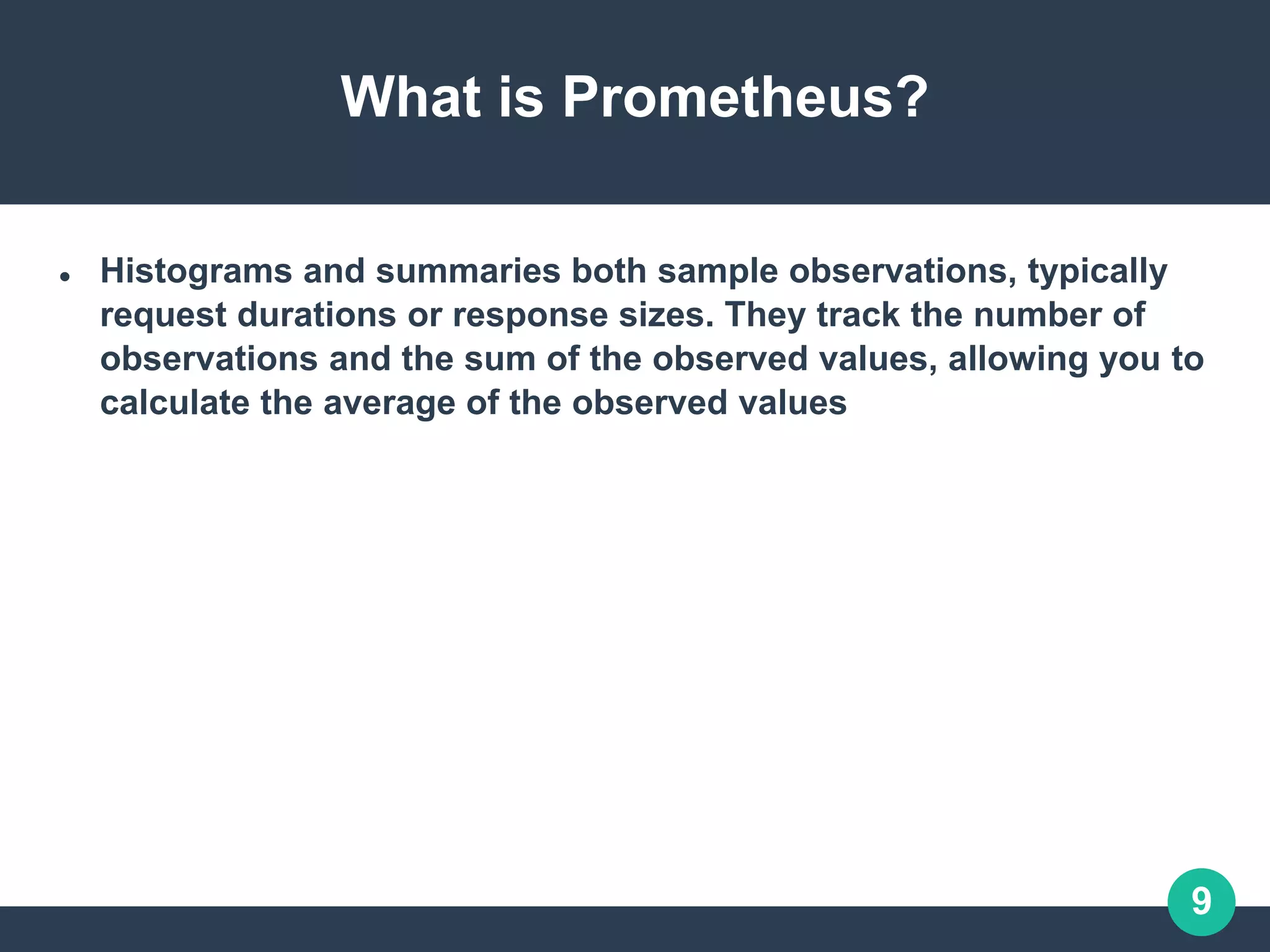
 Histograms and summaries both sample observations, typically
request durations or response sizes. They track the number of
observations and the sum of the observed values, allowing you to
calculate the average of the observed values
10
What is Prometheus?
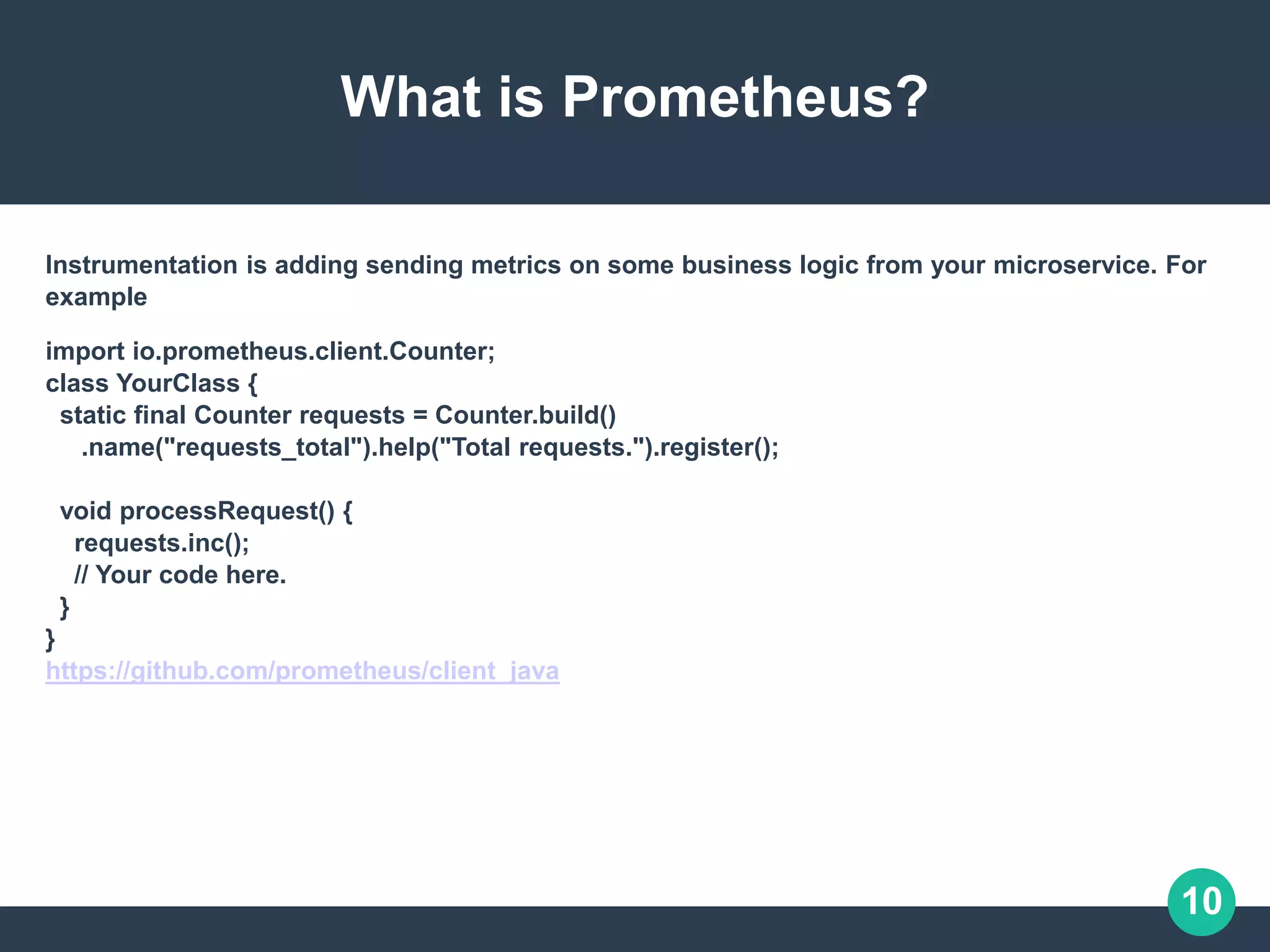
Instrumentation is adding sending metrics on some business logic from your microservice. For
example
import io.prometheus.client.Counter;
class YourClass {
static final Counter requests = Counter.build()
.name("requests_total").help("Total requests.").register();
void processRequest() {
requests.inc();
// Your code here.
}
}
https://github.com/prometheus/client_java
11
What is Prometheus?
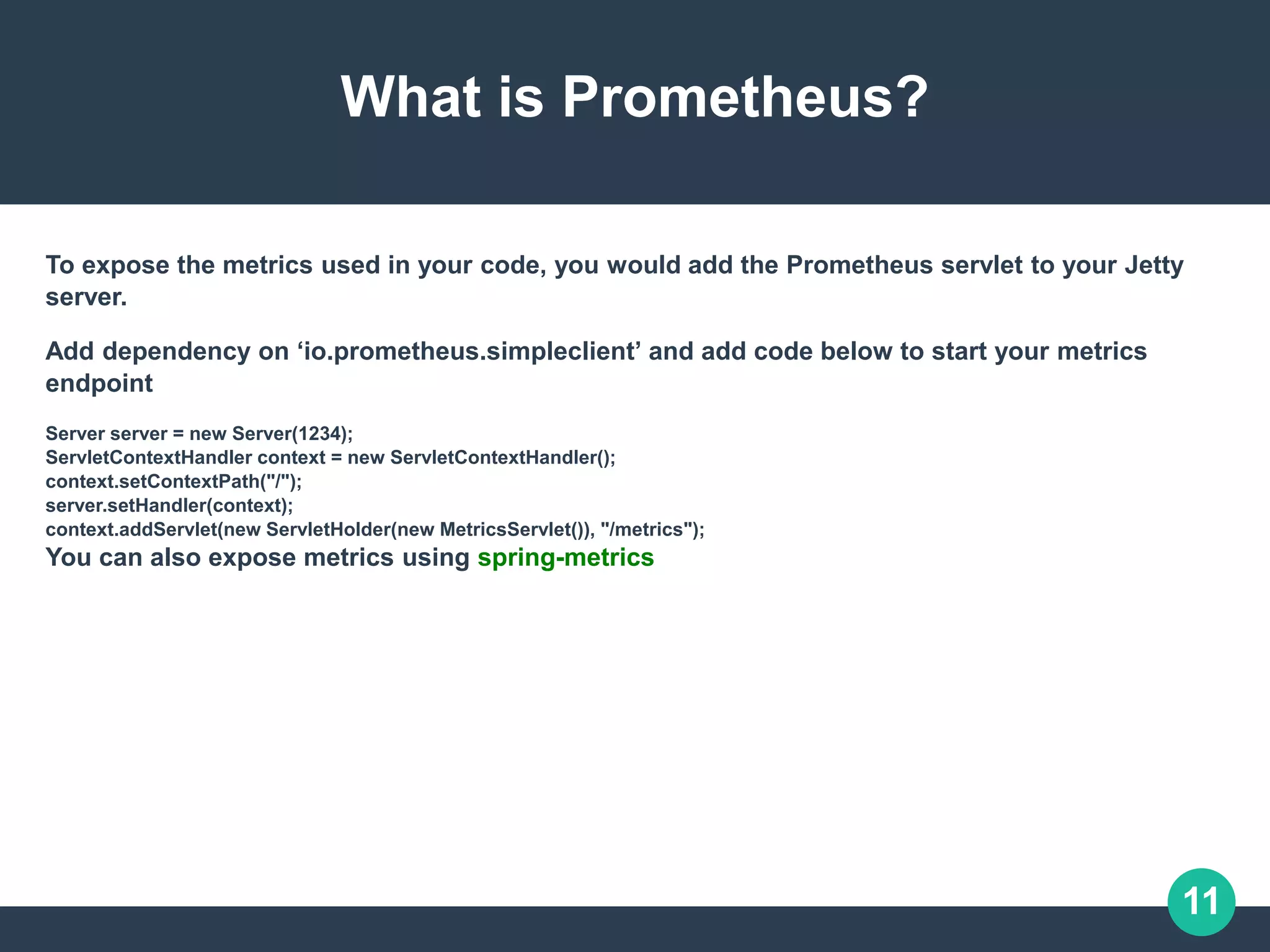
To expose the metrics used in your code, you would add the Prometheus servlet to your Jetty
server.
Add dependency on ‘io.prometheus.simpleclient’ and add code below to start your metrics
endpoint
Server server = new Server(1234);
ServletContextHandler context = new ServletContextHandler();
context.setContextPath("/");
server.setHandler(context);
context.addServlet(new ServletHolder(new MetricsServlet()), "/metrics");
You can also expose metrics using spring-metrics
12
What is Grafana?
Grafana is a stand-alone tool that let’s you visualize your data. It can
be combined with a host of different sources like – Prometheus, AWS
CloudWatch, ElasticSearch, Mysql, Postgres, InfluxDB and so on.
More on the supported sources .
Grafana lets you create dashboards that monitor different metrics.
You can configure alerts that can integrate with email, slack, pager
duty.
13
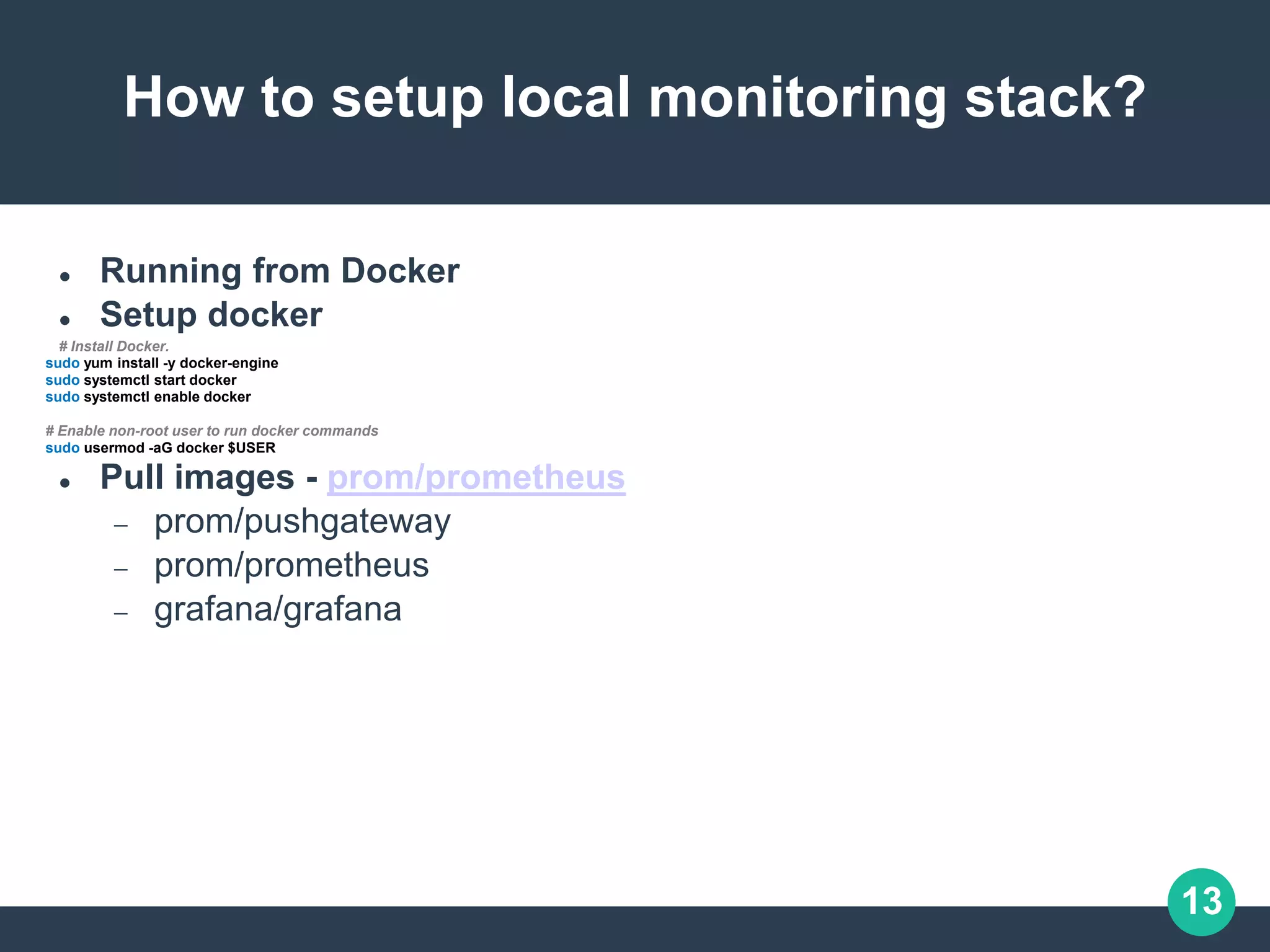
How to setup local monitoring stack?
 Running from Docker
 Setup docker
# Install Docker.
sudo yum install -y docker-engine
sudo systemctl start docker
sudo systemctl enable docker
# Enable non-root user to run docker commands
sudo usermod -aG docker $USER
 Pull images - prom/prometheus
 prom/pushgateway
 prom/prometheus
 grafana/grafana
14
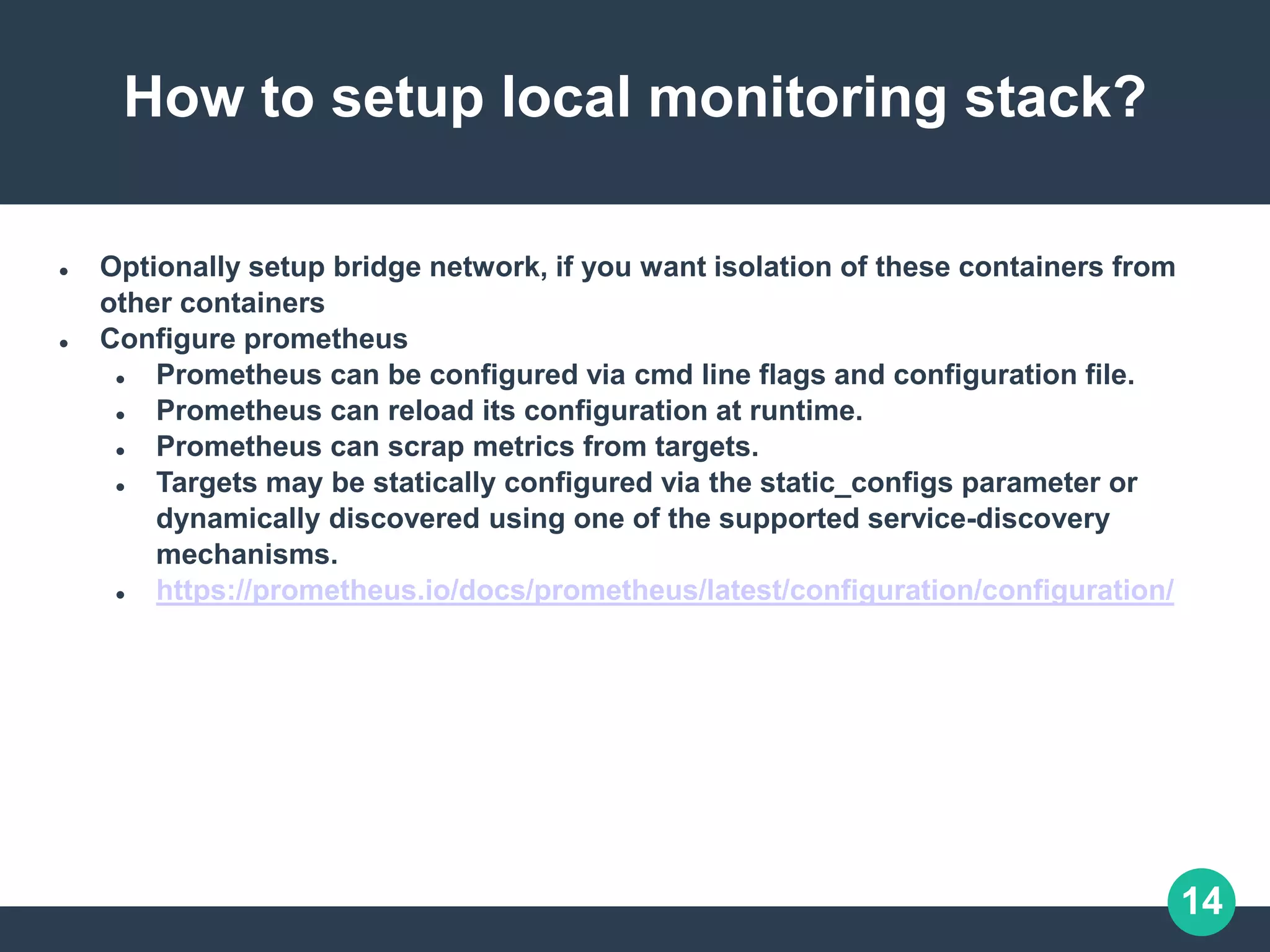
How to setup local monitoring stack?
 Optionally setup bridge network, if you want isolation of these containers from
other containers
 Configure prometheus
 Prometheus can be configured via cmd line flags and configuration file.
 Prometheus can reload its configuration at runtime.
 Prometheus can scrap metrics from targets.
 Targets may be statically configured via the static_configs parameter or
dynamically discovered using one of the supported service-discovery
mechanisms.
 https://prometheus.io/docs/prometheus/latest/configuration/configuration/
15
How to setup a local monitoring stack?
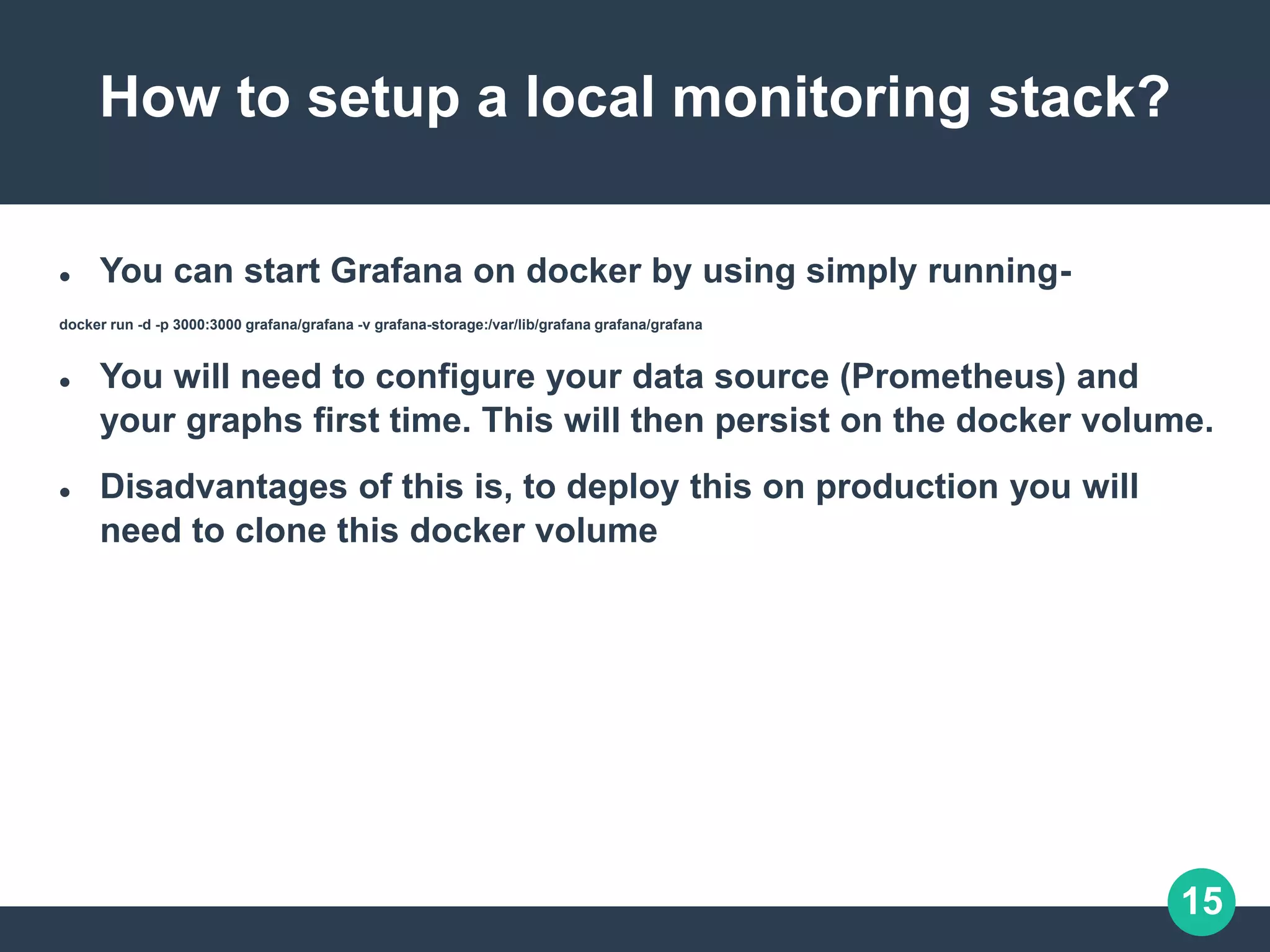
 You can start Grafana on docker by using simply running-
docker run -d -p 3000:3000 grafana/grafana -v grafana-storage:/var/lib/grafana grafana/grafana
 You will need to configure your data source (Prometheus) and
your graphs first time. This will then persist on the docker volume.
 Disadvantages of this is, to deploy this on production you will
need to clone this docker volume
16
How to setup a local monitoring stack?
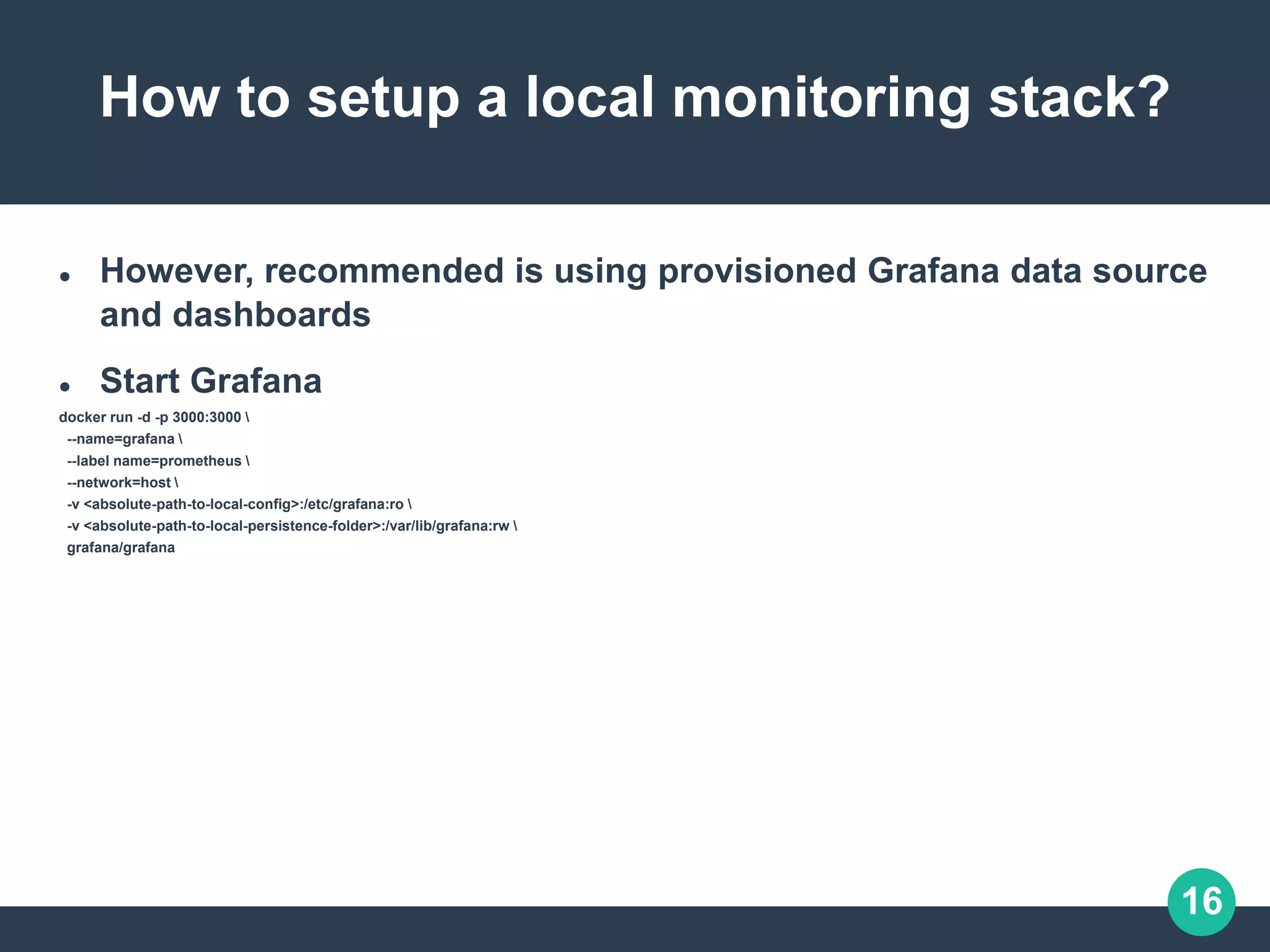
 However, recommended is using provisioned Grafana data source
and dashboards
 Start Grafana
docker run -d -p 3000:3000 
--name=grafana 
--label name=prometheus 
--network=host 
-v <absolute-path-to-local-config>:/etc/grafana:ro 
-v <absolute-path-to-local-persistence-folder>:/var/lib/grafana:rw 
grafana/grafana
17
Demo Pull Metrics
 Consider I have three endpoints I need to monitor.
 Imagine that the first two endpoints are production targets, while the third one
represents a canary instance.
 Configuration is as follows:
- job_name: 'example-random'
# Override the global default and scrape targets from this job every 5 seconds.
scrape_interval: 5s
static_configs:
- targets: ['localhost:8080', 'localhost:8081']
labels:
group: 'production'
- targets: ['localhost:8082']
labels:
group: 'canary'
18
Demo Pull Metrics
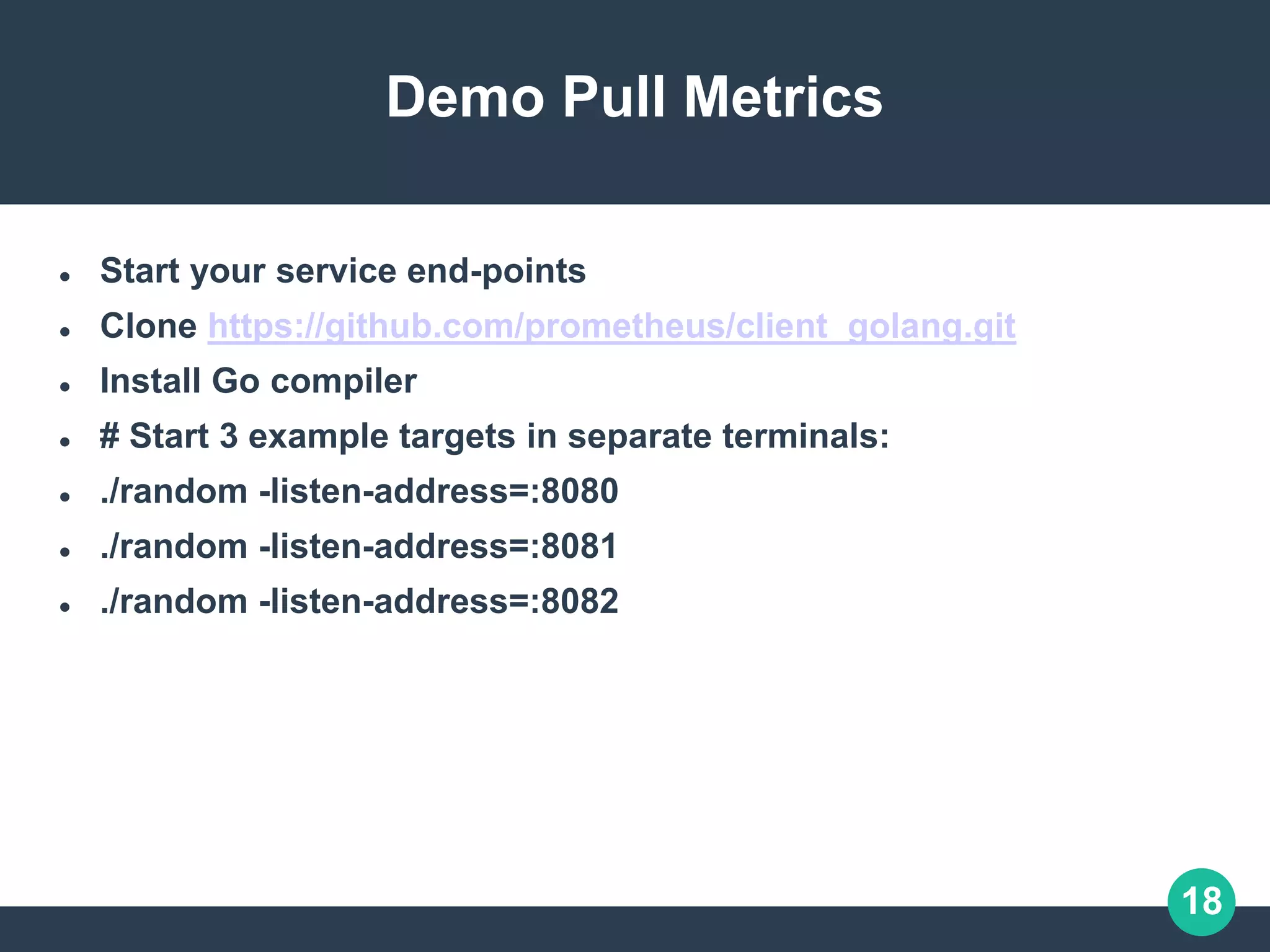
 Start your service end-points
 Clone https://github.com/prometheus/client_golang.git
 Install Go compiler
 # Start 3 example targets in separate terminals:
 ./random -listen-address=:8080
 ./random -listen-address=:8081
 ./random -listen-address=:8082
19
Demo Pull Metrics
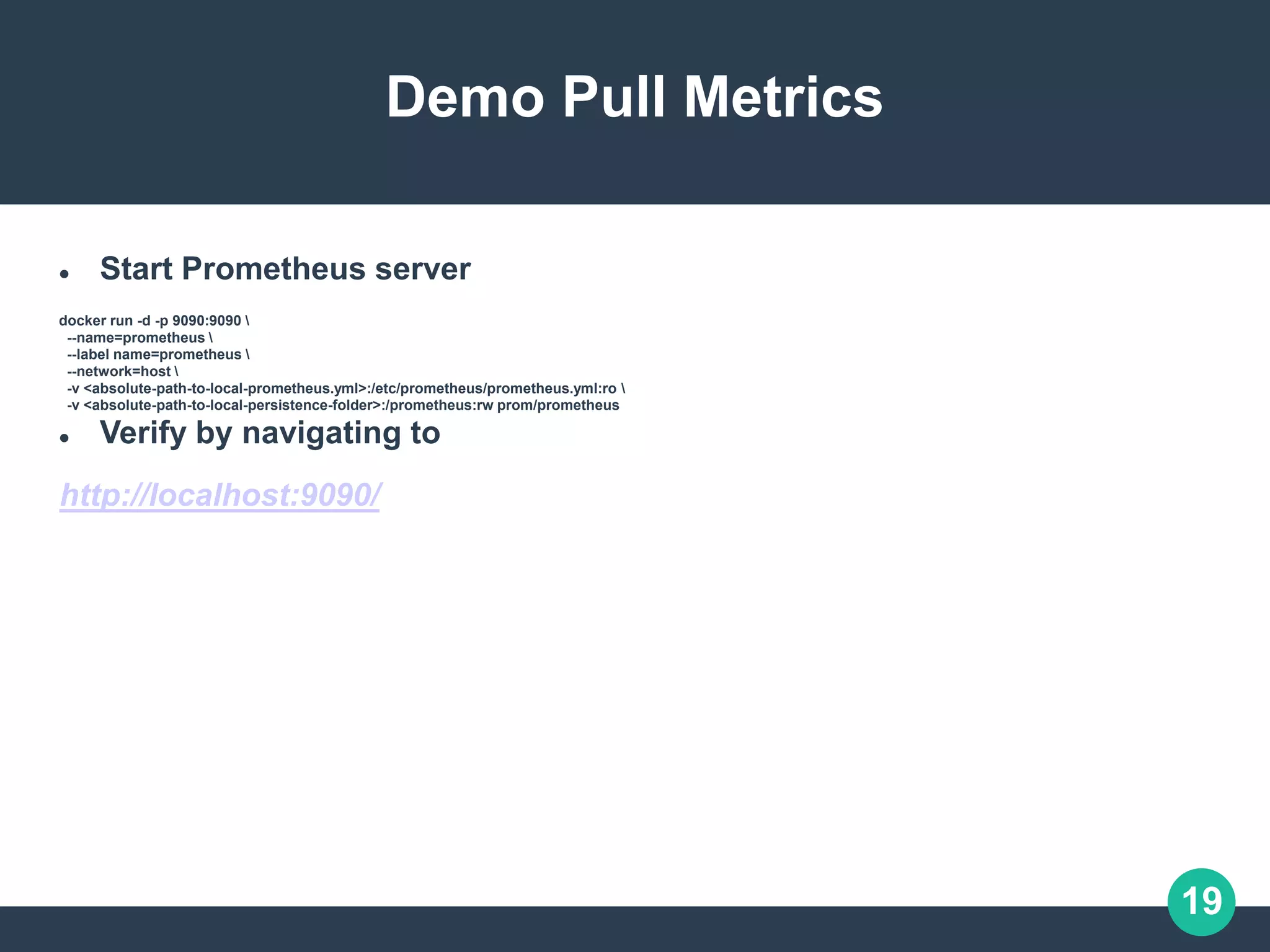
 Start Prometheus server
docker run -d -p 9090:9090 
--name=prometheus 
--label name=prometheus 
--network=host 
-v <absolute-path-to-local-prometheus.yml>:/etc/prometheus/prometheus.yml:ro 
-v <absolute-path-to-local-persistence-folder>:/prometheus:rw prom/prometheus
 Verify by navigating to
http://localhost:9090/
20
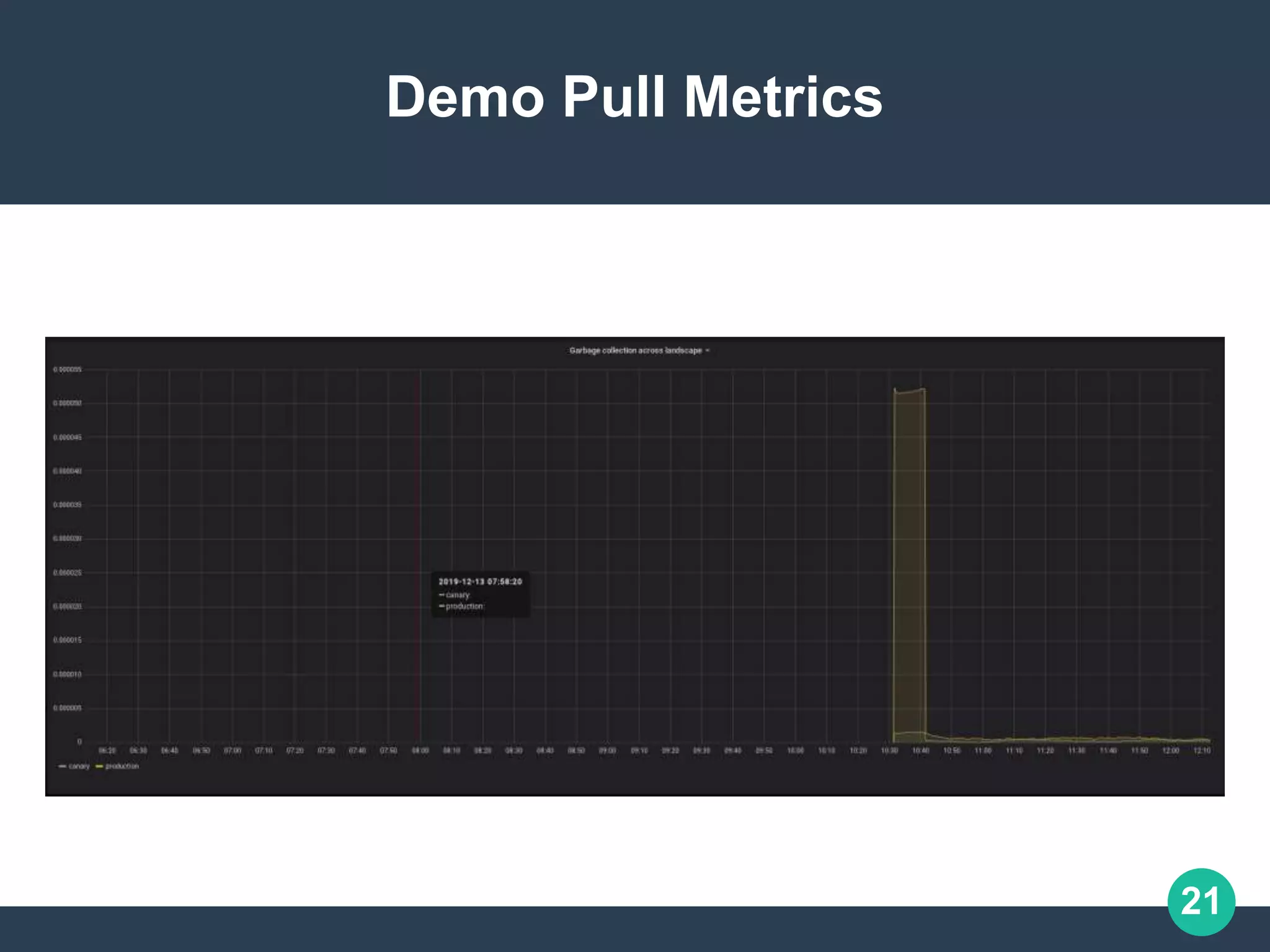
Demo Pull Metrics
 Build Graph on grafana by selecting the Prometheus data source.
 Set query:
sum(rate(go_gc_duration_seconds{job="example-random"}[10m]))
by (group)
21
Demo Pull Metrics
22
Demo Push Metrics
 Configure prometheus to scrap of push gateway
# Scrape PushGateway for client metrics
- job_name: "pushgateway"
# Override the global default and scrape targets from this job every 5 seconds.
scrape_interval: 5s
# By default prometheus adds labels, job (=job_name) and instance (=host:port), to scrapped metrics. This may conflict
# with pushed metrics. Hence it’s recommended to set honor_labels to true, then the scrapped metrics ‘job’ and ‘instance’
# are retained
honor_labels: true
static_configs:
- targets: ["localhost:9091"]
 Start push gateway
docker run -d -p 9091:9091 
--name=pushgateway 
--label name=prometheus 
--network=host 
prom/pushgateway
23
Demo Push Metrics
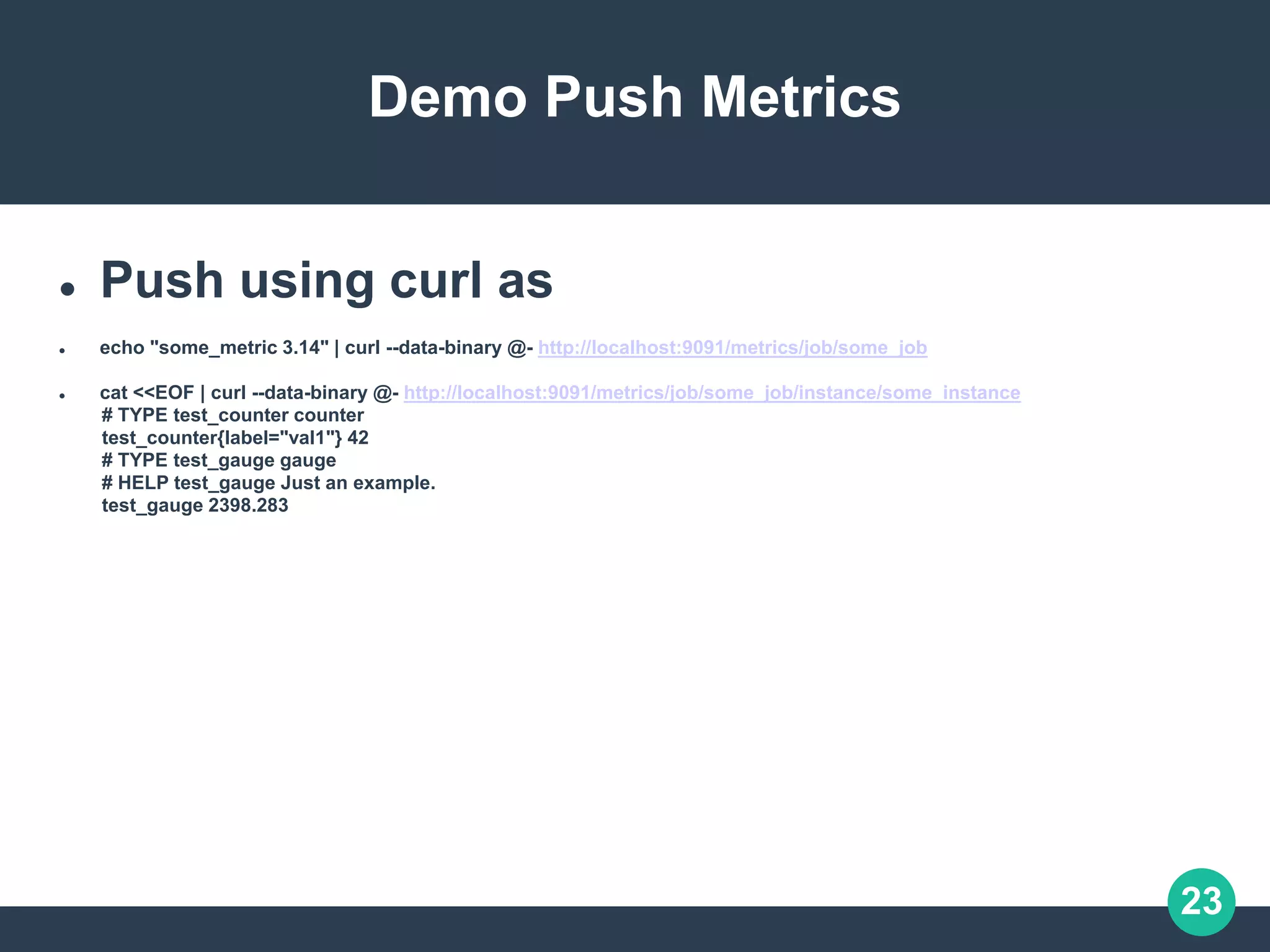
 Push using curl as
 echo "some_metric 3.14" | curl --data-binary @- http://localhost:9091/metrics/job/some_job
 cat <<EOF | curl --data-binary @- http://localhost:9091/metrics/job/some_job/instance/some_instance
# TYPE test_counter counter
test_counter{label="val1"} 42
# TYPE test_gauge gauge
# HELP test_gauge Just an example.
test_gauge 2398.283
24
 How is Monitoring done in Oracle?
 In Oracle cloud we use a variety of tools:
 Metrics, we used Prometheus, but now we are moving to T2, that is
an custom built time series monitoring tool similar to Prometheus.
 Logging, lumberjack
 Alerting, Pagerduty
25
Questions?
Contact and other info:
http://arvindkgs.com

Monitoring using Prometheus and Grafana

  • 1.
    Large Scale ProductionEngineering #31 Quarterly Meetup Monitoring using Prometheus and Grafana Arvind Kumar GS SMTS@Oracle Cloud https://arvindkgs.com contact@arvindkgs.com
  • 2.
    2 Monitoring using Prometheusand Grafana Agenda 1. Why monitoring? 2. Pillars of Observability 3. What is Prometheus? 4. What is Grafana? 5. How to setup local monitoring stack? 6. Demo Pull Metrics 7. Demo Push Metrics 8. How is Monitoring done in Oracle? 9. Questions
  • 3.
    3 Why Monitoring? Consider thefollowing microservices architecture Img Source: https://www.capgemini.com/2017/09/microservices-architectures-are- here-to-stay/ Microservices help building scalable architecture on which you can build enterprise applications. However, one of the drawbacks of splitting your application into
  • 4.
    4 Pillars of Observability Thereare 3 pillars of observability: 1. Metrics (Prometheus, Graphite, InfluxDB, Splunk) 2. Logs (Lumberjack, Splunk, Elastic search) 3.Tracing (Opentracing.io - Jaeger)
  • 5.
    5 What is Prometheus? Prometheus is tool that you can use to monitor always running services as well as one-time jobs (batch jobs)  Built on Go, by Soundcloud  It persists these metrics in time-series db and you can query the metrics.  Time series are defined by its metric names and values. Each metric can have multiple labels.  Querying a particular combination of labels for a metric, produces a unique time- series.  Metric is represented as- <metric name>{<label name>=<label value>, …}
  • 6.
    6 What is Prometheus? Prometheus basically supports two modes:  Pull - Here it is responsibility of Prometheus to pull metrics. An agent will periodically scrap metrics off configured end-point micro-services.  Push - Here it is responsibility of the end-points to push metrics to an agent of Prometheus called Pushgateway. This is usually used for one time batch jobs
  • 7.
  • 8.
    8 What is Prometheus? Metric types  Counter - Int value that only increases or can be reset to 0.  Gauge - single numerical value that can arbitrarily go up and down.  Histogram - A histogram samples observations and counts them in configurable buckets. It also provides a multiple time series during scrape like sum of all observed values, count of events.  Summary - a summary samples observations (usually things like request durations and response size) over a sliding time window.
  • 9.
    9 What is Prometheus? Histograms and summaries both sample observations, typically request durations or response sizes. They track the number of observations and the sum of the observed values, allowing you to calculate the average of the observed values
  • 10.
    10 What is Prometheus? Instrumentationis adding sending metrics on some business logic from your microservice. For example import io.prometheus.client.Counter; class YourClass { static final Counter requests = Counter.build() .name("requests_total").help("Total requests.").register(); void processRequest() { requests.inc(); // Your code here. } } https://github.com/prometheus/client_java
  • 11.
    11 What is Prometheus? Toexpose the metrics used in your code, you would add the Prometheus servlet to your Jetty server. Add dependency on ‘io.prometheus.simpleclient’ and add code below to start your metrics endpoint Server server = new Server(1234); ServletContextHandler context = new ServletContextHandler(); context.setContextPath("/"); server.setHandler(context); context.addServlet(new ServletHolder(new MetricsServlet()), "/metrics"); You can also expose metrics using spring-metrics
  • 12.
    12 What is Grafana? Grafanais a stand-alone tool that let’s you visualize your data. It can be combined with a host of different sources like – Prometheus, AWS CloudWatch, ElasticSearch, Mysql, Postgres, InfluxDB and so on. More on the supported sources . Grafana lets you create dashboards that monitor different metrics. You can configure alerts that can integrate with email, slack, pager duty.
  • 13.
    13 How to setuplocal monitoring stack?  Running from Docker  Setup docker # Install Docker. sudo yum install -y docker-engine sudo systemctl start docker sudo systemctl enable docker # Enable non-root user to run docker commands sudo usermod -aG docker $USER  Pull images - prom/prometheus  prom/pushgateway  prom/prometheus  grafana/grafana
  • 14.
    14 How to setuplocal monitoring stack?  Optionally setup bridge network, if you want isolation of these containers from other containers  Configure prometheus  Prometheus can be configured via cmd line flags and configuration file.  Prometheus can reload its configuration at runtime.  Prometheus can scrap metrics from targets.  Targets may be statically configured via the static_configs parameter or dynamically discovered using one of the supported service-discovery mechanisms.  https://prometheus.io/docs/prometheus/latest/configuration/configuration/
  • 15.
    15 How to setupa local monitoring stack?  You can start Grafana on docker by using simply running- docker run -d -p 3000:3000 grafana/grafana -v grafana-storage:/var/lib/grafana grafana/grafana  You will need to configure your data source (Prometheus) and your graphs first time. This will then persist on the docker volume.  Disadvantages of this is, to deploy this on production you will need to clone this docker volume
  • 16.
    16 How to setupa local monitoring stack?  However, recommended is using provisioned Grafana data source and dashboards  Start Grafana docker run -d -p 3000:3000 --name=grafana --label name=prometheus --network=host -v <absolute-path-to-local-config>:/etc/grafana:ro -v <absolute-path-to-local-persistence-folder>:/var/lib/grafana:rw grafana/grafana
  • 17.
    17 Demo Pull Metrics Consider I have three endpoints I need to monitor.  Imagine that the first two endpoints are production targets, while the third one represents a canary instance.  Configuration is as follows: - job_name: 'example-random' # Override the global default and scrape targets from this job every 5 seconds. scrape_interval: 5s static_configs: - targets: ['localhost:8080', 'localhost:8081'] labels: group: 'production' - targets: ['localhost:8082'] labels: group: 'canary'
  • 18.
    18 Demo Pull Metrics Start your service end-points  Clone https://github.com/prometheus/client_golang.git  Install Go compiler  # Start 3 example targets in separate terminals:  ./random -listen-address=:8080  ./random -listen-address=:8081  ./random -listen-address=:8082
  • 19.
    19 Demo Pull Metrics Start Prometheus server docker run -d -p 9090:9090 --name=prometheus --label name=prometheus --network=host -v <absolute-path-to-local-prometheus.yml>:/etc/prometheus/prometheus.yml:ro -v <absolute-path-to-local-persistence-folder>:/prometheus:rw prom/prometheus  Verify by navigating to http://localhost:9090/
  • 20.
    20 Demo Pull Metrics Build Graph on grafana by selecting the Prometheus data source.  Set query: sum(rate(go_gc_duration_seconds{job="example-random"}[10m])) by (group)
  • 21.
  • 22.
    22 Demo Push Metrics Configure prometheus to scrap of push gateway # Scrape PushGateway for client metrics - job_name: "pushgateway" # Override the global default and scrape targets from this job every 5 seconds. scrape_interval: 5s # By default prometheus adds labels, job (=job_name) and instance (=host:port), to scrapped metrics. This may conflict # with pushed metrics. Hence it’s recommended to set honor_labels to true, then the scrapped metrics ‘job’ and ‘instance’ # are retained honor_labels: true static_configs: - targets: ["localhost:9091"]  Start push gateway docker run -d -p 9091:9091 --name=pushgateway --label name=prometheus --network=host prom/pushgateway
  • 23.
    23 Demo Push Metrics Push using curl as  echo "some_metric 3.14" | curl --data-binary @- http://localhost:9091/metrics/job/some_job  cat <<EOF | curl --data-binary @- http://localhost:9091/metrics/job/some_job/instance/some_instance # TYPE test_counter counter test_counter{label="val1"} 42 # TYPE test_gauge gauge # HELP test_gauge Just an example. test_gauge 2398.283
  • 24.
    24  How isMonitoring done in Oracle?  In Oracle cloud we use a variety of tools:  Metrics, we used Prometheus, but now we are moving to T2, that is an custom built time series monitoring tool similar to Prometheus.  Logging, lumberjack  Alerting, Pagerduty
  • 25.
    25 Questions? Contact and otherinfo: http://arvindkgs.com