PRODUCTION
   WORKFLOWS
@oenvoyage ++ @fsiddi -- Blender Conference 2012 -- Amsterdam 13/10/2012
FOREWORD

Concepts for small, medium sized productions
Or for people who never thought about workflow
ASSETS ORGANIZATION
๏ set up paths - relative paths

๏ good naming (more about it later)

๏ versioning? SVN is not bad
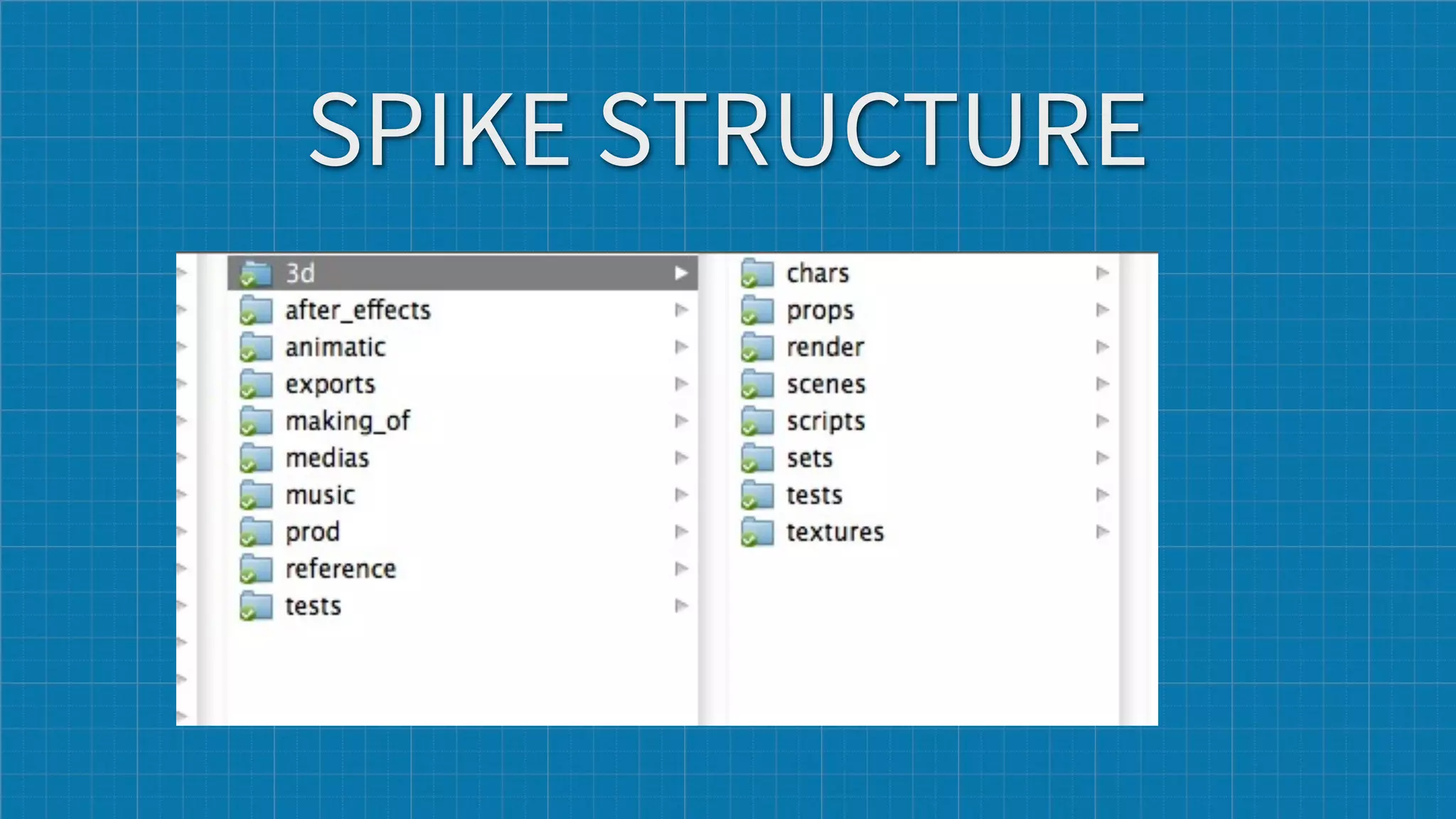
SPIKE STRUCTURE
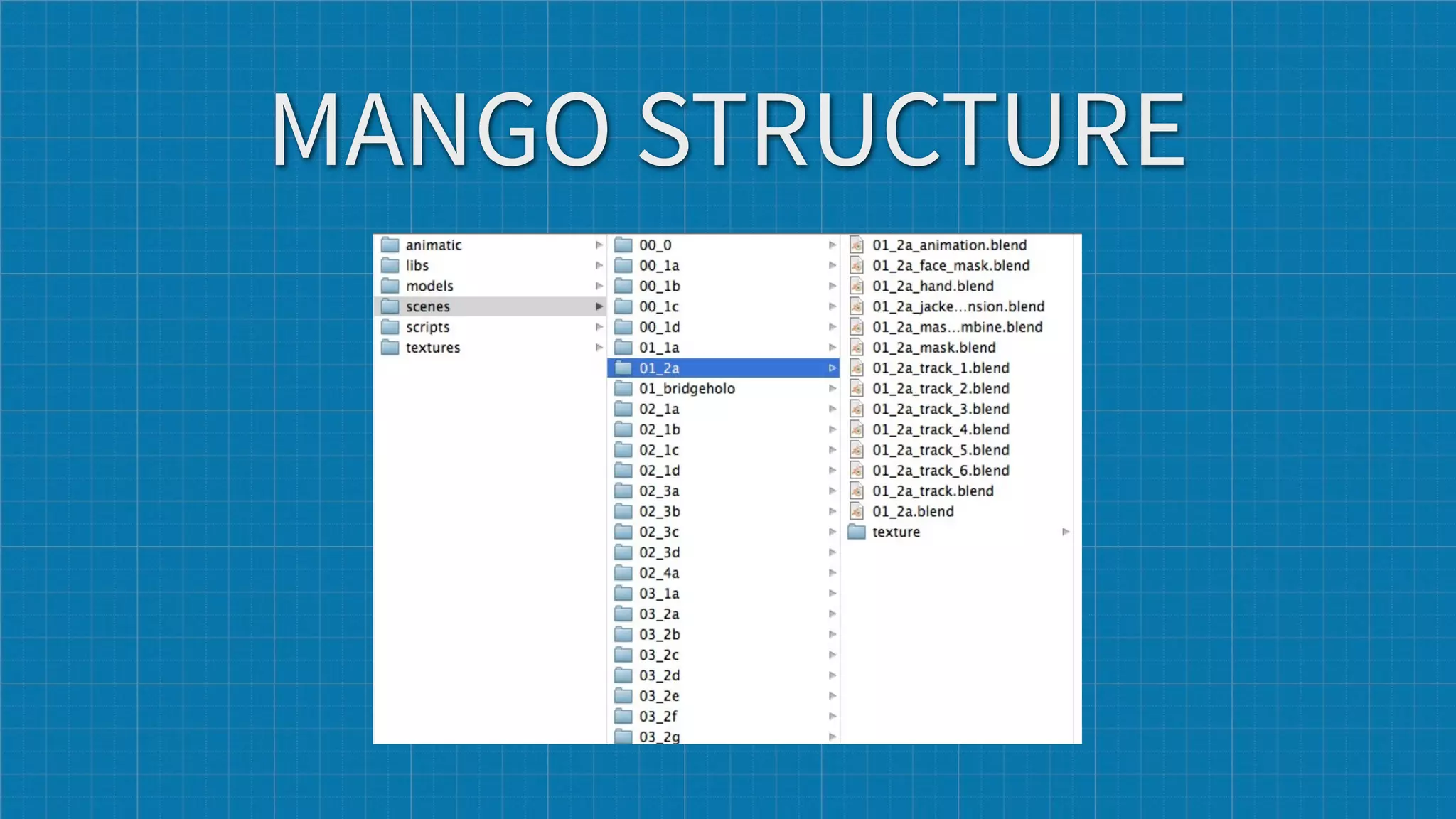
MANGO STRUCTURE
FAST RESPONSE
๏ use proxies, they are very good for speed

๏ use groups, node groups can be reused.

๏ when working with groups and libraries, make sure the SCALE is
  correct and consistent between object... to avoid rescaling assets
  (spike sets examples)
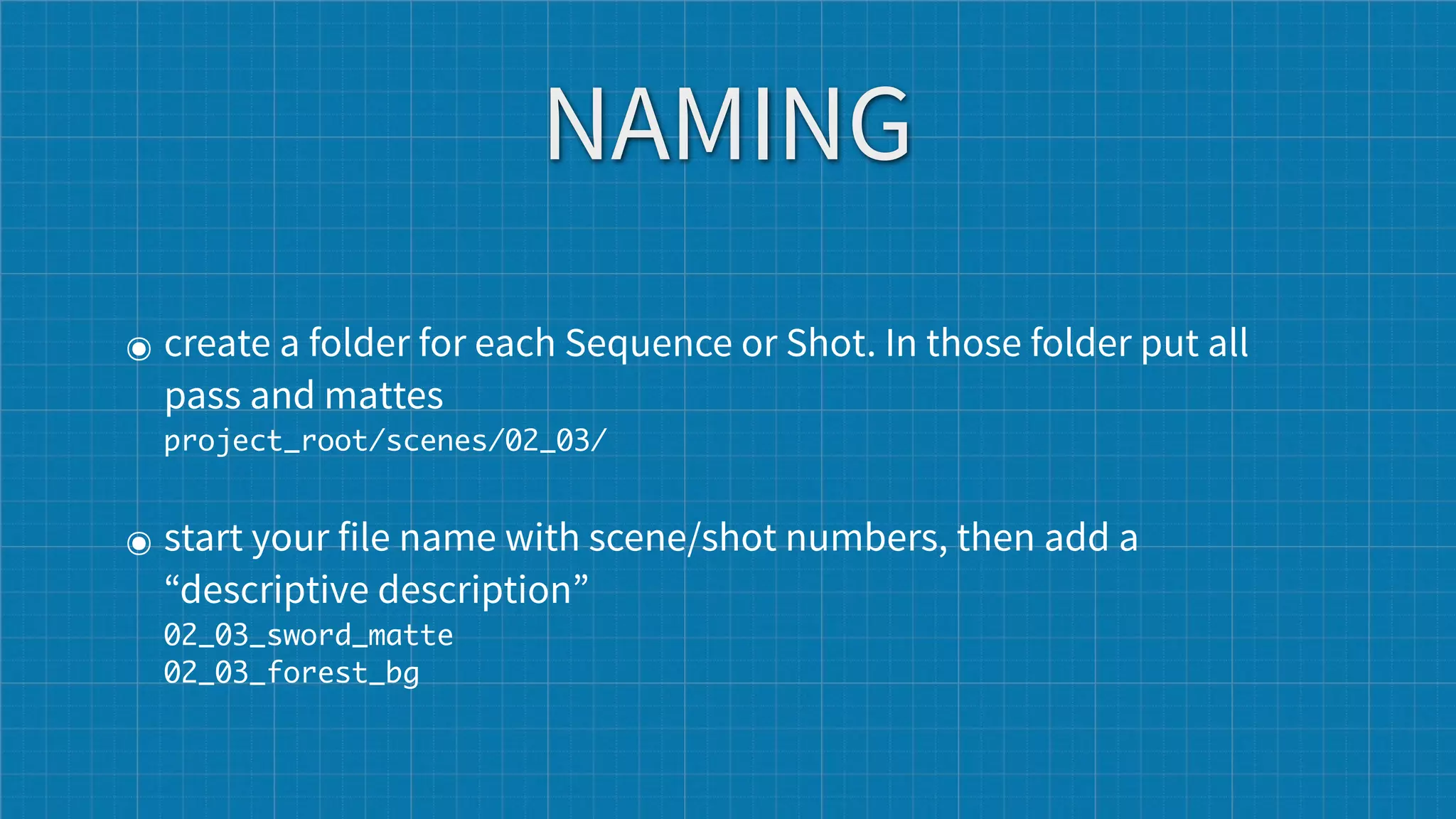
NAMING
๏ create a folder for each Sequence or Shot. In those folder put all
  pass and mattes
  project_root/scenes/02_03/


๏ start your file name with scene/shot numbers, then add a
  “descriptive description”
  02_03_sword_matte
  02_03_forest_bg
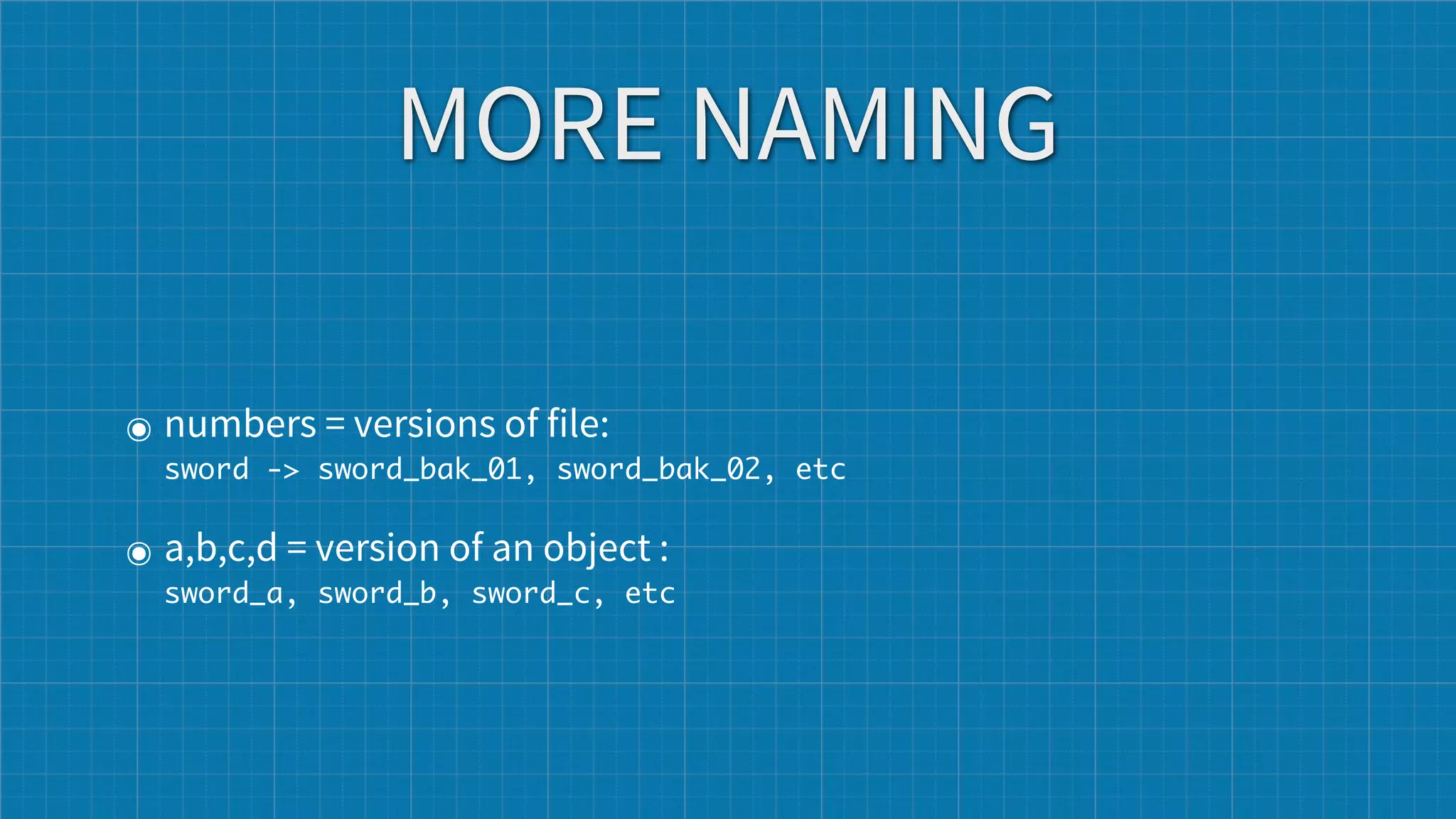
MORE NAMING

๏ numbers = versions of file:  
  sword -> sword_bak_01, sword_bak_02, etc


๏ a,b,c,d = version of an object :
  sword_a, sword_b, sword_c, etc
BE CONSISTENT
in your life and your projects
NAMING 2
๏ do not use spaces, or strange accents etc... no good for unix or
  writing relative paths, scripting etc.

๏ Yoda : Luke never spaces you will use, no never

๏ under_scoring or CamelCase

๏ name your object according to what they do : CTRL for controller
  bones, DEF for deformers, GRP for groups, goes for assets as well

๏ communicate about your naming
NEVER BE IN A WTF CASE
๏ what's that file?

๏ where is that file ?

๏ who named that file ?

๏ why is that file here ?
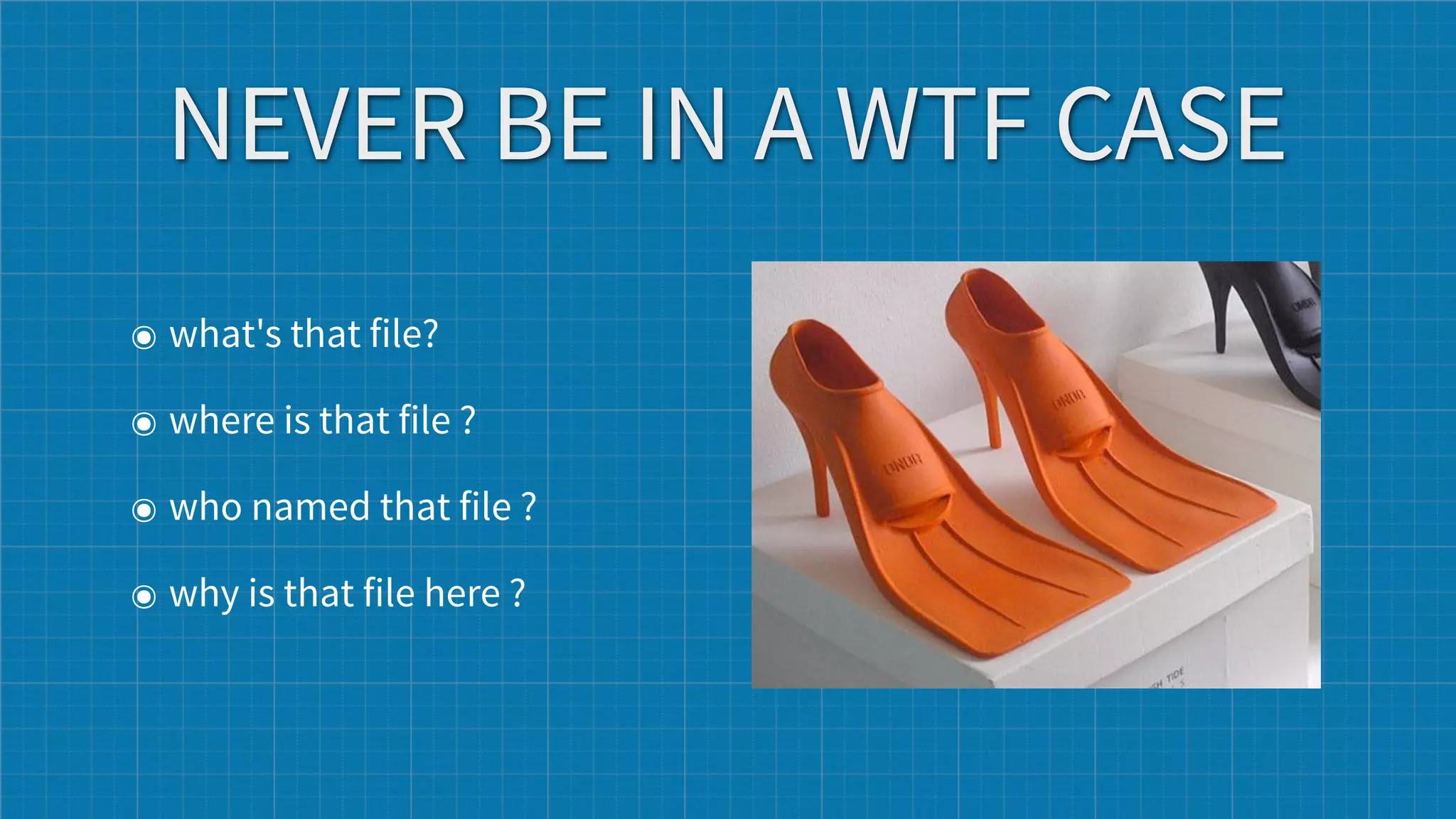
NEVER BE IN A WTF CASE
๏ what's that file?

๏ where is that file ?

๏ who named that file ?

๏ why is that file here ?
Image001_final_v02_A01_FINAL_final0012.jpg
is not a real filename.


                          -- James Neale (@jamesneale)
RENDERING
๏ make pre render at low resolution
๏ render 10 frames at full resolution across the shot
๏ use low resolution proxies for rendering
๏ use touch and no-overwrite functions
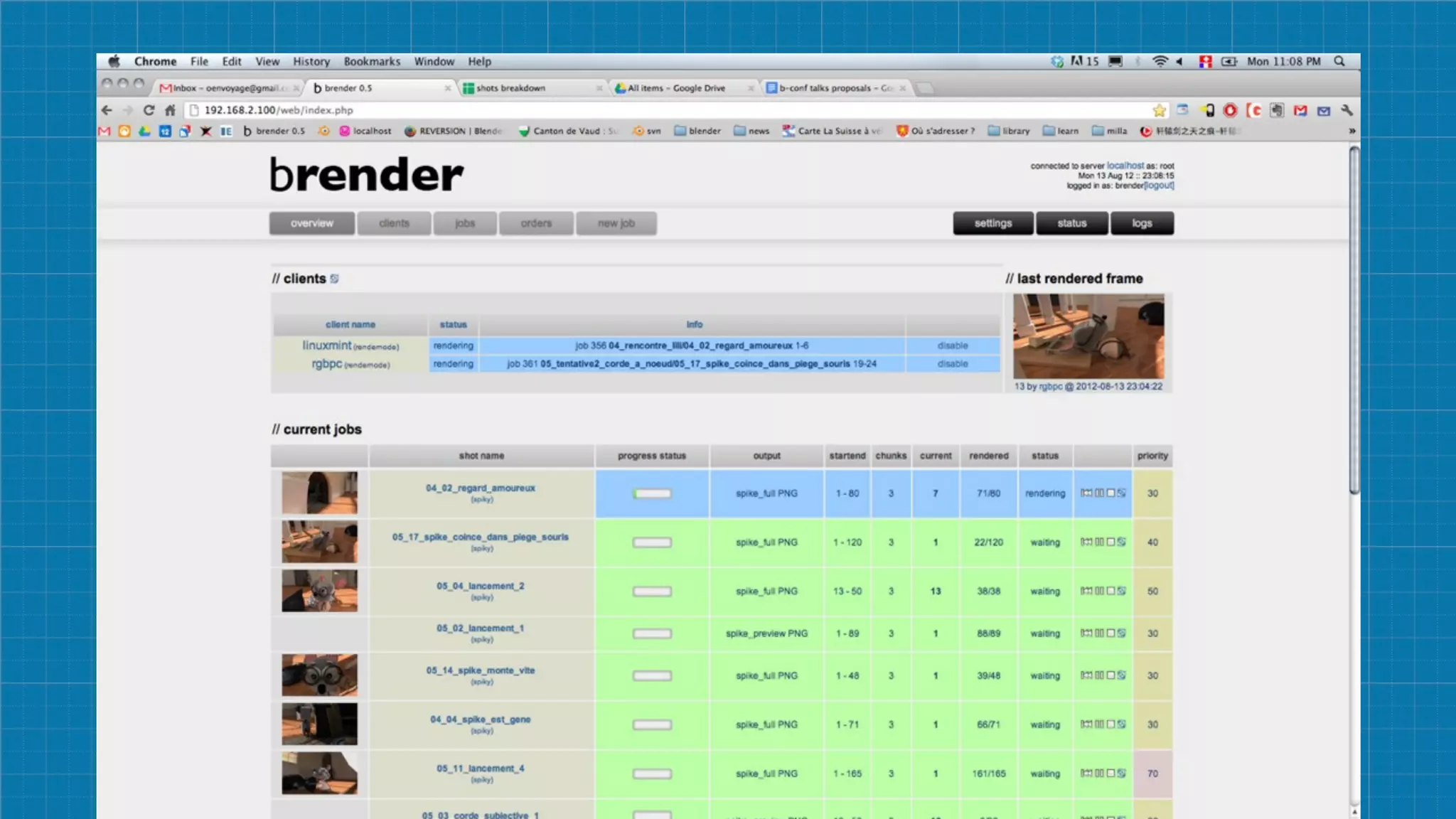
๏ use render management system
RENDER MANAGEMENT ≠ RENDER FARM
render management means being able to handle
multiple renders at the same time.
It can be done with 1 computer.
TEAM
Try to find what each team member enjoys most and try to dispatch more of
that kind of work to that person.

Example: animators should do animatic, more experienced people solve
complex problems, less technical do simpler or repetitive tasks.
TEAM
Try to find what each team member enjoys most and try to dispatch more of
that kind of work to that person.

Example: animators should do animatic, more experienced people solve
complex problems, less technical do simpler or repetitive tasks.


2 people counts as a team
TIME MANAGEMENT
  render an animatic

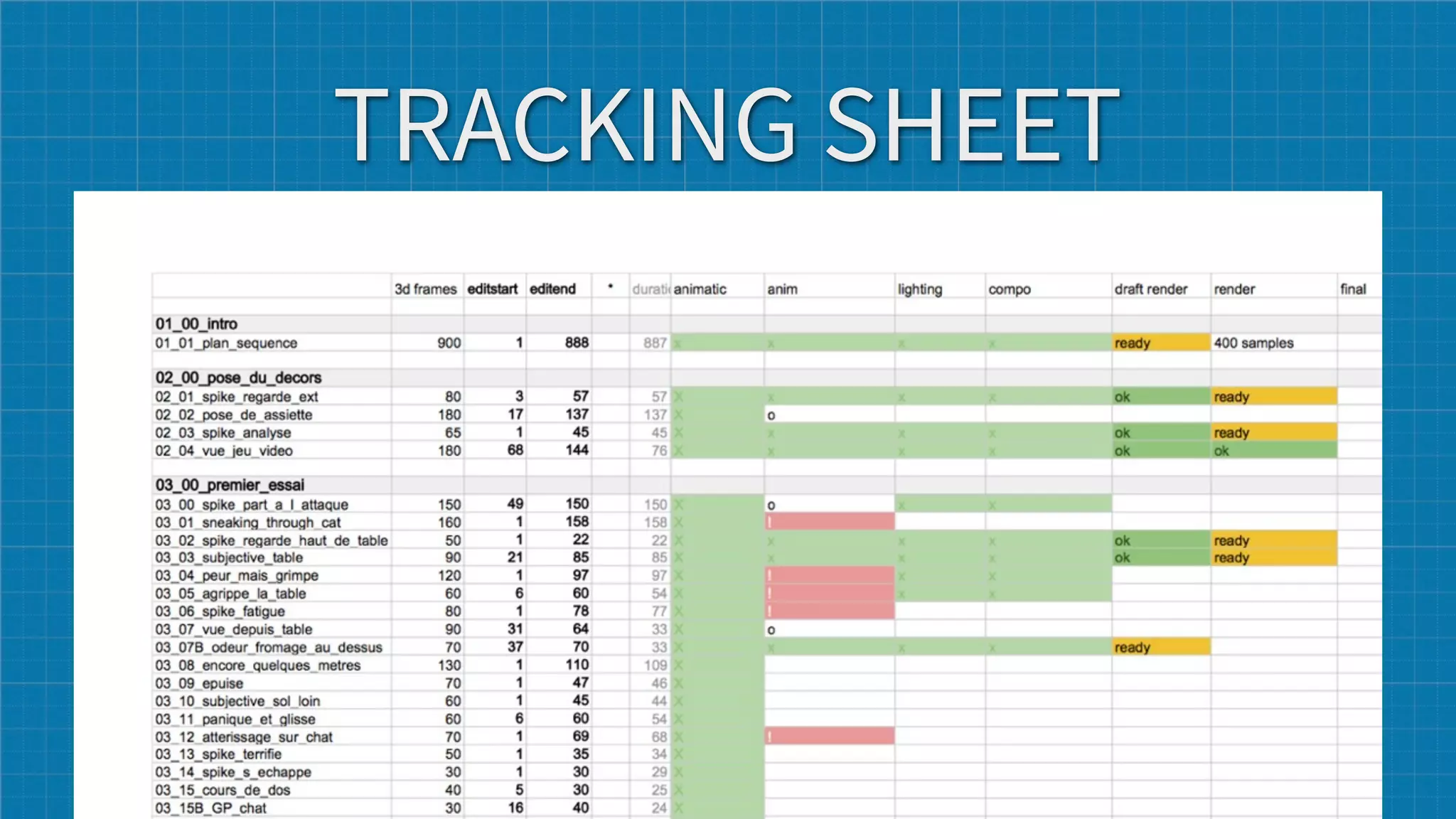
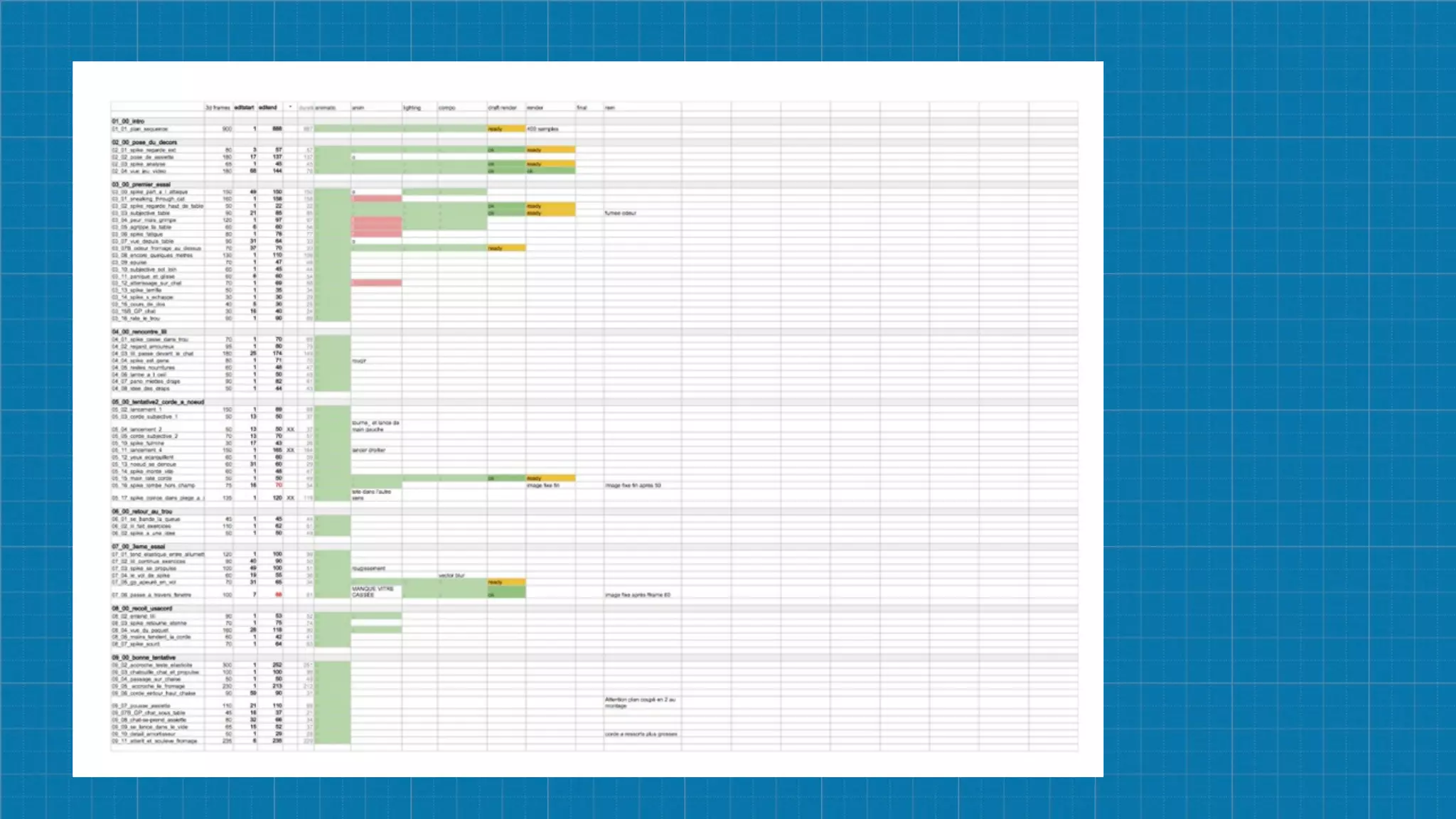
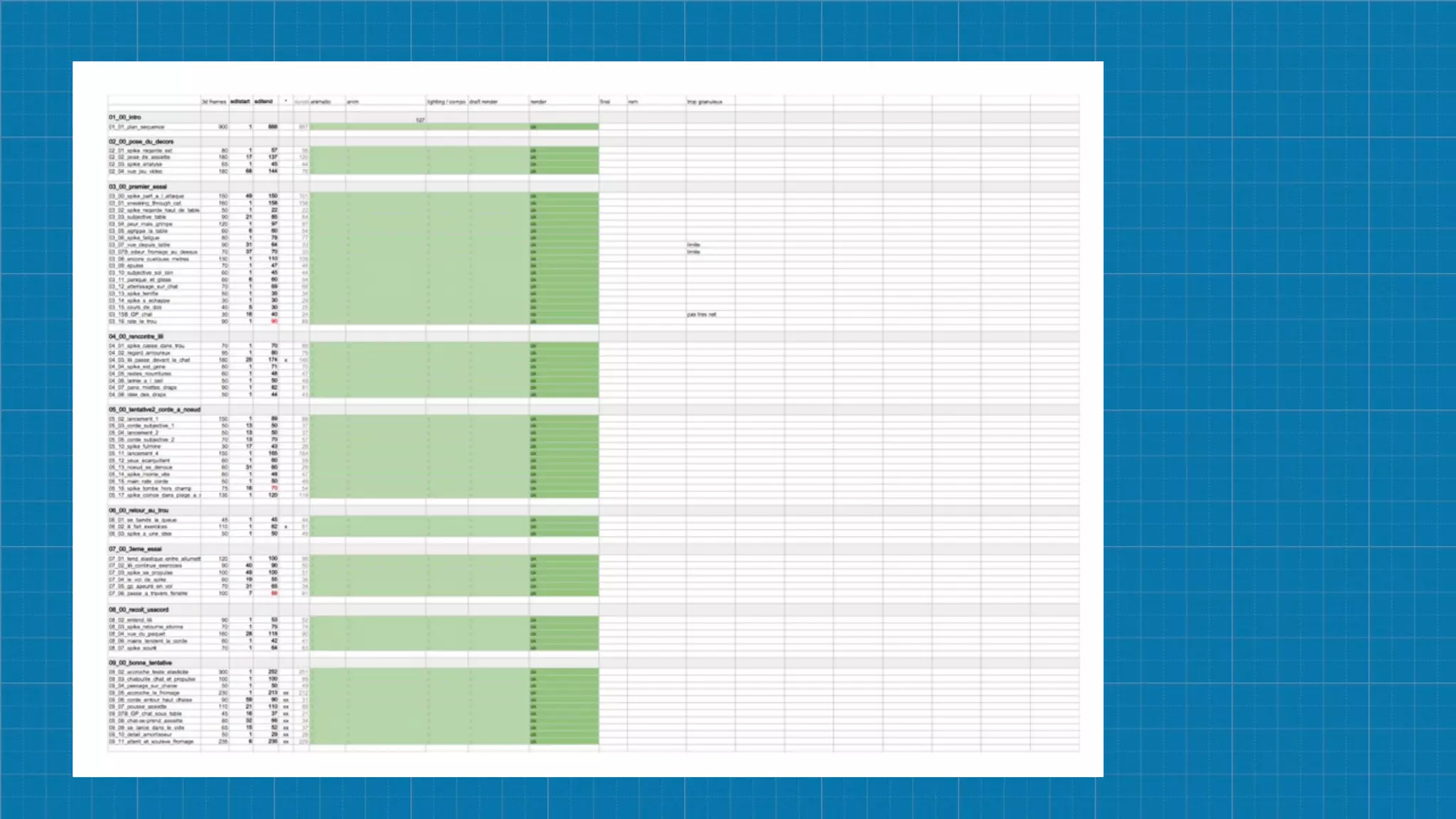
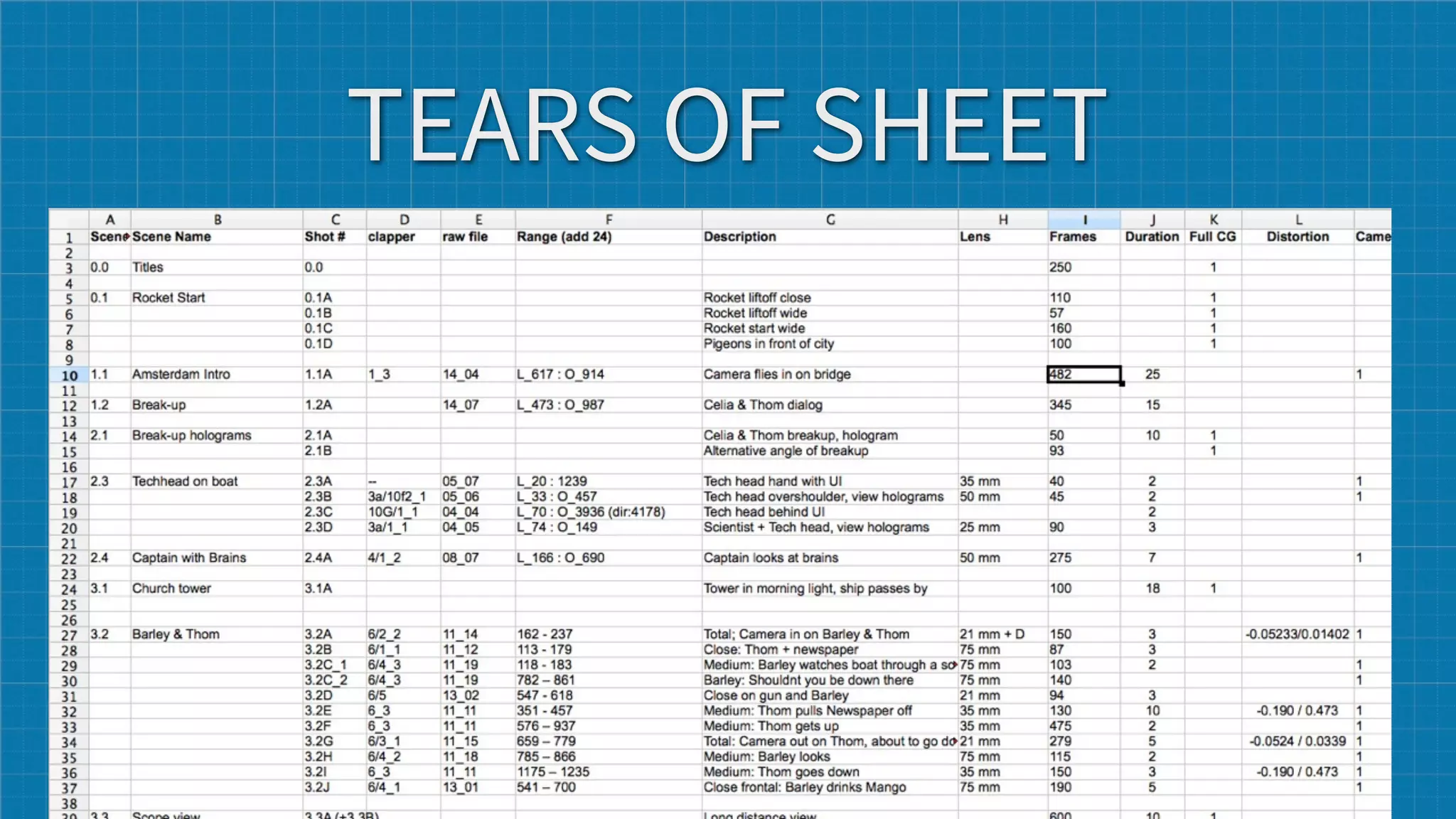
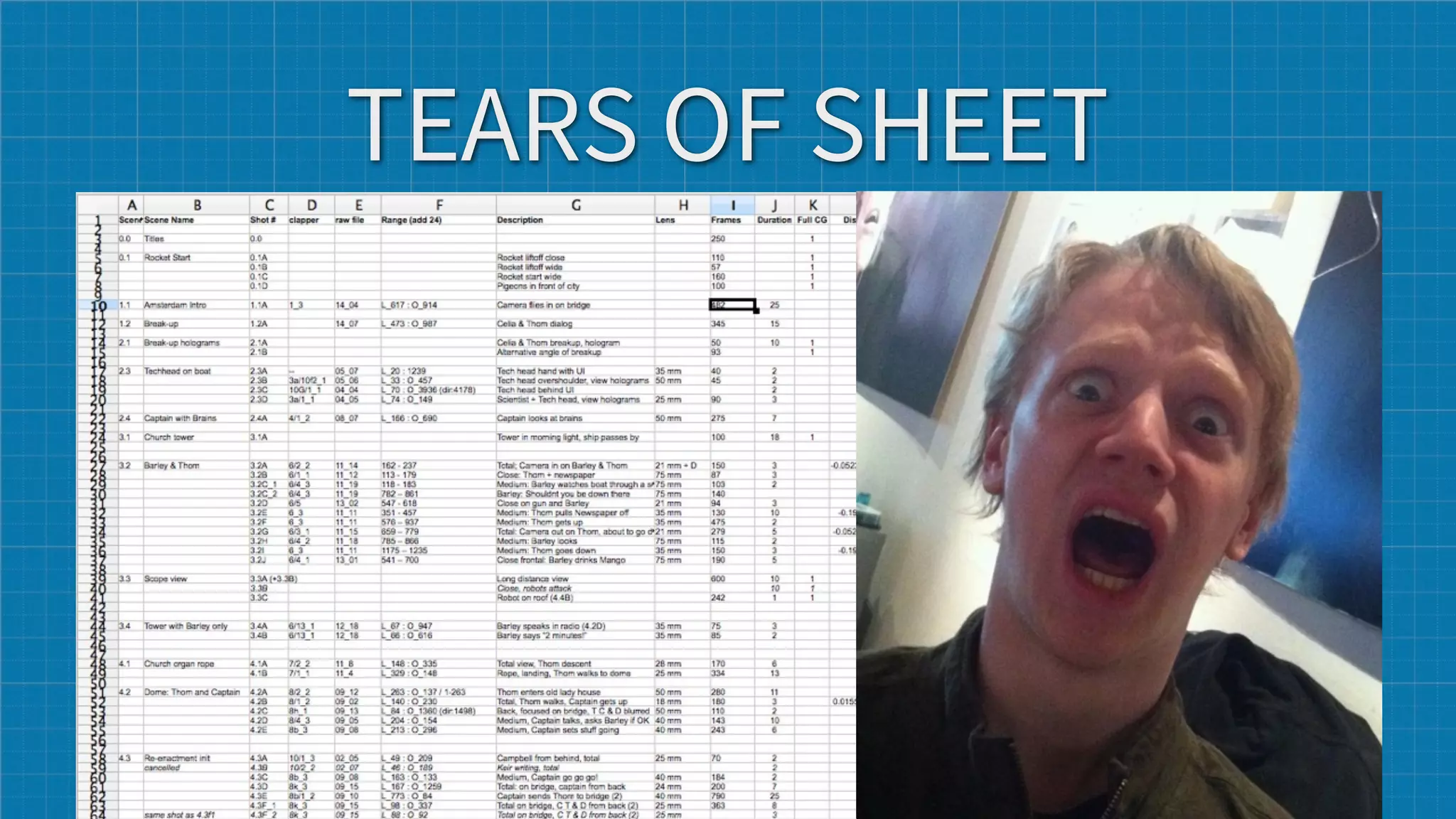
๏ create a tracking sheet, it will allow you to keep track of scenes/shots, and
  start rendering when not all scenes are finished

๏ start animating the easy shots to feel comfortable with characters

๏ try to “finish” your movie as quick a possible so that you can have an overall
  feeling, then tweak and make it better (Final1, Final2, etc)
TRACKING SHEET
TEARS OF SHEET
TEARS OF SHEET
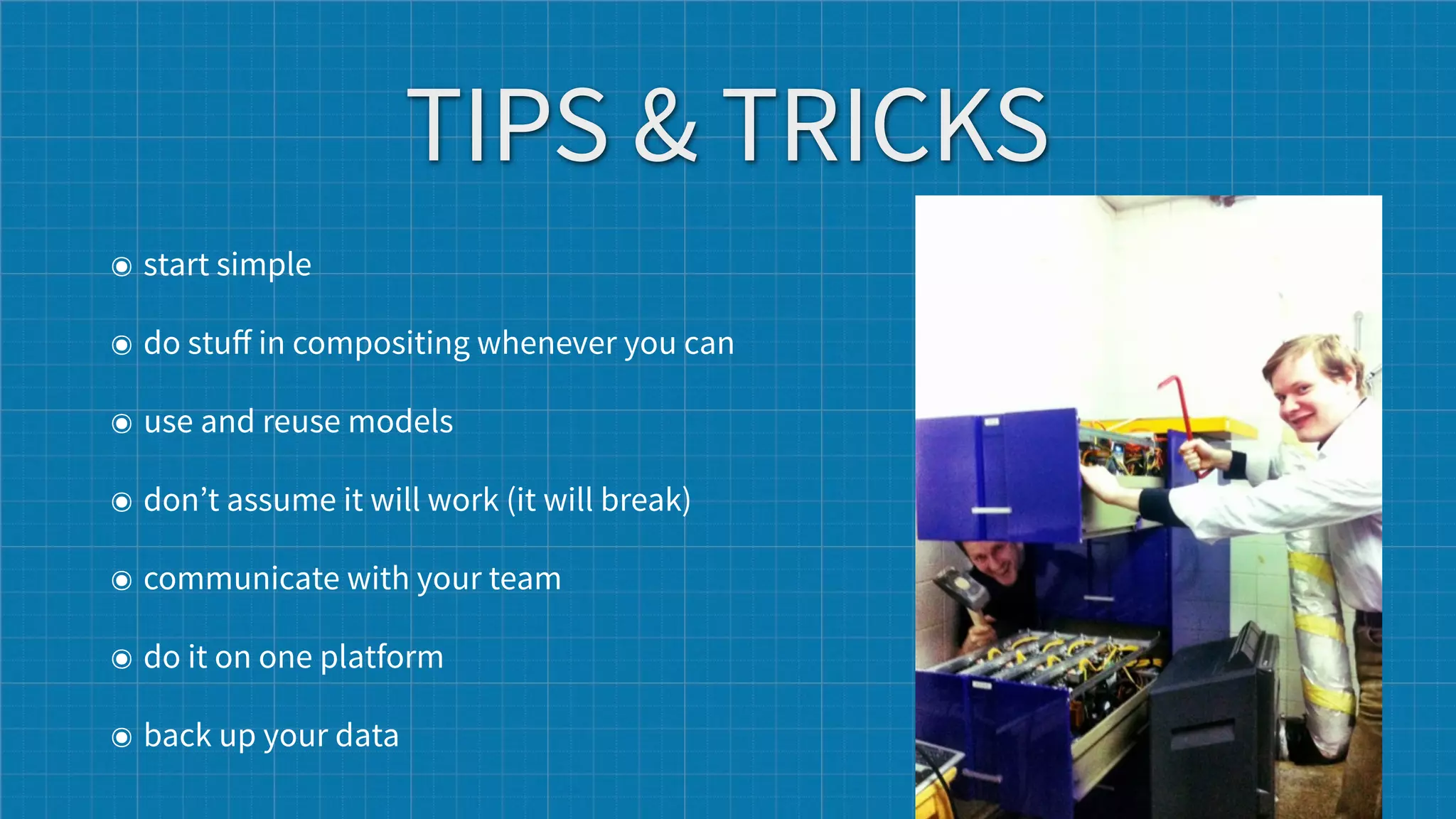
TIPS & TRICKS
๏ start simple

๏ do stuff in compositing whenever you can

๏ use and reuse models

๏ don’t assume it will work (it will break)

๏ communicate with your team

๏ do it on one platform

๏ back up your data
BE CONSISTENT
and communicate about it with teammates
FORGET ABOUT IT!


@oenvoyage ++ @fsiddi -- Blender Conference 2012 -- Amsterdam 13/10/2012

Production workflows

  • 1.
    PRODUCTION WORKFLOWS @oenvoyage ++ @fsiddi -- Blender Conference 2012 -- Amsterdam 13/10/2012
  • 2.
    FOREWORD Concepts for small,medium sized productions Or for people who never thought about workflow
  • 3.
    ASSETS ORGANIZATION ๏ setup paths - relative paths ๏ good naming (more about it later) ๏ versioning? SVN is not bad
  • 4.
  • 5.
  • 6.
    FAST RESPONSE ๏ useproxies, they are very good for speed ๏ use groups, node groups can be reused. ๏ when working with groups and libraries, make sure the SCALE is correct and consistent between object... to avoid rescaling assets (spike sets examples)
  • 7.
    NAMING ๏ create afolder for each Sequence or Shot. In those folder put all pass and mattes project_root/scenes/02_03/ ๏ start your file name with scene/shot numbers, then add a “descriptive description” 02_03_sword_matte 02_03_forest_bg
  • 8.
    MORE NAMING ๏ numbers= versions of file:   sword -> sword_bak_01, sword_bak_02, etc ๏ a,b,c,d = version of an object : sword_a, sword_b, sword_c, etc
  • 9.
    BE CONSISTENT in yourlife and your projects
  • 10.
    NAMING 2 ๏ donot use spaces, or strange accents etc... no good for unix or writing relative paths, scripting etc. ๏ Yoda : Luke never spaces you will use, no never ๏ under_scoring or CamelCase ๏ name your object according to what they do : CTRL for controller bones, DEF for deformers, GRP for groups, goes for assets as well ๏ communicate about your naming
  • 11.
    NEVER BE INA WTF CASE ๏ what's that file? ๏ where is that file ? ๏ who named that file ? ๏ why is that file here ?
  • 12.
    NEVER BE INA WTF CASE ๏ what's that file? ๏ where is that file ? ๏ who named that file ? ๏ why is that file here ?
  • 13.
    Image001_final_v02_A01_FINAL_final0012.jpg is not areal filename. -- James Neale (@jamesneale)
  • 14.
    RENDERING ๏ make prerender at low resolution ๏ render 10 frames at full resolution across the shot ๏ use low resolution proxies for rendering ๏ use touch and no-overwrite functions ๏ use render management system
  • 15.
    RENDER MANAGEMENT ≠RENDER FARM render management means being able to handle multiple renders at the same time. It can be done with 1 computer.
  • 17.
    TEAM Try to findwhat each team member enjoys most and try to dispatch more of that kind of work to that person. Example: animators should do animatic, more experienced people solve complex problems, less technical do simpler or repetitive tasks.
  • 18.
    TEAM Try to findwhat each team member enjoys most and try to dispatch more of that kind of work to that person. Example: animators should do animatic, more experienced people solve complex problems, less technical do simpler or repetitive tasks. 2 people counts as a team
  • 19.
    TIME MANAGEMENT render an animatic ๏ create a tracking sheet, it will allow you to keep track of scenes/shots, and start rendering when not all scenes are finished ๏ start animating the easy shots to feel comfortable with characters ๏ try to “finish” your movie as quick a possible so that you can have an overall feeling, then tweak and make it better (Final1, Final2, etc)
  • 20.
  • 23.
  • 24.
  • 25.
    TIPS & TRICKS ๏start simple ๏ do stuff in compositing whenever you can ๏ use and reuse models ๏ don’t assume it will work (it will break) ๏ communicate with your team ๏ do it on one platform ๏ back up your data
  • 26.
    BE CONSISTENT and communicateabout it with teammates
  • 27.
    FORGET ABOUT IT! @oenvoyage++ @fsiddi -- Blender Conference 2012 -- Amsterdam 13/10/2012