Product Launch Marketing Plan Checklist
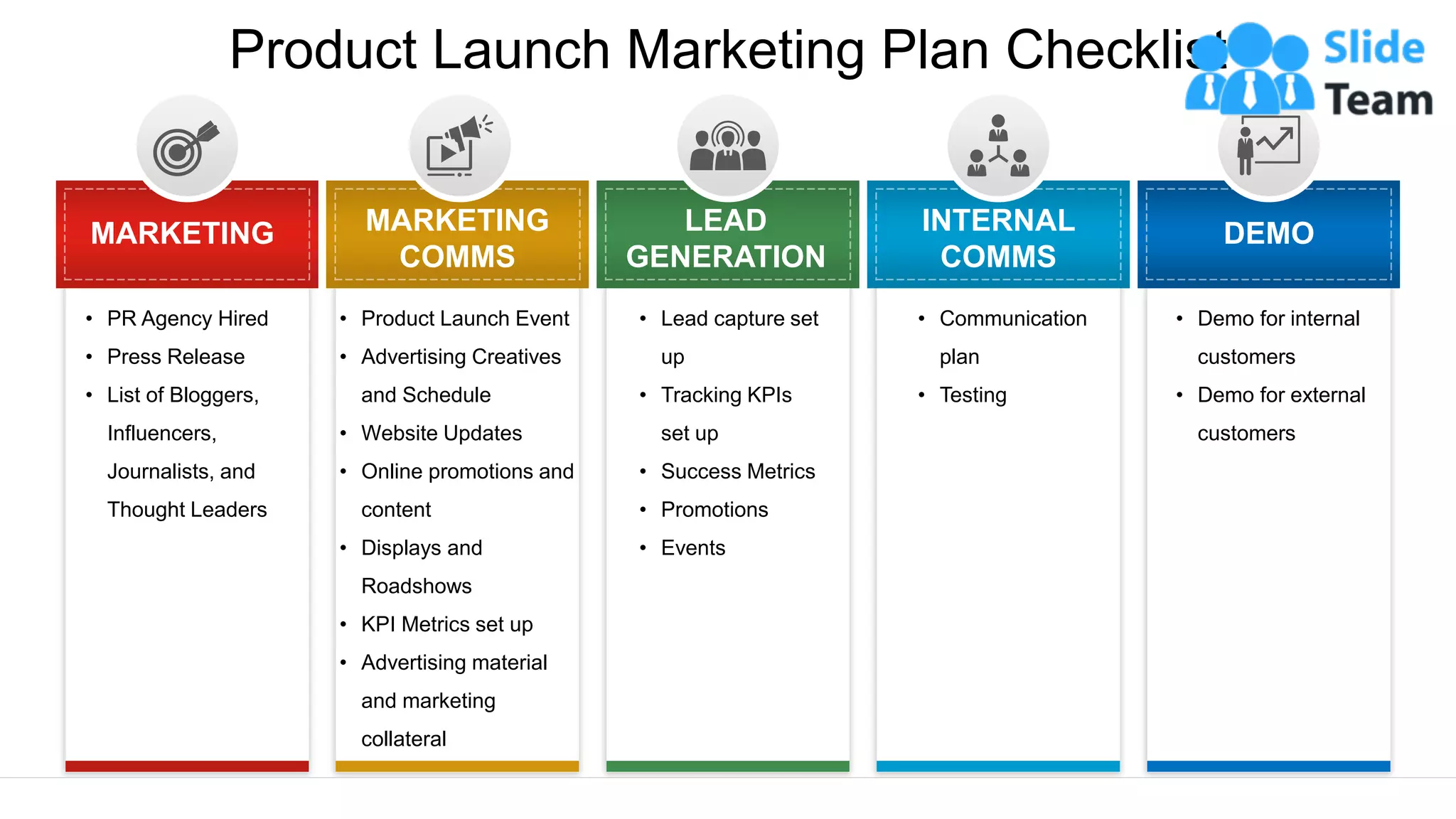
• PR Agency Hired
• Press Release
• List of Bloggers,
Influencers,
Journalists, and
Thought Leaders
MARKETING
• Product Launch Event
• Advertising Creatives
and Schedule
• Website Updates
• Online promotions and
content
• Displays and
Roadshows
• KPI Metrics set up
• Advertising material
and marketing
collateral
MARKETING
COMMS
• Lead capture set
up
• Tracking KPIs
set up
• Success Metrics
• Promotions
• Events
LEAD
GENERATION
• Communication
plan
• Testing
INTERNAL
COMMS
DEMO
• Demo for internal
customers
• Demo for external
customers
Instructions To Edit This Slide
This slide has been made in PowerPoint using basic PowerPoint shapes, and all graphics are 100%
editable in PowerPoint.
You can change color, size and orientation of any element to your liking, and add/edit any piece of text
anywhere.
Resize Any Shape And Edit Color
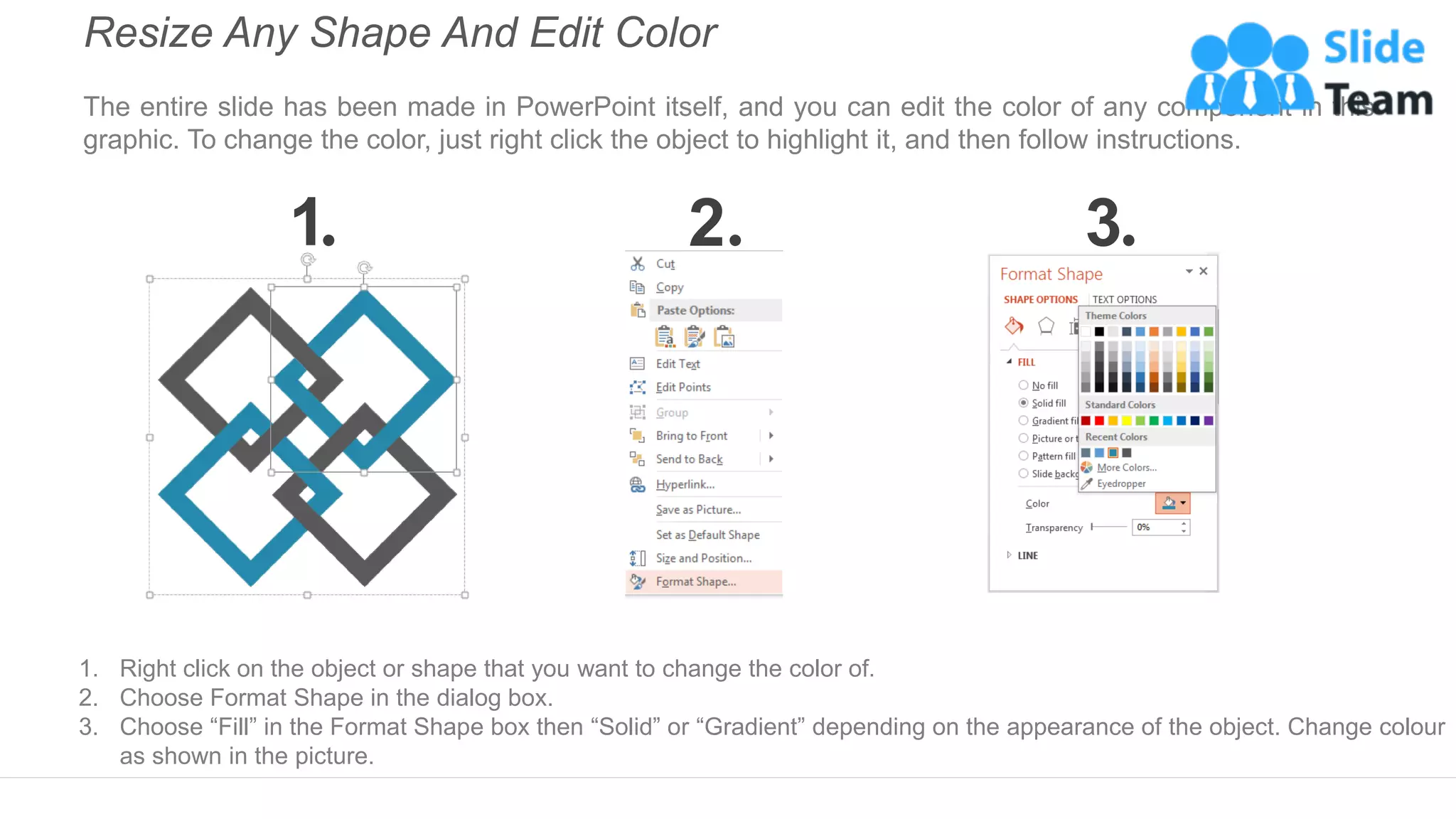
The entire slide has been made in PowerPoint itself, and you can edit the color of any component in this
graphic. To change the color, just right click the object to highlight it, and then follow instructions.
1 2 3
1. Right click on the object or shape that you want to change the color of.
2. Choose Format Shape in the dialog box.
3. Choose “Fill” in the Format Shape box then “Solid” or “Gradient” depending on the appearance of the object. Change colour
as shown in the picture.
Use Your Own Icons In Any Slide
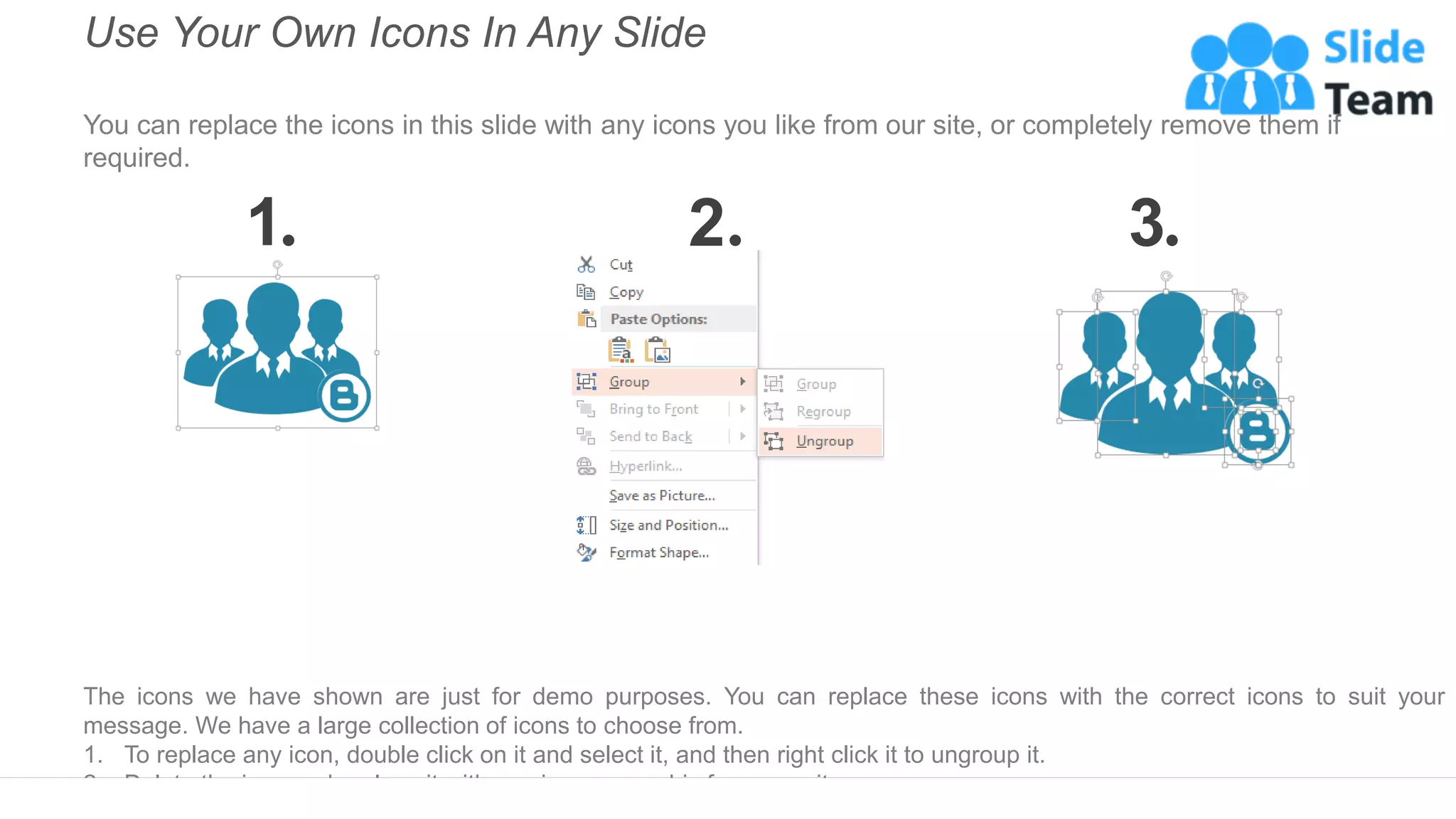
You can replace the icons in this slide with any icons you like from our site, or completely remove them if
required.
1 2 3
The icons we have shown are just for demo purposes. You can replace these icons with the correct icons to suit your
message. We have a large collection of icons to choose from.
1. To replace any icon, double click on it and select it, and then right click it to ungroup it.
2. Delete the icon and replace it with any icon or graphic from our site.
Select From Thousands Of Editable Icons On Every Topic
These icons are available at the Icons section on www.slideteam.net

Product Launch Marketing Plan Checklist Ppt Example File

  • 1.
    Product Launch MarketingPlan Checklist • PR Agency Hired • Press Release • List of Bloggers, Influencers, Journalists, and Thought Leaders MARKETING • Product Launch Event • Advertising Creatives and Schedule • Website Updates • Online promotions and content • Displays and Roadshows • KPI Metrics set up • Advertising material and marketing collateral MARKETING COMMS • Lead capture set up • Tracking KPIs set up • Success Metrics • Promotions • Events LEAD GENERATION • Communication plan • Testing INTERNAL COMMS DEMO • Demo for internal customers • Demo for external customers
  • 2.
    Instructions To EditThis Slide This slide has been made in PowerPoint using basic PowerPoint shapes, and all graphics are 100% editable in PowerPoint. You can change color, size and orientation of any element to your liking, and add/edit any piece of text anywhere.
  • 3.
    Resize Any ShapeAnd Edit Color The entire slide has been made in PowerPoint itself, and you can edit the color of any component in this graphic. To change the color, just right click the object to highlight it, and then follow instructions. 1 2 3 1. Right click on the object or shape that you want to change the color of. 2. Choose Format Shape in the dialog box. 3. Choose “Fill” in the Format Shape box then “Solid” or “Gradient” depending on the appearance of the object. Change colour as shown in the picture.
  • 4.
    Use Your OwnIcons In Any Slide You can replace the icons in this slide with any icons you like from our site, or completely remove them if required. 1 2 3 The icons we have shown are just for demo purposes. You can replace these icons with the correct icons to suit your message. We have a large collection of icons to choose from. 1. To replace any icon, double click on it and select it, and then right click it to ungroup it. 2. Delete the icon and replace it with any icon or graphic from our site.
  • 5.
    Select From ThousandsOf Editable Icons On Every Topic These icons are available at the Icons section on www.slideteam.net