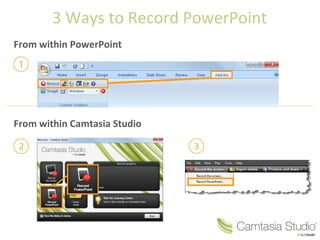
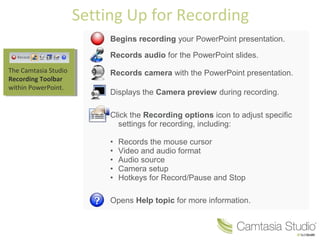
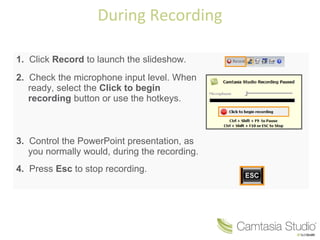
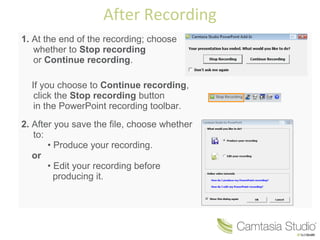
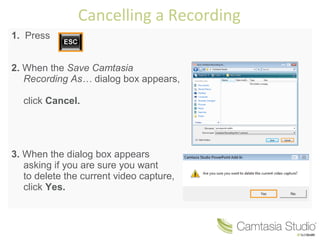
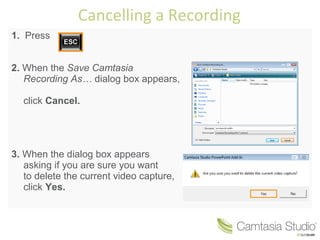
There are 3 ways to record a PowerPoint presentation: from within PowerPoint, from within Camtasia Studio, or setting up for recording. When recording from within Camtasia Studio, the software records audio and video of the PowerPoint slides and allows adjusting recording settings. During the recording, the presenter controls the PowerPoint presentation while Camtasia records. After recording, the presenter can choose to produce or edit the recording before producing it. A recording can be cancelled by pressing Esc and confirming the deletion of the video capture file.