Problem: Power button will not start computer
 Solution 1: If your computer does not start, begin by checking the power cord to confirm that it is plugged securely into
the back of the computer case and the power outlet.
 Solution 2: If it is plugged into an outlet, make sure it is a working outlet. Tocheck your outlet, youcan plug in
anotherelectrical device, such as a lamp or cellphone, and see if it receives electricity properly.
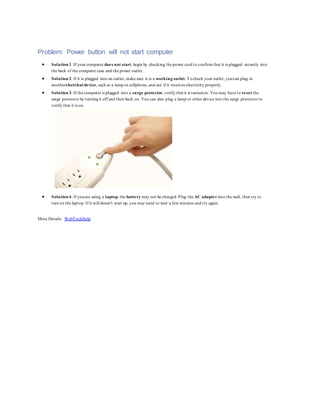
 Solution 3: If the computer is plugged into a surge protector, verify that it is turnedon. You may have to reset the
surge protector by turningit off and then back on. You can also plug a lamp or other device into the surge protector to
verify that it is on.
 Solution 4: If youare using a laptop, the battery may not be charged. Plug the AC adapter into the wall, then try to
turn on the laptop. If it still doesn't start up, you may need to wait a few minutes and try again.
More Details: WebTechHelp

Power button will not start computer

  • 1.
    Problem: Power buttonwill not start computer  Solution 1: If your computer does not start, begin by checking the power cord to confirm that it is plugged securely into the back of the computer case and the power outlet.  Solution 2: If it is plugged into an outlet, make sure it is a working outlet. Tocheck your outlet, youcan plug in anotherelectrical device, such as a lamp or cellphone, and see if it receives electricity properly.  Solution 3: If the computer is plugged into a surge protector, verify that it is turnedon. You may have to reset the surge protector by turningit off and then back on. You can also plug a lamp or other device into the surge protector to verify that it is on.  Solution 4: If youare using a laptop, the battery may not be charged. Plug the AC adapter into the wall, then try to turn on the laptop. If it still doesn't start up, you may need to wait a few minutes and try again. More Details: WebTechHelp