RCTQ
PORTFOLIO PREPARATION AND ORGANIZATION
RCTQ
How do you gather and organize
documents for your RPMS Portfolio
At the beginning of
the school year, you
start working to
achieve your targets
as required by
RPMS. You need
documents to show
that you have done
so.
PORTFOLIO PREPARATION AND ORGANIZATION
RCTQ
How do you gather and organize
documents for your RPMS Portfolio
1. Review the Results-based Performance Management
System (RPMS) Tool appropriate to your level
2. Refer to the MOV
column for the
checklist of the
relevant
documents
needed.
PORTFOLIO PREPARATION AND ORGANIZATION
RCTQ
How do you gather and organize
documents for your RPMS Portfolio
Keep relevant documents as they become available
throughout the year. For example, after your Principal has
observed your class and has given you the COT rating sheet
or inter-observer agreement form, keep/ insert the document
in the corresponding folder or envelope labeled COT
Rating Sheet.
PORTFOLIO PREPARATION AND ORGANIZATION
RCTQ
How do you gather and organize
documents for your RPMS Portfolio
3. Gather other documents required by the tool.
Label and organize them accordingly.
To prepare your documents in time for the RPMS mid-
year review or year-end assessment of your Portfolio,
you need to organize documents properly and
accurately.
PORTFOLIO PREPARATION AND ORGANIZATION
RCTQ
How do you gather and organize
documents for your RPMS Portfolio
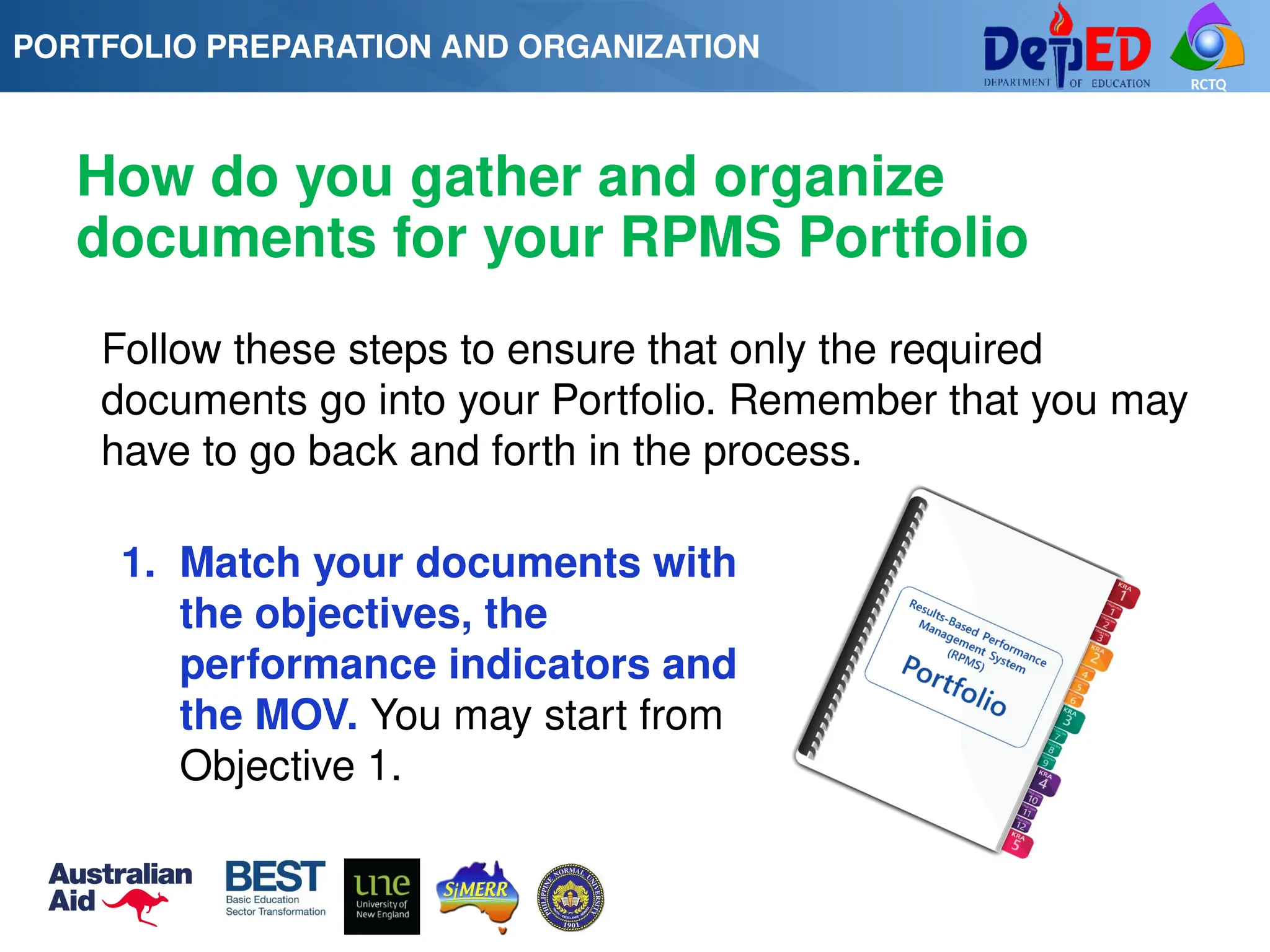
Follow these steps to ensure that only the required
documents go into your Portfolio. Remember that you may
have to go back and forth in the process.
1. Match your documents with
the objectives, the
performance indicators and
the MOV. You may start from
Objective 1.
PORTFOLIO PREPARATION AND ORGANIZATION
RCTQ
How do you gather and organize
documents for your RPMS Portfolio
PORTFOLIO PREPARATION AND ORGANIZATION
RCTQ
How do you gather and organize
documents for your RPMS Portfolio
2. Mark your document(s) with the objective(s) where
the document(s) may be used as MOV. You may use a
pencil for this. This helps you organize your MOV later on
based on objectives.
3. Use markers to highlight the parts of your MOV that
satisfy the requirement of the objectives and the
performance indicators. This facilitates the rater’s
evaluation of your documents.
PORTFOLIO PREPARATION AND ORGANIZATION
RCTQ
How do you gather and organize
documents for your RPMS Portfolio
4. Reproduce the document(s) that may be used as
MOV in other objectives. Ensure that the copies are
clear.
5. Put together documents that belong to the same
objective. You may bind them together or place them in
a folder marked according to objective.
6. Insert documents in relevant folders as they
become available.
PORTFOLIO PREPARATION AND ORGANIZATION
RCTQ
How do you gather and organize
documents for your RPMS Portfolio
PORTFOLIO PREPARATION AND ORGANIZATION
RCTQ
How do you organize your RPMS
Portfolio
Now that you have prepared your documents, you are
ready to organize your portfolio for submission for mid-
year or year-end review. Follow these steps.
1. Put together MOV of objectives that are under the
same Key Result Area (KRA). Ensure that the MOV are
arranged according to the list specified in the tool. MOV
1 should go first followed by other supporting MOV.
PORTFOLIO PREPARATION AND ORGANIZATION
RCTQ
2. Use tabs labeled Objective 1, 2, 3 and so on to
separate MOV under every objective. Arrange
objectives in order (Objective 1, 2, 3 and so on).
PORTFOLIO PREPARATION AND ORGANIZATION
3. Use tabs labeled KRA1, KRA 2 and so on to separate
objectives under each KRA. Arrange KRAs in order
(KRA1, 2, 3 and so on).
How do you organize your RPMS
Portfolio
RCTQ
4. Put together all the MOV either in soft bound, ring
bound or using a fastener and a folder following this
sequence: KRA 1, Objective 1 and its MOV; Objective
2 and its MOV; Objective 3 and its MOV. Do the same
thing for KRA 2 through 5.
5. Prepare a “Table of Contents” in your Portfolio for
easy reference.
PORTFOLIO PREPARATION AND ORGANIZATION
How do you organize your RPMS
Portfolio
RCTQ
6. Provide a cover page in
your Portfolio indicating
the
following: name of your
school, name of
Principal/Rater
and current school year.
PORTFOLIO PREPARATION AND ORGANIZATION
How do you organize your RPMS
Portfolio
RCTQ
7. Prepare a second copy of your Portfolio for
submission to your rater. Affix your signature on top of
your name on the cover page of your Portfolio. The
rater will need the original documents to authenticate
the photocopied documents.
PORTFOLIO PREPARATION AND ORGANIZATION
How do you organize your RPMS
Portfolio
RCTQ
PORTFOLIO PREPARATION AND ORGANIZATION
RCTQ
1. Are you happy with your portfolio
arrangement?
2. How was your experience in arranging the
portfolio?
3. Were you able to arrange the portfolio properly
following through the Manual?
4. If you were to assess the portfolio that you
organized, would it be easy for you to rate?
PORTFOLIO PREPARATION AND ORGANIZATION
RCTQ
Congratulations!
Your portfolio is
now ready for
assessment!

PORTFOLIO PREPARATION AND ORGANIZATION.pptx

  • 1.
  • 2.
    RCTQ How do yougather and organize documents for your RPMS Portfolio At the beginning of the school year, you start working to achieve your targets as required by RPMS. You need documents to show that you have done so. PORTFOLIO PREPARATION AND ORGANIZATION
  • 3.
    RCTQ How do yougather and organize documents for your RPMS Portfolio 1. Review the Results-based Performance Management System (RPMS) Tool appropriate to your level 2. Refer to the MOV column for the checklist of the relevant documents needed. PORTFOLIO PREPARATION AND ORGANIZATION
  • 4.
    RCTQ How do yougather and organize documents for your RPMS Portfolio Keep relevant documents as they become available throughout the year. For example, after your Principal has observed your class and has given you the COT rating sheet or inter-observer agreement form, keep/ insert the document in the corresponding folder or envelope labeled COT Rating Sheet. PORTFOLIO PREPARATION AND ORGANIZATION
  • 5.
    RCTQ How do yougather and organize documents for your RPMS Portfolio 3. Gather other documents required by the tool. Label and organize them accordingly. To prepare your documents in time for the RPMS mid- year review or year-end assessment of your Portfolio, you need to organize documents properly and accurately. PORTFOLIO PREPARATION AND ORGANIZATION
  • 6.
    RCTQ How do yougather and organize documents for your RPMS Portfolio Follow these steps to ensure that only the required documents go into your Portfolio. Remember that you may have to go back and forth in the process. 1. Match your documents with the objectives, the performance indicators and the MOV. You may start from Objective 1. PORTFOLIO PREPARATION AND ORGANIZATION
  • 7.
    RCTQ How do yougather and organize documents for your RPMS Portfolio PORTFOLIO PREPARATION AND ORGANIZATION
  • 8.
    RCTQ How do yougather and organize documents for your RPMS Portfolio 2. Mark your document(s) with the objective(s) where the document(s) may be used as MOV. You may use a pencil for this. This helps you organize your MOV later on based on objectives. 3. Use markers to highlight the parts of your MOV that satisfy the requirement of the objectives and the performance indicators. This facilitates the rater’s evaluation of your documents. PORTFOLIO PREPARATION AND ORGANIZATION
  • 9.
    RCTQ How do yougather and organize documents for your RPMS Portfolio 4. Reproduce the document(s) that may be used as MOV in other objectives. Ensure that the copies are clear. 5. Put together documents that belong to the same objective. You may bind them together or place them in a folder marked according to objective. 6. Insert documents in relevant folders as they become available. PORTFOLIO PREPARATION AND ORGANIZATION
  • 10.
    RCTQ How do yougather and organize documents for your RPMS Portfolio PORTFOLIO PREPARATION AND ORGANIZATION
  • 11.
    RCTQ How do youorganize your RPMS Portfolio Now that you have prepared your documents, you are ready to organize your portfolio for submission for mid- year or year-end review. Follow these steps. 1. Put together MOV of objectives that are under the same Key Result Area (KRA). Ensure that the MOV are arranged according to the list specified in the tool. MOV 1 should go first followed by other supporting MOV. PORTFOLIO PREPARATION AND ORGANIZATION
  • 12.
    RCTQ 2. Use tabslabeled Objective 1, 2, 3 and so on to separate MOV under every objective. Arrange objectives in order (Objective 1, 2, 3 and so on). PORTFOLIO PREPARATION AND ORGANIZATION 3. Use tabs labeled KRA1, KRA 2 and so on to separate objectives under each KRA. Arrange KRAs in order (KRA1, 2, 3 and so on). How do you organize your RPMS Portfolio
  • 13.
    RCTQ 4. Put togetherall the MOV either in soft bound, ring bound or using a fastener and a folder following this sequence: KRA 1, Objective 1 and its MOV; Objective 2 and its MOV; Objective 3 and its MOV. Do the same thing for KRA 2 through 5. 5. Prepare a “Table of Contents” in your Portfolio for easy reference. PORTFOLIO PREPARATION AND ORGANIZATION How do you organize your RPMS Portfolio
  • 14.
    RCTQ 6. Provide acover page in your Portfolio indicating the following: name of your school, name of Principal/Rater and current school year. PORTFOLIO PREPARATION AND ORGANIZATION How do you organize your RPMS Portfolio
  • 15.
    RCTQ 7. Prepare asecond copy of your Portfolio for submission to your rater. Affix your signature on top of your name on the cover page of your Portfolio. The rater will need the original documents to authenticate the photocopied documents. PORTFOLIO PREPARATION AND ORGANIZATION How do you organize your RPMS Portfolio
  • 16.
  • 17.
    RCTQ 1. Are youhappy with your portfolio arrangement? 2. How was your experience in arranging the portfolio? 3. Were you able to arrange the portfolio properly following through the Manual? 4. If you were to assess the portfolio that you organized, would it be easy for you to rate? PORTFOLIO PREPARATION AND ORGANIZATION
  • 18.

Editor's Notes

  • #1 Objectives: This session aims to enable participants to: -Identify the necessary requirements (MOV) for each objective and KRA -Organize documents in a portfolio based on assigned RPMS Tools -Appreciate a well-organized portfolio
  • #5 In some cases, you gather/keep documents that you may not be able to use in your Portfolio.
  • #6 Situation: If you are a Teacher II and you hope to achieve a rating of Satisfactory in Objective 1, you need: (i) 2 classroom observation feedback showing your knowledge of content and its integration within and across curriculum teaching areas (with COT rating of at least Level 6); and (ii) another MOV to support classroom observation feedback (e.g. lesson plans/modified DLLs, instructional materials, etc.
  • #7 Situation:
  • #17 After the activity, ask the participants the processing questions. That you would know in the next activity: Portfolio Assessment.