Introduction to Advanced
         PL/SQL
               Presented by
                Vinay Kumar
Overview
•   Fundamentals of PL/SQL
     – Control Structures and other PL/SQL language elements

•   Oracle Types and Collections

•   PL/SQL and Oracle Interaction

•   Subprograms and Packages

•   Error Handling
Fundamentals
•   Building blocks of PL/SQL Code:

     – Identifiers

     – Reserved Words

     – Literals

     – Comments

     – Data types

     – Operators
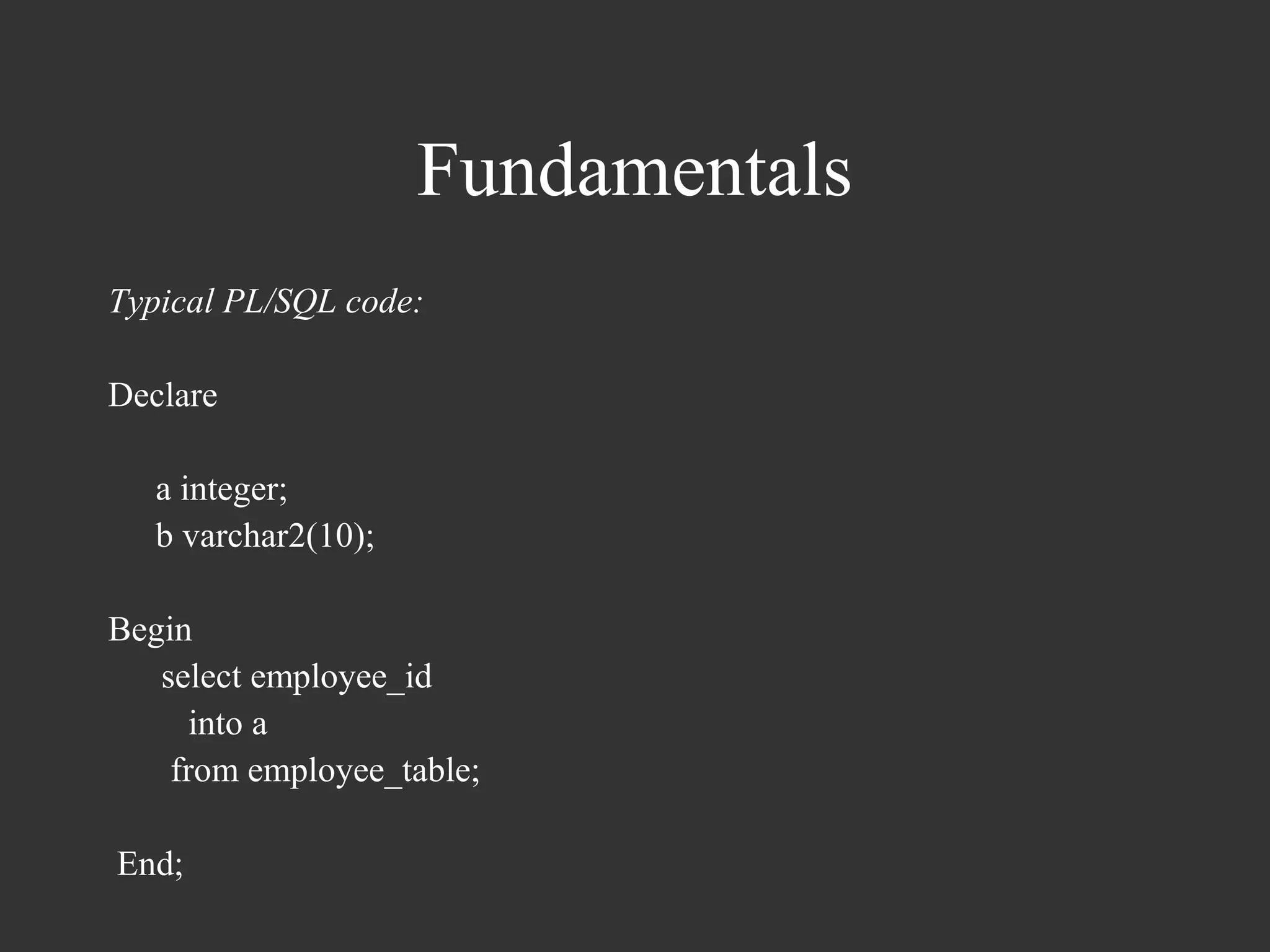
Fundamentals
Typical PL/SQL code:

Declare

   a integer;
   b varchar2(10);

Begin
   select employee_id
      into a
    from employee_table;

End;
Fundamentals
Datatype Conversions

  – Explicit Conversion

     • To_Char
     • To_Date
     • To_Number
Fundamentals
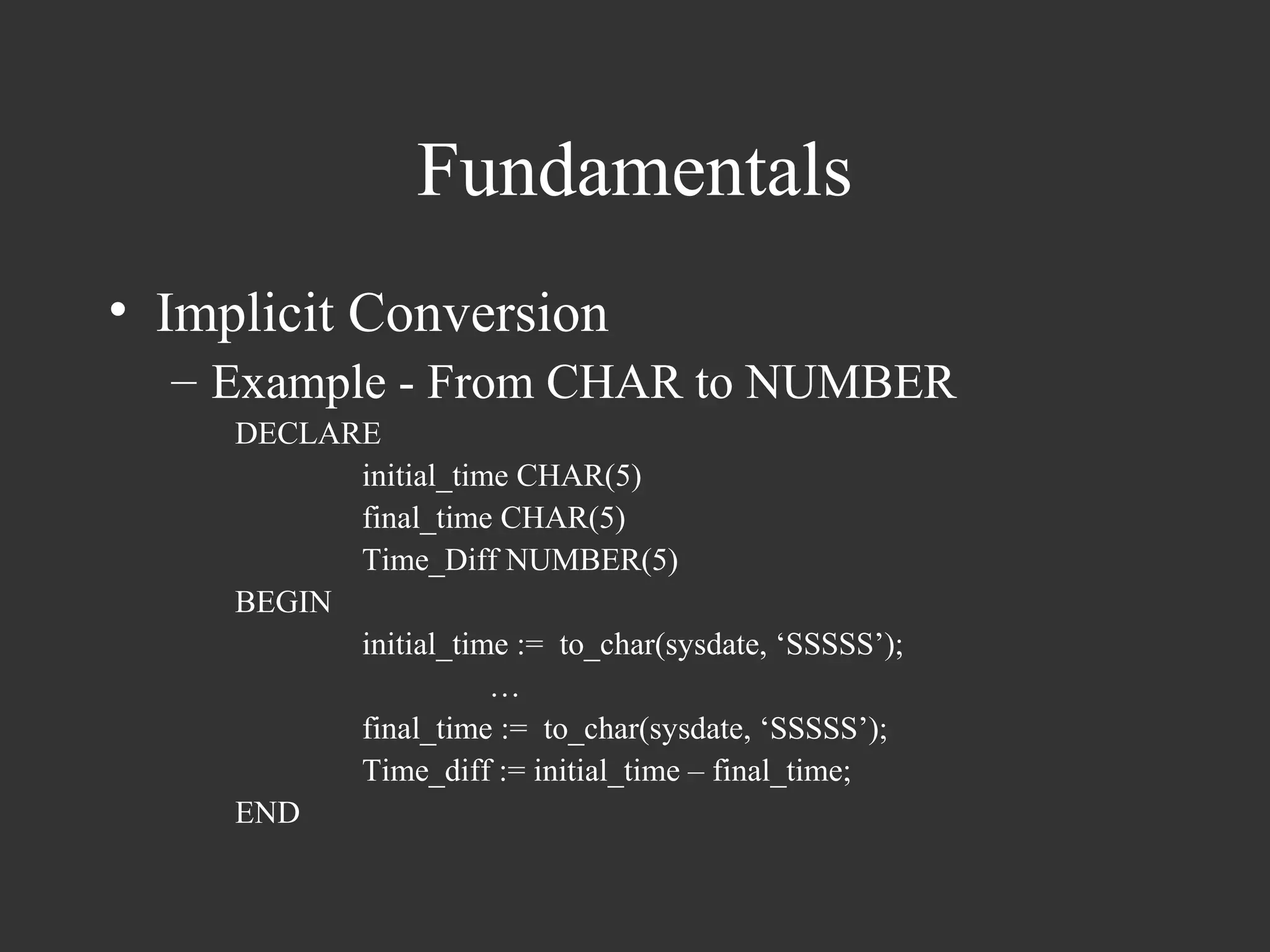
• Implicit Conversion
  – Example - From CHAR to NUMBER
     DECLARE
           initial_time CHAR(5)
           final_time CHAR(5)
           Time_Diff NUMBER(5)
     BEGIN
           initial_time := to_char(sysdate, ‘SSSSS’);
                      …
           final_time := to_char(sysdate, ‘SSSSS’);
           Time_diff := initial_time – final_time;
     END
Fundamentals
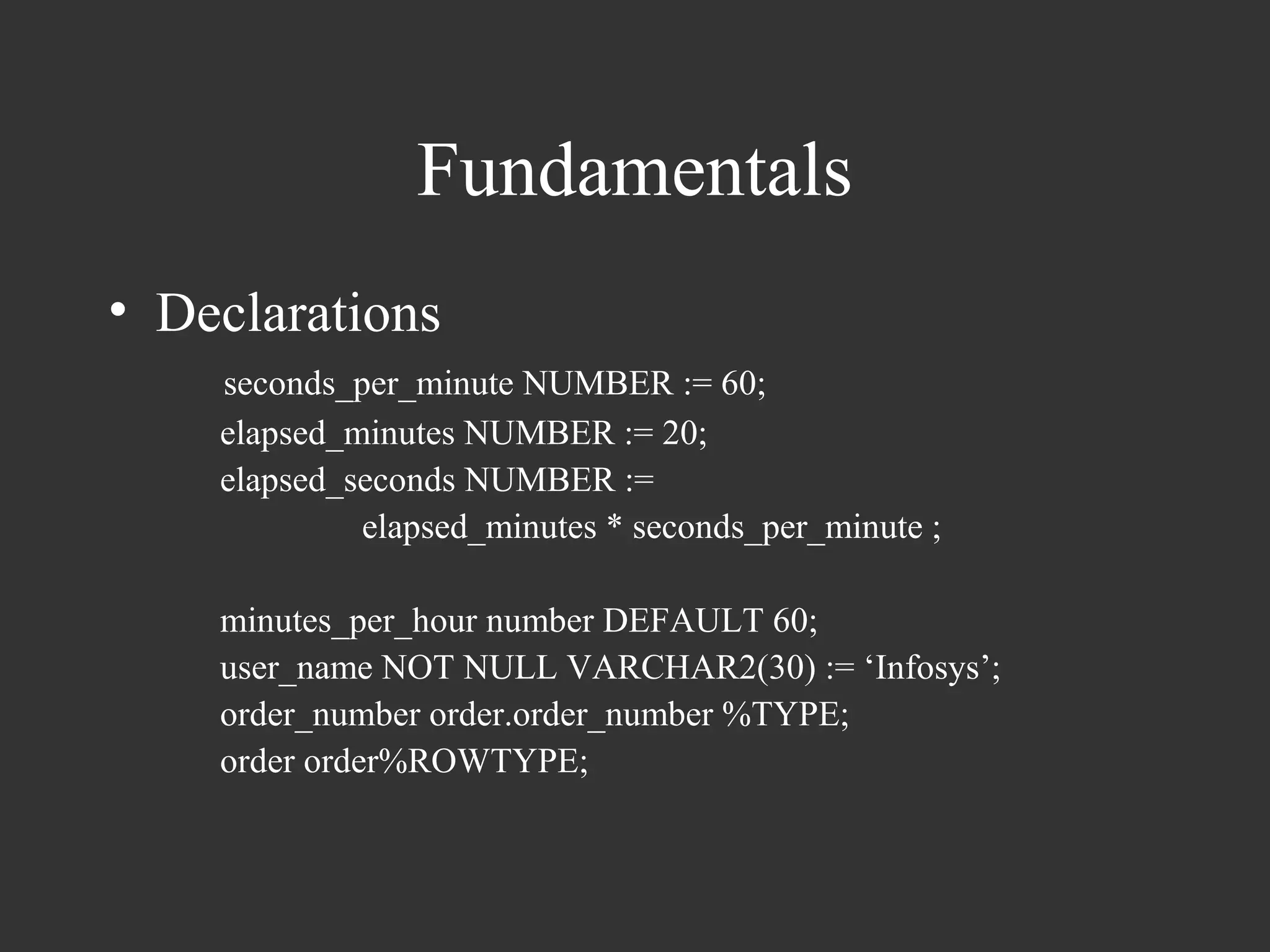
• Declarations
    seconds_per_minute NUMBER := 60;
    elapsed_minutes NUMBER := 20;
    elapsed_seconds NUMBER :=
             elapsed_minutes * seconds_per_minute ;

    minutes_per_hour number DEFAULT 60;
    user_name NOT NULL VARCHAR2(30) := ‘Infosys’;
    order_number order.order_number %TYPE;
    order order%ROWTYPE;
Fundamentals
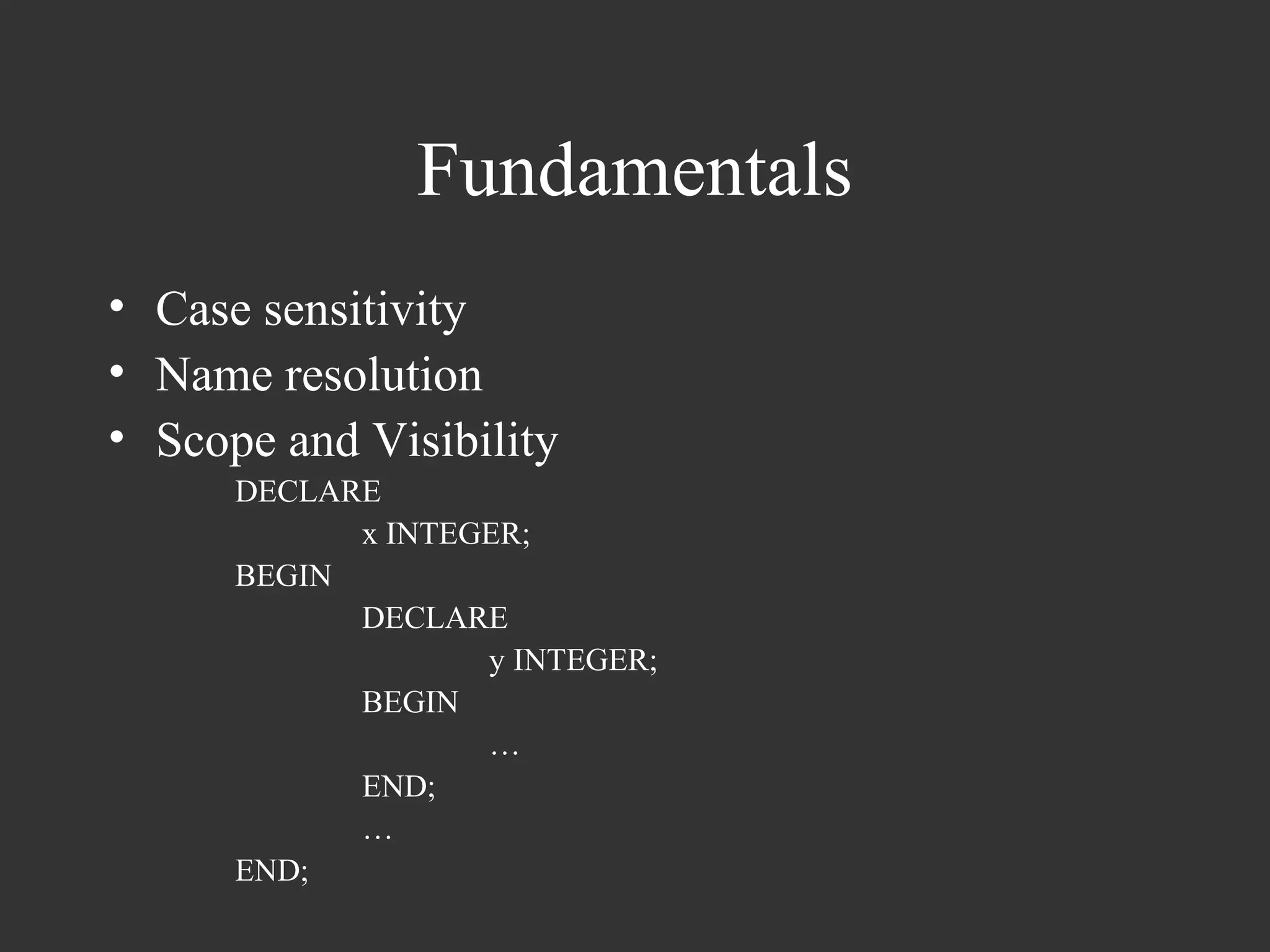
• Case sensitivity
• Name resolution
• Scope and Visibility
      DECLARE
            x INTEGER;
      BEGIN
            DECLARE
                   y INTEGER;
            BEGIN
                   …
            END;
            …
      END;
Fundamentals
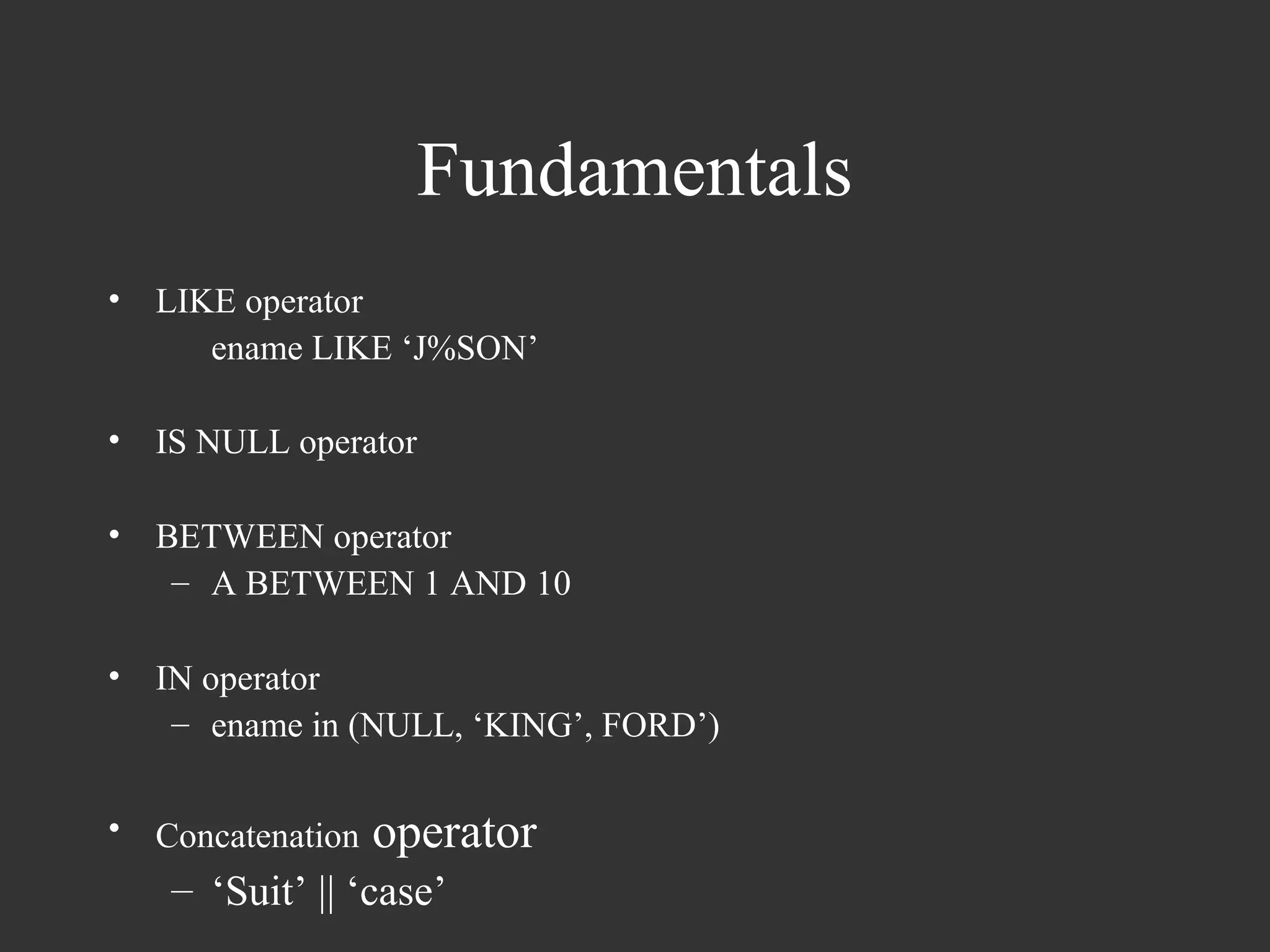
•   LIKE operator
       ename LIKE ‘J%SON’

•   IS NULL operator

•   BETWEEN operator
     – A BETWEEN 1 AND 10

•   IN operator
     – ename in (NULL, ‘KING’, FORD’)

•   Concatenation   operator
     – ‘Suit’ || ‘case’
Fundamentals
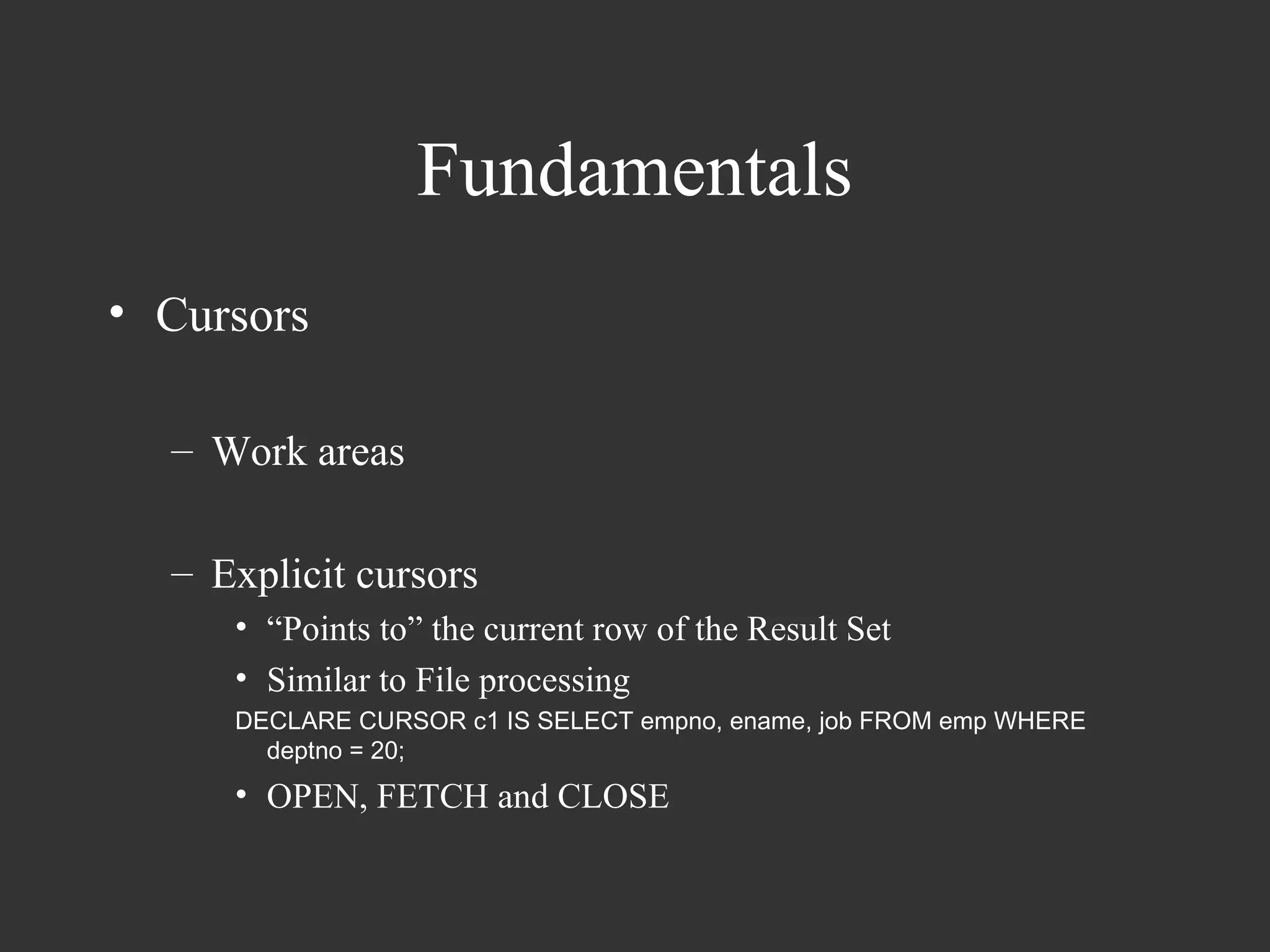
• Cursors

  – Work areas

  – Explicit cursors
     • “Points to” the current row of the Result Set
     • Similar to File processing
     DECLARE CURSOR c1 IS SELECT empno, ename, job FROM emp WHERE
       deptno = 20;
     • OPEN, FETCH and CLOSE
Fundamentals
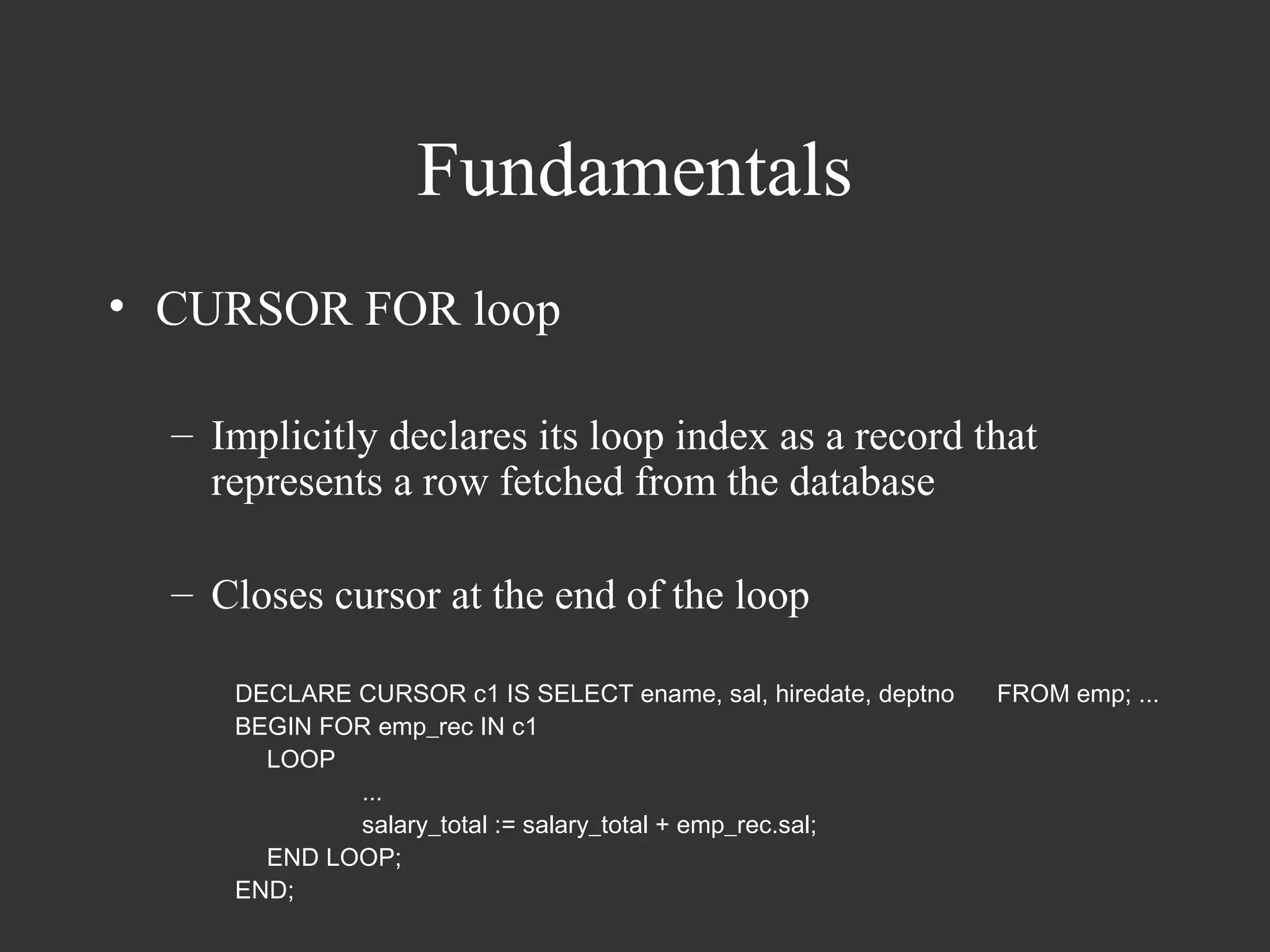
• CURSOR FOR loop

  – Implicitly declares its loop index as a record that
    represents a row fetched from the database

  – Closes cursor at the end of the loop

     DECLARE CURSOR c1 IS SELECT ename, sal, hiredate, deptno   FROM emp; ...
     BEGIN FOR emp_rec IN c1
       LOOP
             ...
             salary_total := salary_total + emp_rec.sal;
       END LOOP;
     END;
Fundamentals
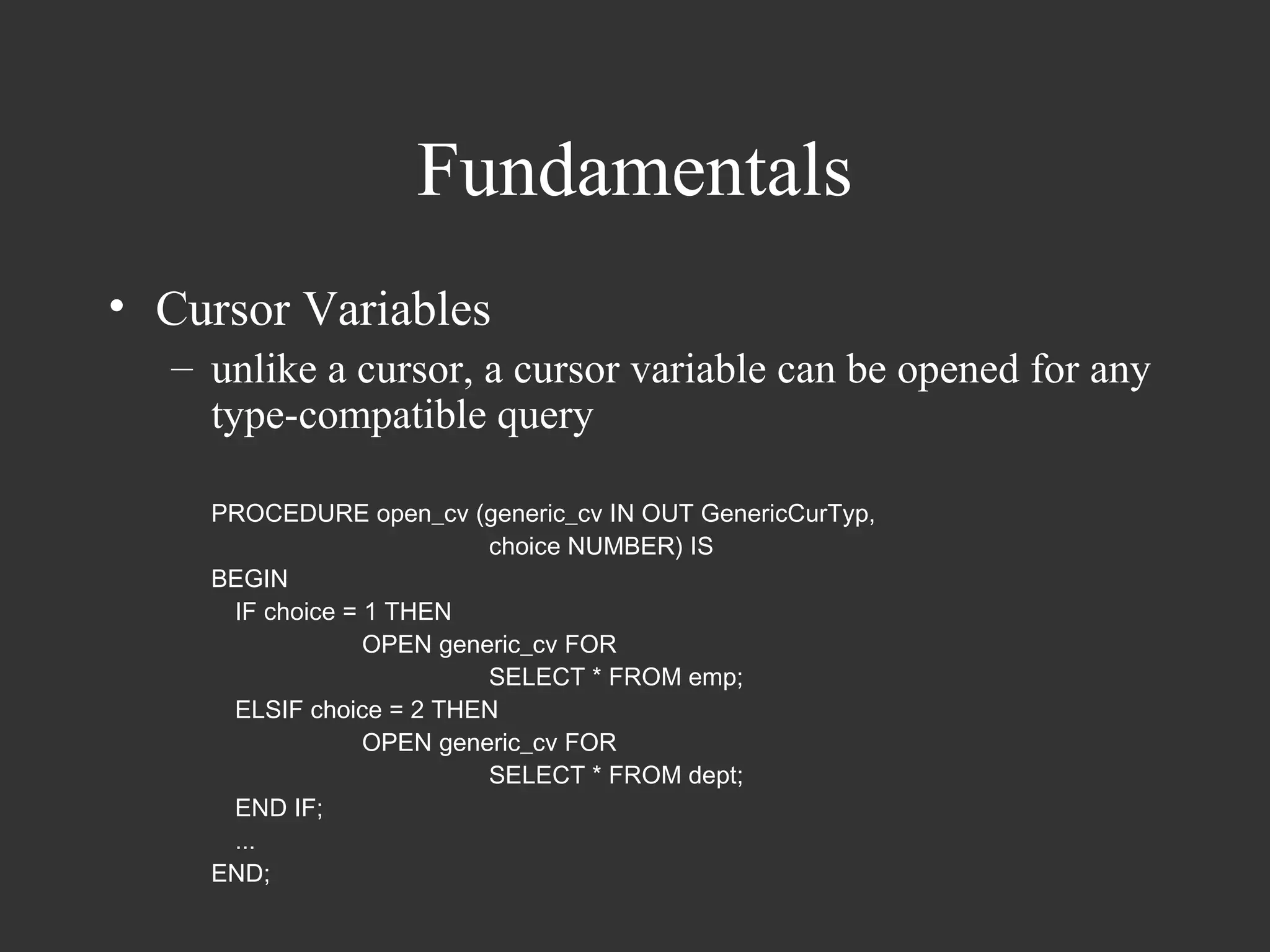
• Cursor Variables
  – unlike a cursor, a cursor variable can be opened for any
    type-compatible query

    PROCEDURE open_cv (generic_cv IN OUT GenericCurTyp,
                          choice NUMBER) IS
    BEGIN
     IF choice = 1 THEN
                 OPEN generic_cv FOR
                          SELECT * FROM emp;
     ELSIF choice = 2 THEN
                 OPEN generic_cv FOR
                          SELECT * FROM dept;
     END IF;
     ...
    END;
Fundamentals
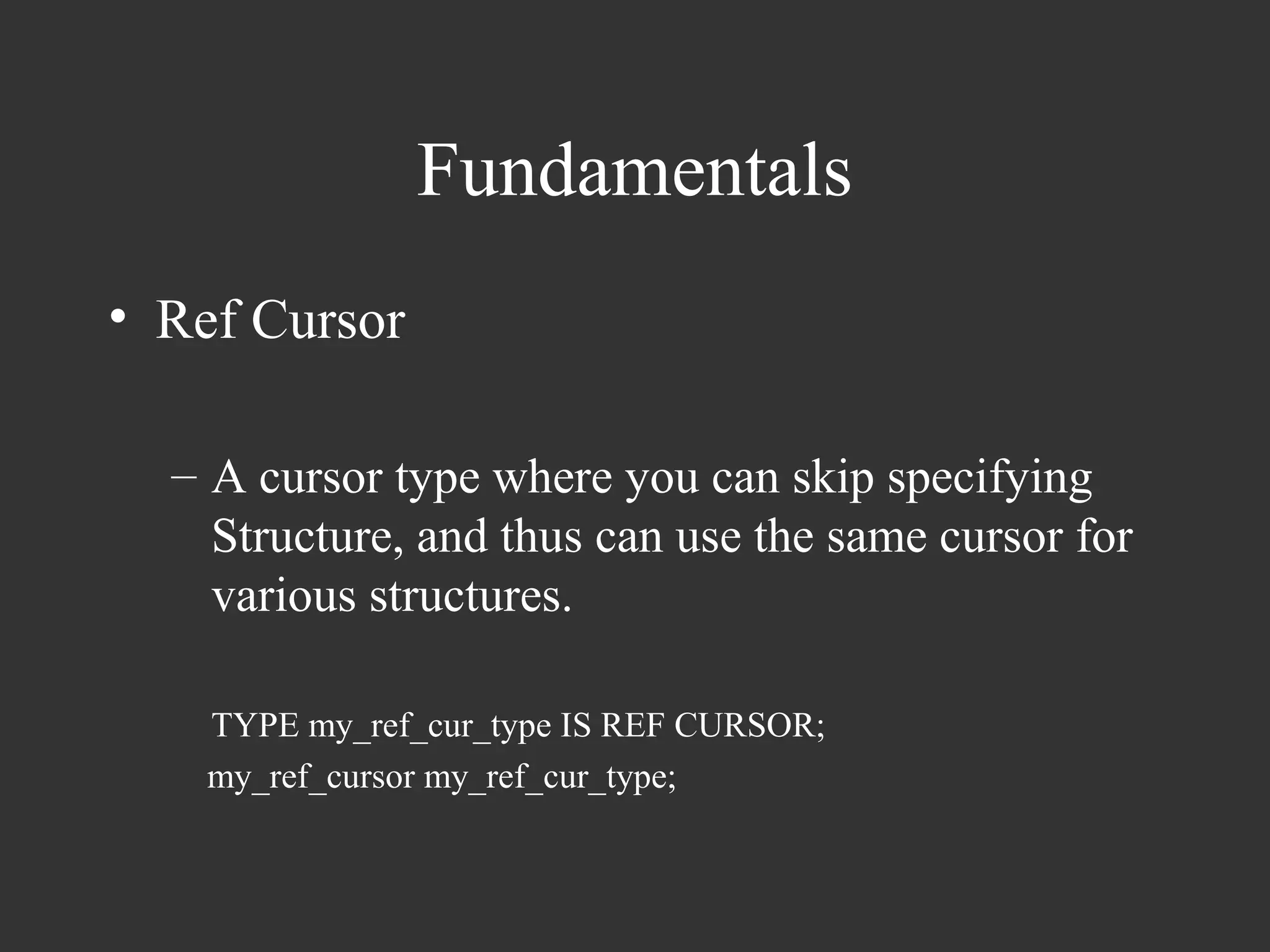
• Ref Cursor

  – A cursor type where you can skip specifying
    Structure, and thus can use the same cursor for
    various structures.

    TYPE my_ref_cur_type IS REF CURSOR;
    my_ref_cursor my_ref_cur_type;
Fundamentals
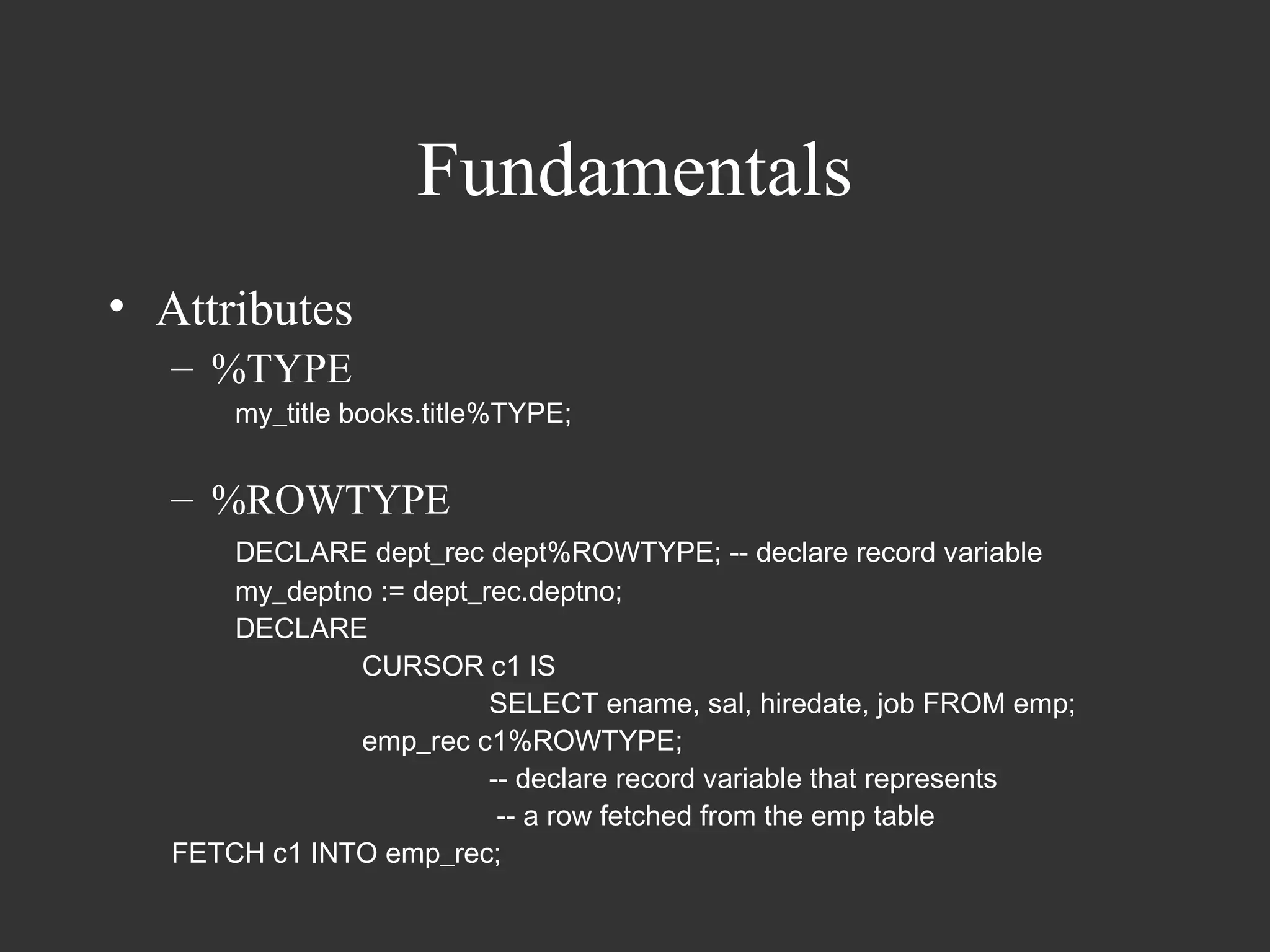
• Attributes
   – %TYPE
       my_title books.title%TYPE;


   – %ROWTYPE
       DECLARE dept_rec dept%ROWTYPE; -- declare record variable
       my_deptno := dept_rec.deptno;
       DECLARE
               CURSOR c1 IS
                          SELECT ename, sal, hiredate, job FROM emp;
               emp_rec c1%ROWTYPE;
                          -- declare record variable that represents
                           -- a row fetched from the emp table
   FETCH c1 INTO emp_rec;
Fundamentals
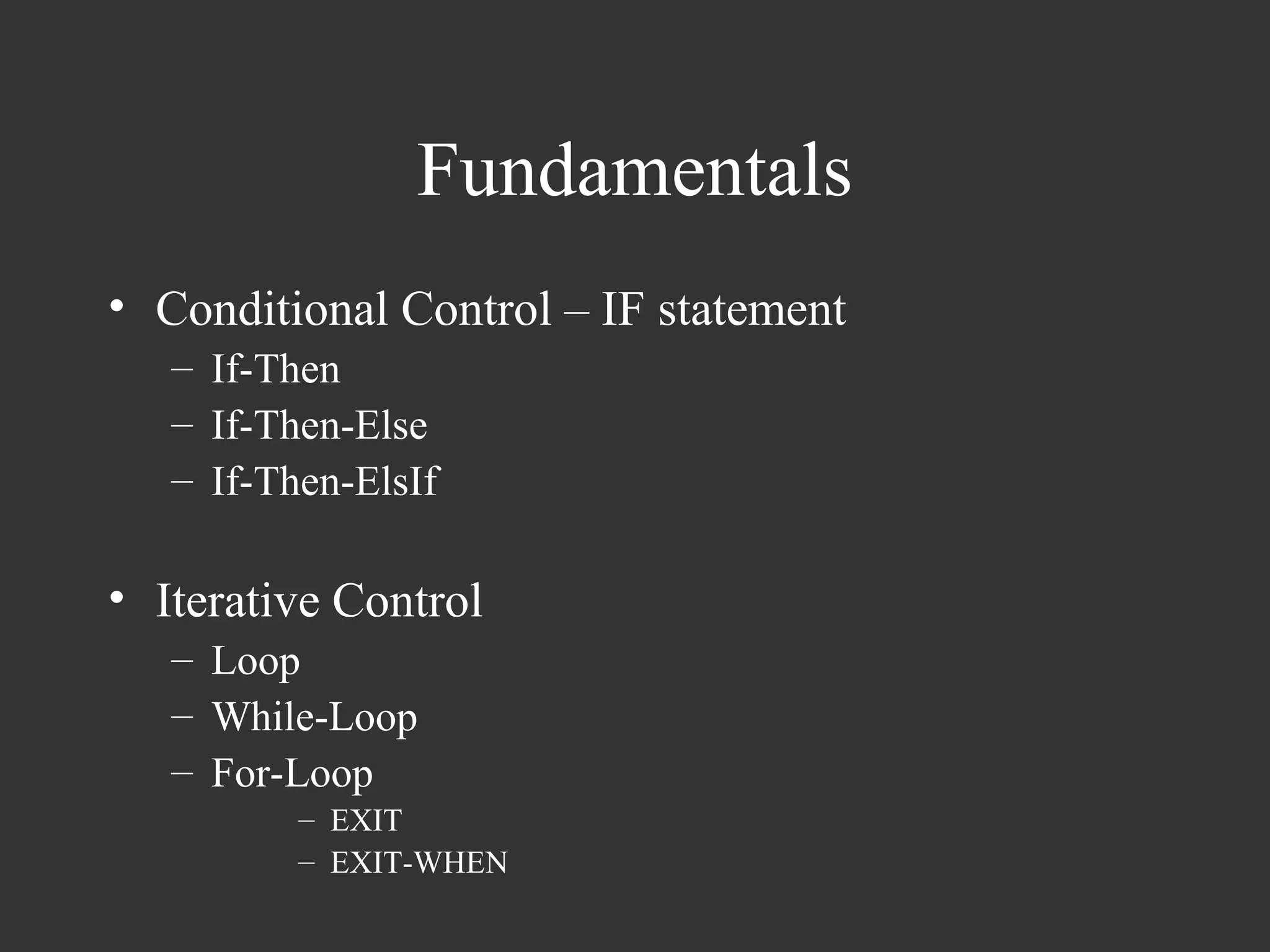
• Conditional Control – IF statement
   – If-Then
   – If-Then-Else
   – If-Then-ElsIf

• Iterative Control
   – Loop
   – While-Loop
   – For-Loop
          – EXIT
          – EXIT-WHEN
Fundamentals
• LOOP
   LOOP
    …
   END LOOP;


• WHILE-LOOP
   WHILE a < 10 LOOP
     …
   END LOOP


• FOR-LOOP
   FOR i IN 1..3 [REVERSE] LOOP
    …
   END LOOP;
Fundamentals
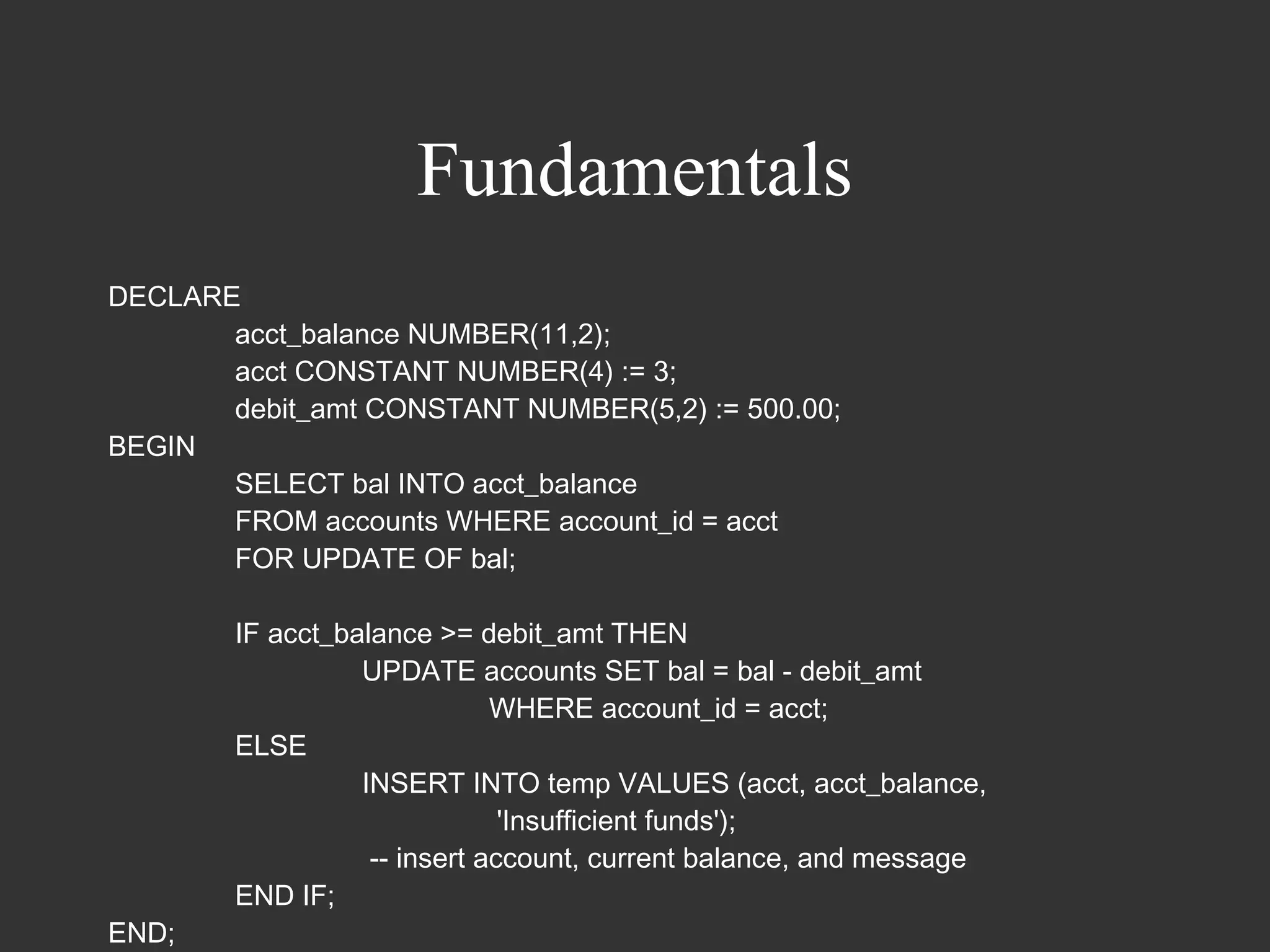
DECLARE
       acct_balance NUMBER(11,2);
       acct CONSTANT NUMBER(4) := 3;
       debit_amt CONSTANT NUMBER(5,2) := 500.00;
BEGIN
       SELECT bal INTO acct_balance
       FROM accounts WHERE account_id = acct
       FOR UPDATE OF bal;

        IF acct_balance >= debit_amt THEN
                  UPDATE accounts SET bal = bal - debit_amt
                              WHERE account_id = acct;
        ELSE
                  INSERT INTO temp VALUES (acct, acct_balance,
                               'Insufficient funds');
                   -- insert account, current balance, and message
        END IF;
END;
Fundamentals
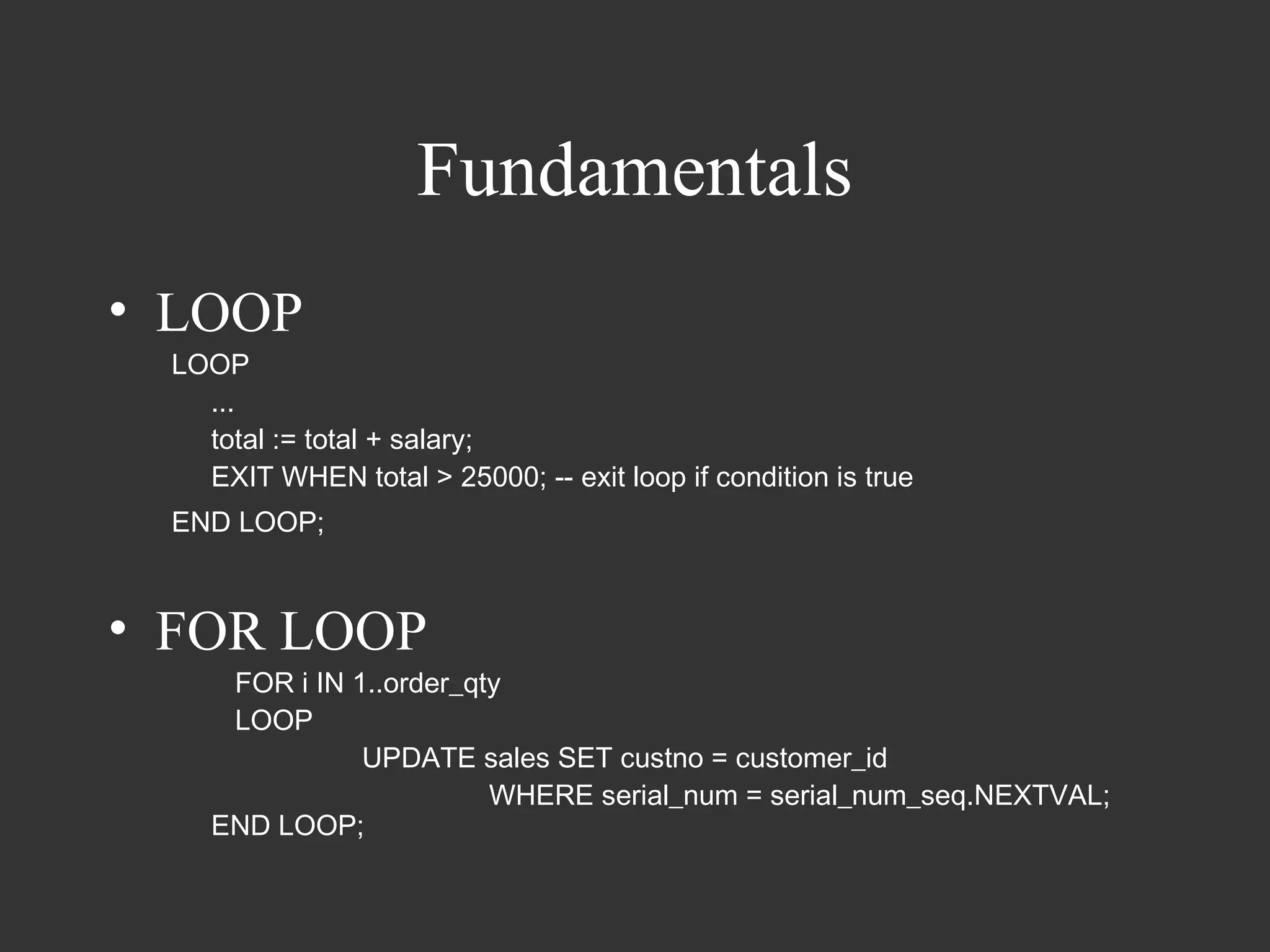
• LOOP
 LOOP
   ...
   total := total + salary;
   EXIT WHEN total > 25000; -- exit loop if condition is true
 END LOOP;


• FOR LOOP
     FOR i IN 1..order_qty
     LOOP
               UPDATE sales SET custno = customer_id
                         WHERE serial_num = serial_num_seq.NEXTVAL;
    END LOOP;
Fundamentals
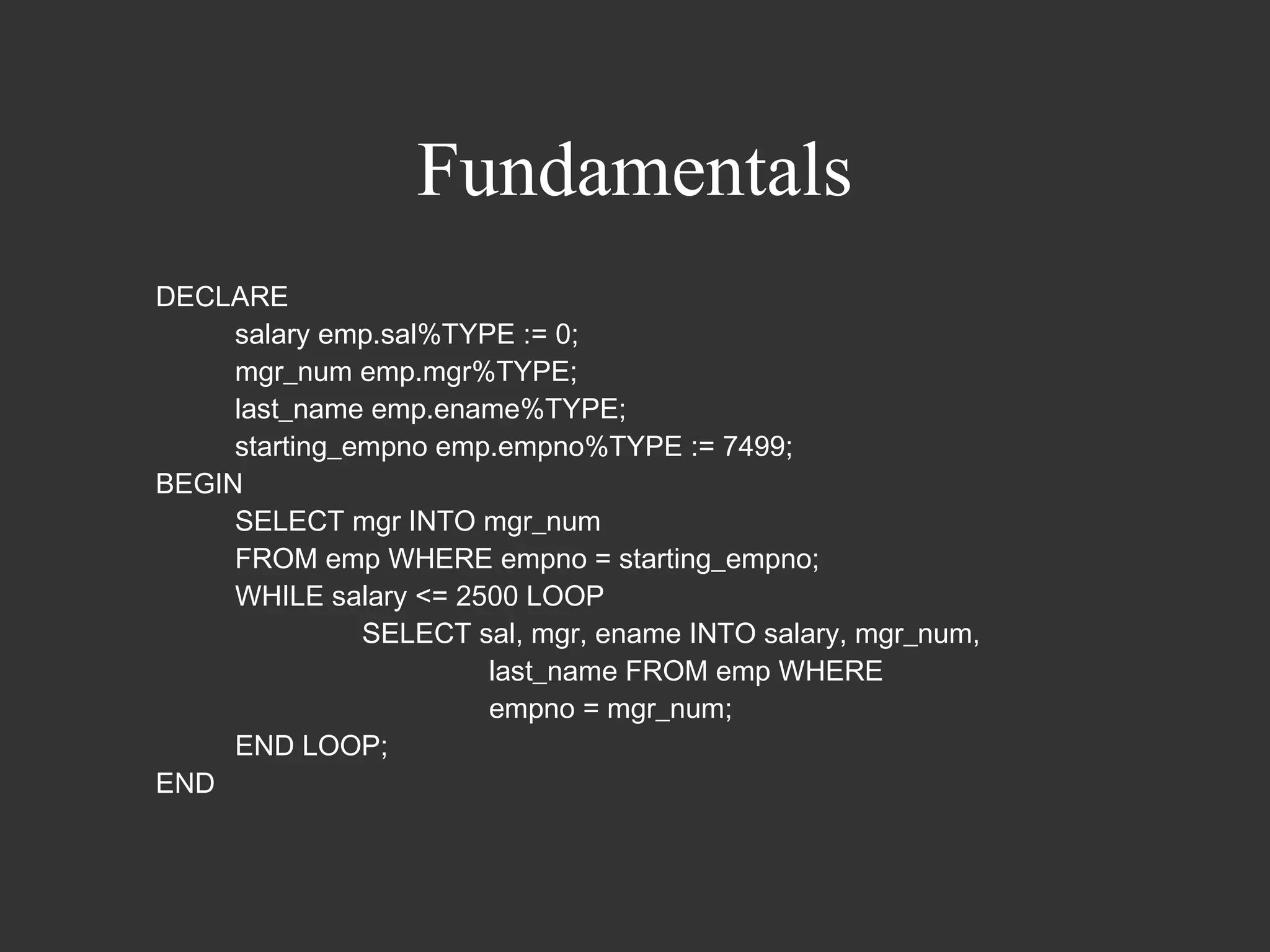
DECLARE
     salary emp.sal%TYPE := 0;
     mgr_num emp.mgr%TYPE;
     last_name emp.ename%TYPE;
     starting_empno emp.empno%TYPE := 7499;
BEGIN
     SELECT mgr INTO mgr_num
     FROM emp WHERE empno = starting_empno;
     WHILE salary <= 2500 LOOP
               SELECT sal, mgr, ename INTO salary, mgr_num,
                       last_name FROM emp WHERE
                       empno = mgr_num;
     END LOOP;
END
Fundamentals
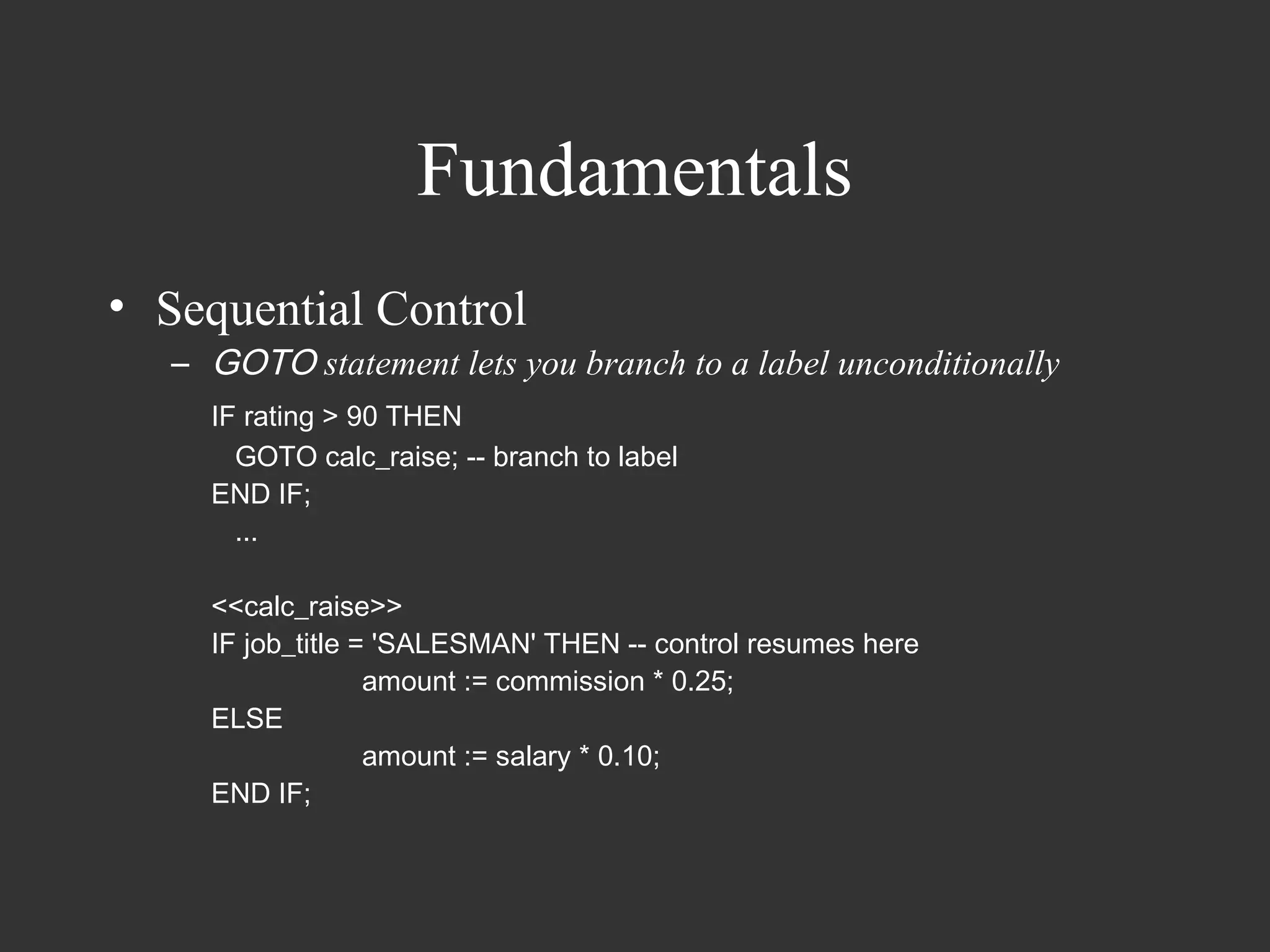
• Sequential Control
   – GOTO statement lets you branch to a label unconditionally
     IF rating > 90 THEN
       GOTO calc_raise; -- branch to label
     END IF;
       ...

     <<calc_raise>>
     IF job_title = 'SALESMAN' THEN -- control resumes here
                   amount := commission * 0.25;
     ELSE
                   amount := salary * 0.10;
     END IF;
Fundamentals
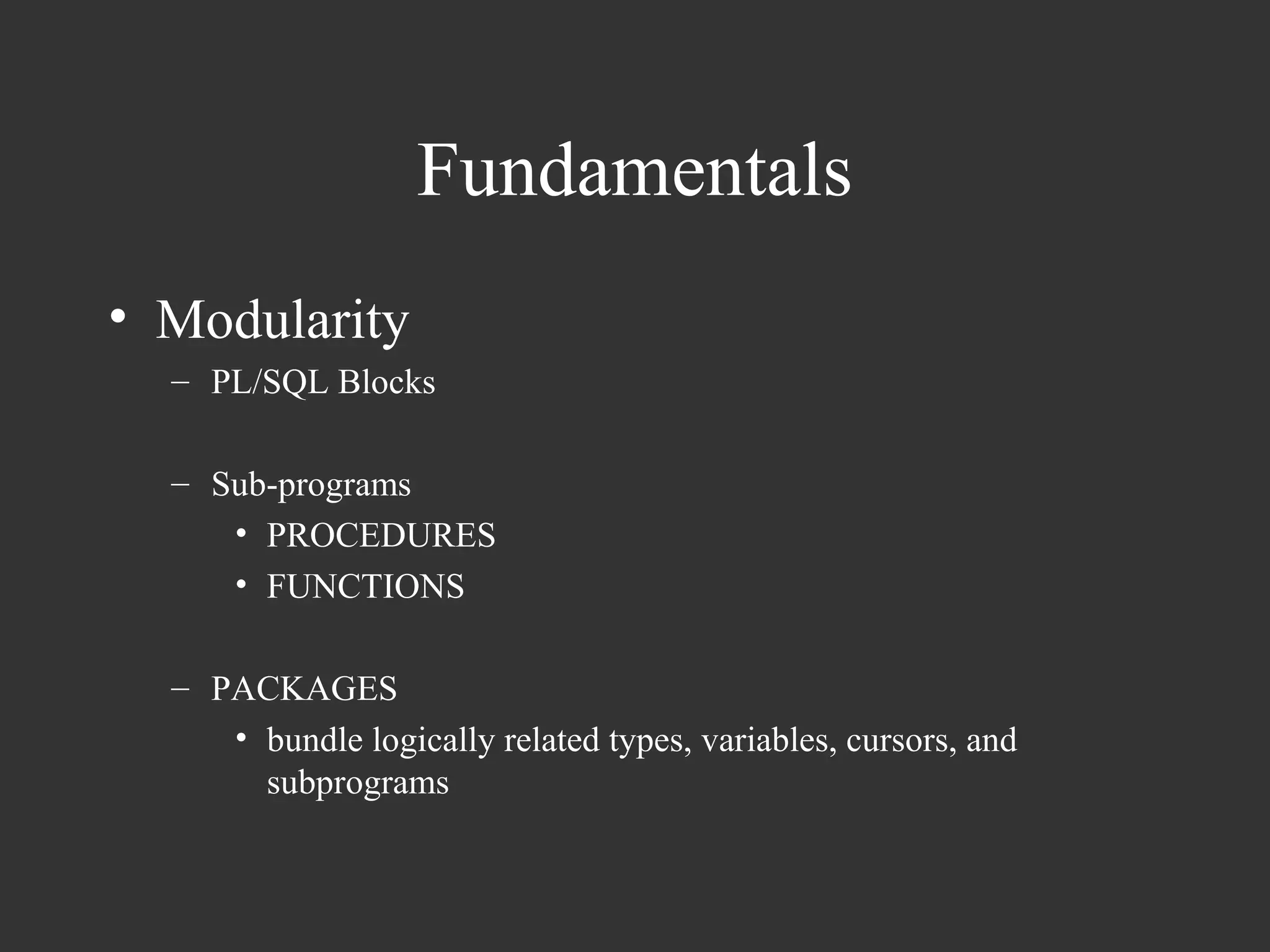
• Modularity
  – PL/SQL Blocks

  – Sub-programs
     • PROCEDURES
     • FUNCTIONS

  – PACKAGES
     • bundle logically related types, variables, cursors, and
       subprograms
Fundamentals
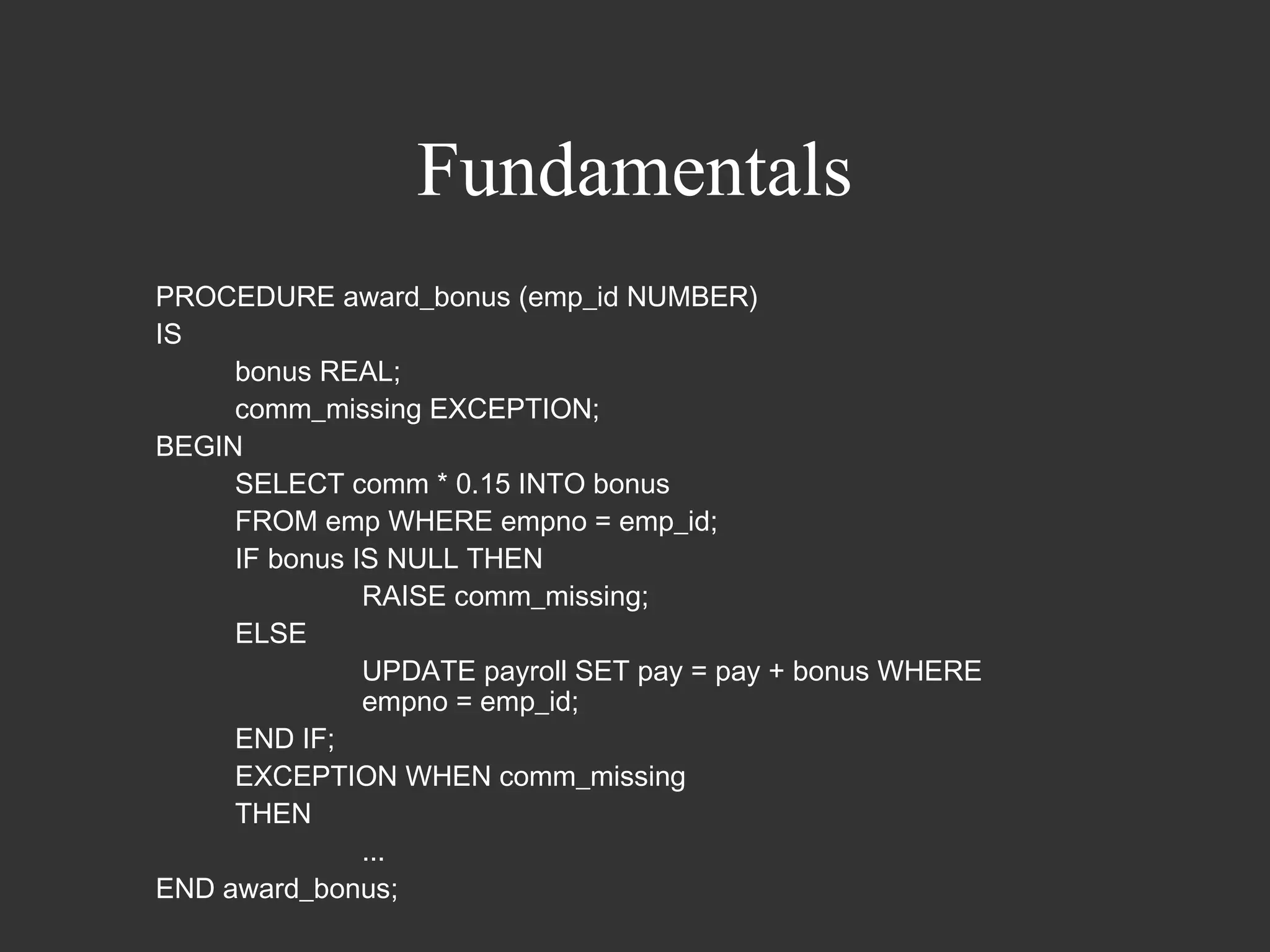
PROCEDURE award_bonus (emp_id NUMBER)
IS
     bonus REAL;
     comm_missing EXCEPTION;
BEGIN
     SELECT comm * 0.15 INTO bonus
     FROM emp WHERE empno = emp_id;
     IF bonus IS NULL THEN
               RAISE comm_missing;
     ELSE
               UPDATE payroll SET pay = pay + bonus WHERE
               empno = emp_id;
     END IF;
     EXCEPTION WHEN comm_missing
     THEN
               ...
END award_bonus;
Fundamentals
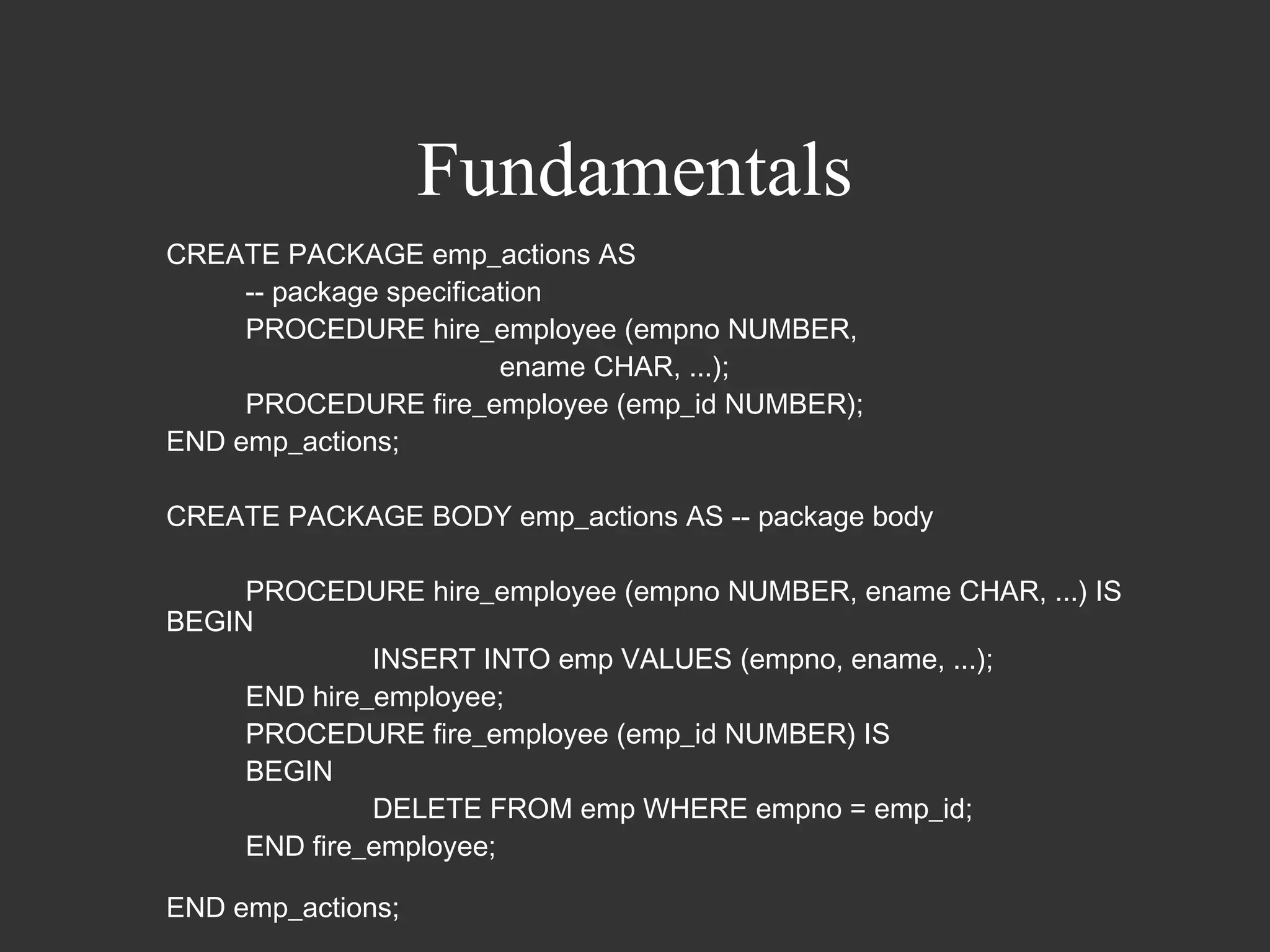
CREATE PACKAGE emp_actions AS
     -- package specification
     PROCEDURE hire_employee (empno NUMBER,
                         ename CHAR, ...);
     PROCEDURE fire_employee (emp_id NUMBER);
END emp_actions;

CREATE PACKAGE BODY emp_actions AS -- package body

     PROCEDURE hire_employee (empno NUMBER, ename CHAR, ...) IS
BEGIN
              INSERT INTO emp VALUES (empno, ename, ...);
     END hire_employee;
     PROCEDURE fire_employee (emp_id NUMBER) IS
     BEGIN
              DELETE FROM emp WHERE empno = emp_id;
     END fire_employee;

END emp_actions;
Fundamentals
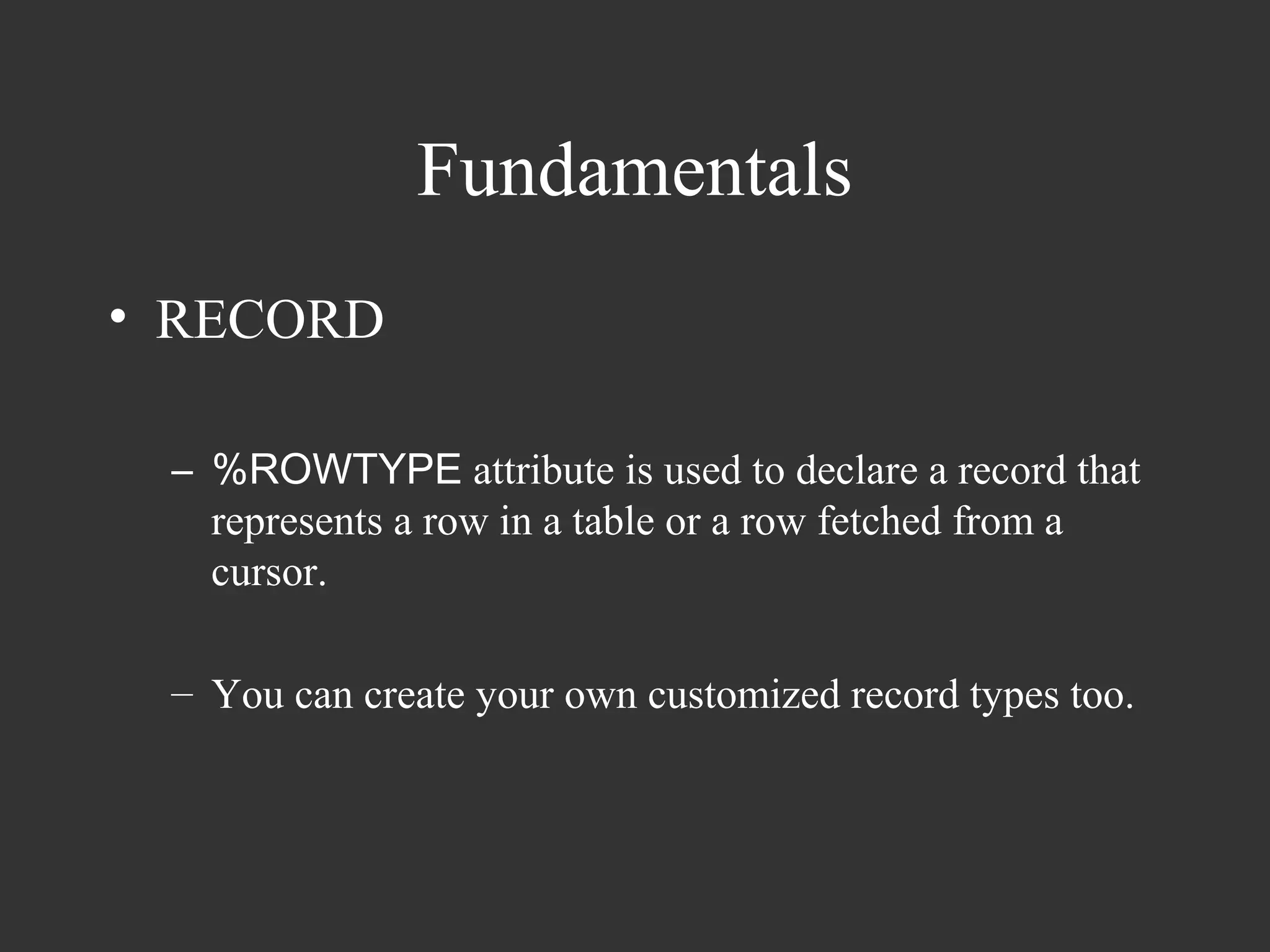
• RECORD

 – %ROWTYPE attribute is used to declare a record that
   represents a row in a table or a row fetched from a
   cursor.

 – You can create your own customized record types too.
Fundamentals
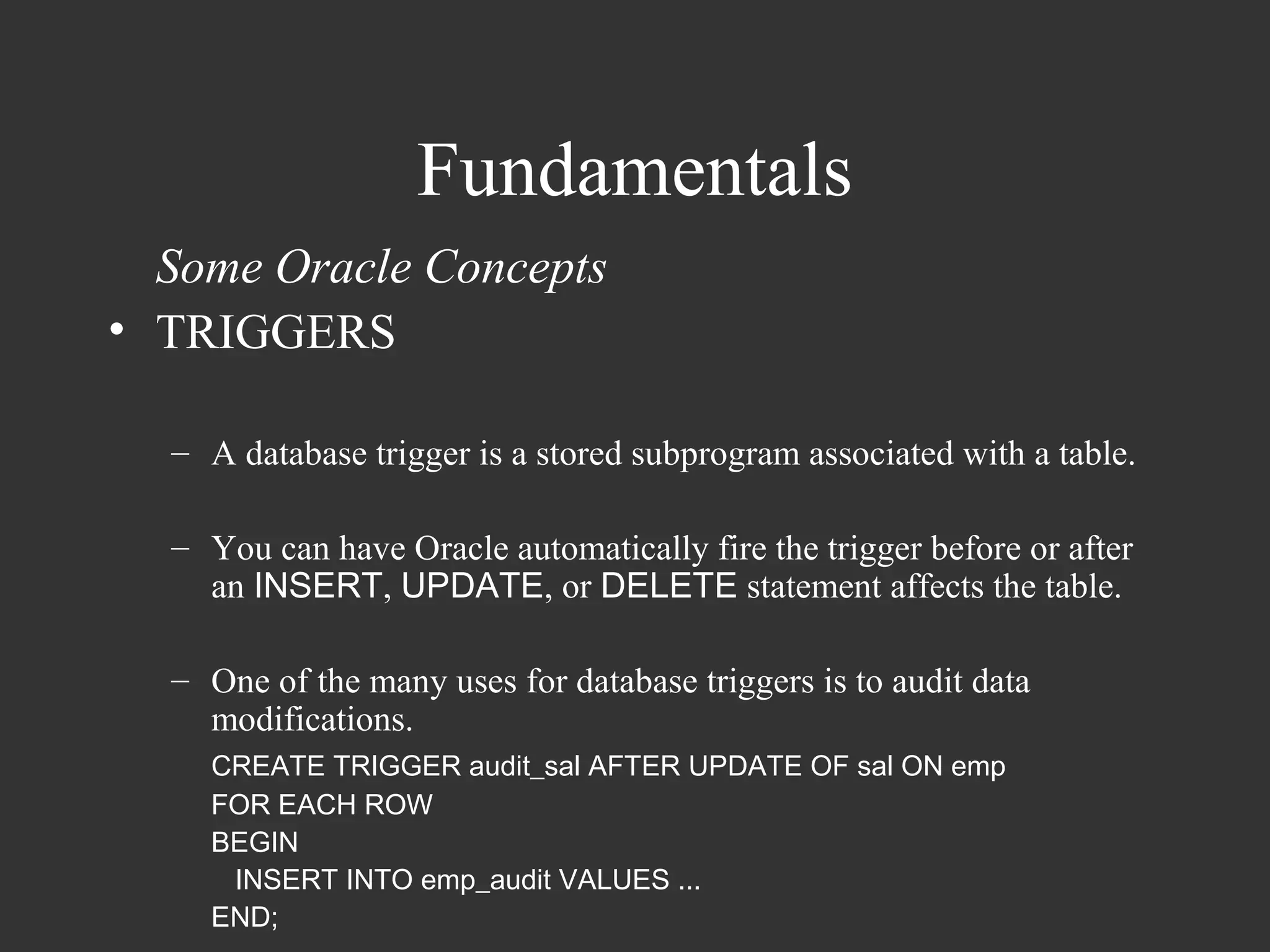
  Some Oracle Concepts
• TRIGGERS

  – A database trigger is a stored subprogram associated with a table.

  – You can have Oracle automatically fire the trigger before or after
    an INSERT, UPDATE, or DELETE statement affects the table.

  – One of the many uses for database triggers is to audit data
    modifications.
    CREATE TRIGGER audit_sal AFTER UPDATE OF sal ON emp
    FOR EACH ROW
    BEGIN
     INSERT INTO emp_audit VALUES ...
    END;
Fundamentals
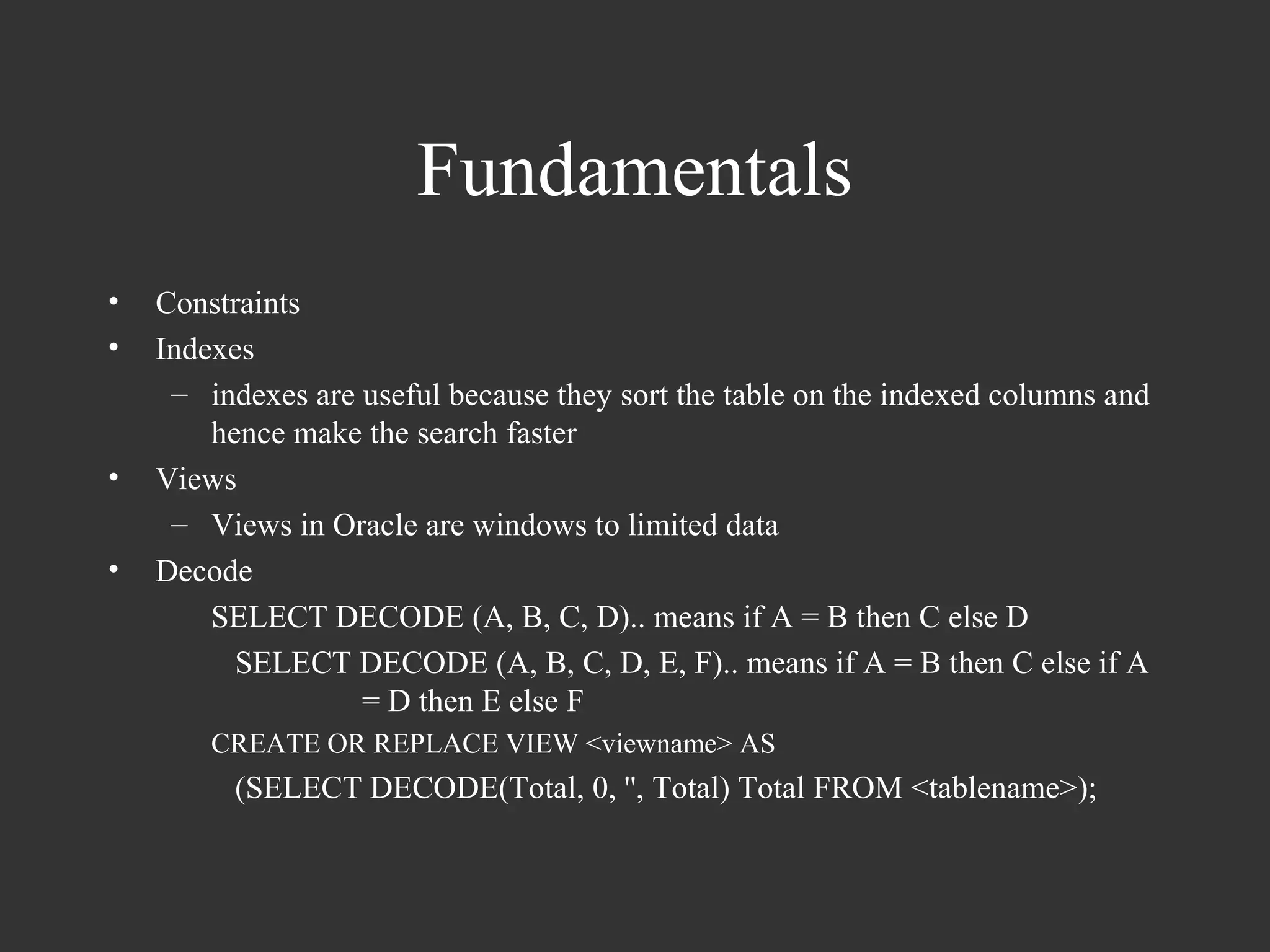
•   Constraints
•   Indexes
     – indexes are useful because they sort the table on the indexed columns and
        hence make the search faster
•   Views
     – Views in Oracle are windows to limited data
•   Decode
        SELECT DECODE (A, B, C, D).. means if A = B then C else D
          SELECT DECODE (A, B, C, D, E, F).. means if A = B then C else if A
                   = D then E else F
        CREATE OR REPLACE VIEW <viewname> AS
          (SELECT DECODE(Total, 0, '', Total) Total FROM <tablename>);
Fundamentals
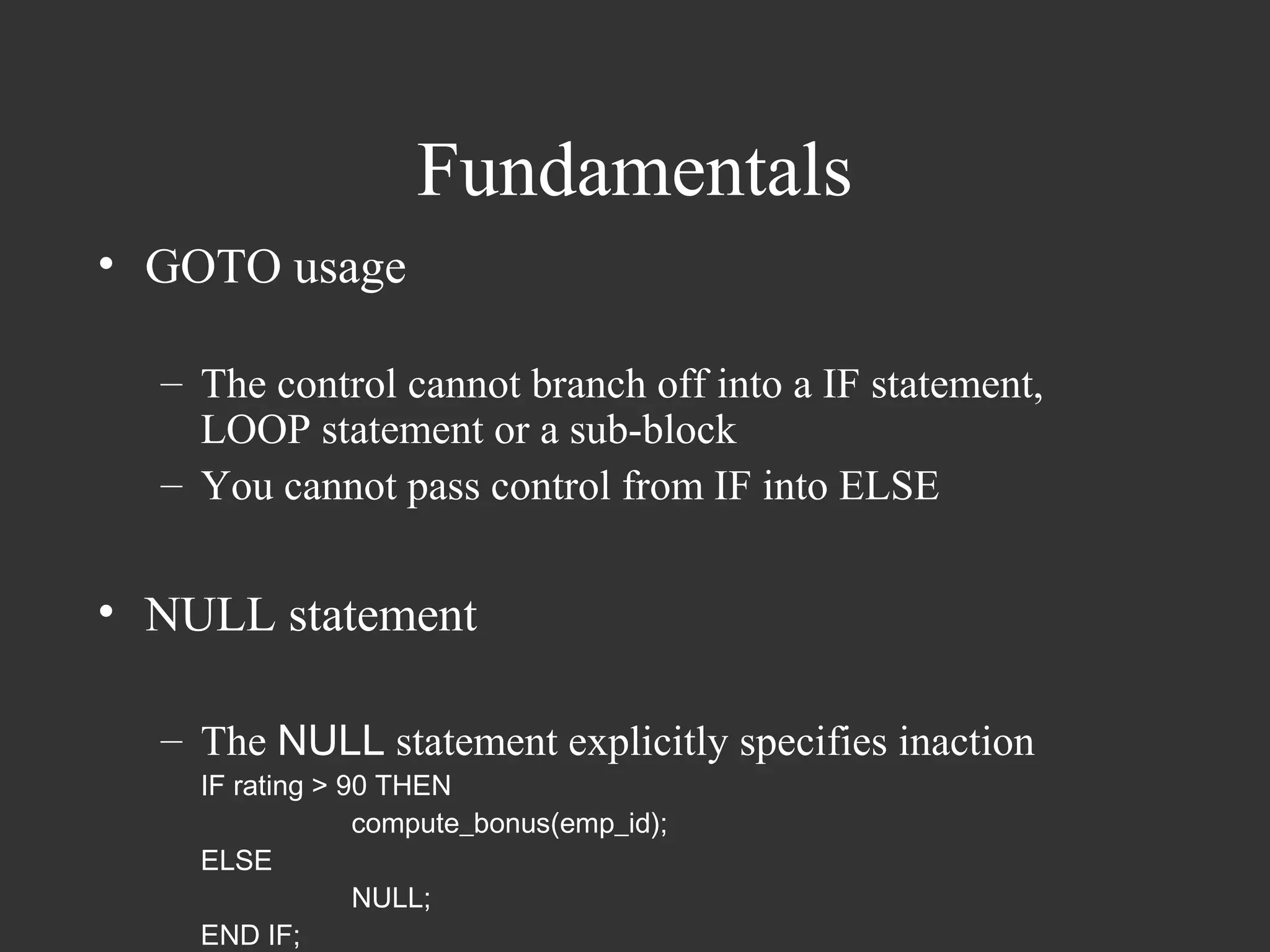
• GOTO usage

  – The control cannot branch off into a IF statement,
    LOOP statement or a sub-block
  – You cannot pass control from IF into ELSE


• NULL statement

  – The NULL statement explicitly specifies inaction
    IF rating > 90 THEN
                 compute_bonus(emp_id);
    ELSE
                 NULL;
    END IF;
Collections
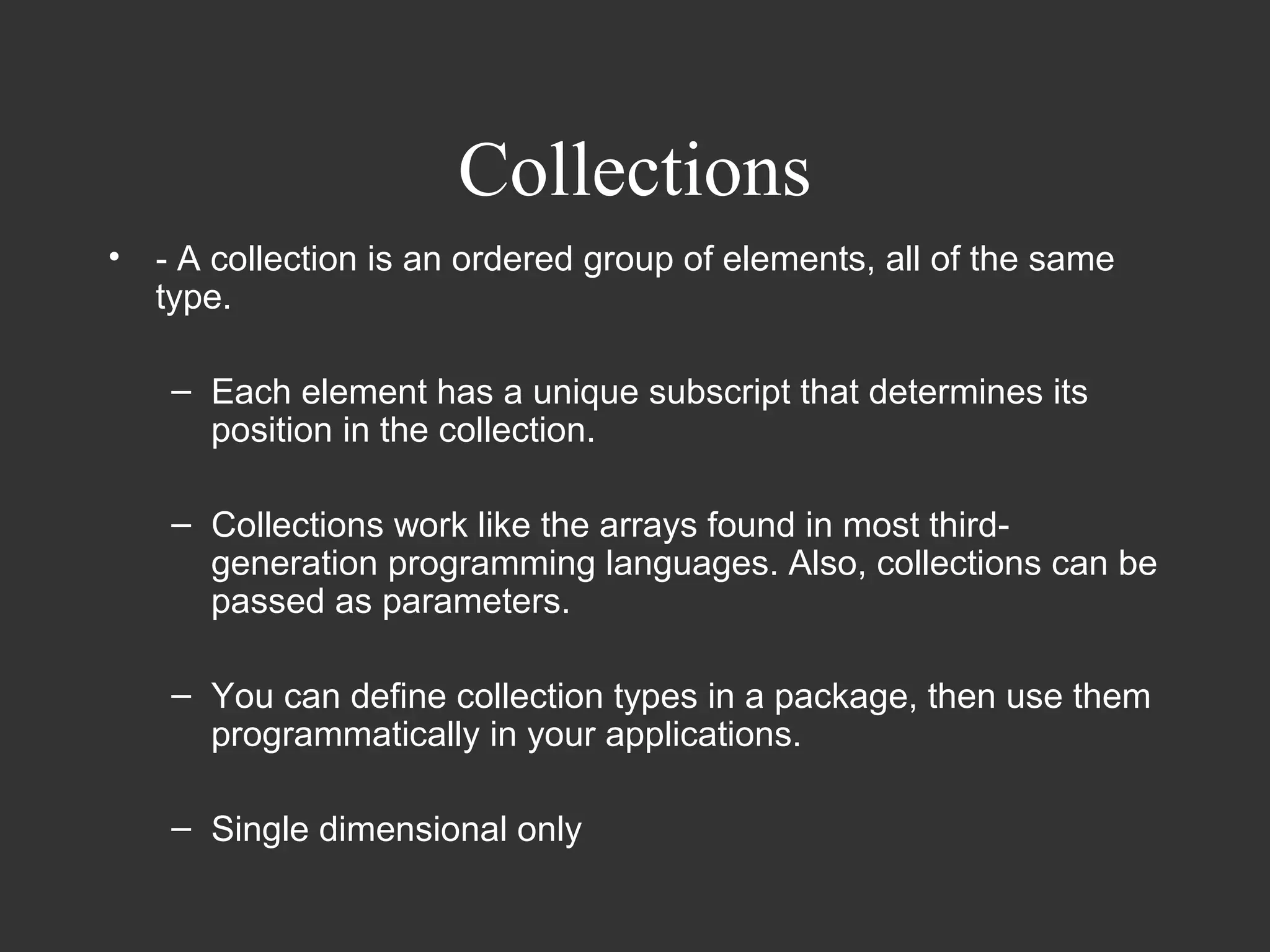
•   - A collection is an ordered group of elements, all of the same
    type.

     – Each element has a unique subscript that determines its
       position in the collection.

     – Collections work like the arrays found in most third-
       generation programming languages. Also, collections can be
       passed as parameters.

     – You can define collection types in a package, then use them
       programmatically in your applications.

     – Single dimensional only
Collections

   – Also, you can pass collections as parameters. So, you
     can use them to move columns of data into and out of
     database tables or between client-side applications and
     stored subprograms. In addition, collections can store
     instances of an object type and can be attributes of an
     object type.


• Two types of collections
   – Items of type TABLE are nested tables
   – Items of type VARRAY are varrays (short for variable-
     size arrays)
Collections
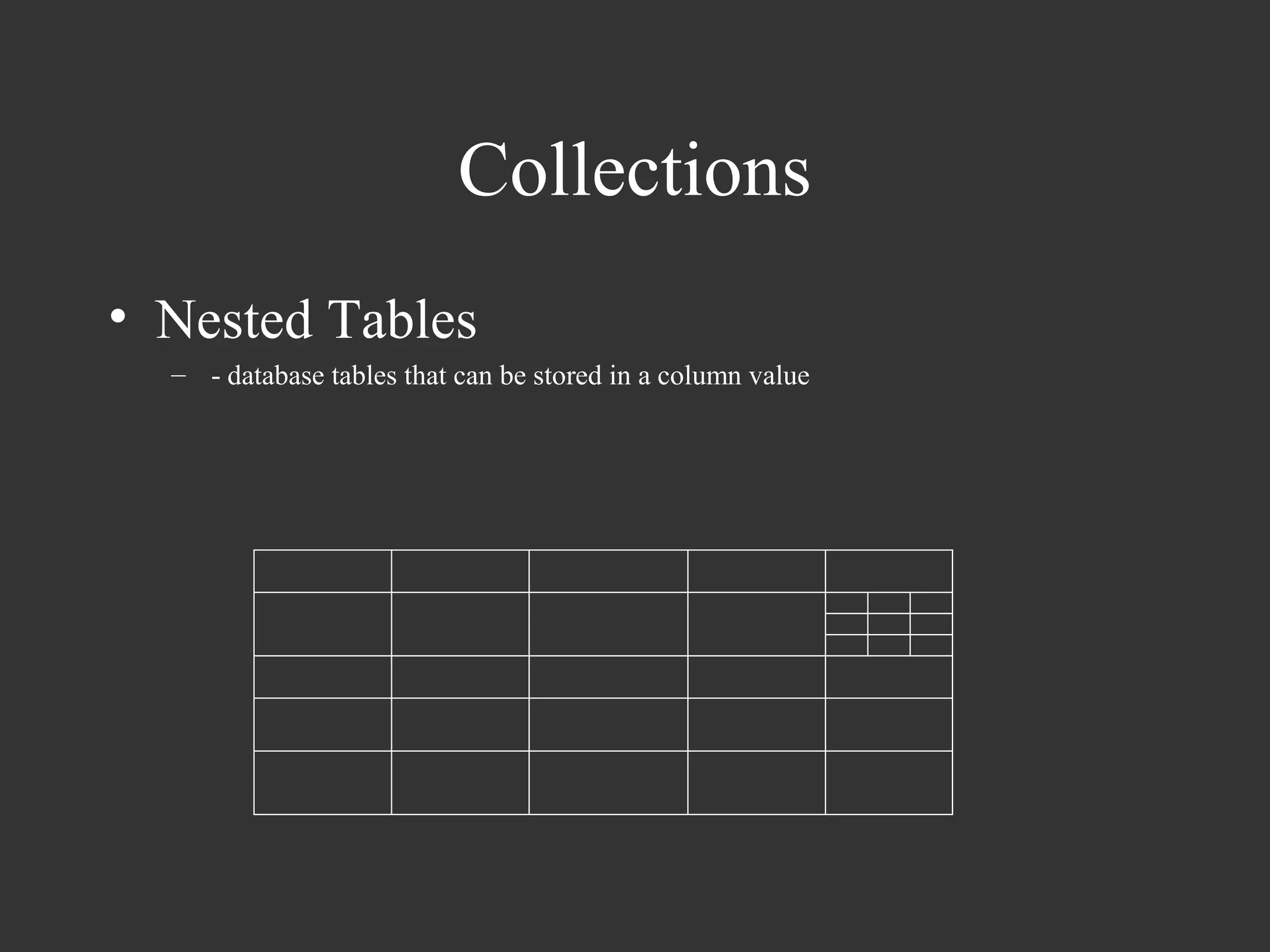
• Nested Tables
  – - database tables that can be stored in a column value
Collections
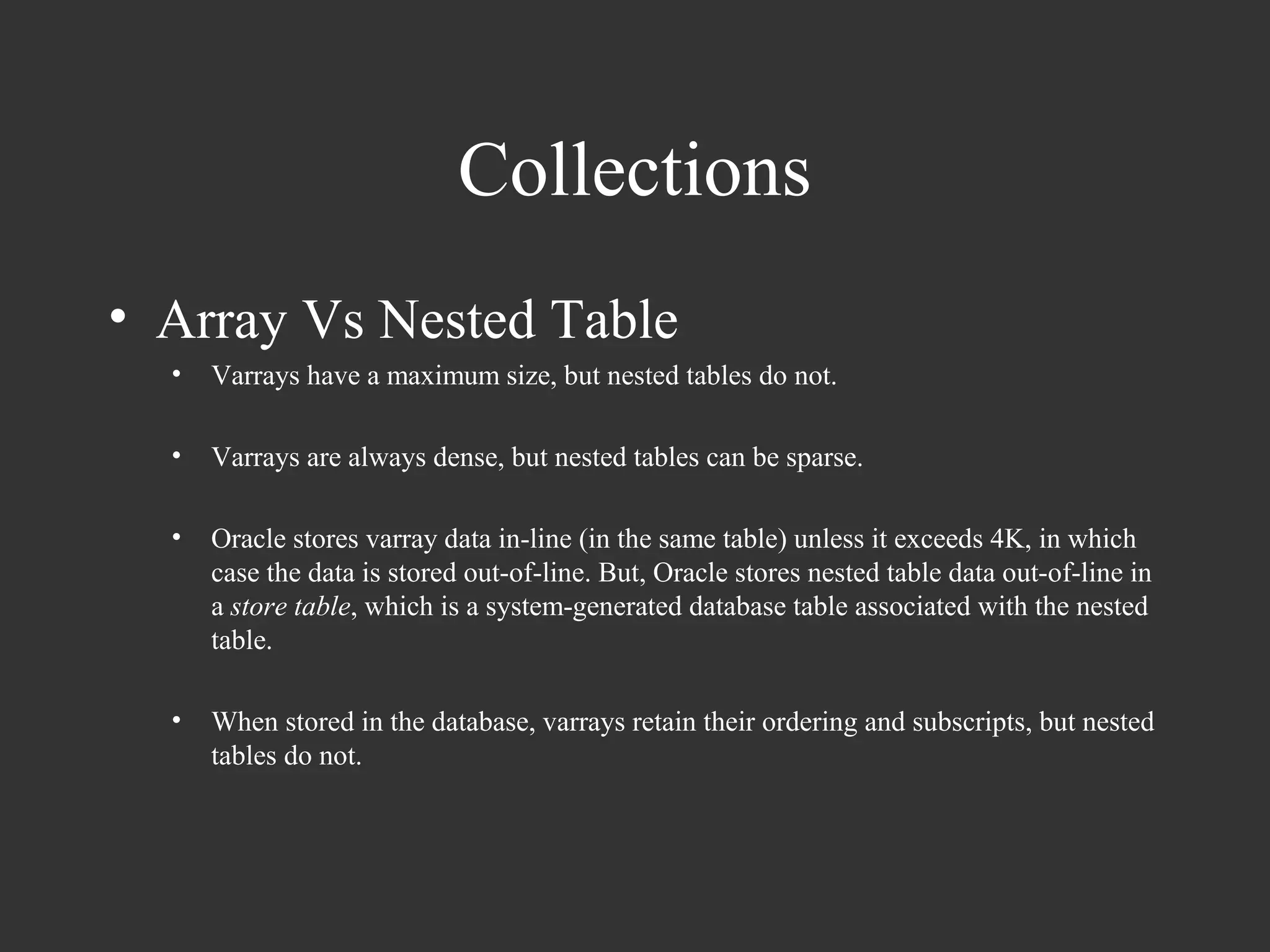
• Array Vs Nested Table
  •   Varrays have a maximum size, but nested tables do not.

  •   Varrays are always dense, but nested tables can be sparse.

  •   Oracle stores varray data in-line (in the same table) unless it exceeds 4K, in which
      case the data is stored out-of-line. But, Oracle stores nested table data out-of-line in
      a store table, which is a system-generated database table associated with the nested
      table.

  •   When stored in the database, varrays retain their ordering and subscripts, but nested
      tables do not.
Collections
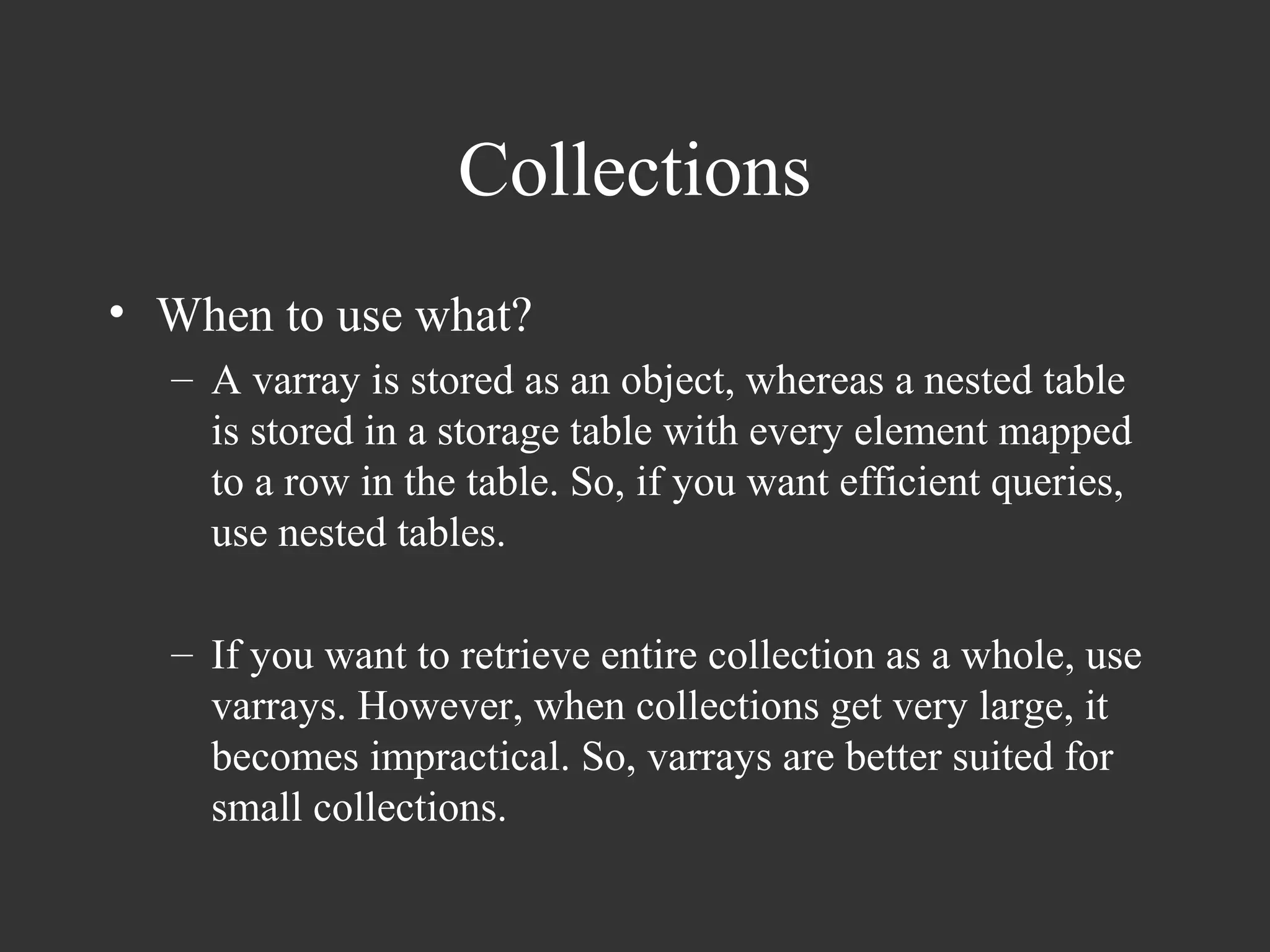
• When to use what?
  – A varray is stored as an object, whereas a nested table
    is stored in a storage table with every element mapped
    to a row in the table. So, if you want efficient queries,
    use nested tables.

  – If you want to retrieve entire collection as a whole, use
    varrays. However, when collections get very large, it
    becomes impractical. So, varrays are better suited for
    small collections.
Collections

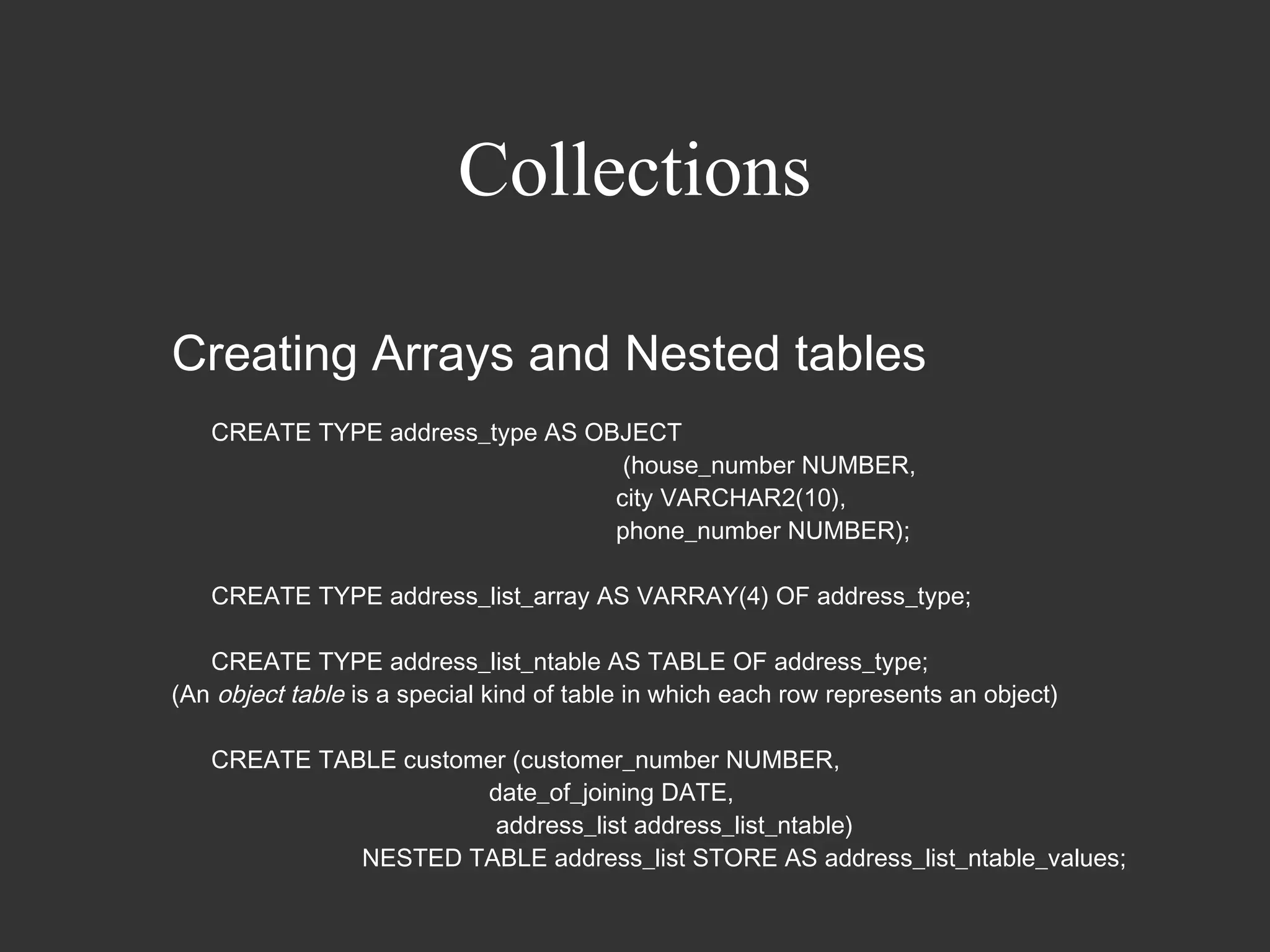
Creating Arrays and Nested tables
   CREATE TYPE address_type AS OBJECT
                                  (house_number NUMBER,
                                 city VARCHAR2(10),
                                 phone_number NUMBER);

   CREATE TYPE address_list_array AS VARRAY(4) OF address_type;

   CREATE TYPE address_list_ntable AS TABLE OF address_type;
(An object table is a special kind of table in which each row represents an object)

   CREATE TABLE customer (customer_number NUMBER,
                      date_of_joining DATE,
                       address_list address_list_ntable)
             NESTED TABLE address_list STORE AS address_list_ntable_values;
Collections
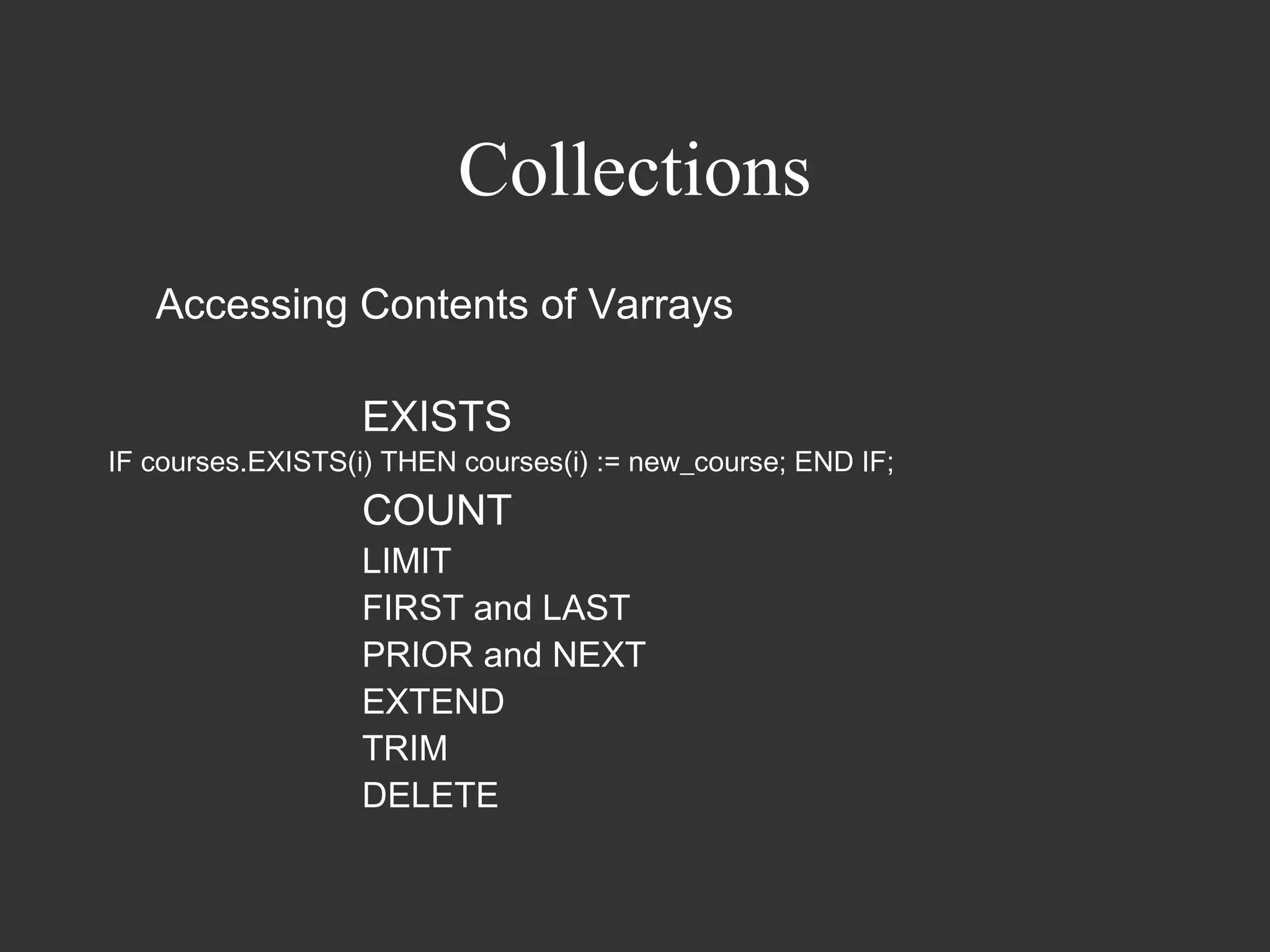
   Accessing Contents of Varrays

                   EXISTS
IF courses.EXISTS(i) THEN courses(i) := new_course; END IF;
                   COUNT
                   LIMIT
                   FIRST and LAST
                   PRIOR and NEXT
                   EXTEND
                   TRIM
                   DELETE
Collections
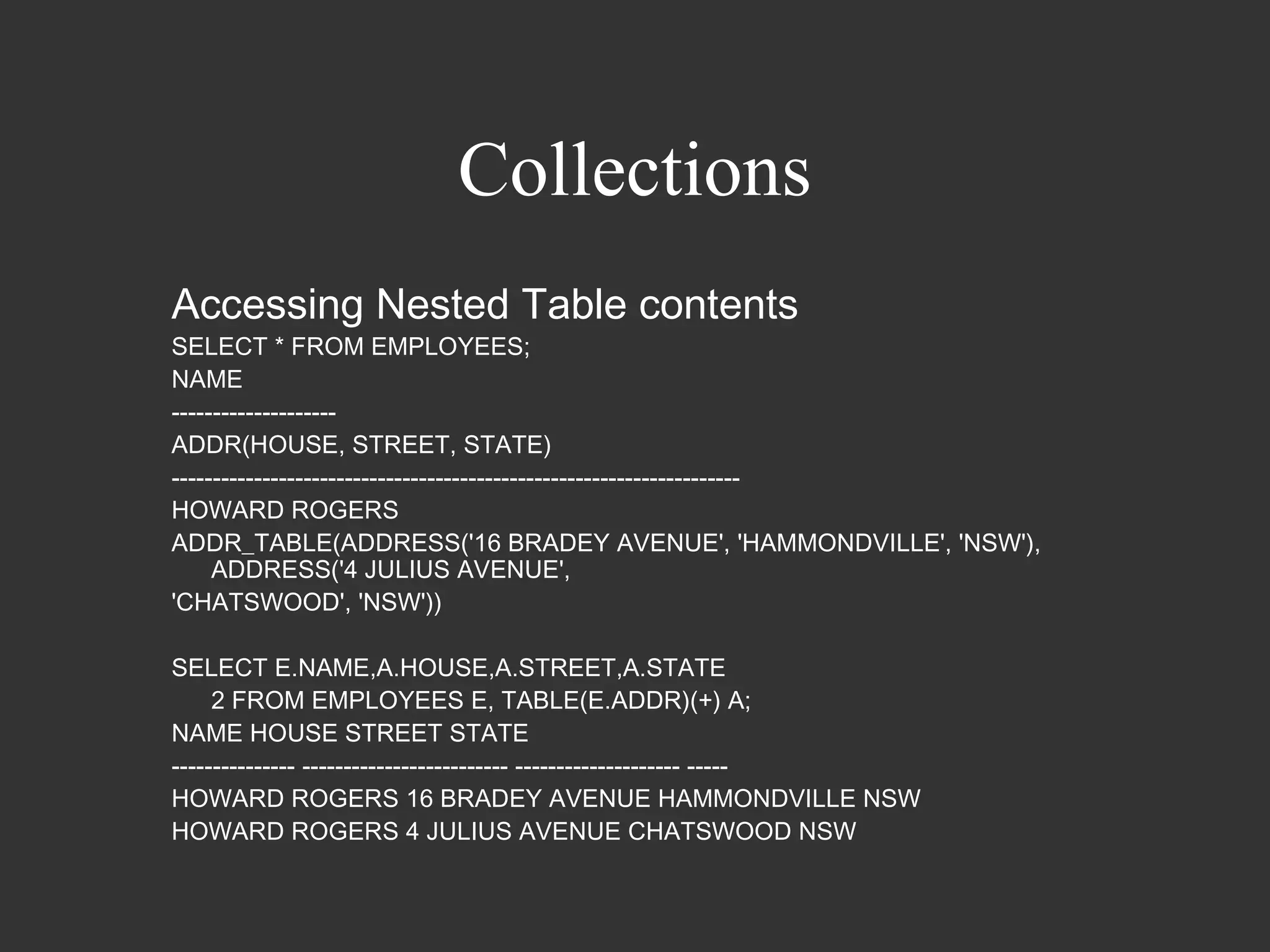
Accessing Nested Table contents
SELECT * FROM EMPLOYEES;
NAME
--------------------
ADDR(HOUSE, STREET, STATE)
---------------------------------------------------------------------
HOWARD ROGERS
ADDR_TABLE(ADDRESS('16 BRADEY AVENUE', 'HAMMONDVILLE', 'NSW'),
     ADDRESS('4 JULIUS AVENUE',
'CHATSWOOD', 'NSW'))

SELECT E.NAME,A.HOUSE,A.STREET,A.STATE
     2 FROM EMPLOYEES E, TABLE(E.ADDR)(+) A;
NAME HOUSE STREET STATE
--------------- ------------------------- -------------------- -----
HOWARD ROGERS 16 BRADEY AVENUE HAMMONDVILLE NSW
HOWARD ROGERS 4 JULIUS AVENUE CHATSWOOD NSW
Collections
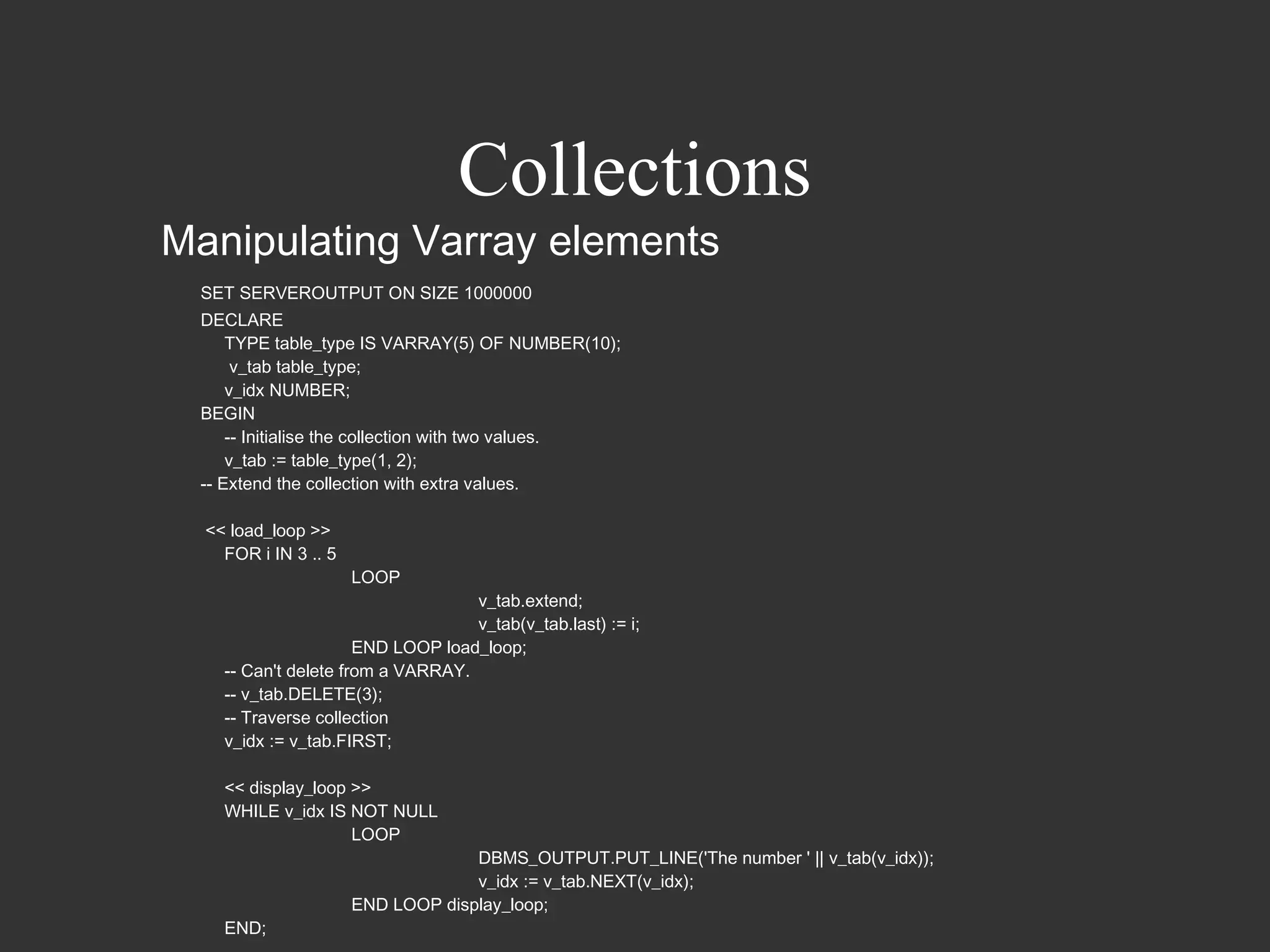
Manipulating Varray elements
 SET SERVEROUTPUT ON SIZE 1000000
 DECLARE
     TYPE table_type IS VARRAY(5) OF NUMBER(10);
      v_tab table_type;
     v_idx NUMBER;
 BEGIN
     -- Initialise the collection with two values.
     v_tab := table_type(1, 2);
 -- Extend the collection with extra values.

  << load_loop >>
    FOR i IN 3 .. 5
                      LOOP
                                   v_tab.extend;
                                   v_tab(v_tab.last) := i;
                      END LOOP load_loop;
    -- Can't delete from a VARRAY.
    -- v_tab.DELETE(3);
    -- Traverse collection
    v_idx := v_tab.FIRST;

    << display_loop >>
    WHILE v_idx IS NOT NULL
                    LOOP
                                   DBMS_OUTPUT.PUT_LINE('The number ' || v_tab(v_idx));
                                   v_idx := v_tab.NEXT(v_idx);
                      END LOOP display_loop;
    END;
Collections
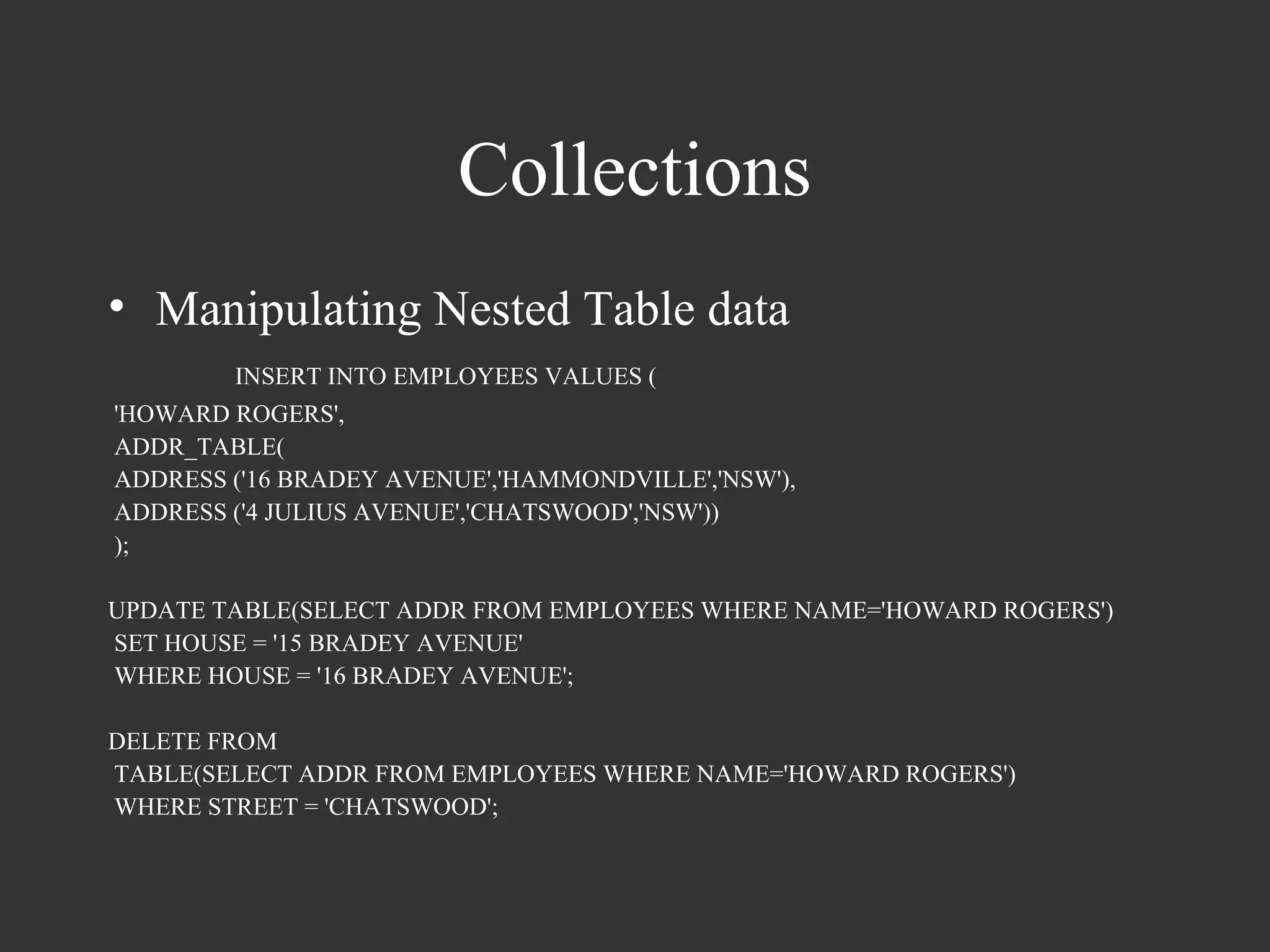
• Manipulating Nested Table data
        INSERT INTO EMPLOYEES VALUES (
'HOWARD ROGERS',
ADDR_TABLE(
ADDRESS ('16 BRADEY AVENUE','HAMMONDVILLE','NSW'),
ADDRESS ('4 JULIUS AVENUE','CHATSWOOD','NSW'))
);

UPDATE TABLE(SELECT ADDR FROM EMPLOYEES WHERE NAME='HOWARD ROGERS')
SET HOUSE = '15 BRADEY AVENUE'
WHERE HOUSE = '16 BRADEY AVENUE';

DELETE FROM
TABLE(SELECT ADDR FROM EMPLOYEES WHERE NAME='HOWARD ROGERS')
WHERE STREET = 'CHATSWOOD';
Collections
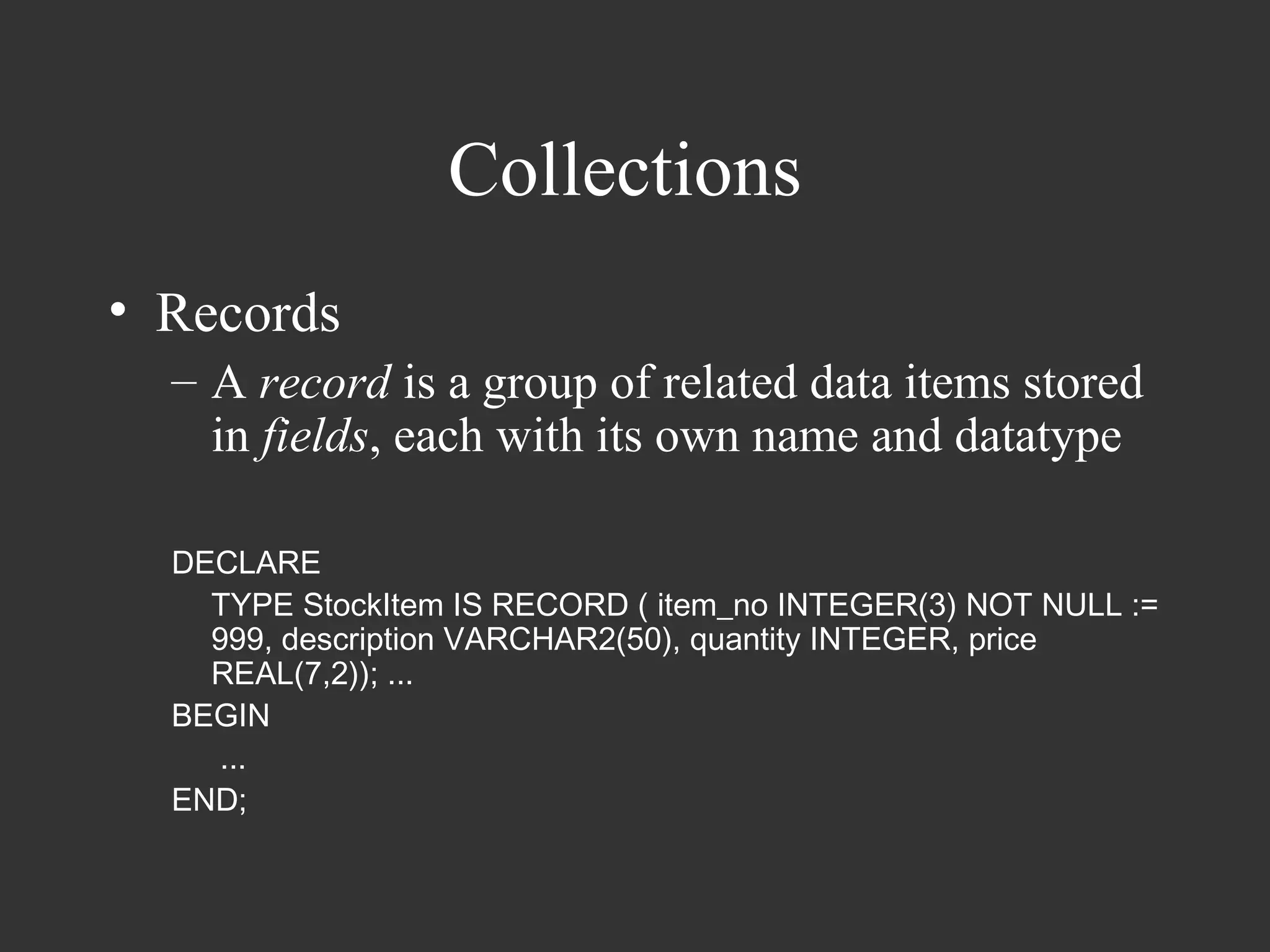
• Records
  – A record is a group of related data items stored
    in fields, each with its own name and datatype

  DECLARE
    TYPE StockItem IS RECORD ( item_no INTEGER(3) NOT NULL :=
    999, description VARCHAR2(50), quantity INTEGER, price
    REAL(7,2)); ...
  BEGIN
     ...
  END;
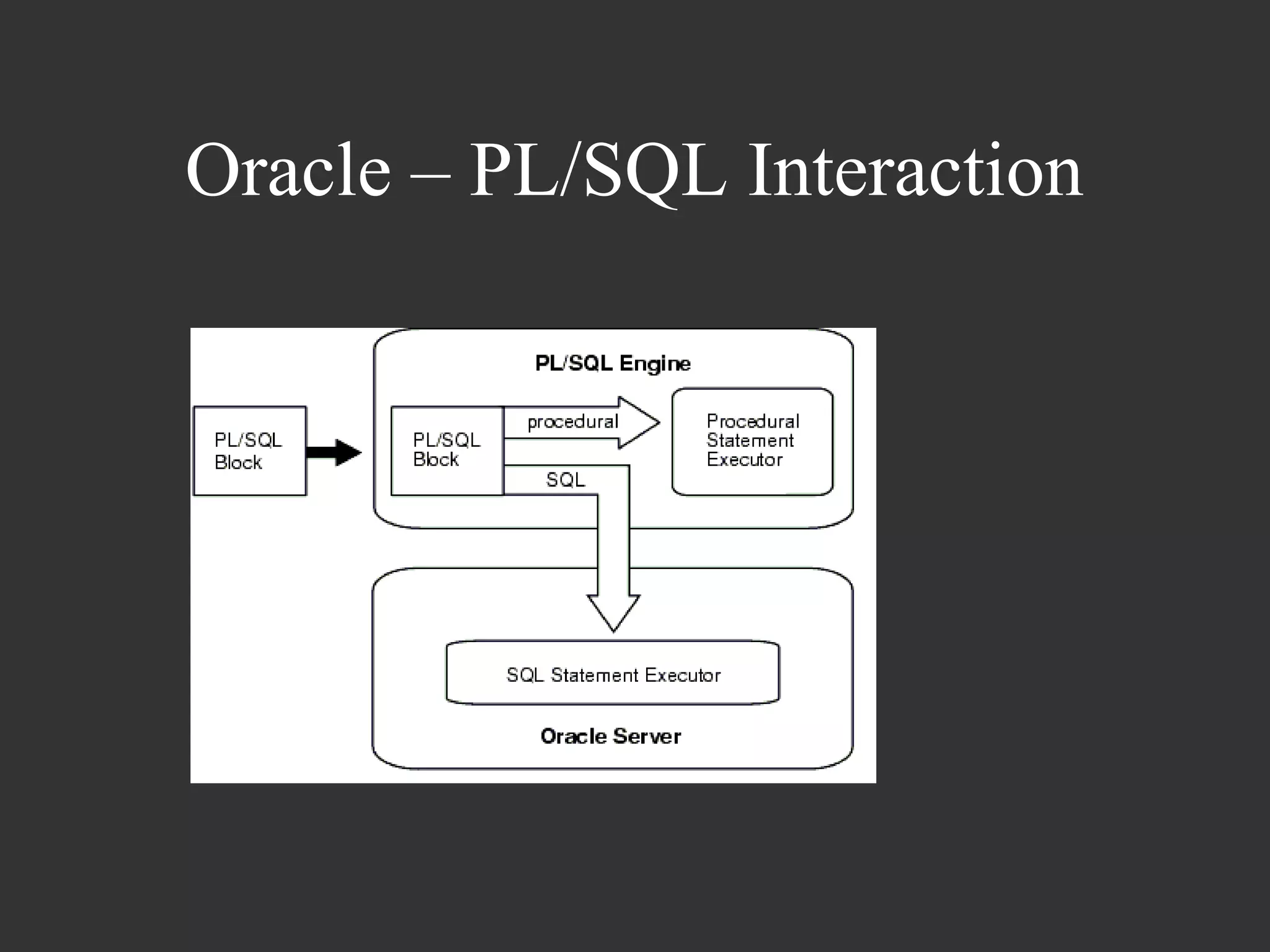
Oracle – PL/SQL Interaction
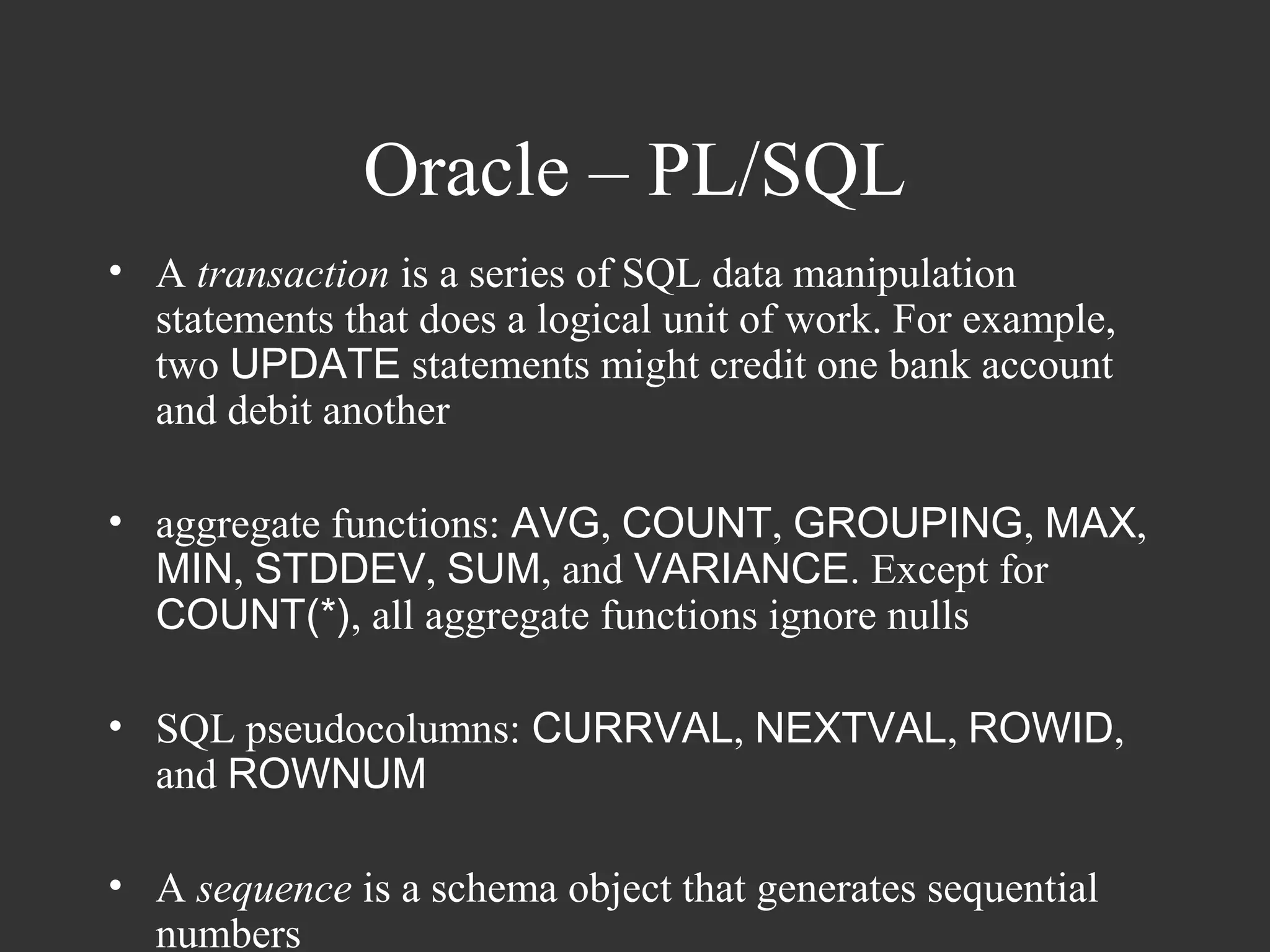
Oracle – PL/SQL
• A transaction is a series of SQL data manipulation
  statements that does a logical unit of work. For example,
  two UPDATE statements might credit one bank account
  and debit another

• aggregate functions: AVG, COUNT, GROUPING, MAX,
  MIN, STDDEV, SUM, and VARIANCE. Except for
  COUNT(*), all aggregate functions ignore nulls

• SQL pseudocolumns: CURRVAL, NEXTVAL, ROWID,
  and ROWNUM

• A sequence is a schema object that generates sequential
  numbers
Oracle – PL/SQL

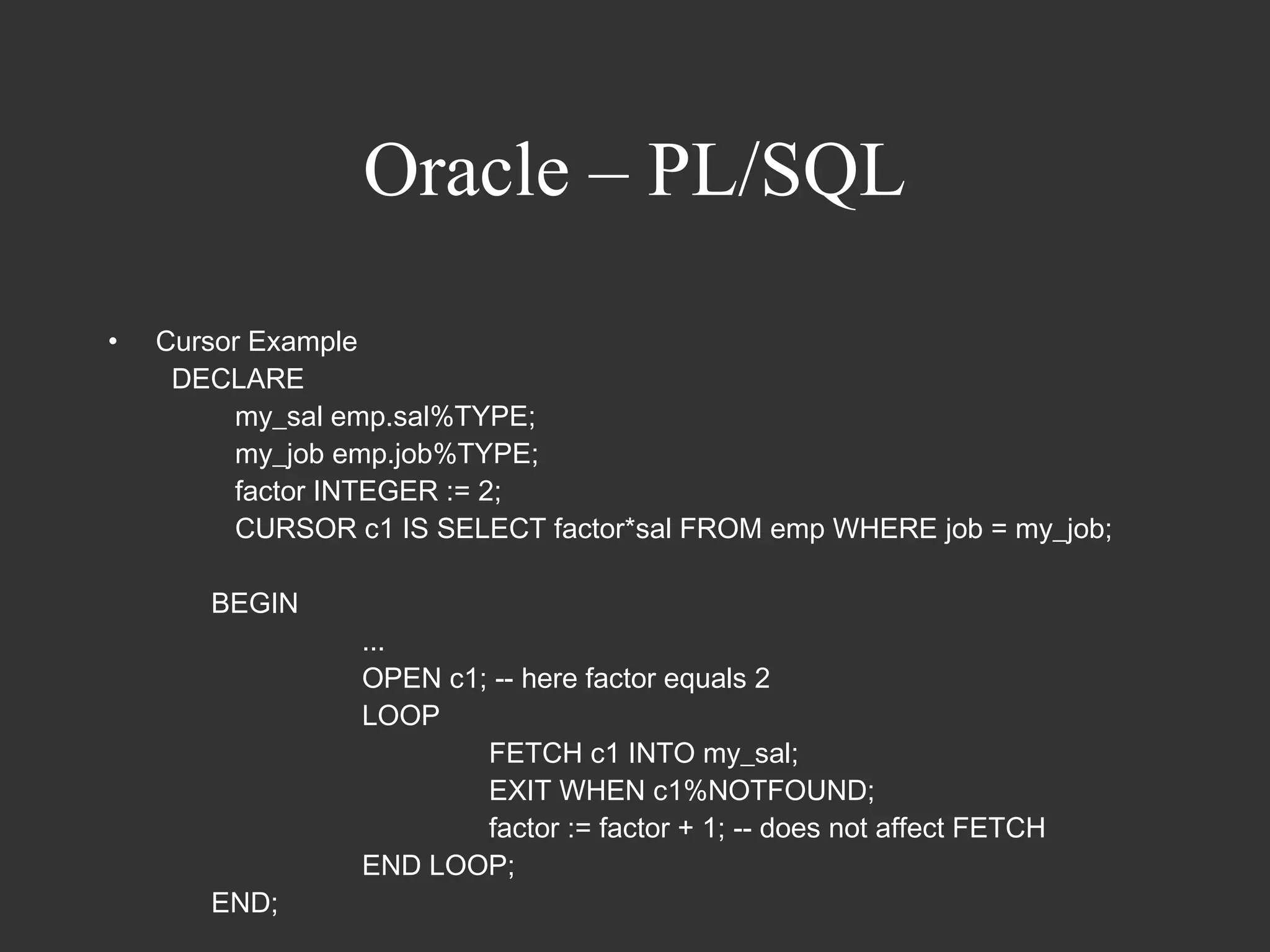
•   Cursor Example
     DECLARE
         my_sal emp.sal%TYPE;
         my_job emp.job%TYPE;
         factor INTEGER := 2;
         CURSOR c1 IS SELECT factor*sal FROM emp WHERE job = my_job;

       BEGIN
                 ...
                 OPEN c1; -- here factor equals 2
                 LOOP
                         FETCH c1 INTO my_sal;
                         EXIT WHEN c1%NOTFOUND;
                         factor := factor + 1; -- does not affect FETCH
                 END LOOP;
       END;
Subprograms and Packages
• Packages

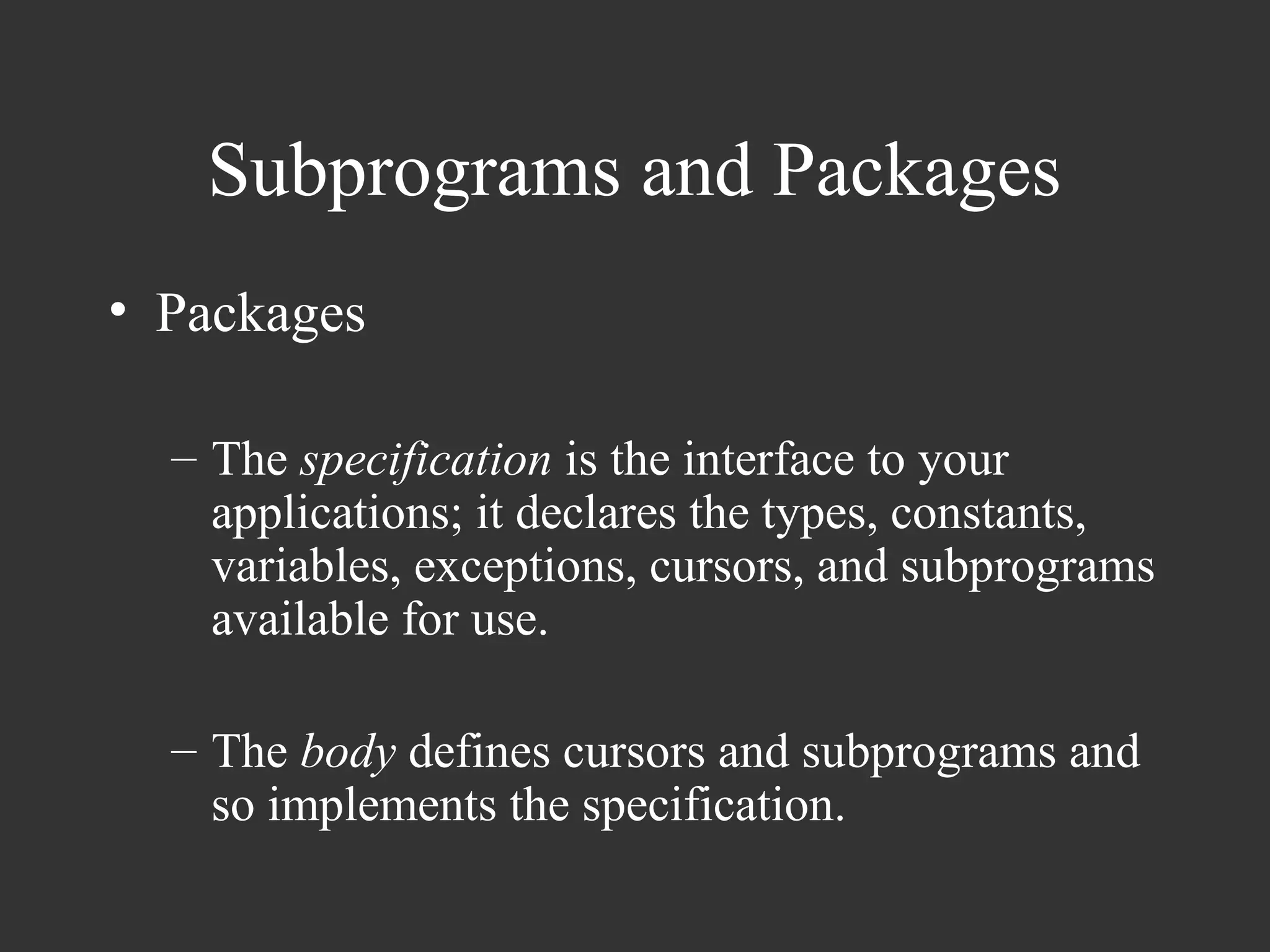
  – The specification is the interface to your
    applications; it declares the types, constants,
    variables, exceptions, cursors, and subprograms
    available for use.

  – The body defines cursors and subprograms and
    so implements the specification.
Subprograms and Packages
•   Packages

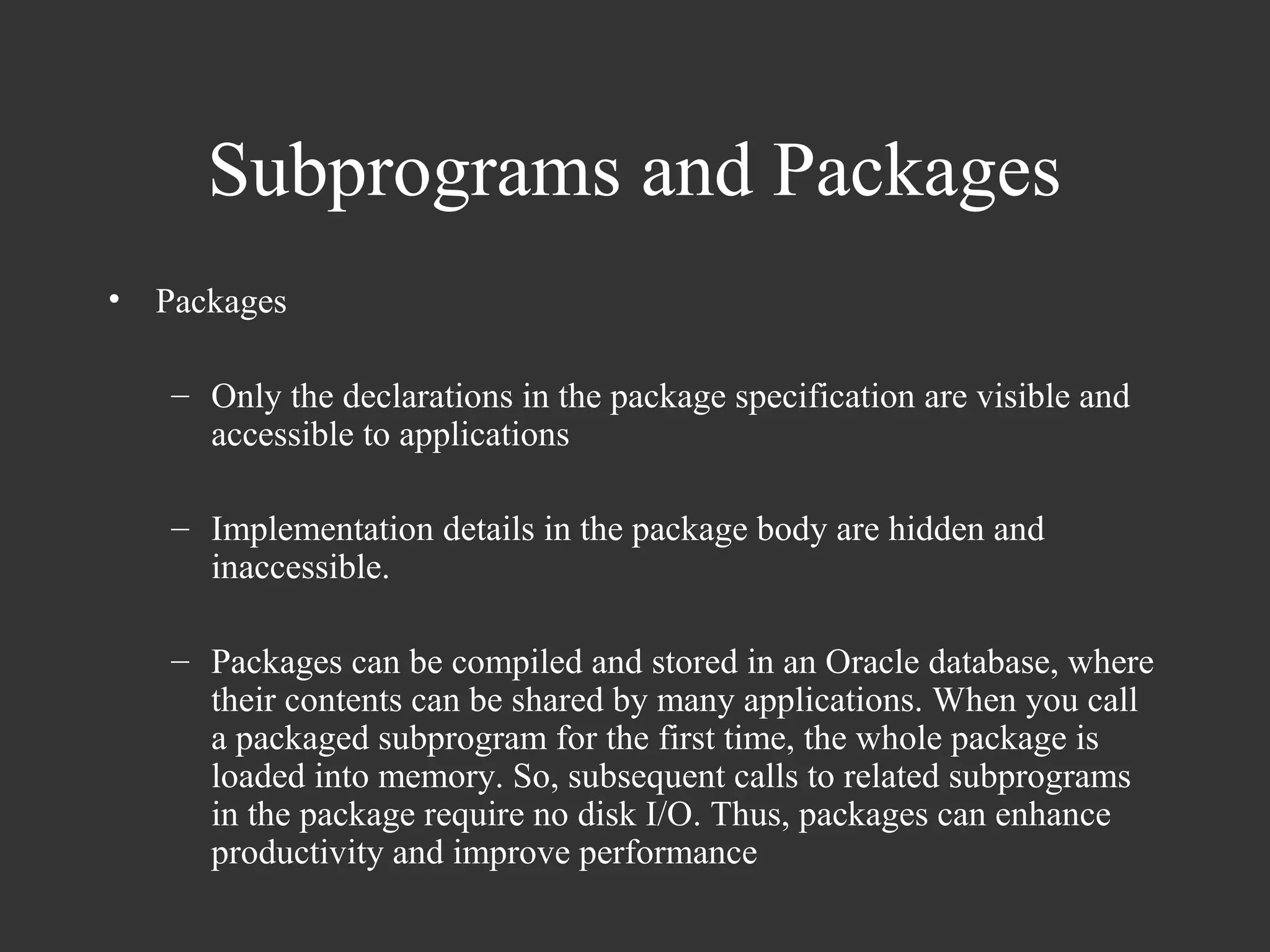
    – Only the declarations in the package specification are visible and
      accessible to applications

    – Implementation details in the package body are hidden and
      inaccessible.

    – Packages can be compiled and stored in an Oracle database, where
      their contents can be shared by many applications. When you call
      a packaged subprogram for the first time, the whole package is
      loaded into memory. So, subsequent calls to related subprograms
      in the package require no disk I/O. Thus, packages can enhance
      productivity and improve performance
Subprograms and Packages
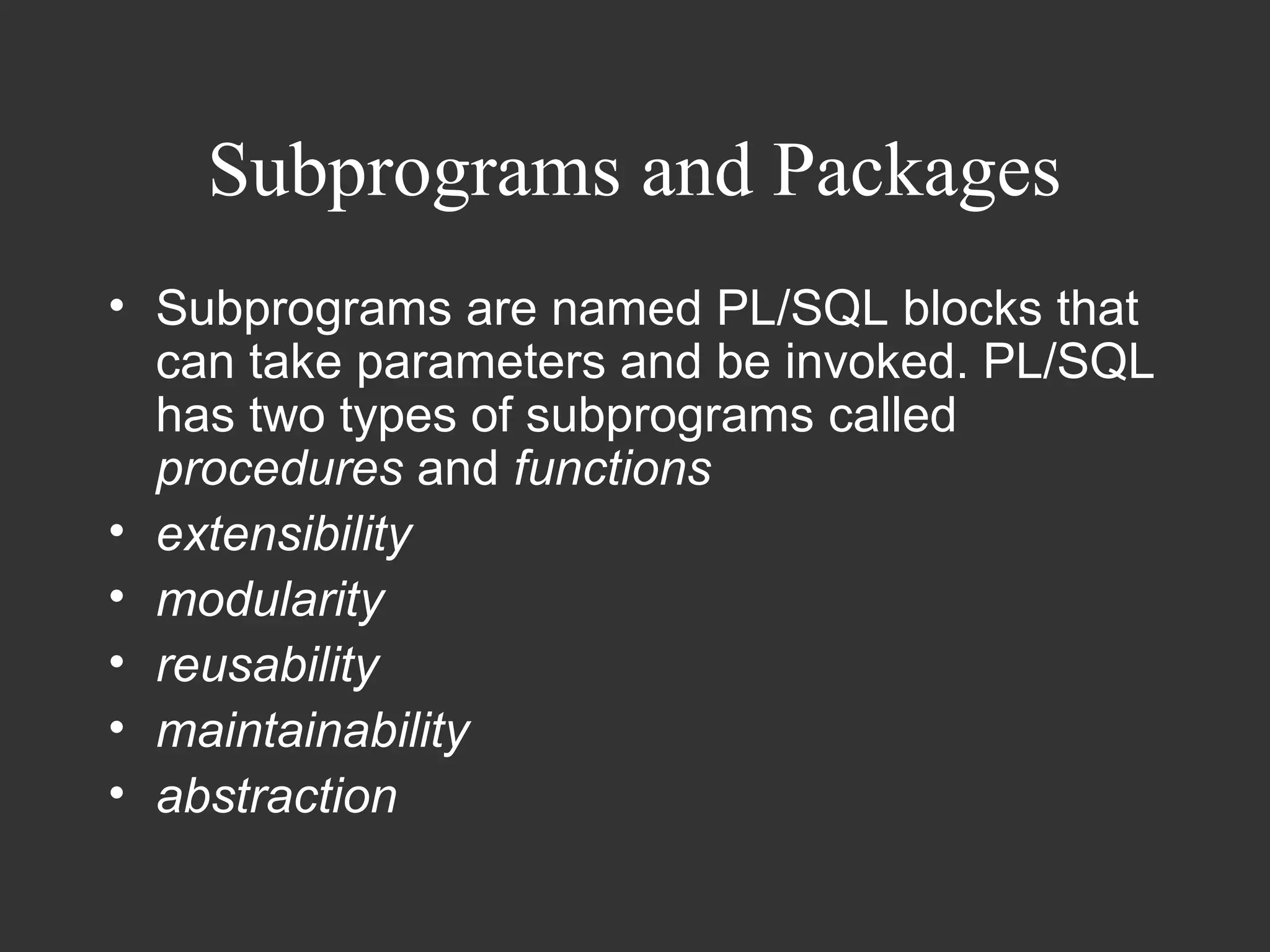
• Subprograms are named PL/SQL blocks that
  can take parameters and be invoked. PL/SQL
  has two types of subprograms called
  procedures and functions
• extensibility
• modularity
• reusability
• maintainability
• abstraction
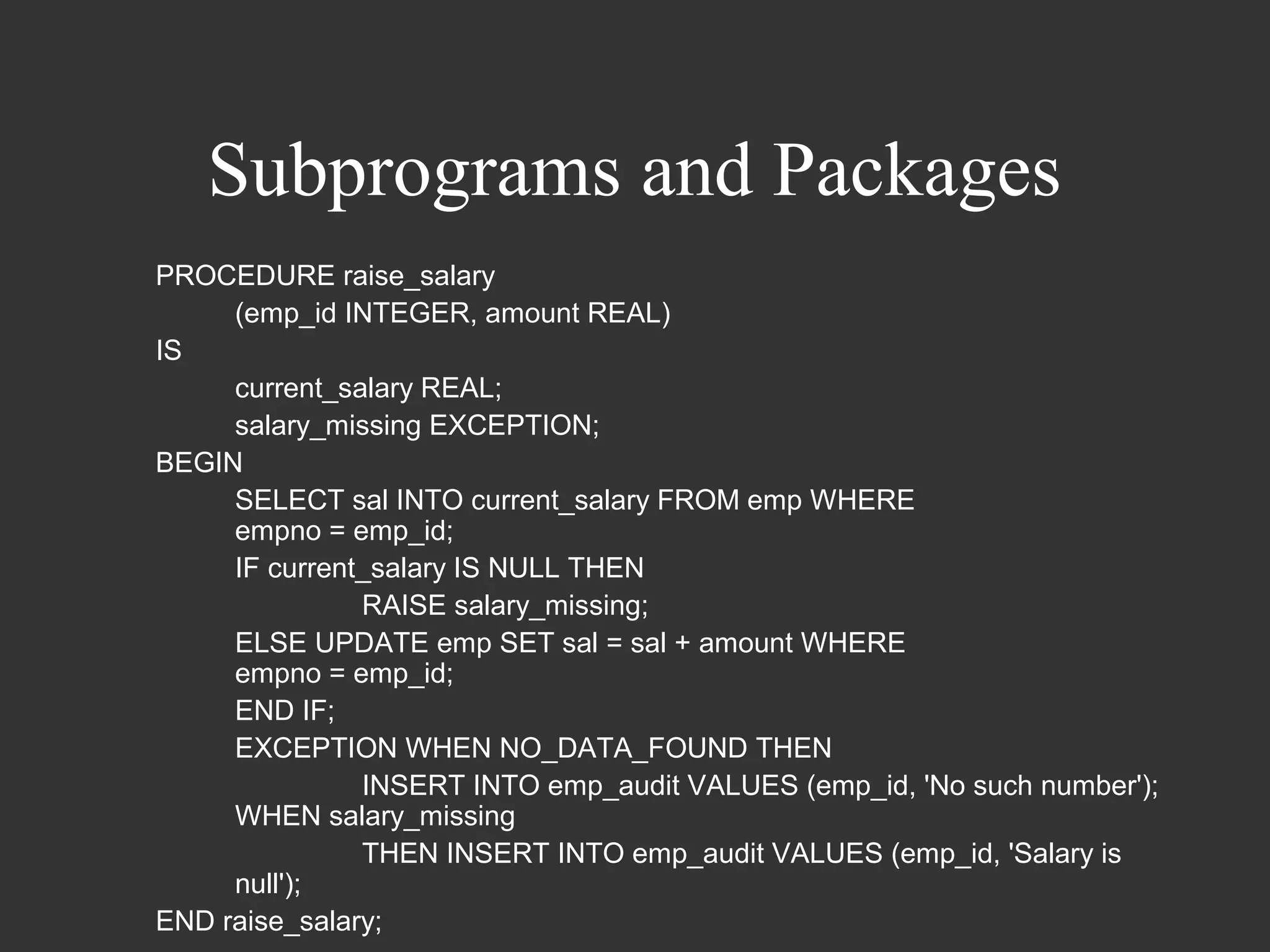
Subprograms and Packages
PROCEDURE raise_salary
     (emp_id INTEGER, amount REAL)
IS
     current_salary REAL;
     salary_missing EXCEPTION;
BEGIN
     SELECT sal INTO current_salary FROM emp WHERE
     empno = emp_id;
     IF current_salary IS NULL THEN
               RAISE salary_missing;
     ELSE UPDATE emp SET sal = sal + amount WHERE
     empno = emp_id;
     END IF;
     EXCEPTION WHEN NO_DATA_FOUND THEN
               INSERT INTO emp_audit VALUES (emp_id, 'No such number');
     WHEN salary_missing
               THEN INSERT INTO emp_audit VALUES (emp_id, 'Salary is
     null');
END raise_salary;
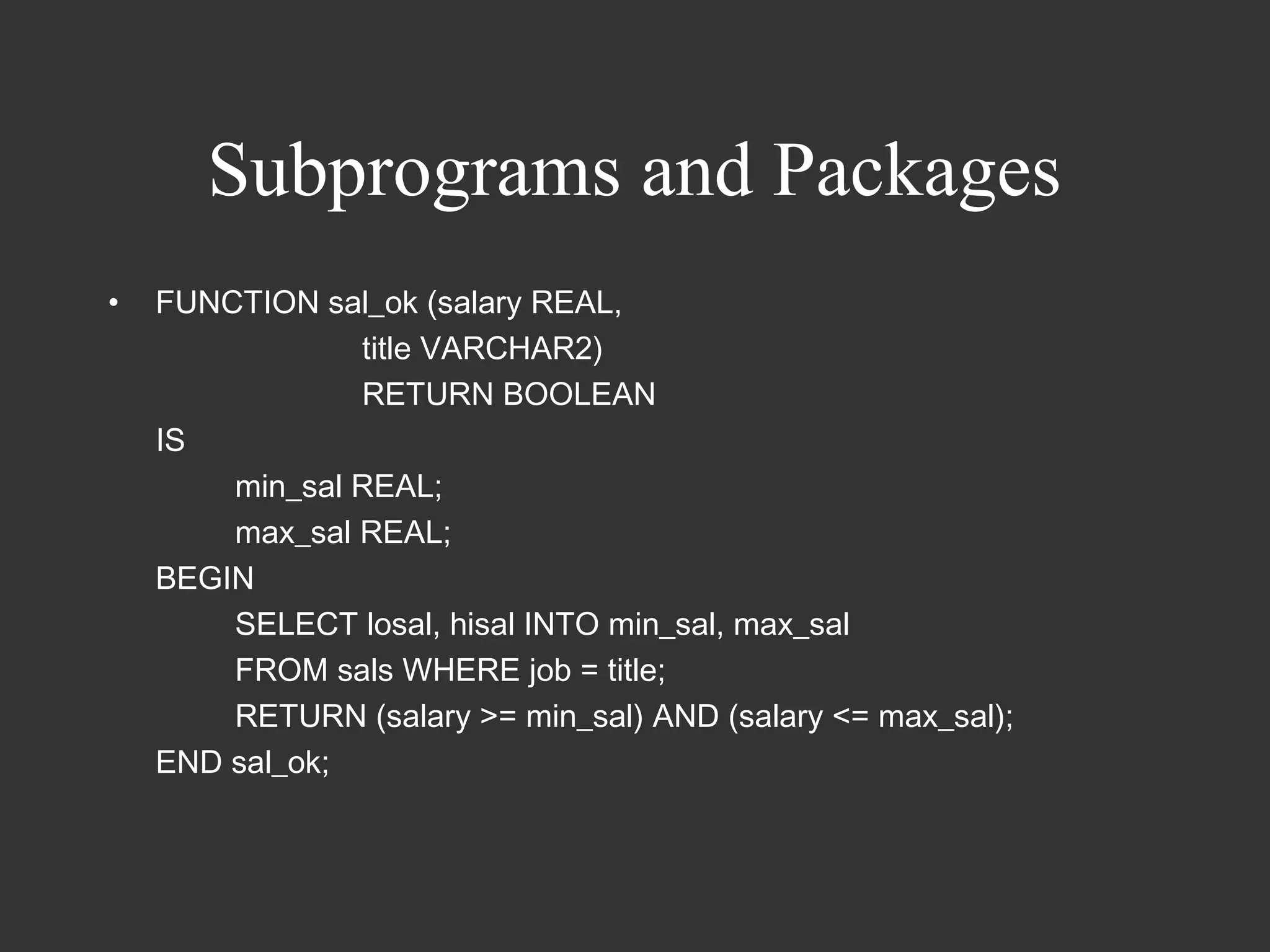
Subprograms and Packages
•   FUNCTION sal_ok (salary REAL,
                title VARCHAR2)
                RETURN BOOLEAN
    IS
        min_sal REAL;
        max_sal REAL;
    BEGIN
        SELECT losal, hisal INTO min_sal, max_sal
        FROM sals WHERE job = title;
        RETURN (salary >= min_sal) AND (salary <= max_sal);
    END sal_ok;
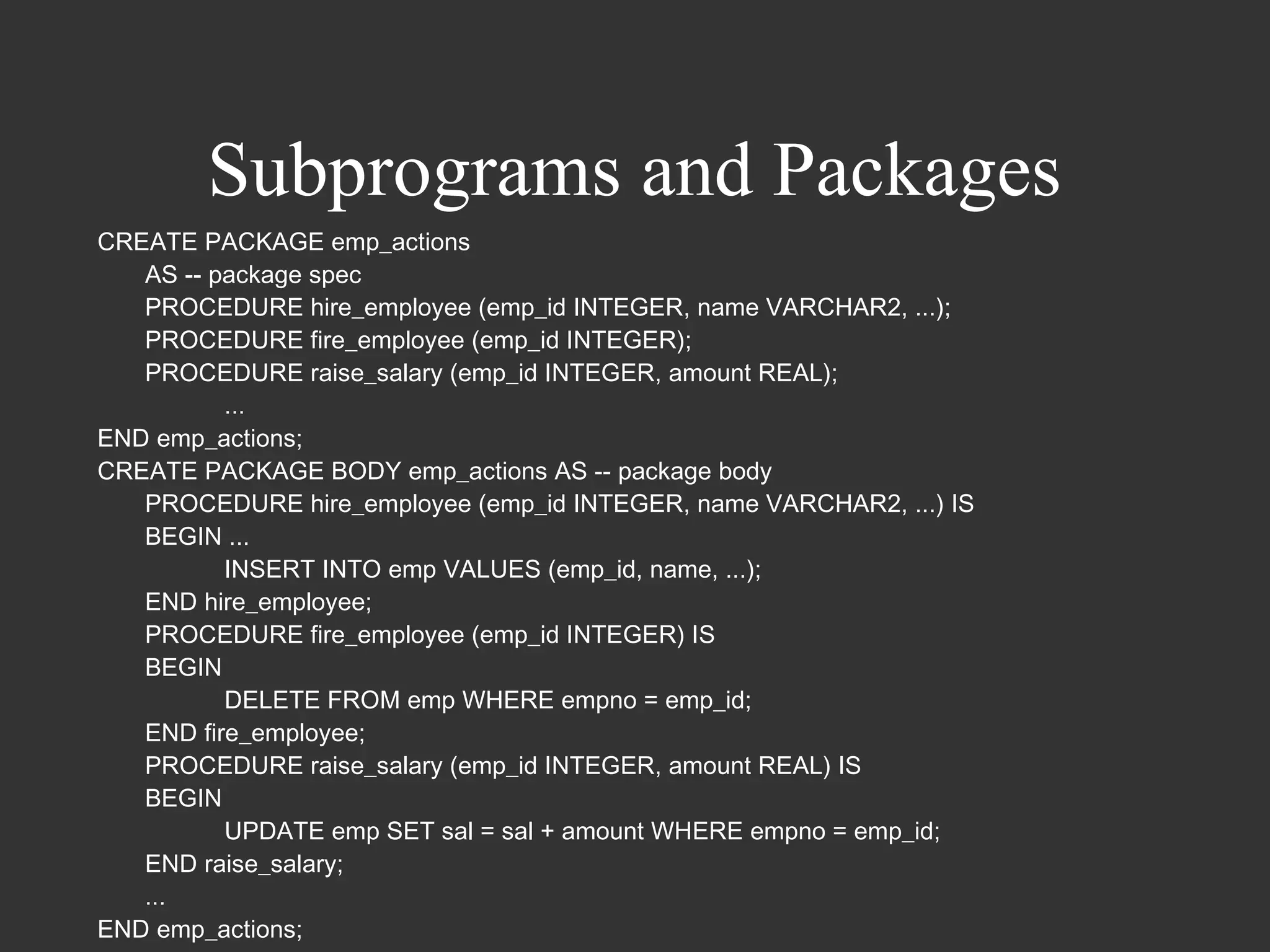
Subprograms and Packages
CREATE PACKAGE emp_actions
   AS -- package spec
   PROCEDURE hire_employee (emp_id INTEGER, name VARCHAR2, ...);
   PROCEDURE fire_employee (emp_id INTEGER);
   PROCEDURE raise_salary (emp_id INTEGER, amount REAL);
          ...
END emp_actions;
CREATE PACKAGE BODY emp_actions AS -- package body
   PROCEDURE hire_employee (emp_id INTEGER, name VARCHAR2, ...) IS
   BEGIN ...
          INSERT INTO emp VALUES (emp_id, name, ...);
   END hire_employee;
   PROCEDURE fire_employee (emp_id INTEGER) IS
   BEGIN
          DELETE FROM emp WHERE empno = emp_id;
   END fire_employee;
   PROCEDURE raise_salary (emp_id INTEGER, amount REAL) IS
   BEGIN
          UPDATE emp SET sal = sal + amount WHERE empno = emp_id;
   END raise_salary;
   ...
END emp_actions;
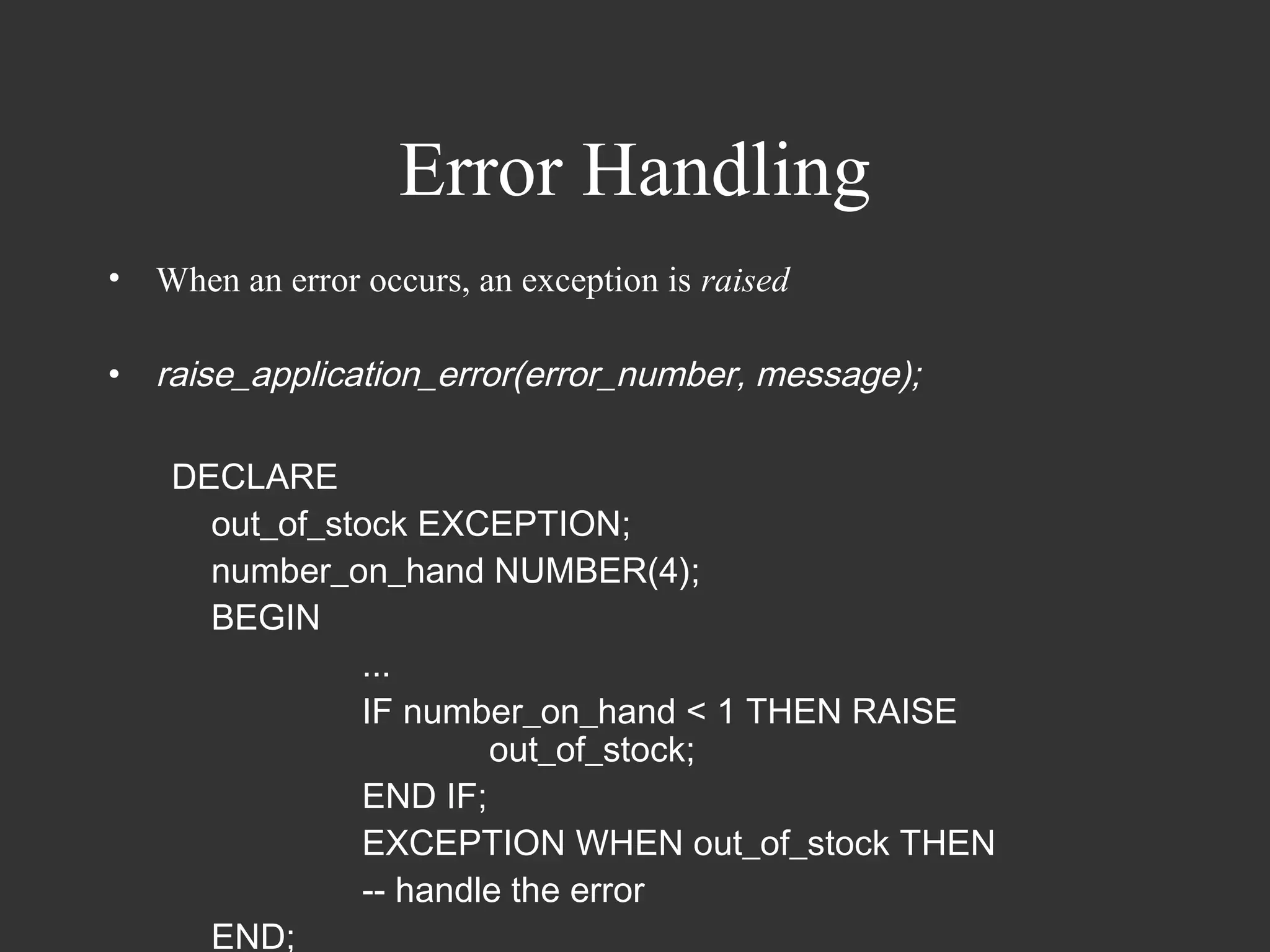
Error Handling
•   When an error occurs, an exception is raised

•   raise_application_error(error_number, message);

     DECLARE
       out_of_stock EXCEPTION;
       number_on_hand NUMBER(4);
       BEGIN
                ...
                IF number_on_hand < 1 THEN RAISE
                        out_of_stock;
                END IF;
                EXCEPTION WHEN out_of_stock THEN
                -- handle the error
       END;
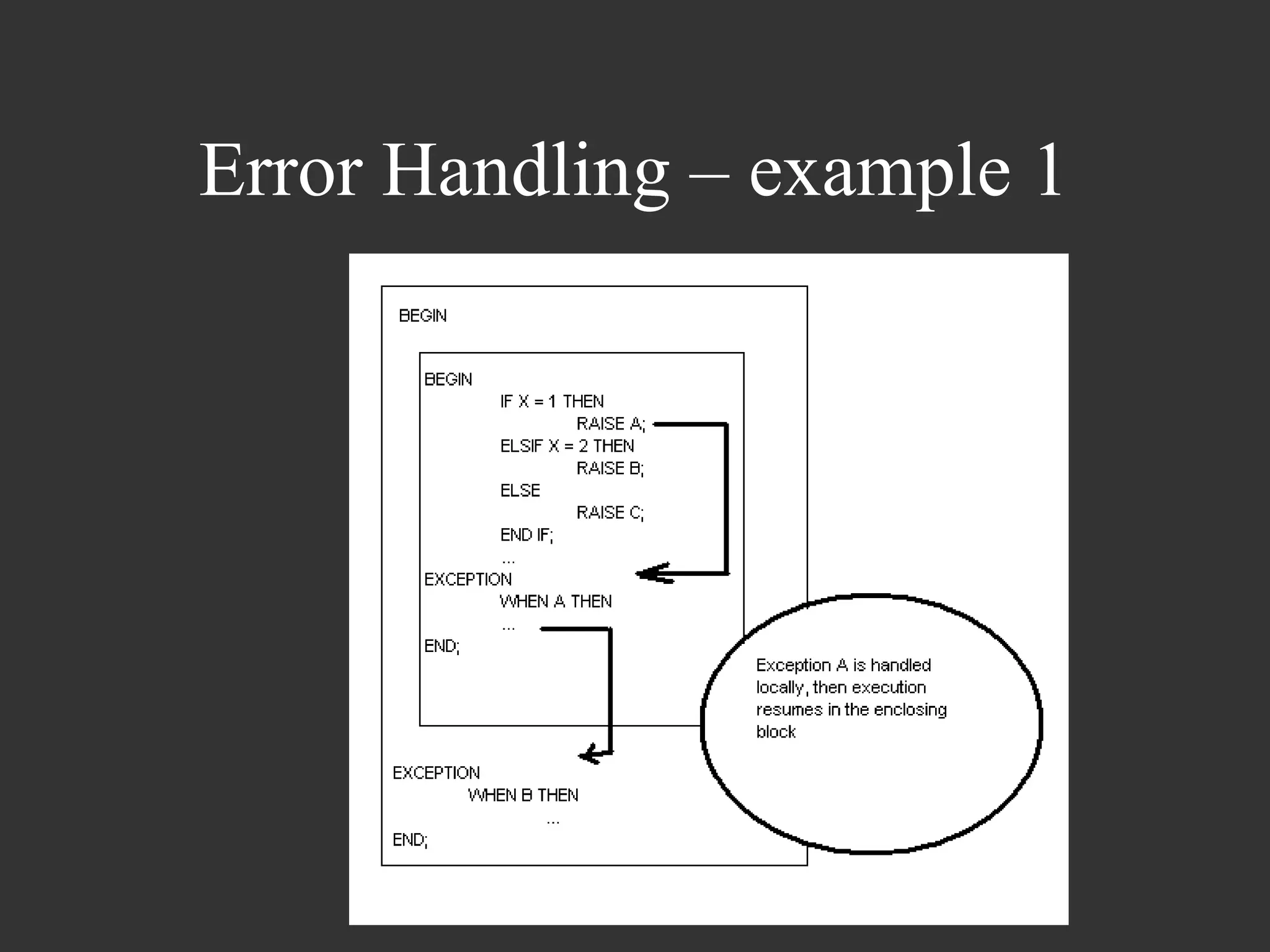
Error Handling – example 1
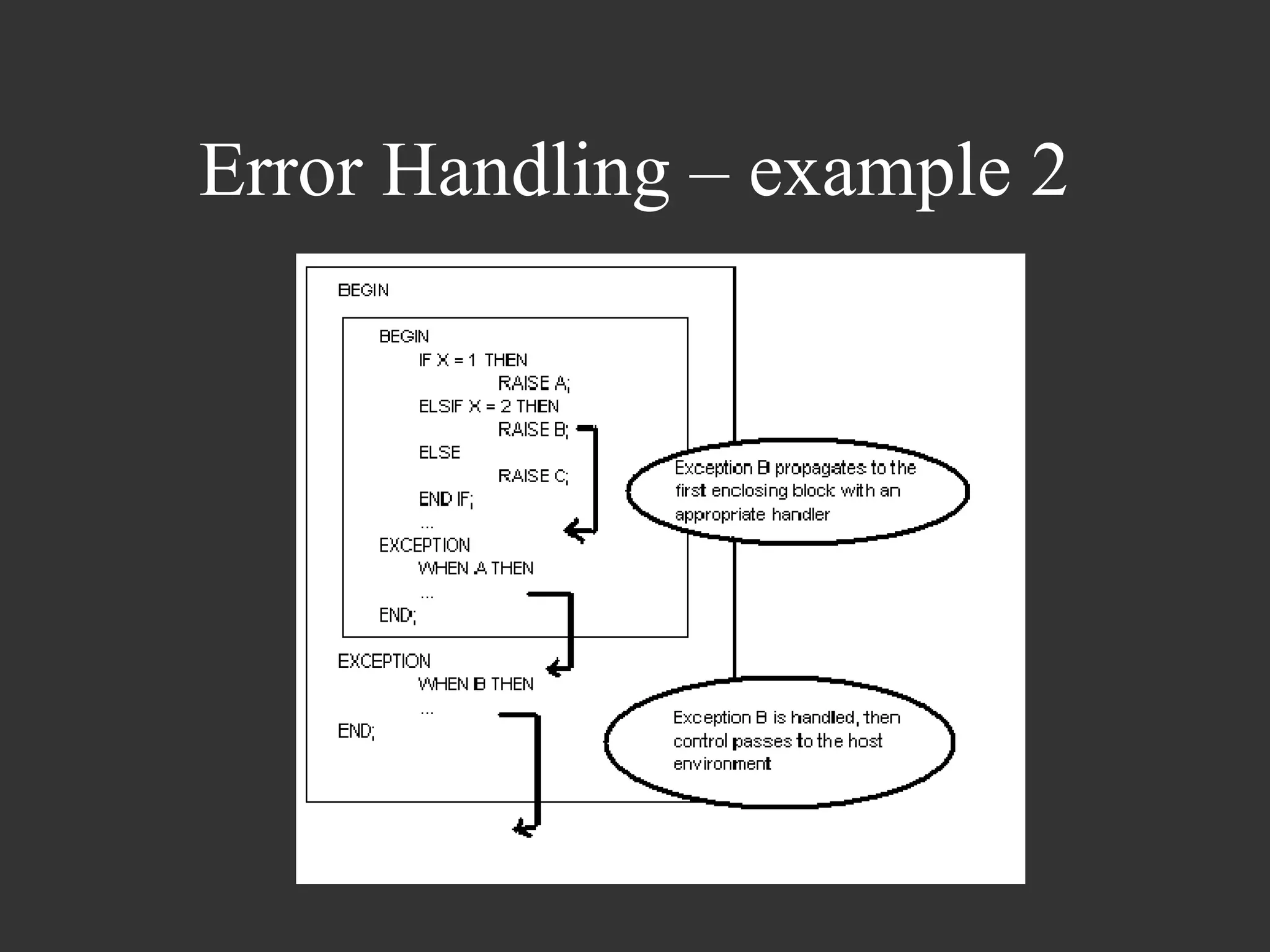
Error Handling – example 2
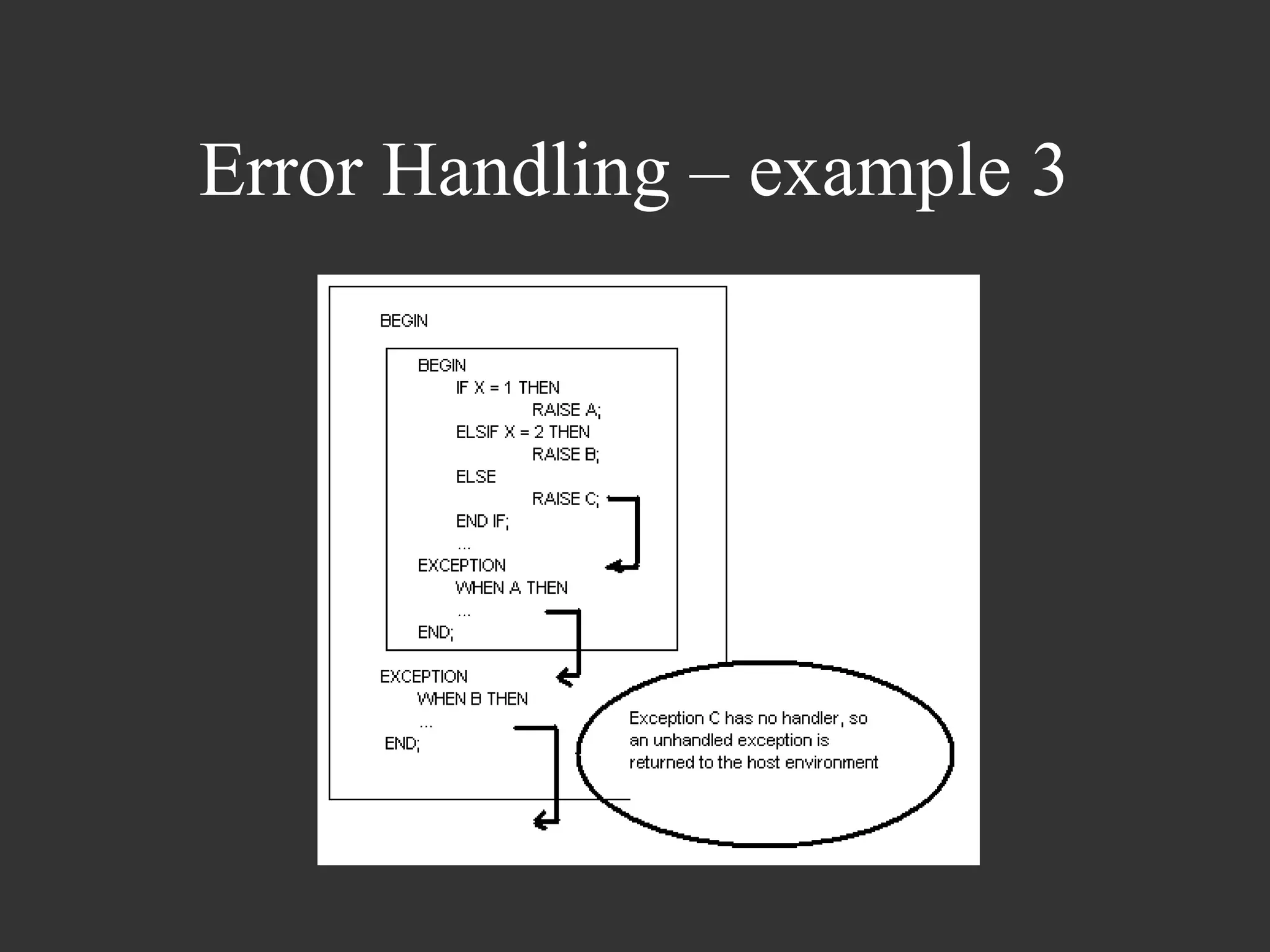
Error Handling – example 3
Thank You!

Pl sql guide

  • 1.
    Introduction to Advanced PL/SQL Presented by Vinay Kumar
  • 2.
    Overview • Fundamentals of PL/SQL – Control Structures and other PL/SQL language elements • Oracle Types and Collections • PL/SQL and Oracle Interaction • Subprograms and Packages • Error Handling
  • 3.
    Fundamentals • Building blocks of PL/SQL Code: – Identifiers – Reserved Words – Literals – Comments – Data types – Operators
  • 4.
    Fundamentals Typical PL/SQL code: Declare a integer; b varchar2(10); Begin select employee_id into a from employee_table; End;
  • 5.
    Fundamentals Datatype Conversions – Explicit Conversion • To_Char • To_Date • To_Number
  • 6.
    Fundamentals • Implicit Conversion – Example - From CHAR to NUMBER DECLARE initial_time CHAR(5) final_time CHAR(5) Time_Diff NUMBER(5) BEGIN initial_time := to_char(sysdate, ‘SSSSS’); … final_time := to_char(sysdate, ‘SSSSS’); Time_diff := initial_time – final_time; END
  • 7.
    Fundamentals • Declarations seconds_per_minute NUMBER := 60; elapsed_minutes NUMBER := 20; elapsed_seconds NUMBER := elapsed_minutes * seconds_per_minute ; minutes_per_hour number DEFAULT 60; user_name NOT NULL VARCHAR2(30) := ‘Infosys’; order_number order.order_number %TYPE; order order%ROWTYPE;
  • 8.
    Fundamentals • Case sensitivity •Name resolution • Scope and Visibility DECLARE x INTEGER; BEGIN DECLARE y INTEGER; BEGIN … END; … END;
  • 9.
    Fundamentals • LIKE operator ename LIKE ‘J%SON’ • IS NULL operator • BETWEEN operator – A BETWEEN 1 AND 10 • IN operator – ename in (NULL, ‘KING’, FORD’) • Concatenation operator – ‘Suit’ || ‘case’
  • 10.
    Fundamentals • Cursors – Work areas – Explicit cursors • “Points to” the current row of the Result Set • Similar to File processing DECLARE CURSOR c1 IS SELECT empno, ename, job FROM emp WHERE deptno = 20; • OPEN, FETCH and CLOSE
  • 11.
    Fundamentals • CURSOR FORloop – Implicitly declares its loop index as a record that represents a row fetched from the database – Closes cursor at the end of the loop DECLARE CURSOR c1 IS SELECT ename, sal, hiredate, deptno FROM emp; ... BEGIN FOR emp_rec IN c1 LOOP ... salary_total := salary_total + emp_rec.sal; END LOOP; END;
  • 12.
    Fundamentals • Cursor Variables – unlike a cursor, a cursor variable can be opened for any type-compatible query PROCEDURE open_cv (generic_cv IN OUT GenericCurTyp, choice NUMBER) IS BEGIN IF choice = 1 THEN OPEN generic_cv FOR SELECT * FROM emp; ELSIF choice = 2 THEN OPEN generic_cv FOR SELECT * FROM dept; END IF; ... END;
  • 13.
    Fundamentals • Ref Cursor – A cursor type where you can skip specifying Structure, and thus can use the same cursor for various structures. TYPE my_ref_cur_type IS REF CURSOR; my_ref_cursor my_ref_cur_type;
  • 14.
    Fundamentals • Attributes – %TYPE my_title books.title%TYPE; – %ROWTYPE DECLARE dept_rec dept%ROWTYPE; -- declare record variable my_deptno := dept_rec.deptno; DECLARE CURSOR c1 IS SELECT ename, sal, hiredate, job FROM emp; emp_rec c1%ROWTYPE; -- declare record variable that represents -- a row fetched from the emp table FETCH c1 INTO emp_rec;
  • 15.
    Fundamentals • Conditional Control– IF statement – If-Then – If-Then-Else – If-Then-ElsIf • Iterative Control – Loop – While-Loop – For-Loop – EXIT – EXIT-WHEN
  • 16.
    Fundamentals • LOOP LOOP … END LOOP; • WHILE-LOOP WHILE a < 10 LOOP … END LOOP • FOR-LOOP FOR i IN 1..3 [REVERSE] LOOP … END LOOP;
  • 17.
    Fundamentals DECLARE acct_balance NUMBER(11,2); acct CONSTANT NUMBER(4) := 3; debit_amt CONSTANT NUMBER(5,2) := 500.00; BEGIN SELECT bal INTO acct_balance FROM accounts WHERE account_id = acct FOR UPDATE OF bal; IF acct_balance >= debit_amt THEN UPDATE accounts SET bal = bal - debit_amt WHERE account_id = acct; ELSE INSERT INTO temp VALUES (acct, acct_balance, 'Insufficient funds'); -- insert account, current balance, and message END IF; END;
  • 18.
    Fundamentals • LOOP LOOP ... total := total + salary; EXIT WHEN total > 25000; -- exit loop if condition is true END LOOP; • FOR LOOP FOR i IN 1..order_qty LOOP UPDATE sales SET custno = customer_id WHERE serial_num = serial_num_seq.NEXTVAL; END LOOP;
  • 19.
    Fundamentals DECLARE salary emp.sal%TYPE := 0; mgr_num emp.mgr%TYPE; last_name emp.ename%TYPE; starting_empno emp.empno%TYPE := 7499; BEGIN SELECT mgr INTO mgr_num FROM emp WHERE empno = starting_empno; WHILE salary <= 2500 LOOP SELECT sal, mgr, ename INTO salary, mgr_num, last_name FROM emp WHERE empno = mgr_num; END LOOP; END
  • 20.
    Fundamentals • Sequential Control – GOTO statement lets you branch to a label unconditionally IF rating > 90 THEN GOTO calc_raise; -- branch to label END IF; ... <<calc_raise>> IF job_title = 'SALESMAN' THEN -- control resumes here amount := commission * 0.25; ELSE amount := salary * 0.10; END IF;
  • 21.
    Fundamentals • Modularity – PL/SQL Blocks – Sub-programs • PROCEDURES • FUNCTIONS – PACKAGES • bundle logically related types, variables, cursors, and subprograms
  • 22.
    Fundamentals PROCEDURE award_bonus (emp_idNUMBER) IS bonus REAL; comm_missing EXCEPTION; BEGIN SELECT comm * 0.15 INTO bonus FROM emp WHERE empno = emp_id; IF bonus IS NULL THEN RAISE comm_missing; ELSE UPDATE payroll SET pay = pay + bonus WHERE empno = emp_id; END IF; EXCEPTION WHEN comm_missing THEN ... END award_bonus;
  • 23.
    Fundamentals CREATE PACKAGE emp_actionsAS -- package specification PROCEDURE hire_employee (empno NUMBER, ename CHAR, ...); PROCEDURE fire_employee (emp_id NUMBER); END emp_actions; CREATE PACKAGE BODY emp_actions AS -- package body PROCEDURE hire_employee (empno NUMBER, ename CHAR, ...) IS BEGIN INSERT INTO emp VALUES (empno, ename, ...); END hire_employee; PROCEDURE fire_employee (emp_id NUMBER) IS BEGIN DELETE FROM emp WHERE empno = emp_id; END fire_employee; END emp_actions;
  • 24.
    Fundamentals • RECORD –%ROWTYPE attribute is used to declare a record that represents a row in a table or a row fetched from a cursor. – You can create your own customized record types too.
  • 25.
    Fundamentals SomeOracle Concepts • TRIGGERS – A database trigger is a stored subprogram associated with a table. – You can have Oracle automatically fire the trigger before or after an INSERT, UPDATE, or DELETE statement affects the table. – One of the many uses for database triggers is to audit data modifications. CREATE TRIGGER audit_sal AFTER UPDATE OF sal ON emp FOR EACH ROW BEGIN INSERT INTO emp_audit VALUES ... END;
  • 26.
    Fundamentals • Constraints • Indexes – indexes are useful because they sort the table on the indexed columns and hence make the search faster • Views – Views in Oracle are windows to limited data • Decode SELECT DECODE (A, B, C, D).. means if A = B then C else D SELECT DECODE (A, B, C, D, E, F).. means if A = B then C else if A = D then E else F CREATE OR REPLACE VIEW <viewname> AS (SELECT DECODE(Total, 0, '', Total) Total FROM <tablename>);
  • 27.
    Fundamentals • GOTO usage – The control cannot branch off into a IF statement, LOOP statement or a sub-block – You cannot pass control from IF into ELSE • NULL statement – The NULL statement explicitly specifies inaction IF rating > 90 THEN compute_bonus(emp_id); ELSE NULL; END IF;
  • 28.
    Collections • - A collection is an ordered group of elements, all of the same type. – Each element has a unique subscript that determines its position in the collection. – Collections work like the arrays found in most third- generation programming languages. Also, collections can be passed as parameters. – You can define collection types in a package, then use them programmatically in your applications. – Single dimensional only
  • 29.
    Collections – Also, you can pass collections as parameters. So, you can use them to move columns of data into and out of database tables or between client-side applications and stored subprograms. In addition, collections can store instances of an object type and can be attributes of an object type. • Two types of collections – Items of type TABLE are nested tables – Items of type VARRAY are varrays (short for variable- size arrays)
  • 30.
    Collections • Nested Tables – - database tables that can be stored in a column value
  • 31.
    Collections • Array VsNested Table • Varrays have a maximum size, but nested tables do not. • Varrays are always dense, but nested tables can be sparse. • Oracle stores varray data in-line (in the same table) unless it exceeds 4K, in which case the data is stored out-of-line. But, Oracle stores nested table data out-of-line in a store table, which is a system-generated database table associated with the nested table. • When stored in the database, varrays retain their ordering and subscripts, but nested tables do not.
  • 32.
    Collections • When touse what? – A varray is stored as an object, whereas a nested table is stored in a storage table with every element mapped to a row in the table. So, if you want efficient queries, use nested tables. – If you want to retrieve entire collection as a whole, use varrays. However, when collections get very large, it becomes impractical. So, varrays are better suited for small collections.
  • 33.
    Collections Creating Arrays andNested tables CREATE TYPE address_type AS OBJECT (house_number NUMBER, city VARCHAR2(10), phone_number NUMBER); CREATE TYPE address_list_array AS VARRAY(4) OF address_type; CREATE TYPE address_list_ntable AS TABLE OF address_type; (An object table is a special kind of table in which each row represents an object) CREATE TABLE customer (customer_number NUMBER, date_of_joining DATE, address_list address_list_ntable) NESTED TABLE address_list STORE AS address_list_ntable_values;
  • 34.
    Collections Accessing Contents of Varrays EXISTS IF courses.EXISTS(i) THEN courses(i) := new_course; END IF; COUNT LIMIT FIRST and LAST PRIOR and NEXT EXTEND TRIM DELETE
  • 35.
    Collections Accessing Nested Tablecontents SELECT * FROM EMPLOYEES; NAME -------------------- ADDR(HOUSE, STREET, STATE) --------------------------------------------------------------------- HOWARD ROGERS ADDR_TABLE(ADDRESS('16 BRADEY AVENUE', 'HAMMONDVILLE', 'NSW'), ADDRESS('4 JULIUS AVENUE', 'CHATSWOOD', 'NSW')) SELECT E.NAME,A.HOUSE,A.STREET,A.STATE 2 FROM EMPLOYEES E, TABLE(E.ADDR)(+) A; NAME HOUSE STREET STATE --------------- ------------------------- -------------------- ----- HOWARD ROGERS 16 BRADEY AVENUE HAMMONDVILLE NSW HOWARD ROGERS 4 JULIUS AVENUE CHATSWOOD NSW
  • 36.
    Collections Manipulating Varray elements SET SERVEROUTPUT ON SIZE 1000000 DECLARE TYPE table_type IS VARRAY(5) OF NUMBER(10); v_tab table_type; v_idx NUMBER; BEGIN -- Initialise the collection with two values. v_tab := table_type(1, 2); -- Extend the collection with extra values. << load_loop >> FOR i IN 3 .. 5 LOOP v_tab.extend; v_tab(v_tab.last) := i; END LOOP load_loop; -- Can't delete from a VARRAY. -- v_tab.DELETE(3); -- Traverse collection v_idx := v_tab.FIRST; << display_loop >> WHILE v_idx IS NOT NULL LOOP DBMS_OUTPUT.PUT_LINE('The number ' || v_tab(v_idx)); v_idx := v_tab.NEXT(v_idx); END LOOP display_loop; END;
  • 37.
    Collections • Manipulating NestedTable data INSERT INTO EMPLOYEES VALUES ( 'HOWARD ROGERS', ADDR_TABLE( ADDRESS ('16 BRADEY AVENUE','HAMMONDVILLE','NSW'), ADDRESS ('4 JULIUS AVENUE','CHATSWOOD','NSW')) ); UPDATE TABLE(SELECT ADDR FROM EMPLOYEES WHERE NAME='HOWARD ROGERS') SET HOUSE = '15 BRADEY AVENUE' WHERE HOUSE = '16 BRADEY AVENUE'; DELETE FROM TABLE(SELECT ADDR FROM EMPLOYEES WHERE NAME='HOWARD ROGERS') WHERE STREET = 'CHATSWOOD';
  • 38.
    Collections • Records – A record is a group of related data items stored in fields, each with its own name and datatype DECLARE TYPE StockItem IS RECORD ( item_no INTEGER(3) NOT NULL := 999, description VARCHAR2(50), quantity INTEGER, price REAL(7,2)); ... BEGIN ... END;
  • 39.
    Oracle – PL/SQLInteraction
  • 40.
    Oracle – PL/SQL •A transaction is a series of SQL data manipulation statements that does a logical unit of work. For example, two UPDATE statements might credit one bank account and debit another • aggregate functions: AVG, COUNT, GROUPING, MAX, MIN, STDDEV, SUM, and VARIANCE. Except for COUNT(*), all aggregate functions ignore nulls • SQL pseudocolumns: CURRVAL, NEXTVAL, ROWID, and ROWNUM • A sequence is a schema object that generates sequential numbers
  • 41.
    Oracle – PL/SQL • Cursor Example DECLARE my_sal emp.sal%TYPE; my_job emp.job%TYPE; factor INTEGER := 2; CURSOR c1 IS SELECT factor*sal FROM emp WHERE job = my_job; BEGIN ... OPEN c1; -- here factor equals 2 LOOP FETCH c1 INTO my_sal; EXIT WHEN c1%NOTFOUND; factor := factor + 1; -- does not affect FETCH END LOOP; END;
  • 42.
    Subprograms and Packages •Packages – The specification is the interface to your applications; it declares the types, constants, variables, exceptions, cursors, and subprograms available for use. – The body defines cursors and subprograms and so implements the specification.
  • 43.
    Subprograms and Packages • Packages – Only the declarations in the package specification are visible and accessible to applications – Implementation details in the package body are hidden and inaccessible. – Packages can be compiled and stored in an Oracle database, where their contents can be shared by many applications. When you call a packaged subprogram for the first time, the whole package is loaded into memory. So, subsequent calls to related subprograms in the package require no disk I/O. Thus, packages can enhance productivity and improve performance
  • 44.
    Subprograms and Packages •Subprograms are named PL/SQL blocks that can take parameters and be invoked. PL/SQL has two types of subprograms called procedures and functions • extensibility • modularity • reusability • maintainability • abstraction
  • 45.
    Subprograms and Packages PROCEDUREraise_salary (emp_id INTEGER, amount REAL) IS current_salary REAL; salary_missing EXCEPTION; BEGIN SELECT sal INTO current_salary FROM emp WHERE empno = emp_id; IF current_salary IS NULL THEN RAISE salary_missing; ELSE UPDATE emp SET sal = sal + amount WHERE empno = emp_id; END IF; EXCEPTION WHEN NO_DATA_FOUND THEN INSERT INTO emp_audit VALUES (emp_id, 'No such number'); WHEN salary_missing THEN INSERT INTO emp_audit VALUES (emp_id, 'Salary is null'); END raise_salary;
  • 46.
    Subprograms and Packages • FUNCTION sal_ok (salary REAL, title VARCHAR2) RETURN BOOLEAN IS min_sal REAL; max_sal REAL; BEGIN SELECT losal, hisal INTO min_sal, max_sal FROM sals WHERE job = title; RETURN (salary >= min_sal) AND (salary <= max_sal); END sal_ok;
  • 47.
    Subprograms and Packages CREATEPACKAGE emp_actions AS -- package spec PROCEDURE hire_employee (emp_id INTEGER, name VARCHAR2, ...); PROCEDURE fire_employee (emp_id INTEGER); PROCEDURE raise_salary (emp_id INTEGER, amount REAL); ... END emp_actions; CREATE PACKAGE BODY emp_actions AS -- package body PROCEDURE hire_employee (emp_id INTEGER, name VARCHAR2, ...) IS BEGIN ... INSERT INTO emp VALUES (emp_id, name, ...); END hire_employee; PROCEDURE fire_employee (emp_id INTEGER) IS BEGIN DELETE FROM emp WHERE empno = emp_id; END fire_employee; PROCEDURE raise_salary (emp_id INTEGER, amount REAL) IS BEGIN UPDATE emp SET sal = sal + amount WHERE empno = emp_id; END raise_salary; ... END emp_actions;
  • 48.
    Error Handling • When an error occurs, an exception is raised • raise_application_error(error_number, message); DECLARE out_of_stock EXCEPTION; number_on_hand NUMBER(4); BEGIN ... IF number_on_hand < 1 THEN RAISE out_of_stock; END IF; EXCEPTION WHEN out_of_stock THEN -- handle the error END;
  • 49.
  • 50.
  • 51.
  • 52.