





skinnDriva –
OpenCms all dressed up
Sebastian Bolt
Robert Diawara
a presentation for the
OpenCms Days 2013
Speakers

Robert Diawara

Sebastian Bolt

Software AG

componio GmbH
Overview
01

What is skinnDriva?

02

Working with skinnDriva
01

skinnDriva what is it - and why should I care?
Meet Jim (Webdesigner)
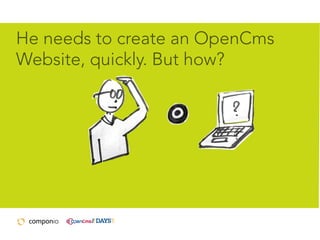
He needs to create an OpenCms
Website, quickly. But how?
Meet David (Webdeveloper)
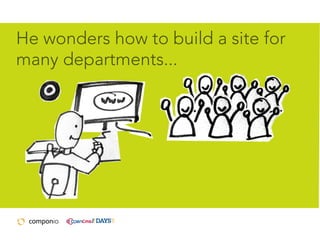
He wonders how to build a site for
many departments...
… without going insane.
How can he prevent spaghetti code?
But there is light...
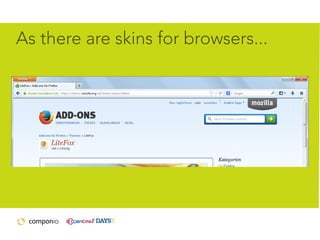
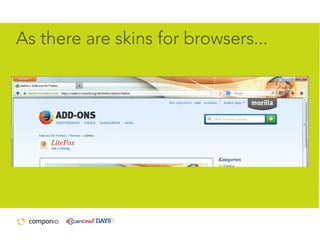
As there are skins for browsers...
...there are now skins for OpenCms,
too - skinnDriva to the rescue!
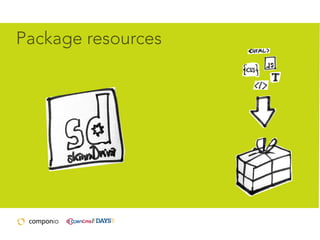
Package resources
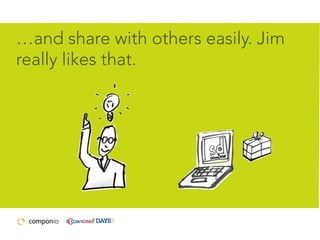
…and share with others easily. Jim
really likes that.
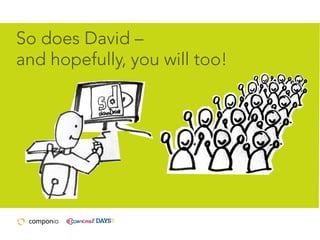
So does David –
and hopefully, you will too!
What is skinnDriva

Your benefits from using skinnDriva
•

Easier to get started with template development

•

Strengthen OpenCms' position in the market
What is skinnDriva

Your benefits from using skinnDriva
•

Better workflow for working with multiple
sites/sections
skinnDriva + OpenCms =
less work & more fun!
Wait a minute…
…is that really true?
Risks of frameworks „Marry in haste, repent at leisure.“
Frameworks can force you to do the
work their way, not yours.
Not so with skinnDriva – we hope!
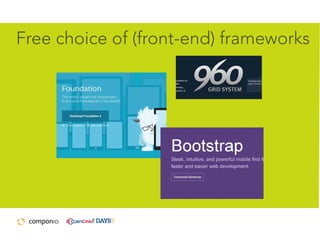
Free choice of (front-end) frameworks
skinn... what?!
skinnDriva is a combination from
swedish „skinn“ (skin) and „drivaxel“
(driving shaft)

[skinnd/r/i:va:]
02

Ok, I'm sold!
now tell me: how can I do this?
Working with skinnDriva

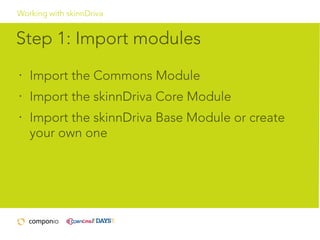
Step 1: Import modules
•

Import the Commons Module

•

Import the skinnDriva Core Module

•

Import the skinnDriva Base Module or create
your own one
Working with skinnDriva

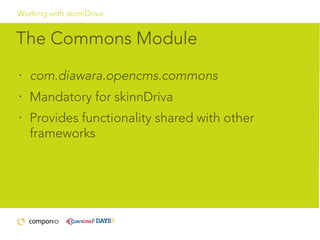
The Commons Module
•

com.diawara.opencms.commons

•

Mandatory for skinnDriva

•

Provides functionality shared with other
frameworks
Working with skinnDriva

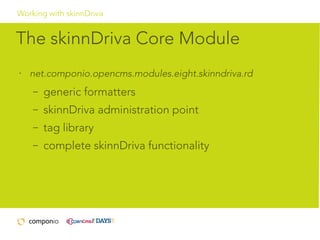
The skinnDriva Core Module
•

net.componio.opencms.modules.eight.skinndriva.rd
–

generic formatters

–

skinnDriva administration point

–

tag library

–

complete skinnDriva functionality
Working with skinnDriva

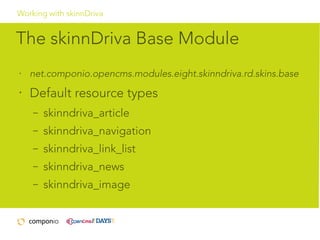
The skinnDriva Base Module
•

net.componio.opencms.modules.eight.skinndriva.rd.skins.base

•

Default resource types
–

skinndriva_article

–

skinndriva_navigation

–

skinndriva_link_list

–

skinndriva_news

–

skinndriva_image
Working with skinnDriva

The skinnDriva Base Module
•

default Galleries

•

default Container types

•

default formatters

•

base for all skins
Working with skinnDriva

Step 2: Add code to template files
and / or bundle them in a module
•

CSS Files

•

Graphics

•

JSPs & Formatters

•

Scripts and other files

•

Register all these files in the administration UI
Working with skinnDriva

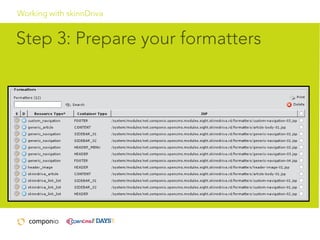
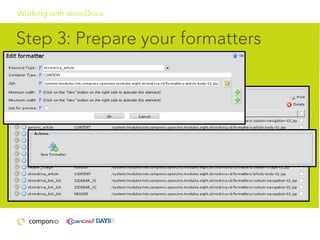
Step 3: Prepare your formatters
Working with skinnDriva

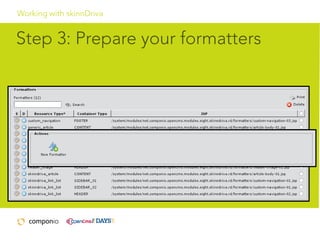
Step 3: Prepare your formatters
Working with skinnDriva

Step 3: Prepare your formatters
Working with skinnDriva

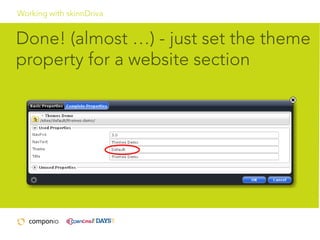
Done! (almost …) - just set the theme
property for a website section
Now available!

www.skinndriva.com
Thank you for your attention!

Open cms days 2013 - all dressed up_release