Online Sticky
Boards!

*Linoit.com
Available as a free App also!
• There are minor differences in functionality
between the app and the .com site.
• The home page on the app is less
overwhelming for students.
• The homepage on the .com site is easier for
navigating your groups and setting up groups,
boards and assignments.
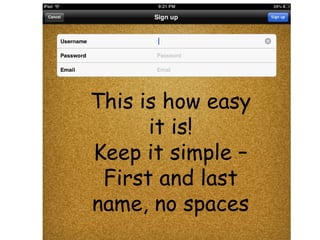
This is how easy
it is!
Keep it simple –
First and last
name, no spaces
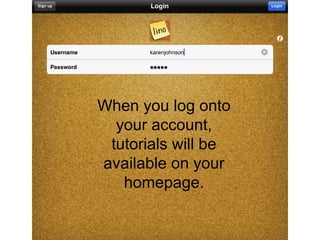
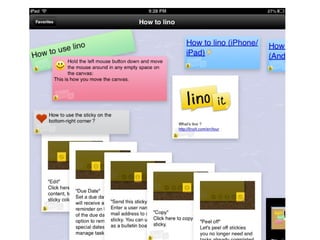
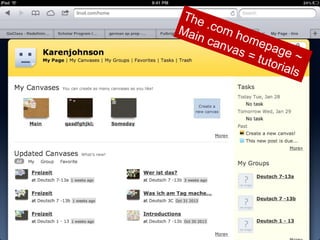
When you log onto
your account,
tutorials will be
available on your
homepage.
The
Mai .com h
n ca
om e
nv a
pag
s=
e
tuto ~
rials
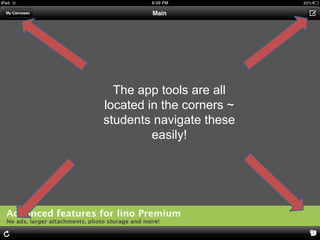
The app tools are all
located in the corners ~
students navigate these
easily!
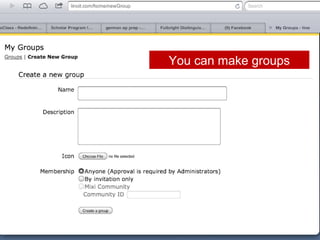
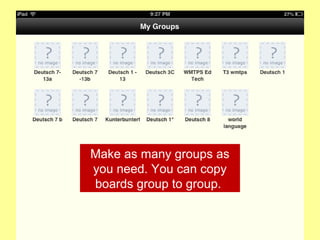
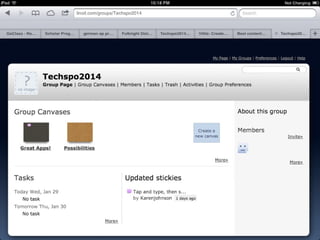
You can make groups
Make as many groups as
you need. You can copy
boards group to group.
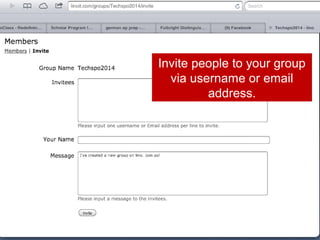
Invite people to your group
via username or email
address.
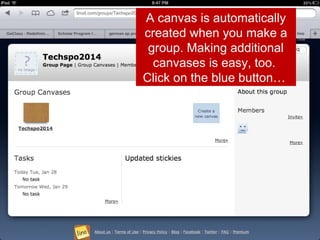
A canvas is automatically
created when you make a
group. Making additional
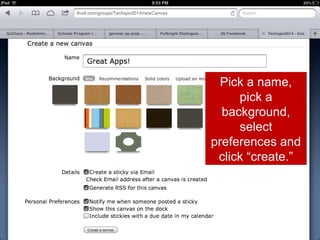
canvases is easy, too.
Click on the blue button…
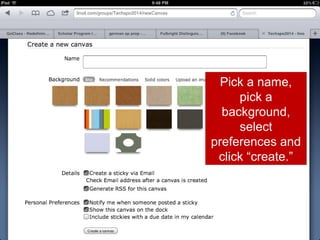
Pick a name,
pick a
background,
select
preferences and
click “create.”
Pick a name,
pick a
background,
select
preferences and
click “create.”
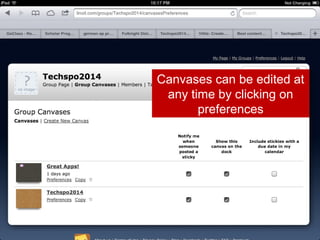
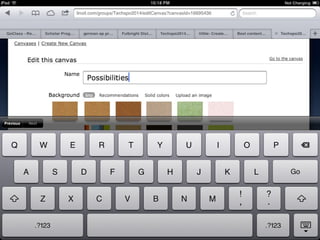
Canvases can be edited at
any time by clicking on
preferences
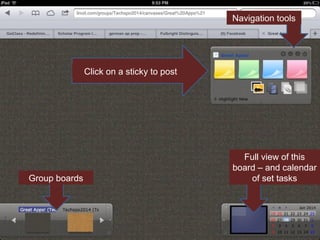
Navigation tools

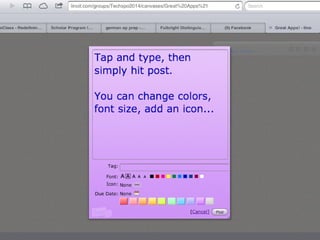
Click on a sticky to post

Group boards

Full view of this
board – and calendar
of set tasks
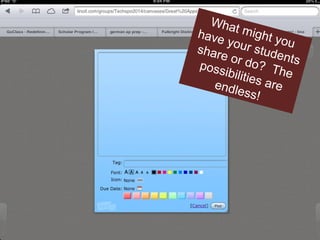
Wha
have t might y
ou
your
stude
shar
e or
do? nts
poss
The
ibiliti
e
endle s are
ss!
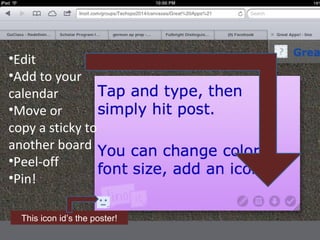
•Edit
•Add to your
calendar
•Move or
copy a sticky to
another board
•Peel-off
•Pin!
This icon id’s the poster!
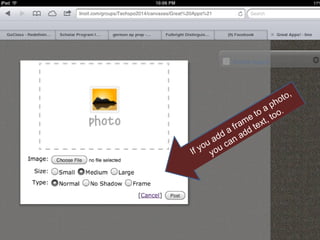
,
oto
h
a p o.
o
e t t, to
ram tex
a f dd
d
a d an a
u
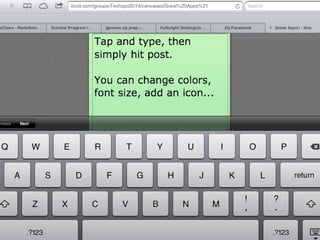
yo o u c
If
y
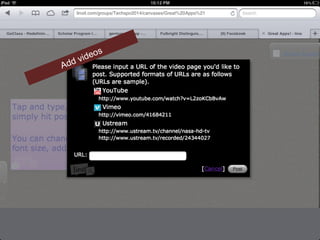
Add

s
deo
vi
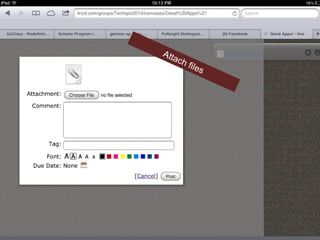
Atta
ch

file
s
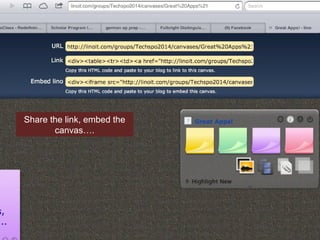
Share the link, embed the
canvas….
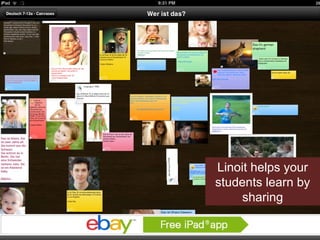
Linoit helps your
students learn by
sharing
col And t
le
h
acc ctive en by
ly e
om
tog plish diting
eth
er i ed eas ~
nc
las ily
s.
So what are
your
possibilities?!
Grab a sticky
and share!
linoit.com/groups/Techspo2014

Online sticky boards!