© 2017 Impartner. All rights reserved.
Next Generation Customer Care
Brad Pace – VP, Customer Success
AGENDA
© 2017 Impartner. All rights reserved.
2016 – A Year in
Review
2016 PRM
Performance
Results
Accelerating
Partner
Engagement in
2017
4
© 2015 Impartner. All rights reserved.
2016 – The Year of the Customer
© 2015 Impartner. All rights reserved.
5
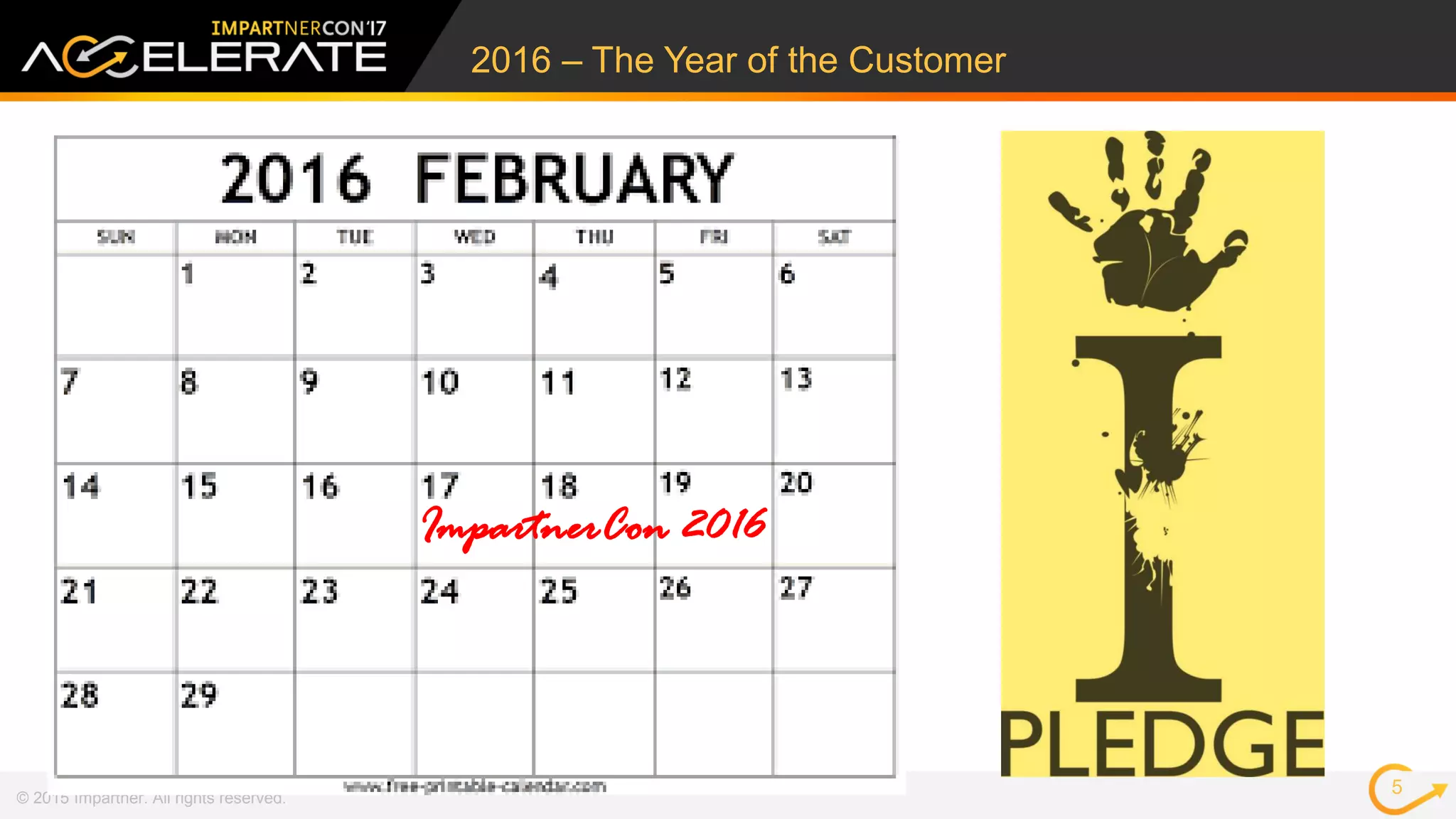
ImpartnerCon 2016
Impartner’s Customer
Success Team is
committed to
understanding your
business needs
We pledge to transform
and grow to enable your
expanding PRM needs
We Promised
© 2015 Impartner. All rights reserved.
6
© 2017 Impartner. All rights reserved.
Accelerated Progress
7
“There is a future
better, beyond our
present best.”
-- Obert C. Tanner - Entrepreneur, Philanthropist
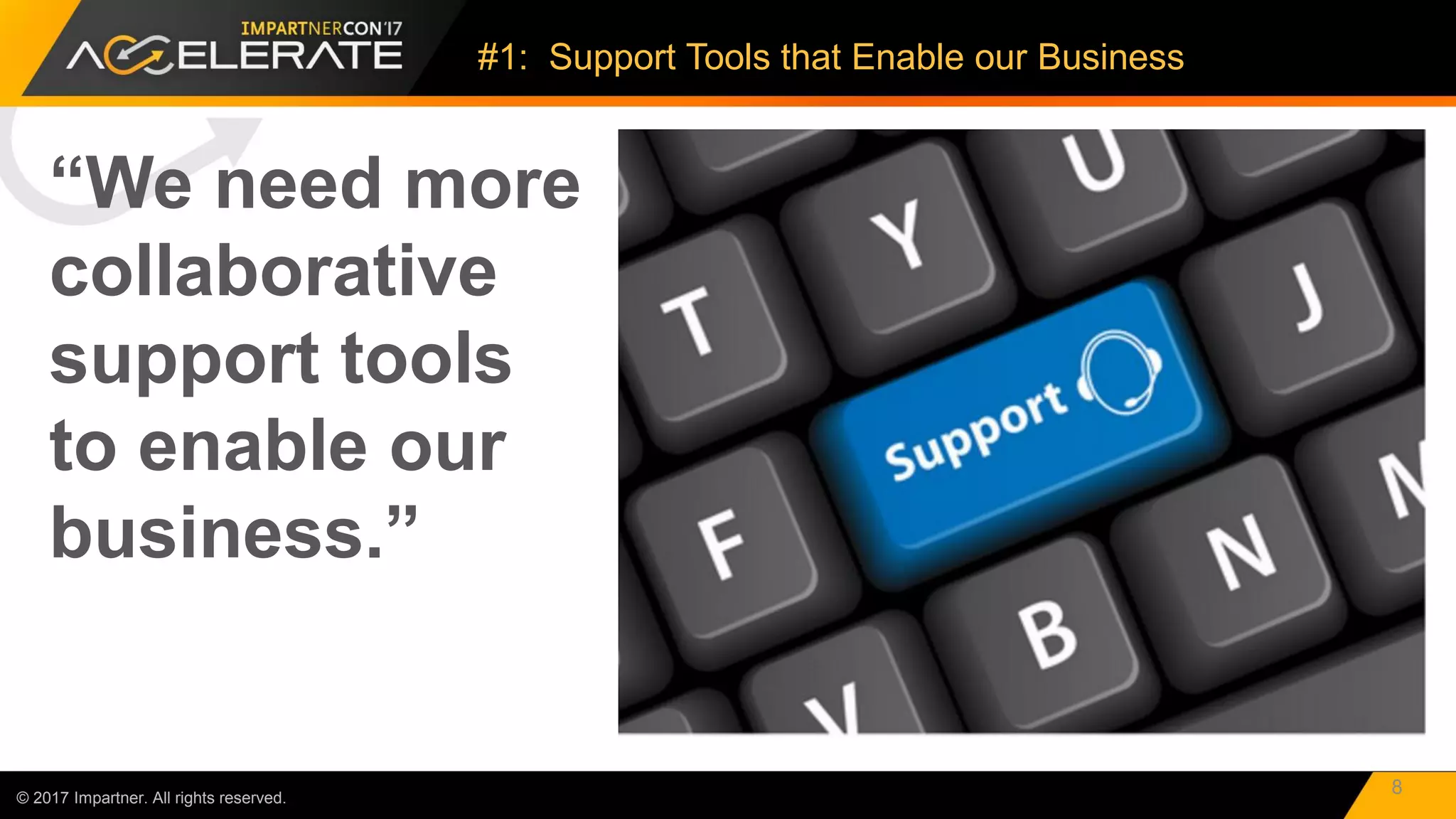
“We need more
collaborative
support tools
to enable our
business.”
© 2017 Impartner. All rights reserved.
#1: Support Tools that Enable our Business
8
© 2017 Impartner. All rights reserved.
Welcome to TaskView 2.0!
9
TaskView 2.0
Multi-channel ticketing system.
Organize & Group tickets to support quicker resolution
of queries.
Detailed customer support reports to help businesses
boost customer satisfaction levels.
Measure and act on important support metrics.
In-depth reporting and analysis with visuals.
Industry-leading collaboration support platform.
Ticket delegation
Automated scheduling
Support teams collaborate on one ticket or merge
similar tickets
Knowledge base software to manage both external
help pages (for customers) and internal knowledge
bases (for employees).
Employees can quickly access the internal knowledge
bases to resolve customer issues and complaints.
Knowledge base articles inform customers and
reduce customer support tickets.
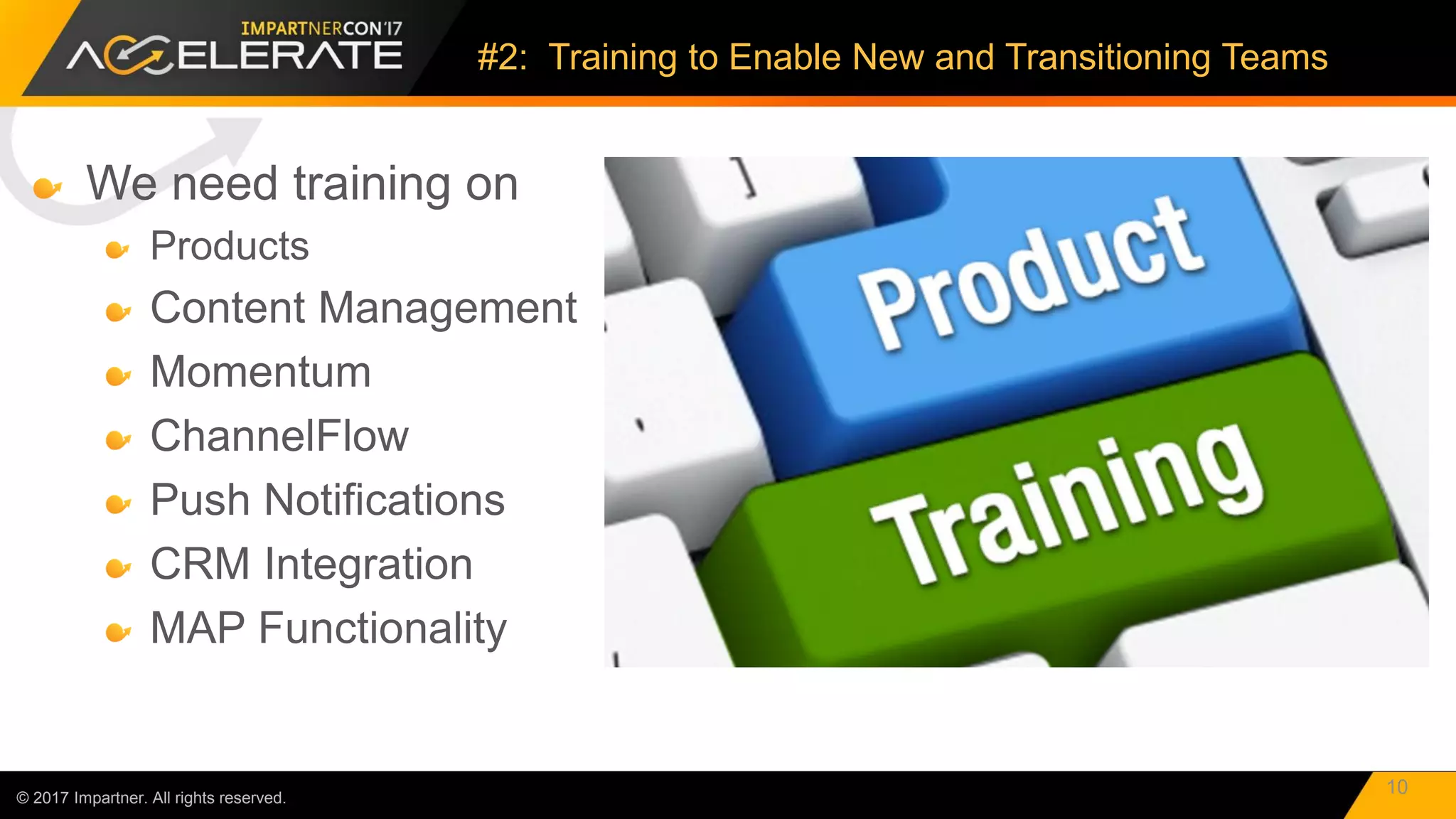
We need training on
Products
Content Management
Momentum
ChannelFlow
Push Notifications
CRM Integration
MAP Functionality
© 2017 Impartner. All rights reserved.
#2: Training to Enable New and Transitioning Teams
10
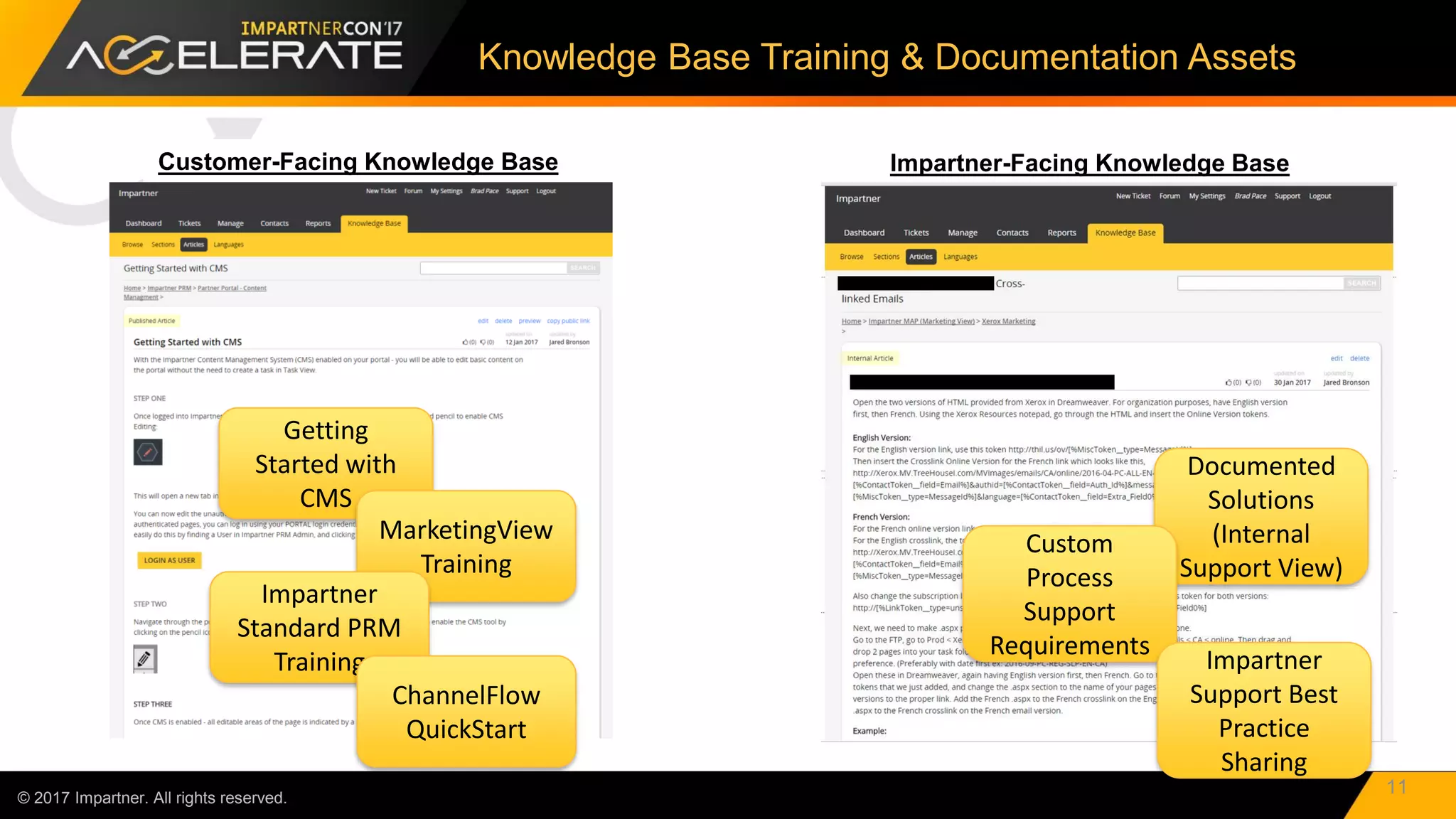
Impartner-Facing Knowledge Base
© 2017 Impartner. All rights reserved.
Knowledge Base Training & Documentation Assets
11
Customer-Facing Knowledge Base
Getting
Started with
CMS
Documented
Solutions
(Internal
Support View)
MarketingView
Training
Impartner
Standard PRM
Training
ChannelFlow
QuickStart
Custom
Process
Support
Requirements
Impartner
Support Best
Practice
Sharing
Regular Business Reviews
Innovation Roadmap
Training
Issues/Resolution
Best Practices
Health Checks
Performance Review
Business Plans
New Functionality
Relationship Status
© 2017 Impartner. All rights reserved.
#3: “We Need Consistent & Value-Added Communication”
12
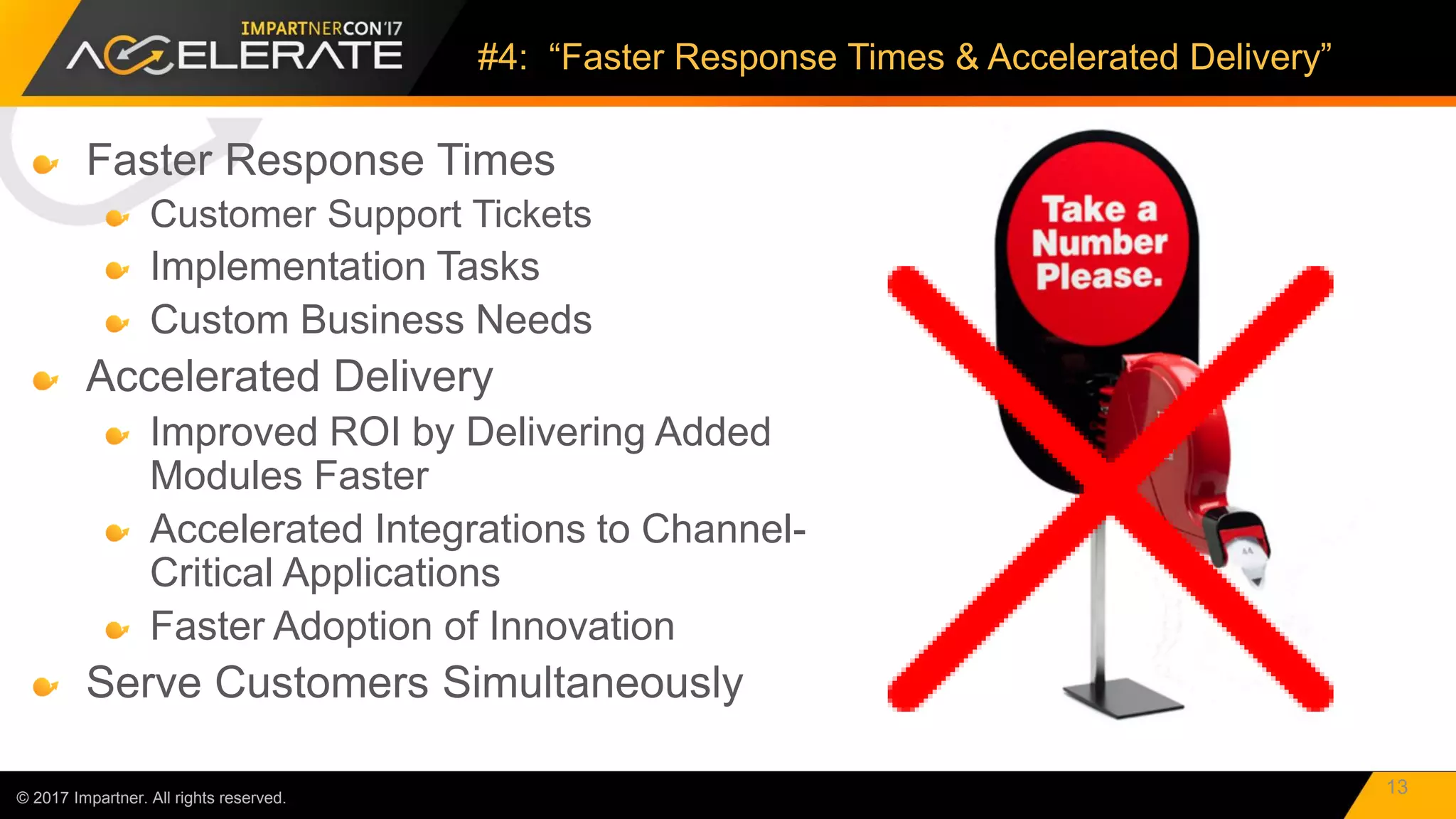
Faster Response Times
Customer Support Tickets
Implementation Tasks
Custom Business Needs
Accelerated Delivery
Improved ROI by Delivering Added
Modules Faster
Accelerated Integrations to Channel-
Critical Applications
Faster Adoption of Innovation
Serve Customers Simultaneously
© 2017 Impartner. All rights reserved.
#4: “Faster Response Times & Accelerated Delivery”
13
Roadmap
Acceleration
Shortened
Implementations
More Capacity to
Execute Support
Tickets
Escalated Account
Support
© 2017 Impartner. All rights reserved.
Impartner is Investing in Your Success!
14
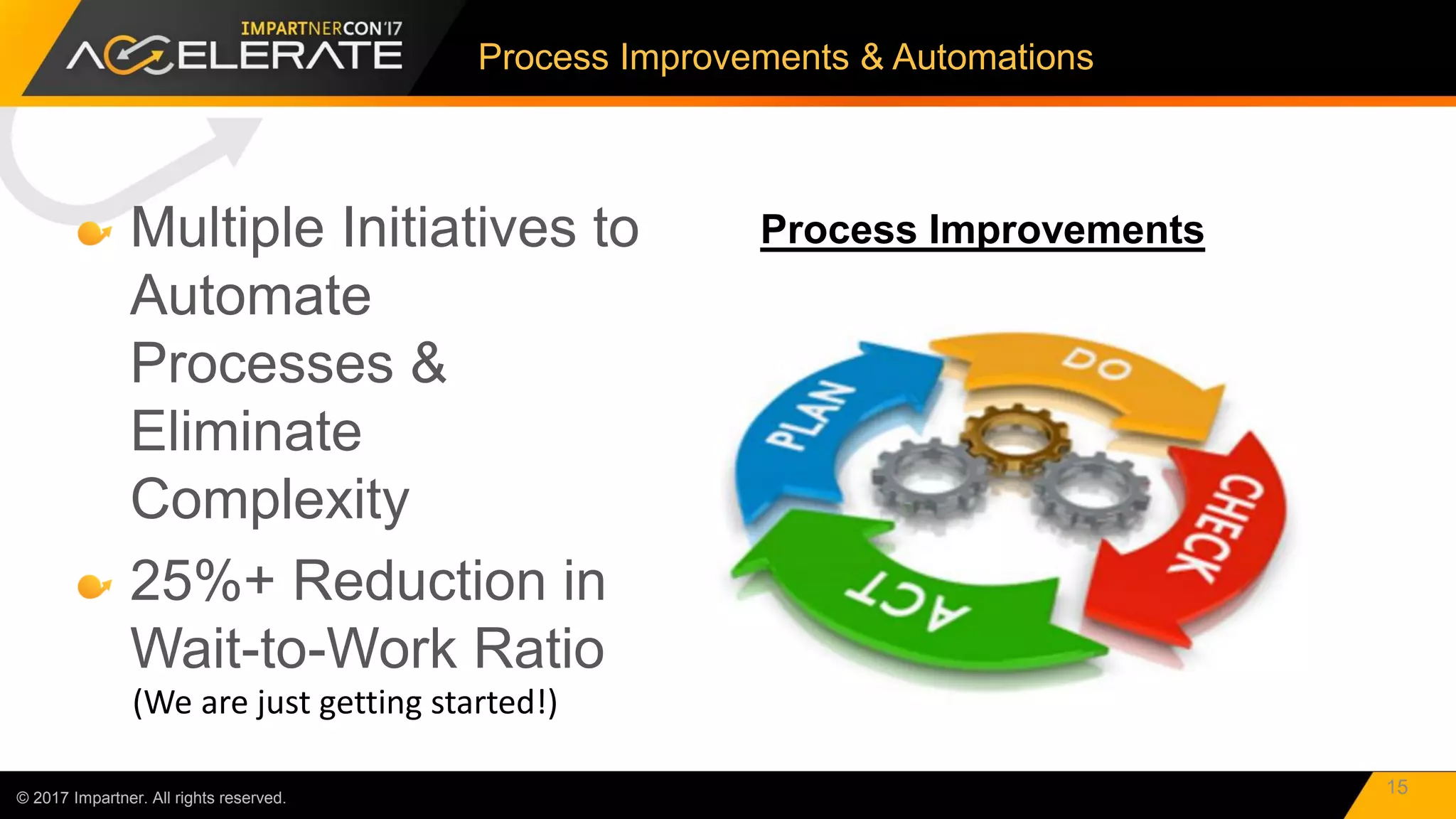
Multiple Initiatives to
Automate
Processes &
Eliminate
Complexity
25%+ Reduction in
Wait-to-Work Ratio
© 2017 Impartner. All rights reserved.
Process Improvements & Automations
15
Process Improvements
(We are just getting started!)
Resource Investment
© 2017 Impartner. All rights reserved.
“Faster Response Times & Accelerated Delivery”
16
+
Process
Improvements
=
Results
Metric 2016 vs
2015
# Project
Delivered +76%
Avg Days
2 Go-Live -42%
© 2015 Impartner. All rights reserved.
17
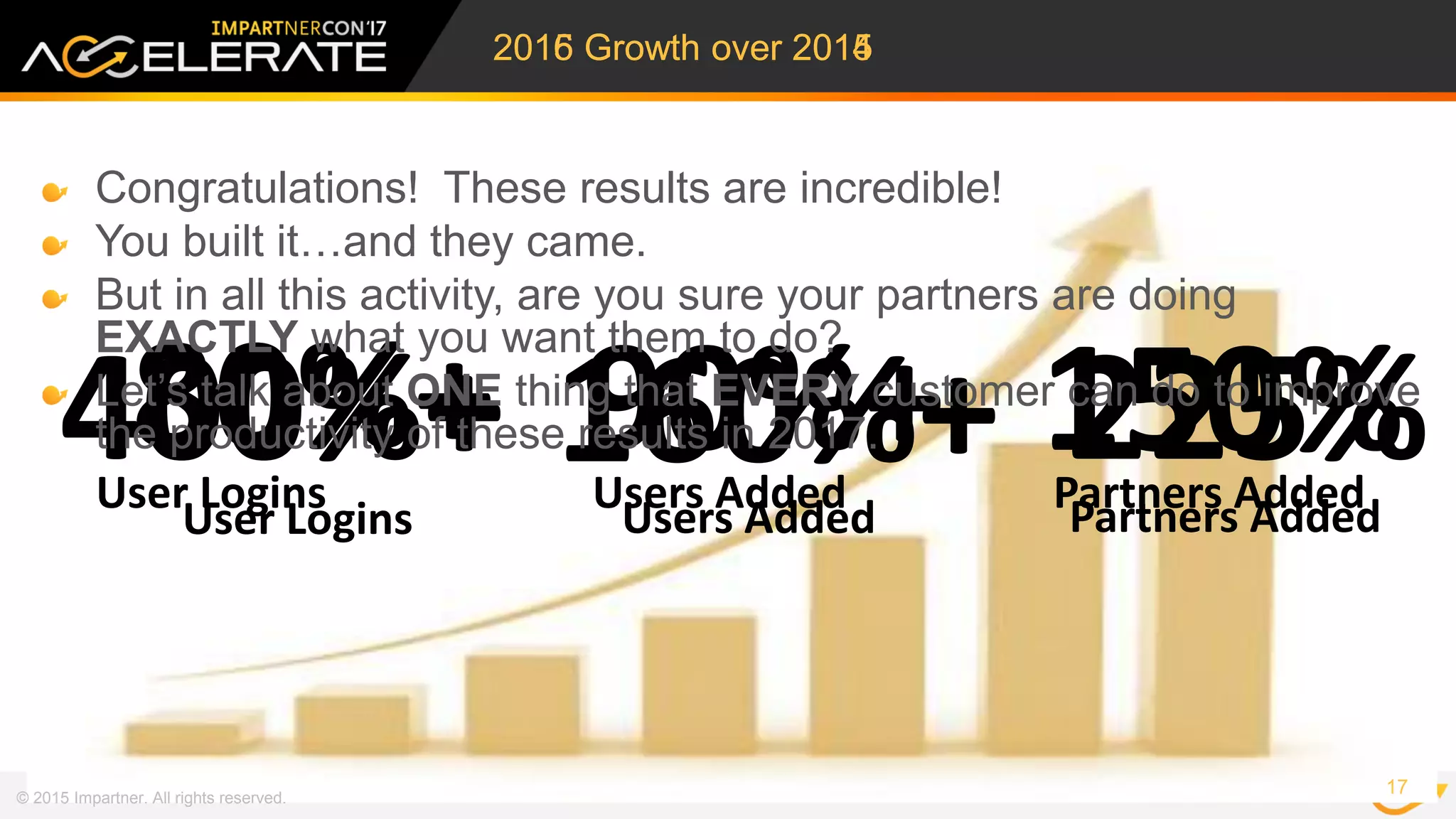
2015 Growth over 2014
400%+ 160%+ 225%User Logins Users Added Partners Added
80%+ 90%+ 150%
User Logins Users Added Partners Added
2016 Growth over 2015
Congratulations! These results are incredible!
You built it…and they came.
But in all this activity, are you sure your partners are doing
EXACTLY what you want them to do?
Let’s talk about ONE thing that EVERY customer can do to improve
the productivity of these results in 2017.
© 2017 Impartner. All rights reserved.
Managing the Partner Relationship Lifecycle
18
Target Partners, Geos
Define Message
Define Incentives
Onboard
Train & Certify
Joint Marketing
Set Goals
Manage Performance
Optimize Business
Promote/Demote
Performance Review
Segment
ID & Recruit Onboard Perform Reward
In Every Phase…
1. Define the activities the Partner MUST do to advance to the next phase.
2. Make sure your PRM functionality ENABLES those required activities.
3. Use the Impartner WorkFlow & Push Notifications to AUTOMATE!
400%+ 160%+ 225%
User Logins Users Added Partners Added
© 2017 Impartner. All rights reserved.
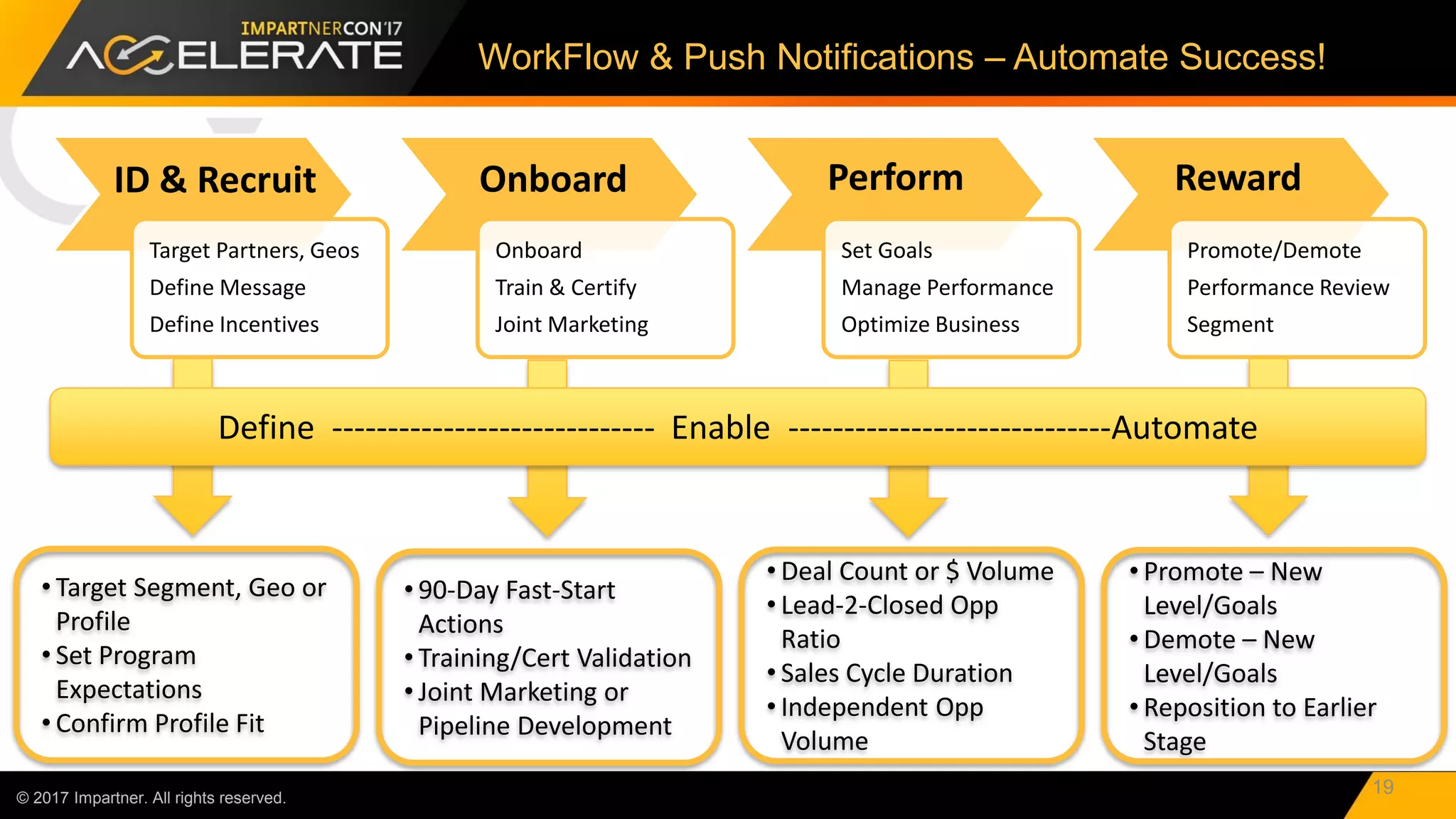
WorkFlow & Push Notifications – Automate Success!
19
Target Partners, Geos
Define Message
Define Incentives
Onboard
Train & Certify
Joint Marketing
Set Goals
Manage Performance
Optimize Business
Promote/Demote
Performance Review
Segment
ID & Recruit Onboard Perform Reward
Define ----------------------------- Enable -----------------------------Automate
• Target Segment, Geo or
Profile
• Set Program
Expectations
• Confirm Profile Fit
• 90-Day Fast-Start
Actions
• Training/Cert Validation
• Joint Marketing or
Pipeline Development
• Deal Count or $ Volume
• Lead-2-Closed Opp
Ratio
• Sales Cycle Duration
• Independent Opp
Volume
• Promote – New
Level/Goals
• Demote – New
Level/Goals
• Reposition to Earlier
Stage
The Impartner Pledge for 2017!
© 2015 Impartner. All rights reserved.
20
“There is a future better, beyond our present best.”
-- Obert C. Tanner - Entrepreneur, Philanthropist
Impartner’s Customer Success
Team is committed to…
Understanding your business
needs.
Providing Best-in-Class Service
& Support.
Delivering the Best Customer
Experience in the Industry.
Bring on 2017!
21
© 2015 Impartner. All rights reserved.

Next Generation of Customer Care

  • 1.
    © 2017 Impartner.All rights reserved.
  • 2.
    © 2017 Impartner.All rights reserved. Next Generation Customer Care Brad Pace – VP, Customer Success
  • 3.
    AGENDA © 2017 Impartner.All rights reserved. 2016 – A Year in Review 2016 PRM Performance Results Accelerating Partner Engagement in 2017
  • 4.
    4 © 2015 Impartner.All rights reserved.
  • 5.
    2016 – TheYear of the Customer © 2015 Impartner. All rights reserved. 5 ImpartnerCon 2016
  • 6.
    Impartner’s Customer Success Teamis committed to understanding your business needs We pledge to transform and grow to enable your expanding PRM needs We Promised © 2015 Impartner. All rights reserved. 6
  • 7.
    © 2017 Impartner.All rights reserved. Accelerated Progress 7 “There is a future better, beyond our present best.” -- Obert C. Tanner - Entrepreneur, Philanthropist
  • 8.
    “We need more collaborative supporttools to enable our business.” © 2017 Impartner. All rights reserved. #1: Support Tools that Enable our Business 8
  • 9.
    © 2017 Impartner.All rights reserved. Welcome to TaskView 2.0! 9 TaskView 2.0 Multi-channel ticketing system. Organize & Group tickets to support quicker resolution of queries. Detailed customer support reports to help businesses boost customer satisfaction levels. Measure and act on important support metrics. In-depth reporting and analysis with visuals. Industry-leading collaboration support platform. Ticket delegation Automated scheduling Support teams collaborate on one ticket or merge similar tickets Knowledge base software to manage both external help pages (for customers) and internal knowledge bases (for employees). Employees can quickly access the internal knowledge bases to resolve customer issues and complaints. Knowledge base articles inform customers and reduce customer support tickets.
  • 10.
    We need trainingon Products Content Management Momentum ChannelFlow Push Notifications CRM Integration MAP Functionality © 2017 Impartner. All rights reserved. #2: Training to Enable New and Transitioning Teams 10
  • 11.
    Impartner-Facing Knowledge Base ©2017 Impartner. All rights reserved. Knowledge Base Training & Documentation Assets 11 Customer-Facing Knowledge Base Getting Started with CMS Documented Solutions (Internal Support View) MarketingView Training Impartner Standard PRM Training ChannelFlow QuickStart Custom Process Support Requirements Impartner Support Best Practice Sharing
  • 12.
    Regular Business Reviews InnovationRoadmap Training Issues/Resolution Best Practices Health Checks Performance Review Business Plans New Functionality Relationship Status © 2017 Impartner. All rights reserved. #3: “We Need Consistent & Value-Added Communication” 12
  • 13.
    Faster Response Times CustomerSupport Tickets Implementation Tasks Custom Business Needs Accelerated Delivery Improved ROI by Delivering Added Modules Faster Accelerated Integrations to Channel- Critical Applications Faster Adoption of Innovation Serve Customers Simultaneously © 2017 Impartner. All rights reserved. #4: “Faster Response Times & Accelerated Delivery” 13
  • 14.
    Roadmap Acceleration Shortened Implementations More Capacity to ExecuteSupport Tickets Escalated Account Support © 2017 Impartner. All rights reserved. Impartner is Investing in Your Success! 14
  • 15.
    Multiple Initiatives to Automate Processes& Eliminate Complexity 25%+ Reduction in Wait-to-Work Ratio © 2017 Impartner. All rights reserved. Process Improvements & Automations 15 Process Improvements (We are just getting started!)
  • 16.
    Resource Investment © 2017Impartner. All rights reserved. “Faster Response Times & Accelerated Delivery” 16 + Process Improvements = Results Metric 2016 vs 2015 # Project Delivered +76% Avg Days 2 Go-Live -42%
  • 17.
    © 2015 Impartner.All rights reserved. 17 2015 Growth over 2014 400%+ 160%+ 225%User Logins Users Added Partners Added 80%+ 90%+ 150% User Logins Users Added Partners Added 2016 Growth over 2015 Congratulations! These results are incredible! You built it…and they came. But in all this activity, are you sure your partners are doing EXACTLY what you want them to do? Let’s talk about ONE thing that EVERY customer can do to improve the productivity of these results in 2017.
  • 18.
    © 2017 Impartner.All rights reserved. Managing the Partner Relationship Lifecycle 18 Target Partners, Geos Define Message Define Incentives Onboard Train & Certify Joint Marketing Set Goals Manage Performance Optimize Business Promote/Demote Performance Review Segment ID & Recruit Onboard Perform Reward In Every Phase… 1. Define the activities the Partner MUST do to advance to the next phase. 2. Make sure your PRM functionality ENABLES those required activities. 3. Use the Impartner WorkFlow & Push Notifications to AUTOMATE! 400%+ 160%+ 225% User Logins Users Added Partners Added
  • 19.
    © 2017 Impartner.All rights reserved. WorkFlow & Push Notifications – Automate Success! 19 Target Partners, Geos Define Message Define Incentives Onboard Train & Certify Joint Marketing Set Goals Manage Performance Optimize Business Promote/Demote Performance Review Segment ID & Recruit Onboard Perform Reward Define ----------------------------- Enable -----------------------------Automate • Target Segment, Geo or Profile • Set Program Expectations • Confirm Profile Fit • 90-Day Fast-Start Actions • Training/Cert Validation • Joint Marketing or Pipeline Development • Deal Count or $ Volume • Lead-2-Closed Opp Ratio • Sales Cycle Duration • Independent Opp Volume • Promote – New Level/Goals • Demote – New Level/Goals • Reposition to Earlier Stage
  • 20.
    The Impartner Pledgefor 2017! © 2015 Impartner. All rights reserved. 20 “There is a future better, beyond our present best.” -- Obert C. Tanner - Entrepreneur, Philanthropist Impartner’s Customer Success Team is committed to… Understanding your business needs. Providing Best-in-Class Service & Support. Delivering the Best Customer Experience in the Industry. Bring on 2017!
  • 21.
    21 © 2015 Impartner.All rights reserved.