Page 1
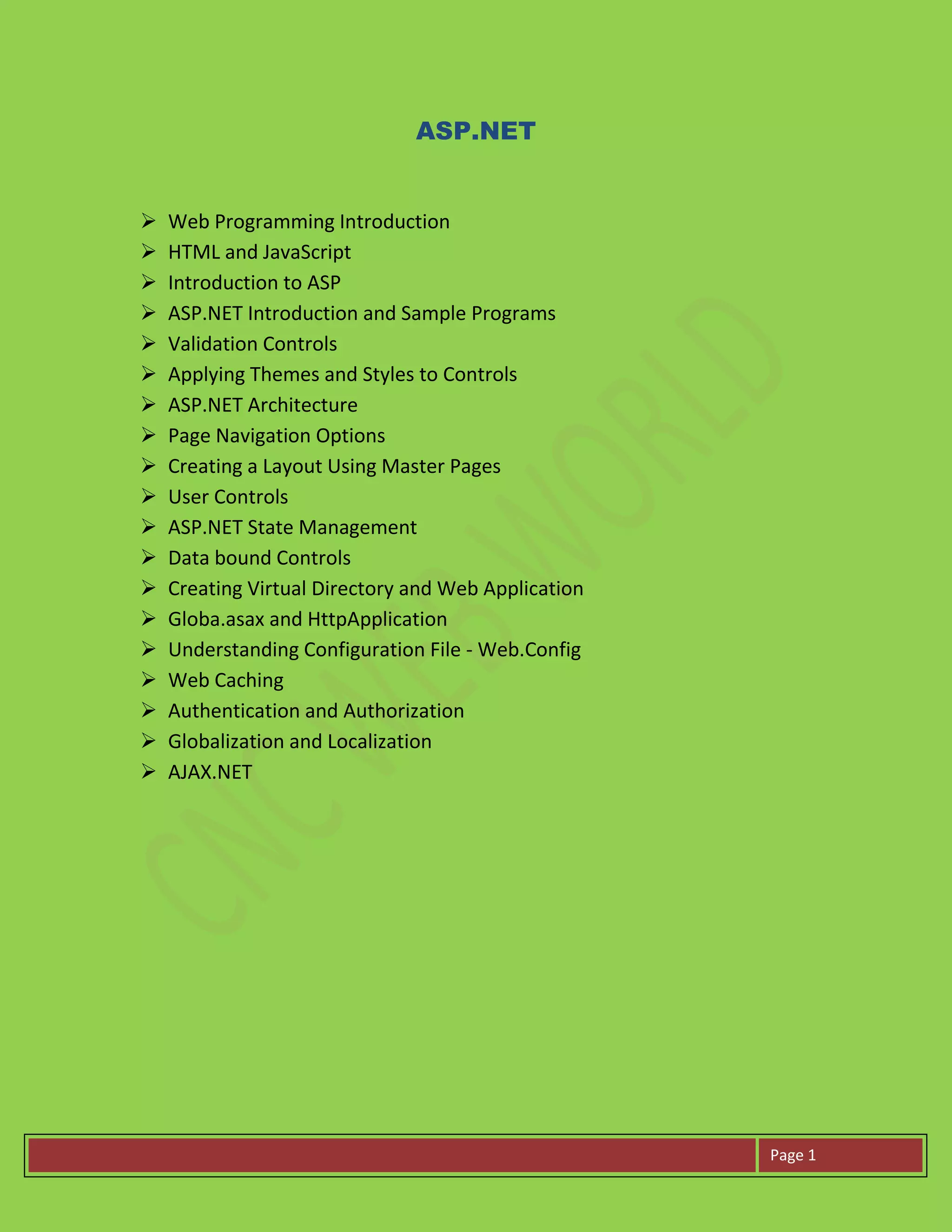
ASP.NET
 Web Programming Introduction
 HTML and JavaScript
 Introduction to ASP
 ASP.NET Introduction and Sample Programs
 Validation Controls
 Applying Themes and Styles to Controls
 ASP.NET Architecture
 Page Navigation Options
 Creating a Layout Using Master Pages
 User Controls
 ASP.NET State Management
 Data bound Controls
 Creating Virtual Directory and Web Application
 Globa.asax and HttpApplication
 Understanding Configuration File - Web.Config
 Web Caching
 Authentication and Authorization
 Globalization and Localization
 AJAX.NET
Page 2
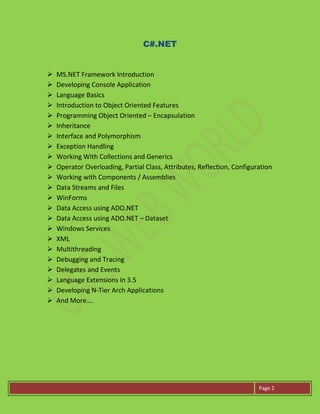
C#.NET
 MS.NET Framework Introduction
 Developing Console Application
 Language Basics
 Introduction to Object Oriented Features
 Programming Object Oriented – Encapsulation
 Inheritance
 Interface and Polymorphism
 Exception Handling
 Working With Collections and Generics
 Operator Overloading, Partial Class, Attributes, Reflection, Configuration
 Working with Components / Assemblies
 Data Streams and Files
 WinForms
 Data Access using ADO.NET
 Data Access using ADO.NET – Dataset
 Windows Services
 XML
 Multithreading
 Debugging and Tracing
 Delegates and Events
 Language Extensions in 3.5
 Developing N-Tier Arch Applications
 And More….
Page 3
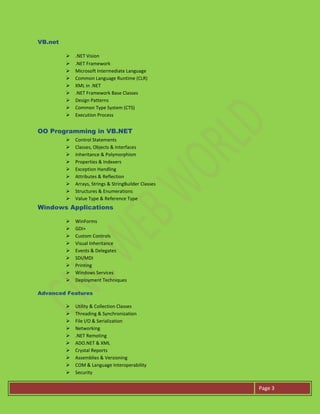
VB.net
 .NET Vision
 .NET Framework
 Microsoft Intermediate Language
 Common Language Runtime (CLR)
 XML in .NET
 .NET Framework Base Classes
 Design Patterns
 Common Type System (CTS)
 Execution Process
OO Programming in VB.NET
 Control Statements
 Classes, Objects & Interfaces
 Inheritance & Polymorphism
 Properties & Indexers
 Exception Handling
 Attributes & Reflection
 Arrays, Strings & StringBuilder Classes
 Structures & Enumerations
 Value Type & Reference Type
Windows Applications
 WinForms
 GDI+
 Custom Controls
 Visual Inheritance
 Events & Delegates
 SDI/MDI
 Printing
 Windows Services
 Deployment Techniques
Advanced Features
 Utility & Collection Classes
 Threading & Synchronization
 File I/O & Serialization
 Networking
 .NET Remoting
 ADO.NET & XML
 Crystal Reports
 Assemblies & Versioning
 COM & Language Interoperability
 Security
Page 4
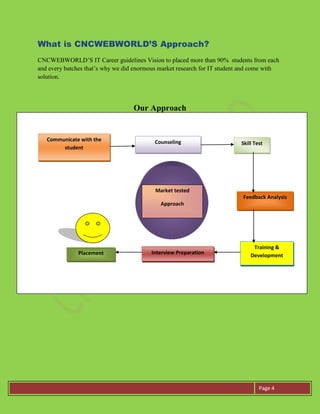
What is CNCWEBWORLD’S Approach?
CNCWEBWORLD’S IT Career guidelines Vision to placed more than 90% students from each
and every batches that’s why we did enormous market research for IT student and come with
solution.
Our Approach
Communicate with the
student
Counseling Skill Test
Feedback Analysis
Training &
Development
Interview PreparationPlacement
Market tested
Approach
Page 5
Why CNCWEBWORLD?
 100% Practical Training.
 No fee for counseling.
 No Class room session.
 No fee for Interview preparation.
 No fee for communication skills training.
 No Time boundation for Practical session.
 No Black/White board session.
 No fee for Presentation skills.
 No fee for Resume preparation.
 One by one Training (1 faculty for 1 student).
 Real Time Training (Complete IT environment).
 100 % job Assistance.
 Latest tutorial provided.
 Technologies update on weekly basis.
 Personal attention.
 Training on the basis of company’s requirement.
 Percentage of placement is more than 95%.
 Dedicated team for placement.
Note: All topics are covered in extreme detail with practical examples for
all. Theoretical Classes will be accompanied by practical sessions at our
computer lab. Some of the topics may have been missed from the displayed
syllabus above, which nonetheless will be covered during training session.
We also Provide Training on C & C++,Java, Android, iPhone, Web
Designing, Graphics Designing,Datastructure,asp.net,c#.net,VB.net
,HTML5,CSS3,XML,java Script and many more..
For more detail please contact us:
Pune, Office
CNC WEB WORLD
Brahma Estate C/2, Office No 21 1st Floor, NIBM
Kondhwa Near Jyoti Restaurant, Pune -411048
Tel No: 020 41207557 Mob: 9175371080/81
Email: info@cncwebworld.com
Website: www.cncwebworld.com

asp.net course in pune

  • 1.
    Page 1 ASP.NET  WebProgramming Introduction  HTML and JavaScript  Introduction to ASP  ASP.NET Introduction and Sample Programs  Validation Controls  Applying Themes and Styles to Controls  ASP.NET Architecture  Page Navigation Options  Creating a Layout Using Master Pages  User Controls  ASP.NET State Management  Data bound Controls  Creating Virtual Directory and Web Application  Globa.asax and HttpApplication  Understanding Configuration File - Web.Config  Web Caching  Authentication and Authorization  Globalization and Localization  AJAX.NET
  • 2.
    Page 2 C#.NET  MS.NETFramework Introduction  Developing Console Application  Language Basics  Introduction to Object Oriented Features  Programming Object Oriented – Encapsulation  Inheritance  Interface and Polymorphism  Exception Handling  Working With Collections and Generics  Operator Overloading, Partial Class, Attributes, Reflection, Configuration  Working with Components / Assemblies  Data Streams and Files  WinForms  Data Access using ADO.NET  Data Access using ADO.NET – Dataset  Windows Services  XML  Multithreading  Debugging and Tracing  Delegates and Events  Language Extensions in 3.5  Developing N-Tier Arch Applications  And More….
  • 3.
    Page 3 VB.net  .NETVision  .NET Framework  Microsoft Intermediate Language  Common Language Runtime (CLR)  XML in .NET  .NET Framework Base Classes  Design Patterns  Common Type System (CTS)  Execution Process OO Programming in VB.NET  Control Statements  Classes, Objects & Interfaces  Inheritance & Polymorphism  Properties & Indexers  Exception Handling  Attributes & Reflection  Arrays, Strings & StringBuilder Classes  Structures & Enumerations  Value Type & Reference Type Windows Applications  WinForms  GDI+  Custom Controls  Visual Inheritance  Events & Delegates  SDI/MDI  Printing  Windows Services  Deployment Techniques Advanced Features  Utility & Collection Classes  Threading & Synchronization  File I/O & Serialization  Networking  .NET Remoting  ADO.NET & XML  Crystal Reports  Assemblies & Versioning  COM & Language Interoperability  Security
  • 4.
    Page 4 What isCNCWEBWORLD’S Approach? CNCWEBWORLD’S IT Career guidelines Vision to placed more than 90% students from each and every batches that’s why we did enormous market research for IT student and come with solution. Our Approach Communicate with the student Counseling Skill Test Feedback Analysis Training & Development Interview PreparationPlacement Market tested Approach
  • 5.
    Page 5 Why CNCWEBWORLD? 100% Practical Training.  No fee for counseling.  No Class room session.  No fee for Interview preparation.  No fee for communication skills training.  No Time boundation for Practical session.  No Black/White board session.  No fee for Presentation skills.  No fee for Resume preparation.  One by one Training (1 faculty for 1 student).  Real Time Training (Complete IT environment).  100 % job Assistance.  Latest tutorial provided.  Technologies update on weekly basis.  Personal attention.  Training on the basis of company’s requirement.  Percentage of placement is more than 95%.  Dedicated team for placement. Note: All topics are covered in extreme detail with practical examples for all. Theoretical Classes will be accompanied by practical sessions at our computer lab. Some of the topics may have been missed from the displayed syllabus above, which nonetheless will be covered during training session. We also Provide Training on C & C++,Java, Android, iPhone, Web Designing, Graphics Designing,Datastructure,asp.net,c#.net,VB.net ,HTML5,CSS3,XML,java Script and many more.. For more detail please contact us: Pune, Office CNC WEB WORLD Brahma Estate C/2, Office No 21 1st Floor, NIBM Kondhwa Near Jyoti Restaurant, Pune -411048 Tel No: 020 41207557 Mob: 9175371080/81 Email: info@cncwebworld.com Website: www.cncwebworld.com