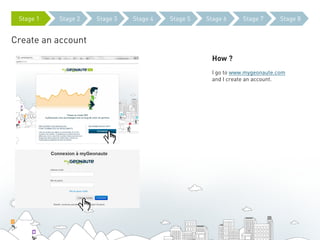
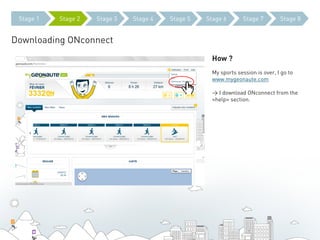
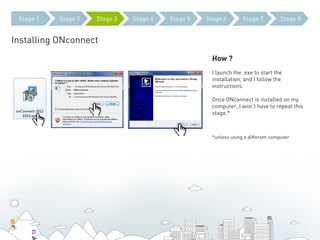
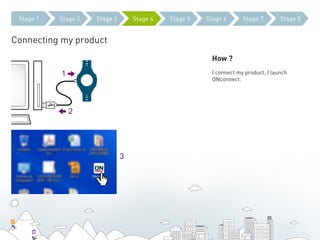
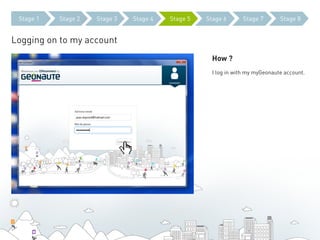
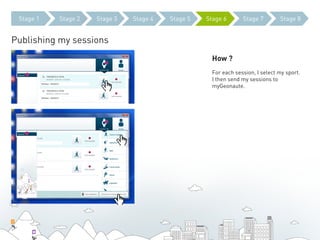
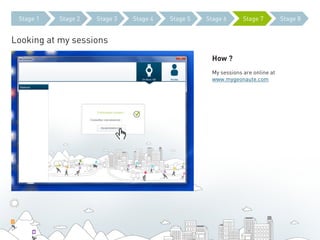
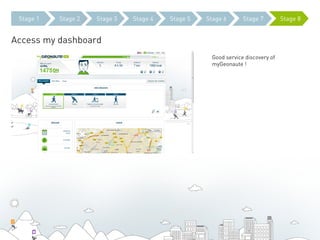
The document outlines the 8 steps to using a Geonaute sports tracking product: 1) Create an account on mygeonaute.com, 2) Download the ONconnect software, 3) Install ONconnect, 4) Connect the sports product, 5) Log into your account, 6) Publish your session data by selecting your sport, 7) View your published sessions online, and 8) Access your dashboard for a good overview of the myGeonaute service.