NEED FOR MULTIPROCESSING
•CPU’s with multiple cores have more or less become standard.
• Programs/applications should be able to take advantage.
• However, the default Python interpreter was designed with simplicity in mind and has
a thread-safe mechanism, the so-called “GIL” (Global Interpreter Lock).
• In order to prevent conflicts between threads, it executes only one statement at a time
(so-called serial processing, or single-threading).
• We will see how we can spawn multiple subprocesses to avoid some of the GIL’s
disadvantages.
3.
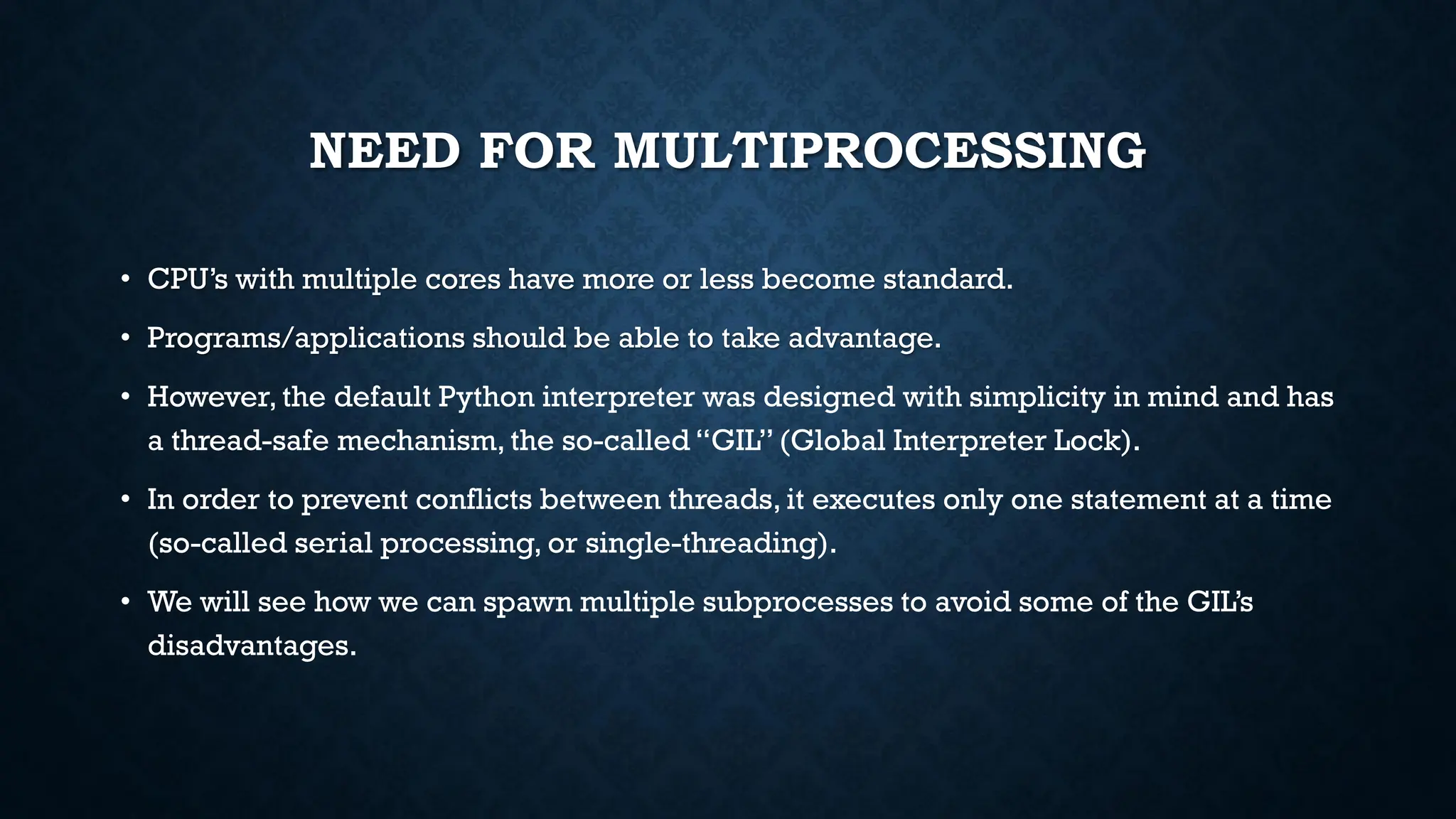
PROCESSES VS THREADS
•Depending on the application, two common approaches in parallel programming are
either to run code via threads or multiple processes, respectively.
• Using threads will lead to conflicts in case of improper synchronization.
• A better approach is to submit multiple processes to completely separate memory
locations. Every process will run completely independent from each other.
• While this has a lot of overload due to inter process communication, there are fewer
synchronization issues.
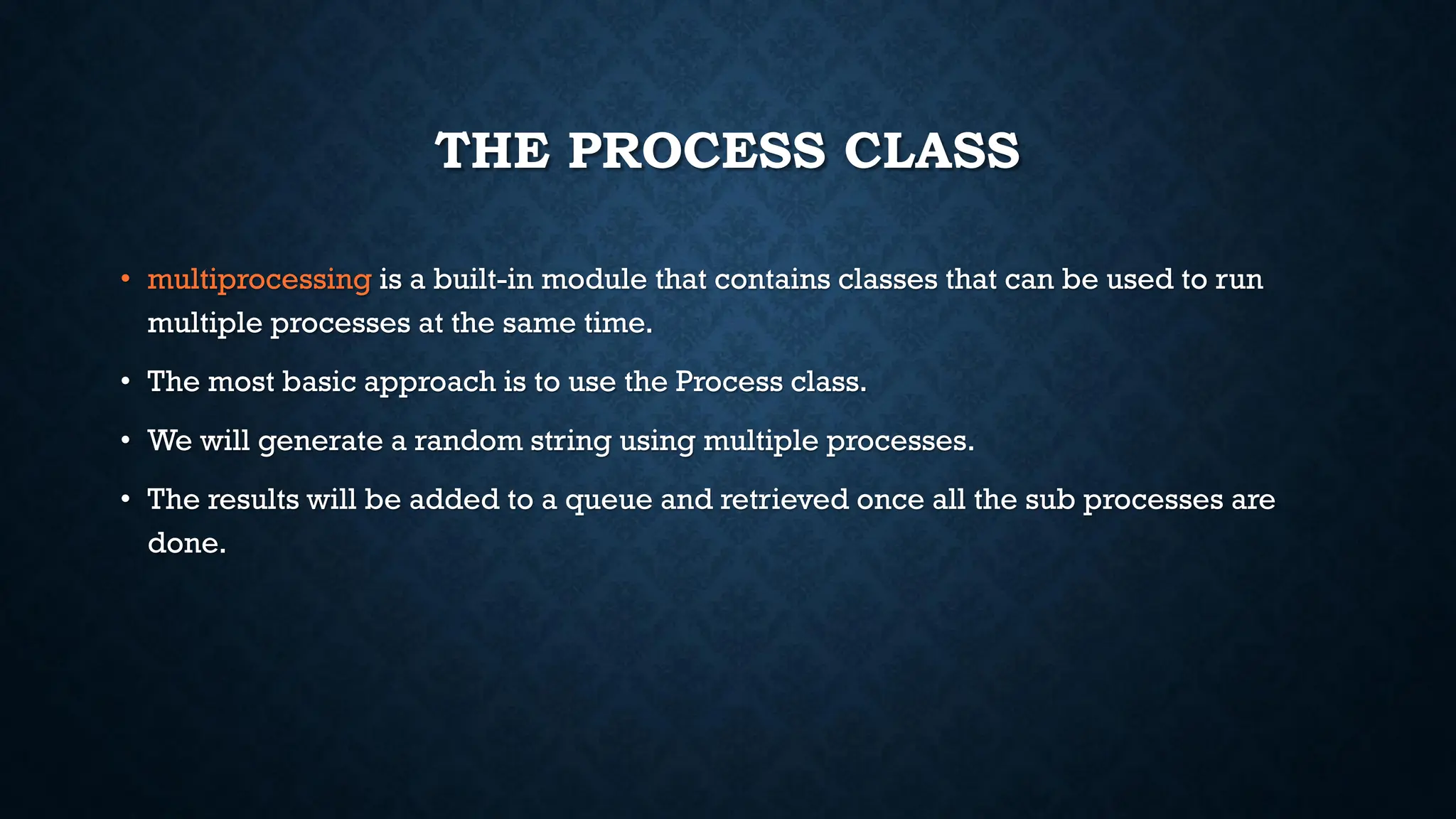
THE PROCESS CLASS
•multiprocessing is a built-in module that contains classes that can be used to run
multiple processes at the same time.
• The most basic approach is to use the Process class.
• We will generate a random string using multiple processes.
• The results will be added to a queue and retrieved once all the sub processes are
done.
6.
THE PROCESS CLASS
•Here, rand_string is a function with 2 parameters,
length and a Queue, that generates a random
string of a given length and adds it to the queue.
• We set up a Queue to store the results in.
• We create a list of processes where
• target is the function to be executed.
• args is the tuple of parameters to be passed into the
function
• We then start off each process.This generates a
process and makes it execute the assigned
function using the given parameters.
• Once the processes are started off, we wait for
them to complete and report their results.This is
done using the join() function.
• The results can then be extracted from the queue.
output = mp.Queue()
processes = [mp.Process(target=rand_string,
args=(5, output)) for x in range(4)]
for p in processes:
p.start()
for p in processes:
p.join()
results = [output.get() for p in processes]
7.
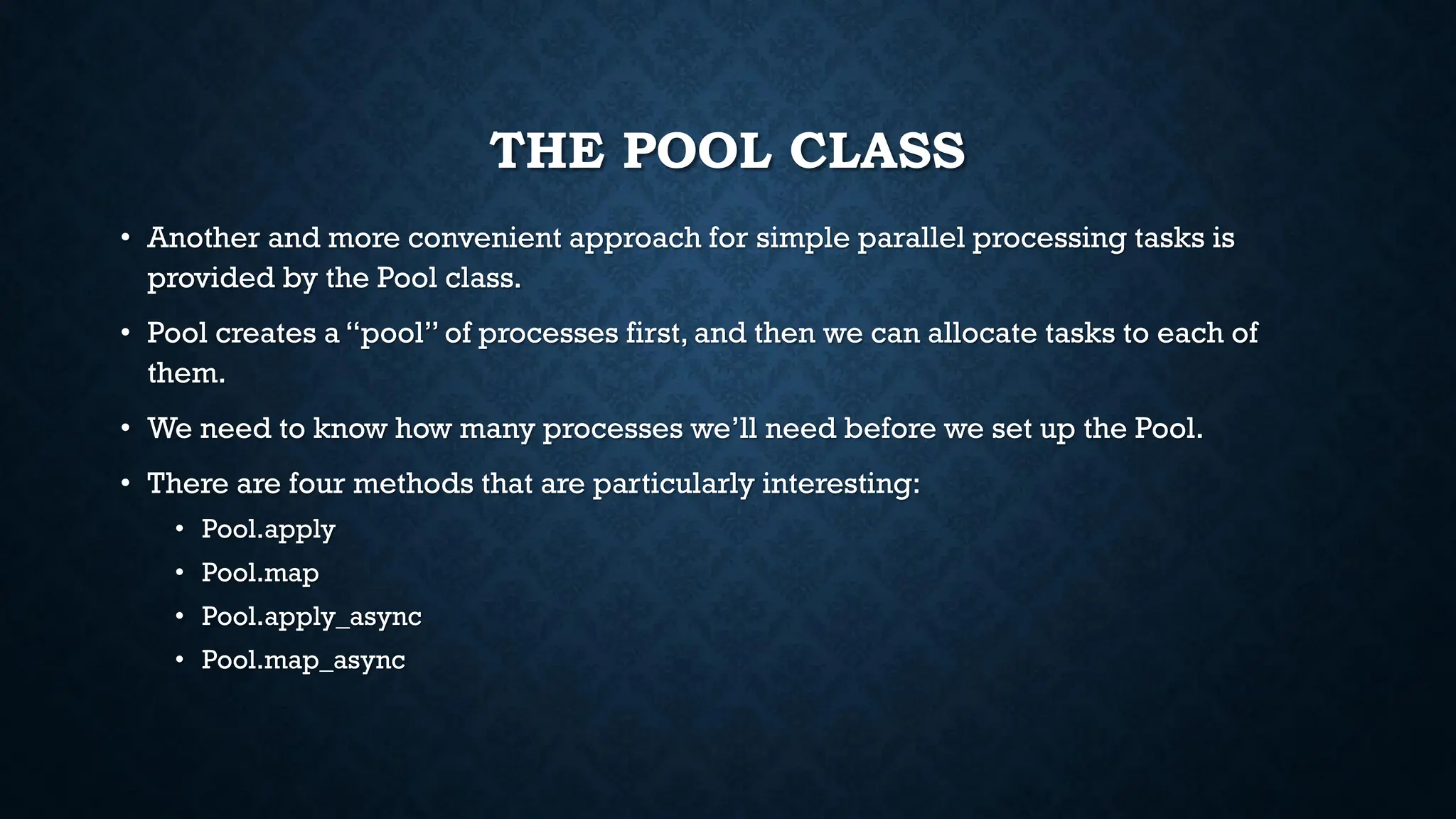
THE POOL CLASS
•Another and more convenient approach for simple parallel processing tasks is
provided by the Pool class.
• Pool creates a “pool” of processes first, and then we can allocate tasks to each of
them.
• We need to know how many processes we’ll need before we set up the Pool.
• There are four methods that are particularly interesting:
• Pool.apply
• Pool.map
• Pool.apply_async
• Pool.map_async
8.
THE POOL CLASS
•Here, square is a function that takes in a
parameter and returns the square of that
number.
• The Pool class sets up a number of processes,
specified through the processes keyword
argument.
• We can then either apply or map the results.
• Both the apply and map functions lock the main
program to make sure the results are in order.
• We do not have to start or join these processes.
The Pool class handles that.
pool = mp.Pool(processes=4)
results = [pool.apply(square, args=(x,)) for
x in range(1,7)]
print(results)
pool = mp.Pool(processes=4)
results = pool.map(square, range(1,7))
print(results)
9.
THE POOL CLASS
•If we want to make maximum use of
multiprocessing, we should let processes
proceed out of order.
• This is especially necessary for
embarrassingly parallel applications, where
the processes do not have to communicate.
• To do this, we can use the async variants of the
map and apply functions of the Pool class.
• However, we have to explicitly get the answers
from the results queue.
• The results may be out of order.
pool = mp.Pool(processes=4)
results = [pool.apply_async(cube, args=(x,)) for
x in range(1,7)]
output = [p.get() for p in results]
print(output)
10.
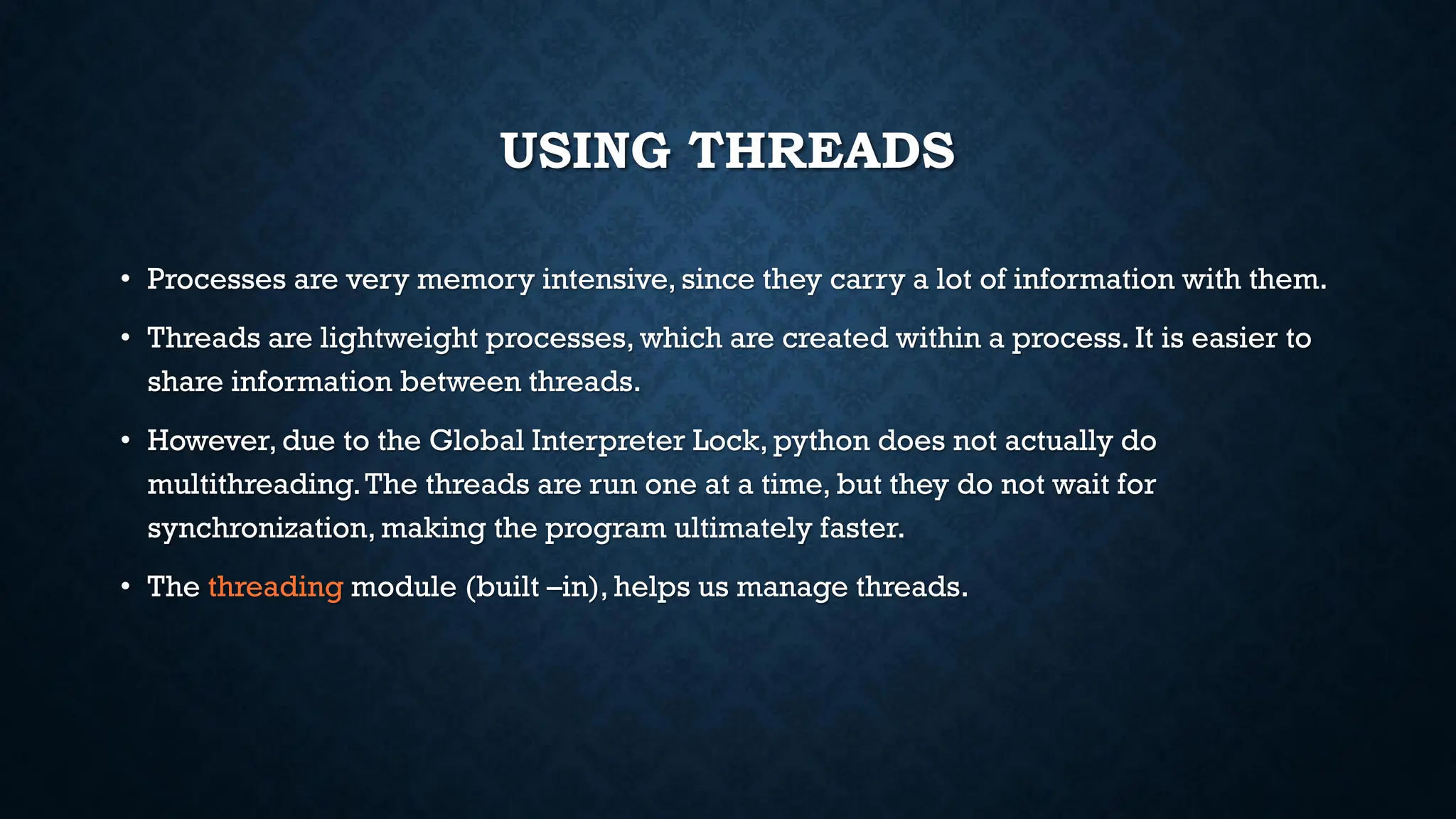
USING THREADS
• Processesare very memory intensive, since they carry a lot of information with them.
• Threads are lightweight processes, which are created within a process. It is easier to
share information between threads.
• However,due to the Global Interpreter Lock, python does not actually do
multithreading.The threads are run one at a time, but they do not wait for
synchronization, making the program ultimately faster.
• The threading module (built –in), helps us manage threads.
11.
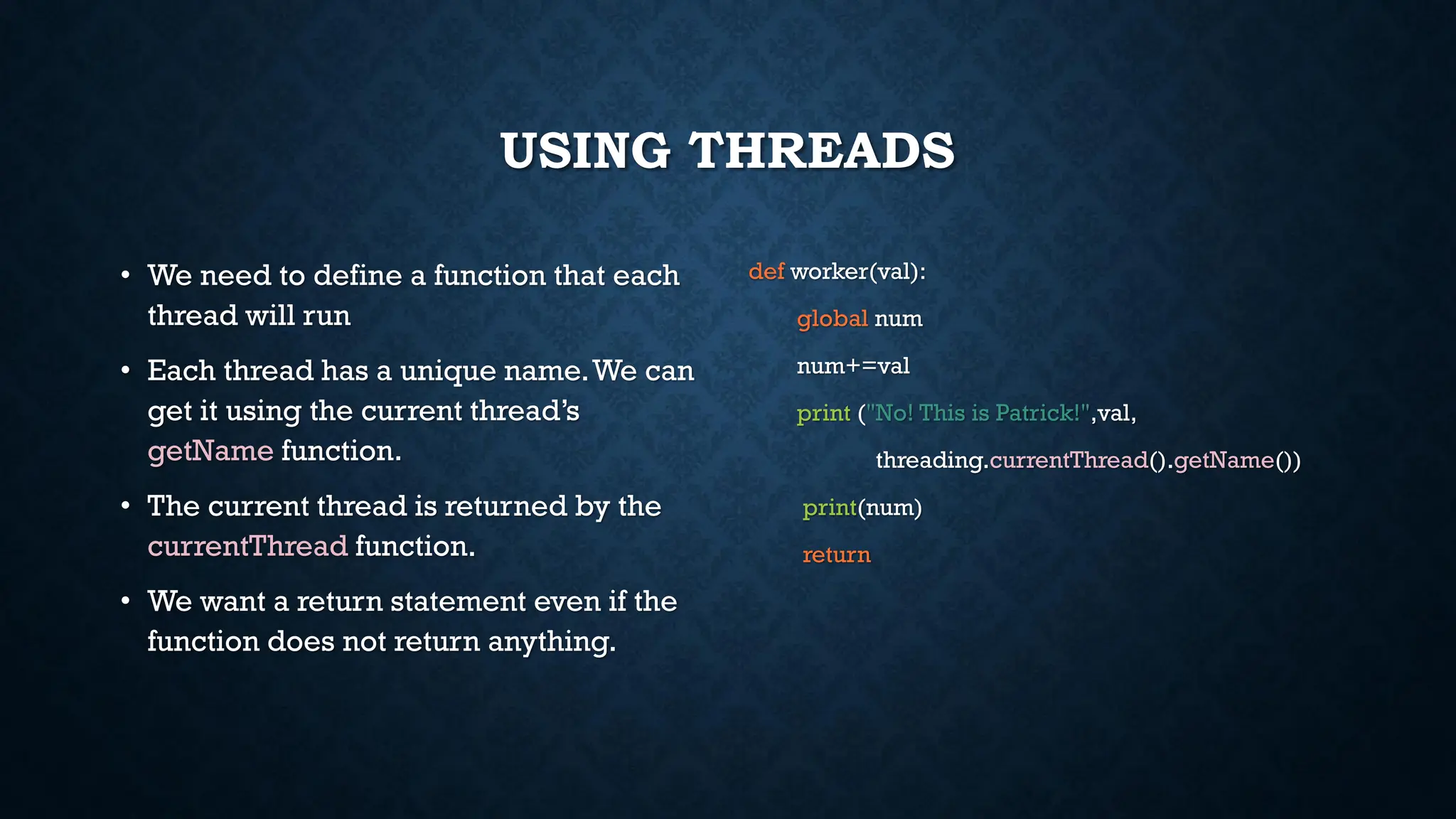
USING THREADS
• Weneed to define a function that each
thread will run
• Each thread has a unique name.We can
get it using the current thread’s
getName function.
• The current thread is returned by the
currentThread function.
• We want a return statement even if the
function does not return anything.
def worker(val):
global num
num+=val
print ("No! This is Patrick!",val,
threading.currentThread().getName())
print(num)
return
12.
USING THREADS
• Thesimplest way to use a Thread is to
instantiate it with a target function and
call start() to let it begin working.
• We create an empty list, then create
each thread and add the threads to the
list.
• Then, we start off the threads.
• If we use join, it forces the threads to
execute in order.
thread1 = [ ]
for i in range(2000):
t = threading.Thread(target = worker,
args=(i,))
thread1.append(t)
t.start()
t.join()
13.
THREADS, CONCURRENCY AND
SYNCHRONIZATION
•If we let the threads execute out of order, then we could have race conditions.
• Two threads could read the global variable, do their own calculations and then write their
own answers to the global variable.
• This would result in one of the calculations being ignored.
• Joining the threads would result in getting the right answer, but then we are not making
use of the threads and the multiprogramming model.
• A better way to do this would be to use concurrency techniques like locks. However, these
are somewhat beyond the purview of the class.
• If you would like additional information, please let me know.

![THE PROCESS CLASS
• Here, rand_string is a function with 2 parameters,
length and a Queue, that generates a random
string of a given length and adds it to the queue.
• We set up a Queue to store the results in.
• We create a list of processes where
• target is the function to be executed.
• args is the tuple of parameters to be passed into the
function
• We then start off each process.This generates a
process and makes it execute the assigned
function using the given parameters.
• Once the processes are started off, we wait for
them to complete and report their results.This is
done using the join() function.
• The results can then be extracted from the queue.
output = mp.Queue()
processes = [mp.Process(target=rand_string,
args=(5, output)) for x in range(4)]
for p in processes:
p.start()
for p in processes:
p.join()
results = [output.get() for p in processes]](https://image.slidesharecdn.com/multiprocessing-250311084949-219c60ff/75/Multiprocessing-pdf-6-2048.jpg)
![THE POOL CLASS
• Here, square is a function that takes in a
parameter and returns the square of that
number.
• The Pool class sets up a number of processes,
specified through the processes keyword
argument.
• We can then either apply or map the results.
• Both the apply and map functions lock the main
program to make sure the results are in order.
• We do not have to start or join these processes.
The Pool class handles that.
pool = mp.Pool(processes=4)
results = [pool.apply(square, args=(x,)) for
x in range(1,7)]
print(results)
pool = mp.Pool(processes=4)
results = pool.map(square, range(1,7))
print(results)](https://image.slidesharecdn.com/multiprocessing-250311084949-219c60ff/75/Multiprocessing-pdf-8-2048.jpg)
![THE POOL CLASS
• If we want to make maximum use of
multiprocessing, we should let processes
proceed out of order.
• This is especially necessary for
embarrassingly parallel applications, where
the processes do not have to communicate.
• To do this, we can use the async variants of the
map and apply functions of the Pool class.
• However, we have to explicitly get the answers
from the results queue.
• The results may be out of order.
pool = mp.Pool(processes=4)
results = [pool.apply_async(cube, args=(x,)) for
x in range(1,7)]
output = [p.get() for p in results]
print(output)](https://image.slidesharecdn.com/multiprocessing-250311084949-219c60ff/75/Multiprocessing-pdf-9-2048.jpg)
![USING THREADS
• The simplest way to use a Thread is to
instantiate it with a target function and
call start() to let it begin working.
• We create an empty list, then create
each thread and add the threads to the
list.
• Then, we start off the threads.
• If we use join, it forces the threads to
execute in order.
thread1 = [ ]
for i in range(2000):
t = threading.Thread(target = worker,
args=(i,))
thread1.append(t)
t.start()
t.join()](https://image.slidesharecdn.com/multiprocessing-250311084949-219c60ff/75/Multiprocessing-pdf-12-2048.jpg)