A02 –
Multimedia
Design
By Adam Henning
Audience
 The Audience of my Multimedia product will be people
who play/enjoy Minecraft. Minecraft is a video game
played on the PC. It is a sandbox game, emphasised on
creating and building, which allows players to create
buildings using textured cubes in a 3D world. There is a
huge amount of freedom in the game, with no set
objectives. There are huge range of blocks such as dirt,
wood, stone, water and ores. In minecraft there are 2
game modes: Survival where you have to survive the day
and night to build a shelter. The other game mode is
creative, players can access every single block and
have an unlimited supply of them. You can break all
blocks instantly and fly around the world. The main
audience will be people who are gamers who play
minecraft or want to get into playing minecraft. The main
age will be 12+ as younger people may not understand
fully how minecraft works. People who don’t play
Minecraft or dislike Minecraft may not enjoy my
multimedia product as much.
Purpose
 The purpose of my multimedia product is to
educate people who have not have played
minecraft on how to play minecraft and what to do
when they start out. If they have played minecraft
for a while and want to develop their knowledge
such as how to find diamonds and get to the
nether. If people are very good at minecraft and
don’t need to have a look at the educating section,
then they can have look at all of the other sections
such as how to build and how to craft. The product
is aimed at all ranges of players.
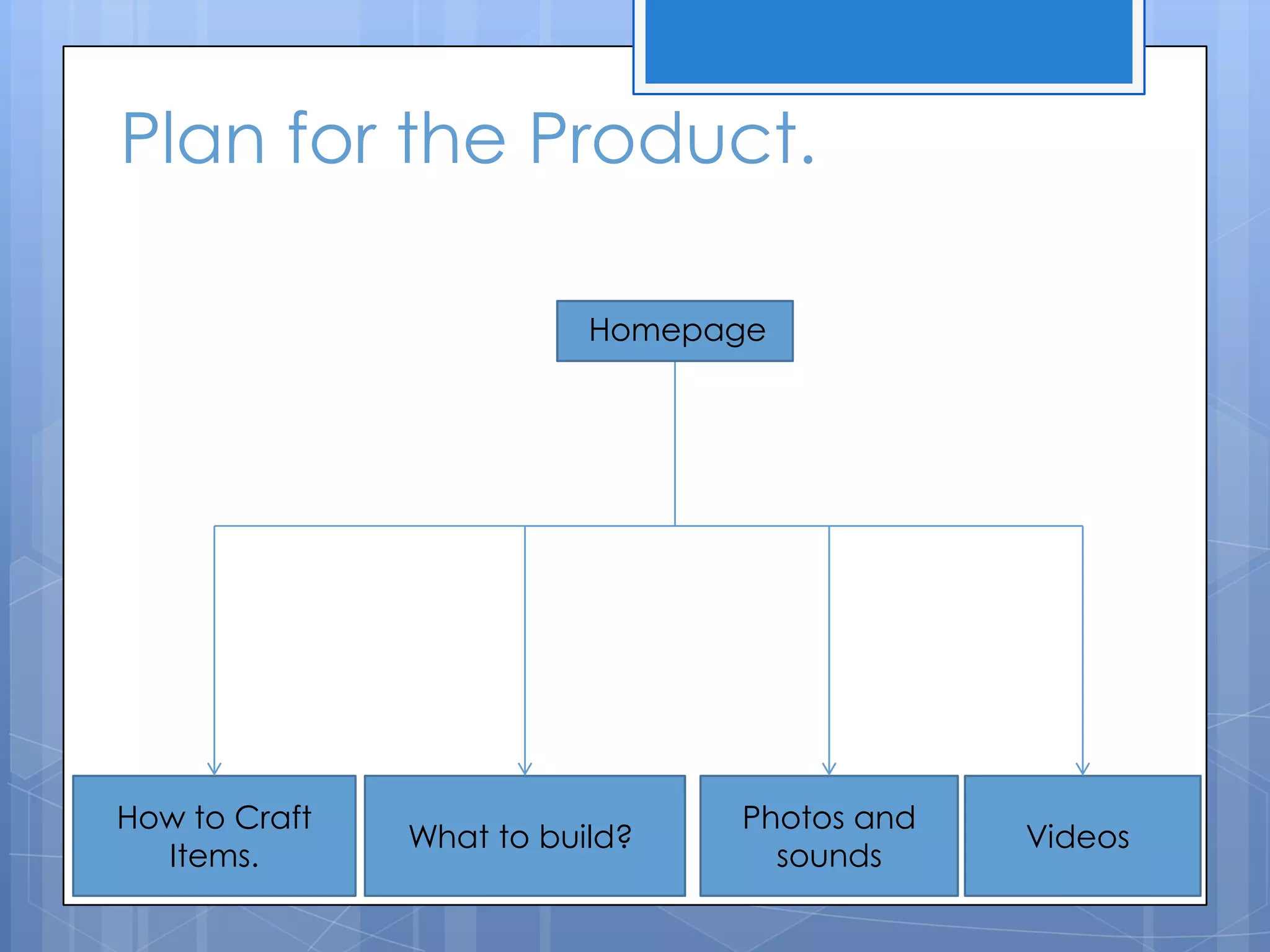
Plan for the Product.
How to Craft
Items.
What to build?
Photos and
sounds
Videos
Homepage
House Style
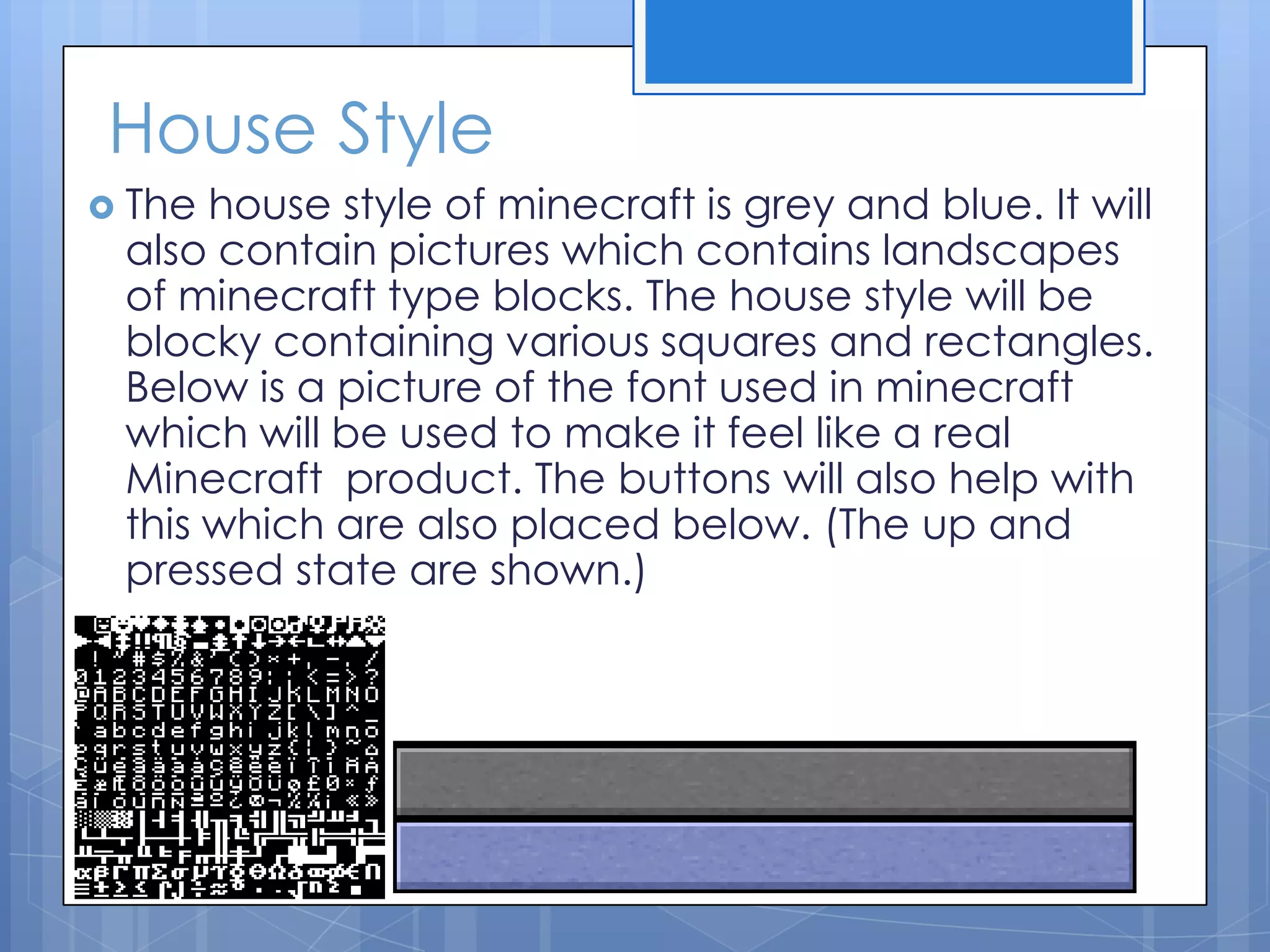
 The house style of minecraft is grey and blue. It will
also contain pictures which contains landscapes
of minecraft type blocks. The house style will be
blocky containing various squares and rectangles.
Below is a picture of the font used in minecraft
which will be used to make it feel like a real
Minecraft product. The buttons will also help with
this which are also placed below. (The up and
pressed state are shown.)
Storyboard: How to craft?
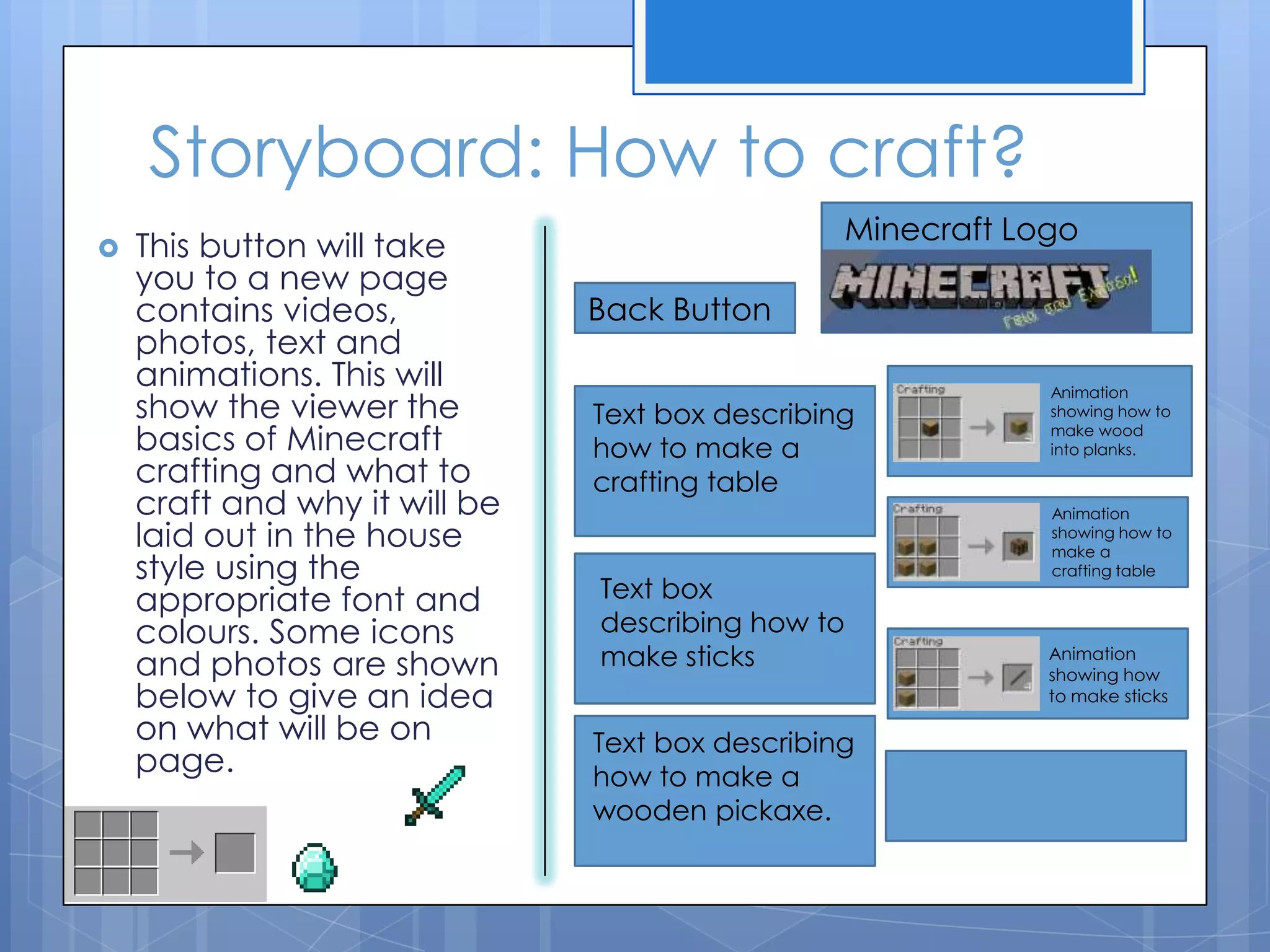
 This button will take
you to a new page
contains videos,
photos, text and
animations. This will
show the viewer the
basics of Minecraft
crafting and what to
craft and why it will be
laid out in the house
style using the
appropriate font and
colours. Some icons
and photos are shown
below to give an idea
on what will be on
page.
Back Button
Minecraft Logo
Text box describing
how to make a
crafting table
Text box
describing how to
make sticks
Text box describing
how to make a
wooden pickaxe.
Animation
showing how to
make wood
into planks.
Animation
showing how to
make a
crafting table
Animation
showing how
to make sticks
Storyboard: What to build?
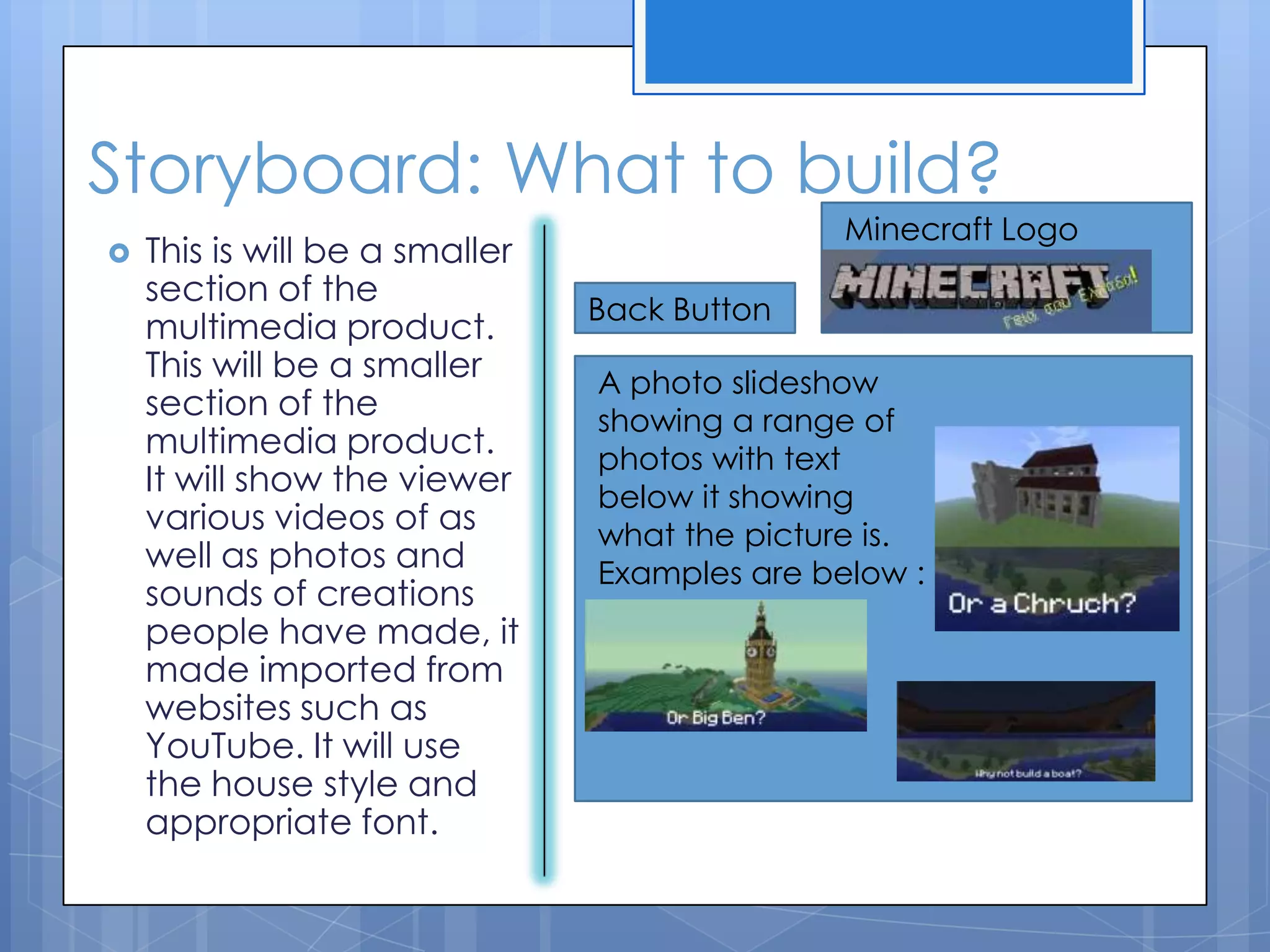
 This is will be a smaller
section of the
multimedia product.
This will be a smaller
section of the
multimedia product.
It will show the viewer
various videos of as
well as photos and
sounds of creations
people have made, it
made imported from
websites such as
YouTube. It will use
the house style and
appropriate font.
Back Button
Minecraft Logo
A photo slideshow
showing a range of
photos with text
below it showing
what the picture is.
Examples are below :
Storyboard: Photos and sounds
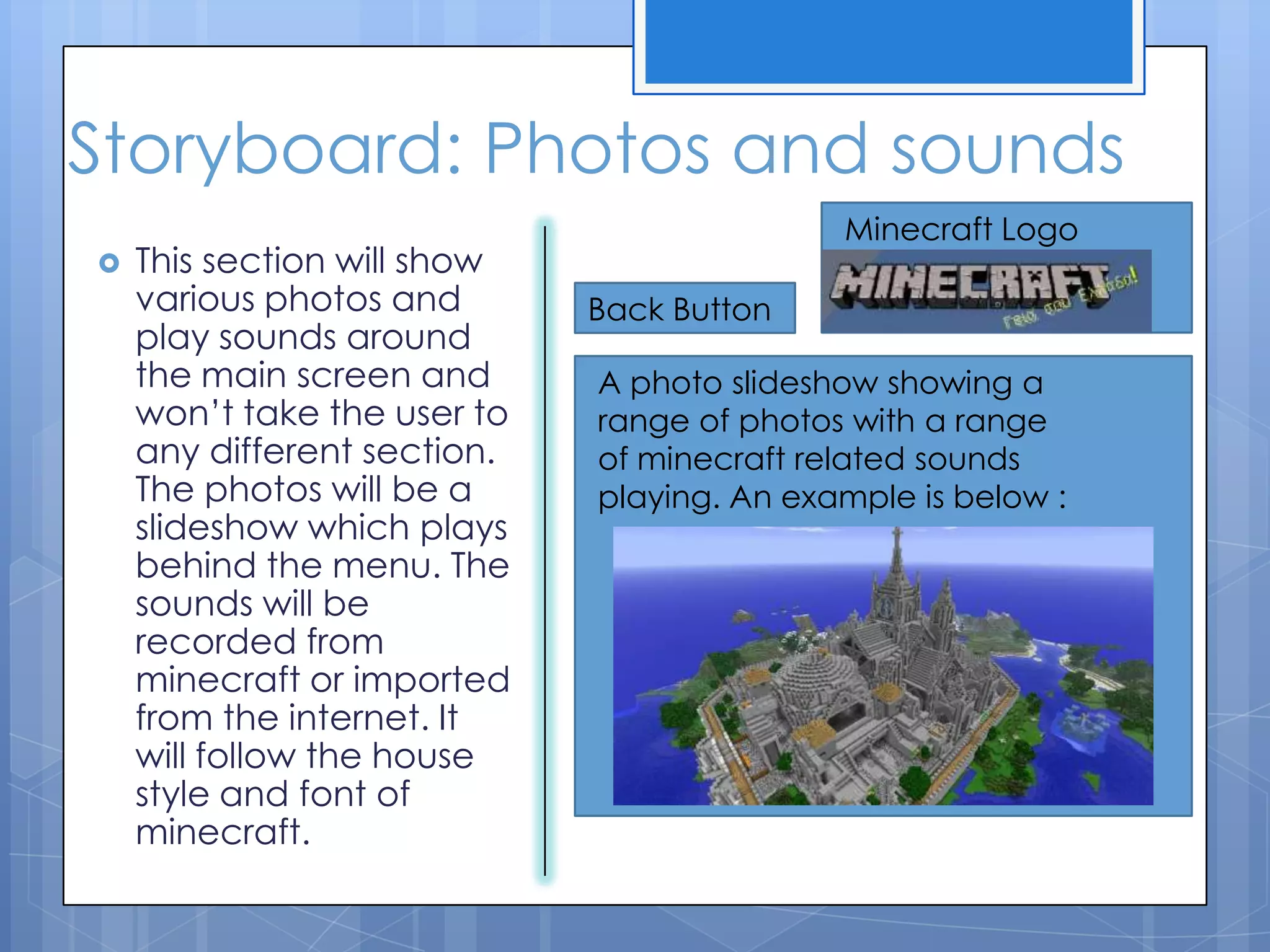
 This section will show
various photos and
play sounds around
the main screen and
won’t take the user to
any different section.
The photos will be a
slideshow which plays
behind the menu. The
sounds will be
recorded from
minecraft or imported
from the internet. It
will follow the house
style and font of
minecraft.
Back Button
Minecraft Logo
A photo slideshow showing a
range of photos with a range
of minecraft related sounds
playing. An example is below :
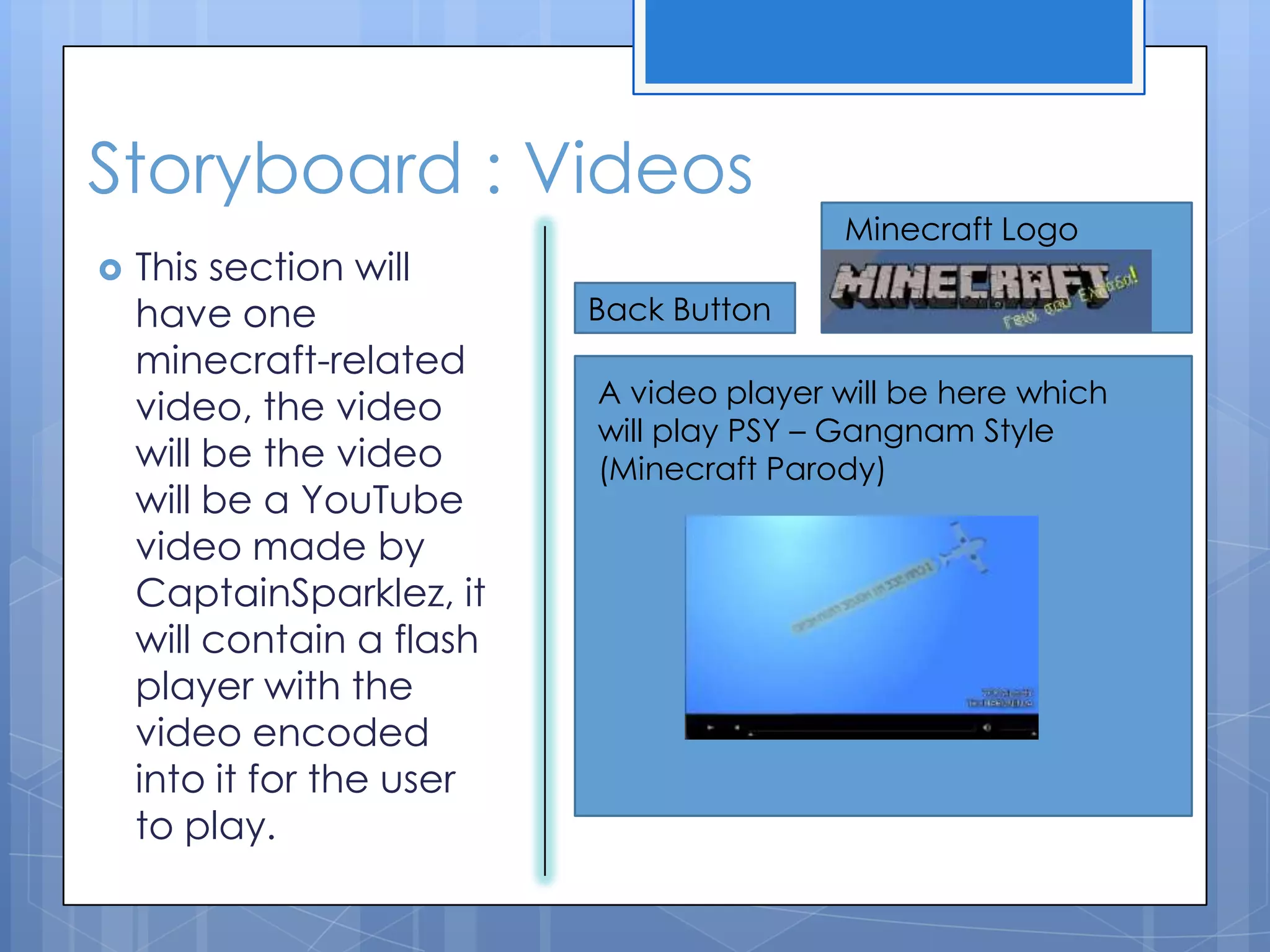
Storyboard : Videos
 This section will
have one
minecraft-related
video, the video
will be the video
will be a YouTube
video made by
CaptainSparklez, it
will contain a flash
player with the
video encoded
into it for the user
to play.
Back Button
Minecraft Logo
A video player will be here which
will play PSY – Gangnam Style
(Minecraft Parody)

Multimedia design

  • 1.
  • 2.
    Audience  The Audienceof my Multimedia product will be people who play/enjoy Minecraft. Minecraft is a video game played on the PC. It is a sandbox game, emphasised on creating and building, which allows players to create buildings using textured cubes in a 3D world. There is a huge amount of freedom in the game, with no set objectives. There are huge range of blocks such as dirt, wood, stone, water and ores. In minecraft there are 2 game modes: Survival where you have to survive the day and night to build a shelter. The other game mode is creative, players can access every single block and have an unlimited supply of them. You can break all blocks instantly and fly around the world. The main audience will be people who are gamers who play minecraft or want to get into playing minecraft. The main age will be 12+ as younger people may not understand fully how minecraft works. People who don’t play Minecraft or dislike Minecraft may not enjoy my multimedia product as much.
  • 3.
    Purpose  The purposeof my multimedia product is to educate people who have not have played minecraft on how to play minecraft and what to do when they start out. If they have played minecraft for a while and want to develop their knowledge such as how to find diamonds and get to the nether. If people are very good at minecraft and don’t need to have a look at the educating section, then they can have look at all of the other sections such as how to build and how to craft. The product is aimed at all ranges of players.
  • 4.
    Plan for theProduct. How to Craft Items. What to build? Photos and sounds Videos Homepage
  • 5.
    House Style  Thehouse style of minecraft is grey and blue. It will also contain pictures which contains landscapes of minecraft type blocks. The house style will be blocky containing various squares and rectangles. Below is a picture of the font used in minecraft which will be used to make it feel like a real Minecraft product. The buttons will also help with this which are also placed below. (The up and pressed state are shown.)
  • 6.
    Storyboard: How tocraft?  This button will take you to a new page contains videos, photos, text and animations. This will show the viewer the basics of Minecraft crafting and what to craft and why it will be laid out in the house style using the appropriate font and colours. Some icons and photos are shown below to give an idea on what will be on page. Back Button Minecraft Logo Text box describing how to make a crafting table Text box describing how to make sticks Text box describing how to make a wooden pickaxe. Animation showing how to make wood into planks. Animation showing how to make a crafting table Animation showing how to make sticks
  • 7.
    Storyboard: What tobuild?  This is will be a smaller section of the multimedia product. This will be a smaller section of the multimedia product. It will show the viewer various videos of as well as photos and sounds of creations people have made, it made imported from websites such as YouTube. It will use the house style and appropriate font. Back Button Minecraft Logo A photo slideshow showing a range of photos with text below it showing what the picture is. Examples are below :
  • 8.
    Storyboard: Photos andsounds  This section will show various photos and play sounds around the main screen and won’t take the user to any different section. The photos will be a slideshow which plays behind the menu. The sounds will be recorded from minecraft or imported from the internet. It will follow the house style and font of minecraft. Back Button Minecraft Logo A photo slideshow showing a range of photos with a range of minecraft related sounds playing. An example is below :
  • 9.
    Storyboard : Videos This section will have one minecraft-related video, the video will be the video will be a YouTube video made by CaptainSparklez, it will contain a flash player with the video encoded into it for the user to play. Back Button Minecraft Logo A video player will be here which will play PSY – Gangnam Style (Minecraft Parody)