Beauty & the Geeks The perfect blend of left brain & right brain Richard Griffin & Felix Corke
Who are we? Felix Corke Interactive Designer (Design Geek) Richard Griffin Interactive Developer (Code Geek)
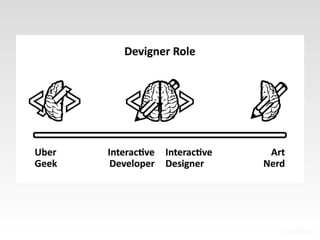
Who is t he  “Dev-igner”?
 
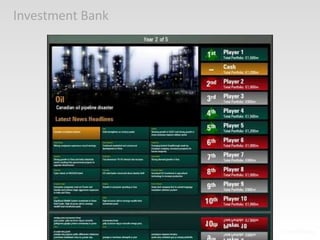
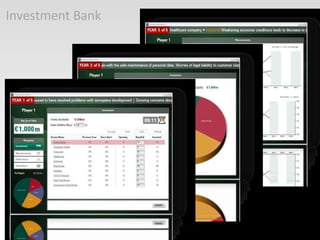
Investment Bank
Investment Bank
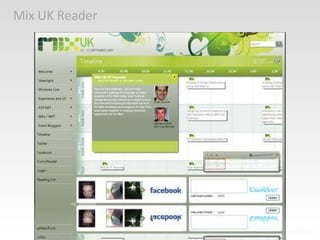
Mix UK Reader
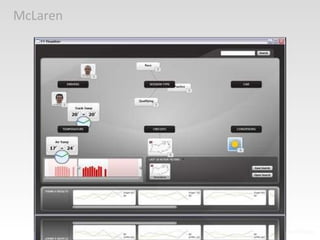
McLaren
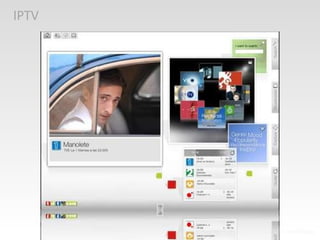
IPTV
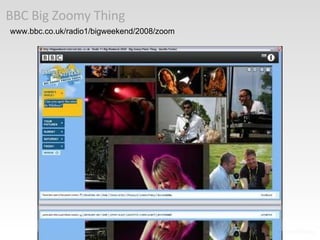
BBC Big Zoomy Thing www.bbc.co.uk/radio1/bigweekend/2008/zoom
So how do you make it work? Continual collaboration Continual iteration
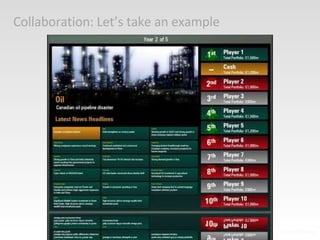
Collaboration: Let’s take an example
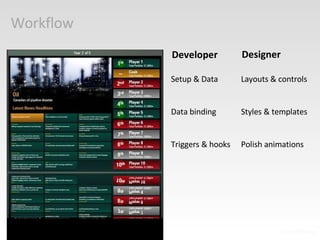
Workflow Developer Setup & Data Data binding Triggers & hooks Designer Layouts & controls Styles & templates Polish animations
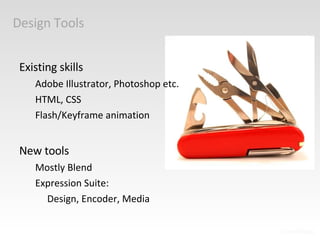
Design Tools Existing skills Adobe Illustrator, Photoshop etc. HTML, CSS Flash/Keyframe animation New tools Mostly Blend Expression Suite:  Design, Encoder, Media
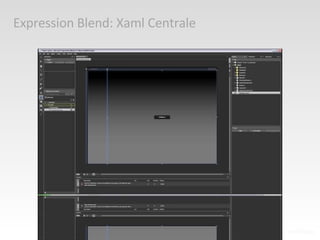
Expression Blend: Xaml Centrale
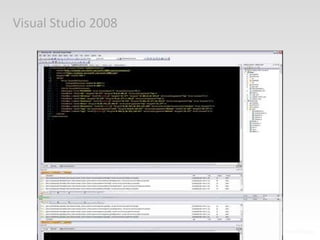
Visual Studio 2008
Don’t Panic! VS2008 is scary, but... Not as scary as you think. Developer will get you started Why do I need to use this...
Why Visual Studio and TFS? Provides a home for files Simultaneous collaboration Blend doesn’t do this (yet)
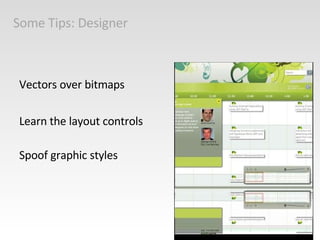
Some Tips: Designer Vectors over bitmaps Learn the layout controls Spoof graphic styles
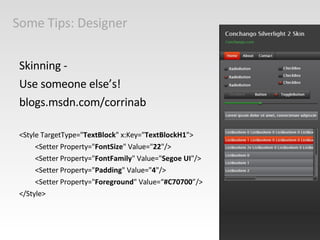
Some Tips: Designer Skinning - Use someone else’s!  blogs.msdn.com/corrinab <Style TargetType=&quot; TextBlock &quot; x:Key=&quot; TextBlockH1 &quot;> <Setter Property=&quot; FontSize &quot; Value=&quot; 22 &quot;/> <Setter Property=&quot; FontFamily &quot; Value=&quot; Segoe UI &quot;/> <Setter Property=&quot; Padding &quot; Value=&quot; 4 &quot;/> <Setter Property=&quot; Foreground &quot; Value=“ #C70700 ”/> </Style>
Some Tips: Developer Hold hands with your designer Don’t bury it in the code Learn Xaml Use Blend
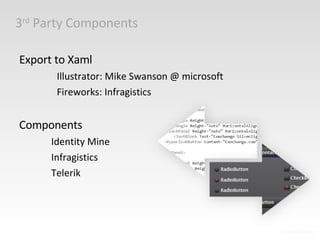
3 rd  Party Components Export to Xaml Illustrator: Mike Swanson @ microsoft Fireworks: Infragistics Components Identity Mine Infragistics Telerik
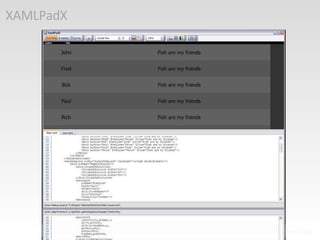
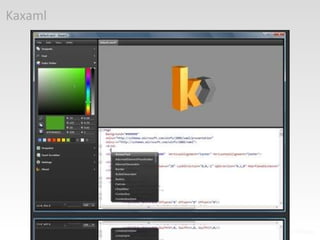
Some tools to help you Kaxaml notstatic.com kaxaml.com XAMLPadX blogs.msdn.com/llobo
XAMLPadX
Kaxaml
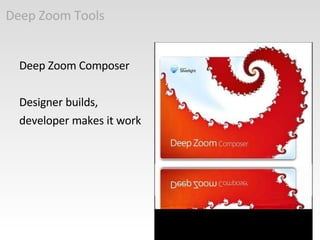
Deep Zoom Tools Deep Zoom Composer Designer builds,  developer makes it work
Key considerations again Design for buildability Code for designers Work together
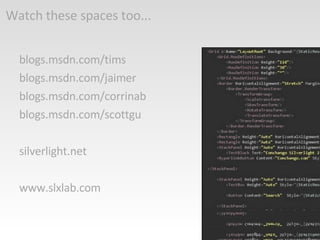
Watch these spaces too... blogs.msdn.com/tims blogs.msdn.com/jaimer blogs.msdn.com/corrinab blogs.msdn.com/scottgu silverlight.net www.slxlab.com
Any questions? del.icio.us/grippa blogs.conchango.com/richardgriffin blogs.conchango.com/felixcorke

Mix Essentials Denmark

  • 1.
    Beauty & theGeeks The perfect blend of left brain & right brain Richard Griffin & Felix Corke
  • 2.
    Who are we?Felix Corke Interactive Designer (Design Geek) Richard Griffin Interactive Developer (Code Geek)
  • 3.
    Who is the “Dev-igner”?
  • 4.
  • 5.
  • 6.
  • 7.
  • 8.
  • 9.
  • 10.
    BBC Big ZoomyThing www.bbc.co.uk/radio1/bigweekend/2008/zoom
  • 11.
    So how doyou make it work? Continual collaboration Continual iteration
  • 12.
  • 13.
    Workflow Developer Setup& Data Data binding Triggers & hooks Designer Layouts & controls Styles & templates Polish animations
  • 14.
    Design Tools Existingskills Adobe Illustrator, Photoshop etc. HTML, CSS Flash/Keyframe animation New tools Mostly Blend Expression Suite: Design, Encoder, Media
  • 15.
  • 16.
  • 17.
    Don’t Panic! VS2008is scary, but... Not as scary as you think. Developer will get you started Why do I need to use this...
  • 18.
    Why Visual Studioand TFS? Provides a home for files Simultaneous collaboration Blend doesn’t do this (yet)
  • 19.
    Some Tips: DesignerVectors over bitmaps Learn the layout controls Spoof graphic styles
  • 20.
    Some Tips: DesignerSkinning - Use someone else’s! blogs.msdn.com/corrinab <Style TargetType=&quot; TextBlock &quot; x:Key=&quot; TextBlockH1 &quot;> <Setter Property=&quot; FontSize &quot; Value=&quot; 22 &quot;/> <Setter Property=&quot; FontFamily &quot; Value=&quot; Segoe UI &quot;/> <Setter Property=&quot; Padding &quot; Value=&quot; 4 &quot;/> <Setter Property=&quot; Foreground &quot; Value=“ #C70700 ”/> </Style>
  • 21.
    Some Tips: DeveloperHold hands with your designer Don’t bury it in the code Learn Xaml Use Blend
  • 22.
    3 rd Party Components Export to Xaml Illustrator: Mike Swanson @ microsoft Fireworks: Infragistics Components Identity Mine Infragistics Telerik
  • 23.
    Some tools tohelp you Kaxaml notstatic.com kaxaml.com XAMLPadX blogs.msdn.com/llobo
  • 24.
  • 25.
  • 26.
    Deep Zoom ToolsDeep Zoom Composer Designer builds, developer makes it work
  • 27.
    Key considerations againDesign for buildability Code for designers Work together
  • 28.
    Watch these spacestoo... blogs.msdn.com/tims blogs.msdn.com/jaimer blogs.msdn.com/corrinab blogs.msdn.com/scottgu silverlight.net www.slxlab.com
  • 29.
    Any questions? del.icio.us/grippablogs.conchango.com/richardgriffin blogs.conchango.com/felixcorke

Editor's Notes

  • #2 What is this session about We will cover the tools that we use on projects some of which are not in the Expression Suite. Are our own experiences from projects that we have worked on for paying clients that have tight deadlines. And strategies for how to change your workflow when using Silverlight and WPF in your team What you will walk away with This session aims to help you build the next generation of Silverlight and WPF applications Skinning code Deep zoom demo code Complete white labelled application mashup in Silverlight