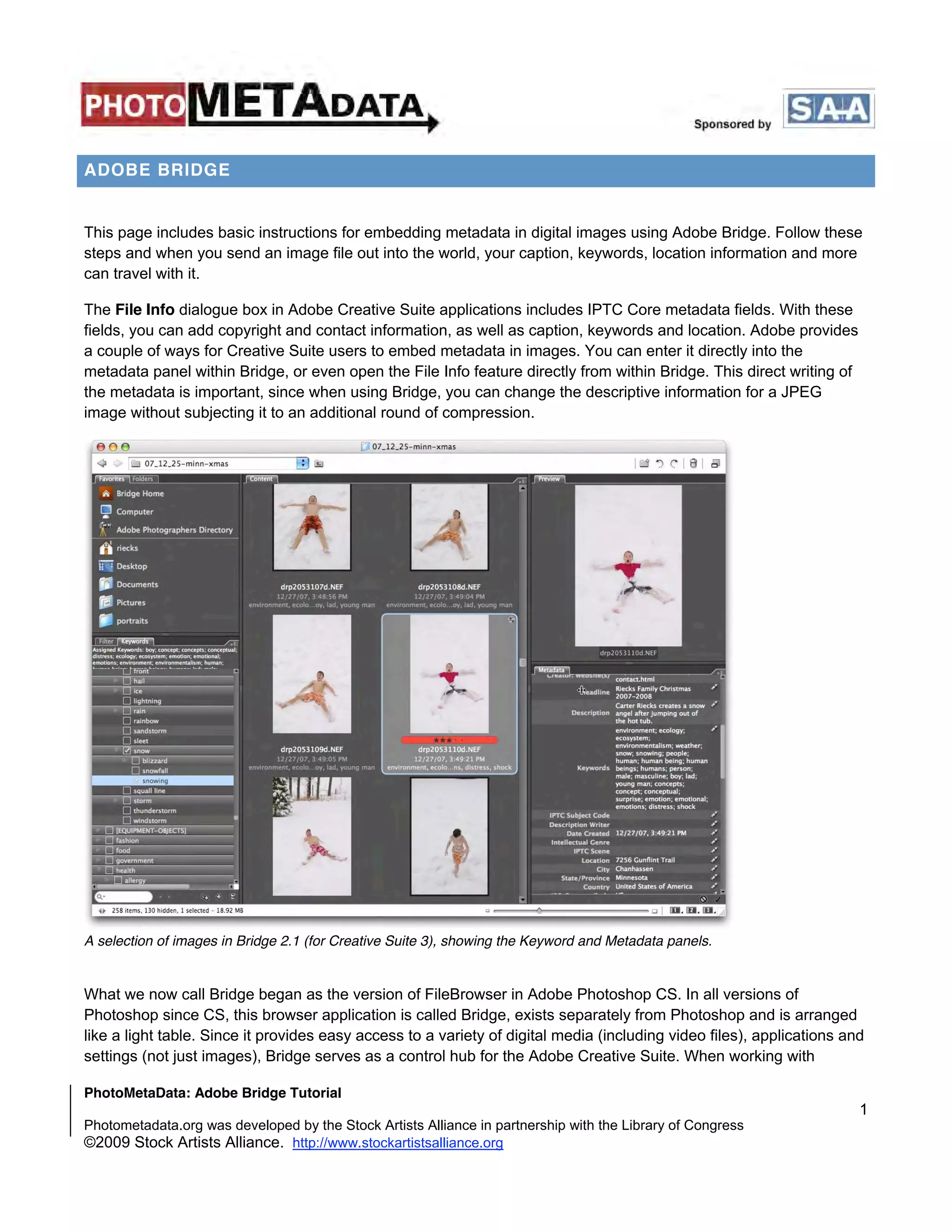
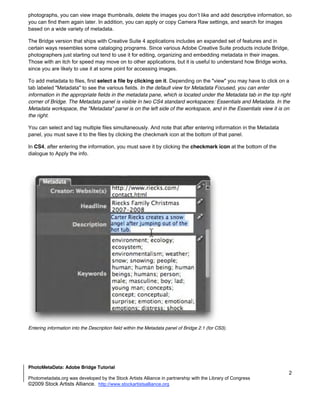
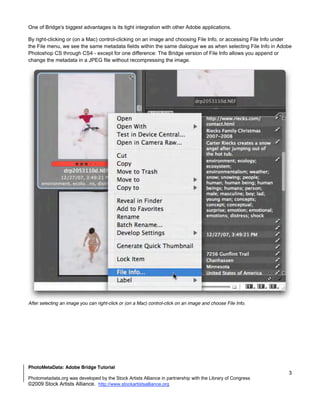
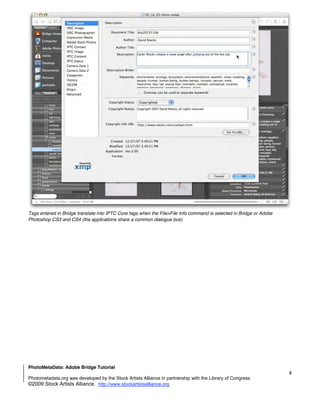
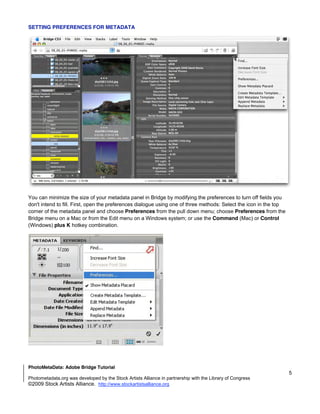
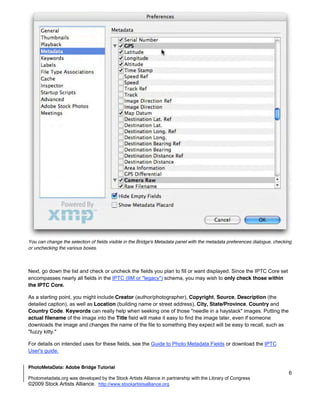
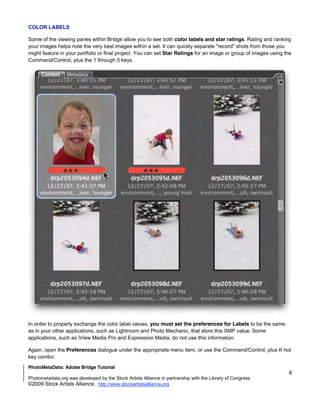
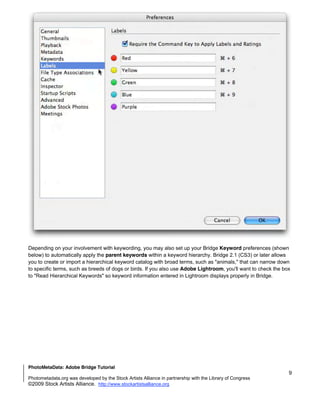
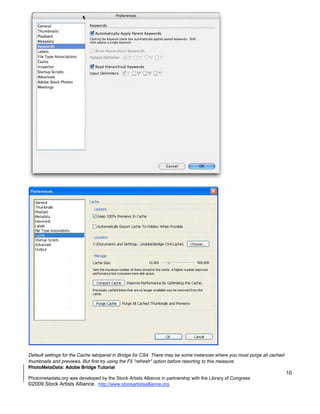
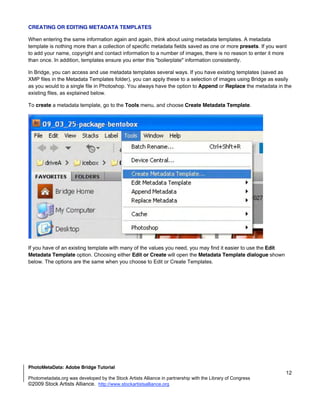
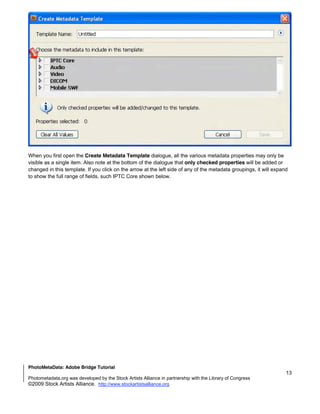
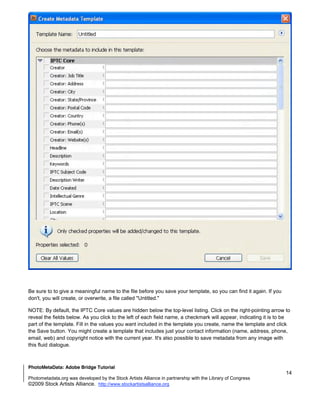
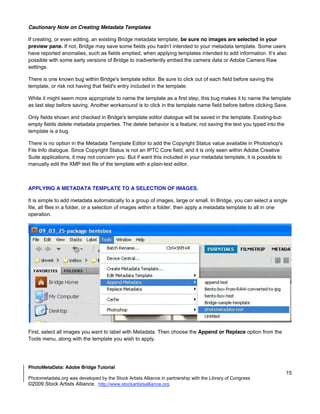
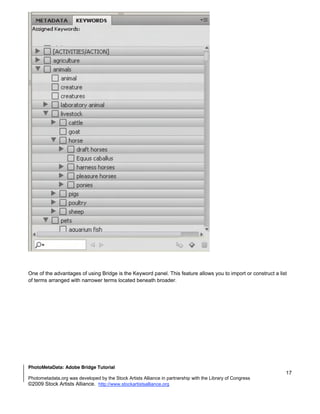
This document provides instructions for embedding metadata in digital images using Adobe Bridge. Adobe Bridge allows photographers to view image thumbnails, add descriptive metadata like captions and keywords, apply Camera Raw settings, and search images based on metadata. Photographers can enter metadata by selecting images in Bridge and filling out fields in the Metadata panel to add copyright information, locations, and more. Multiple images can be tagged simultaneously.