Slack Community Patna
Mastering Slack from Scratch:
Build, Organize, and Automate
Your Workspace!
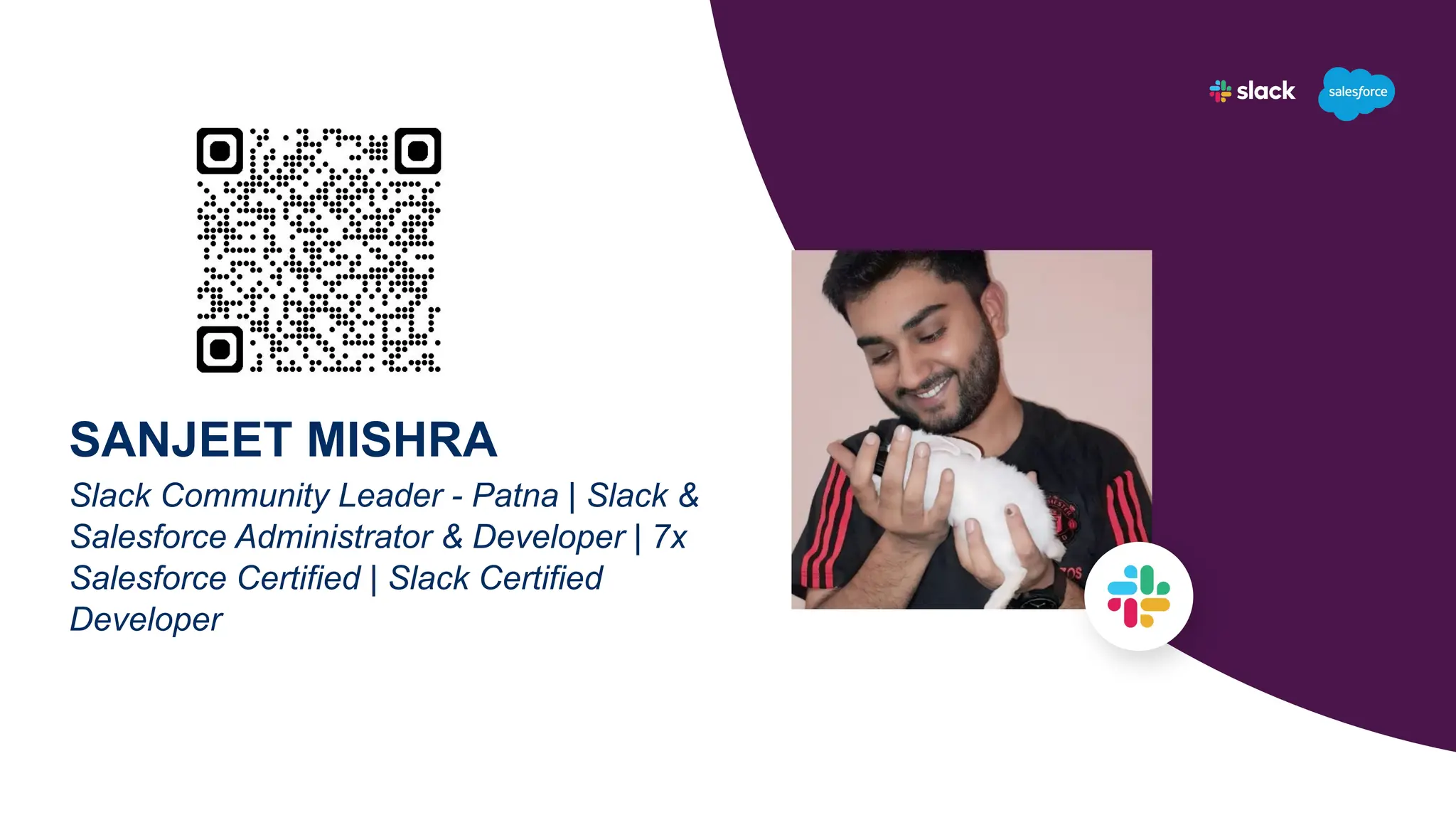
SANJEET MISHRA
Slack Community Leader - Patna | Slack &
Salesforce Administrator & Developer | 7x
Salesforce Certified | Slack Certified
Developer
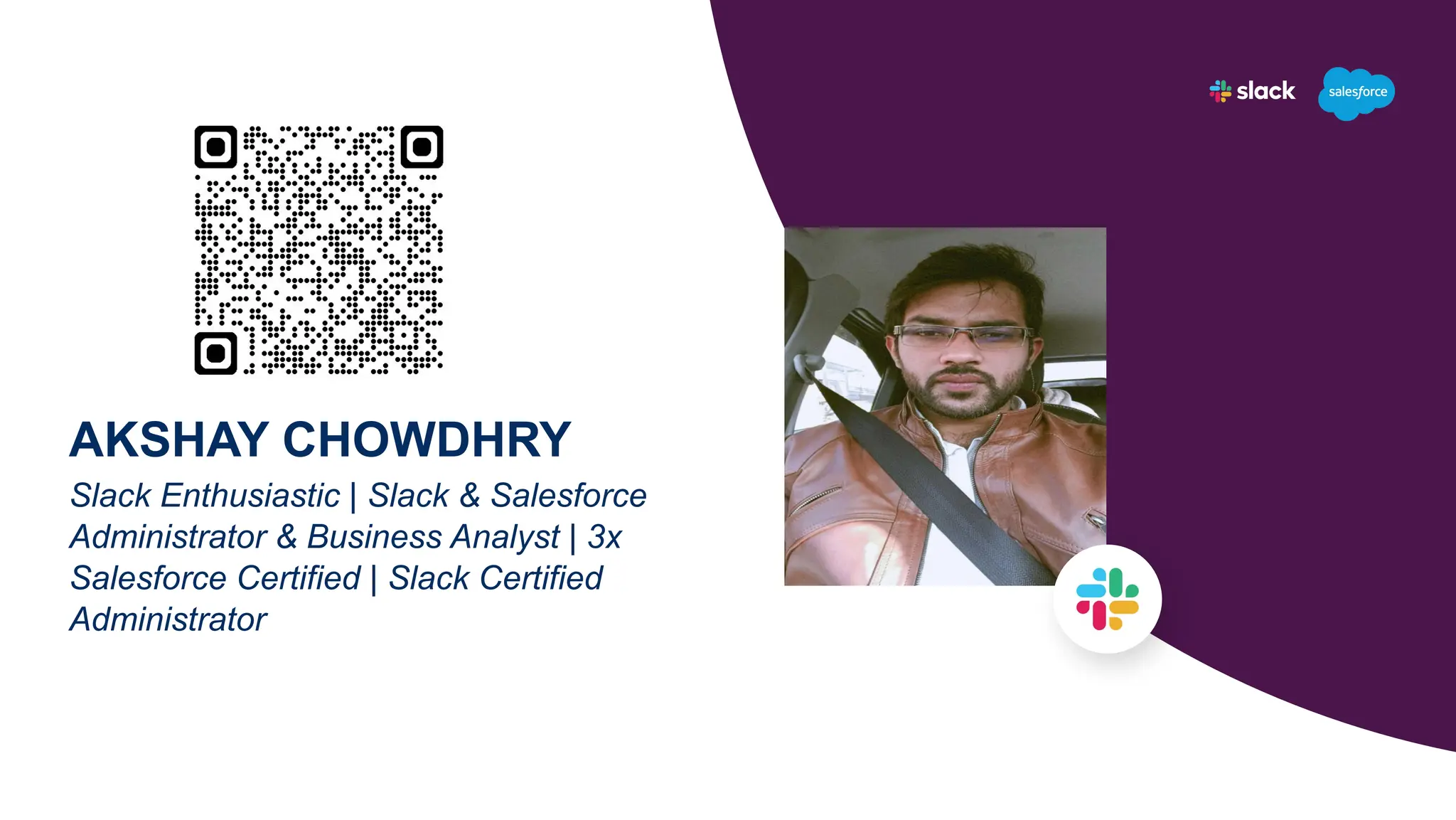
AKSHAY CHOWDHRY
Slack Enthusiastic | Slack & Salesforce
Administrator & Business Analyst | 3x
Salesforce Certified | Slack Certified
Administrator
Creating Slack Workspace from Scratch
Channels, Channels, Channels! 📚
Workspace Settings and Permissions
Creating Powerful Workflows
Q&A
Agenda
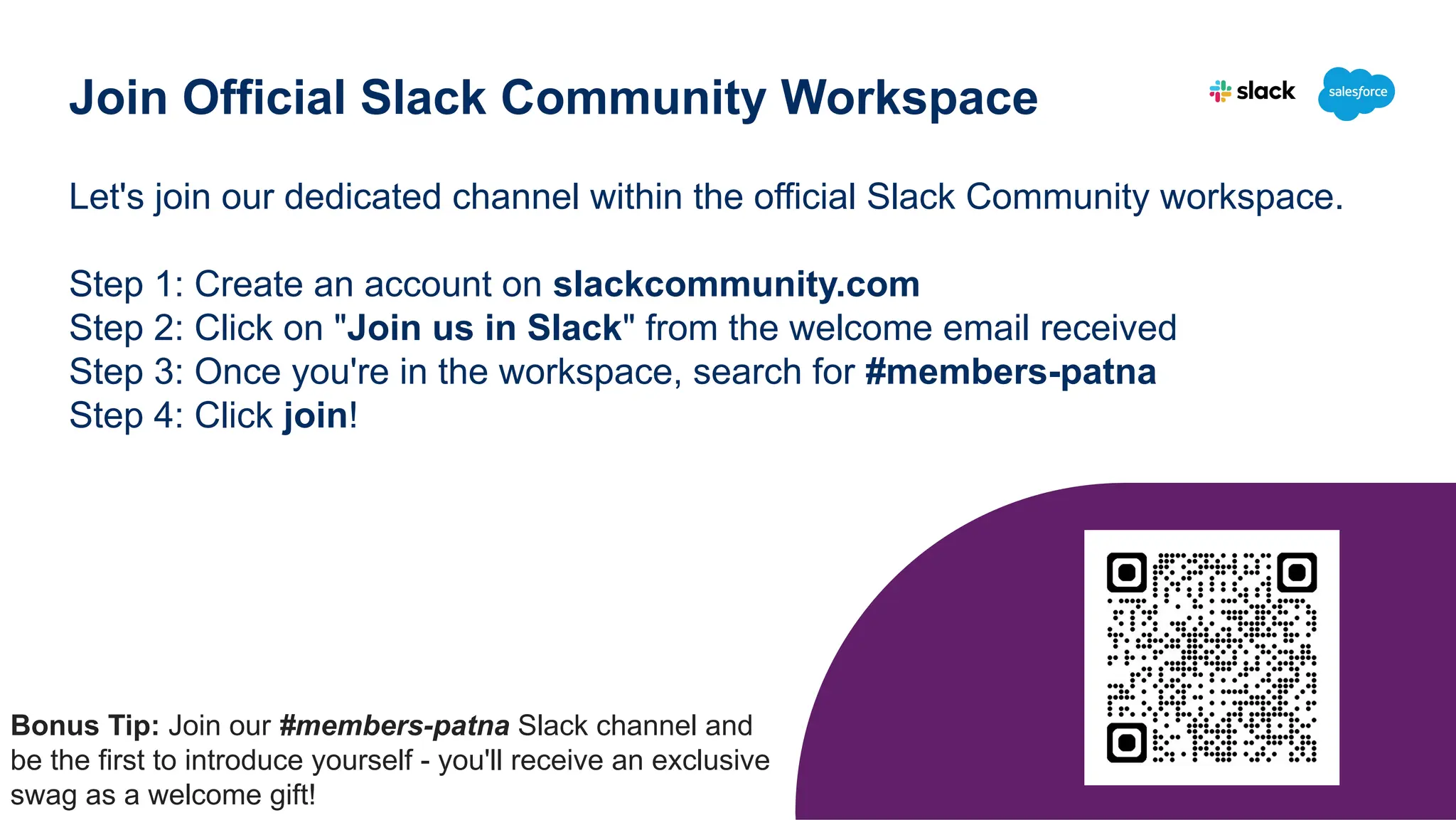
Let's join our dedicated channel within the official Slack Community workspace.
Step 1: Create an account on slackcommunity.com
Step 2: Click on "Join us in Slack" from the welcome email received
Step 3: Once you're in the workspace, search for #members-patna
Step 4: Click join!
Join Official Slack Community Workspace
Bonus Tip: Join our #members-patna Slack channel and
be the first to introduce yourself - you'll receive an exclusive
swag as a welcome gift!
Creating Slack Workspace from Scratch
What is a Slack Workspace?
A Slack workspace is a shared hub made up
of channels where team members can
communicate and work together. Workspaces
organize people, channels and apps.
Channels, Channels, Channels! 📚
What is a Slack Channel?
A channel is a single place for a team to
share messages, tools and files. They
typically host topic-specific conversation.
Workspace Settings & Permissions
Slack workspace settings and permissions
allow admins to control how members use
and interact within a Slack workspace, such
as - Workspace Access, Message and File
Permissions, Channel Management.
Creating Powerful Workflows
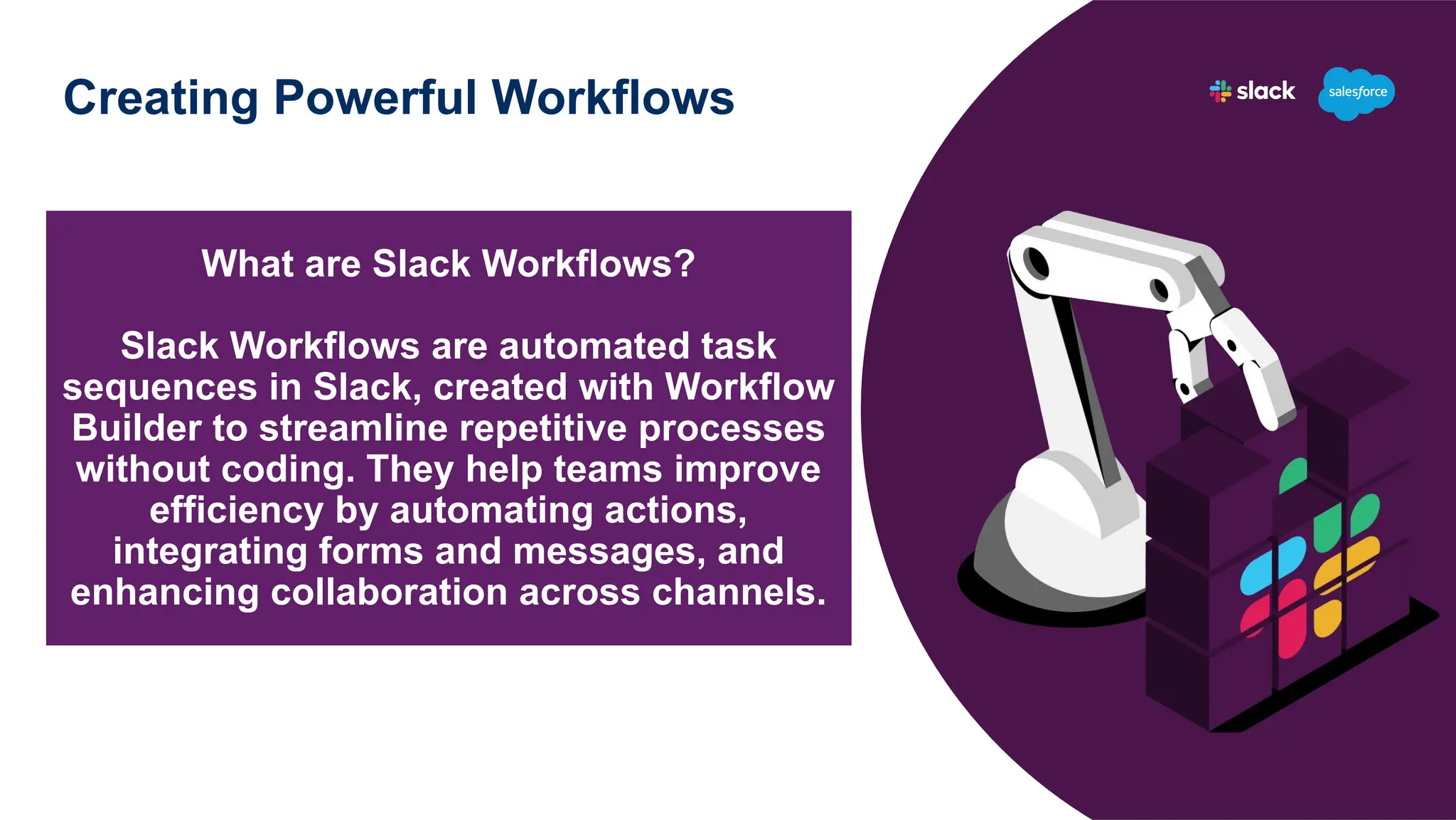
What are Slack Workflows?
Slack Workflows are automated task
sequences in Slack, created with Workflow
Builder to streamline repetitive processes
without coding. They help teams improve
efficiency by automating actions,
integrating forms and messages, and
enhancing collaboration across channels.
Creating Powerful Workflows
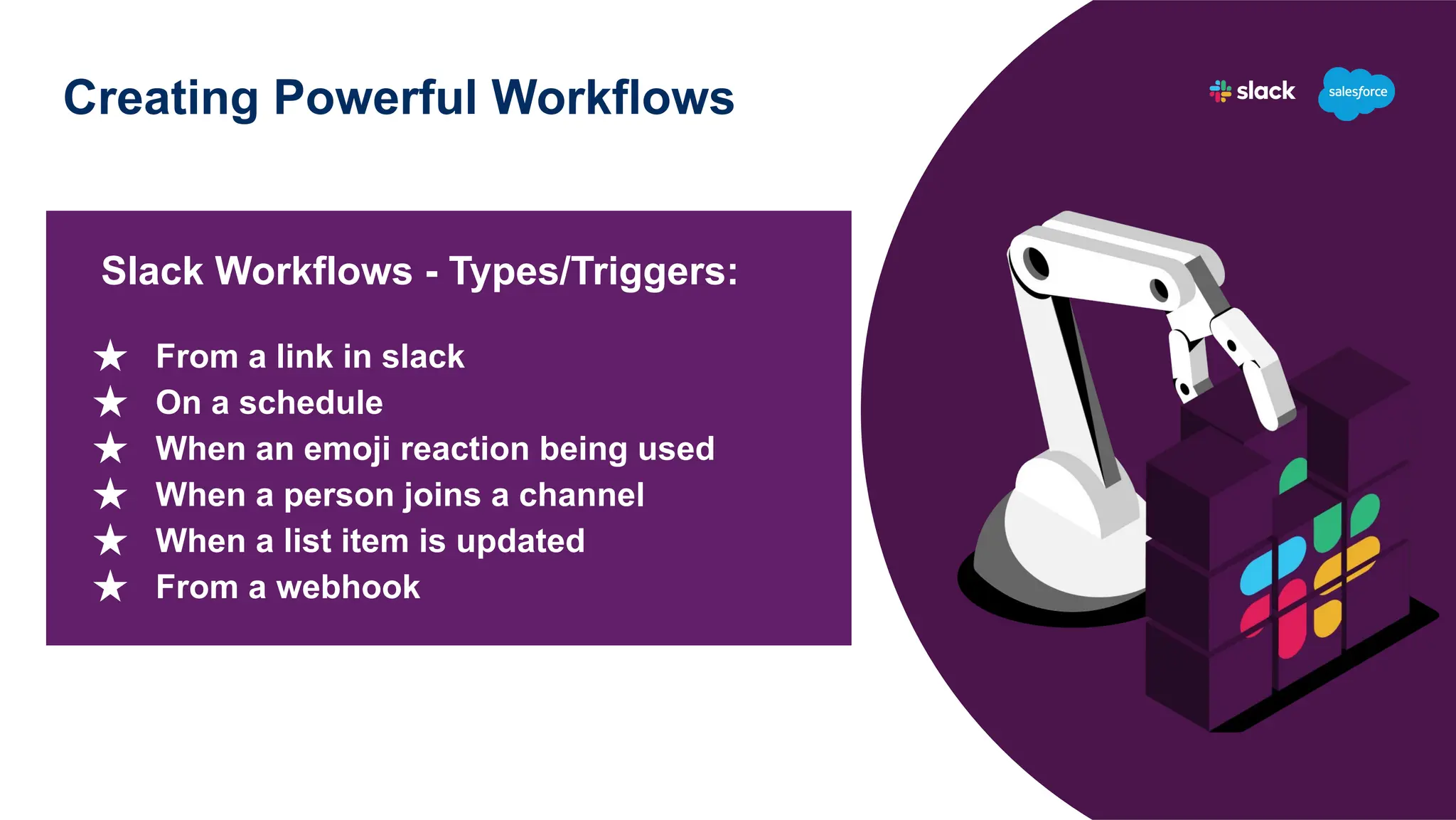
Slack Workflows - Types/Triggers:
★ From a link in slack
★ On a schedule
★ When an emoji reaction being used
★ When a person joins a channel
★ When a list item is updated
★ From a webhook
Q&A
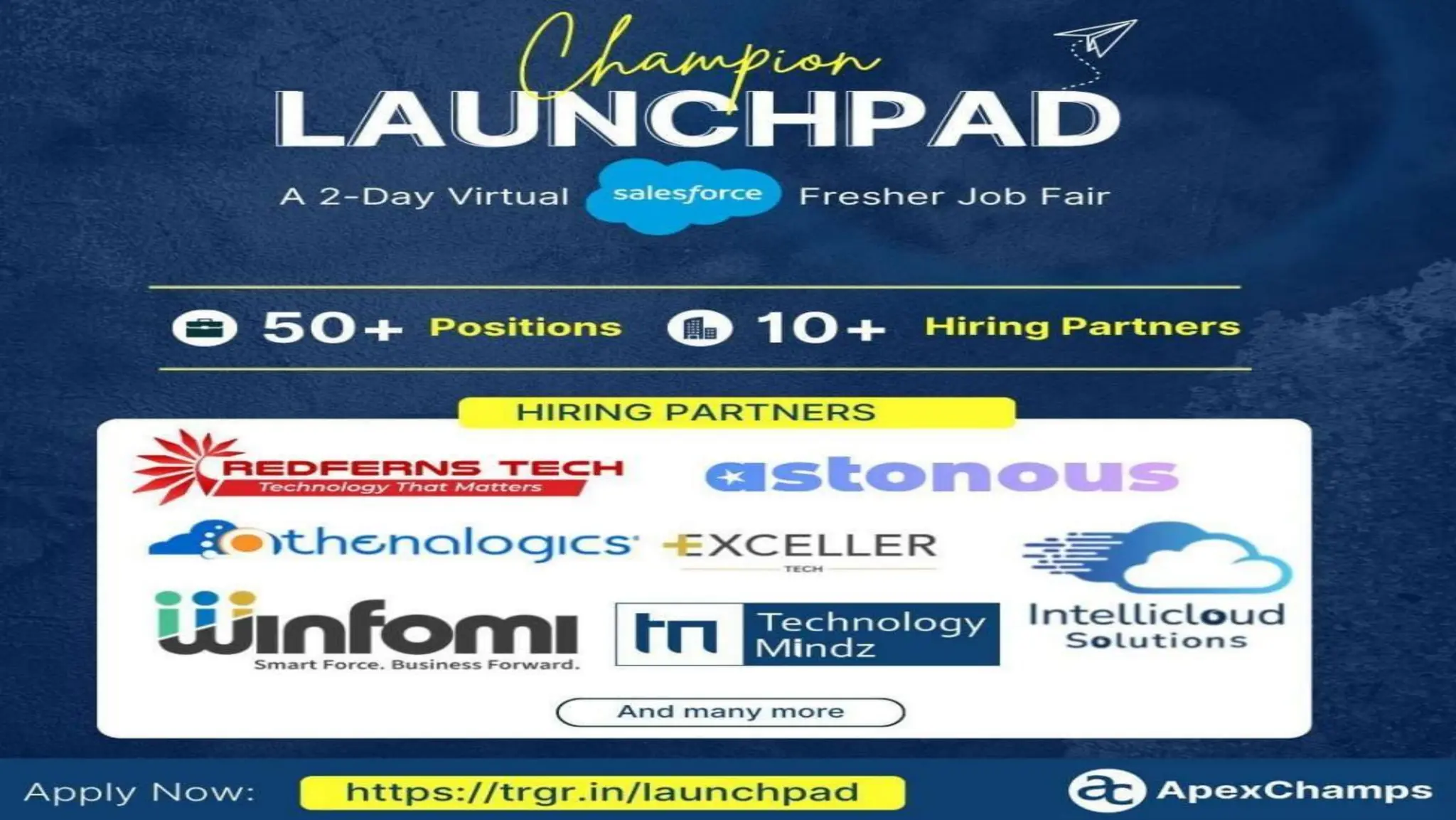
Champion Launchpad
Showcase Your Salesforce Skills & Secure Your Future
Champion LaunchPad, India's largest Salesforce Job Fair, offers a
streamlined recruitment process using an automated and proctored
assessment. Connecting to Salesforce-trained freshers with the right
companies and ensuring better matches and avoiding missed
opportunities.
Date: 29th & 30th November, 2024
Website: https://apexchamps.io/events/launchpad
Phone: +91-8929593669
Swag Giveaways🥳
Show Us Your Love!💓
Let’s keep the conversation going! Share your thoughts, highlights,
and moments from today’s session:
★ LinkedIn: Use #SlackCommunity, #SlackPatna, #Salesforce and
tag us @Slack, @Jacob Gross, @Sanjeet Mishra,
@Akshay chowdhry!
★ On Twitter: Mention us @slack_community, @slackHQ,
@SanjeetMishra20, @akshaychowdhry with the hashtag
#SlackCommunity, #SlackPatna, #Salesforce
Thank you

Mastering Slack from Scratch_ Build, Organize, and Automate Your Workspace!.pptx.pdf

  • 1.
    Slack Community Patna MasteringSlack from Scratch: Build, Organize, and Automate Your Workspace!
  • 2.
    SANJEET MISHRA Slack CommunityLeader - Patna | Slack & Salesforce Administrator & Developer | 7x Salesforce Certified | Slack Certified Developer
  • 3.
    AKSHAY CHOWDHRY Slack Enthusiastic| Slack & Salesforce Administrator & Business Analyst | 3x Salesforce Certified | Slack Certified Administrator
  • 4.
    Creating Slack Workspacefrom Scratch Channels, Channels, Channels! 📚 Workspace Settings and Permissions Creating Powerful Workflows Q&A Agenda
  • 5.
    Let's join ourdedicated channel within the official Slack Community workspace. Step 1: Create an account on slackcommunity.com Step 2: Click on "Join us in Slack" from the welcome email received Step 3: Once you're in the workspace, search for #members-patna Step 4: Click join! Join Official Slack Community Workspace Bonus Tip: Join our #members-patna Slack channel and be the first to introduce yourself - you'll receive an exclusive swag as a welcome gift!
  • 6.
    Creating Slack Workspacefrom Scratch What is a Slack Workspace? A Slack workspace is a shared hub made up of channels where team members can communicate and work together. Workspaces organize people, channels and apps.
  • 7.
    Channels, Channels, Channels!📚 What is a Slack Channel? A channel is a single place for a team to share messages, tools and files. They typically host topic-specific conversation.
  • 8.
    Workspace Settings &Permissions Slack workspace settings and permissions allow admins to control how members use and interact within a Slack workspace, such as - Workspace Access, Message and File Permissions, Channel Management.
  • 9.
    Creating Powerful Workflows Whatare Slack Workflows? Slack Workflows are automated task sequences in Slack, created with Workflow Builder to streamline repetitive processes without coding. They help teams improve efficiency by automating actions, integrating forms and messages, and enhancing collaboration across channels.
  • 10.
    Creating Powerful Workflows SlackWorkflows - Types/Triggers: ★ From a link in slack ★ On a schedule ★ When an emoji reaction being used ★ When a person joins a channel ★ When a list item is updated ★ From a webhook
  • 11.
  • 12.
    Champion Launchpad Showcase YourSalesforce Skills & Secure Your Future Champion LaunchPad, India's largest Salesforce Job Fair, offers a streamlined recruitment process using an automated and proctored assessment. Connecting to Salesforce-trained freshers with the right companies and ensuring better matches and avoiding missed opportunities. Date: 29th & 30th November, 2024 Website: https://apexchamps.io/events/launchpad Phone: +91-8929593669
  • 14.
  • 15.
    Show Us YourLove!💓 Let’s keep the conversation going! Share your thoughts, highlights, and moments from today’s session: ★ LinkedIn: Use #SlackCommunity, #SlackPatna, #Salesforce and tag us @Slack, @Jacob Gross, @Sanjeet Mishra, @Akshay chowdhry! ★ On Twitter: Mention us @slack_community, @slackHQ, @SanjeetMishra20, @akshaychowdhry with the hashtag #SlackCommunity, #SlackPatna, #Salesforce
  • 16.