Make Your and Other Programmer’s Life Easier
with Static Analysis
(Unreal Engine 4)
Speaker:
George Gribkov
George Gribkov
C++ programmer, one of the static
analyzer developers in PVS-Studio
Developing analyzer’s core and new
rules. Providing user support.
Publishes articles on Habr and
speaks at conferences.
gribkov@viva64.com
About the Speaker
2
1. What is static analysis and what is it for?
2. How does static analysis work? (Unreal Engine 4)
3. How to introduce static analysis in your project: best
practices
Content
3
What Is Static Analysis and What Is It for?
4
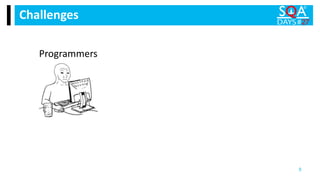
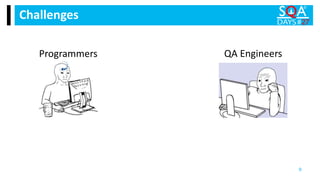
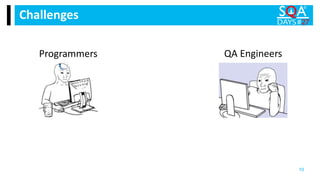
Challenges
5
Programmers
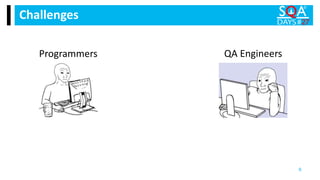
Challenges
6
Programmers QA Engineers
Challenges
7
Programmers QA Engineers
Challenges
8
Programmers QA Engineers
Challenges
9
Programmers QA Engineers
Challenges
10
Programmers QA Engineers
Challenges
11
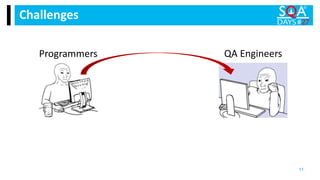
Programmers QA Engineers
Challenges
12
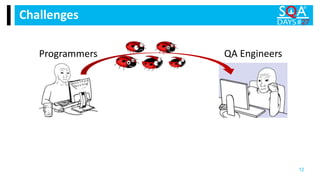
Programmers QA Engineers
Challenges
13
Programmers QA Engineers
Challenges
14
Programmers QA Engineers
Challenges
15
Programmers QA Engineers
Challenges
16
Programmers QA Engineers
Challenges
17
Programmers QA Engineers
Challenges
18
Programmers QA Engineers
Challenges
19
Programmers QA Engineers
Challenges
20
Programmers QA Engineers
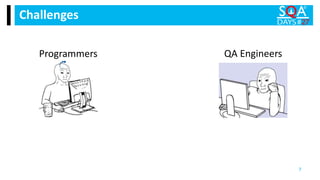
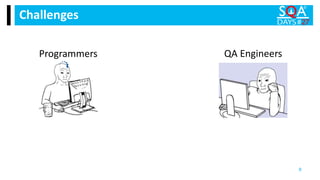
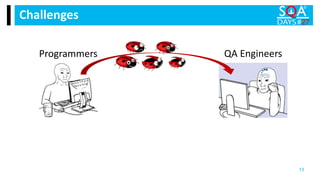
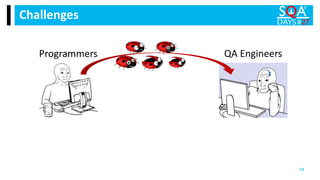
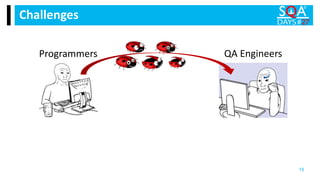
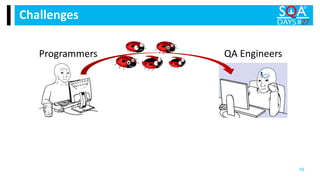
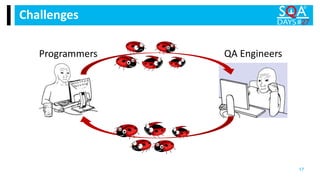
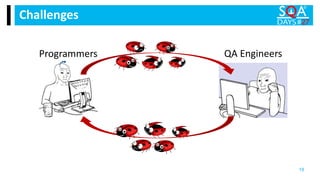
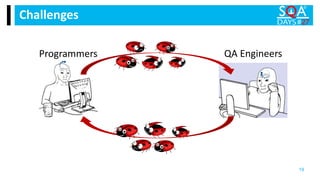
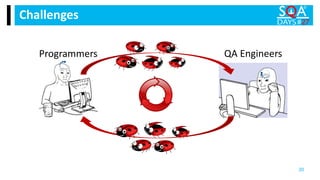
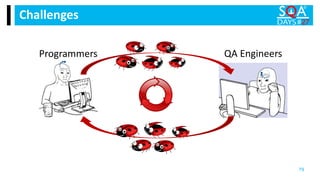
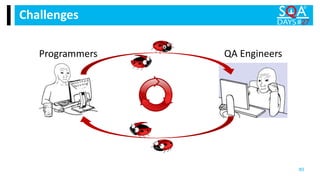
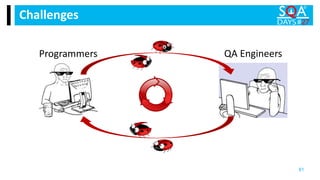
 Programmers miss bugs
 QA Engineers spend time to find them
 Programmers spend time to fix them
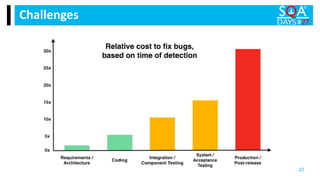
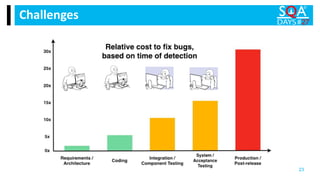
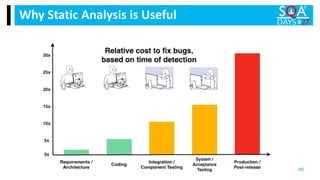
 Cost to fix bugs rises rapidly
Challenges
21
Challenges
22
Challenges
23
But sometimes tests
skip errors…
24
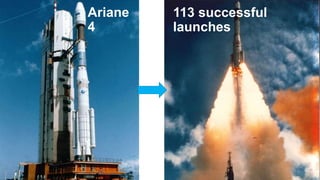
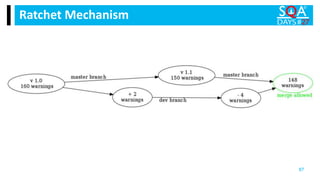
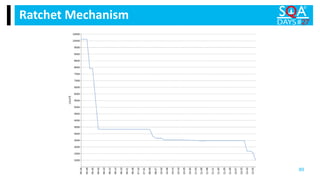
Ariane
4
25
Ariane 4
26
113 successful
launches
Ariane
4
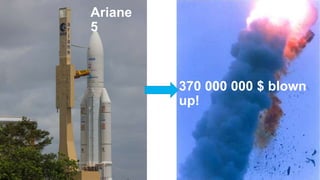
Ariane
5
27
28
Ariane
5
370 000 000 $ blown
up!
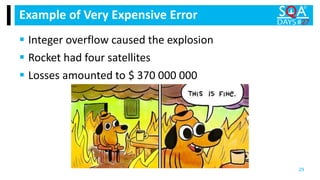
 Integer overflow caused the explosion
 Rocket had four satellites
 Losses amounted to $ 370 000 000
Example of Very Expensive Error
29
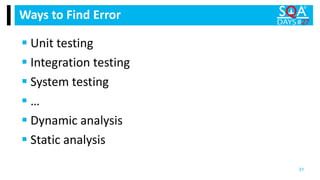
 Unit testing
 Integration testing
 System testing
 …
Ways to Find Error
30
 Unit testing
 Integration testing
 System testing
 …
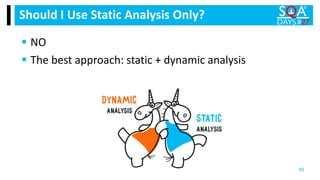
 Dynamic analysis
 Static analysis
Ways to Find Error
31
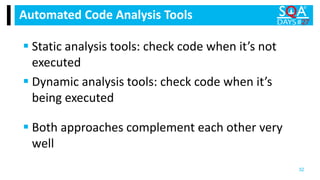
 Static analysis tools: check code when it’s not
executed
 Dynamic analysis tools: check code when it’s
being executed
Automated Code Analysis Tools
32
 Both approaches complement each other very
well
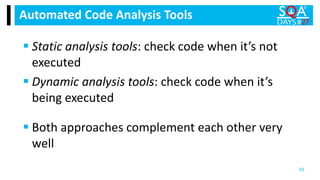
 Static analysis tools: check code when it’s not
executed
 Dynamic analysis tools: check code when it’s
being executed
Automated Code Analysis Tools
33
 Both approaches complement each other very
well
Static Analysis Automatically
Searches for Bugs
34
35
 Covers the entire code
 Works fast
 Is convenient for all sizes of projects
 Saves programmer’s time
 Saves QA Engineers’ time
Static Analysis Pros
36
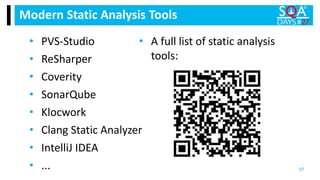
Modern Static Analysis Tools
37
• PVS-Studio
• ReSharper
• Coverity
• SonarQube
• Klocwork
• Clang Static Analyzer
• IntelliJ IDEA
• ...
• A full list of static analysis
tools:
How It Works: Static Analysis in UE 4
38
How It Started
39
 My boss found errors in UE 4
and wrote an article
 The developers of Epic Games
liked the article a lot
 They wanted to fix more errors
and entrusted it to us
How It Started
40
The First Check
(or How We Screwed Up)
41
 The most convenient way: check the project via
Visual Studio
 It’s great that UE has a set of scripts for .vcxproj-
files
The First Check
42
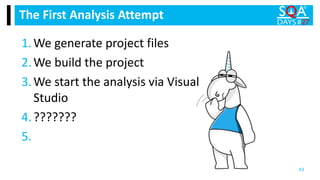
1.We generate project files
2.We build the project
3.We start the analysis via Visual
Studio
4.???????
5.
The First Analysis Attempt
43
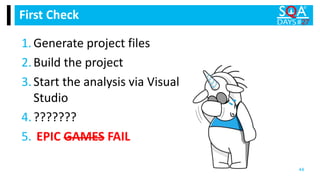
1.Generate project files
2.Build the project
3.Start the analysis via Visual
Studio
4.???????
5. EPIC GAMES FAIL
First Check
44
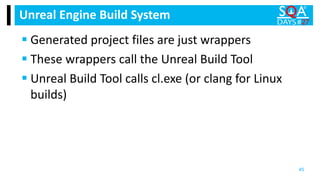
 Generated project files are just wrappers
 These wrappers call the Unreal Build Tool
 Unreal Build Tool calls cl.exe (or clang for Linux
builds)
Unreal Engine Build System
45
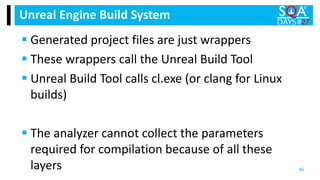
 Generated project files are just wrappers
 These wrappers call the Unreal Build Tool
 Unreal Build Tool calls cl.exe (or clang for Linux
builds)
 The analyzer cannot collect the parameters
required for compilation because of all these
layers
Unreal Engine Build System
46
The Second Check
(or How We Did Everything Right)
47
 What if we try to find compiler calls directly?
The Second Check
48
 What if we try to find compiler calls directly?
 We’re lucky to have a special utility to monitor
compilation
The Second Check
49
1.Start the compilation monitoring
utility before building the project
2.The utility builds all the necessary
data
3.Right after build run the analysis
4.???????
5.
The Second Analysis Attempt
50
The Second Analysis Attempt
51
1.Start the compilation monitoring
utility before building the project
2.The utility builds all the necessary
data
3.Right after build run the analysis
4.???????
5. EPIC WIN!!!
Analysis Results
52
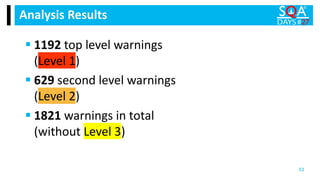
Analysis Results
 1192 top level warnings
(Level 1)
 629 second level warnings
(Level 2)
 1821 warnings in total
(without Level 3)
53
54
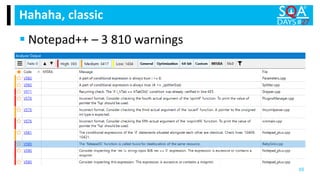
Hahaha, classic
 Notepad++ – 3 810 warnings
55
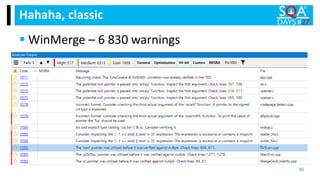
Hahaha, classic
 WinMerge – 6 830 warnings
56
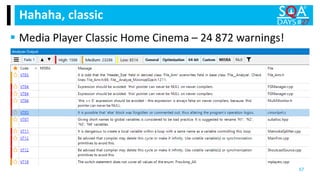
Hahaha, classic
 Media Player Classic Home Cinema – 24 872 warnings!
57
How We Fixed Bugs
58
 At night we built the final version of UE 4
 We analyzed each build
 In the morning, we got a new report with errors found
 What’s more, we could check the build right away
How We Fixed Bugs
59
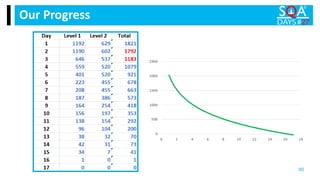
Our Progress
60
60
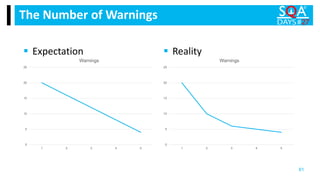
The Number of Warnings
61
0
5
10
15
20
25
1 2 3 4 5
Warnings
0
5
10
15
20
25
1 2 3 4 5
Warnings
 Expectation  Reality
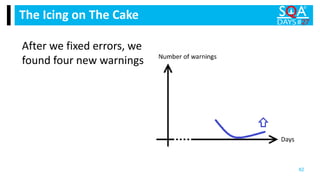
After we fixed errors, we
found four new warnings
The Icing on The Cake
62
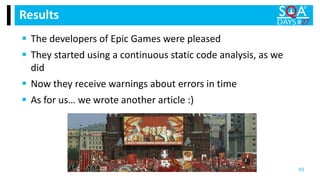
 The developers of Epic Games were pleased
 They started using a continuous static code analysis, as we
did
 Now they receive warnings about errors in time
 As for us… we wrote another article :)
Results
63
Best Way to Introduce Static Analysis in
Your Project
64
 Run the analysis in the early
stages
 Run the analysis regularly
Two Main Approaches
65
Why Static Analysis is Useful
66
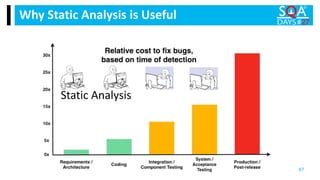
Why Static Analysis is Useful
67
Static Analysis
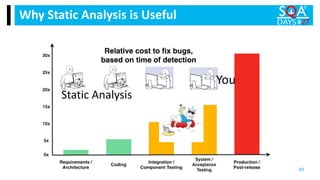
Why Static Analysis is Useful
68
Static Analysis
You
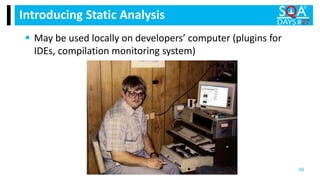
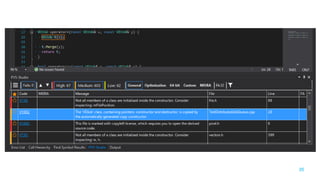
 May be used locally on developers’ computer (plugins for
IDEs, compilation monitoring system)
Introducing Static Analysis
69
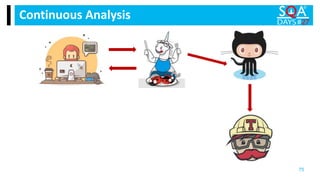
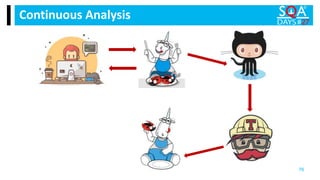
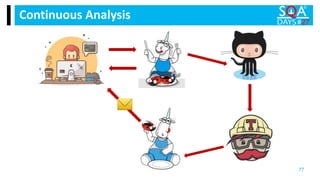
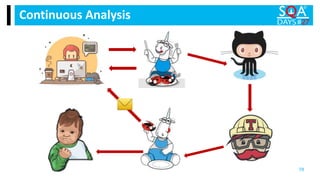
 May be used in Continuous Integration Systems (command-
line utilities, CI-system plugins, monitoring systems)
Introducing Static Analysis
70
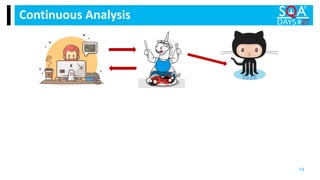
Continuous Analysis
71
Continuous Analysis
72
Continuous Analysis
73
Continuous Analysis
74
Continuous Analysis
75
Continuous Analysis
76
Continuous Analysis
77
Continuous Analysis
78
Challenges
79
Programmers QA Engineers
Challenges
80
Programmers QA Engineers
Challenges
81
Programmers QA Engineers
Fix Old Warnings Gradually
82
Suppress files introduce the "mass suppression of
analyzer messages" mechanism.
Suppress files
83
 Hide old errors – work as usual
 Have only new warnings from now on
 Gain analysis benefits RIGHT AWAY
 Don’t forget about hidden errors! Get back to them and
gradually fix.
Suppress files allow you to
84
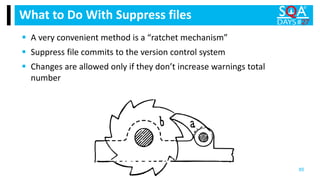
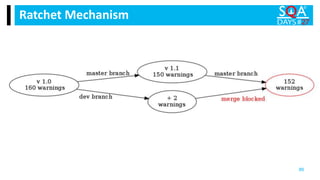
 A very convenient method is a “ratchet mechanism”
 Suppress file commits to the version control system
 Changes are allowed only if they don’t increase warnings total
number
What to Do With Suppress files
85
Ratchet Mechanism
86
Ratchet Mechanism
87
 Ivan Ponomaryov — Continuous Static Code
Analysis​
Talk on Related Topic
88
Ratchet Mechanism
89
 NO
 The best approach: static + dynamic analysis
Should I Use Static Analysis Only?
90
Conclusion
91
Conclusion
92
Help programmers find bugs and make
your life easier!
Gift from PVS-Studio
93
Free license
for open-source projects:
One-month PVS-Studio free
trial​:
www.pvs-studio.com/pvs-free-
opensource
www.pvs-studio.com/download-
sqadays
END
Q&A94

Make Your and Other Programmer’s Life Easier with Static Analysis (Unreal Engine 4)