Download to read offline



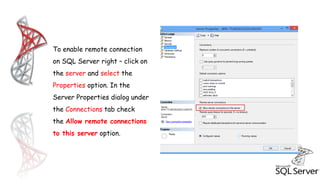
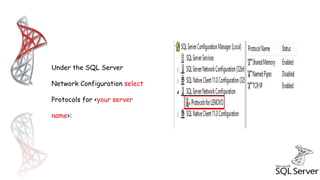
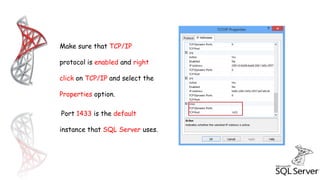
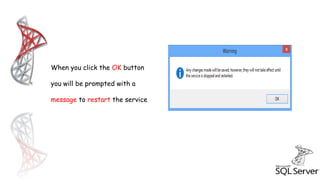
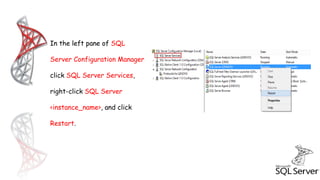

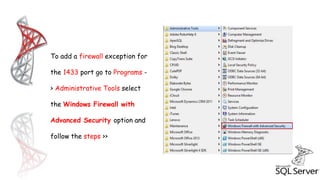
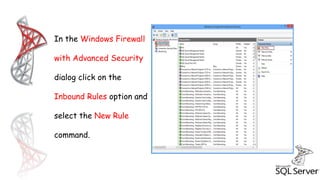

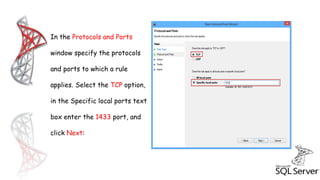
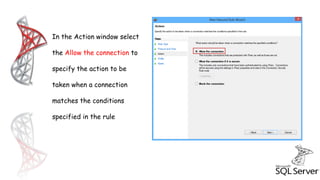
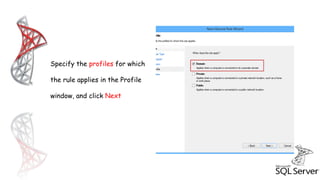
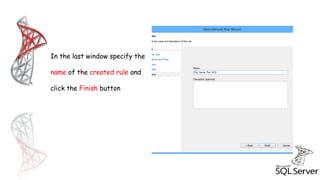
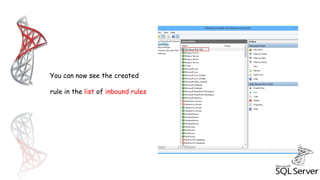


This document provides instructions for enabling remote connections to Microsoft SQL Server and opening the required port in the Windows firewall. It explains how to enable remote connections in SQL Server properties, configure TCP/IP, restart the SQL Server service, and add an inbound firewall rule for port 1433, which is the default port used by SQL Server.


![제 23회 보아즈(BOAZ) 빅데이터 컨퍼런스 - [MBOAX] : ABSA를 활용한 소비자 반응 분석 기반 운영 효율화 대시보드 설계](https://cdn.slidesharecdn.com/ss_thumbnails/3-1boaz23rdconferencemboax-260203102709-9d519923-thumbnail.jpg?width=640&height=640&fit=bounds)


