Downloaded 25 times
![1) HW MW (RTN950)
1. HW two day before send the eNB script, IP Plan and HW PIC to SP/TF (PIC: Reeve)
2. SP/TF reach site and call to HW PIC and M1 before start
3. SP/TF connect LTE eNB optic cable to RTN 950 EG2 Port2
4. SP/TF start commission eNB via USB [Please refer to Commissioning Guidelines]
5. After eNB reset, SP/TF Call HW PIC, inform work done and wait for HW PIC call back
6. HW PIC check the transmission, eNB configuration, hardware condition, alarms, INS
LICENSE and LOC RRUTC
7. If normal, HW PIC call to SP/TF and SP/TF will log in to eNB via webLMT (set IP in your
laptop: 192.168.0.50), start to check VSWR, PCI check and do the speedtest.net with aid
of Probe [Please refer to Commissioning Guidelines]
8. SP/TF Call HW PIC and M1, inform work done, SMS to HW Wee [SMS content: LTE Site
ID_LTE Site name_Integration date and time) and leave site
9. HW PIC DEA CELL, send SMS to internal team (eRan/RF/PJ) instantly and send the
integration report to M1](https://image.slidesharecdn.com/m1lteenodebintegrationworkflowv1-819oct2011-120530123514-phpapp01/75/M1-lte-e-nodeb-integration-work-flow-v1-8-19oct2011-1-2048.jpg)
![2) Existing EVPL (ATN910)
1. HW two days before send the script/IP Plan/HW PIC to subcon (PIC: Reeve: collect ATN
script, 3G script and eNB script)
2. SP/TF reach site and call to HW PIC and M1 before start
3. SP/TF lay the 3G FE cable between ATN 910 CXPH Ethernet 0/2/18 and HW 3G UFLP
OUTSIDE FE0
4. SP/TF lay the optical cable from source Singtel Megapop to ATN910 EF8F Optical Port:
0/3/0
5. SP/TF connect the LTE optic cable to ATN910 GE 0/2/17
6. SP/TF plug in USB to LTE eNB LMPT and start commission eNB [Please refer to
Commissioning Guidelines]
7. SP/TF commissioning ATN910 via console cable
8. Check and upgrade ATN910 if the version is NOT V200R001C00SPC300 [Please refer to
ATN910 Config Guide v2 10102011.pptx]
9. Next, set IP in your laptop by refer to the email from Reeve (from tomorrow onwards,
Reeve will send the script together with the IP plan)
Email from Reeve:
NodeB IP NodeB
Address Gateway NE40E IP
(Dest.IP)
(local [use for Sub-net
ID Site Address (local IP) Gateway) Ping test] mask](https://image.slidesharecdn.com/m1lteenodebintegrationworkflowv1-819oct2011-120530123514-phpapp01/75/M1-lte-e-nodeb-integration-work-flow-v1-8-19oct2011-2-2048.jpg)
![359 35941_Spore_Exchange_Centre 172.25.81. 172.25.81. 172.18.147 255.255.255
41 _(Tower_2) 218 220 .126 .248
10. SP/TF connect the FE cable from ATN 910 CXPH Ethernet 0/2/18 to your laptop (assume
your laptop as 3G NodeB)
11. SP/TF call HW PIC before EVPL cutover
12. HW PIC DEA CELL and call to SP/TF to proceed
13. SP/TF change optical cable from 3G WMPT FE01 to ATN910 EF8F Optical Port: 0/3/0
(existing SFP will be reuse, and the existing optical cable will be reuse for next site)
14. Next, start to do the ping test via Window CMD command (the destination IP refer to
the IP plan from Reeve’s email)
15. If Ping test fail, please call to HW PIC for troubleshoot.
16. If 3G down time more than 15mins, HW PIC will call to SP/TF and revert back the fiber
to 3G WMPT FE01
17. After troubleshoot, HW PIC will call again to SP/TF to do the same PING TEST. Please
connect the fiber to ATN 910 CXPH Ethernet 0/2/18 again and start to do the ping test
18. If normal, please connect the FE cable from your laptop to HW 3G UFLP OUTSIDE FE0
19. Next, change your laptop IP to: 17.21.2.16, connect to 3G NB via LMT, backup NB
configuration, and upload 3G NB new script.
20. HW PIC run the RNC script for 3G
21. Next, 3G NB will reset.
22. HW PIC will check the 3G NB condition
23. At the same time, HW PIC will check the LTE eNB transmission, eNB configuration,
hardware condition, alarms, INS LICENSE and LOC RRUTC
24. SP/TF will log in to eNB via webLMT (set IP in your laptop: 192.168.0.50), start to check
VSWR and PCI check
25. If normal, HW PIC will call SP/TF and start to do the services verification for 3G NB and
LTE eNB at each sector
26. 3G NB services: video call, PS call download and upload via speedtest.net
27. LTE eNB services: speedtest.net with aid of Probe [Please refer to Commissioning
Guidelines]
28. SP/TF call HW PIC, inform work done, SMS to HW Wee [SMS content: LTE Site ID_LTE
Site name_Integration date and time) and leave site](https://image.slidesharecdn.com/m1lteenodebintegrationworkflowv1-819oct2011-120530123514-phpapp01/75/M1-lte-e-nodeb-integration-work-flow-v1-8-19oct2011-3-2048.jpg)
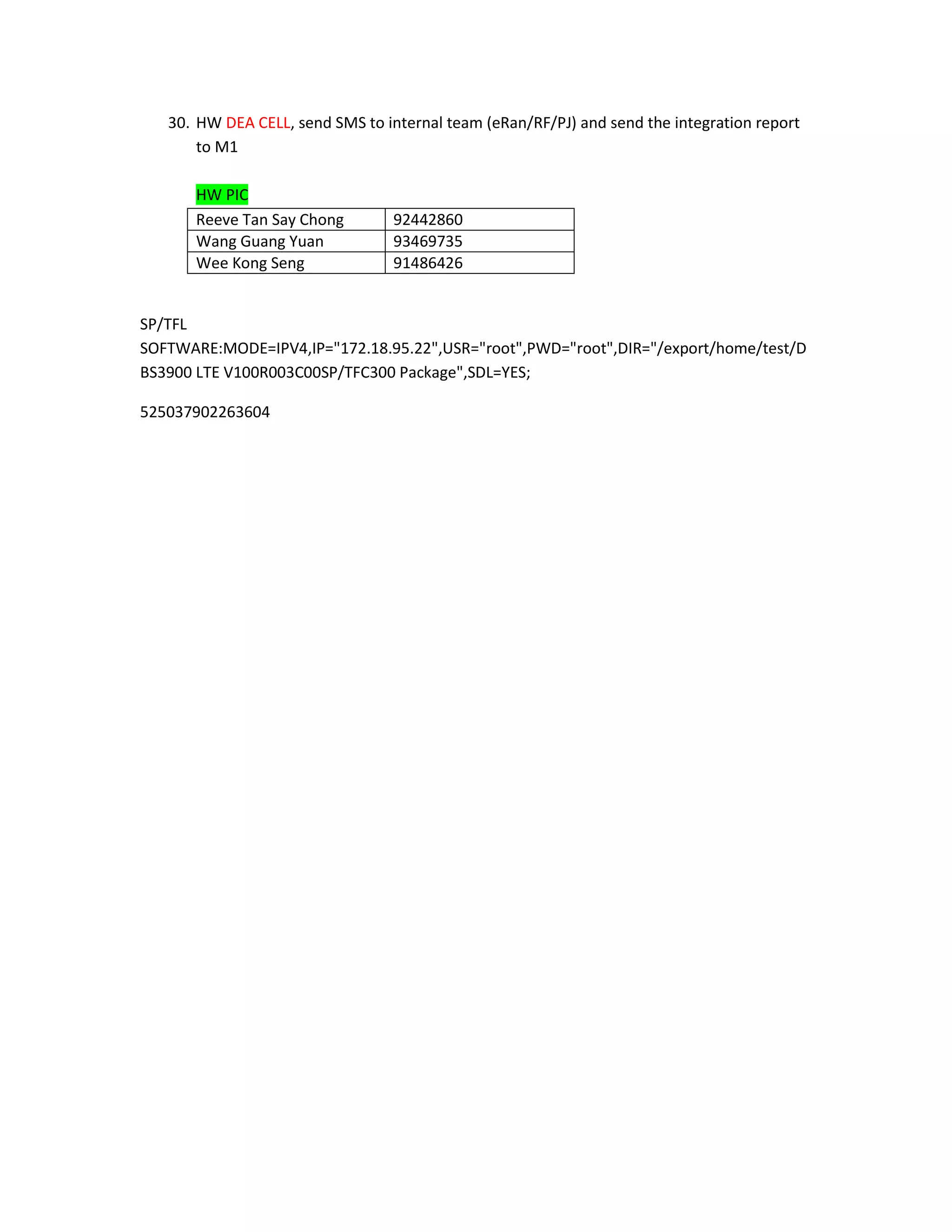
![29. HW DEA CELL, send SMS to internal team (eRan/RF/PJ) instantly and send the
integration report to M1
3) New EVPL (ATN910)
1. HW two days before send the script/IP Plan/HW PIC to subcon (PIC: Reeve: collect ATN
script, 3G script and eNB script)
2. SP/TF reach site and call to HW PIC and M1 before start
3. For new ATN910 (3G existing used E1), please use Media Converter as interval connect
between laptop and Singtel Megapop
4. SP/TF do the Ping Test (IP will be provided by HW PIC)
5. If Ping Test success, please continue next step. Otherwise, hold until ping test succeed
6. SP/TF plug in USB to LTE eNB LMPT and start commission eNB [Please refer to
Commissioning Guidelines]
7. SP/TF lay all the physicals cables first, next is up the LTE eNB and finally cutover 3G
from E1 to EVPL
8. SP/TF connect the 3G FE cable between ATN 910 CXPH Ethernet 0/2/18 and HW 3G
UFLP OUTSIDE FE0
9. SP/TF connect the LTE optic cable to ATN910 GE 0/2/17
10. SP/TF connect the new optical cable from source EVPL to ATN910 EF8F Optical Port:
0/3/0
11. SP/TF commissioning ATN910 via console cable
12. Check and upgrade ATN910 if the version is NOT V200R001C00SP/TFC300[Please refer
to ATN910 Config Guide v2 10102011.pptx]
13. Set IP in your laptop by refer to the email from Reeve (from tomorrow onwards, Reeve
will send the script together with the IP plan)
Email from Reeve:
NodeB IP NodeB Sub-net
ID Site Address Address Gateway NE40E IP mask](https://image.slidesharecdn.com/m1lteenodebintegrationworkflowv1-819oct2011-120530123514-phpapp01/75/M1-lte-e-nodeb-integration-work-flow-v1-8-19oct2011-4-2048.jpg)
![(Dest.IP)
(local [use for
(local IP) Gateway) Ping test]
359 35941_SP/TFore_Exchange_Cent 172.25.81 172.25.81 172.18.147 255.255.25
41 re_(Tower_2) .218 .220 .126 5.248
14. SP/TF connect the FE cable from ATN 910 CXPH Ethernet 0/2/18 to your laptop (assume
your laptop as 3G NodeB)
15. Check and upgrade ATN910 if the version is NOT V200R001C00SP/TFC300[Please refer
to ATN910 Config Guide v2 10102011.pptx]
16. Next, start to do the ping test via Window CMD command (the destination IP refer to
the IP plan from Reeve’s email)
17. If Ping test fail, please call to HW PIC for troubleshoot.
18. After troubleshoot, HW PIC will call again to SP/TF to do the same PING TEST.
19. If normal, please connect the FE cable from your laptop to HW 3G UFLP OUTSIDE FE0
20. SP/TF Call HW PIC, inform work done and wait for HW PIC call back
21. HW PIC check the transmission, eNB configuration, hardware condition, alarms, INS
LICENSE and LOC RRUTC
22. If normal, HW PIC call to SP/TF and SP/TF will log in to eNB via webLMT (set IP in your
laptop: 192.168.0.50), start to check VSWR and PCI check
23. Next is 3G cutover from E1 to EVPL
24. Change your laptop IP to: 17.21.2.16, connect to 3G NB via LMT and backup NB
configuration
25. SP/TF call HW PIC to DEA CELL
26. SP/TF upload 3G NB new script
27. At the same time, HW PIC run the RNC script
28. Next, NB will reset
29. HW PIC will check the 3G NB condition
30. If normal, HW PIC will call SP/TF and start to do the services verification for 3G NB and
LTE eNB at each sector
31. 3G NB services: video call, PS call download and upload via speedtest.net
32. LTE eNB services: speedtest.net with aid of Probe [Please refer to Commissioning
Guidelines]
33. SP/TF call HW PIC, inform work done, SMS to HW Wee [SMS content: LTE Site ID_LTE
Site name_Integration date and time) and leave site](https://image.slidesharecdn.com/m1lteenodebintegrationworkflowv1-819oct2011-120530123514-phpapp01/75/M1-lte-e-nodeb-integration-work-flow-v1-8-19oct2011-5-2048.jpg)

1) The document outlines the steps for integrating a new LTE eNB (RTN950) with an existing ATN910 network access node or a new ATN910 node. 2) For a new integration, the steps include preparing hardware and software, installing cables, commissioning the eNB and ATN910, verifying IP connectivity and services. 3) For an existing ATN910, additional steps are required to migrate the existing 3G network from E1 to the new EVPL without disruption of service. Comprehensive testing is done before and after the migration to validate no outage.


![Coded Agents – with UiPath SDK + LangGraph [Virtual Hands-on Workshop]](https://cdn.slidesharecdn.com/ss_thumbnails/codedagentsdeck-251215155422-5497c599-thumbnail.jpg?width=640&height=640&fit=bounds)


