Download to read offline

![Under
‘Restrict by
Document
Segment’ >
select ‘CITE’
> Enter
“[1965] AC
1175” > ‘Add’
> ‘Search’.
Search by case citation:](https://image.slidesharecdn.com/lexis-150819032051-lva1-app6892/85/Locating-a-specific-UK-case-on-Lexis-8-320.jpg)
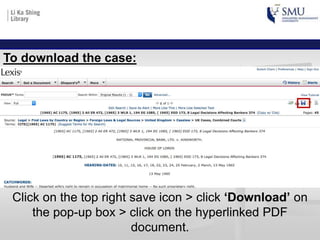
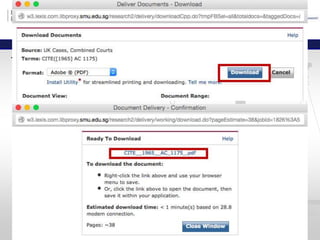
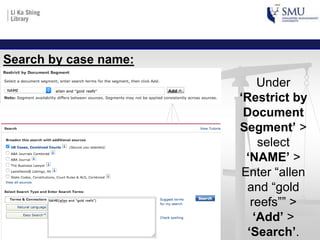

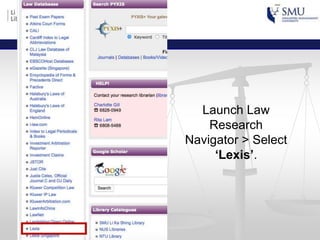
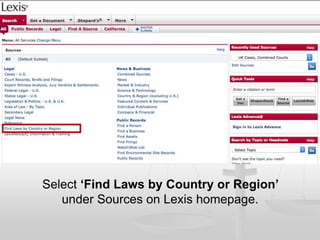
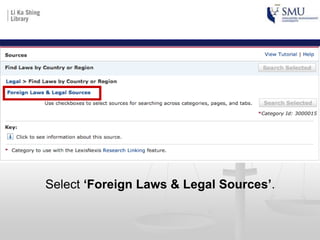
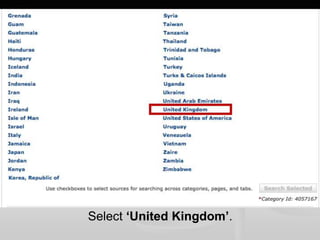
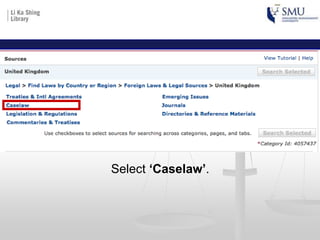
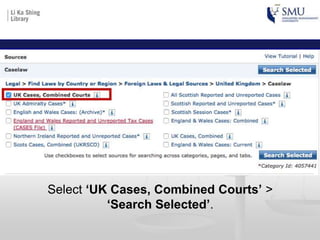
This document provides instructions for locating a specific UK case on the Lexis database. It outlines the steps to select the United Kingdom and Caselaw sources on the Lexis homepage, then allows the user to search by case citation or name. The instructions explain that entering a case citation or name in the appropriate field and clicking search will return results that can be downloaded as a PDF document by clicking the save icon and download option.


