Linux Firewall
June 29 2014
Vinoth Sivasubramanian
Ganapathy Kannan
Agenda
 Introduction to Linux Firewalls
 Firewall Basics
 IP Tables
 Firewall Management
 Challenges and Solutions
Introduction
 Why Need a Firewall
 Improved Access Control at Network Layer and Transport Layer
 Better Detection Capabilities
 Why Linux Firewalls
 Open source  Low Cost
 Flexible  Can align with business and user need
 Continual improvement
What is a firewall?
 What is a firewall ???
A firewall is a device filtering traffic between 2 or more networks
based on predefined rules
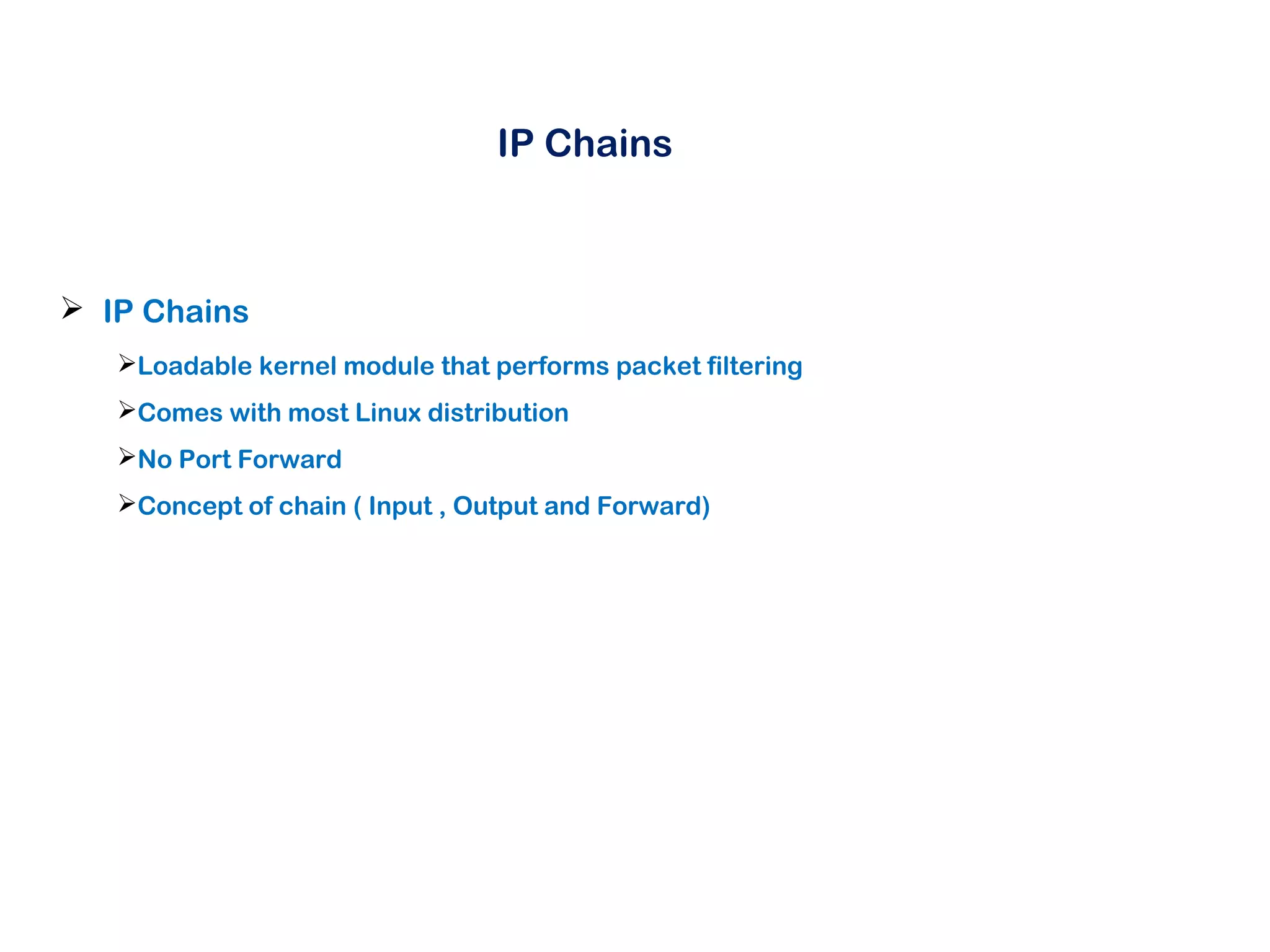
IP Chains
 IP Chains
Loadable kernel module that performs packet filtering
Comes with most Linux distribution
No Port Forward
Concept of chain ( Input , Output and Forward)
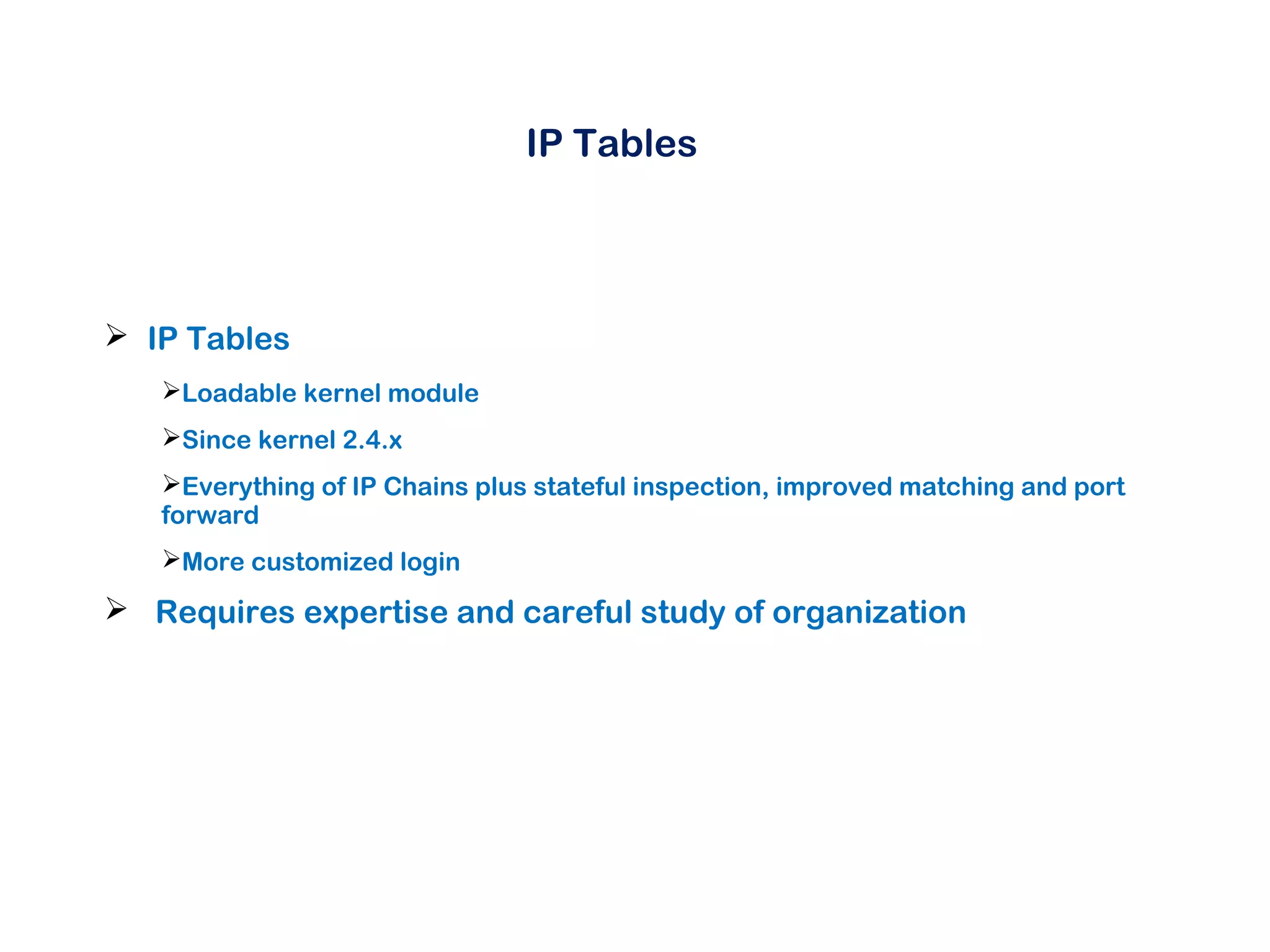
IP Tables
 IP Tables
Loadable kernel module
Since kernel 2.4.x
Everything of IP Chains plus stateful inspection, improved matching and port
forward
More customized login
 Requires expertise and careful study of organization
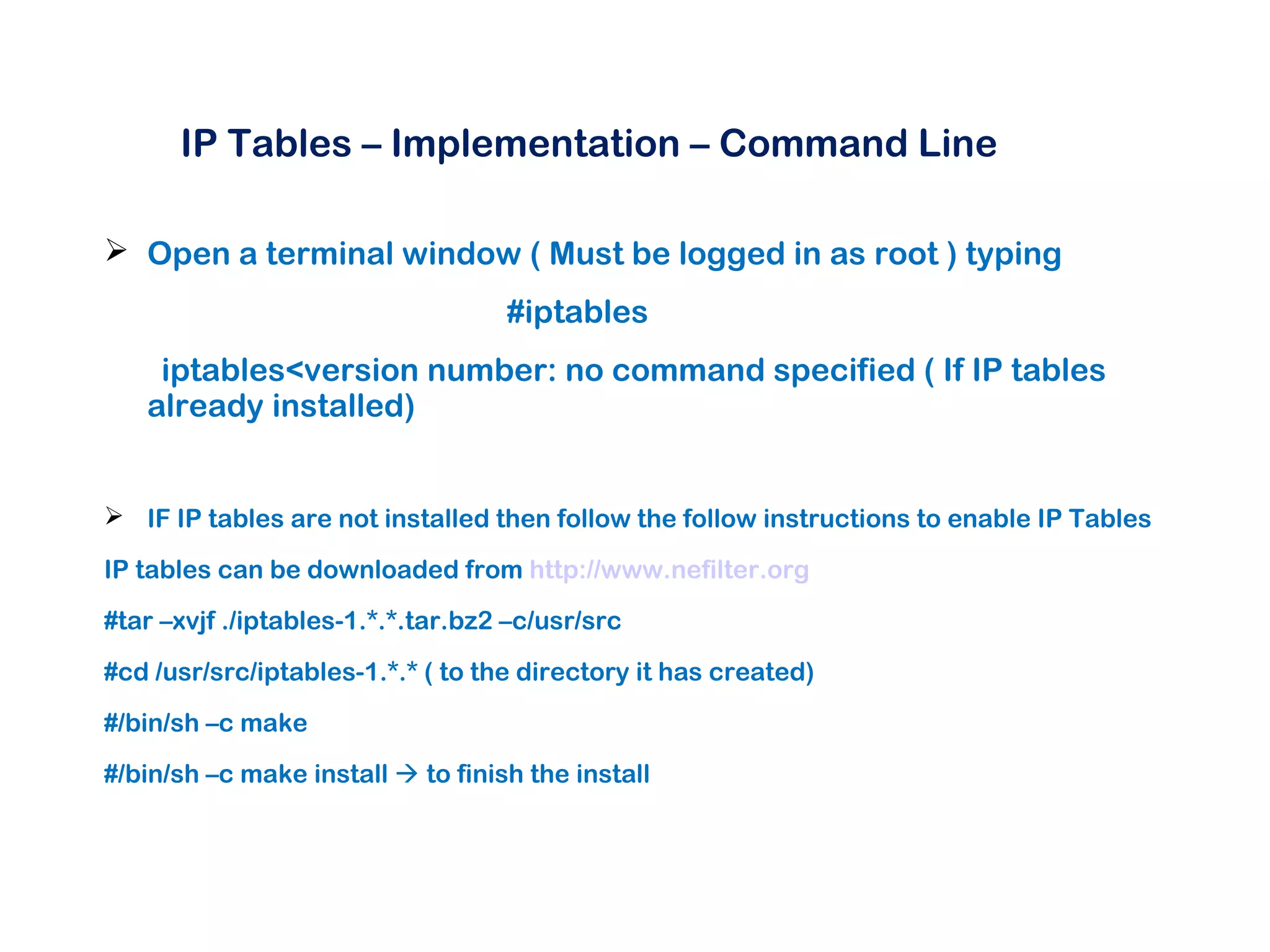
IP Tables – Implementation – Command Line
 Open a terminal window ( Must be logged in as root ) typing
#iptables
iptables<version number: no command specified ( If IP tables
already installed)
 IF IP tables are not installed then follow the follow instructions to enable IP Tables
IP tables can be downloaded from http://www.nefilter.org
#tar –xvjf ./iptables-1.*.*.tar.bz2 –c/usr/src
#cd /usr/src/iptables-1.*.* ( to the directory it has created)
#/bin/sh –c make
#/bin/sh –c make install  to finish the install
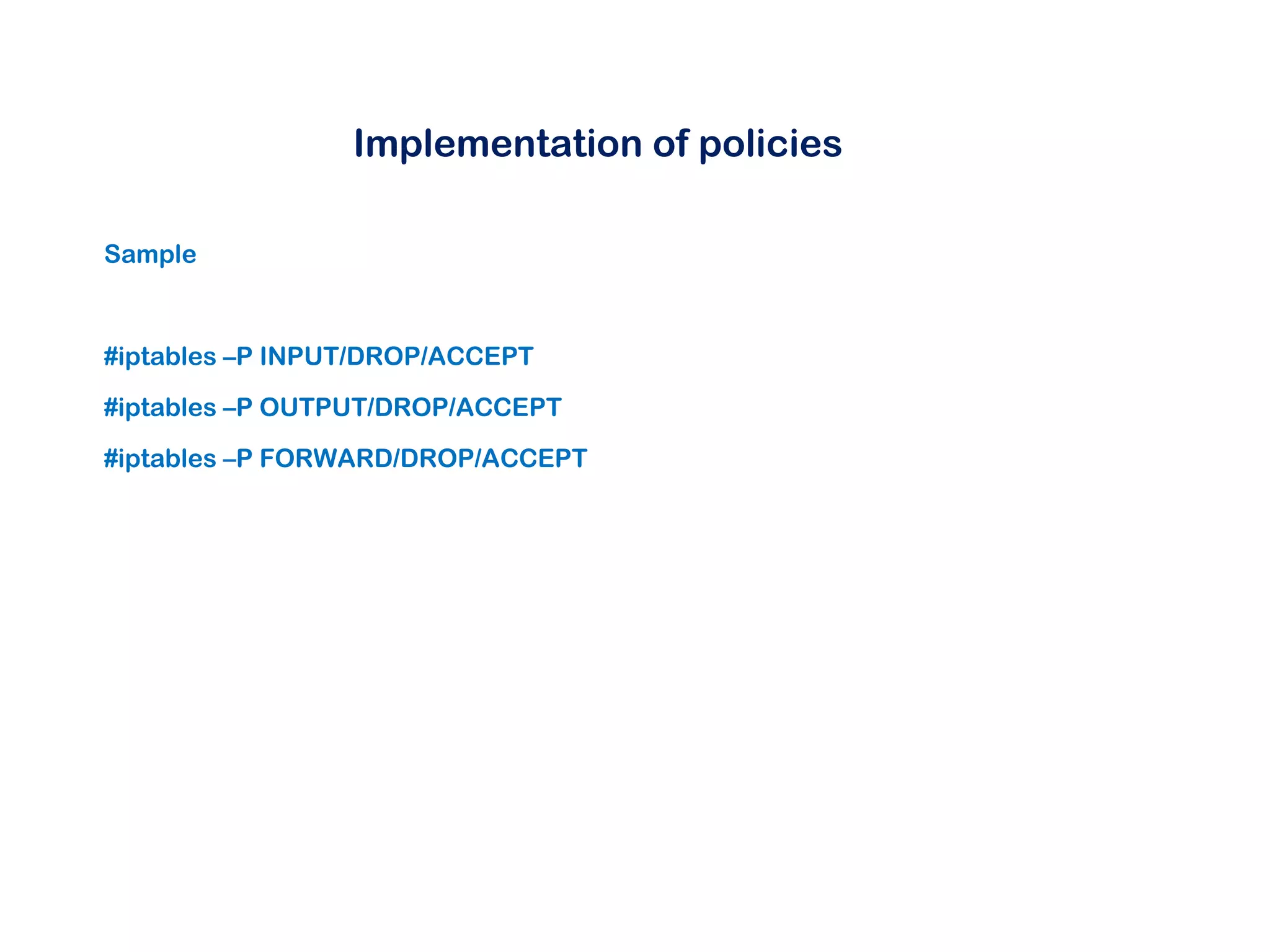
Implementation of policies
Sample
#iptables –P INPUT/DROP/ACCEPT
#iptables –P OUTPUT/DROP/ACCEPT
#iptables –P FORWARD/DROP/ACCEPT
Implementation of policies
Implementing Rules
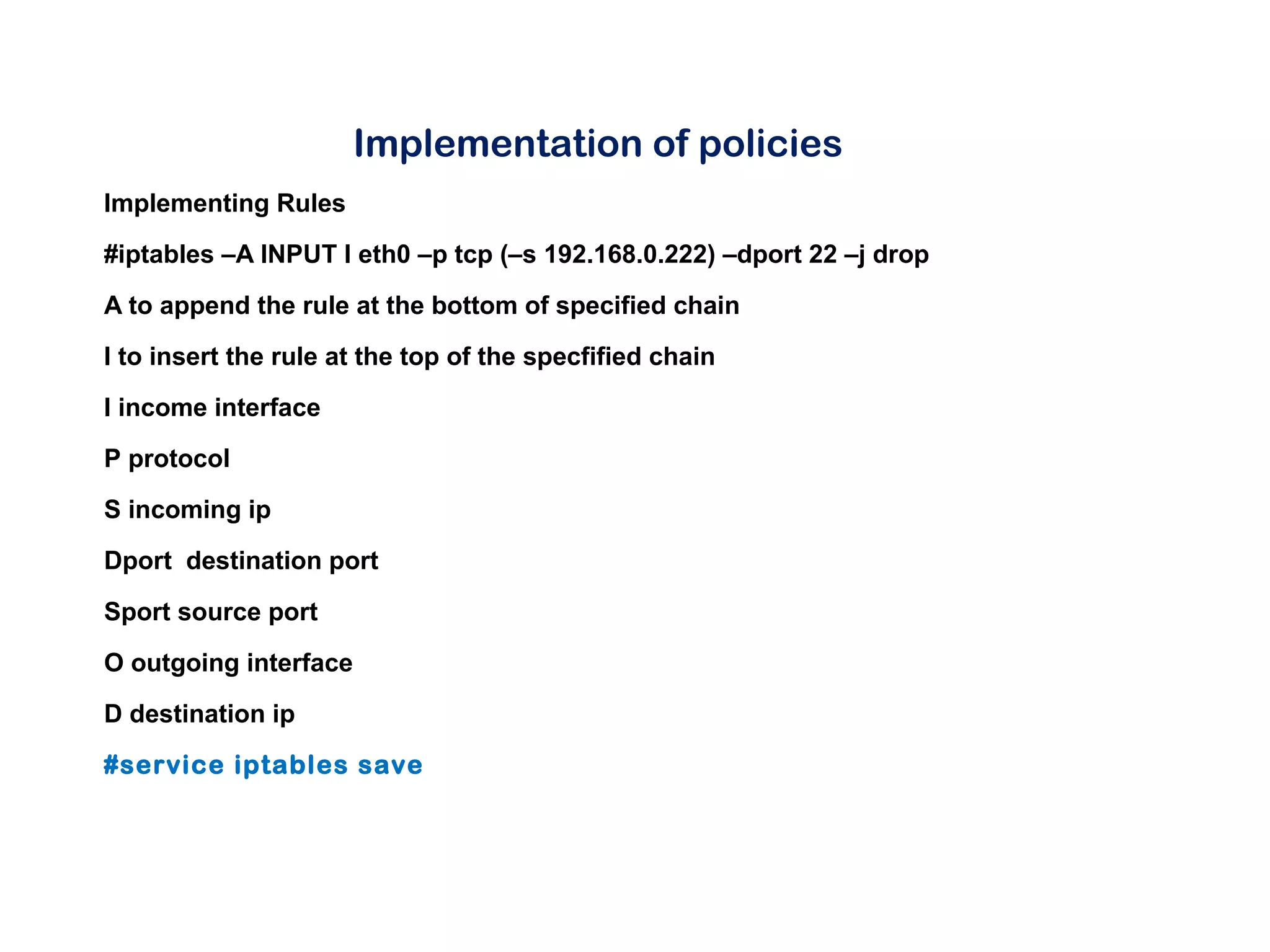
#iptables –A INPUT I eth0 –p tcp (–s 192.168.0.222) –dport 22 –j drop
A to append the rule at the bottom of specified chain
I to insert the rule at the top of the specfified chain
I income interface
P protocol
S incoming ip
Dport destination port
Sport source port
O outgoing interface
D destination ip
#service iptables save
Implementation of policies
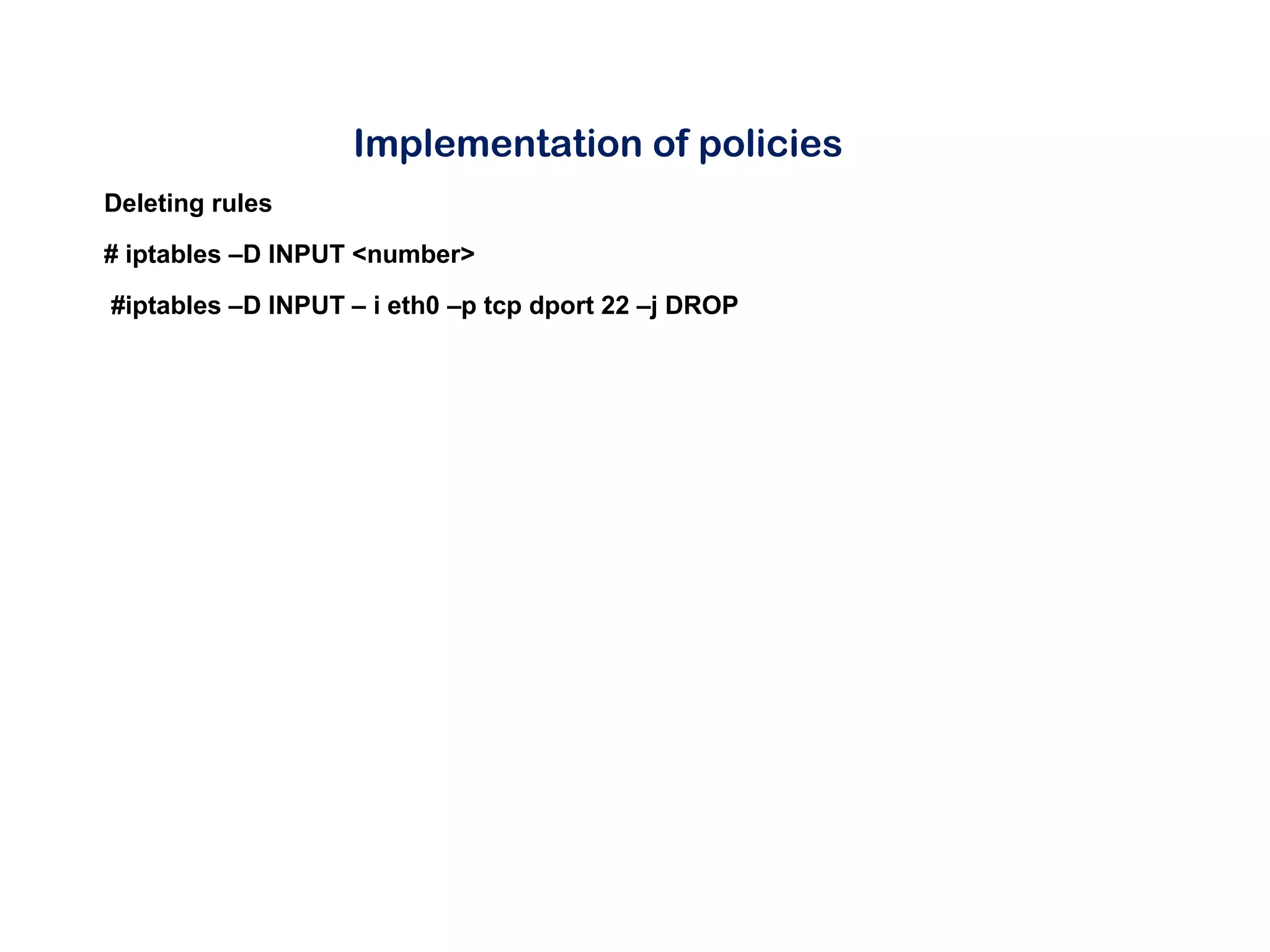
Deleting rules
# iptables –D INPUT <number>
#iptables –D INPUT – i eth0 –p tcp dport 22 –j DROP
Implementation of policies using GUI
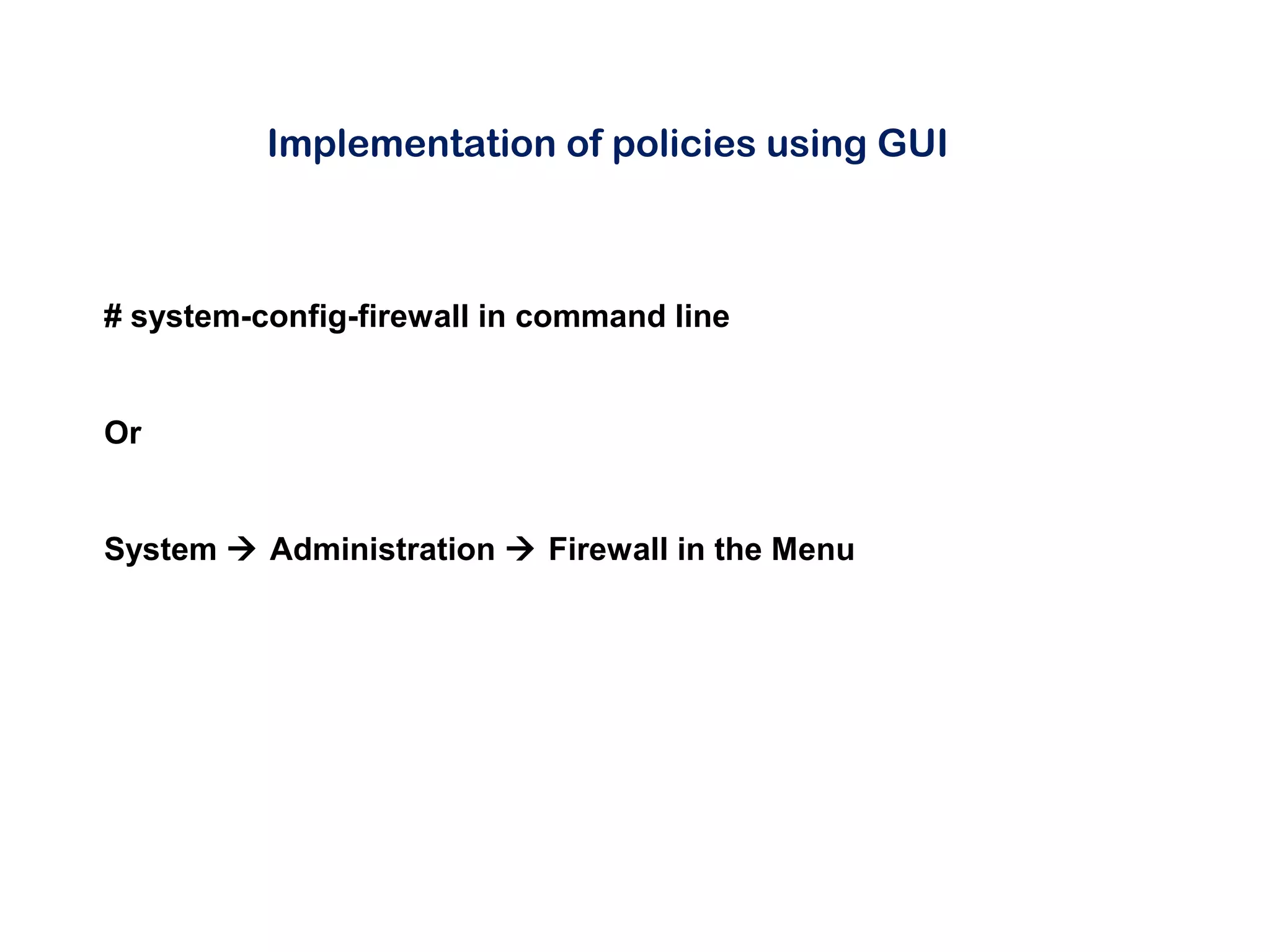
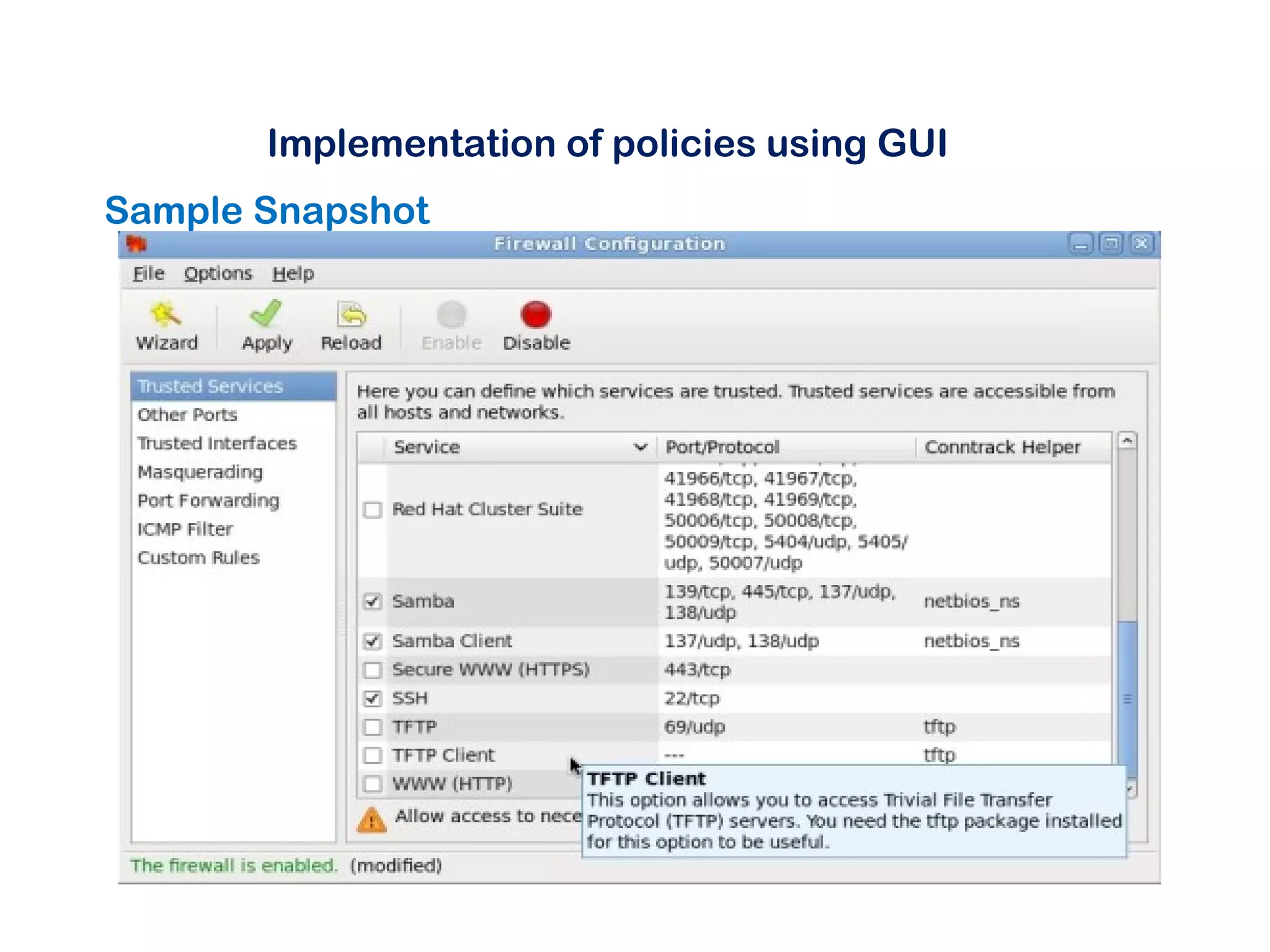
# system-config-firewall in command line
Or
System  Administration  Firewall in the Menu
Implementation of policies using GUI
Sample Snapshot
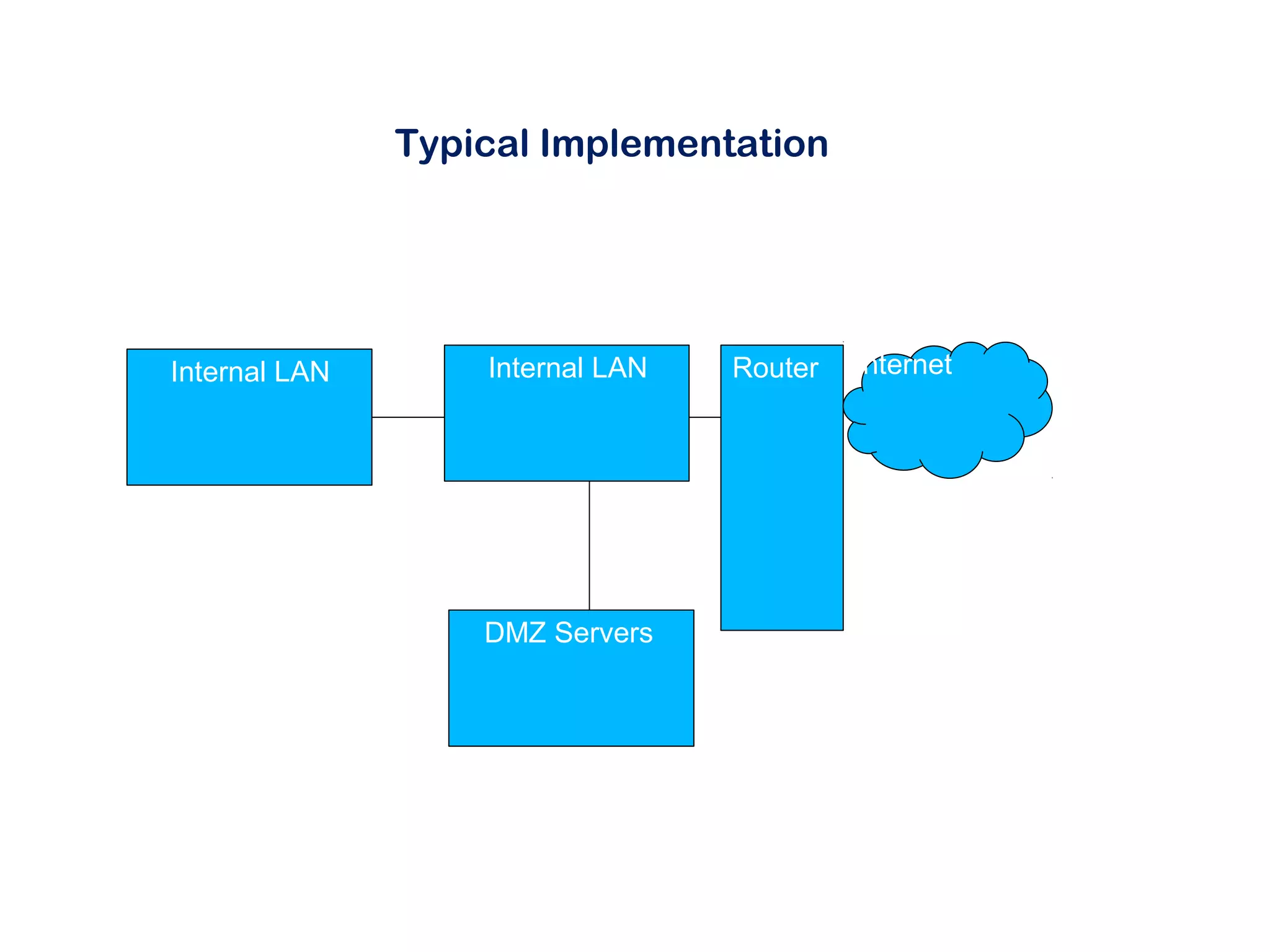
Typical Implementation
Internal LAN
DMZ Servers
Internal LAN Router Internet
Tools for Compiling IPTables
 www.fwbuilder.org  Online tool to help build Linux firewall rules ( Open source)
 fwlogwatch.inside-security.de/  Tool to analyse IP tables logs
 Challenges
 No clear visibility on flow of traffic , ports and services used in the
organization
 Solutions to them are documenting the ports, services being used in the
organization
 Does not do deep packet inspection to filter malicious traffic
Thank You
Q& A

Linux Firewall - NullCon Chennai Presentation

  • 1.
    Linux Firewall June 292014 Vinoth Sivasubramanian Ganapathy Kannan
  • 2.
    Agenda  Introduction toLinux Firewalls  Firewall Basics  IP Tables  Firewall Management  Challenges and Solutions
  • 3.
    Introduction  Why Needa Firewall  Improved Access Control at Network Layer and Transport Layer  Better Detection Capabilities  Why Linux Firewalls  Open source  Low Cost  Flexible  Can align with business and user need  Continual improvement
  • 4.
    What is afirewall?  What is a firewall ??? A firewall is a device filtering traffic between 2 or more networks based on predefined rules
  • 5.
    IP Chains  IPChains Loadable kernel module that performs packet filtering Comes with most Linux distribution No Port Forward Concept of chain ( Input , Output and Forward)
  • 6.
    IP Tables  IPTables Loadable kernel module Since kernel 2.4.x Everything of IP Chains plus stateful inspection, improved matching and port forward More customized login  Requires expertise and careful study of organization
  • 7.
    IP Tables –Implementation – Command Line  Open a terminal window ( Must be logged in as root ) typing #iptables iptables<version number: no command specified ( If IP tables already installed)  IF IP tables are not installed then follow the follow instructions to enable IP Tables IP tables can be downloaded from http://www.nefilter.org #tar –xvjf ./iptables-1.*.*.tar.bz2 –c/usr/src #cd /usr/src/iptables-1.*.* ( to the directory it has created) #/bin/sh –c make #/bin/sh –c make install  to finish the install
  • 8.
    Implementation of policies Sample #iptables–P INPUT/DROP/ACCEPT #iptables –P OUTPUT/DROP/ACCEPT #iptables –P FORWARD/DROP/ACCEPT
  • 9.
    Implementation of policies ImplementingRules #iptables –A INPUT I eth0 –p tcp (–s 192.168.0.222) –dport 22 –j drop A to append the rule at the bottom of specified chain I to insert the rule at the top of the specfified chain I income interface P protocol S incoming ip Dport destination port Sport source port O outgoing interface D destination ip #service iptables save
  • 10.
    Implementation of policies Deletingrules # iptables –D INPUT <number> #iptables –D INPUT – i eth0 –p tcp dport 22 –j DROP
  • 11.
    Implementation of policiesusing GUI # system-config-firewall in command line Or System  Administration  Firewall in the Menu
  • 12.
    Implementation of policiesusing GUI Sample Snapshot
  • 13.
    Typical Implementation Internal LAN DMZServers Internal LAN Router Internet
  • 14.
    Tools for CompilingIPTables  www.fwbuilder.org  Online tool to help build Linux firewall rules ( Open source)  fwlogwatch.inside-security.de/  Tool to analyse IP tables logs  Challenges  No clear visibility on flow of traffic , ports and services used in the organization  Solutions to them are documenting the ports, services being used in the organization  Does not do deep packet inspection to filter malicious traffic
  • 15.

Editor's Notes

  • #13 Fedora, Redhat
  • #14 Masquaredes all outgoing traffic Filter both incoming and outgoing traffic Port forward incoming traffic for your servers