Download to read offline
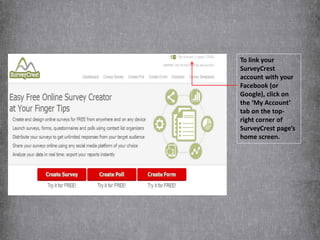
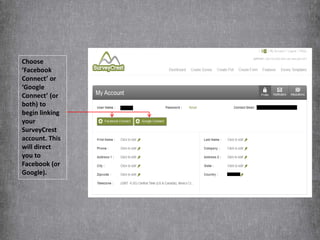
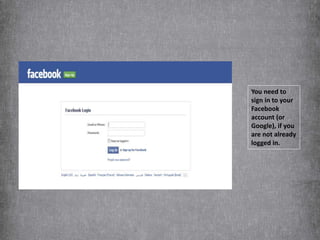
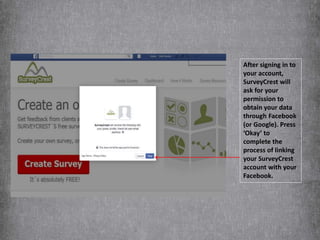
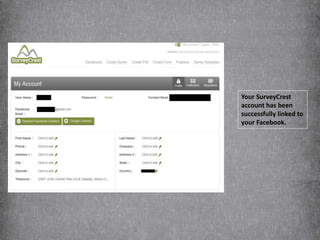
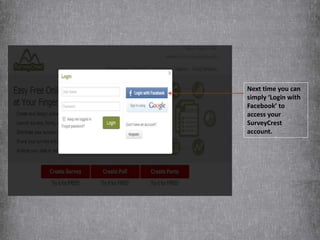

To link your SurveyCrest account with Facebook or Google, click the 'My Account' tab and select 'Facebook Connect' or 'Google Connect' which will direct you to those sites to sign in. After signing in, SurveyCrest will ask permission to access your data through Facebook or Google. If approved, your SurveyCrest account will be successfully linked so you can login using Facebook or Google in the future.


![[How-To] Using Non Google Id With Google Groups](https://cdn.slidesharecdn.com/ss_thumbnails/njc-using-nongoogle-id-with-google-groups-1210518781748853-9-thumbnail.jpg?width=640&height=640&fit=bounds)


