Key words:
Import
Turtle
Fun
Learning Be able to write your own program
Objective: to draw shapes using the turtle
Turtle Power
22/11/2022
Key words:
Import
Turtle
Fun
Learning Be able to write your own program
Objective: to draw shapes using the turtle
After an experiment with your teacher went wrong,
they can only think like a robot. Using only the
commands below get your teacher back to their desk.
22/11/2022
Starter Activity
Forward 1 step
Back 1 step
Turn 90 degrees left
Turn 90 degrees right
Key words:
Import
Turtle
Fun
Learning Be able to write your own program
Objective: to draw shapes using the turtle
Implement the pen
up command to move
the turtle without
drawing
Apply the
command to change
the colour of your
shape and the size
of the line
Understand
how to create 4
simple shapes
22/11/2022
Key words:
Import
Turtle
Fun
Learning Be able to write your own program
Objective: to draw shapes using the turtle
Remember how to make 2
different shapes using your
turtle.
22/11/2022
Key words:
Import
Turtle
Fun
Learning Be able to write your own program
Objective: to draw shapes using the turtle
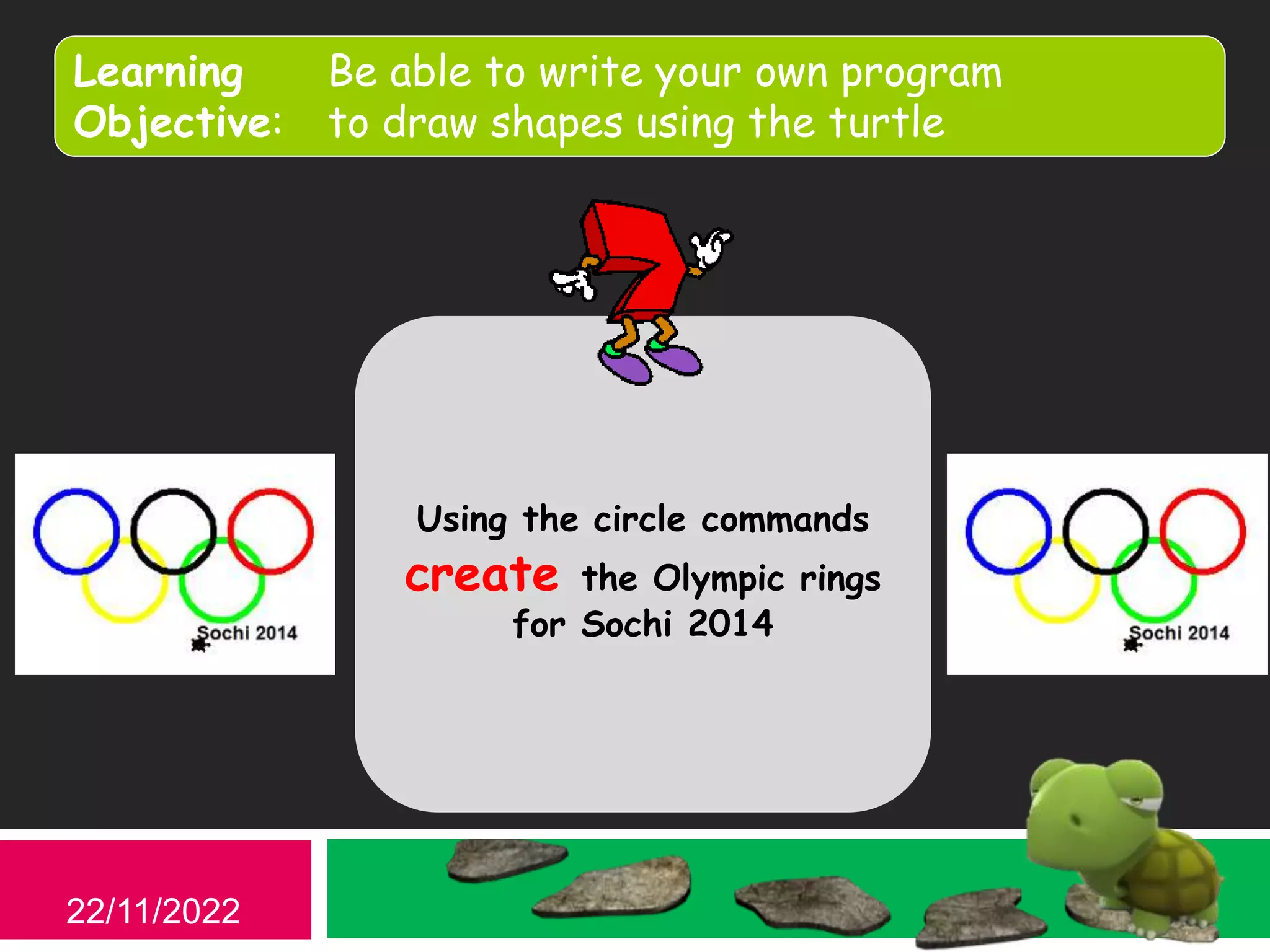
Using the circle commands
create the Olympic rings
for Sochi 2014
22/11/2022
Key words:
Import
Turtle
Fun
Learning Be able to write your own program
Objective: to draw shapes using the turtle
22/11/2022
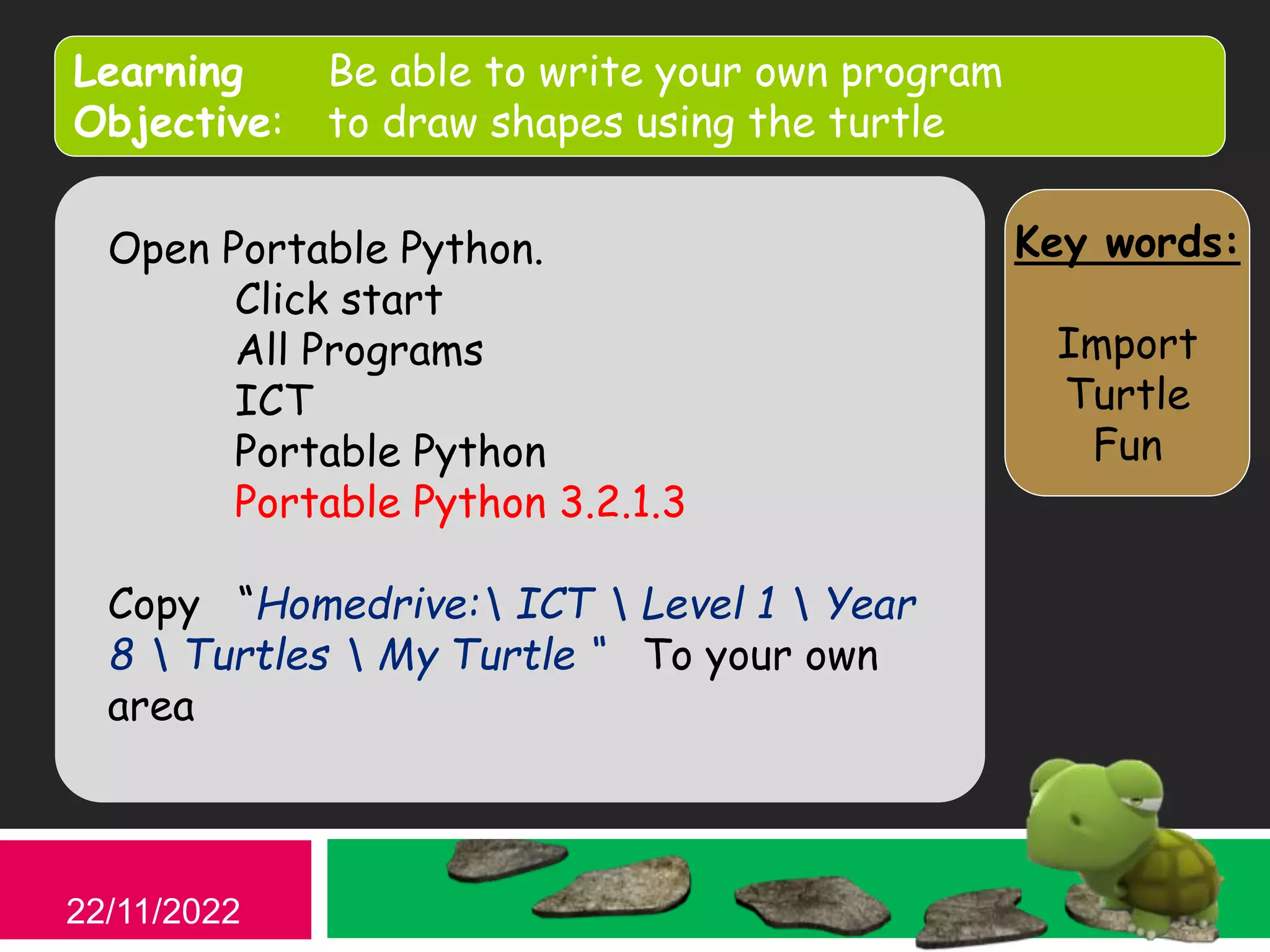
Open Portable Python.
Click start
All Programs
ICT
Portable Python
Portable Python 3.2.1.3
Goto File > Open “Homedrive: ICT 
Level 1  Year 8  Turtles  My Turtle “
Save it to your own area in a new folder
Key words:
Import
Turtle
Fun
Learning Be able to write your own program
Objective: to draw shapes using the turtle
22/11/2022
Open Portable Python.
Click start
All Programs
ICT
Portable Python
Portable Python 3.2.1.3
Copy “Homedrive: ICT  Level 1  Year
8  Turtles  My Turtle “ To your own
area
Key words:
Import
Turtle
Fun
Learning Be able to write your own program
Objective: to draw shapes using the turtle
22/11/2022
Press the run button
What happens?
Can you copy / repeat this line
to make a square?
Key words:
Import
Turtle
Fun
Learning Be able to write your own program
Objective: to draw shapes using the turtle
22/11/2022
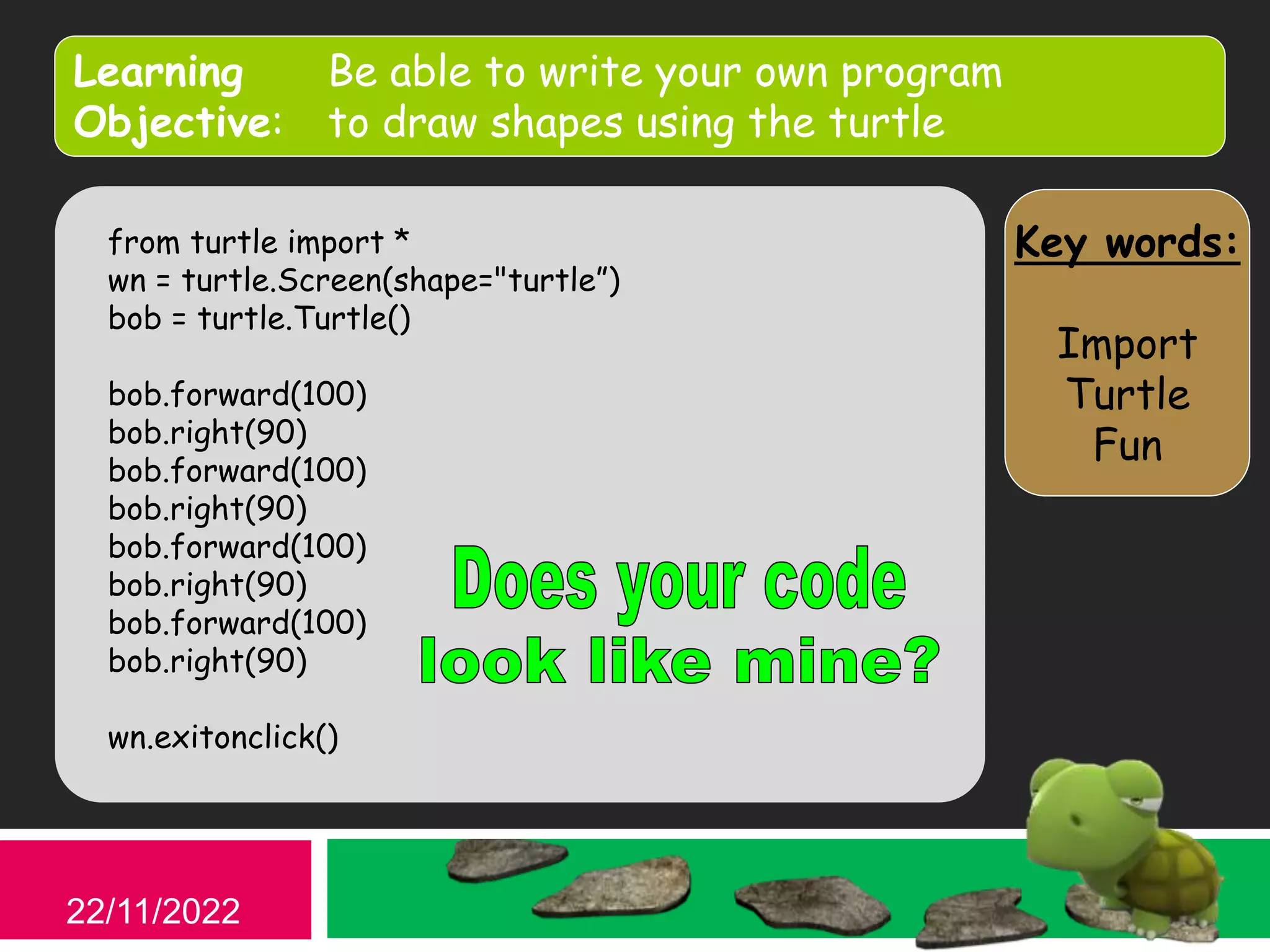
from turtle import *
wn = turtle.Screen(shape="turtle”)
bob = turtle.Turtle()
bob.forward(100)
bob.right(90)
bob.forward(100)
bob.right(90)
bob.forward(100)
bob.right(90)
bob.forward(100)
bob.right(90)
wn.exitonclick()
Key words:
Import
Turtle
Fun
Learning Be able to write your own program
Objective: to draw shapes using the turtle
22/11/2022
So how could we create a triangle?
Remember
There are 3 side to a triangle and it has 180 degrees
inside it
Key words:
Import
Turtle
Fun
Learning Be able to write your own program
Objective: to draw shapes using the turtle
Challenge
1. Create a simple program to draw
a square
2. Create a simple program to draw
a triangle
3. Create a simple program to draw
your own shape
Don’t forget to enter them
into your code diary
22/11/2022
Key words:
Import
Turtle
Fun
Learning Be able to write your own program
Objective: to draw shapes using the turtle
Now its your turn!
• Come and choose an activity
• Try the code
• Solve the problems
• Teach the class
22/11/2022
Key words:
Import
Turtle
Fun
Learning Be able to write your own program
Objective: to draw shapes using the turtle
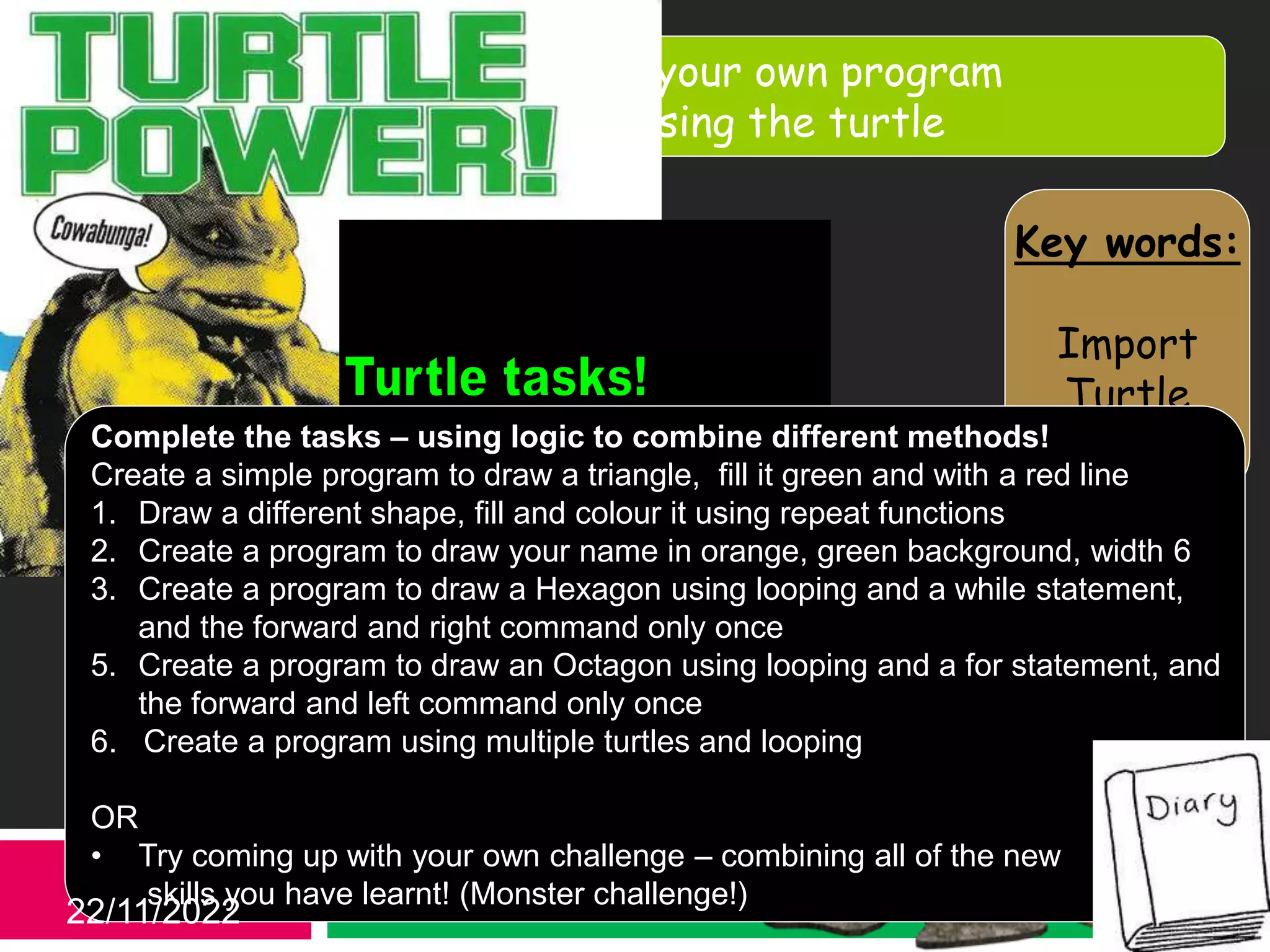
Complete the tasks – using logic to combine different methods!
Create a simple program to draw a triangle, fill it green and with a red line
1. Draw a different shape, fill and colour it using repeat functions
2. Create a program to draw your name in orange, green background, width 6
3. Create a program to draw a Hexagon using looping and a while statement,
and the forward and right command only once
5. Create a program to draw an Octagon using looping and a for statement, and
the forward and left command only once
6. Create a program using multiple turtles and looping
OR
• Try coming up with your own challenge – combining all of the new
skills you have learnt! (Monster challenge!)
22/11/2022
Key words:
Import
Turtle
Fun
Learning Be able to write your own program
Objective: to draw shapes using the turtle
What’s Next…
22/11/2022
ICT Wants
You!
Date: 10/1/14 Period: 2 Unit: Number(Binary) LO:
Learning Objective:
To explore / investigate ????
Always Believe That You Can Achieve!
 All waste paper in Recycle bin
 All books back in box
Tidy up Activity
Please return me to the tray
Please replace my lid after
use, and return me to the tray
22/11/2022

Lesson_1_Python_Turtle.pptx

  • 1.
    Key words: Import Turtle Fun Learning Beable to write your own program Objective: to draw shapes using the turtle Turtle Power 22/11/2022
  • 2.
    Key words: Import Turtle Fun Learning Beable to write your own program Objective: to draw shapes using the turtle After an experiment with your teacher went wrong, they can only think like a robot. Using only the commands below get your teacher back to their desk. 22/11/2022 Starter Activity Forward 1 step Back 1 step Turn 90 degrees left Turn 90 degrees right
  • 3.
    Key words: Import Turtle Fun Learning Beable to write your own program Objective: to draw shapes using the turtle Implement the pen up command to move the turtle without drawing Apply the command to change the colour of your shape and the size of the line Understand how to create 4 simple shapes 22/11/2022
  • 4.
    Key words: Import Turtle Fun Learning Beable to write your own program Objective: to draw shapes using the turtle Remember how to make 2 different shapes using your turtle. 22/11/2022
  • 5.
    Key words: Import Turtle Fun Learning Beable to write your own program Objective: to draw shapes using the turtle Using the circle commands create the Olympic rings for Sochi 2014 22/11/2022
  • 6.
    Key words: Import Turtle Fun Learning Beable to write your own program Objective: to draw shapes using the turtle 22/11/2022 Open Portable Python. Click start All Programs ICT Portable Python Portable Python 3.2.1.3 Goto File > Open “Homedrive: ICT Level 1 Year 8 Turtles My Turtle “ Save it to your own area in a new folder
  • 7.
    Key words: Import Turtle Fun Learning Beable to write your own program Objective: to draw shapes using the turtle 22/11/2022 Open Portable Python. Click start All Programs ICT Portable Python Portable Python 3.2.1.3 Copy “Homedrive: ICT Level 1 Year 8 Turtles My Turtle “ To your own area
  • 8.
    Key words: Import Turtle Fun Learning Beable to write your own program Objective: to draw shapes using the turtle 22/11/2022 Press the run button What happens? Can you copy / repeat this line to make a square?
  • 9.
    Key words: Import Turtle Fun Learning Beable to write your own program Objective: to draw shapes using the turtle 22/11/2022 from turtle import * wn = turtle.Screen(shape="turtle”) bob = turtle.Turtle() bob.forward(100) bob.right(90) bob.forward(100) bob.right(90) bob.forward(100) bob.right(90) bob.forward(100) bob.right(90) wn.exitonclick()
  • 10.
    Key words: Import Turtle Fun Learning Beable to write your own program Objective: to draw shapes using the turtle 22/11/2022 So how could we create a triangle? Remember There are 3 side to a triangle and it has 180 degrees inside it
  • 11.
    Key words: Import Turtle Fun Learning Beable to write your own program Objective: to draw shapes using the turtle Challenge 1. Create a simple program to draw a square 2. Create a simple program to draw a triangle 3. Create a simple program to draw your own shape Don’t forget to enter them into your code diary 22/11/2022
  • 12.
    Key words: Import Turtle Fun Learning Beable to write your own program Objective: to draw shapes using the turtle Now its your turn! • Come and choose an activity • Try the code • Solve the problems • Teach the class 22/11/2022
  • 13.
    Key words: Import Turtle Fun Learning Beable to write your own program Objective: to draw shapes using the turtle Complete the tasks – using logic to combine different methods! Create a simple program to draw a triangle, fill it green and with a red line 1. Draw a different shape, fill and colour it using repeat functions 2. Create a program to draw your name in orange, green background, width 6 3. Create a program to draw a Hexagon using looping and a while statement, and the forward and right command only once 5. Create a program to draw an Octagon using looping and a for statement, and the forward and left command only once 6. Create a program using multiple turtles and looping OR • Try coming up with your own challenge – combining all of the new skills you have learnt! (Monster challenge!) 22/11/2022
  • 14.
    Key words: Import Turtle Fun Learning Beable to write your own program Objective: to draw shapes using the turtle What’s Next… 22/11/2022 ICT Wants You!
  • 15.
    Date: 10/1/14 Period:2 Unit: Number(Binary) LO: Learning Objective: To explore / investigate ???? Always Believe That You Can Achieve!  All waste paper in Recycle bin  All books back in box Tidy up Activity Please return me to the tray Please replace my lid after use, and return me to the tray 22/11/2022

Editor's Notes

  • #9 Hand out the differentiated resource sheet
  • #10 Hand out the differentiated resource sheet
  • #11 Hand out the differentiated resource sheet