IT3101
Web-based Database
Development
Introduction PHP
Dynamic Web Design
An Introduction To PHP
 PHP set its roots in 1995, when an independent
software development contractor named Rasmus
Lerdorf developed a Perl/CGI script that enabled
him to know how many visitors were reading his
online resume.
 Lerdorf thus began giving away his toolset, called
Personal Home Page (PHP), or Hypertext
Preprocessor.
2
An Introduction To PHP
 PHP is an embedded server-side Web-scripting
language that provides developers with the
capability to quickly and efficiently build dynamic
Web applications.
 PHP can also serve as a valuable tool for creating
and managing dynamic content, embedded
directly beside JavaScript, Stylesheets and many
others.
 PHP talk to various database systems, giving you
the ability to generate a web page based on a
SQL query.
3
An Introduction To PHP
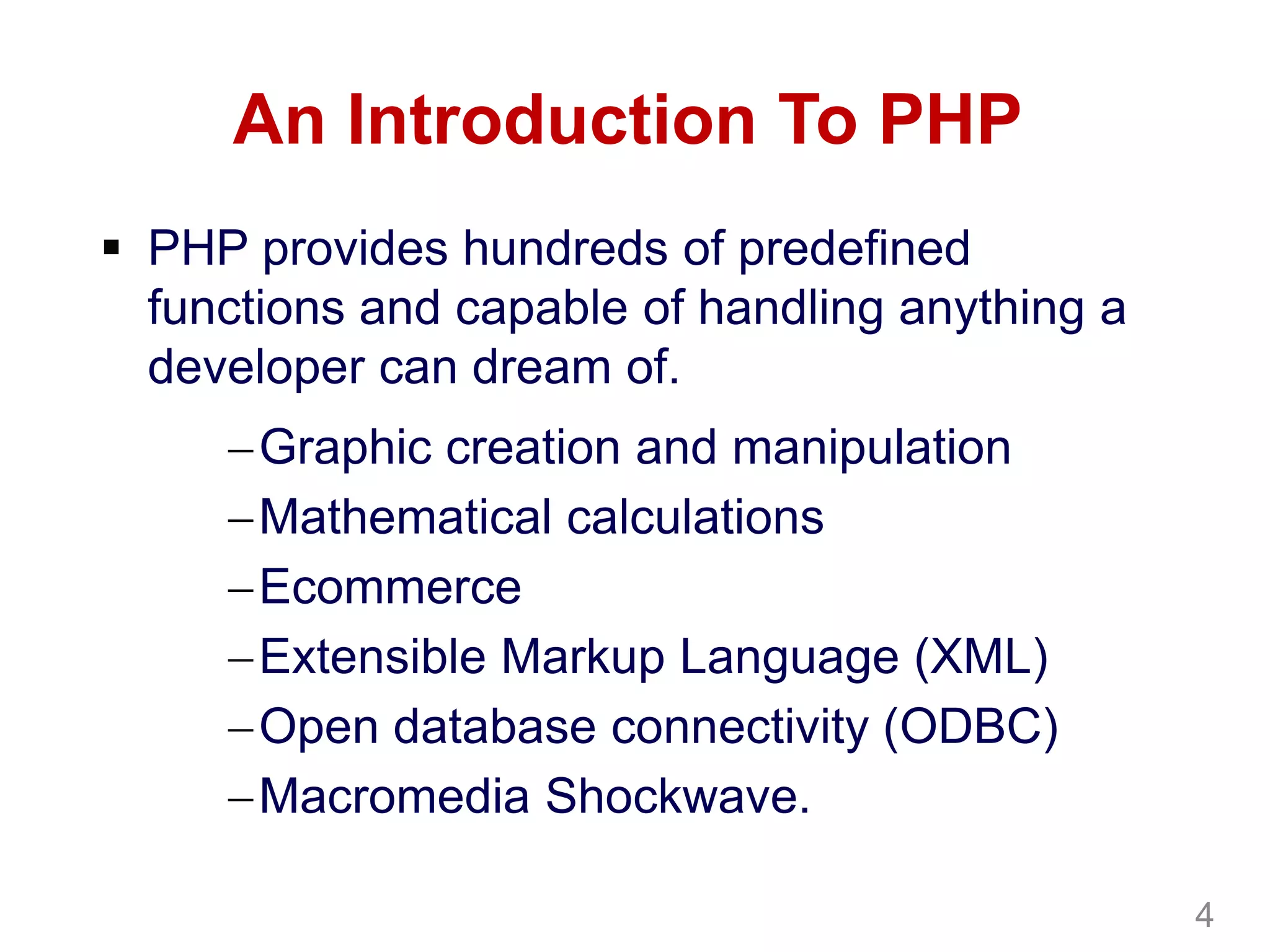
 PHP provides hundreds of predefined
functions and capable of handling anything a
developer can dream of.
Graphic creation and manipulation
Mathematical calculations
Ecommerce
Extensible Markup Language (XML)
Open database connectivity (ODBC)
Macromedia Shockwave.
4
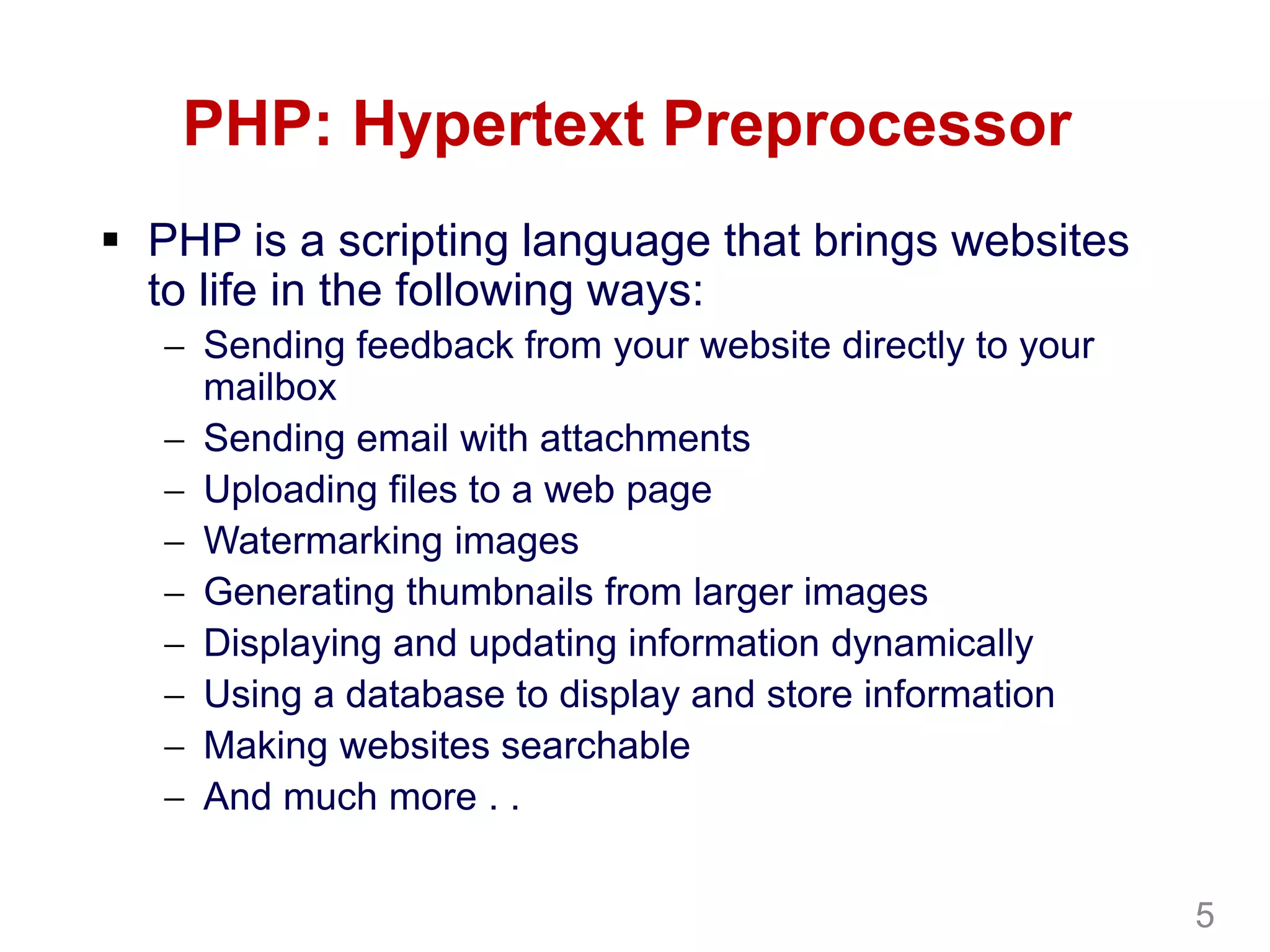
PHP: Hypertext Preprocessor
 PHP is a scripting language that brings websites
to life in the following ways:
 Sending feedback from your website directly to your
mailbox
 Sending email with attachments
 Uploading files to a web page
 Watermarking images
 Generating thumbnails from larger images
 Displaying and updating information dynamically
 Using a database to display and store information
 Making websites searchable
 And much more . .
5
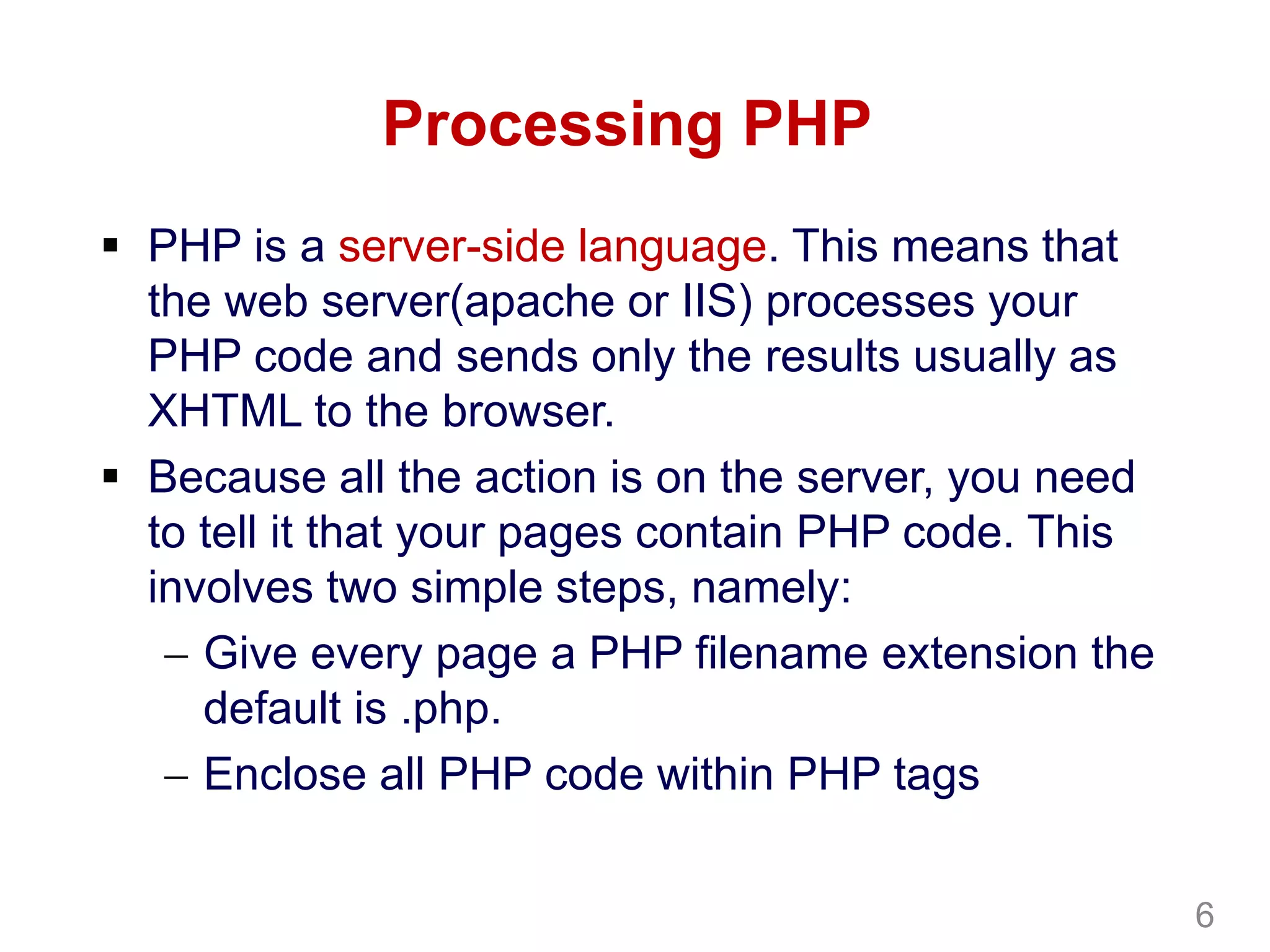
Processing PHP
 PHP is a server-side language. This means that
the web server(apache or IIS) processes your
PHP code and sends only the results usually as
XHTML to the browser.
 Because all the action is on the server, you need
to tell it that your pages contain PHP code. This
involves two simple steps, namely:
 Give every page a PHP filename extension the
default is .php.
 Enclose all PHP code within PHP tags
6
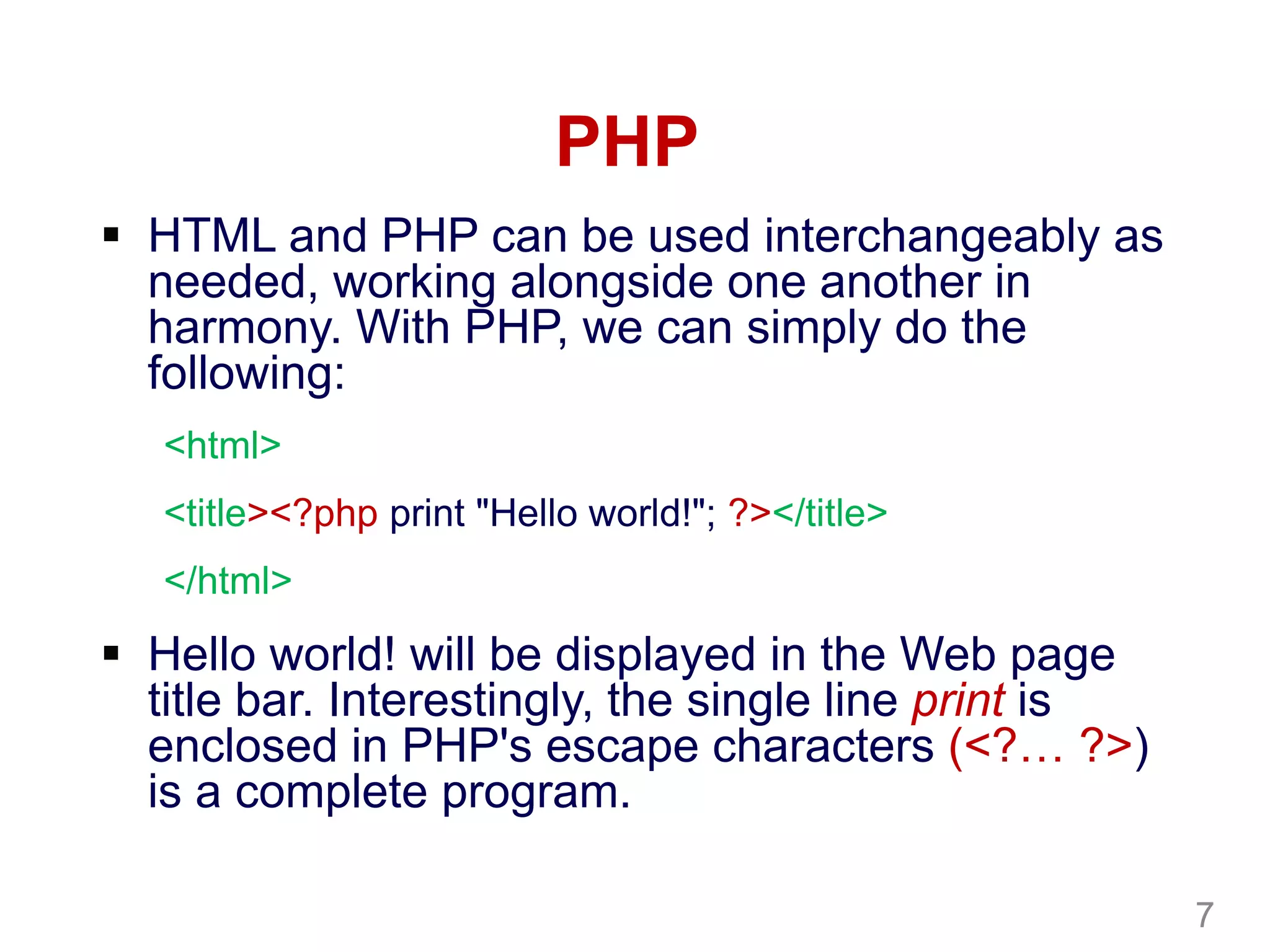
PHP
 HTML and PHP can be used interchangeably as
needed, working alongside one another in
harmony. With PHP, we can simply do the
following:
<html>
<title><?php print "Hello world!"; ?></title>
</html>
 Hello world! will be displayed in the Web page
title bar. Interestingly, the single line print is
enclosed in PHP's escape characters (<?… ?>)
is a complete program.
7
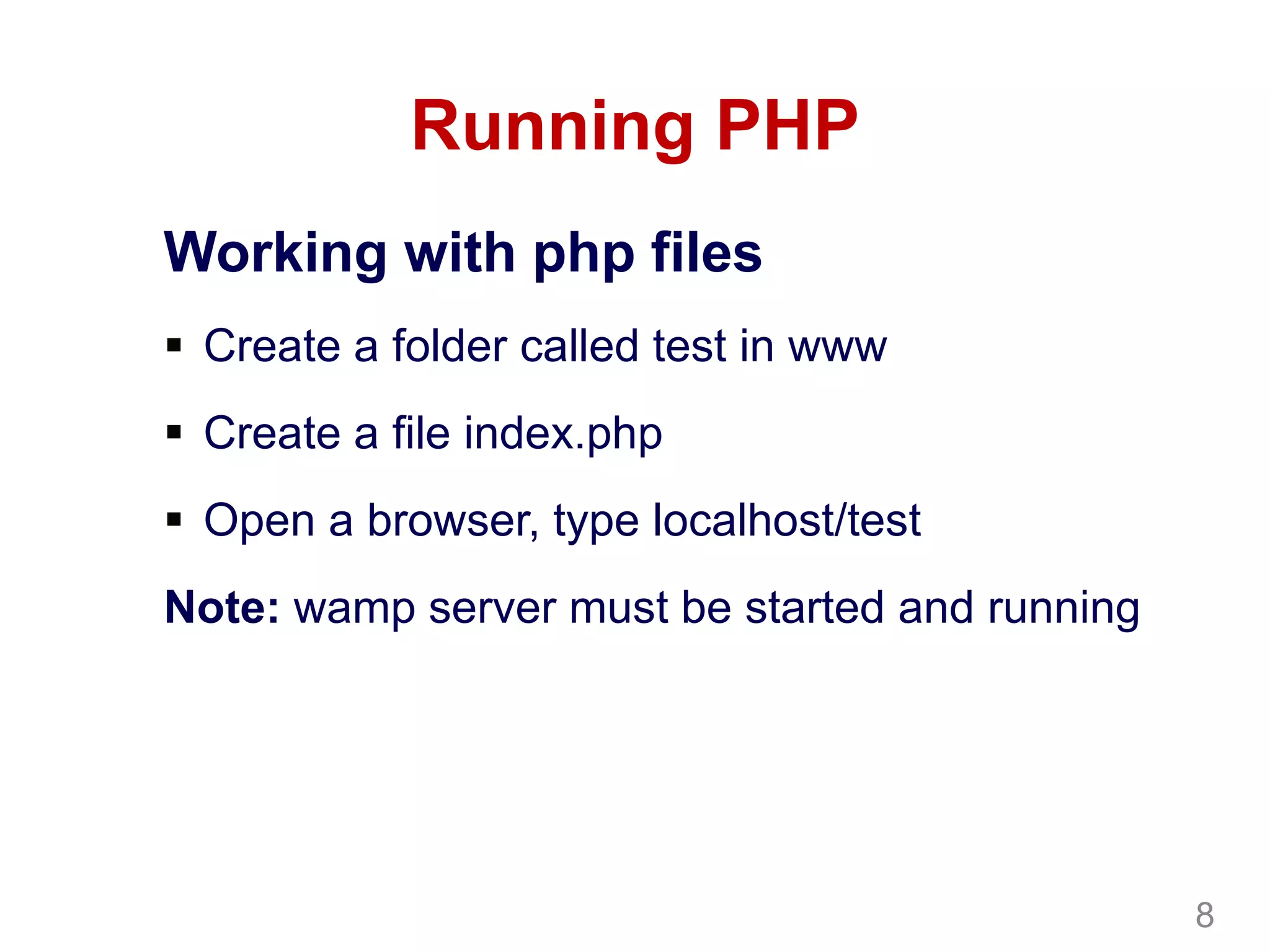
Running PHP
Working with php files
 Create a folder called test in www
 Create a file index.php
 Open a browser, type localhost/test
Note: wamp server must be started and running
8
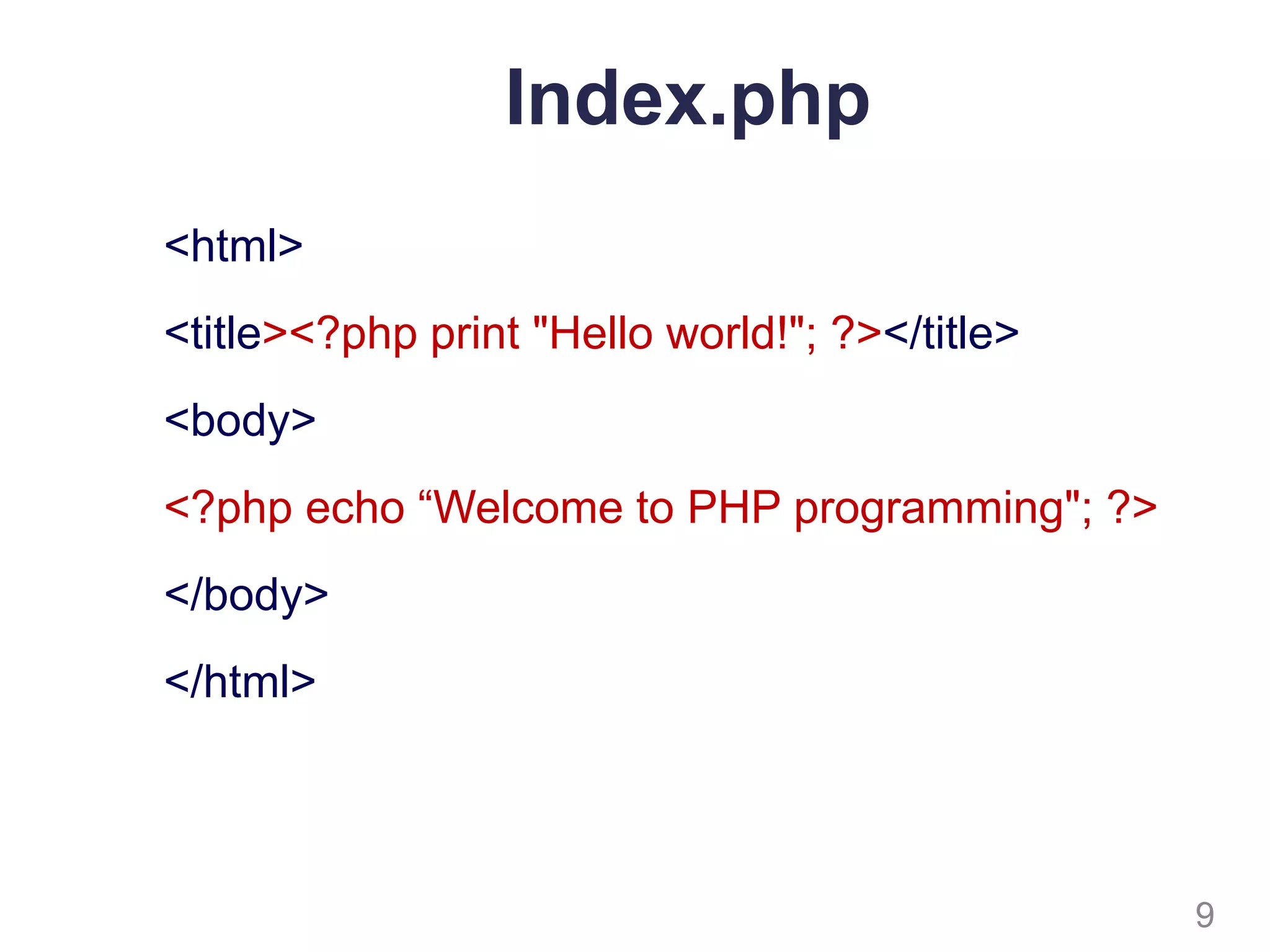
Index.php
<html>
<title><?php print "Hello world!"; ?></title>
<body>
<?php echo “Welcome to PHP programming"; ?>
</body>
</html>
9
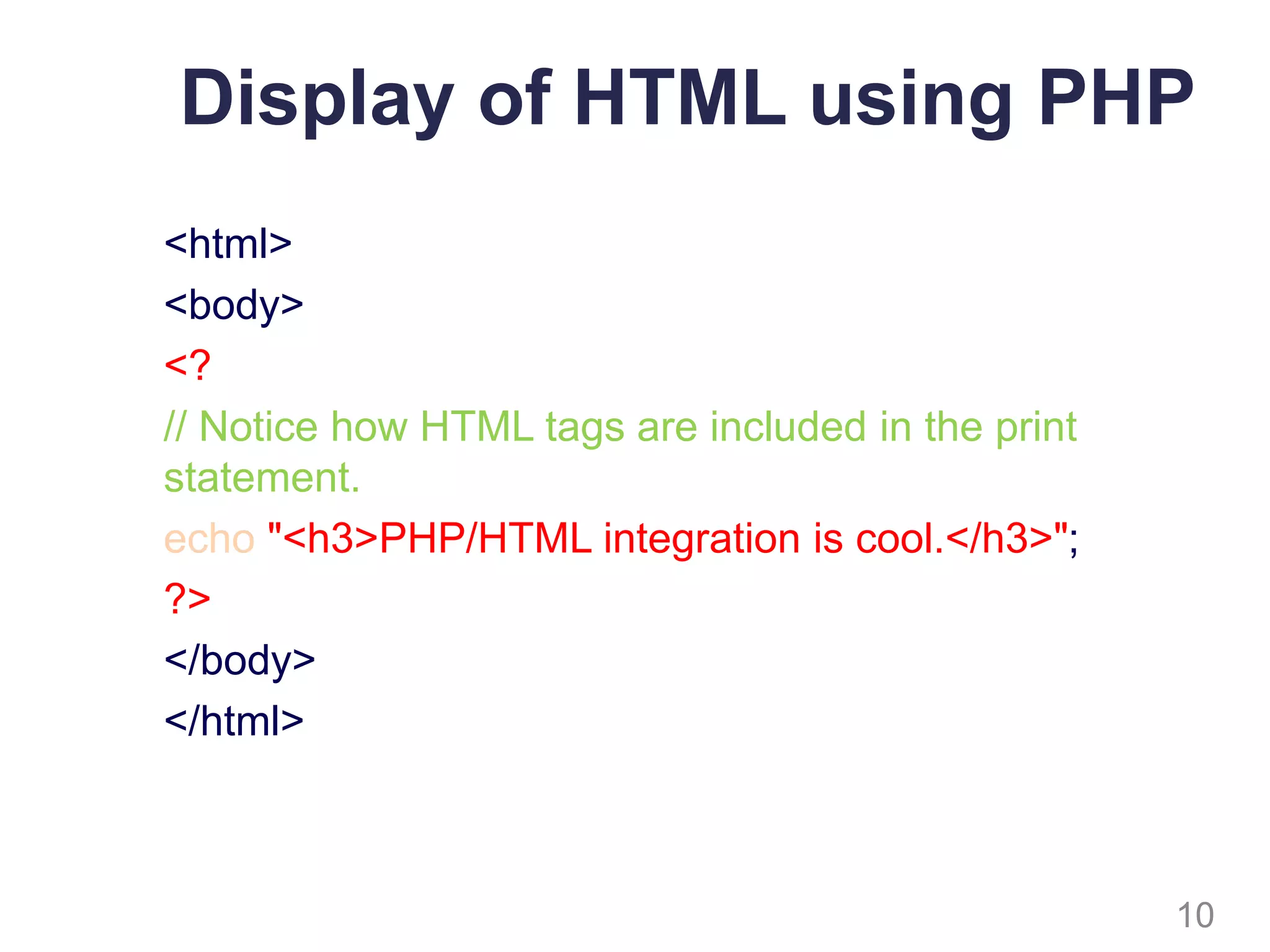
Display of HTML using PHP
<html>
<body>
<?
// Notice how HTML tags are included in the print
statement.
echo "<h3>PHP/HTML integration is cool.</h3>";
?>
</body>
</html>
10
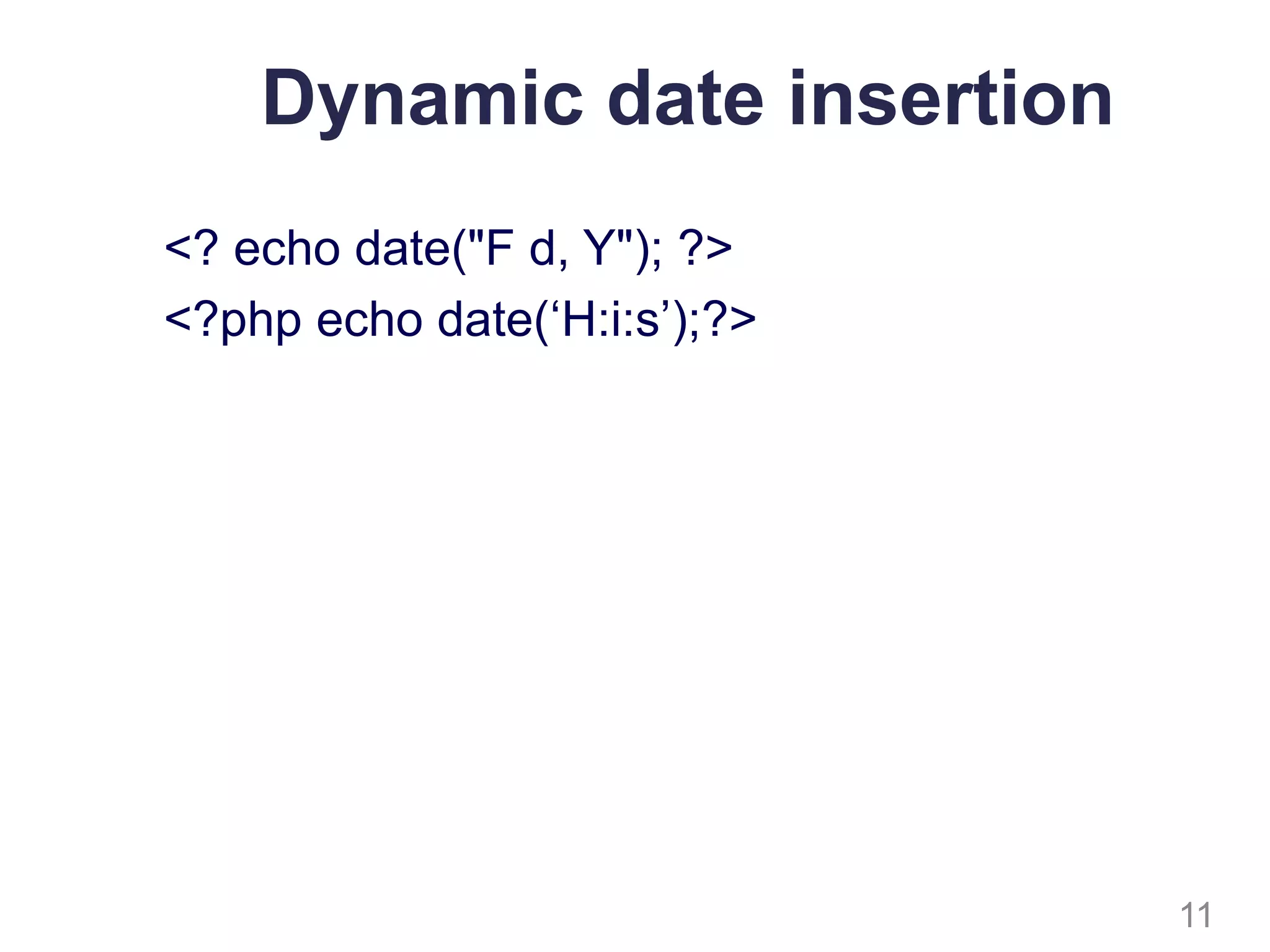
Dynamic date insertion
<? echo date("F d, Y"); ?>
<?php echo date(‘H:i:s’);?>
11
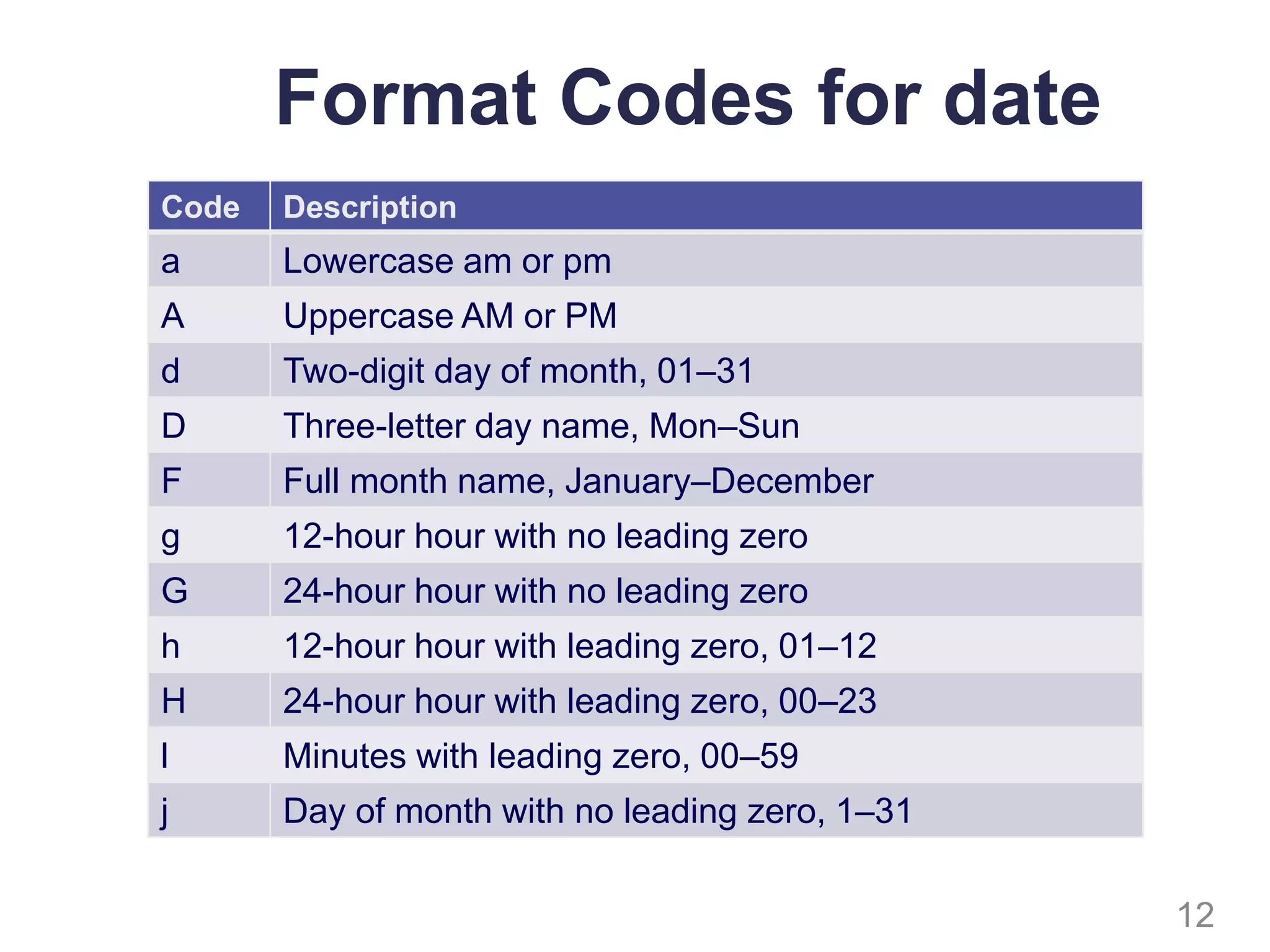
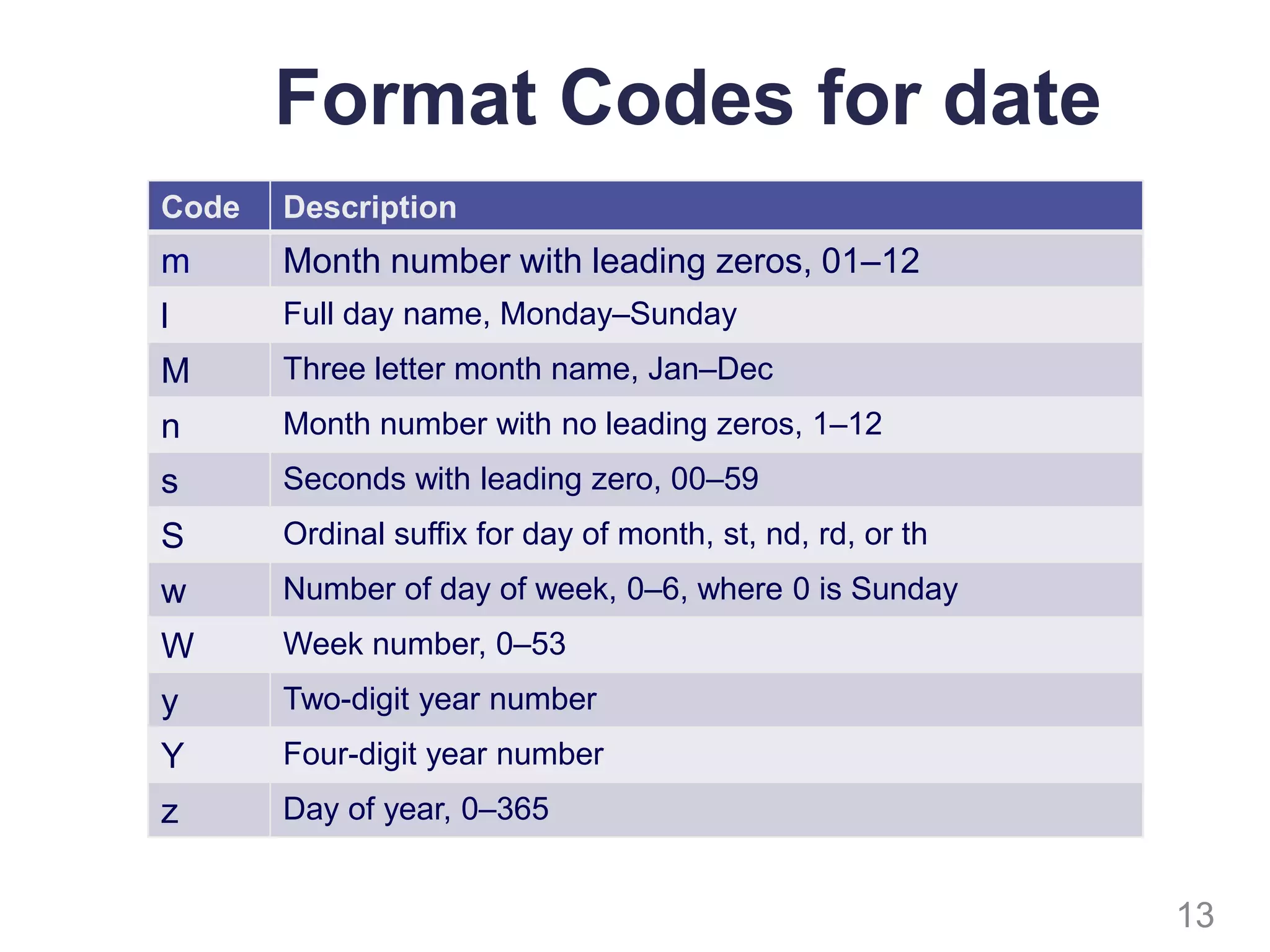
Format Codes for date
12
Code Description
a Lowercase am or pm
A Uppercase AM or PM
d Two-digit day of month, 01–31
D Three-letter day name, Mon–Sun
F Full month name, January–December
g 12-hour hour with no leading zero
G 24-hour hour with no leading zero
h 12-hour hour with leading zero, 01–12
H 24-hour hour with leading zero, 00–23
l Minutes with leading zero, 00–59
j Day of month with no leading zero, 1–31
Format Codes for date
13
Code Description
m Month number with leading zeros, 01–12
l Full day name, Monday–Sunday
M Three letter month name, Jan–Dec
n Month number with no leading zeros, 1–12
s Seconds with leading zero, 00–59
S Ordinal suffix for day of month, st, nd, rd, or th
w Number of day of week, 0–6, where 0 is Sunday
W Week number, 0–53
y Two-digit year number
Y Four-digit year number
z Day of year, 0–365
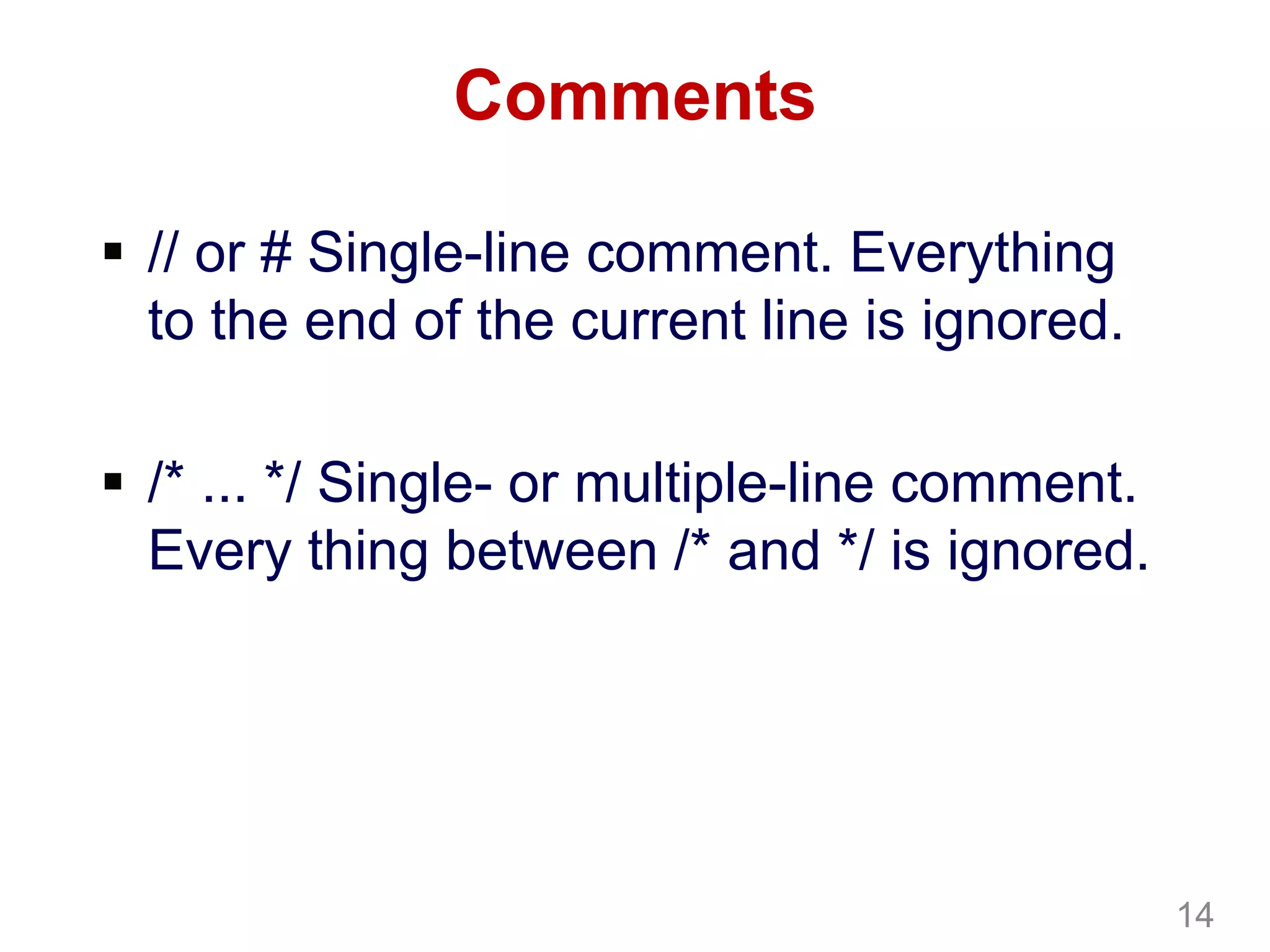
Comments
 // or # Single-line comment. Everything
to the end of the current line is ignored.
 /* ... */ Single- or multiple-line comment.
Every thing between /* and */ is ignored.
14
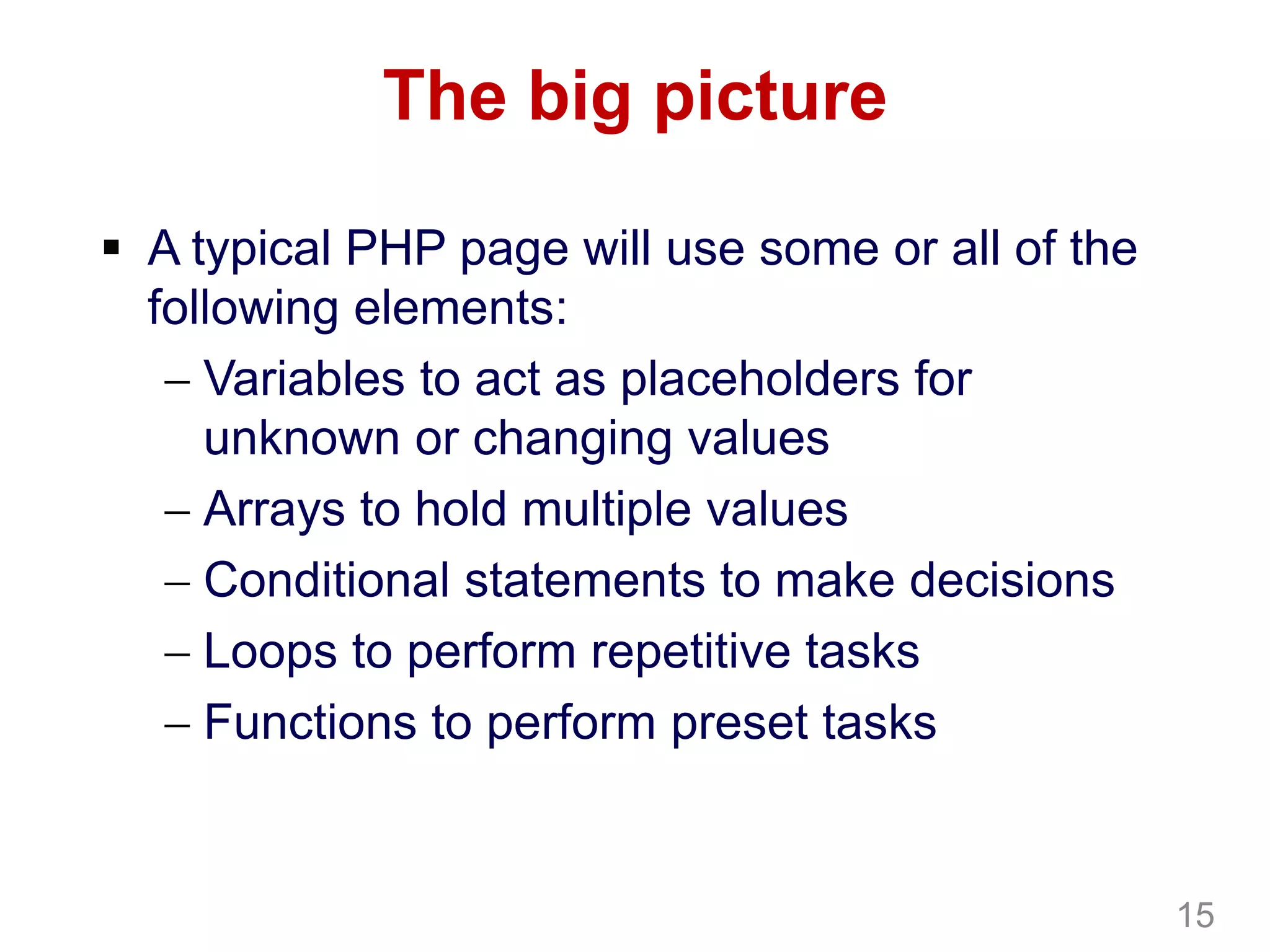
The big picture
 A typical PHP page will use some or all of the
following elements:
 Variables to act as placeholders for
unknown or changing values
 Arrays to hold multiple values
 Conditional statements to make decisions
 Loops to perform repetitive tasks
 Functions to perform preset tasks
15
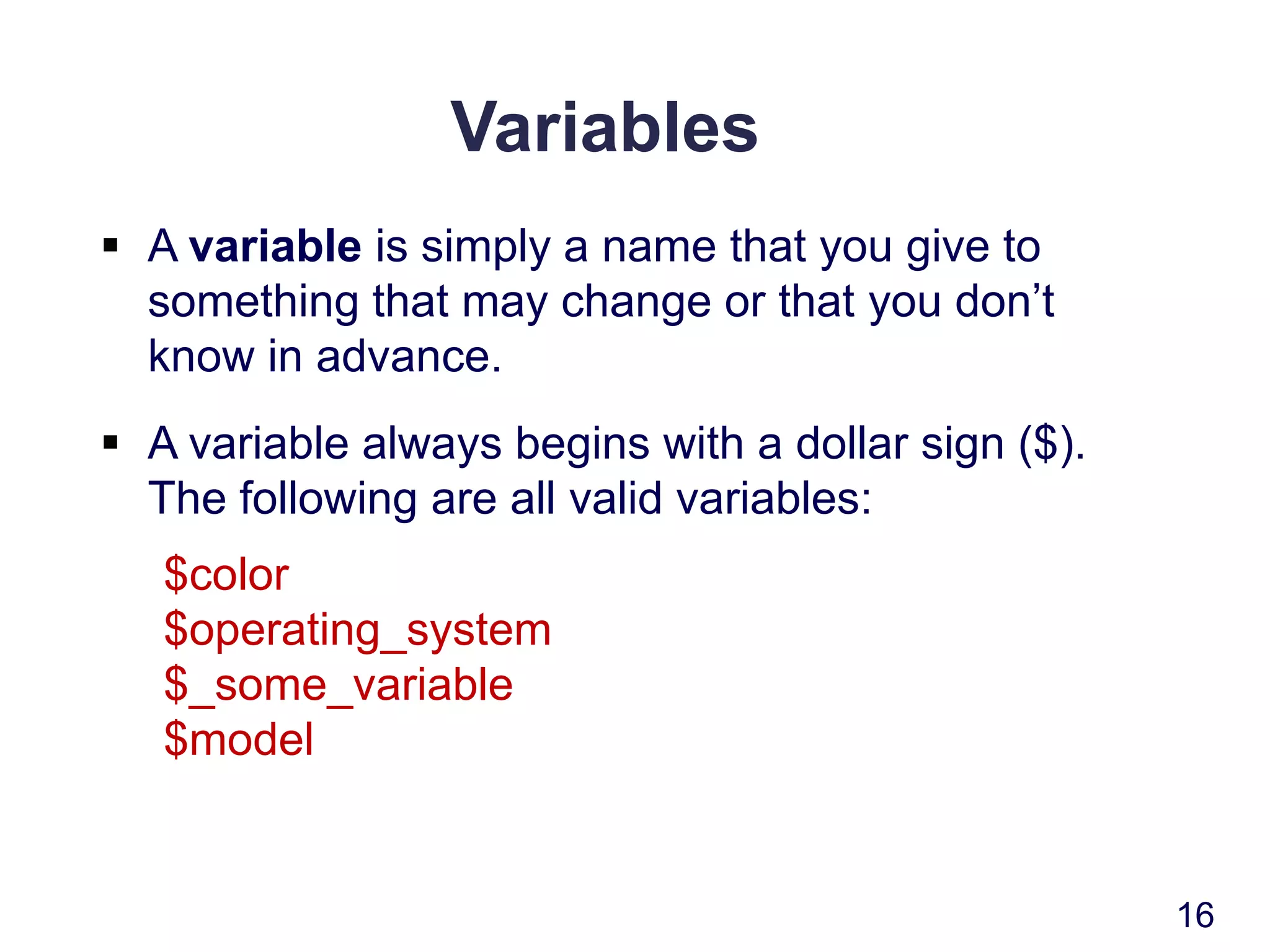
Variables
 A variable is simply a name that you give to
something that may change or that you don’t
know in advance.
 A variable always begins with a dollar sign ($).
The following are all valid variables:
$color
$operating_system
$_some_variable
$model
16
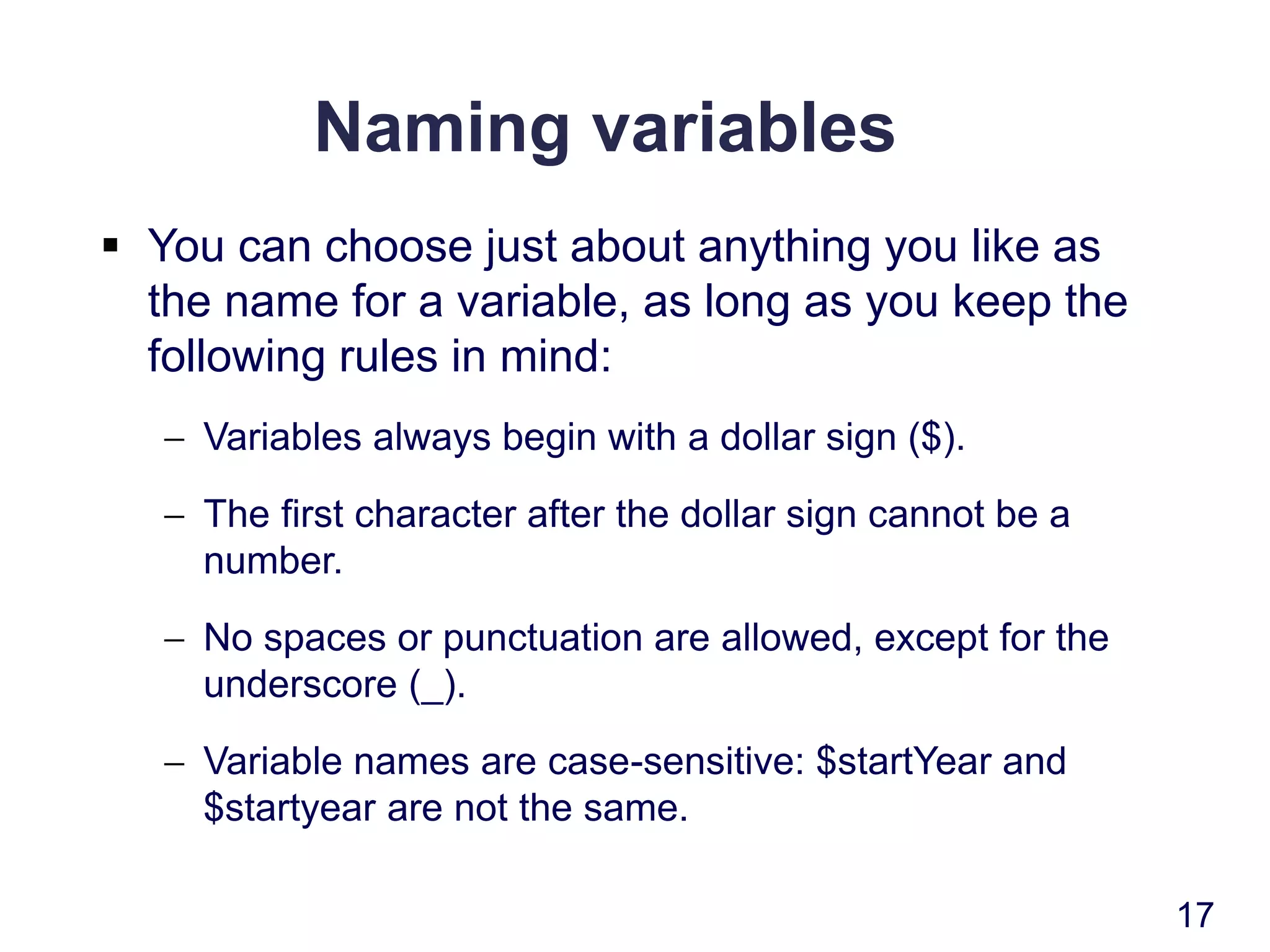
Naming variables
 You can choose just about anything you like as
the name for a variable, as long as you keep the
following rules in mind:
 Variables always begin with a dollar sign ($).
 The first character after the dollar sign cannot be a
number.
 No spaces or punctuation are allowed, except for the
underscore (_).
 Variable names are case-sensitive: $startYear and
$startyear are not the same.
17
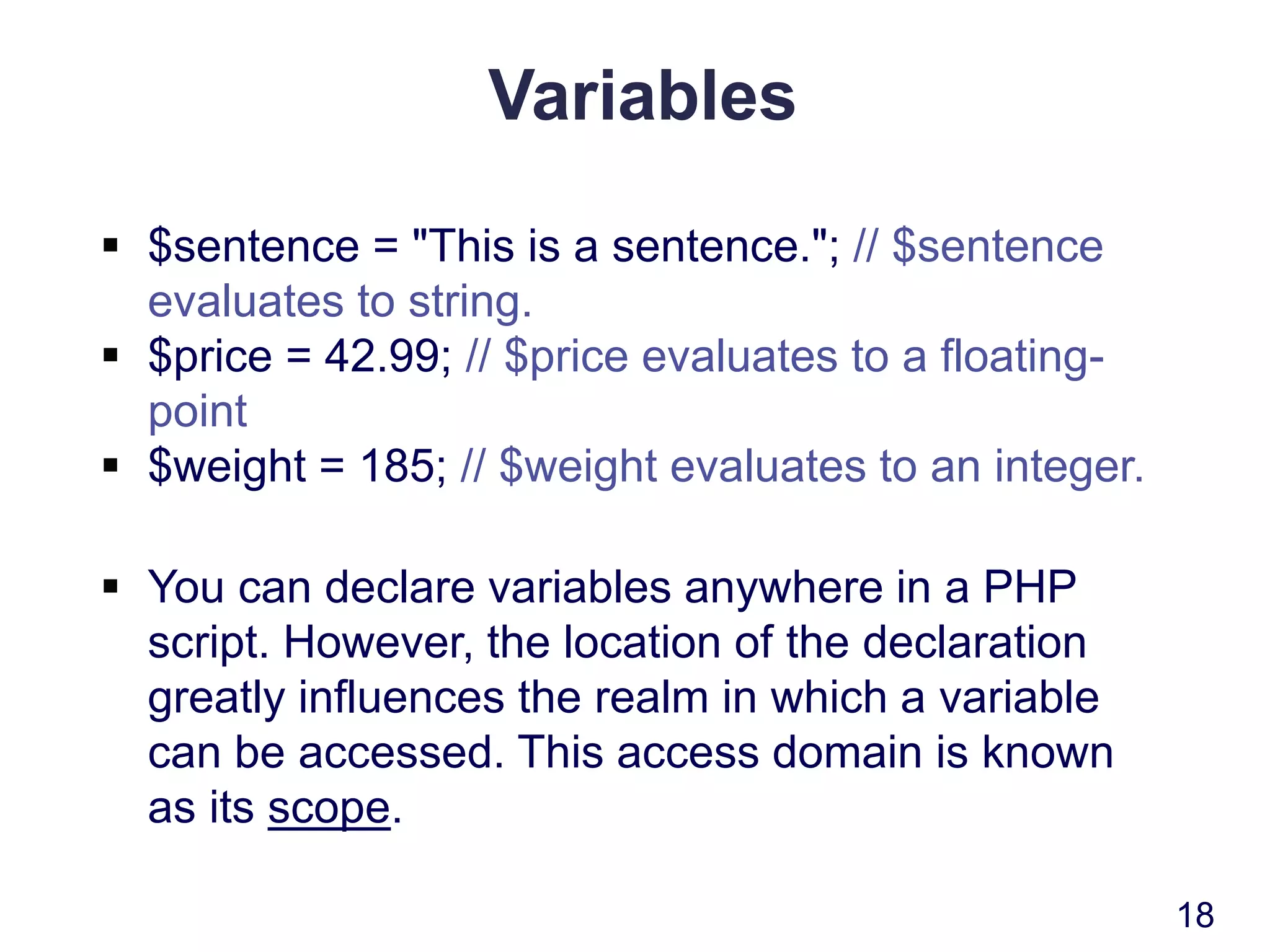
Variables
 $sentence = "This is a sentence."; // $sentence
evaluates to string.
 $price = 42.99; // $price evaluates to a floating-
point
 $weight = 185; // $weight evaluates to an integer.
 You can declare variables anywhere in a PHP
script. However, the location of the declaration
greatly influences the realm in which a variable
can be accessed. This access domain is known
as its scope.
18
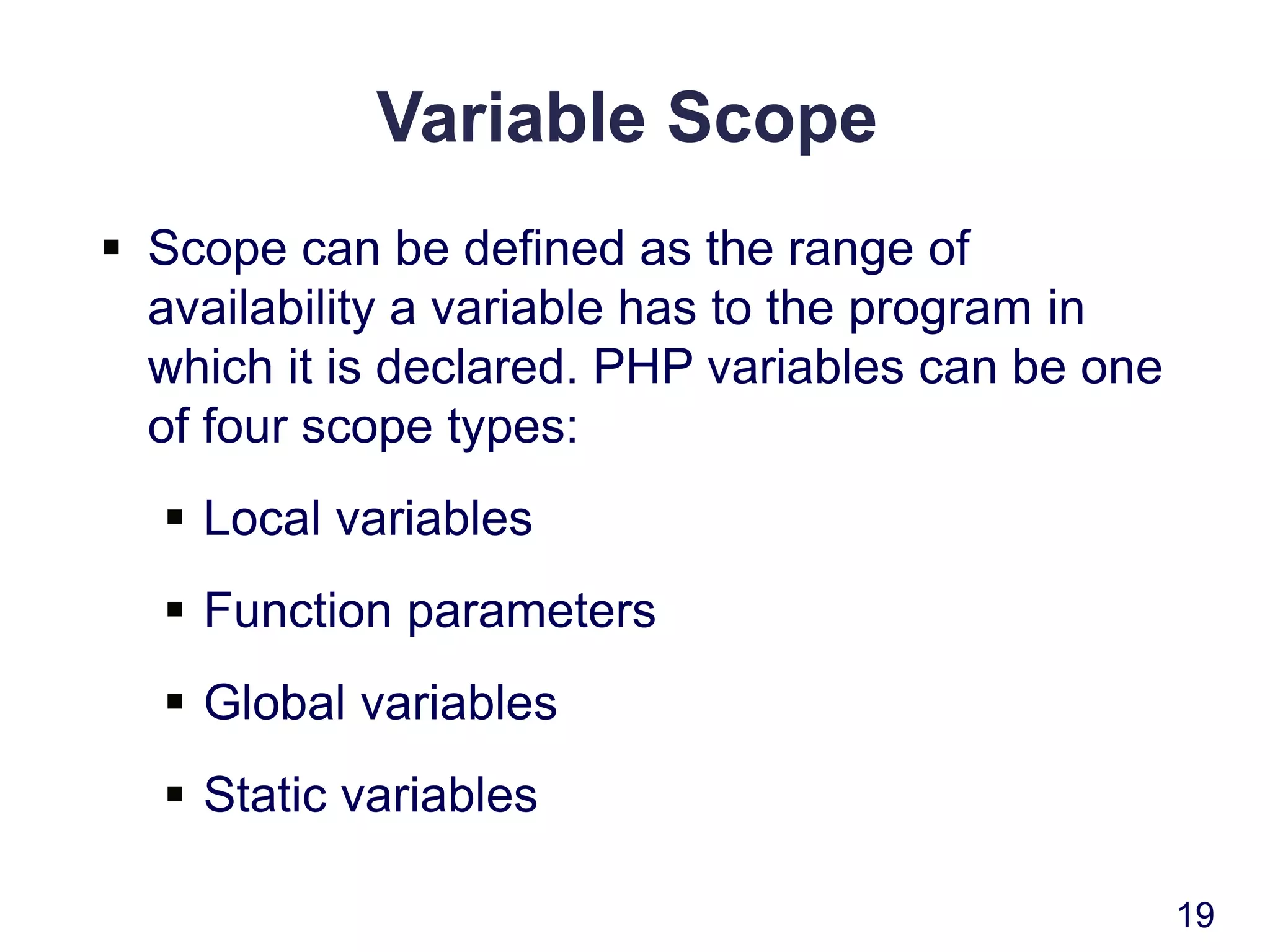
Variable Scope
 Scope can be defined as the range of
availability a variable has to the program in
which it is declared. PHP variables can be one
of four scope types:
 Local variables
 Function parameters
 Global variables
 Static variables
19
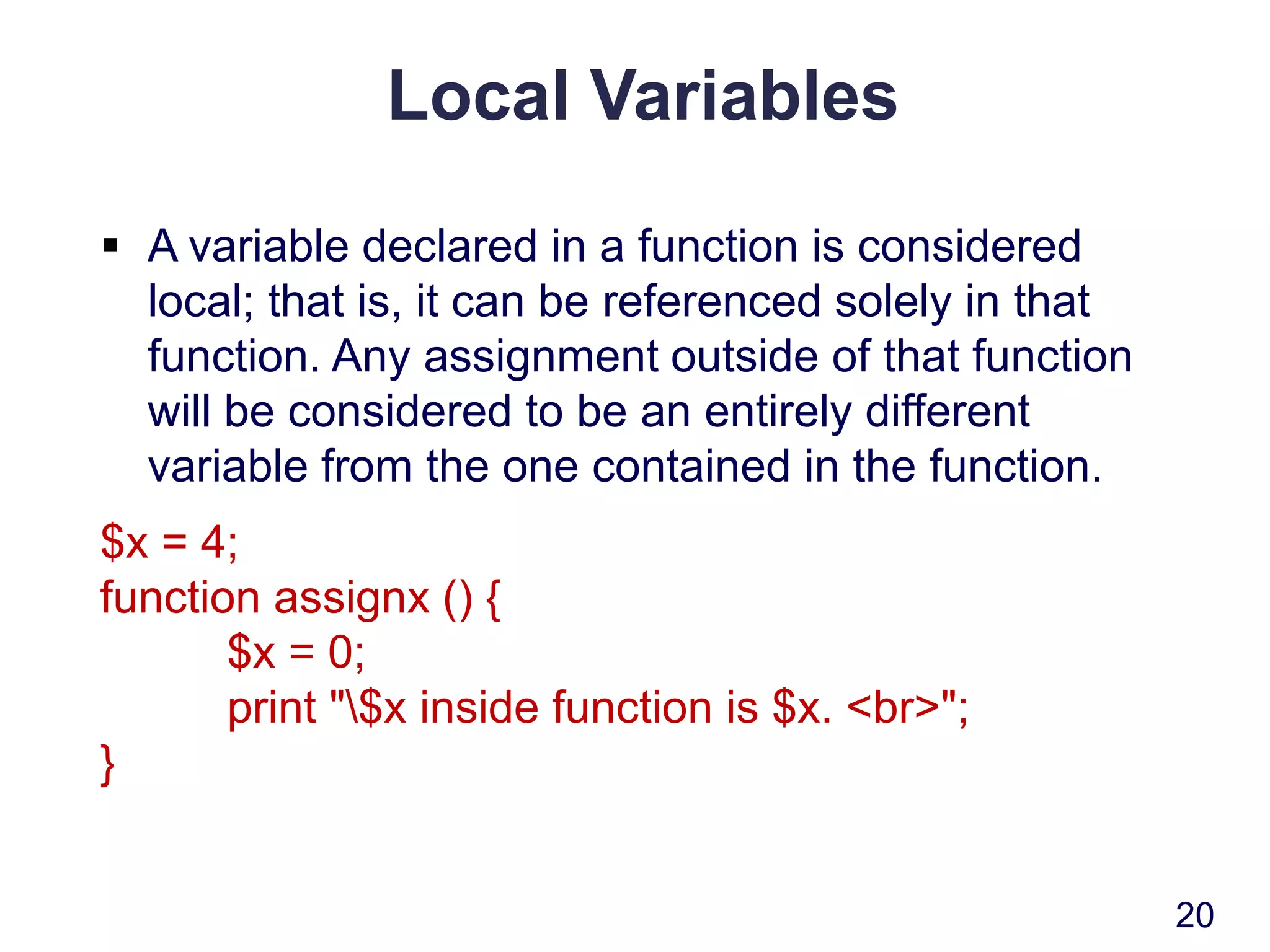
Local Variables
 A variable declared in a function is considered
local; that is, it can be referenced solely in that
function. Any assignment outside of that function
will be considered to be an entirely different
variable from the one contained in the function.
$x = 4;
function assignx () {
$x = 0;
print "$x inside function is $x. <br>";
}
20
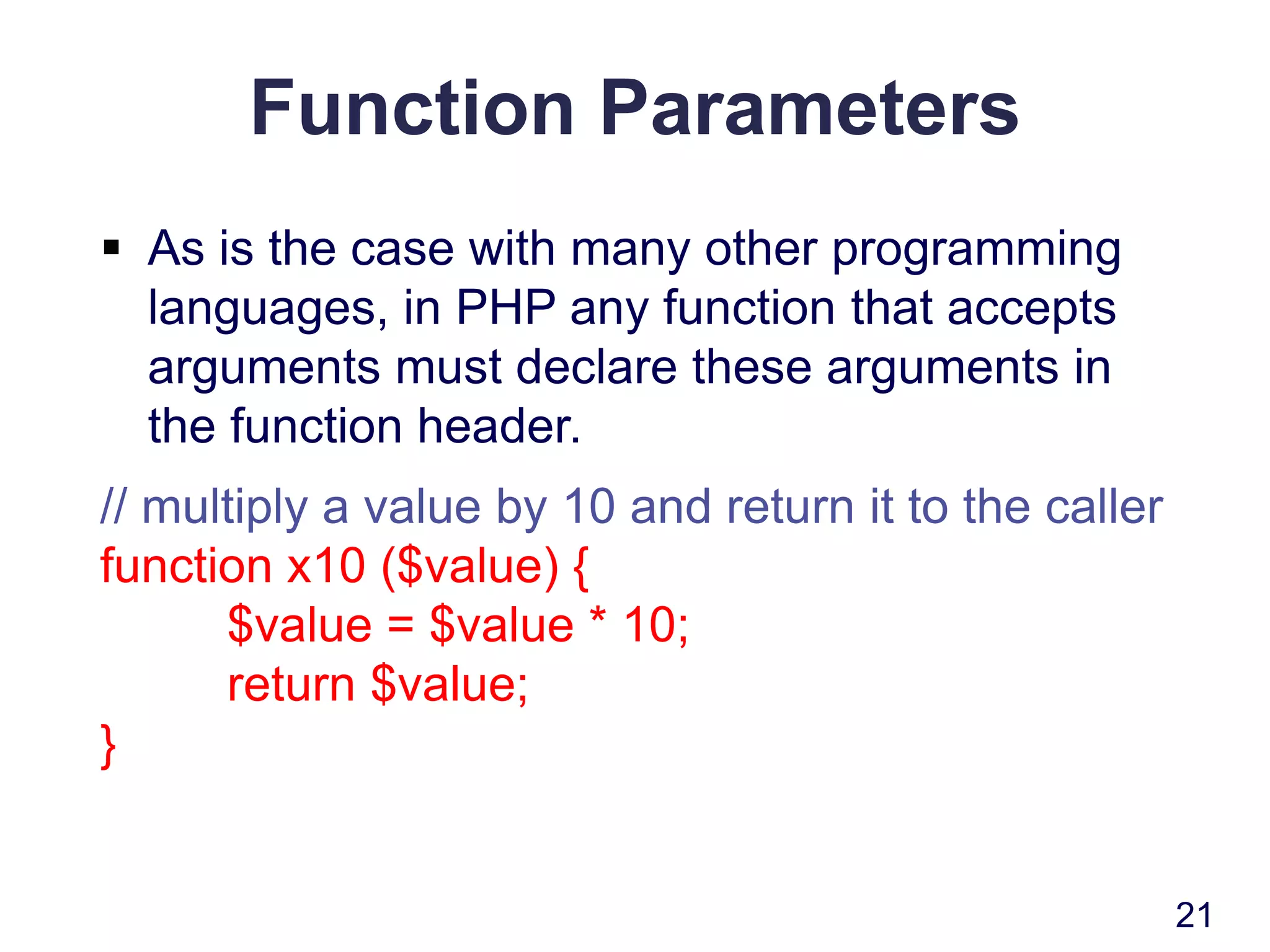
Function Parameters
 As is the case with many other programming
languages, in PHP any function that accepts
arguments must declare these arguments in
the function header.
// multiply a value by 10 and return it to the caller
function x10 ($value) {
$value = $value * 10;
return $value;
}
21
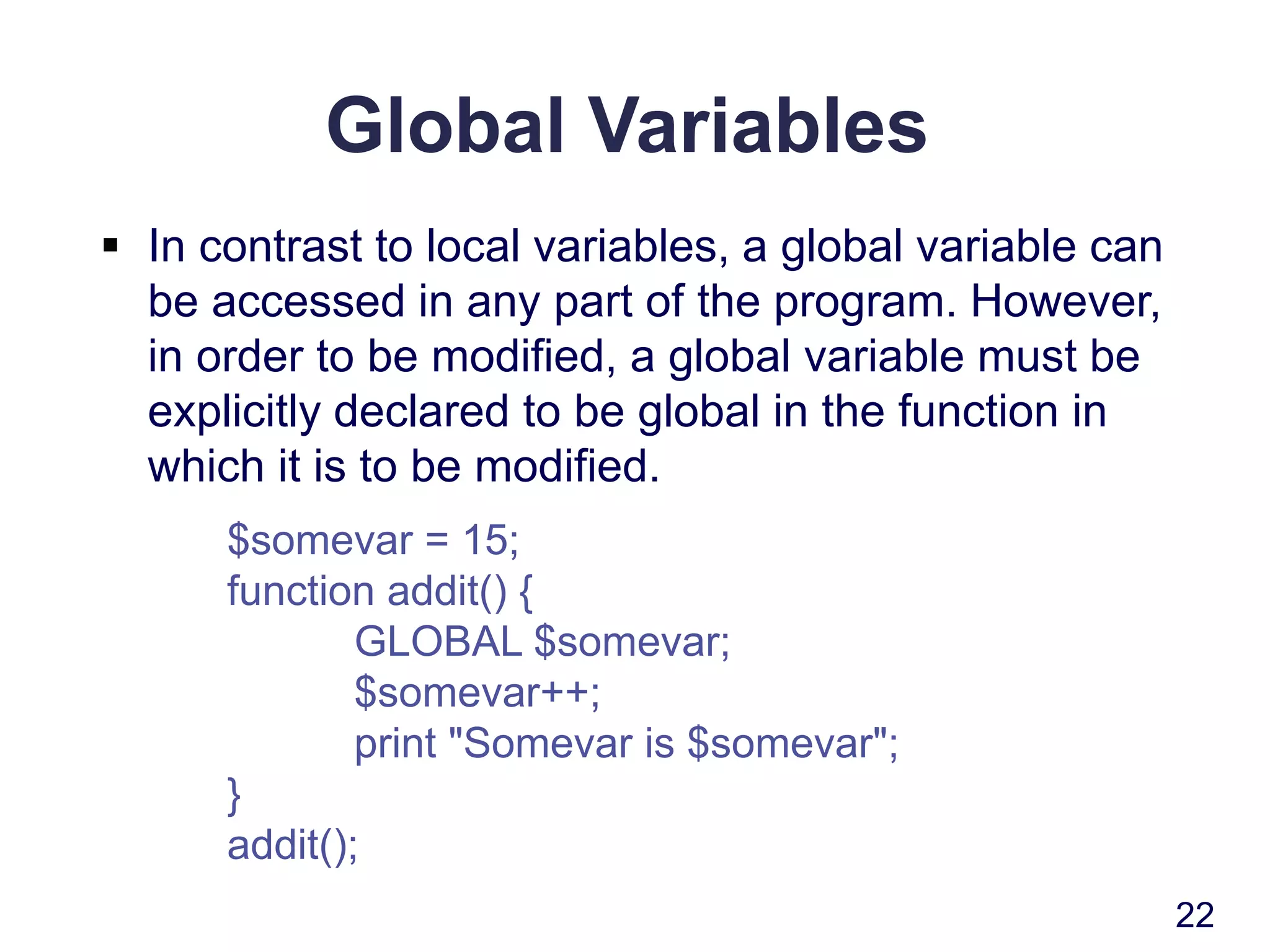
Global Variables
 In contrast to local variables, a global variable can
be accessed in any part of the program. However,
in order to be modified, a global variable must be
explicitly declared to be global in the function in
which it is to be modified.
$somevar = 15;
function addit() {
GLOBAL $somevar;
$somevar++;
print "Somevar is $somevar";
}
addit();
22
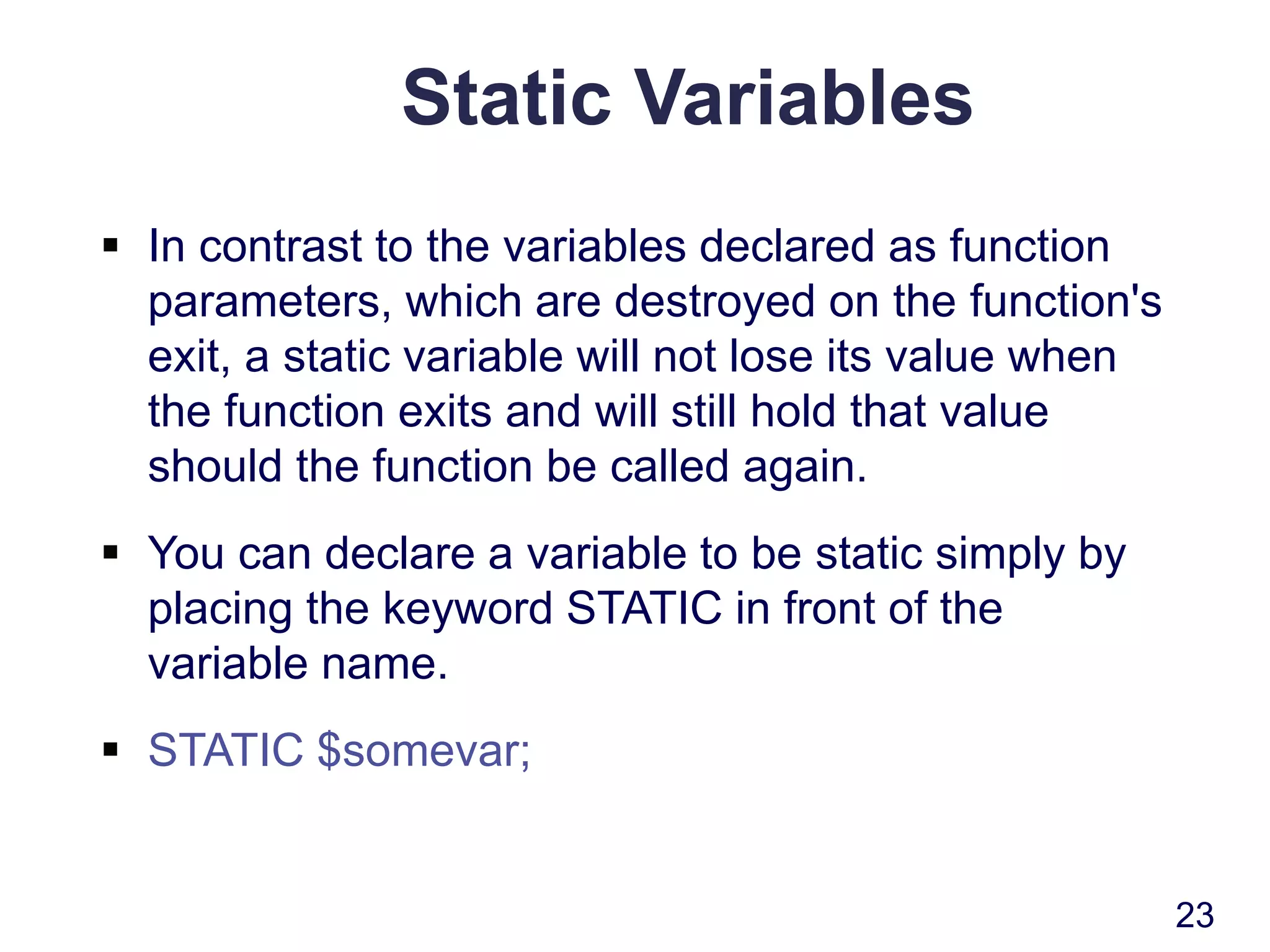
Static Variables
 In contrast to the variables declared as function
parameters, which are destroyed on the function's
exit, a static variable will not lose its value when
the function exits and will still hold that value
should the function be called again.
 You can declare a variable to be static simply by
placing the keyword STATIC in front of the
variable name.
 STATIC $somevar;
23
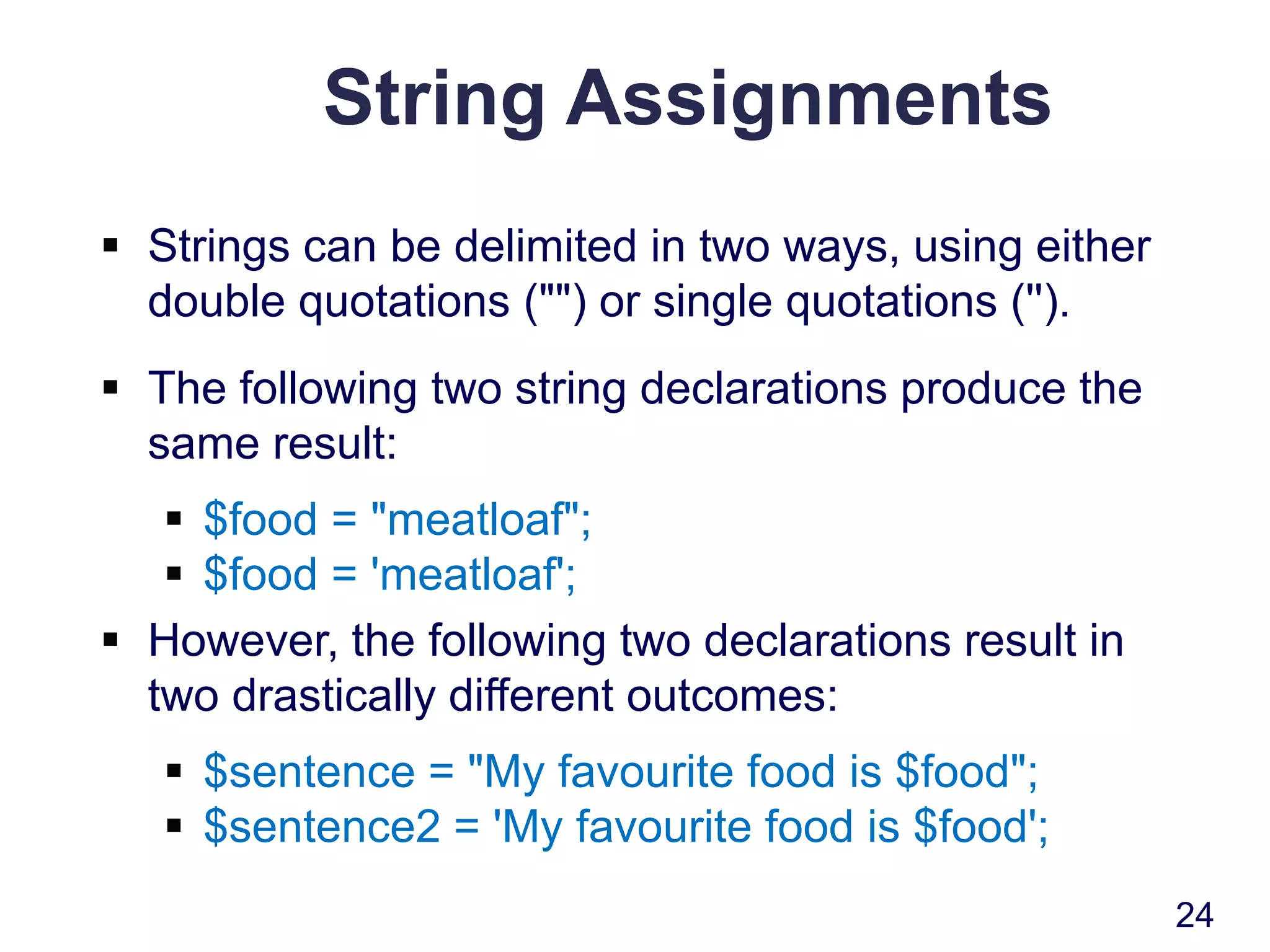
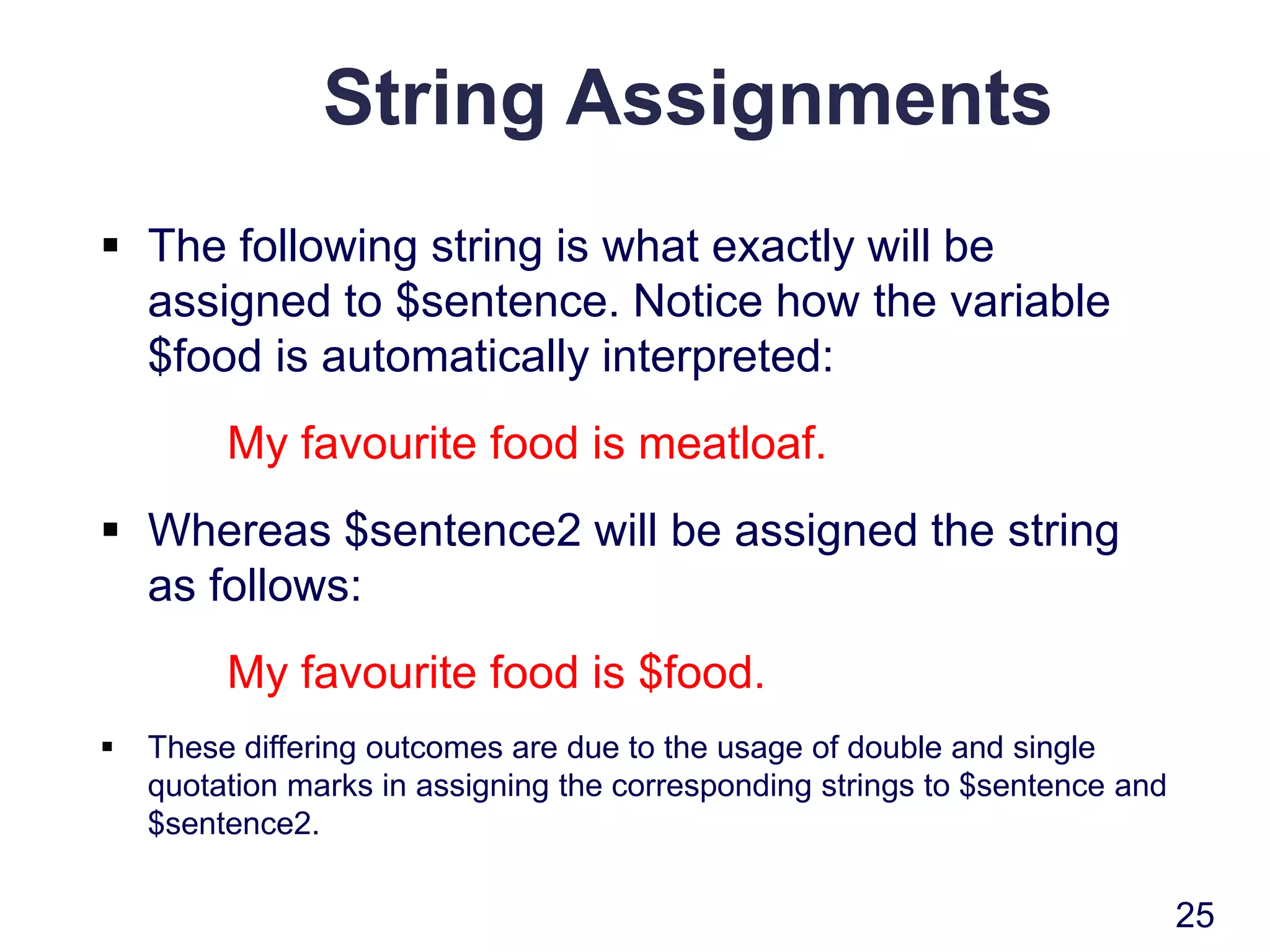
String Assignments
 Strings can be delimited in two ways, using either
double quotations ("") or single quotations ('').
 The following two string declarations produce the
same result:
 $food = "meatloaf";
 $food = 'meatloaf';
 However, the following two declarations result in
two drastically different outcomes:
 $sentence = "My favourite food is $food";
 $sentence2 = 'My favourite food is $food';
24
String Assignments
 The following string is what exactly will be
assigned to $sentence. Notice how the variable
$food is automatically interpreted:
My favourite food is meatloaf.
 Whereas $sentence2 will be assigned the string
as follows:
My favourite food is $food.
 These differing outcomes are due to the usage of double and single
quotation marks in assigning the corresponding strings to $sentence and
$sentence2.
25
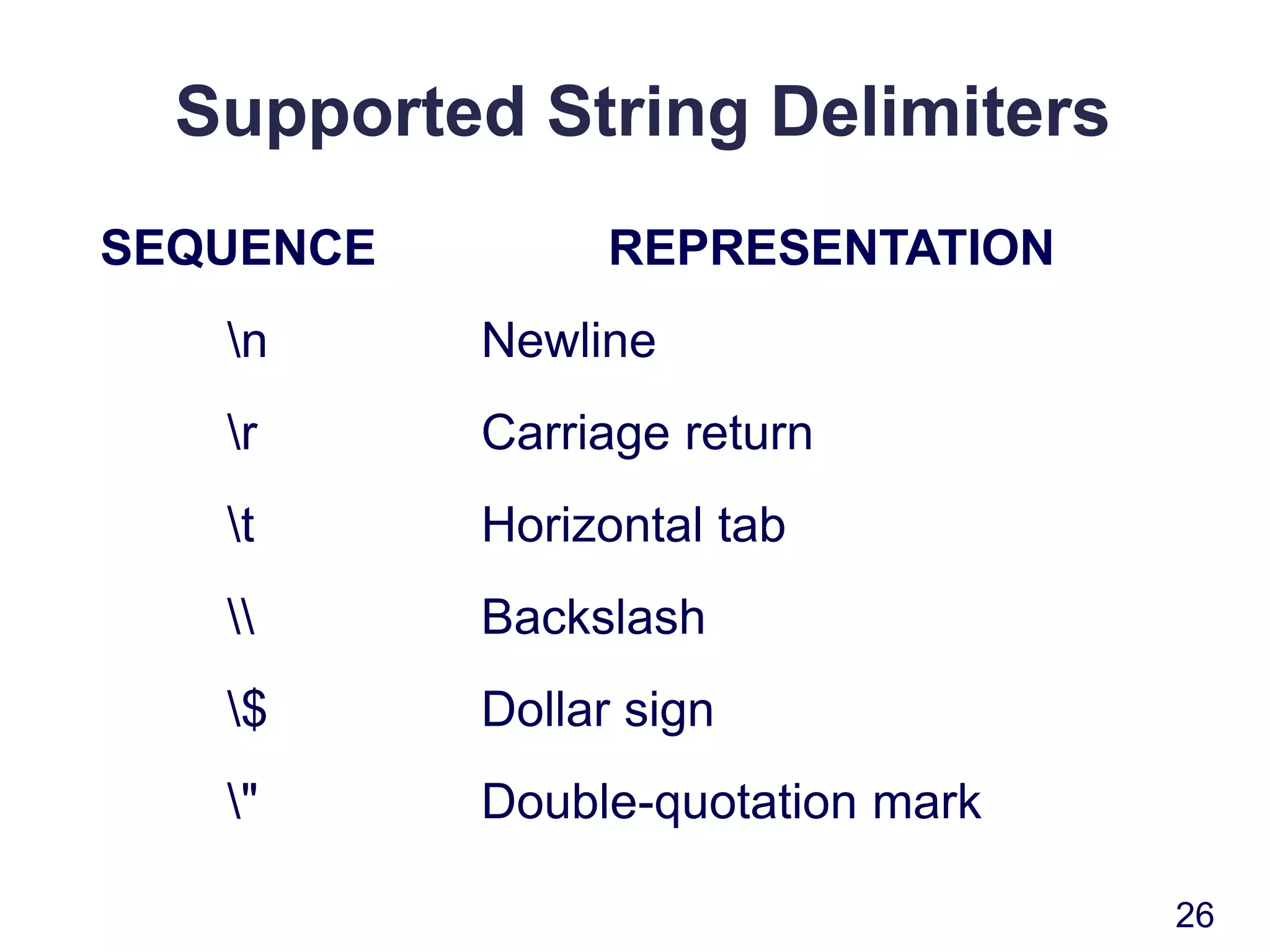
Supported String Delimiters
SEQUENCE REPRESENTATION
n Newline
r Carriage return
t Horizontal tab
 Backslash
$ Dollar sign
" Double-quotation mark
26
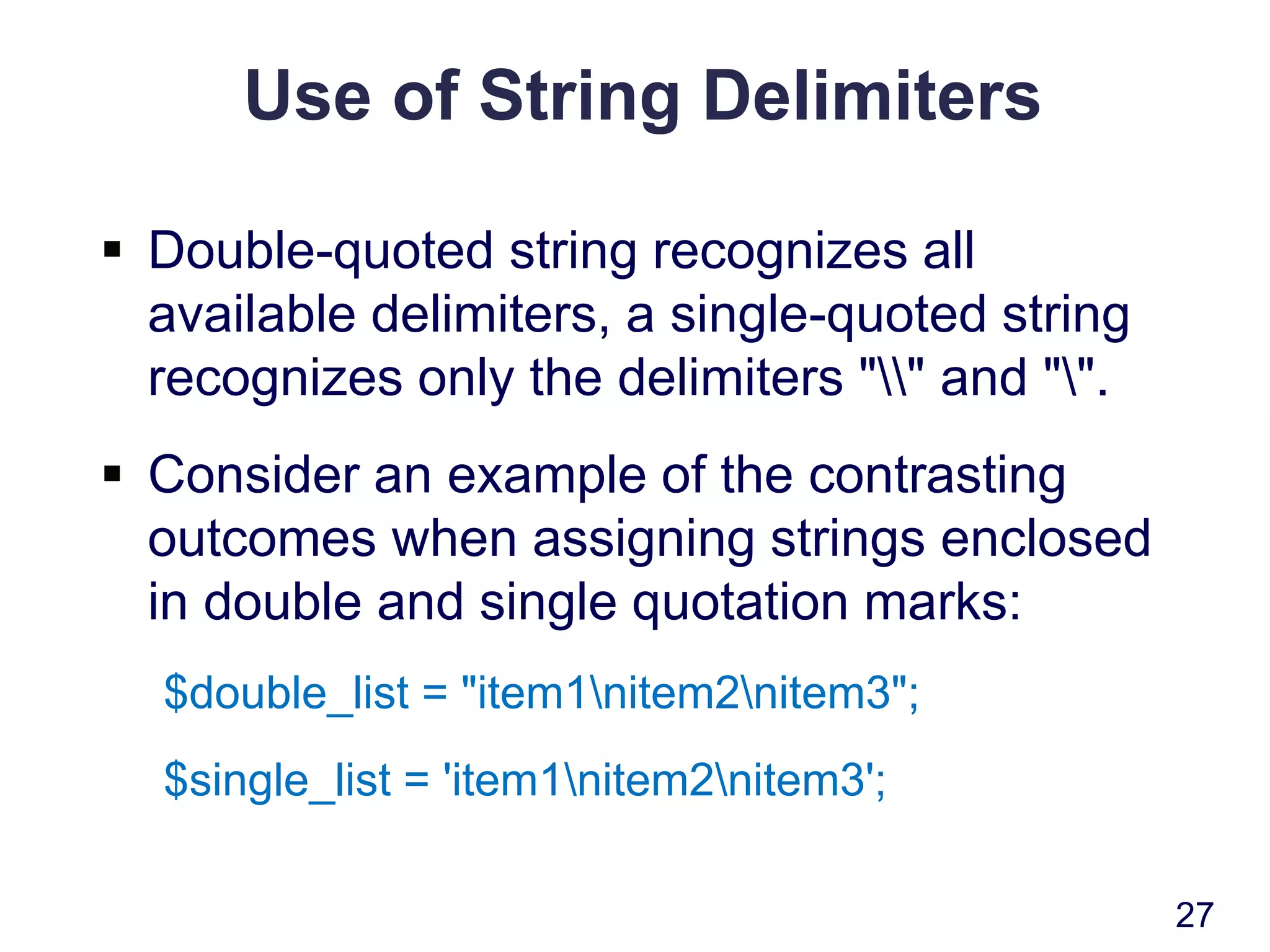
Use of String Delimiters
 Double-quoted string recognizes all
available delimiters, a single-quoted string
recognizes only the delimiters "" and "".
 Consider an example of the contrasting
outcomes when assigning strings enclosed
in double and single quotation marks:
$double_list = "item1nitem2nitem3";
$single_list = 'item1nitem2nitem3';
27
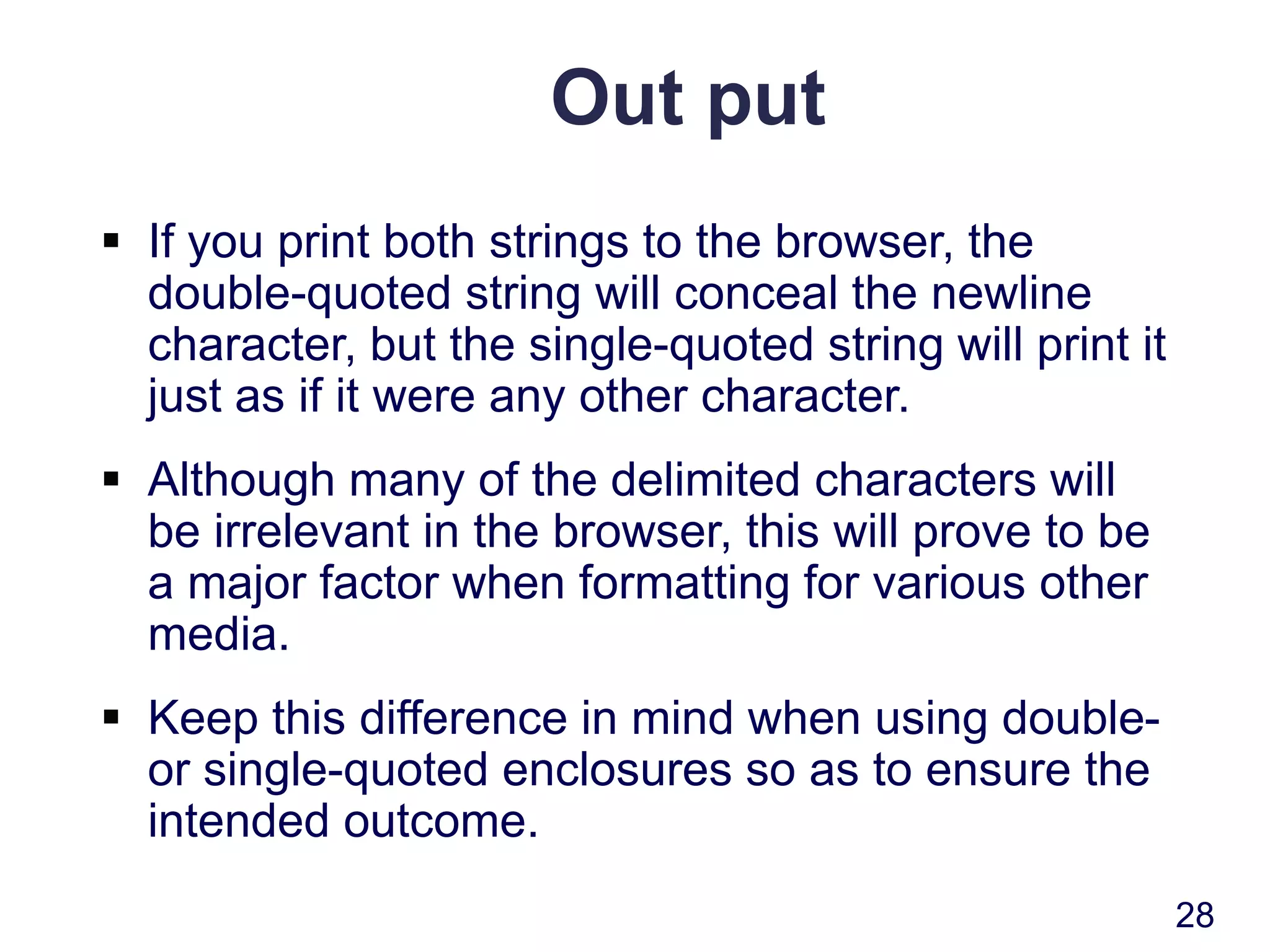
Out put
 If you print both strings to the browser, the
double-quoted string will conceal the newline
character, but the single-quoted string will print it
just as if it were any other character.
 Although many of the delimited characters will
be irrelevant in the browser, this will prove to be
a major factor when formatting for various other
media.
 Keep this difference in mind when using double-
or single-quoted enclosures so as to ensure the
intended outcome.
28
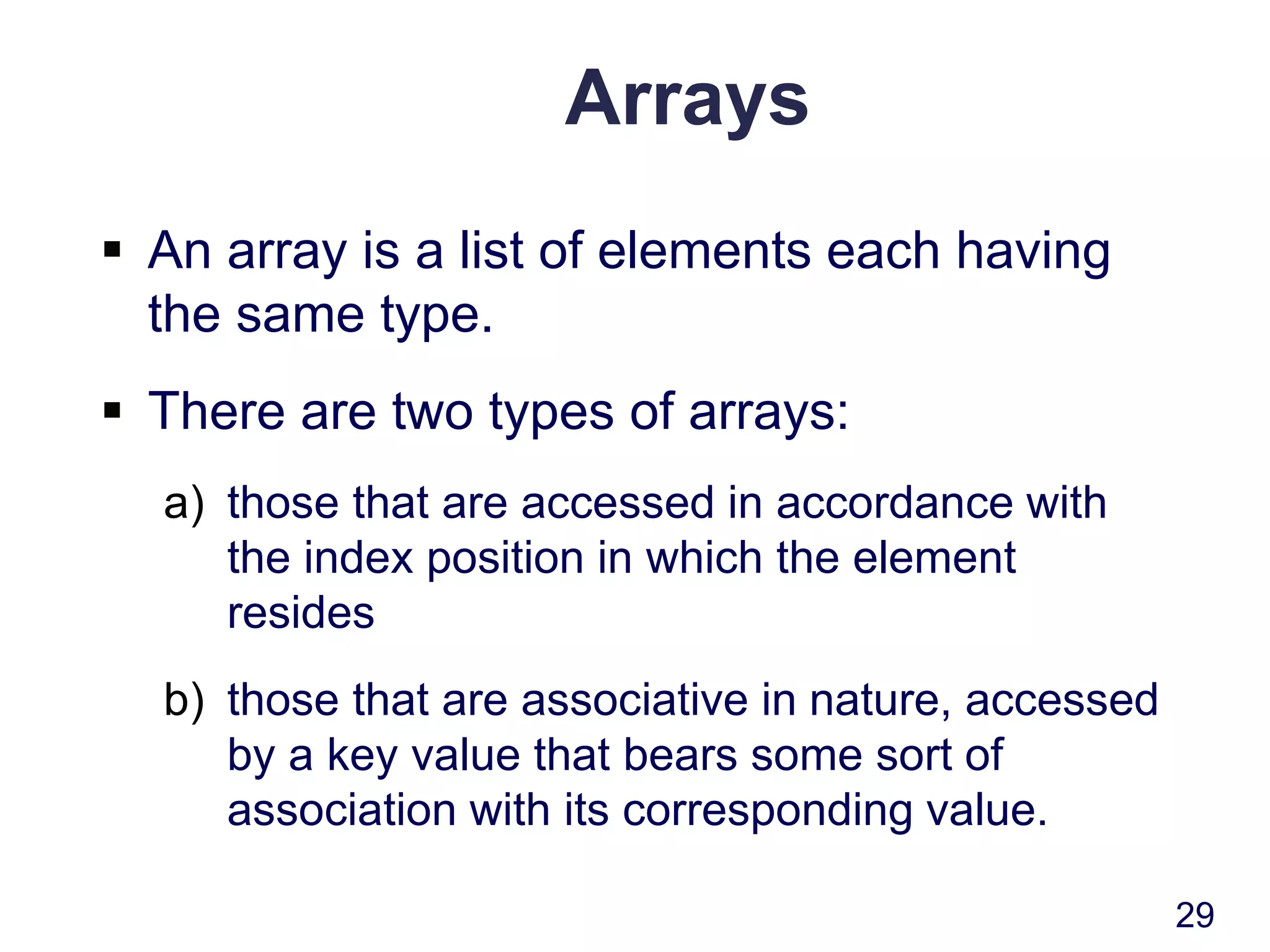
Arrays
 An array is a list of elements each having
the same type.
 There are two types of arrays:
a) those that are accessed in accordance with
the index position in which the element
resides
b) those that are associative in nature, accessed
by a key value that bears some sort of
association with its corresponding value.
29
Single-Dimension Arrays
 The general syntax of a single-dimension array is:
$name[index1];
 A single-dimension array can be created as
follows:
$meat[0] = "chicken";
$meat[1] = "steak";
$meat[2] = "turkey";
 If you execute this command:
print $meat[1];
 The following will be output to the browser:
steak
30
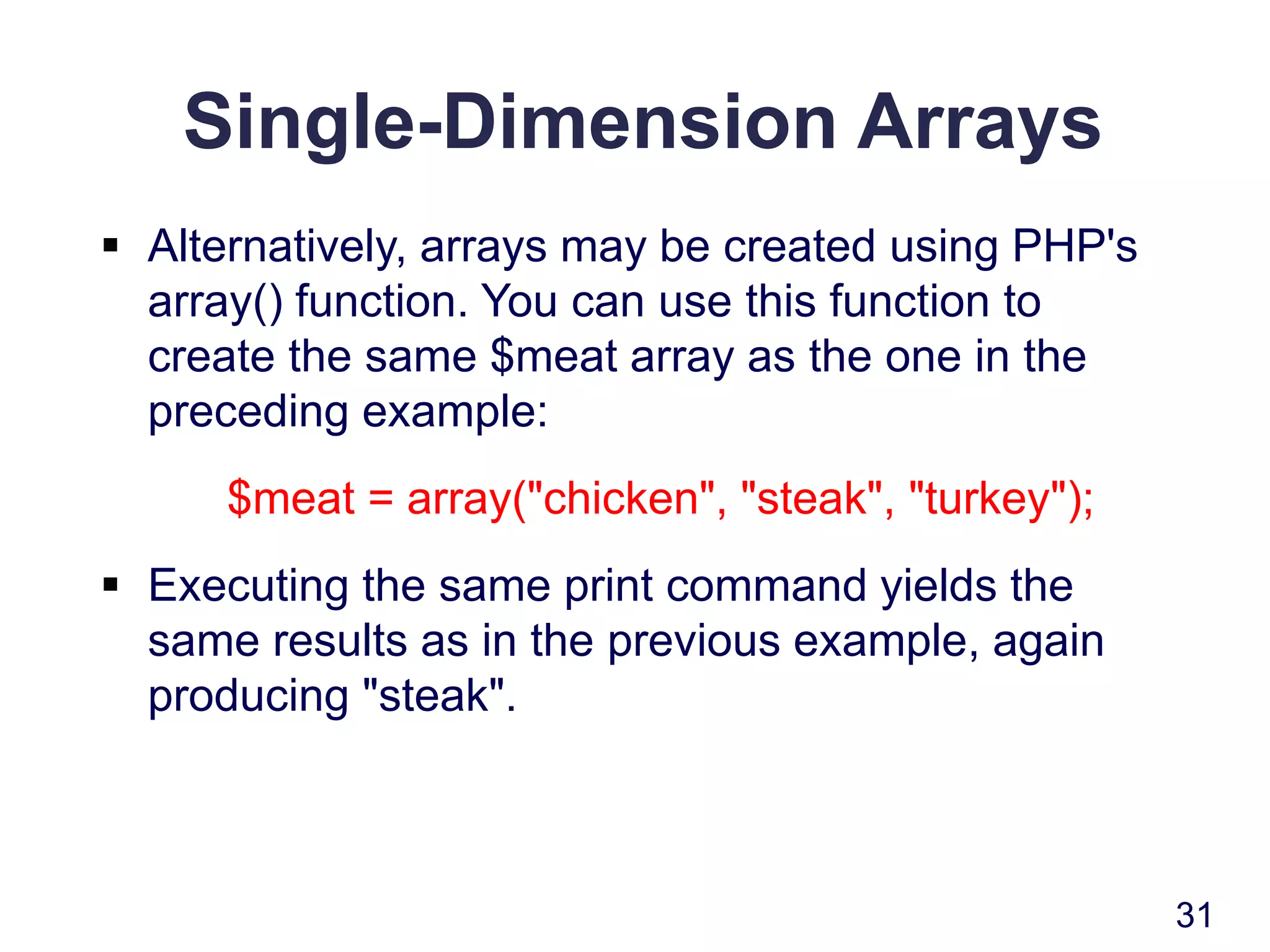
Single-Dimension Arrays
 Alternatively, arrays may be created using PHP's
array() function. You can use this function to
create the same $meat array as the one in the
preceding example:
$meat = array("chicken", "steak", "turkey");
 Executing the same print command yields the
same results as in the previous example, again
producing "steak".
31
Single-Dimension Arrays
 You can also assign values to the end of the array
simply by assigning values to an array variable
using empty brackets.
 Therefore, another way to assign values to the
$meat array is as follows:
$meat[] = "chicken";
$meat[] = "steak";
$meat[] = "turkey";
32
Single-Dimension Associative
Arrays
 Associative arrays are particularly convenient
when it makes more sense to map an array using
words rather than integers.
$pairings["zinfandel"] = "Broiled Veal Chops";
$pairings["merlot"] = "Baked Ham";
$pairings["sauvignon"] = "Prime Rib";
$pairings["sauternes"] = "Roasted Salmon";
33
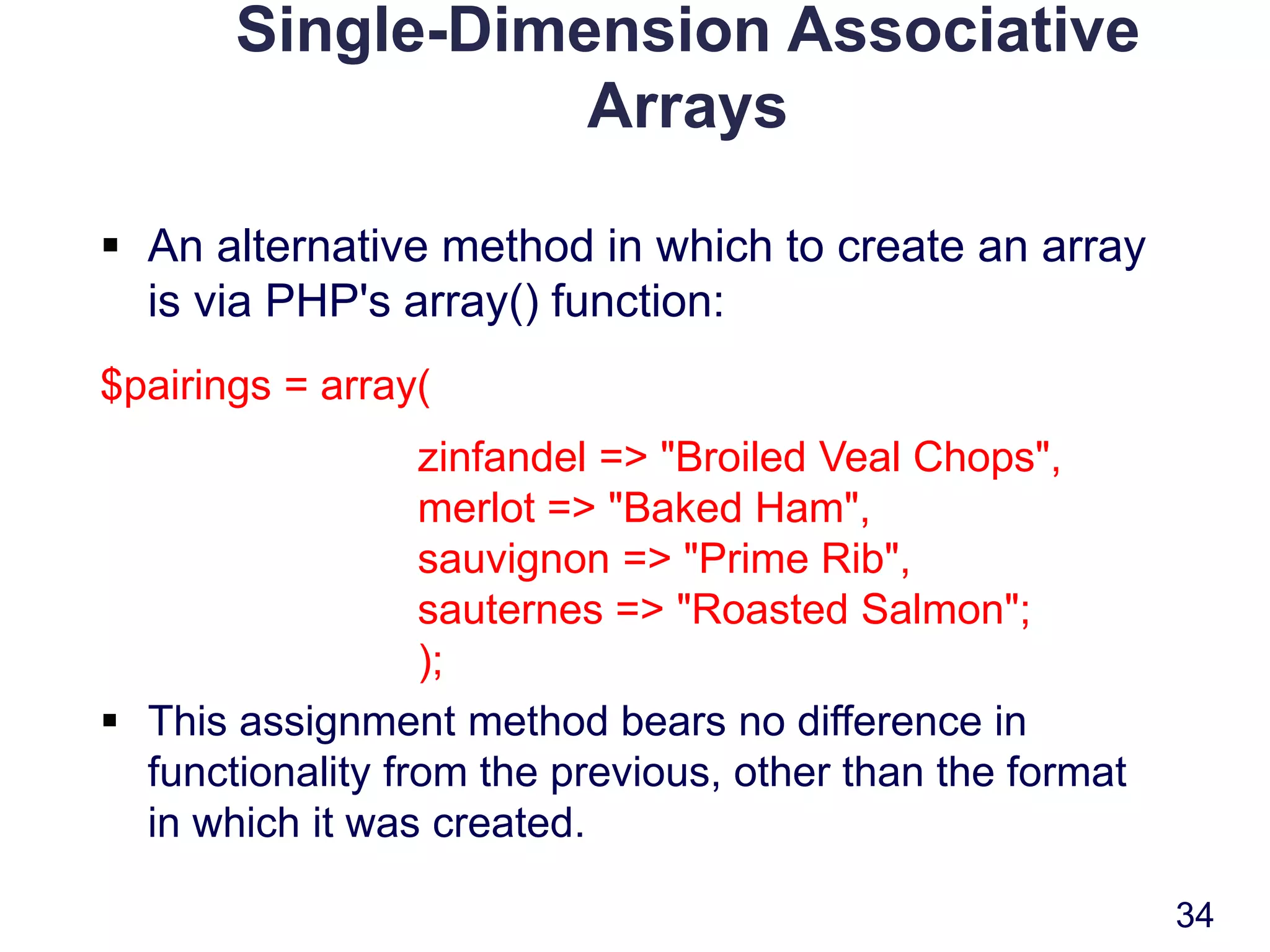
Single-Dimension Associative
Arrays
 An alternative method in which to create an array
is via PHP's array() function:
$pairings = array(
zinfandel => "Broiled Veal Chops",
merlot => "Baked Ham",
sauvignon => "Prime Rib",
sauternes => "Roasted Salmon";
);
 This assignment method bears no difference in
functionality from the previous, other than the format
in which it was created.
34
Multidimensional Indexed Arrays
 Multidimensional indexed arrays function much
like their single-dimension counterparts, except
that more than one index array is used to specify
an element.
 There is no limit as to the dimension size. The
general syntax of a multidimensional array is:
$name[index1] [index2]..[indexN];
 An element of a two-dimensional indexed array
could be referenced as follows:
$position = $chess_board[5][4];
35
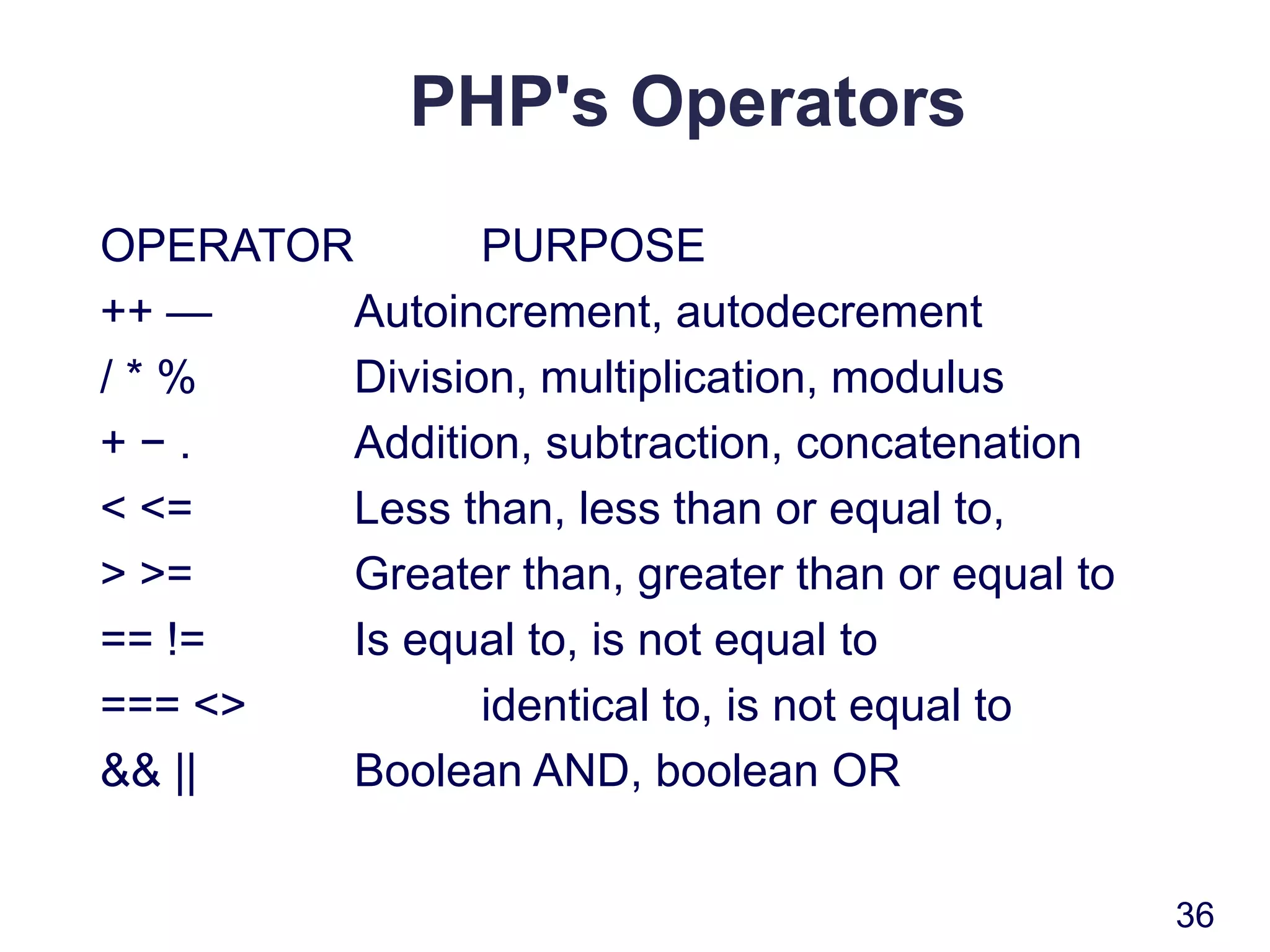
PHP's Operators
OPERATOR PURPOSE
++ — Autoincrement, autodecrement
/ * % Division, multiplication, modulus
+ − . Addition, subtraction, concatenation
< <= Less than, less than or equal to,
> >= Greater than, greater than or equal to
== != Is equal to, is not equal to
=== <> identical to, is not equal to
&& || Boolean AND, boolean OR
36
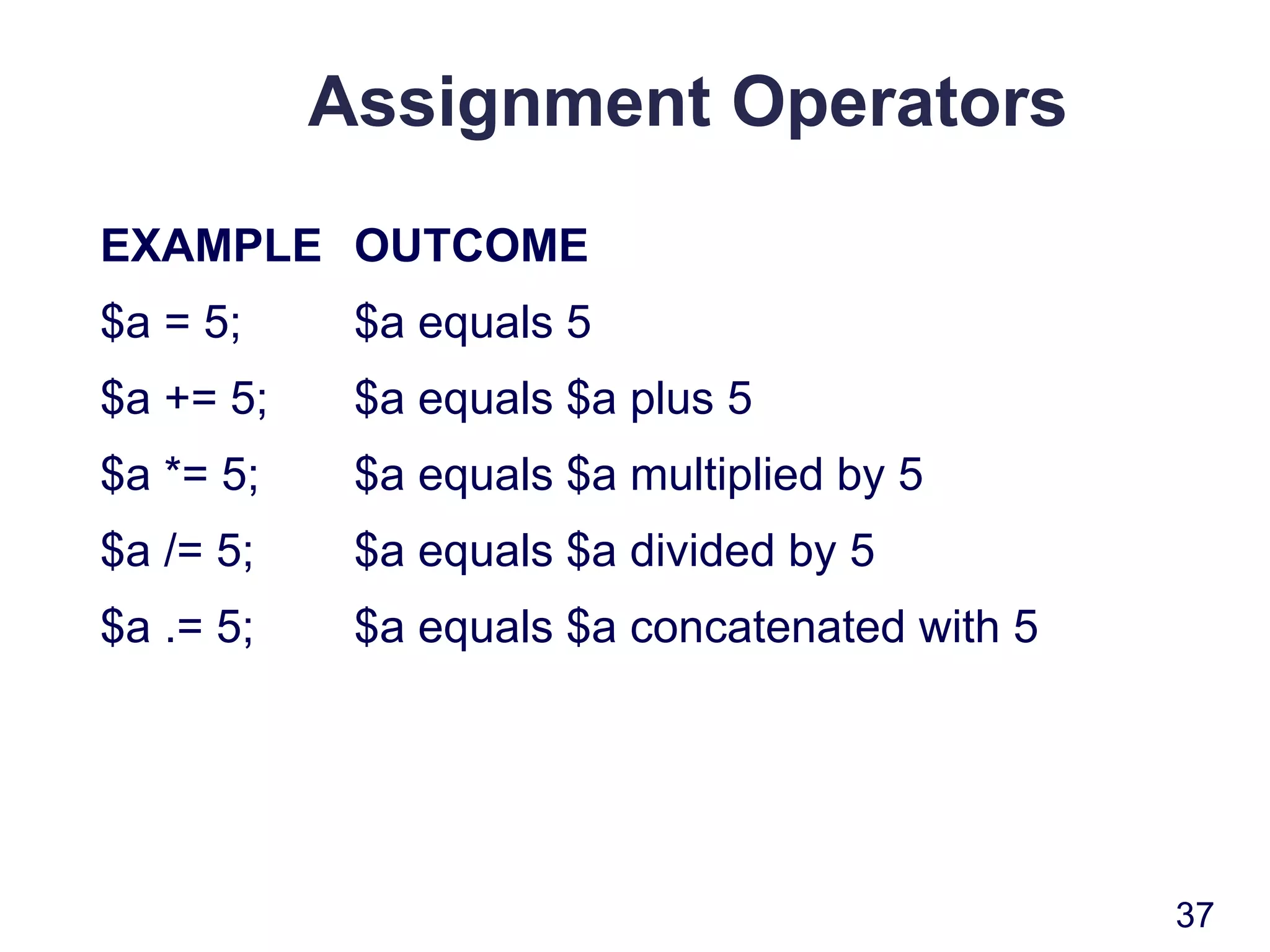
Assignment Operators
EXAMPLE OUTCOME
$a = 5; $a equals 5
$a += 5; $a equals $a plus 5
$a *= 5; $a equals $a multiplied by 5
$a /= 5; $a equals $a divided by 5
$a .= 5; $a equals $a concatenated with 5
37
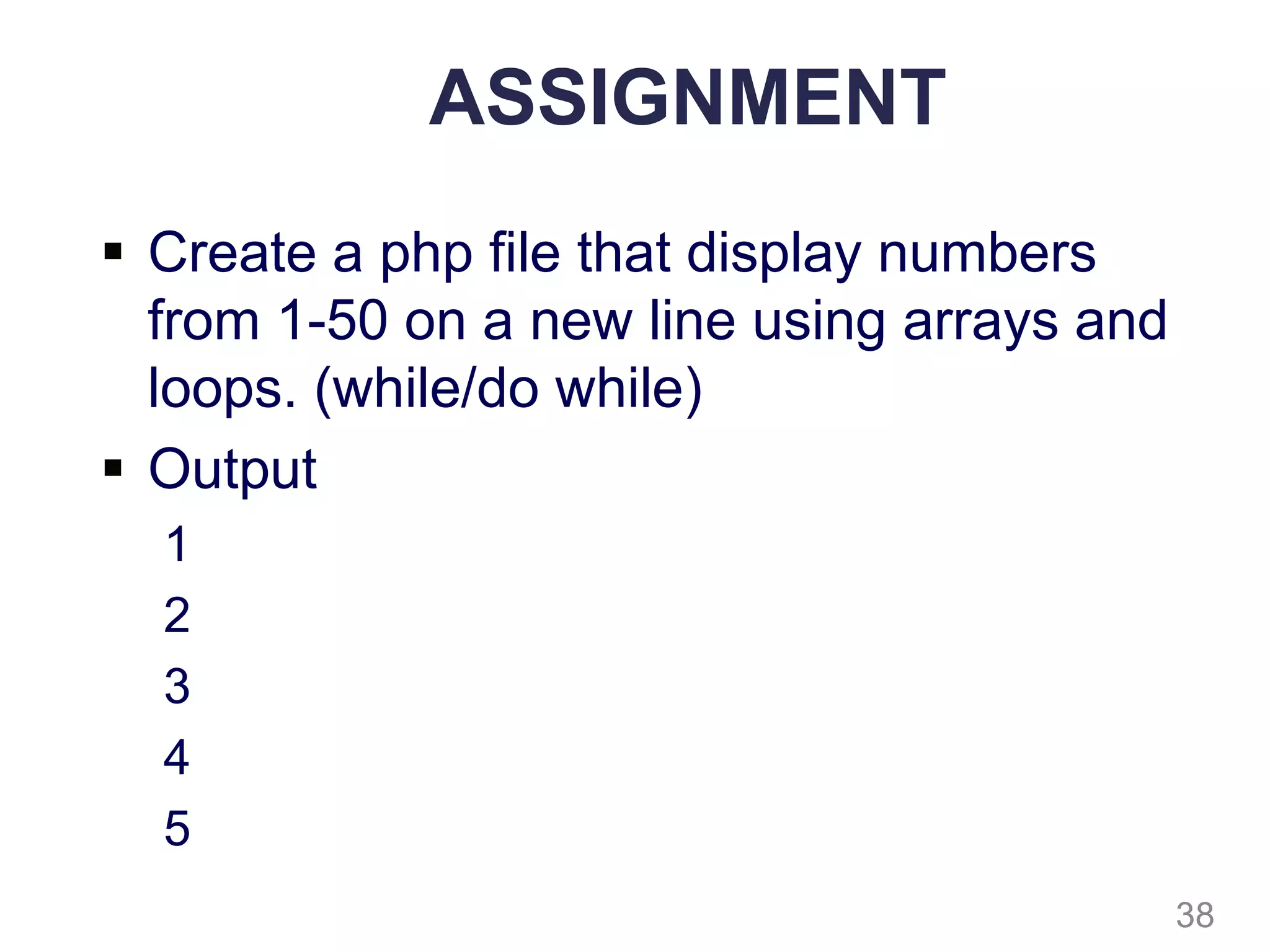
ASSIGNMENT
 Create a php file that display numbers
from 1-50 on a new line using arrays and
loops. (while/do while)
 Output
1
2
3
4
5
38

Lecture3 php by okello erick

  • 1.
  • 2.
    An Introduction ToPHP  PHP set its roots in 1995, when an independent software development contractor named Rasmus Lerdorf developed a Perl/CGI script that enabled him to know how many visitors were reading his online resume.  Lerdorf thus began giving away his toolset, called Personal Home Page (PHP), or Hypertext Preprocessor. 2
  • 3.
    An Introduction ToPHP  PHP is an embedded server-side Web-scripting language that provides developers with the capability to quickly and efficiently build dynamic Web applications.  PHP can also serve as a valuable tool for creating and managing dynamic content, embedded directly beside JavaScript, Stylesheets and many others.  PHP talk to various database systems, giving you the ability to generate a web page based on a SQL query. 3
  • 4.
    An Introduction ToPHP  PHP provides hundreds of predefined functions and capable of handling anything a developer can dream of. Graphic creation and manipulation Mathematical calculations Ecommerce Extensible Markup Language (XML) Open database connectivity (ODBC) Macromedia Shockwave. 4
  • 5.
    PHP: Hypertext Preprocessor PHP is a scripting language that brings websites to life in the following ways:  Sending feedback from your website directly to your mailbox  Sending email with attachments  Uploading files to a web page  Watermarking images  Generating thumbnails from larger images  Displaying and updating information dynamically  Using a database to display and store information  Making websites searchable  And much more . . 5
  • 6.
    Processing PHP  PHPis a server-side language. This means that the web server(apache or IIS) processes your PHP code and sends only the results usually as XHTML to the browser.  Because all the action is on the server, you need to tell it that your pages contain PHP code. This involves two simple steps, namely:  Give every page a PHP filename extension the default is .php.  Enclose all PHP code within PHP tags 6
  • 7.
    PHP  HTML andPHP can be used interchangeably as needed, working alongside one another in harmony. With PHP, we can simply do the following: <html> <title><?php print "Hello world!"; ?></title> </html>  Hello world! will be displayed in the Web page title bar. Interestingly, the single line print is enclosed in PHP's escape characters (<?… ?>) is a complete program. 7
  • 8.
    Running PHP Working withphp files  Create a folder called test in www  Create a file index.php  Open a browser, type localhost/test Note: wamp server must be started and running 8
  • 9.
    Index.php <html> <title><?php print "Helloworld!"; ?></title> <body> <?php echo “Welcome to PHP programming"; ?> </body> </html> 9
  • 10.
    Display of HTMLusing PHP <html> <body> <? // Notice how HTML tags are included in the print statement. echo "<h3>PHP/HTML integration is cool.</h3>"; ?> </body> </html> 10
  • 11.
    Dynamic date insertion <?echo date("F d, Y"); ?> <?php echo date(‘H:i:s’);?> 11
  • 12.
    Format Codes fordate 12 Code Description a Lowercase am or pm A Uppercase AM or PM d Two-digit day of month, 01–31 D Three-letter day name, Mon–Sun F Full month name, January–December g 12-hour hour with no leading zero G 24-hour hour with no leading zero h 12-hour hour with leading zero, 01–12 H 24-hour hour with leading zero, 00–23 l Minutes with leading zero, 00–59 j Day of month with no leading zero, 1–31
  • 13.
    Format Codes fordate 13 Code Description m Month number with leading zeros, 01–12 l Full day name, Monday–Sunday M Three letter month name, Jan–Dec n Month number with no leading zeros, 1–12 s Seconds with leading zero, 00–59 S Ordinal suffix for day of month, st, nd, rd, or th w Number of day of week, 0–6, where 0 is Sunday W Week number, 0–53 y Two-digit year number Y Four-digit year number z Day of year, 0–365
  • 14.
    Comments  // or# Single-line comment. Everything to the end of the current line is ignored.  /* ... */ Single- or multiple-line comment. Every thing between /* and */ is ignored. 14
  • 15.
    The big picture A typical PHP page will use some or all of the following elements:  Variables to act as placeholders for unknown or changing values  Arrays to hold multiple values  Conditional statements to make decisions  Loops to perform repetitive tasks  Functions to perform preset tasks 15
  • 16.
    Variables  A variableis simply a name that you give to something that may change or that you don’t know in advance.  A variable always begins with a dollar sign ($). The following are all valid variables: $color $operating_system $_some_variable $model 16
  • 17.
    Naming variables  Youcan choose just about anything you like as the name for a variable, as long as you keep the following rules in mind:  Variables always begin with a dollar sign ($).  The first character after the dollar sign cannot be a number.  No spaces or punctuation are allowed, except for the underscore (_).  Variable names are case-sensitive: $startYear and $startyear are not the same. 17
  • 18.
    Variables  $sentence ="This is a sentence."; // $sentence evaluates to string.  $price = 42.99; // $price evaluates to a floating- point  $weight = 185; // $weight evaluates to an integer.  You can declare variables anywhere in a PHP script. However, the location of the declaration greatly influences the realm in which a variable can be accessed. This access domain is known as its scope. 18
  • 19.
    Variable Scope  Scopecan be defined as the range of availability a variable has to the program in which it is declared. PHP variables can be one of four scope types:  Local variables  Function parameters  Global variables  Static variables 19
  • 20.
    Local Variables  Avariable declared in a function is considered local; that is, it can be referenced solely in that function. Any assignment outside of that function will be considered to be an entirely different variable from the one contained in the function. $x = 4; function assignx () { $x = 0; print "$x inside function is $x. <br>"; } 20
  • 21.
    Function Parameters  Asis the case with many other programming languages, in PHP any function that accepts arguments must declare these arguments in the function header. // multiply a value by 10 and return it to the caller function x10 ($value) { $value = $value * 10; return $value; } 21
  • 22.
    Global Variables  Incontrast to local variables, a global variable can be accessed in any part of the program. However, in order to be modified, a global variable must be explicitly declared to be global in the function in which it is to be modified. $somevar = 15; function addit() { GLOBAL $somevar; $somevar++; print "Somevar is $somevar"; } addit(); 22
  • 23.
    Static Variables  Incontrast to the variables declared as function parameters, which are destroyed on the function's exit, a static variable will not lose its value when the function exits and will still hold that value should the function be called again.  You can declare a variable to be static simply by placing the keyword STATIC in front of the variable name.  STATIC $somevar; 23
  • 24.
    String Assignments  Stringscan be delimited in two ways, using either double quotations ("") or single quotations ('').  The following two string declarations produce the same result:  $food = "meatloaf";  $food = 'meatloaf';  However, the following two declarations result in two drastically different outcomes:  $sentence = "My favourite food is $food";  $sentence2 = 'My favourite food is $food'; 24
  • 25.
    String Assignments  Thefollowing string is what exactly will be assigned to $sentence. Notice how the variable $food is automatically interpreted: My favourite food is meatloaf.  Whereas $sentence2 will be assigned the string as follows: My favourite food is $food.  These differing outcomes are due to the usage of double and single quotation marks in assigning the corresponding strings to $sentence and $sentence2. 25
  • 26.
    Supported String Delimiters SEQUENCEREPRESENTATION n Newline r Carriage return t Horizontal tab Backslash $ Dollar sign " Double-quotation mark 26
  • 27.
    Use of StringDelimiters  Double-quoted string recognizes all available delimiters, a single-quoted string recognizes only the delimiters "" and "".  Consider an example of the contrasting outcomes when assigning strings enclosed in double and single quotation marks: $double_list = "item1nitem2nitem3"; $single_list = 'item1nitem2nitem3'; 27
  • 28.
    Out put  Ifyou print both strings to the browser, the double-quoted string will conceal the newline character, but the single-quoted string will print it just as if it were any other character.  Although many of the delimited characters will be irrelevant in the browser, this will prove to be a major factor when formatting for various other media.  Keep this difference in mind when using double- or single-quoted enclosures so as to ensure the intended outcome. 28
  • 29.
    Arrays  An arrayis a list of elements each having the same type.  There are two types of arrays: a) those that are accessed in accordance with the index position in which the element resides b) those that are associative in nature, accessed by a key value that bears some sort of association with its corresponding value. 29
  • 30.
    Single-Dimension Arrays  Thegeneral syntax of a single-dimension array is: $name[index1];  A single-dimension array can be created as follows: $meat[0] = "chicken"; $meat[1] = "steak"; $meat[2] = "turkey";  If you execute this command: print $meat[1];  The following will be output to the browser: steak 30
  • 31.
    Single-Dimension Arrays  Alternatively,arrays may be created using PHP's array() function. You can use this function to create the same $meat array as the one in the preceding example: $meat = array("chicken", "steak", "turkey");  Executing the same print command yields the same results as in the previous example, again producing "steak". 31
  • 32.
    Single-Dimension Arrays  Youcan also assign values to the end of the array simply by assigning values to an array variable using empty brackets.  Therefore, another way to assign values to the $meat array is as follows: $meat[] = "chicken"; $meat[] = "steak"; $meat[] = "turkey"; 32
  • 33.
    Single-Dimension Associative Arrays  Associativearrays are particularly convenient when it makes more sense to map an array using words rather than integers. $pairings["zinfandel"] = "Broiled Veal Chops"; $pairings["merlot"] = "Baked Ham"; $pairings["sauvignon"] = "Prime Rib"; $pairings["sauternes"] = "Roasted Salmon"; 33
  • 34.
    Single-Dimension Associative Arrays  Analternative method in which to create an array is via PHP's array() function: $pairings = array( zinfandel => "Broiled Veal Chops", merlot => "Baked Ham", sauvignon => "Prime Rib", sauternes => "Roasted Salmon"; );  This assignment method bears no difference in functionality from the previous, other than the format in which it was created. 34
  • 35.
    Multidimensional Indexed Arrays Multidimensional indexed arrays function much like their single-dimension counterparts, except that more than one index array is used to specify an element.  There is no limit as to the dimension size. The general syntax of a multidimensional array is: $name[index1] [index2]..[indexN];  An element of a two-dimensional indexed array could be referenced as follows: $position = $chess_board[5][4]; 35
  • 36.
    PHP's Operators OPERATOR PURPOSE ++— Autoincrement, autodecrement / * % Division, multiplication, modulus + − . Addition, subtraction, concatenation < <= Less than, less than or equal to, > >= Greater than, greater than or equal to == != Is equal to, is not equal to === <> identical to, is not equal to && || Boolean AND, boolean OR 36
  • 37.
    Assignment Operators EXAMPLE OUTCOME $a= 5; $a equals 5 $a += 5; $a equals $a plus 5 $a *= 5; $a equals $a multiplied by 5 $a /= 5; $a equals $a divided by 5 $a .= 5; $a equals $a concatenated with 5 37
  • 38.
    ASSIGNMENT  Create aphp file that display numbers from 1-50 on a new line using arrays and loops. (while/do while)  Output 1 2 3 4 5 38

Editor's Notes

  • #3 This chapter introduces the PHP language, discusses its history and capabilities, and provides the basic information you need to begin developing PHP-enabled sites. Several examples are provided throughout, hopefully serving to excite you about what PHP can offer you and your organization. You will learn how to install and configure the PHP software on both Linux/UNIX and Windows machines, and you will learn how to embed PHP in HTML.