Solnet Solutions Ltd JUnit Goodness - October 2009
JUnit Goodness Parameterized Tests Matcher Assertions The @Ignore Annotation … Coming at you from all angles in JUnit 4
Parameterized Tests Why would you write a parameterized test? How do you write a parameterized test? Parameterized tests are generic tests that run multiple times using a collection of test parameters.
Why Would You Write A Parameterized Tests Parameterized test are suitable for two types of test: Tests that require different data in specific environments Test that use multiple data sets (Data Driven testing) Through the use of parameterized tests we can also eliminate the following JUnit test smells Test cases that contain a test method for each test data combination Test cases that loop over a collection of values By implementing parameterized tests we are able to create tests in a DRY manner.
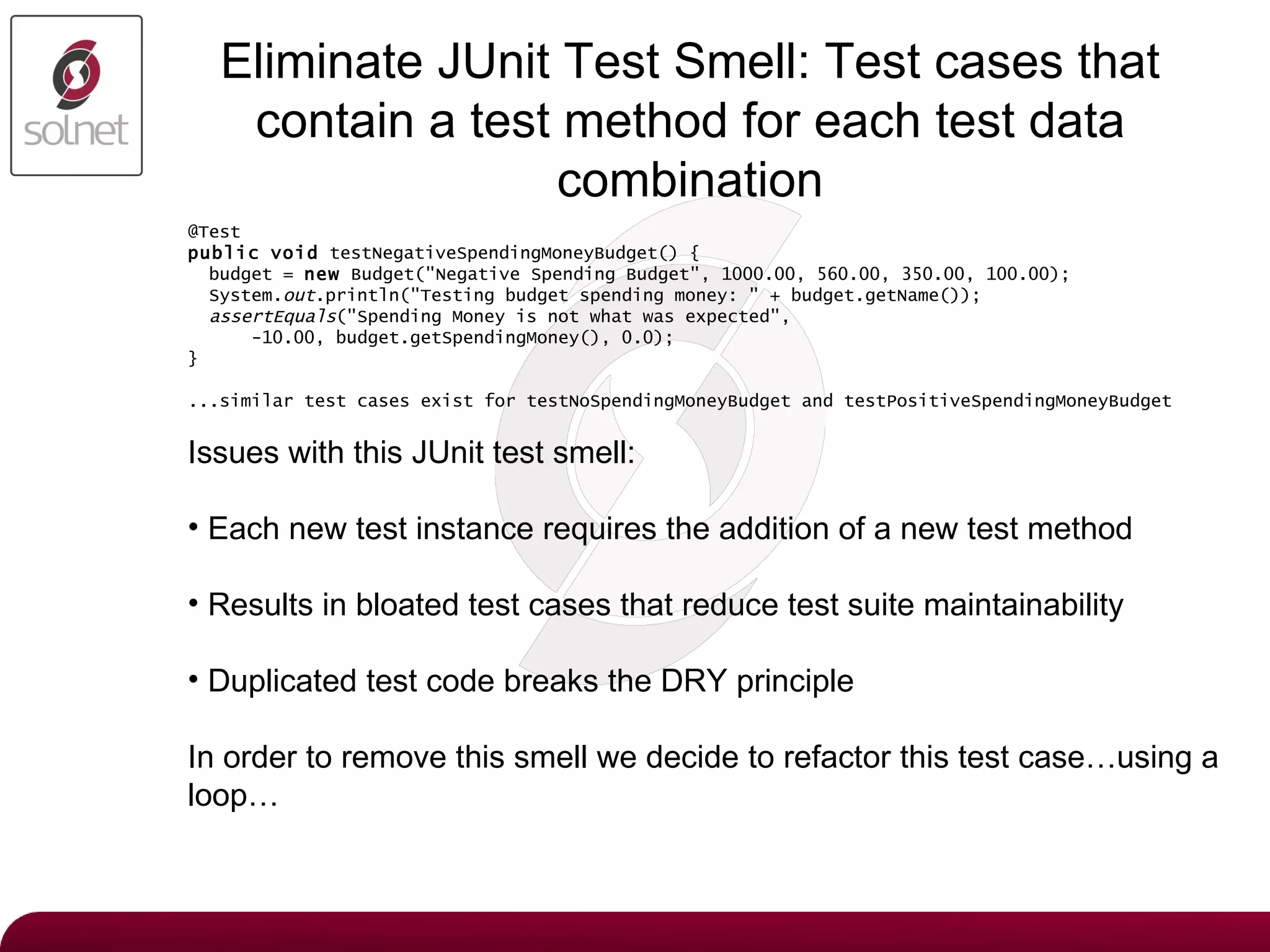
Eliminate JUnit Test Smell:  Test cases that contain a test method for each test data combination @Test public   void  testNegativeSpendingMoneyBudget() { budget =  new  Budget("Negative Spending Budget", 1000.00, 560.00, 350.00, 100.00); System. out .println("Testing budget spending money: " + budget.getName()); assertEquals ("Spending Money is not what was expected", -10.00, budget.getSpendingMoney(), 0.0); } ...similar test cases exist for testNoSpendingMoneyBudget and testPositiveSpendingMoneyBudget Issues with this JUnit test smell: Each new test instance requires the addition of a new test method Results in bloated test cases that reduce test suite maintainability Duplicated test code breaks the DRY principle In order to remove this smell we decide to refactor this test case…using a loop…
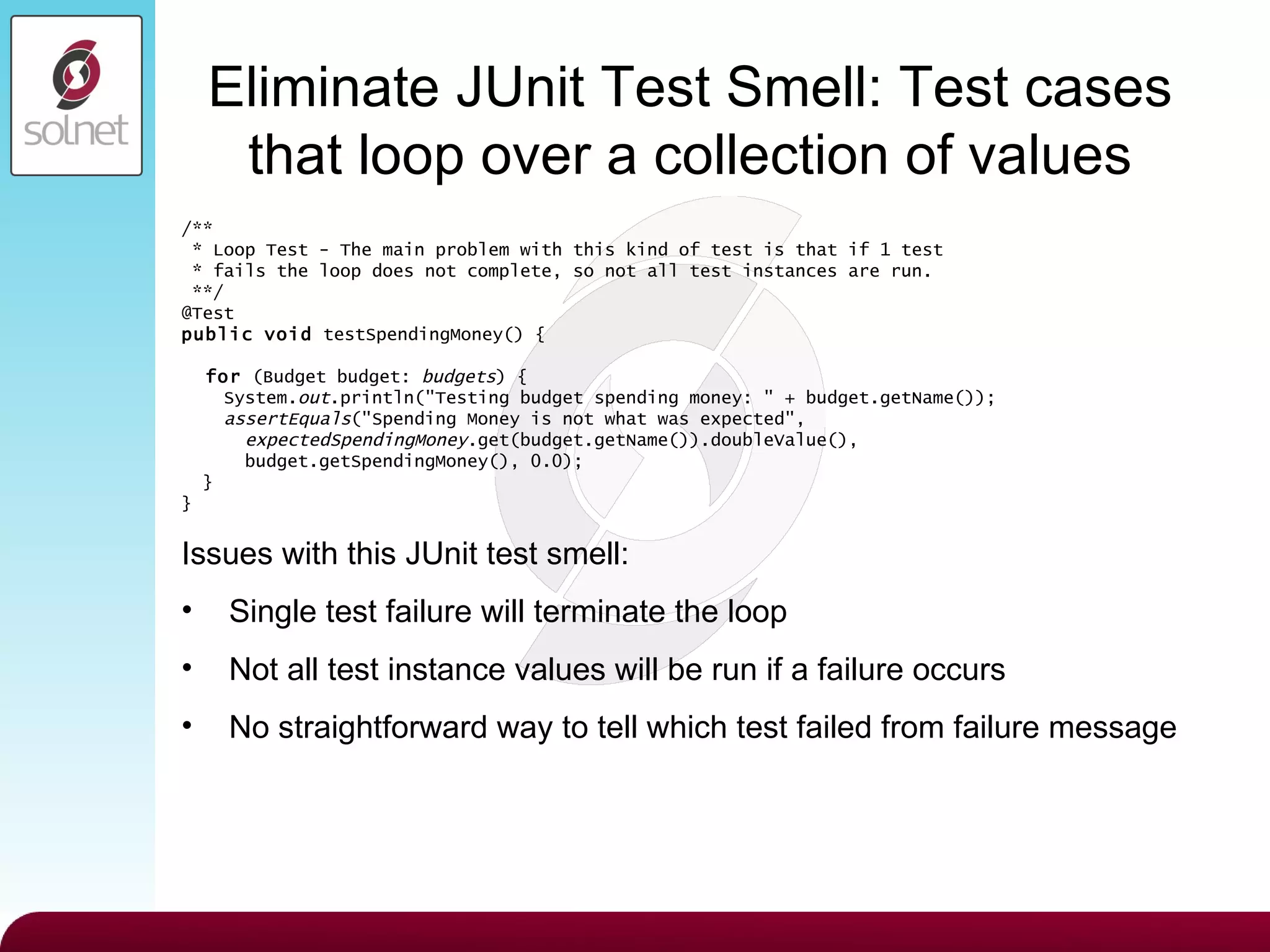
Eliminate JUnit Test Smell:  Test cases that loop over a collection of values /** * Loop Test - The main problem with this kind of test is that if 1 test * fails the loop does not complete, so not all test instances are run. **/ @Test public   void  testSpendingMoney() { for  (Budget budget:  budgets ) { System. out .println("Testing budget spending money: " + budget.getName()); assertEquals ("Spending Money is not what was expected", expectedSpendingMoney .get(budget.getName()).doubleValue(), budget.getSpendingMoney(), 0.0); } } Issues with this JUnit test smell: Single test failure will terminate the loop Not all test instance values will be run if a failure occurs No straightforward way to tell which test failed from failure message
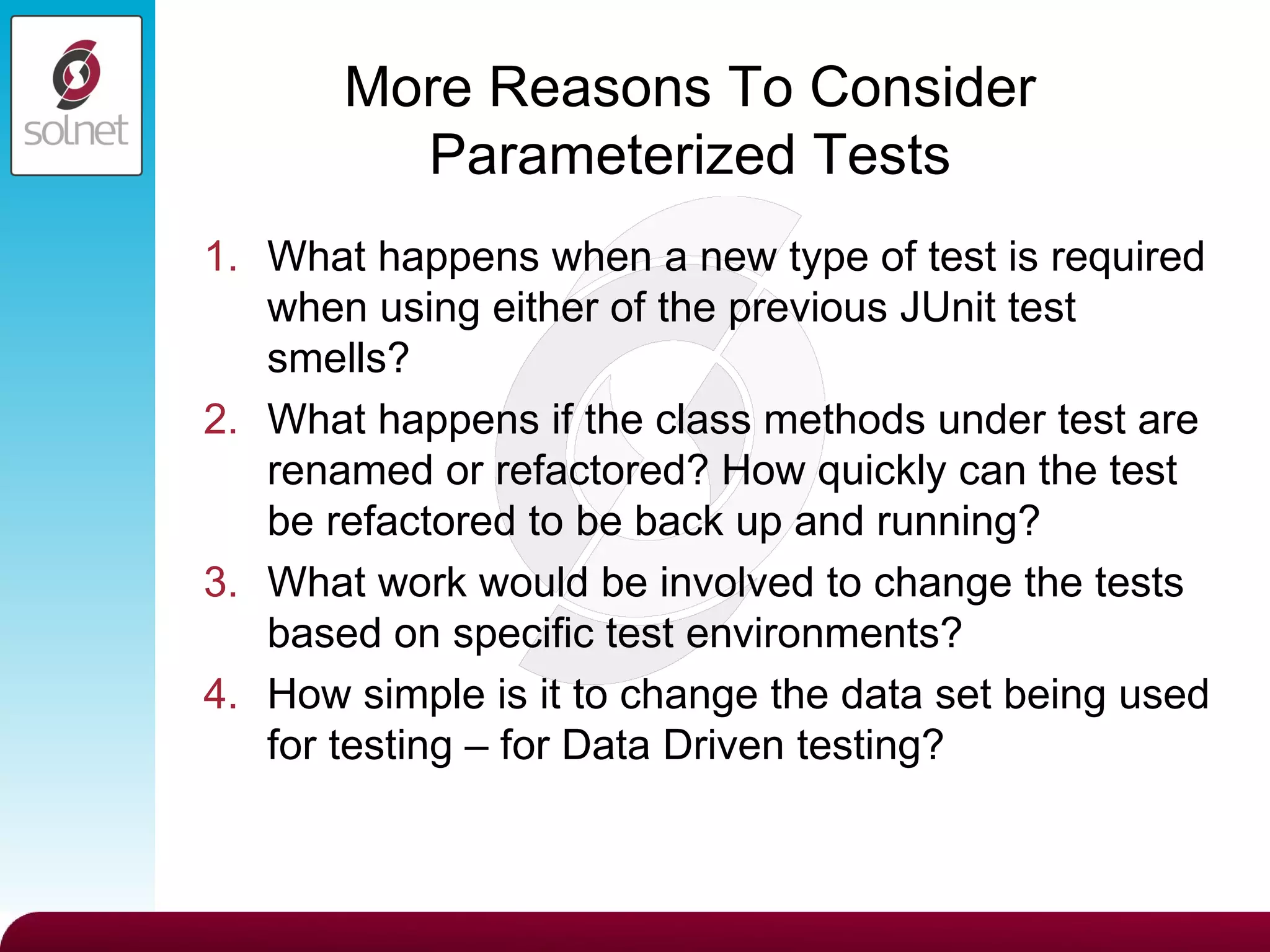
More Reasons To Consider Parameterized Tests What happens when a new type of test is required when using either of the previous JUnit test smells? What happens if the class methods under test are renamed or refactored? How quickly can the test be refactored to be back up and running? What work would be involved to change the tests based on specific test environments? How simple is it to change the data set being used for testing – for Data Driven testing?
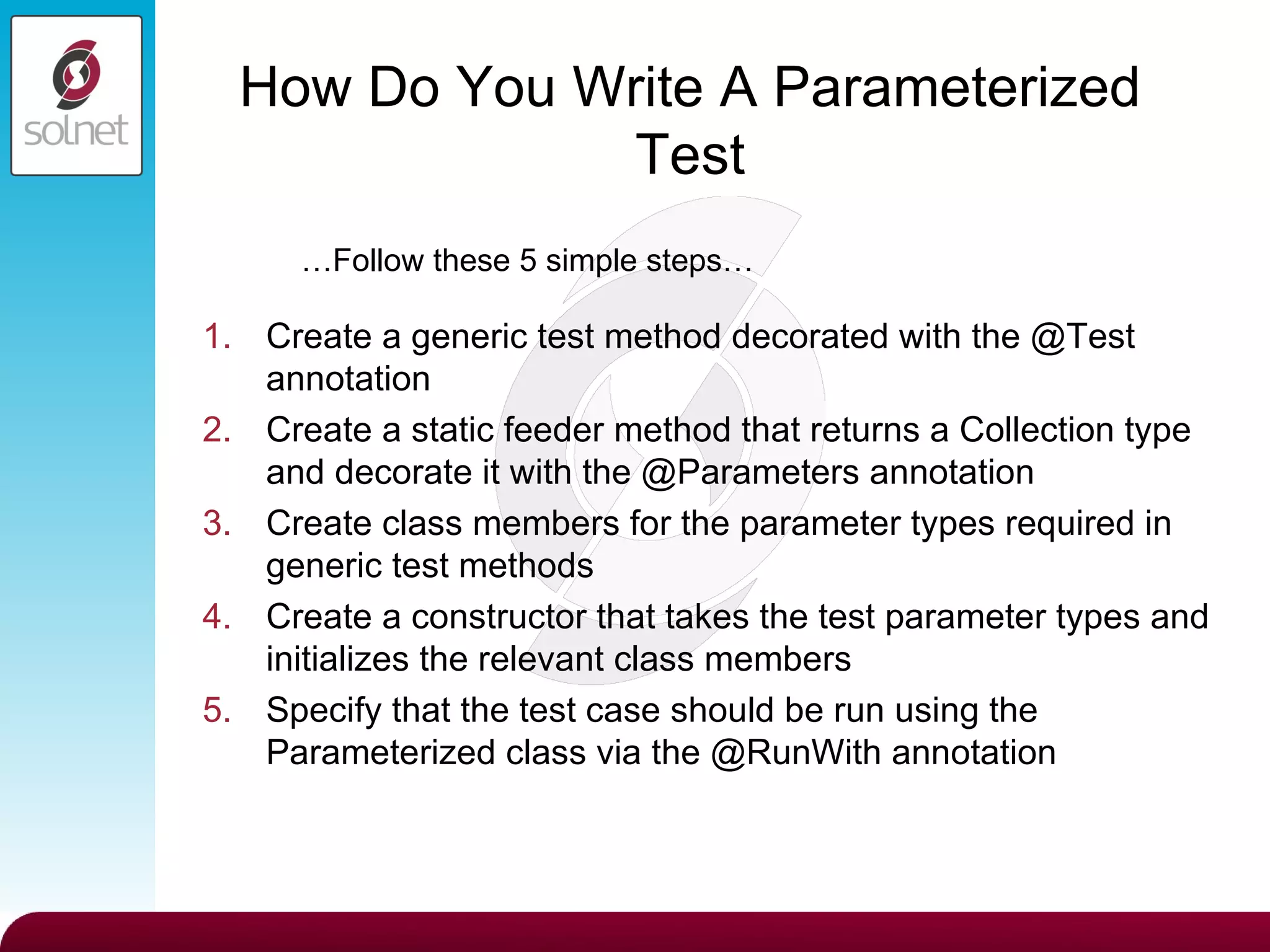
How Do You Write A Parameterized Test Create a generic test method decorated with the @Test annotation Create a static feeder method that returns a Collection type and decorate it with the @Parameters annotation Create class members for the parameter types required in generic test methods Create a constructor that takes the test parameter types and initializes the relevant class members Specify that the test case should be run using the Parameterized class via the @RunWith annotation … Follow these 5 simple steps…
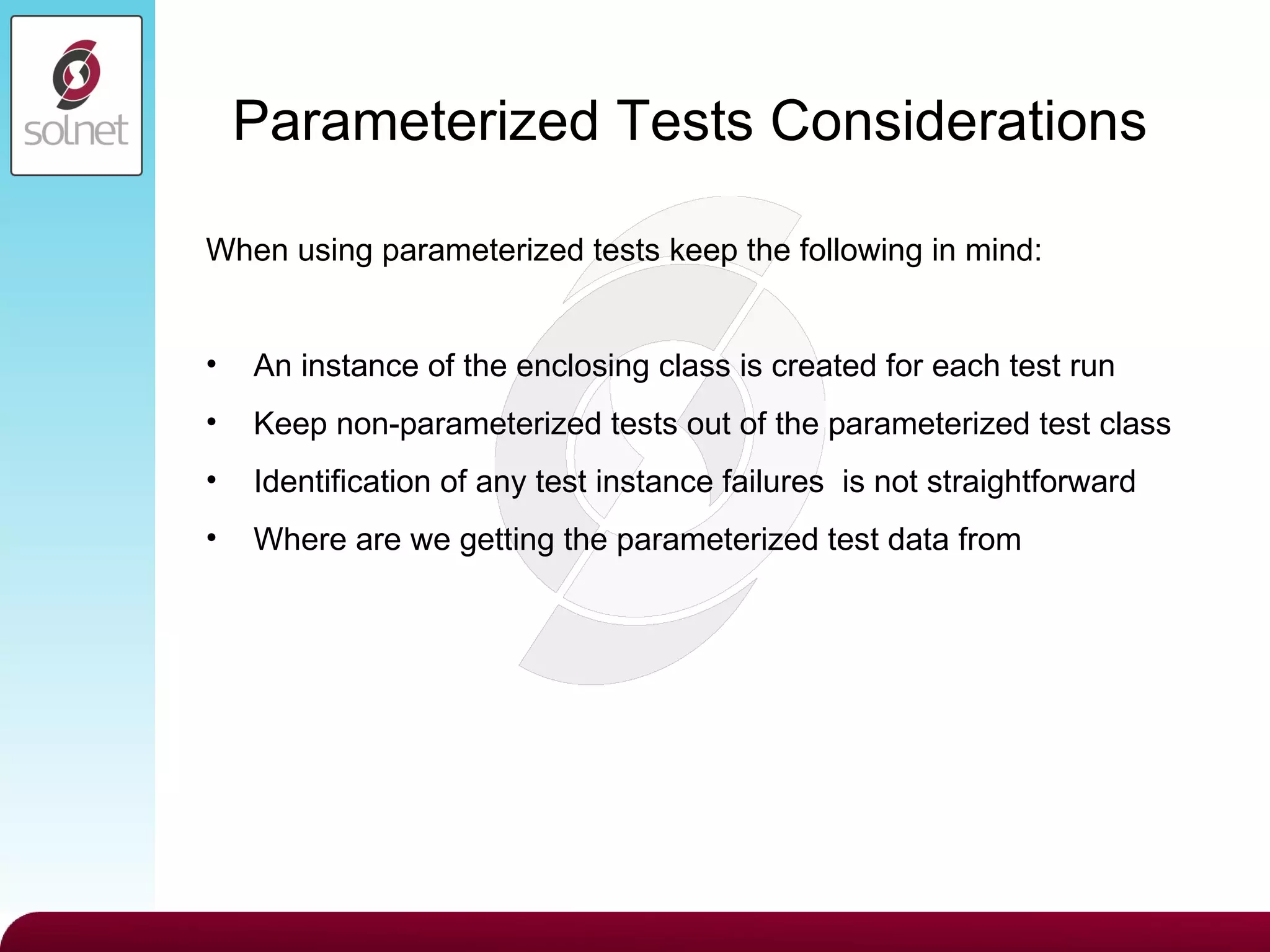
Parameterized Tests Considerations When using parameterized tests keep the following in mind: An instance of the enclosing class is created for each test run  Keep non-parameterized tests out of the parameterized test class Identification of any test instance failures  is not straightforward Where are we getting the parameterized test data from
Named Parameterized Test Extension Simplify test failure identification through a custom named extension Extend the Suite test runner. Duplicate the private TestClassRunnerForParameters Update the getName() and testName() overriden methods with the identification details required Ensure that the Parameters annotation used is from the extended implementation
XML Data Parameterized Test Extension Based on JUext (JUnit Extensions) XMLParameterizedRunner JUnit extension exists, but does not work out of the box Generate a custom XMLParameterized implementation Similar implementation to NamedParamertized test extension Use a ParameterSet instead of a List<Object>[] getParametersList() method does the XML file look up JUnit Extension XML Parameter limited parameter digester Able to create bean object instances – similar to Spring (Budget) Added double to DigesterParameterFactory object rules data.xml file contains the test data
Matcher Assertions Matcher assertions match object and values and composite matcher values. (Original implemented in JMock and integrated into JUnit) Core Matchers (Hamcrest) allOf(), any(), anyOf(), anything(), describedAs(), equalTo(), instanceOf(), is(), not(), notNullValue, nullValue(), sameInstance() JUnit Matcher both(), containsString(), either(), everyItem(), hasItem(), hasItems() What are matcher assertions?
Matcher Assertions Reasons to use the matcher assertions? More readable Improved readability of failure messages Matcher combinations/List matchers Custom matchers assertThat([value], [matcher statement]);
Matchers – Readable assertThat(budget.getName(), is(“Budget Name”)) - subject, verb, object - “Assert that the budget’s name is ‘Budget Name’” assertEquals(“Budget Name”, budget.getName()) - verb, object, subject - “Assert equals is ‘Budget Name’ the budget’s name” assertThat(budget.getIncome, is(1000.00) - “Assert that the budget’s income is 1000.00” assertEquals(1000.00, budget.getIncome()) - “Assert equals is 1000.00 the budget’s income”
Matchers – Readable Failure Messages assertThat(budget.getName(),  is(“Not Negative Spending Budget”)) - Failure Message java.lang.AssertionError Expected: is “Not Negative Spending Budget” got: “Negative Spending Budget” assertEquals(“Not Negative Spending Budget”, budget.getName()) - Failure Message org.junit.ComparisonFailure: expected: <N[ot N]egative Spending Budget> but was: <N[]egative Spending Budget>
Matchers – Combinations/Lists/Custom Combination Matcher Assertions: Combinations can be used to negate matches assertThat(budget.getIncome(), is(not(equalTo(800.00)))) Combinations can be used to combine matchers assertThat(budget.getIncome(),    both(notNullValue()).and(is(1000.00))) Lists and Custom Matchers: List Matchers assertThat(budgets, hasItem(negativeSpendingBudget)) Custom Matchers assertThat(negativeSpendingBudget, hasIncomeOf(1000.00))
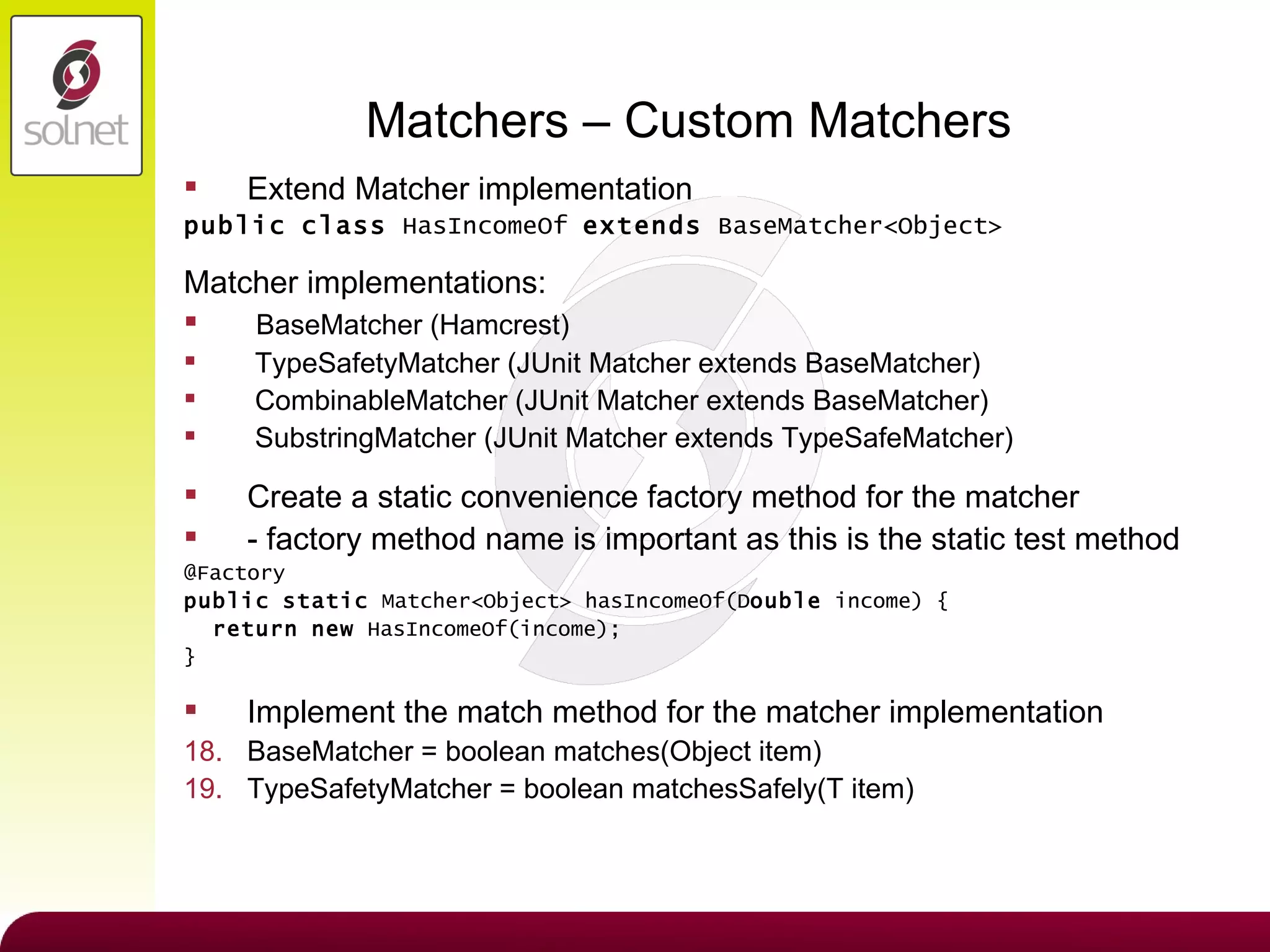
Matchers – Custom Matchers Extend Matcher implementation public   class  HasIncomeOf  extends  BaseMatcher<Object> Matcher implementations: BaseMatcher (Hamcrest) TypeSafetyMatcher (JUnit Matcher extends BaseMatcher) CombinableMatcher (JUnit Matcher extends BaseMatcher) SubstringMatcher (JUnit Matcher extends TypeSafeMatcher) Create a static convenience factory method for the matcher - factory method name is important as this is the static test method @Factory public   static  Matcher<Object> hasIncomeOf(D ouble  income) { return   new  HasIncomeOf(income); } Implement the match method for the matcher implementation BaseMatcher = boolean matches(Object item) TypeSafetyMatcher = boolean matchesSafely(T item)
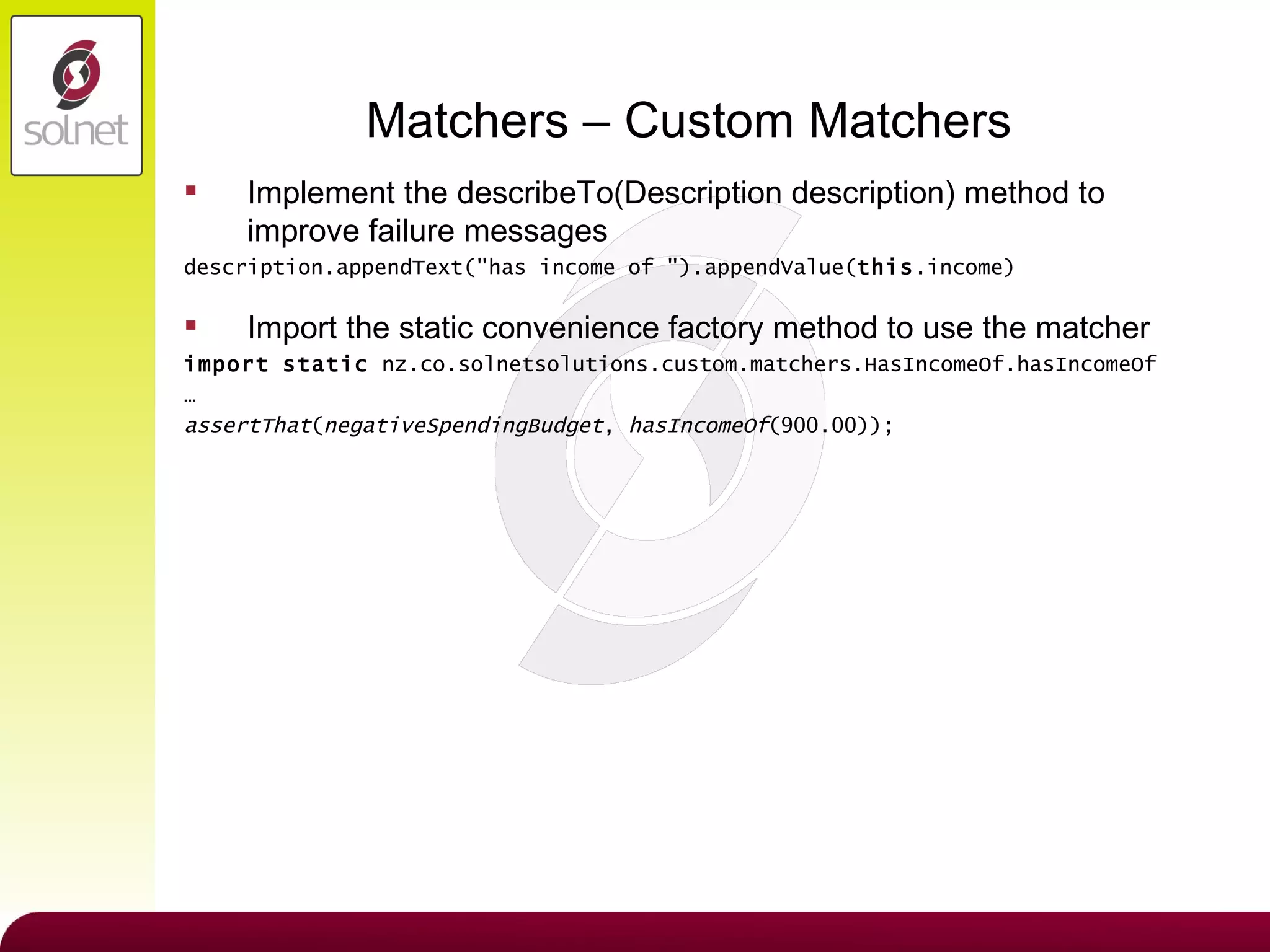
Matchers – Custom Matchers Implement the describeTo(Description description) method to improve failure messages description.appendText(&quot;has income of &quot;).appendValue( this .income) Import the static convenience factory method to use the matcher import   static  nz.co.solnetsolutions.custom.matchers.HasIncomeOf.hasIncomeOf …  assertThat ( negativeSpendingBudget ,  hasIncomeOf (900.00));
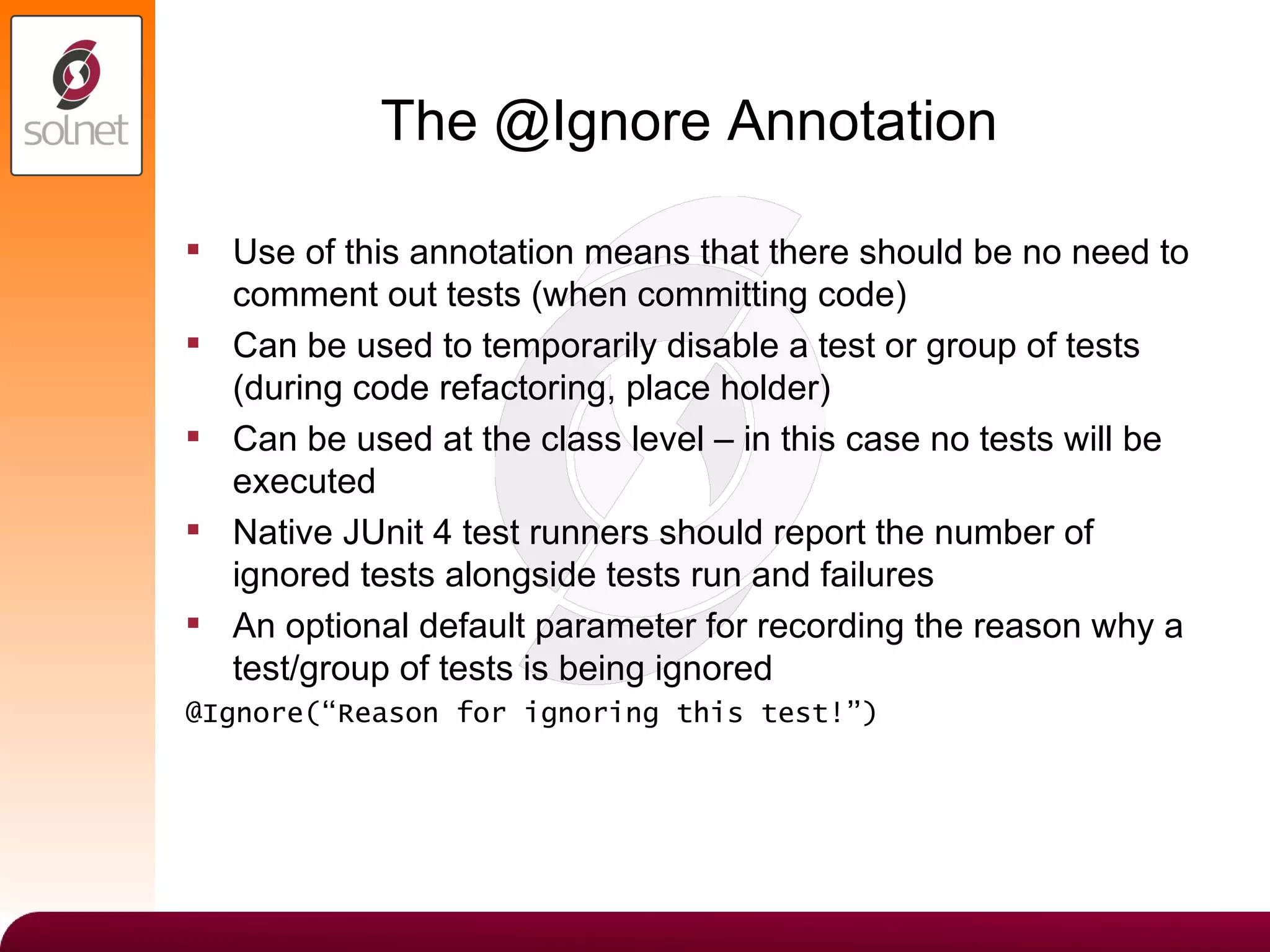
The @Ignore Annotation Use of this annotation means that there should be no need to comment out tests (when committing code) Can be used to temporarily disable a test or group of tests (during code refactoring, place holder) Can be used at the class level – in this case no tests will be executed Native JUnit 4 test runners should report the number of ignored tests alongside tests run and failures An optional default parameter for recording the reason why a test/group of tests is being ignored @Ignore(“Reason for ignoring this test!”)
Summary Parameterized Tests Use to eliminate DRY test code smells Use when writing data-driven tests or tests that require different data in different environments Create generic tests that make use of a static factory method decorated with the @Parameters annotation Create class members and constructor and decorate with the @RunWith annotation Extensible: Named Parameterized Test & XML Data Driven Parameterized Test Matcher Assertions Read more naturally [ assertThat(a, is(3) ] More readable failure messages [ Expected is: 3 got: 2 ] Can use combinations of matchers [ assertThat(a, both(notNullValue()).and(is(3)))] List matchers [ assertThat(myList, hasItem(item1)) Custom matchers @Ignore Annotation No more ‘commented out’ tests! Temporarily disable tests or groups of tests Native JUnit runners will report the tests as ‘ignored’ Good practice to include the reason for the test being ignored in the @Ignore annotation
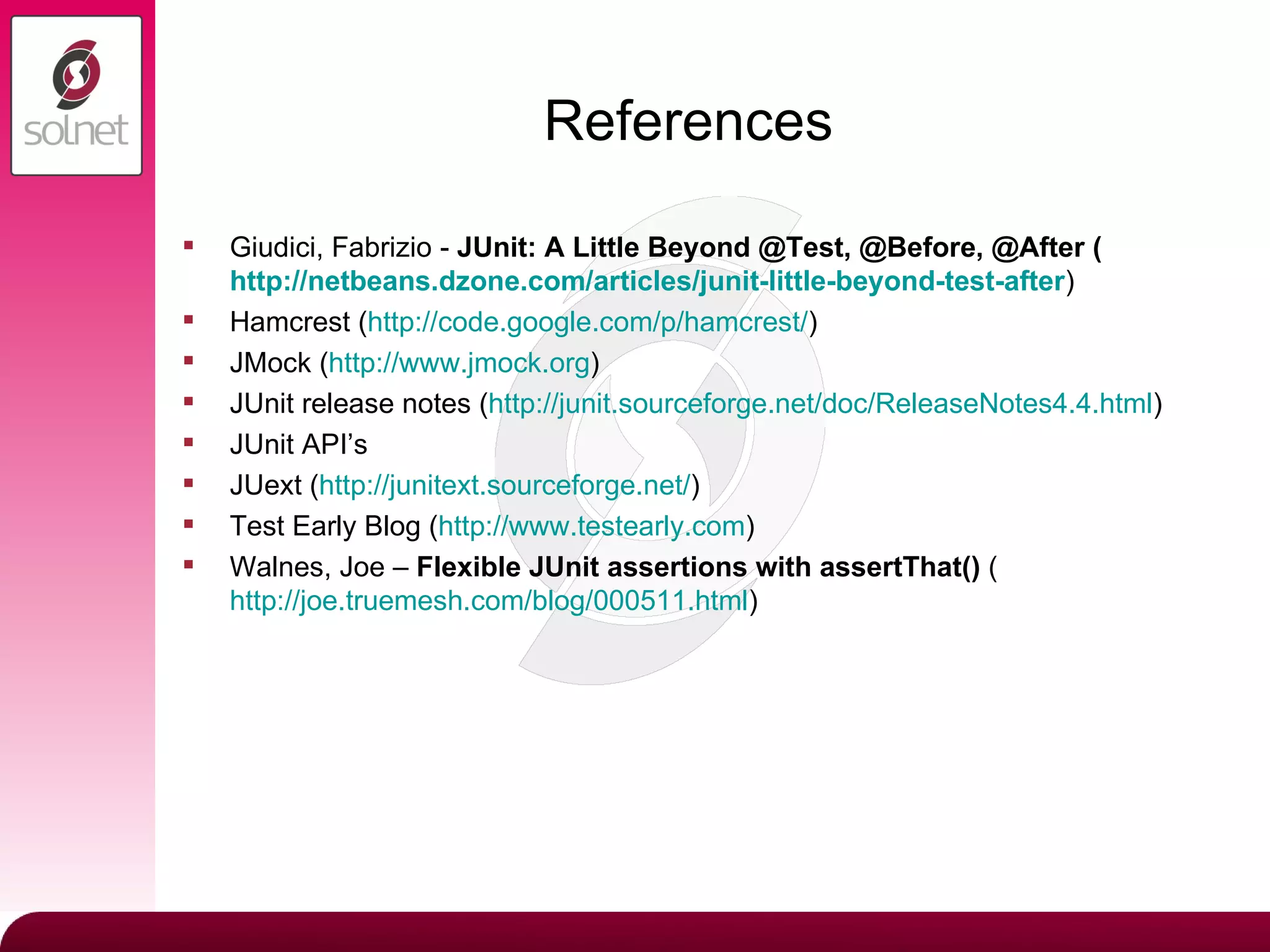
References Giudici, Fabrizio -  JUnit: A Little Beyond @Test, @Before, @After ( http://netbeans.dzone.com/articles/junit-little-beyond-test-after ) Hamcrest ( http:// code.google.com/p/hamcrest / ) JMock ( http://www.jmock.org ) JUnit release notes ( http://junit.sourceforge.net/doc/ReleaseNotes4.4.html ) JUnit API’s JUext ( http:// junitext.sourceforge.net / ) Test Early Blog ( http://www.testearly.com ) Walnes, Joe –  Flexible JUnit assertions with assertThat()  ( http://joe.truemesh.com/blog/000511.html )

JUnit Goodness

  • 1.
    Solnet Solutions LtdJUnit Goodness - October 2009
  • 2.
    JUnit Goodness ParameterizedTests Matcher Assertions The @Ignore Annotation … Coming at you from all angles in JUnit 4
  • 3.
    Parameterized Tests Whywould you write a parameterized test? How do you write a parameterized test? Parameterized tests are generic tests that run multiple times using a collection of test parameters.
  • 4.
    Why Would YouWrite A Parameterized Tests Parameterized test are suitable for two types of test: Tests that require different data in specific environments Test that use multiple data sets (Data Driven testing) Through the use of parameterized tests we can also eliminate the following JUnit test smells Test cases that contain a test method for each test data combination Test cases that loop over a collection of values By implementing parameterized tests we are able to create tests in a DRY manner.
  • 5.
    Eliminate JUnit TestSmell: Test cases that contain a test method for each test data combination @Test public void testNegativeSpendingMoneyBudget() { budget = new Budget(&quot;Negative Spending Budget&quot;, 1000.00, 560.00, 350.00, 100.00); System. out .println(&quot;Testing budget spending money: &quot; + budget.getName()); assertEquals (&quot;Spending Money is not what was expected&quot;, -10.00, budget.getSpendingMoney(), 0.0); } ...similar test cases exist for testNoSpendingMoneyBudget and testPositiveSpendingMoneyBudget Issues with this JUnit test smell: Each new test instance requires the addition of a new test method Results in bloated test cases that reduce test suite maintainability Duplicated test code breaks the DRY principle In order to remove this smell we decide to refactor this test case…using a loop…
  • 6.
    Eliminate JUnit TestSmell: Test cases that loop over a collection of values /** * Loop Test - The main problem with this kind of test is that if 1 test * fails the loop does not complete, so not all test instances are run. **/ @Test public void testSpendingMoney() { for (Budget budget: budgets ) { System. out .println(&quot;Testing budget spending money: &quot; + budget.getName()); assertEquals (&quot;Spending Money is not what was expected&quot;, expectedSpendingMoney .get(budget.getName()).doubleValue(), budget.getSpendingMoney(), 0.0); } } Issues with this JUnit test smell: Single test failure will terminate the loop Not all test instance values will be run if a failure occurs No straightforward way to tell which test failed from failure message
  • 7.
    More Reasons ToConsider Parameterized Tests What happens when a new type of test is required when using either of the previous JUnit test smells? What happens if the class methods under test are renamed or refactored? How quickly can the test be refactored to be back up and running? What work would be involved to change the tests based on specific test environments? How simple is it to change the data set being used for testing – for Data Driven testing?
  • 8.
    How Do YouWrite A Parameterized Test Create a generic test method decorated with the @Test annotation Create a static feeder method that returns a Collection type and decorate it with the @Parameters annotation Create class members for the parameter types required in generic test methods Create a constructor that takes the test parameter types and initializes the relevant class members Specify that the test case should be run using the Parameterized class via the @RunWith annotation … Follow these 5 simple steps…
  • 9.
    Parameterized Tests ConsiderationsWhen using parameterized tests keep the following in mind: An instance of the enclosing class is created for each test run Keep non-parameterized tests out of the parameterized test class Identification of any test instance failures is not straightforward Where are we getting the parameterized test data from
  • 10.
    Named Parameterized TestExtension Simplify test failure identification through a custom named extension Extend the Suite test runner. Duplicate the private TestClassRunnerForParameters Update the getName() and testName() overriden methods with the identification details required Ensure that the Parameters annotation used is from the extended implementation
  • 11.
    XML Data ParameterizedTest Extension Based on JUext (JUnit Extensions) XMLParameterizedRunner JUnit extension exists, but does not work out of the box Generate a custom XMLParameterized implementation Similar implementation to NamedParamertized test extension Use a ParameterSet instead of a List<Object>[] getParametersList() method does the XML file look up JUnit Extension XML Parameter limited parameter digester Able to create bean object instances – similar to Spring (Budget) Added double to DigesterParameterFactory object rules data.xml file contains the test data
  • 12.
    Matcher Assertions Matcherassertions match object and values and composite matcher values. (Original implemented in JMock and integrated into JUnit) Core Matchers (Hamcrest) allOf(), any(), anyOf(), anything(), describedAs(), equalTo(), instanceOf(), is(), not(), notNullValue, nullValue(), sameInstance() JUnit Matcher both(), containsString(), either(), everyItem(), hasItem(), hasItems() What are matcher assertions?
  • 13.
    Matcher Assertions Reasonsto use the matcher assertions? More readable Improved readability of failure messages Matcher combinations/List matchers Custom matchers assertThat([value], [matcher statement]);
  • 14.
    Matchers – ReadableassertThat(budget.getName(), is(“Budget Name”)) - subject, verb, object - “Assert that the budget’s name is ‘Budget Name’” assertEquals(“Budget Name”, budget.getName()) - verb, object, subject - “Assert equals is ‘Budget Name’ the budget’s name” assertThat(budget.getIncome, is(1000.00) - “Assert that the budget’s income is 1000.00” assertEquals(1000.00, budget.getIncome()) - “Assert equals is 1000.00 the budget’s income”
  • 15.
    Matchers – ReadableFailure Messages assertThat(budget.getName(), is(“Not Negative Spending Budget”)) - Failure Message java.lang.AssertionError Expected: is “Not Negative Spending Budget” got: “Negative Spending Budget” assertEquals(“Not Negative Spending Budget”, budget.getName()) - Failure Message org.junit.ComparisonFailure: expected: <N[ot N]egative Spending Budget> but was: <N[]egative Spending Budget>
  • 16.
    Matchers – Combinations/Lists/CustomCombination Matcher Assertions: Combinations can be used to negate matches assertThat(budget.getIncome(), is(not(equalTo(800.00)))) Combinations can be used to combine matchers assertThat(budget.getIncome(), both(notNullValue()).and(is(1000.00))) Lists and Custom Matchers: List Matchers assertThat(budgets, hasItem(negativeSpendingBudget)) Custom Matchers assertThat(negativeSpendingBudget, hasIncomeOf(1000.00))
  • 17.
    Matchers – CustomMatchers Extend Matcher implementation public class HasIncomeOf extends BaseMatcher<Object> Matcher implementations: BaseMatcher (Hamcrest) TypeSafetyMatcher (JUnit Matcher extends BaseMatcher) CombinableMatcher (JUnit Matcher extends BaseMatcher) SubstringMatcher (JUnit Matcher extends TypeSafeMatcher) Create a static convenience factory method for the matcher - factory method name is important as this is the static test method @Factory public static Matcher<Object> hasIncomeOf(D ouble income) { return new HasIncomeOf(income); } Implement the match method for the matcher implementation BaseMatcher = boolean matches(Object item) TypeSafetyMatcher = boolean matchesSafely(T item)
  • 18.
    Matchers – CustomMatchers Implement the describeTo(Description description) method to improve failure messages description.appendText(&quot;has income of &quot;).appendValue( this .income) Import the static convenience factory method to use the matcher import static nz.co.solnetsolutions.custom.matchers.HasIncomeOf.hasIncomeOf … assertThat ( negativeSpendingBudget , hasIncomeOf (900.00));
  • 19.
    The @Ignore AnnotationUse of this annotation means that there should be no need to comment out tests (when committing code) Can be used to temporarily disable a test or group of tests (during code refactoring, place holder) Can be used at the class level – in this case no tests will be executed Native JUnit 4 test runners should report the number of ignored tests alongside tests run and failures An optional default parameter for recording the reason why a test/group of tests is being ignored @Ignore(“Reason for ignoring this test!”)
  • 20.
    Summary Parameterized TestsUse to eliminate DRY test code smells Use when writing data-driven tests or tests that require different data in different environments Create generic tests that make use of a static factory method decorated with the @Parameters annotation Create class members and constructor and decorate with the @RunWith annotation Extensible: Named Parameterized Test & XML Data Driven Parameterized Test Matcher Assertions Read more naturally [ assertThat(a, is(3) ] More readable failure messages [ Expected is: 3 got: 2 ] Can use combinations of matchers [ assertThat(a, both(notNullValue()).and(is(3)))] List matchers [ assertThat(myList, hasItem(item1)) Custom matchers @Ignore Annotation No more ‘commented out’ tests! Temporarily disable tests or groups of tests Native JUnit runners will report the tests as ‘ignored’ Good practice to include the reason for the test being ignored in the @Ignore annotation
  • 21.
    References Giudici, Fabrizio- JUnit: A Little Beyond @Test, @Before, @After ( http://netbeans.dzone.com/articles/junit-little-beyond-test-after ) Hamcrest ( http:// code.google.com/p/hamcrest / ) JMock ( http://www.jmock.org ) JUnit release notes ( http://junit.sourceforge.net/doc/ReleaseNotes4.4.html ) JUnit API’s JUext ( http:// junitext.sourceforge.net / ) Test Early Blog ( http://www.testearly.com ) Walnes, Joe – Flexible JUnit assertions with assertThat() ( http://joe.truemesh.com/blog/000511.html )