jQuery Performance
   Tips & Tricks
   Addy Osmani, Jan 2011
About Me

Senior Web Developer (currently a PM)

jQuery Bug Triage, API Docs and Blogging
teams

Write for .NET magazine, my site and a few
other places.
I <3 jQuery
Why Performance?

Best practices are very important

Don’t follow them and browsers end up
having to do more work

More work = more memory usage = slower
apps..and you don’t want that.
Tip 1: Stay up to date!

ALWAYS use the latest version of jQuery core

Performance improvements and bug fixes are
usually made between each version

Older versions (eg. 1.4.2) won’t offer these
instant benefits
Tip 2: Know Your
            Selectors
    All selectors are NOT created equally

    Fastest to slowest selectors are:
◦   The
ID
Selectors
(“#AnElementWithID”)
◦   Element
selectors
(“form”,
“input”,
etc.)
◦   Class
selectors
(“.someClass”)
◦   Pseudo
&
Attribute
selectors
(“:visible,
:hidden,

    [attribute=value]
etc.”)


    ID and element are fastest as backed by native
    DOM operations.
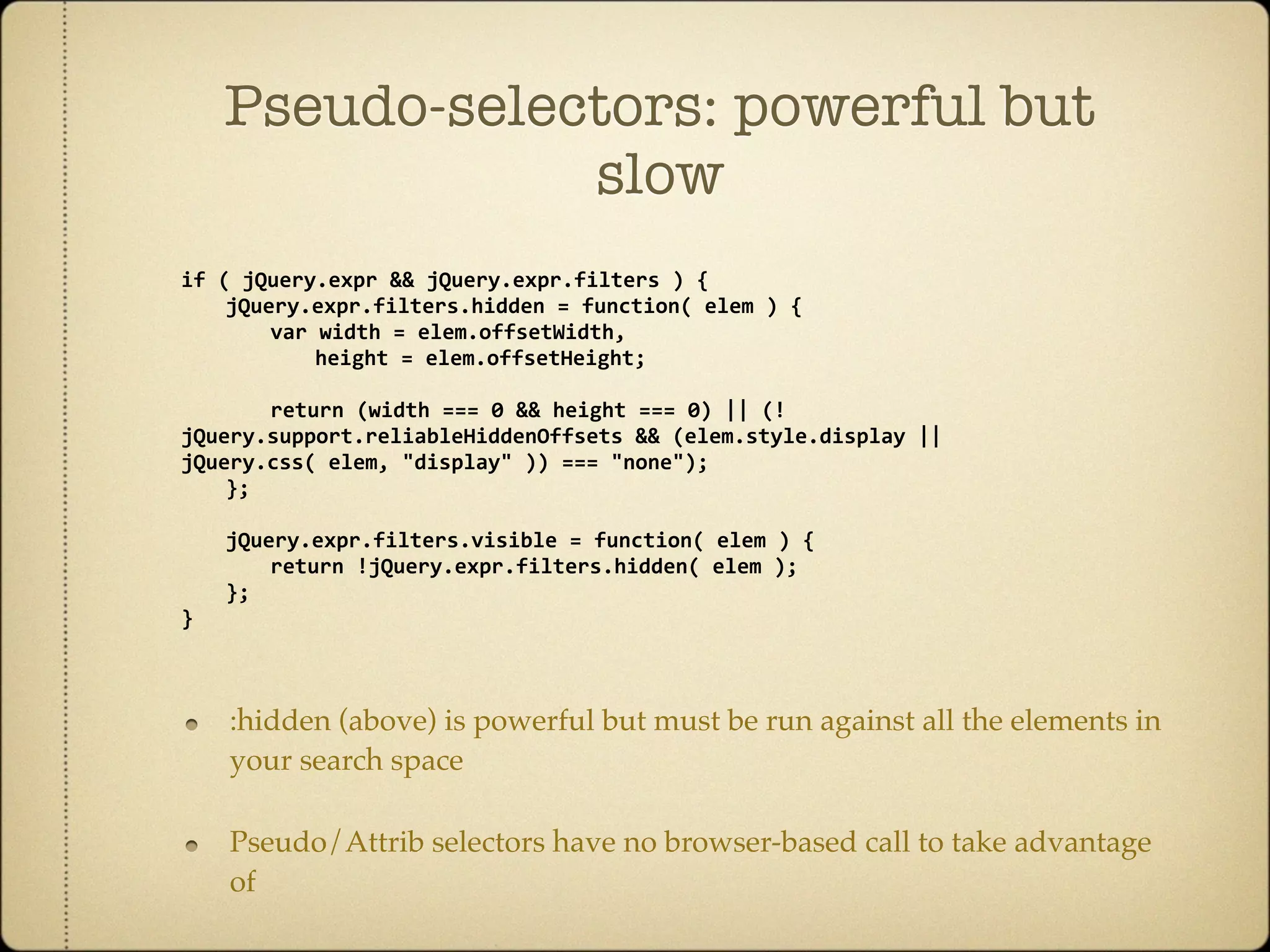
Pseudo-selectors: powerful but
                slow
if
(
jQuery.expr
&&
jQuery.expr.filters
)
{

 jQuery.expr.filters.hidden
=
function(
elem
)
{

 
 var
width
=
elem.offsetWidth,


 height
=
elem.offsetHeight;


 return
(width
===
0
&&
height
===
0)
||
(!
jQuery.support.reliableHiddenOffsets
&&
(elem.style.display
||

jQuery.css(
elem,
"display"
))
===
"none");

 };


   jQuery.expr.filters.visible
=
function(
elem
)
{

   
 return
!jQuery.expr.filters.hidden(
elem
);

   };
}


    :hidden (above) is powerful but must be run against all the elements in
    your search space

    Pseudo/Attrib selectors have no browser-based call to take advantage
    of
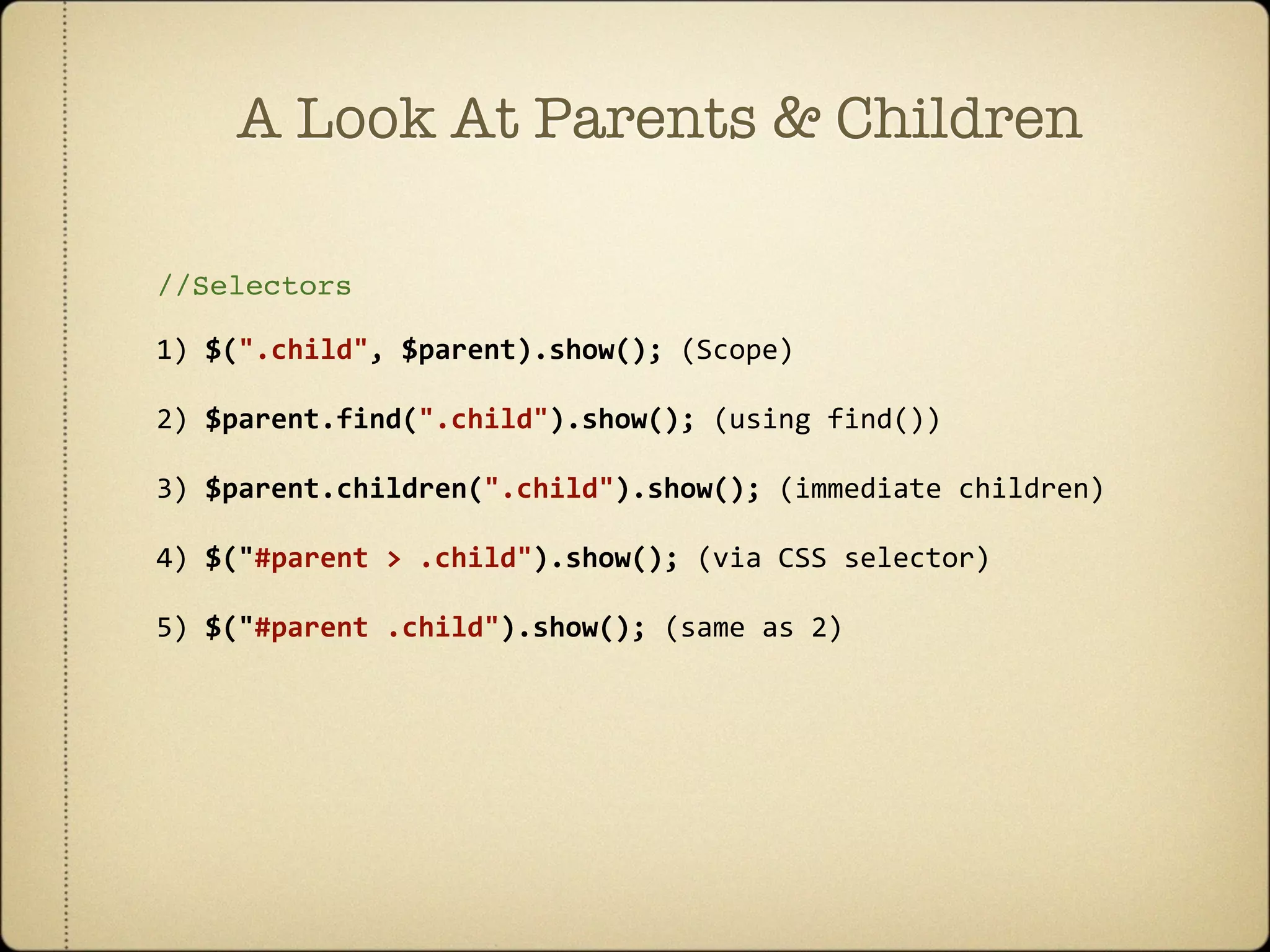
A Look At Parents & Children

//Selectors

1)
$(".child",
$parent).show();
(Scope)

2)
$parent.find(".child").show();
(using
find())

3)
$parent.children(".child").show();
(immediate
children)

4)
$("#parent
>
.child").show();
(via
CSS
selector)

5)
$("#parent
.child").show();
(same
as
2)
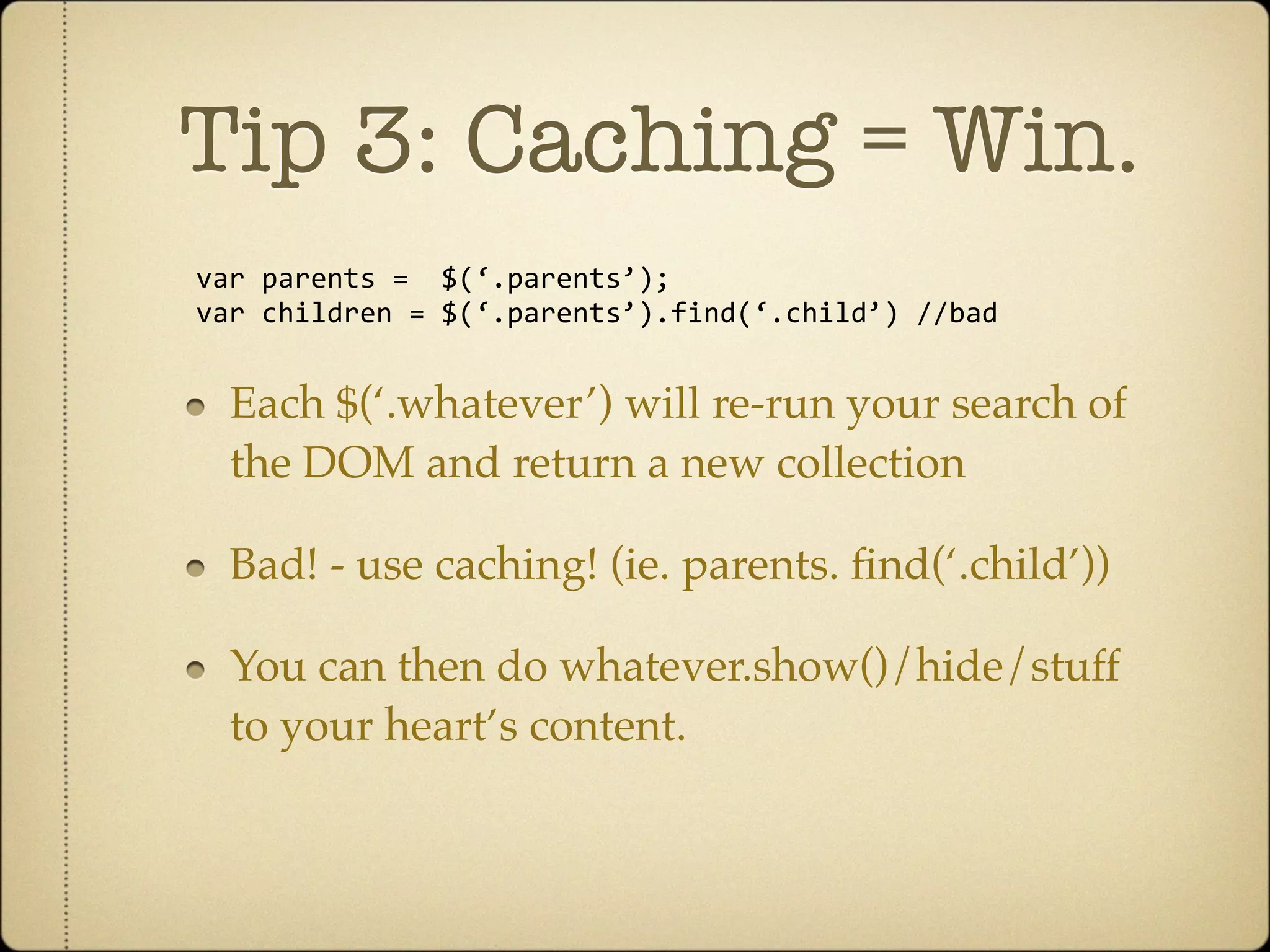
Tip 3: Caching = Win.
var
parents
=

$(‘.parents’);
var
children
=
$(‘.parents’).find(‘.child’)
//bad


  Each $(‘.whatever’) will re-run your search of
  the DOM and return a new collection

  Bad! - use caching! (ie. parents. find(‘.child’))

  You can then do whatever.show()/hide/stuff
  to your heart’s content.
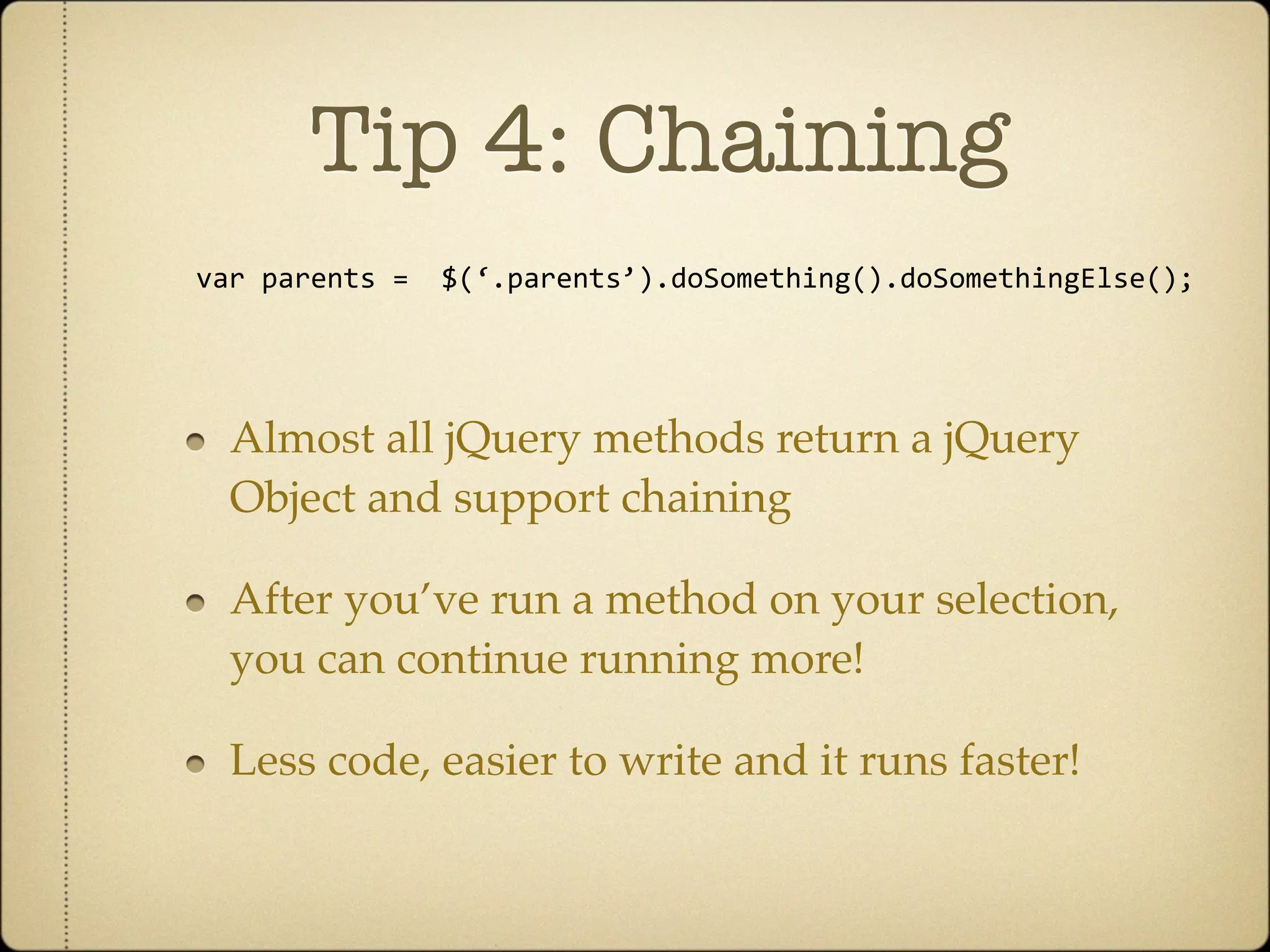
Tip 4: Chaining
var
parents
=

$(‘.parents’).doSomething().doSomethingElse();


  Almost all jQuery methods return a jQuery
  Object and support chaining

  After you’ve run a method on your selection,
  you can continue running more!

  Less code, easier to write and it runs faster!
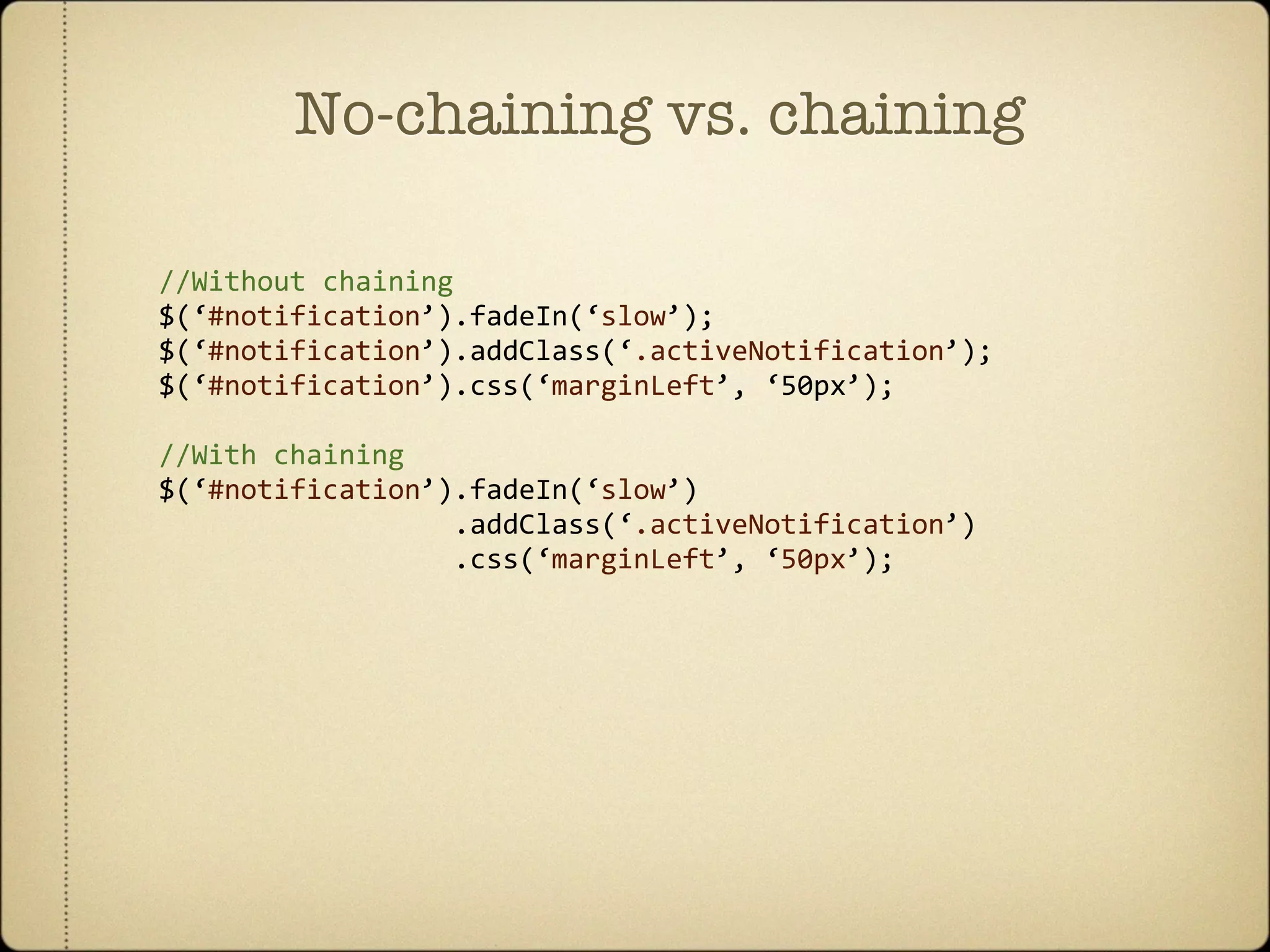
No-chaining vs. chaining

//Without
chaining
$(‘#notification’).fadeIn(‘slow’);
$(‘#notification’).addClass(‘.activeNotification’);
$(‘#notification’).css(‘marginLeft’,
‘50px’);

//With
chaining
$(‘#notification’).fadeIn(‘slow’)


.addClass(‘.activeNotification’)


.css(‘marginLeft’,
‘50px’);
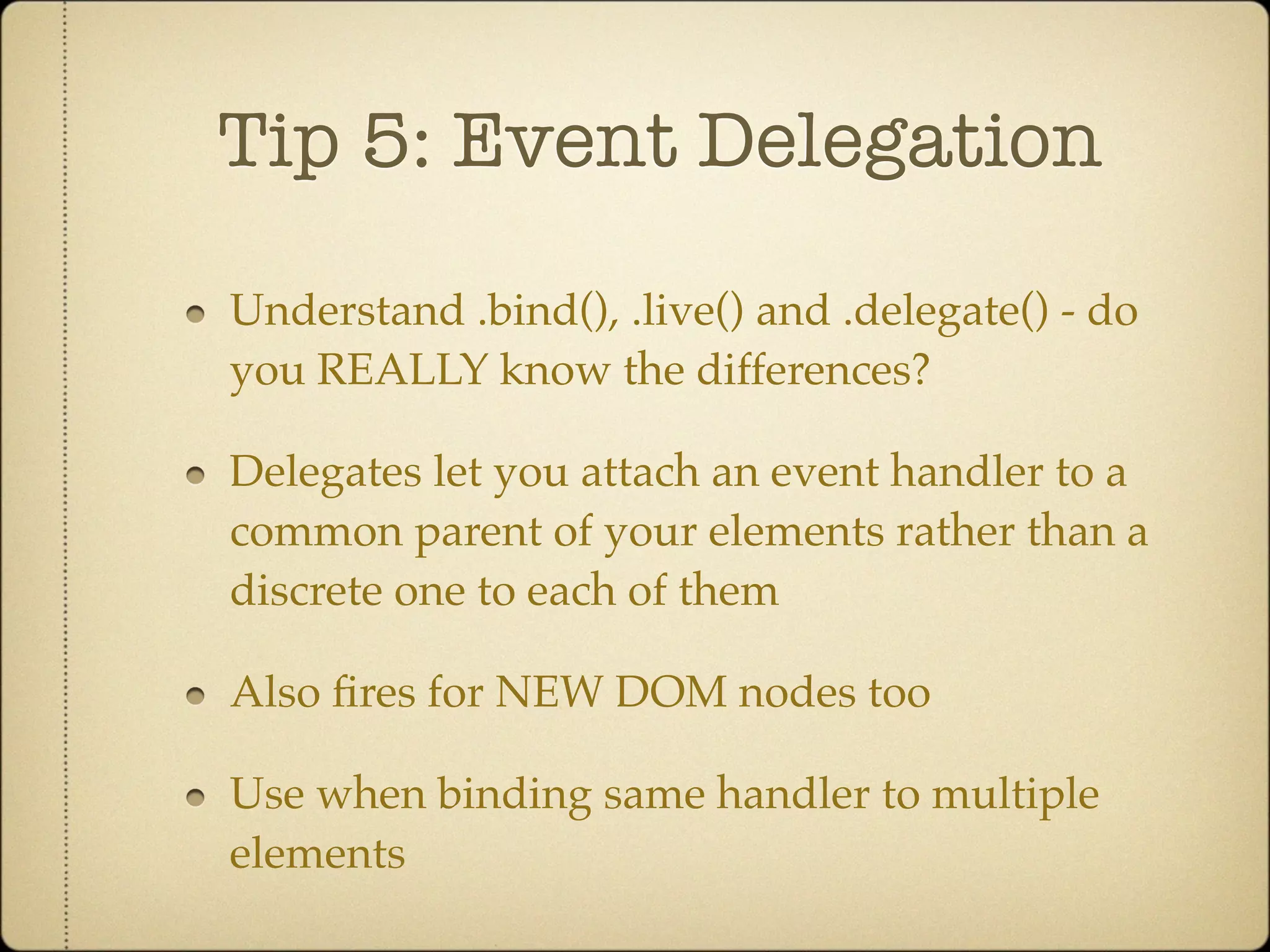
Tip 5: Event Delegation

Understand .bind(), .live() and .delegate() - do
you REALLY know the differences?

Delegates let you attach an event handler to a
common parent of your elements rather than a
discrete one to each of them

Also fires for NEW DOM nodes too

Use when binding same handler to multiple
elements
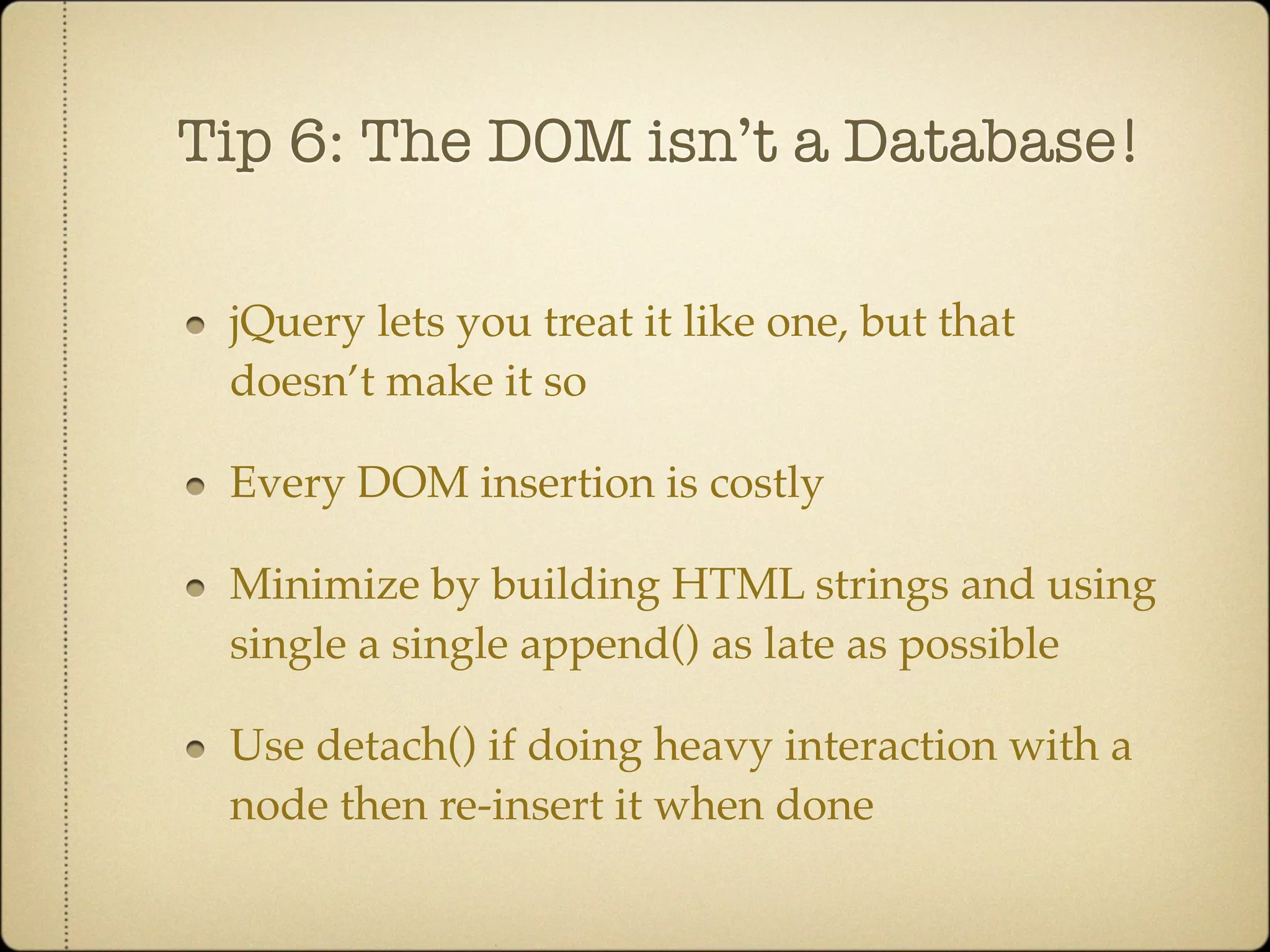
Tip 6: The DOM isn’t a Database!

 jQuery lets you treat it like one, but that
 doesn’t make it so

 Every DOM insertion is costly

 Minimize by building HTML strings and using
 single a single append() as late as possible

 Use detach() if doing heavy interaction with a
 node then re-insert it when done
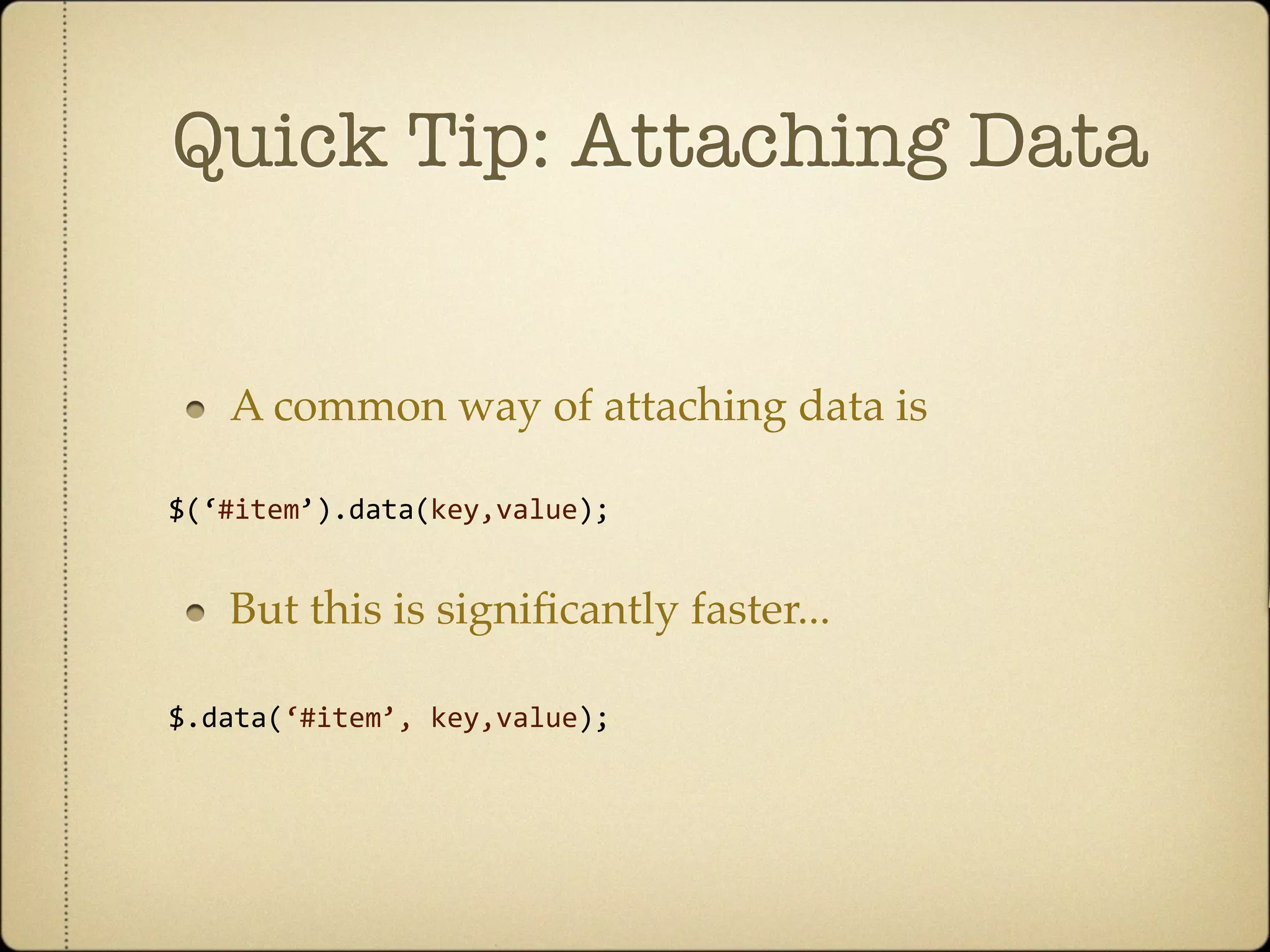
Quick Tip: Attaching Data


   A common way of attaching data is

$(‘#item’).data(key,value);


   But this is significantly faster...

$.data(‘#item’,
key,value);


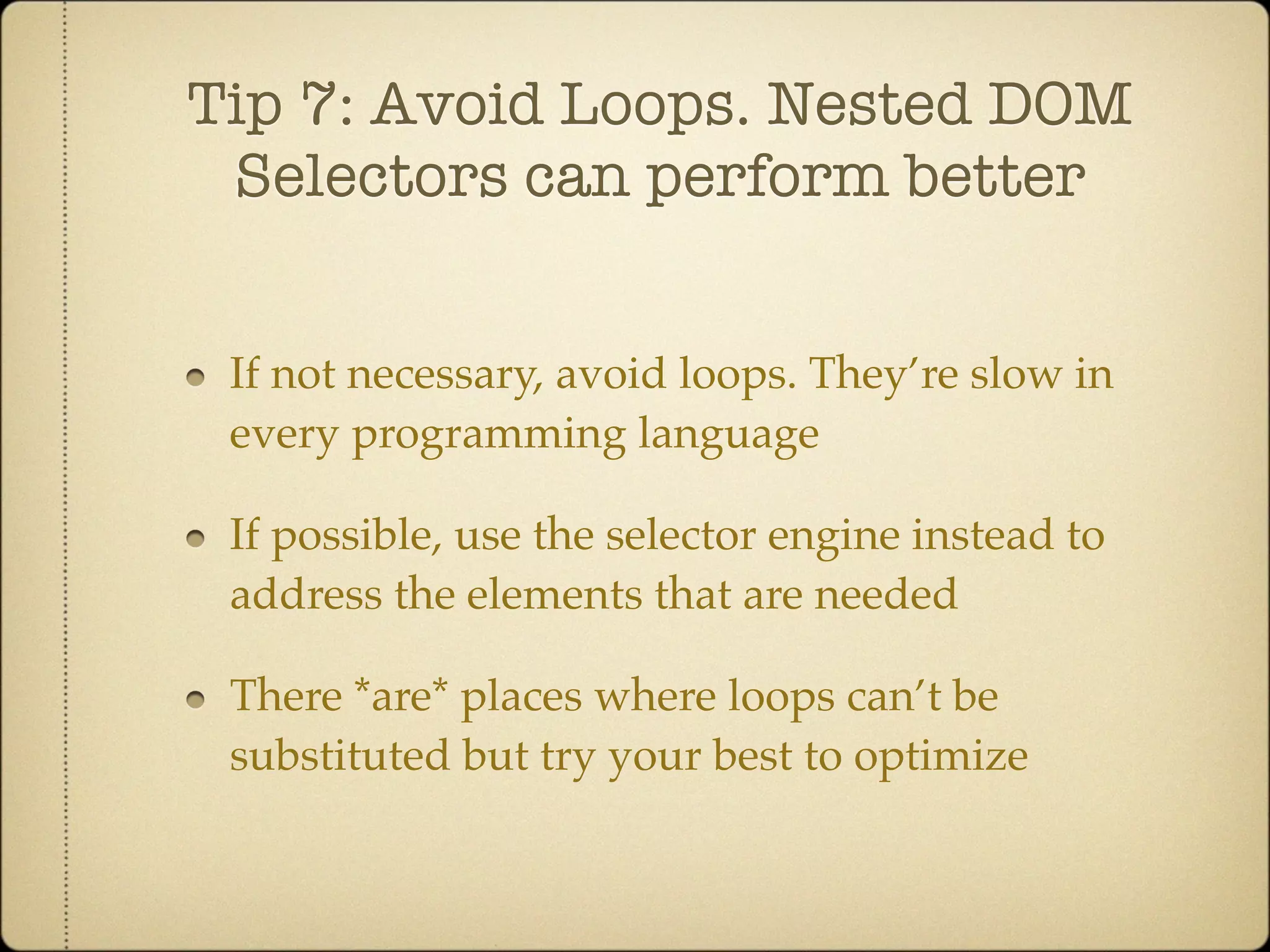
Tip 7: Avoid Loops. Nested DOM
 Selectors can perform better


 If not necessary, avoid loops. They’re slow in
 every programming language

 If possible, use the selector engine instead to
 address the elements that are needed

 There *are* places where loops can’t be
 substituted but try your best to optimize
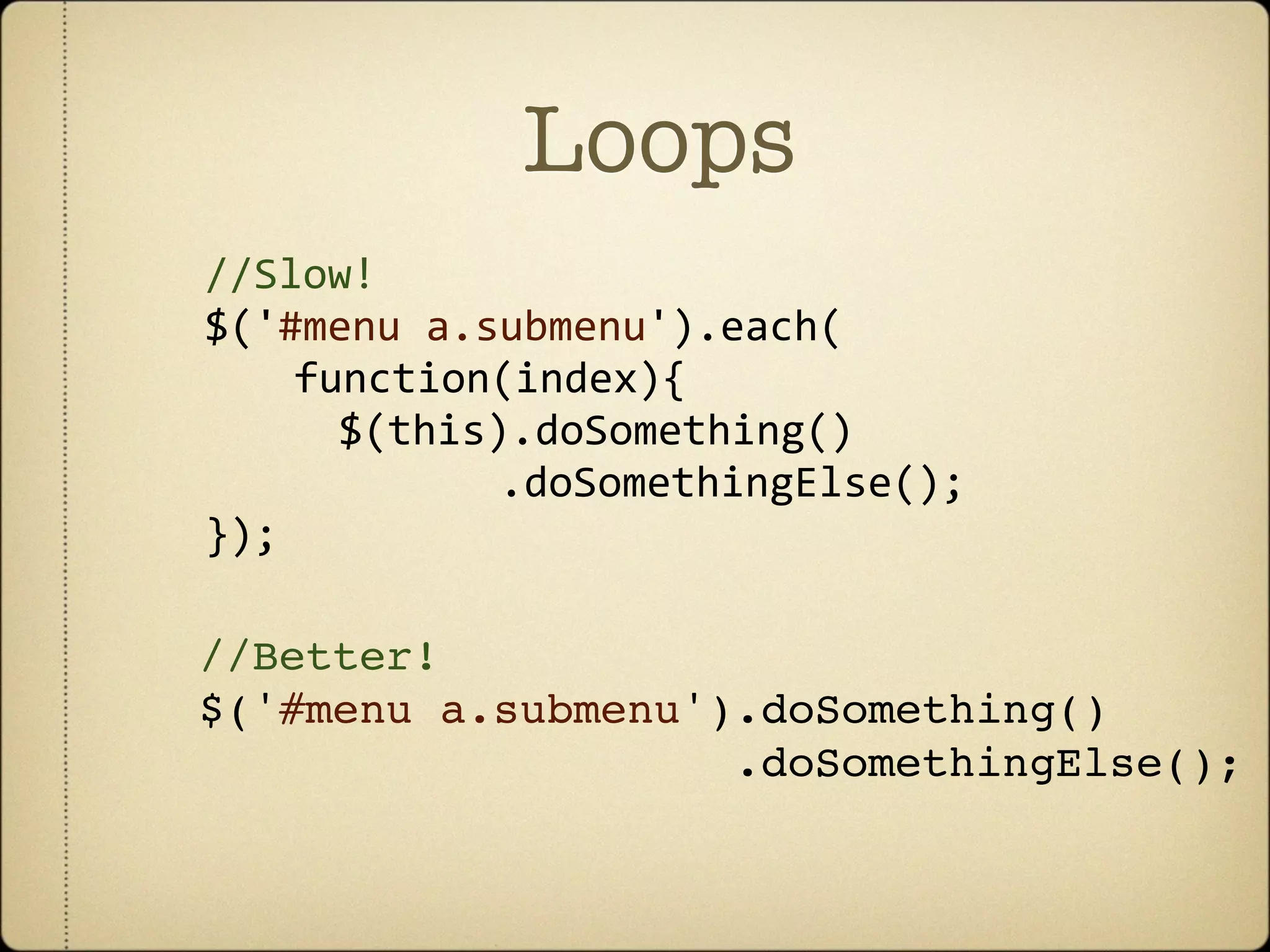
Loops
//Slow!
$('#menu
a.submenu').each(

 
 function(index){


 $(this).doSomething()


.doSomethingElse();
});

//Better!
$('#menu a.submenu').doSomething()
                    .doSomethingElse();
Tip 8: Keep your code
/*Non-Dry*/
                 DRY
/*Let's
store
some
default
values
in
an
array*/
var
defaultSettings
=
{};
defaultSettings['carModel']


=
'Mercedes';
defaultSettings['carYear’]


=
2010;
defaultSettings['carMiles']


=
5000;
defaultSettings['carTint']


=
'Metallic
Blue';


/*Let's
do
something
with
this
data
if
a
checkbox
is
clicked*/
$('.someCheckbox').click(function(){


if
(this.checked){


$('#input_carModel').val(activeSettings.carModel);


$('#input_carYear').val(activeSettings.carYear);


$('#input_carMiles').val(activeSettings.carMiles);


$('#input_carTint').val(activeSettings.carTint);


}
else
{


$('#input_carModel').val('');


$('#input_carYear').val('');


$('#input_carMiles').val('');


$('#input_carTint).val('');

}
});
DRY-er code
/*Dry*/

$('.someCheckbox').click(function(){


var
checked
=
this.checked;


/*


What
are
we
repeating?


1.
input_
precedes
each
field
name


2.
accessing
the
same
array
for
settings


3.
repeating
value
resets


What
can
we
do?


1.
programmatically
generate
the
field
names


2.
access
array
by
key


3.
merge
this
call
using
terse
coding
(ie.
if
checked,


set
a
value,
otherwise
don't)


*/


$.each(['carModel',
'carYear',
'carMiles',
'carTint'],
function(i,key){


$('#input_'
+
v).val(checked
?
defaultSettings[key]
:
'');


});
});
When in doubt - Perf test!


 jsPerf.com - easy way to create tests comparing
 the perf of different JS snippets

 Uses Benchmark.js - a neat benchmarking
 utility that works cross-platform

 Easy to share your code or modify other tests
Thats it!

Thanks to Matt Baker over at WealthFront for his very useful reference material


Twitter: @addyosmani / @addy_osmani


For my blog: http://addyosmani.com


GitHub: http://github.com/addyosmani

jQuery Performance Tips and Tricks (2011)