10 Time-Savers You (Maybe) Don't Know


           Girish Gangadharan


@appoosa        girish@giri.sh      http://giri.sh
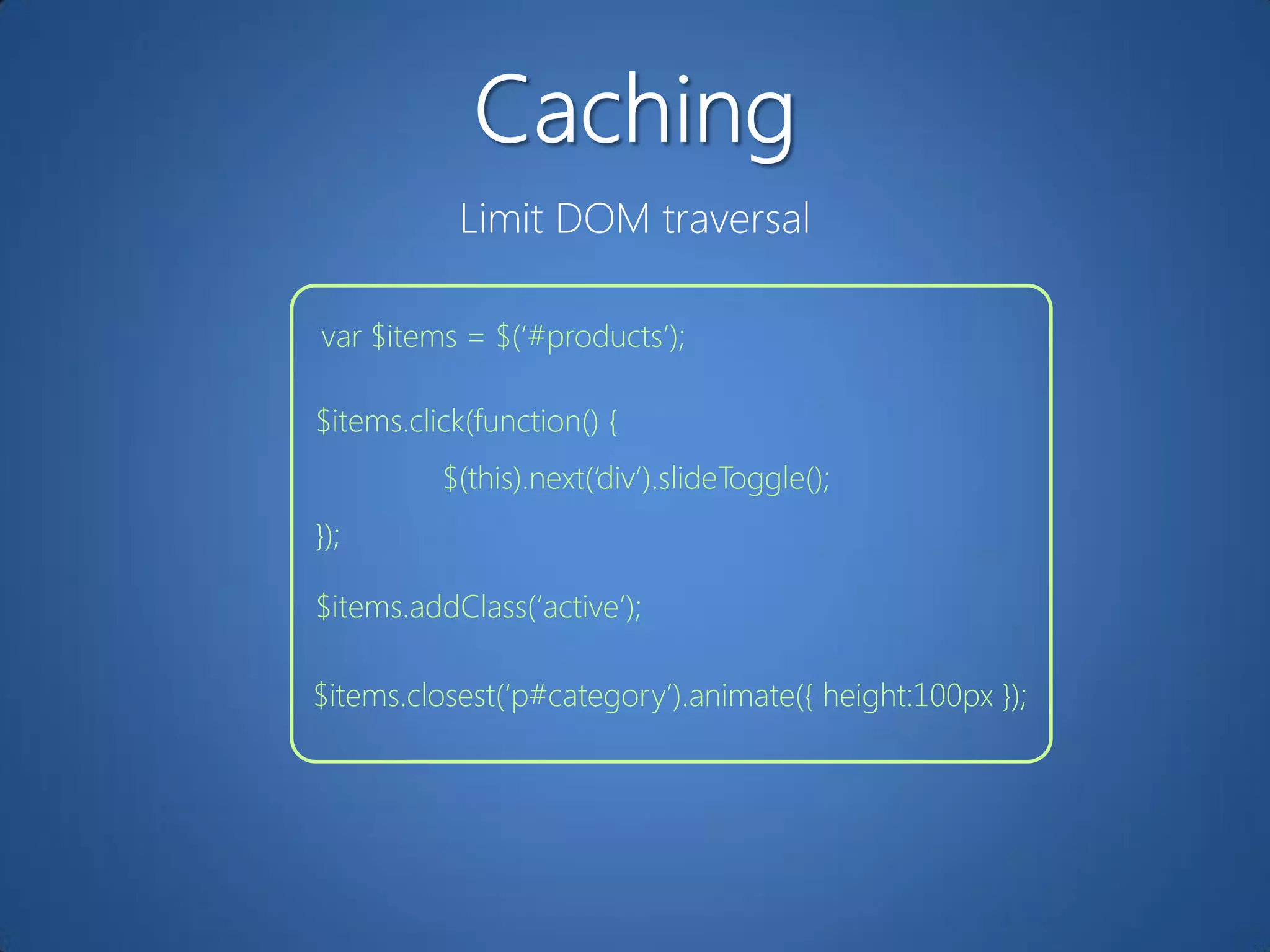
Limit DOM traversal

var $items = $(„#products‟);

$items.click(function() {
          $(this).next(„div‟).slideToggle();
});

$items.addClass(„active‟);

$items.closest(„p#category‟).animate({ height:100px });
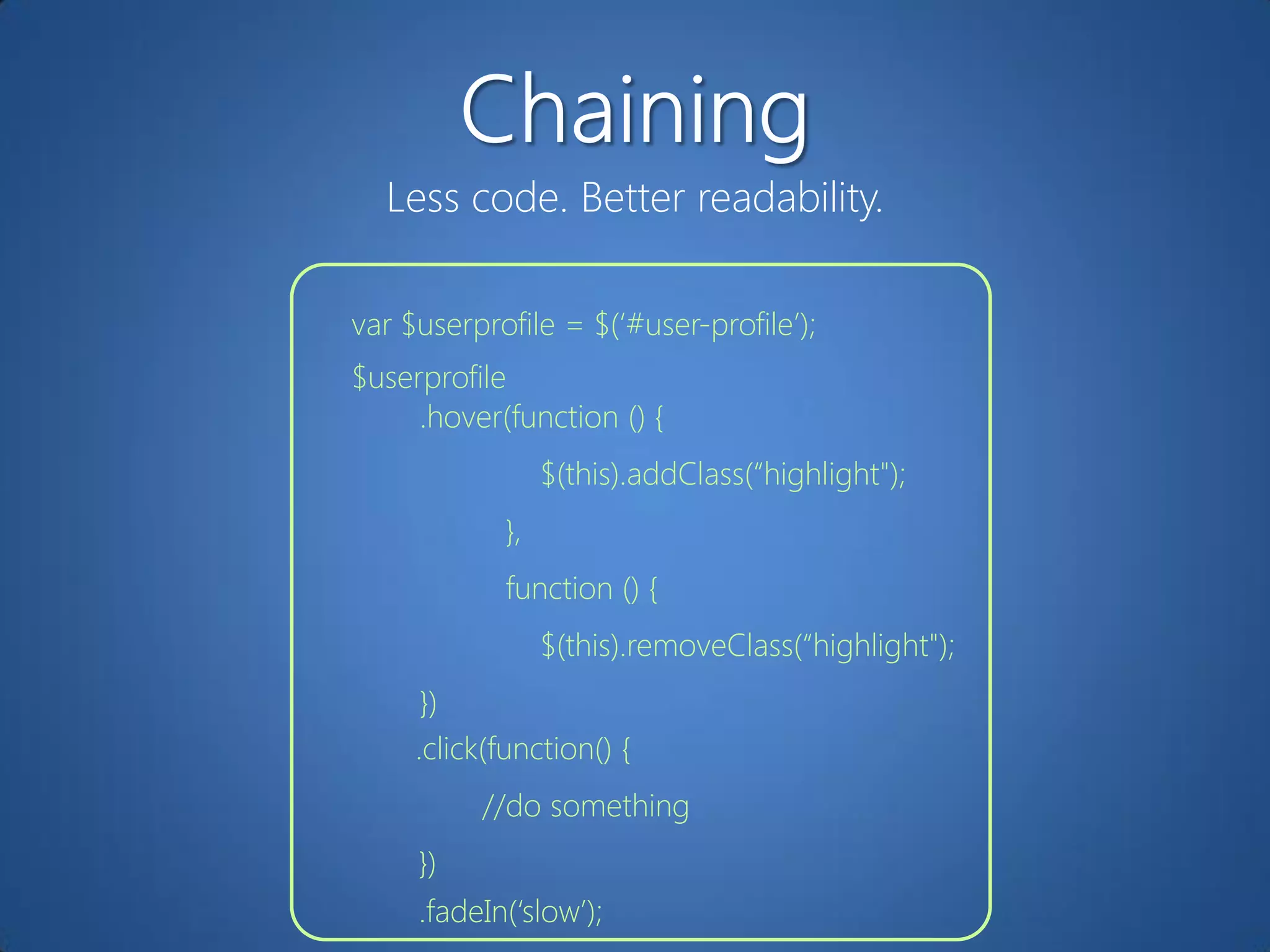
Less code. Better readability.

var $userprofile = $(„#user-profile‟);
$userprofile
     .hover(function () {
                 $(this).addClass(“highlight");
            },
            function () {
                 $(this).removeClass(“highlight");
      })
     .click(function() {
          //do something
     })
     .fadeIn(„slow‟);
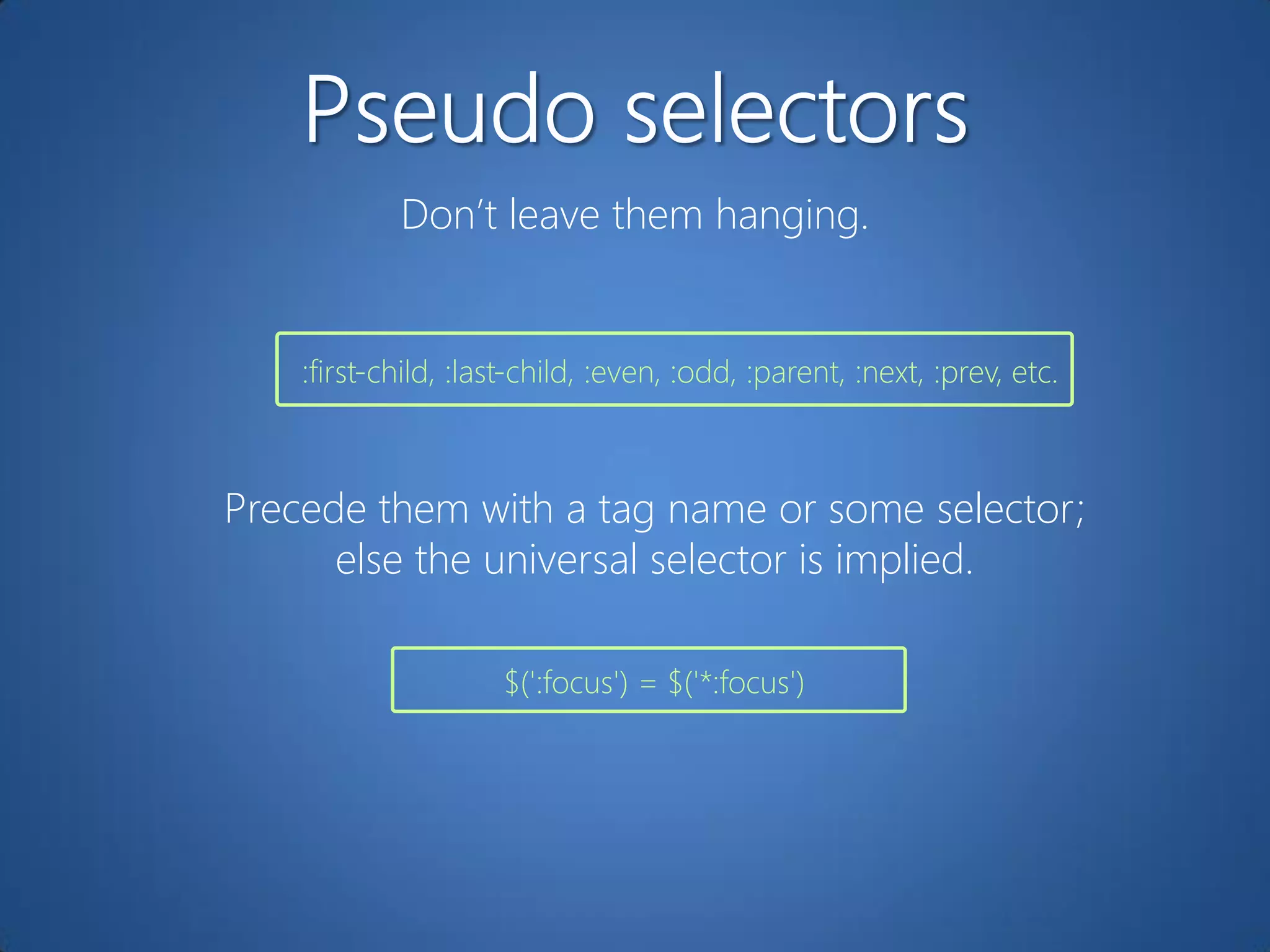
Don‟t leave them hanging.


    :first-child, :last-child, :even, :odd, :parent, :next, :prev, etc.


Precede them with a tag name or some selector;
      else the universal selector is implied.

                     $(':focus') = $('*:focus')
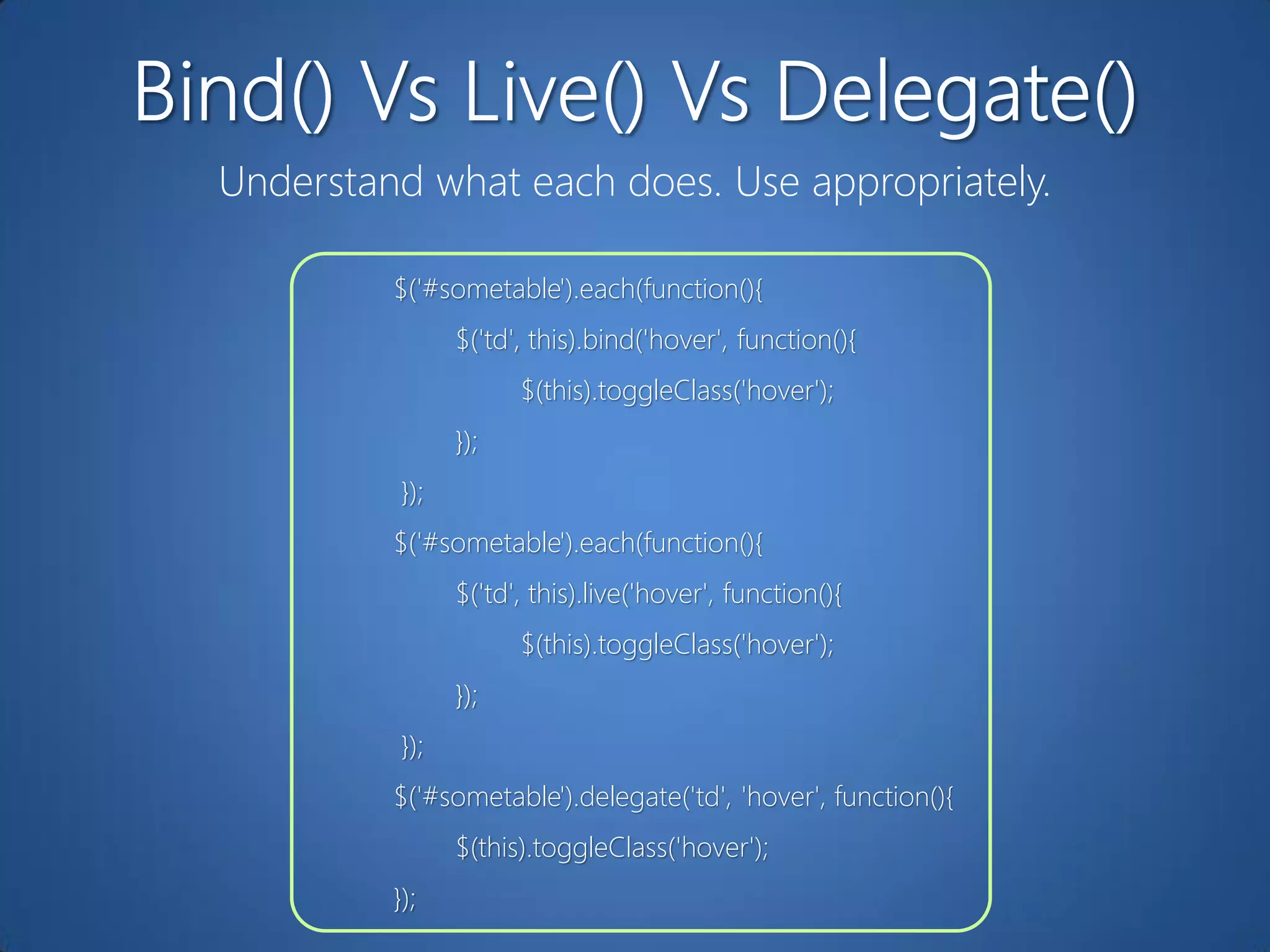
Understand what each does. Use appropriately.

         $('#sometable').each(function(){
                $('td', this).bind('hover', function(){
                      $(this).toggleClass('hover');
                });
          });
         $('#sometable').each(function(){
                $('td', this).live('hover', function(){
                      $(this).toggleClass('hover');
                });
          });
         $('#sometable').delegate('td', 'hover', function(){
                $(this).toggleClass('hover');
         });
Create in memory. Then update the DOM.

var $mylist = $('#mylist'); // <ul>
for (var i = 0; i < 100; i++) {
           $mylist.append('<li>' + bestsellers[i] + '</li>');
}


var $mylist = $('#mylist'); // <ul>
var concatenatedList = “”;
for (var i = 0; i < 100; i++) {
          concatenatedList += ('<li>' + bestsellers[i] + '</li>');
}
$mylist.append(concatenatedList);
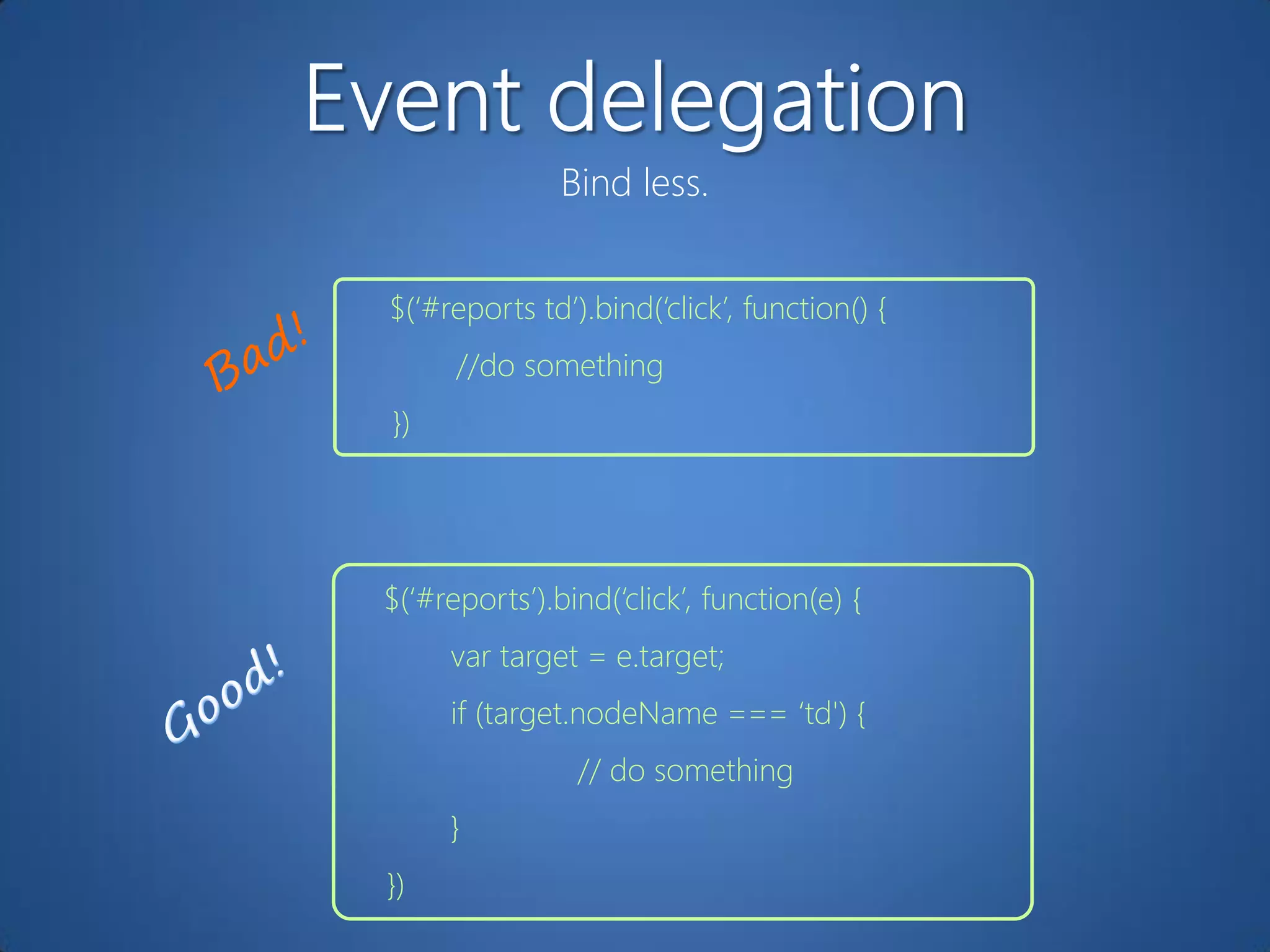
Bind less.


$(„#reports td‟).bind(„click‟, function() {
      //do something
})


$(„#reports‟).bind(„click‟, function(e) {
     var target = e.target;
     if (target.nodeName === „td') {
                // do something
     }
})
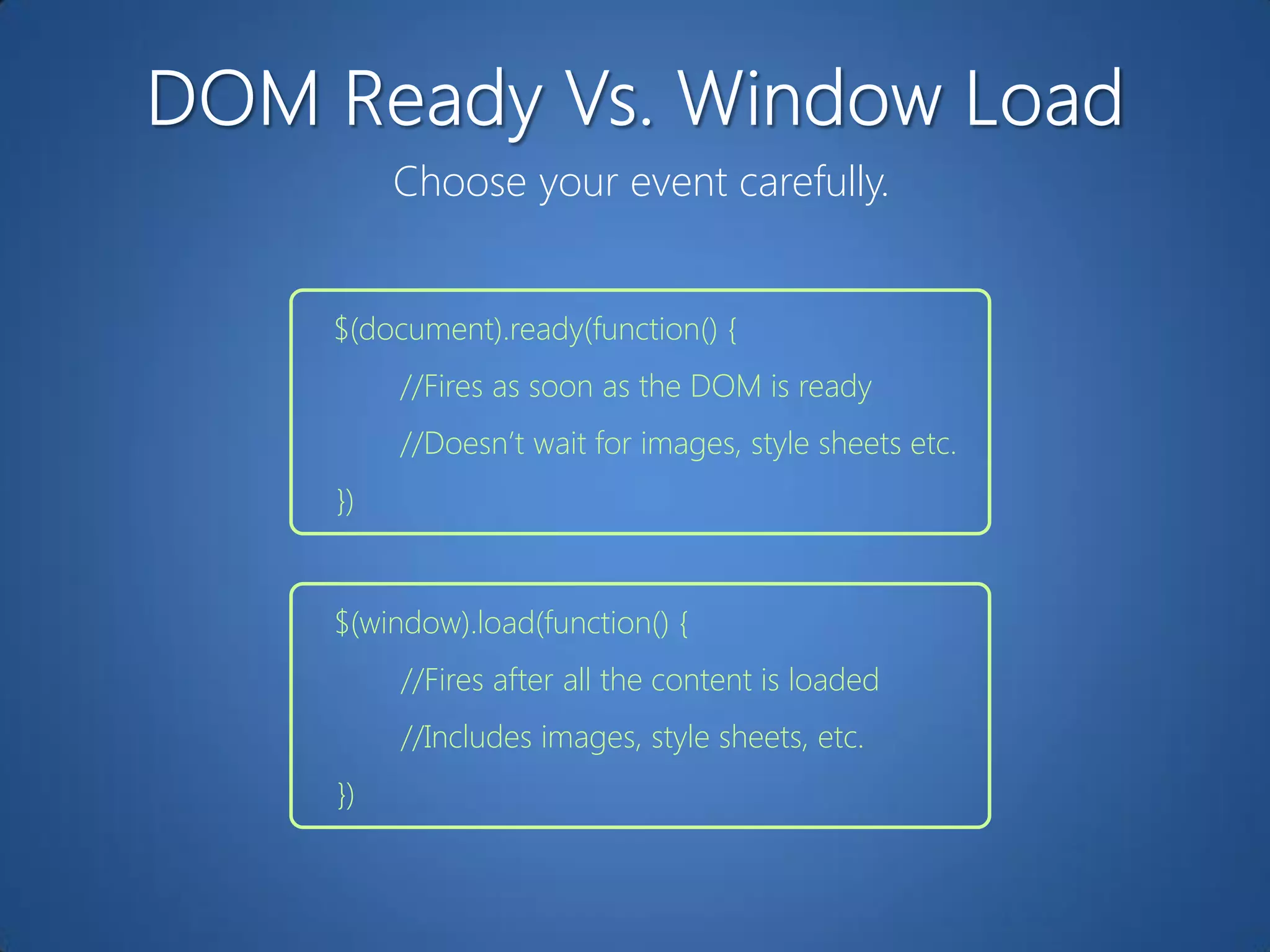
Choose your event carefully.


$(document).ready(function() {
     //Fires as soon as the DOM is ready
     //Doesn‟t wait for images, style sheets etc.
})


$(window).load(function() {
     //Fires after all the content is loaded
     //Includes images, style sheets, etc.
})
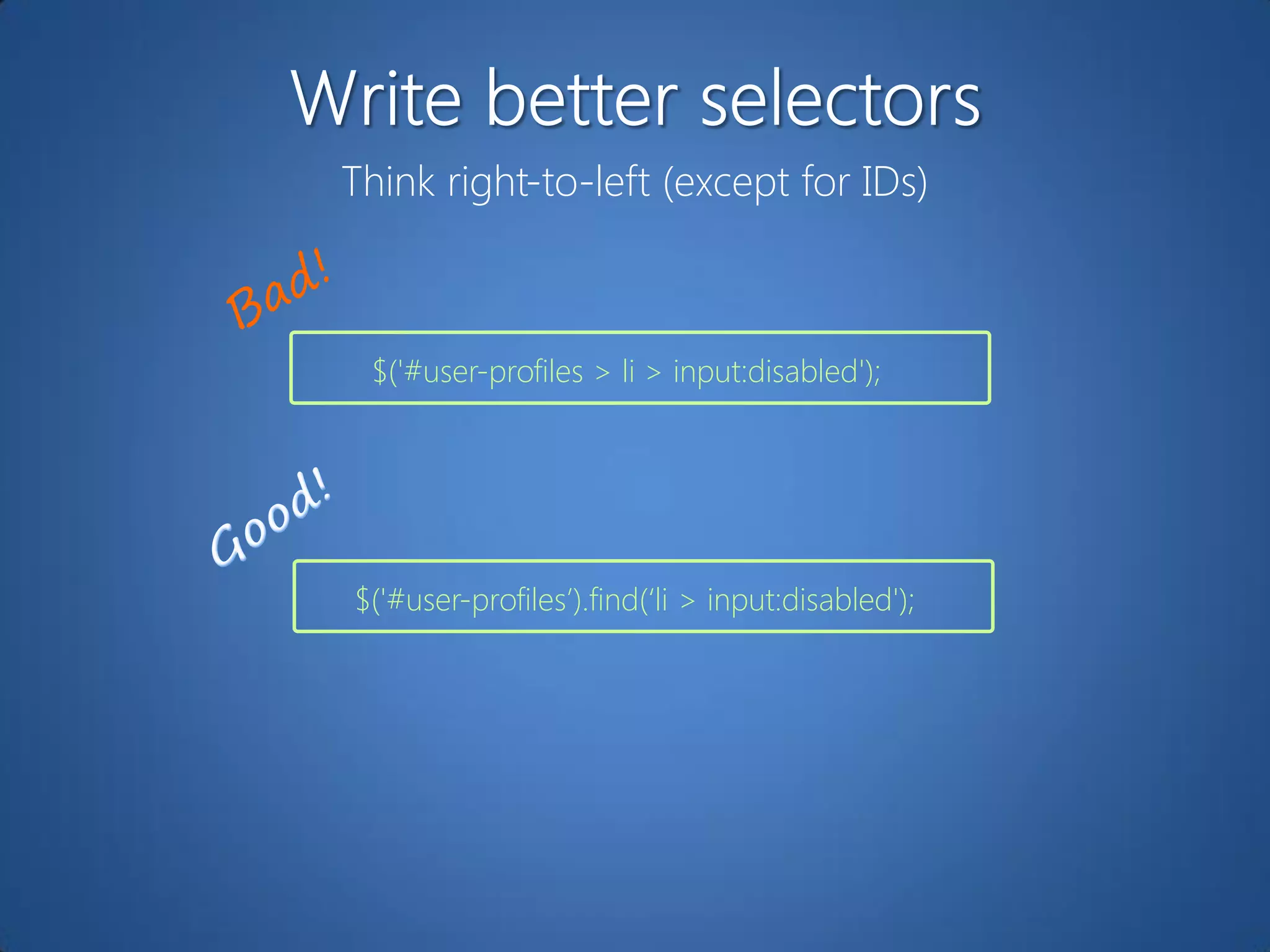
Think right-to-left (except for IDs)


 $('#user-profiles > li > input:disabled');


$('#user-profiles‟).find(„li > input:disabled');
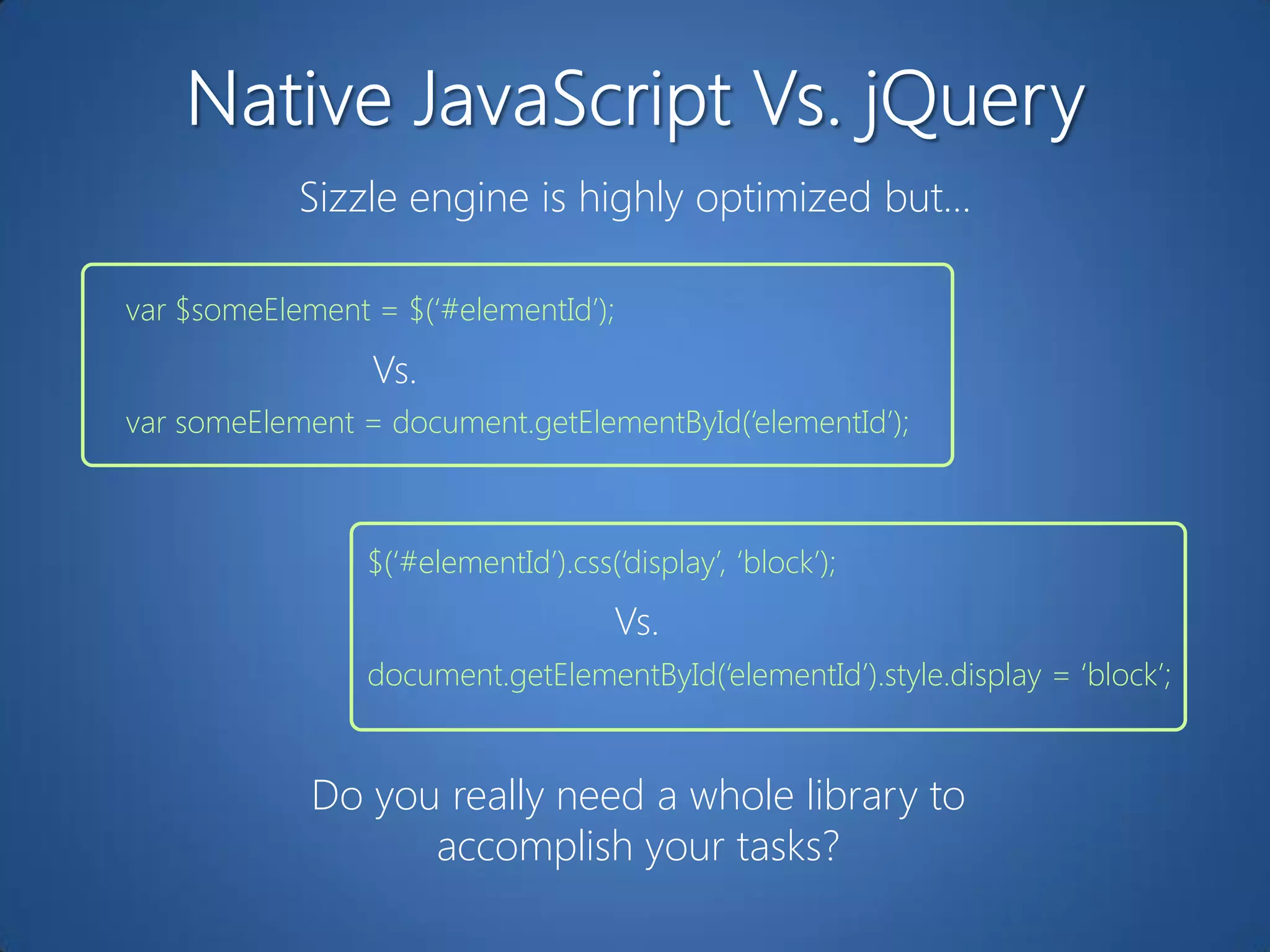
Sizzle engine is highly optimized but…

var $someElement = $(„#elementId‟);
                 Vs.
var someElement = document.getElementById(„elementId‟);


                 $(„#elementId‟).css(„display‟, „block‟);
                                      Vs.
                 document.getElementById(„elementId‟).style.display = „block‟;


             Do you really need a whole library to
                   accomplish your tasks?
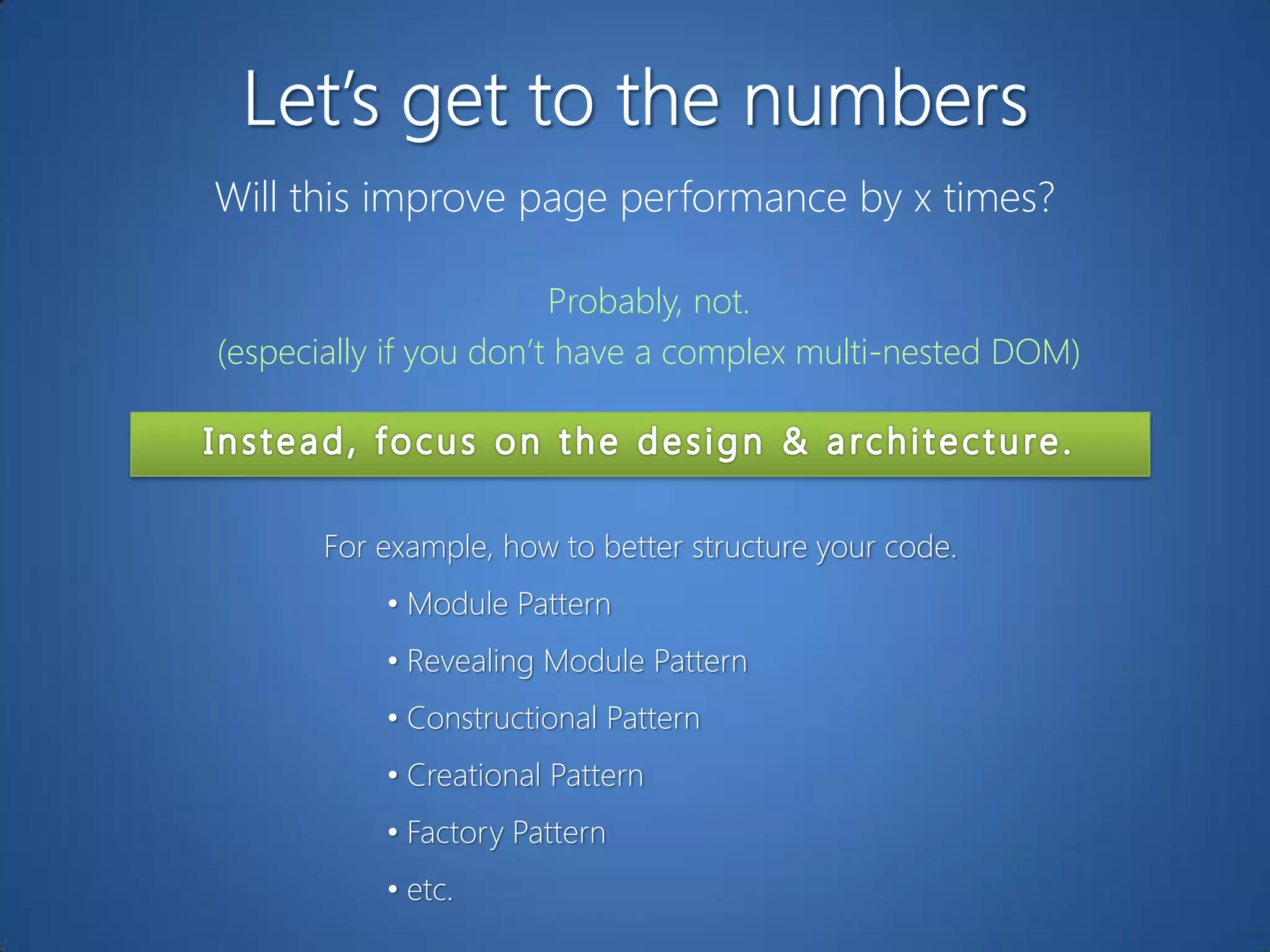
Will this improve page performance by x times?

                        Probably, not.
(especially if you don‟t have a complex multi-nested DOM)


       For example, how to better structure your code.
           • Module Pattern
           • Revealing Module Pattern
           • Constructional Pattern
           • Creational Pattern
           • Factory Pattern
           • etc.
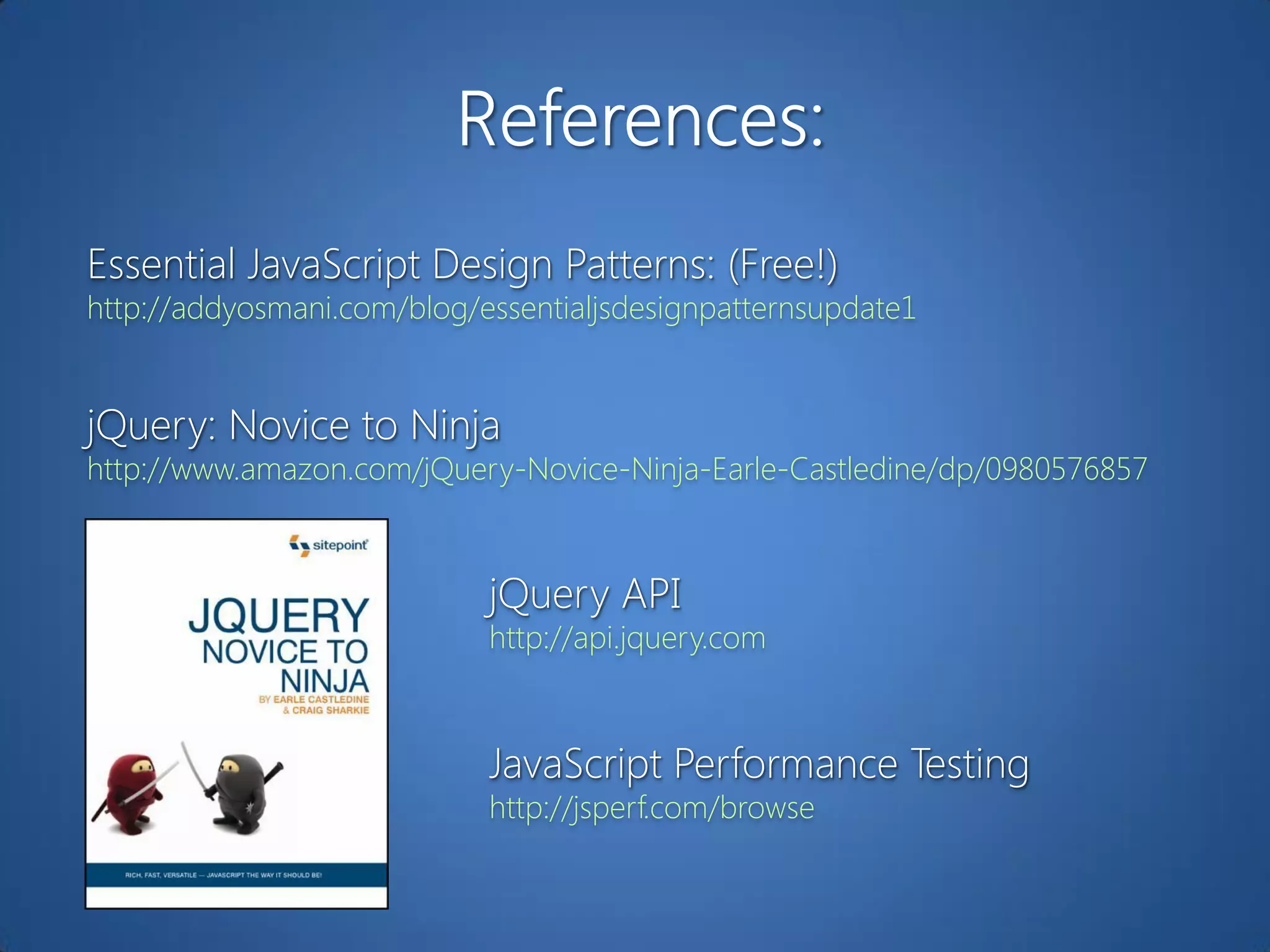
Essential JavaScript Design Patterns: (Free!)
http://addyosmani.com/blog/essentialjsdesignpatternsupdate1


jQuery: Novice to Ninja
http://www.amazon.com/jQuery-Novice-Ninja-Earle-Castledine/dp/0980576857


                            jQuery API
                            http://api.jquery.com


                            JavaScript Performance Testing
                            http://jsperf.com/browse
10 Time-Savers You (Maybe) Don't Know


           Girish Gangadharan


@appoosa        girish@giri.sh      http://giri.sh

jQuery - 10 Time-Savers You (Maybe) Don't Know

  • 1.
    10 Time-Savers You(Maybe) Don't Know Girish Gangadharan @appoosa girish@giri.sh http://giri.sh
  • 2.
    Limit DOM traversal var$items = $(„#products‟); $items.click(function() { $(this).next(„div‟).slideToggle(); }); $items.addClass(„active‟); $items.closest(„p#category‟).animate({ height:100px });
  • 3.
    Less code. Betterreadability. var $userprofile = $(„#user-profile‟); $userprofile .hover(function () { $(this).addClass(“highlight"); }, function () { $(this).removeClass(“highlight"); }) .click(function() { //do something }) .fadeIn(„slow‟);
  • 4.
    Don‟t leave themhanging. :first-child, :last-child, :even, :odd, :parent, :next, :prev, etc. Precede them with a tag name or some selector; else the universal selector is implied. $(':focus') = $('*:focus')
  • 5.
    Understand what eachdoes. Use appropriately. $('#sometable').each(function(){ $('td', this).bind('hover', function(){ $(this).toggleClass('hover'); }); }); $('#sometable').each(function(){ $('td', this).live('hover', function(){ $(this).toggleClass('hover'); }); }); $('#sometable').delegate('td', 'hover', function(){ $(this).toggleClass('hover'); });
  • 6.
    Create in memory.Then update the DOM. var $mylist = $('#mylist'); // <ul> for (var i = 0; i < 100; i++) { $mylist.append('<li>' + bestsellers[i] + '</li>'); } var $mylist = $('#mylist'); // <ul> var concatenatedList = “”; for (var i = 0; i < 100; i++) { concatenatedList += ('<li>' + bestsellers[i] + '</li>'); } $mylist.append(concatenatedList);
  • 7.
    Bind less. $(„#reports td‟).bind(„click‟,function() { //do something }) $(„#reports‟).bind(„click‟, function(e) { var target = e.target; if (target.nodeName === „td') { // do something } })
  • 8.
    Choose your eventcarefully. $(document).ready(function() { //Fires as soon as the DOM is ready //Doesn‟t wait for images, style sheets etc. }) $(window).load(function() { //Fires after all the content is loaded //Includes images, style sheets, etc. })
  • 9.
    Think right-to-left (exceptfor IDs) $('#user-profiles > li > input:disabled'); $('#user-profiles‟).find(„li > input:disabled');
  • 10.
    Sizzle engine ishighly optimized but… var $someElement = $(„#elementId‟); Vs. var someElement = document.getElementById(„elementId‟); $(„#elementId‟).css(„display‟, „block‟); Vs. document.getElementById(„elementId‟).style.display = „block‟; Do you really need a whole library to accomplish your tasks?
  • 11.
    Will this improvepage performance by x times? Probably, not. (especially if you don‟t have a complex multi-nested DOM) For example, how to better structure your code. • Module Pattern • Revealing Module Pattern • Constructional Pattern • Creational Pattern • Factory Pattern • etc.
  • 14.
    Essential JavaScript DesignPatterns: (Free!) http://addyosmani.com/blog/essentialjsdesignpatternsupdate1 jQuery: Novice to Ninja http://www.amazon.com/jQuery-Novice-Ninja-Earle-Castledine/dp/0980576857 jQuery API http://api.jquery.com JavaScript Performance Testing http://jsperf.com/browse
  • 15.
    10 Time-Savers You(Maybe) Don't Know Girish Gangadharan @appoosa girish@giri.sh http://giri.sh