Click to add Text 
Javascript 
Presented by Bunlong VAN 
http://geekhmer.github.io 
DOM & Event
The Disclaimer
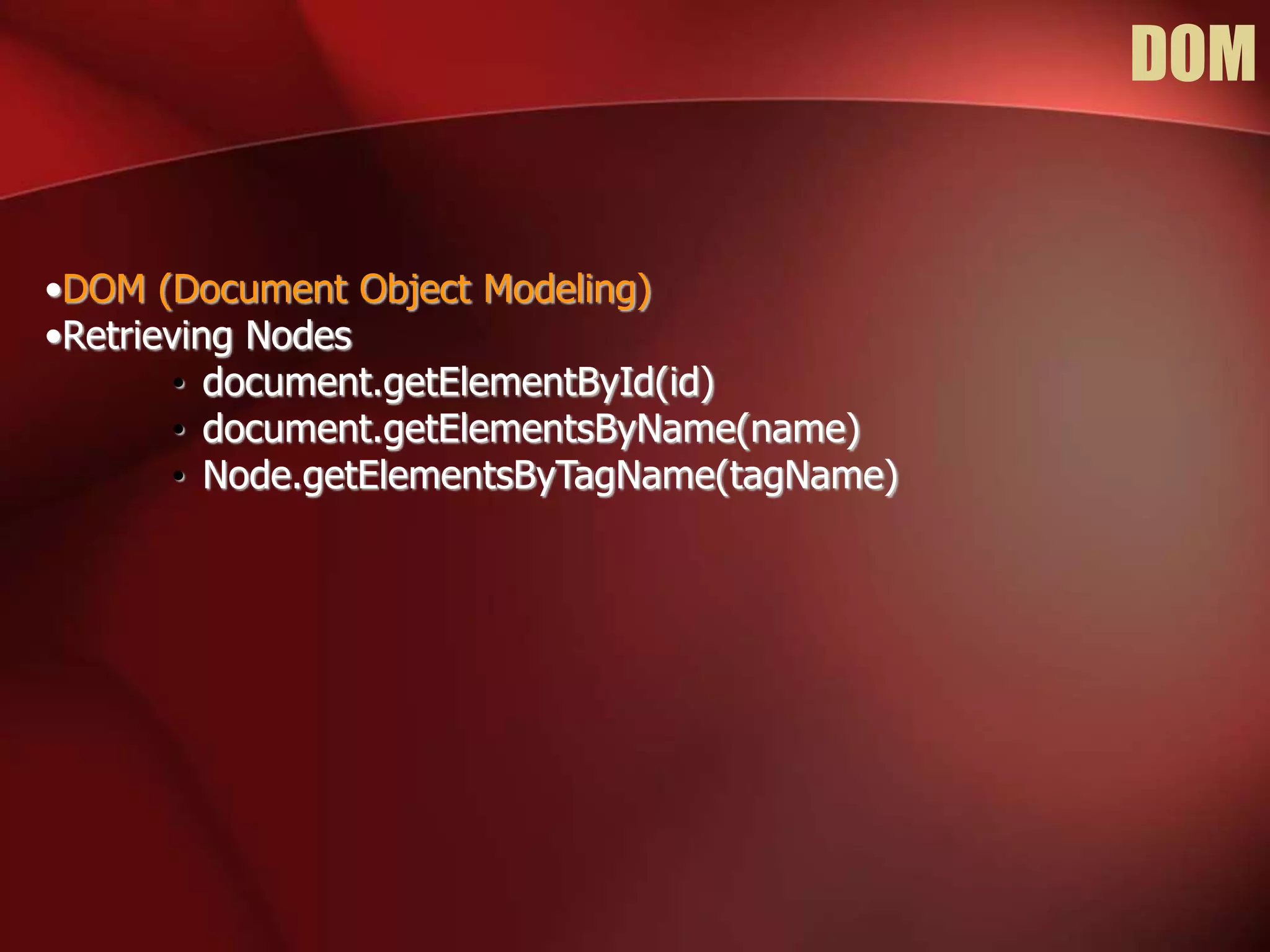
DOM 
•DOM (Document Object Modeling) 
•Retrieving Nodes 
• document.getElementById(id) 
• document.getElementsByName(name) 
• Node.getElementsByTagName(tagName)
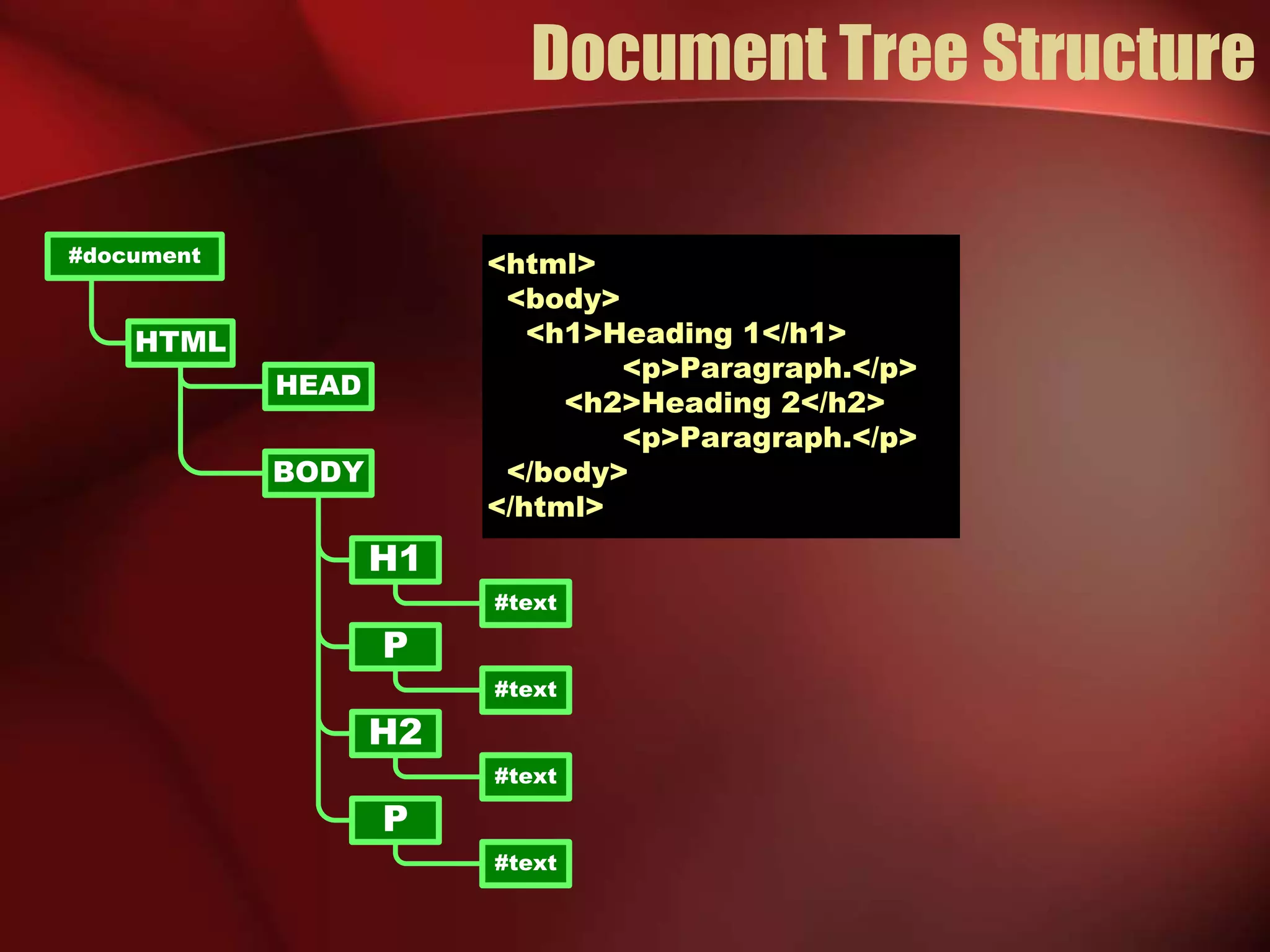
Document Tree Structure 
<html> 
<body> 
<h1>Heading 1</h1> 
<p>Paragraph.</p> 
<h2>Heading 2</h2> 
<p>Paragraph.</p> 
</body> 
</html> 
#text 
H1 
P 
H2 
BODY 
#document 
HTML 
HEAD 
#text 
P 
#text 
#text
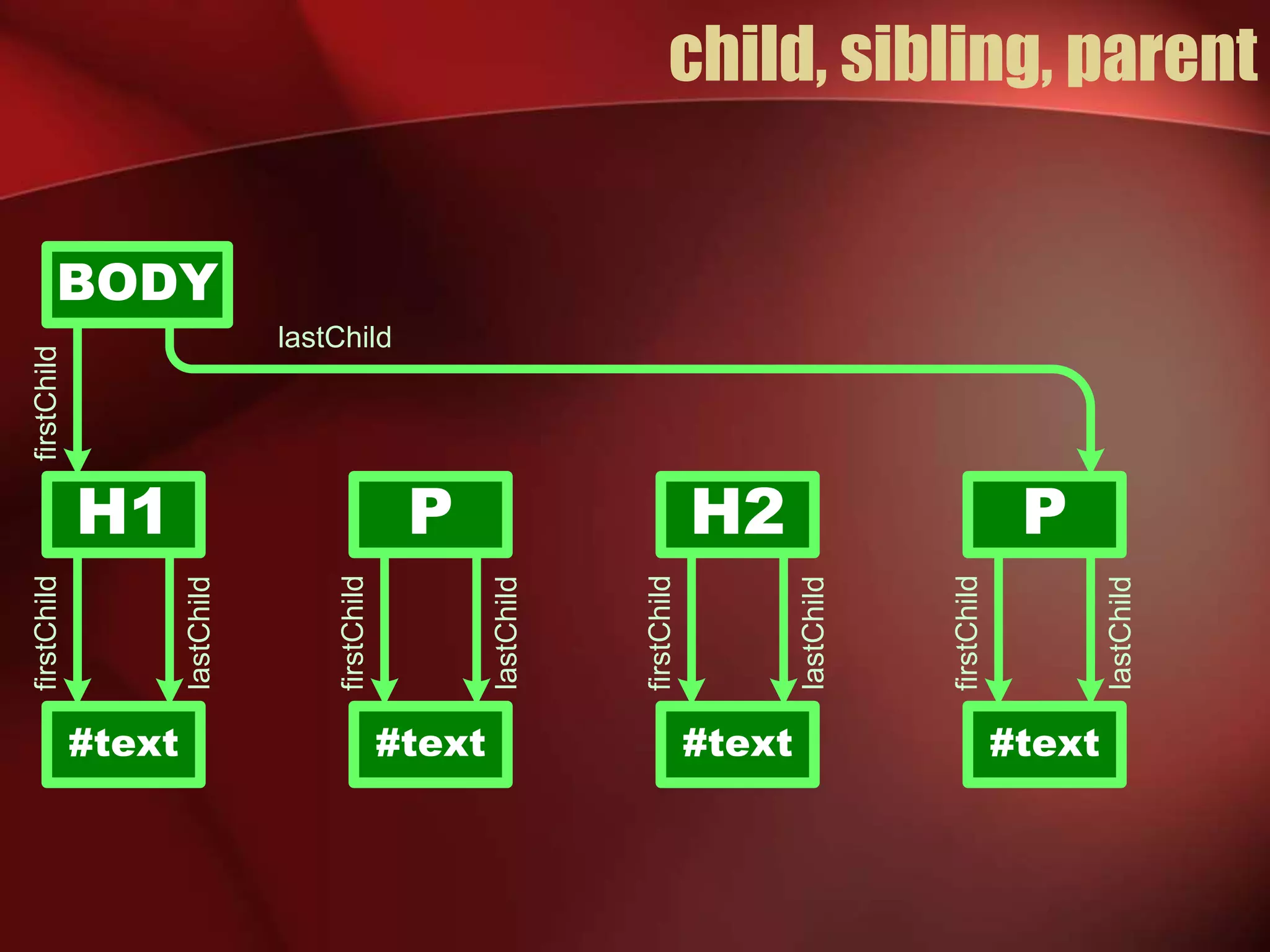
child, sibling, parent 
BODY 
H1 P H2 
#text 
#text 
P 
#text #text 
lastChild 
lastChild 
lastChild 
lastChild 
lastChild 
firstChild 
firstChild 
firstChild 
firstChild 
firstChild
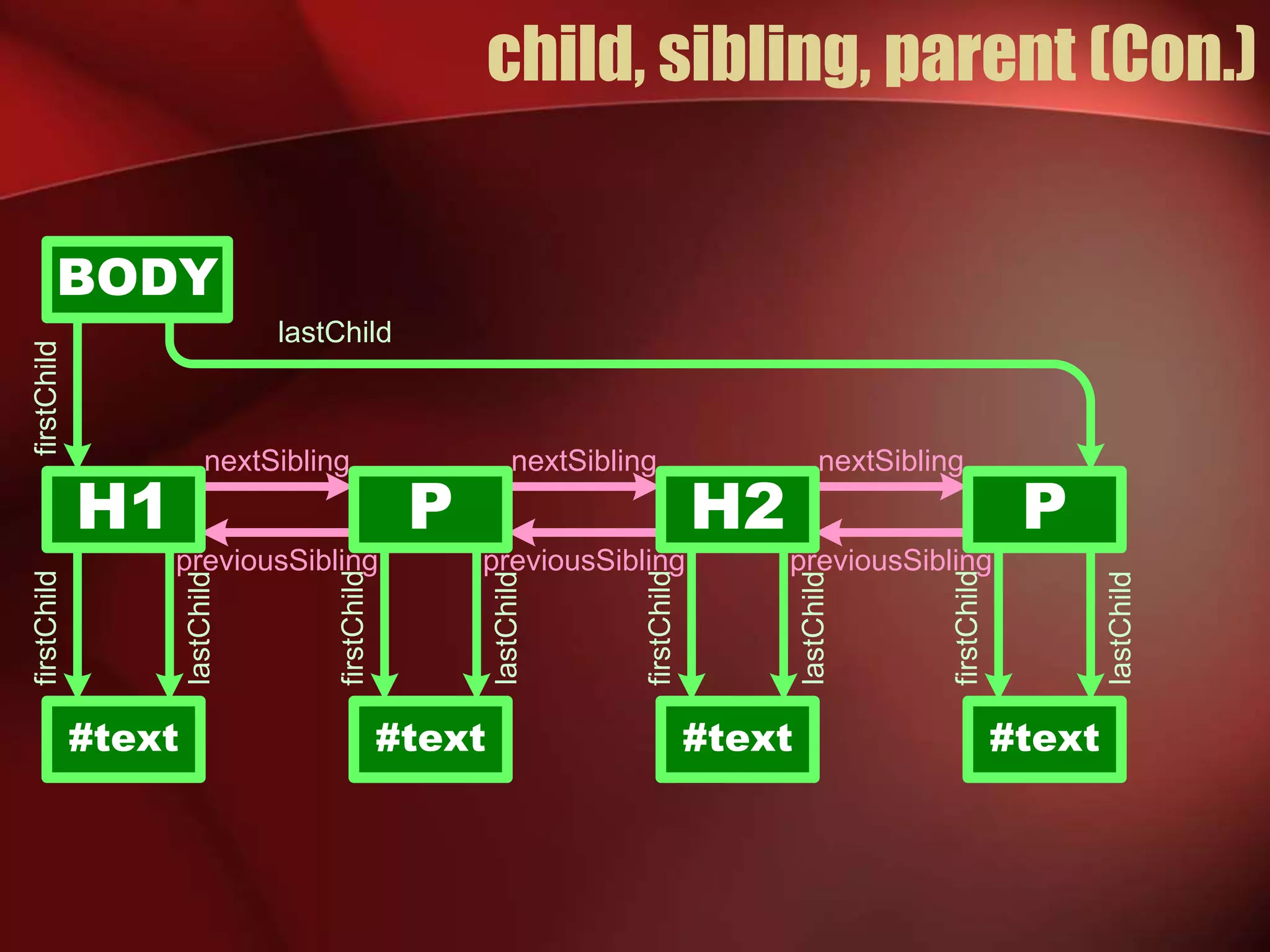
child, sibling, parent (Con.) 
BODY 
H1 P H2 
#text 
#text 
P 
#text #text 
lastChild 
lastChild 
lastChild 
lastChild 
lastChild 
firstChild 
firstChild 
firstChild 
firstChild 
firstChild 
nextSibling nextSibling nextSibling 
previousSibling previousSibling previousSibling
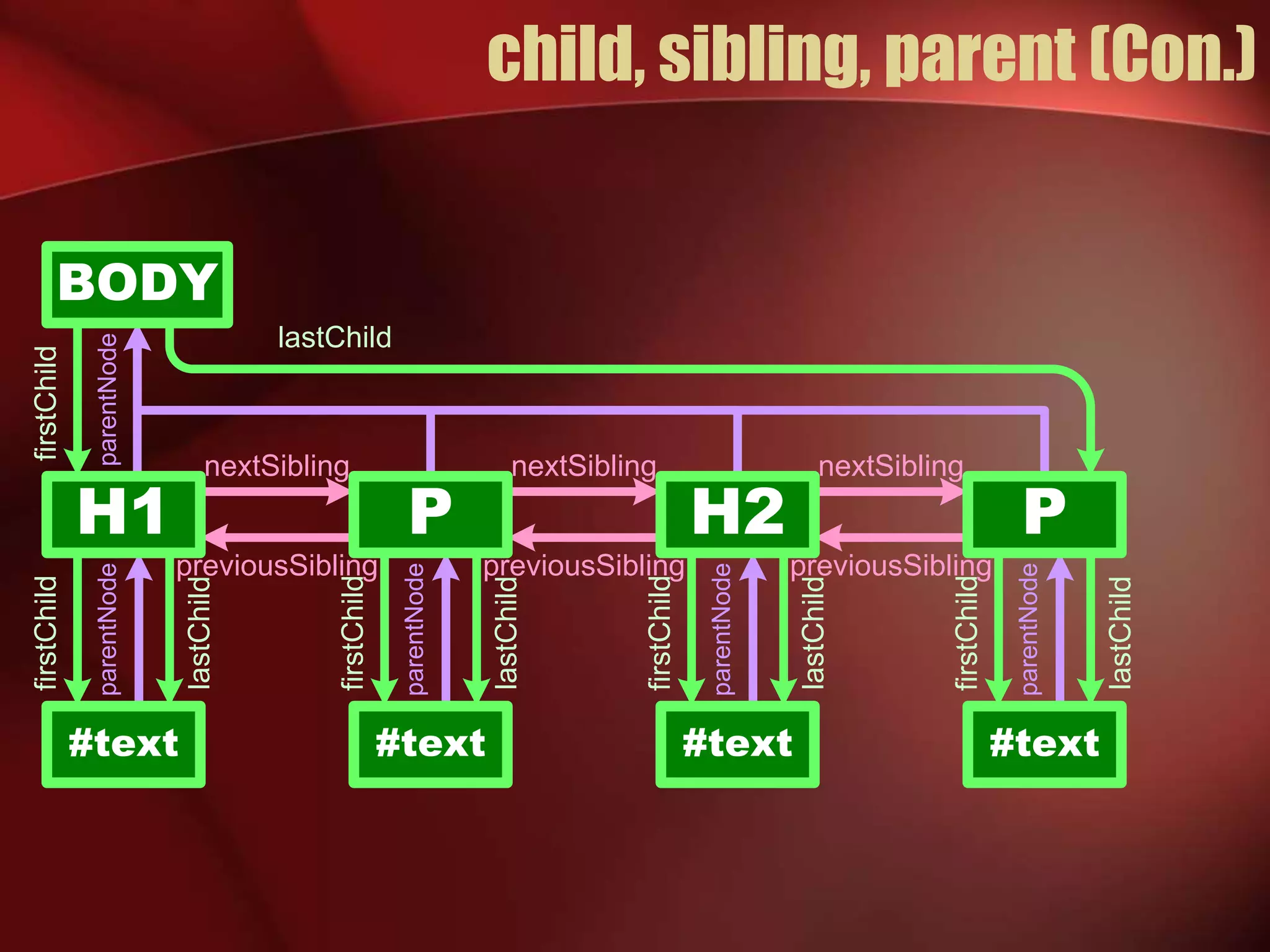
child, sibling, parent (Con.) 
H1 
#text 
lastChild 
P H2 P 
#text #text #text 
lastChild 
lastChild 
lastChild 
lastChild 
firstChild 
firstChild 
firstChild 
firstChild 
firstChild 
nextSibling nextSibling nextSibling 
previousSibling previousSibling previousSibling 
parentNode parentNode 
parentNode 
parentNode 
parentNode 
BODY
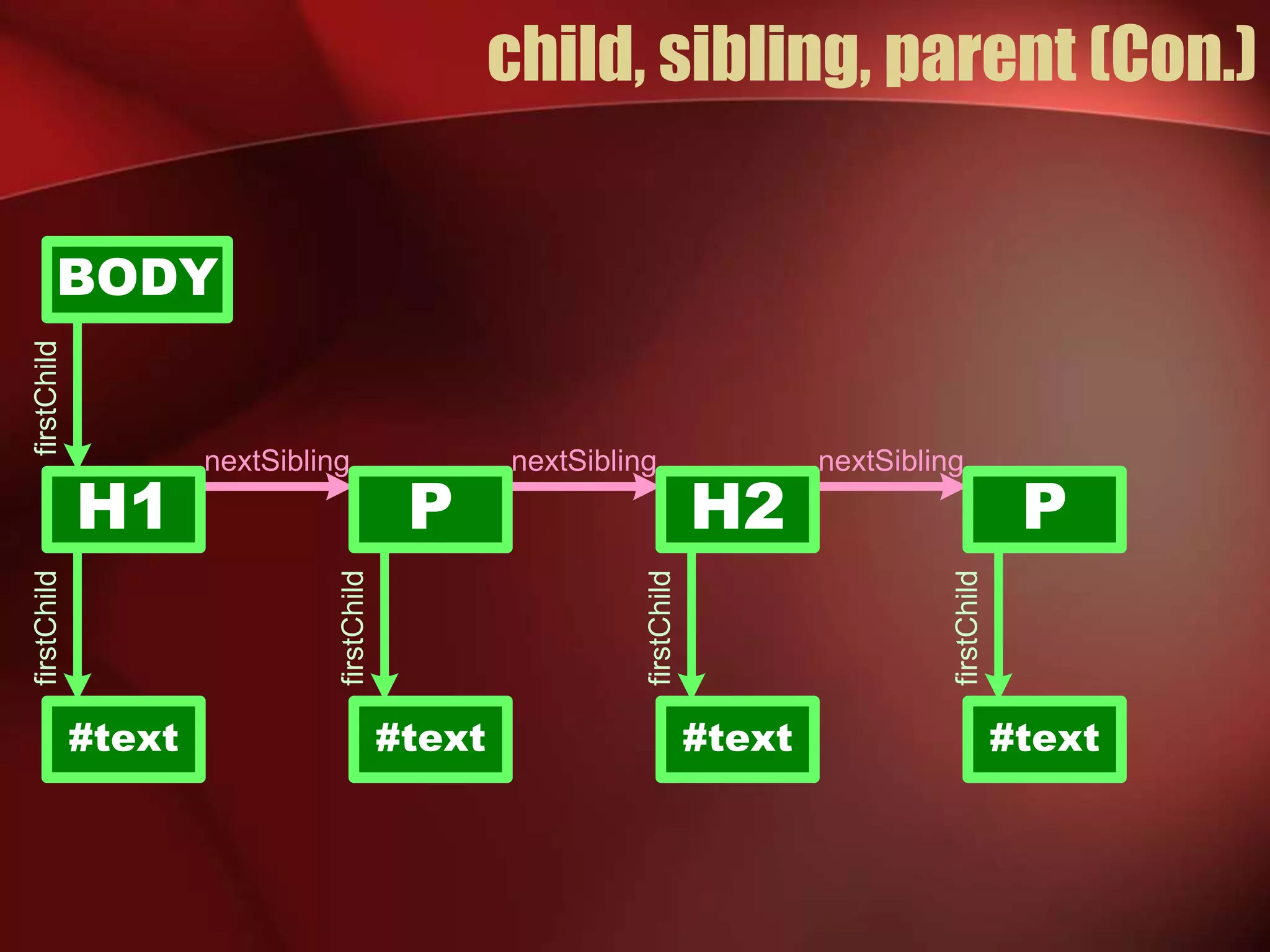
child, sibling, parent (Con.) 
BODY 
H1 P H2 
#text 
#text 
P 
#text #text 
firstChild 
firstChild 
firstChild 
firstChild 
firstChild 
nextSibling nextSibling nextSibling
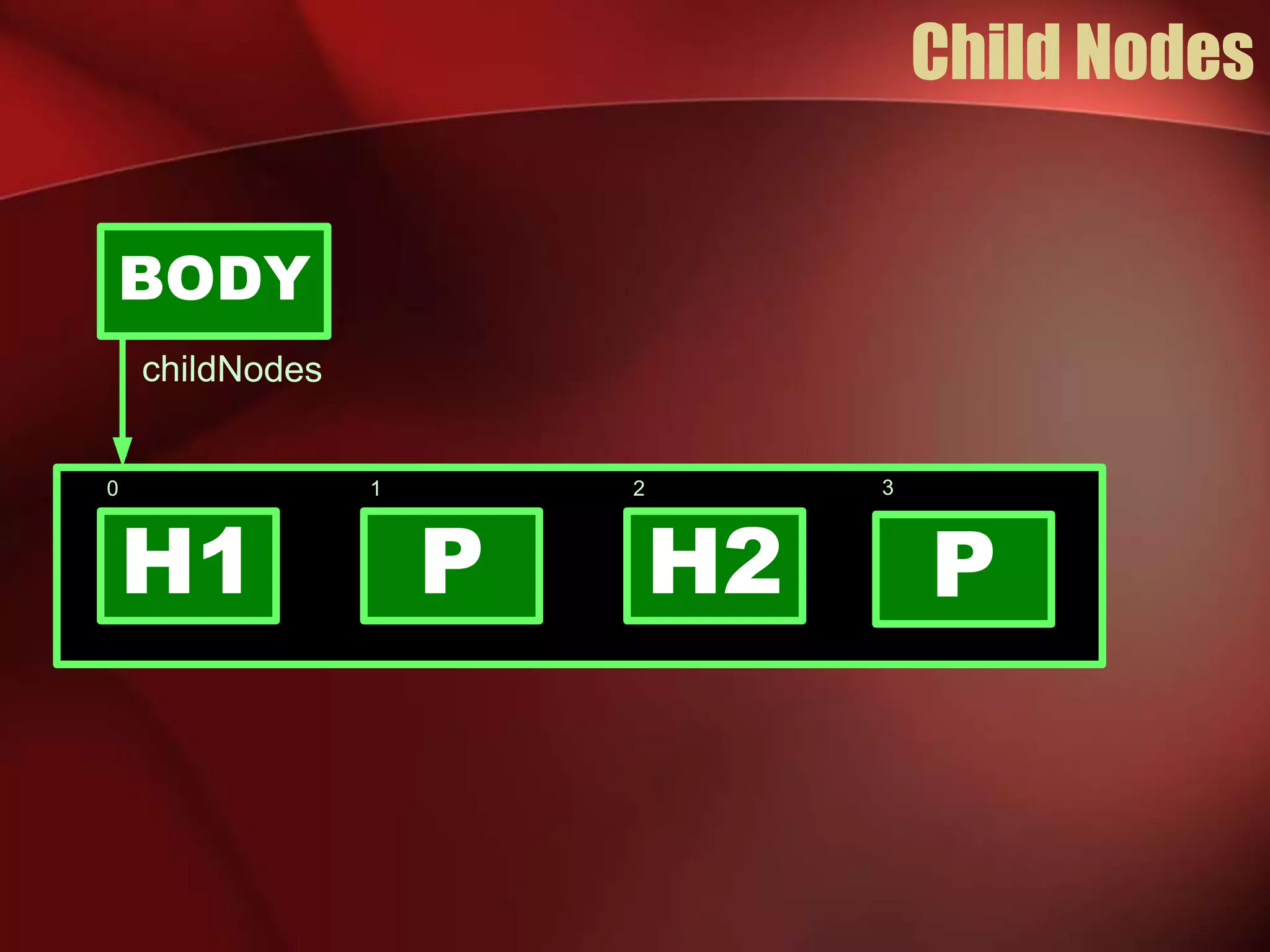
Child Nodes 
BODY 
0 
1 2 
P 
childNodes 
H1 H2 
P 
3
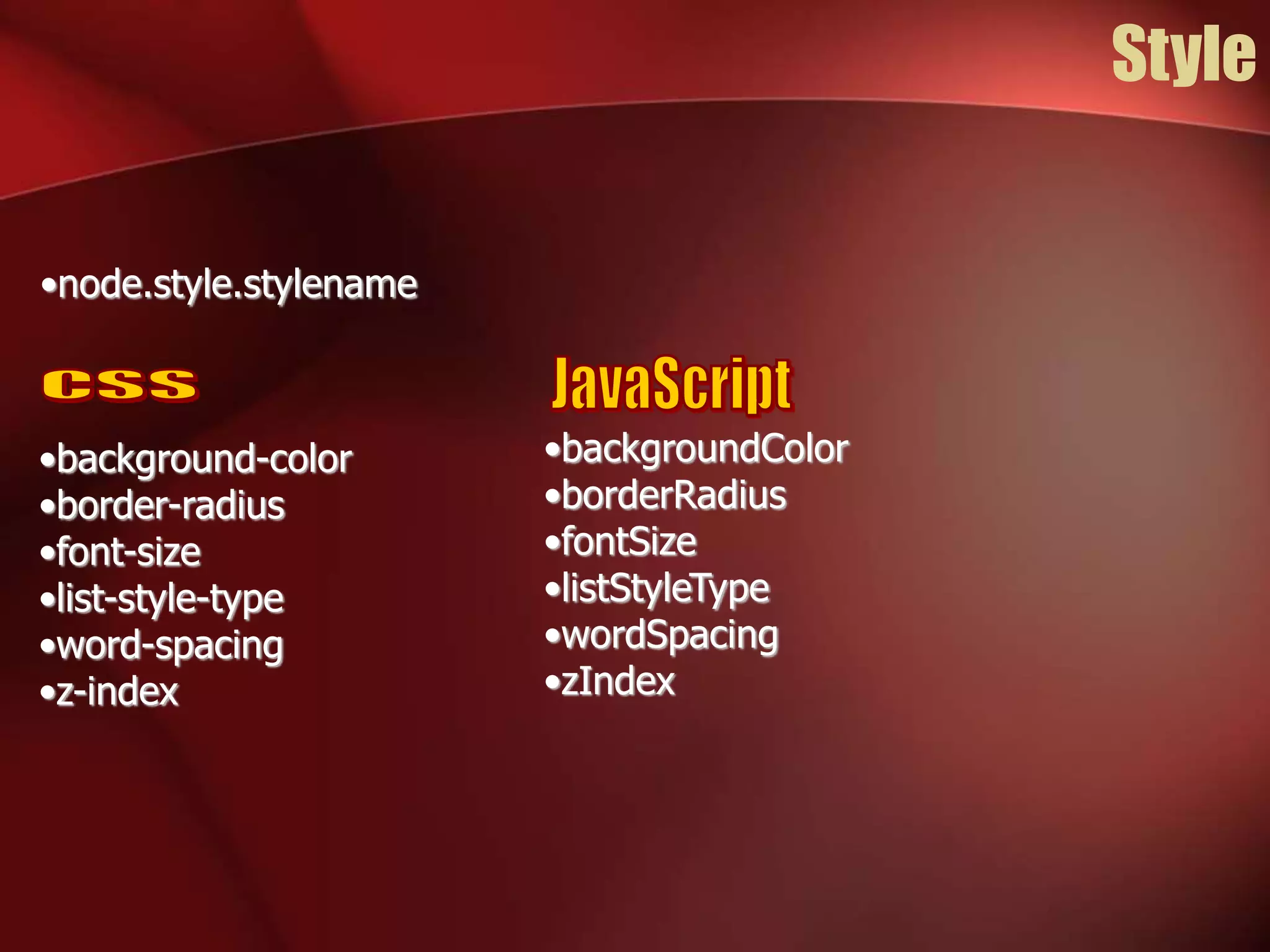
Style 
•node.style.stylename 
•background-color 
•border-radius 
•font-size 
•list-style-type 
•word-spacing 
•z-index 
•backgroundColor 
•borderRadius 
•fontSize 
•listStyleType 
•wordSpacing 
•zIndex
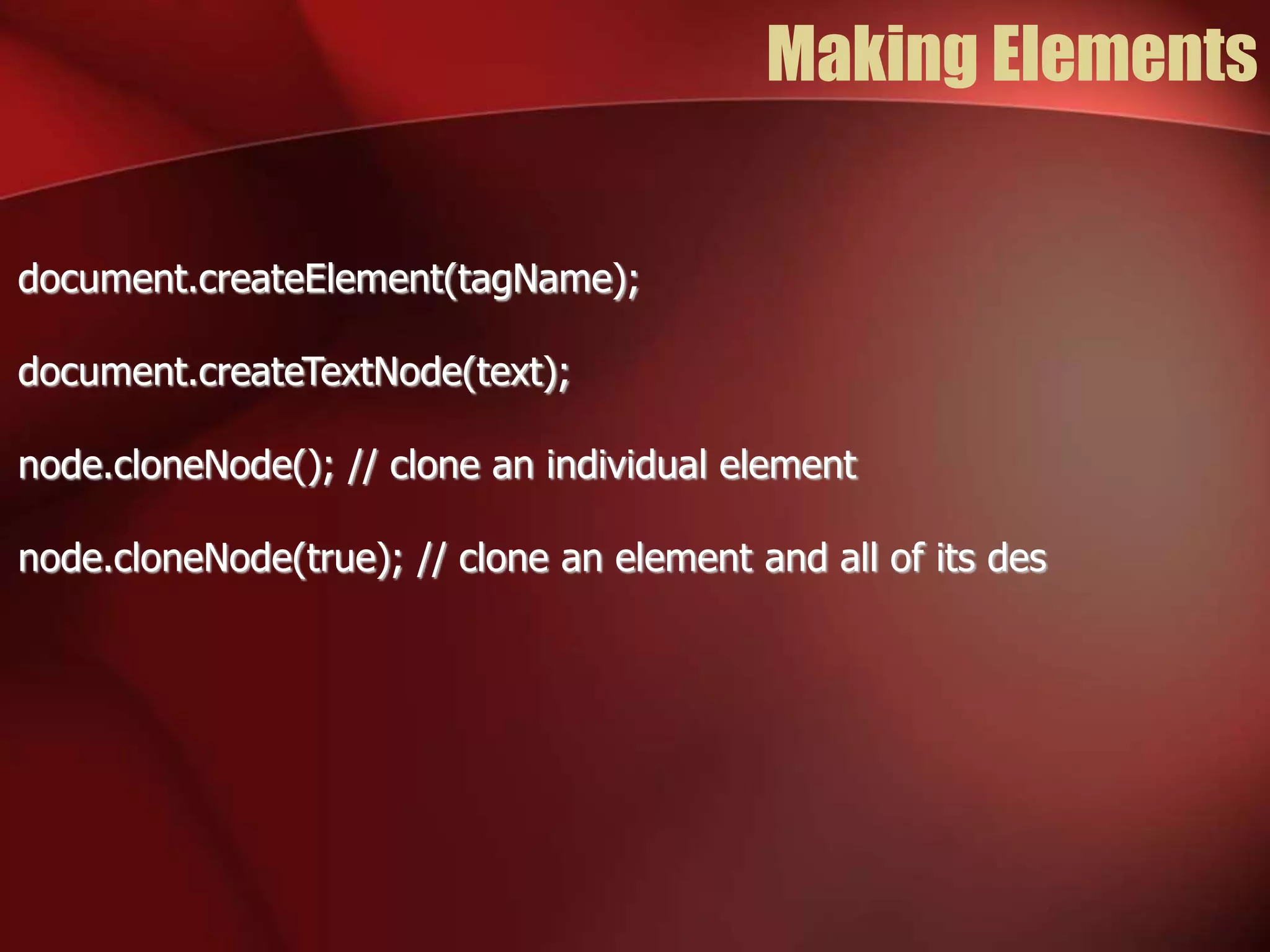
Making Elements 
document.createElement(tagName); 
document.createTextNode(text); 
node.cloneNode(); // clone an individual element 
node.cloneNode(true); // clone an element and all of its des
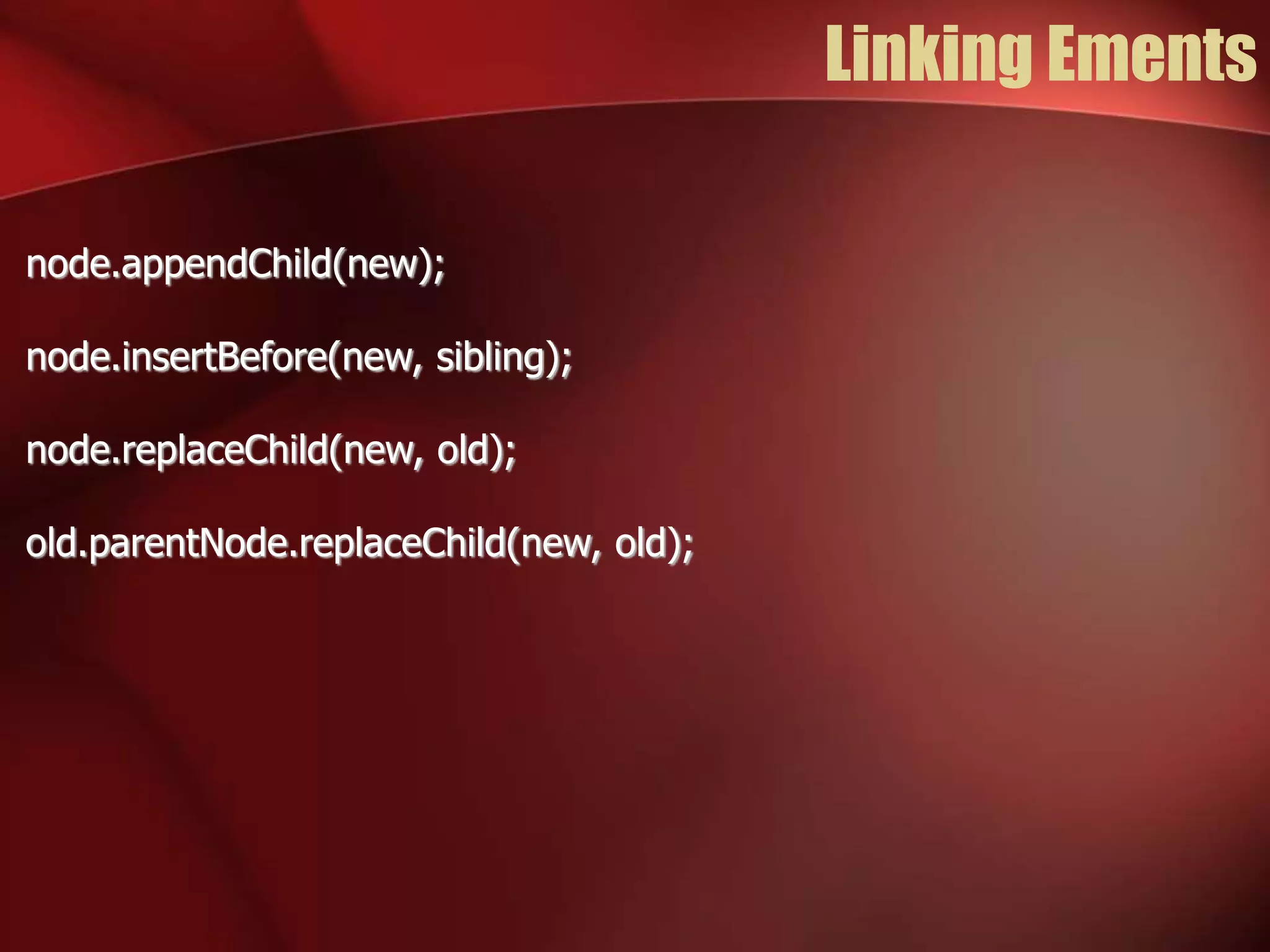
Linking Ements 
node.appendChild(new); 
node.insertBefore(new, sibling); 
node.replaceChild(new, old); 
old.parentNode.replaceChild(new, old);
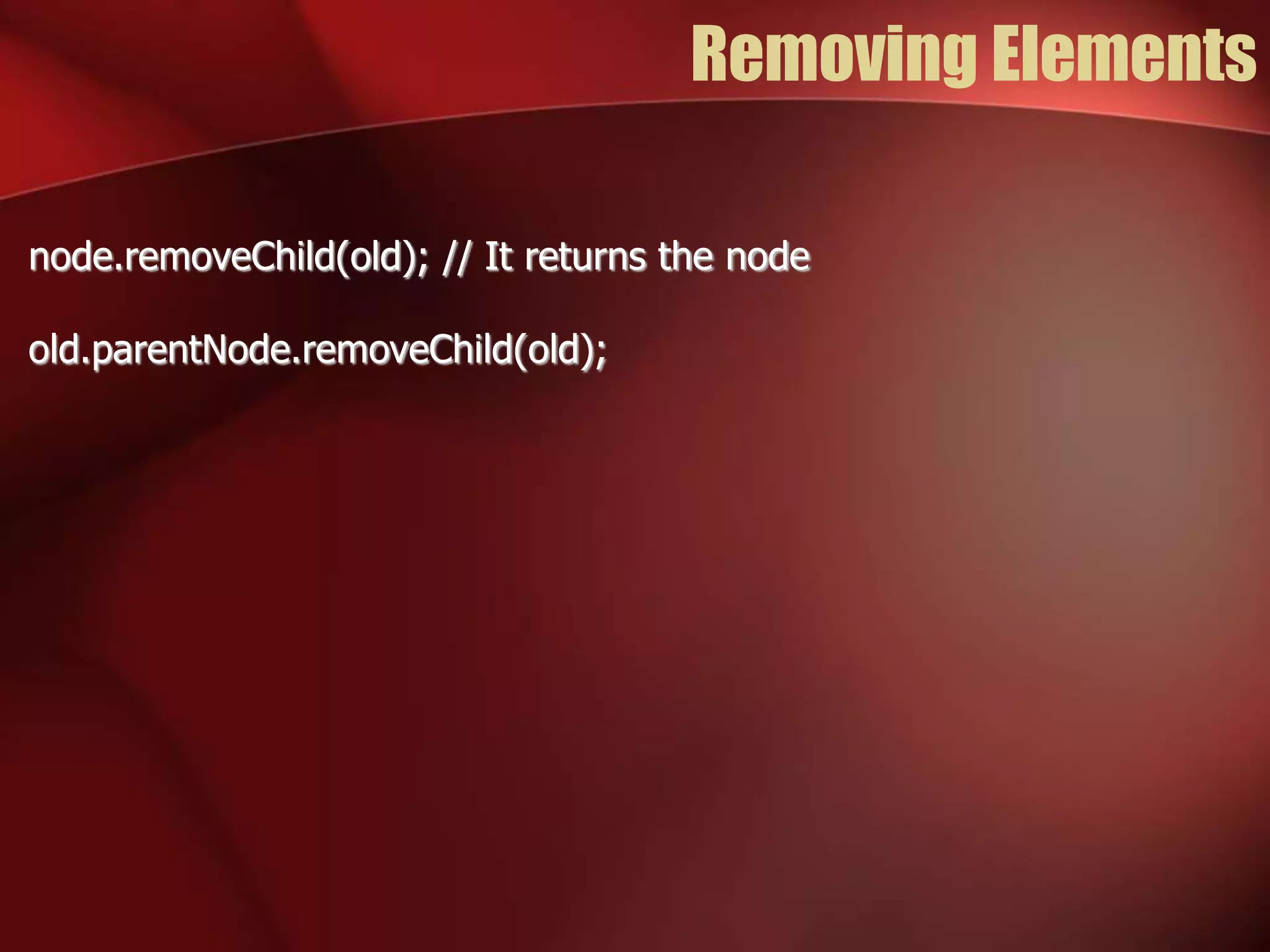
Removing Elements 
node.removeChild(old); // It returns the node 
old.parentNode.removeChild(old);
innerHTML 
•The W3C standard does not provide access to the HTML 
parser 
•All browsers implement Microsoft's innerHTML property 
•node.innerHTML = “<p>this is text</p>”;
Which Way is Better? 
•It is better to build or clone elements and append them to the 
document? 
•Or is it better to complile an HTML text and use innerHTML to 
realize it? 
•Favor clean code and easy maintenance 
•Favor performance only in extreme cases
Event 
•The browser has an event-driven, single-threaded, 
asynchronous programming model 
•Events are targeted to particular nodes 
•Event cause the invocation of event handler functions
Mouse Event 
The target is the topmost (z-index) node containing the 
cursor: 
•click 
•dblclick 
•mousedown 
•mousemove 
•mouseout 
•mouseover 
•mouseup
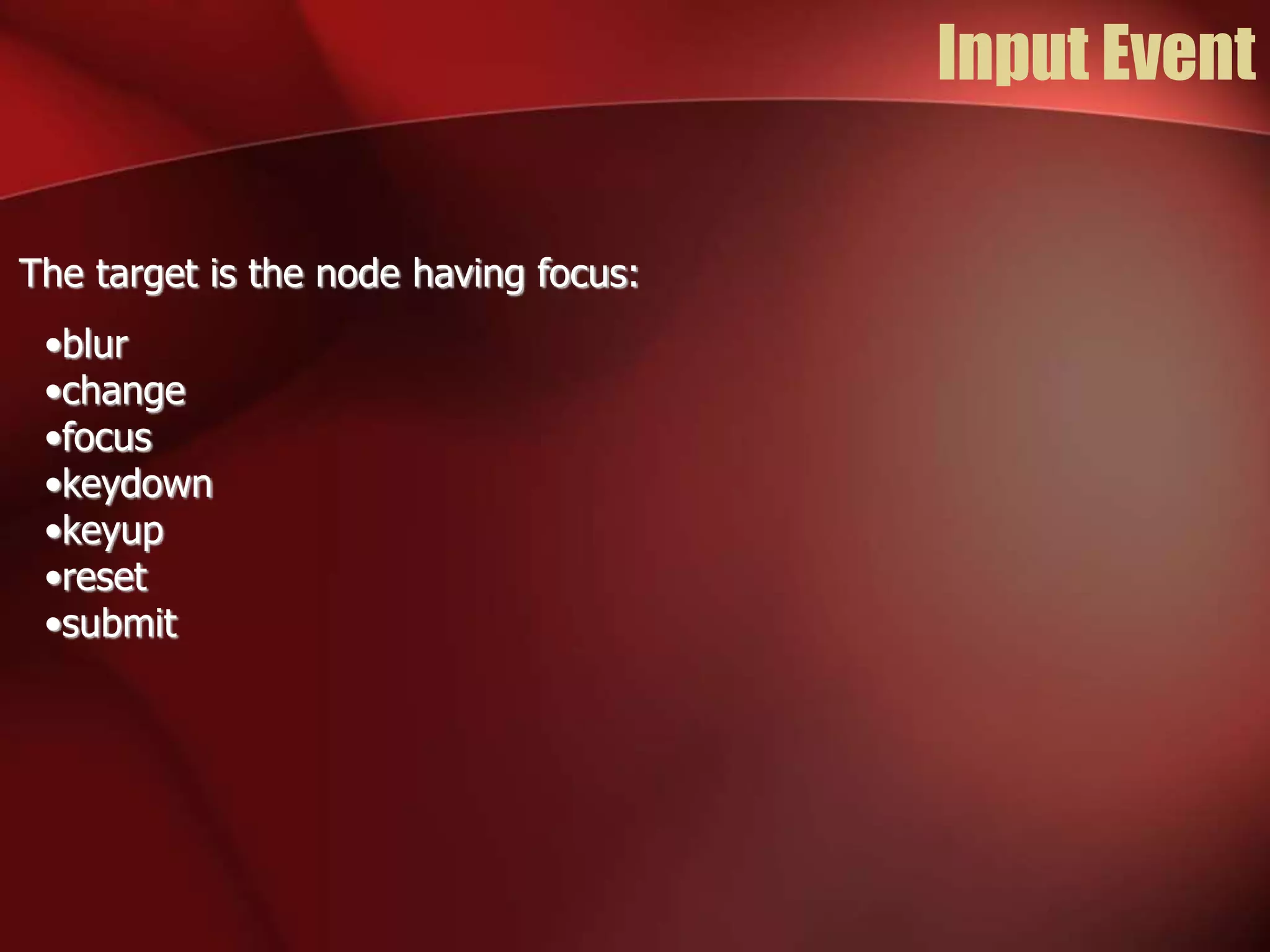
Input Event 
The target is the node having focus: 
•blur 
•change 
•focus 
•keydown 
•keyup 
•reset 
•submit
Event Handler 
•Classic 
– node[“on” + type] = handler; 
•Microsoft 
– node.attachEvent(“on” + type, handler); 
•W3C 
– node.addEventListener(type, handler, false); 
var handler = function(e) { 
e = e || event; 
var target = e.target || e.srcElement; 
… 
}
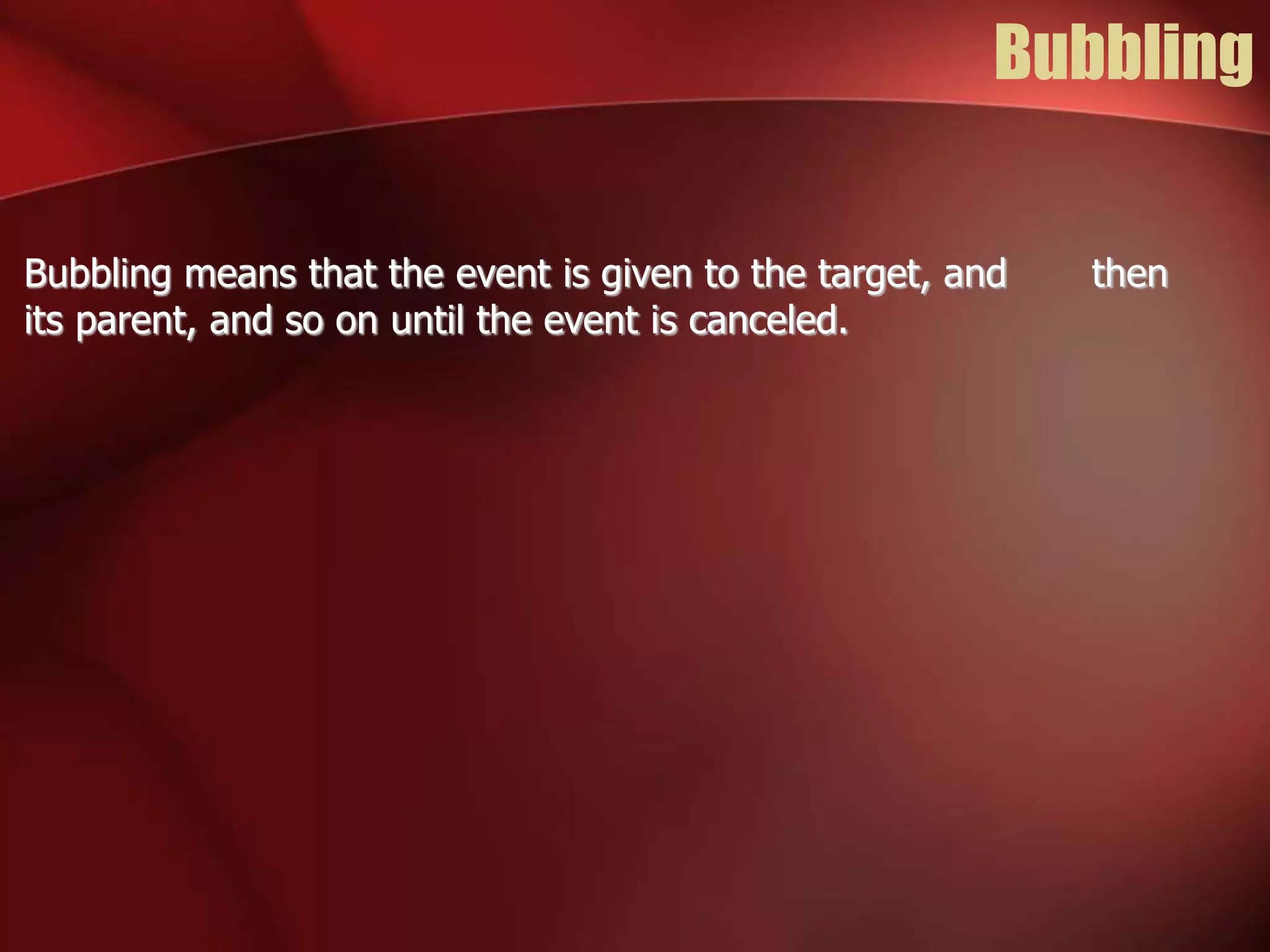
Bubbling 
Bubbling means that the event is given to the target, and then 
its parent, and so on until the event is canceled.
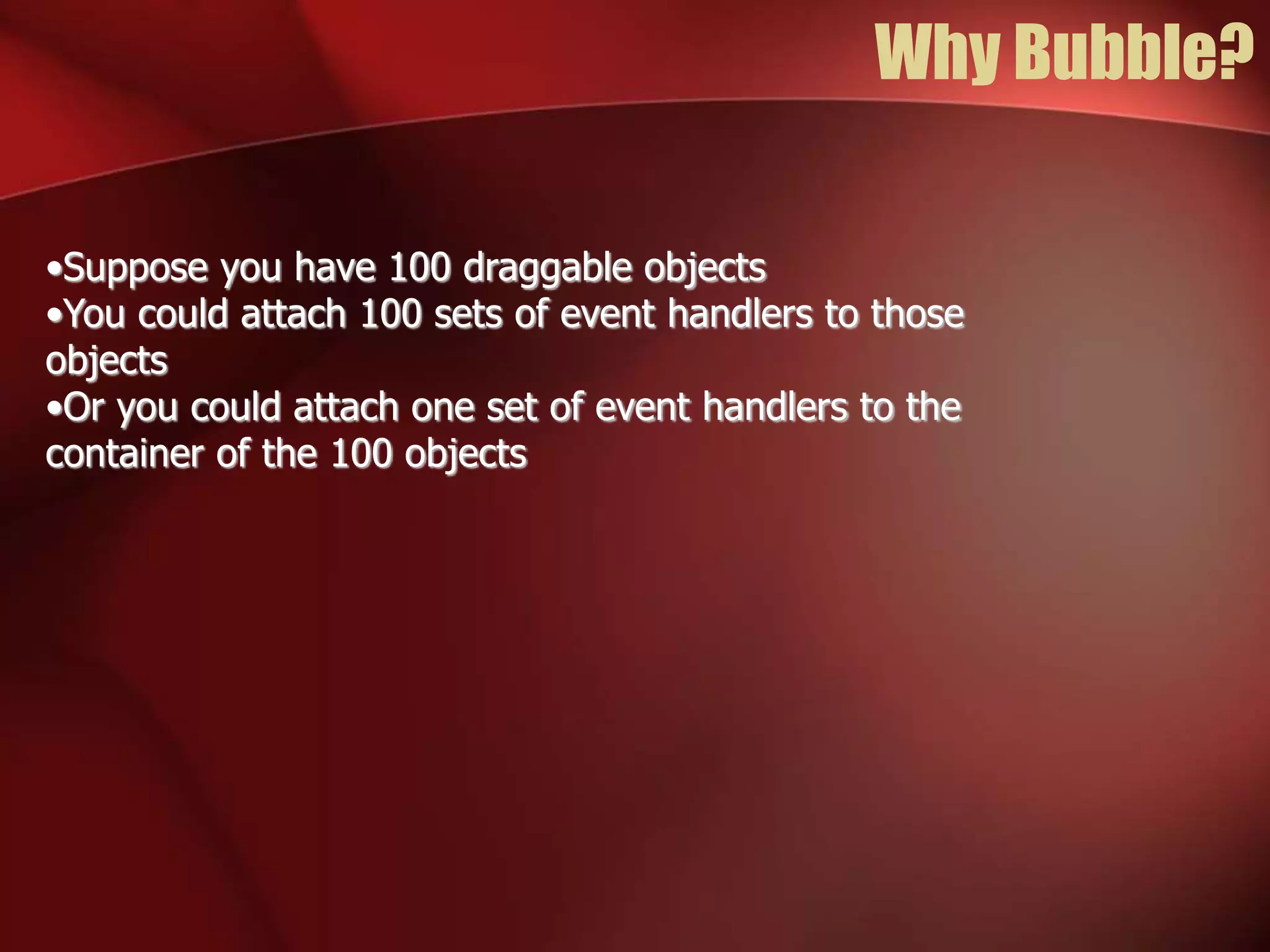
Why Bubble? 
•Suppose you have 100 draggable objects 
•You could attach 100 sets of event handlers to those 
objects 
•Or you could attach one set of event handlers to the 
container of the 100 objects
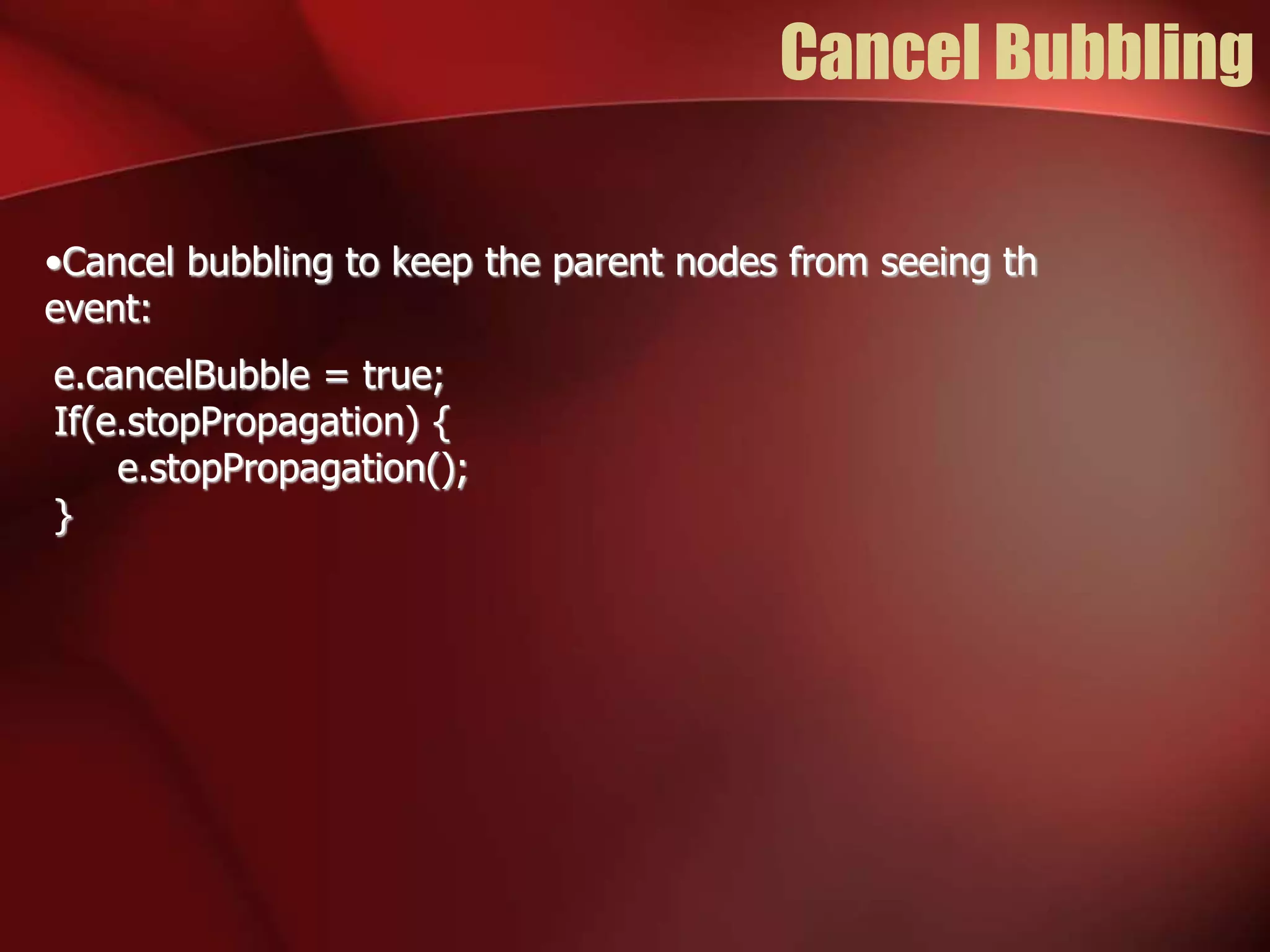
Cancel Bubbling 
•Cancel bubbling to keep the parent nodes from seeing th 
event: 
e.cancelBubble = true; 
If(e.stopPropagation) { 
e.stopPropagation(); 
}
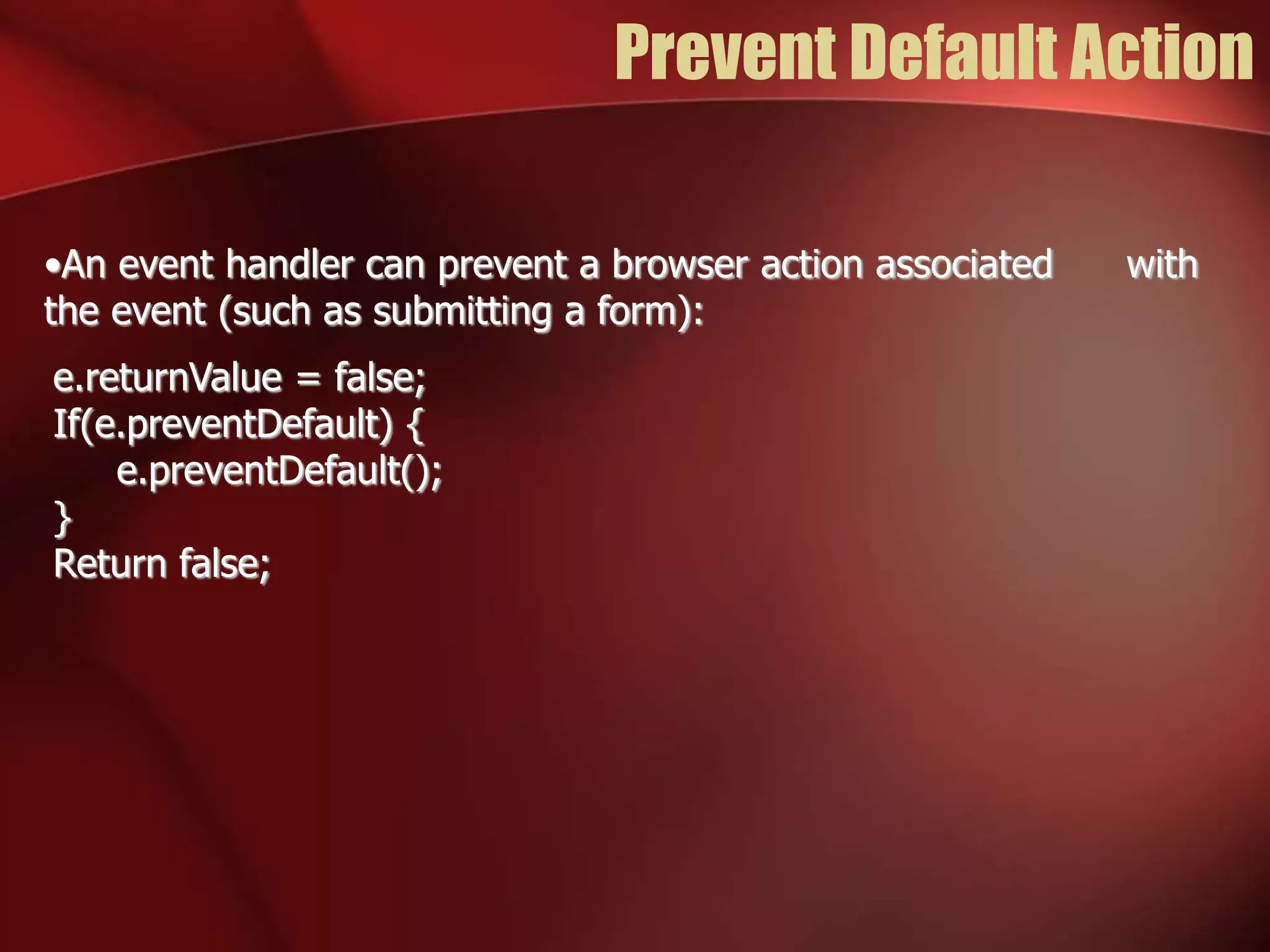
Prevent Default Action 
•An event handler can prevent a browser action associated with 
the event (such as submitting a form): 
e.returnValue = false; 
If(e.preventDefault) { 
e.preventDefault(); 
} 
Return false;
Javascript dom event

Javascript dom event

  • 1.
    Click to addText Javascript Presented by Bunlong VAN http://geekhmer.github.io DOM & Event
  • 2.
  • 3.
    DOM •DOM (DocumentObject Modeling) •Retrieving Nodes • document.getElementById(id) • document.getElementsByName(name) • Node.getElementsByTagName(tagName)
  • 4.
    Document Tree Structure <html> <body> <h1>Heading 1</h1> <p>Paragraph.</p> <h2>Heading 2</h2> <p>Paragraph.</p> </body> </html> #text H1 P H2 BODY #document HTML HEAD #text P #text #text
  • 5.
    child, sibling, parent BODY H1 P H2 #text #text P #text #text lastChild lastChild lastChild lastChild lastChild firstChild firstChild firstChild firstChild firstChild
  • 6.
    child, sibling, parent(Con.) BODY H1 P H2 #text #text P #text #text lastChild lastChild lastChild lastChild lastChild firstChild firstChild firstChild firstChild firstChild nextSibling nextSibling nextSibling previousSibling previousSibling previousSibling
  • 7.
    child, sibling, parent(Con.) H1 #text lastChild P H2 P #text #text #text lastChild lastChild lastChild lastChild firstChild firstChild firstChild firstChild firstChild nextSibling nextSibling nextSibling previousSibling previousSibling previousSibling parentNode parentNode parentNode parentNode parentNode BODY
  • 8.
    child, sibling, parent(Con.) BODY H1 P H2 #text #text P #text #text firstChild firstChild firstChild firstChild firstChild nextSibling nextSibling nextSibling
  • 9.
    Child Nodes BODY 0 1 2 P childNodes H1 H2 P 3
  • 10.
    Style •node.style.stylename •background-color •border-radius •font-size •list-style-type •word-spacing •z-index •backgroundColor •borderRadius •fontSize •listStyleType •wordSpacing •zIndex
  • 11.
    Making Elements document.createElement(tagName); document.createTextNode(text); node.cloneNode(); // clone an individual element node.cloneNode(true); // clone an element and all of its des
  • 12.
    Linking Ements node.appendChild(new); node.insertBefore(new, sibling); node.replaceChild(new, old); old.parentNode.replaceChild(new, old);
  • 13.
    Removing Elements node.removeChild(old);// It returns the node old.parentNode.removeChild(old);
  • 14.
    innerHTML •The W3Cstandard does not provide access to the HTML parser •All browsers implement Microsoft's innerHTML property •node.innerHTML = “<p>this is text</p>”;
  • 15.
    Which Way isBetter? •It is better to build or clone elements and append them to the document? •Or is it better to complile an HTML text and use innerHTML to realize it? •Favor clean code and easy maintenance •Favor performance only in extreme cases
  • 16.
    Event •The browserhas an event-driven, single-threaded, asynchronous programming model •Events are targeted to particular nodes •Event cause the invocation of event handler functions
  • 17.
    Mouse Event Thetarget is the topmost (z-index) node containing the cursor: •click •dblclick •mousedown •mousemove •mouseout •mouseover •mouseup
  • 18.
    Input Event Thetarget is the node having focus: •blur •change •focus •keydown •keyup •reset •submit
  • 19.
    Event Handler •Classic – node[“on” + type] = handler; •Microsoft – node.attachEvent(“on” + type, handler); •W3C – node.addEventListener(type, handler, false); var handler = function(e) { e = e || event; var target = e.target || e.srcElement; … }
  • 20.
    Bubbling Bubbling meansthat the event is given to the target, and then its parent, and so on until the event is canceled.
  • 21.
    Why Bubble? •Supposeyou have 100 draggable objects •You could attach 100 sets of event handlers to those objects •Or you could attach one set of event handlers to the container of the 100 objects
  • 22.
    Cancel Bubbling •Cancelbubbling to keep the parent nodes from seeing th event: e.cancelBubble = true; If(e.stopPropagation) { e.stopPropagation(); }
  • 23.
    Prevent Default Action •An event handler can prevent a browser action associated with the event (such as submitting a form): e.returnValue = false; If(e.preventDefault) { e.preventDefault(); } Return false;