Java 9: modularity &
migration issues
Oleh Krupenia
Senior Software Engineer, Consultant
Agenda
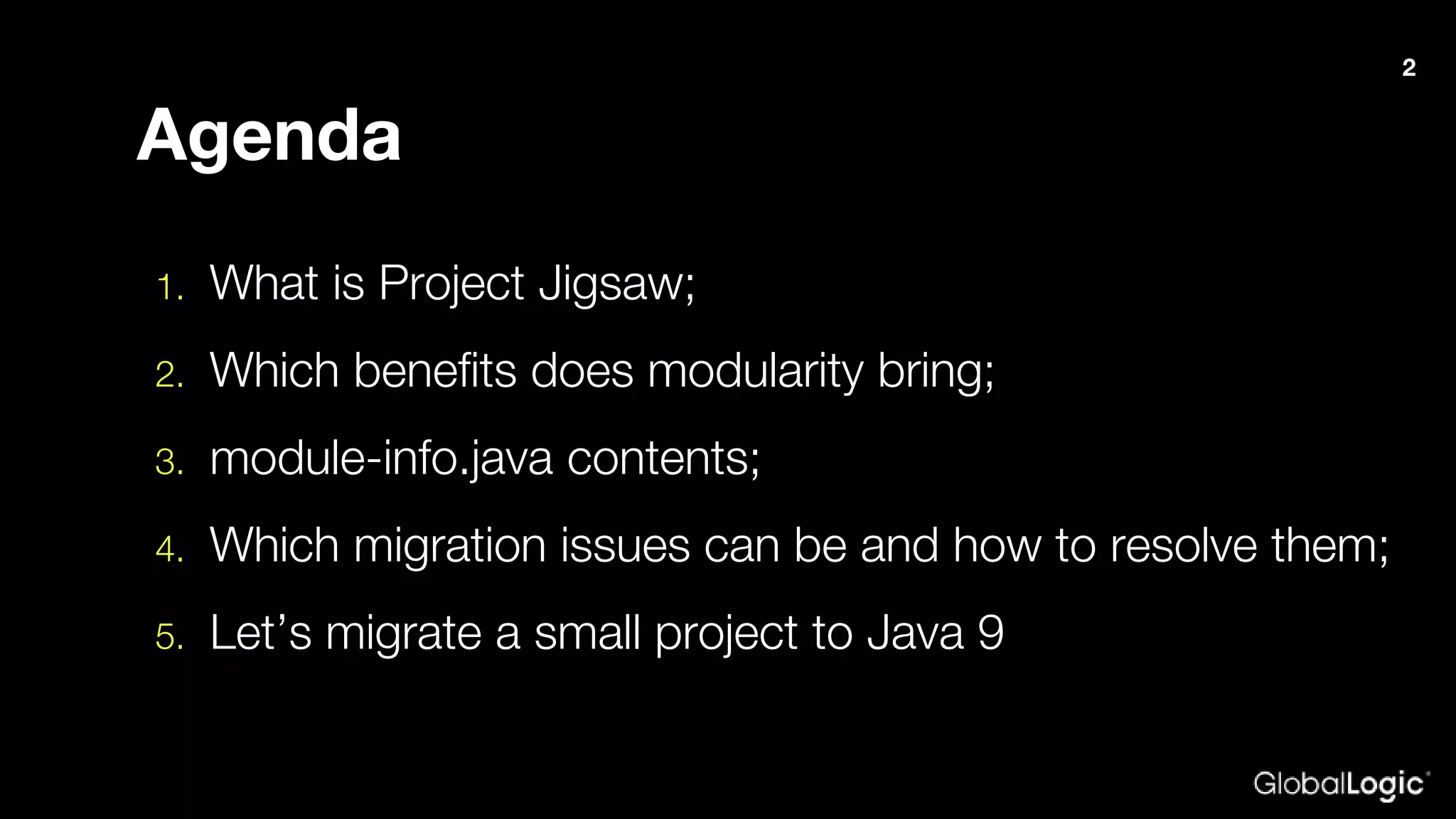
1. What is Project Jigsaw;
2. Which benefits does modularity bring;
3. module-info.java contents;
4. Which migration issues can be and how to resolve them;
5. Let’s migrate a small project to Java 9
2
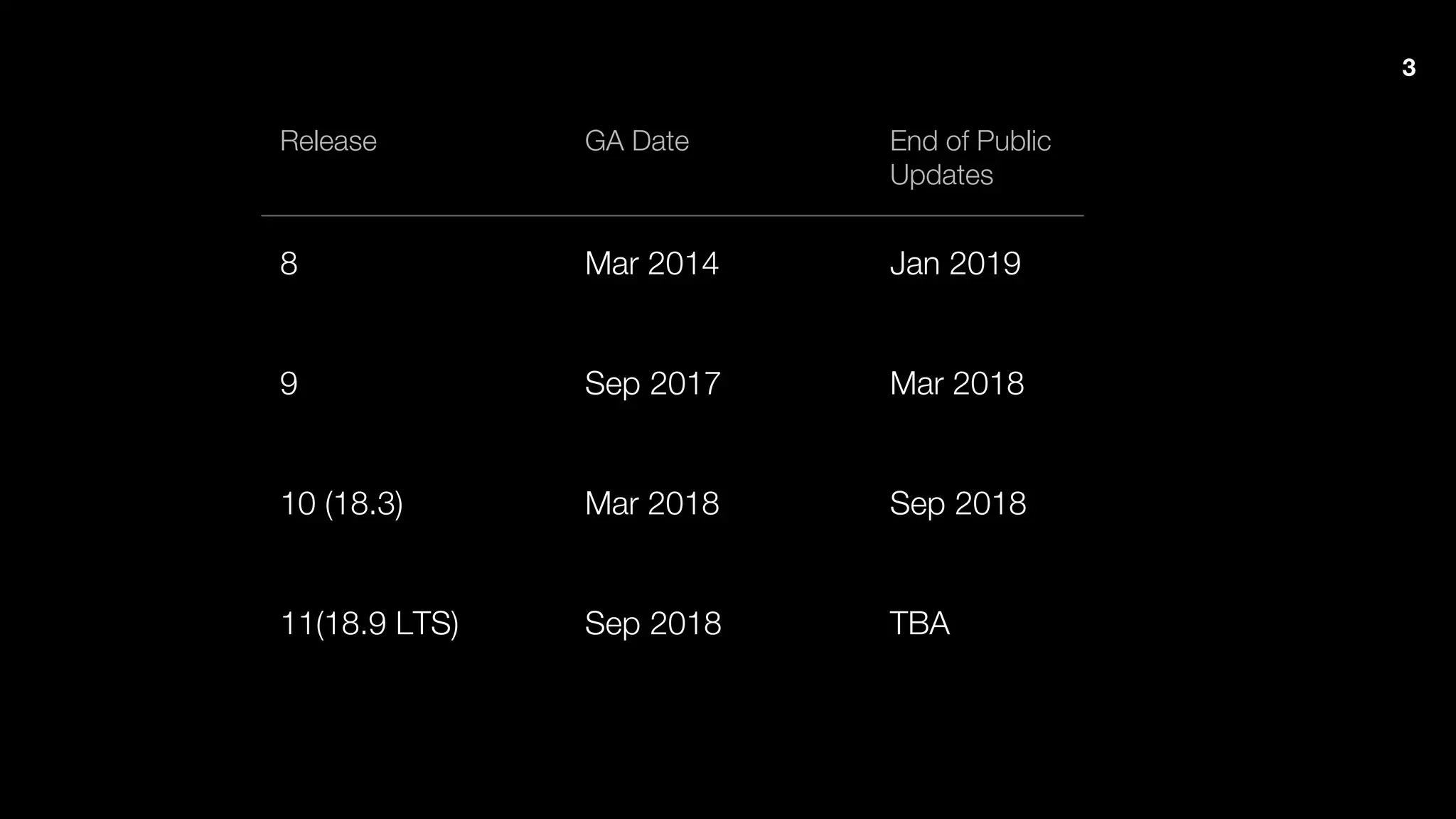
Release GA Date End of Public
Updates
8 Mar 2014 Jan 2019
9 Sep 2017 Mar 2018
10 (18.3) Mar 2018 Sep 2018
11(18.9 LTS) Sep 2018 TBA
3
Project Jigsaw
4
Project Jigsaw
5
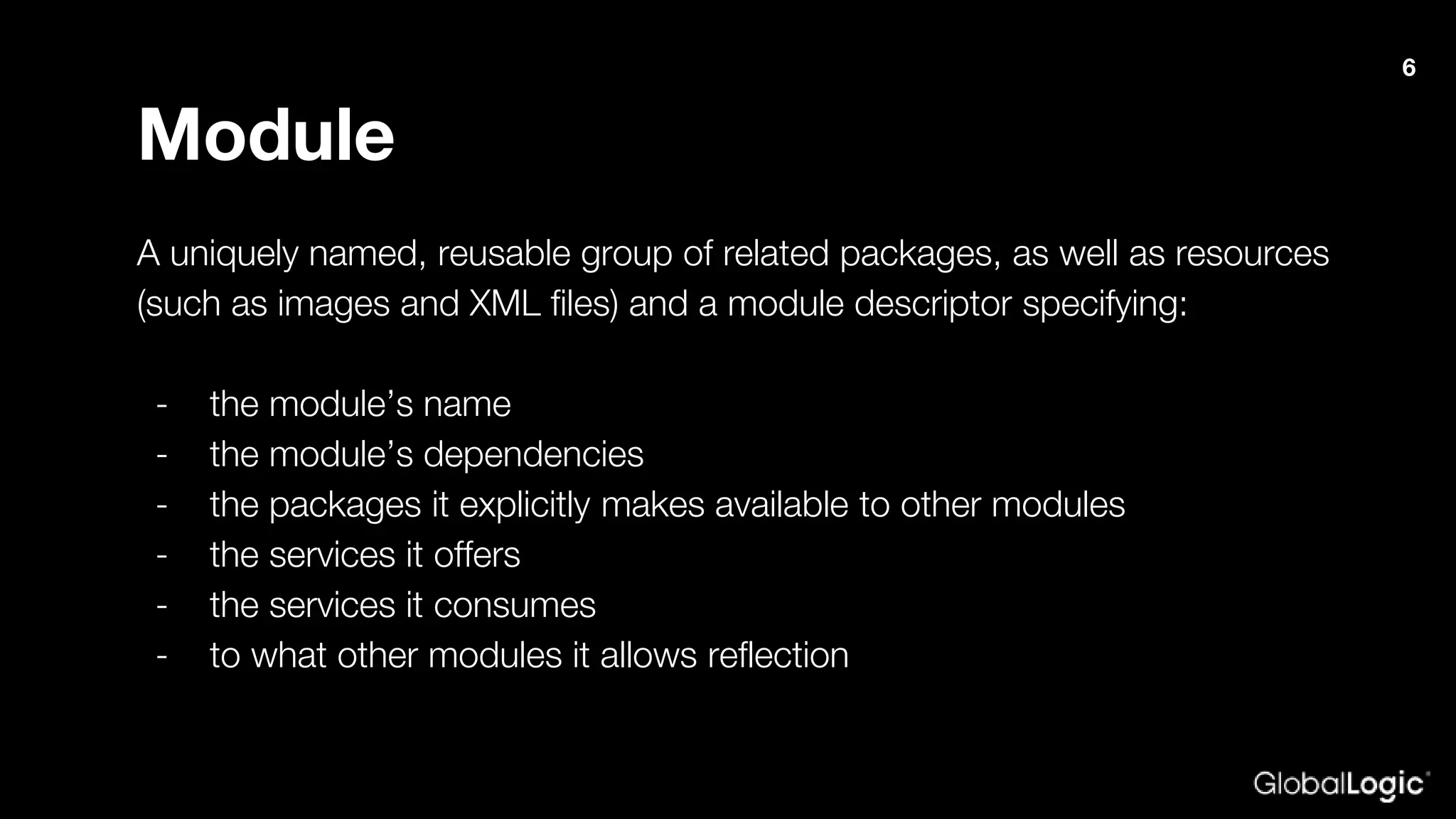
Module
A uniquely named, reusable group of related packages, as well as resources
(such as images and XML files) and a module descriptor specifying:
- the module’s name
- the module’s dependencies
- the packages it explicitly makes available to other modules
- the services it offers
- the services it consumes
- to what other modules it allows reflection
6
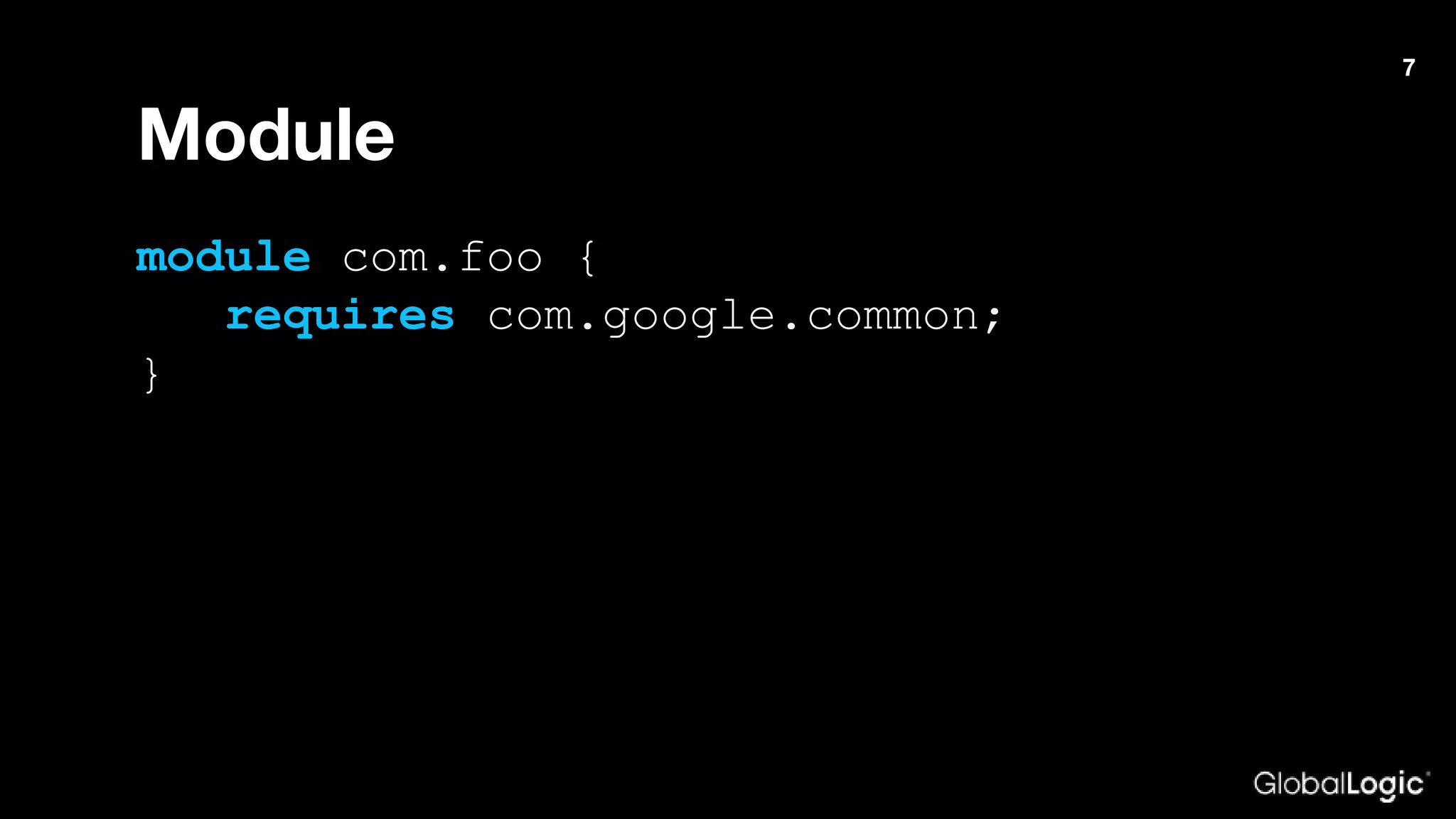
Module
module com.foo {
requires com.google.common;
}
7
Advantages
- Improved encapsulation
- Better security
- Easier construction and maintenance of large
applications
- Performance
8
Access levels
- public to everyone
- public to specific modules
- public within current module
- protected
- package
- private
9
10
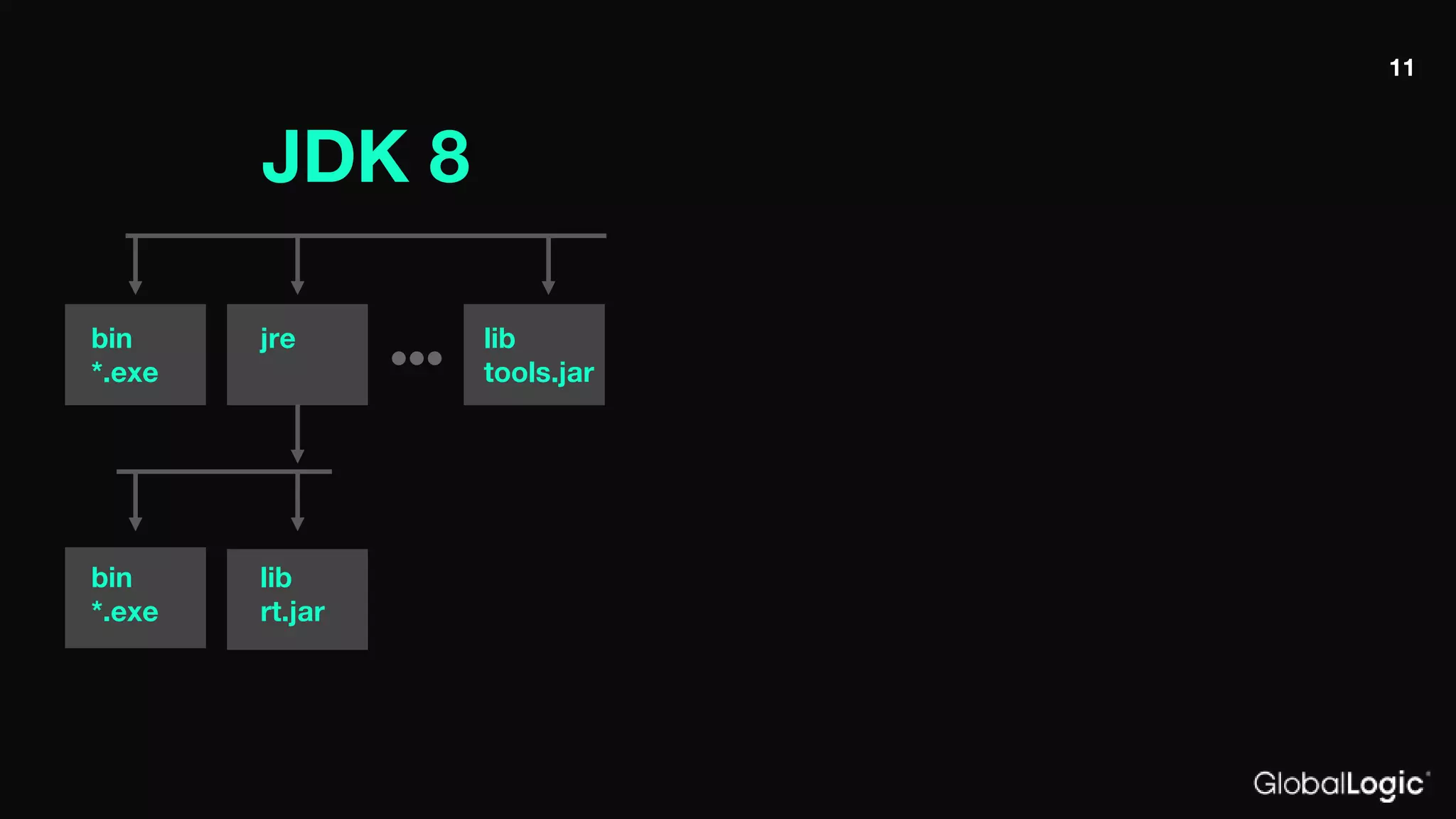
JDK 8
bin
*.exe
jre lib
tools.jar
bin
*.exe
lib
rt.jar
11
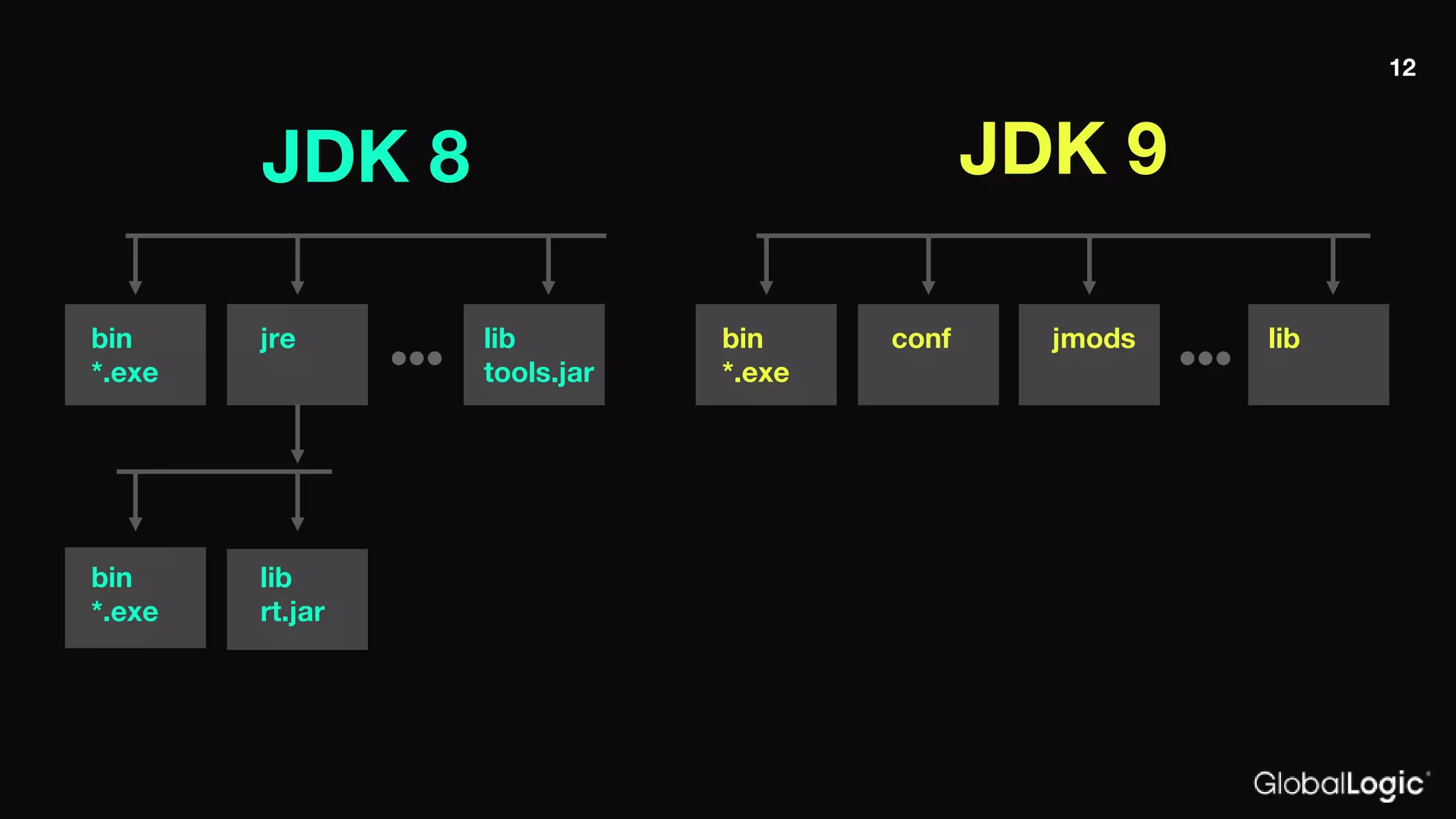
JDK 8 JDK 9
bin
*.exe
jre lib
tools.jar
bin
*.exe
lib
rt.jar
bin
*.exe
conf libjmods
12
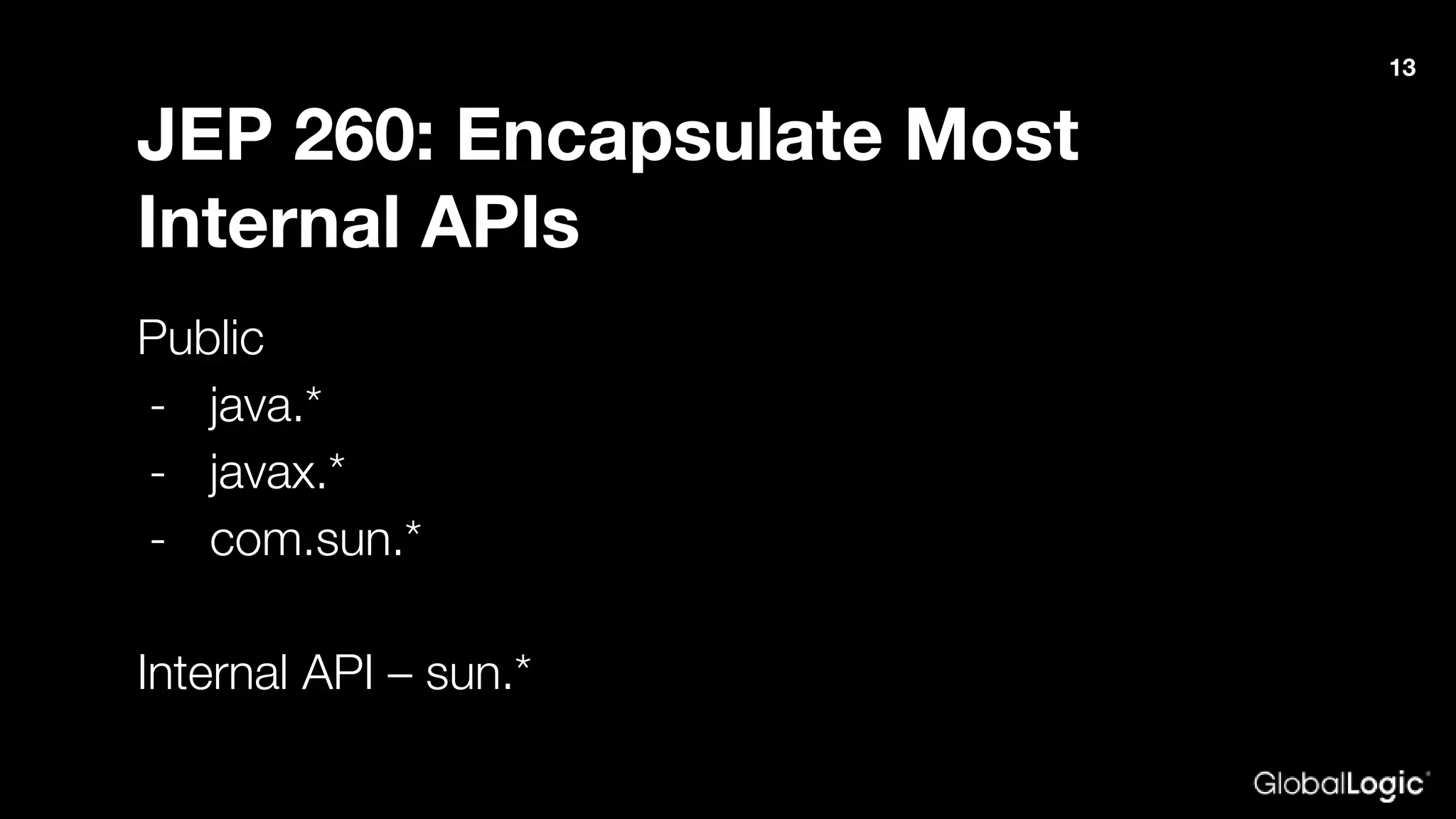
JEP 260: Encapsulate Most
Internal APIs
Public
- java.*
- javax.*
- com.sun.*
Internal API – sun.*
13
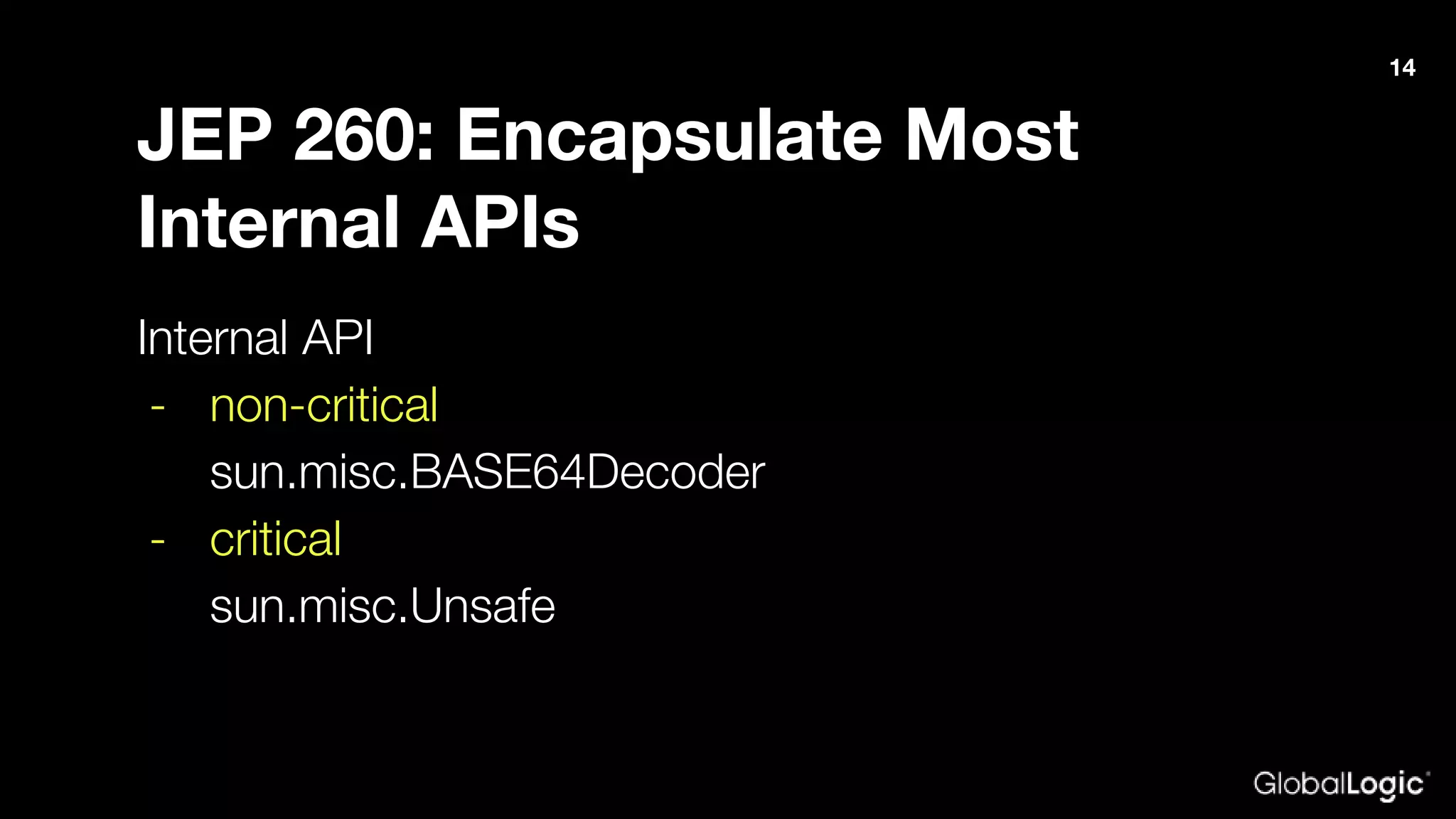
JEP 260: Encapsulate Most
Internal APIs
Internal API
- non-critical
sun.misc.BASE64Decoder
- critical
sun.misc.Unsafe
14
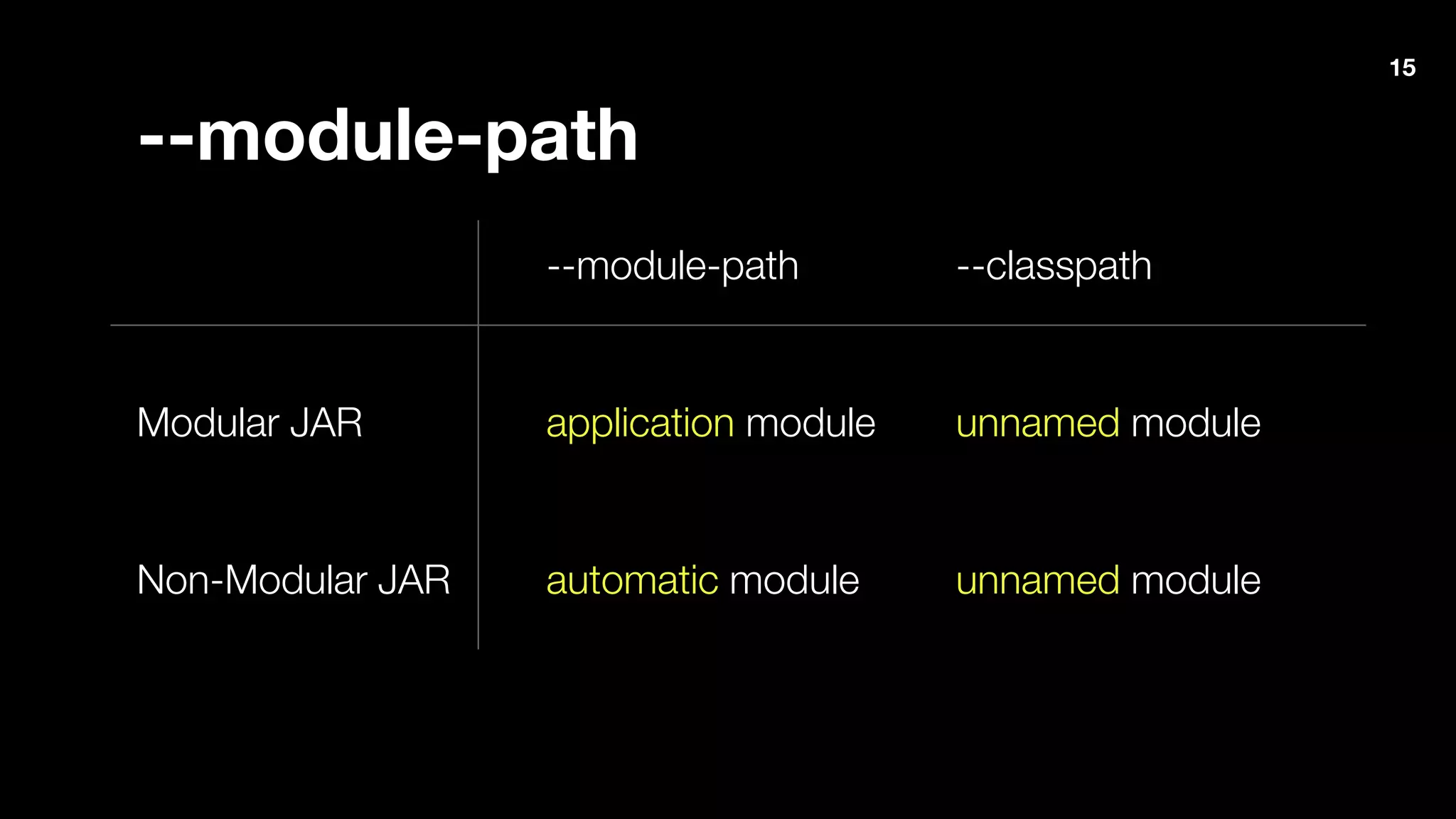
--module-path --classpath
Modular JAR application module unnamed module
Non-Modular JAR automatic module unnamed module
--module-path
15
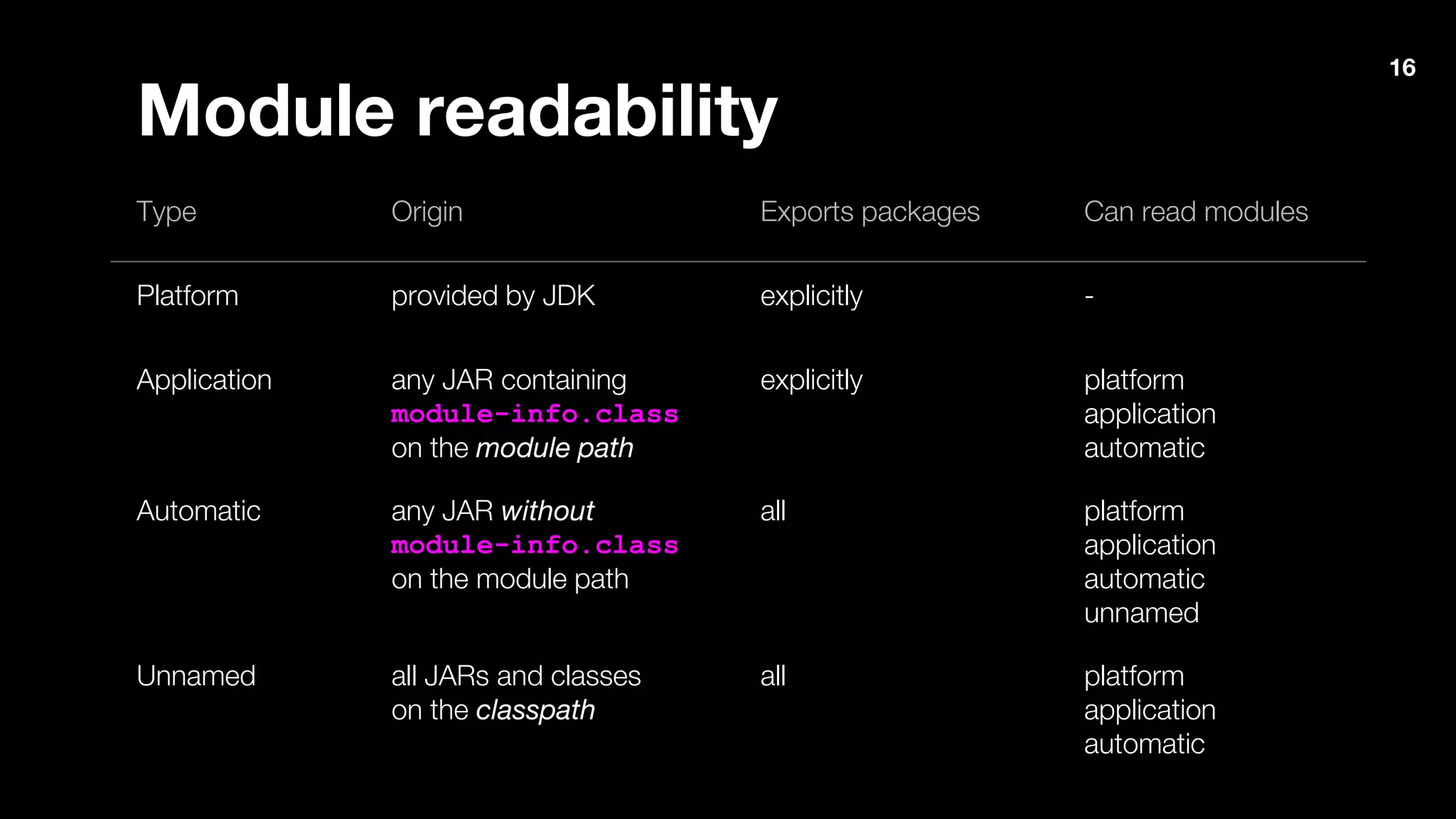
Type Origin Exports packages Can read modules
Platform provided by JDK explicitly -
Application any JAR containing
module-info.class
on the module path
explicitly platform
application
automatic
Automatic any JAR without
module-info.class
on the module path
all platform
application
automatic
unnamed
Unnamed all JARs and classes
on the classpath
all platform
application
automatic
Module readability
16
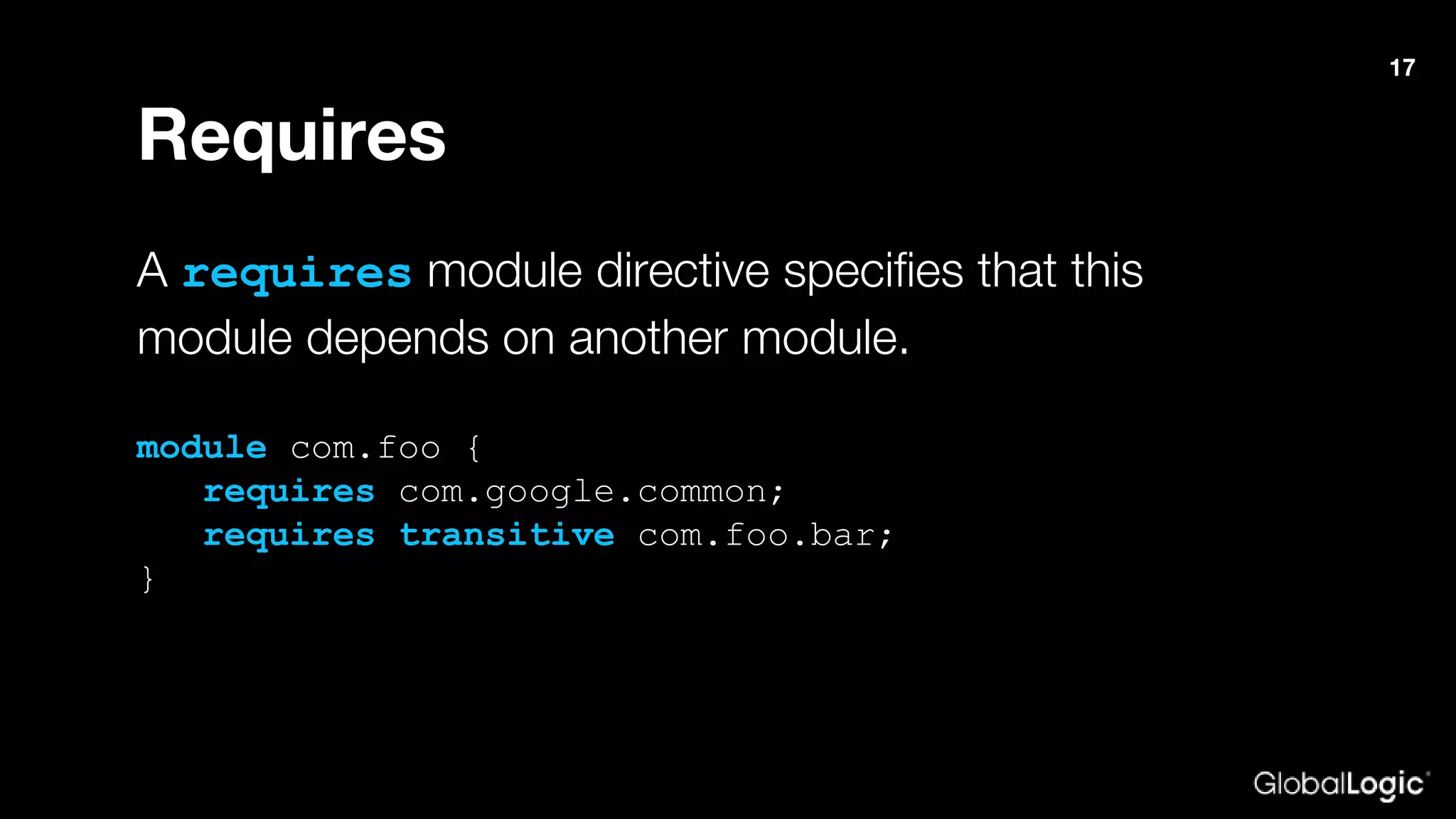
Requires
A requires module directive specifies that this
module depends on another module.
module com.foo {
requires com.google.common;
requires transitive com.foo.bar;
}
17
exports and exports…to
An exports module directive specifies one of the
module’s packages whose public types (and their
nested public and protected types) should be
accessible to code in all other modules.
module com.foo {
requires com.google.common;
exports com.baz;
exports com.bar to foo.bar;
}
18
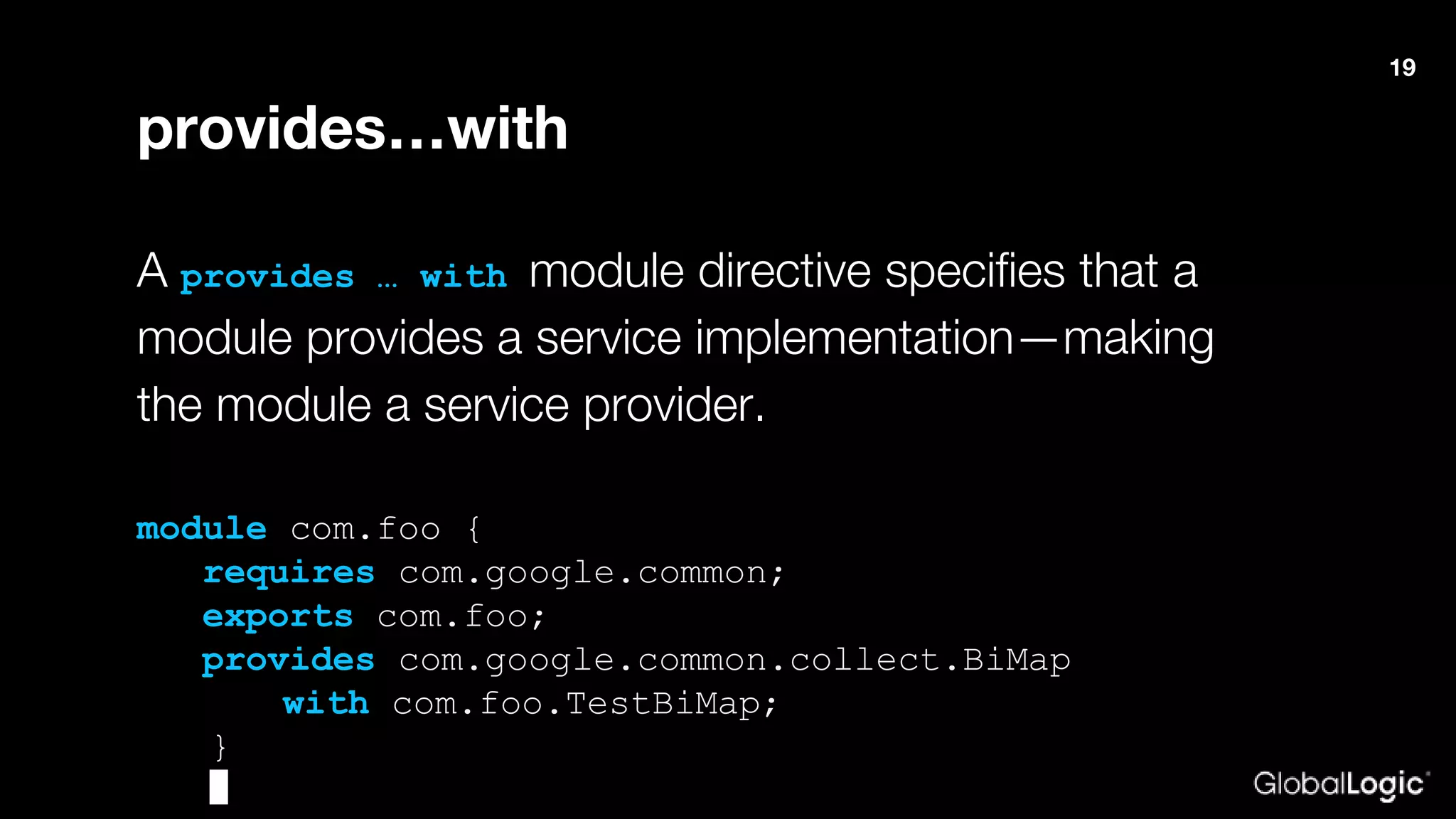
provides…with
A provides … with module directive specifies that a
module provides a service implementation—making
the module a service provider.
module com.foo {
requires com.google.common;
exports com.foo;
provides com.google.common.collect.BiMap
with com.foo.TestBiMap;
}
19
uses
A uses module directive specifies a service used by this
module—making the module a service consumer. A
service is an object of a class that implements the
interface or extends the abstract class specified in the
uses directive.
module foo.bar {
requires com.google.common;
uses com.google.common.collect.BiMap;
}
20
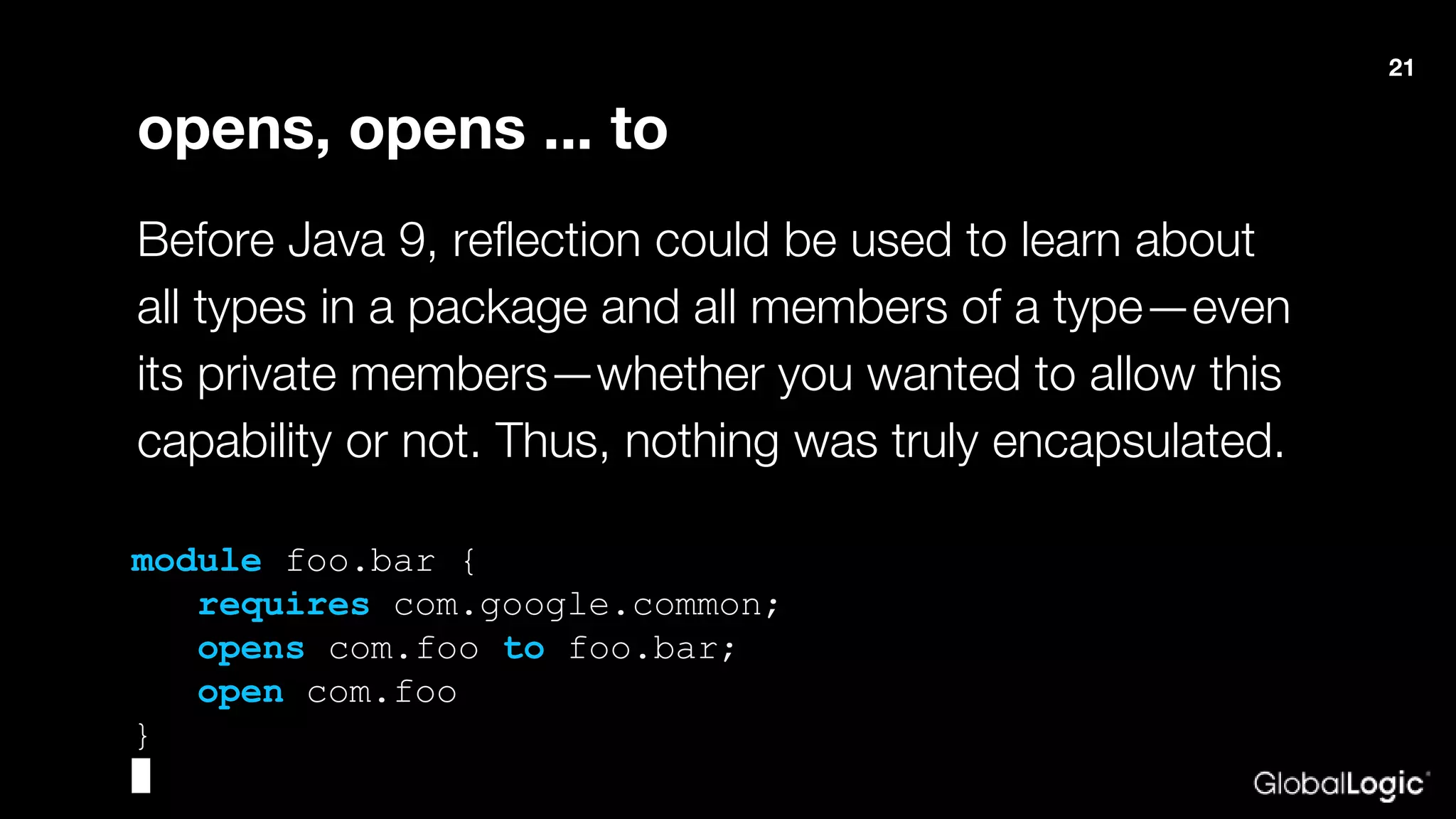
opens, opens ... to
Before Java 9, reflection could be used to learn about
all types in a package and all members of a type—even
its private members—whether you wanted to allow this
capability or not. Thus, nothing was truly encapsulated.
module foo.bar {
requires com.google.common;
opens com.foo to foo.bar;
open com.foo
}
21
22
Migration issues
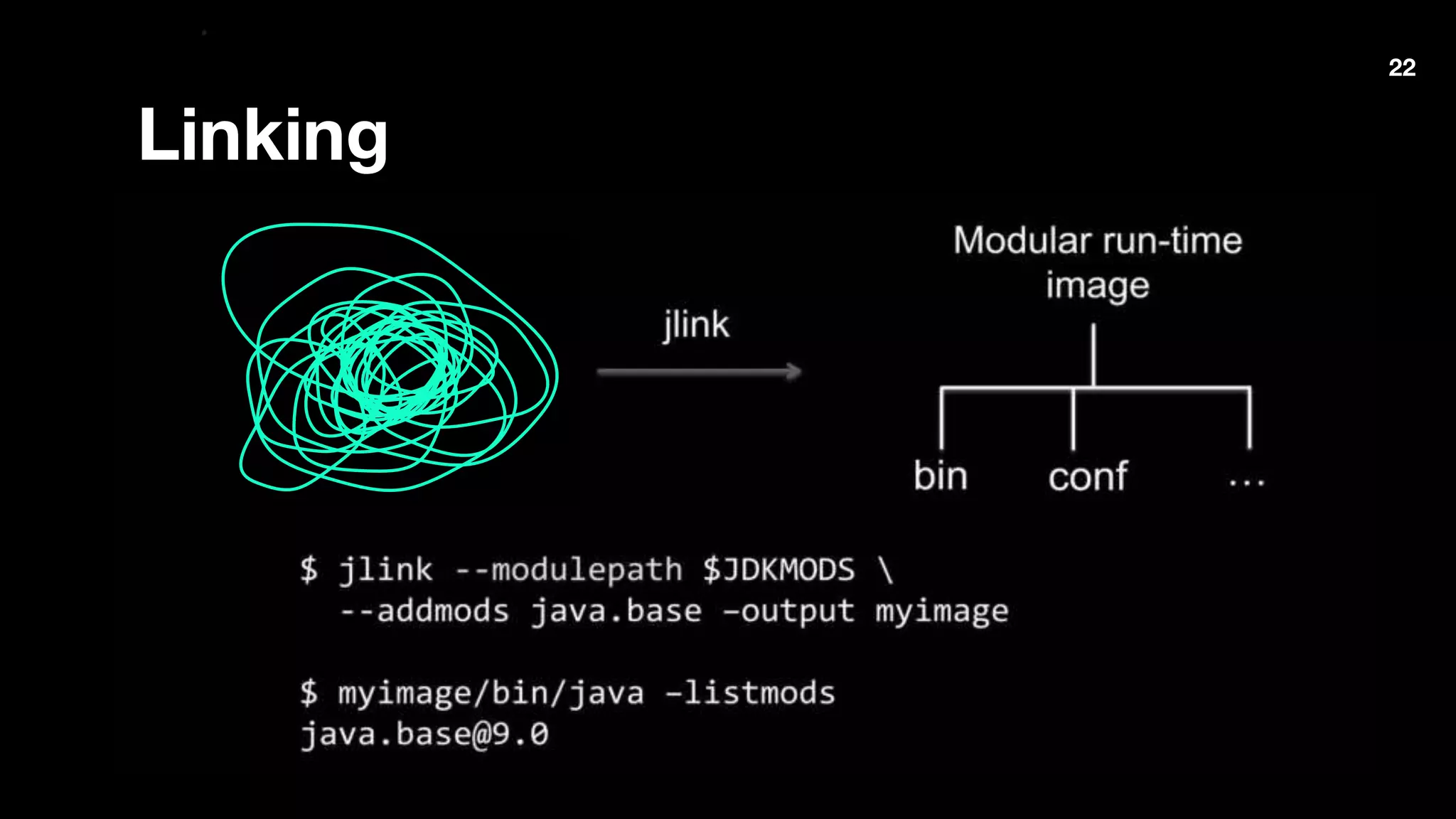
Linking
22
Migration issues
23
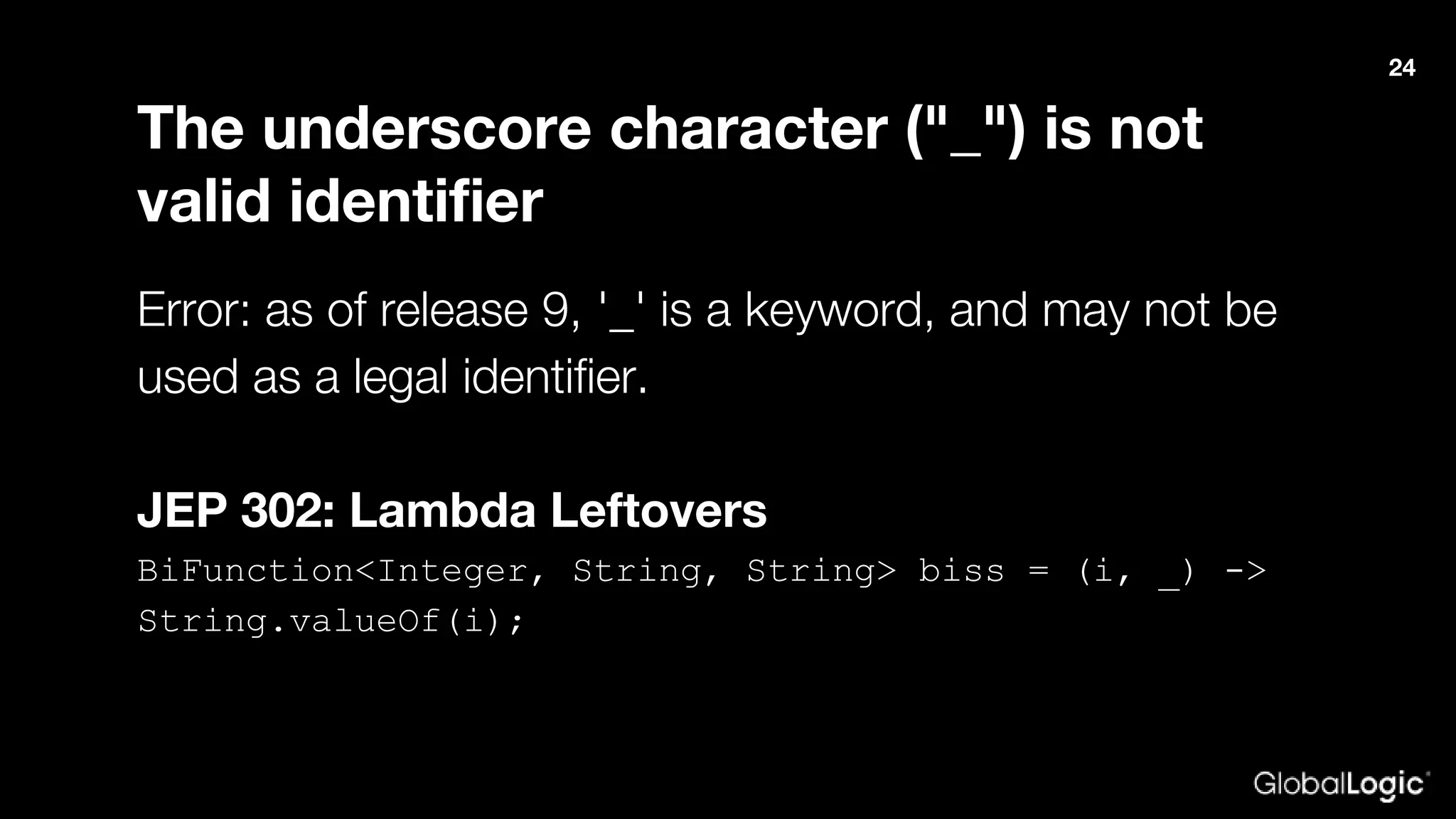
The underscore character ("_") is not
valid identifier
Error: as of release 9, '_' is a keyword, and may not be
used as a legal identifier.
JEP 302: Lambda Leftovers
BiFunction<Integer, String, String> biss = (i, _) ->
String.valueOf(i);
24
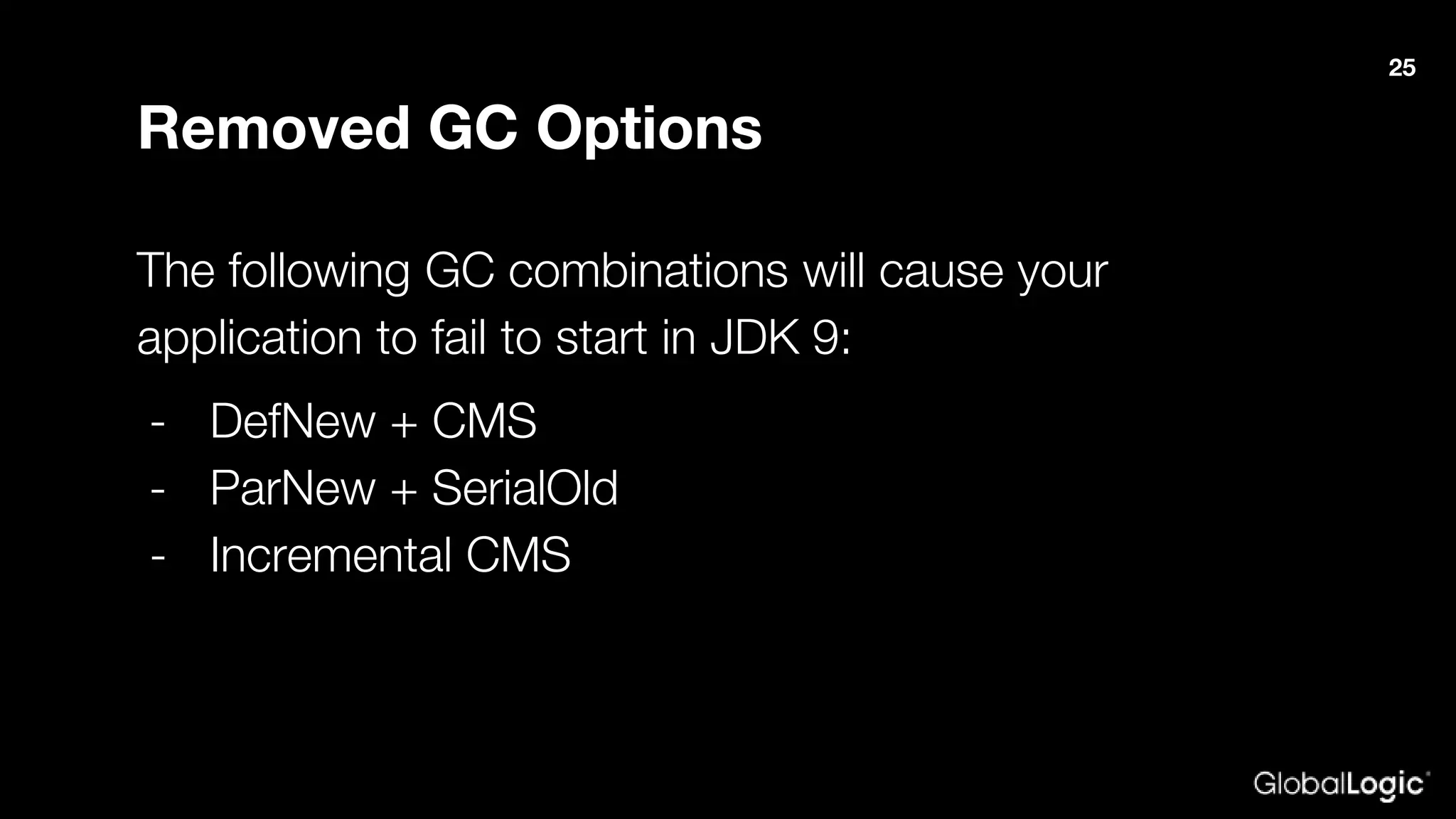
Removed GC Options
The following GC combinations will cause your
application to fail to start in JDK 9:
- DefNew + CMS
- ParNew + SerialOld
- Incremental CMS
25
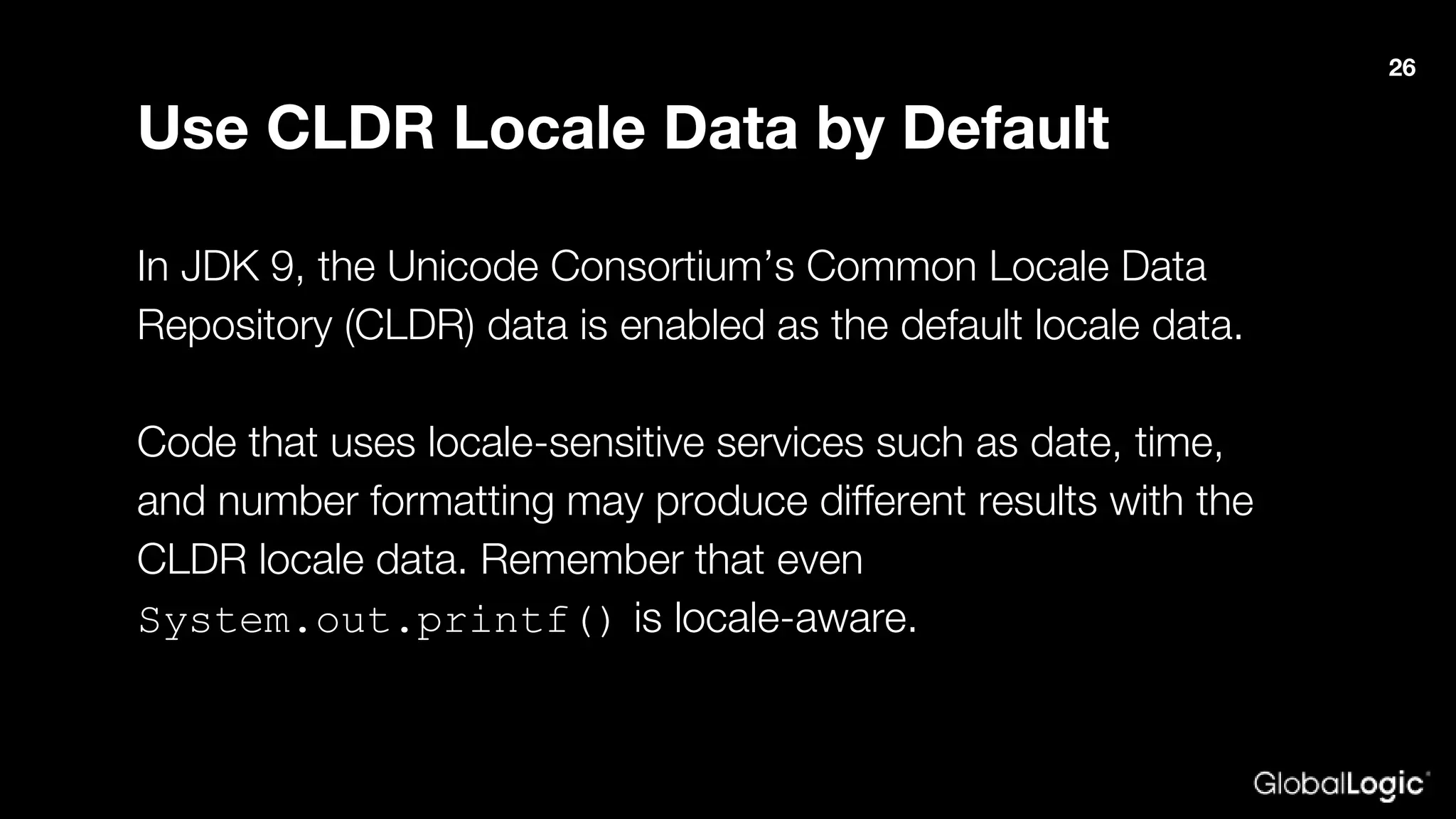
Use CLDR Locale Data by Default
In JDK 9, the Unicode Consortium’s Common Locale Data
Repository (CLDR) data is enabled as the default locale data.
Code that uses locale-sensitive services such as date, time,
and number formatting may produce different results with the
CLDR locale data. Remember that even
System.out.printf() is locale-aware.
26
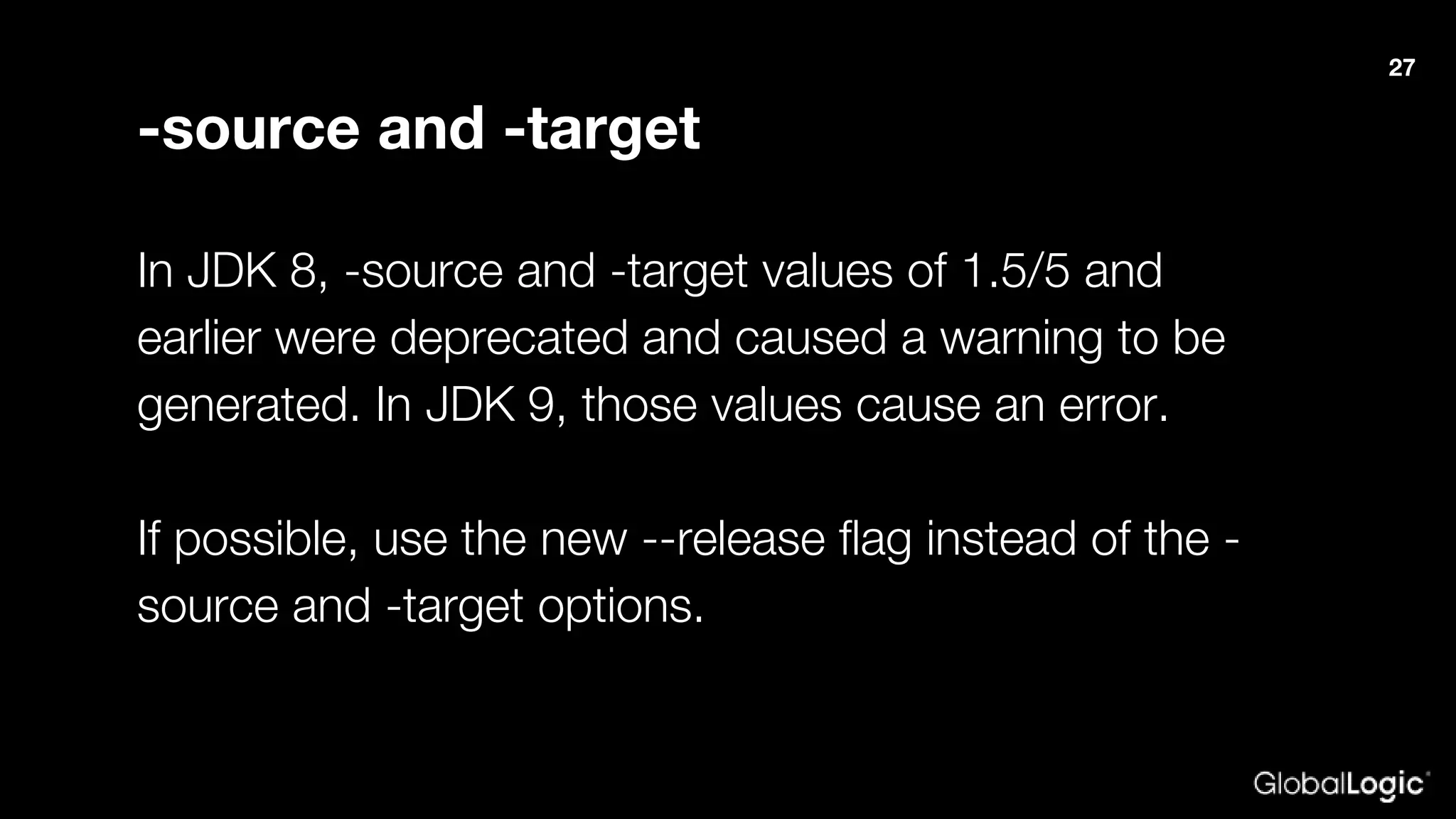
-source and -target
In JDK 8, -source and -target values of 1.5/5 and
earlier were deprecated and caused a warning to be
generated. In JDK 9, those values cause an error.
If possible, use the new --release flag instead of the -
source and -target options.
27
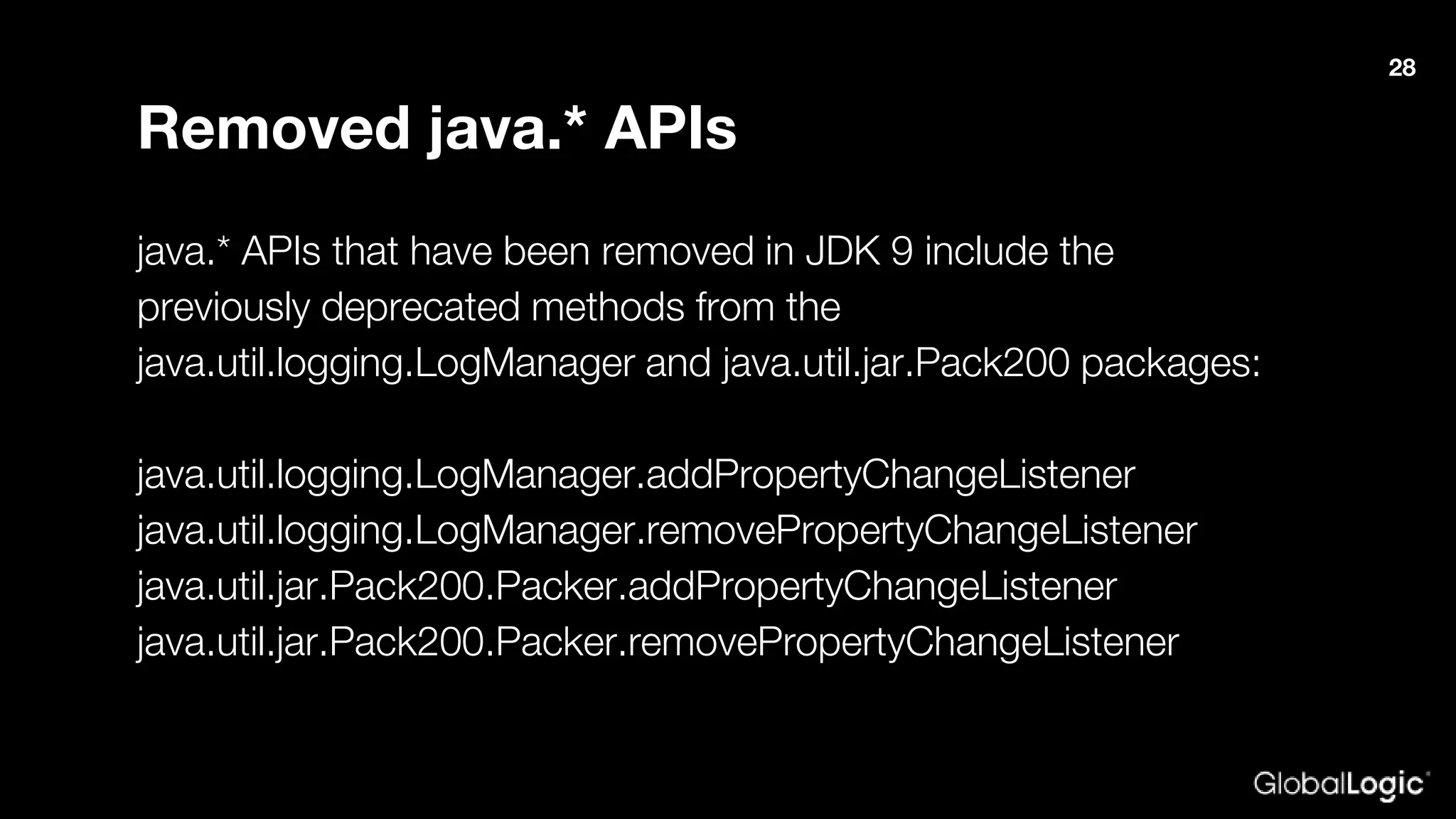
Removed java.* APIs
java.* APIs that have been removed in JDK 9 include the
previously deprecated methods from the
java.util.logging.LogManager and java.util.jar.Pack200 packages:
java.util.logging.LogManager.addPropertyChangeListener
java.util.logging.LogManager.removePropertyChangeListener
java.util.jar.Pack200.Packer.addPropertyChangeListener
java.util.jar.Pack200.Packer.removePropertyChangeListener
28
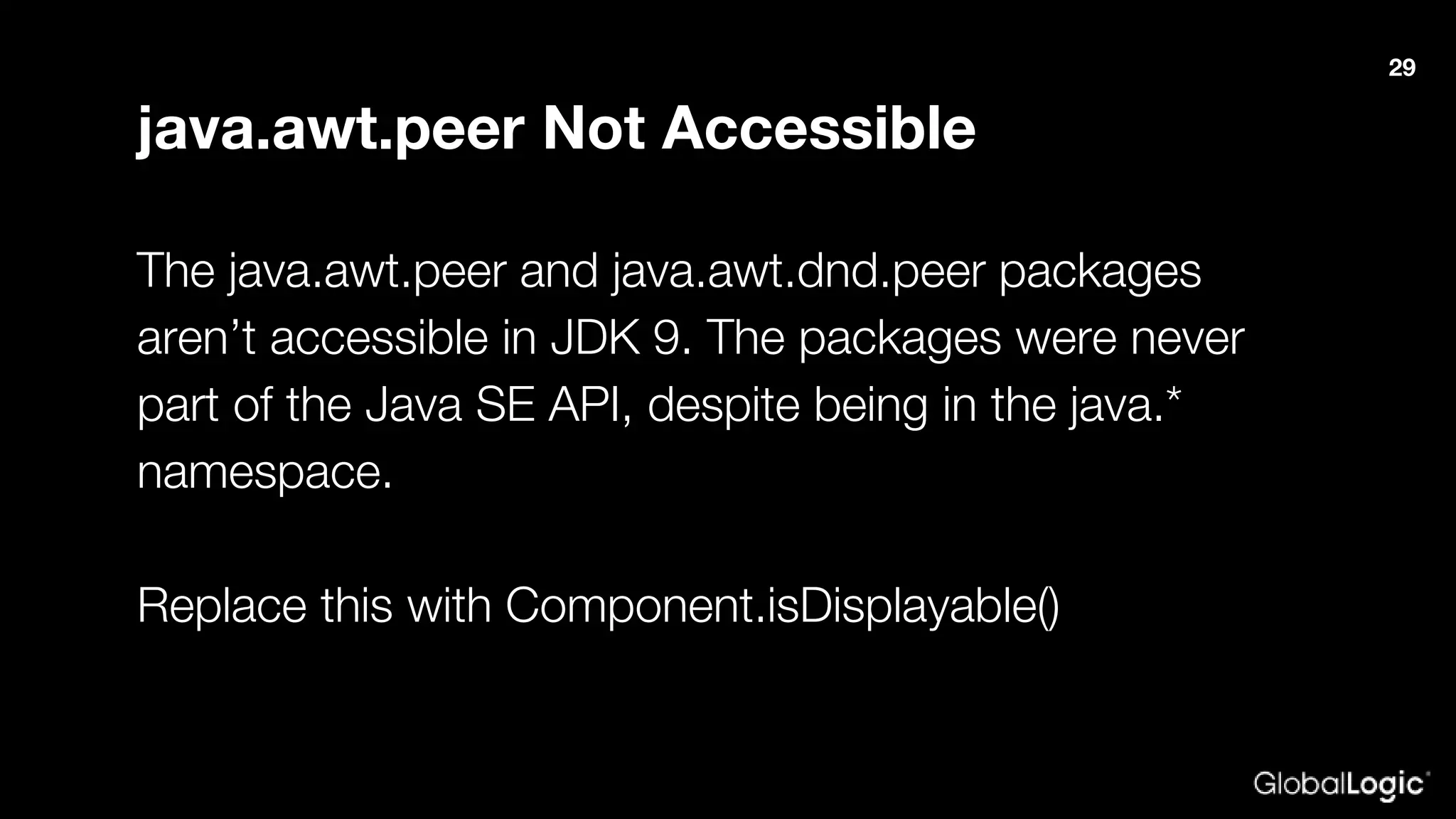
java.awt.peer Not Accessible
The java.awt.peer and java.awt.dnd.peer packages
aren’t accessible in JDK 9. The packages were never
part of the Java SE API, despite being in the java.*
namespace.
Replace this with Component.isDisplayable()
29
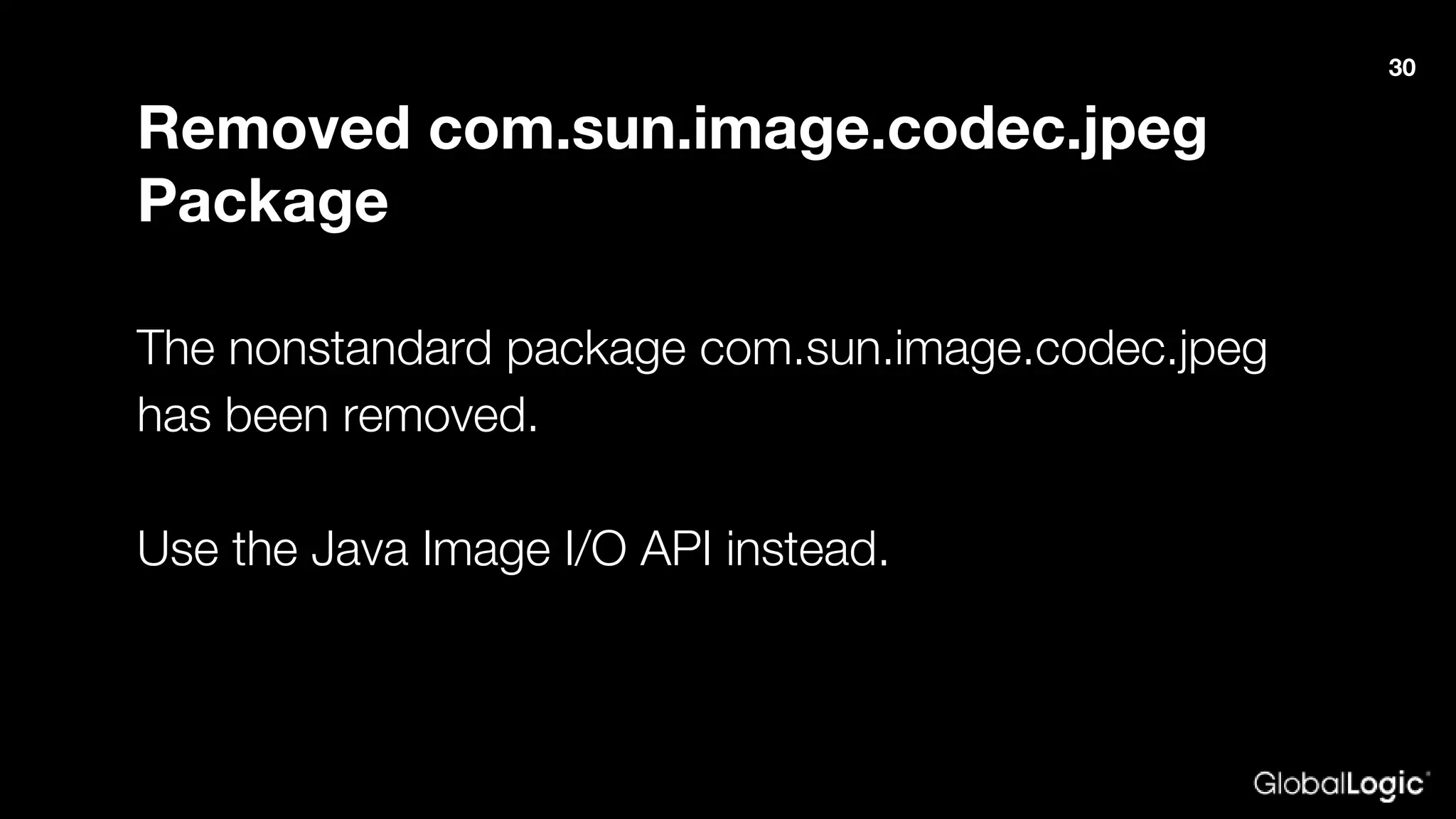
Removed com.sun.image.codec.jpeg
Package
The nonstandard package com.sun.image.codec.jpeg
has been removed.
Use the Java Image I/O API instead.
30
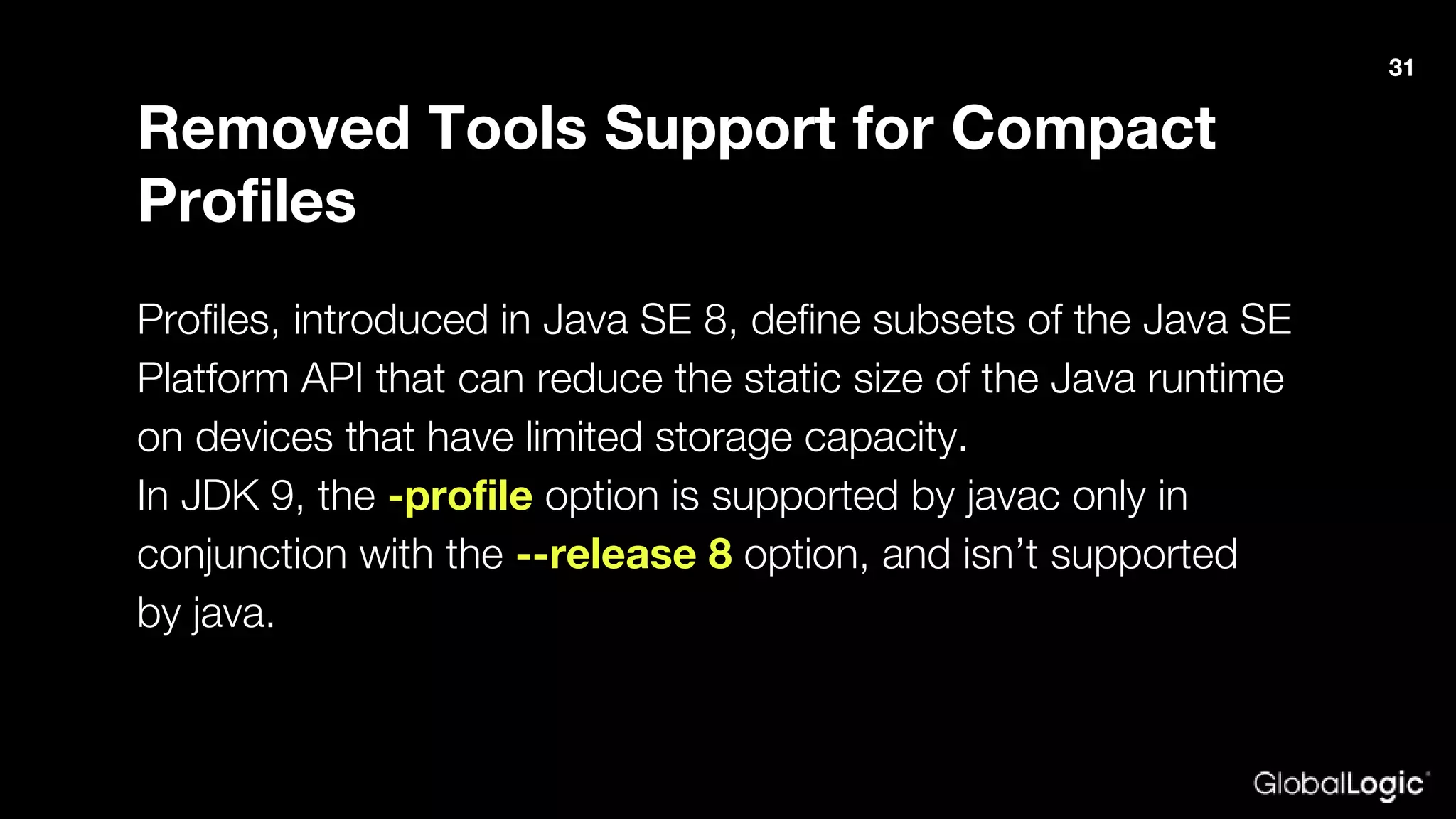
Removed Tools Support for Compact
Profiles
Profiles, introduced in Java SE 8, define subsets of the Java SE
Platform API that can reduce the static size of the Java runtime
on devices that have limited storage capacity.
In JDK 9, the -profile option is supported by javac only in
conjunction with the --release 8 option, and isn’t supported
by java.
31
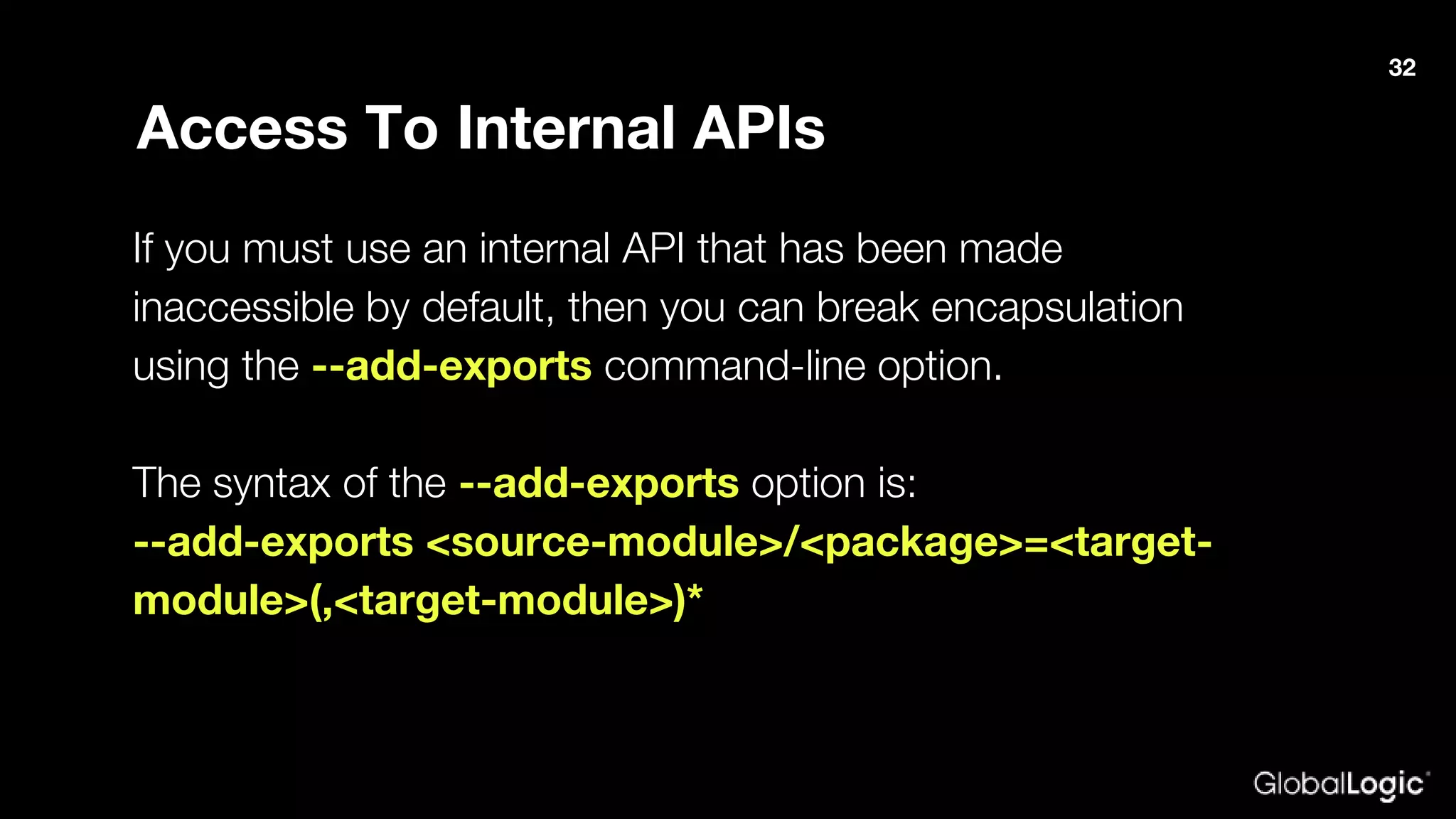
Access To Internal APIs
If you must use an internal API that has been made
inaccessible by default, then you can break encapsulation
using the --add-exports command-line option.
The syntax of the --add-exports option is:
--add-exports <source-module>/<package>=<target-
module>(,<target-module>)*
32
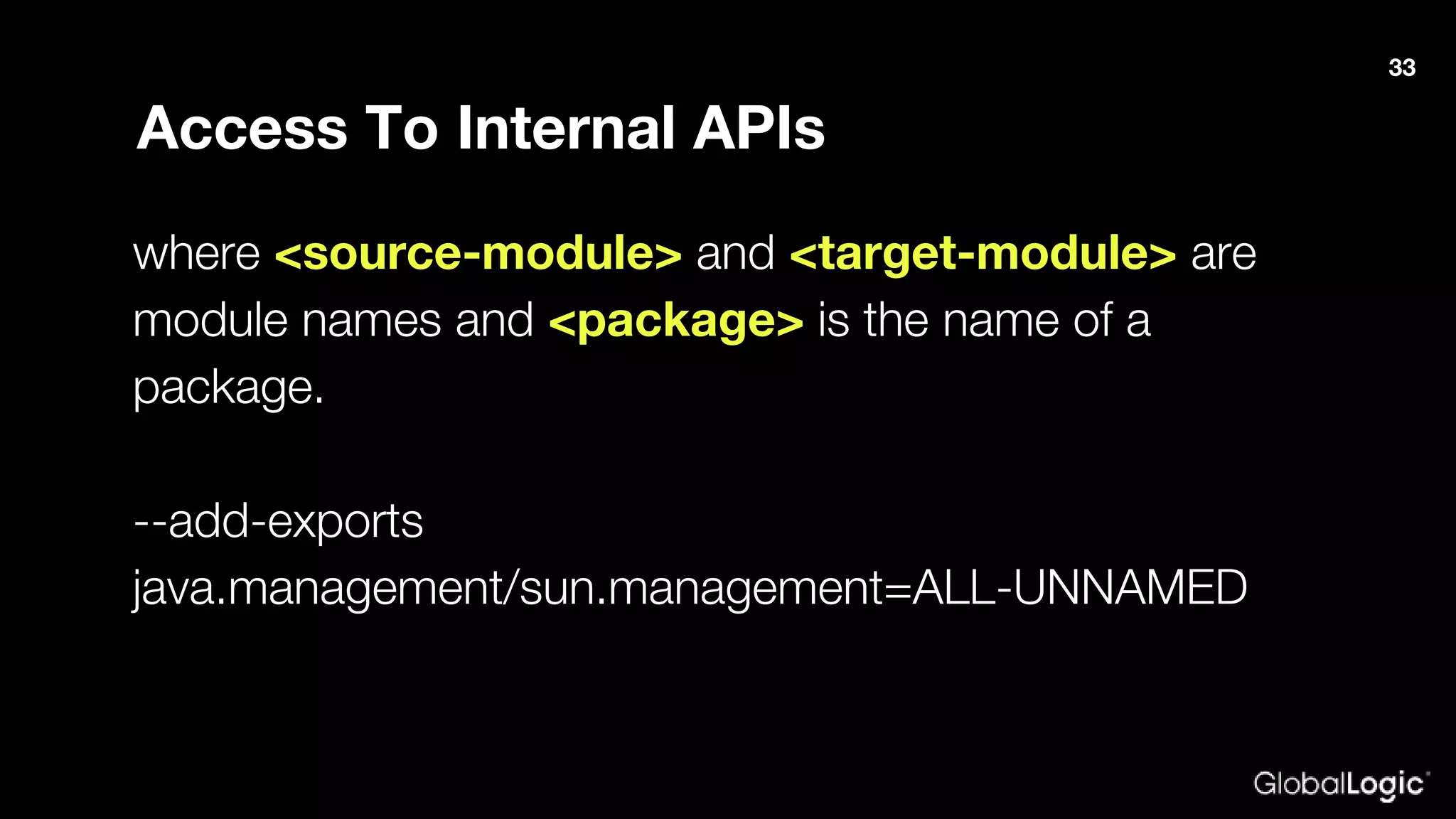
Access To Internal APIs
where <source-module> and <target-module> are
module names and <package> is the name of a
package.
--add-exports
java.management/sun.management=ALL-UNNAMED
33
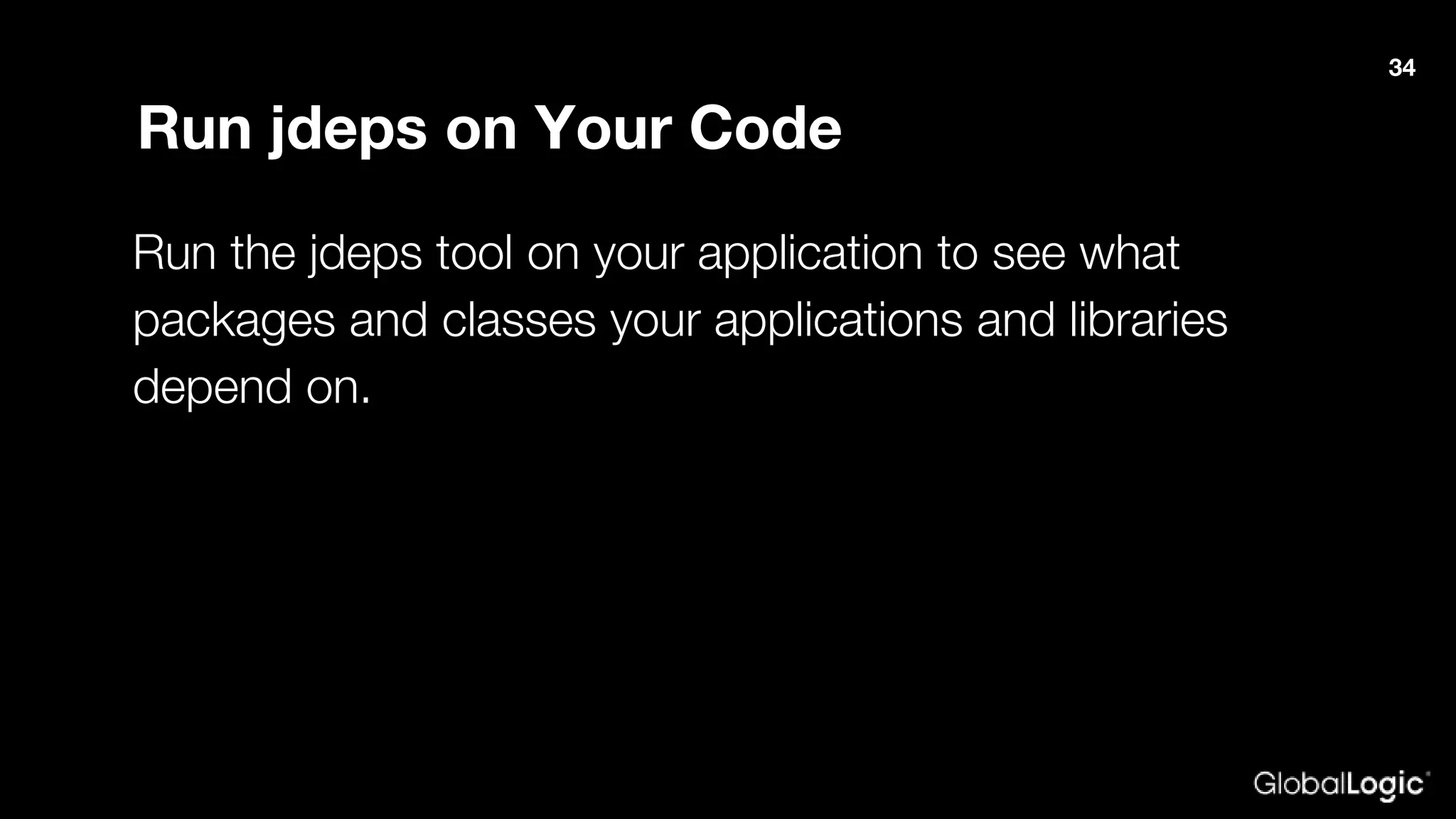
Run jdeps on Your Code
Run the jdeps tool on your application to see what
packages and classes your applications and libraries
depend on.
34
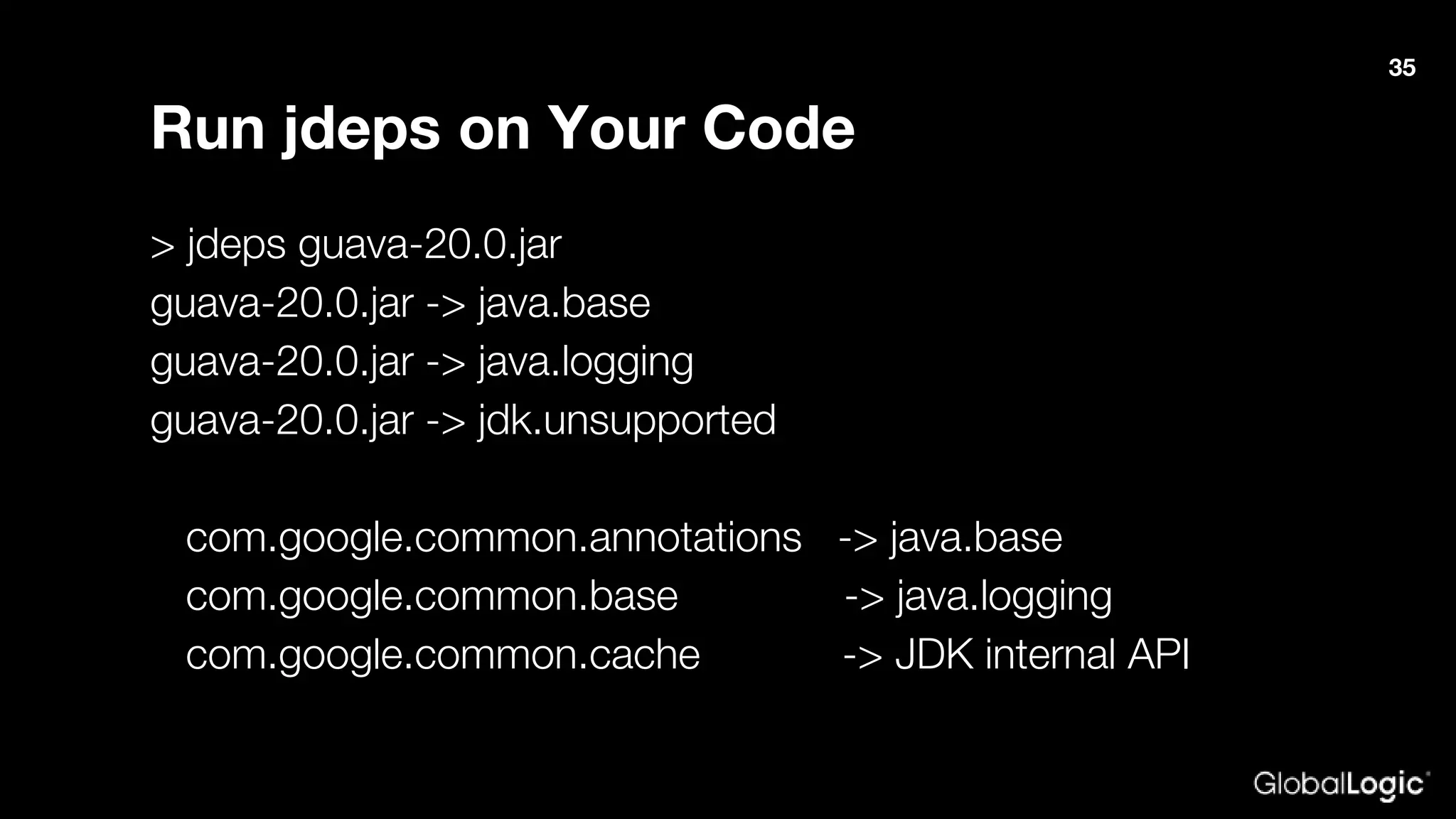
Run jdeps on Your Code
> jdeps guava-20.0.jar
guava-20.0.jar -> java.base
guava-20.0.jar -> java.logging
guava-20.0.jar -> jdk.unsupported
com.google.common.annotations -> java.base
com.google.common.base -> java.logging
com.google.common.cache -> JDK internal API
35
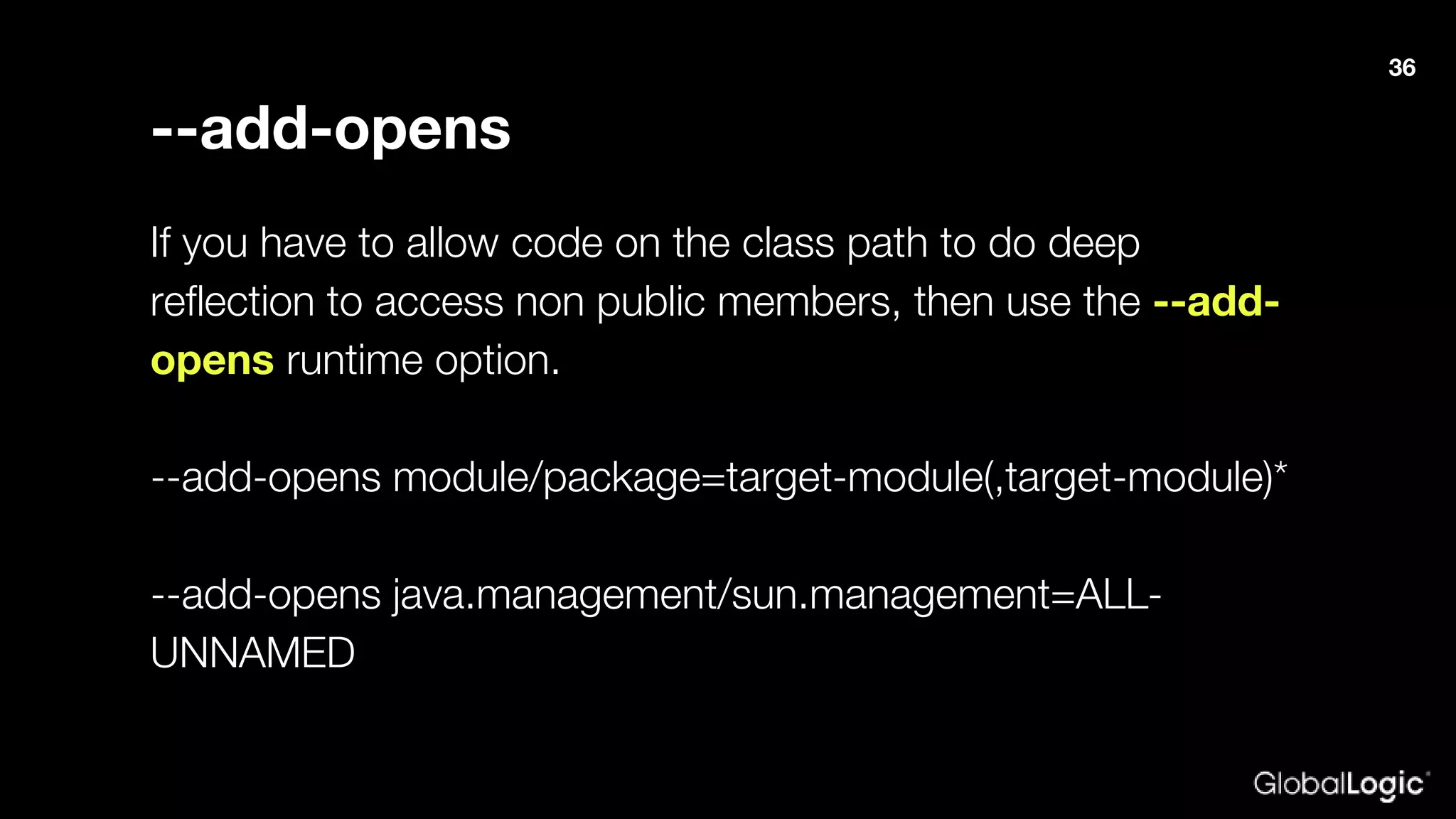
--add-opens
If you have to allow code on the class path to do deep
reflection to access non public members, then use the --add-
opens runtime option.
--add-opens module/package=target-module(,target-module)*
--add-opens java.management/sun.management=ALL-
UNNAMED
36
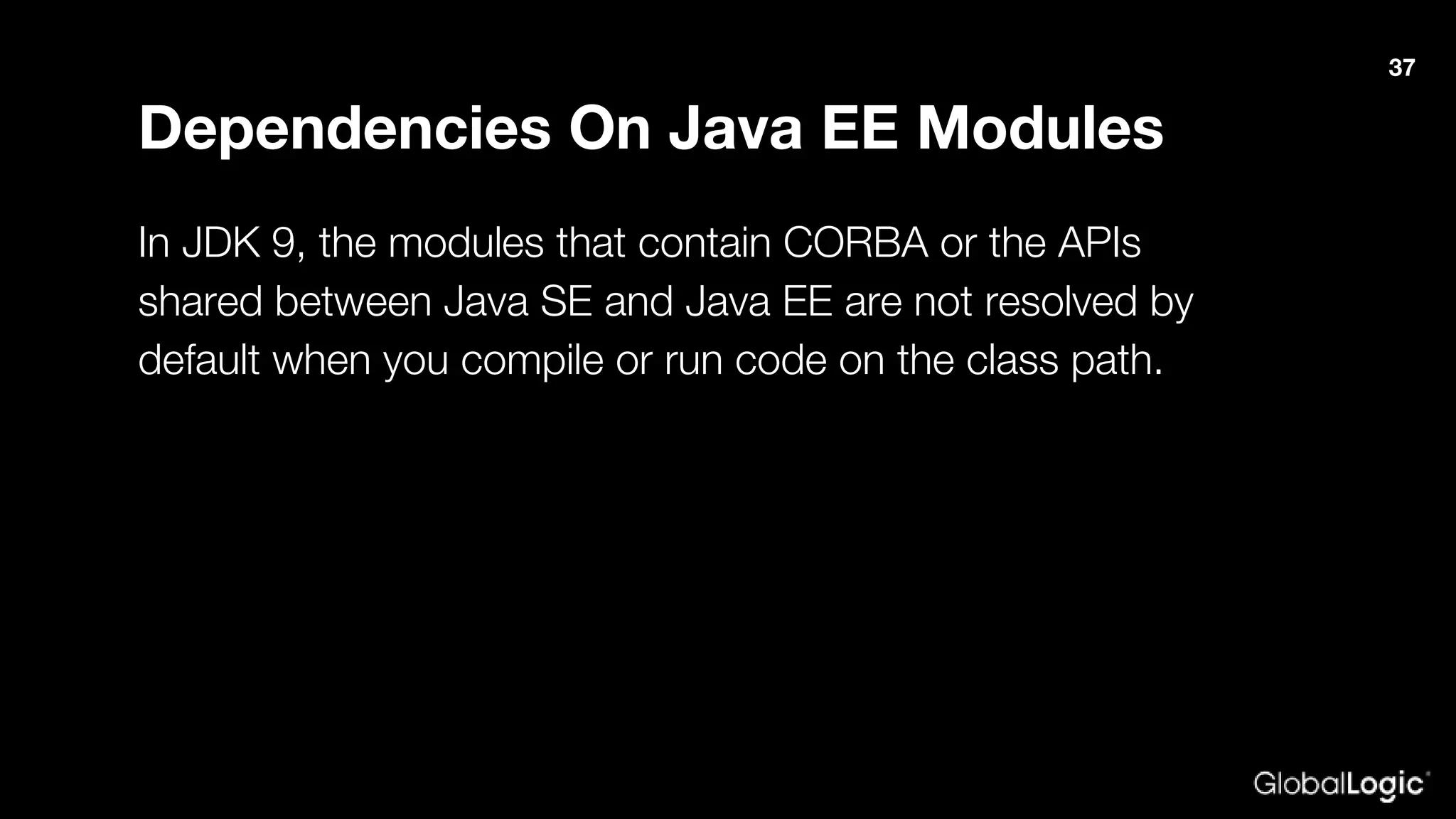
Dependencies On Java EE Modules
In JDK 9, the modules that contain CORBA or the APIs
shared between Java SE and Java EE are not resolved by
default when you compile or run code on the class path.
37
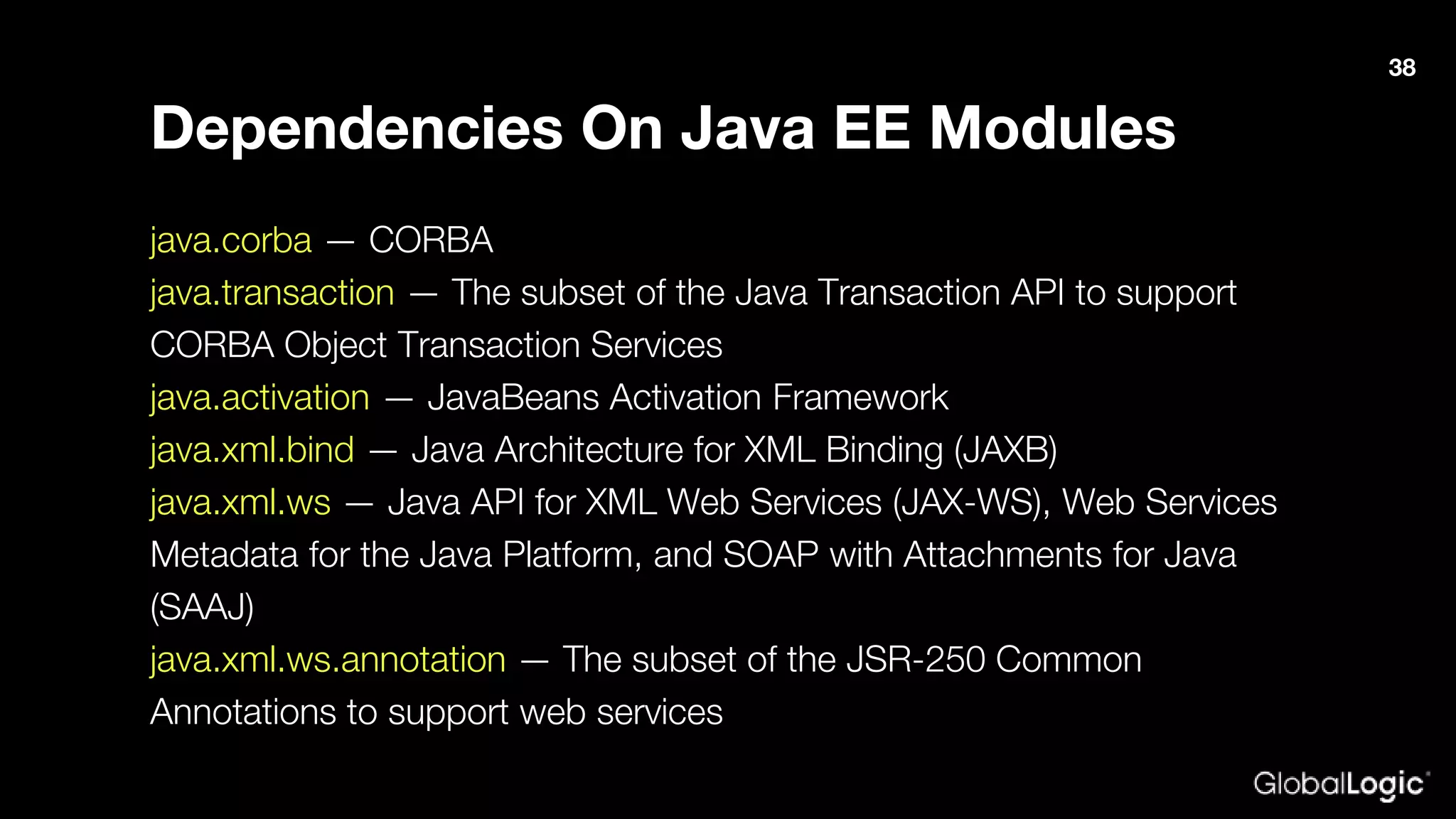
Dependencies On Java EE Modules
java.corba — CORBA
java.transaction — The subset of the Java Transaction API to support
CORBA Object Transaction Services
java.activation — JavaBeans Activation Framework
java.xml.bind — Java Architecture for XML Binding (JAXB)
java.xml.ws — Java API for XML Web Services (JAX-WS), Web Services
Metadata for the Java Platform, and SOAP with Attachments for Java
(SAAJ)
java.xml.ws.annotation — The subset of the JSR-250 Common
Annotations to support web services
38
Dependencies On Java EE Modules
1. Use the --add-modules command-line option to ensure that
the module with the API is resolved at startup. For example,
specify --add-module java.xml.bind to ensure that the
java.xml.bind module is resolved.
1. Deploy the standalone version of the API (and implementation
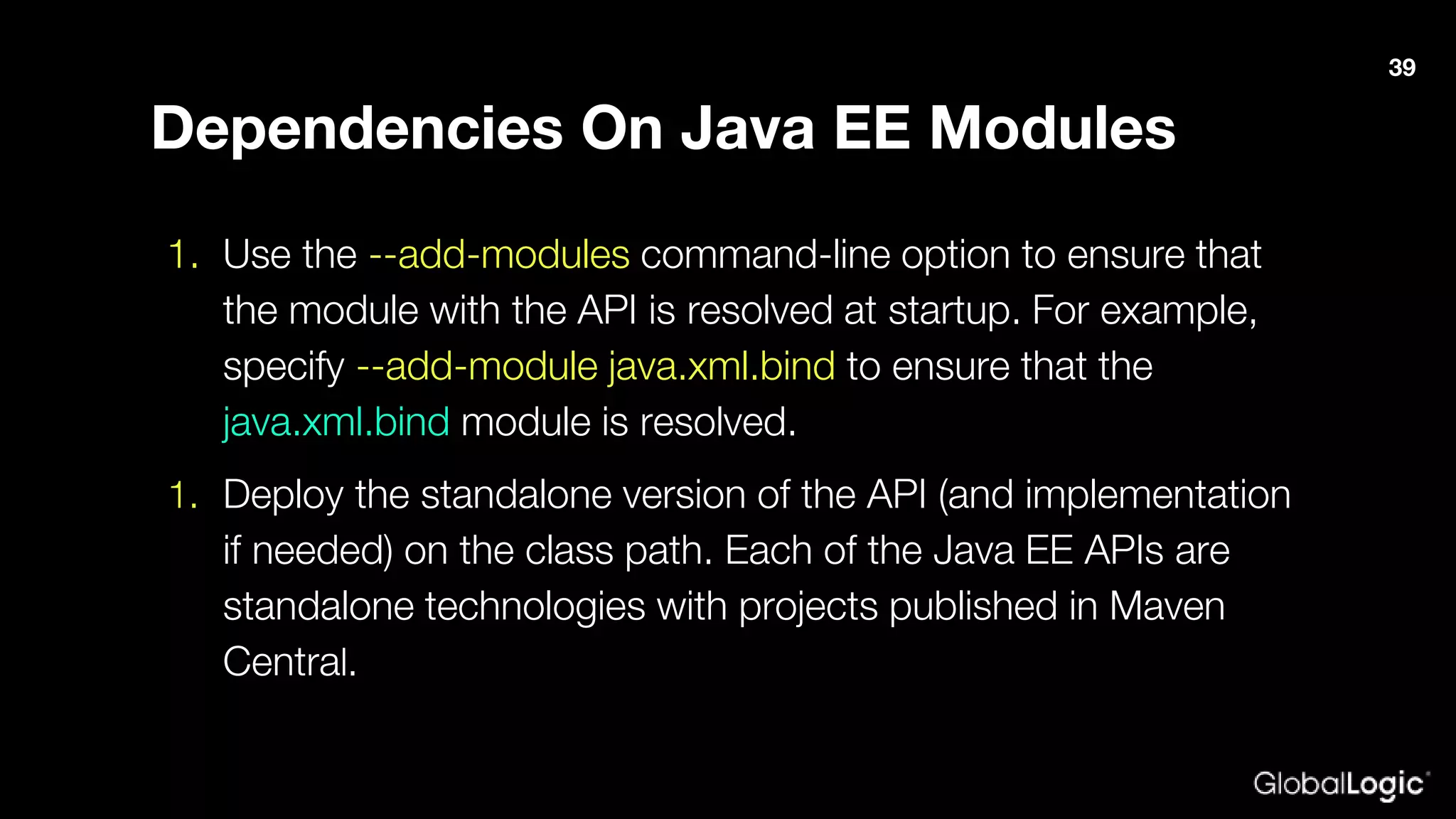
if needed) on the class path. Each of the Java EE APIs are
standalone technologies with projects published in Maven
Central.
39
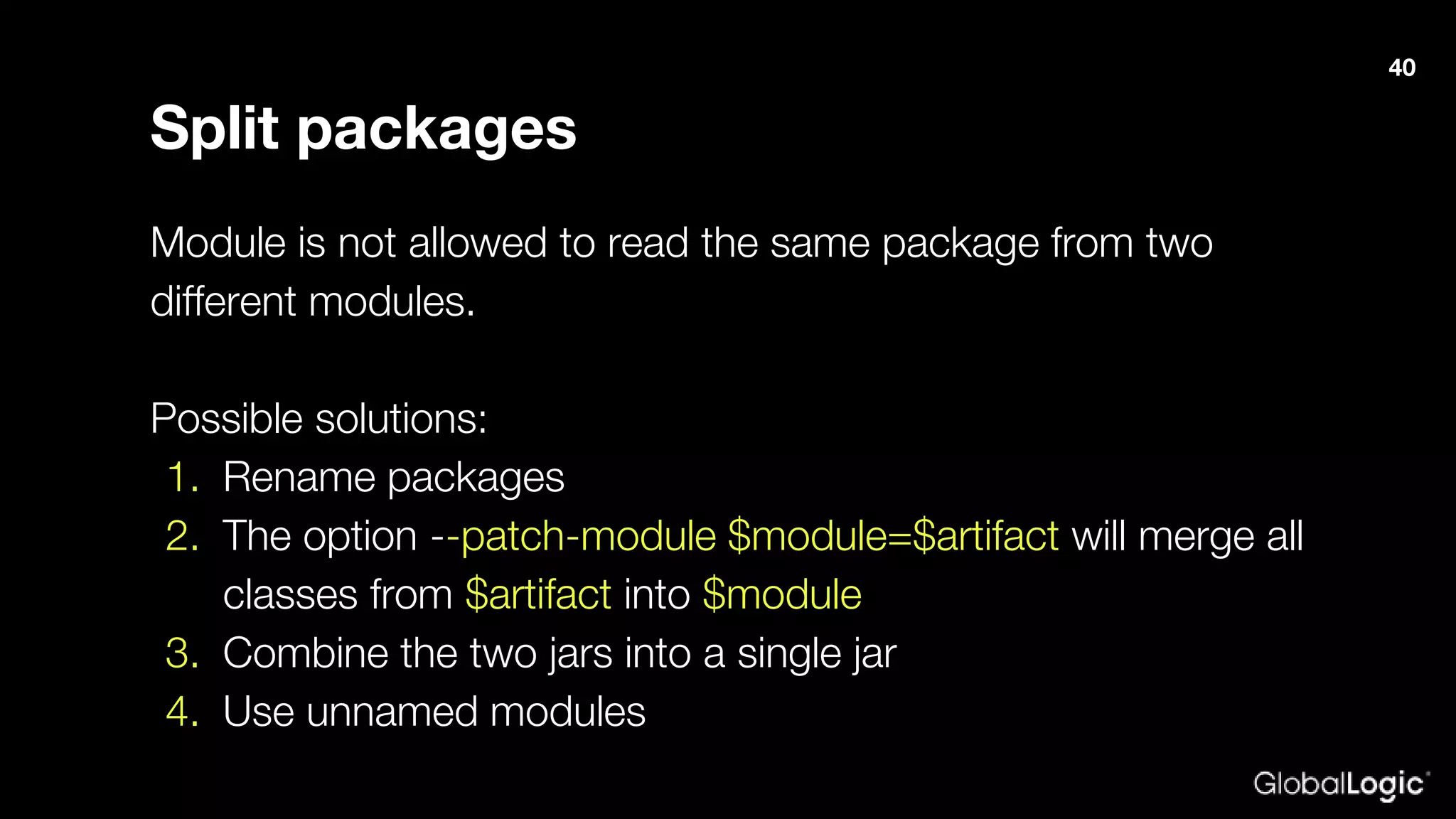
Split packages
Module is not allowed to read the same package from two
different modules.
Possible solutions:
1. Rename packages
2. The option --patch-module $module=$artifact will merge all
classes from $artifact into $module
3. Combine the two jars into a single jar
4. Use unnamed modules
40
Example
41
Questions?
42
Thank you!
oleh.krupenia@globallogic.com

Java 9: Deep Dive into Modularity and Dealing with Migration Issues

  • 1.
    Java 9: modularity& migration issues Oleh Krupenia Senior Software Engineer, Consultant
  • 2.
    Agenda 1. What isProject Jigsaw; 2. Which benefits does modularity bring; 3. module-info.java contents; 4. Which migration issues can be and how to resolve them; 5. Let’s migrate a small project to Java 9 2
  • 3.
    Release GA DateEnd of Public Updates 8 Mar 2014 Jan 2019 9 Sep 2017 Mar 2018 10 (18.3) Mar 2018 Sep 2018 11(18.9 LTS) Sep 2018 TBA 3
  • 4.
  • 5.
  • 6.
    Module A uniquely named,reusable group of related packages, as well as resources (such as images and XML files) and a module descriptor specifying: - the module’s name - the module’s dependencies - the packages it explicitly makes available to other modules - the services it offers - the services it consumes - to what other modules it allows reflection 6
  • 7.
    Module module com.foo { requirescom.google.common; } 7
  • 8.
    Advantages - Improved encapsulation -Better security - Easier construction and maintenance of large applications - Performance 8
  • 9.
    Access levels - publicto everyone - public to specific modules - public within current module - protected - package - private 9
  • 10.
  • 11.
  • 12.
    JDK 8 JDK9 bin *.exe jre lib tools.jar bin *.exe lib rt.jar bin *.exe conf libjmods 12
  • 13.
    JEP 260: EncapsulateMost Internal APIs Public - java.* - javax.* - com.sun.* Internal API – sun.* 13
  • 14.
    JEP 260: EncapsulateMost Internal APIs Internal API - non-critical sun.misc.BASE64Decoder - critical sun.misc.Unsafe 14
  • 15.
    --module-path --classpath Modular JARapplication module unnamed module Non-Modular JAR automatic module unnamed module --module-path 15
  • 16.
    Type Origin Exportspackages Can read modules Platform provided by JDK explicitly - Application any JAR containing module-info.class on the module path explicitly platform application automatic Automatic any JAR without module-info.class on the module path all platform application automatic unnamed Unnamed all JARs and classes on the classpath all platform application automatic Module readability 16
  • 17.
    Requires A requires moduledirective specifies that this module depends on another module. module com.foo { requires com.google.common; requires transitive com.foo.bar; } 17
  • 18.
    exports and exports…to Anexports module directive specifies one of the module’s packages whose public types (and their nested public and protected types) should be accessible to code in all other modules. module com.foo { requires com.google.common; exports com.baz; exports com.bar to foo.bar; } 18
  • 19.
    provides…with A provides …with module directive specifies that a module provides a service implementation—making the module a service provider. module com.foo { requires com.google.common; exports com.foo; provides com.google.common.collect.BiMap with com.foo.TestBiMap; } 19
  • 20.
    uses A uses moduledirective specifies a service used by this module—making the module a service consumer. A service is an object of a class that implements the interface or extends the abstract class specified in the uses directive. module foo.bar { requires com.google.common; uses com.google.common.collect.BiMap; } 20
  • 21.
    opens, opens ...to Before Java 9, reflection could be used to learn about all types in a package and all members of a type—even its private members—whether you wanted to allow this capability or not. Thus, nothing was truly encapsulated. module foo.bar { requires com.google.common; opens com.foo to foo.bar; open com.foo } 21
  • 22.
  • 23.
  • 24.
    The underscore character("_") is not valid identifier Error: as of release 9, '_' is a keyword, and may not be used as a legal identifier. JEP 302: Lambda Leftovers BiFunction<Integer, String, String> biss = (i, _) -> String.valueOf(i); 24
  • 25.
    Removed GC Options Thefollowing GC combinations will cause your application to fail to start in JDK 9: - DefNew + CMS - ParNew + SerialOld - Incremental CMS 25
  • 26.
    Use CLDR LocaleData by Default In JDK 9, the Unicode Consortium’s Common Locale Data Repository (CLDR) data is enabled as the default locale data. Code that uses locale-sensitive services such as date, time, and number formatting may produce different results with the CLDR locale data. Remember that even System.out.printf() is locale-aware. 26
  • 27.
    -source and -target InJDK 8, -source and -target values of 1.5/5 and earlier were deprecated and caused a warning to be generated. In JDK 9, those values cause an error. If possible, use the new --release flag instead of the - source and -target options. 27
  • 28.
    Removed java.* APIs java.*APIs that have been removed in JDK 9 include the previously deprecated methods from the java.util.logging.LogManager and java.util.jar.Pack200 packages: java.util.logging.LogManager.addPropertyChangeListener java.util.logging.LogManager.removePropertyChangeListener java.util.jar.Pack200.Packer.addPropertyChangeListener java.util.jar.Pack200.Packer.removePropertyChangeListener 28
  • 29.
    java.awt.peer Not Accessible Thejava.awt.peer and java.awt.dnd.peer packages aren’t accessible in JDK 9. The packages were never part of the Java SE API, despite being in the java.* namespace. Replace this with Component.isDisplayable() 29
  • 30.
    Removed com.sun.image.codec.jpeg Package The nonstandardpackage com.sun.image.codec.jpeg has been removed. Use the Java Image I/O API instead. 30
  • 31.
    Removed Tools Supportfor Compact Profiles Profiles, introduced in Java SE 8, define subsets of the Java SE Platform API that can reduce the static size of the Java runtime on devices that have limited storage capacity. In JDK 9, the -profile option is supported by javac only in conjunction with the --release 8 option, and isn’t supported by java. 31
  • 32.
    Access To InternalAPIs If you must use an internal API that has been made inaccessible by default, then you can break encapsulation using the --add-exports command-line option. The syntax of the --add-exports option is: --add-exports <source-module>/<package>=<target- module>(,<target-module>)* 32
  • 33.
    Access To InternalAPIs where <source-module> and <target-module> are module names and <package> is the name of a package. --add-exports java.management/sun.management=ALL-UNNAMED 33
  • 34.
    Run jdeps onYour Code Run the jdeps tool on your application to see what packages and classes your applications and libraries depend on. 34
  • 35.
    Run jdeps onYour Code > jdeps guava-20.0.jar guava-20.0.jar -> java.base guava-20.0.jar -> java.logging guava-20.0.jar -> jdk.unsupported com.google.common.annotations -> java.base com.google.common.base -> java.logging com.google.common.cache -> JDK internal API 35
  • 36.
    --add-opens If you haveto allow code on the class path to do deep reflection to access non public members, then use the --add- opens runtime option. --add-opens module/package=target-module(,target-module)* --add-opens java.management/sun.management=ALL- UNNAMED 36
  • 37.
    Dependencies On JavaEE Modules In JDK 9, the modules that contain CORBA or the APIs shared between Java SE and Java EE are not resolved by default when you compile or run code on the class path. 37
  • 38.
    Dependencies On JavaEE Modules java.corba — CORBA java.transaction — The subset of the Java Transaction API to support CORBA Object Transaction Services java.activation — JavaBeans Activation Framework java.xml.bind — Java Architecture for XML Binding (JAXB) java.xml.ws — Java API for XML Web Services (JAX-WS), Web Services Metadata for the Java Platform, and SOAP with Attachments for Java (SAAJ) java.xml.ws.annotation — The subset of the JSR-250 Common Annotations to support web services 38
  • 39.
    Dependencies On JavaEE Modules 1. Use the --add-modules command-line option to ensure that the module with the API is resolved at startup. For example, specify --add-module java.xml.bind to ensure that the java.xml.bind module is resolved. 1. Deploy the standalone version of the API (and implementation if needed) on the class path. Each of the Java EE APIs are standalone technologies with projects published in Maven Central. 39
  • 40.
    Split packages Module isnot allowed to read the same package from two different modules. Possible solutions: 1. Rename packages 2. The option --patch-module $module=$artifact will merge all classes from $artifact into $module 3. Combine the two jars into a single jar 4. Use unnamed modules 40
  • 41.
  • 42.
  • 43.